


How to Buy a Custom Domain on Emergent? Your App Deserves Its Own Address?

Whether you're a new user exploring Emergent for the first time and figuring out what's possible, or an existing user who has already built something and wants to understand how custom domain connection works for your app, this guide covers everything you need to know.
When you build and deploy an app on Emergent, the platform instantly assigns you a live URL, something like https://your-app.emergent.host. That works great for testing and sharing quick demos. But when you're ready to go professional, when your app needs to feel like your product, a custom domain makes all the difference.
Two Ways to Go Live
Once your app is deployed on Emergent's infrastructure, you have two paths for how the world reaches it.
Option 1: Emergent Subdomain (Default)
Deploy instantly and Emergent assigns a URL like https://your-app.emergent.host. No configuration needed. Just hit deploy and share the link. Perfect for prototypes, internal tools, and early testing.
Option 2: Custom Domain (Recommended)
Search for available domains directly inside Emergent, buy through IONOS (free for the first year), and connect it to your deployment. Your app, your brand, your address.
Both options run on Emergent's managed infrastructure with automatic scaling, managed databases, and secure environment variables. The only difference is the URL your users see.
Why Does a Custom Domain Matters?
A custom domain isn't just vanity. It's a signal of legitimacy. When someone visits invoice-tracker.emergent.host, they see a side project. When they visit invoiceflow.com, they see a product.
Here's what a custom domain gives you: brand credibility so you look like an established product from day one, user trust because custom domains feel safer and more memorable, SEO advantage since search engines favor branded domains, marketing readiness with a clean professional link you can share everywhere, full ownership of the domain managed through IONOS, and free SSL secured automatically on connection.
How to Buy a Domain on Emergent?
The entire domain purchase flow happens inside the Emergent platform. You don't need to open a separate tab, create an IONOS account manually, or fiddle with registrar dashboards.
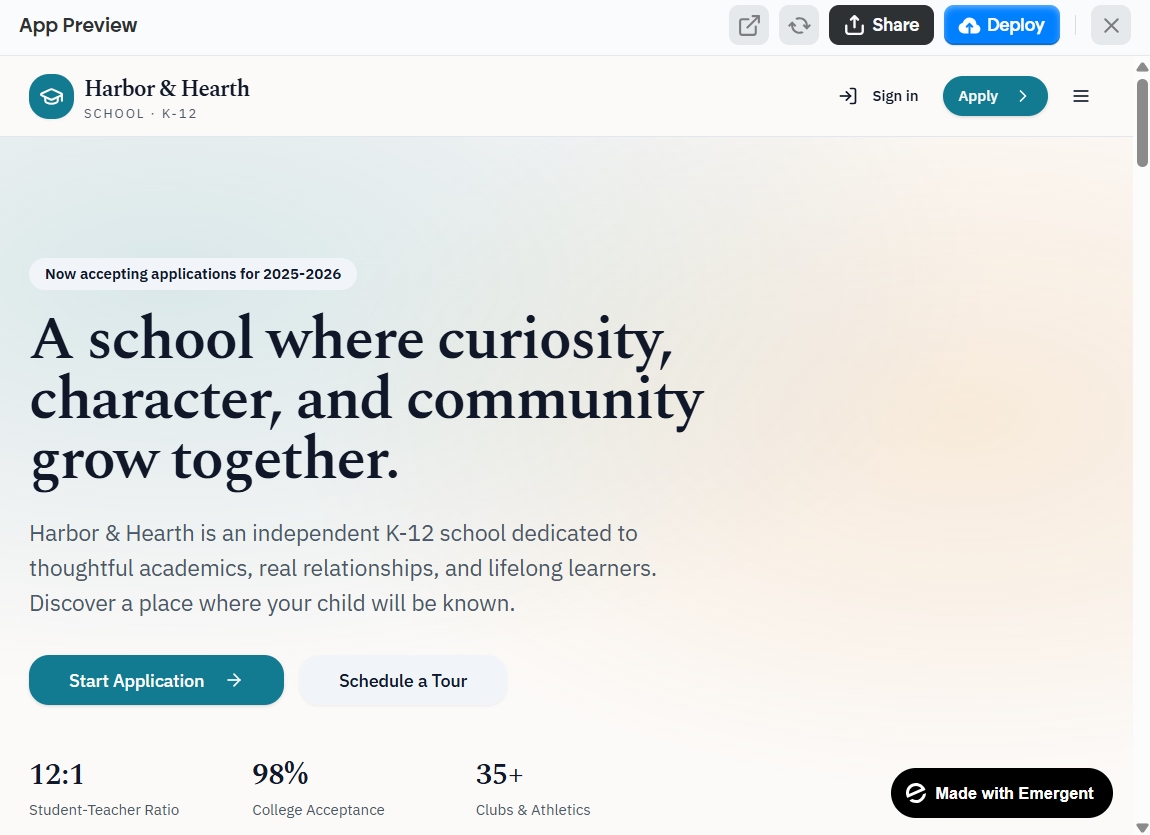
STEP 1: Deploy Your App First
Before connecting a custom domain, your app needs to be deployed on Emergent. Click Deploy in your project, wait for the build to complete (usually around 15 minutes), and confirm your app is live at its default .emergent.host URL.
STEP 2: Open the Custom Domain Section
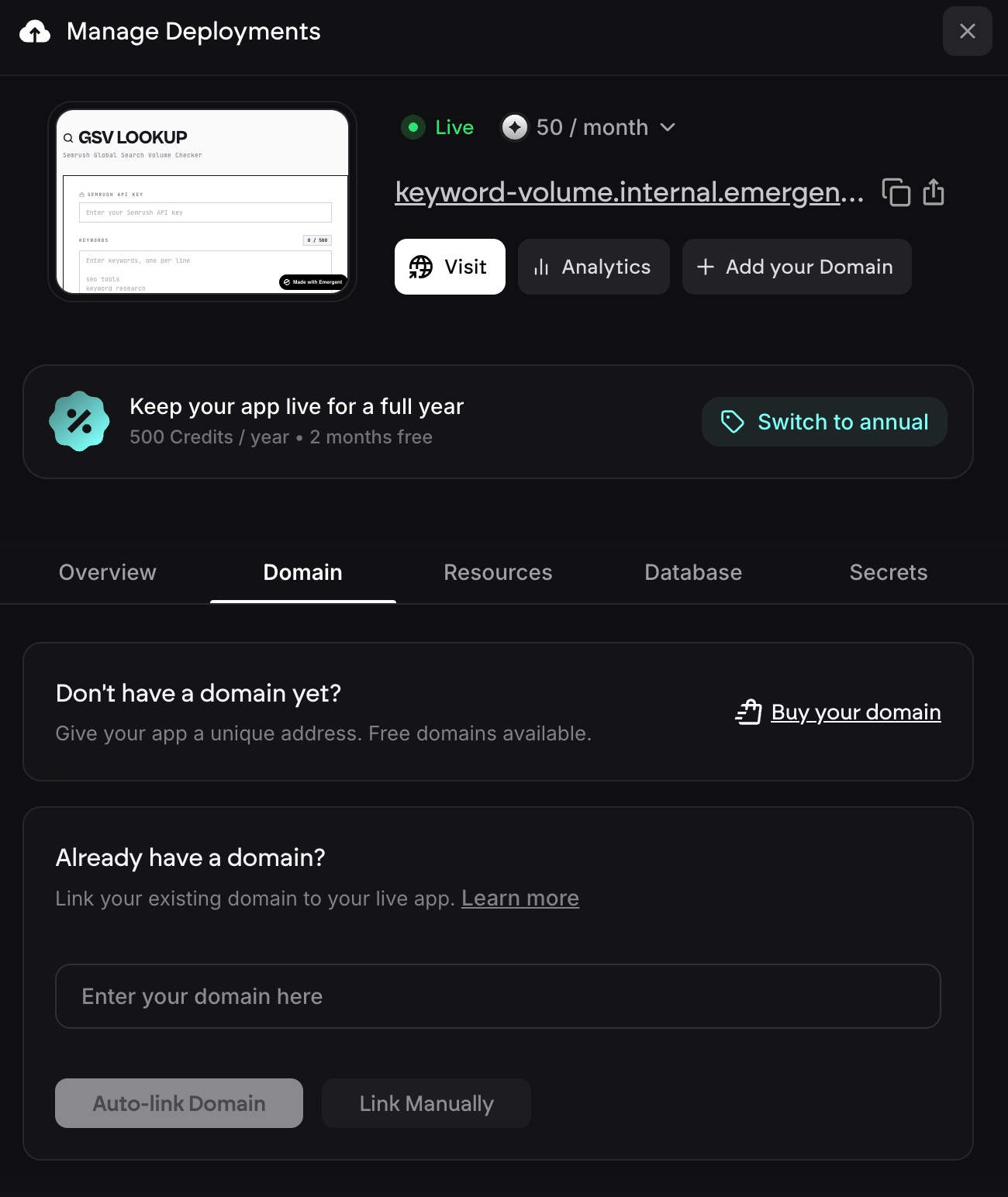
Navigate to your Deployments panel and locate the Custom Domain section. Click "Link Domain" to start the process.
STEP 3: Search for Available Domains
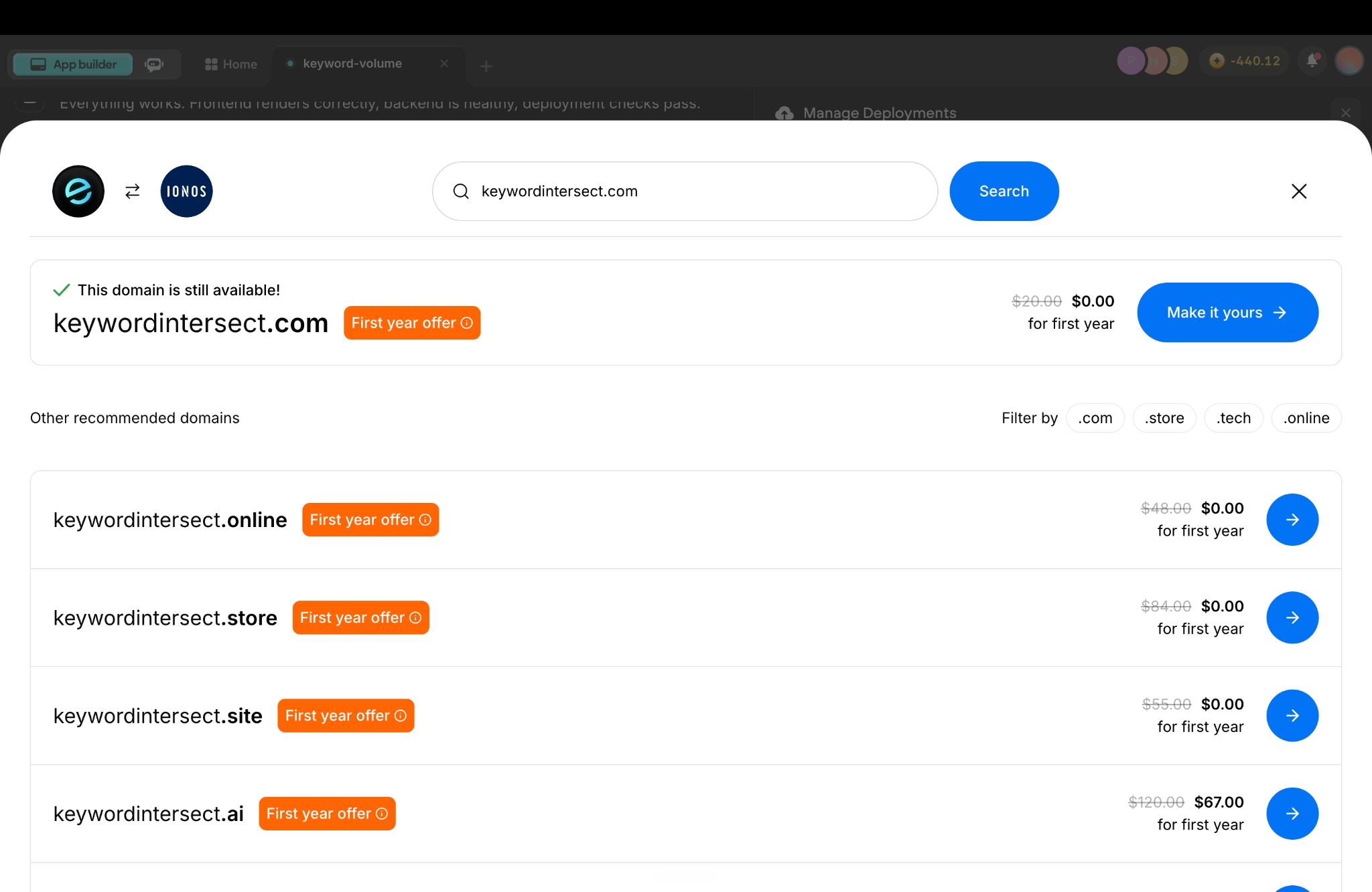
Type in your desired domain name. Emergent checks availability in real time through IONOS. You'll see whether the exact name is available, along with alternative extensions like .com, .net, .org, .online, and more.
STEP 4: Purchase (Free for One Year)
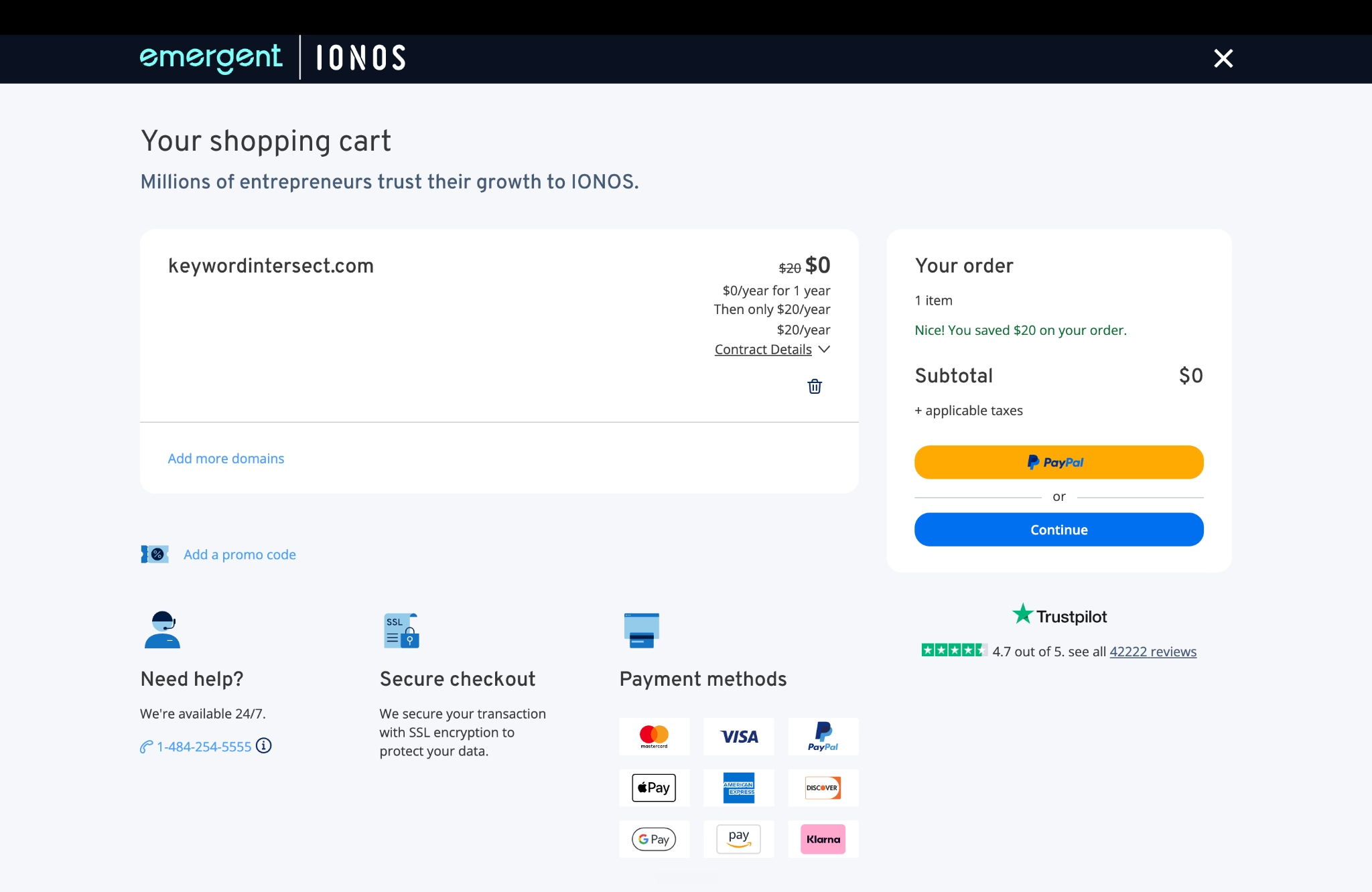
Found the perfect name? Claim it. The domain registration through IONOS is free for the first year. After the first year, standard IONOS renewal pricing applies. You'll manage that directly through IONOS if you choose to continue.
STEP 5: Connect to Your Deployment
Once purchased, Emergent handles the DNS configuration automatically. Your custom domain is linked to your live app. SSL certificates are provisioned, and within minutes your app is accessible at your new address.
The entire process, from searching a domain to seeing your app live on it, typically takes less than 10 minutes, most of which is DNS propagation time.
Already Own a Domain?
If you've already purchased a domain from another registrar (GoDaddy, Namecheap, Cloudflare, or anywhere else), you can still connect it to your Emergent deployment. The process just involves a manual DNS step.
After clicking "Link Domain" and entering your existing domain, Emergent provides you with the DNS records to configure at your registrar. The key record is an A record pointing to Emergent's deployment IP address, with TTL set to 300.
Once you've added the record in your registrar's DNS panel, come back to Emergent and click "Check Status." Verification usually takes 5 to 15 minutes, though full global propagation can sometimes take up to 24 hours.
Ready to Claim Your Domain?
Deploy your app, search for the perfect name, and go live with a custom domain, all inside Emergent. Head to app.emergent.sh to start building.


on Emergent today




