

Build and Launch Your Online Store Faster with AI
Create a fully functional store in minutes with AI. Customize your storefront, design pages, add and manage products, set up payments, and start selling online without coding.










Why Emergent for E-commerce?
Not convinced yet? Here is how Emergent compares to every other website builder, feature by feature.
| Other Website Builders |  |
|
|---|---|---|
| Store Creation | Pick a template, customize manually | Describe your store, it gets created |
| Product Setup | Manual uploads, repetitive fields | Generate products and variants via prompt |
| Store Design | Limited themes and layouts | Describe any design, it gets built |
| Checkout Experience | Fixed flows with limited edits | Create custom checkout flows via prompt |
| Payments Setup | Manual integrations and setup | Configure payments by describing requirements |
| Inventory Management | Basic tracking with plugins | Define inventory logic with prompts |
| Marketing Tools | Manually add tracking codes | Share tracking code, it gets embedded in the backend |
| SEO for Products | Manual optimization needed | Generate SEO-ready product pages via prompt |
| Scaling | Add-ons and upgrades required | Adapt and extend your store via prompts |
| Time to Launch | Days to weeks | Minutes |

Unlock New Growth Opportunities With an Ecommerce Website
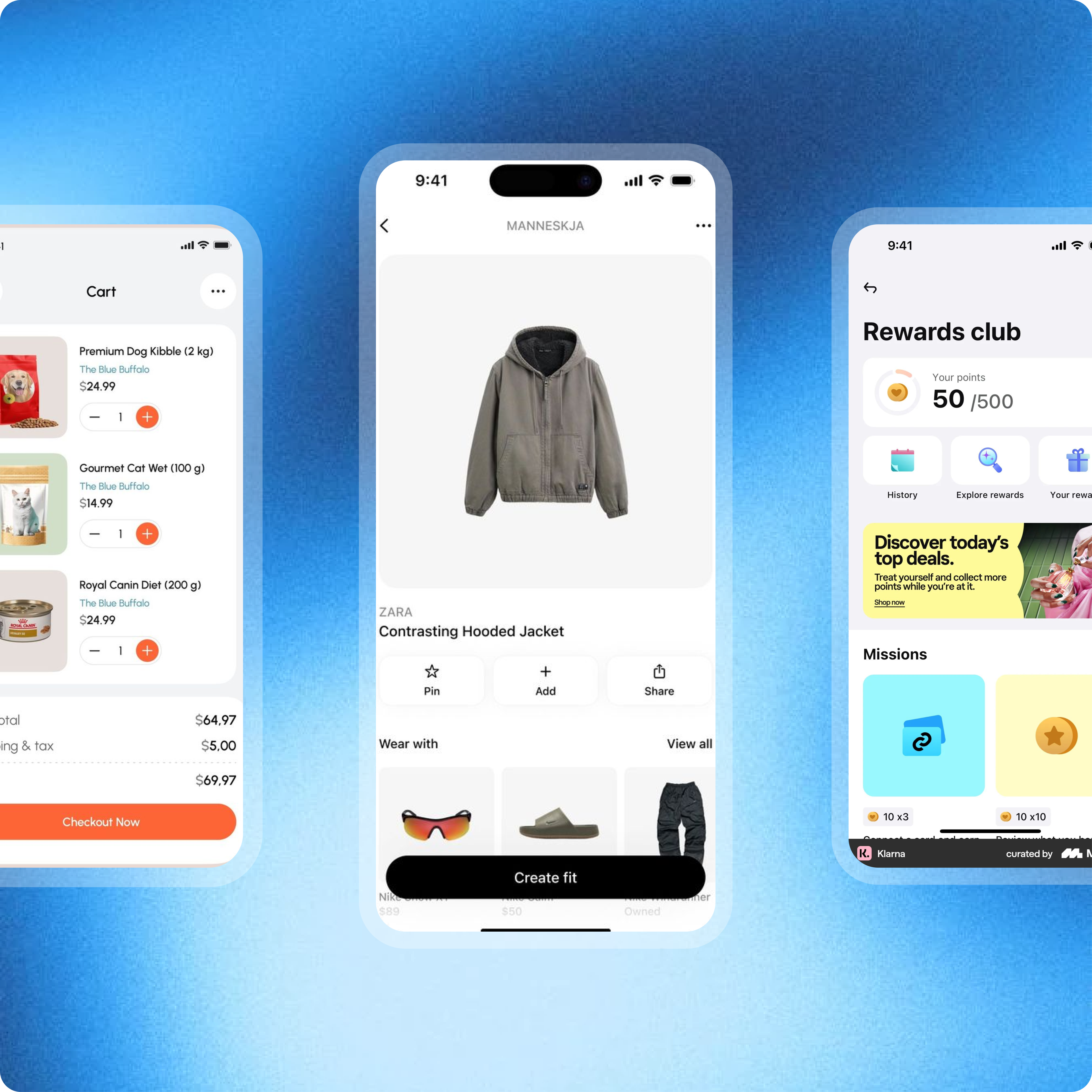
Increase Your Sales Opportunities
An ecommerce website allows customers to discover and buy your products anytime. With your store available 24/7, you create more opportunities to generate consistent sales.

Reach Customers Beyond Your Local Market
Selling online removes geographic limitations. Your products can reach customers from different cities, regions, or even countries.
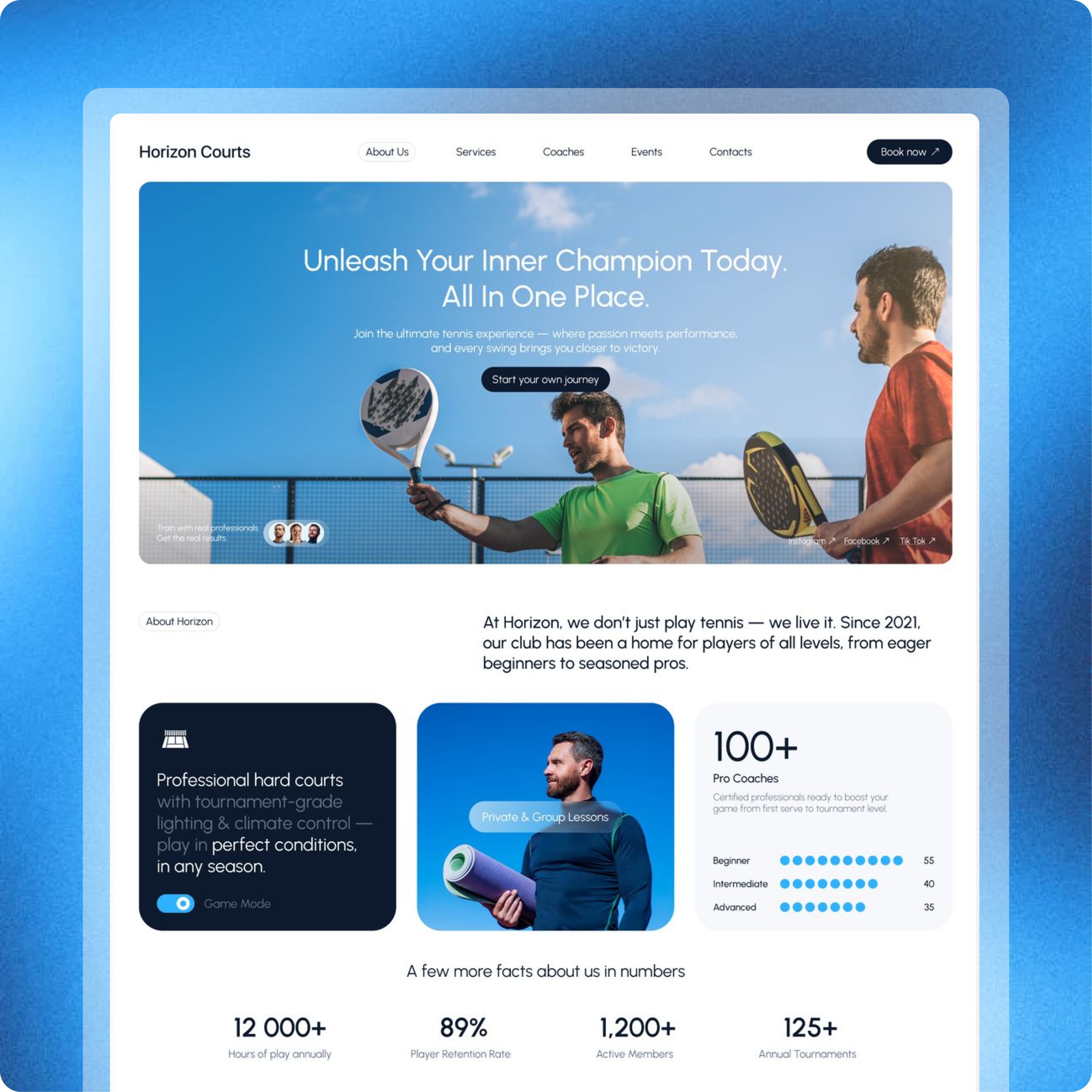
Build a Strong and Credible Brand
A dedicated ecommerce website helps establish trust and gives your business a professional online presence where customers can explore and purchase directly.

Stay Competitive in a Digital-First Market
More customers prefer shopping online. Having an ecommerce website ensures your business stays visible and competitive in an increasingly digital marketplace.






Everything You Need to Build and Grow Your Ecommerce Store
Design, launch, and grow your ecommerce store faster with AI-powered tools that simplify store creation, product management, and sales.
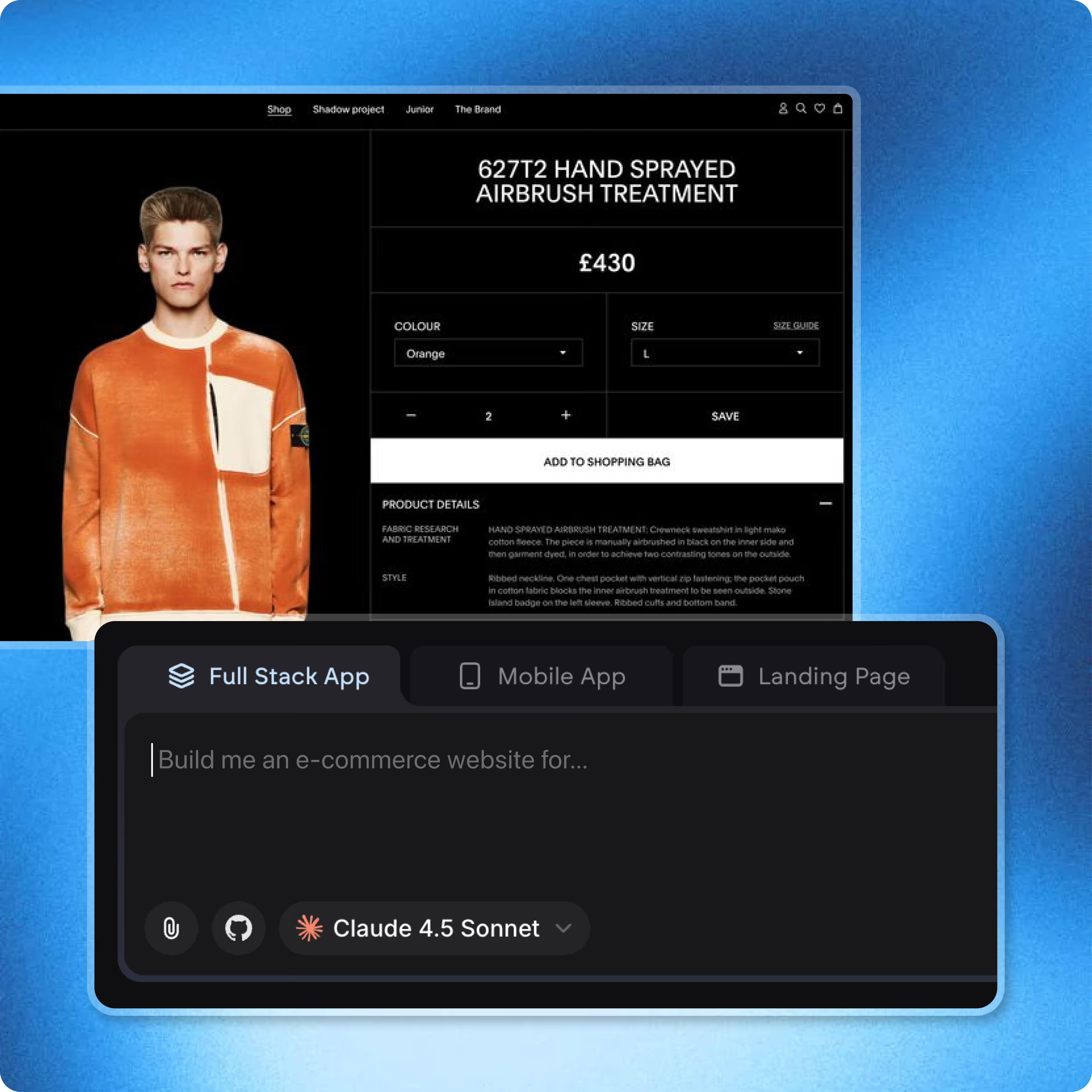
End-to-end app development for your business
Turn ideas and spreadsheets into fully functional internal apps your team can actually use, not just plan on paper.
 Describe, don’t code:Write what you need in plain language and instantly generate the layout, components, and logic.
- Full UI in one go:Create full pages with forms, tables, filters, and charts in a single automated pass.
- Use the data you already have:Connect your spreadsheets or datasets quickly and turn them into interactive dashboards.
Design Your Ecommerce Store With Simple Prompts
Describe the ecommerce store you want to build and instantly generate layouts, pages, and sections tailored to your products and brand.
- Generate complete store layouts from a simple prompt
- Customize colors, sections, and page structure instantly
- Create homepages, product pages, and collection layouts
- Update and refine your store design anytime
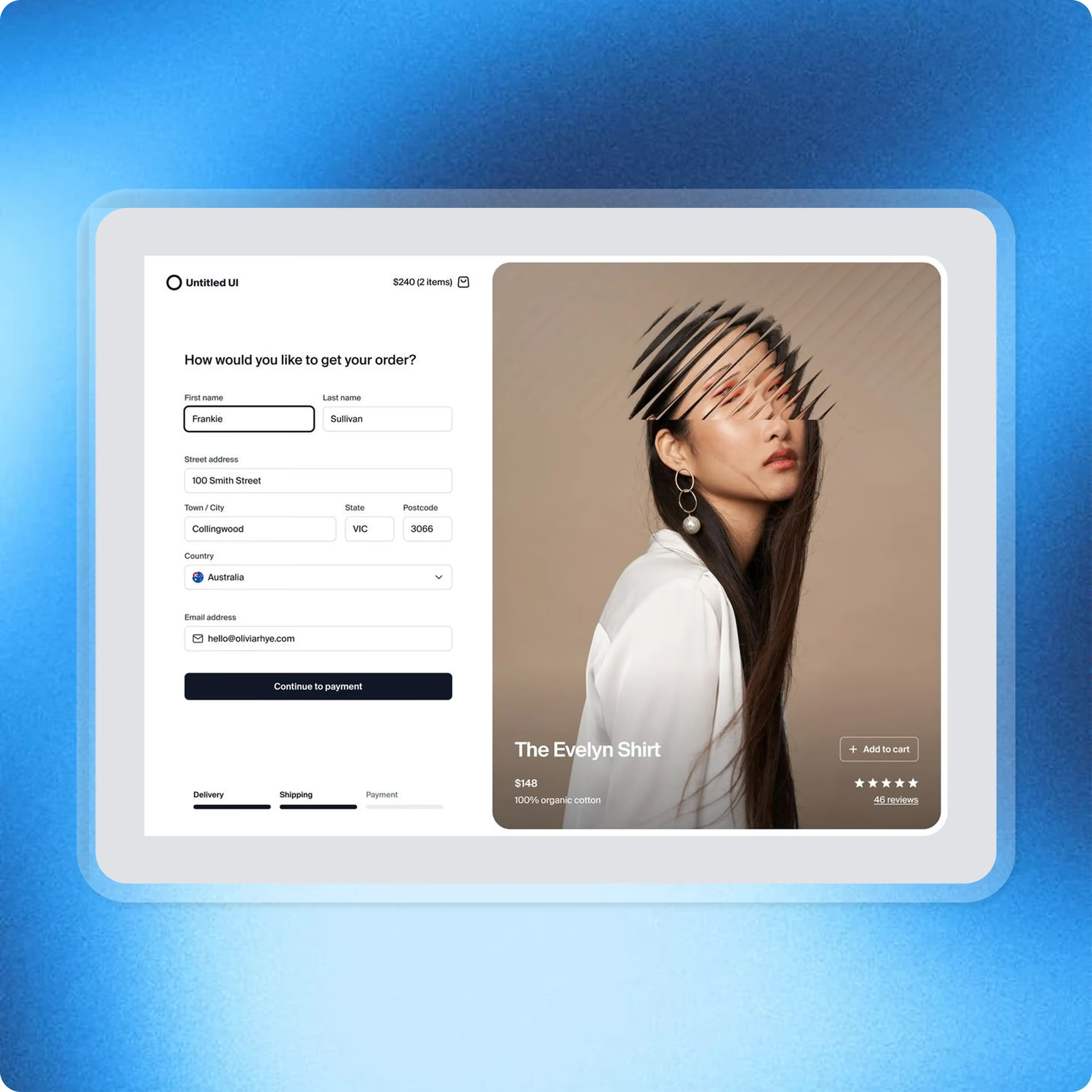
End-to-end app development for your business
Turn ideas and spreadsheets into fully functional internal apps your team can actually use, not just plan on paper.
- Describe, don’t code:Write what you need in plain language and instantly generate the layout, components, and logic.
- Full UI in one go:Create full pages with forms, tables, filters, and charts in a single automated pass.
- Use the data you already have:Connect your spreadsheets or datasets quickly and turn them into interactive dashboards.
Set Up Your Ecommerce Store Without Complexity
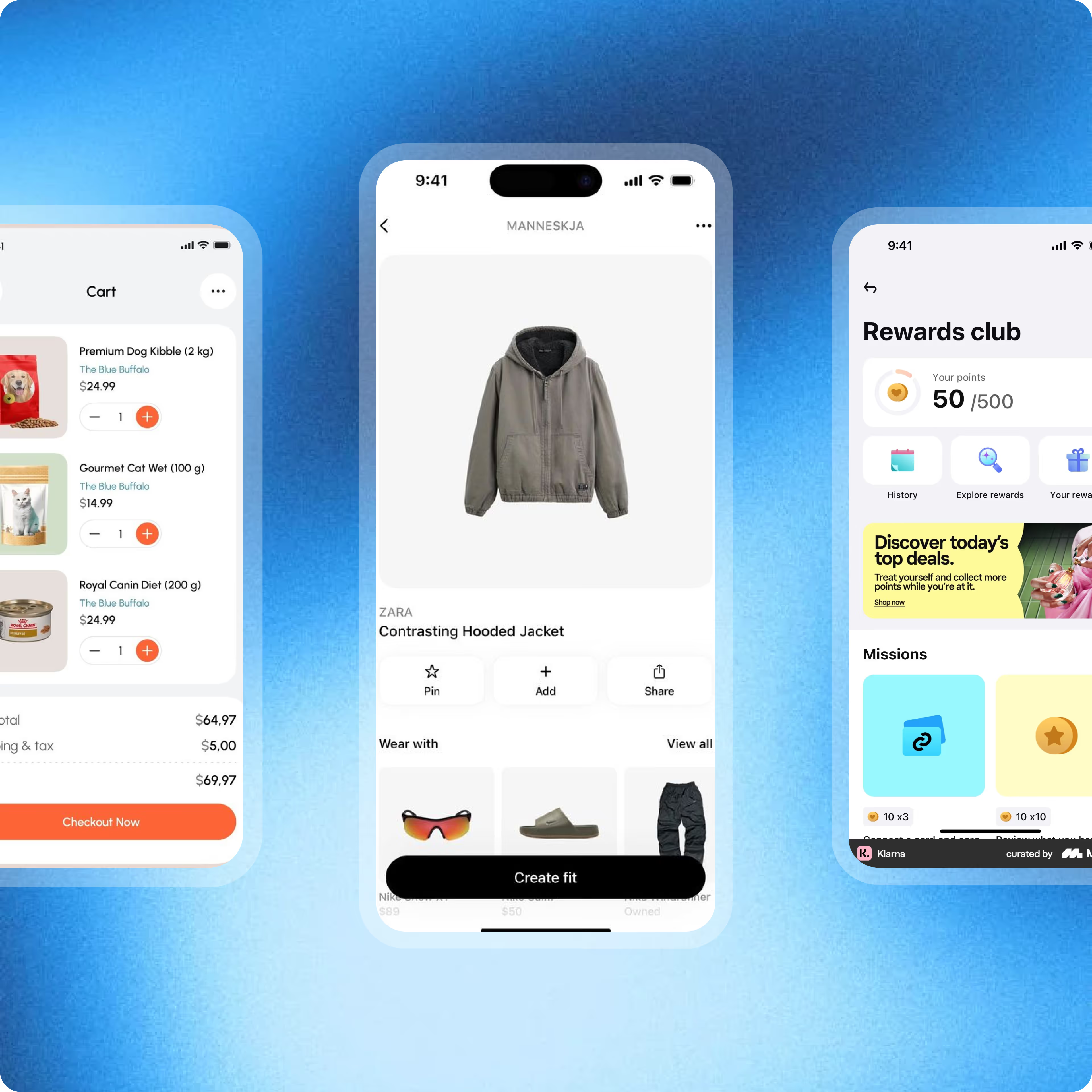
Launch a fully functional ecommerce store with product catalogs, collections, and checkout flows generated automatically.
- Create product pages, collections, and categories
- Enable carts and seamless checkout experiences
- Organize your catalog for easy customer browsing
- Manage products and store content effortlessly
End-to-end app development for your business
Turn ideas and spreadsheets into fully functional internal apps your team can actually use, not just plan on paper.
- Describe, don’t code:Write what you need in plain language and instantly generate the layout, components, and logic.
- Full UI in one go:Create full pages with forms, tables, filters, and charts in a single automated pass.
- Use the data you already have:Connect your spreadsheets or datasets quickly and turn them into interactive dashboards.
Build Shopping Experiences That Drive More Sales
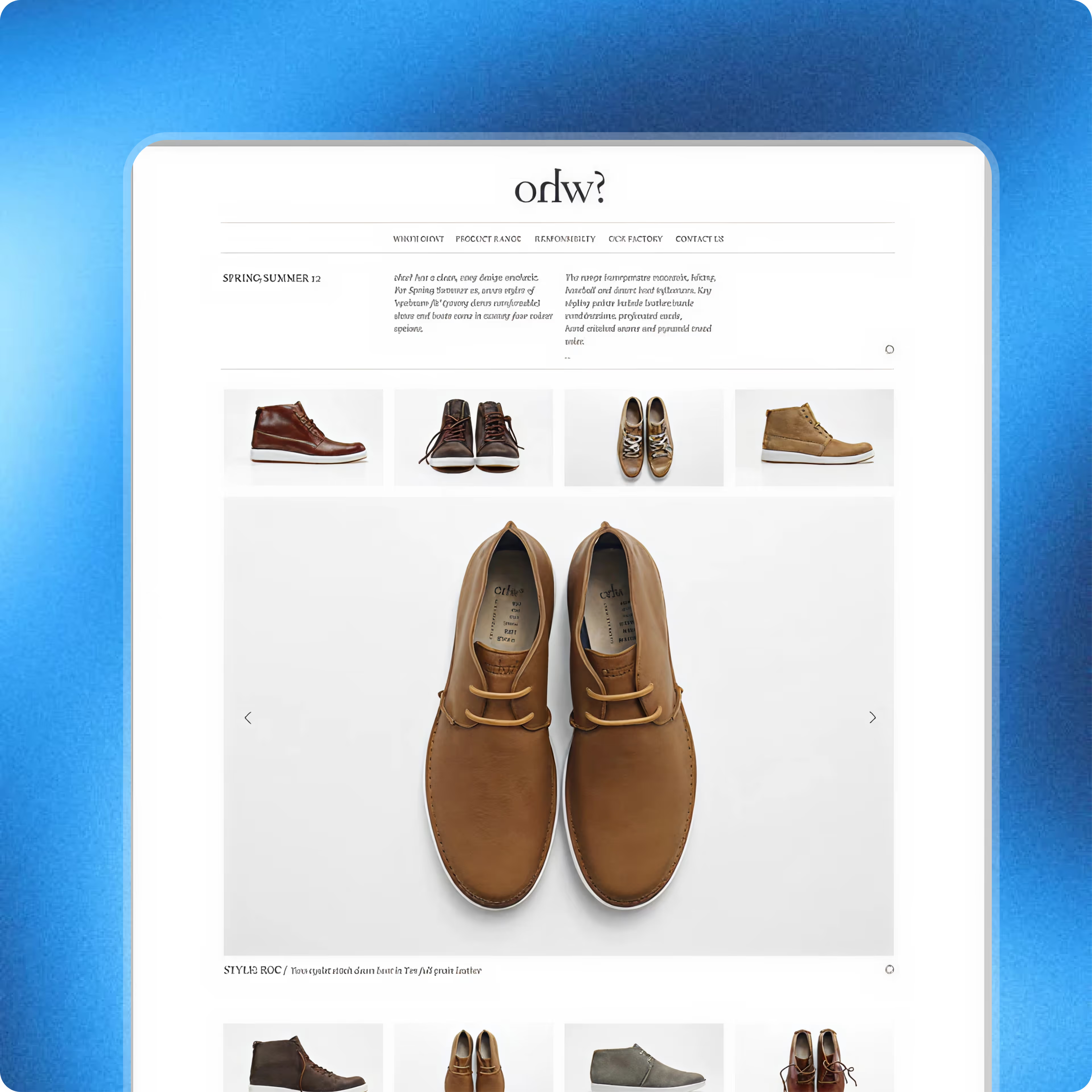
Build product pages and store layouts designed to help customers explore products and complete purchases smoothly.
- Generate high-converting product pages
- Launch promotional pages for campaigns and offers
- Guide customers from product discovery to checkout
- Highlight products with clear layouts and sections
End-to-end app development for your business
Turn ideas and spreadsheets into fully functional internal apps your team can actually use, not just plan on paper.
- Describe, don’t code:Write what you need in plain language and instantly generate the layout, components, and logic.
- Full UI in one go:Create full pages with forms, tables, filters, and charts in a single automated pass.
- Use the data you already have:Connect your spreadsheets or datasets quickly and turn them into interactive dashboards.
Expand Your Store As Your Business Scales
Expand your store by adding new products, pages, and experiences as your catalog and business grow.
- Add new products and collections instantly
- Launch seasonal campaigns and promotional pages
- Improve product content for better discovery
- Continuously refine your shopping experience
Integrations That Connect Your Store to Essential Apps
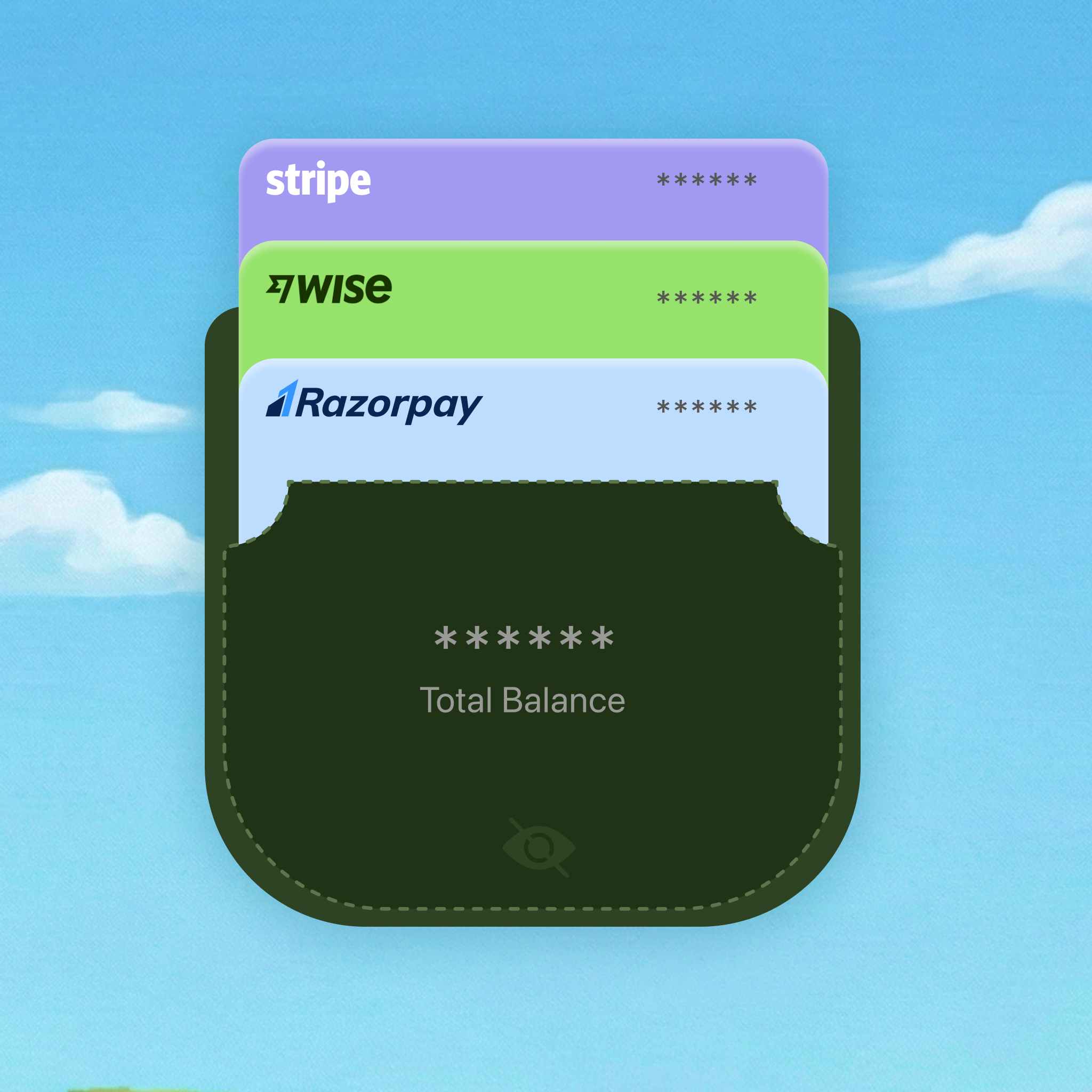
Payments
Accept payments from customers anywhere with secure and flexible checkout options.
- Connect trusted payment gateways easily
- Accept global payments and multiple payment methods
- Process secure and reliable transactions
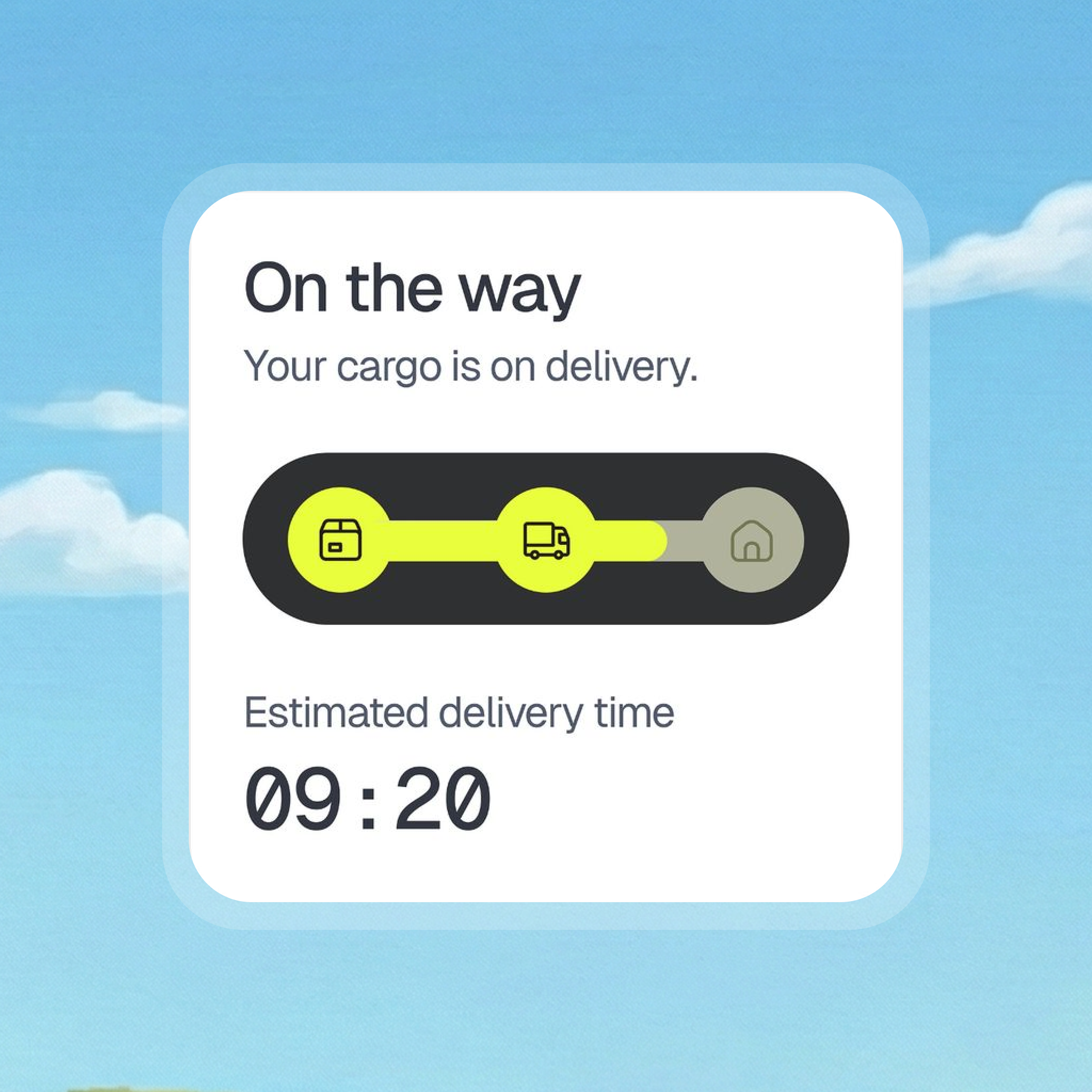
Shipping & Order Fulfillment
Deliver orders smoothly with integrated shipping and fulfillment services.
- Connect shipping partners for reliable deliveries
- Automatically calculate shipping rates at checkout
- Enable order tracking for customers
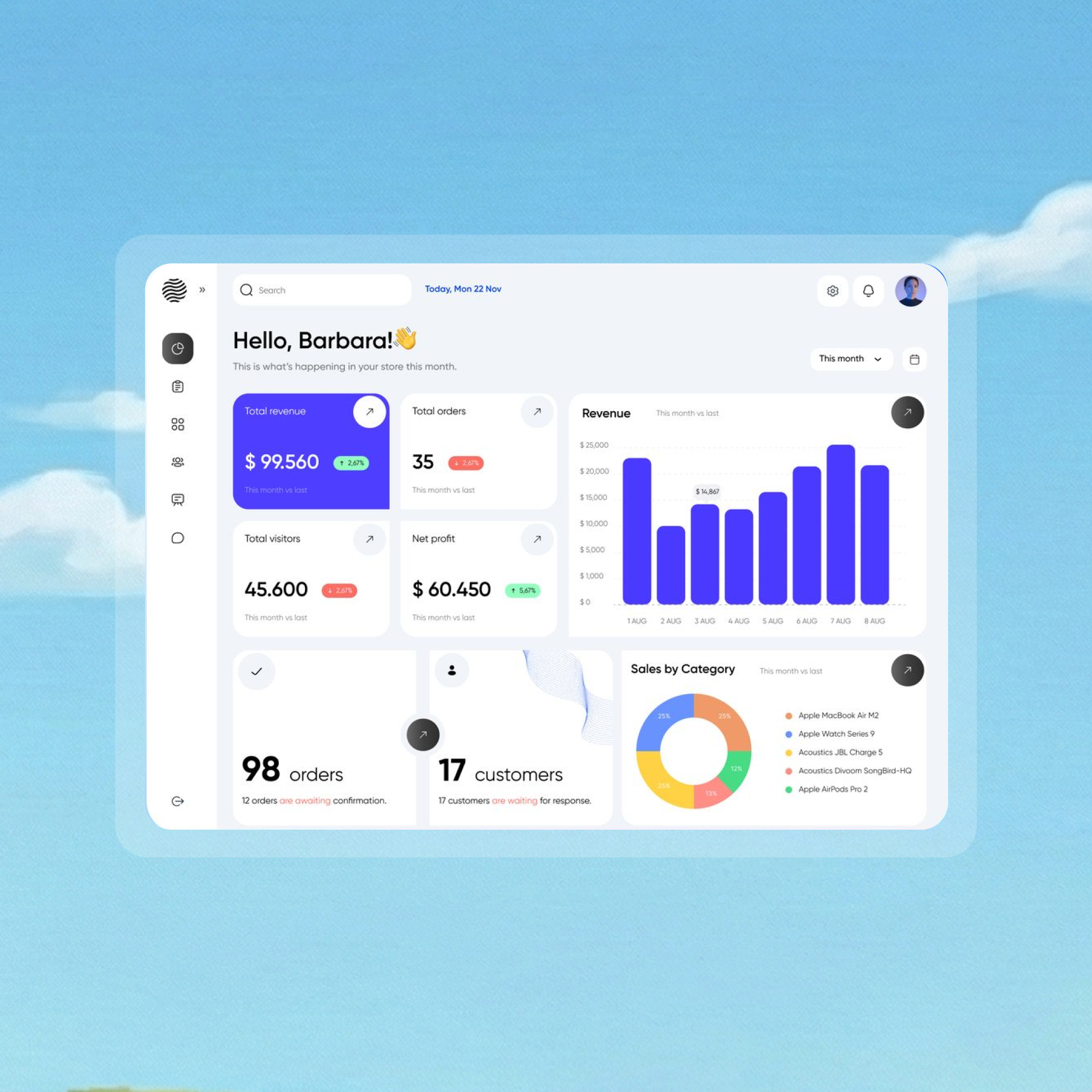
Marketing
Promote your products and bring customers back with powerful marketing integrations.
- Connect email marketing platforms easily
- Launch promotions and campaign offers
- Drive repeat purchases and customer engagement
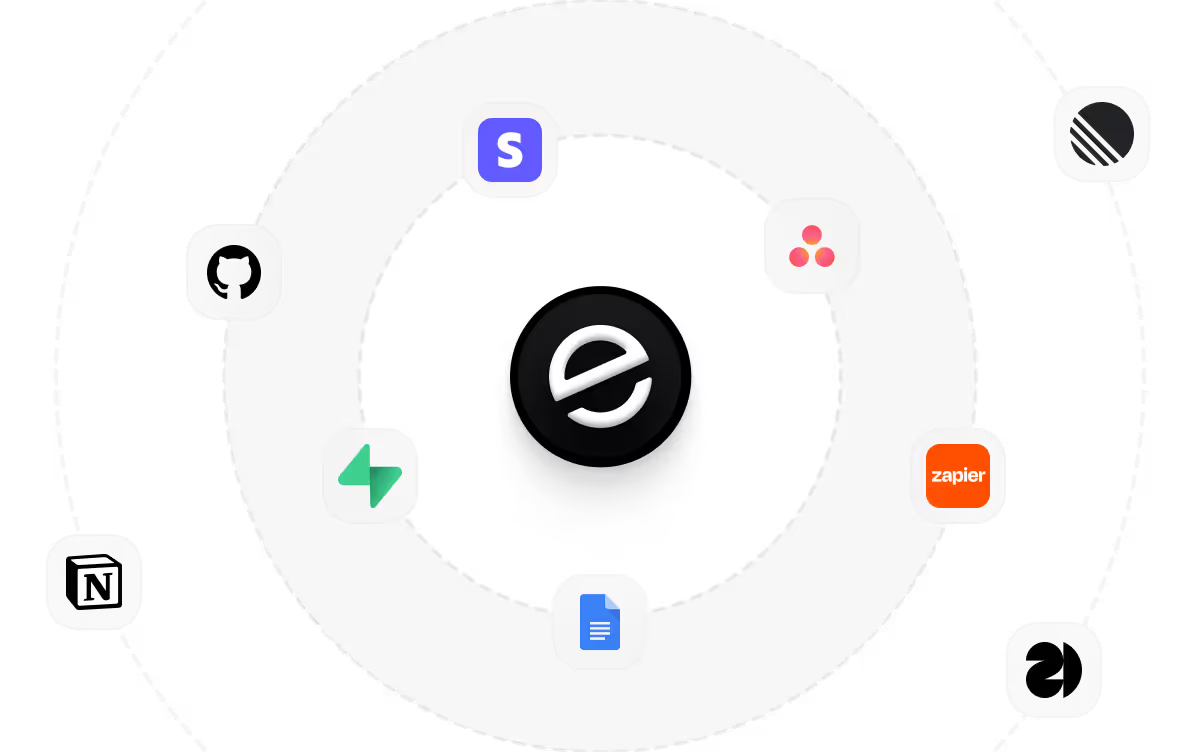
Connect the Tools Your Ecommerce Store Needs
Integrate your store with trusted payment providers, shipping services, and marketing tools to manage orders, accept payments, and grow your business seamlessly.

How to Create an Ecommerce Website
Follow these steps to create, launch, and start selling through your ecommerce website.
01 Choose a website building method
Decide how you want to build your ecommerce website. You can hire a developer, use a website builder, or use an AI website builder.
02 Choose an ecommerce website builder
Select a platform based on your chosen building method. Ensure it enables you to design your store, manage products, process payments, and handle orders.
03 Build your website
Design your storefront, create key pages, and set up the overall layout of your ecommerce website.
04 Set up payments and checkout
Enable secure checkout and connect payment gateways so customers can pay using multiple payment methods.
05 Configure shipping and taxes
Set shipping options, delivery regions, and tax rules based on where you sell your products.
06 Launch your website
Publish your ecommerce website and make it live for customers.
07 Promote and start selling
Market your store through SEO, social media, and advertising to attract customers and start selling online.
Do More With Your E-commerce Store
Smart marketing strategies can help bring more visitors to your store and turn them into customers.

Drive traffic with SEO
Optimize product and category pages with relevant keywords so customers can discover your store when searching for products online.

Promote products on social media
Use platforms like Instagram, Facebook, and TikTok to showcase products, reach new audiences, and engage with potential customers.

Re-engage Customers With Email
Build relationships with customers by sending product updates, offers, and promotions through email to encourage repeat purchases.
Pick the Pricing Plan That Works for You
Choose the plan that fits your building ambitions. From weekend projects to enterprise applications, we've got you covered.
No credit card required*


Frequently Asked Questions
Your Questions, Answered
Don't change this element unless you know what you are doing
on emergent today



