
Add Features :
Donation Campaigns
Volunteer Signups
Event management
Impact Stories
Why Emergent is the Best Way to Build a Non-Profit Website
Traditional builders require you to combine multiple fragmented tools manually. Emergent lets you describe your non-profit website in simple prompts and brings everything together without the usual complexity.
Expand Your Reach and Drive Real Impact with Your Website
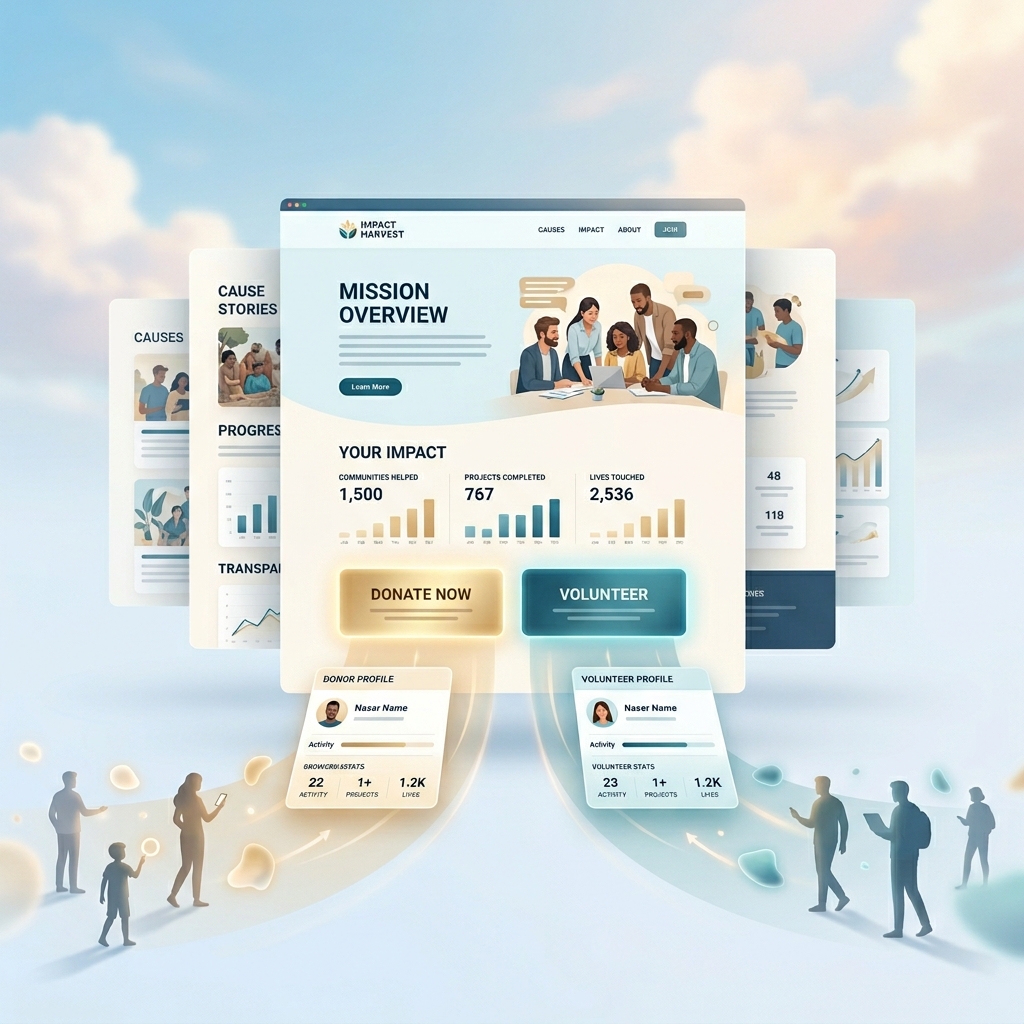
Turn Awareness Into Real Support
Help people discover your non-profit when they are actively looking to contribute. Make it easy for them to understand your cause and take meaningful action as donors or volunteers.
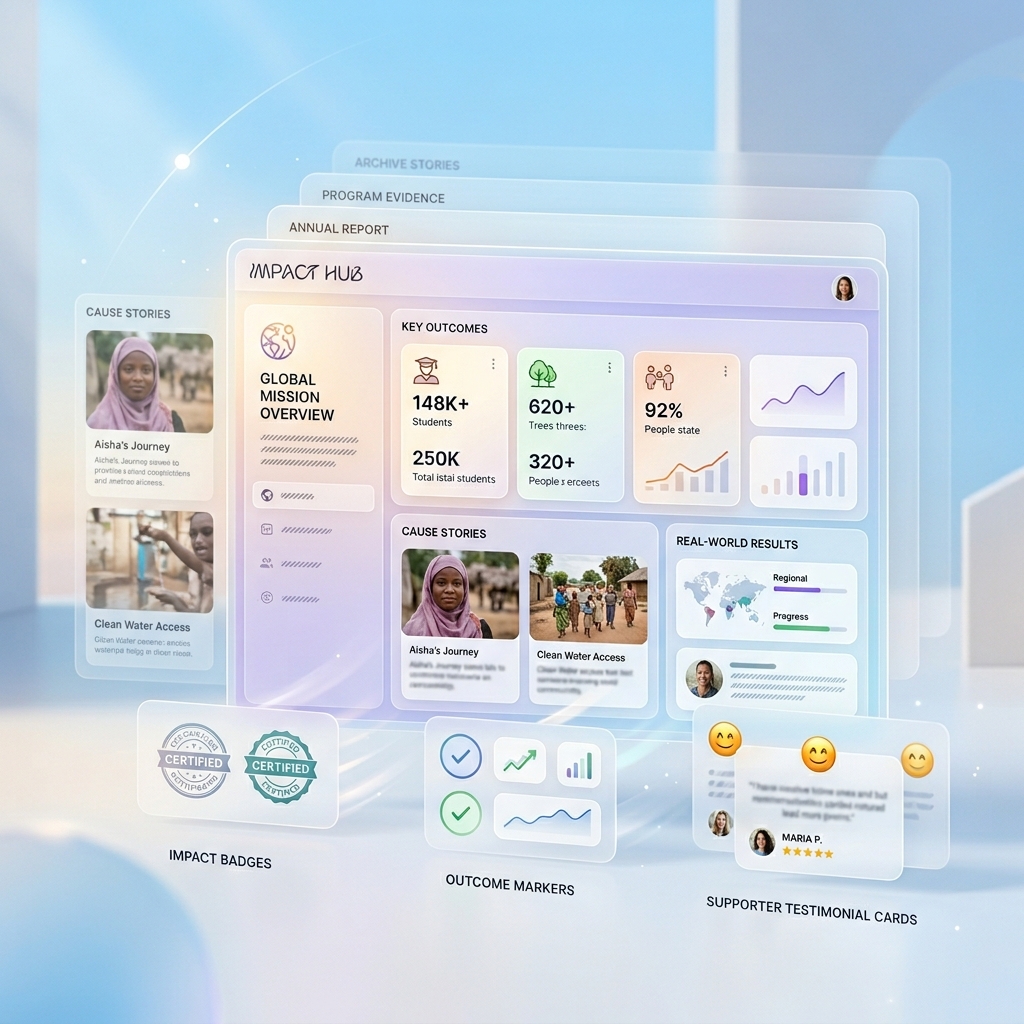
Communicate Your Mission with Clarity and Trust
Present your work, outcomes, and stories in a clear and structured way so supporters understand your impact and feel confident contributing to your cause.
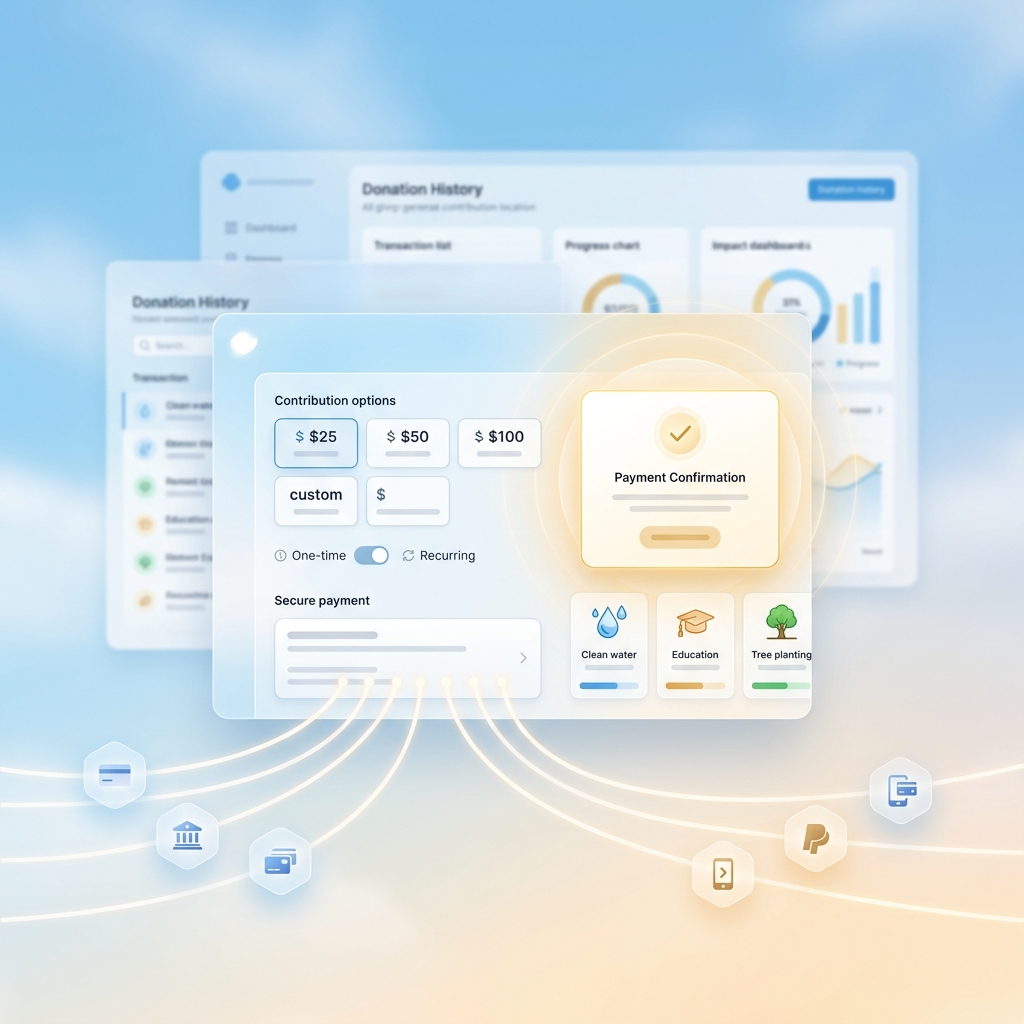
Collect Donations Without Operational Friction
Enable secure contributions by connecting payment providers through API keys, while managing donations in one place without dealing with multiple disconnected tools.
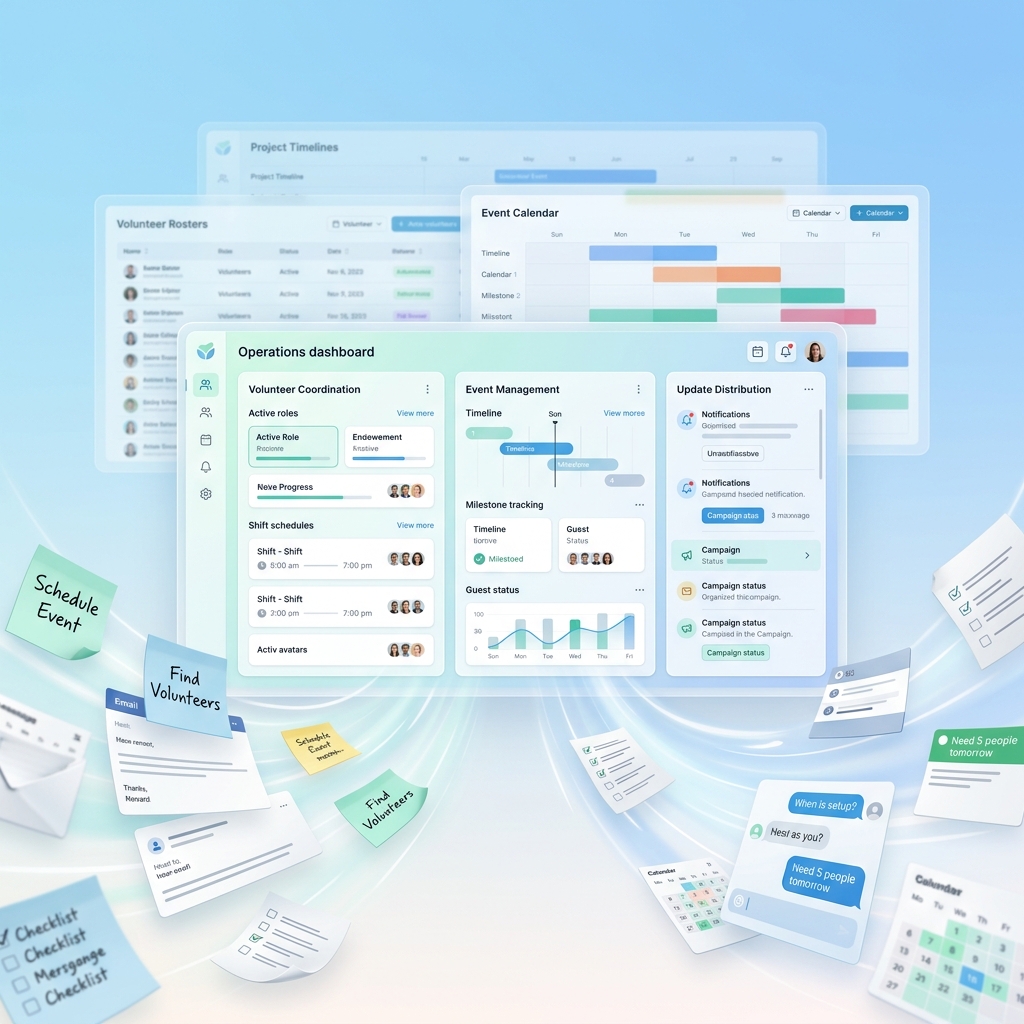
Reduce Time Spent Managing Day-to-Day Operations
Simplify how you handle volunteers, events, and updates so your team spends less time coordinating manually and more time focusing on your mission.

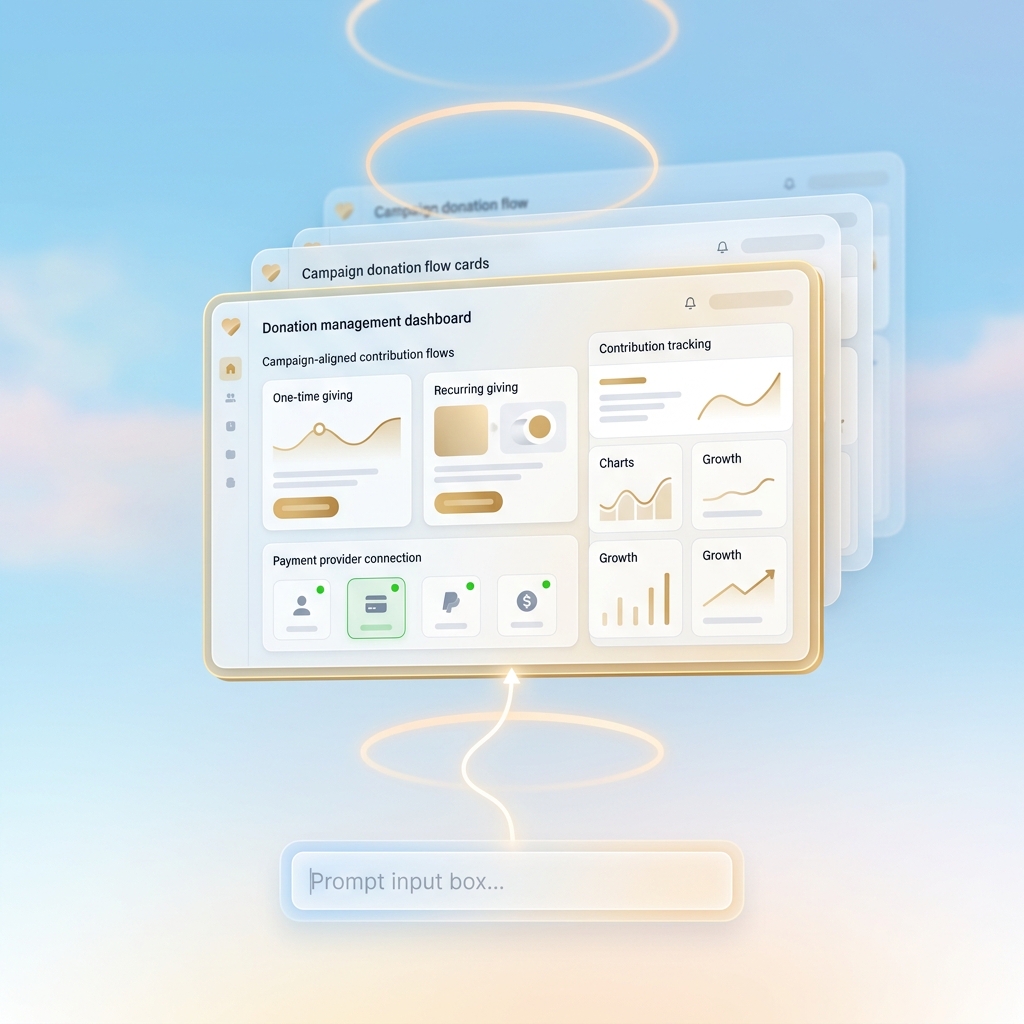
Set Up and Manage Donation Workflows
Define how donations are collected, processed, and tracked by connecting payment providers through APIs and structuring contribution flows.
Connect payment providers using API keys
Configure one-time and recurring donation options
Structure donation flows based on campaigns
Track contributions within a unified system
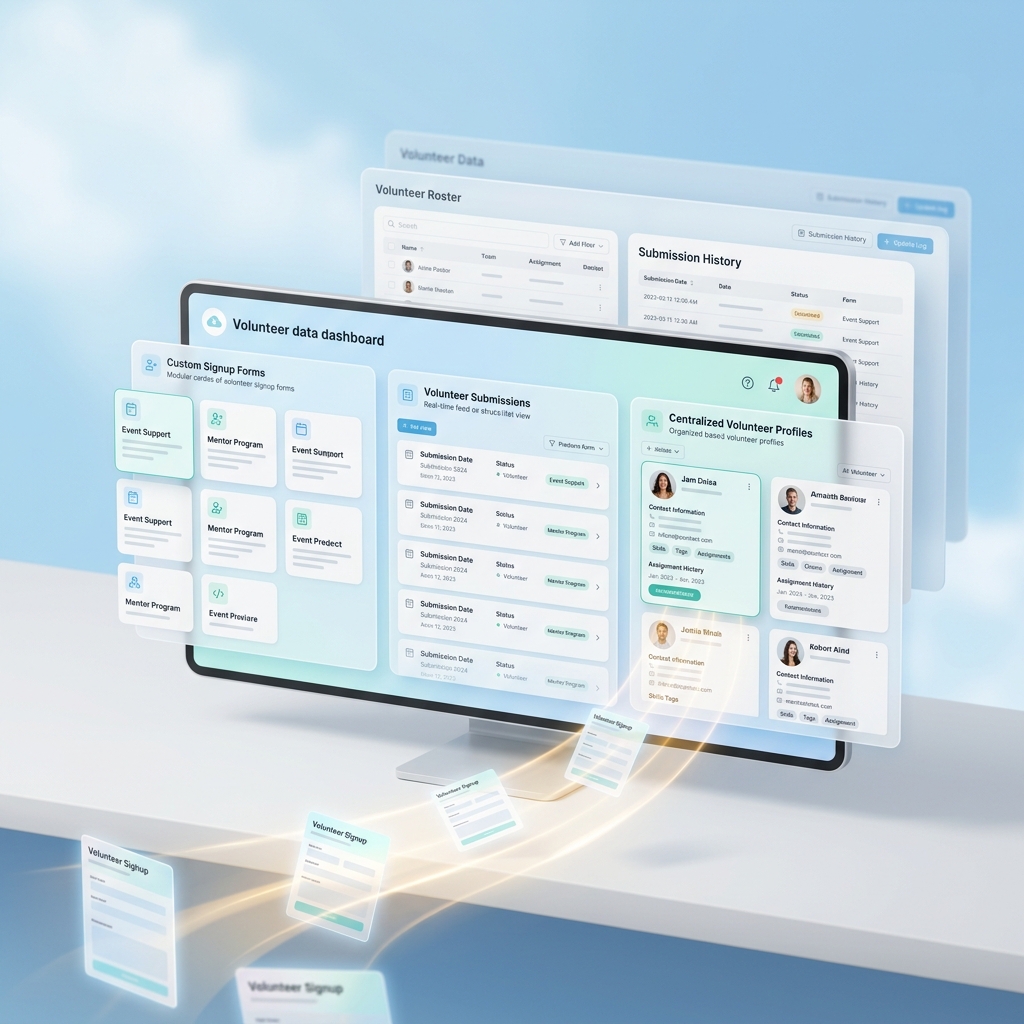
Capture and Manage Volunteer Data
Create structured workflows to collect, store, and organize volunteer information without relying on external forms or spreadsheets.
Create customized volunteer signup forms
Capture structured data for each submission
Store and manage volunteer information centrally
Access and update records as needed
Create and Manage Event Workflows
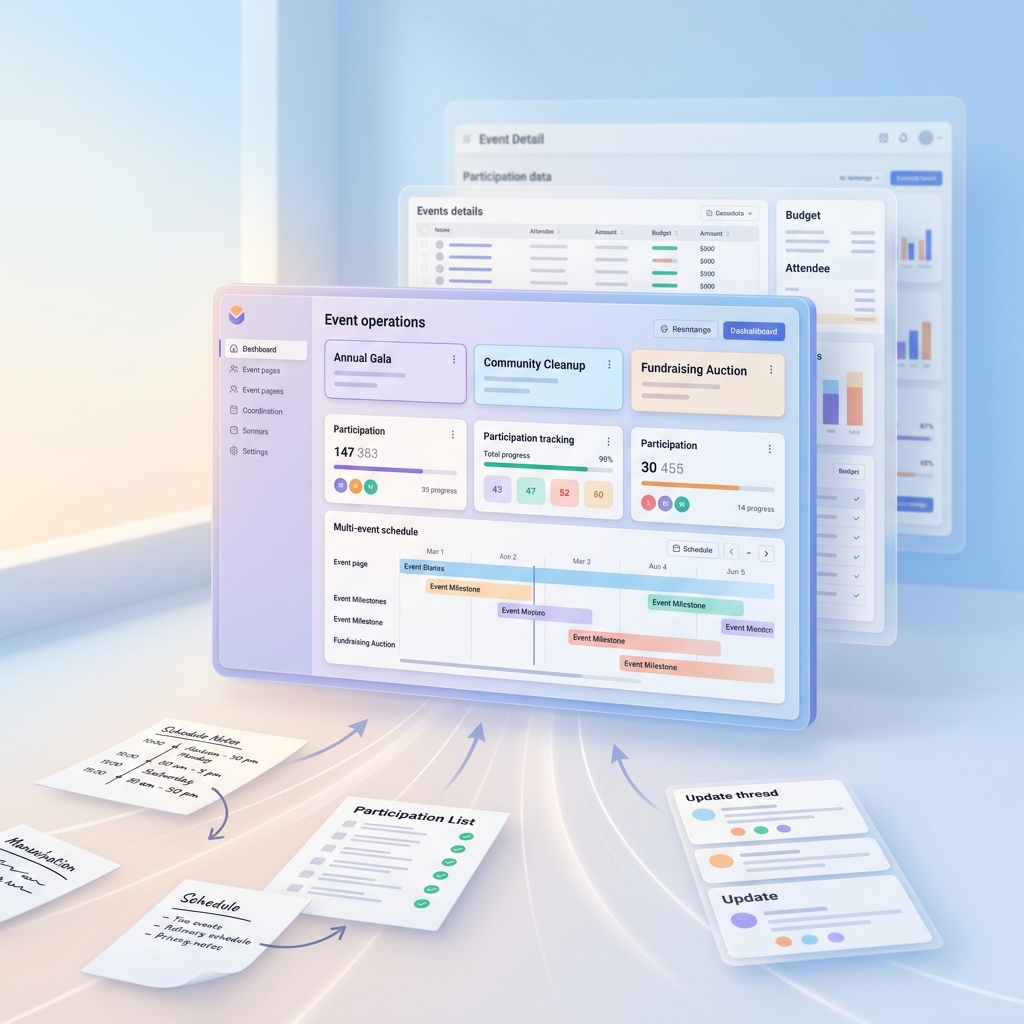
Define how events are created, updated, and managed without depending on multiple platforms or manual coordination.
Create event pages with structured details
Manage participation and event data
Update schedules and event information easily
Keep all event-related data in one place
Structure and Manage Content Across Your Website
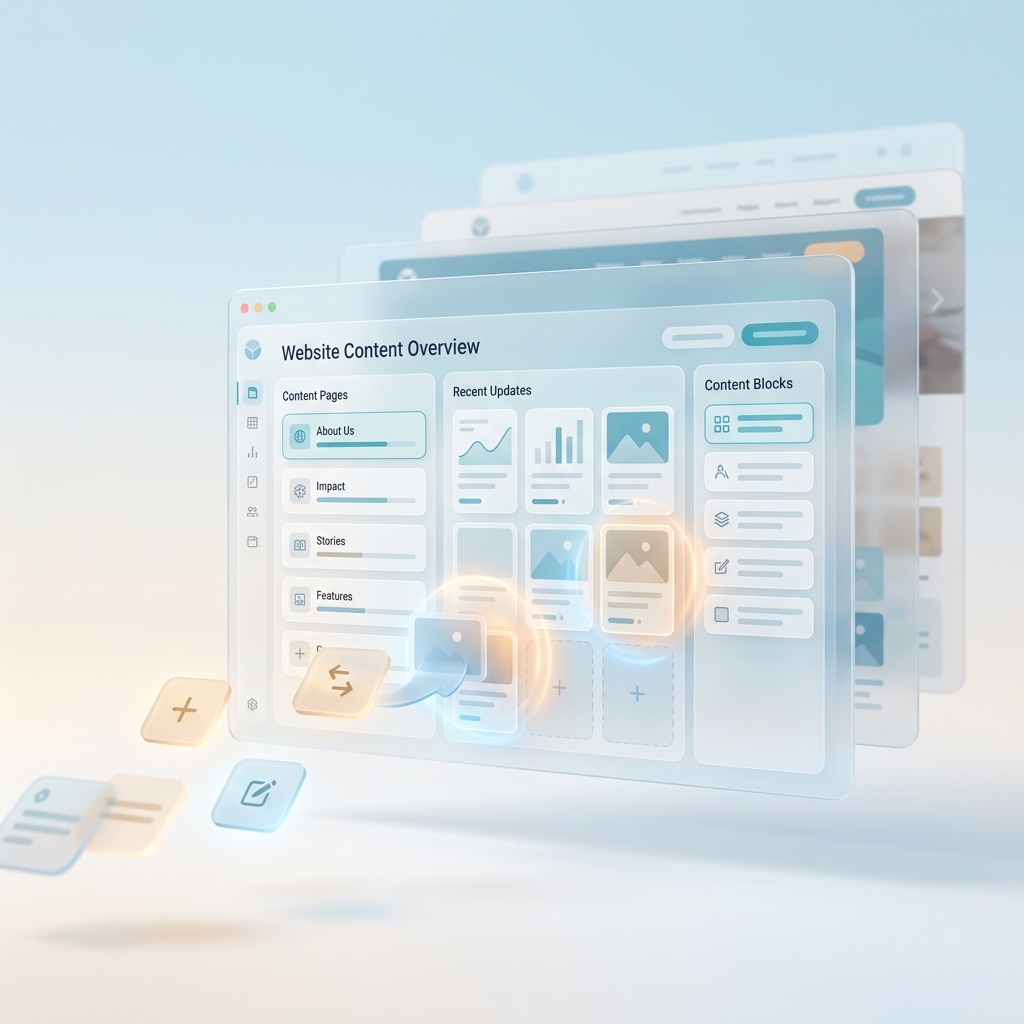
Organize your website content, including stories, updates, and pages, in a structured format that can be updated without manual restructuring.
Create and organize content sections clearly
Manage pages and updates efficiently
Maintain consistent structure across content
Modify content using simple instructions
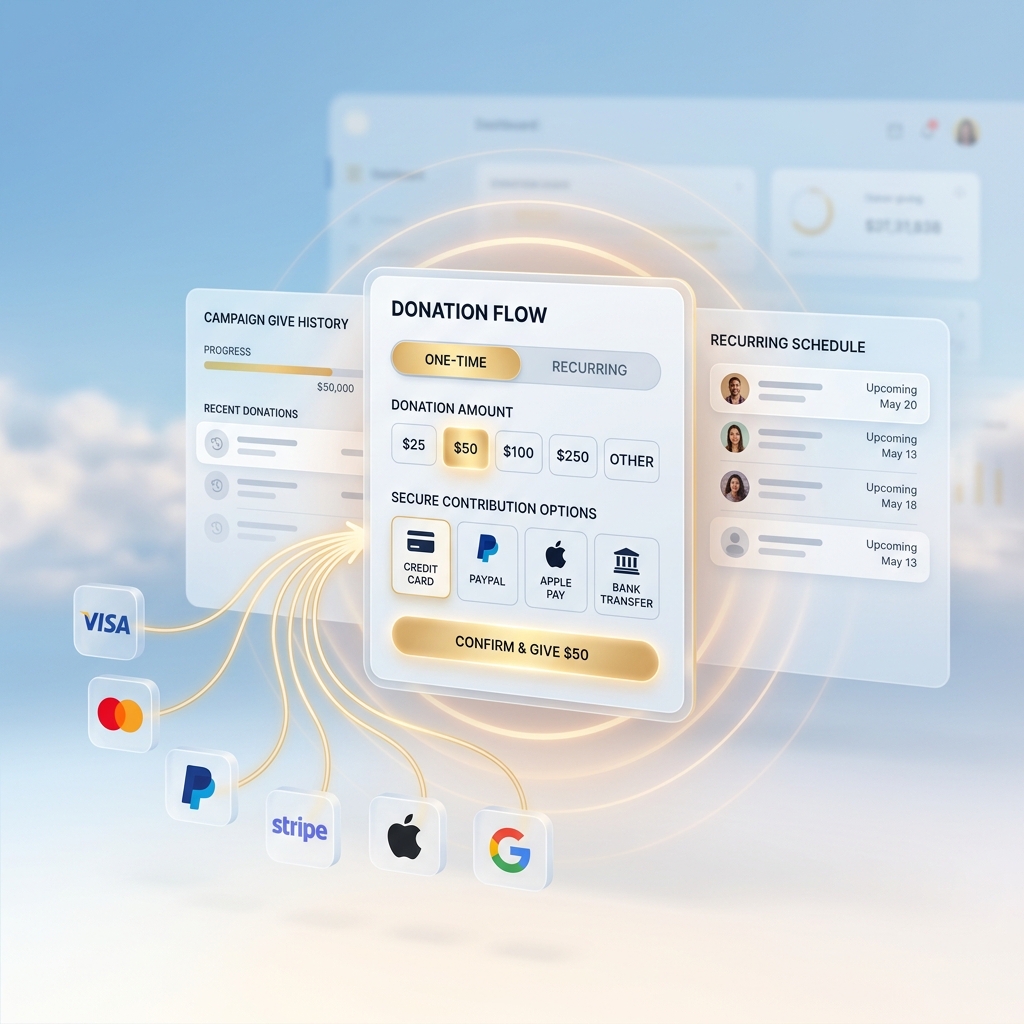
Payments and Donation Platforms
Enable secure contributions by connecting payment providers through APIs while keeping donation flows aligned with your campaigns.
Connect Stripe, PayPal, Razorpay using API keys
Support one-time and recurring donation flows
Keep payment flows aligned with your campaigns
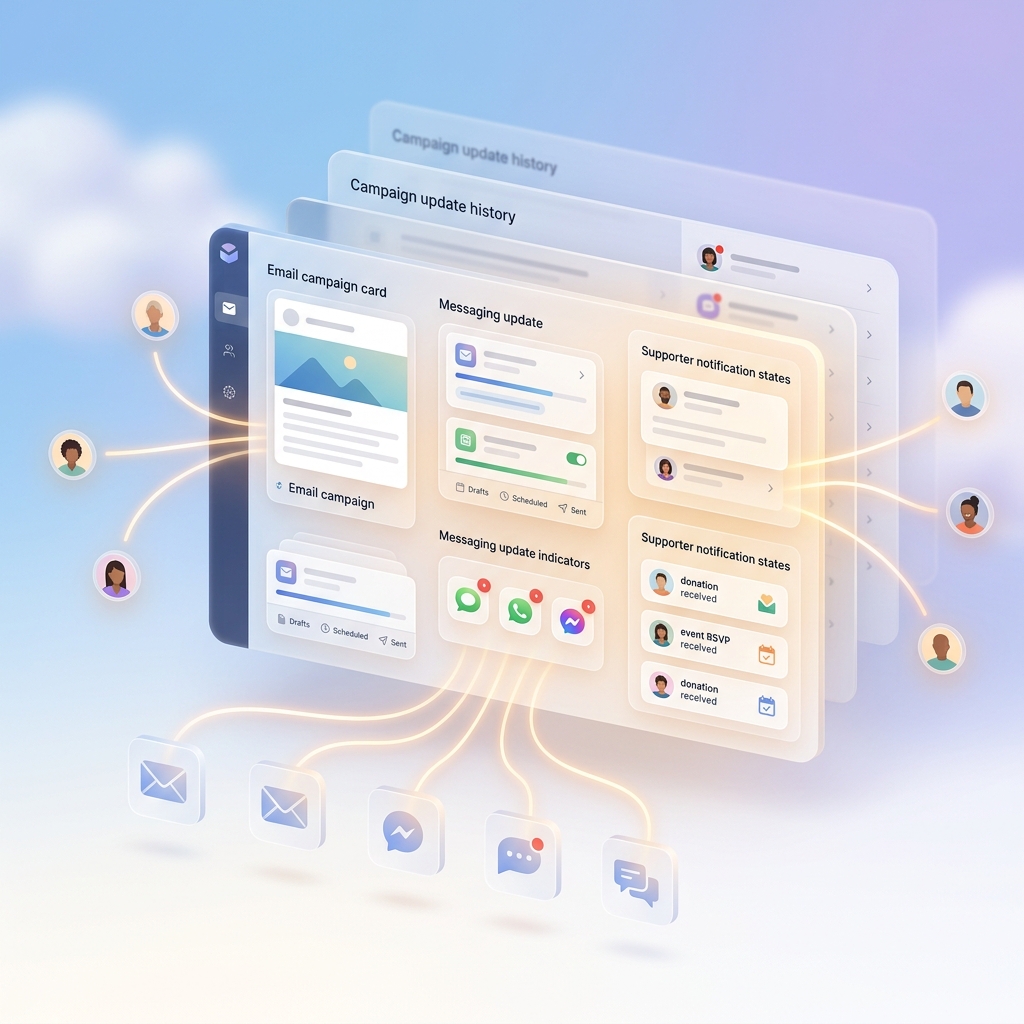
Communication and Outreach Tools
Connect email, messaging, and outreach tools to manage supporter communication without switching platforms.
Integrate email and messaging tools using APIs
Send updates and notifications efficiently
Keep communication workflows connected
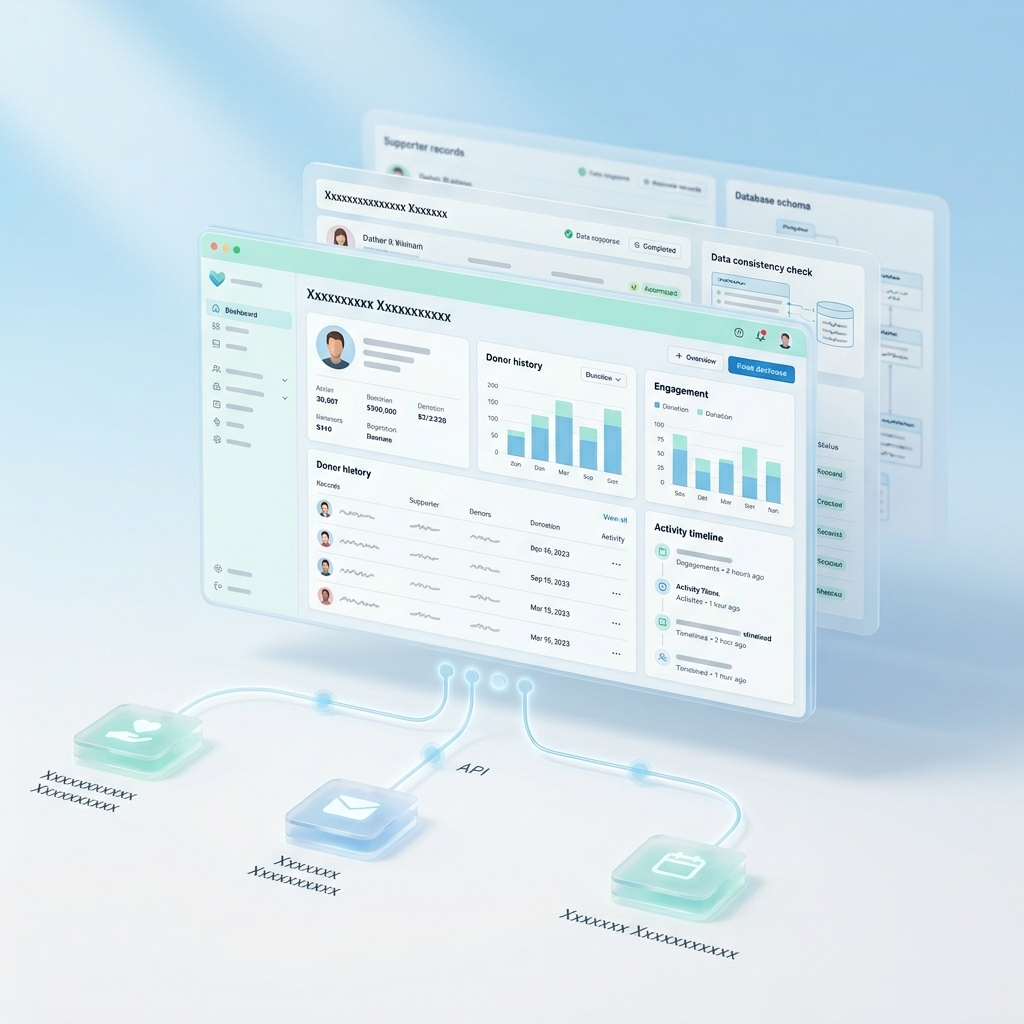
CRM and Data Management Systems
Connect CRM and data tools to organize supporter information and manage records without fragmentation.
Integrate CRM platforms using API keys
Keep supporter data structured and accessible
Maintain consistency across systems
Simplify How Your Non-Profit Operates
Instead of managing separate tools for payments, communication, and data, define how everything should work together and let the system handle the connections through APIs.
How to Build Your Non-Profit Website Step by Step
Follow a simple step-by-step process to create, customize, and launch your non-profit website without technical complexity.
01
Start by Defining Your Non-Profit
Describe your mission, goals, and what you want your website to achieve so everything is structured around your cause from the beginning.
02
Generate Your Website Structure
Instead of choosing templates, describe what you need and generate a structured website that fits your non-profit’s purpose.
03
Add Your Content
Include your mission, stories, visuals, and key information so supporters can clearly understand your work and impact.
04
Set Up Donations and Key Workflows
Enable donations, volunteer sign-ups, and event flows by connecting tools using API keys and defining how everything should work.
05
Customize Your Website
Adjust layouts, sections, and visuals so your website reflects your non-profit’s identity and communication style.
06
Review and Refine
Preview your website and make improvements to ensure everything looks clear, works smoothly, and communicates effectively.
07
Publish and Start Reaching Supporters
Launch your website and begin engaging supporters, managing activities, and growing your impact.
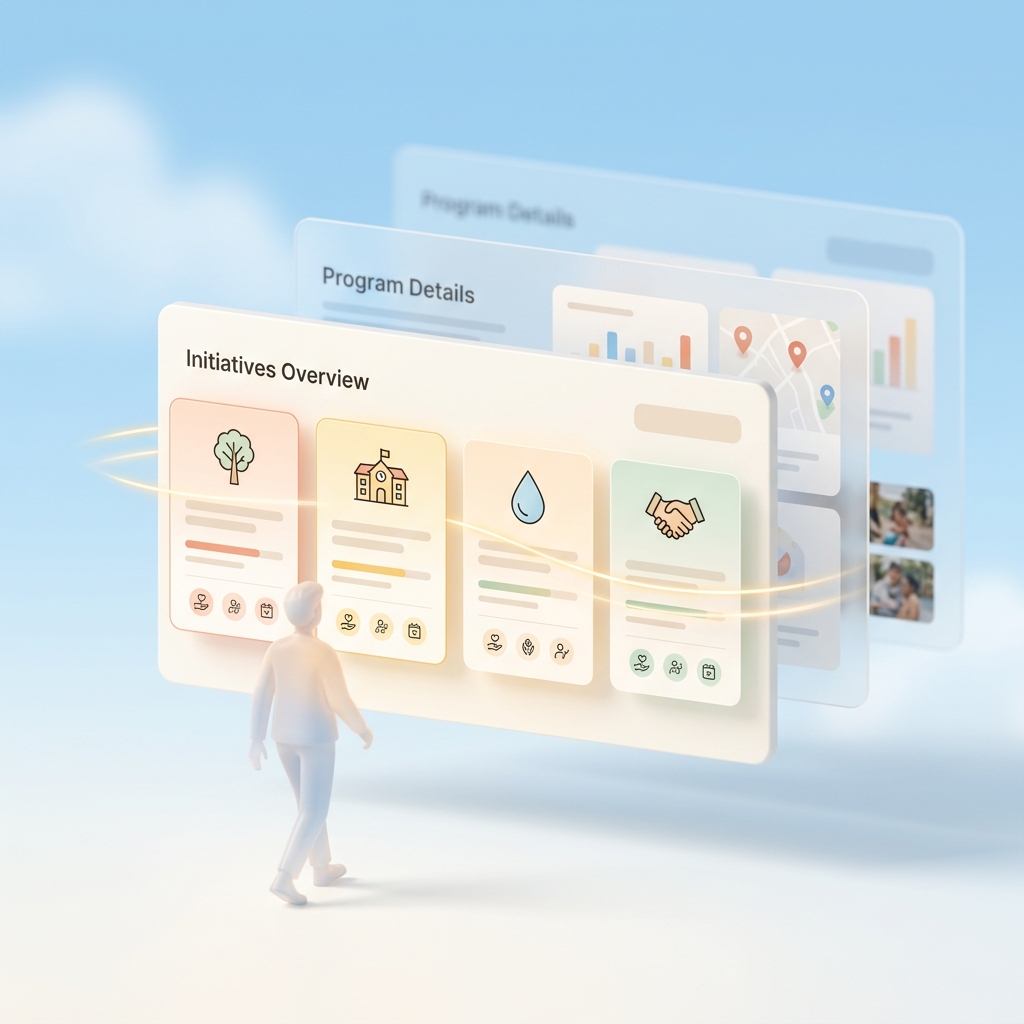
Help Visitors Understand Your Work Quickly
Present your initiatives and activities clearly so people can immediately understand what your non-profit does and how they can contribute.
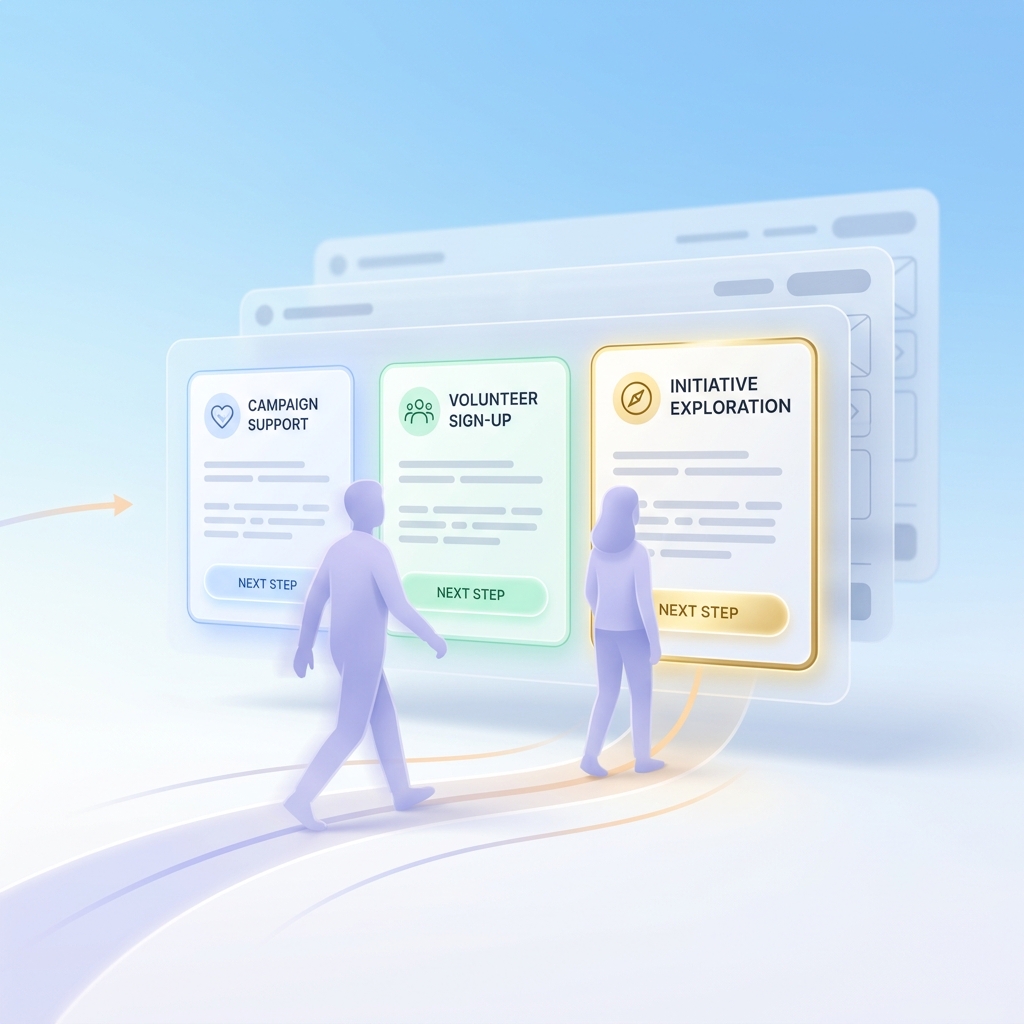
Guide Visitors Toward Meaningful Actions
Make it clear what someone should do next, whether it is supporting a campaign, signing up, or exploring your initiatives further.
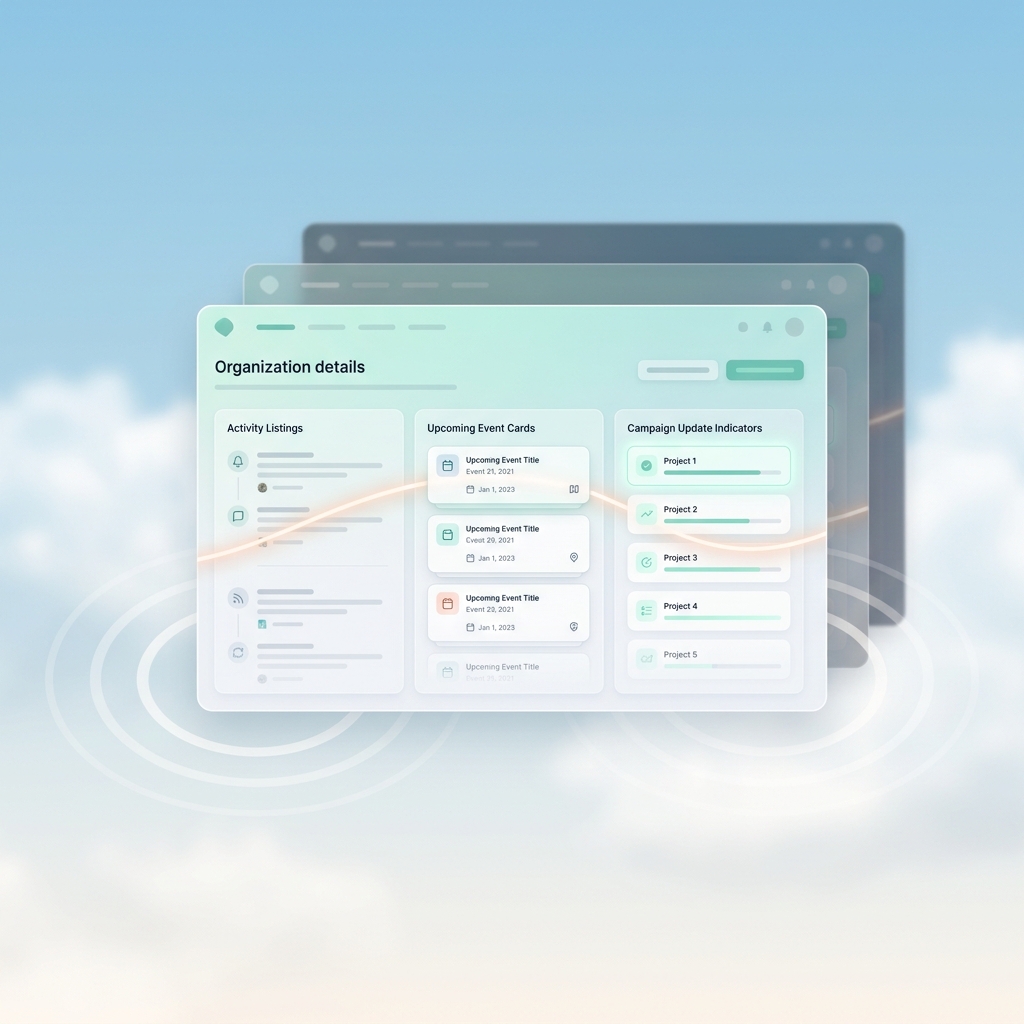
Keep Your Information Clear and Updated
Ensure details about your activities, events, and updates are always accurate so supporters can rely on your website.
Frequently Asked Questions
What is a nonprofit website?
A nonprofit website is an online platform that helps organizations share their mission, attract supporters, collect donations, and manage activities like events and volunteers in one place.