

Create a Photography Website Faster Than Ever, Without the Hassle
Describe your site the way you'd describe a mood board. Emergent brings it to life as a fully custom photography website. No code required.










Same category. Different league.
Most photography website builders start with a template and ask you to fit your work inside it. Emergent starts with your words and builds a custom site around them.
| Other Photography Website Builders |  |
|
|---|---|---|
| Portfolio Creation | Start with a template and customize manually | Describe your portfolio, it gets created instantly |
| Gallery Setup | Upload and organize images one by one | Generate galleries via prompt or auto-fetch images from your tools |
| Gallery Design | Limited preset layouts and grids | Describe any layout or mood, it gets built |
| Image Optimization | Manual compression and resizing | Auto-optimized high-res images by default |
| Client Proofing | Needs plugins or external tools | Let clients view, select, and approve photos via custom galleries |
| Project Pages | Create each shoot page manually | Instantly generate full project showcases |
| SEO for Photography | Manually add metadata and structure | Generate SEO-ready portfolio pages instantly |
| Branding & Style | Restricted by themes | Match your exact visual style via prompt |
| Custom Domain | Manual setup, DNS configuration required | Auto-link your domain by simply sharing it |
| Time to Launch | Hours to days | Minutes |

Unlock New Opportunities With a Photography Website
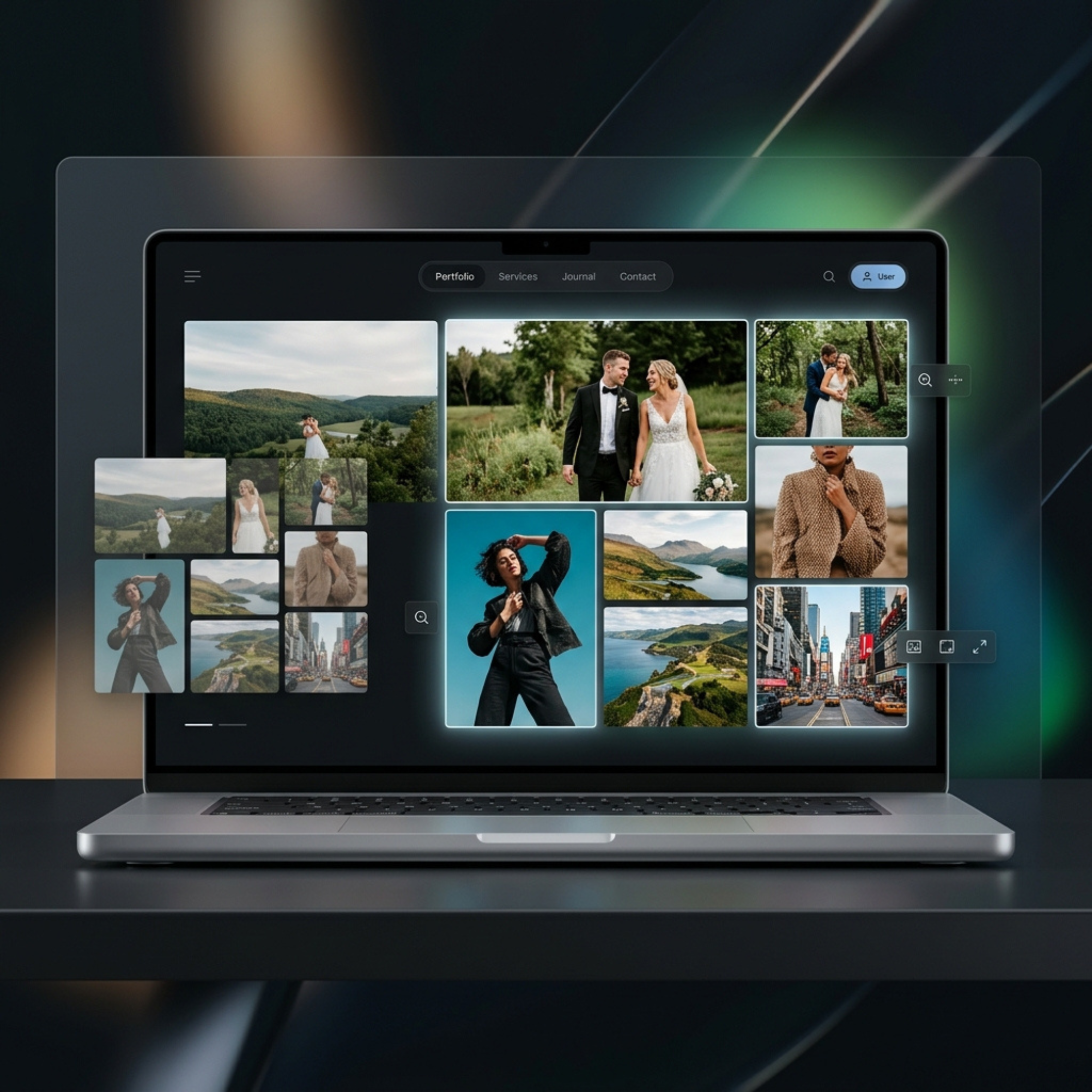
Showcase Your Work
Present your portfolio in a way that captures attention and highlights your unique style. Your images appear exactly as intended, without compression or platform limitations.

Get Discovered by Clients
Appear when potential clients search for photographers and explore your work online. Turn that visibility into consistent inquiries and new opportunities.

Sell and Book 24/7
Let clients inquire, book sessions, or purchase your work at any time. Your website continues to generate opportunities even when you're offline.
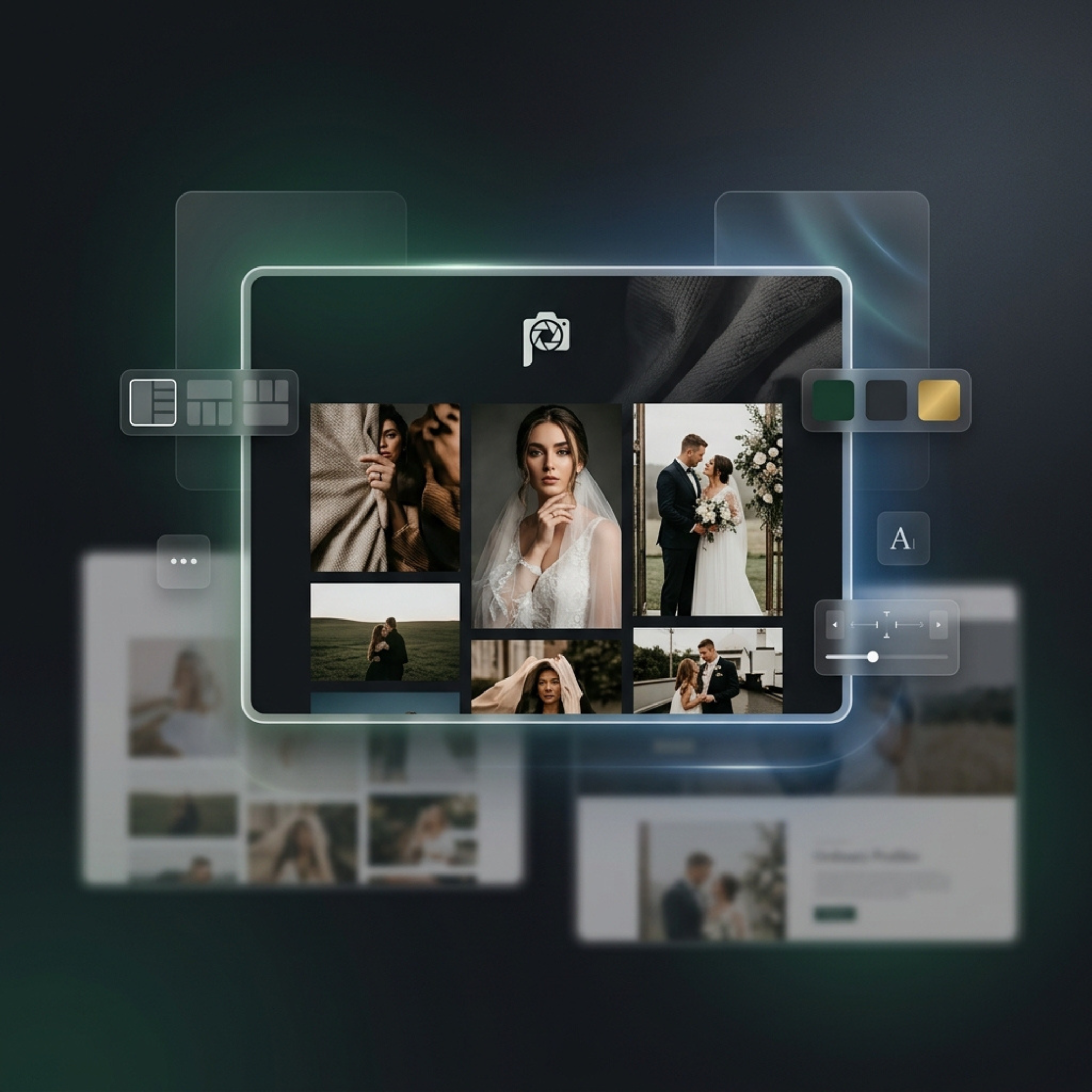
Build a Brand That Stands Out
Create a distinct identity that reflects your style and makes your work memorable. Stand out beyond social platforms and build a lasting presence.
How Emergent Turns Your Idea Into a Live Website
No coding, no templates, no complexity. Here’s how to create a photography website that looks professional and works exactly how you want.





Everything You Need to Build and Grow Your Photography Website
Design, build, and manage your photography website without dealing with templates, plugins, or manual setup. Everything works the way you need, so you can focus on your work.
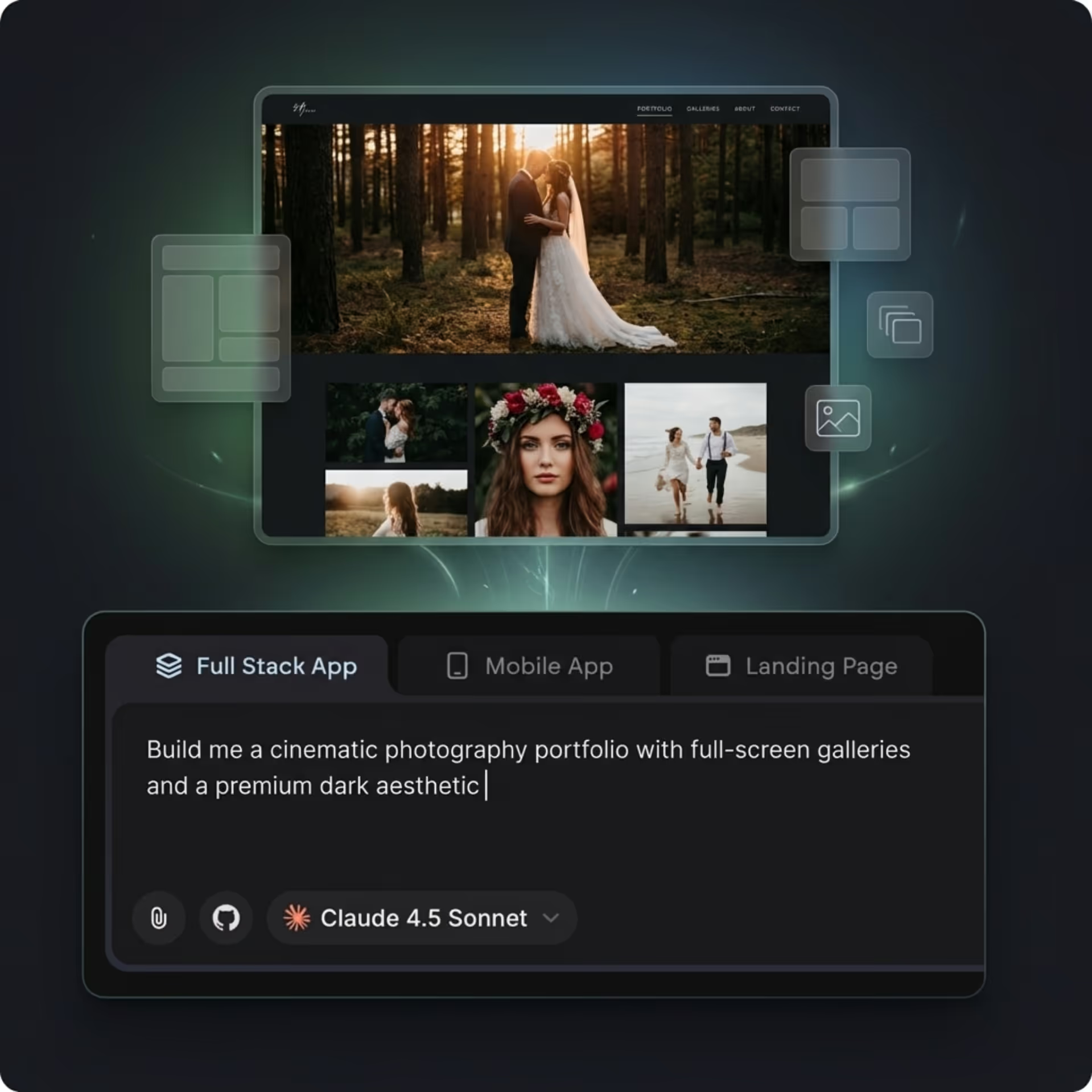
End-to-end app development for your business
Turn ideas and spreadsheets into fully functional internal apps your team can actually use, not just plan on paper.
 Describe, don’t code:Write what you need in plain language and instantly generate the layout, components, and logic.
- Full UI in one go:Create full pages with forms, tables, filters, and charts in a single automated pass.
- Use the data you already have:Connect your spreadsheets or datasets quickly and turn them into interactive dashboards.
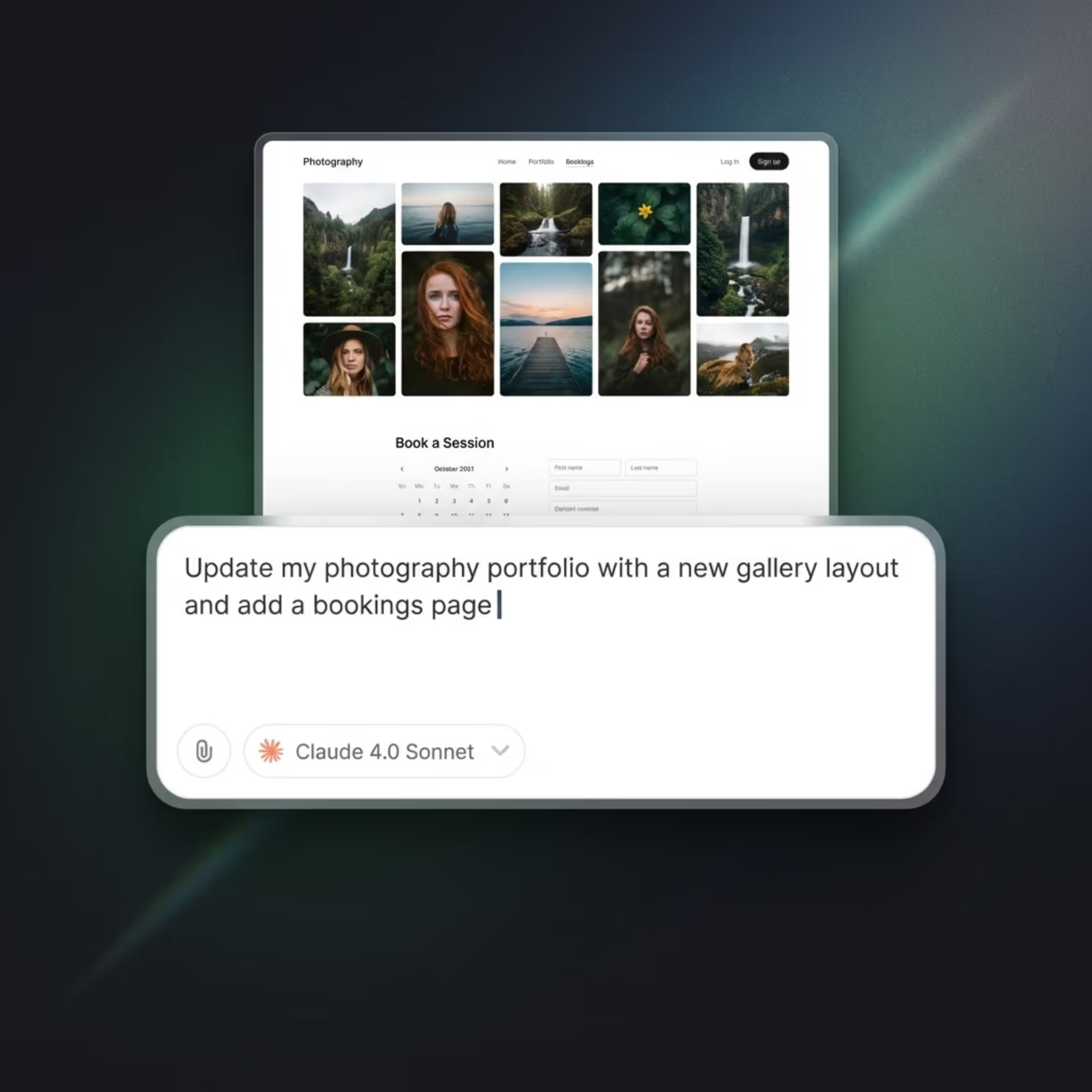
Create Your Photography Website With Simple Prompts
Describe the kind of portfolio you want, from gallery styles to page structure, and it gets built for you instantly.
- Create portfolios, galleries, and pages by describing them
- Customize layouts, sections, and styles without manual edits
- Update your website anytime with simple instructions
- No templates or rigid builders limiting your design
End-to-end app development for your business
Turn ideas and spreadsheets into fully functional internal apps your team can actually use, not just plan on paper.
- Describe, don’t code:Write what you need in plain language and instantly generate the layout, components, and logic.
- Full UI in one go:Create full pages with forms, tables, filters, and charts in a single automated pass.
- Use the data you already have:Connect your spreadsheets or datasets quickly and turn them into interactive dashboards.
Add and Manage Your Photos Without the Hassle
Upload images your way or connect your tools to bring everything in automatically, without repetitive work.
- Upload images manually or in bulk
- Auto-fetch images from tools like Figma or connected sources
- Organize photos into galleries and collections easily
- Keep your portfolio updated without re-uploading
End-to-end app development for your business
Turn ideas and spreadsheets into fully functional internal apps your team can actually use, not just plan on paper.
- Describe, don’t code:Write what you need in plain language and instantly generate the layout, components, and logic.
- Full UI in one go:Create full pages with forms, tables, filters, and charts in a single automated pass.
- Use the data you already have:Connect your spreadsheets or datasets quickly and turn them into interactive dashboards.
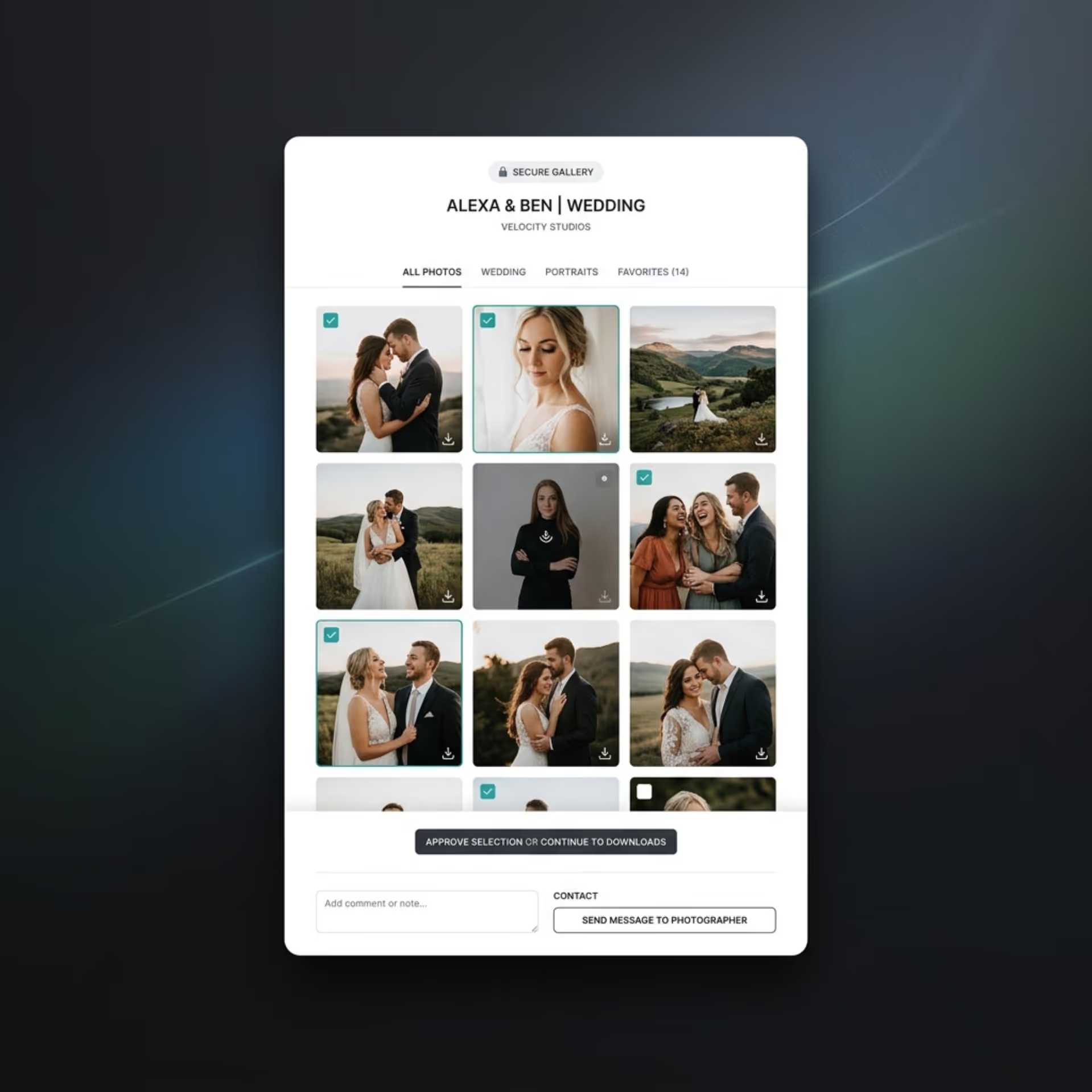
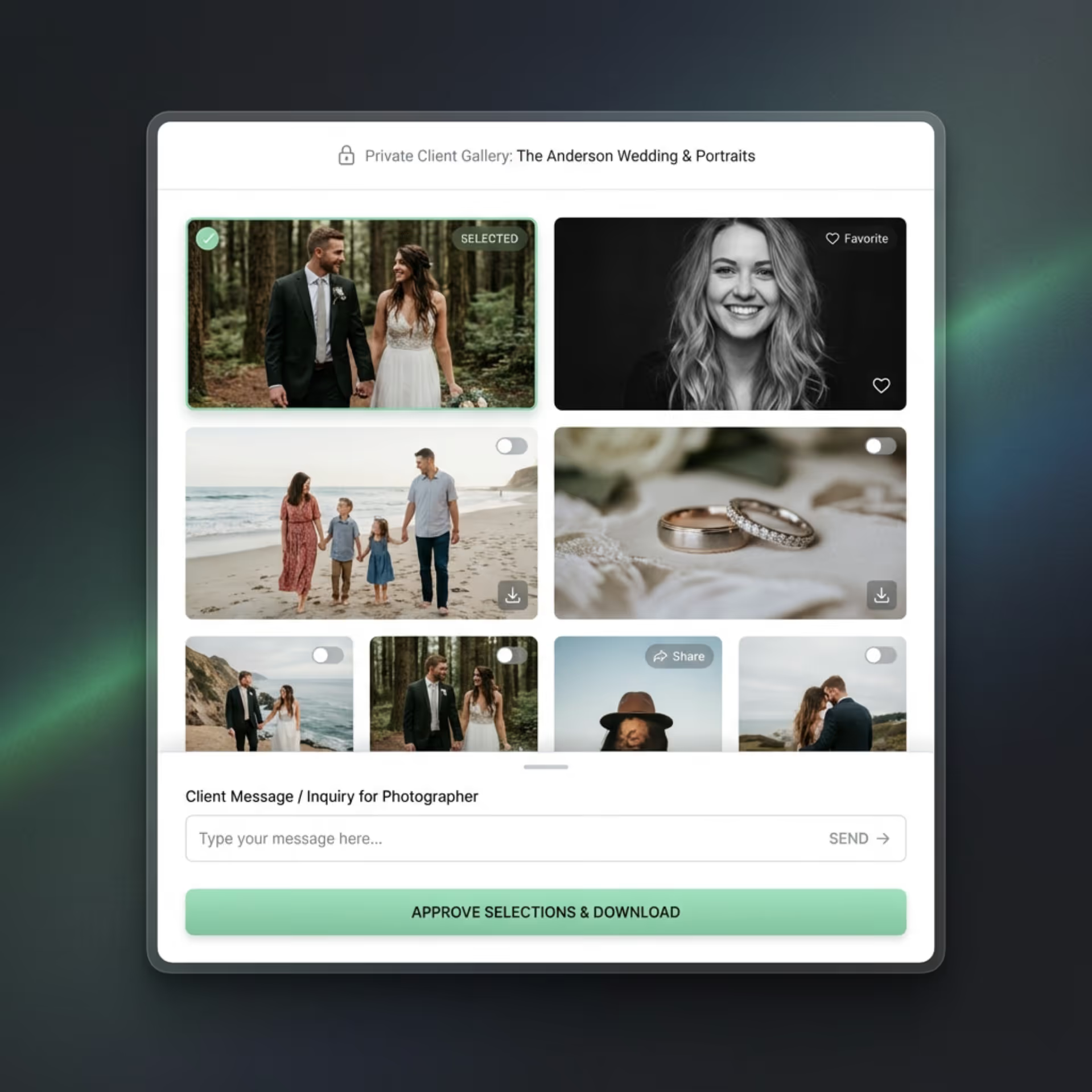
Set Up Client Galleries and Interactions
Create client-ready experiences without relying on multiple tools or complicated workflows.
- Build private, password-protected client galleries
- Let clients select and approve their favorite photos
- Enable downloads and sharing directly from galleries
- Add contact or booking forms for inquiries
End-to-end app development for your business
Turn ideas and spreadsheets into fully functional internal apps your team can actually use, not just plan on paper.
- Describe, don’t code:Write what you need in plain language and instantly generate the layout, components, and logic.
- Full UI in one go:Create full pages with forms, tables, filters, and charts in a single automated pass.
- Use the data you already have:Connect your spreadsheets or datasets quickly and turn them into interactive dashboards.
Customize and Scale Without Starting Over
Refine your website anytime and expand it as your work grows, without rebuilding pages or dealing with complex tools.
- Make changes by simply describing what you need
- Evolve your design as your style or niche changes
- Add new pages, galleries, or features anytime
- Scale without plugins, migrations, or rebuilds
Integrations That Connect Your Photography Workflow
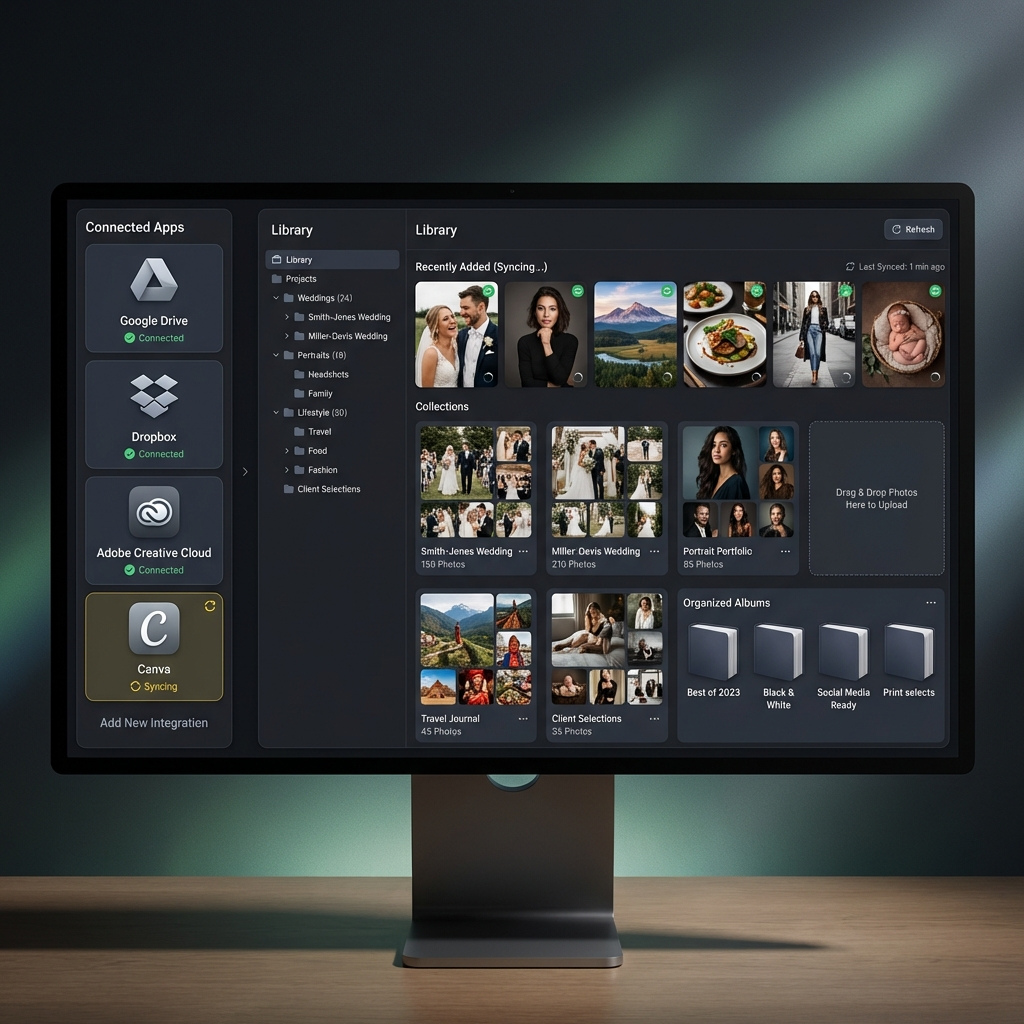
Storage & File Management
Access and manage your photos from the tools you already use without re-uploading everything manually.
- Auto-fetch images directly from your existing tools
- Connect cloud storage and design tools like Figma
- Keep your galleries synced without manual updates

Client Communication & Booking
Handle inquiries, bookings, and client interactions without switching between multiple tools.
- Capture inquiries through connected contact forms
- Integrate booking and scheduling tools
- Sync client communication with your email tools

Analytics & Marketing
Track performance and grow your reach with tools that help you understand and attract your audience.
- Add analytics and tracking tools without manual setup
- Track visitor behavior and performance
- Connect marketing tools to run campaigns and promotions
Connect the Tools You Already Use
Bring your existing workflow into your photography website without rebuilding everything from scratch. Integrate with storage, communication, and marketing tools to manage your work, connect with clients, and grow your presence seamlessly.


How to Create a Photography Website
Follow these steps to create, customize, and launch your photography website.
01 Choose how you want to build your website
Decide whether to use a photography website builder, CMS, or hire a developer based on your needs, budget, and technical skills.
02 Select a photography website builder or platform
Pick a platform that supports galleries, image optimization, and customization so you can showcase your work effectively.
03 Plan your portfolio structure
Decide how you want to organize your work, such as by category, project, or style, and outline key pages like Home, Portfolio, About, and Contact.
04 Upload your photos and create galleries
Add your images, organize them into collections, and choose layouts that highlight your photography.
05 Customize design and branding
Adjust colors, fonts, and layouts to match your personal style and create a consistent visual identity.
06 Set up essential features
Add contact forms, client proofing (if needed), and basic SEO settings to make your website functional and discoverable.
07 Publish and promote your website
Connect your domain, publish your site, and start sharing it through SEO, social media, and other marketing channels.
Do More With Your Photography Website
Use the right channels to showcase your work, attract high-intent clients, and turn visitors into bookings.

Optimize for SEO and Get Discovered on Google
Show up for searches like “wedding photographer near me” or “portrait photographer in New York” and capture high-intent leads.

Promote Your Work on Instagram and Social Media
Share your photos on Instagram and drive traffic to your website where clients can view your full portfolio.

Convert Website Visitors into Bookings
Turn traffic into paying clients with clear CTAs, contact forms, and simple booking flows on your website.
Pick the Pricing Plan That Works for You
Flexible pricing plans designed for photographers at every stage, from solo creatives to growing studios.
No credit card required*


Frequently Asked Questions
Your Questions, Answered
Don't change this element unless you know what you are doing
on emergent today



