
Create your restaurant website instantly on Emergent with AI, no coding required. Build menu pages, manage reservations, accept online orders and payments in minutes.
Add Features :
Smart meal builder
Real-time status updates
AI chatbot
Rewards/Loyalty hub
Why Emergent is Built for Restaurant Owners
Discover how Emergent stays one step ahead of the curve
Business Impact of Owning a Restaurant Website
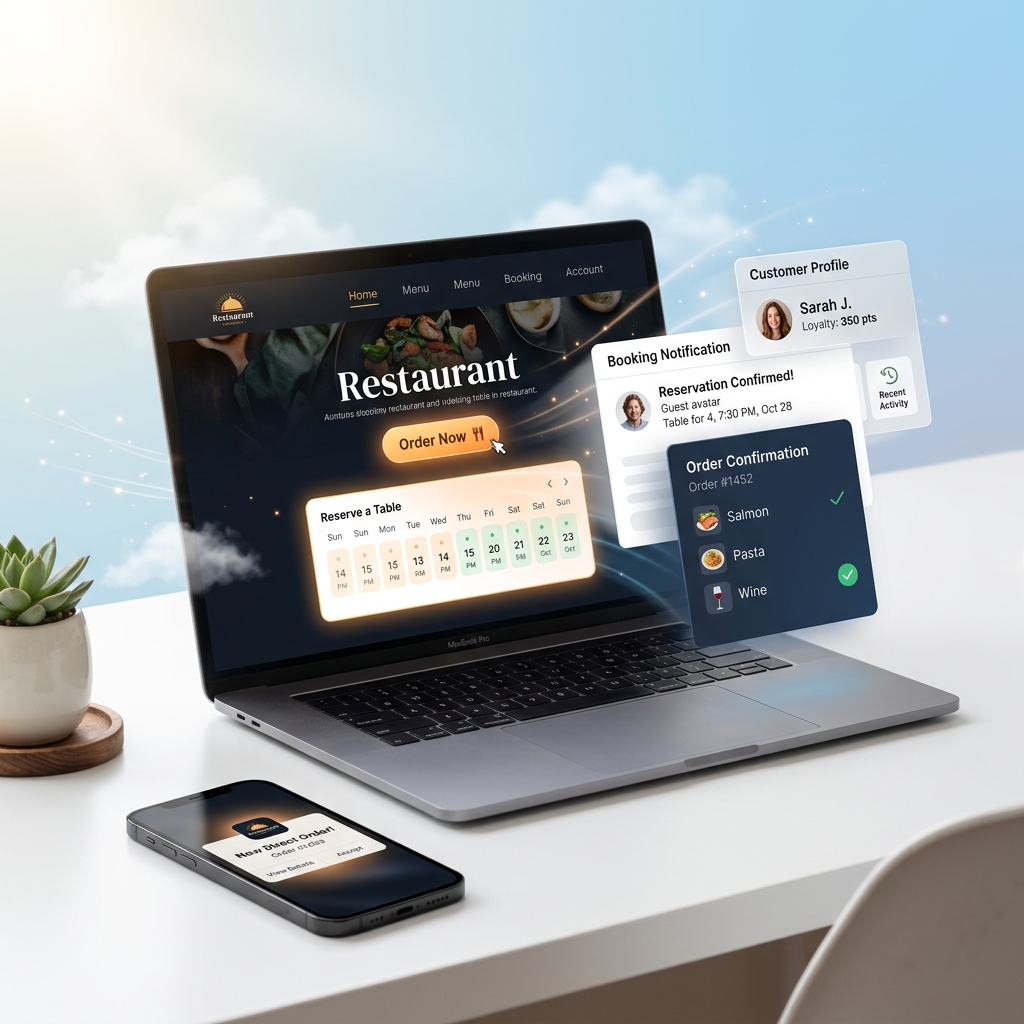
Increased Direct Orders and Reservations
Accept orders and bookings directly on your website to increase conversions and reduce reliance on third-party platforms. Own your customer relationships and boost profitability.

Higher Local Visibility and Traffic
Owning your GMB profile and SEO-optimized pages helps your restaurant appear in local searches, driving more traffic and attracting nearby customers ready to dine or order.
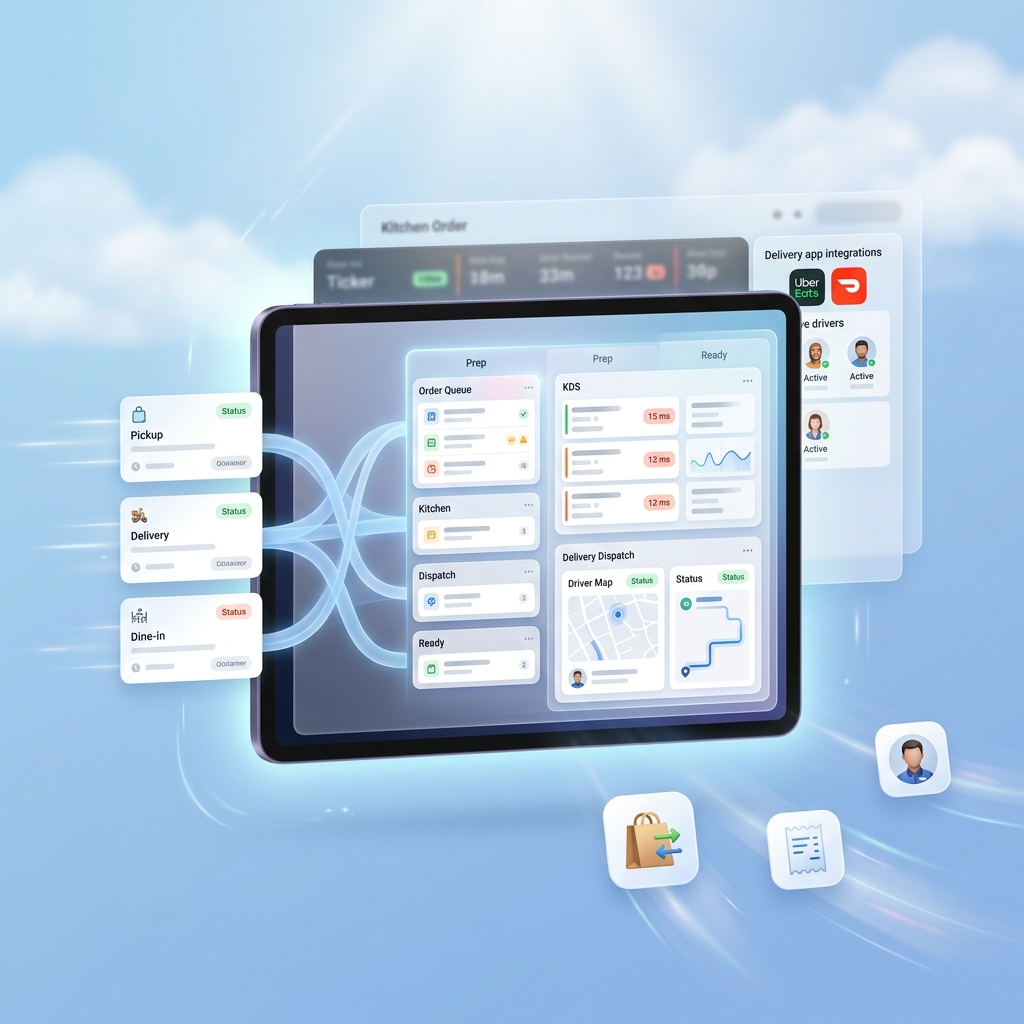
Smoother Operations and Better Service
Integrate POS and delivery platforms to reduce manual work and operational friction. Free up your staff to focus on delivering a better customer experience.
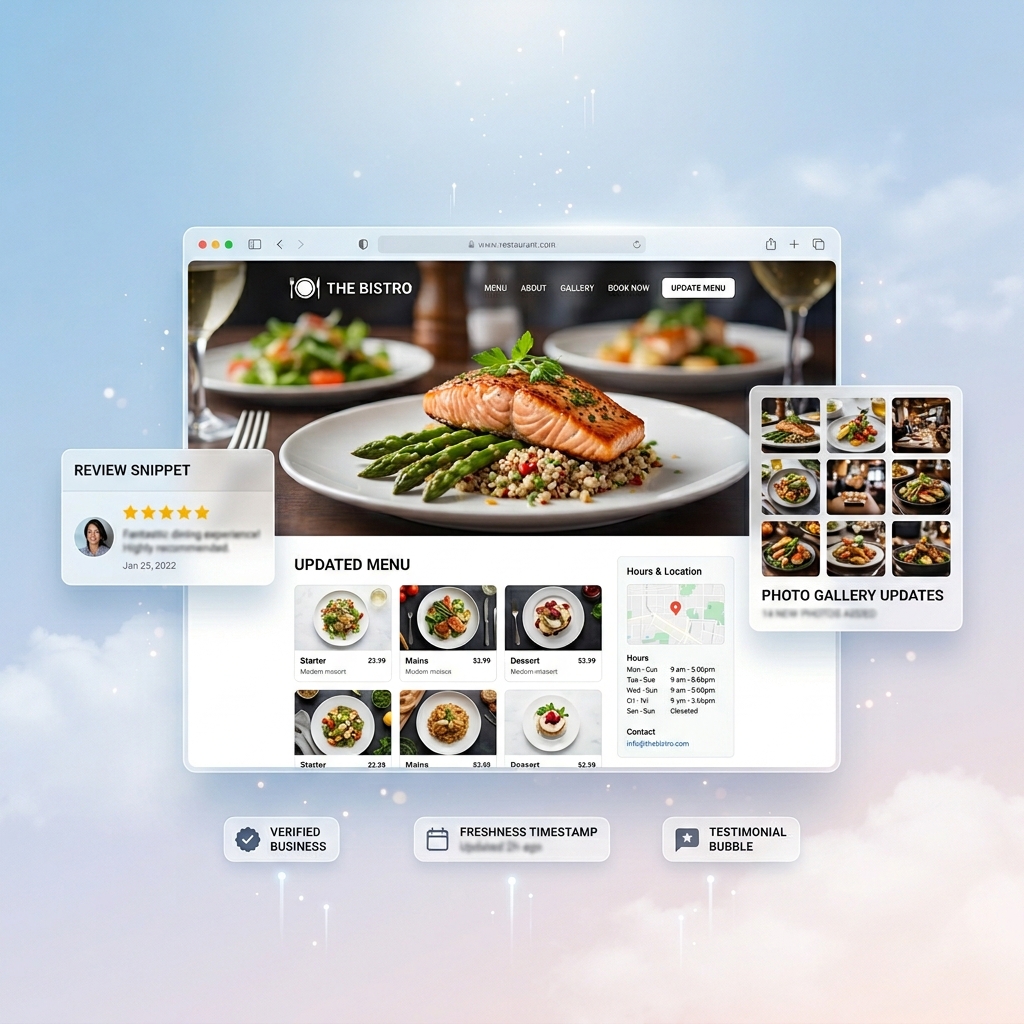
Improved Customer Trust and more Credibility
Up-to-date menus, visuals, and business information build trust and influence customer decisions, making your restaurant look more reliable and professional.

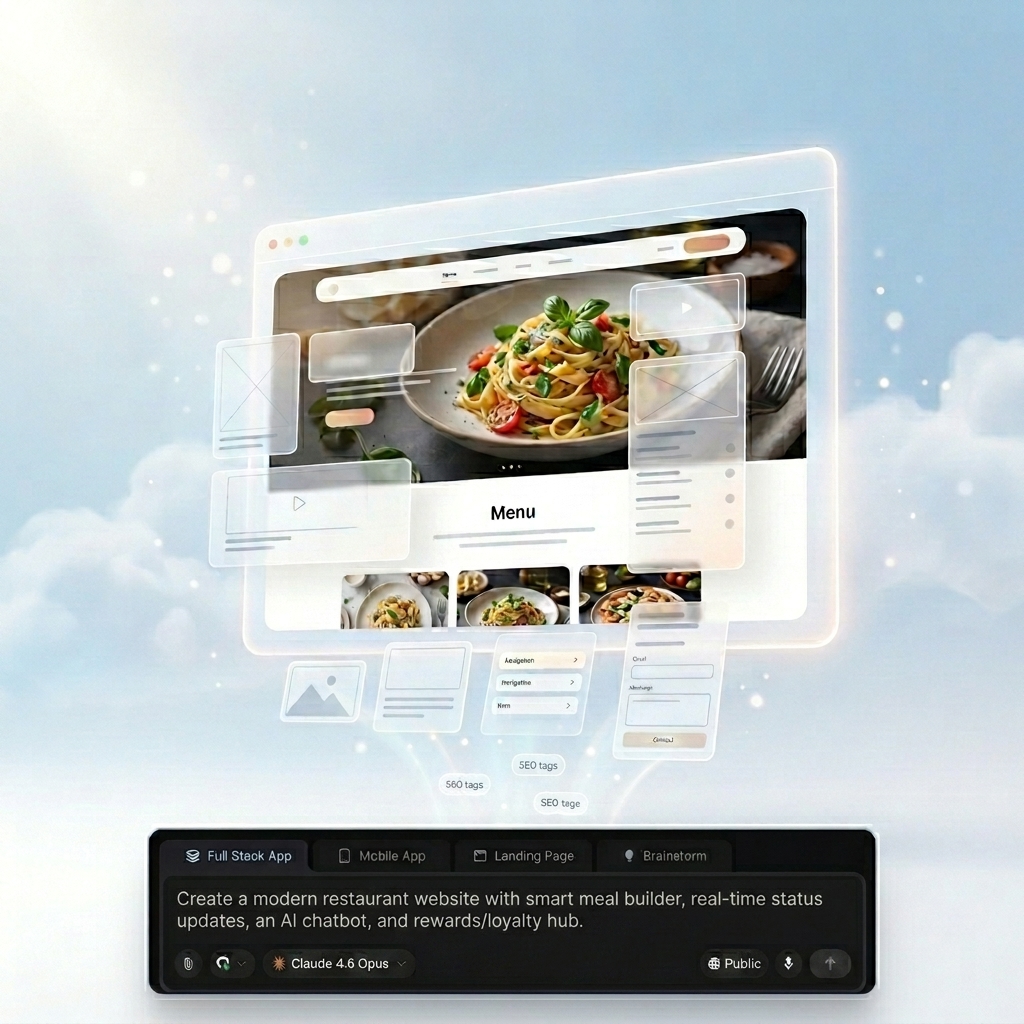
Build a Fully Functional Restaurant Website Without Any Hassle
Just describe what you need and your restaurant website is created instantly, fully optimized and ready to launch.
Create pages by simply describing them in plain English
SEO-optimized pages generated based on your requirements
High-resolution visuals added automatically
Mobile-first performance optimized by default
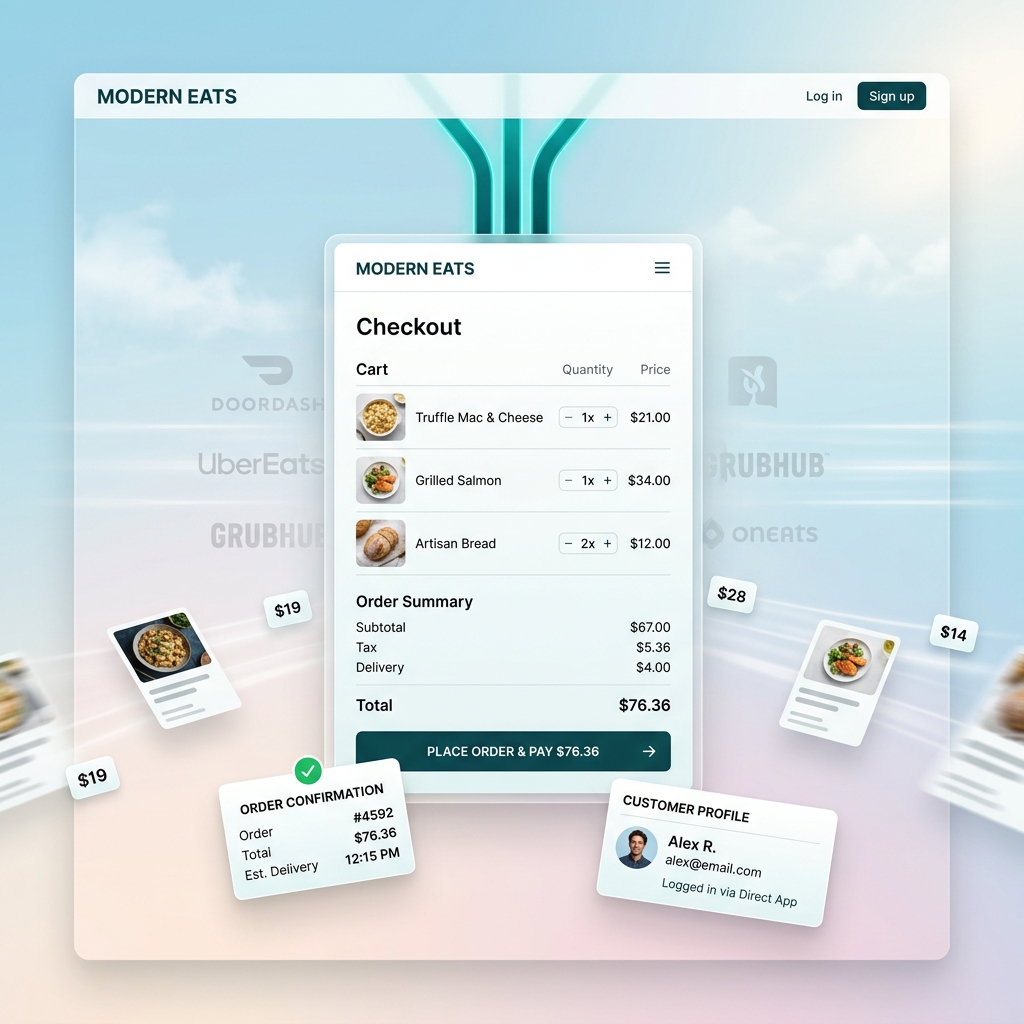
Accept Online Orders Without Third-Party Dependency
Start taking direct orders from your website without relying on external platforms or complex setups.
Enable ordering with built-in checkout
Control menu, pricing, and customer data
Reduce third-party commissions
Connect external tools anytime via API and prompts
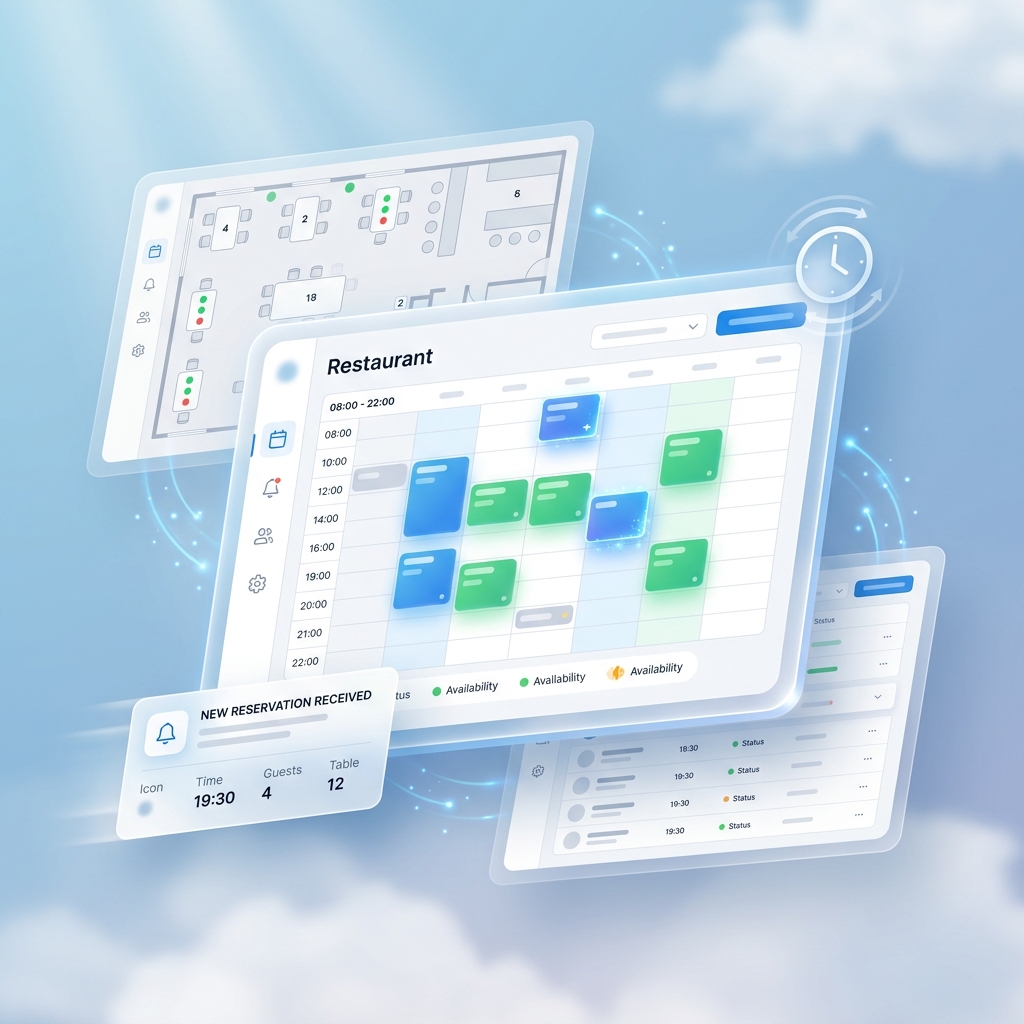
Manage Reservations with Real-Time Availability
Handle table bookings seamlessly without manual coordination or overbooking issues.
Enable real-time table reservations
Avoid double bookings with smart availability
Manage bookings from a single dashboard
Integrate third-party tools using APIs and prompts
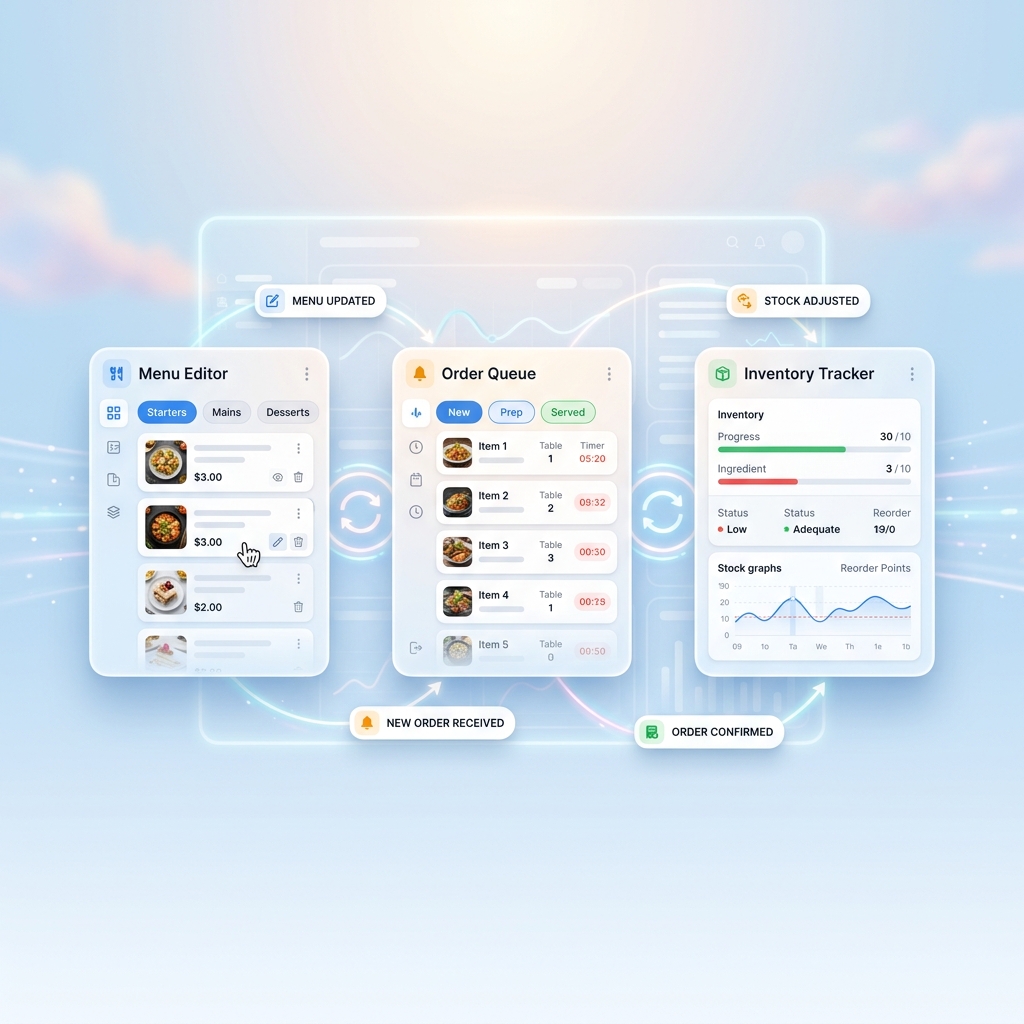
Keep Menus, Orders, and Inventory in Sync
Eliminate manual updates with real-time syncing across your website and operations.
Update menu items, pricing, and availability instantly
Prevent out-of-stock orders automatically
Sync inventory and orders in real time
Define workflows and logic using simple prompts
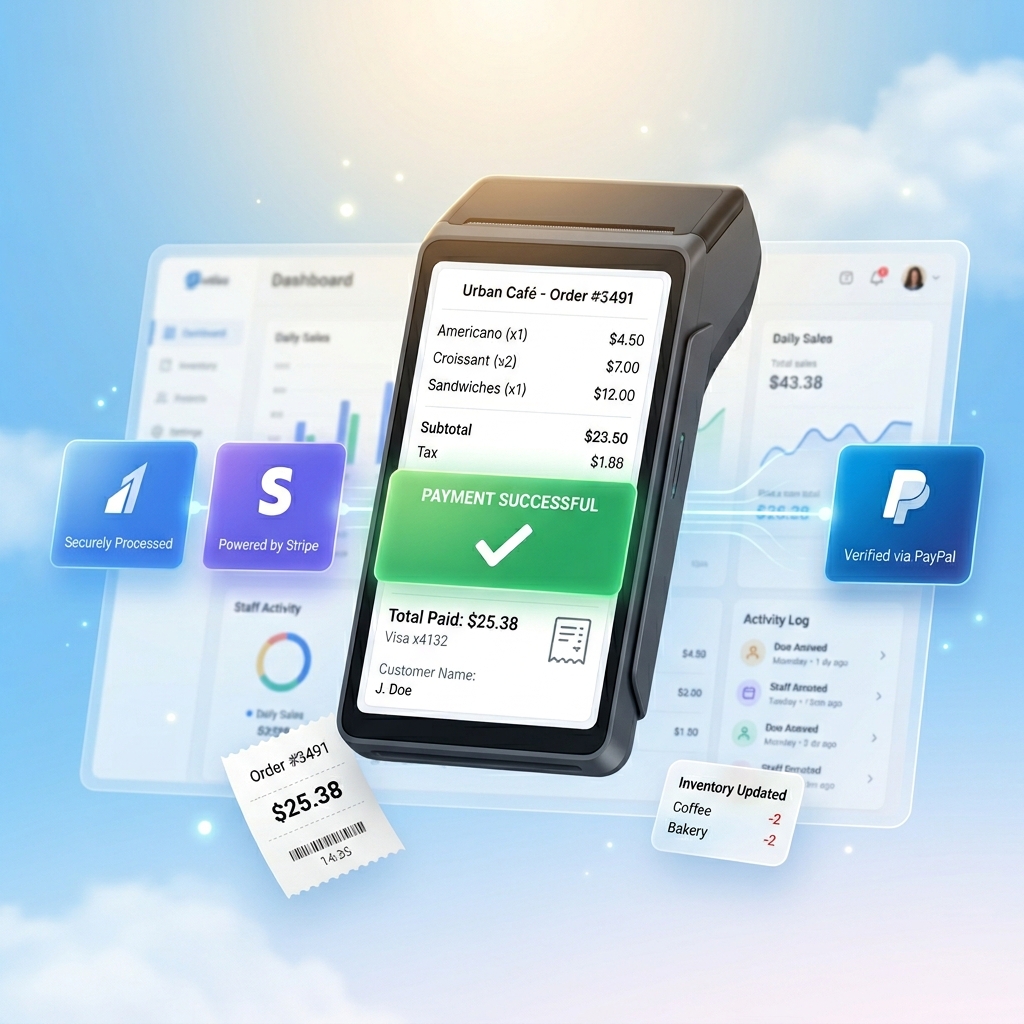
Payment Gateway and POS
Enable seamless payments and power your operations with POS.
Support Razorpay, Stripe, and PayPal
Manage inventory, sales, and staff in one place
Reduce manual work and syncing errors
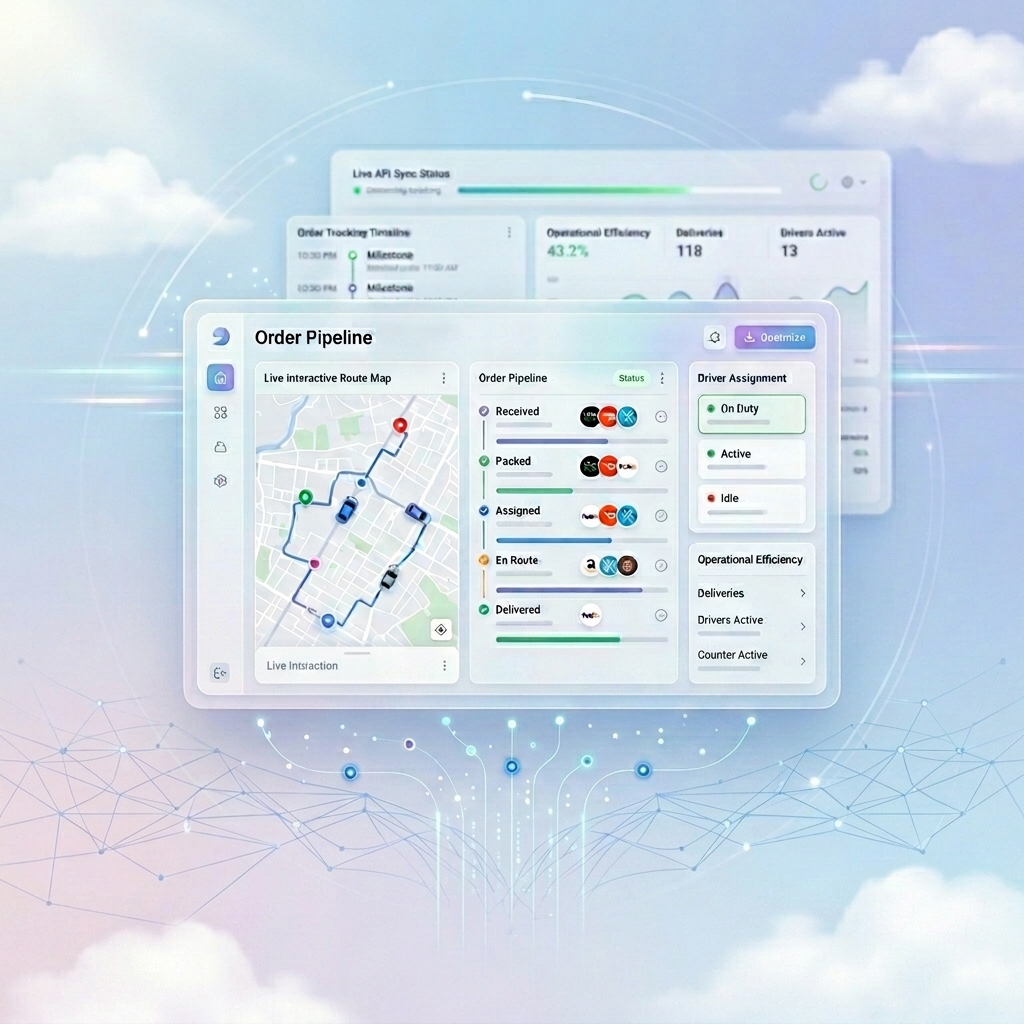
Delivery Operations
Manage delivery partners and orders from one unified system.
Integrate delivery platforms via API using simple prompts
Automate order routing and tracking
Keep operations synced in real time
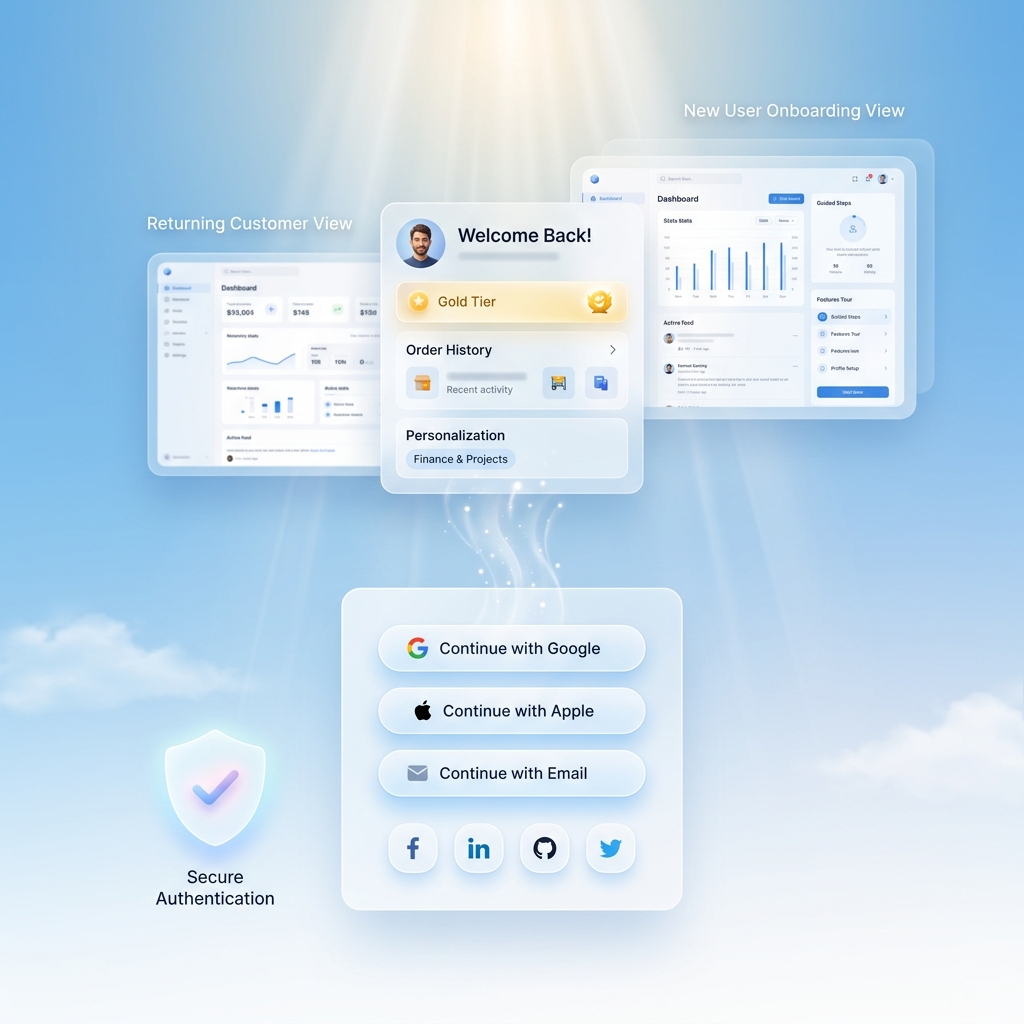
User Login and Auth
Enable secure user accounts to improve customer experience and retention.
Login via Google, Apple, social, or email
Manage profiles and track orders
Enable loyalty and personalized experiences
Automate Your Restaurant Operations
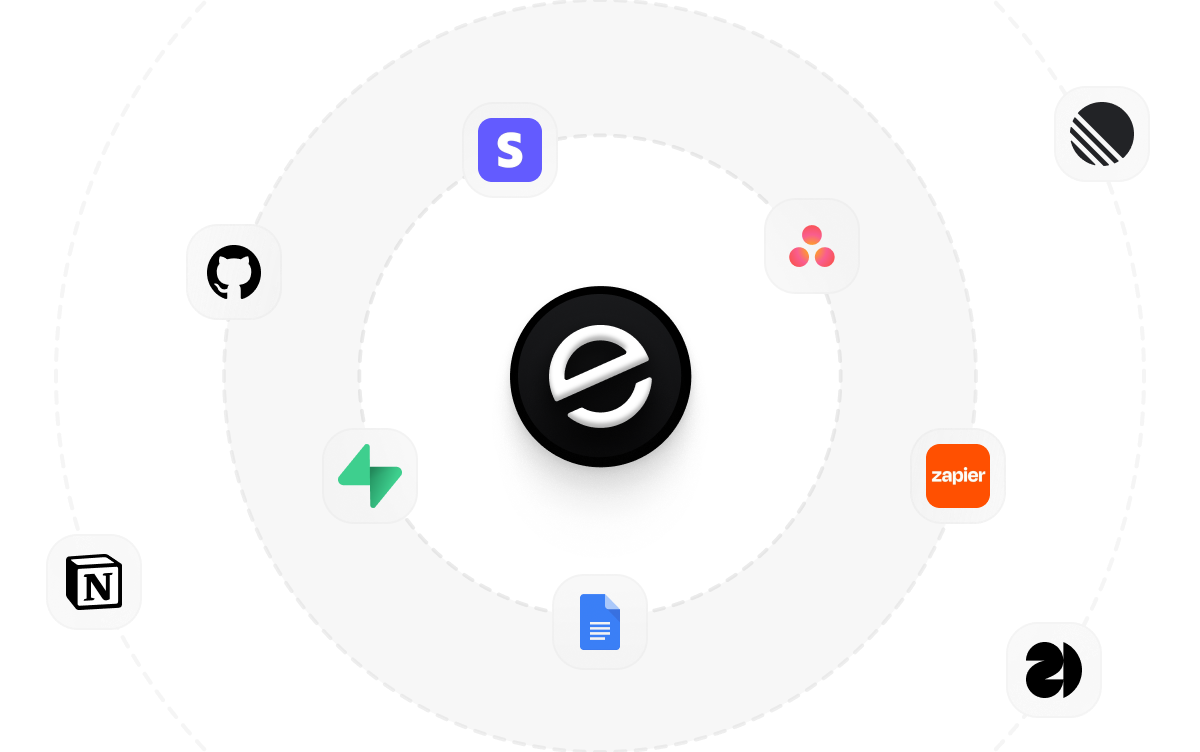
Emergent integrates seamlessly with the tools you already use, powered by an AI Integration Agent that handles setup and workflows in minutes, allowing you to connect any third-party service and define how they work together using simple prompts, all within an open ecosystem so you’re never locked into limited tools or rigid systems.
How to Create a Restaurant Website
Follow these steps to build and launch your Restaurant website from scratch, while turning it into direct revenue and ordering systems:
01
Choose a restaurant website building method
You can hire a developer, use a traditional website builder, or use an AI-powered website builder.
02
Make sure it supports all essential features
Ensure it enables you to design the website, manage online ordering and reservations, select payment gateways, and offer exclusive rates. Also, ensure it supports clean integration of third-party operational, delivery, and POS systems.
03
Build your restaurant website
Design your restaurant website, create menu pages, and set up the overall layout.
04
Set up payment and checkout options
Enable multiple secure payment gateways, so your customers can book reservations and order online using different payment methods.
05
Publish your website
Launch your restaurant website and make it live for customers.
06
Test your website before promotion
Run a thorough test of your live site, following the customer journey, to ensure that everything works. Check for functionality, aesthetic consistency, speed and user-friendliness.
07
Promote your website
Market your restaurant website by leveraging different options, including SEO, social media, and advertisements, to attract as many customers as possible.
Grow, Scale, and Dominate Your Restaurant Market
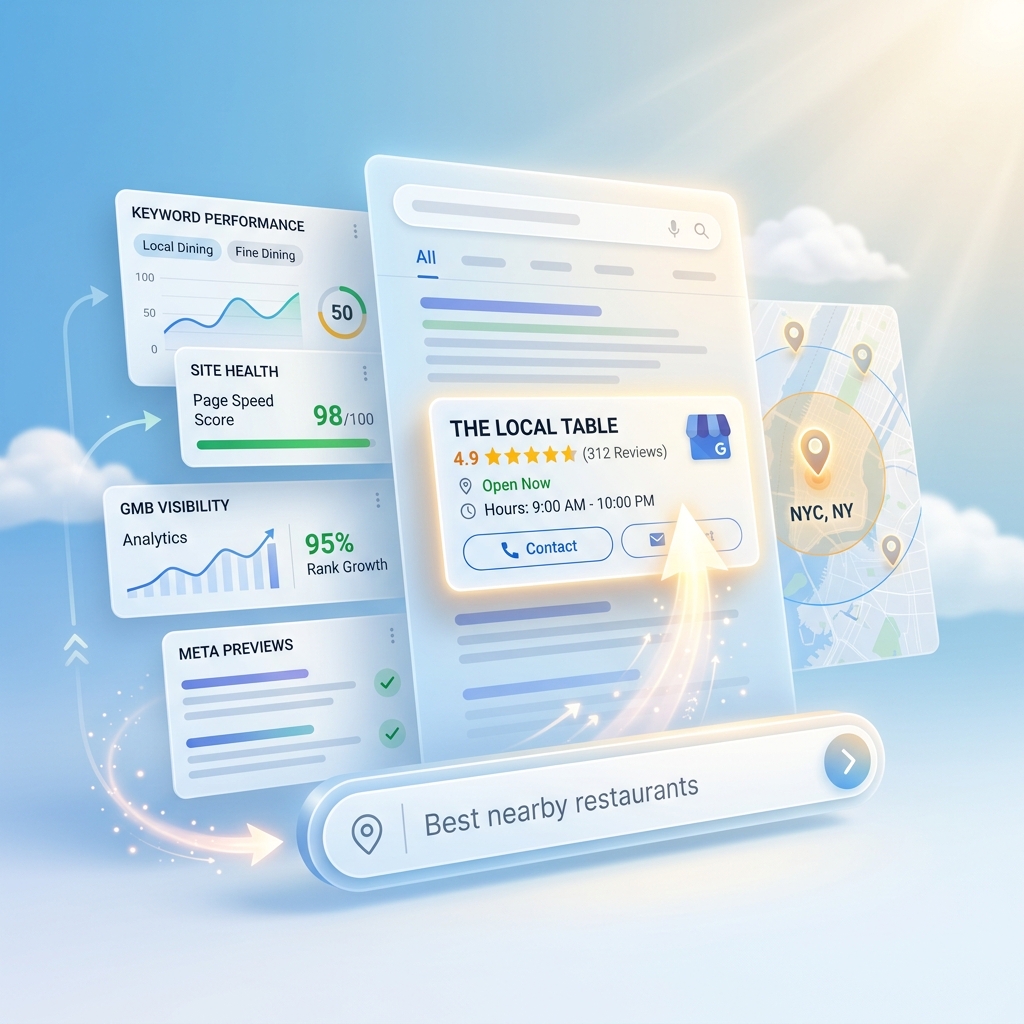
Optimize for Local Search Visibility
Ensure your restaurant appears in nearby searches with SEO-optimized pages and an updated GMB profile to attract high-intent customers.
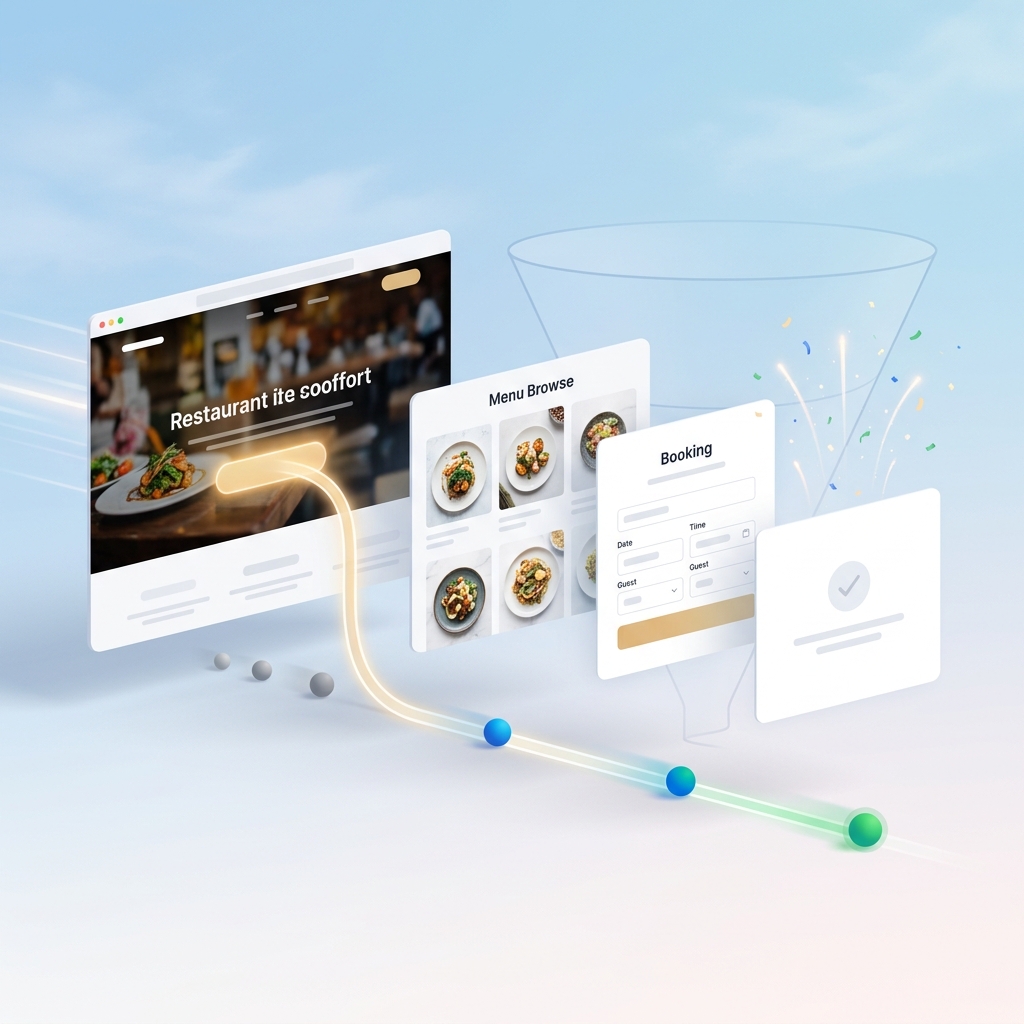
Turn Visitors into Paying Customers
Use clear CTAs, menus, and booking flows to convert website traffic into direct orders and reservations.

Drive Repeat Orders with Promotions
Run targeted offers, loyalty programs, and seasonal promotions to bring customers back and increase lifetime value.
Pick The Pricing Plan That Works for You
Frequently Asked Questions
Got Questions? We've Got Answers
What is a restaurant website?
A restaurant website is a platform that enables restaurants to update and showcase menus, handle reservations and orders, and communicate information like locations, operating hours, and promotions or offers.