

Build a Wiki Website That Turns Team Knowledge Into One Living Reference with AI
Create your wiki website in minutes with AI. Run wiki articles, category trees, revision history, and contributor access without coding.










Why Emergent for Wiki Websites?
Teams bury answers in chat threads and personal drives, then lose them entirely when the person who knew leaves. On Emergent, describe what you need and it builds your wiki website.
| Traditional Builders |  |
|
|---|---|---|
| Creation & Setup | Knowledge buried across chat threads, drives, and departed employees | Fully customizable wiki website created instantly using plain English prompts |
| Design | Limited design flexibility | AI-driven, personalized design layouts that match your brand |
| Article Logic | No cross-linked pages or template-consistent articles | Handle articles and linking natively using prompts |
| Custom Domain | Requires purchasing a domain and manual DNS configuration setup | Just share your domain. We handle DNS setup with SSL included |
| Time to Launch | Weeks of wiki software with third-party plugins | Launch in just a few minutes to hours |
| Payment & Checkout | Limited plugins and integrations | Accept global payments in any currency by connecting gateways with API keys |
| History Logic | Edits overwriting edits with no record of what changed | Handle history through prompts |
| SEO | Basic tools with heavy manual effort | Improve SEO instantly using prompts. No technical setup needed |
| Scaling | Limited scalability with performance constraints and risk of data loss | Scale your website anytime by reopening the chat and expanding with prompts |
| Maintenance & Updates | Requires manual updates, bug fixes, and ongoing management | Easily update and improve your website anytime using simple prompts |

What a Living Wiki Website Unlocks

The same question stops getting answered twice
Article services with template-consistent pages and cross-link suggestions replace freeform chaos, so the same question stops getting answered twice and the onboarding hire self-serves what used to cost a senior's afternoon.

A thousand entries stay as navigable as ten
Category services with browsable topic trees and breadcrumb paths replace flat lists, so a thousand pages stay as navigable as ten and the procedure written in year one surfaces in year four.

Every edit adds without ever destroying
Revision services with compared version diffs and restore points replace overwrite roulette, so every edit adds without ever destroying and the paragraph deleted in March comes back the day someone needs it.

More hands improve the wiki instead of breaking it
Access services with role-scoped permissions and review gates replace open-edit anxiety, so more hands improve the wiki instead of breaking it and the intern's draft strengthens the canon after review instead of bypassing it.
How Emergent Turns Your Idea Into a Website
Create a wiki website that runs wiki articles, category trees, revision history, and contributor access without fragmented tools.





A Real Knowledge Platform Beyond Chat Scrollback
Manual answer hunting retires quietly always.

End-to-end app development for your business
Turn ideas and spreadsheets into fully functional internal apps your team can actually use, not just plan on paper.
 Describe, don’t code:Write what you need in plain language and instantly generate the layout, components, and logic.
- Full UI in one go:Create full pages with forms, tables, filters, and charts in a single automated pass.
- Use the data you already have:Connect your spreadsheets or datasets quickly and turn them into interactive dashboards.
Articles structure through template-consistent pages
Freeform documents drift into chaos. Article services with template-consistent pages and cross-link suggestions structure knowledge through formats readers navigate on instinct.
- Template-consistent pages
- Cross-link suggestions
- Table of contents
- Media embedding

End-to-end app development for your business
Turn ideas and spreadsheets into fully functional internal apps your team can actually use, not just plan on paper.
- Describe, don’t code:Write what you need in plain language and instantly generate the layout, components, and logic.
- Full UI in one go:Create full pages with forms, tables, filters, and charts in a single automated pass.
- Use the data you already have:Connect your spreadsheets or datasets quickly and turn them into interactive dashboards.
Categories nest through browsable topic trees
Flat page lists hide the archive. Category services with browsable topic trees and breadcrumb paths nest knowledge through hierarchies that scale past a thousand pages.
- Browsable topic trees
- Breadcrumb paths
- Uncategorized flags
- Tree reorganization

End-to-end app development for your business
Turn ideas and spreadsheets into fully functional internal apps your team can actually use, not just plan on paper.
- Describe, don’t code:Write what you need in plain language and instantly generate the layout, components, and logic.
- Full UI in one go:Create full pages with forms, tables, filters, and charts in a single automated pass.
- Use the data you already have:Connect your spreadsheets or datasets quickly and turn them into interactive dashboards.
Revisions track through compared version diffs
Overwritten edits erase institutional context. Revision services with compared version diffs and restore points track every change through history nobody loses.
- Compared version diffs
- Restore points
- Editor attribution
- Change summaries

End-to-end app development for your business
Turn ideas and spreadsheets into fully functional internal apps your team can actually use, not just plan on paper.
- Describe, don’t code:Write what you need in plain language and instantly generate the layout, components, and logic.
- Full UI in one go:Create full pages with forms, tables, filters, and charts in a single automated pass.
- Use the data you already have:Connect your spreadsheets or datasets quickly and turn them into interactive dashboards.
Contributors edit through role-scoped permissions
Open editing invites accidental damage. Access services with role-scoped permissions and review gates let contributors edit through boundaries that protect the canon.
- Role-scoped permissions
- Review gates
- Draft workspaces
- Edit notifications
Connect Your Knowledge Stack

Articles & Categories
Coordinate wiki articles and category trees across one knowledge workspace
- Wiki article services
- Category tree engines
- Cross-link APIs

History & Access
Sync revision history and contributor access across every knowledge cycle
- Revision history tools
- Contributor access services
- Diff comparison APIs

Payments & Operations
Connect Stripe, PayPal or Razorpay and operational tools through APIs
- Payment infrastructure
- Subscription tools
- Knowledge ops systems
Knowledge And Contributors, Connected
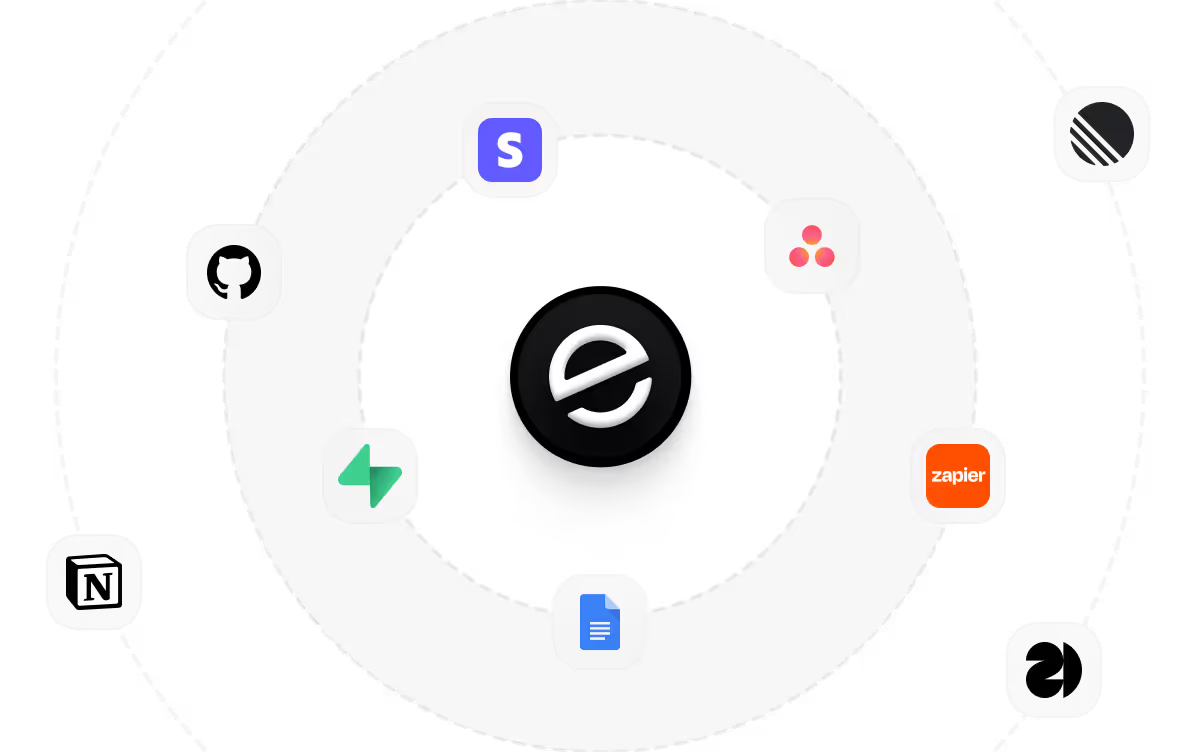
Knowledge coordination fragments across chat threads and departed-employee drives, so Emergent connects external tools through APIs and knowledge motion aligns across every operating documentation sprint cleanly.

How to Create a Wiki Website
Create a wiki website that manages wiki articles, category trees, revision history, contributor access, and knowledge operations from one platform.
01 Choose the right website building approach
You can hire a developer, use a traditional website builder, or use an AI-powered platform like Emergent. AI website builders help teams launch and manage wiki sites without technical complexity or extended development timelines.
02 Plan your article and access workflows
Decide how articles should template, how categories should nest, how revisions should track, how contributors should edit, and how readers should find answers before building.
03 Build your wiki website
Describe your knowledge domains, category structure, contributor roster, and editing rules, and the website is generated around how your team actually documents.
04 Add knowledge systems and access workflows
Set up wiki articles, category trees, revision history, and contributor access so answers live in one findable place and edits never destroy what came before.
05 Connect payments and operational tools
Connect payment gateways like Stripe, PayPal, or Razorpay alongside wiki article services, category tree engines, revision history tools, and notification infrastructure to support knowledge operations. On Emergent, these systems can be connected easily through APIs.
06 Test the website before publishing
Check wiki articles, category trees, revision history, contributor access, mobile performance, and reader experience before launch.
07 Publish and grow your wiki website
Launch the website and continue managing articles, categories, and contributors as knowledge compounds.
Retire Chat-Thread Answers And Departed-Employee Drives
A team whose answers live in scrollback and personal folders re-solves the same problem every quarter. A platform where articles, categories, history, and access connect ends the drift.
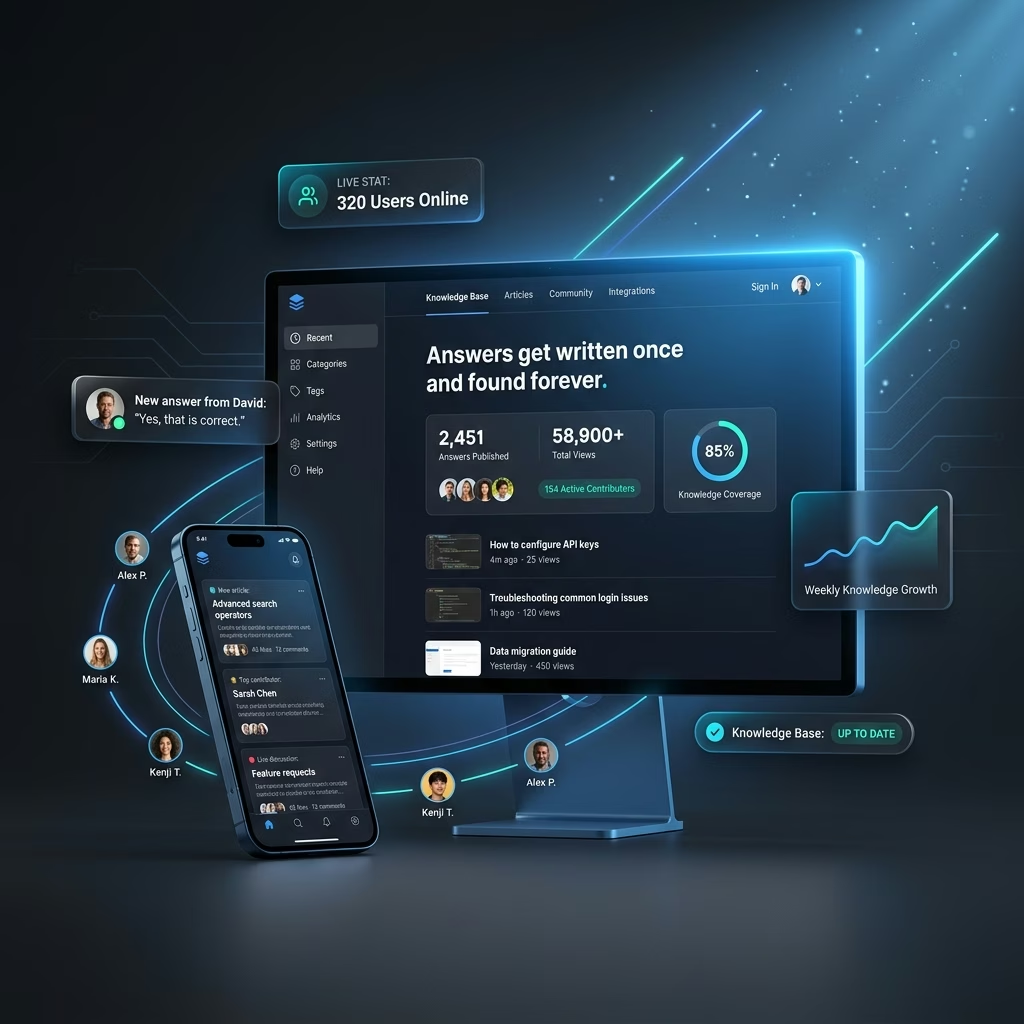
Answers get written once and found forever
Re-explained processes drain senior time. Permanence services with searchable articles and cross-linked pages answer the next asker first.

Institutional memory survives every departure
Leaving employees take undocumented knowledge along. Continuity services with captured procedures and ownerless articles outlast turnover.
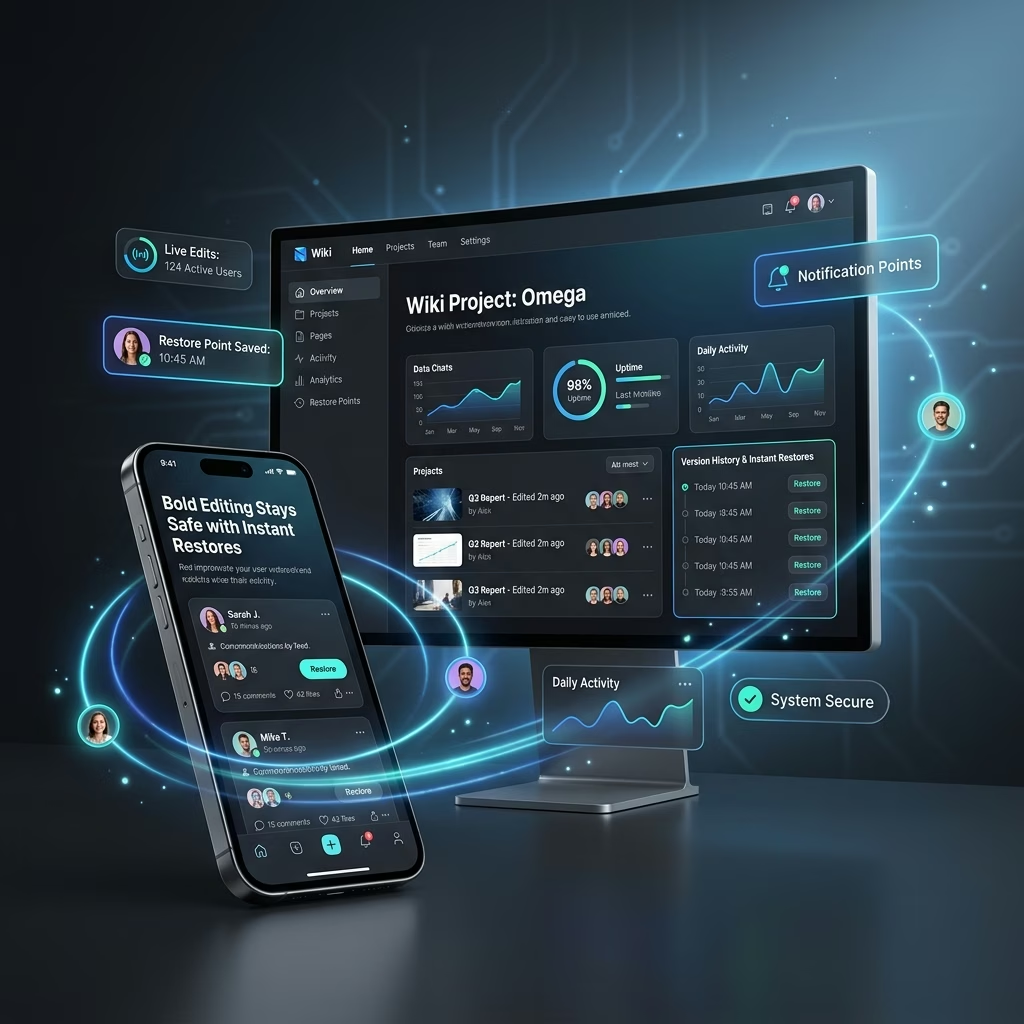
Bold editing stays safe with instant restores
Overwrite fear freezes documentation updates. Safety services with tracked revisions and one-click restores keep prior versions recoverable.
Pick the Pricing Plan That Works for You
Choose a pricing plan that supports your articles, categories, contributors, and growing wiki website.
No credit card required*


Frequently Asked Questions
Your Questions, Answered
Don't change this element unless you know what you are doing
on Emergent today




