


Build a CRM that works the way your team does, using AI
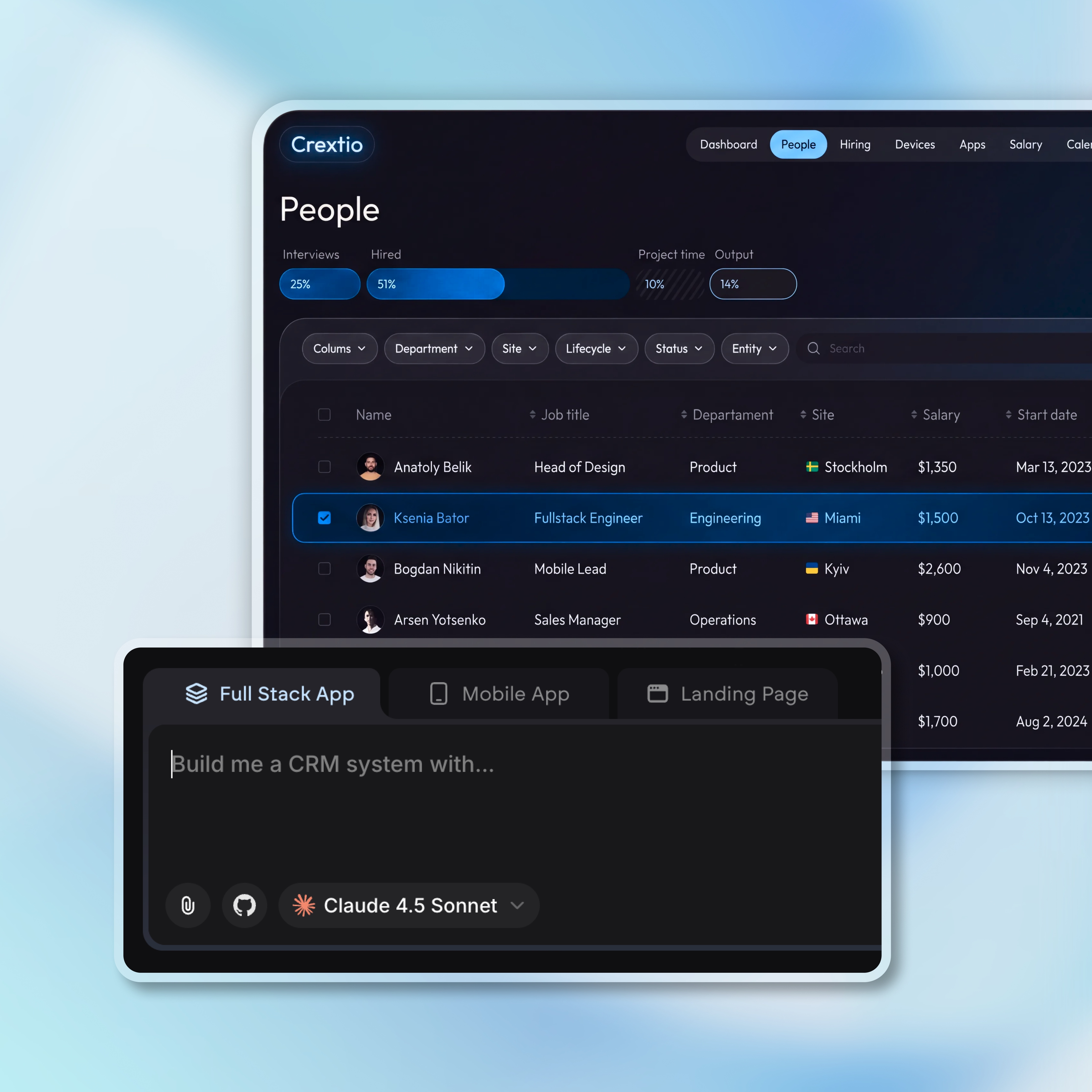
Describe how your team tracks leads, deals, or customers and Emergent builds a working CRM around it. Change anything later just by asking. No code needed.





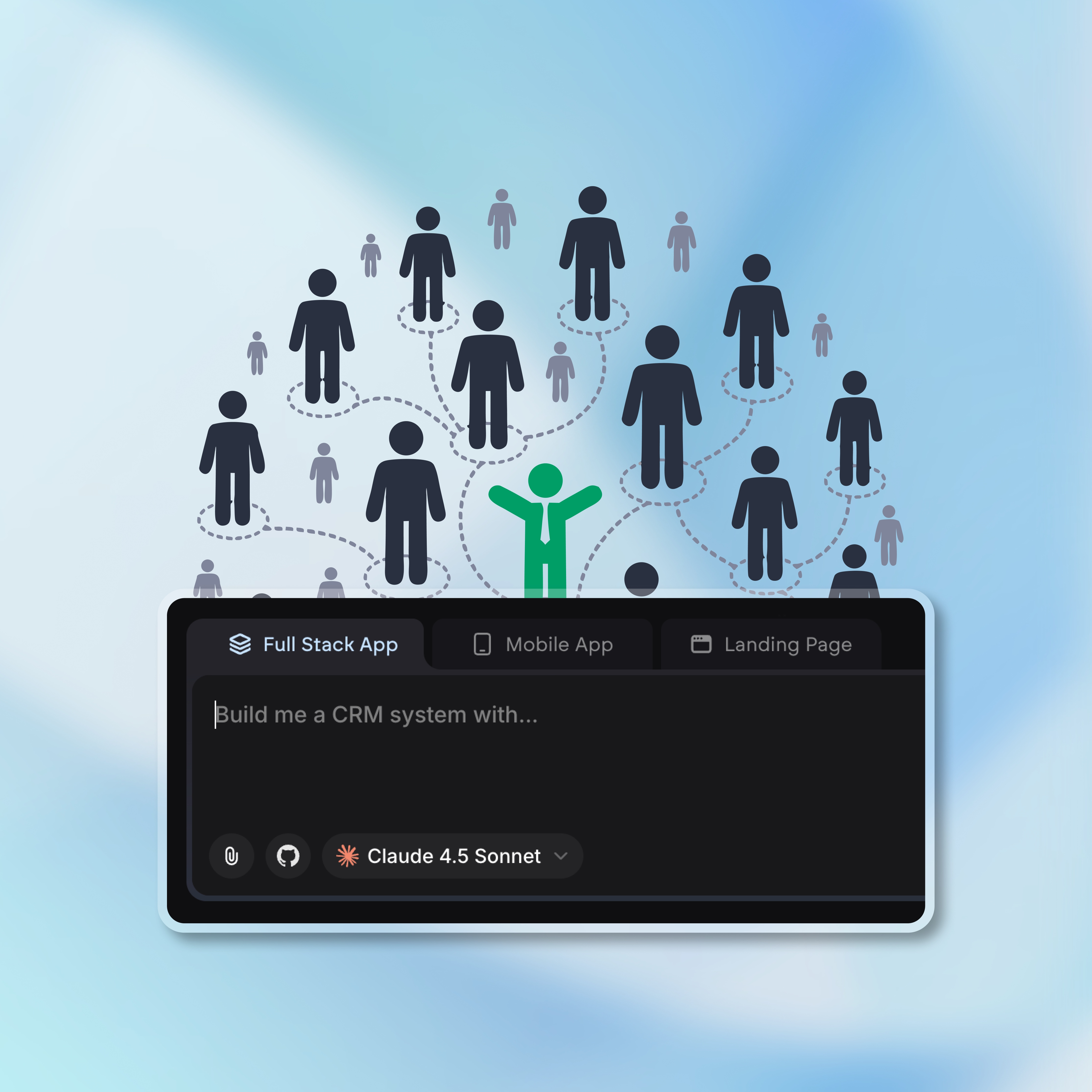
Anyone on your team can build a CRM
Teams with non technical skills
Founders without engineering resources
Enterprises cutting engineering dependencies

Emergent Key Features for Building a CRM
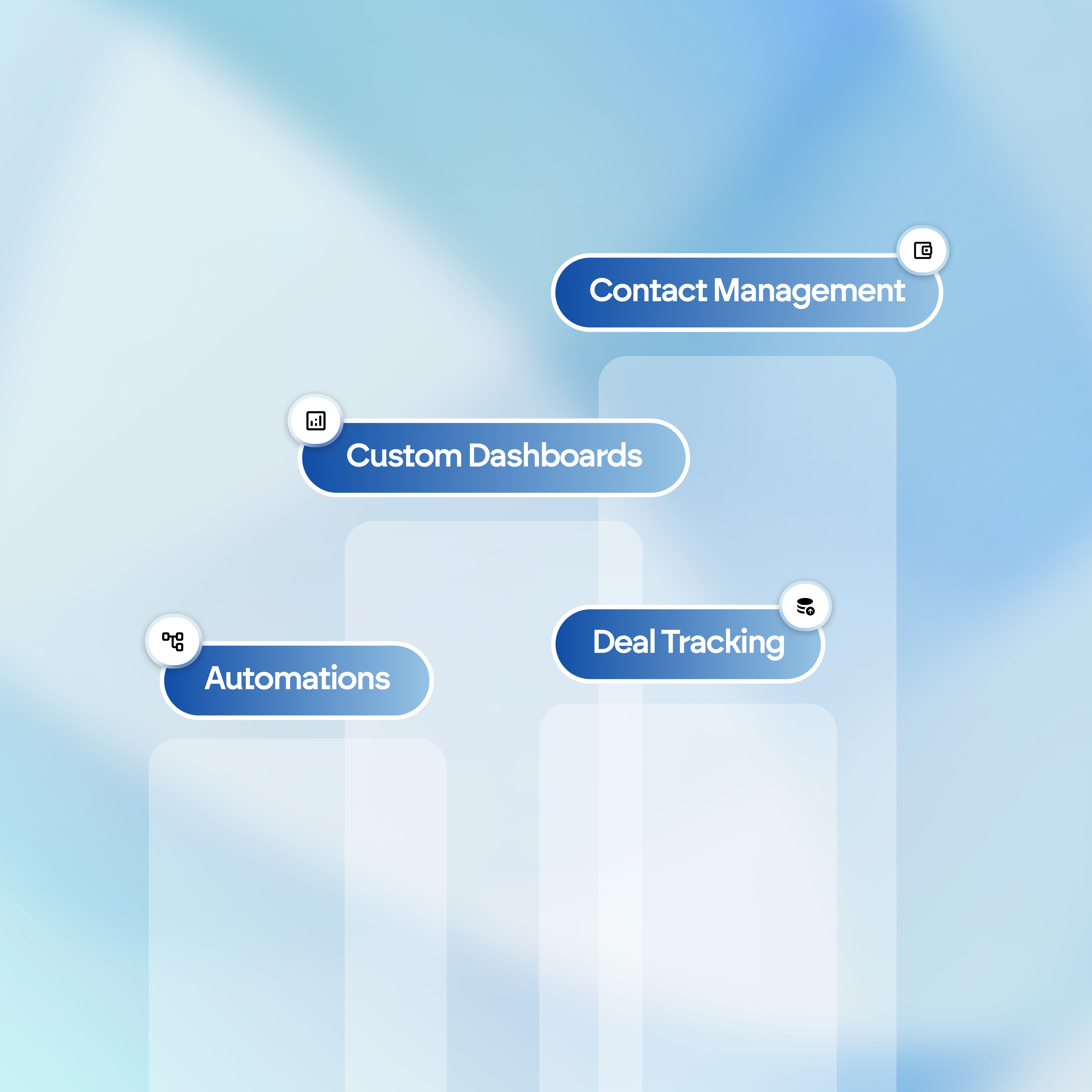
From screens and workflows to integrations and security, just describe how your team works. Emergent builds the structure, logic, and controls automatically.

- Use the data you already have:Connect your spreadsheets or datasets quickly and turn them into interactive dashboards.
Design your CRM by describing it. Skip the setup
Tell Emergent what you want and it builds the screens, forms, and views for you. No templates, no drag-and-drop, no design skills needed.
- Build pages, forms, tables, and filters from a single prompt
- Get a clean, consistent interface from the start
- See it work across desktop, tablet, and mobile
- Restyle or rearrange any section just by asking
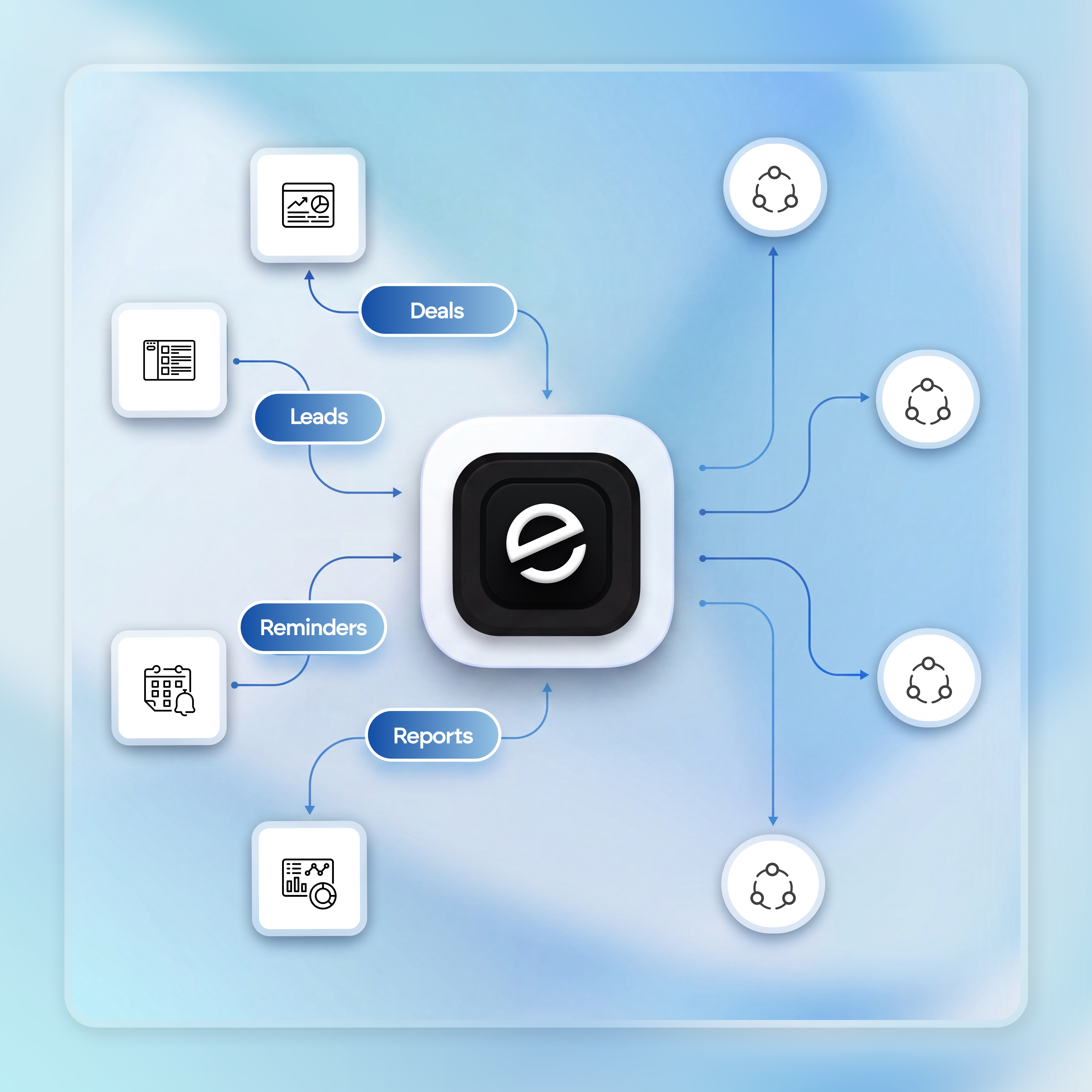
Automate the busywork. Let your CRM run itself.
Your CRM should handle the repetitive work, not your team. Describe what should happen and Emergent builds the workflow, no formulas or developers needed.
- Auto-assign and route new leads as they come in
- Trigger follow-ups and reminders on time
- Move deals between stages when conditions are met
- Generate reports and summaries automatically

Connect your tools. Keep everything in sync.
Name the tools your team already uses and Emergent links them to your CRM. No copy-paste, no exports, no data drifting out of date.
- Sync email and calendar in one place
- Connect payments and billing tools
- Import contacts from sheets and datasets
- Link anything else through APIs and webhooks
Secure by default. Control who sees what
Protecting customer data shouldn't be your job to figure out. Every CRM you build comes with protection in place from the first version.
- Secure login built in from day one
- Role-based access for every team member
- Data encrypted by default
- Decide who can view and edit each record





Integrations that fit your CRM stack
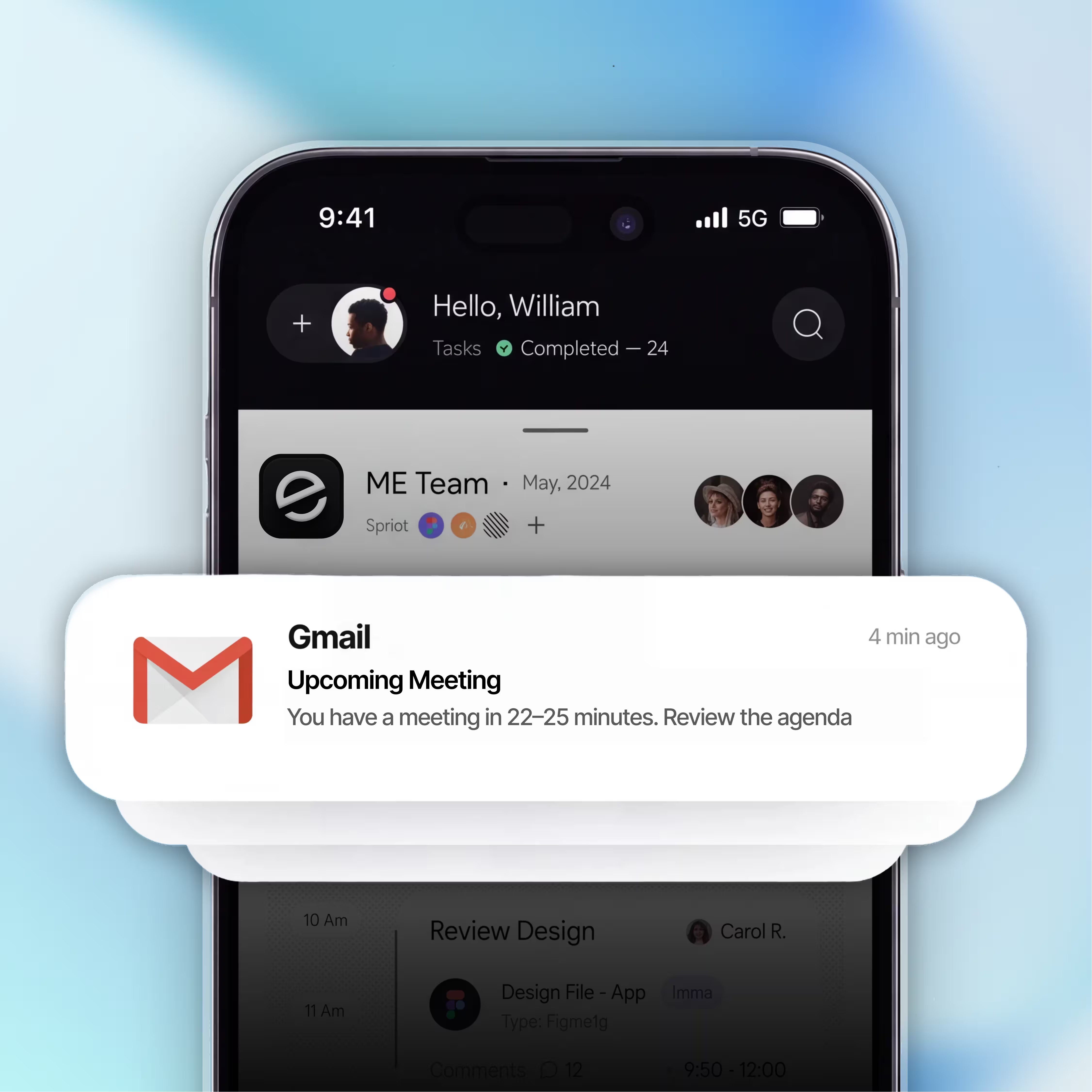
Email & Calendar
- Sync emails to contacts automatically
- Log meetings and calls in one place
- Schedule follow-ups without leaving your CRM
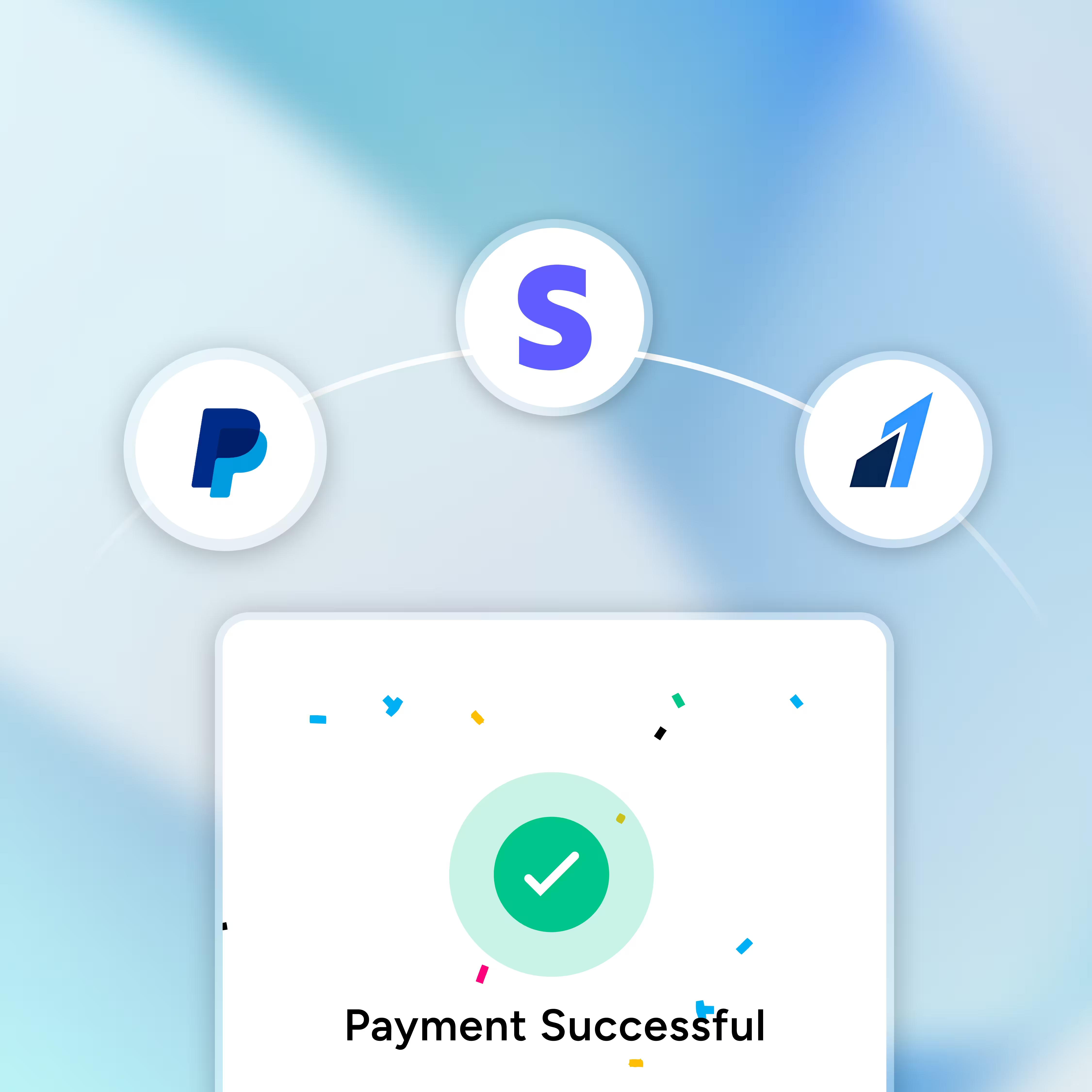
Payments & Billing
- Connect trusted payment gateways easily
- See payment status on every deal
- Manage invoices and recurring billing
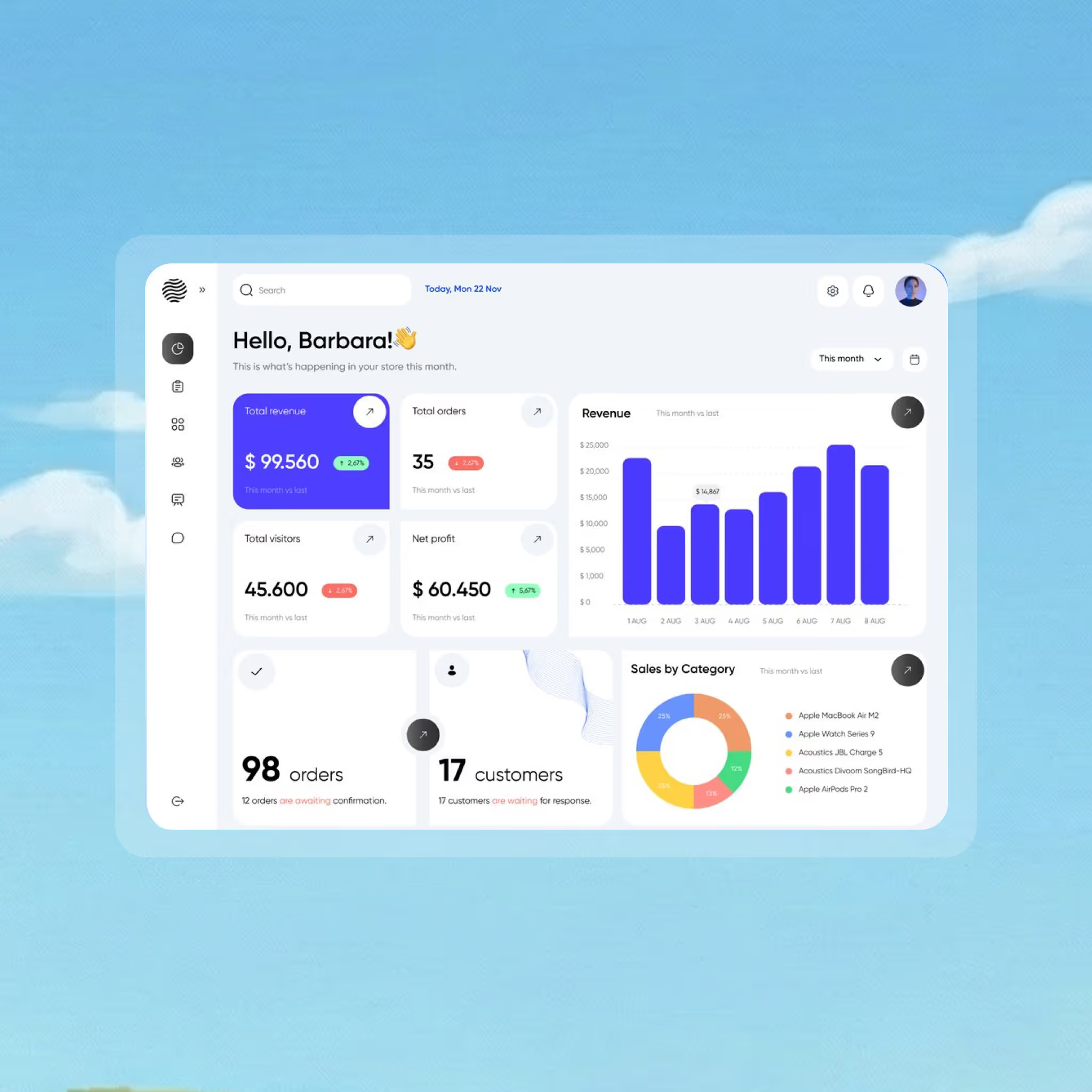
Automation & Reporting
- Connect thousands of apps in a few clicks
- Trigger actions across your tools automatically
- Turn CRM data into dashboards and reports
Connect the tools your CRM needs
Whatever you use, your CRM can talk to it. Emergent is open by design, so any third-party tool with an API or webhook can plug in. No closed ecosystem, no being boxed into a fixed set of integrations.

How to Build a CRM?
Follow these simple steps to plan, build, and launch your website.
Choose your approach. You can hire a developer, adapt a template CRM, or use an AI builder like Emergent that creates your CRM from a simple description.
List the people you manage and the stages they move through, like leads to deals or applicants to hires. This becomes the backbone of your CRM.
Decide what you need to track for each record, such as names, companies, deal value, or status. These fields shape how your CRM stores and organizes information.
Set up the stages, lists, and boards your team will work in day to day. With Emergent, you describe the pipeline you want and it builds the screens and logic for you.
Put the repetitive work on autopilot, like assigning leads, sending follow-ups, and updating stages. With Emergent, just describe what should happen and when.
Link the apps your team already uses, such as email, calendar, and payments, and connect your own custom domain so your CRM lives on a web address you own. For anything else, connect it through an API to keep everything in sync.
Publish your CRM, invite teammates with the right access, and keep refining as you grow. Add fields, stages, and views anytime by describing the change.
Pick the Pricing Plan That Works for You
Choose the plan that fits your building ambitions. From weekend projects to enterprise applications, we've got you covered.




Find the Right CRM for
Your Business
Frequently Asked Questions
Building a CRM? Here’s what you need to know
No. You describe what your CRM should do in plain language, and Emergent builds the screens, database, and logic for you. If you can explain how your team works, you can build it.
Most people go from idea to a working CRM in hours, not weeks. You start with a description, see a working version quickly, and refine it from there.
Yes. Connect a spreadsheet or dataset and Emergent turns it into structured records inside your CRM, so you don't start from scratch.
Yes. Your CRM is built around your process from the start, and you can change fields, stages, pipelines, and views anytime just by describing what you need.
Yes. Invite teammates and assign roles so each person sees and edits only what they should. Role-based access is built into every CRM you create.
Every CRM comes with authentication, role-based access control, and encryption built in, so your data and your customers' data stay protected from the first version.
Yes. Sync tools like email, calendar, and payments, and connect almost any other app through APIs and webhooks. Emergent is open, not a closed ecosystem.
Yes. Describe what should happen and when, and Emergent builds the workflow, from auto-assigning leads to sending follow-ups and generating reports.
Yes. You own the code and the database Emergent generates, and you're free to host, modify, or export your CRM however you choose.
Anytime. Add a new stage, field, automation, or integration just by describing the change. Your CRM keeps pace with your business as it grows.
on Emergent today




