

Build a landing page with AI. Own every lead.
Describe the campaign, the audience, and the offer. Emergent's AI landing page builder writes the page, wires the form to a database you own, and publishes it on your domain. No editor to learn. No page-count tiers.





Trusted by Builders Worldwide
Active Builders Worldwide
Apps Successfully Created
Countries Globally Reached



What other landing page builders gate or meter
Where Emergent differs from Unbounce, Landingi, and site builders used as landing page tools.

Own the database behind your leads.
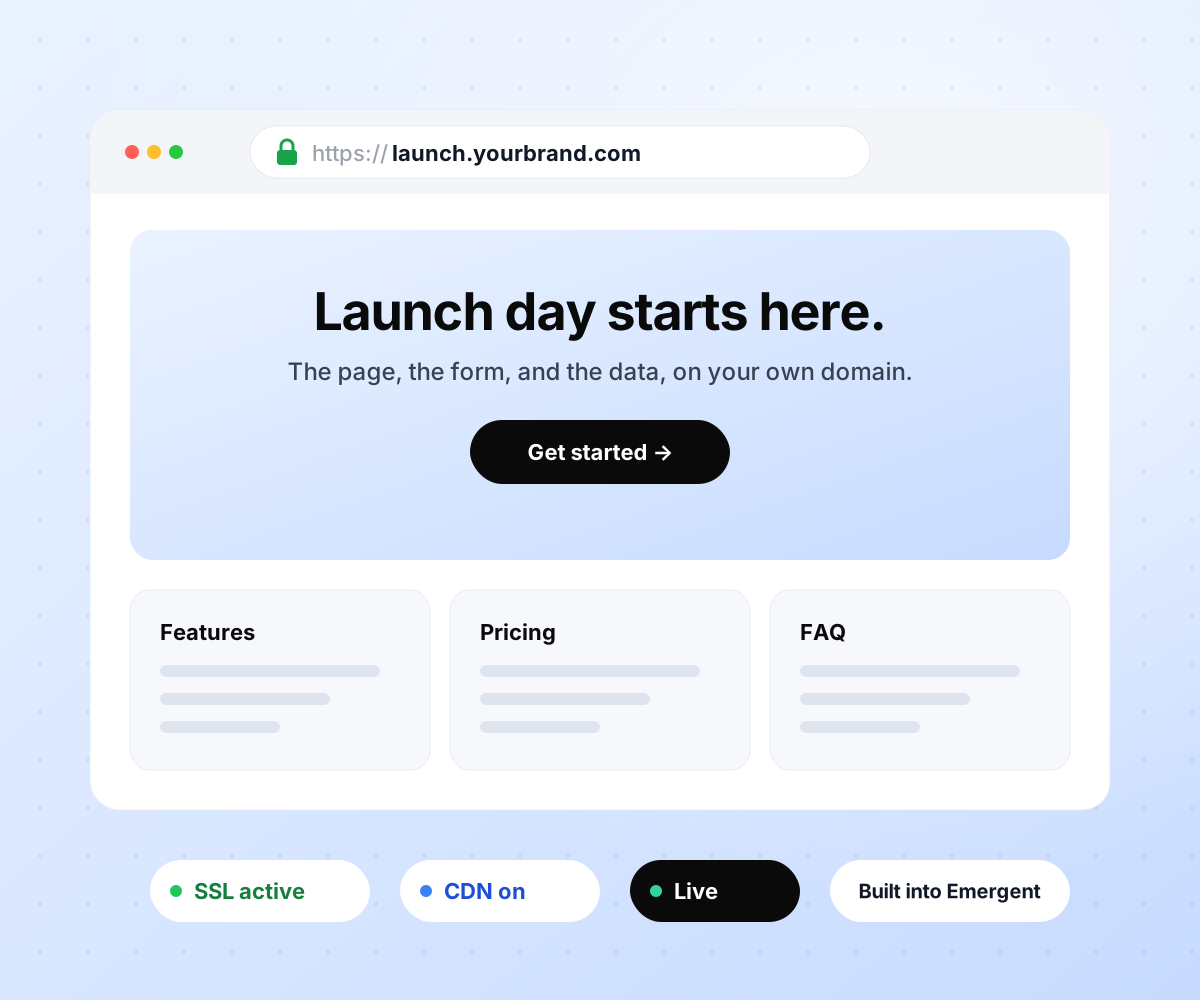
Publish on your own domain from day one.
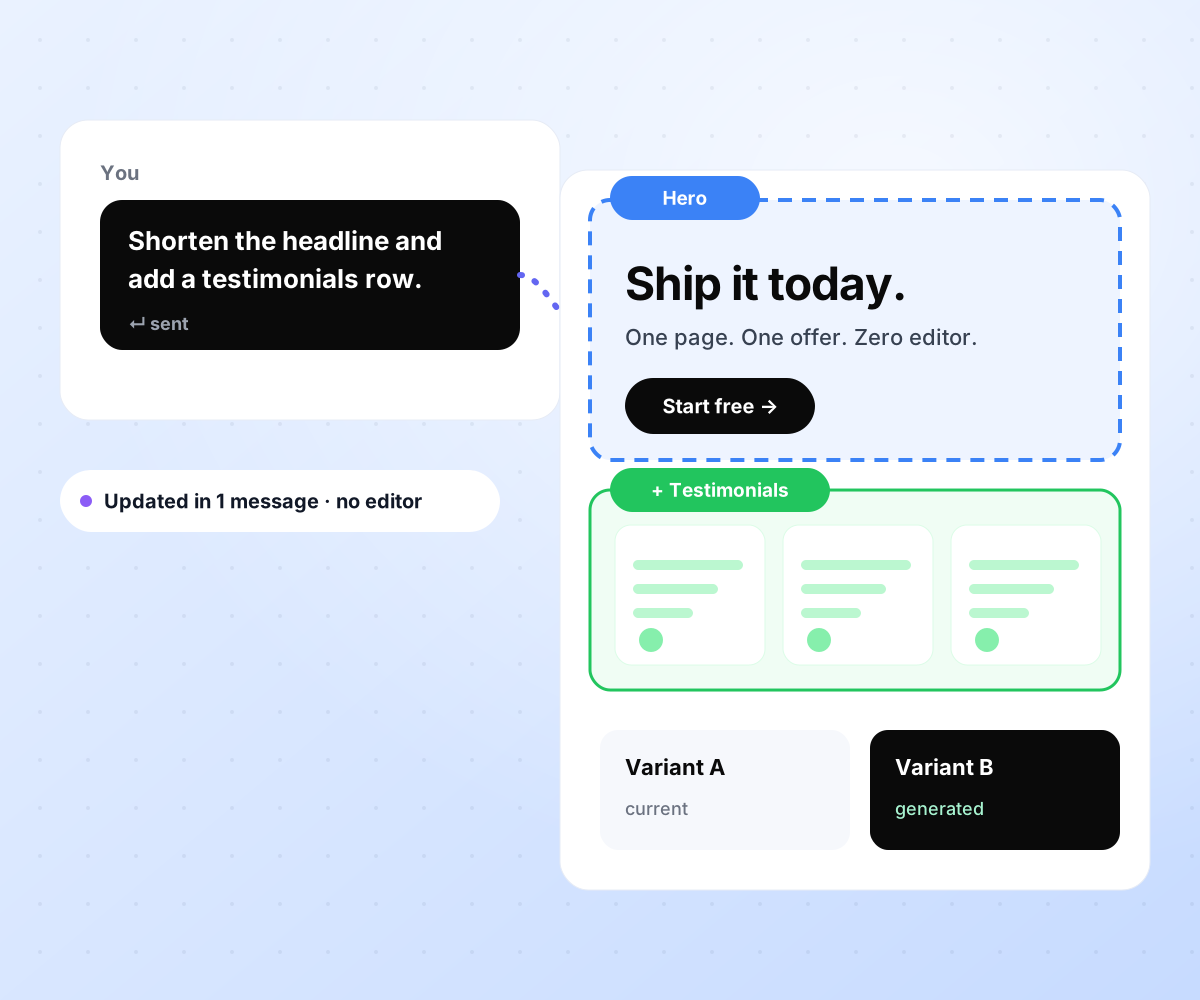
Change any section with one message.

Everything a landing page needs, in one build
No plan gating, no per-lead or per-visitor fees, no paid add-ons for forms or A/B tests.
Prompt to full landing page
Hero, features, social proof, pricing, FAQ, CTA, form, and thank-you state, generated in one pass. Refine any section afterward by describing the change you want in a sentence.
Real form backend, database included
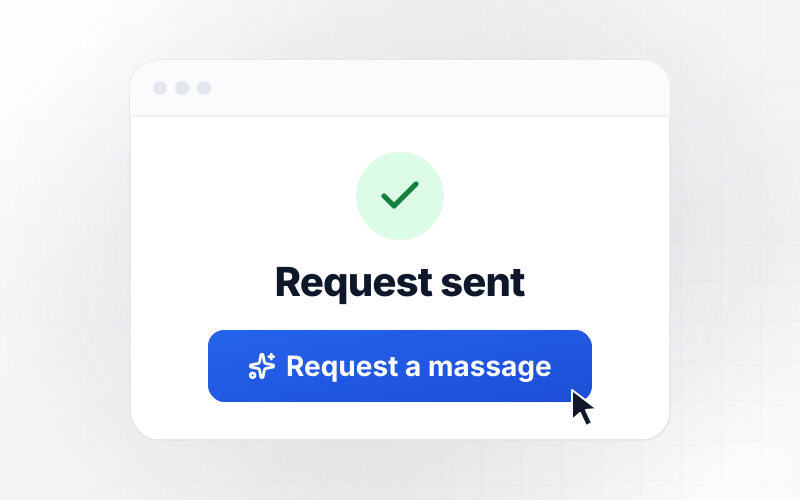
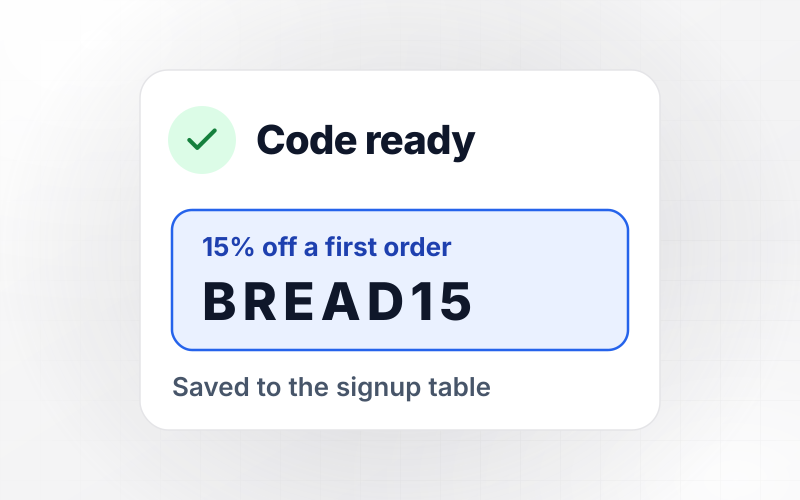
Every form writes to a database in your project that you own. Multi-step, conditional, and calculator forms are all supported, with no response cap and no per-lead pricing.
Publish on your own domain
Connect a custom domain or subdomain; custom domains use credits. SSL, CDN, meta tags, and the OG image are set on publish, with a live URL minutes after the first prompt.
Refine any section by prompting
Rewrite the hero, swap the CTA, or add a testimonials block with one message. Changes happen section by section in chat, and version history lives in your connected repo.
A/B variants from one message
Generate a second variant of the hero, the CTA, or the whole page with one prompt. Publish both, then compare conversion by traffic source in GA4 or any analytics tool you use.
Full code export to your repository
The entire codebase syncs to your GitHub. Keep hosting on Emergent or deploy anywhere, and when you leave, the landing page and every lead it captured leave with you.
Every tool your landing page connects to
Analytics and attribution
Tracking scripts injected on publish, UTMs parsed and stored with every submission, conversion pixels fired on the thank-you page.


Email and CRM
Every submission syncs to the tool your team already works in, with campaign and source attached.







Find the right landing page for you







The best landing page builders, compared
Based on each vendor's published plans, checked September 2026.

|
Unbounce | Landingi / Leadpages / Instapage | AI site builders (Wix, Framer) | |
|---|---|---|---|---|
| How you build | Prompt for a campaign page | Templates and drag-and-drop, AI copy assist | Templates and drag-and-drop, AI assist | Prompt for a full site |
| Where submissions go | A database table you own, plus integrations | Unbounce lead storage and integrations | Vendor lead storage and integrations | Basic contact form to email |
| Visitor limits | No per-visitor pricing | 500/mo on Starter, 20,000/mo on Build, 30,000/mo on Experiment | Tiered by traffic on most plans | Site plan bandwidth |
| A/B testing | Generate variants by prompt | From Experiment plan ($112/mo annual) | Higher plans | Limited or add-on |
| Code ownership | Full export to your repo | Hosted only | Hosted only | Hosted only |
How to create a landing page
Build a landing page that carries one offer to one audience with one action, and a form that writes to a database you own from the first submission.
Hire a developer, use a drag-and-drop landing page creator like Unbounce, or use an AI landing page builder like Emergent. Developers cost the most and take longest. Drag-and-drop tools are quick but store your leads in their own system. AI builders launch fastest and give you the code.
Decide who is landing here, what they came for, and the single action you want from them. A page trying to do two things does neither. The clearer the offer, the shorter the form, the higher the conversion rate at every traffic source.
Lead with the outcome the visitor gets, not the feature you built. Match the headline to the ad or email that brought them. Draft at least three headline variants before choosing one, and keep the others ready for the A/B tests in step seven.
Describe the campaign, the audience, and the offer, and the AI landing page generator builds the page around it. Hero, social proof, benefits, objections, CTA, form, and thank-you state, in the order that converts. Refine any section by describing the change you want.
Wire the form to a database you control, add GA4 and Meta Pixel, and route submissions to HubSpot, Mailchimp, or Slack. On Emergent each of these is a sentence in the prompt. On most other tools, each integration is its own setup.
Check the layout on a phone, submit the form and confirm the record lands in the database, check load speed, and walk through the thank-you flow. Fix anything you find before sending paid traffic to the page; every bug costs conversions.
Connect your domain, confirm the meta title and OG image, and go live. Run the headline variants from step three against each other, watch conversion by traffic source, and iterate weekly while the campaign runs.

Claude Fable 5.1 High vs Low Effort: Which Should You Use?

Claude Fable 5.1 (High) vs. Claude Sonnet 5.5 (High): Which Anthropic Model Should You Use?

Claude Opus 5.5 Low vs GPT-6.1 Sol High: Which Wins?
How to Build an App on Emergent With Emmy
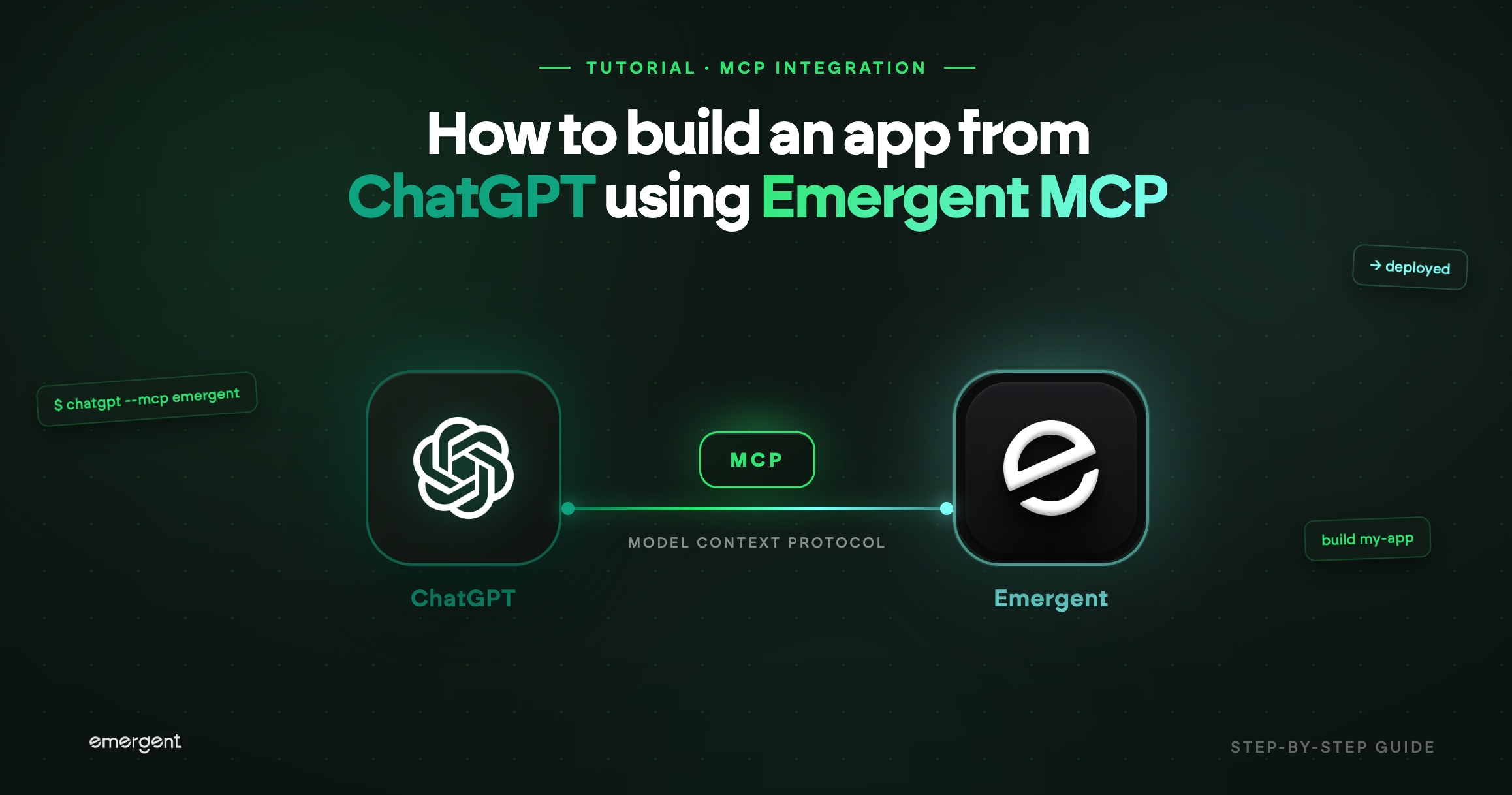
How to Build an App From ChatGPT Using Emergent MCP
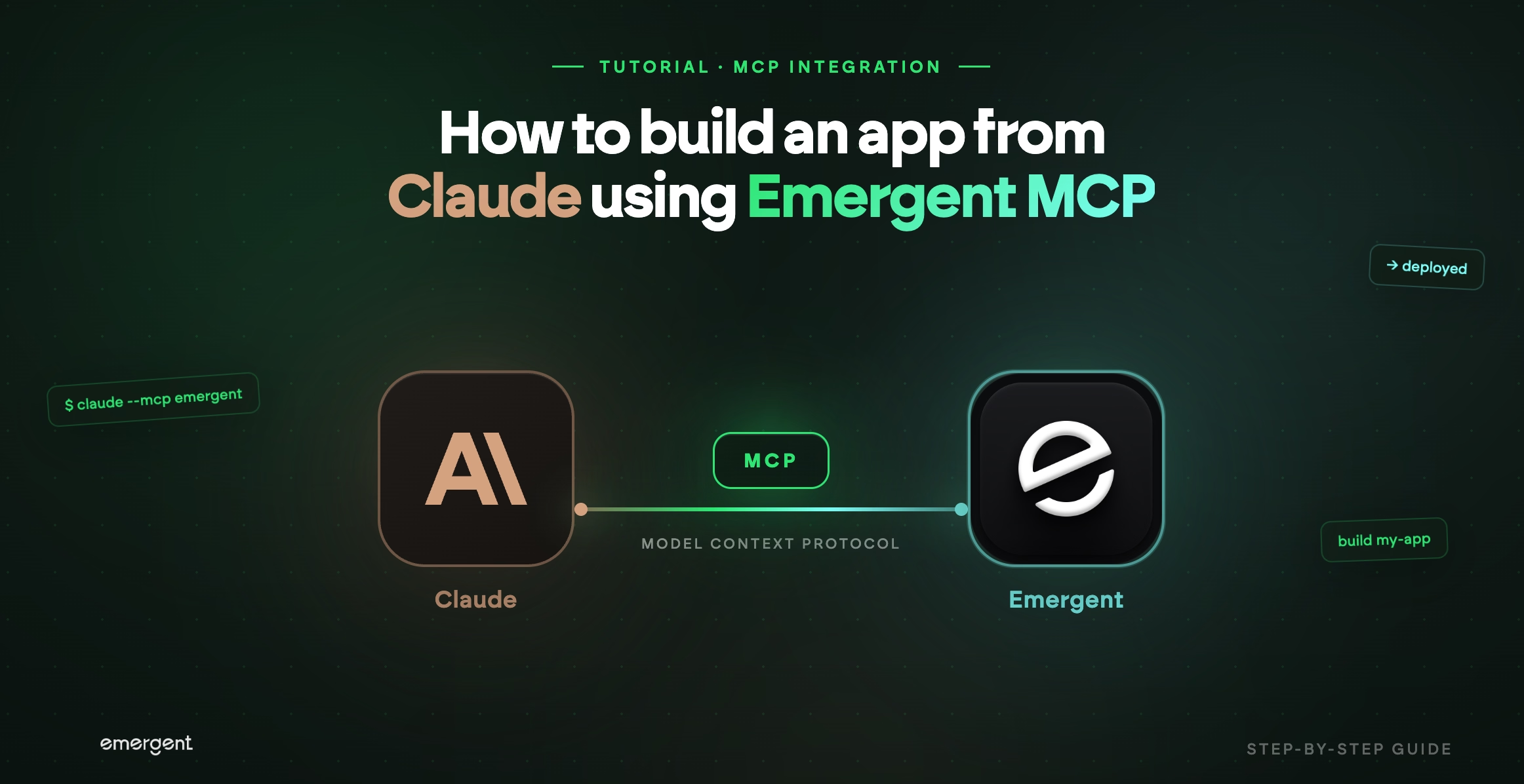
How to Build an App From Claude Using Emergent MCP

Courier Company Built a Booking Portal with an Instant Price Calculator for Private and Business Customers, Without Writing Code
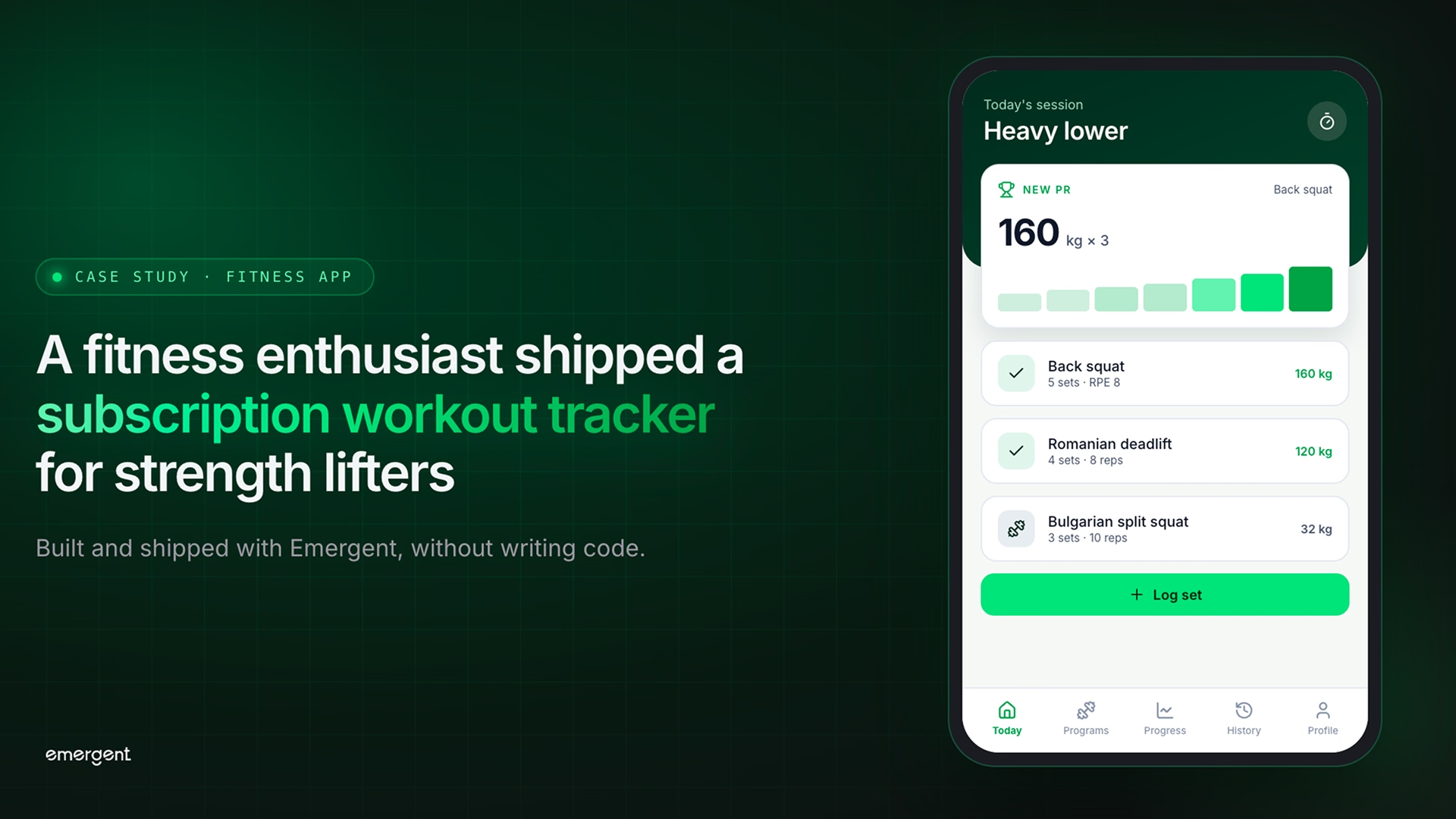
Fitness Enthusiast Built and Shipped a Subscription Workout Tracker for Strength Lifters, Without Writing Code
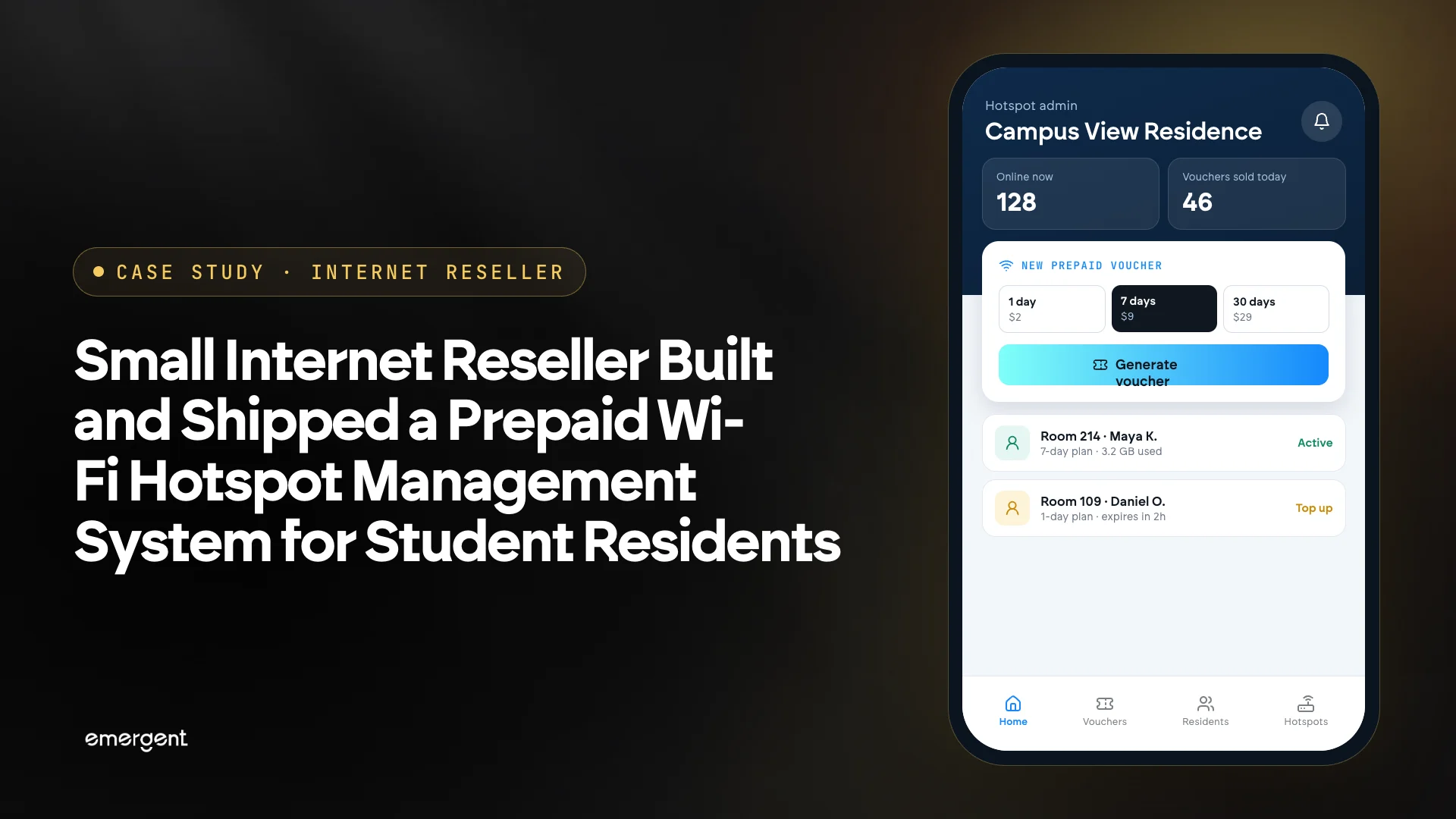
Small Internet Reseller Built and Shipped a Prepaid Wi-Fi Hotspot Management System for Student Residents
Pick the Pricing Plan That Works for You
Choose the plan that fits your building ambitions. From weekend projects to enterprise applications, we've got you covered.




Frequently Asked Questions
AI landing page builder questions, answered
An AI landing page builder, sometimes called an AI landing page generator or AI landing page maker, creates a complete landing page from a written description: layout, copy, form, and design. Emergent goes one step further and also generates the database the form writes to and the integrations it triggers, then publishes the page on your domain.
You describe the campaign, the audience, and the offer. The builder interprets the brief, assembles the sections in conversion order, writes the copy, and configures the form. On Emergent the same prompt also creates the backend and connects your analytics and CRM.
It depends on what you need to own. Roundups of the best AI landing page builders usually compare editors; the bigger question is who owns the page, the leads, and the code. If you want all three, Emergent is built for that. If you want a hosted editor with built-in traffic optimization on paid campaigns, Unbounce is the established choice. If mobile-first funnels matter most, Perspective specializes there.
Yes. Emergent works as a free AI landing page builder: the free tier includes monthly credits, enough to build and publish a landing page and test it with real traffic. Unbounce offers a 14-day trial, and its lowest plan caps visitors at 500 per month.
Yes. Custom domains are built into Emergent: connect a domain or subdomain and SSL is provisioned automatically, with no third-party hosting to set up. Custom domains use credits. You can also embed the page in an existing site or run it as a popup.
Yes. Every page is generated responsive, and you can preview and adjust the phone layout before publishing.
Yes. Ask for a second variant of the hero, the CTA, or the whole page, publish both, and compare conversion by traffic source in your analytics tool.
Yes. Submissions sync to HubSpot, Mailchimp, Kit (formerly ConvertKit), ActiveCampaign, Klaviyo, and any tool with a webhook or API, with campaign and source attached.
It can. Meta title, description, and OG image are set on publish, and the page is indexable and served over SSL. Ranking still depends on the query you target and the content on the page.
Yes. The full codebase exports to your repository. You can keep hosting on Emergent or deploy anywhere you like.
A landing page targets one audience with one message and one action, usually without site navigation. A website builder produces a multi-page site with navigation and shared templates. Emergent builds both; this page covers landing pages.
Emergent starts as a free landing page builder, with paid plans priced on usage rather than page or visitor counts. Unbounce starts at $22 per month on annual billing for 5 pages and 500 visitors, and $74 per month for unlimited pages and 20,000 visitors. Price alone does not pick the best landing page builder; check visitor caps and who owns the leads.
Yes. Publish the page on its own domain or subdomain. No existing site is required.
A first version is ready to preview within minutes of the prompt, since the layout, copy, and form are drafted together. Plan another fifteen to thirty minutes to refine copy, check the form end to end, and connect your domain.
More things you can build
with Emergent









on Emergent today


