


Build a custom AI chatbot without code
Build an AI chatbot with your own data, customize its responses, and deploy it anywhere without coding or technical expertise.





Anyone on your team can build a chatbot
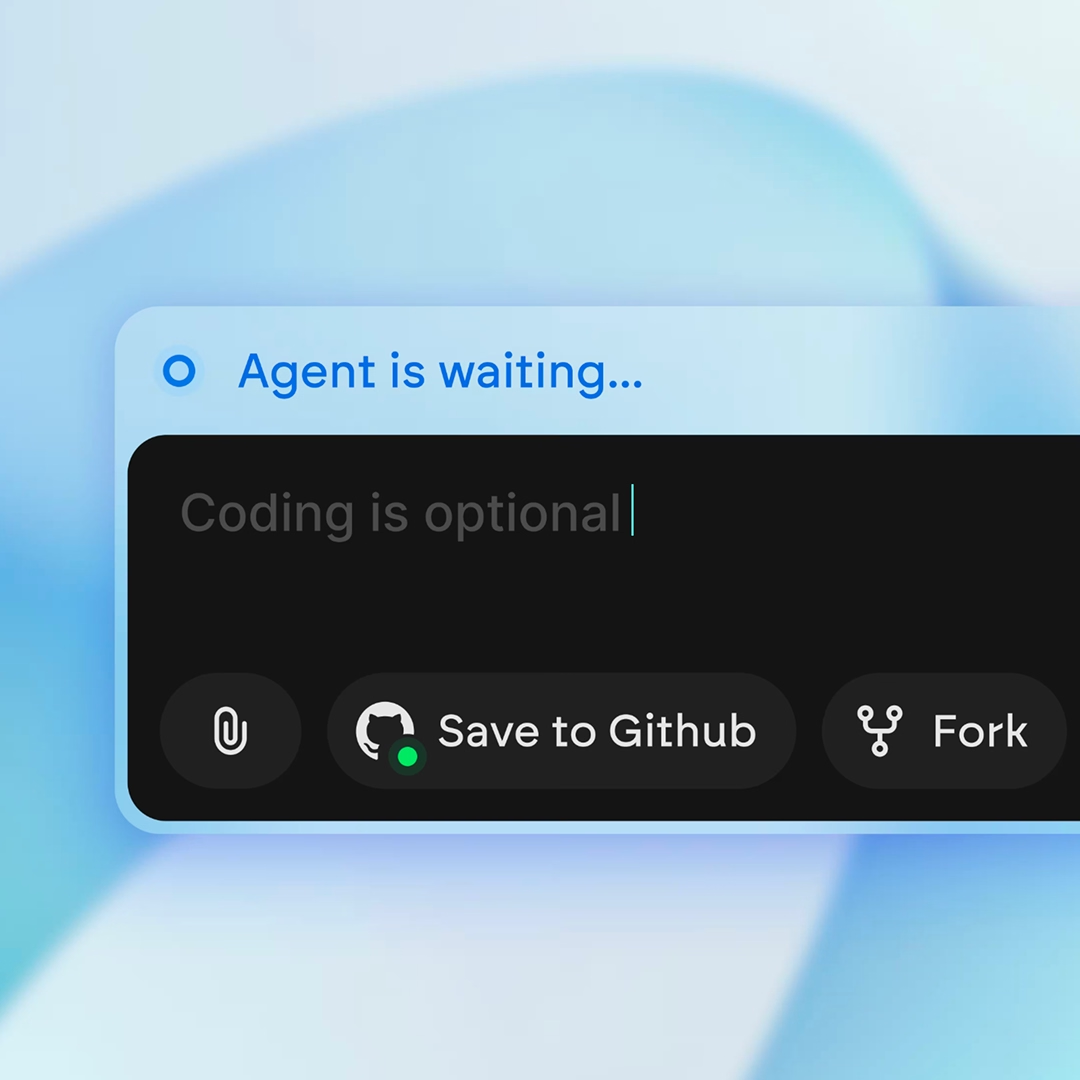
Teams with non-technical skills
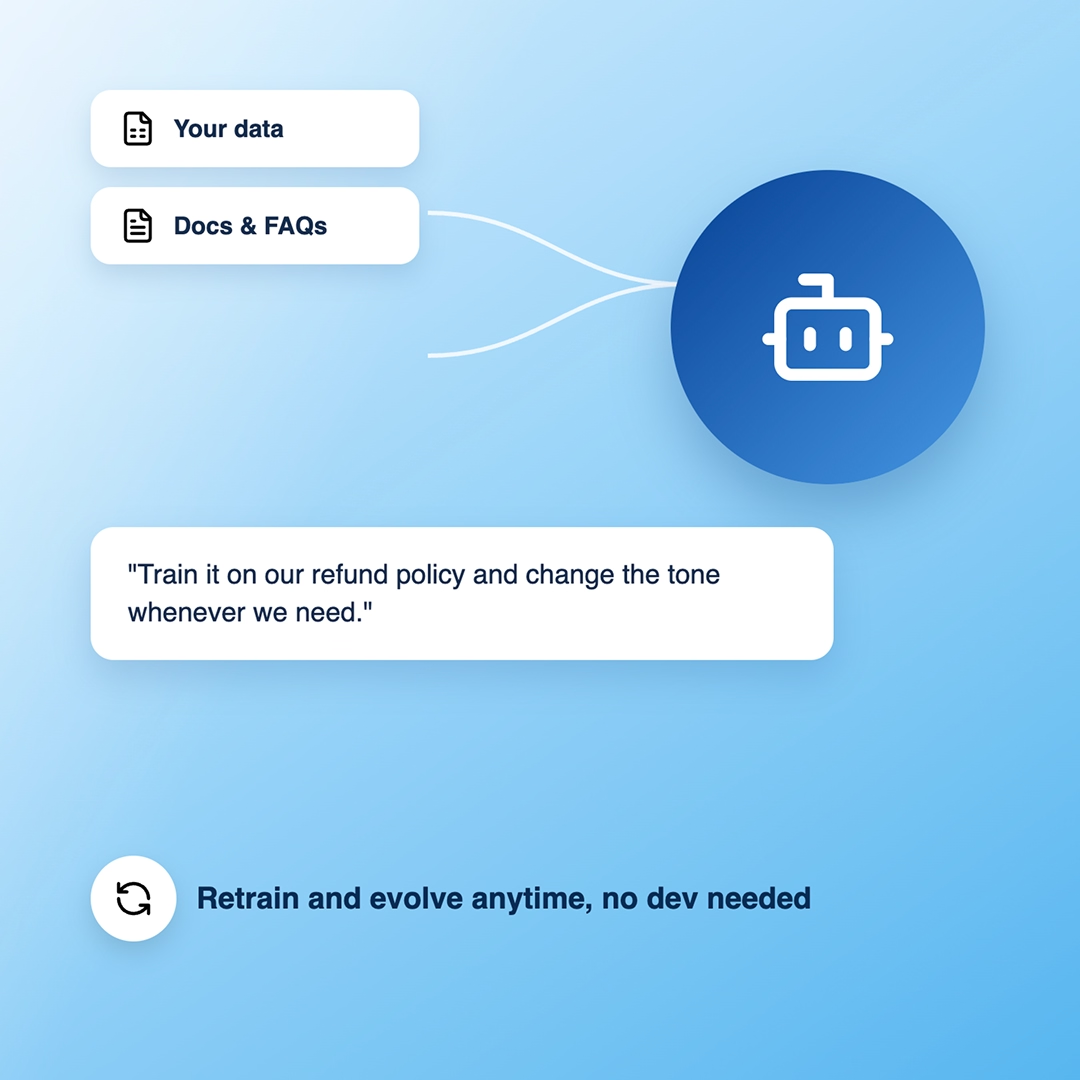
Founders without engineering resources
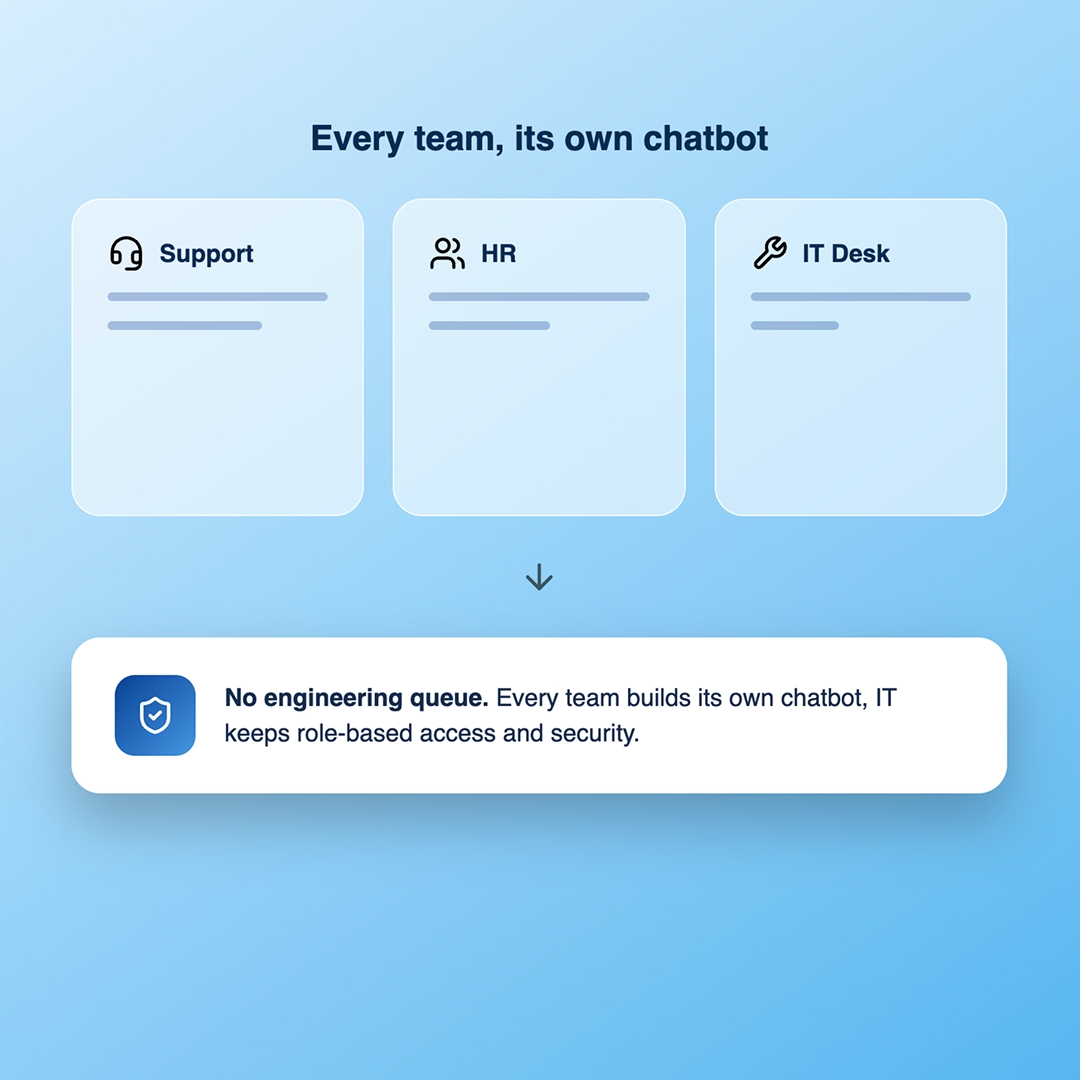
Enterprises reducing engineering dependencies

Everything you need to build and launch an AI chatbot
Emergent is more than a chatbot development tool. From the conversation flow to the model and the deployment, just describe what you want and it builds the structure, logic, and controls for you.
Turn your idea into a website. Launch instantly.
Describe your website in plain language and Emergent builds it from the ground up. No templates, no setup, no waiting.
 Describe, don’t code:Write what you need in plain language and instantly generate the layout, components, and logic.
- Full UI in one go:Create full pages with forms, tables, filters, and charts in a single automated pass.
- Use the data you already have:Connect your spreadsheets or datasets quickly and turn them into interactive dashboards.
Build your chatbot by describing it
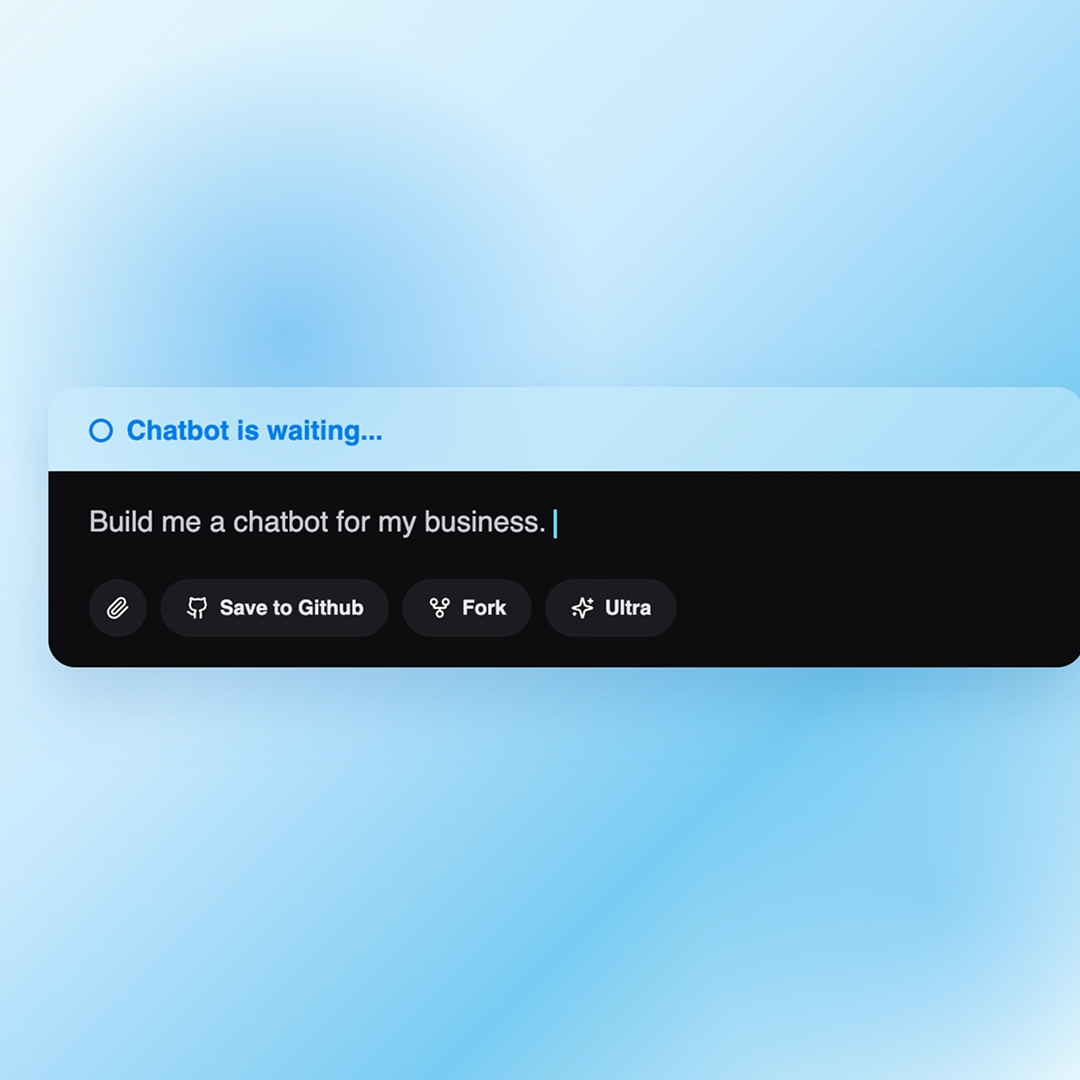
Tell Emergent what the chatbot is for and it builds the chat interface, the responses, and the conversation logic. No templates to force-fit, no flow charts to wire by hand.
- Turn a single prompt into a working chatbot
- Get a clean, on-brand chat experience from the start
- See it work across desktop, tablet, and mobile
- Restyle, rename, or rework any part just by asking
Turn your idea into a website. Launch instantly.
Describe your website in plain language and Emergent builds it from the ground up. No templates, no setup, no waiting.
- Describe, don’t code:Write what you need in plain language and instantly generate the layout, components, and logic.
- Full UI in one go:Create full pages with forms, tables, filters, and charts in a single automated pass.
- Use the data you already have:Connect your spreadsheets or datasets quickly and turn them into interactive dashboards.
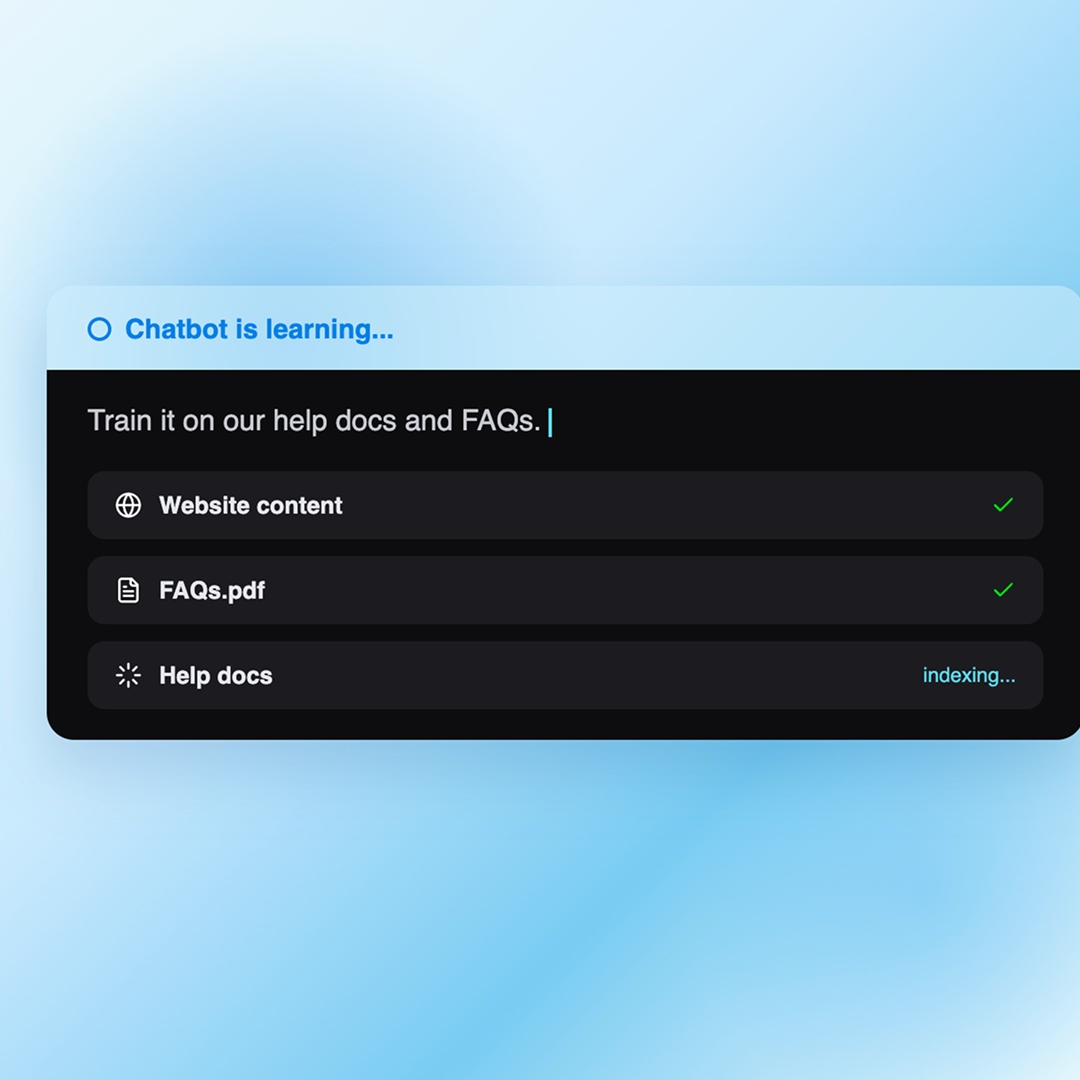
Train your chatbot on your own data
Connect your website, documents, FAQs, and other content so your chatbot can answer questions using your business knowledge.
- Train on your website, help docs, PDFs, and FAQs
- Ground answers in your own knowledge so replies stay accurate
- Update the knowledge base anytime as your content changes
- Set fallback behavior for questions it should not guess on
Turn your idea into a website. Launch instantly.
Describe your website in plain language and Emergent builds it from the ground up. No templates, no setup, no waiting.
- Describe, don’t code:Write what you need in plain language and instantly generate the layout, components, and logic.
- Full UI in one go:Create full pages with forms, tables, filters, and charts in a single automated pass.
- Use the data you already have:Connect your spreadsheets or datasets quickly and turn them into interactive dashboards.
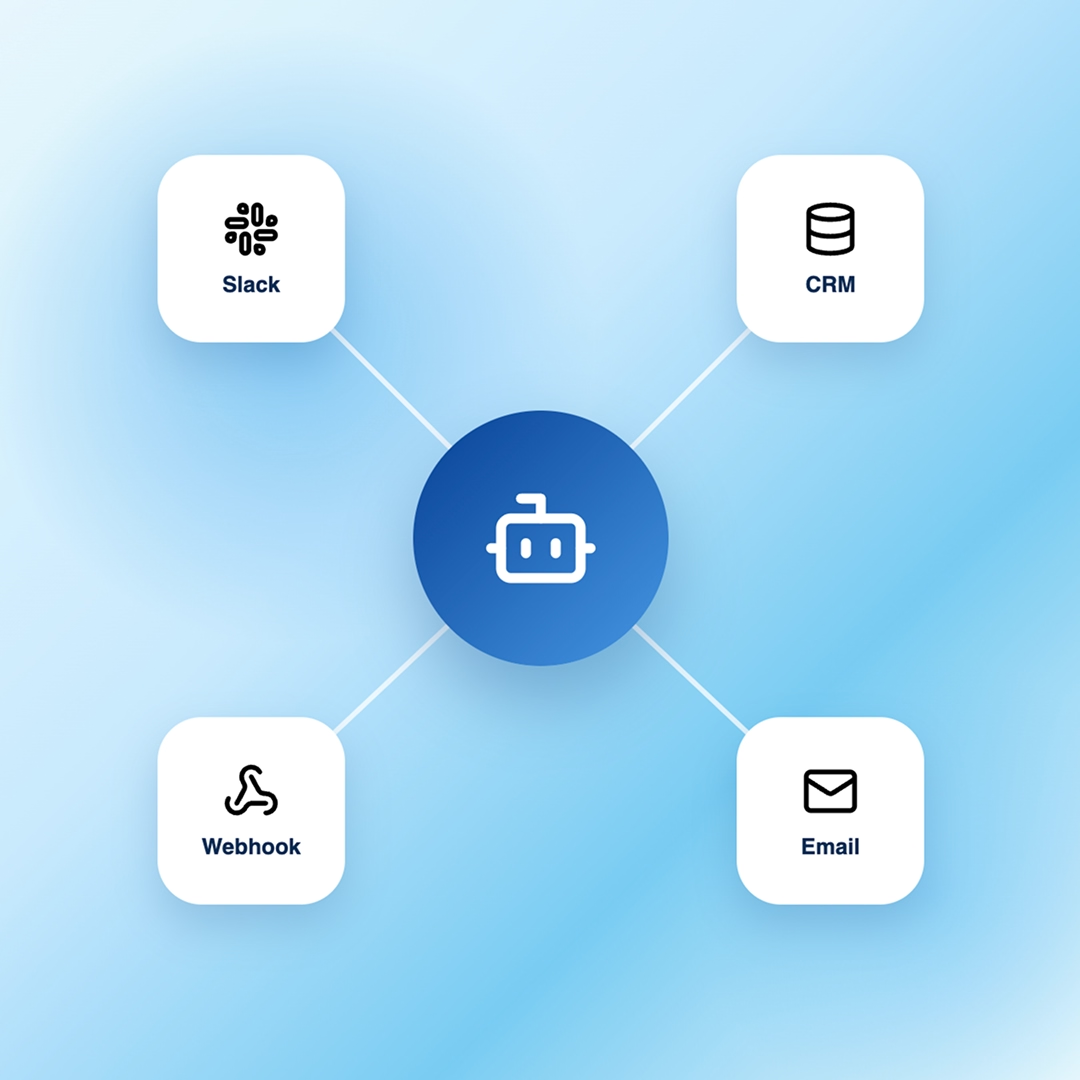
Connect your chatbot to the tools it needs
Extend your chatbot with integrations, APIs, and webhooks to automate actions and connect with the tools you use.
- Connect your chatbot to your existing tools
- Automate actions, notifications, and follow-ups
- Extend your chatbot with APIs and webhooks
- Choose the AI model that fits your needs
Turn your idea into a website. Launch instantly.
Describe your website in plain language and Emergent builds it from the ground up. No templates, no setup, no waiting.
- Describe, don’t code:Write what you need in plain language and instantly generate the layout, components, and logic.
- Full UI in one go:Create full pages with forms, tables, filters, and charts in a single automated pass.
- Use the data you already have:Connect your spreadsheets or datasets quickly and turn them into interactive dashboards.
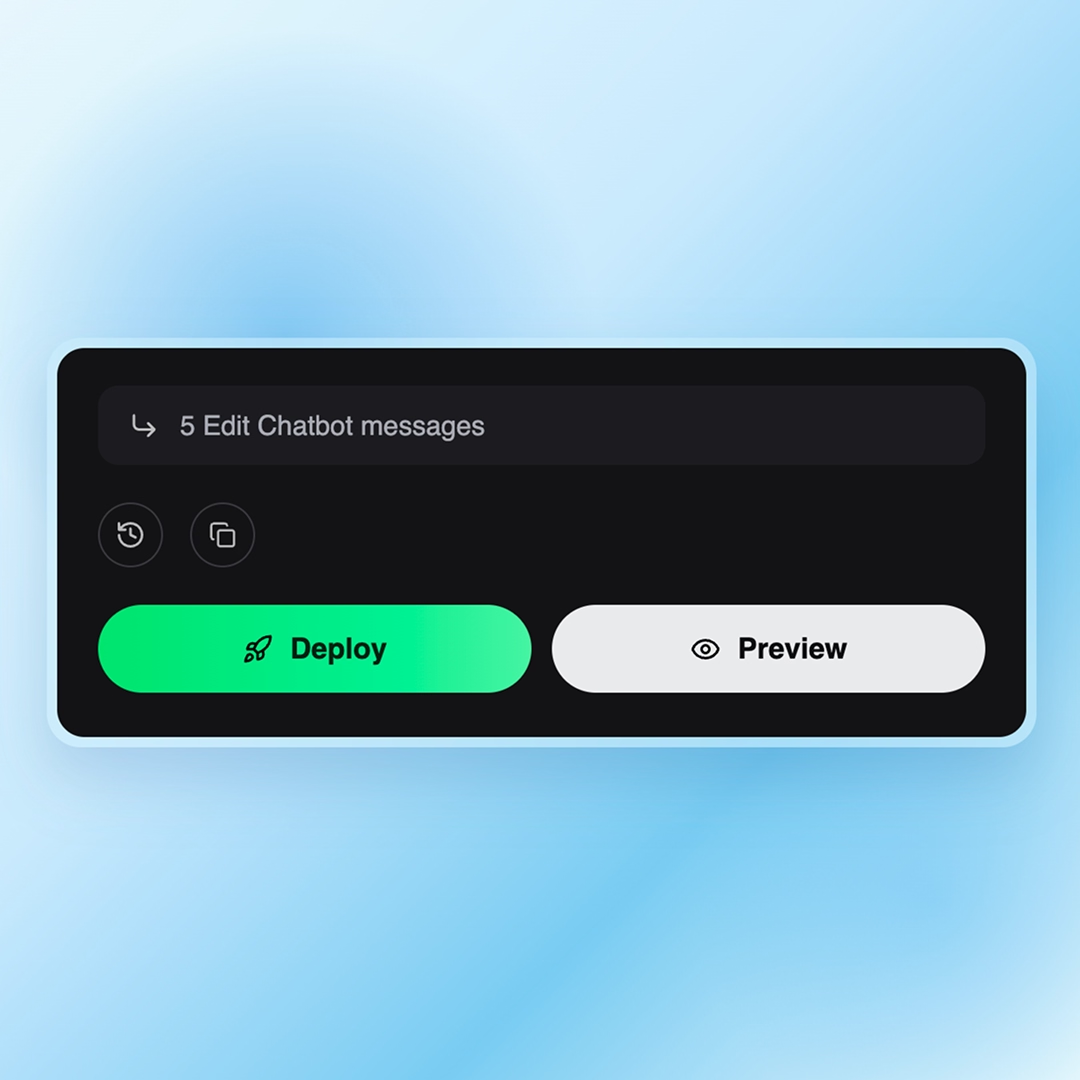
Deploy anywhere, secure by default
Deploy your chatbot anywhere with built-in security from the start. Embed it on your website or share it with a hosted link
- Embed on any page or share a hosted link
- Role-based access and secure login
- Data encrypted by default
- You own the chatbot and its code
How to Create Chatbots in Emergent
Four steps from idea to a live chatbot. Emergent takes the complexity out of chatbot making, with no tutorials, no settings maze, and no guesswork.




Connect your chatbot to the tools you already use
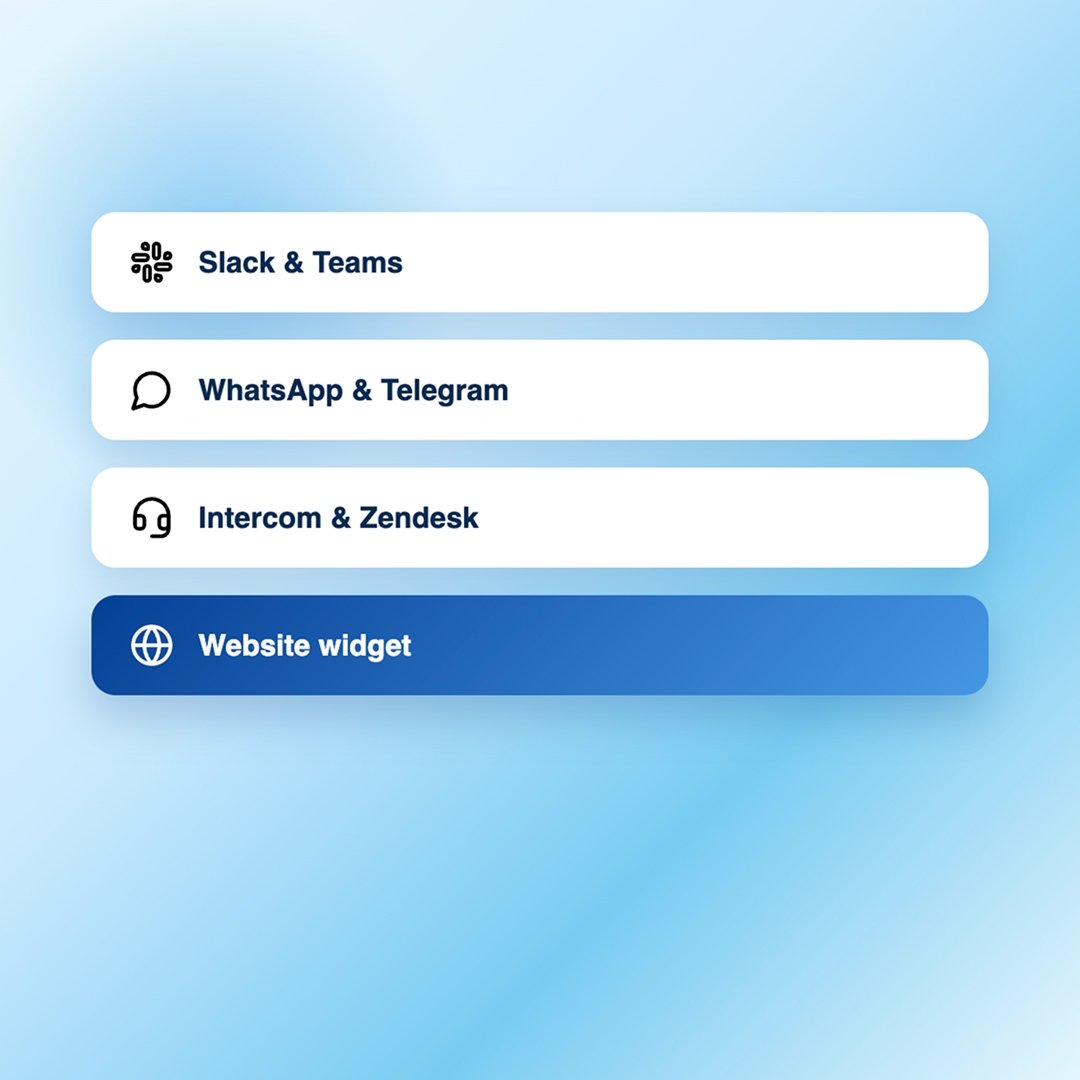
Channels & Websites
- Messaging: Slack, Teams, Discord, WhatsApp, and Telegram
- Support: Intercom, Zendesk, and Freshdesk
- Web & apps: Web widgets, live chat, SDKs, and app embeds
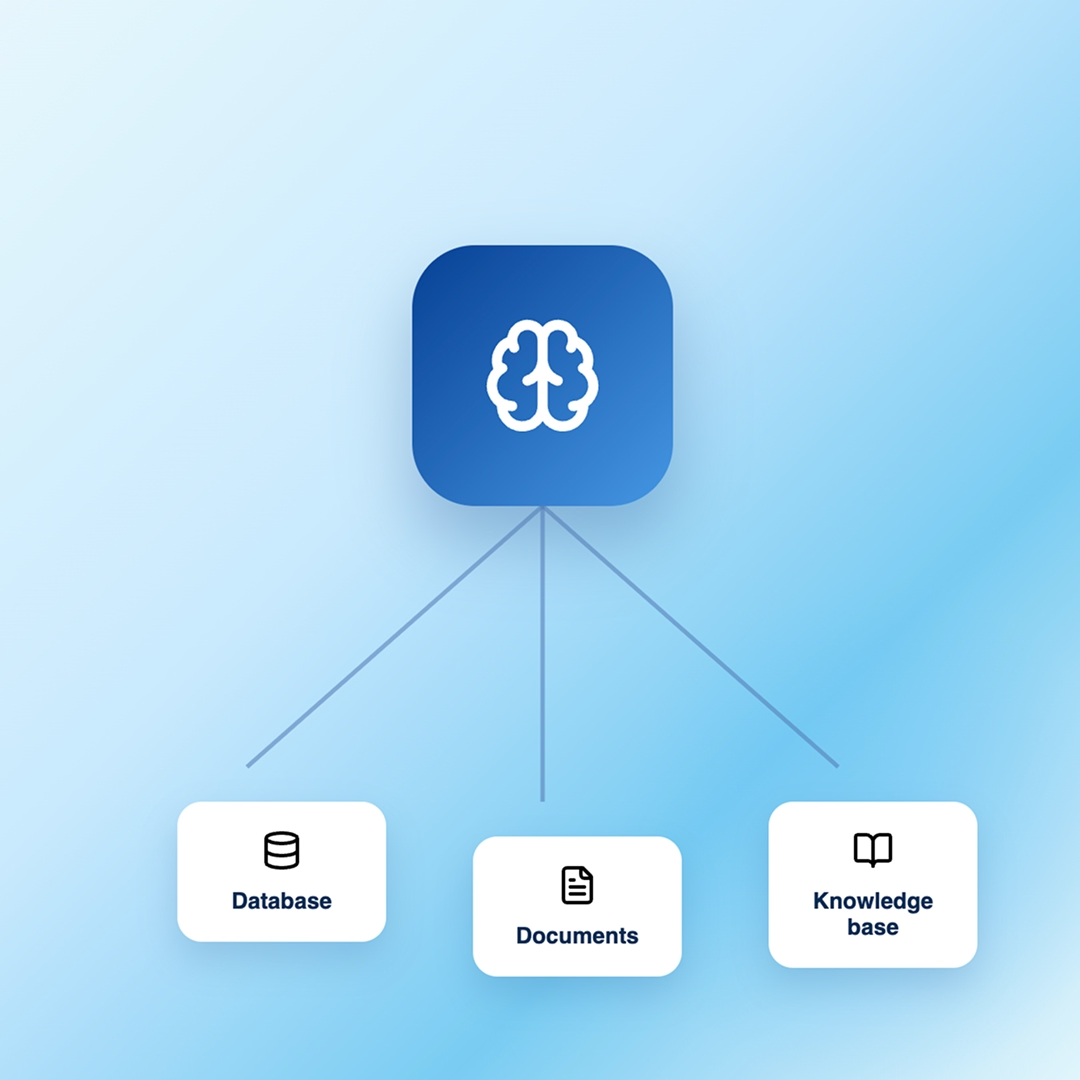
Business Data & Knowledge
- Data sources: Databases, documents, and knowledge bases
- Keep it updated: Sync changes as your data evolves
- Use your data: Ground conversations in your business knowledge
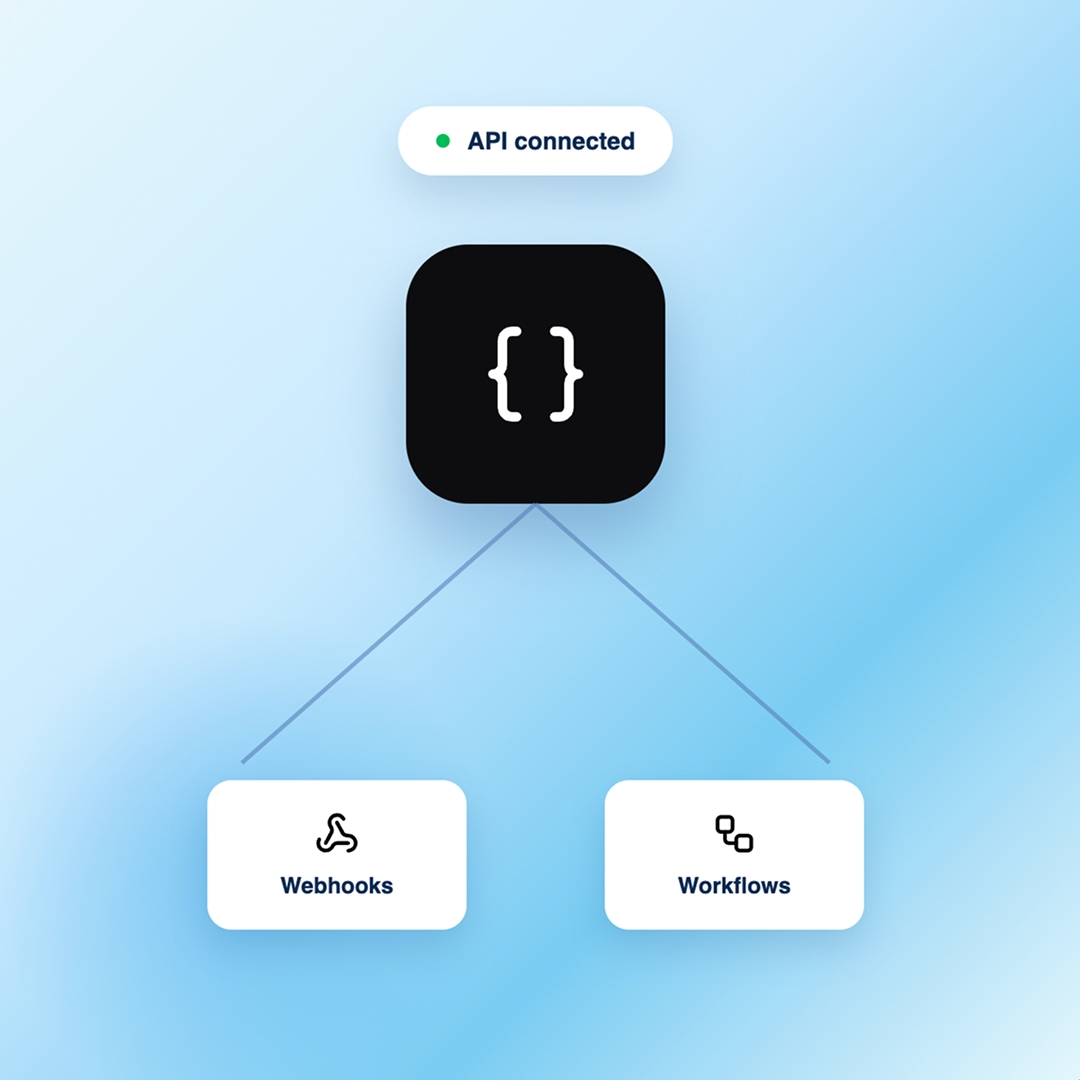
APIs & Custom Integrations
- APIs & webhooks: Connect your existing tools
- Automate actions: Trigger workflows across systems
- Custom workflows: Build actions around your needs
If it has an API, your chatbot can connect to it
Connect the tools in your stack through APIs and webhooks, and build a chatbot that works with the systems you already use.

How to Build an AI Chatbot?
Follow these steps to plan, build, customize, and launch an AI chatbot that works for your users and your business.
Choose your approach. You can hire a developer, adapt a rigid template bot, or use an AI builder like Emergent that creates your chatbot from a simple description.
Get specific about the job. Is it answering support questions, qualifying leads, booking appointments, or guiding users through your product? A clear purpose shapes every answer it gives.
List the content your chatbot should learn from, such as help docs, product pages, policies, and FAQs. This becomes the knowledge base that keeps its answers accurate.
Decide how the chatbot greets users, the tone it uses, how it handles questions it cannot answer, and when it should hand off to a human. With Emergent, you describe this and it builds the flow.
Choose the AI model that fits, then link the chatbot to your CRM, email, and other tools so it can capture leads and trigger actions, not just reply.
Try real questions, review the answers, and tighten anything that misses. With Emergent, you refine behavior by describing the change instead of editing code.
Publish the chatbot, embed it on your site or share the link, and keep adding answers, flows, and integrations as your business grows.
Pick the Pricing Plan That Works for You
Choose the plan that fits your building ambitions. From weekend projects to enterprise applications, we've got you covered.




Find the Right Chatbot for
Your Business
Frequently Asked Questions
Your Questions, Answered
An AI chatbot builder lets you create, customize, and deploy an AI-powered chatbot without coding from scratch. You define what it does and connect your data; the platform handles the model, flow, and hosting.
No. With Emergent, you describe what you want your chatbot to do in a simple prompt, add your data, customize it, and deploy it, all without writing code.
An AI chatbot can answer customer questions, guide users, collect information, qualify leads, handle repetitive requests, and automate routine tasks across your business, freeing up your team to focus on higher-value work.
You can use websites, PDFs, FAQs, help documentation, files, databases, and other business content to give your chatbot the knowledge it needs to answer accurately.
Update the sources connected to your chatbot whenever your content changes. Keeping your website, documents, and FAQs current ensures your chatbot always works with the latest information.
Yes. You can define its instructions, tone, responses, and conversation flow to create an experience that matches your brand and audience.
Most chatbots go from idea to a working version in hours, not weeks. Start with a prompt, review the first version, and refine it with your data and requirements.
Yes. You can connect your chatbot to the tools you already use through integrations, APIs, and webhooks, letting it access data, automate tasks, and trigger actions.
You can add your chatbot to your website, product, or help center, or make it available through supported messaging channels like WhatsApp and Slack.
Yes. You can add lead capture to your chatbot to collect details like names, email addresses, and phone numbers during a conversation.
on Emergent today




