


Build AI agents that can reason, use tools, and get work done
Your agent plans the steps behind a goal, connects to your apps and data, and completes tasks like follow-ups, research, and scheduling on its own.





Anyone with an idea can build an AI agent
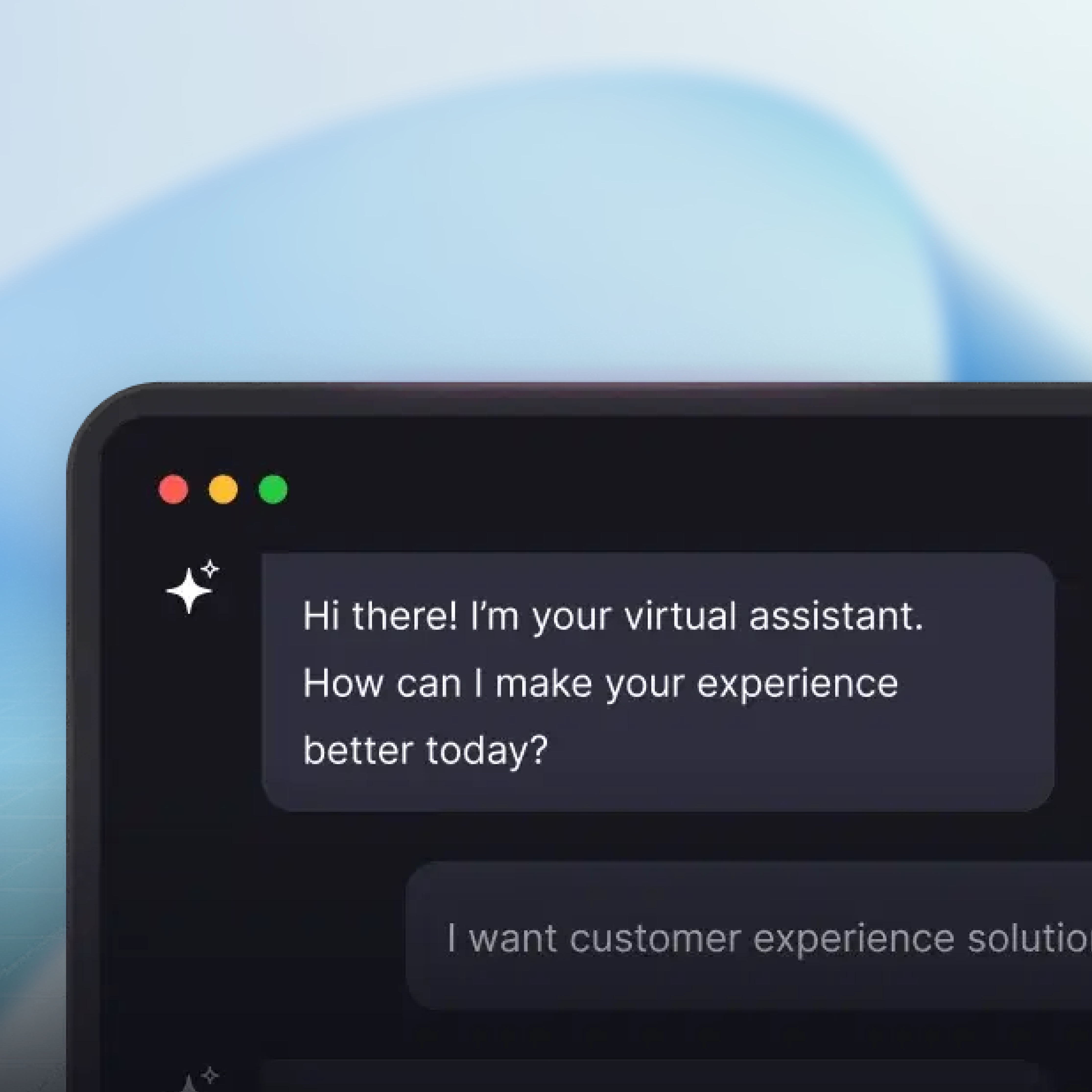
Business Teams
Founders and Small Teams
Developers

Why Build AI Agents
with Emergent?
Because building an agent should be as simple as explaining the job. Describe what you need in plain language, and Emergent handles the logic, integrations, guardrails, and deployment.
Turn your idea into a website. Launch instantly.
Describe your website in plain language and Emergent builds it from the ground up. No templates, no setup, no waiting.
 Describe, don’t code:Write what you need in plain language and instantly generate the layout, components, and logic.
- Full UI in one go:Create full pages with forms, tables, filters, and charts in a single automated pass.
- Use the data you already have:Connect your spreadsheets or datasets quickly and turn them into interactive dashboards.
Go from idea to agent in a sentence
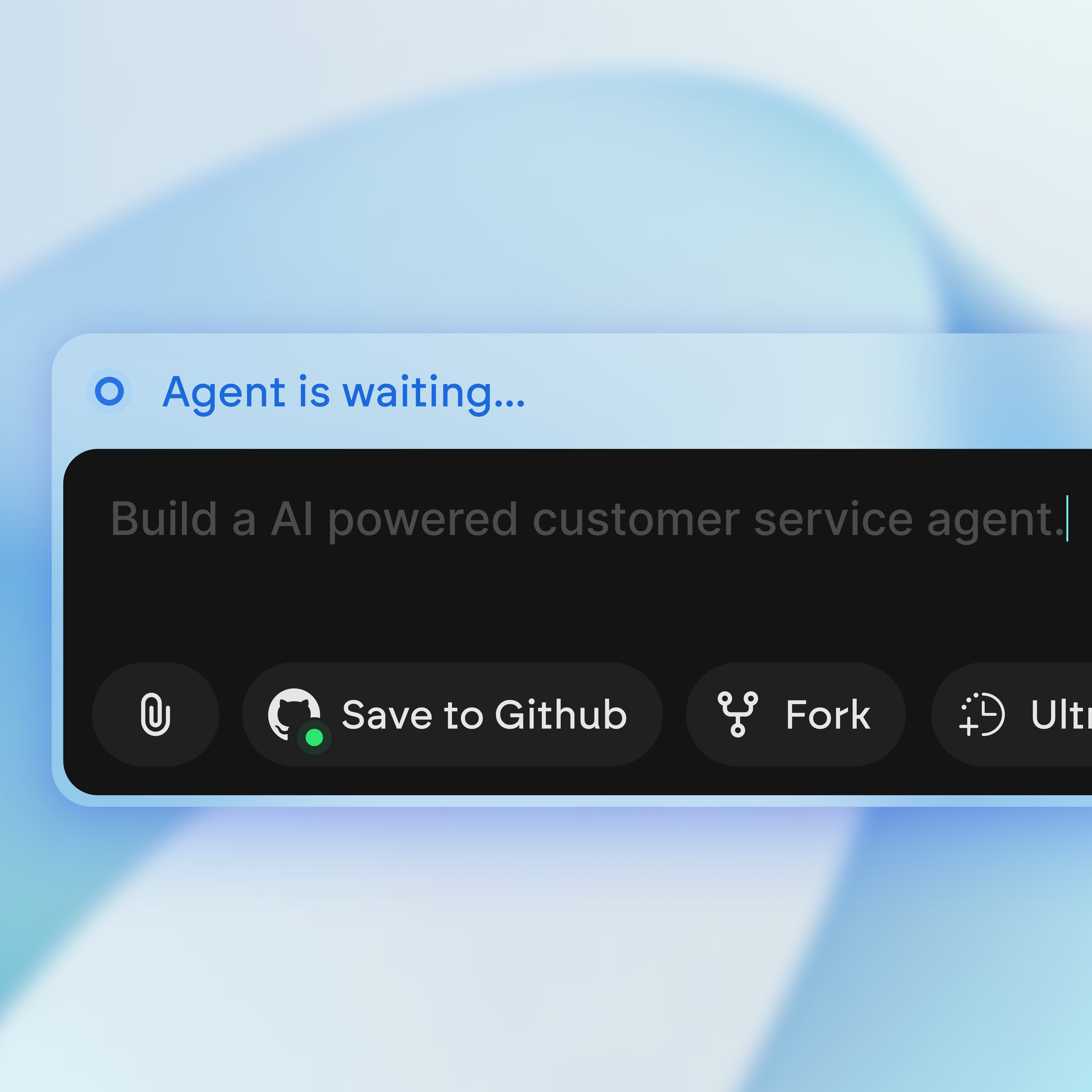
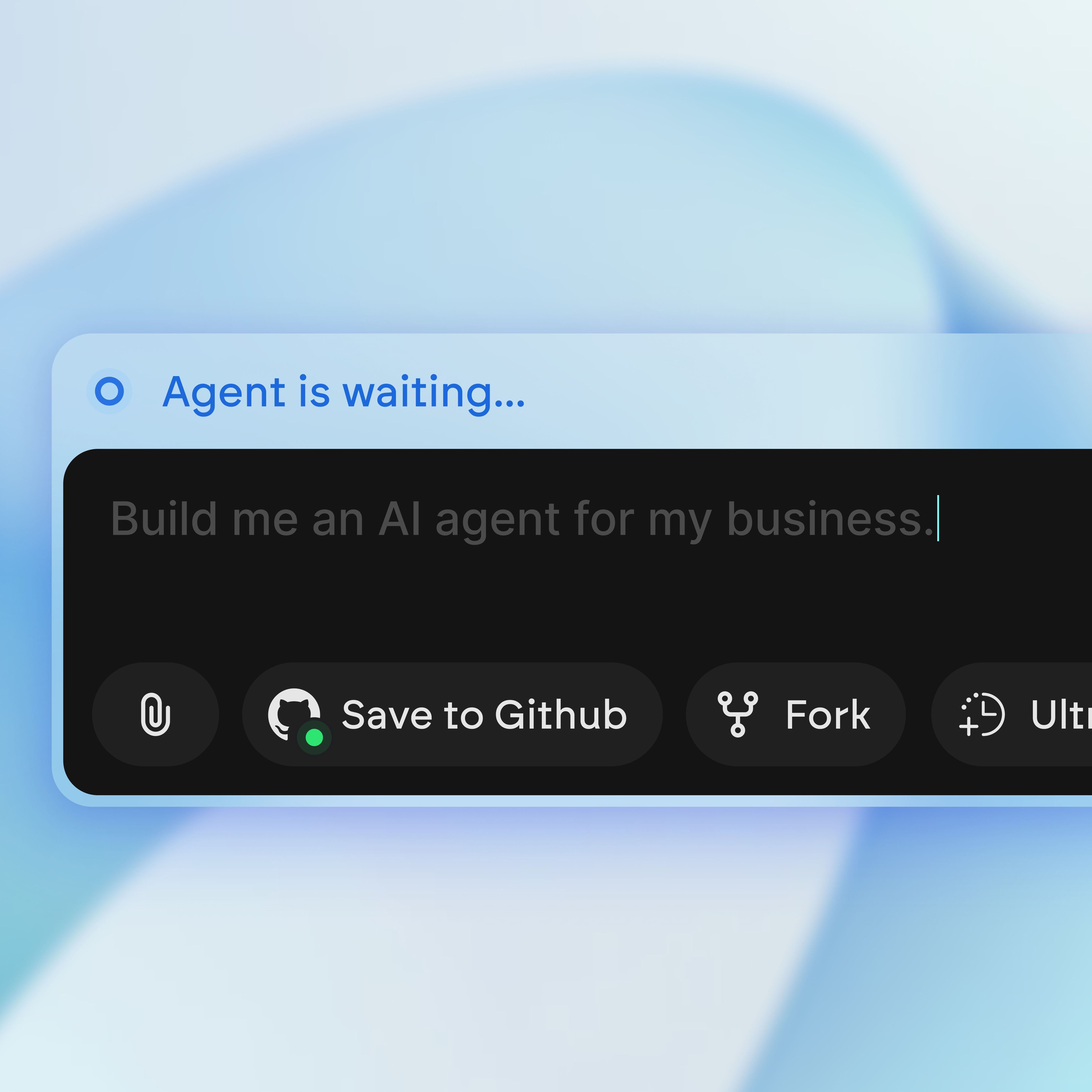
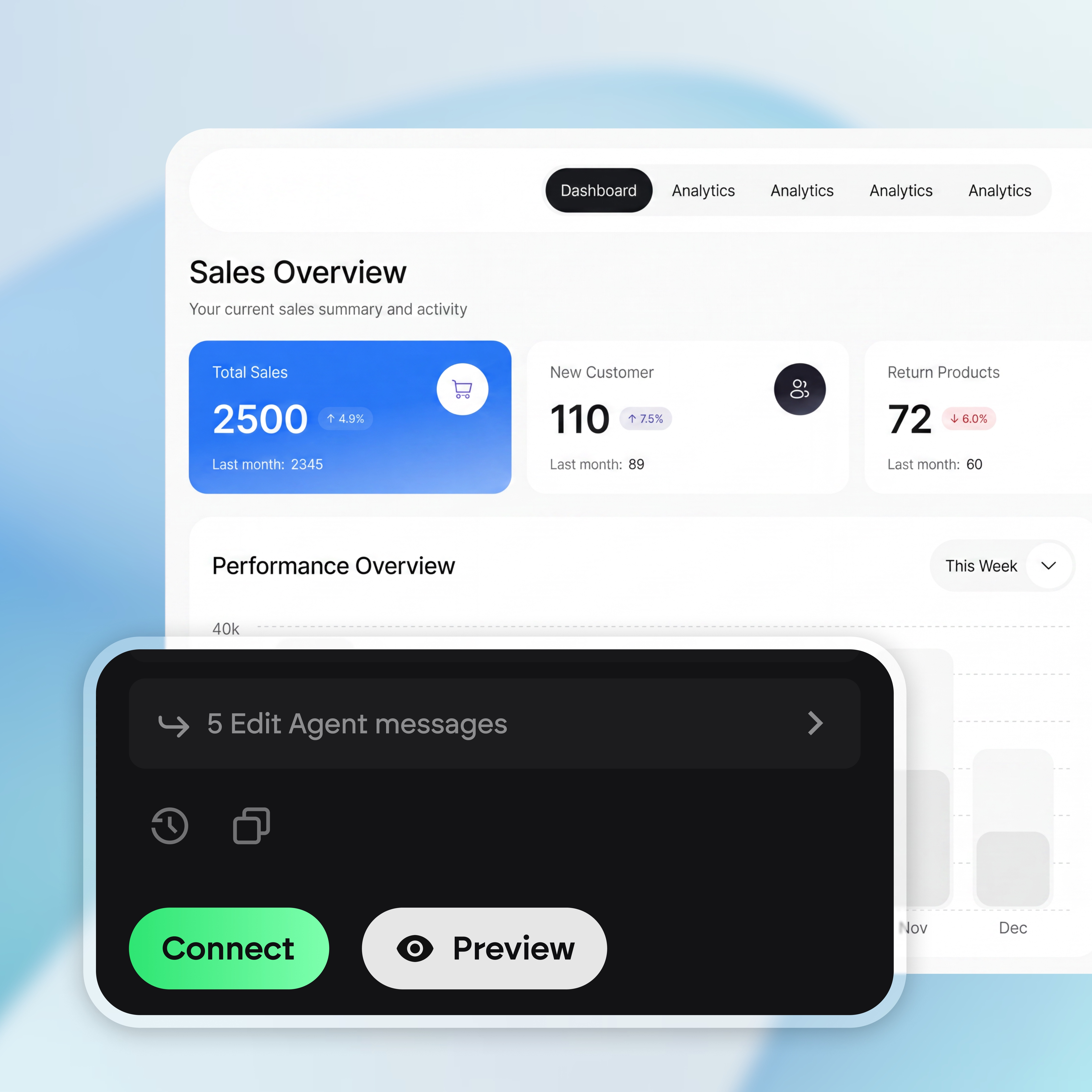
Describe what you want in plain English and Emergent builds a working agent on the spot. Want something changed later? Just ask for the change.
- Build a full AI agent from one prompt
- Make changes anytime just by asking
- No coding, no setup screens, no flowcharts
- Your agent is ready to use from day one
Turn your idea into a website. Launch instantly.
Describe your website in plain language and Emergent builds it from the ground up. No templates, no setup, no waiting.
- Describe, don’t code:Write what you need in plain language and instantly generate the layout, components, and logic.
- Full UI in one go:Create full pages with forms, tables, filters, and charts in a single automated pass.
- Use the data you already have:Connect your spreadsheets or datasets quickly and turn them into interactive dashboards.
Agents that know your business
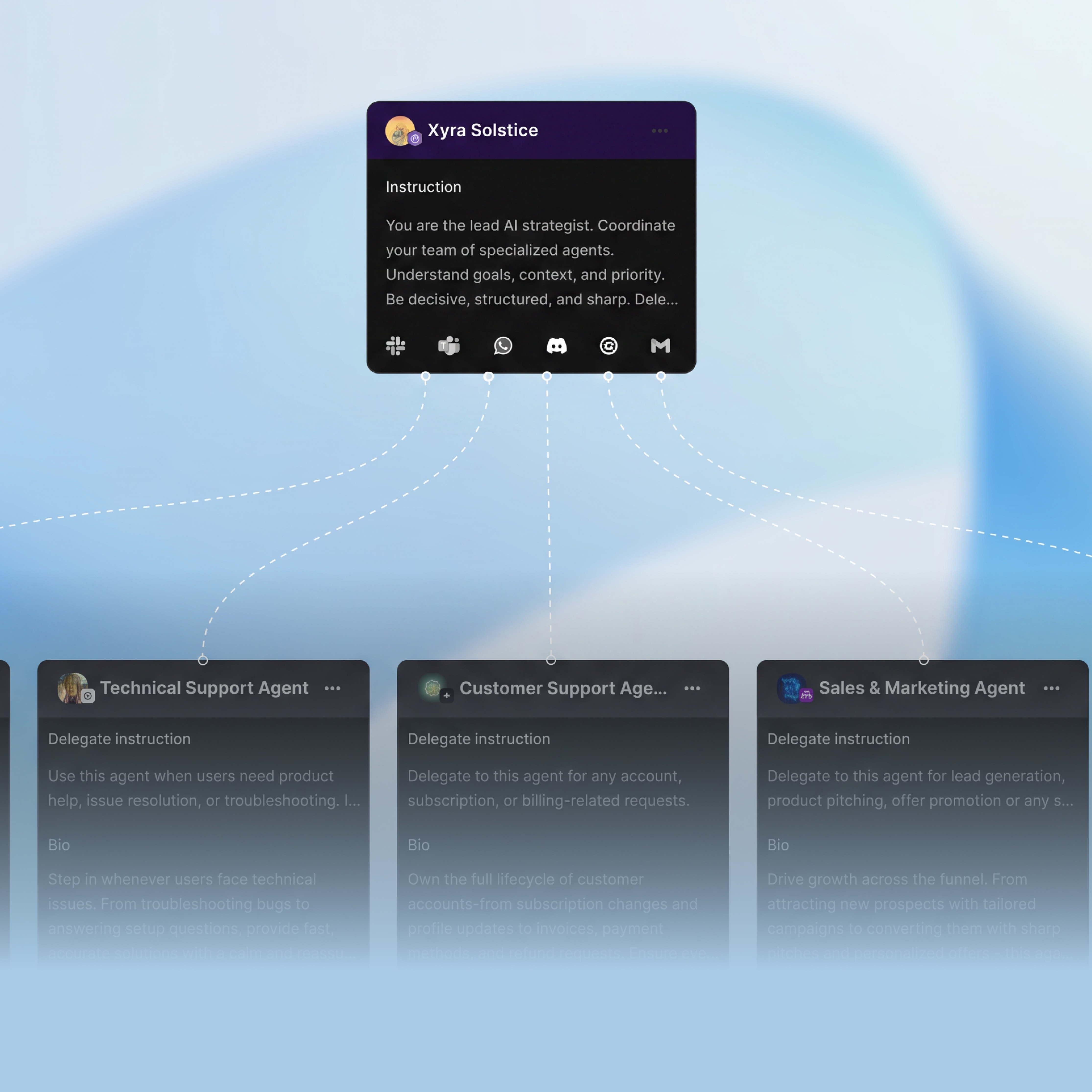
Ground every answer and action in your files, apps, and databases, never guesswork. Your agent works from your real information, so what it does fits how you actually operate.
- Connects to your files, apps, and databases
- Grounds every answer in your real data, not guesses
- Respects the access and permissions you already have
- Always works from live, up-to-date information
Turn your idea into a website. Launch instantly.
Describe your website in plain language and Emergent builds it from the ground up. No templates, no setup, no waiting.
- Describe, don’t code:Write what you need in plain language and instantly generate the layout, components, and logic.
- Full UI in one go:Create full pages with forms, tables, filters, and charts in a single automated pass.
- Use the data you already have:Connect your spreadsheets or datasets quickly and turn them into interactive dashboards.
Control how your agent behaves
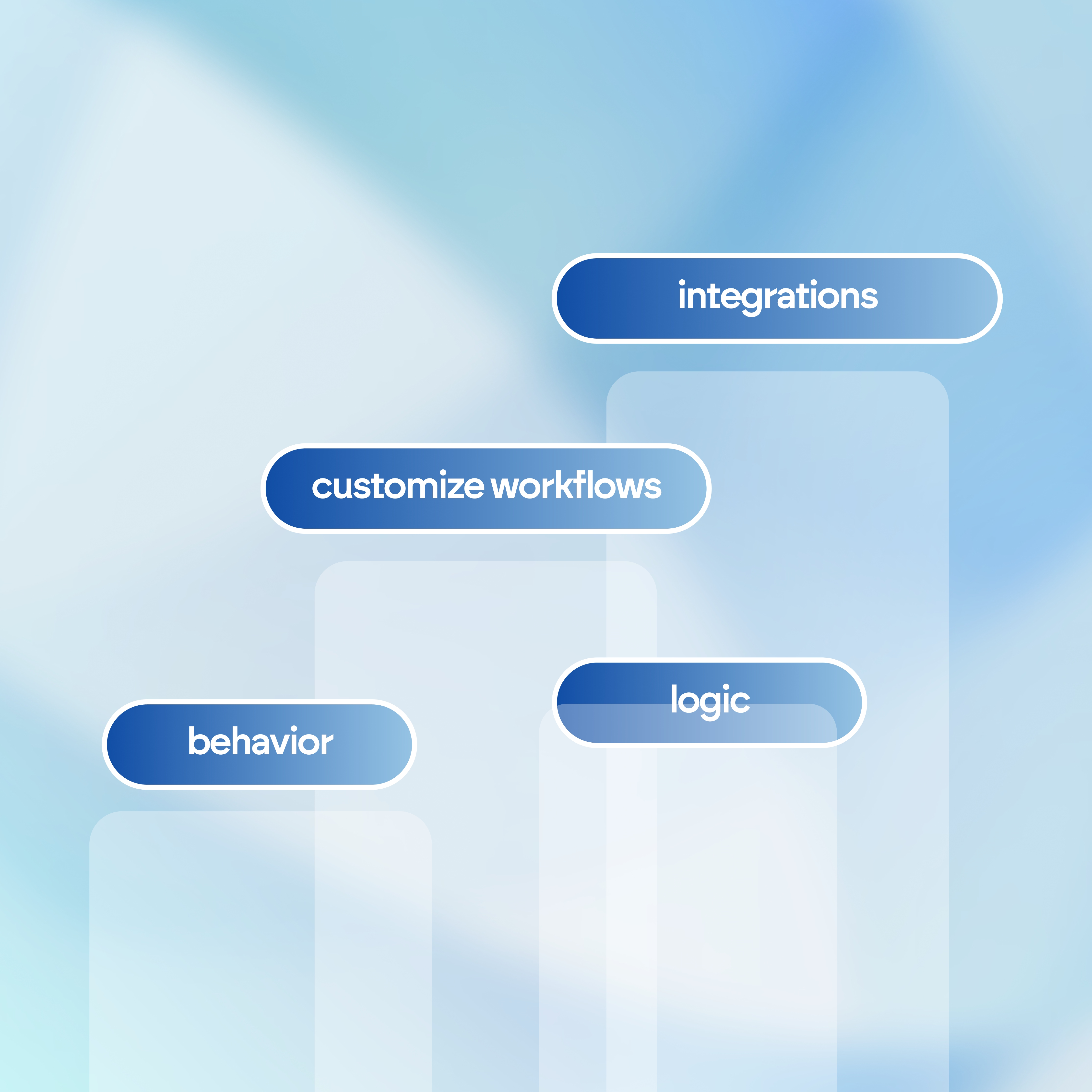
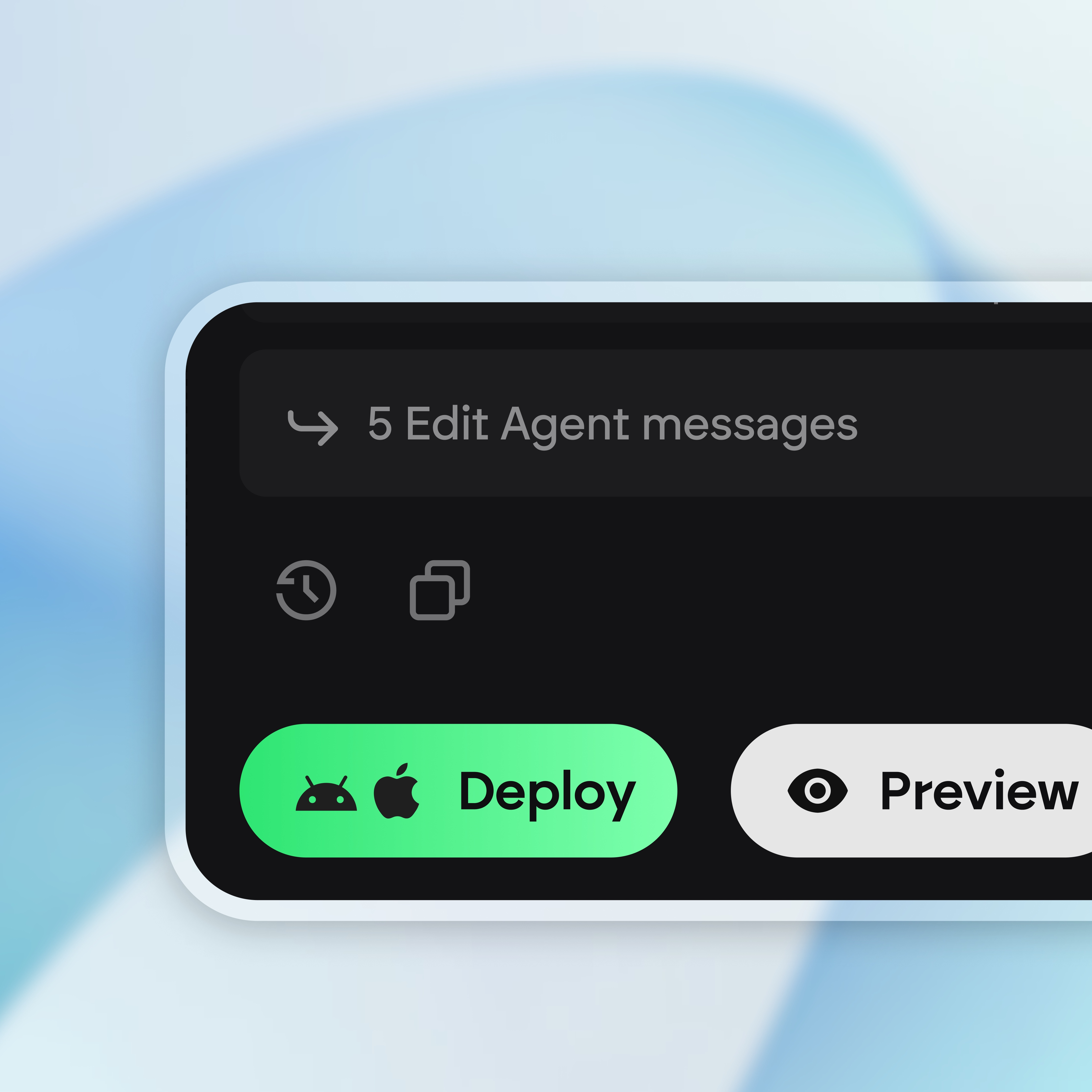
Set instructions, guardrails, and workflows so it stays on script every time. You decide what it can do on its own and where it checks with you first.
- Set clear instructions, guardrails, and workflows
- Decide what it can and cannot do on its own
- It checks with you before anything sensitive
- See a clear record of every action it takes
Turn your idea into a website. Launch instantly.
Describe your website in plain language and Emergent builds it from the ground up. No templates, no setup, no waiting.
- Describe, don’t code:Write what you need in plain language and instantly generate the layout, components, and logic.
- Full UI in one go:Create full pages with forms, tables, filters, and charts in a single automated pass.
- Use the data you already have:Connect your spreadsheets or datasets quickly and turn them into interactive dashboards.
Deploy interactive agents anywhere
Launch a standalone app or embed a copilot with interactive UI built in. Ship your agent wherever your team and customers already are.
- Publish to a live URL and let it run
- Embed a copilot inside your product or website
- Interactive UI built in, nothing extra to wire up
- Put it where your team and customers already are
How to create AI agents in Emergent
Build your agent by describing it in a chat, refine the details where they count, and go from an idea to a working agent in 4 simple steps.






Integrations that fit
your agent stack

Communication Channels
- Messaging apps: Slack, Microsoft Teams, Discord, WhatsApp, and Telegram
- Customer support: Intercom, Zendesk, and Freshdesk
- Websites: custom web widgets, live chat SDKs, and mobile app embeds
Data & Knowledge Sources
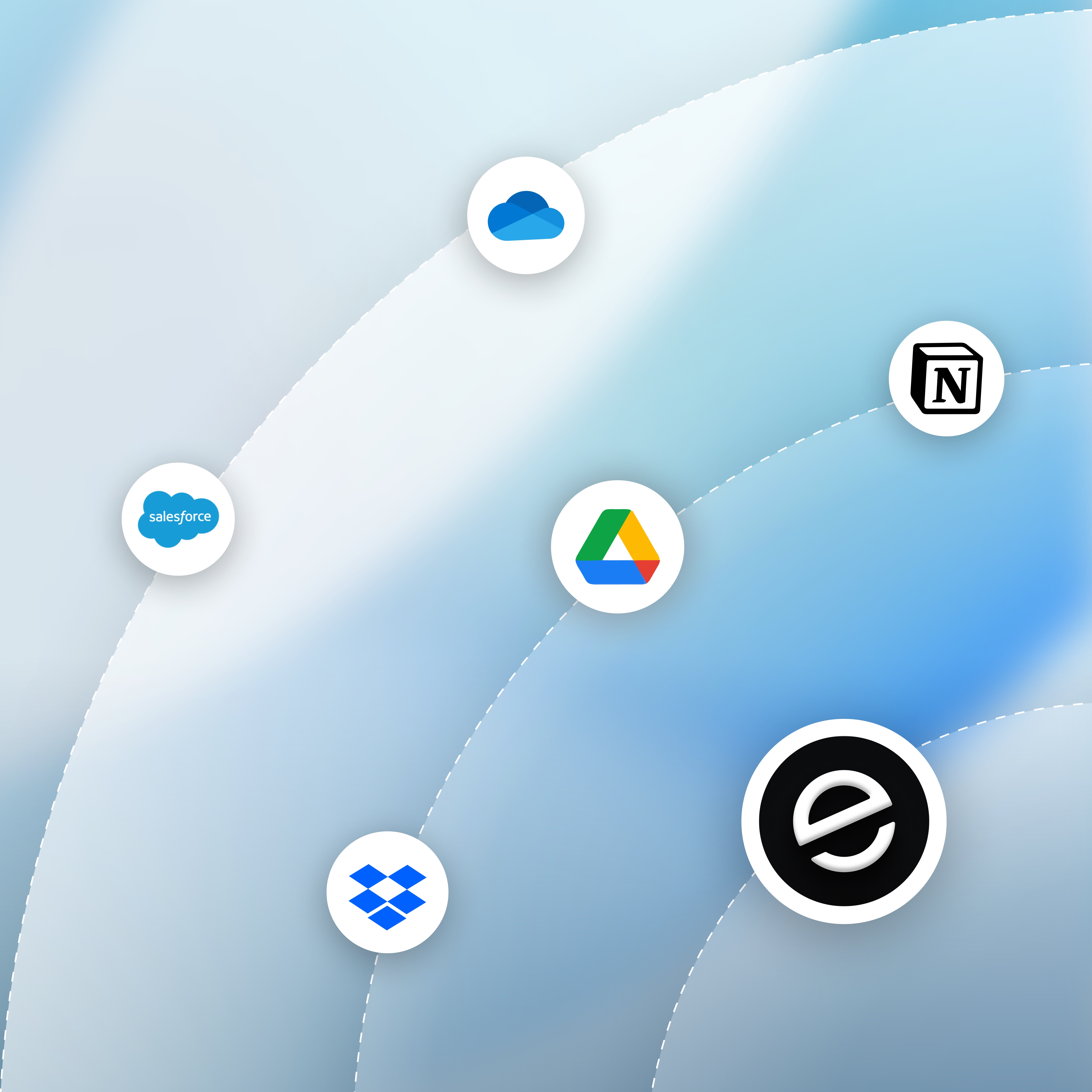
- Cloud storage: Google Drive, OneDrive, Dropbox, and Notion
- Databases: PostgreSQL, MySQL, MongoDB, and Pinecone or Milvus for vector search
- Enterprise tools: SharePoint, Confluence, and CRM platforms like Salesforce and HubSpot
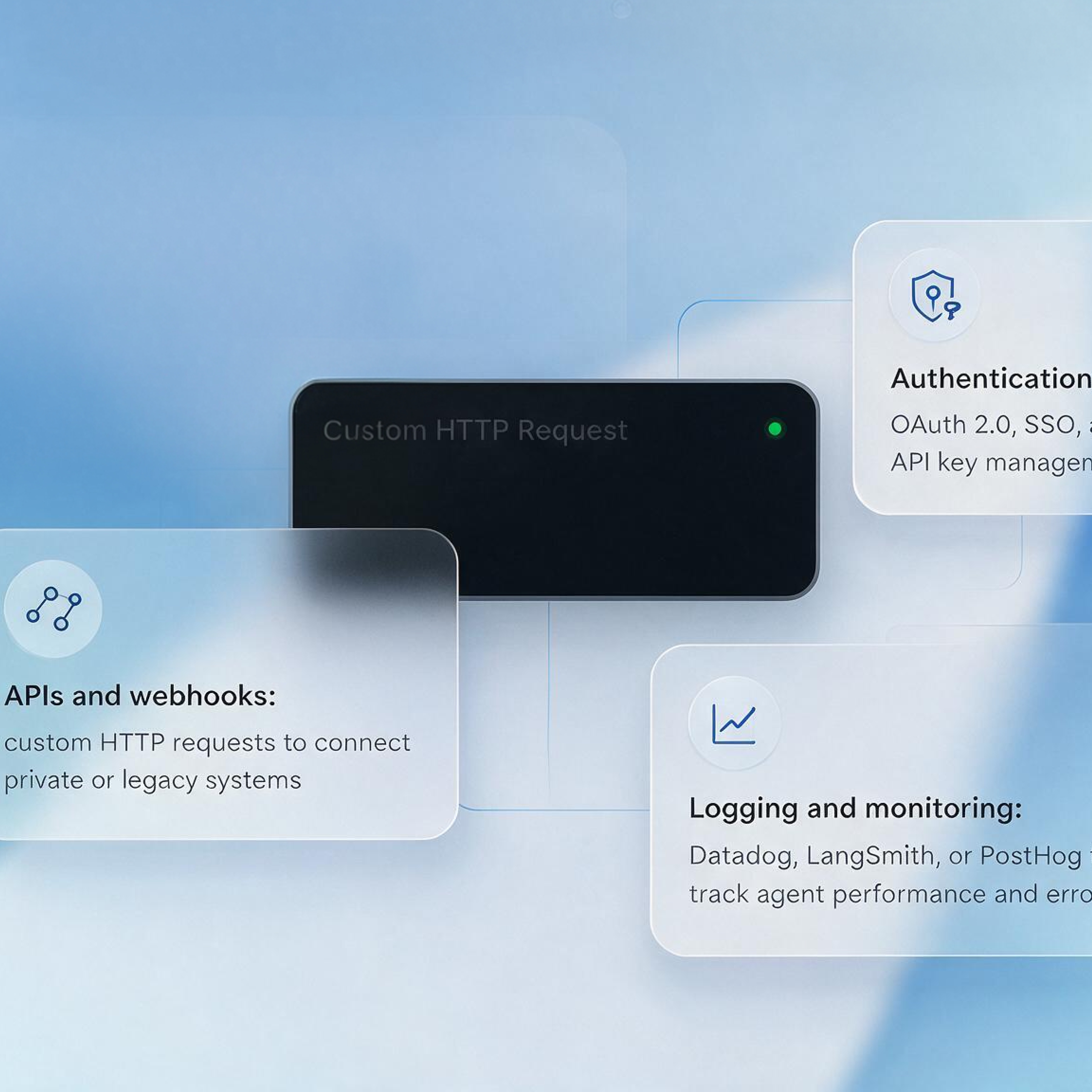
Developer & Infrastructure Tools
- APIs and webhooks: custom HTTP requests to connect private or legacy systems
- Authentication: OAuth 2.0, SSO, and secure API key management
- Logging and monitoring: Datadog, LangSmith, or PostHog to track agent performance and errors
If it has an API, your agent can use it
These are a few of the integrations, not the full list. Emergent is open by design, so any tool with an API or webhook plugs in and your agent adapts to your stack instead of forcing your stack to adapt to a fixed integration list.

How to Build an AI Agent?
Follow these simple steps to plan, build, and launch your AI agent.
Choose your approach. You can code an agent from scratch with a framework, wire one together in a workflow tool, or use an AI agent builder like Emergent that creates the agent from a plain description.
"Handle sales" is a wish. "Call every inbound lead back within 5 minutes and book qualified ones into demos" is an agent. The narrower the job, the better it performs.
What it does, the tone it uses, the decisions it can make alone, and the moments it must hand off to a human. Brief it like a new hire, not like a computer.
An agent without access is just an opinion. Link the email, calendar, documents, or database it needs. With Emergent, you name the tool and the connection gets wired for you.
Not the happy path. The furious customer, the lead who answers in one word, the invoice that's half paid. Tighten the rules wherever it wobbles.
Publish to a live URL with limits in place: approval steps before sensitive actions go out, and a fallback for anything it doesn't recognize.
Check the logs like you'd check in with a new hire. Refine the instructions as the job evolves, and when it's earned your trust, build it a colleague for the next workflow.
Pick the Pricing Plan That Works for You
Choose the plan that fits your building ambitions. From weekend projects to enterprise applications, we've got you covered.




Find the Right Agent Builder
for Your Business
Frequently Asked Questions
Your Questions, Answered
No. You describe the job in plain English and Emergent handles the model calls, tool access, memory, and interface. If you can explain the task to a new teammate, you can build an agent with AI.
An AI Agent Builder is a platform that helps you create AI agents that can understand instructions, work with your data, use connected tools, and take action. Instead of building the underlying logic from scratch, you describe what you want the agent to do and customize how it works.
A chatbot answers and stops. An agent decides what to do next, calls the tools it needs, and finishes the task, which is why building an AI agent is closer to hiring for a role than writing a script.
Anything with a repeatable job behind it, like a support agent that answers from your own docs, a research agent that gathers sources and writes a summary, a reporting agent that pulls live data into a weekly update, or an ops agent that triages requests and routes them. You can also build an agent that works alongside a full app, since Emergent builds the frontend, backend, and database in the same place.
Most people go from a description to a working agent in hours, not weeks. You get a running version quickly, test it on real inputs, then refine the instructions and tools from there.
Yes. Point it at your spreadsheets, documents, or databases, and connect the apps your team runs on. Anything with an API or webhook can plug in, so your agent works with real context instead of guesses.
You set the boundaries when you build an agent using AI, including which tools it can call, what data it can reach, and which steps need a person to approve before they run. Describe the rule you want and Emergent builds it into the workflow, so the agent stays inside the limits you set.
Deploy it as a standalone app on your own domain, or put it inside a product or internal tool your team already uses. The same agent can run on more than one surface, and you decide who gets access.
Every build ships with authentication, role-based access control, and encryption in place from the first version. You choose who can use the agent, who can edit it, and what each person is allowed to see
Yes, you own the code and the database Emergent generates, so you can host, modify, or export it however you like. Change the instructions, add a tool, or expand what it handles anytime just by describing the change.
on Emergent today




