




GoDaddy built its reputation as a domain registrar, not a website builder. Its website builder was added as an extension of that core business, and that origin story shows in the product. It is fast to set up, includes hosting in the subscription, and works well enough for getting a basic web presence live in a short amount of time. For many users, that is exactly what they need.
But the limitations appear quickly once you need anything beyond a simple informational site. The editor locks you into pre-designed sections you cannot rearrange freely. SEO controls are shallow compared to competitors. There is no way to export your site's code, which means leaving GoDaddy requires rebuilding your website from scratch. And the pricing that looks attractive at sign-up renews at significantly higher rates.
This guide covers the six best GoDaddy Website Builder alternatives in 2026. Each platform is reviewed with verified pricing, honest trade-offs, and a clear assessment of which type of user it actually serves best. Whether you need a fully custom AI website builder or a more flexible general-purpose platform, the right option is in this list.
TL;DR
Emergent is the strongest alternative for users who want a fully custom, AI-generated website with native integrations and no template constraints or vendor lock-in
Wix is the most accessible alternative for small businesses wanting design flexibility and a broad app marketplace in an easy drag-and-drop environment
Squarespace is the best alternative for design-focused businesses and creatives where visual presentation is the primary conversion driver
WordPress is the best alternative for users with technical access who want full ownership, maximum SEO control, and unlimited extensibility
Webflow is the best alternative for designers and agencies who need pixel-level visual control with clean, exportable code
Shopify is the best alternative for ecommerce businesses that have outgrown GoDaddy's Commerce plan and need a dedicated, scalable online store
Why Users Are Leaving GoDaddy Website Builder?
User reviews on G2, Capterra, Trustpilot, and discussions on Reddit's r/web_design and r/smallbusiness communities point to a consistent set of frustrations with GoDaddy's website builder. These are not edge cases. They are the recurring themes that appear across thousands of reviews from actual users.
Limited customization and a locked-in editor
GoDaddy's editor uses a section-based system where users add pre-designed blocks to pages. The problem, cited by users on Capterra as recently as November 2025, is that you cannot add individual elements within those sections or move things around freely. You get what the block gives you or you find a different block. Users who want a truly distinctive website consistently report hitting a wall when trying to move beyond the platform's predefined structure.
There is no access to custom CSS or HTML in GoDaddy's standard builder. This is intentional, designed to keep the interface simple, but it means that any customization beyond what the section editor permits is simply not possible without switching platforms entirely.
Weak SEO capabilities
The SEO limitations are the most commonly cited reason experienced users give for leaving GoDaddy. The platform's SEO Wizard helps beginners add a page title and meta description, but the depth stops there. Users cannot edit the sitemap.xml or robots.txt file, cannot add custom schema markup for rich search results, and have limited control over URL structures.
A particularly damaging issue, noted in independent SEO tests, is that GoDaddy can auto-generate new URLs when a page title is changed, breaking existing backlinks without warning. For any business that depends on organic search traffic, this kind of unpredictability is a significant operational risk. Independent SEO researchers found that GoDaddy had not meaningfully updated its SEO capabilities in several years as of mid-2024, suggesting it is not a priority for the company.
No site export and severe vendor lock-in
If you decide to leave GoDaddy, you cannot export your website's code, design, or content in a portable format. Every page must be manually rebuilt on the new platform. This is not a minor inconvenience: for a business that has built a twenty-page website with a blog archive and optimized product pages, migration means weeks of reconstruction work.
This lock-in is noted as a deliberate structural choice rather than an oversight, and it represents a genuine risk for any business that might need to change platforms as its needs evolve. Users who discover this limitation after building a substantial site describe it as one of the most frustrating aspects of the platform.
Pricing that escalates unexpectedly
GoDaddy's introductory pricing is competitive, but promotional rates renew at significantly higher prices. Paid plans have increased to range from $10.99 to $23.99 per month on renewal, with ecommerce functionality only available on the Commerce plan at $23.99 per month annually. Users who signed up at promotional rates and then faced renewal pricing at two or three times what they originally paid reported feeling misled about the real long-term cost.
Ecommerce ceiling for growing stores
GoDaddy's ecommerce offering is described by independent reviewers as functional for simple catalogs with straightforward shipping needs, but limited for anything more complex. Shipping and delivery options lack the advanced integrations available on dedicated ecommerce platforms. B2B pricing, subscription products, complex variant management, and multi-channel selling are either unsupported or require workarounds. Users who try to scale beyond a basic online store consistently report running into feature gaps that cannot be bridged within the platform.
What actually matters in a website builder alternative
When evaluating alternatives to GoDaddy, the features that matter most are those that address the specific limitations users are trying to escape. Here is what to evaluate before choosing a replacement platform.
Ease of website setup
A strong alternative should be genuinely accessible to non-technical users, not just technically possible to use without code. Look for platforms where the initial setup is guided, where templates or AI-generated starting points are available, and where the editor is intuitive enough that a business owner can make updates without external help. The goal is reducing dependency on developers, not replacing one technical platform with another.
Design and customization flexibility
GoDaddy's section-based editor is its most cited limitation. A meaningful alternative should allow genuine design flexibility: the ability to control layout, typography, spacing, and visual elements at a level that produces a distinctive result rather than a recognizably template-based one. Whether that flexibility comes through a drag-and-drop editor, a visual design canvas, or an AI-powered prompt-based system matters less than whether it actually exists.
SEO and performance features
Any business that relies on organic search traffic needs a platform with serious SEO capabilities. This means full control over URL structures and the ability to keep them stable, editable page titles and meta descriptions for every content type including blog posts, access to structured data markup for rich search results, fast page loading without code bloat, and an editable sitemap and robots.txt. These are not advanced features. They are the baseline requirements for competitive SEO.
Ecommerce and business capabilities
For users moving away from GoDaddy's Commerce plan, the alternative should offer stronger ecommerce fundamentals: flexible product variant management, reliable payment processing with transparent fee structures, shipping carrier integrations, abandoned cart recovery, and the ability to sell across multiple channels. For businesses with more complex needs, the platform should support subscription products, B2B pricing, and multi-currency selling without requiring expensive additional apps for each capability.
Scalability and integrations
The most important scalability question is not whether the platform can handle more traffic. It is whether the platform can grow with the business's feature requirements without forcing a migration. Look for platforms with strong native integrations, an accessible API for connecting custom tools, and a track record of adding meaningful functionality over time rather than gating basic features behind higher pricing tiers.
Best GoDaddy website builder alternatives compared
Different platforms fit different use cases depending on flexibility, scalability, ecommerce needs, SEO depth, and customization requirements. The table below provides a quick comparison of the six alternatives reviewed in this guide.
| Platform | Best for | Customization | SEO strength | Ecommerce | Starting price |
|---|---|---|---|---|---|
| Emergent | Fully custom AI-built websites | Very high (tailor-made) | Full technical control | Native, built to specification | Free; from $20/month (Standard) |
| Wix | Small businesses needing flexibility | Medium-high | Good | Strong for small-medium stores | $17/month (annual) |
| Squarespace | Design-focused creatives and brands | Medium | Good | Good for small catalogs | $16/month (annual) |
| WordPress | Users with technical access needing full control | Very high | Best in class | Via WooCommerce | Free (hosting extra) |
| Webflow | Designers and agencies | Very high | Excellent | Via Webflow Ecommerce | $14/month (annual) |
| Shopify | Ecommerce-first businesses | Medium | Good | Industry-leading | $29/month (annual) |
1. Emergent

Overview
Emergent is a full-stack AI website builder that takes a fundamentally different approach from GoDaddy and every other platform on this list. Rather than choosing a template and working within a predefined section editor, you describe what you want your website to do and Emergent generates the complete site around your specifications. The frontend runs on React, the backend on Python, and the database on MongoDB with Atlas, producing a production-grade application rather than a configured template.
This approach, known as vibe coding, replaces the template customization process with plain language descriptions. An Emergent user does not ask whether the platform supports a specific feature. They describe the feature they need and the platform builds it.
Best for
Small businesses, entrepreneurs, freelancers, and creators who want a website built precisely around their brand and operational requirements rather than adapted from a template's predefined structure. Also strong for businesses currently on GoDaddy who want to move to a platform that can grow with them without forcing a future migration.
Key features
- Prompt-based website generation: describe your pages, content types, integrations, and workflows in plain language
- Native integrations configured through prompts: Connect payment processors, CRMs, email platforms, and booking tools without manual API setup
- Custom logic build: Emergent has custom business logic built into the site from the start, covering booking systems, ecommerce workflows, membership areas, and any other operational requirement
- Multiple large language model capability: Multiple large language models applied at different stages of the build, matching the best AI model to each specific task
- Flexible domain management: connect an existing domain, buy a domain on Emergent, or use an Emergent subdomain
- No platform vendor lock-in: the output is real, portable code on standard open-source technology
How Emergent solves GoDaddy website builder limitations?
Every major limitation that drives users away from GoDaddy is addressed by Emergent's approach.
On customization: There is no section editor and no predefined block structure to work around. The site is built to the user's specifications, so the customization ceiling is whatever the user can describe clearly.
On SEO: Emergent-built sites run on standard web technology with full control over URL structures, metadata, structured data markup, and page speed optimization. There is no SEO Wizard that does the minimum and no auto-generated URLs that change unpredictably.
On vendor lock-in: The output is real code on open-source technology. If a user decides to move the site to a different host or continue development with a developer, the code is portable and maintainable independently of the Emergent platform.
On pricing: Emergent offers a free tier with monthly credits for experimentation, alongside fixed subscription plans rather than feature gating through traditional website builder tiers. The Standard plan at $20/month adds project hosting and GitHub integration, while higher plans focus on expanded AI capabilities, additional credits, and advanced workflows rather than restricting core website functionality.
Advantages and trade-offs
Advantages
- No vendor lock-in: portable code on open-source technology
- No template constraints: built to specification rather than adapted from a predefined structure
- No platform transaction fees
- Full technical SEO control
- Integrations built natively rather than assembled from a marketplace
Trade-offs
- Higher-tier AI capabilities and larger credit allocations can increase costs significantly for power users. While entry pricing is transparent, users building more complex projects may need to evaluate plans based on usage requirements and monthly credit needs rather than a single flat website-builder subscription.
- Newer platform with a smaller peer community than Wix or Squarespace
- For users who simply need a five-page informational site with no complexity, a template builder may be faster for the initial launch
Pricing and overall value
Emergent offers transparent subscription plans for individuals, professionals, and teams, with a credit-based model that scales with how much you build. Plans include a monthly credit allocation, and additional credits can be topped up at $10 for 50 credits if you need more in a given month.
For larger organizations, an enterprise option with custom pricing is available. For users currently paying GoDaddy's renewal rates plus separate tools for the features GoDaddy does not natively support, Emergent's pricing is worth comparing directly at emergent.sh/pricing.
2. Wix
Overview
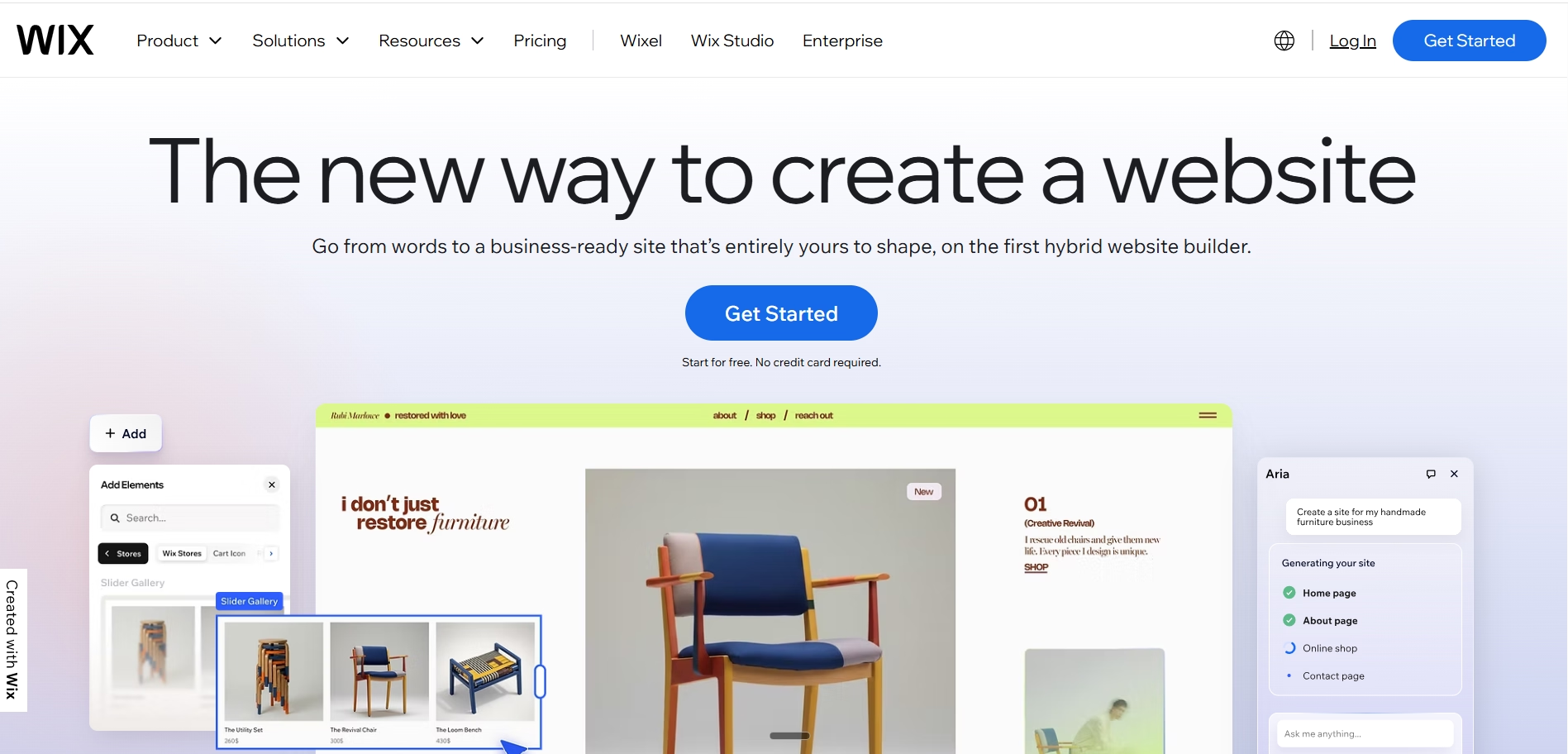
Wix is the most direct functional upgrade from GoDaddy for small business owners who want more design flexibility and a broader feature set without a steep learning curve. Its drag-and-drop editor gives genuine layout freedom rather than locking users into pre-built sections, and its app marketplace covers the vast majority of small business requirements.
Best for
Small businesses, service providers, local retailers, and creators who want more design flexibility than GoDaddy offers, combined with a broad ecosystem of apps for marketing, booking, ecommerce, and community features.
Key features
- True drag-and-drop editor with free element positioning rather than section-based blocks
- Wix AI for site generation and content creation
- 900+ templates across business categories
- App marketplace with tools for email marketing, bookings, subscriptions, reviews, and ecommerce
- 0% platform transaction fees on Business and eCommerce plans
- Member areas for gated content accessible to registered users
- Multilingual site support
- Built-in SEO tools with full meta control and URL slug editing
How it compares to GoDaddy
Wix offers meaningfully more design flexibility than GoDaddy's section-based editor. Users can position elements freely on the canvas rather than being constrained by block layouts. The app marketplace gives access to tools that GoDaddy would require switching platforms or buying separate software to match. The SEO tools are also considerably stronger, with full URL slug control, meta tag management for all content types, and structured data support.
The main limitation relative to GoDaddy is that Wix's template lock-in creates a similar frustration for users who want to completely change their site's design after launch: switching templates requires rebuilding. Wix is also not suitable for very complex custom workflows or integrations that fall outside what its editor and app marketplace support.
Advantages and trade-offs
Advantages
- Genuine drag-and-drop freedom rather than section-locked editing
- Large app marketplace covering most small business needs
- 0% transaction fees on ecommerce plans
- Strong AI-assisted setup tools
Trade-offs
- Template lock-in: switching templates after launch requires rebuilding the site
- Advanced customization and complex integrations still require apps, adding monthly cost
- Sites can load slower than Webflow or custom-built alternatives due to the platform's rendering approach
Pricing
Business plan from $17/month (billed annually). Business Elite at $159/month (annual) for unlimited products and priority support.
3. Squarespace

Overview
Squarespace is the best alternative for users whose primary frustration with GoDaddy is the generic, dated look of the templates. Squarespace produces the most visually refined results of any general-purpose builder, and its 2025 Blueprint AI and Beacon AI tools have made the setup process meaningfully faster and more personalized than it was previously.
Best for
Creative professionals, photographers, consultants, independent brands, and small catalog ecommerce businesses where visual presentation is a primary factor in converting website visitors into clients or customers.
Key features
- Designer-quality templates consistently rated the best-looking defaults in the category
- Beacon AI for guided setup, content creation, and email draft generation
- Blueprint AI templates that adapt to industry and brand style
- Built-in blogging, events, and donation tools
- 0% transaction fees on Core plan and above
- Strong built-in SEO tools and analytics
- Email marketing, scheduling, and client invoicing available as part of the platform ecosystem
How it compares to GoDaddy
Squarespace's templates are significantly more polished than GoDaddy's, and the editor, while less flexible than Wix's free-positioning system, is more structured and produces more visually consistent results. The SEO tools are more capable, with full control over URL structures, page metadata, and sitemap settings. Unlike GoDaddy, Squarespace does not auto-change URLs when page titles are edited.
The key limitation is that Squarespace does not have the breadth of third-party integrations that Wix or Shopify offer, and its ecommerce functionality is best suited to simple catalogs rather than complex stores with advanced shipping or B2B requirements.
Advantages and trade-offs
Advantages
- Best visual output of any general-purpose builder without custom design work
- Beacon AI and Blueprint AI meaningfully reduce the time to a first publishable site
- 0% transaction fees on Core plan and above
- Clean, fast-loading pages with strong mobile performance
Trade-offs
- Business plan charges a 3% transaction fee on all sales; the Core plan at $23/month (annual) eliminates this fee
- Less flexible for complex integrations or custom business logic
- No equivalent to Shopify's or Wix's app ecosystem for extending functionality
Pricing
Basic plan from $16/month (annual). Core plan at $23/month (annual) removes the 3% transaction fee.
4. WordPress
Overview
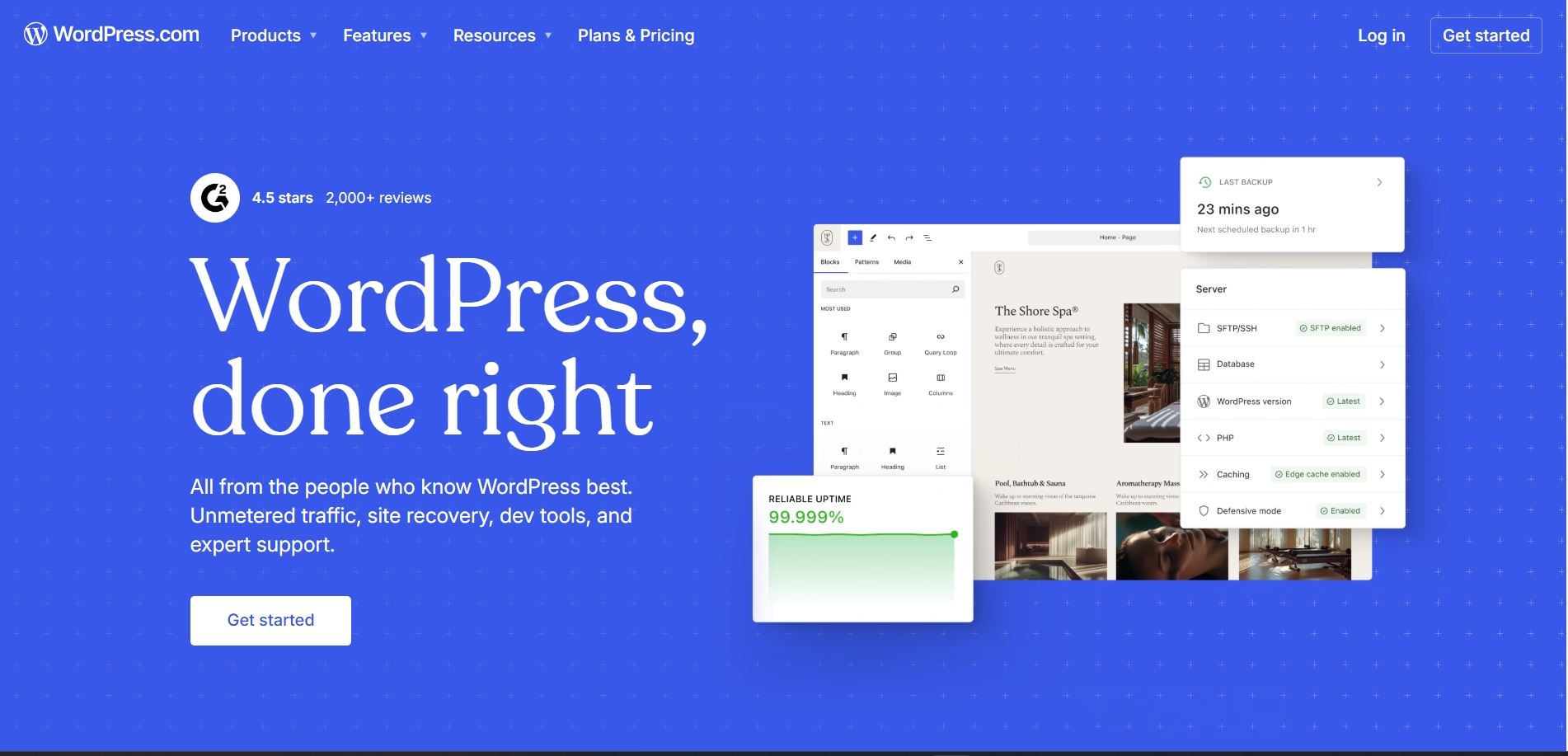
WordPress is the most powerful alternative to GoDaddy for users who want full ownership and maximum flexibility. It powers over 43% of websites on the internet according to W3Techs, and its ecosystem of 55,000+ plugins gives it a range of functionality that no hosted platform can match. Unlike GoDaddy, your content, code, and data all belong to you completely.
Best for
Users with technical resources or developer access who want maximum SEO control, complete ownership of their website's code and data, and the ability to add any functionality through plugins or custom development.
Key features
- Open-source with full code access and 55,000+ plugins
- Complete control over SEO including custom schema, URL structures, sitemap, and robots.txt
- Full data ownership and hosting independence: move your site to any host without rebuilding
- WooCommerce for ecommerce, supporting simple stores to complex multi-vendor marketplaces
- Elementor, Divi, and other visual page builders for design without coding
- WPML and Polylang for multilingual sites
- No platform transaction fees
How it compares to GoDaddy
WordPress addresses every major GoDaddy limitation. SEO control is complete and industry-leading. Site migration and data export are straightforward. Customization is unlimited. The plugin ecosystem means virtually any business requirement can be met. And there is no vendor lock-in: your content can be exported, your code is portable, and your hosting is your choice.
The honest trade-off is that WordPress requires technical management that GoDaddy does not. Hosting, plugin updates, security patches, and performance optimization are the user's responsibility. For users without technical background or developer access, this ongoing maintenance can be more of a burden than the platform's flexibility is worth.
Advantages and trade-offs
Advantages
- Complete ownership of code, content, and data with no vendor lock-in
- Best SEO capabilities of any platform on this list
- Unlimited extensibility through plugins and custom development
- No platform transaction fees
Trade-offs
- Requires ongoing technical maintenance: hosting, updates, security, and performance
- Not suitable for non-technical users without developer support
- Plugin compatibility issues and update conflicts are a recurring management challenge
Pricing
WordPress is free to install. Managed WordPress hosting starts from approximately $5 to $15/month on reputable providers. WooCommerce is free, with premium extensions ranging from $50 to $300 per year depending on requirements.
5. Webflow
Overview
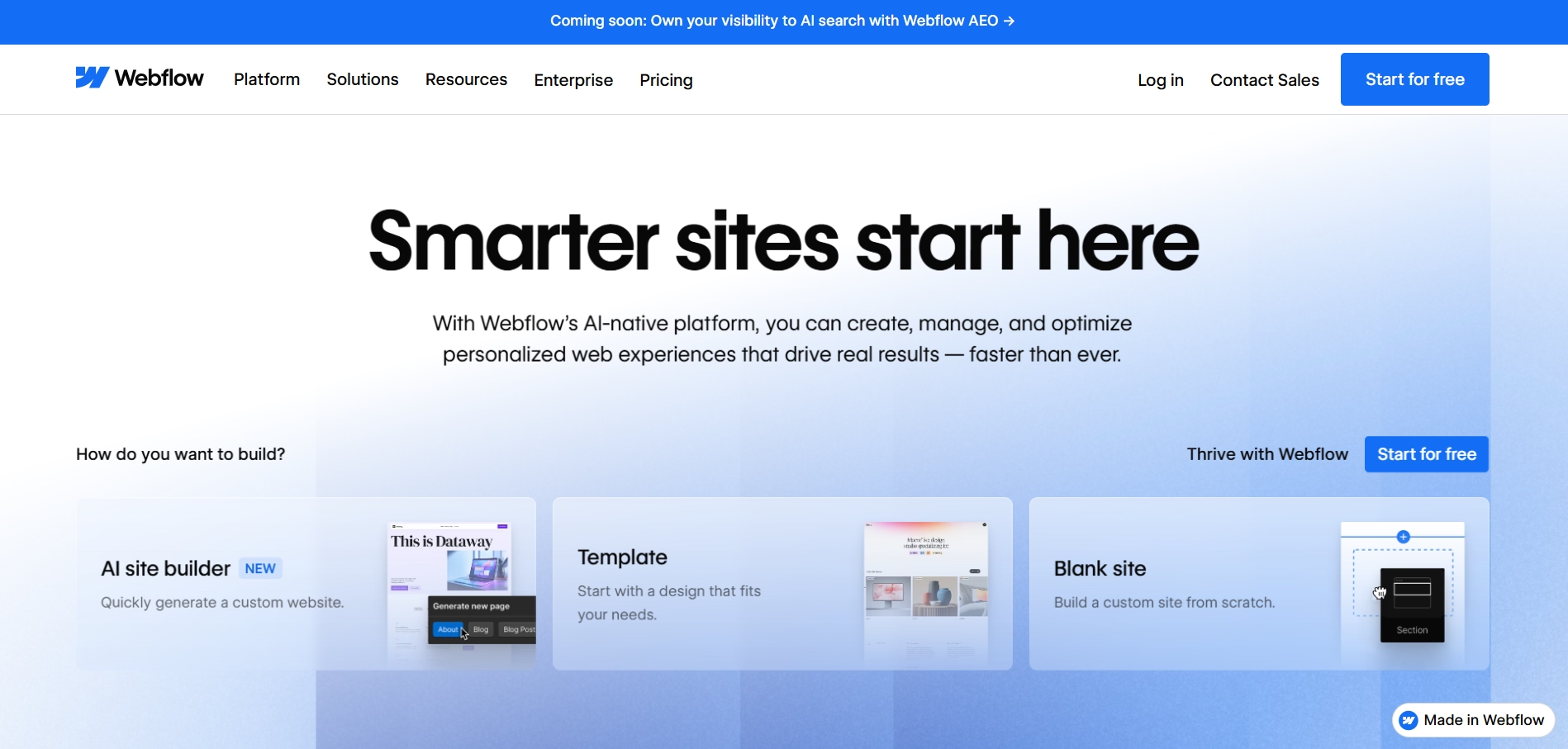
Webflow is the best alternative for designers, agencies, and technically minded users who want pixel-level control over their website's design without writing code from scratch. Unlike GoDaddy's section-based editor or even Wix's drag-and-drop system, Webflow generates clean HTML, CSS, and JavaScript as you design, giving users a level of visual precision that no other visual builder can match.
Best for
Designers, creative agencies, marketing teams, and technically capable business owners who want a highly distinctive, fast-loading website with full design freedom and strong SEO output, and are comfortable with a steeper learning curve than Wix or Squarespace.
Key features
- Pixel-precise visual editor generating clean, exportable code
- Advanced animations and interactions without JavaScript
- Built-in CMS for managing dynamic content collections
- Excellent SEO output with semantic markup, fast loading, and full metadata control
- Webflow Ecommerce for design-controlled online stores (Standard plan at $29/month, annual)
- Code export available on paid plans, eliminating platform lock-in
- Webflow AI for layout and content assistance
How it compares to GoDaddy
Webflow is the most direct answer to GoDaddy's design and SEO limitations. The design output is genuinely superior, the SEO control is complete, and the code is exportable rather than locked to the platform. Users who find GoDaddy's templates generic and its editor restrictive will find Webflow's design system a significant step up.
The learning curve is meaningfully steeper than GoDaddy or Wix. Webflow was designed for designers who understand web design concepts like flexbox, z-index, and CSS properties. Non-technical users often find the initial setup challenging. One important note: Webflow deprecated its native User Accounts feature in January 2026, so password-protected membership areas now require third-party solutions such as Memberstack or Outseta.
Advantages and trade-offs
Advantages
- Best design precision of any visual builder without custom coding
- Excellent SEO output with clean, fast code
- Code export eliminates platform lock-in
- CMS makes dynamic content management straightforward once set up
Trade-offs
- Steeper learning curve than GoDaddy, Wix, or Squarespace
- Webflow Ecommerce Standard plan charges a 2% transaction fee; eliminated on Plus and Advanced plans
- User Accounts deprecated January 2026: membership and login features require third-party solutions
Pricing
Basic Site plan from $15/month (annual). CMS plan at $23/month (annual). Webflow Ecommerce Standard at $29/month (annual).
6. Shopify
Overview
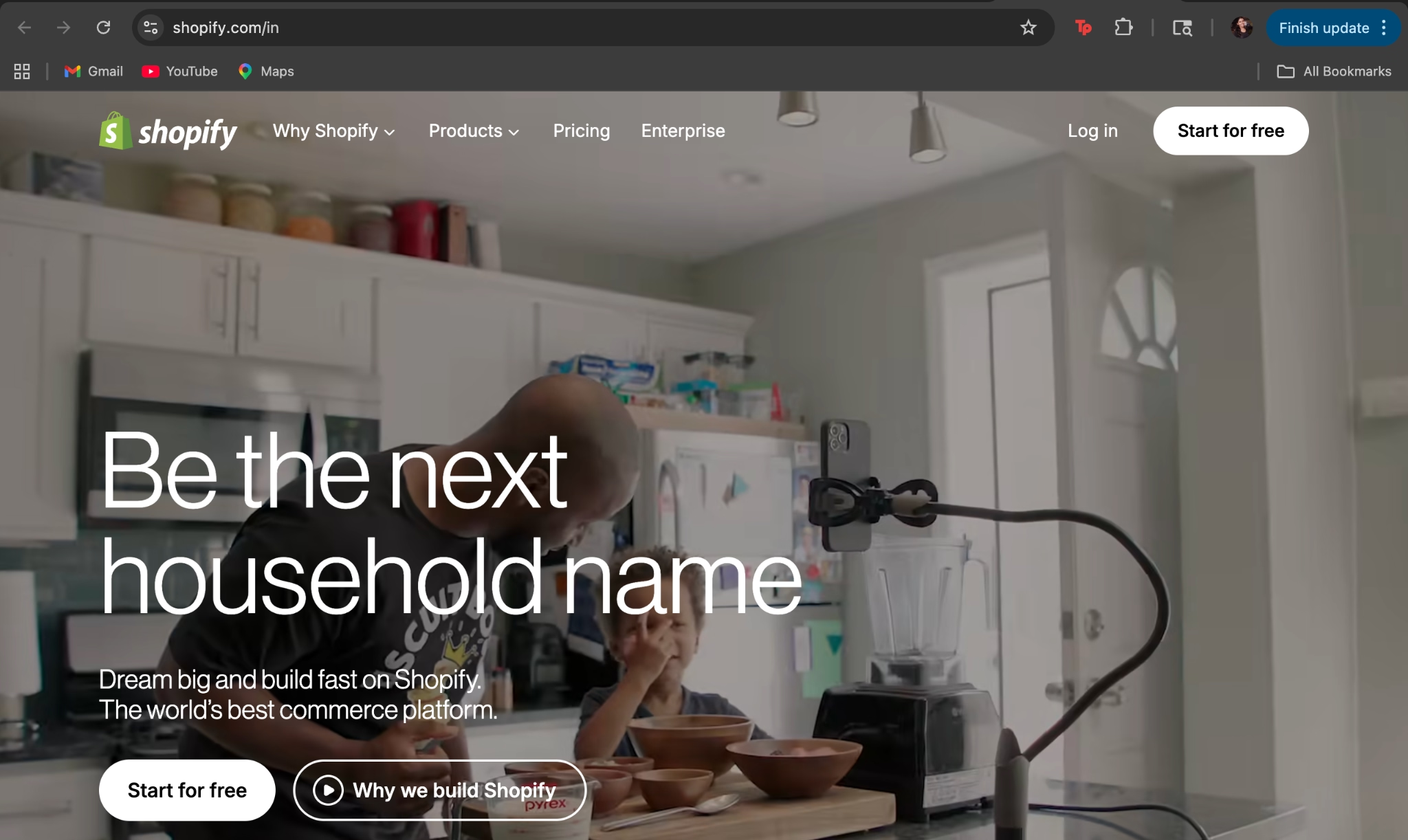
Shopify is the most established ecommerce platform globally and the strongest alternative for users who have outgrown GoDaddy's Commerce plan. While GoDaddy's ecommerce is described by independent reviewers as functional for simple catalogs, Shopify is built specifically and exclusively for selling online, with inventory management, shipping integrations, multi-channel selling, and an ecosystem of 10,000+ apps that GoDaddy cannot come close to matching.
Best for
Ecommerce businesses of all sizes that need a dedicated, scalable online store platform rather than ecommerce functionality bolted onto a general website builder.
Key features
- Full ecommerce platform with product management, inventory tracking, and order processing
- Shopify Magic AI for product descriptions, image editing, and email subject line generation
- 10,000+ apps for every ecommerce function
- Shopify Payments to eliminate platform transaction fees for eligible merchants
- Multi-channel selling across Instagram, Facebook, TikTok, and Amazon
- Shopify Markets for multi-currency, multi-language, and international tax management
- Point-of-sale system for businesses selling in person as well as online
How it compares to GoDaddy
The comparison between Shopify and GoDaddy on ecommerce is straightforward: Shopify was built for ecommerce from the ground up. GoDaddy's Commerce plan is a general website builder with ecommerce added. Shopify supports complex product variants, advanced shipping rules, subscription products, wholesale pricing, and multi-channel selling at a level that GoDaddy does not approach.
The trade-off is that Shopify is exclusively an ecommerce platform. Users who need a strong content-marketing website alongside their store, with blog functionality that rivals a dedicated CMS, will find Shopify's content tools more limited than WordPress. And Shopify's transaction fees, up to 2% when not using Shopify Payments, can become significant at scale.
Advantages and trade-offs
Advantages
- Most complete ecommerce platform available with the largest app ecosystem
- Shopify Magic AI tools embedded in the merchant admin
- Multi-channel selling and POS included
- Shopify Payments eliminates platform transaction fees for eligible markets
Trade-offs
- Platform transaction fees of 0.6% to 2% apply when not using Shopify Payments
- App stack costs add significantly to the real monthly cost beyond the subscription fee
- Not suited as a primary website platform for businesses where content marketing is central
Pricing
Basic plan at $29/month (annual billing). Grow plan at $79/month (annual). Advanced plan at $299/month (annual). Transaction fees apply when not using Shopify Payments.
Also Read: Shopify Alternatives
Which GoDaddy website builder alternative should you choose?
The right alternative depends on what you are actually trying to move away from and what you want to move toward.
Use this table as a starting point.
| Use case | Best platform | Why it fits |
|---|---|---|
| Beginners who want more flexibility than GoDaddy | Wix | More design freedom than GoDaddy with a similarly accessible interface and no significant learning curve |
| Ecommerce businesses needing a dedicated store | Shopify | Purpose-built for ecommerce with the tools GoDaddy's Commerce plan lacks, including advanced inventory, multi-channel, and a 10,000-app ecosystem |
| Fully custom websites without developer dependency | Emergent | AI-generated full-stack website built to exact specifications with no template constraints, no vendor lock-in, and native integrations |
| AI-powered website building | Emergent or Wix | Emergent builds the complete site from prompts; Wix offers AI-assisted setup with strong template output as a starting point |
| Designers and agencies needing visual precision | Webflow | Pixel-level design control with clean, exportable code and strong SEO output that no other visual builder matches |
| Design-focused brands with small catalogs | Squarespace | Best visual template quality of any general-purpose builder with 0% transaction fees on Core plan and above |
Why traditional website builders no longer fit modern businesses?
GoDaddy Website Builder was designed for a specific moment in web history, when most small businesses needed a simple informational site, a contact form, and a map to their location. That moment has passed. Modern businesses need their website to do significantly more: integrate with their CRM, accept bookings, power ecommerce workflows, support content marketing at scale, connect with email and advertising platforms, and scale as the business grows.
Traditional website builders respond to this expanding demand by adding apps and plugins, creating the same fragmentation problem that enterprise software has always faced. A GoDaddy user who needs booking software, an email marketing tool, a review platform, and an ecommerce system is managing four separate tools, four separate billing relationships, and four separate integrations that may or may not work together reliably.
The shift happening in 2026 is toward platforms that treat the website not as a template to be configured, but as an application to be built around the business's actual requirements. AI-powered website builders are at the center of this shift, reducing the technical barrier to building custom functionality while maintaining the speed and accessibility that made template-based builders popular in the first place.
Emergent reflects this direction. Rather than offering a template with customization options, it generates a website from a description of what the business needs. The integrations, the workflows, and the content structure are all built into the site from the start rather than assembled afterward. For businesses that have outgrown what GoDaddy can do and are evaluating what comes next, this approach represents a genuinely different option from the platforms that have dominated the market for the past decade. For a practical guide on what building a modern website actually involves, the how to build a website resource walks through the full process from planning to launch.

Every alternative has trade-offs. Emergent just builds production-ready apps from one prompt.
- Production-ready apps
- Web & mobile apps
- Deploy in minutes







