



The Softr alternatives worth shortlisting first are Glide for spreadsheet-based apps, Noloco for client portals and agency workflows, and Emergent for prompt-to-app builds when you need something more custom. I compared the strongest options by use case, pricing, workflow fit, and tradeoffs so you can quickly see where each tool shines, where it falls short, and who should use it.
8 Best Softr Alternatives: At a Glance
How the top options compare:
| Platform | Best For | Price |
|---|---|---|
| Glide | Spreadsheet-backed business apps | Free, Explorer from $25/month |
| Noloco | Client portals and operations | Free, Pro from $149/month ($99 annual) |
| Stacker | AI-assisted client portals | Free, Team from $50/month |
| Emergent | Prompt-to-app builds | Free, Standard $20/month |
| Bubble | Complex web apps | Free, Web from $32/month ($29 annual); Web & Mobile from $69/month ($59 annual) |
| Retool | Developer-led internal tools | Free, Team from $12/month |
| Airtable | Database-first team apps | Free, Team $24/user/month ($20 annual) |
| ManyRequests | Agency client portals | Core $59/month or $39/month annually |
Pricing correct as of July 2026. Verify with each vendor before buying.
Why Look for Softr Alternatives?
Softr is strong for building portals, internal tools, customer relationship management (CRM) apps, dashboards, and workflow apps without code.
- You may want more app flexibility: Softr is a good fit when your app can be built with blocks, databases, permissions, and connected data sources. If you need more custom product logic, advanced user flows, or a less template-driven build, Bubble, Emergent, or Retool may fit better.
- You may be building around a specific data source: Softr can connect to data sources like Airtable, Google Sheets, Notion, SmartSuite, Xano, Coda, and others. If your team is already deep in Google Sheets, Airtable, or Google Workspace, Glide and Airtable may feel more natural.
- User limits and workflow usage can change the real cost: Softr’s plans include app-user limits, database-record limits, workflow-action limits, and AI credits. Professional includes 100 app users and 10,000 workflow actions, while Business includes 500 app users and 25,000 workflow actions.
- You may need a purpose-built portal instead of an app builder: Agencies and service businesses often use Softr to create client portals. If your main need is client onboarding, requests, billing, file sharing, and agency reporting, a tool like ManyRequests may be faster than building that system from scratch.
- You may want prompt-first app creation: Softr now has AI features, but some builders want to describe an app in plain language and have the platform help design, build, test, and launch more of the product.
TL;DR: Which Softr Alternative Should You Choose?
- Choose Glide if your app starts from spreadsheets and needs to become a clean internal tool, dashboard, or mobile-friendly business app. It is not the best fit if you need complex custom logic outside of Glide's builder.
- Choose Noloco if you need client portals, internal operations tools, permissions, and workflows for service teams or agencies. It is less ideal if you want a consumer-facing product or highly custom software.
- Choose Stacker if you want an AI-assisted client portal and prefer starting from a prompt instead of building every portal screen manually. Check whether you need Stacker's portal plans or its AI-agent pricing before buying.
- Choose Emergent if you want to build a custom web or mobile app from a prompt instead of configuring a portal around existing data. It is not the right fit if you only need a simple data portal on top of Airtable.
- Stick with Softr if you want a no-code business app builder with templates, connected data sources, user groups, workflows, and predictable portal-style app building.
The 8 Best Softr Alternatives
1. Glide
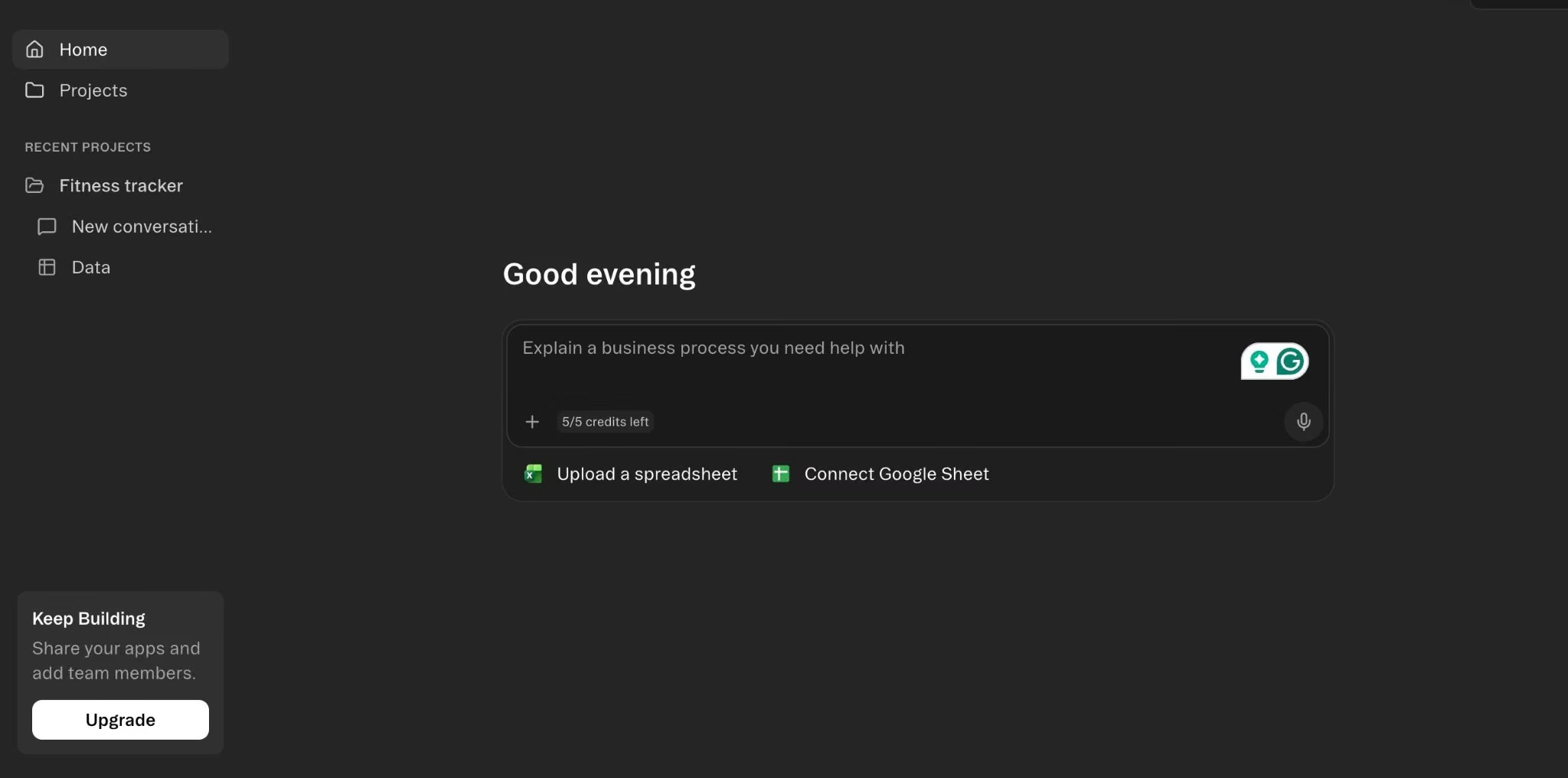
Glide is the best Softr alternative for turning spreadsheet data into internal apps, dashboards, and mobile-friendly tools. It's a strong pick when you already have data in Google Sheets, Excel, or Airtable and want a clean app without rebuilding the data layer first.
Key Features
- Spreadsheet data connections: Turn Google Sheets, Excel, Airtable, and Glide Tables into app interfaces.
- Mobile-friendly apps: Build tools that work well for field teams and operators.
- Workflows and integrations: Add actions, syncs, and connected-tool behavior as the app grows.
Pros
- Strong fit for spreadsheet-backed internal tools.
- Easier for operators than developer-first builders.
- Good for mobile-friendly dashboards and lightweight business apps.
Cons
- Usage limits and extra users can change the final cost.
- Less flexible than full custom app builders.
- Not ideal if your app logic is more important than your spreadsheet data.
Best For
- Operations teams building from Google Sheets or Airtable.
- Field teams that need mobile-friendly apps.
- Internal dashboards, directories, trackers, and simple approval flows.
Plans and Pricing
Free plan available. Explorer is $25/month ($19 billed annually). Business is $249/month ($199 billed annually). Enterprise is custom.
2. Noloco
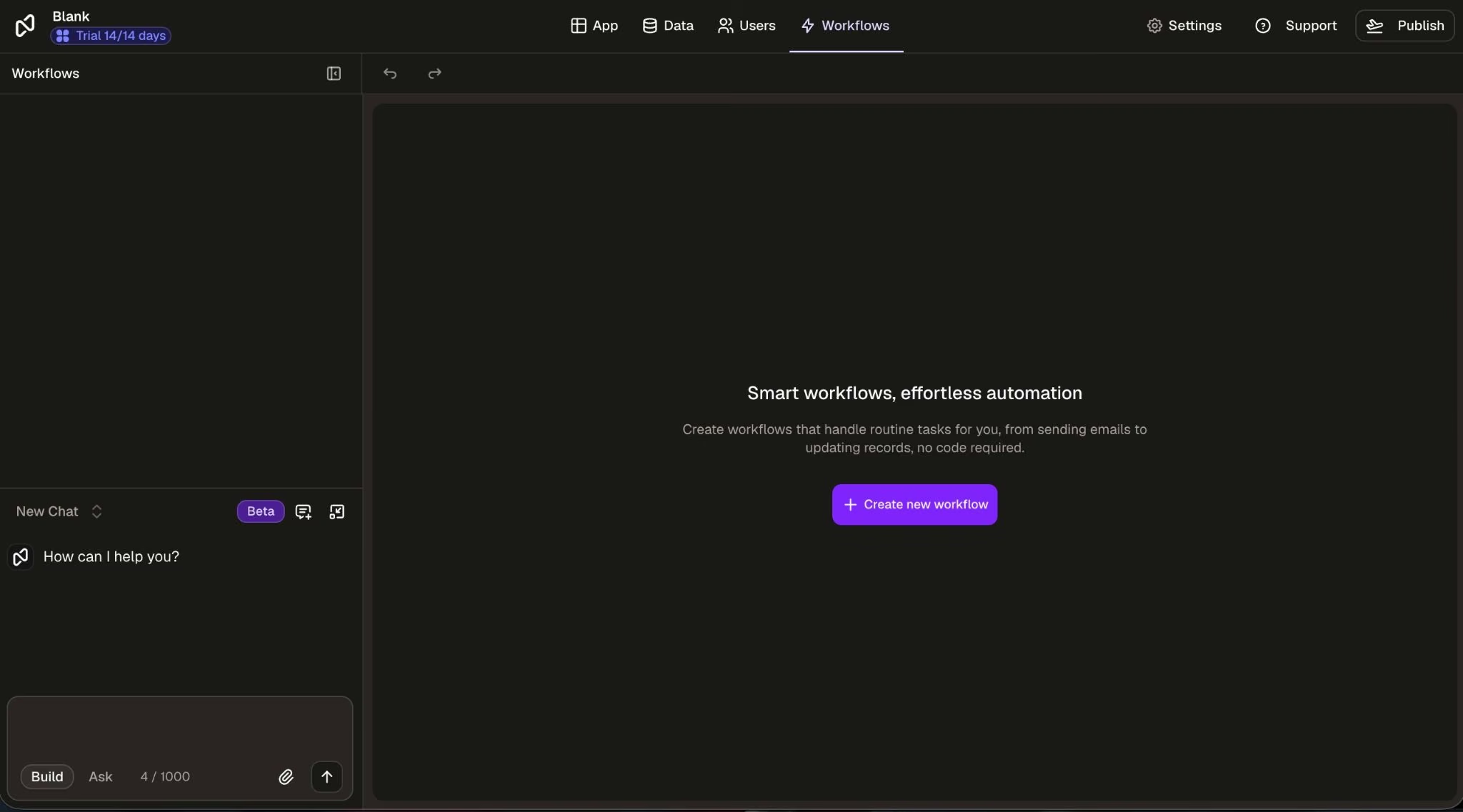
Noloco is the best Softr alternative for client portals and operations apps built around structured business data. It's a cleaner fit than Softr when you want a portal or internal tool with strong permissions and more control over business workflows. It is not the best fit for highly custom consumer apps or teams that want to build a product from a blank prompt.
Key Features
- Client portals: Give clients a branded place to view records, tasks, files, and updates.
- Permissions: Control what users can see and edit at a more detailed level.
- Business data connections: Connect tools like Airtable, SmartSuite, HubSpot, Google Sheets, Xano, Postgres, Supabase, MySQL, Stripe, Zapier, Make, and n8n.
Strengths
- Strong fit for client portals and agency operations.
- Useful permission controls for teams and clients.
- Good for teams building on existing business data.
Limitations
- Less suited to consumer-facing products.
- Advanced builds still need careful data planning.
- Costs rise as seats, clients, rows, and workflow needs grow.
Best For
- Agencies building client portals.
- Service businesses managing client projects.
- Teams that need permissions around internal and external users.
Plans and Pricing
Noloco has a Free plan. Pro is $149/month ($99 billed annually), and Business is $319/month ($213 billed annually). Enterprise is custom.
3. Stacker
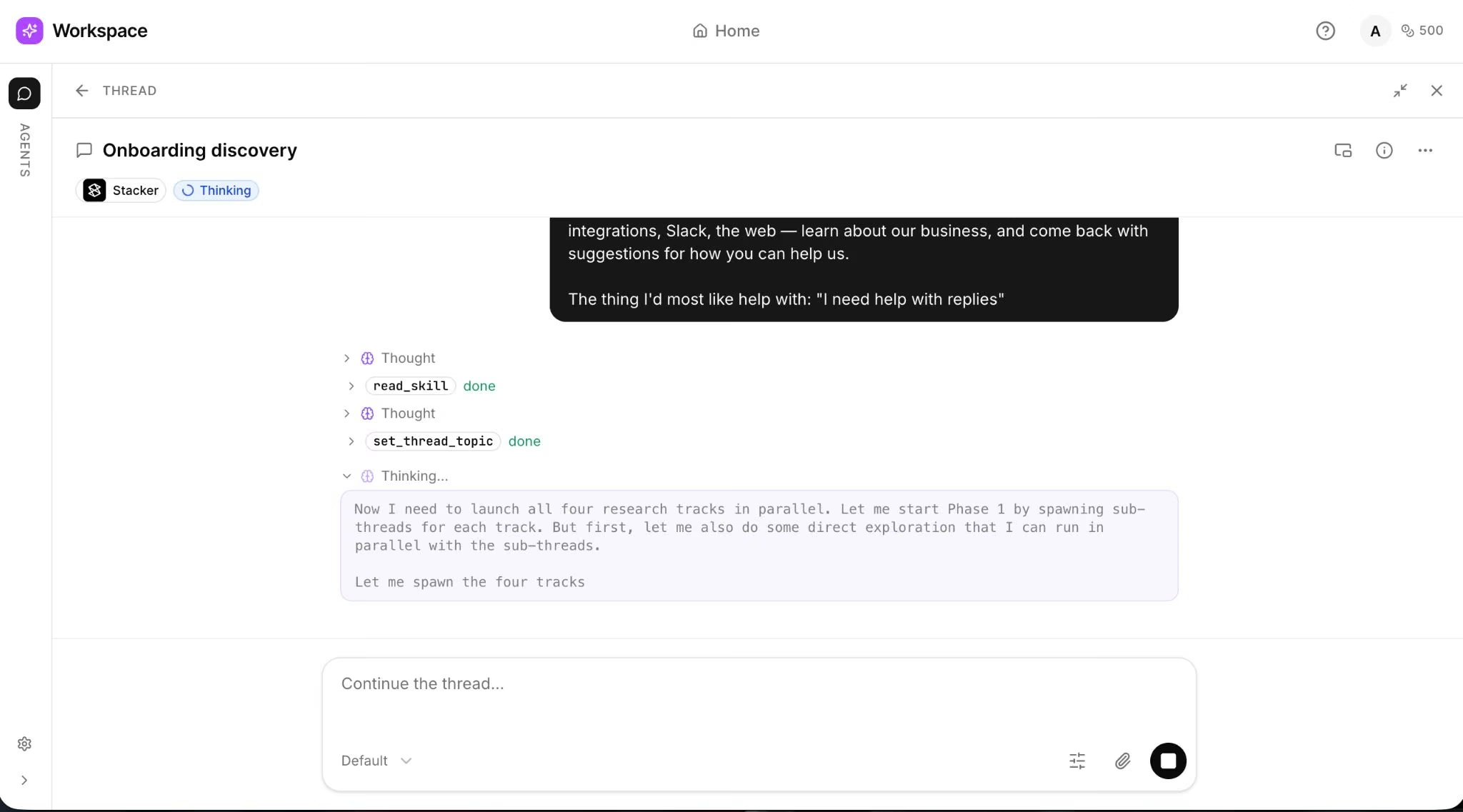
Stacker is the best Softr alternative for AI-assisted client portals and business workflows. Stacker positions the product around AI agents and tasks. You can start building for free and upgrade when ready, and agents pause if credits run out.
Stacker is worth considering if you like Softr’s business-app direction but want a more AI-led setup path. The main caveat is clarity: Stacker has changed positioning over time, so teams should confirm whether the current Stacker product fits their portal, app, or agent workflow before switching.
Key Features
- AI-assisted building: Start from a prompt instead of assembling every screen manually.
- Credit-based usage: Match usage to build activity, but track credits closely.
- Business workflow focus: Build around tasks, clients, records, and operational processes.
Pros
- Strong fit for AI-assisted portal creation.
- Useful for service businesses that want faster setup.
- Free-start path lowers the evaluation risk.
Cons
- Stacker has separate pricing pages for AI agents and portals, so confirm which product you’re evaluating before buying.
- Product positioning has shifted, which may confuse existing Stacker Classic users.
- Credit-based usage needs monitoring during active builds.
Choose This For
- Teams comparing AI-led portal builders.
- Operators who want a guided build path.
- Service businesses creating client-facing workflows.
Plans and Pricing
Stacker starts free with $100 in credits, then Team is $50/month for 250 credits. Enterprise is custom-tailored to usage.
4. Emergent
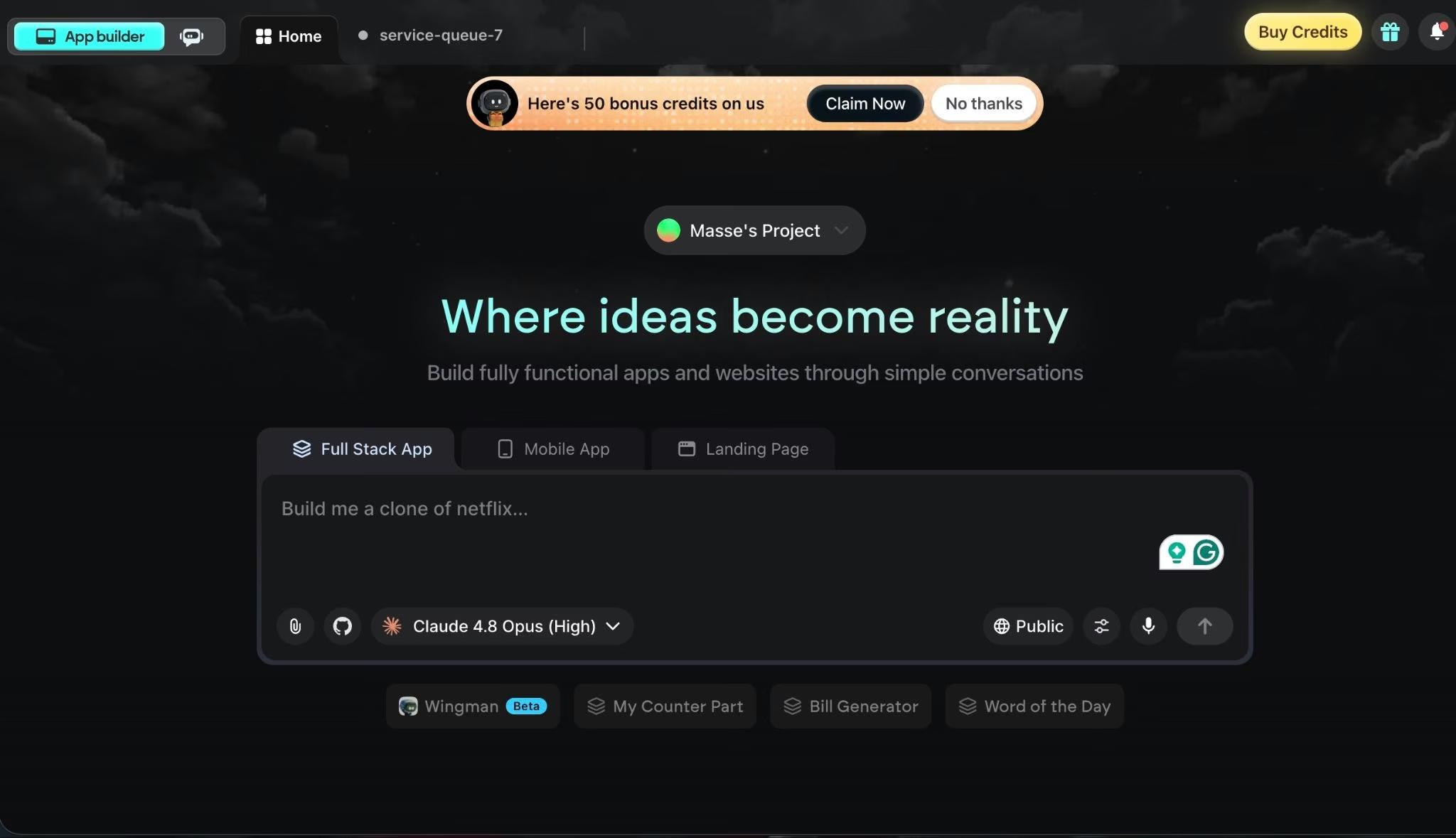
Emergent is the best Softr alternative for builders who want to create a custom app from a prompt instead of configuring a portal around existing data. Emergent supports web and mobile app building, private project hosting on Standard, GitHub integration, and a coordinated app-building workflow through conversation.
Emergent should not replace Softr for every use case. If you only need a simple Airtable portal, Softr, Glide, or Noloco may be faster. If you want a more custom app with product logic, user flows, integrations, and launch support, Emergent is the better fit.
Key Features
- Prompt-to-app building: Describe what you want and refine the app through conversation.
- Web and mobile support: Build web and mobile app experiences from the same platform.
- Private hosting and GitHub integration: Use Standard features when the project moves beyond a public test build.
Upsides
- Strong fit for custom app ideas that outgrow portal builders.
- Useful for founders, operators, and service businesses starting from a product idea.
- Includes a free plan for testing the workflow.
Downsides
- Not the best choice for a simple database portal.
- Credit-based pricing means real cost depends on what you build.
- Apps that handle payments, private data, user roles, or production records still need human review.
Best For
- Non-technical founders building a first app.
- Service businesses replacing manual workflows with custom software.
- Teams that want more than a client portal or internal dashboard.
Plans and Pricing
Emergent has a Free plan with 10 monthly credits. Standard is $20/month, or $17/month annually, with 100 credits per month, private project hosting, GitHub integration, and fork tasks. Pro is $200/month, or $167/month annually, with 750 monthly credits and priority support. Enterprise is custom.
Ready to build your first custom app? Try our small business app builder to see how fast you can get from idea to working product.
5. Bubble
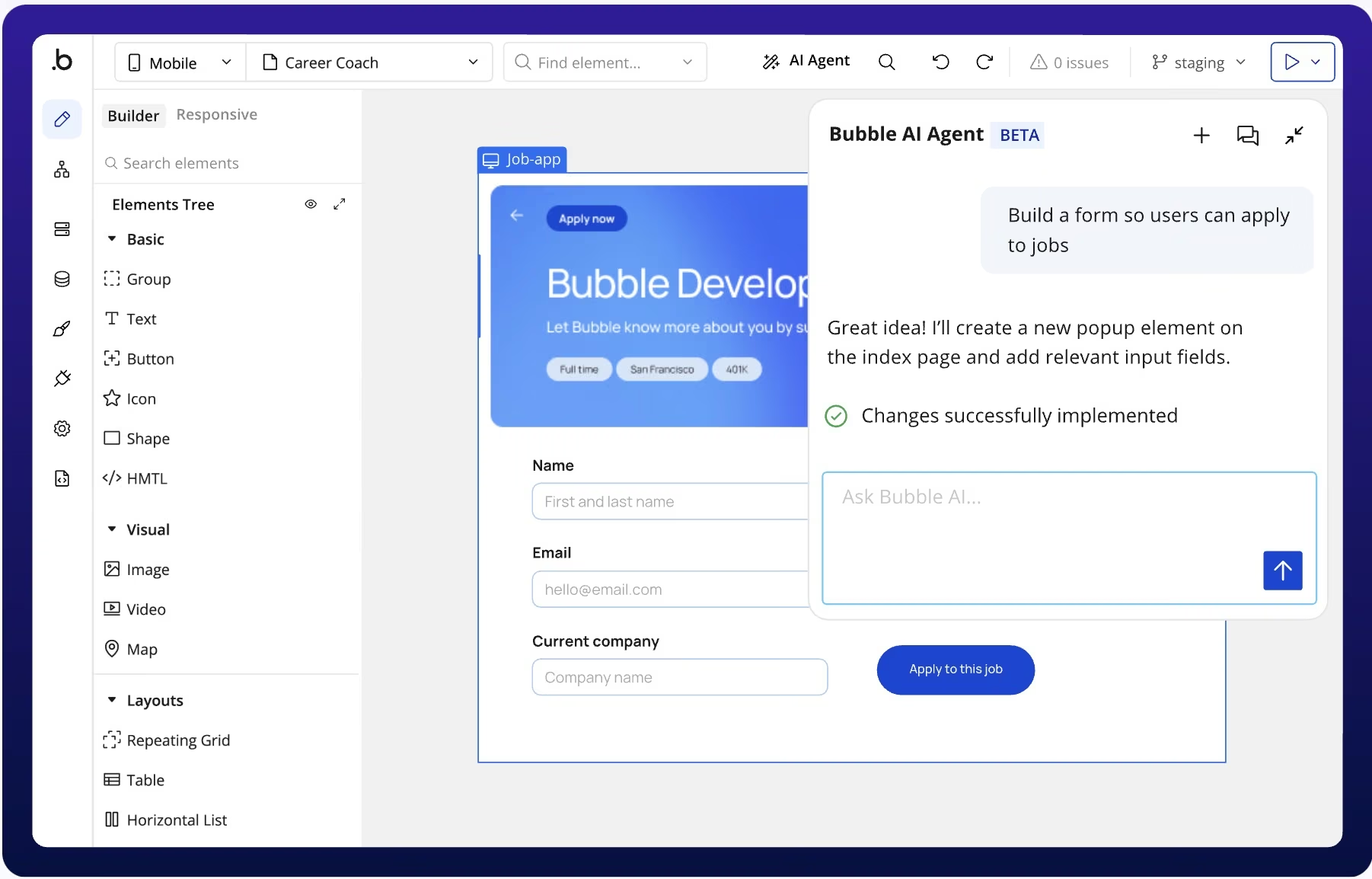
Bubble is the best Softr alternative for complex web apps, marketplaces, SaaS products, and workflows that need more custom logic. It gives you more product-building flexibility than Softr, but that flexibility comes with a steeper learning curve. It is better for serious app builds than quick portals.
What It Does Well
- Visual app editor: Build screens, data, and workflows without traditional coding.
- Database and workflow logic: Create custom app behavior beyond portal templates.
- Web and mobile paths: Bubble now supports web, iOS, and Android app building from the platform.
Pros
- Stronger than Softr for complex app logic.
- Good fit for software-as-a-service products, marketplaces, and custom apps.
- Free plan is useful for early building and testing.
Cons
- Steeper learning curve than Softr.
- Pricing depends on workload usage and app complexity.
- Serious apps may need expert review before launch.
Best For
- Founders building software products.
- Agencies building custom web apps.
- Teams that need workflows beyond portal-style apps.
Plans and Pricing
Bubble has a Free plan, then separate paid pricing by app type:
- Web only: Starter is $32/month ($29 billed annually). Growth is $134/month, and Team is $349/month.
- Mobile only: Bubble also offers a separate Mobile pricing path for native iOS and Android apps. Starter is $49/month ($42 billed annually), Growth is $199/month, and Team is $529/month.
- Web & Mobile: Starter is $69/month ($59 billed annually). Growth is $249/month, and Team is $649/month.
Bubble uses workload units to measure the server resources used to host, run, and scale apps built on Bubble.
6. Retool
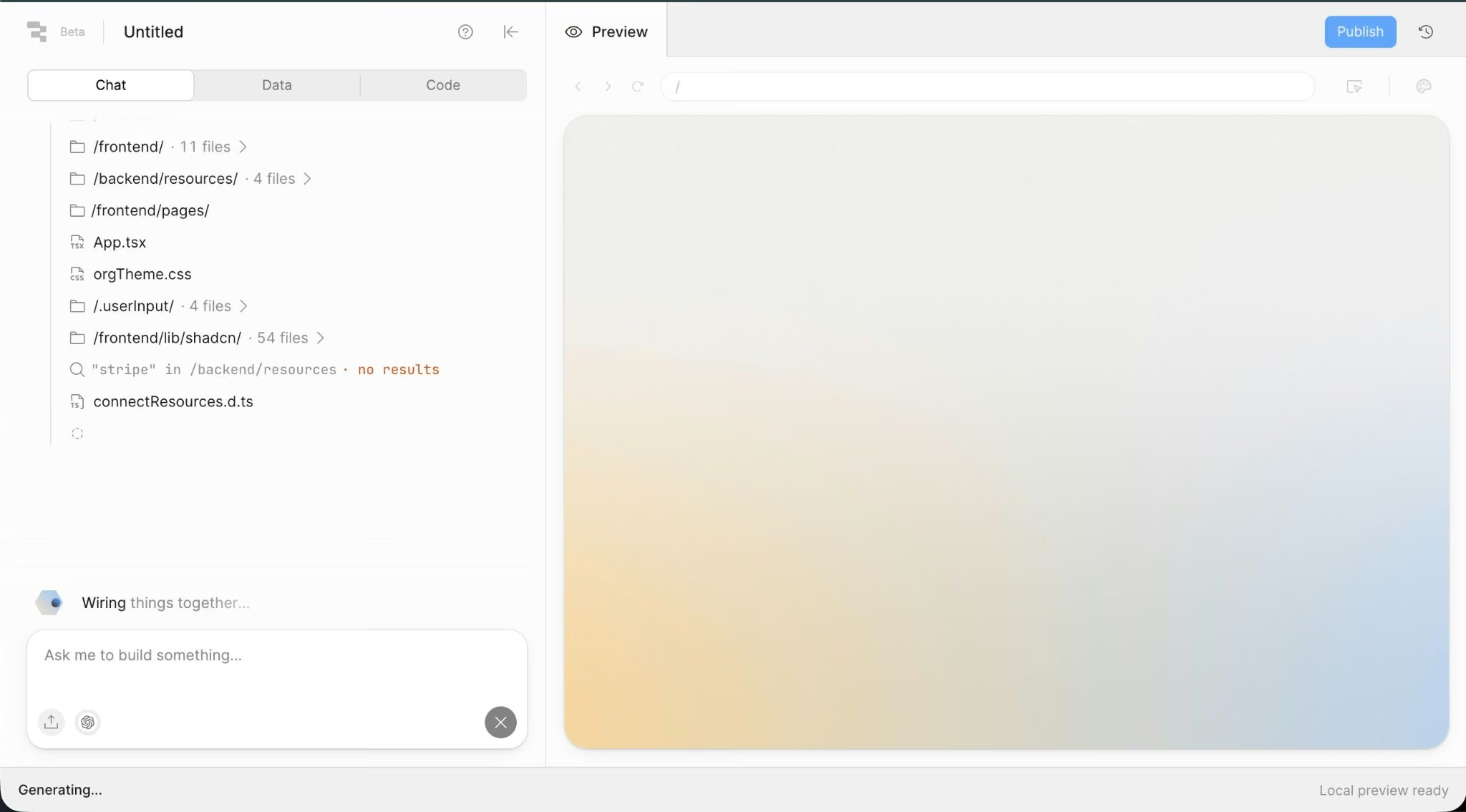
Retool is the best Softr alternative for developer-led internal tools, admin panels, and data dashboards.
Retool is more technical than Softr. That is a benefit if your team wants to connect databases, build admin workflows, and control internal operations. It is a drawback if your team wants a simple no-code portal without engineering help.
Key Features
- Internal app builder: Create tools for operations, support, finance, and admin teams.
- Database connections: Build dashboards and workflows on top of business data.
- Cloud or self-hosting: Use Enterprise options when data needs to stay in your own infrastructure.
Pros
- Strong fit for technical internal tools.
- Better for database-heavy dashboards than simple portal builders.
- Seat types can separate builders from internal users.
Cons
- Less friendly for non-technical builders.
- External-user pricing requires a sales conversation.
- Overkill for simple portals or lightweight directories.
Best For
- Developer-led operations teams.
- Internal admin panels.
- Data dashboards and workflow tools.
Plans and Pricing
Retool’s pricing page separates builders, internal users, and external users. Team is $12/month per builder and $7/month per internal user, while Business is $65/month per builder and $18/month per internal user. Business also includes external-user pricing tiers.
7. Airtable
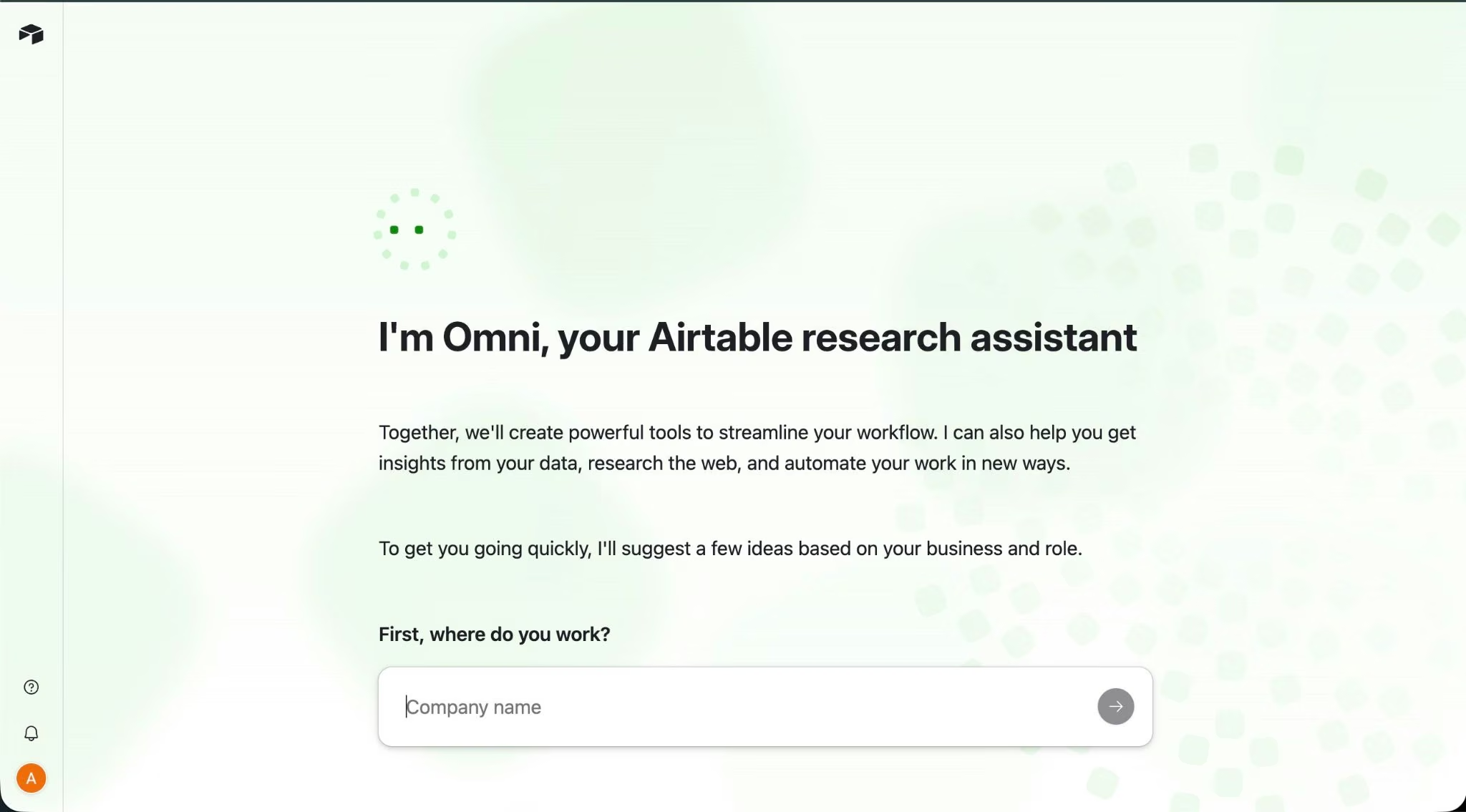
Airtable is the best Softr alternative when the database matters more than the app shell. While it isn’t a full Softr replacement for polished external portals, it makes more sense when your team wants one place for structured data, forms, automations, and internal views.
Key Features
- Flexible database: Organize records, attachments, views, and team workflows.
- Interfaces: Create simple front ends for internal users.
- Automations: Trigger updates, reminders, and connected workflow steps.
Pros
- Strong for structured team data.
- Easier than a full app builder for lightweight workflows.
- Good fit if your Softr app already depends on Airtable.
Cons
- Not as polished for external portals.
- Per-seat pricing can add up for larger teams.
- Complex app behavior may require Softr, Glide, Retool, or a custom builder.
Best For
- Teams already using Airtable.
- Internal workflow apps.
- Lightweight databases, forms, and reporting views.
Plans and Pricing
Airtable has a Free plan. Team is $24/user/month ($20 billed annually), Business is $54/user/month ($45 billed annually), and Enterprise Scale is custom.
8. ManyRequests
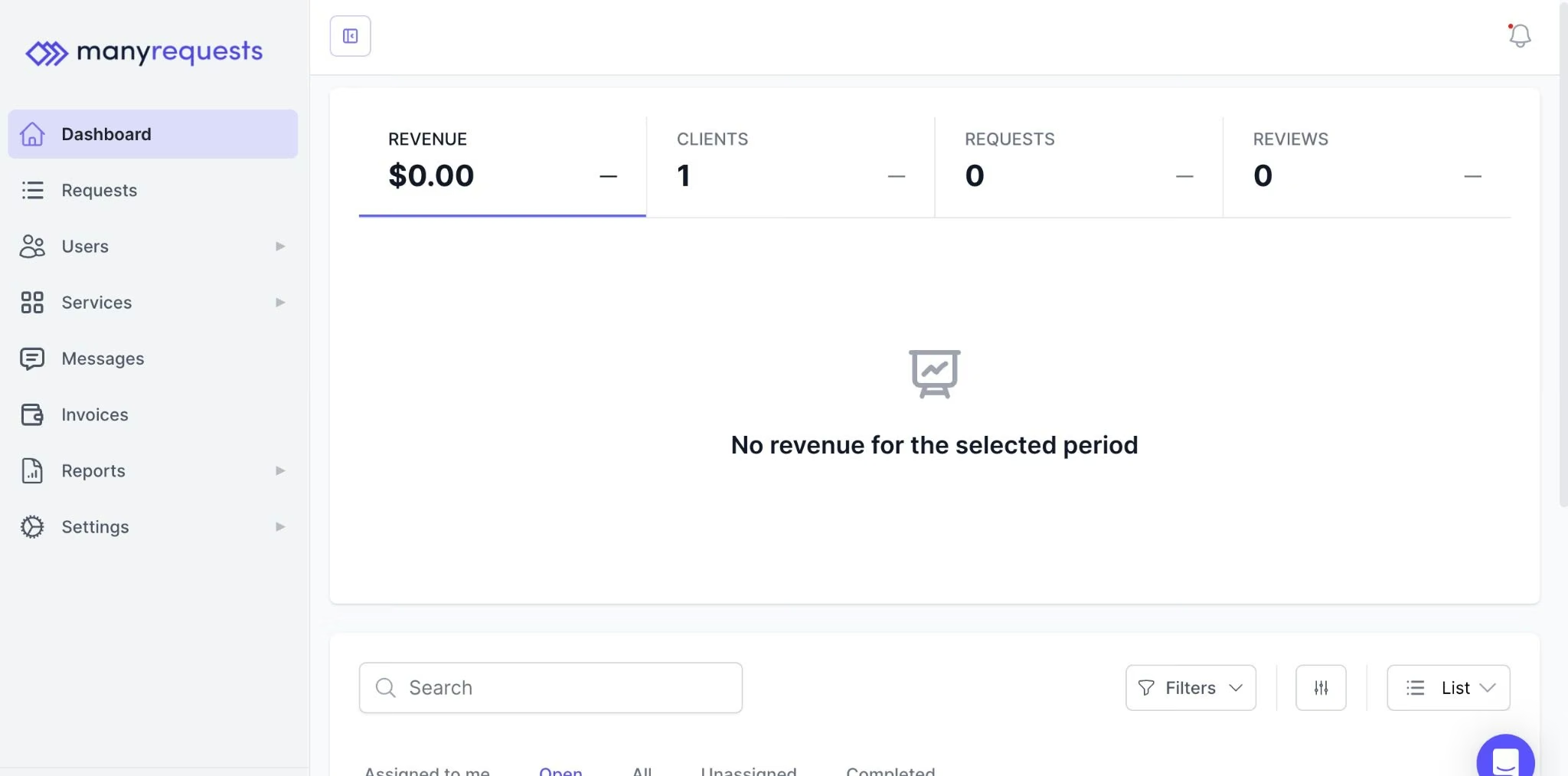
ManyRequests is the best Softr alternative for agencies that need a ready-made client portal instead of a flexible app builder. The Core plan includes a client portal, time tracking, requests, billing, CRM, reporting, unlimited clients, custom domain, design proofing, Zapier integration, and extensions.
ManyRequests is more specialized than Softr. That makes it a better fit for agencies that want to onboard clients, manage requests, track work, and get paid in one place. It is not the right choice if you need to build many different types of apps.
Key Features
- Agency client portal: Give clients one branded place for requests, files, updates, and billing.
- Request management: Track project requests, comments, statuses, and proofing.
- Billing and CRM: Manage subscriptions, client records, and reporting in one product.
Pros
- Strong fit for agencies and productized services.
- Unlimited clients are included across plans.
- Faster than building an agency portal from scratch.
Cons
- Not a general-purpose app builder.
- Core includes ManyRequests branding, and removing “Powered by” requires Pro.
- Extra team seats increase the final cost.
Good Fit For
- Creative agencies.
- Productized service businesses.
- Teams that need requests, billing, files, and client communication in one portal.
Plans and Pricing
ManyRequests Core is $59/month, or $39/month when paid annually. Pro is $99/month, or $79/month when paid annually. Enterprise starts at $1,000/month. Extra seats cost $20/month on Core or $30/month on Pro, with lower annual rates.
How to Evaluate Softr Alternatives
Evaluating Softr alternatives comes down to matching the tool to your app type, your existing data, your real cost at scale, and your permission and launch needs. Work through these six checks:
- Start with the app type. A client portal, internal dashboard, agency portal, mobile field app, and SaaS product are not the same job. Softr is strong for portal-style business apps, but Glide, Noloco, Bubble, Retool, and Emergent solve different versions of the problem.
- Check whether you are building around existing data or a new product idea. Glide, Airtable, Noloco, and Softr make the most sense when your data already exists. Emergent and Bubble are better when the app itself needs to be designed from the ground up.
- Compare real pricing, not only the entry plan. Softr, Glide, Noloco, Airtable, Retool, and ManyRequests all have different cost drivers, including users, seats, workflow runs, credits, rows, and enterprise add-ons. A low monthly price can become less useful if the limits do not match your actual app.
- Look closely at permissions. Portals need clean rules for what clients, employees, vendors, and admins can see or edit. If permissions matter, compare user groups, record-level access, field-level access, audit logs, and single sign-on needs before choosing.
- Plan for launch and maintenance. A first version is not the finish line. Ask how each platform handles custom domains, hosting, integrations, updates, backups, testing, and handoff to developers or internal operators.
- Treat AI-built apps as drafts until reviewed. If the app handles payments, subscriptions, private data, user permissions, admin panels, or production records, review the output before launch. AI app builders can speed up the first version, but they do not remove the need for human judgment.
Also read our guide on how to deploy your app on Emergent to see what launch and maintenance looks like in practice.
Pick the Softr Alternative That Matches the Workflow
The best Softr alternatives are not interchangeable. Glide is better when your app starts from spreadsheets. Noloco is better for structured client portals and operations. Stacker is worth checking if you want AI-assisted portal creation. Bubble and Retool are stronger when the project needs more app logic or developer control. Airtable can replace a lightweight Softr setup if your real need is a shared database. ManyRequests is the practical choice for agencies that need a portal, requests, and billing.
If Softr feels too tied to portal-style apps and connected databases, Emergent is a better next step for building a custom app. You can describe the product in plain language, then use Emergent’s coordinated agent system to build, test, integrate, and launch web and mobile apps through conversation.
Start building your first working app with Emergent today.

Every alternative has trade-offs. Emergent just builds production-ready apps from one prompt.
- Production-ready apps
- Web & mobile apps
- Deploy in minutes







