



I built a marketing consulting setup end to end the way a solo founder would, testing the messy parts first, from page builders and AI app tools to payment links and pricing traps. Here's how to start a digital business in 2026 without burning credits or building more than you need.
What You'll Need Before Starting
A digital business is any business you run mostly online, where the product or service is delivered through a screen instead of a shelf. Mine was consulting, where I advise small business owners and get paid for my time and advice. Before you set any of it up, you need a few basics ready.
Prerequisites:
- One clear offer: A single service or product you can explain in one plain sentence.
- A way to get paid: A free Stripe account covers this, and it takes about ten minutes to open.
- A simple page builder: A tool like Carrd or Webflow that lets you put up a page yourself, no developer needed.
- A few people to talk to: Five to ten real people in your market you can ask about the idea.
- A little money for tools: Even free plans run out once you start testing the heavier builders.
Time needed: Two to four weeks to test the idea and put up a page. A full build takes a month or two more, depending on how complex it gets.
How to Start a Digital Business: Step-by-Step
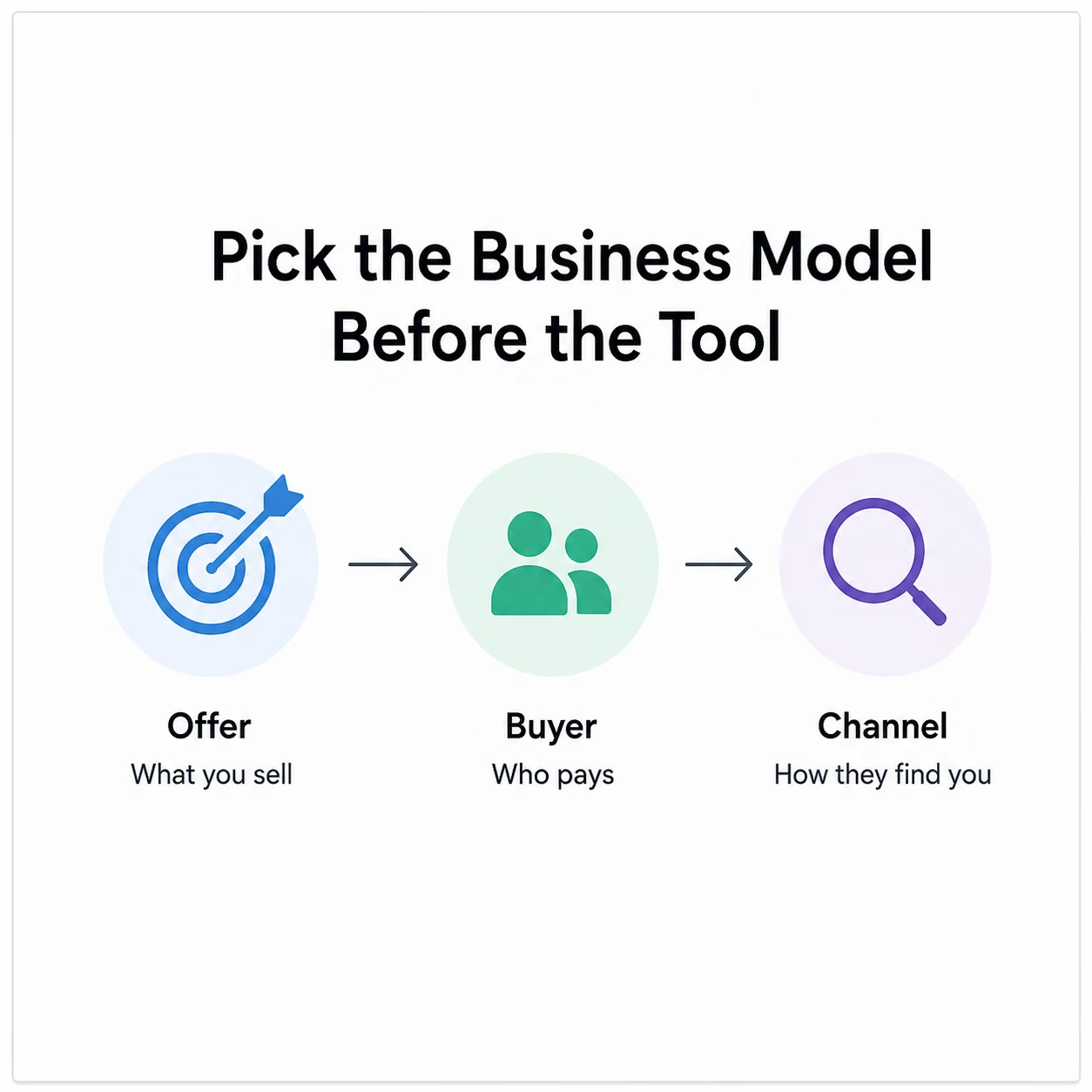
Step 1: Pick the Business Model Before the Tool
Decide what you are selling before you open any software. This sounds obvious, but most people do it backward. They get excited about a tool, then try to bend their business to fit it.
Here is what I mean. My offer needed a way for people to book a call with me, pay me, send their details before the call, and receive the finished work. That is a small list. It doesn’t need a complicated app.
Knowing that early saved me from building things I would never use. The demand for online work is there if your offer is clear. The US Bureau of Labor Statistics projects jobs for web developers and digital designers to grow 7% from 2024 to 2034, much faster than the average job, as more businesses move online.
Pro Tip
Write down what you sell, who pays for it, and how they find you. Three sentences. If you can't fill in all three, you're not ready to build yet.
Also read our guide on how to make money with AI in 2026 for 12 proven ideas worth trying before you start building.
Step 2: Validate the Idea Before You Build
Validating an idea means checking that real people will pay for it before you spend weeks building anything. It is the step people skip most, and the one that saves the most pain.
The cheapest way to validate an idea is a landing page. That is a single web page that describes your offer and gives the visitor one thing to do, like booking a call or joining a waitlist. You don’t need a full website yet. You need proof that someone cares.
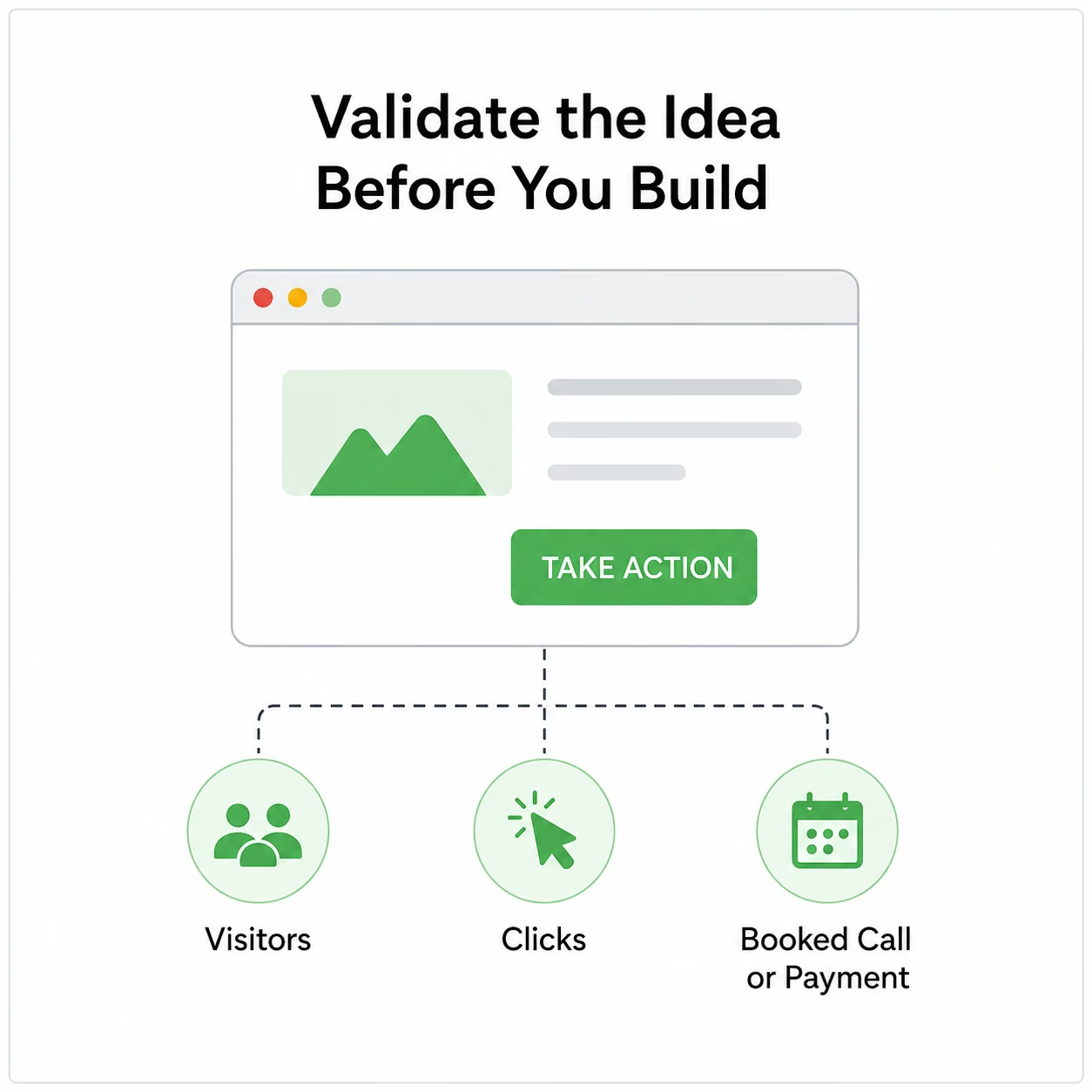
I built mine in Carrd in under an hour. The page had one offer, one price, and one button. Then I sent the link to eight people I knew in my target market and watched what they did. Some clicked, a few asked questions, and a couple replied asking to book a call. That was enough signal to keep going.
Pro Tip
A booked call or a payment is real proof. A friend saying "nice, this looks cool" is not. Wait for the action, not the compliment.
Step 3: Pick the Smallest Working Stack
Your "stack" is the set of tools you use to run the business. The goal is to use as few tools as possible and match each one to what you sell.
Here is the simple stack I worked from:
| What you need | Simple tool for it |
|---|---|
| A web page | Carrd, Webflow, Framer |
| Getting paid | Stripe |
| Forms and booking | Tally, Typeform |
| A client login area | Softr, Glide |
| A custom app | Lovable, Base44, Emergent |
| Email list | Beehiiv, ConvertKit |
| Connecting tools together | Zapier, Make |
For one part of my setup, I first used an AI app builder to create a private area where clients could log in and see their work. That choice cost me more than it should have, and the next step explains why.
Pro Tip
Start one level simpler than you think you need. Adding a tool later is easy. Untangling three tools you never needed is not.
Step 4: Build Your First Version With an AI Builder
An AI app builder is a tool where you type out what you want in plain English, and it generates a working app for you. You do not need code. They are fast, and for a first draft, they can turn a plain-English prompt into something you can click, test, and show to a potential customer in minutes.

The catch is how they charge. Most of them run on credits, which you spend every time the tool works for you. The part that stings is that a small fix can make the tool rebuild part of the app and charge credits again.
I saw this firsthand. I tried Lovable first, and the opening version of my app looked great within minutes. Then I asked for small changes, including a login screen, a status label, and a notification. Each one ate more credits than I expected. I moved on to Replit and Base44, but landed in the same problem.
The reviews tell the same story. A Replit user wrote, "Very easy to use. It does lots of the work for you,” which matches the speed everyone praises.
A Base44 reviewer captured the other side: "Just keeps getting things wrong and eating up the credits." That pattern matched what I saw in my own testing. These tools get you a clickable draft fast.

I switched to Emergent next, hoping for steadier results on those small fixes. Its first drafts held together better when I asked for changes, since the build gets checked before it ships back to you. The credit math was still tighter than I planned for, though that is true across this whole category, not any one tool.
Pro Tip
Set a credit budget before you start, the way you would set an ad budget. If a tool burns through it before the app is done, that is your cue to simplify or switch, not to keep paying for retries.
Also read our guide on the best vibe coding tools in 2026 to find the right one before you spend your first credit.
Step 5: Decide What Is Ready for Real Customers
A demo proves your idea can be shown. A real business proves it can be sold, supported, and trusted with people's money and data. Those are different bars, and the gap between them is where most first builds fall short.
Before you call anything finished, check the things AI builders tend to miss:
- User data safety: A login screen alone does not guarantee each user sees only their own information. That has to be set up on purpose.
- Broken states: What the app does when a form gets bad data or a payment fails.
- Owning your work: Whether you can export your data and code if you ever leave the tool.
- Support speed: Who fixes it when a customer hits a bug at 9 p.m.
This is where I changed course. The piece I was building was a client portal, a private area where each client logs in and sees only their own project and files. Mine was simple: a login, a list of deliverables, and a status next to each one. That setup worked better as a data tool than as a custom app.
So I rebuilt it in Softr, which is made for exactly this kind of login-and-list setup. It handled the job without the retry costs piling up. A Softr user on Trustpilot put its strength plainly and said, "Great if you want to build your own custom internal business tools." AI builders weren’t the problem here. I had picked a heavy tool for a light job.
Pro Tip
If your "app" is really just a login, a list, and a form, you probably don't need an AI app builder. A no-code data tool will be cheaper and steadier.
Also read our guide on the best no-code software builders in 2026 to find the right tool for the job before you overbuild.
Step 6: Add Payments and Intake Without Overbuilding
With the core in place, add the two pieces every business needs: a way to take money and a way to collect information from clients.
For payments, I used Stripe Payment Links. These are simple checkout links you can create without code and paste anywhere, so a client can pay in a couple of clicks. For a service business with one or two offers, that beats setting up a full online store.
I did test Shopify, which is built for stores with real product catalogs. For the one or two client guides I wanted to hand over, it was more than I needed, so I passed. For collecting client details, I used Tally to build a short form that asked only what I needed before a call, and nothing extra.
Pro Tip
Match the tool to your volume. One Stripe link can outperform a full store if you are only selling a couple of things.
Step 7: Test It Like a Real Customer Would
Don’t launch the moment the normal path works. Most things break in the situations you missed during planning.
Before I called the build done, I ran through this list:
- Created two test accounts to confirm one client couldn't see another's data
- Forced a payment to fail and watched what happened
- Opened the site on a real phone, not just a shrunk browser window
- Filled the intake form with blank and junk entries
- Confirmed that the confirmation emails actually arrived
I saw the same trap in my own testing. Apps that work fine for their maker can fall apart when real users hit empty screens, dropped connections, or strange pasted text. Testing this way caught two broken spots I never would have found on my own.
Pro Tip
Ask someone with no stake in your business to use the site for five minutes while you watch. They will break something you never thought to test.
Step 8: Build an Audience Before the Product Is Perfect
Building an app is the easy part now. Getting anyone to find it is the hard part.
While testing, I put the offer out there before the client portal was even finished, pointing people to the simple landing page from Step 2. That gave me real visitors and real conversations while I was still fixing small things.
The common failure online goes the other way. People polish a product in private, launch it, and hear nothing back because they didn’t build an audience first.
Looks alone won’t save you either. A lot of AI-built sites land on the same rough template, with the same big heading and stock buttons. They are fast to make and easy to forget. Edit your words, your offer, and your proof before you send people there.
Pro Tip
Pick one channel and stick with it for a month before adding a second. Spreading across five at once usually means none of them gets enough attention to work.
Common Mistakes to Avoid
- Tool before model: Picking a trendy builder, then forcing a simple business into a complex app it never needed.
- Calling 80% done: The last stretch, with permissions, broken states, and support, is where real problems hide.
- Open-ended credit spend: Letting a builder run up your bill on retries because you never set a limit.
- Building before proof: Spending weeks on a product before checking that anyone will pay for it.
- Audience as an afterthought: Finishing the build first, then wondering how people will ever find it.
Budgeting for the Hidden Costs
The monthly subscription is the cost you see. The costs that catch people are the ones they never add up:
- Credits spent on retries
- Paid templates or add-ons
- Payment processing fees
- Email sending charges
- Custom domains and hosting
- Rebuilding when the first tool turns out wrong
I planned for the subscriptions and missed the retries. Setting aside a fixed amount for them up front, instead of treating it as an open tab, would have saved me my most frustrating week. Cheaper page tools can carry the early load while you are still testing the idea.
Also read our guide on the best affordable website builders in 2026 to keep costs low while you're still testing the idea.
Emergent Makes the App Part Easier
Once you have proof that people want your offer and you know you need a real app, not just a page, Emergent is one option for building, hosting, and running that part of the stack.
Emergent helps with the app build in four ways:
- A working app, not a mockup: You describe what you want and get something with logins, payments, hosting, and infrastructure handled in one place.
- Support that responds: Emergent backs the build with documentation, a user community, and a support team you can reach when something breaks.
- Built by a team of agents: A system of specialized agents splits the work. Some agents shape the screens, while others wire up the logic behind them, so more of the build happens in one place.
- Room to grow: Emergent fits when a validated idea outgrows a simple no-code data tool.
You can try Emergent on its free tier before you pay, so you can see how far you get first. Start building with Emergent.


Describe what you want and Emergent builds it. A real, production-ready app you can launch the same day.
- One prompt to build
- Zero code required
- Deploy in minutes







