

Build a Sketch App With Real Vector Tools, Layers, Color Palettes, and Cloud Portfolio Sync with AI
Create your sketch app in minutes with AI. Run vector sketch tools, layer management, color palette library, and cloud sync portfolio without coding.










Why Emergent for Sketch Apps?
Illustrators bouncing between separate apps for vector tools, layers, palettes, and portfolio storage lose flow-state hours to context switching and version chaos. On Emergent, describe what you need and it builds your sketch app.
| Traditional Builders |  |
|
|---|---|---|
| Creation & Setup | Limited templates with lengthy setup and multiple manual steps | Fully customizable sketch app created instantly using plain English prompts |
| Design | Limited design flexibility | AI-driven, personalized design layouts that match your brand |
| Sketch Logic | No vector or layer fields | Handle vectors and layers natively using prompts |
| Custom Domain | Requires purchasing a domain and manual DNS configuration setup | Just share your domain. We handle DNS setup with SSL included |
| Time to Launch | Can take up to days and weeks | Launch in just a few minutes to hours |
| Payment & Checkout | Limited plugins and integrations | Accept global payments in any currency by connecting gateways with API keys |
| Cloud Portfolio | Files live scattered across devices | Sync portfolio through prompts |
| SEO | Basic tools with heavy manual effort | Improve SEO instantly using prompts. No technical setup needed |
| Scaling | Limited scalability with performance constraints and risk of data loss | Scale your app anytime by reopening the chat and expanding with prompts |
| Maintenance & Updates | Requires manual updates, bug fixes, and ongoing management | Easily update and improve your app anytime using simple prompts |

How a Sketch App Earns Its Place
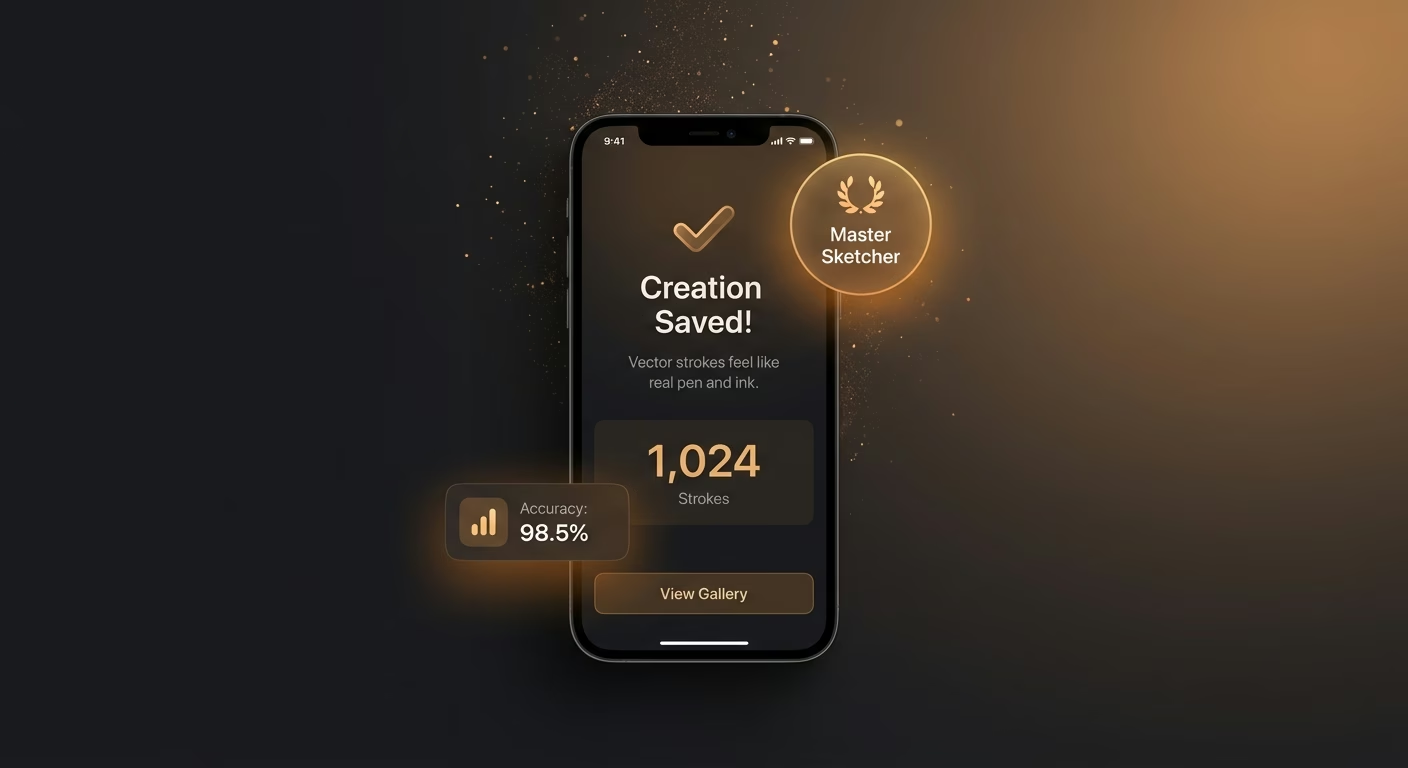
Vector strokes feel like real pen and ink
Vector engine services with pressure-aware paths render each mark, so vector strokes feel like real pen and ink and the calligraphic weight an artist expects from analog tools appears on the digital canvas.
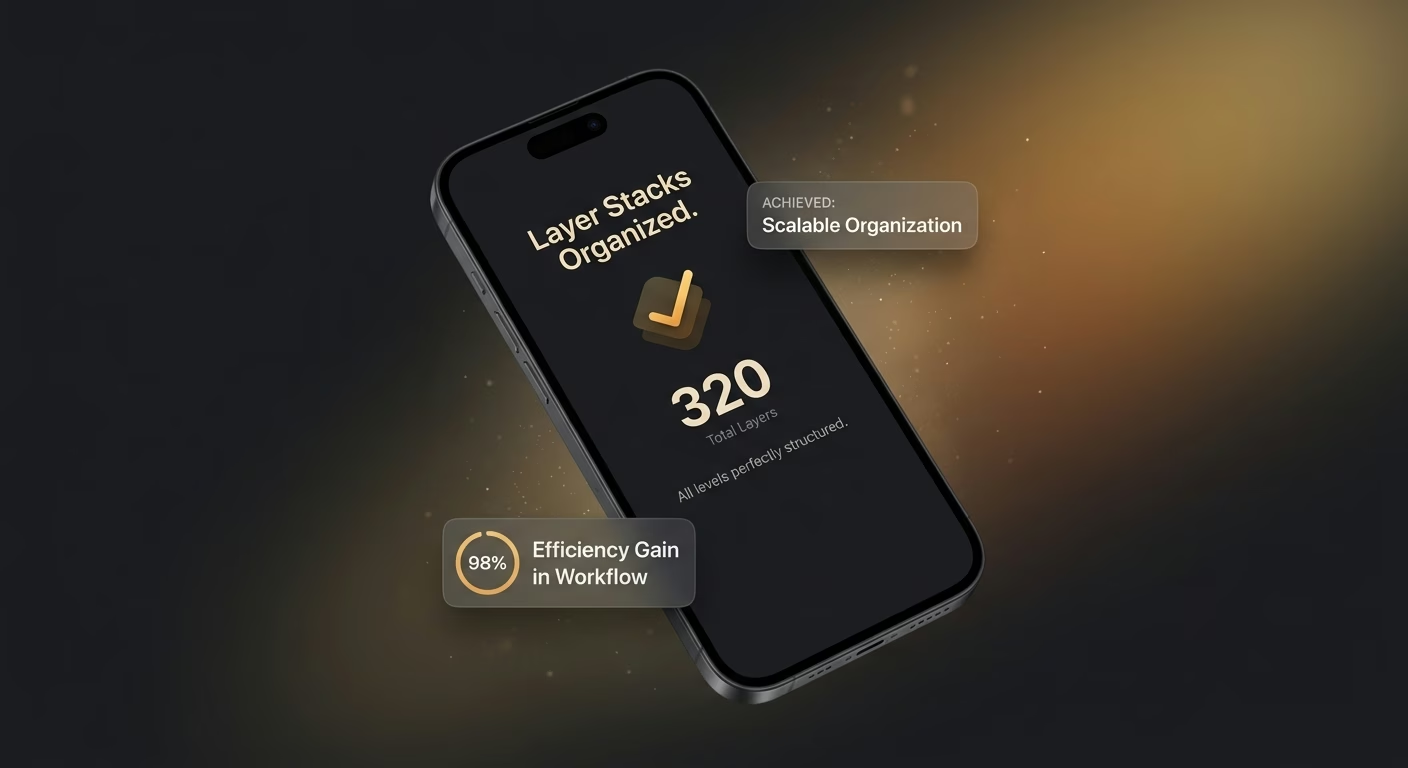
Layer stacks stay organized at any scale
Layer stack tools with folder grouping structure each element, so layer stacks stay organized at any scale and a fifty-layer illustration remains navigable rather than an anonymous pile of unlabeled overlays.
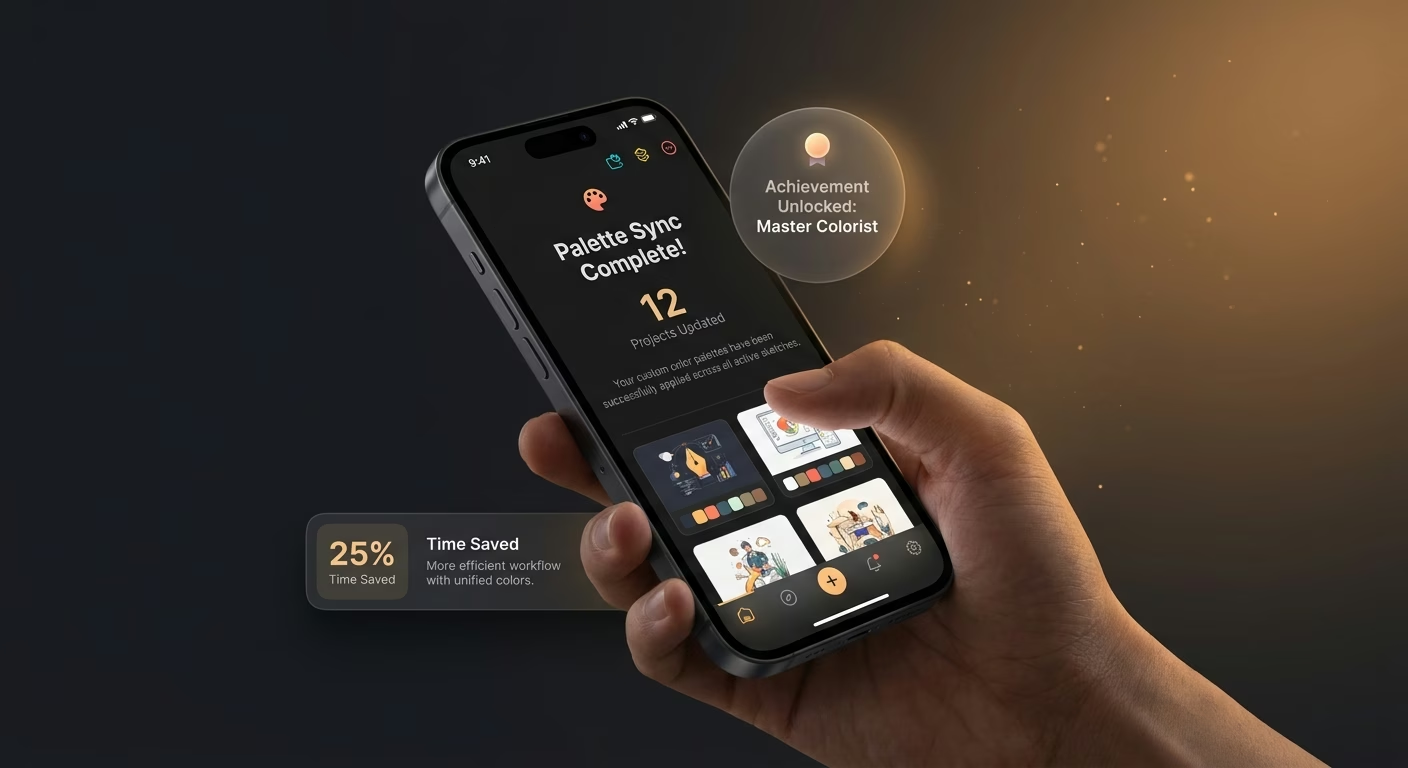
Color palettes carry across projects cleanly
Palette library services with named collections retain each scheme, so color palettes carry across projects cleanly and last month's hard-won harmony loads instantly on the next commission rather than requiring rediscovery.
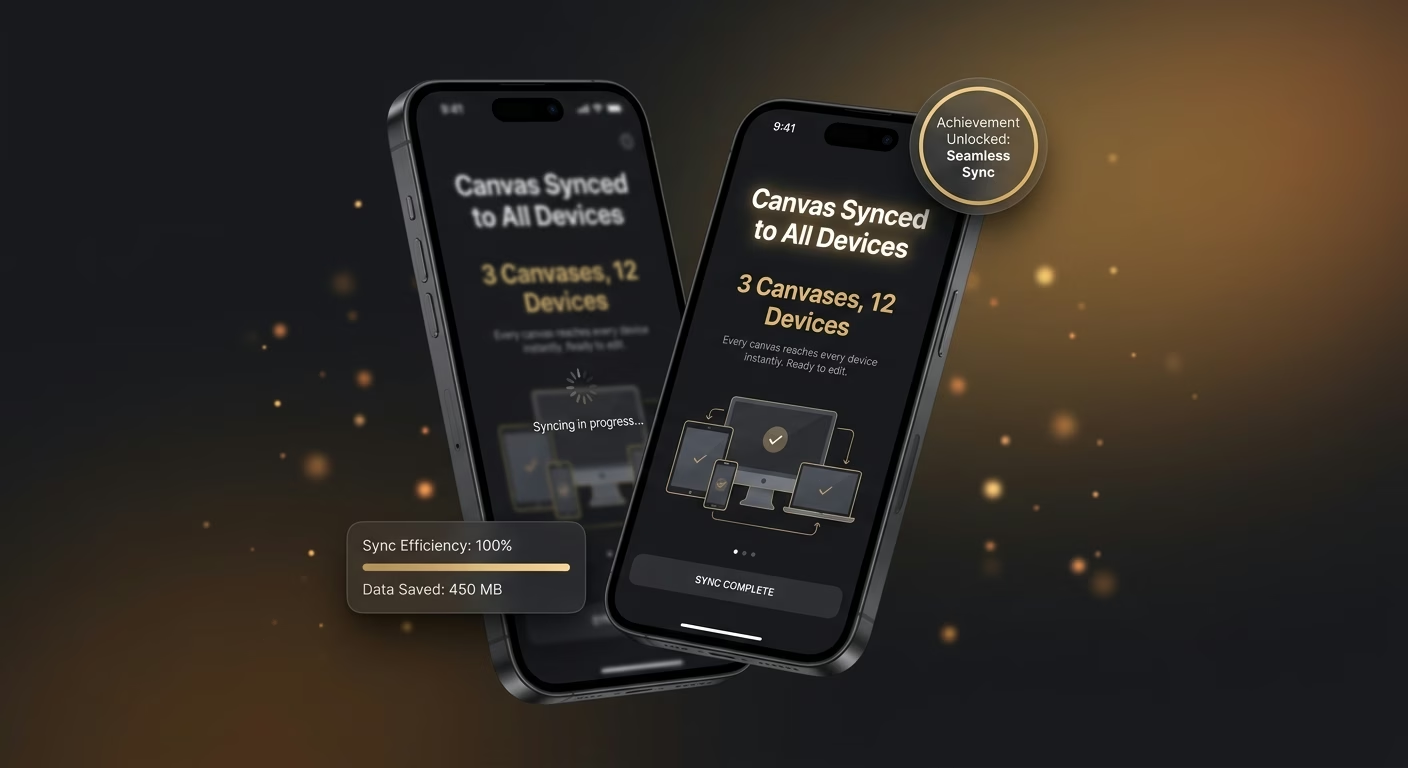
Every canvas reaches every device instantly
Cloud portfolio tools with cross-device sync propagate each file, so every canvas reaches every device instantly and the piece started on the couch continues on the studio machine without any export-import dance.
How Emergent Turns Your Idea Into an App
Create a sketch app that manages vector sketch tools, layer management, color palette library, cloud sync portfolio, and creative operations from one platform.




Draw, Compose, Color, and Sync Together
Give artists a real single-canvas home.

End-to-end app development for your business
Turn ideas and spreadsheets into fully functional internal apps your team can actually use, not just plan on paper.
 Describe, don’t code:Write what you need in plain language and instantly generate the layout, components, and logic.
- Full UI in one go:Create full pages with forms, tables, filters, and charts in a single automated pass.
- Use the data you already have:Connect your spreadsheets or datasets quickly and turn them into interactive dashboards.
Digital ink responds to pressure and tilt naturally
Flat lines kill expression. Stroke infrastructure responds to pressure and tilt naturally so digital ink feels like real ink and the calligraphic weight variation the artist wants actually appears on the canvas as it flows.
- Pressure-sensitive strokes
- Tilt-aware brush shape
- Custom brush authoring
- Adjustable smoothing
End-to-end app development for your business
Turn ideas and spreadsheets into fully functional internal apps your team can actually use, not just plan on paper.
- Describe, don’t code:Write what you need in plain language and instantly generate the layout, components, and logic.
- Full UI in one go:Create full pages with forms, tables, filters, and charts in a single automated pass.
- Use the data you already have:Connect your spreadsheets or datasets quickly and turn them into interactive dashboards.
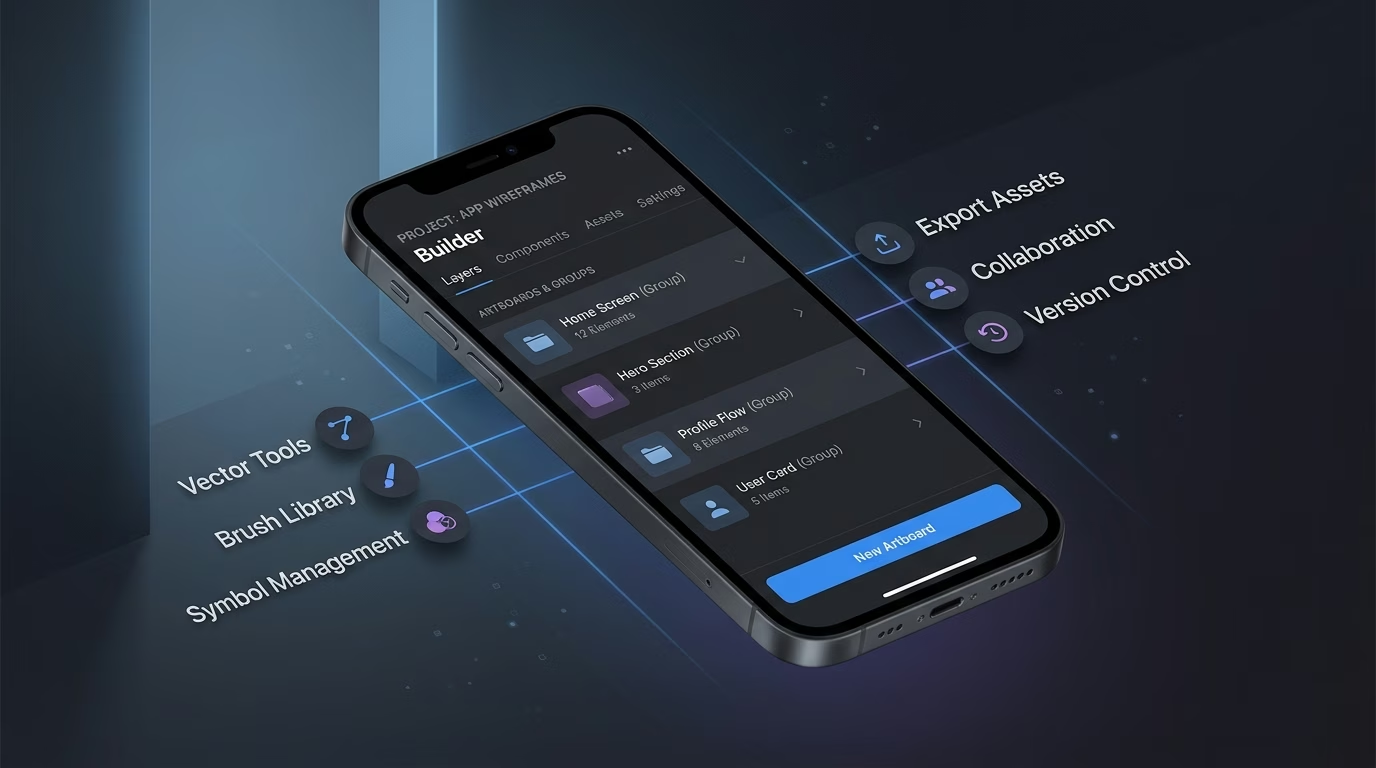
Elements organize with folders and groups
Flat lists become unnavigable at scale. Stack infrastructure organizes layers with folders and groups so a fifty-layer illustration stays manageable and named rather than turning into an anonymous pile of transparent overlays.
- Named layer folders
- Group opacity control
- Blend-mode per layer
- Lock-and-solo shortcuts
End-to-end app development for your business
Turn ideas and spreadsheets into fully functional internal apps your team can actually use, not just plan on paper.
- Describe, don’t code:Write what you need in plain language and instantly generate the layout, components, and logic.
- Full UI in one go:Create full pages with forms, tables, filters, and charts in a single automated pass.
- Use the data you already have:Connect your spreadsheets or datasets quickly and turn them into interactive dashboards.
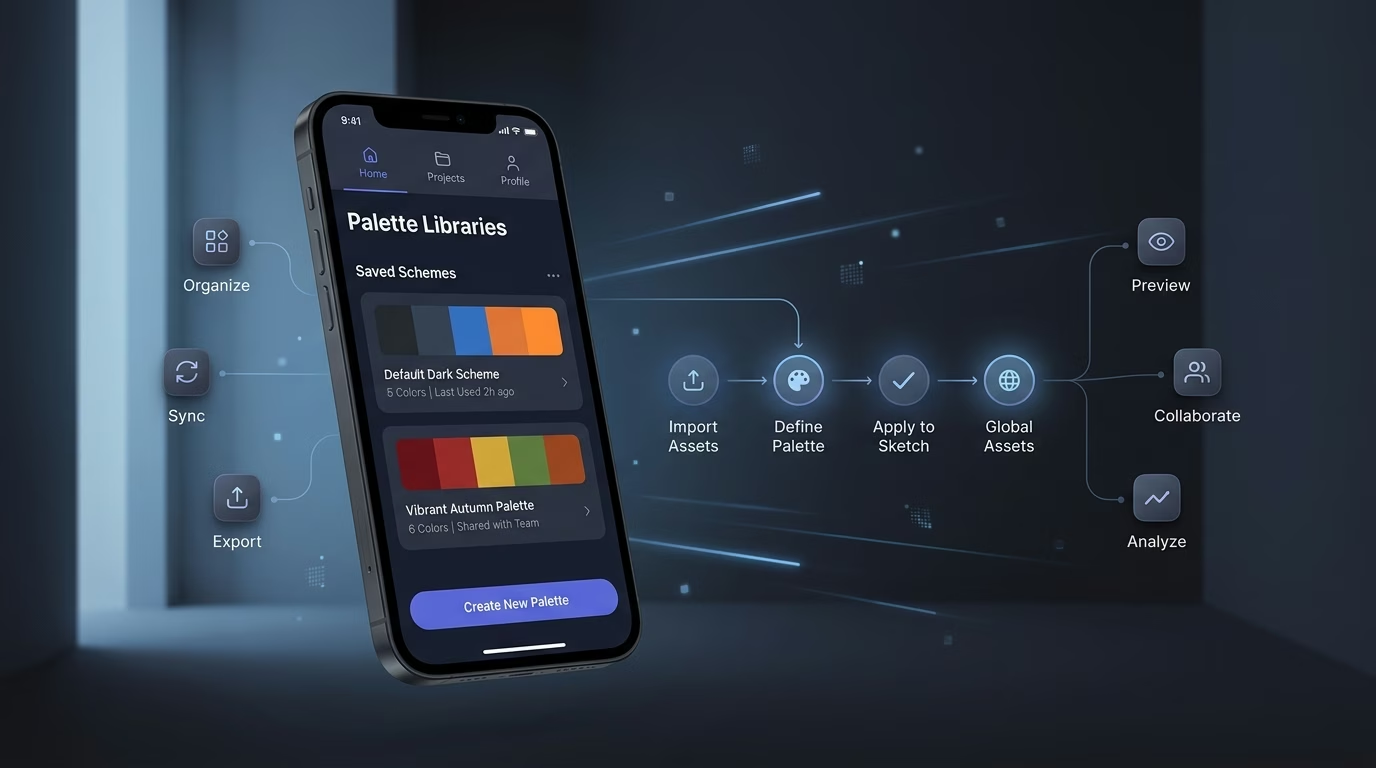
Palette libraries save schemes for reuse
Reinventing colors wastes hours. Library infrastructure saves palette schemes for reuse so a hard-won color set from last month's project loads instantly on the next commission rather than needing rediscovery from scratch.
- Named palette collections
- Client-project associations
- Color-value picker
- Import from image
End-to-end app development for your business
Turn ideas and spreadsheets into fully functional internal apps your team can actually use, not just plan on paper.
- Describe, don’t code:Write what you need in plain language and instantly generate the layout, components, and logic.
- Full UI in one go:Create full pages with forms, tables, filters, and charts in a single automated pass.
- Use the data you already have:Connect your spreadsheets or datasets quickly and turn them into interactive dashboards.
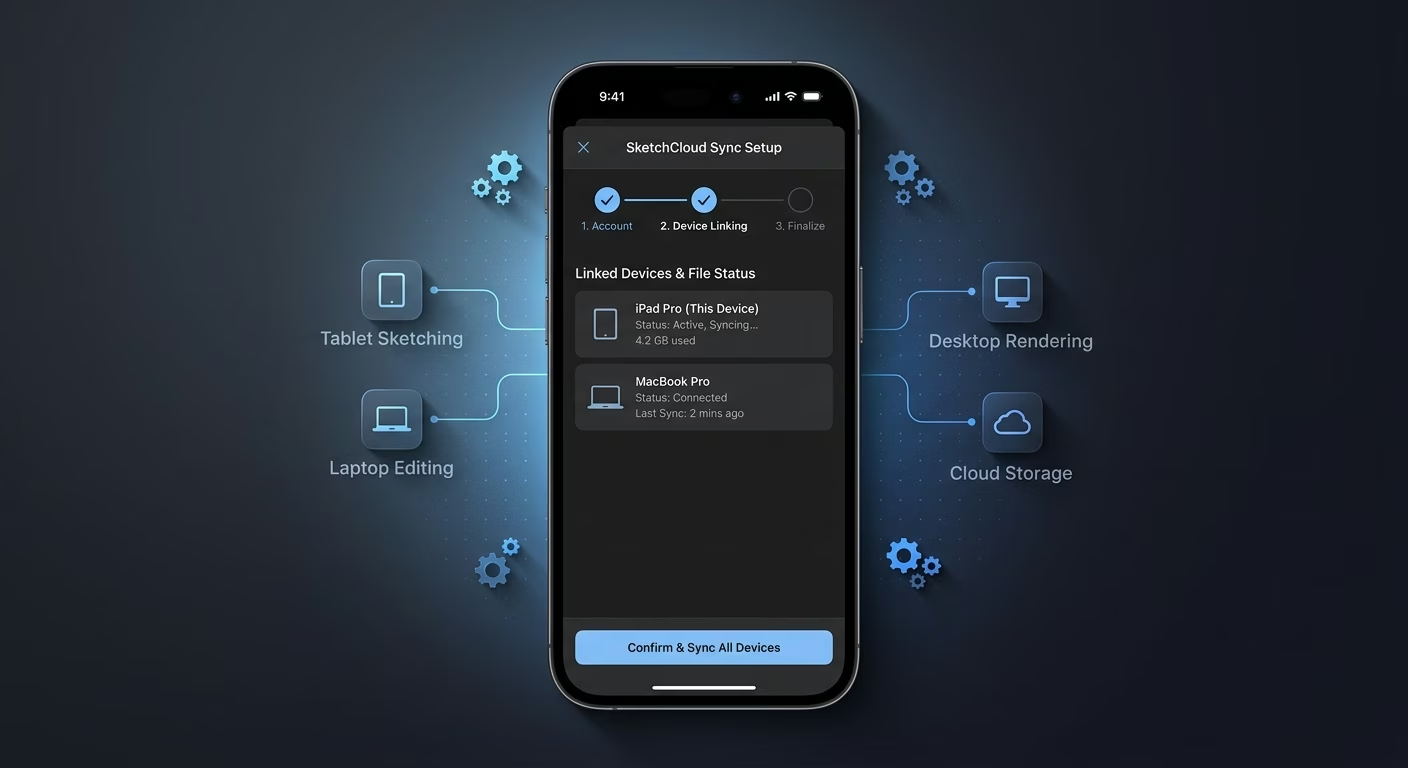
Files sync between tablet, laptop, and desktop
Version chaos loses work. Sync infrastructure keeps the portfolio consistent across tablet, laptop, and desktop so the piece started on the couch continues on the studio machine without any manual export and re-import dance.
- Automatic cloud backup
- Cross-device continuity
- Version history rollback
- Share-link generation
Connect Your Sketch Stack
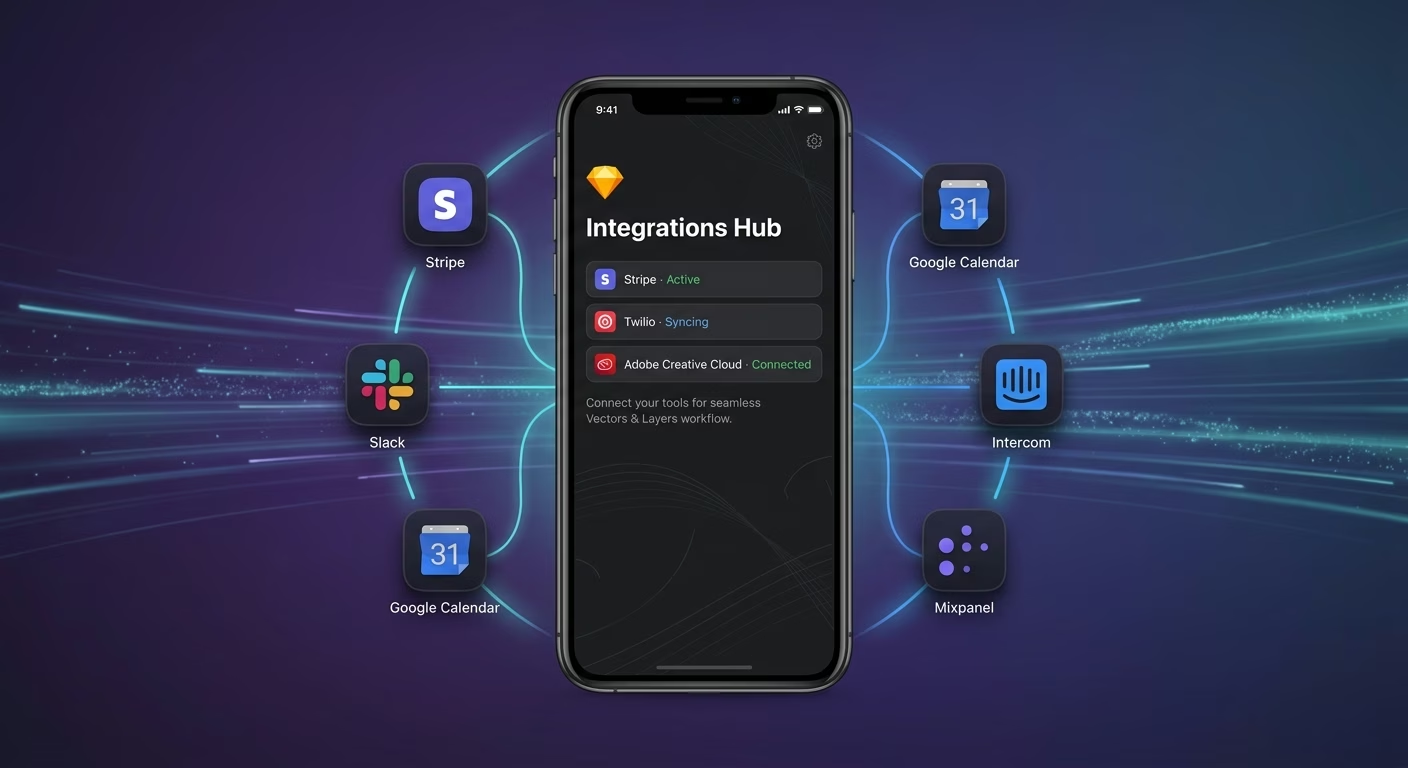
Vectors & Layers
Coordinate vector tools and layer management across one sketch workspace
- Vector engine services
- Layer stack tools
- Brush library APIs
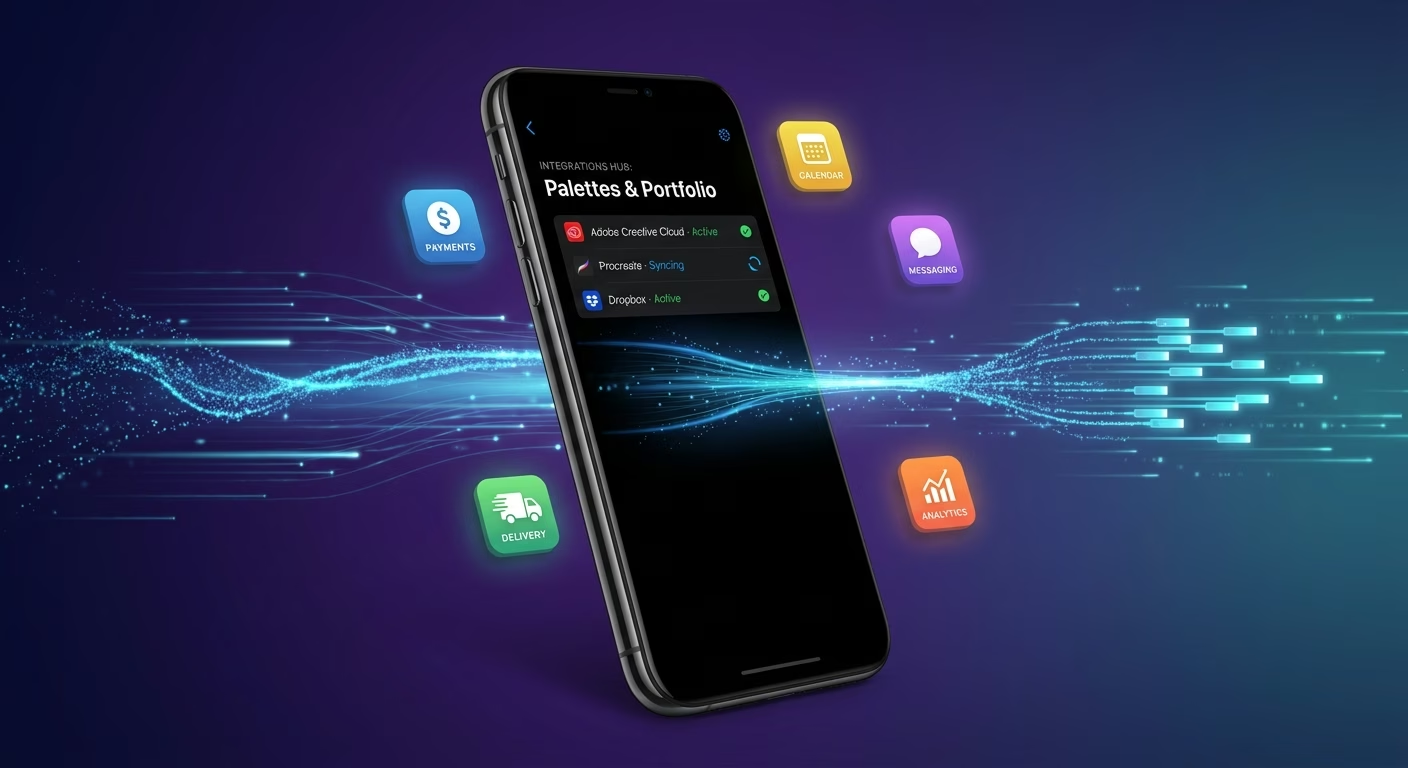
Palettes & Portfolio
Sync color palettes and cloud portfolio storage across every device
- Palette library services
- Cloud portfolio tools
- Asset backup APIs
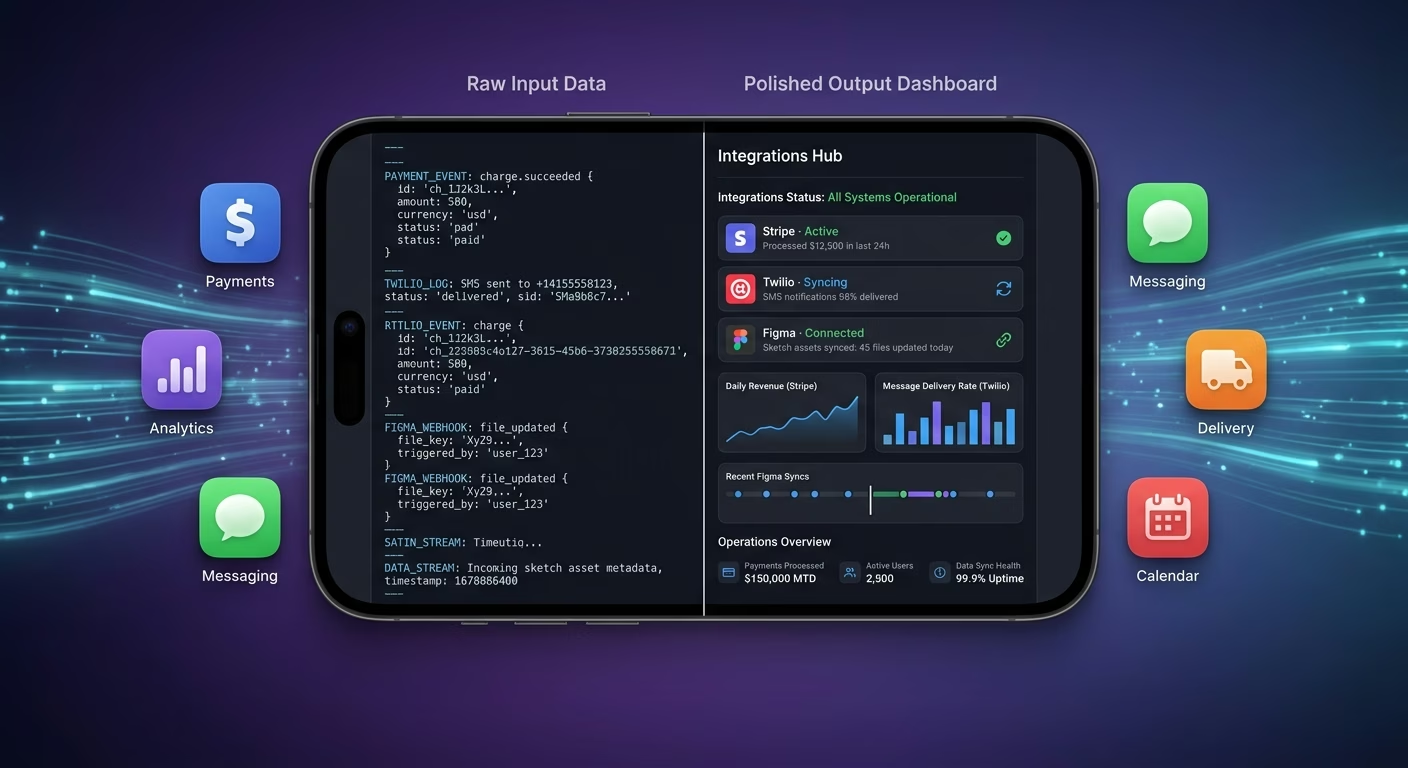
Payments & Operations
Connect Stripe, PayPal or Razorpay and operational tools through APIs
- Payment infrastructure
- Subscription tools
- Operations and workflow systems
Palettes And Portfolio, Connected
Flow-state breaks when vector strokes, layer stacks, palettes, and portfolio files sit across four apps, so Emergent connects external systems through APIs and everything aligns as artists create.

How to Create a Sketch App
Create a sketch app that manages vector sketch tools, layer management, color palette library, cloud sync portfolio, and creative operations from one platform.
01 Choose the right app building approach
You can hire a developer, use a traditional app builder, or use an AI-powered platform like Emergent. AI app builders help illustrators and design teams launch and manage sketch apps without technical complexity or extended development timelines.
02 Plan your vector and layer workflows
Decide how vectors should behave, how layers should stack, how palettes should organize, how the portfolio should sync, and how artists should review before building.
03 Build your sketch app
Describe your vector behavior, layer rules, palette structure, and sync targets, and the app is generated around your actual creative workflows.
04 Add vector systems and layer workflows
Set up vector sketch tools, layer management, color palette library, and cloud sync portfolio so illustrators stop losing flow-state hours to context switching between four separate apps that never really talk to each other.
05 Connect payments and operational tools
Connect payment gateways like Stripe, PayPal, or Razorpay alongside vector engine services, layer stack tools, palette library services, and notification infrastructure to support creative operations. On Emergent, these systems can be connected easily through APIs.
06 Test the app before publishing
Check vector sketch tools, layer management, color palette library, cloud sync portfolio, mobile performance, and artist experience before launch.
07 Publish and grow your sketch app
Launch the app and continue managing vectors, layers, palettes, and portfolio as artists create.
Draw Without Ever Leaving the Canvas
Bouncing between one app for vector strokes, another for layers, a third for palettes, and a fourth for storage kills the flow state where good drawings happen. A single canvas handling all four keeps the artist in the work.

Rough marks stop feeling like plastic imitations
A rough digital line that lacks pressure response feels lifeless. The pressure-aware vector engine stops digital strokes from feeling like plastic imitations of real pen and ink.

Composition chaos stops burying the piece
A drawing with fifty unlabeled layers loses the artist mid-project. The organized layer stack stops layer chaos from burying the composition under an unnavigable pile of transparent overlays.
File access stops depending on which machine is nearby
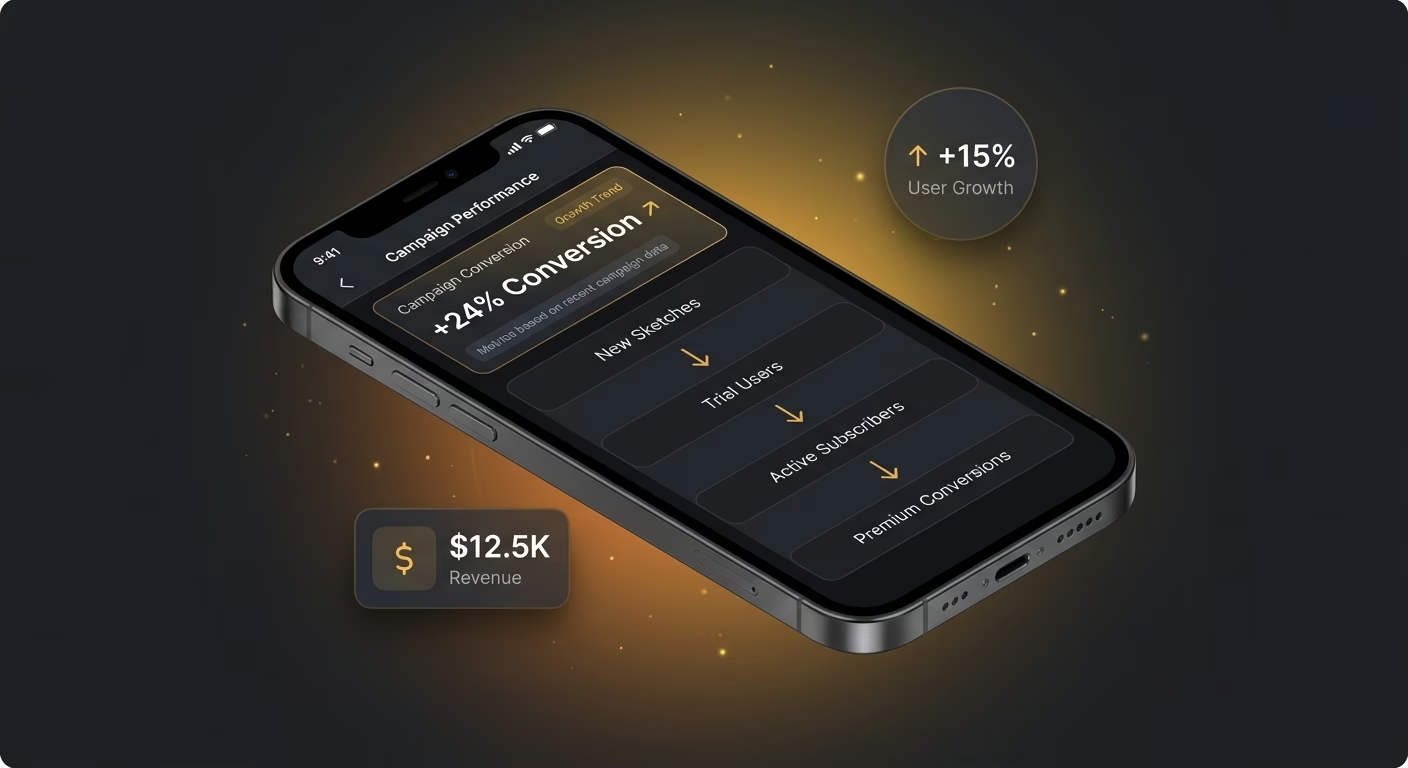
An artist grabbing a tablet away from home cannot access laptop-only files. The synced portfolio stops portfolio access from depending on which device happens to be nearby at the moment inspiration hits.
Pick the Pricing Plan That Works for You
Choose the plan that fits your building ambitions. From weekend projects to enterprise applications, we've got you covered.




Find the Right App Builder
for Your Business
Frequently Asked Questions
Your Questions, Answered
Don't change this element unless you know what you are doing
on Emergent today




