

Build a Video Editing App That Turns The Desktop-Only Editing Workflow Into A Cutting Room That Fits with AI
Create your video editing app in minutes with AI. Run timeline cuts, audio sync, transition effects, and export presets without coding.










Why Emergent for Video Editing Apps?
Video editing runs on desktop workstations with WeTransfer review cycles that take days per cut. On Emergent, timeline editing, audio sync, transitions, and export come together so reviews take hours not days.
| Traditional Builders |  |
|
|---|---|---|
| Creation & Setup | Limited templates with lengthy setup and multiple manual steps | Fully customizable app created instantly using plain English prompts |
| Design | Limited design flexibility | AI-driven, personalized design layouts that match your brand |
| Editing Logic | Desktop-only workflows requiring workstations | Cloud-native editing with browser and proxy media native to prompts |
| Custom Domain | Requires purchasing a domain and manual DNS configuration setup | Just share your domain. We handle DNS setup with SSL included |
| Time to Launch | Can take up to days and weeks | Launch in just a few minutes to hours |
| Payment & Checkout | Limited plugins and integrations | Accept global payments in any currency by connecting gateways with API keys |
| Review Workflow | WeTransfer-and-screen-share taking days | In-context commenting with real-time collaboration |
| SEO | Basic tools with heavy manual effort | Improve SEO instantly using prompts. No technical setup needed |
| Scaling | Limited scalability with performance constraints and risk of data loss | Scale your app anytime by reopening the chat and expanding with prompts |
| Maintenance & Updates | Requires manual updates, bug fixes, and ongoing management | Easily update and improve your app anytime using simple prompts |

The Payoff of a Great Video Editing App
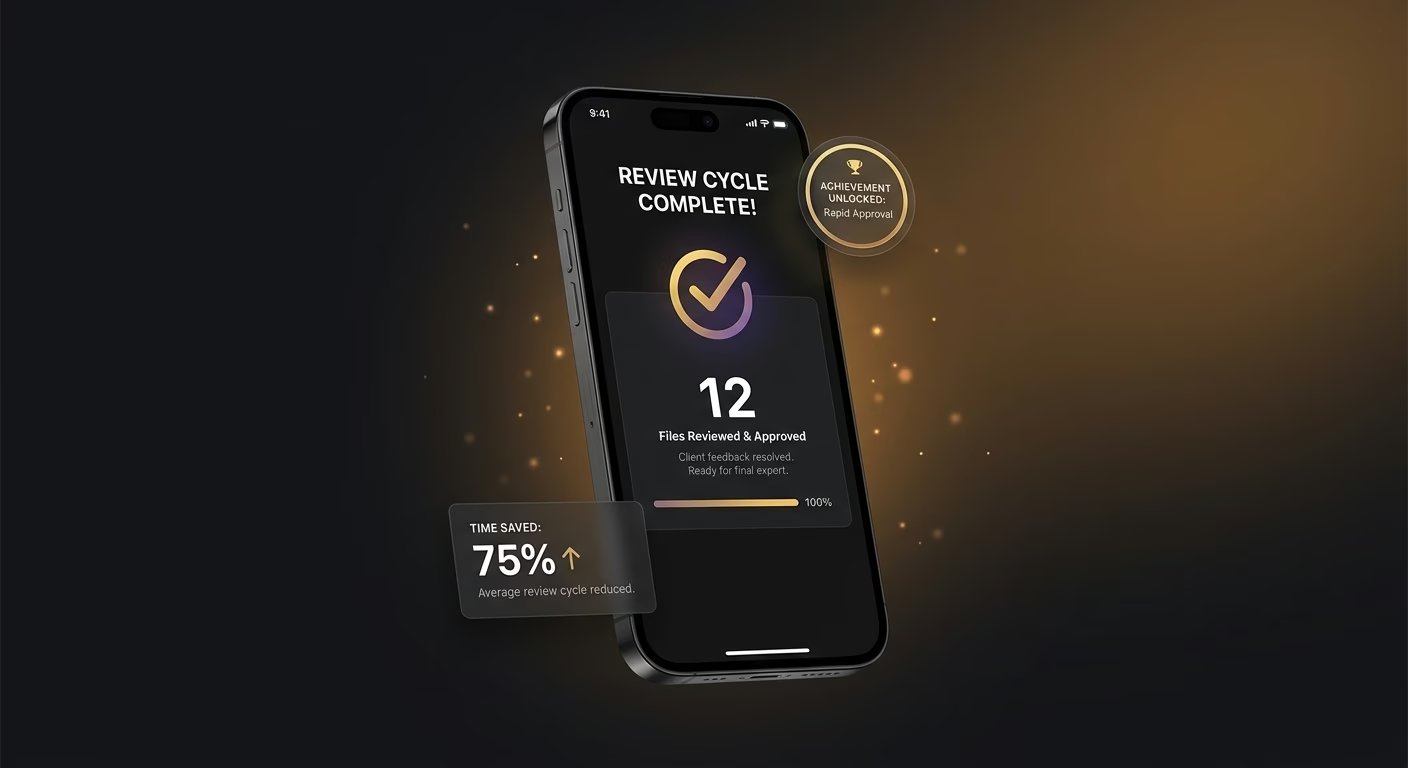
The WeTransfer-and-screen-share review cycle just stops eating days
Cloud-review services with in-context commenting deliver feedback rapidly, so the WeTransfer-and-screen-share review cycle just stops eating days and content velocity improves measurably across the creator-editor relationship.
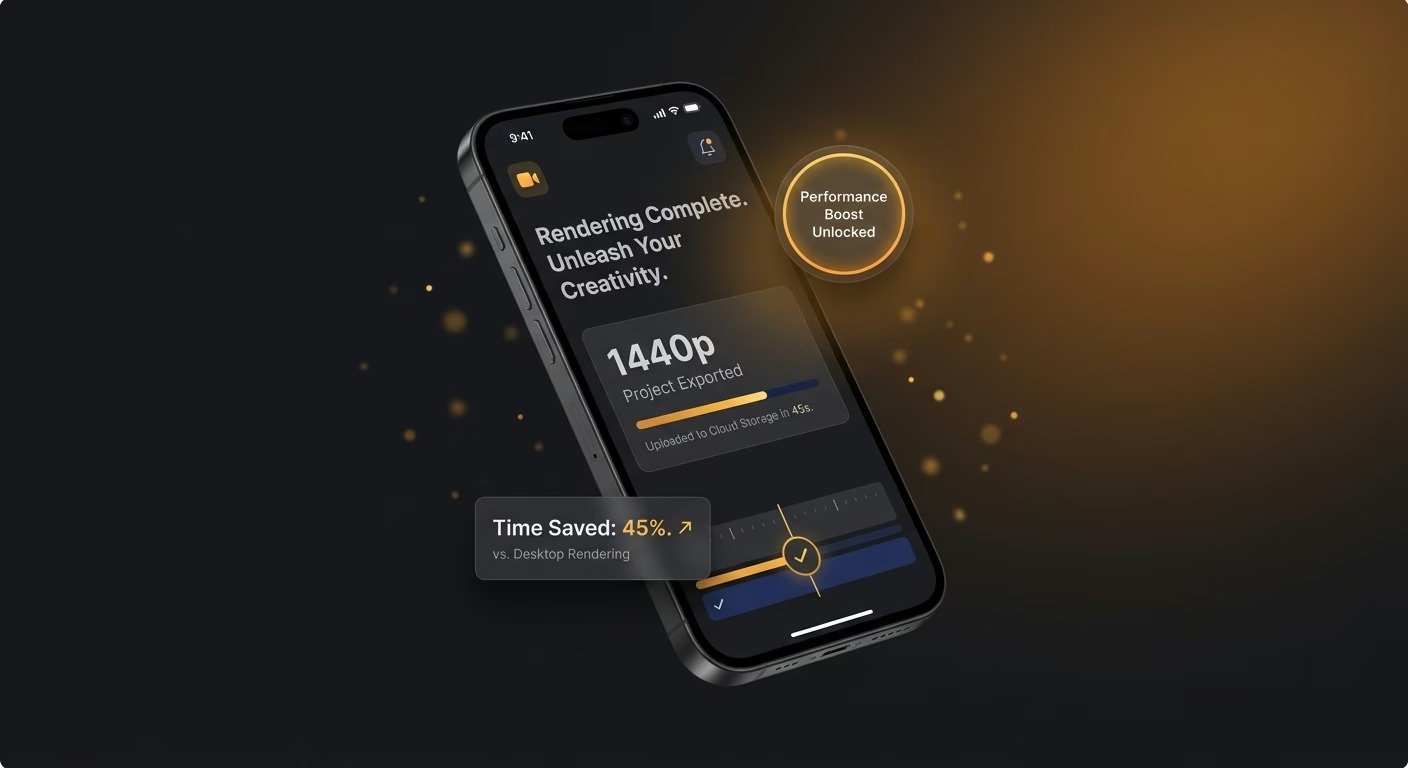
Desktop-hardware constraints stop determining where editing happens
Browser-native services with proxy media replace GPU-workstation requirements, so desktop-hardware constraints stop determining where editing happens and editing can proceed from laptops or tablets flexibly.
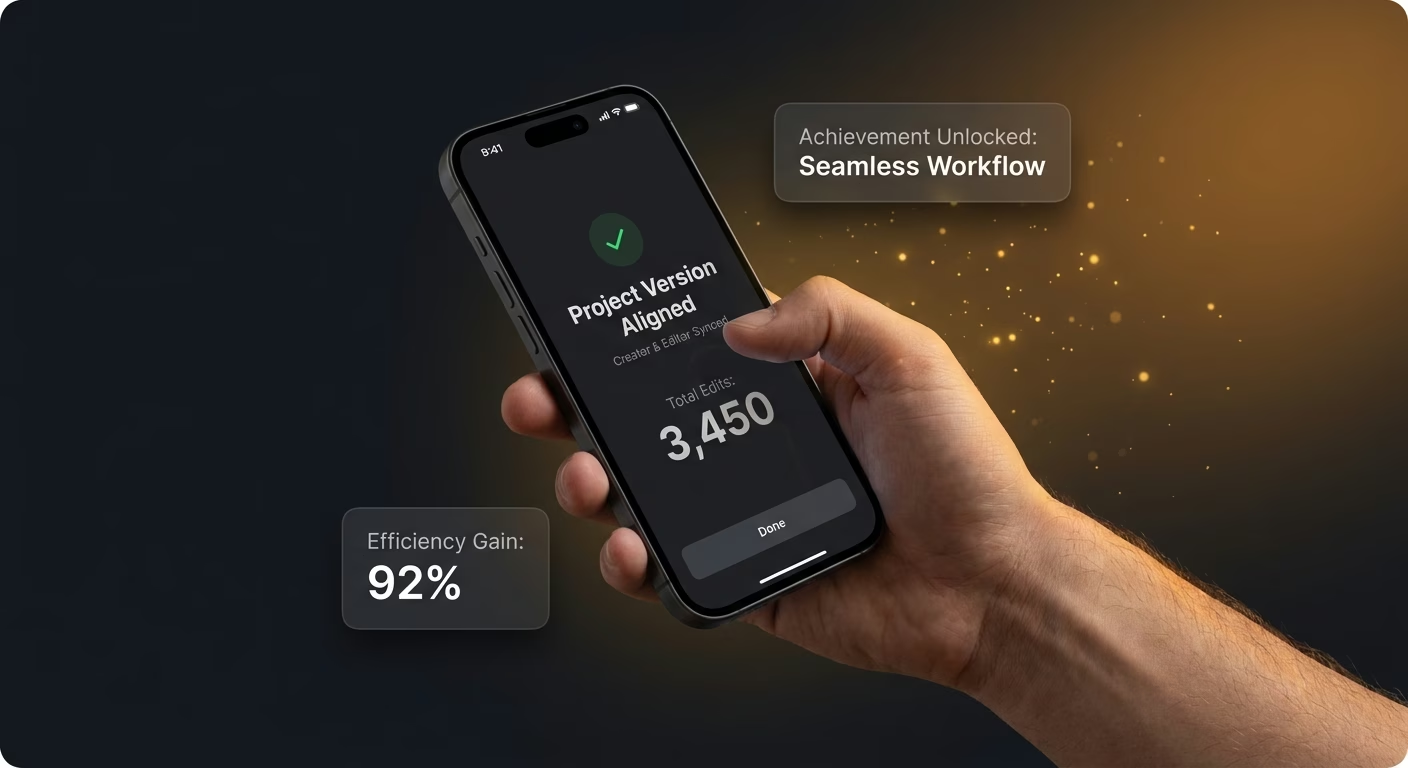
Version aligning-up-up between creator and editor stays continuous
Real-time collaboration services with live version sync eliminate mismatch, so version alignment between creator and editor stays continuous and review confusion just stops happening across cycles.
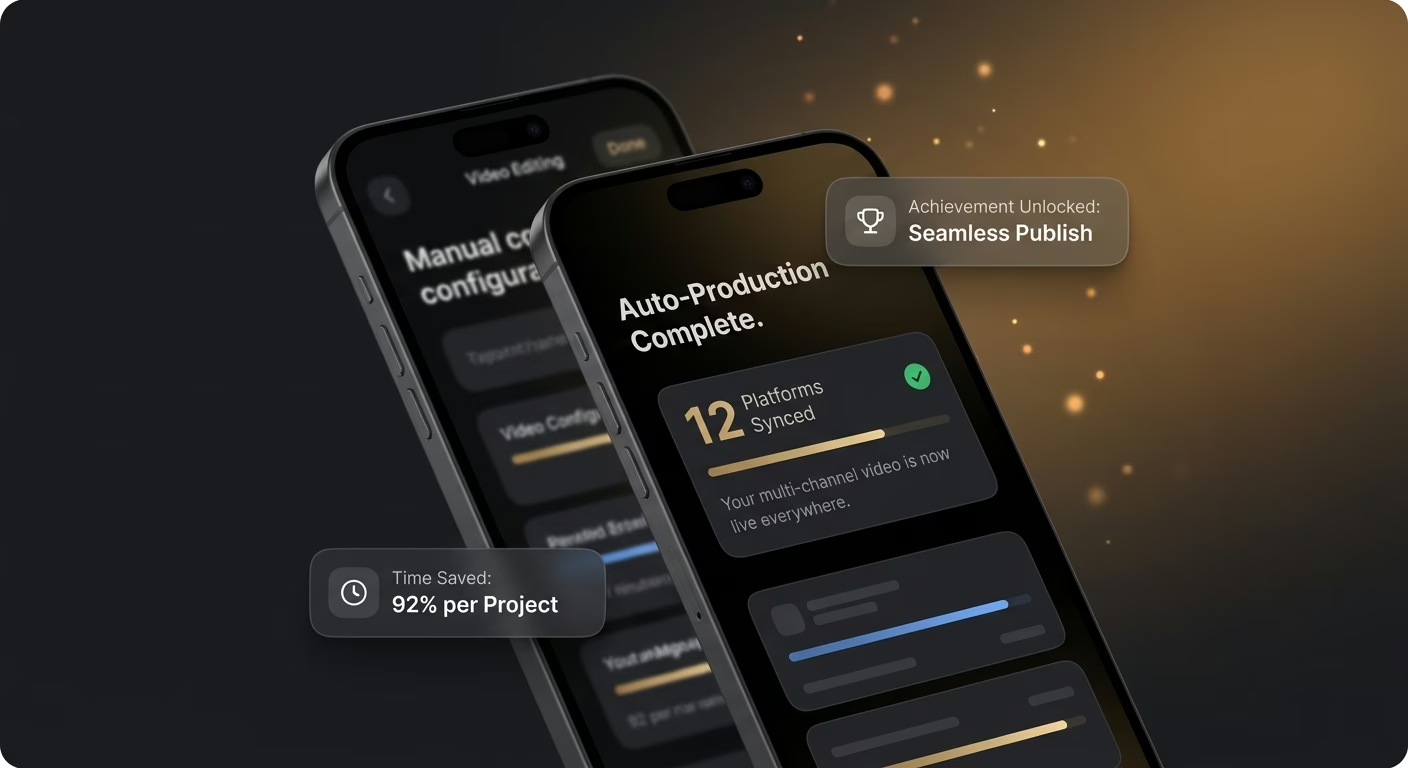
Many-way-platform produced-result becomes automatic instead of manual configuration
Platform-preset services with correct-specification output replace manual settings, so multi-platform export becomes automatic instead of manual configuration and platform-rejection rework just stops occurring.
How Emergent Turns Your Idea Into an App
Create a video editing app that manages timeline cutting, audio syncing, transition effecting, export presetting, and video editing operations from one platform.



A Cutting Room That Fits Between Shoot And Publish
Desktop-only editing finally goes cloud.
End-to-end app development for your business
Turn ideas and spreadsheets into fully functional internal apps your team can actually use, not just plan on paper.
 Describe, don’t code:Write what you need in plain language and instantly generate the layout, components, and logic.
- Full UI in one go:Create full pages with forms, tables, filters, and charts in a single automated pass.
- Use the data you already have:Connect your spreadsheets or datasets quickly and turn them into interactive dashboards.
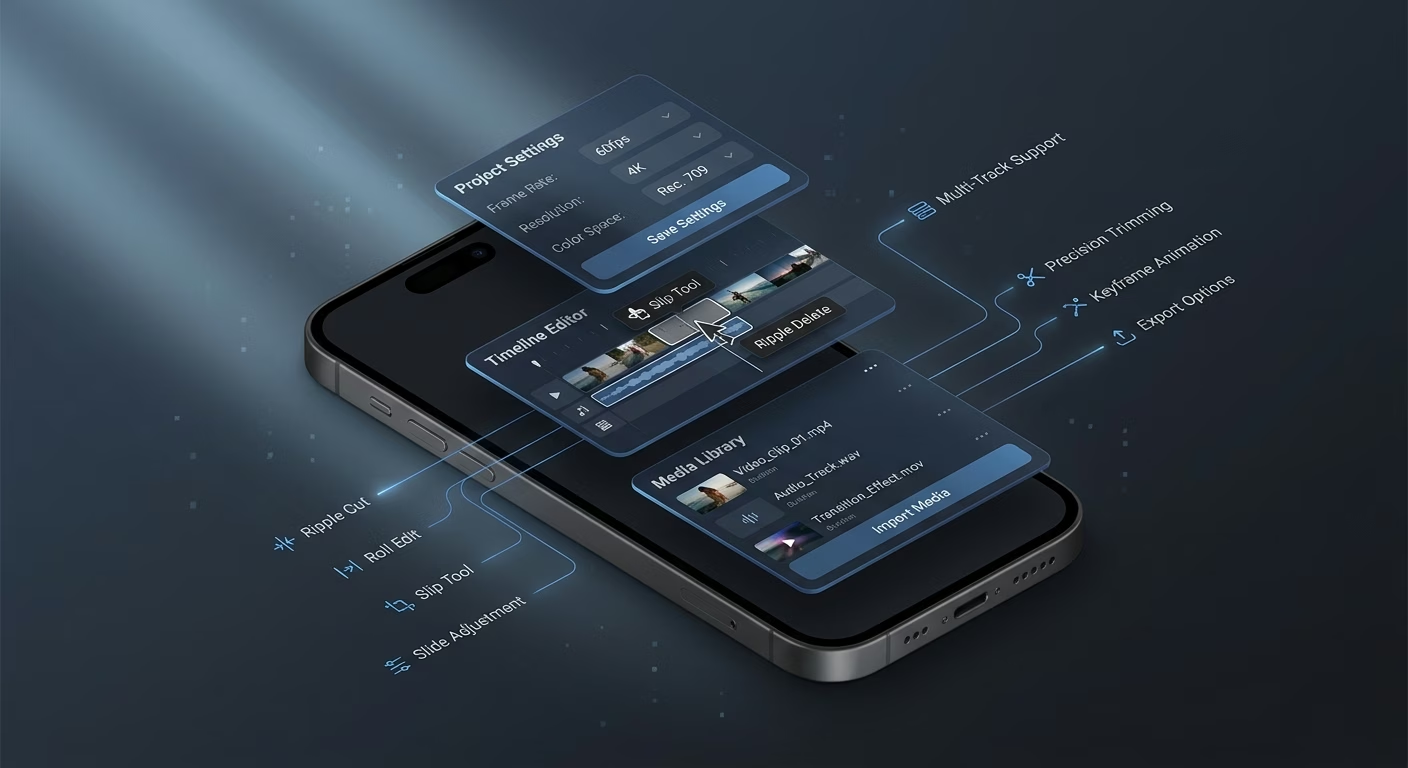
Timeline cuts support ripple, roll, slip, and slide operations
Basic cut-only editing limits real creative control. Professional cut services with ripple, roll, slip, and slide operations give editors the timeline manipulation depth that.
- Ripple and roll trim
- Slip and slide adjustment
- Multi-track layering
- Keyframe animation curves
End-to-end app development for your business
Turn ideas and spreadsheets into fully functional internal apps your team can actually use, not just plan on paper.
- Describe, don’t code:Write what you need in plain language and instantly generate the layout, components, and logic.
- Full UI in one go:Create full pages with forms, tables, filters, and charts in a single automated pass.
- Use the data you already have:Connect your spreadsheets or datasets quickly and turn them into interactive dashboards.
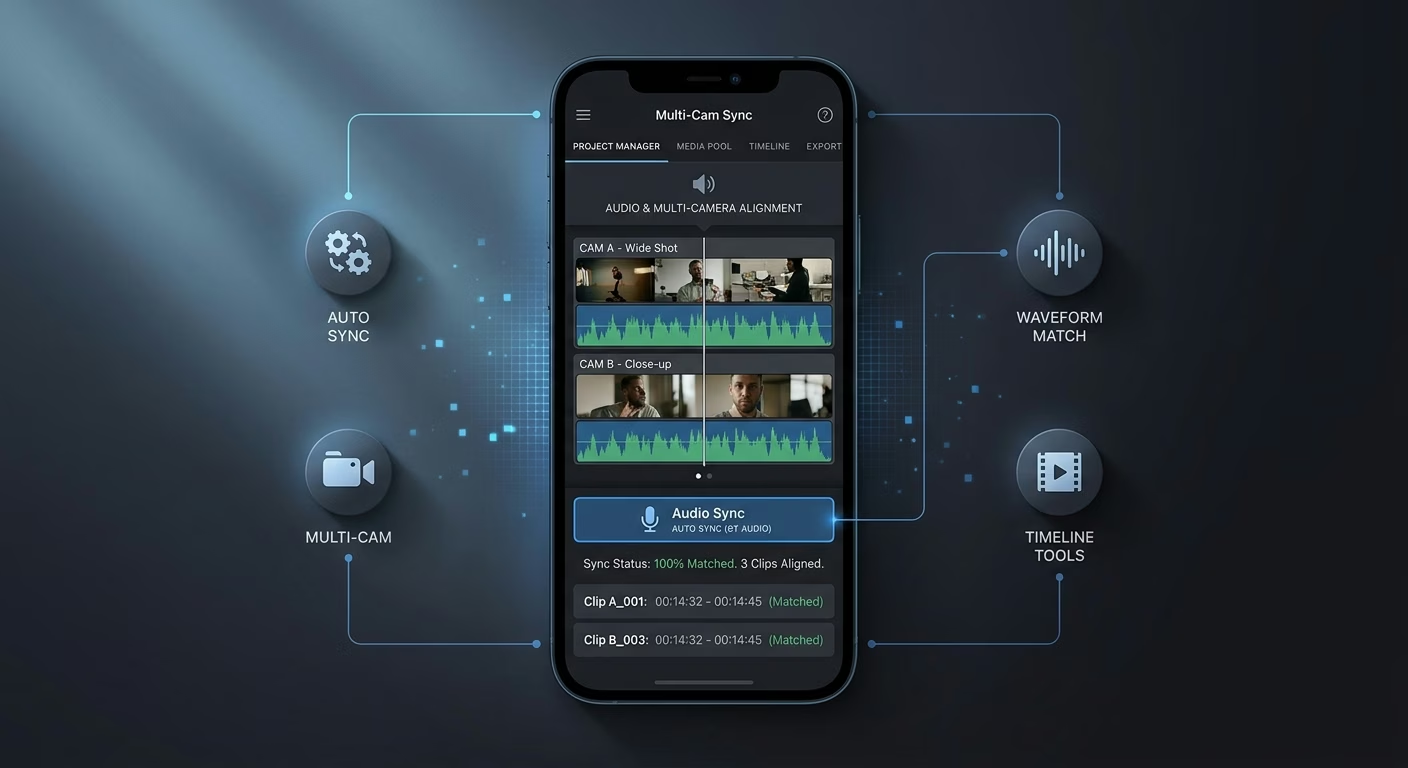
Audio sync handles waveform matching and multi-camera alignment
Manual audio-video sync wastes hours on multi-camera shoots. Automatic waveform services with multi-camera alignment sync audio and video across cameras in seconds saving hours per project.
- Waveform visual matching
- Multi-camera alignment
- Drift correction tools
- Channel isolation controls
End-to-end app development for your business
Turn ideas and spreadsheets into fully functional internal apps your team can actually use, not just plan on paper.
- Describe, don’t code:Write what you need in plain language and instantly generate the layout, components, and logic.
- Full UI in one go:Create full pages with forms, tables, filters, and charts in a single automated pass.
- Use the data you already have:Connect your spreadsheets or datasets quickly and turn them into interactive dashboards.
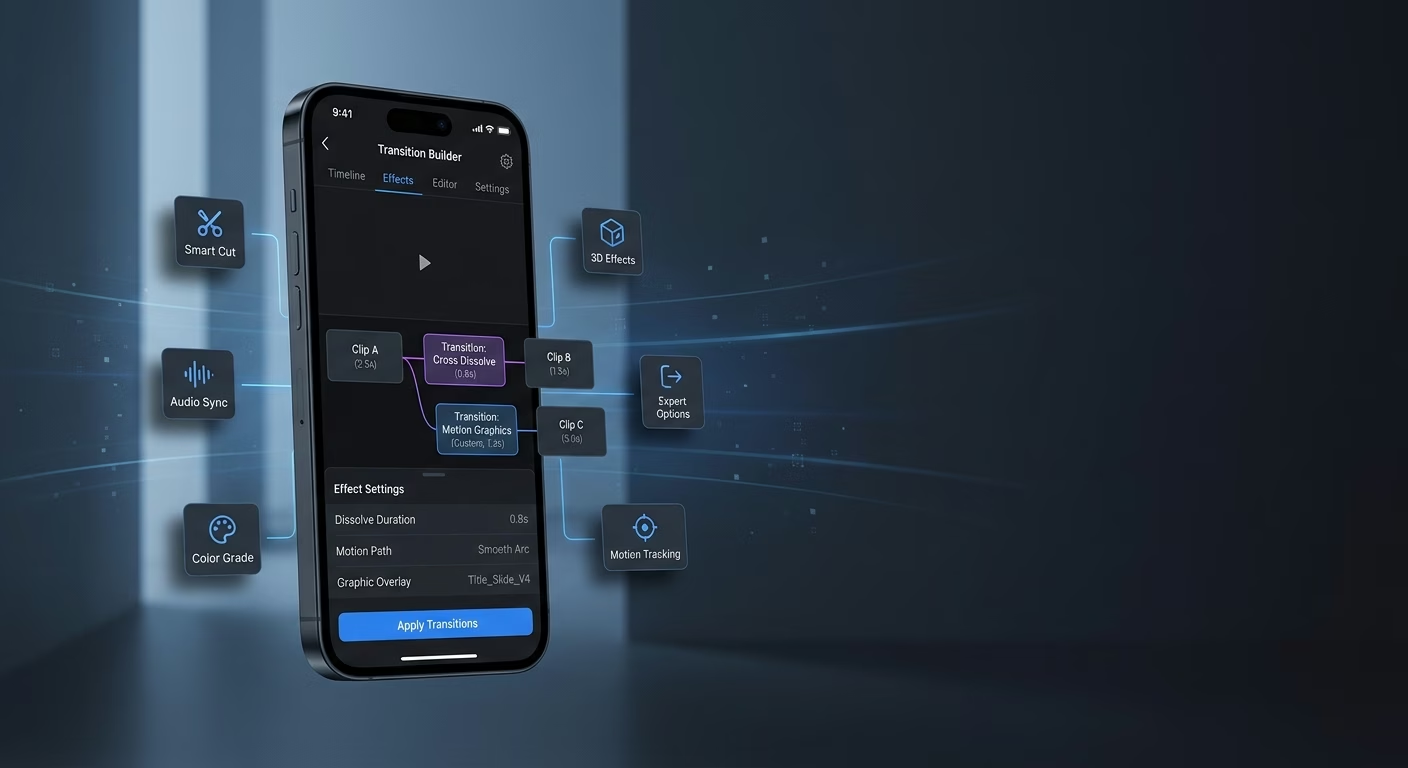
Transition effects apply cuts, dissolves, and custom motion graphics
Rigid transition libraries limit creative expression. Flexible transition services with cuts, dissolves, and custom motion graphics support real creative variety across project styles cleanly.
- Cut and dissolve library
- Custom motion templates
- Speed ramp presets
- Title overlay builders
End-to-end app development for your business
Turn ideas and spreadsheets into fully functional internal apps your team can actually use, not just plan on paper.
- Describe, don’t code:Write what you need in plain language and instantly generate the layout, components, and logic.
- Full UI in one go:Create full pages with forms, tables, filters, and charts in a single automated pass.
- Use the data you already have:Connect your spreadsheets or datasets quickly and turn them into interactive dashboards.
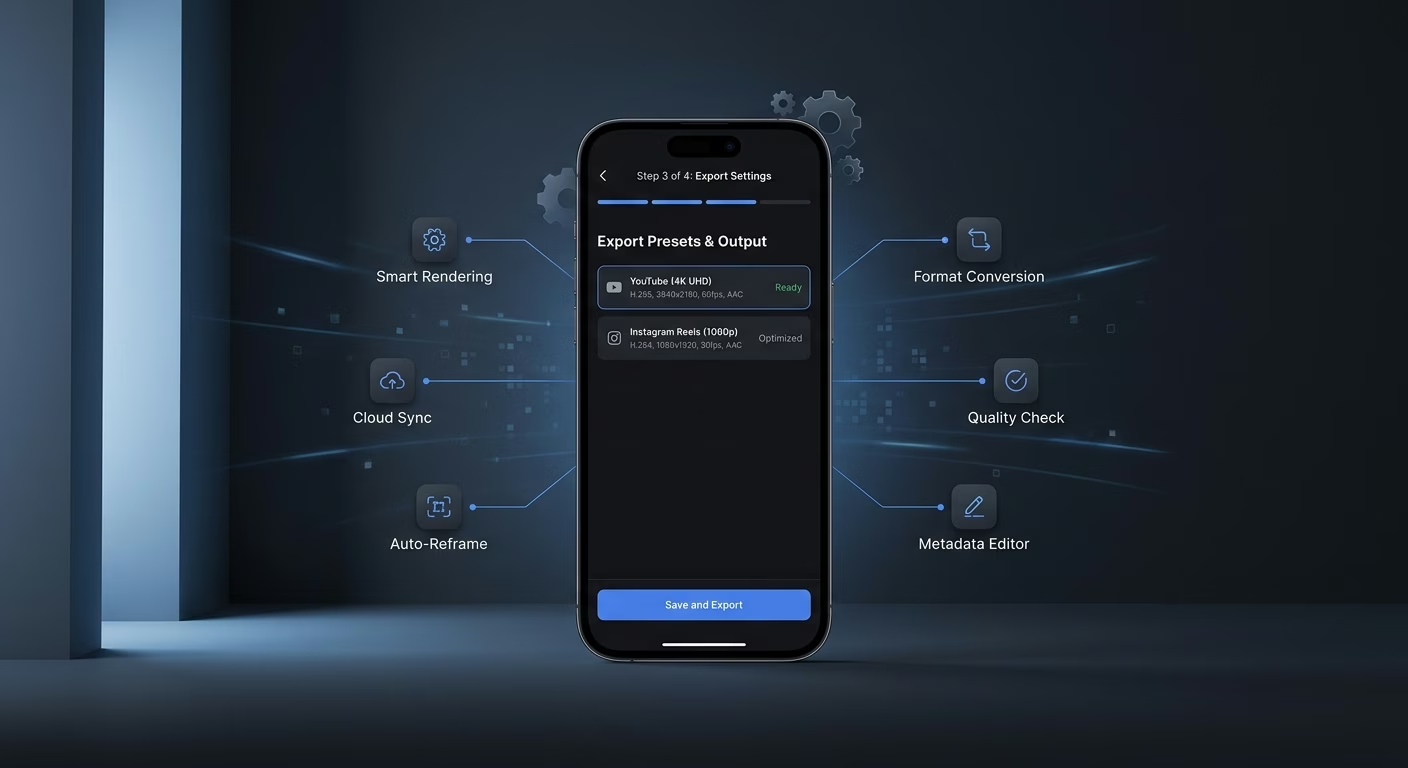
Export presets output for platforms with correct specifications
Manual export-setting configuration produces platform rejections. Preset export services with platform-specific specifications produce correctly-formatted output for YouTube, Instagram, TikTok, and web without manual configuration.
- YouTube spec presets
- Instagram format outputs
- TikTok ratio options
- Custom bitrate controls
Connect Your Editing Stack
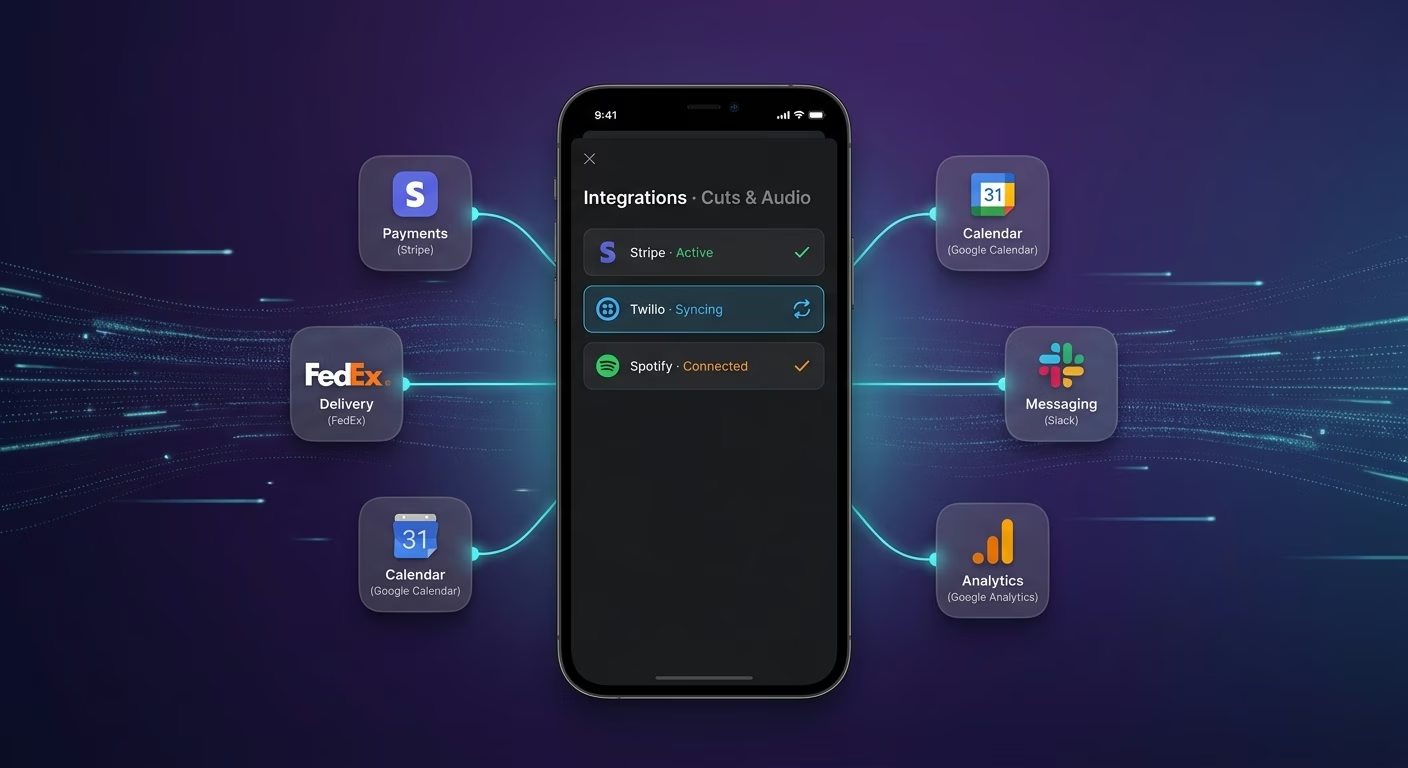
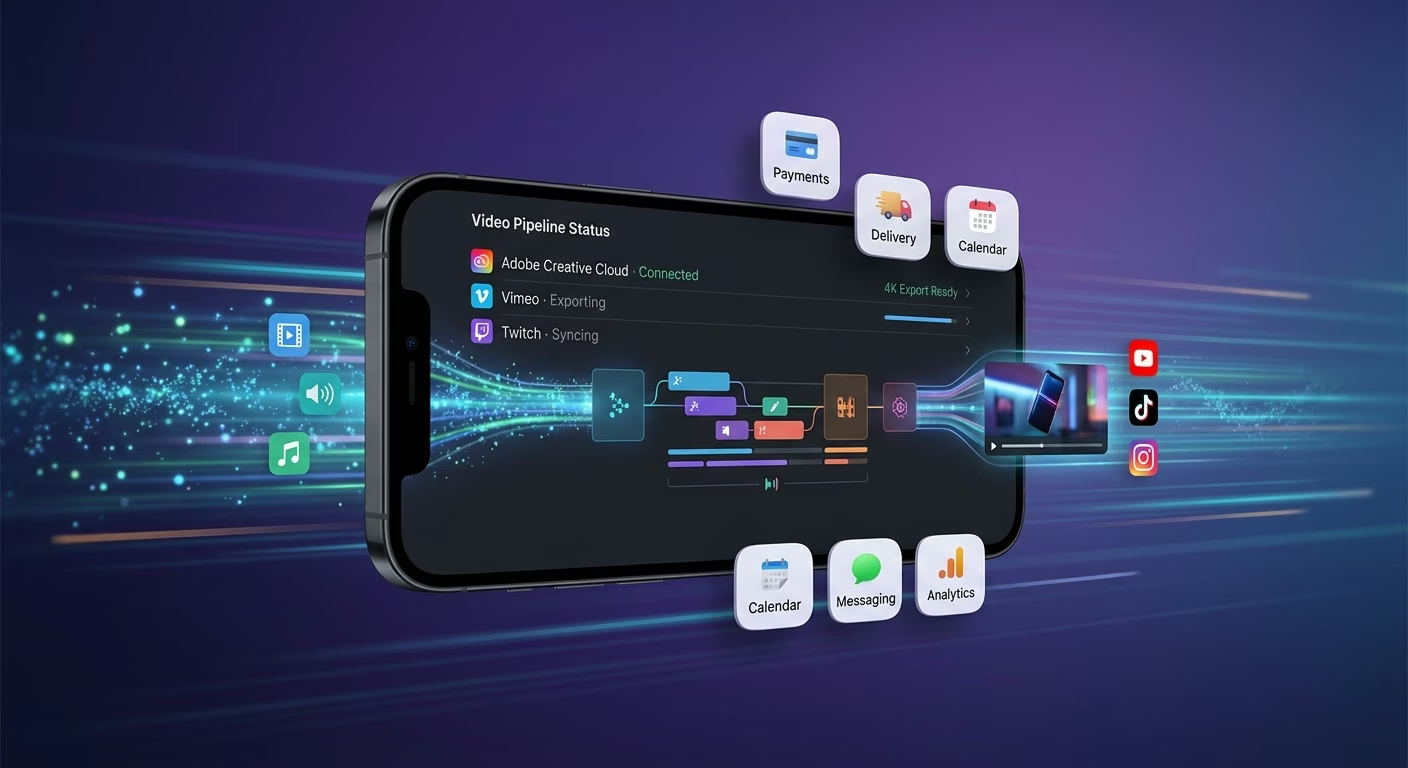
Cuts & Audio
Coordinate timeline cuts and audio sync across one editing workspace.
- Timeline cut services
- Audio sync engines
- Proxy media tools
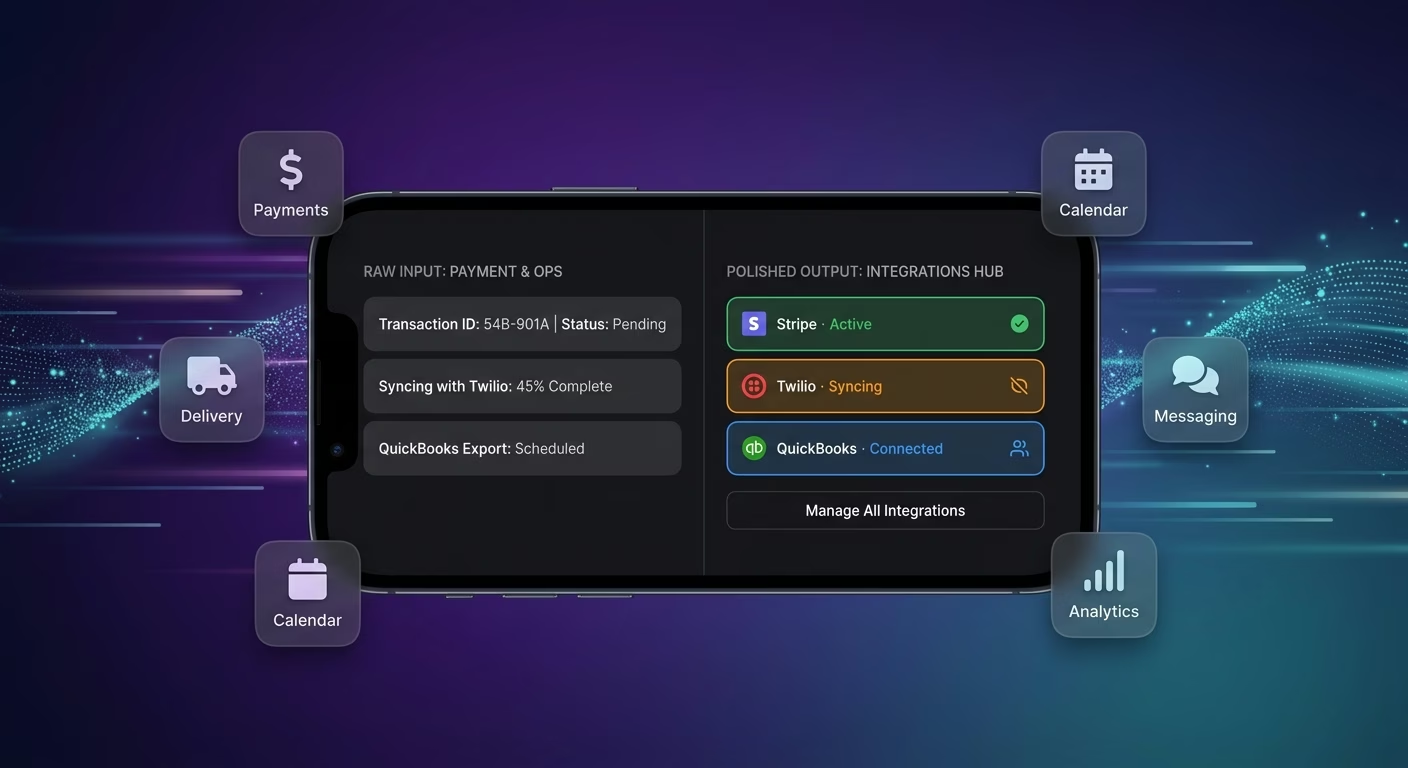
Effects & Export
Sync transition effects and export presets across every finished video.
- Transition effect tools
- Export preset systems
- Format conversion engines
Payments & Operations
Connect Stripe, PayPal or Razorpay and operational tools through APIs.
- Payment infrastructure
- Subscription tools
- Premium asset systems
Effects And Export, Connected
Editing collaboration fails when cuts, audio, effects, and exports sit across scattered desktop-only workflows, so Emergent connects external tools through APIs and every editing motion aligns.

How to Create a Video Editing App
Create a video editing app that manages timeline cutting, audio syncing, transition effecting, export presetting, and video editing operations from one platform.
01 Choose the right app building approach
You can hire a developer, use a traditional app builder, or use an AI-powered platform like Emergent. AI app builders help content creators and video editors launch and manage video editing apps without technical complexity or extended development timelines.
02 Plan timeline cutting and audio sync
Decide how timeline cuts should work, how audio sync should behave, how transition effects should function, how export presets should track, and how content creators and video editors should review before building.
03 Build your video editing app
Describe your timeline cuts, audio sync, transition effects, and export presets needs, and the app is generated around your actual video editing workflows.
04 Add transition library and export presets
Set up timeline cuts, audio sync, transition effects, and export presets so content creators and video editors run video editing operations without the fragmentation that desktop-only tools create.
05 Connect payments and operational tools
Connect payment gateways like Stripe, PayPal, or Razorpay alongside timeline cut services and audio sync engines, transition effect tools and export preset systems, and notification infrastructure to support video editing operations. On Emergent, these systems can be connected easily through APIs.
06 Test the app before publishing
Check timeline cuts, audio sync, transition effects, export presets, mobile performance, and editor experience before launch.
07 Publish and grow your video editing app
Launch the app and continue managing cut and audio, effect and export, and operations as content creators and video editors use the platform.
Move Video Editing Off Desktop Workstations Into Cloud Collaboration
A creator who has to WeTransfer footage to an editor working on a desktop workstation loses days per cut cycle to file transfer and review latency that cloud-native tools solved for documents.
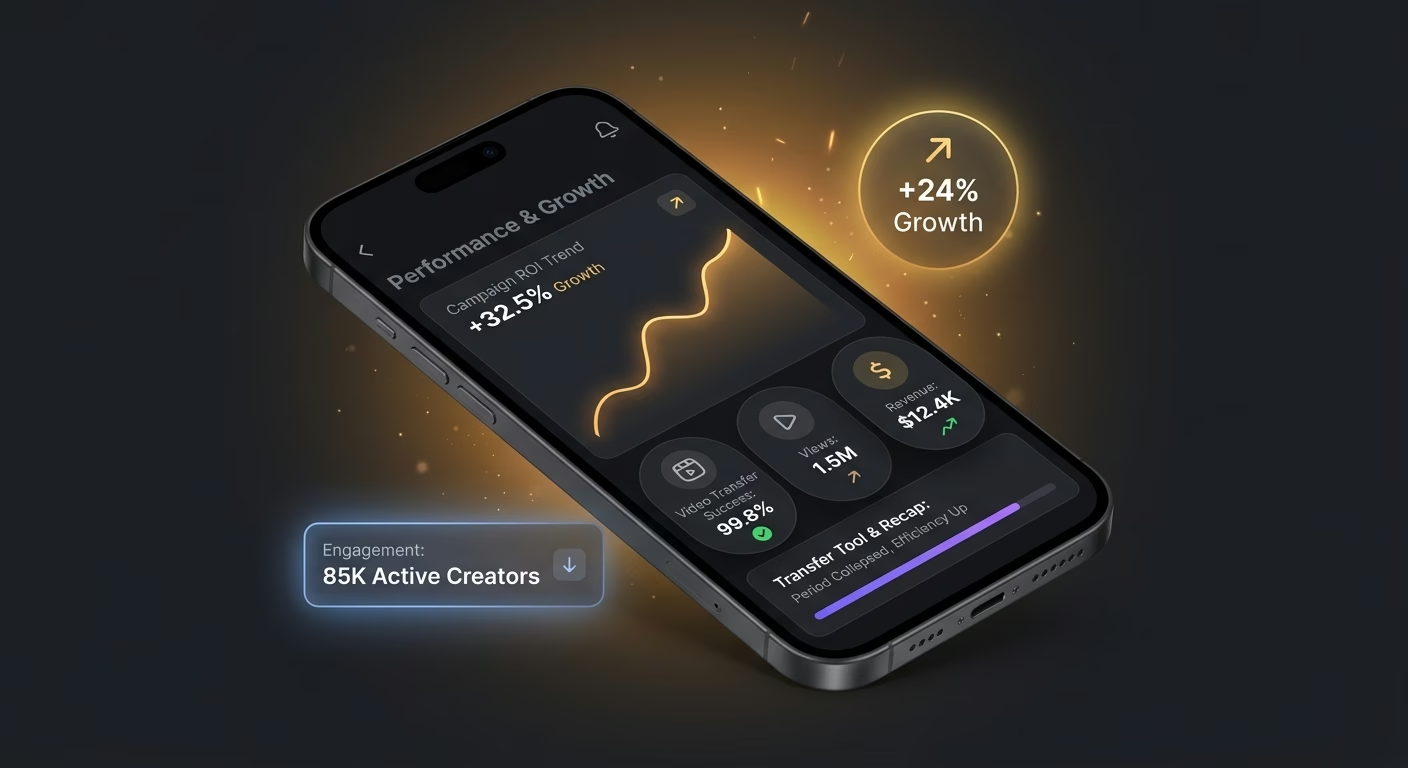
The Transfer-tool-and-viewing-panel-part-give recap period just collapses
A creator waiting three days for editor feedback loses momentum on content. Cloud-review services with in-context commenting deliver feedback in hours from review start not days after file transfer completion.
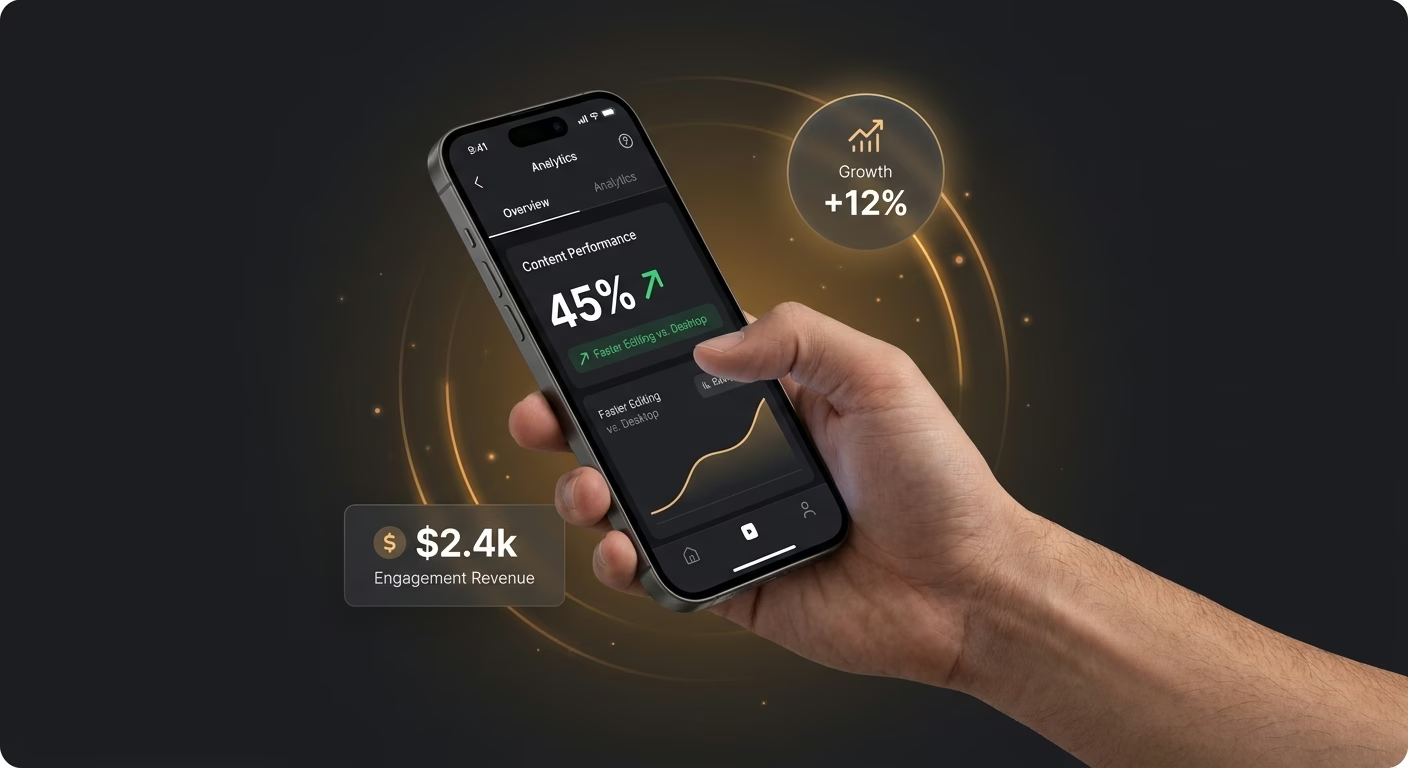
The computer-station-workstation-only cut-work constraint just halts applying
An editor needing a GPU workstation to touch a project cannot work from anywhere. Browser-native services with proxy media delivery let editing happen on laptops and tablets without heavy hardware.
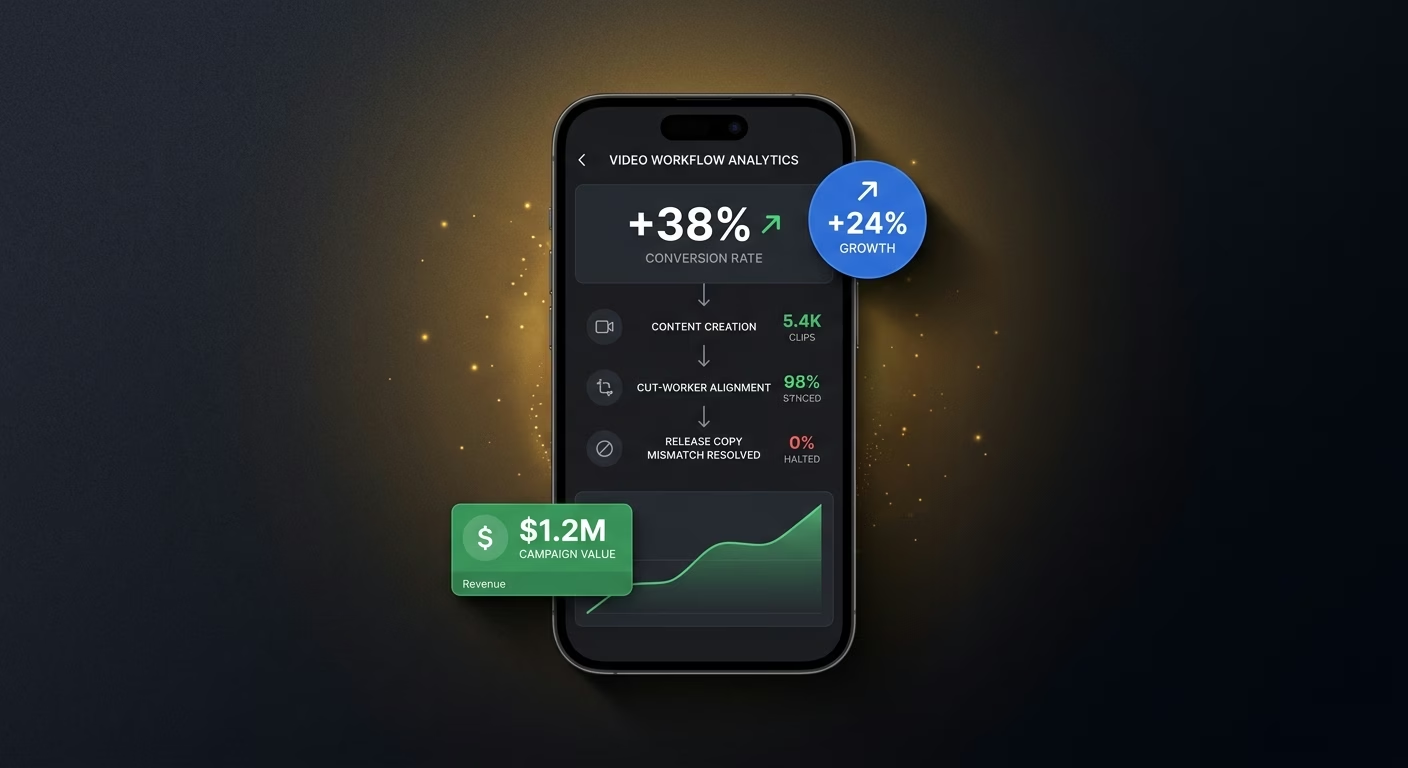
The release-copy-mismatch confusion between content-maker and cut-worker just halts
A creator reviewing yesterday's cut while editor works on today's produces confusion. Live-version services with real-time collaboration preserve version alignment between creator and editor continuously.
Pick the Pricing Plan That Works for You
Choose the plan that fits your building ambitions. From weekend projects to enterprise applications, we've got you covered.
No credit card required*


Frequently Asked Questions
Your Questions, Answered
Don't change this element unless you know what you are doing
on Emergent today




