

Build a WYSIWYG App That Runs a Visual Editor, Drag-Drop Blocks, Live Preview, and Multi-Format Export with AI
Create your WYSIWYG app in minutes with AI. Run visual content editor, drag-and-drop blocks, live preview, and multi-format export without coding.










Why Emergent for WYSIWYG Apps?
Content creators publishing across newsletters, blogs, and web pages fight three incompatible editors and hand-convert formats every publish cycle. On Emergent, describe what you need and it builds your WYSIWYG app.
| Traditional Builders |  |
|
|---|---|---|
| Creation & Setup | Limited templates with lengthy setup and multiple manual steps | Fully customizable WYSIWYG app created instantly using plain English prompts |
| Design | Limited design flexibility | AI-driven, personalized design layouts that match your brand |
| Editor Logic | No block or preview fields | Handle blocks and previews natively using prompts |
| Custom Domain | Requires purchasing a domain and manual DNS configuration setup | Just share your domain. We handle DNS setup with SSL included |
| Time to Launch | Can take up to days and weeks | Launch in just a few minutes to hours |
| Payment & Checkout | Limited plugins and integrations | Accept global payments in any currency by connecting gateways with API keys |
| Multi-Format Export | Exports live scattered across manual conversions | Route export through prompts |
| SEO | Basic tools with heavy manual effort | Improve SEO instantly using prompts. No technical setup needed |
| Scaling | Limited scalability with performance constraints and risk of data loss | Scale your app anytime by reopening the chat and expanding with prompts |
| Maintenance & Updates | Requires manual updates, bug fixes, and ongoing management | Easily update and improve your app anytime using simple prompts |

What WYSIWYG Apps Get Right

Visual editing shows the final rendered output live
Visual editor services with rich formatting present each keystroke, so visual editing shows the final rendered output live and bold, italic, headings, and links appear exactly as the audience will see them while typing.
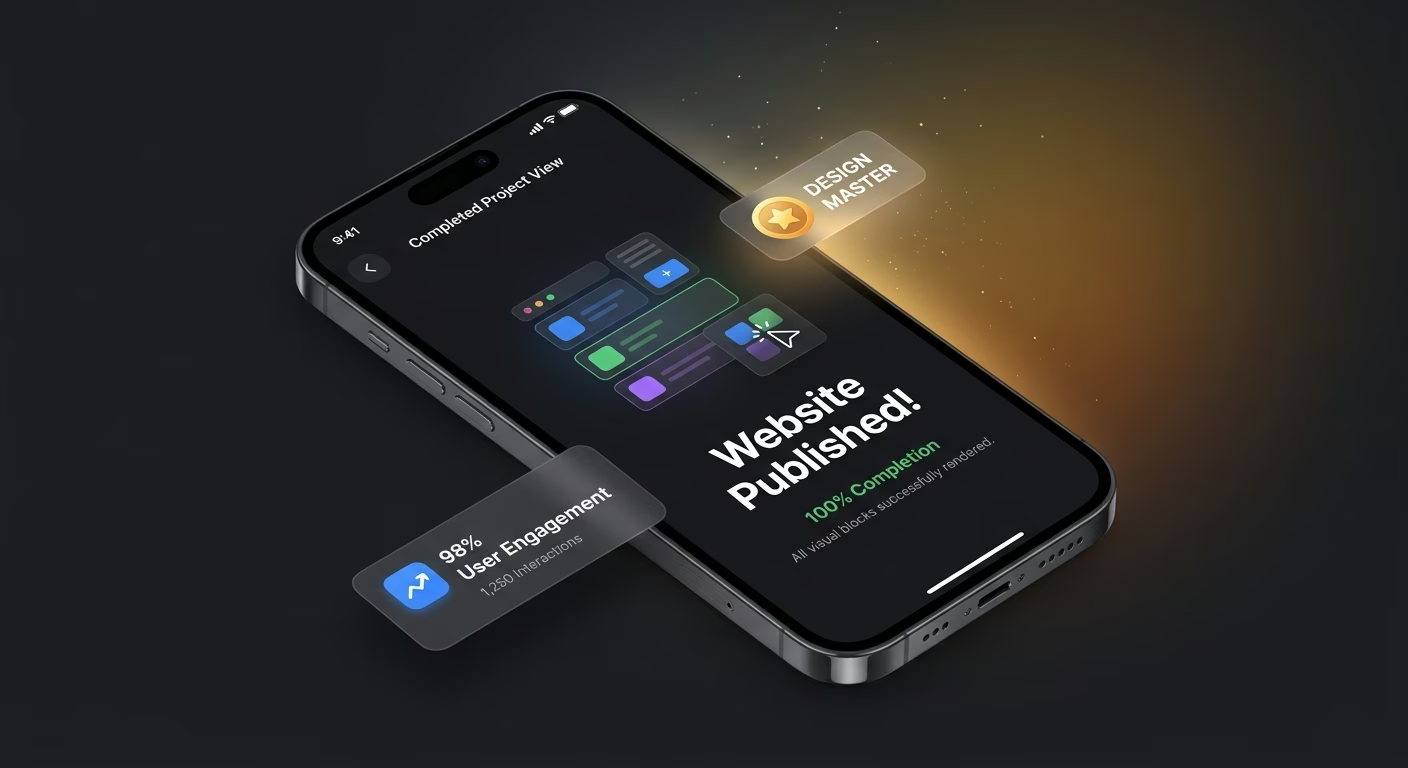
Drag-drop blocks let content compose visually
Block library engines with rearrangeable pieces power each layout, so drag-drop blocks let content compose visually and the callout box or image gallery that fought the editor moves cleanly with a mouse gesture.

Live preview matches what publishing will show
Preview rendering tools with real-time panes display each edit, so live preview matches what publishing will show and the formatting mistake that appeared only after hitting publish gets caught before going live.

Export ships to Markdown, HTML, PDF, and email cleanly
Export conversion services with format transformation ship each output, so export ships to Markdown, HTML, PDF, and email cleanly and the hand-conversion cycle that ate publish minutes collapses into one automated pipeline.
How Emergent Turns Your Idea Into an App
Create a WYSIWYG app that manages visual content editor, drag-and-drop blocks, live preview, multi-format export, and editing operations from one platform.




Write Once and Ship Everywhere Effortlessly
Give creators a real authoring workshop.
End-to-end app development for your business
Turn ideas and spreadsheets into fully functional internal apps your team can actually use, not just plan on paper.
 Describe, don’t code:Write what you need in plain language and instantly generate the layout, components, and logic.
- Full UI in one go:Create full pages with forms, tables, filters, and charts in a single automated pass.
- Use the data you already have:Connect your spreadsheets or datasets quickly and turn them into interactive dashboards.
Rich formatting works exactly as it appears
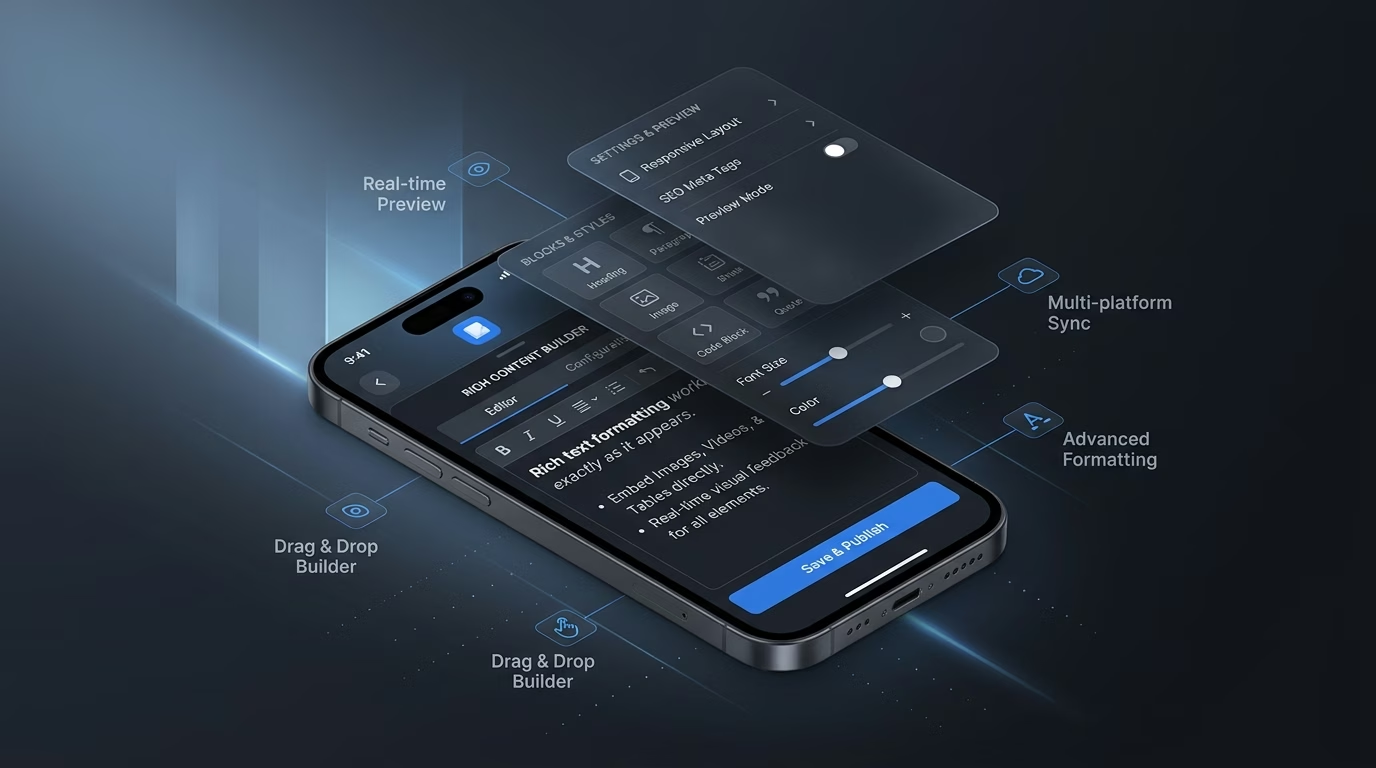
Split-brain editing wastes creative energy. Editor infrastructure works with what-you-see-is-what-you-get so bold, italic, headings, and links all render as final output rather than requiring the creator to imagine how markup translates to visual result.
- Rich formatting toolbar
- Style-and-heading picker
- Inline-media insertion
- Undo-redo history
End-to-end app development for your business
Turn ideas and spreadsheets into fully functional internal apps your team can actually use, not just plan on paper.
- Describe, don’t code:Write what you need in plain language and instantly generate the layout, components, and logic.
- Full UI in one go:Create full pages with forms, tables, filters, and charts in a single automated pass.
- Use the data you already have:Connect your spreadsheets or datasets quickly and turn them into interactive dashboards.
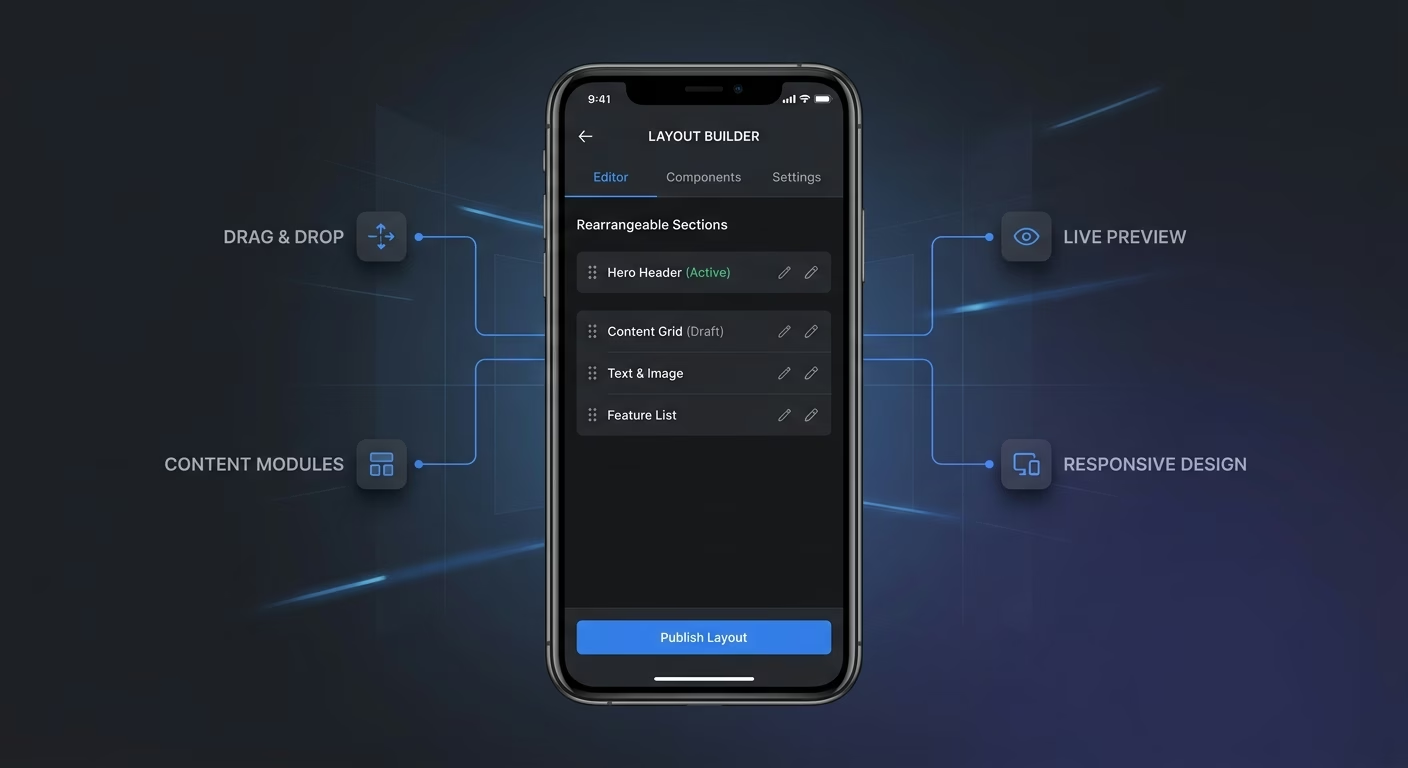
Rearrangeable pieces let writers assemble layouts naturally
Fixed layouts constrain creativity. Block infrastructure composes content visually through drag-and-drop so callout boxes, image galleries, code blocks, and quotes all become rearrangeable pieces.
- Rearrangeable block library
- Custom block authoring
- Nested block support
- Keyboard-shortcut placement
End-to-end app development for your business
Turn ideas and spreadsheets into fully functional internal apps your team can actually use, not just plan on paper.
- Describe, don’t code:Write what you need in plain language and instantly generate the layout, components, and logic.
- Full UI in one go:Create full pages with forms, tables, filters, and charts in a single automated pass.
- Use the data you already have:Connect your spreadsheets or datasets quickly and turn them into interactive dashboards.
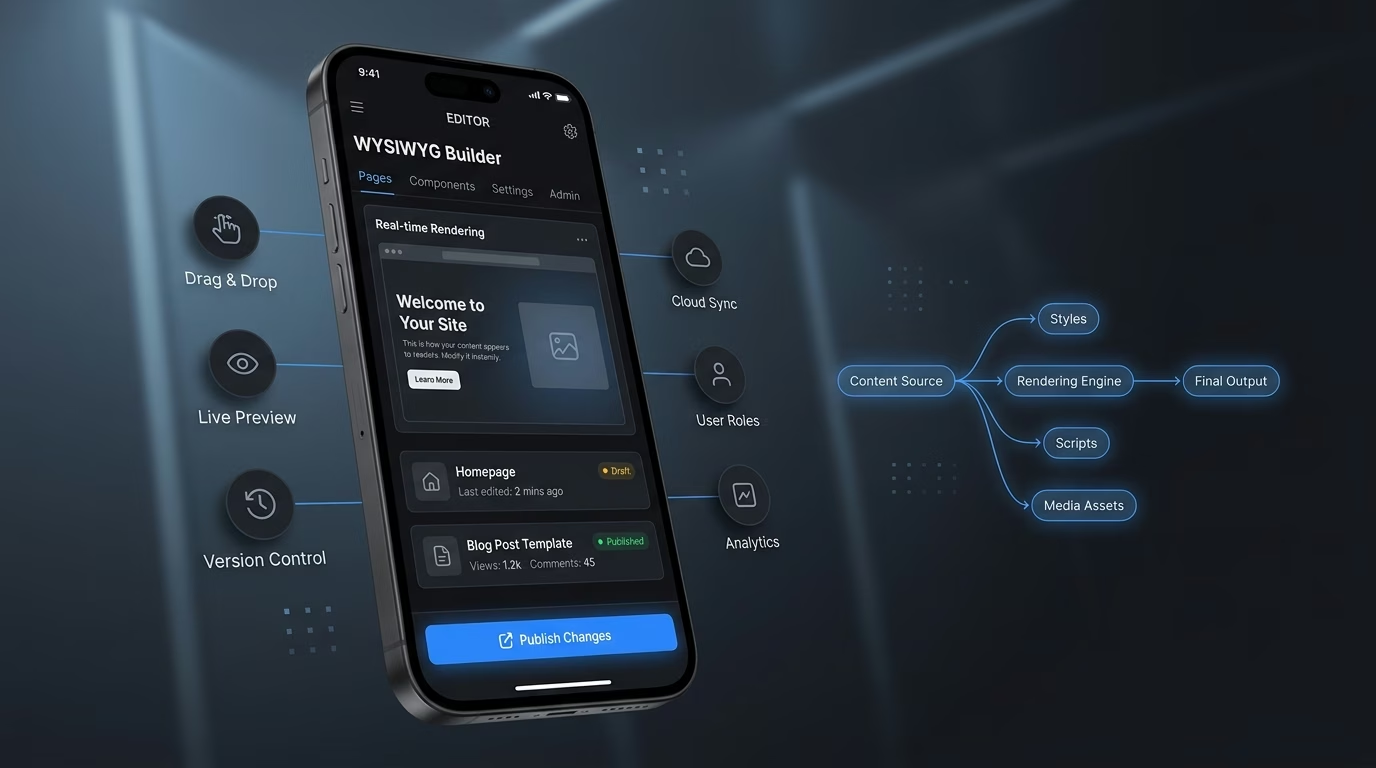
Real-time rendering mirrors what readers finally see
Guesswork breeds mistakes. Preview infrastructure renders exactly what publishing shows so the creator sees the final newsletter, blog post, or web page in real time before going live.
- Real-time preview pane
- Multiple-device previews
- Dark-and-light mode swap
- Font-and-color simulation
End-to-end app development for your business
Turn ideas and spreadsheets into fully functional internal apps your team can actually use, not just plan on paper.
- Describe, don’t code:Write what you need in plain language and instantly generate the layout, components, and logic.
- Full UI in one go:Create full pages with forms, tables, filters, and charts in a single automated pass.
- Use the data you already have:Connect your spreadsheets or datasets quickly and turn them into interactive dashboards.
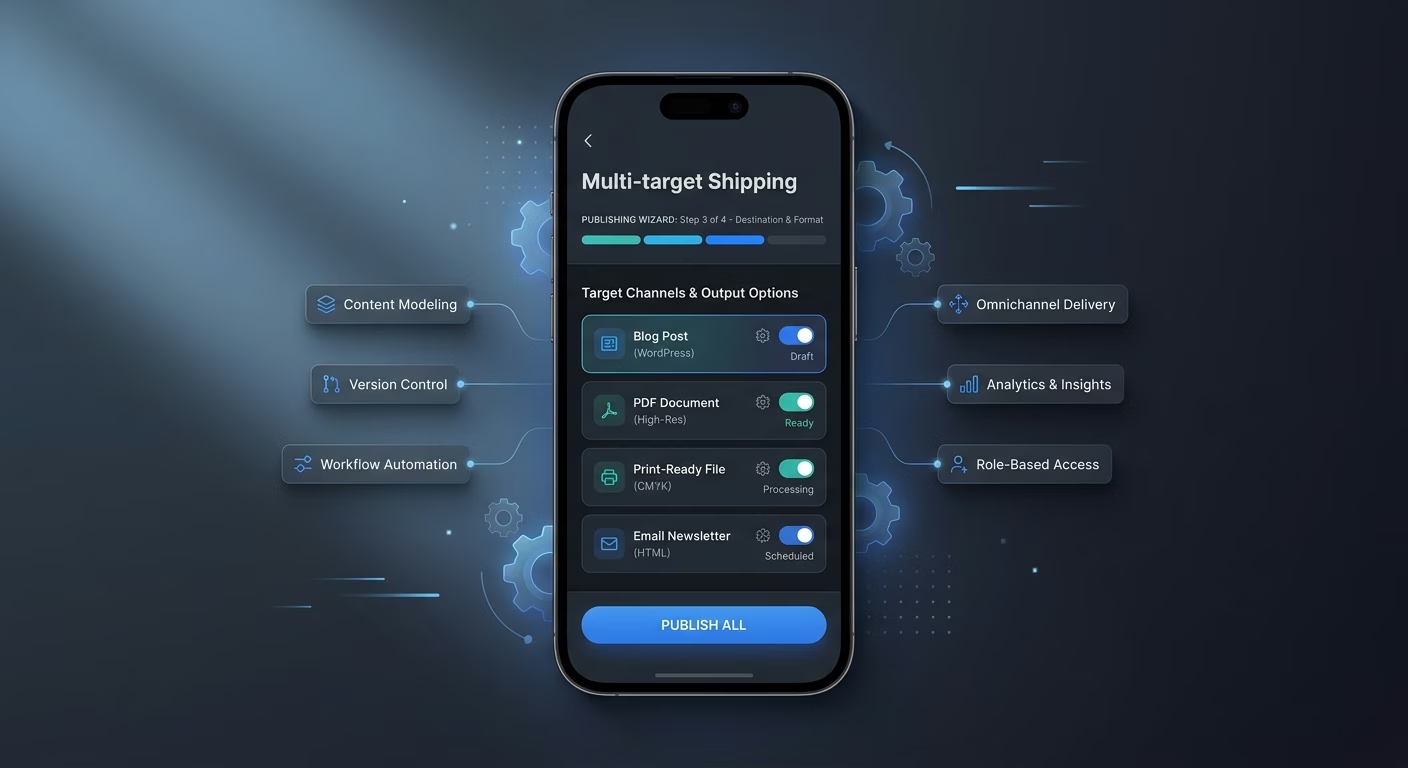
Multi-target shipping publishes to blog, PDF, print, and inbox
Manual conversion wastes hours. Export infrastructure converts to every format cleanly so Markdown, HTML, PDF, and email-ready rich text all render from one source rather than requiring hand-conversion for each destination.
- Markdown-and-HTML export
- PDF generation option
- Email-ready rich text
- Programmatic-API export
Connect Your Editor Stack
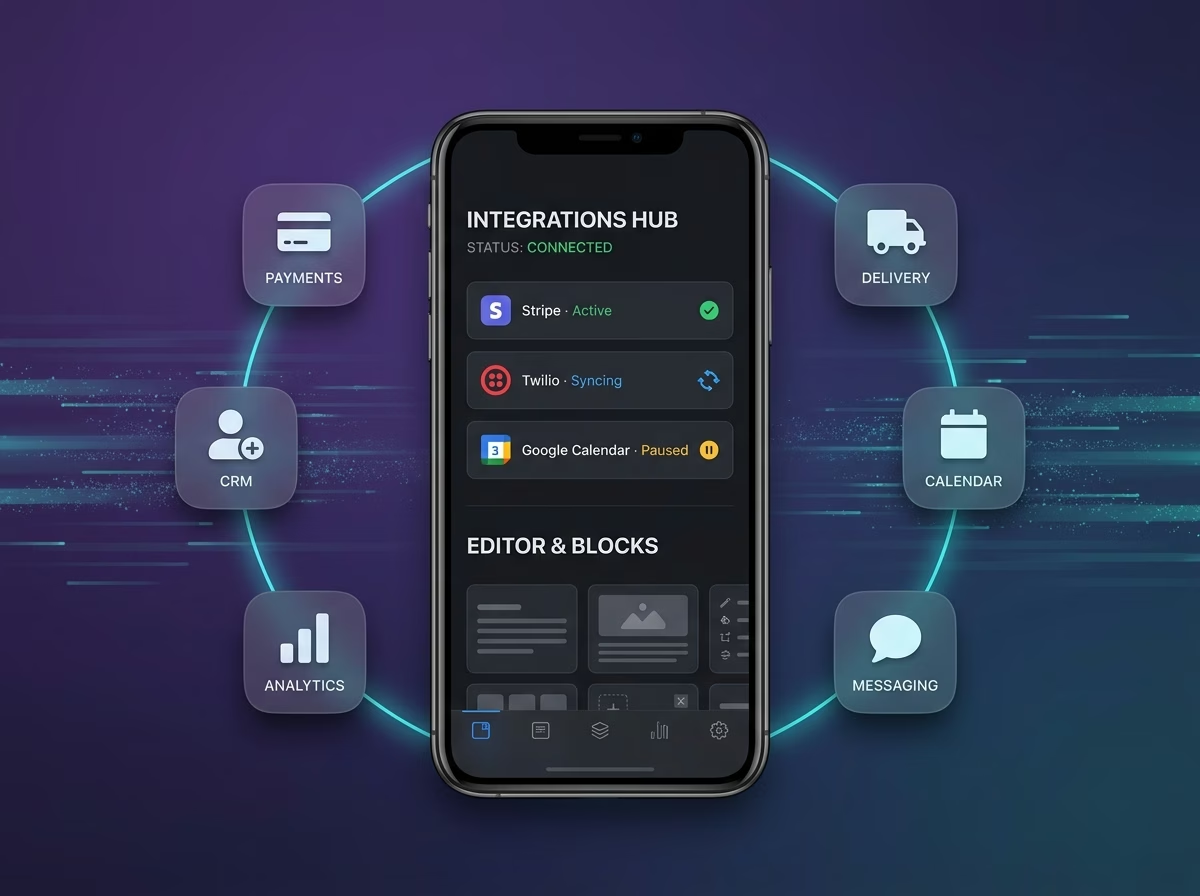
Editor & Blocks
Coordinate visual editors and drag-drop blocks across one editing workspace
- Visual editor services
- Block library engines
- Rich-text data APIs
Preview & Export
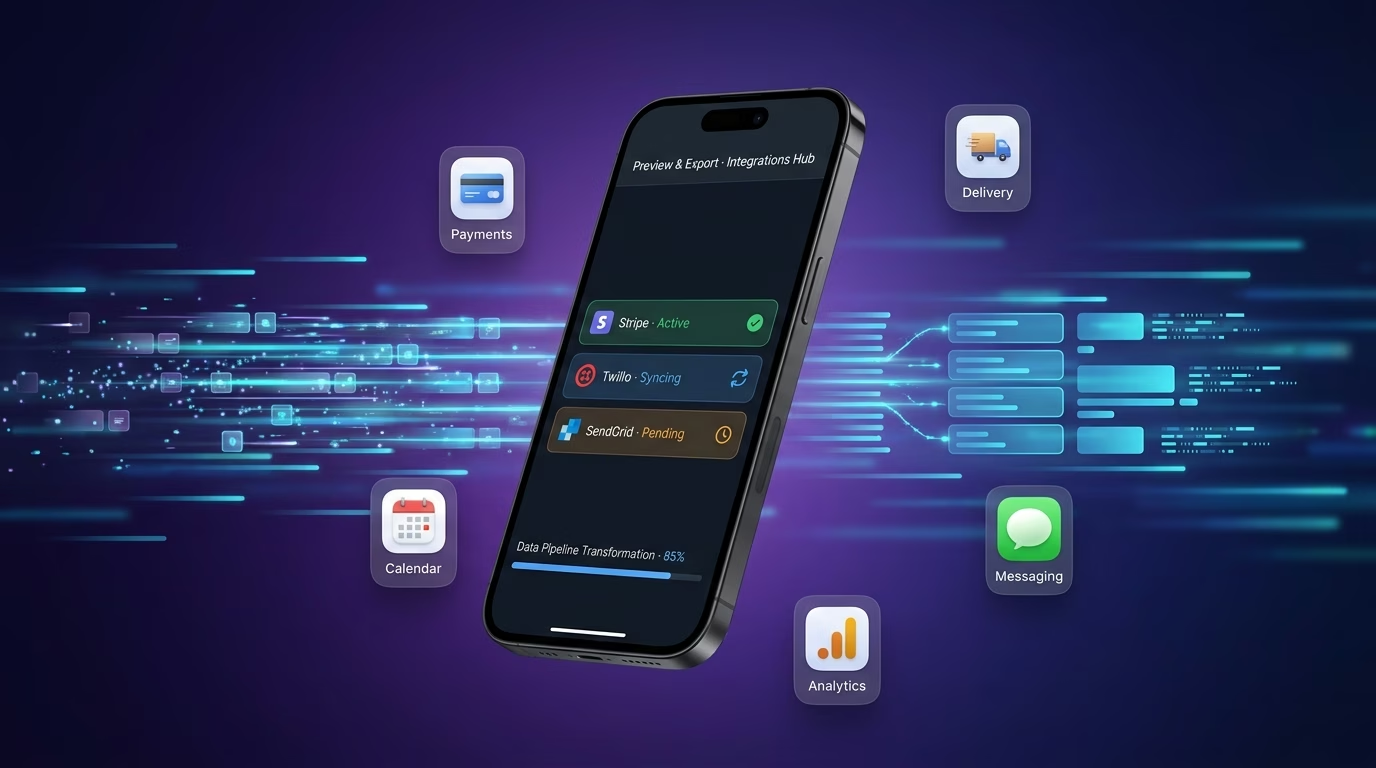
Sync live preview and multi-format export across every content piece
- Preview rendering tools
- Export conversion services
- Format transformation APIs
Payments & Operations
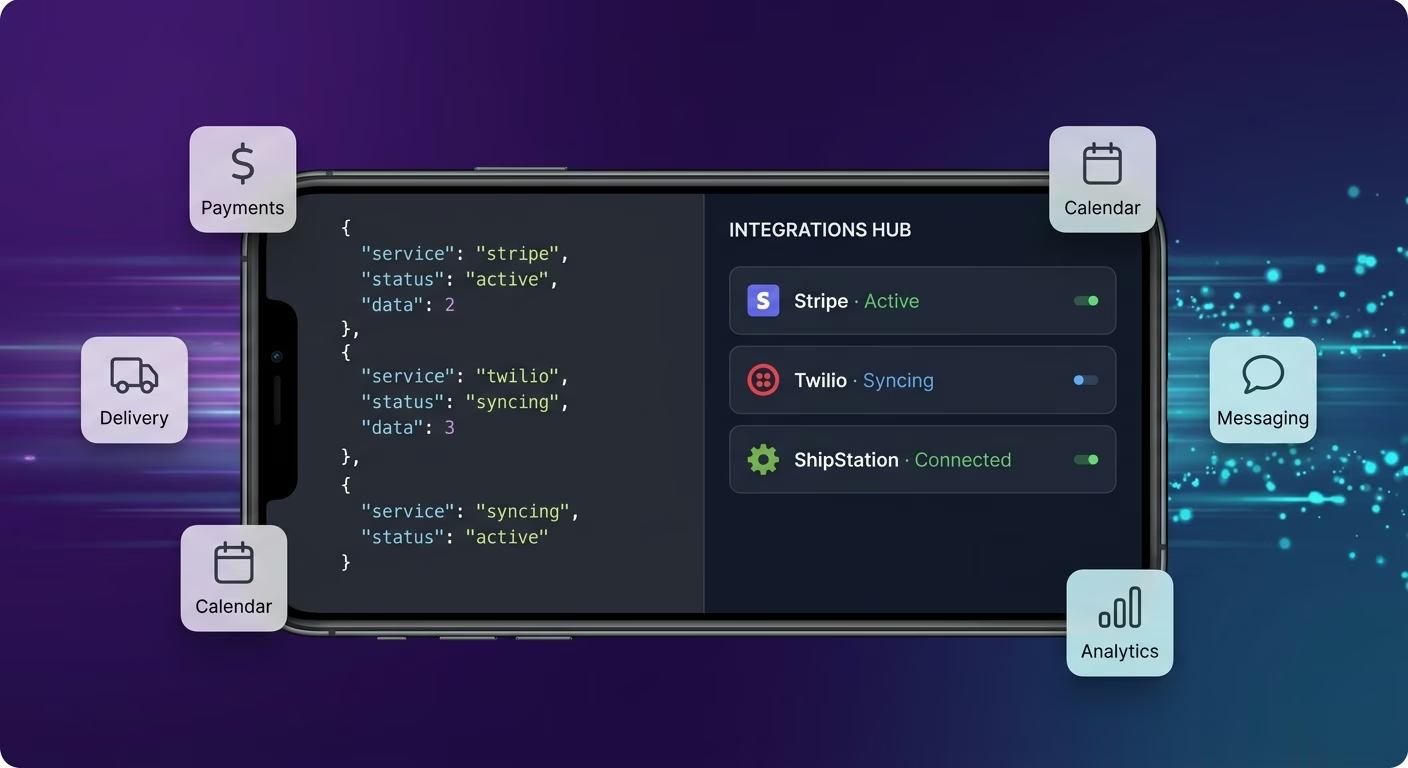
Connect Stripe, PayPal or Razorpay and operational tools through APIs
- Payment infrastructure
- Subscription tools
- Operations and workflow systems
Preview And Export, Connected
Creators lose energy when editors, blocks, previews, and exports sit across incompatible tools, so Emergent connects through APIs and everything aligns as writers publish.

How to Create a WYSIWYG App
Create a WYSIWYG app that manages visual content editor, drag-and-drop blocks, live preview, multi-format export, and editing operations from one platform.
01 Choose the right app building approach
You can hire a developer, use a traditional app builder, or use an AI-powered platform like Emergent. AI app builders help publishing founders and content-tool creators launch and manage WYSIWYG apps without technical complexity or extended development timelines.
02 Plan your editor and block workflows
Decide how the editor should behave, how blocks should drag, how preview should render, how export should convert, and how creators should review before building.
03 Build your WYSIWYG app
Describe your editor behavior, block library, preview targets, and export formats, and the app is generated around your actual editing workflows.
04 Add editor systems and block workflows
Set up visual content editor, drag-and-drop blocks, live preview, and multi-format export so content creators stop hand-converting between Markdown, HTML, and rich text every publish cycle and losing energy to formatting battles.
05 Connect payments and operational tools
Connect payment gateways like Stripe, PayPal, or Razorpay alongside visual editor services, block library engines, preview rendering tools, and notification infrastructure to support editing operations. On Emergent, these systems can be connected easily through APIs.
06 Test the app before publishing
Check visual content editor, drag-and-drop blocks, live preview, multi-format export, mobile performance, and creator experience before launch.
07 Publish and grow your WYSIWYG app
Launch the app and continue managing editor, blocks, preview, and export as creators publish content.
Write Once and Publish Everywhere Cleanly
Three incompatible editors and manual format conversion every publish cycle drain energy that should go into writing. A unified WYSIWYG hub with visual editor, block library, live preview, and multi-format export returns creative energy to the work.

Layout battles stop draining creative energy
A creator wrestling with three editors and three formatting models loses the energy for actual writing. The unified visual editor stops formatting battles from draining creative energy across every publish cycle.
Manual format conversion stops eating publish cycles
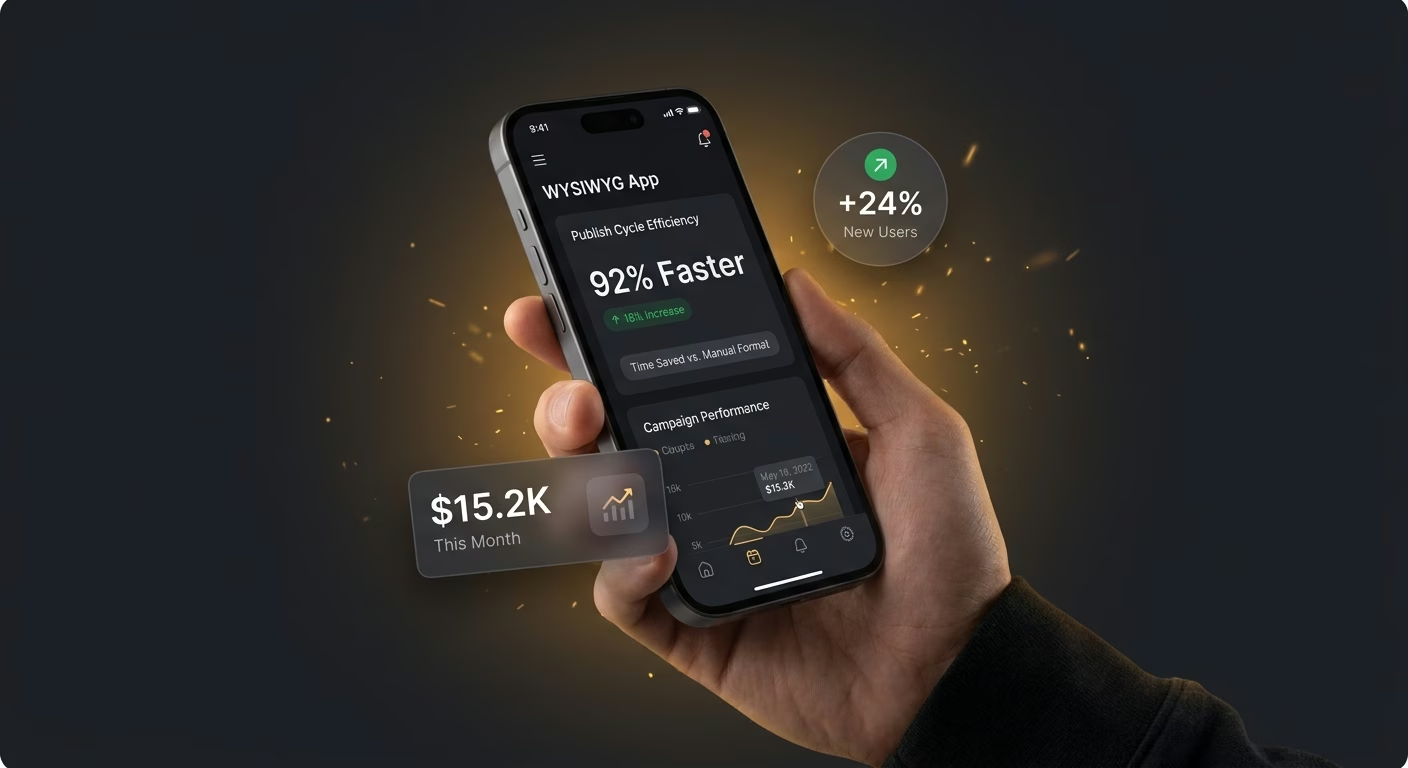
A creator hand-converting Markdown to HTML for a blog and to rich text for a newsletter burns publish minutes. The auto-export layer returns those cycles to next week's content.
Publish-time surprises stop appearing at go-live
A creator discovering broken formatting only after hitting publish loses trust with the audience. The live preview stops preview surprises from appearing at publish time when the audience is already refreshing the page.
Pick the Pricing Plan That Works for You
Choose the plan that fits your building ambitions. From weekend projects to enterprise applications, we've got you covered.




Find the Right App Builder
for Your Business
Frequently Asked Questions
Your Questions, Answered
Don't change this element unless you know what you are doing
on Emergent today




