Web App Building
•
7 Best No-Code Web App Builders in 2026 for Any Use Case
Explore the 7 best no code web app builders in 2026 and learn how each platform helps startups and enterprises launch powerful web applications quickly without writing code. Perfect for teams looking to build, iterate, and scale with speed.
Written By :

Divit Bhat
In 2026, no code web app builders make launching online apps fast, affordable and accessible, with no deep coding required. These tools let founders, designers and small teams turn ideas into working web applications with visual editors and AI driven automation. As digital adoption grows globally, the right no code builder can save time, reduce cost and help you iterate faster while focusing on product and UX.
This guide explores what no code web app builders are, why they matter today, the key features to look for, and reviews 7 of the best builders in 2026. You will get detailed comparisons to help you select the right platform for your needs, whether you are building an MVP, a complex internal tool or a full public web application.
Read More About: What are the Best no-code Android App Builders in 2026?
What is no code web app builder?
A no code web app builder is a platform that lets users create web applications using visual tools, drag and drop interfaces or AI powered prompts instead of writing code manually. It abstracts away server setup, databases, backend logic and frontend frameworks.
These builders handle the app lifecycle, including UI, data models, authentication, workflows and hosting, so users can launch web apps quickly, often within minutes. In 2026, many also support integrations, responsive design and exportable code for scaling or custom development.
7 Best No Code Web App Builders in 2026
Emergent (A full-stack vibe coding and no code platform)
Emergent is an AI-powered, full-stack vibe coding and no-code platform that helps both non-coders and developers build any kind of web application using natural language prompts. Instead of stitching together development environments, servers, CI/CD pipelines, and AI tools, Emergent automates the entire lifecycle from idea to launch. It automatically handles UI design, frontend development, backend logic creation, data model creation, API connections to access third-party tools, hosting, and deployment, all inside the browser.
Additionally, Emergent not only builds web apps but also creates mobile apps, chatbots, chrome extensions, SaaS tools, internal business applications, and workflow automations.
Read More About: Best vibe coding tools in 2026
Key Features of Emergent to Build Web Apps
Multi-Agent Development Orchestration
Multiple AI agents collaborate in real time, Builder, Designer, Quality, Deploy, and Ops Agents, each handling specific responsibilities. The system breaks complex builds into modular tasks, executes them in parallel, and synchronizes them into a stable release without manual backend setup.
Prompt-to-Production Code Generation
Users simply describe features in natural language, and Emergent generates UI, API endpoints, business logic, database schema, and cloud deployment. This drastically minimizes development time while maintaining real, editable codebases suitable for scaling.
Cloud-Hosted Full-Stack Workspace in the Browser
No installations or dependency conflicts, each project automatically runs inside an isolated VM/container with Kubernetes orchestration on GCP infrastructure. Teams collaborate live in a controlled and consistent execution environment without DevOps overhead.
Exportable, Standards-Based Code Output
Apps are generated using modern frameworks like React / Next.js for frontend and Python / Node-based backends with API routing and DB integration. Users can download, self-host, or continue development outside Emergent at any stage, avoiding long-term platform lock-in.
Integrated Testing, Debugging & Monitoring
Automated quality checks catch regressions, enforce best practices, and ensure builds remain stable during updates. Runtime monitoring tracks performance, logs, and uptime for smoother production maintenance, even post-launch.
Rapid Deployment with Secure Hosting
The Deploy Agent sets up SSL, networking, global routing, and domain binding automatically. Launching updated versions takes seconds, enabling continuous delivery without manual release pipelines.
Unique Features of Emergent to Build Web Apps
Enterprise-Level Security with Project Isolation
Each project runs in a dedicated secure sandbox with encrypted storage, RBAC permissions, SOC-aligned controls, and granular audit logs. This is designed for teams handling confidential user data or compliance-sensitive products.
Custom Agent Configuration & Skill Assignment
Users can choose which AI models, GPT-4/5, Claude, Llama, etc. handle specific tasks like UI generation or backend logic. This gives full control over speed, capability, and cost optimization across modules.
Active Learning and Style Adaptation
Emergent learns naming conventions, design preferences, architecture patterns, and common workflows over time. The more a team builds with it, the faster and more context-aware development becomes, reducing prompt complexity.
Model Context Protocol (MCP) for Tool Integration
Emergent connects AI agents with external applications such as GitHub, Notion, Figma, and internal documentation. This allows importing schemas, product specs, UI assets, or workflow rules directly into the build pipeline.
Agent-Driven Multimedia Creation
Future-ready support for image, audio, and video components enables emerging categories of apps, generative media, simulations, AR/VR, to be built alongside traditional interfaces, without separate pipelines or tooling.
Advantages of Using Emergent
Automates entire build lifecycle from UI to deployment
Outputs real, production-ready code with full export control
Eliminates need for DevOps, hosting setup, or infrastructure
Cloud-native collaboration, no environment issues
Learns team preferences to accelerate future builds
Secure and scalable for professional software teams
Limitations of Using Emergent
Complex custom apps may still require technical refinement
Cloud-only workspace, offline development not available
Pricing and credit usage must be monitored for heavy workloads
Third-party plugin ecosystem still expanding
Emergent Pricing and Plans
Plan | Pricing | Credits Included | Best For | Key Highlights |
Free | Free (10 credits/day, up to 30/month) | 30 credits/month | Beginners and explorers | Great for testing and learning. |
Standard | Starts at $20/month | 100–3000 credits (scalable) | Solo developers | Scales with your usage. |
Pro | $200/month | 750 credits | Power users | Includes all prime features and Ultra Mode. |
Read More About: Emergent Pricing and Plans
Clappia
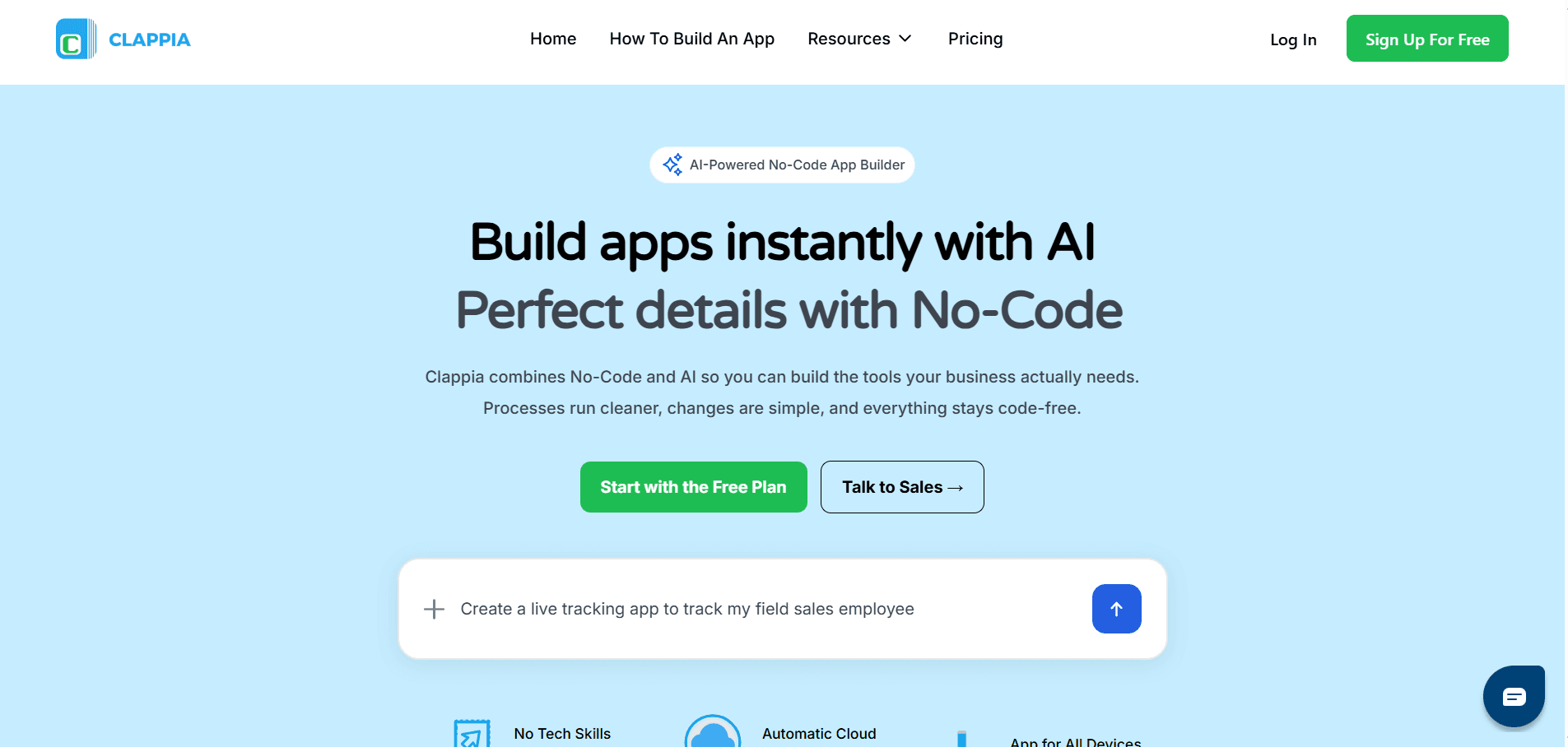
Clappia is a no-code web and mobile app builder that focuses on enabling businesses to create internal tools, workflow apps, and data-driven web applications without writing code. In 2026, Clappia is commonly used by operations teams, consultants, and enterprises that need structured apps for processes such as approvals, data collection, audits, field operations, and internal dashboards, rather than consumer-facing SaaS products.
Clappia positions itself around practicality and speed for business use cases. It emphasizes form-based app creation, workflow automation, role-based access, and integrations with common business systems, making it suitable for organizations that want functional, reliable web apps tied closely to internal operations.
Key Features of Clappia
1. No-code app creation using forms and workflows
Clappia allows users to build web apps by designing forms, defining workflows, and connecting data without writing code. These forms act as the core interface for collecting, updating, and managing structured information across teams. This approach works well for operational apps where clarity and consistency matter more than custom UI.
2. Workflow automation with conditional logic
The platform supports rule-based workflows that trigger actions based on form inputs, statuses, or user roles. Businesses can automate approvals, notifications, escalations, and task assignments. This helps replace manual processes and spreadsheets with structured, repeatable systems.
3. Role-based access and permissions
Clappia provides granular control over who can view, edit, approve, or manage data within an app. Different roles can see different fields or actions, which is critical for internal business apps involving multiple teams or approval hierarchies.
4. Data management with dashboards and reports
Apps built on Clappia can display collected data through tables, dashboards, and basic reports. This allows teams to track operational metrics, monitor workflow status, and gain visibility into ongoing processes without exporting data externally.
5. Integrations with common business tools
Clappia integrates with tools such as Google Sheets, email systems, and APIs, allowing data to sync across existing business infrastructure. These integrations help organizations adopt Clappia without disrupting their current workflows.
6. Web and mobile app deployment from a single build
Applications created in Clappia can be accessed via web browsers and mobile devices using the same underlying app logic. This is useful for teams that operate across office and field environments and need consistent access everywhere.
Unique Features of Clappia
1. Strong focus on internal business and operational apps
Unlike platforms aimed at public-facing SaaS products, Clappia is optimized for internal tools such as approval systems, audits, inspections, and workflow trackers. This focus makes it especially effective for operations-heavy use cases that require structure over design freedom.
2. Form-first app architecture for rapid adoption
Clappia’s form-centric approach aligns closely with how businesses already think about processes and data. Teams familiar with spreadsheets and forms can transition quickly, reducing onboarding friction and speeding up deployment.
3. Built-in support for approval-driven workflows
Approval flows are a first-class concept in Clappia rather than an add-on. This makes it easier to model real-world business processes where data moves through multiple decision-makers and stages.
4. Enterprise-friendly access controls and governance
Clappia places emphasis on permissions, roles, and controlled access, which is important for regulated environments or enterprises handling sensitive operational data. This governance focus differentiates it from lighter no-code builders.
5. Practical UI optimized for clarity over customization
The platform prioritizes functional, clean interfaces that are easy for internal users to understand. While design flexibility is limited, this consistency reduces confusion and training requirements across large teams.
6. Suitable for scaling process automation across departments
Clappia apps can be replicated and adapted across departments such as HR, finance, operations, and compliance. This makes it easier for organizations to standardize processes without building separate systems from scratch.
Advantages of Clappia
Well suited for building internal tools and workflow-driven web apps.
Strong support for approvals, roles, and operational logic.
Easy adoption for teams familiar with forms and spreadsheets.
Supports both web and mobile access from one app build.
Reduces manual work through automation and structured processes.
Fits enterprise and operations-focused use cases well.
Limitations of Clappia
Limited flexibility for highly customized or consumer-facing UIs.
Not ideal for building complex public SaaS products.
Design customization is constrained compared to developer-centric platforms.
Advanced logic can become hard to manage in very complex apps.
Ecosystem is smaller than larger no-code platforms.
Less suited for branding-heavy or marketing-led web apps.
Pricing and Plans of Clappia
Plan | Pricing | Key Highlights |
|---|---|---|
Free | $0/month | Unlimited apps & storage • Google Sheets integration • Fixed GPS capture • ~100 AI calls/month • ~20 free WhatsApp/SMS messages |
Starter / Pro | $7/user/month | Everything in Free • More workflow executions • Email & chat support • Access to add-ons (custom domains, white-label apps, etc.) |
Enterprise & Add-Ons | Custom | Pay-per-use WhatsApp/SMS • White-label apps (~$30/month) • Custom domain mapping • Extra AI usage • Large-scale plans with dedicated support & integrations |
Rocket.new
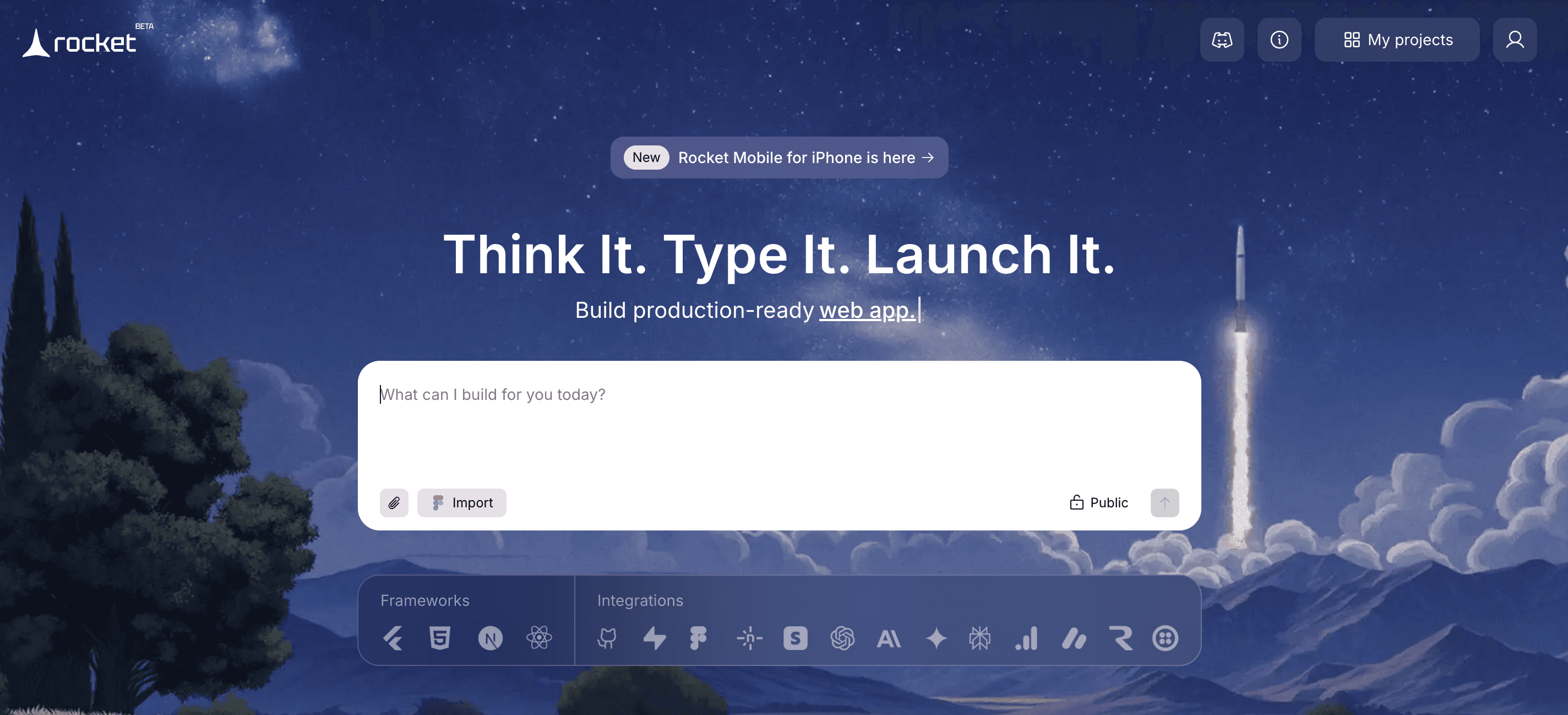
Rocket.new is an AI-first web app development platform built for speed, collaboration, and production-grade deployment. It allows developers and product teams to build, test, and ship applications using natural language prompts, smart components, and automated workflows. The platform bridges the gap between low-code simplicity and full-stack power, enabling teams to go from idea to live app in record time.
Rocket.new focuses on real-time collaboration, flexible integrations, and efficient performance, making it a strong choice for startups and developers who want to prototype quickly while keeping complete control over their code and infrastructure.
Read More About: Best Rocket.new Alternatives
Key Features of Rocket.new to Build Web Apps
AI-Driven Full-Stack Development
Rocket.new converts plain language prompts into complete UI layouts, database structures, and backend logic. Developers can edit and customize generated code within the same workspace.
Real-Time Team Collaboration
Multiple team members can work on a single project simultaneously, view live changes, and track updates. This makes it ideal for distributed teams and agile sprints.
Instant Deployment and Hosting
Apps built on Rocket.new can be deployed to the cloud in seconds with secure SSL, version control, and automated scaling, removing the need for DevOps setup.
Built-In Integrations and APIs
Rocket.new supports integrations with popular tools like Stripe, Supabase, and Firebase. Developers can connect APIs directly into their workflows using a simple interface.
Smart Debugging and Error Tracking
The AI engine identifies errors, provides fix suggestions, and auto-corrects syntax or logic issues before deployment, improving stability and code quality.
Custom Components and Advanced Logic
Developers can extend apps with custom React or Node components, allowing full flexibility beyond the platform’s native blocks.
Unique Features of Rocket.new to Build Web Apps
Prompt-to-Deploy Pipeline
Rocket.new automates the entire software lifecycle, from feature ideation to deployment, through a single conversational interface. It minimizes context switching and manual setup.
Pre-Configured Cloud Environments
Each project runs inside an isolated, secure container, preloaded with dependencies and libraries. This ensures consistent builds without configuration errors.
AI Design Assistant for UI Enhancements
The platform’s AI assistant can suggest layout improvements, accessibility updates, and responsive design adjustments to ensure apps meet user experience standards.
Collaborative Branching and Code Review
Teams can review, comment, and merge code changes collaboratively, combining AI-generated logic with human review for quality assurance.
Live Performance Insights and Monitoring
Rocket.new includes built-in analytics and performance, build dashboards that track load times, user activity, and deployment health across environments.
Advantages of Using Rocket.new
Rapid development cycle from prompt to deployment
Simplifies cloud setup and continuous delivery pipelines
Encourages collaboration with real-time co-editing
Strong AI debugging and auto-correction tools
Enables full control over exported code
Integrates with major APIs and third-party tools
Ideal for early-stage startups and fast-moving dev teams
Limitations of Using Rocket.new
Some advanced backend logic still requires manual coding
Limited offline access for local development
AI-generated designs may need refinement for production use
Pricing scales quickly with higher API usage
Plugin and extension ecosystem is still growing
Limited enterprise-level compliance and governance features
Rocket.new Pricing and Plans
Plan | Price / Month | Key Features |
Starter | Free | Public projects, templates |
Personal | $25 | Private projects, custom domains, code download, branding removal |
Rocket | $50 | Private projects, custom domains, code download, branding removal |
Booster | $100 | Private projects, custom domains, code download, branding removal |
Bubble
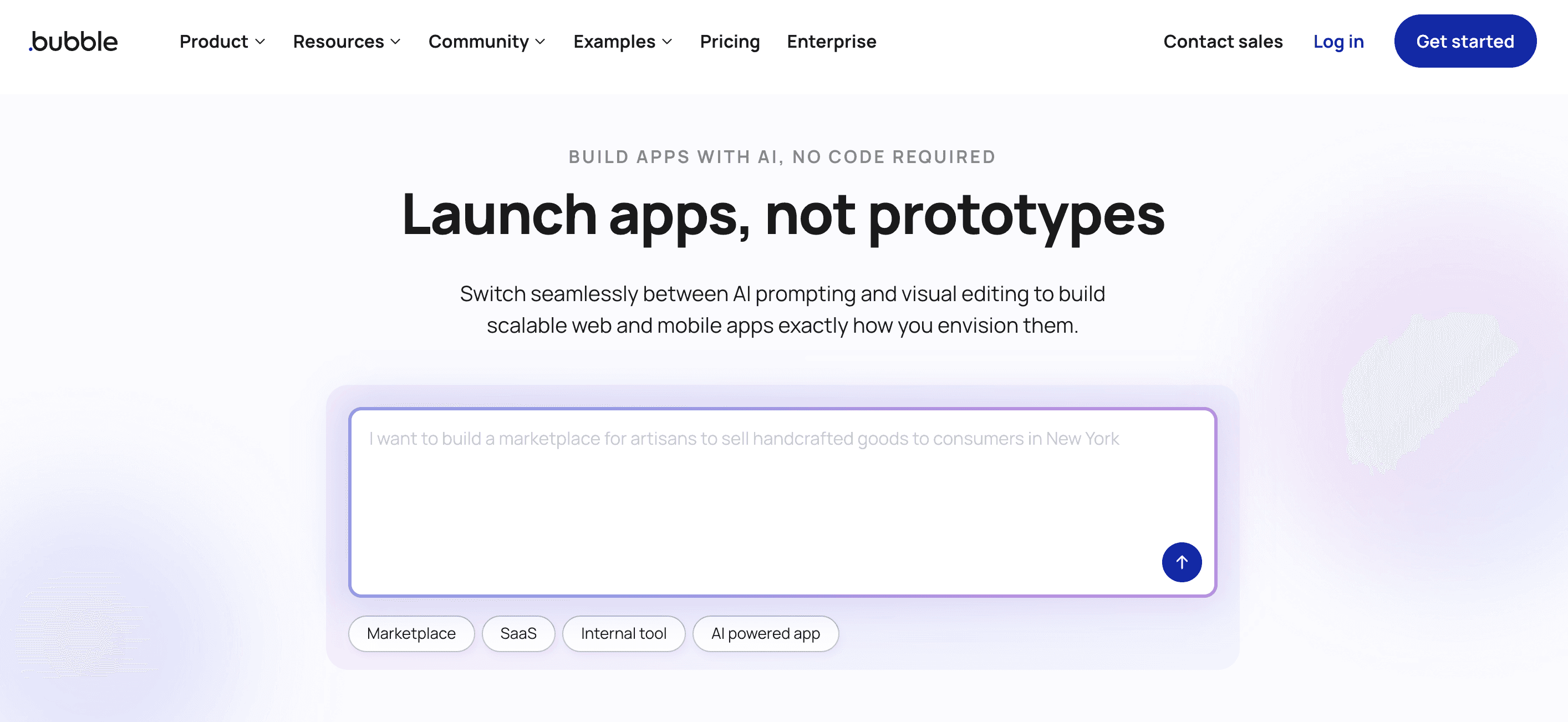
Bubble is one of the most well-known no-code platforms for building full-stack web applications. It enables founders, startups, and small teams to create production-ready apps visually, without writing code. With its drag-and-drop interface, integrated database, and workflow-based logic system, Bubble allows users to launch interactive web apps, marketplaces, and SaaS products quickly. However, while it empowers non-developers, it can be technically demanding at scale, requiring a strong grasp of workflows and performance optimization.
Read About: Best Bubble Alternatives and Competitors
Key Features of Bubble to Build Web Apps
Visual Drag-and-Drop Builder for UI Creation
Bubble’s core strength lies in its visual editor, allowing users to design fully responsive user interfaces without needing to code. It includes grids, inputs, conditionals, and reusable elements for fast layout design.
Powerful Workflow Automation Engine
Users can create dynamic logic, triggers, and database operations using visual workflows. This feature enables apps to perform complex actions like payments, user authentication, and notifications without code.
Integrated Database and Backend System
Bubble comes with a built-in database that connects directly to front-end components, letting users store, query, and update data visually. It also supports dynamic expressions for real-time data rendering.
Plugin Marketplace for Extensibility
With thousands of plugins for APIs, UI components, and services like Stripe or Google Maps, Bubble can be expanded to handle advanced use cases. Developers can also create custom plugins for deeper control.
Role-Based User Authentication and Access Control
Bubble provides tools to set up user accounts, manage permissions, and control data visibility based on user roles. This simplifies building secure apps with personalized experiences.
Integrated Hosting and Versioning Environment
Apps built on Bubble are hosted automatically with SSL, backups, and deployment controls. Built-in version management allows developers to stage and test before pushing updates live.
Unique Features of Bubble to Build Web Apps
Fully Visual Logic Builder
Unlike most platforms that limit workflows to pre-built actions, Bubble lets users design complex multi-step logic visually, connecting UI actions directly to backend data.
Plugin Editor for Custom Integrations
Advanced users can build their own API connections or plugins using JavaScript, allowing full extensibility beyond Bubble’s standard components.
Responsive Engine for Mobile-Optimized Layouts
Bubble’s newer responsive engine enables fluid layouts that adapt to all screen sizes, ensuring web apps perform well across desktop and mobile devices.
Real-Time Collaboration and Editing
Multiple users can edit an app simultaneously, track version history, and merge changes seamlessly, similar to collaborative cloud IDEs.
API Connector for External Integrations
The API Connector allows integration with almost any third-party REST API, making it easy to extend app functionality beyond Bubble’s native ecosystem.
Advantages of Using Bubble
Mature ecosystem with a vast plugin marketplace and community support
Handles frontend, backend, and database all in one unified environment
Supports dynamic workflows and complex logic visually
Hosting, backups, and deployment included in all plans
Offers scalability through API extensions and custom code
Enables launching functional MVPs quickly without a development team
Limitations of Using Bubble
Performance slows down with large datasets and complex workflows
Steep learning curve for non-technical users despite being no-code
Limited control over hosting environment and infrastructure
Pricing increases significantly as app usage and traffic grow
Offline development and code export are not supported
Customization beyond Bubble’s visual limits often requires JavaScript expertise
Bubble Pricing and Plans
Plan | Pricing | Key Features |
Free | $0/month | Dev version, API connector, 1 editor, 50K units/month, 6 hrs logs, web & mobile editor. |
Starter | $59/month (annual) | Adds version control, 175K units/month, 2-day logs, branding, live site, custom domain. |
Growth | $209/month (annual) | Premium version control, 2 editors, 10 branches, 250K units/month, 14-day logs. |
Team | $549/month (annual) | Sub apps, 5 editors, 25 branches, 500K units/month, 20-day logs, custom domains. |
Enterprise | Custom pricing | Custom units, hosting choice, dedicated support, customizable servers. |
Glide
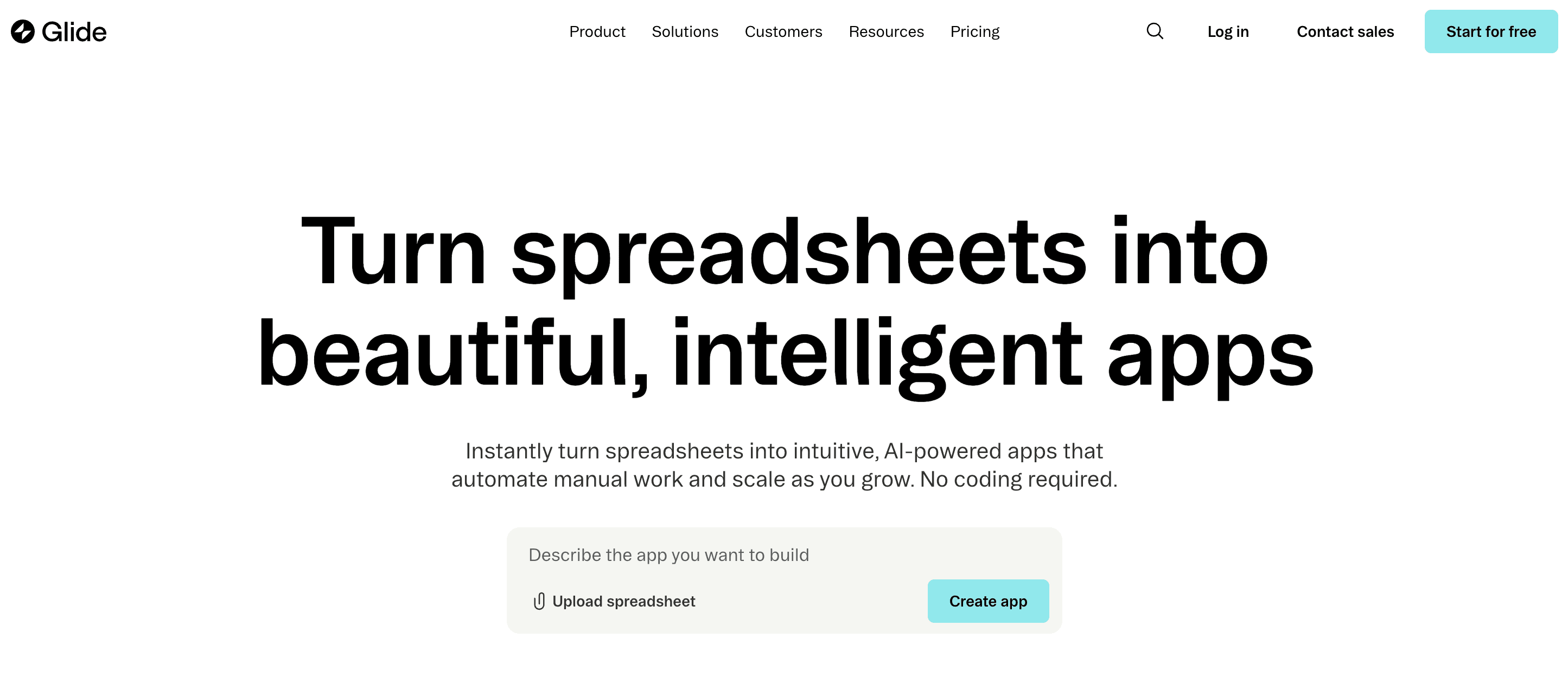
Glide is a modern no-code platform that turns spreadsheets into visually polished mobile and web applications. Built for speed and simplicity, Glide enables entrepreneurs, teams, and small businesses to build internal tools, CRMs, and client portals without writing code. By connecting to data sources like Google Sheets, Airtable, or Glide Tables, it allows instant app creation and live updates whenever data changes.
Glide focuses on usability, design polish, and scalability for non-technical builders, making it ideal for quickly launching business workflows, dashboards, and customer-facing apps.
Key Features of Glide to Build Web Apps
Spreadsheet-to-App Conversion
Glide automatically converts spreadsheet data into interactive mobile or web apps. Each column becomes a field, and updates in the spreadsheet instantly sync to the live app, eliminating data duplication.
Glide Tables for Performance and Scalability
Beyond spreadsheets, Glide Tables provide a faster, cloud-native database layer designed for larger datasets and better app performance. They support relational data and advanced logic within Glide itself.
Pre-Built UI Components and Templates
Glide offers a large collection of layout templates, blocks, and components for dashboards, CRMs, and portals. Users can quickly customize design, style, and workflows without touching code.
Role-Based Access Control and Permissions
Apps can be configured with tiered access levels for different users, such as admins, employees, or clients. This ensures sensitive data is only visible to authorized people.
Real-Time Sync with Data Sources
Any update made in Google Sheets, Airtable, or Glide Tables reflects instantly in the app. This real-time synchronization allows teams to manage live data across systems efficiently.
Built-In Automations and Workflows
Glide lets users set up automations triggered by events like form submissions or data updates. These can send notifications, update records, or connect with external tools.
Unique Features of Glide to Build Web Apps
Native Mobile App Deployment
Glide apps are optimized for mobile devices out of the box and can be installed as PWAs (Progressive Web Apps). This gives users near-native app experiences without app store submissions.
AI-Powered Data Mapping and Field Detection
Glide intelligently detects column types, relationships, and potential actions automatically when you import a spreadsheet. This drastically cuts down setup time and configuration complexity.
Design-First Builder Interface
Glide’s interface emphasizes visual aesthetics, letting users customize color themes, icons, fonts, and layouts. It’s designed for creating modern-looking apps without a designer.
Team Workspaces for Shared Development
Multiple users can collaborate on the same app with edit permissions, version tracking, and centralized data control, making it great for teams managing shared resources.
Integration with Business Tools
Glide connects easily with services like Zapier, Make, and webhooks, enabling integrations with CRMs, payment processors, and other automation tools for advanced workflows.
Advantages of Using Glide
Extremely easy for non-technical users to build polished apps quickly
Real-time syncing keeps apps and data sources always aligned
Native mobile-first performance with modern UI templates
Fast and reliable with Glide Tables replacing external sheet lag
Built-in access controls for secure multi-user applications
Suitable for small businesses, startups, and internal team tools
Limitations of Using Glide
Limited backend logic and database depth compared to pro-code tools
Custom workflows or APIs require third-party integration via Zapier or Make
Apps depend heavily on Glide’s cloud and data infrastructure
Lacks direct code export, restricting advanced custom development
Can become costly when scaling user count or workflow automations
Offline functionality is limited for field or remote use cases
Glide Pricing and Plans
Plan | Price / Month | Key Features |
Free | Free | 40+ components, community support, no updates needed |
Explorer | $25 | Workflows, integrations, AI support, all Free features |
Maker | $60 | Custom branding, custom domains, Glide support, all Explorer features |
Adalo
Adalo is a no-code application builder focused on helping users create mobile-first apps with visually rich and interactive UIs. It provides native mobile publishing (iOS/Android), making it a popular choice for founders building consumer apps, marketplaces, and membership platforms. With drag-and-drop screen design, reusable components, and built-in authentication, users can quickly assemble fully functional mobile applications without writing code.
Adalo also offers a database layer and logic tools for app interactions such as payments, listings, and user profiles. The platform is geared toward teams that want to build apps that feel like true native products rather than web-based internal tools.
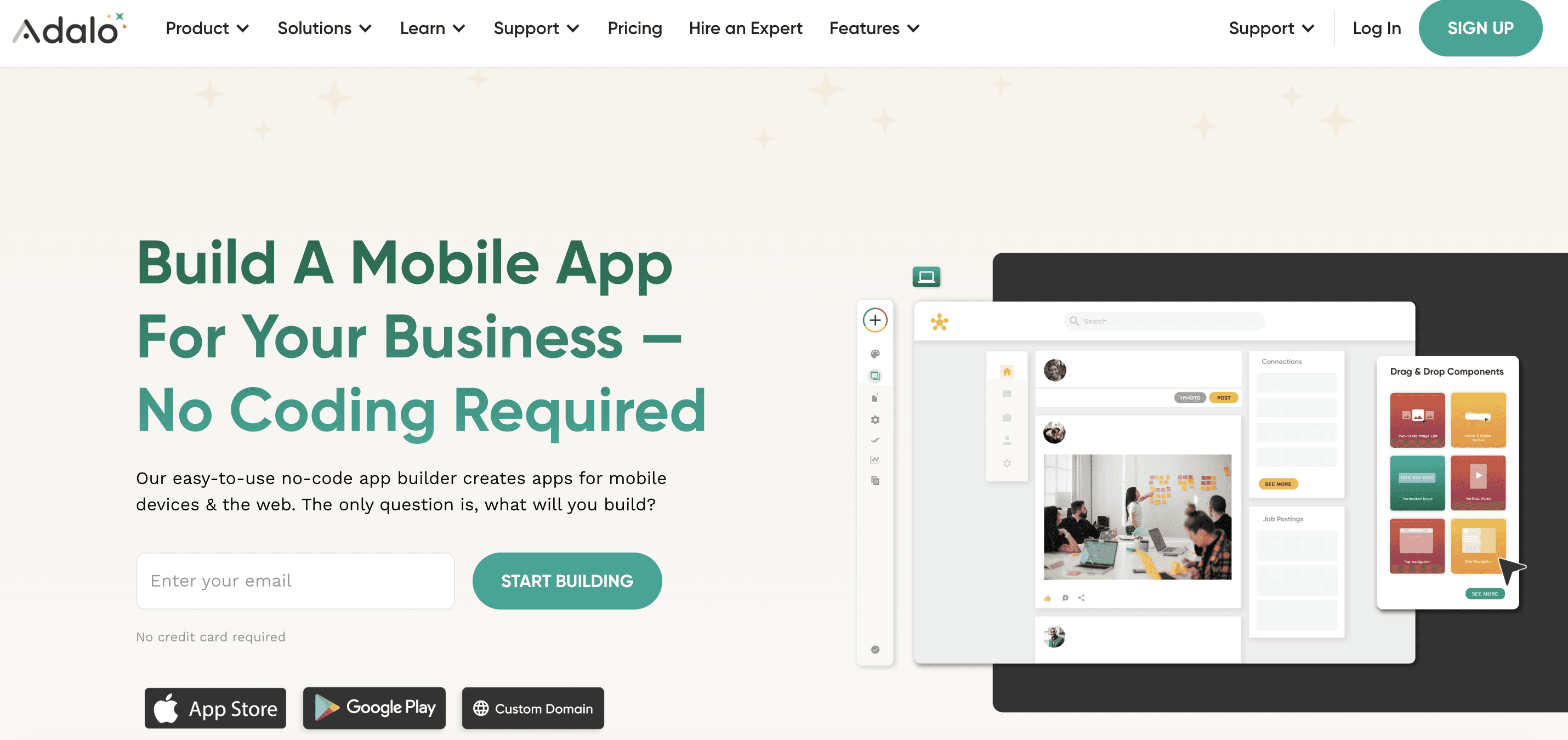
Key Features of Adalo to Build Web Apps
Native Mobile App Publishing to App Store & Play Store
Users can generate real mobile applications and publish directly to app stores without separate CI/CD or native builds. This unlocks distribution for startups targeting mobile-first audiences and consumer markets.
Drag-and-Drop Component System for UI Creation
Adalo includes customizable interface components such as cards, maps, lists, buttons, and modals. Designers and non-technical creators can visually assemble pixel-perfect screens with intuitive interactions.
Integrated Database for Managing User and App Data
The platform provides its own database for storing profiles, product listings, or transactional data. Connections and filters allow structured relational logic across screens without backend scripting.
Workflow Automation for Actions and State Changes
Actions like navigation, data updates, notifications, and conditional logic can be configured visually. This helps build end-to-end flows for onboarding, checkouts, bookings, and gamification.
Marketplace for Extensions and Payments Integration
Adalo offers plug-ins for Stripe payments, API connectors, and custom components created by third-party developers, enabling monetization features like subscriptions and in-app purchases.
Live Preview and Instant Updates
Changes to UI and logic reflect instantly in the preview environment so teams can test flows in real time across devices, improving build speed and reducing rework.
Unique Features of Adalo to Build Web Apps
Focus on Consumer-Grade Mobile Experiences
Adalo prioritizes animations, transitions, and visual richness for a polished app feel, especially beneficial for B2C products like social communities or fitness apps.
Direct Push Notifications Support
Users can configure mobile push notifications to engage and retain app users, a capability not always included in web-based builders.
Monetization and Membership Options Built-In
With Stripe and subscription support, creators can turn apps into revenue-generating products from day one.
Custom Component Creation for Advanced UIs
Developers can build reusable custom components that expand beyond the default library, enabling hybrid teams to go beyond standard no-code limitations.
App Cloning for Rapid Multi-Project Deployment
Users can duplicate existing apps, workflows, and data structures to speed up creation of new variations or branded versions.
Advantages of Using Adalo
Ideal for mobile-first consumer applications
Drag-and-drop design ensures highly visual UI experiences
App store publishing gives strong distribution options
Push notifications and memberships help with engagement & revenue
Good balance for both business founders and indie creators
Component marketplace expands capabilities over time
Limitations of Using Adalo
Performance issues reported in apps with heavy data or animations
Limited backend flexibility for enterprise-grade logic
Scaling large user bases may require external service integrations
Code export not supported, high vendor lock-in
Pricing increases with features like publishing and advanced integrations
Adalo Pricing and Plans
Plan | Price | Key Features |
Free | $0/month | • 200 records/app • Unlimited actions • 1 editor |
Starter | $45/month | • 1 published app • Custom domain & fonts • Publish to web + stores |
Professional | $65/month | • 2 published apps • 5 editors • Custom integrations |
Team | $200/month | • 5 published apps • 10 editors • Priority support |
Business | $250/month | • 10 published apps • Unlimited editors |
Thunkable
Thunkable is a no code, visual app creation platform that allows individuals, educators, founders and small teams to build mobile and web applications using drag and drop components instead of writing code. It handles UI layout, device integrations, data connections, logic flows, API calls, publishing and testing inside a unified workspace.
Rather than configuring Android Studio, Xcode, backend servers or manual build pipelines, Thunkable automates the entire mobile app lifecycle from idea, design and logic to packaging and deployment.The platform is designed to reduce technical friction while still offering powerful capabilities for both beginners and intermediate builders.
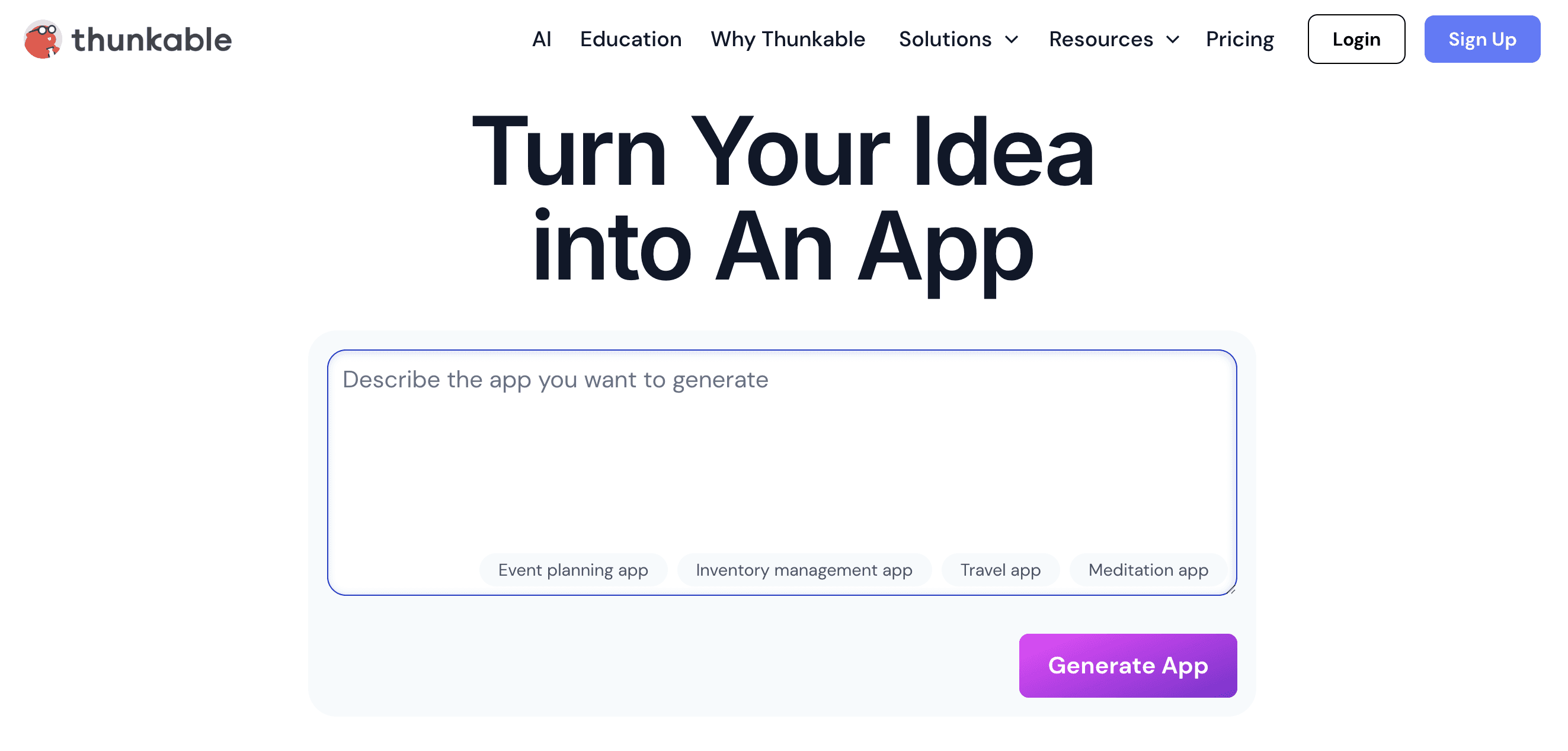
Key Features of Thunkable to Build Web Apps
Block Based Logic and Workflow Builder
Thunkable uses a visual logic editor where actions, conditions and events are represented as blocks. Users can define app behavior, handle user inputs, trigger notifications, perform API requests and update data models without writing code. The system enforces correct logic flow, preventing syntax errors and helping anyone build functional logic structures.
Drag and Drop UI Designer for Mobile and Web
With a component based UI builder, users can assemble screens by placing buttons, lists, forms, navigation components and media elements visually. The platform automatically handles layout rules and responsive scaling for Android, iOS and the web, giving creators a unified design environment.
Access to Native Device Capabilities
Thunkable includes built in support for device level features such as camera, location services, file storage, push notifications, vibration, accelerometer, audio recording and more. This enables creators to build apps that behave like true native mobile experiences without touching platform specific code.
API and Database Integrations
Users can connect external APIs or cloud databases such as Airtable, Firebase or MySQL by configuring endpoints and parameters visually. This allows data driven apps, CRUD operations, authentication workflows and dynamic content without backend engineering.
Live Preview and Real Device Testing
Thunkable’s preview app lets users test their projects instantly on physical devices. Every UI change or logic update is reflected in real time, providing fast iteration cycles and shorter development feedback loops.
Multi Platform Output and Publishing Tools
The platform compiles mobile apps into Android APKs, Android App Bundles and iOS builds suitable for TestFlight and App Store submission. It also supports responsive web app deployment directly from the platform. Thunkable handles certificates, signing and packaging to simplify publishing.
Unique Features of Thunkable to Build Web Apps
True Cross Platform Visual Development
Thunkable produces apps that run consistently across Android, iOS and web without requiring separate builds or platform specific code paths. This makes it ideal for teams who want one workflow to support multiple device ecosystems.
Education Friendly and Beginner Ready Interface
Thunkable is widely adopted in schools, bootcamps and learning programs because its block based system helps beginners understand computational thinking. This makes it accessible for students, creators or founders who are new to app development.
Rapid Prototyping for Mobile Use Cases
Thunkable is optimized for quick creation of mobile first experiences such as surveys, utility apps, loyalty apps, simple marketplaces, educational tools and personal productivity apps. Its minimal setup allows prototypes to be created in hours.
Designed for Non Technical App Creators
Thunkable eliminates the complexities of mobile environments such as provisioning profiles, signing keys, Xcode setup or platform fragmentation. Users get a smooth design and build workflow without engineering overhead.
Strong Community and Template Ecosystem
The platform includes a library of templates, reusable components, tutorials and community resources that speed up learning. New users can start with prebuilt app structures and adapt them to their needs.
Advantages of Using Thunkable
Simplifies mobile app creation with a purely visual logic system
Ideal for beginners, students and non technical founders
Provides access to native hardware features without coding
Enables rapid testing on real devices
Supports publishing to both Android and iOS stores
Good for simple consumer apps, prototypes and internal tools
Strong educational ecosystem and community resources
Lower barrier to entry compared to mobile coding frameworks
Limitations of Using Thunkable
Not ideal for complex apps requiring custom backend logic
Performance and UI flexibility may be limited for advanced projects
Apps with heavy API usage or dynamic rendering may require optimization
Limited scalability compared to full stack or exportable code platforms
Some advanced integrations require external services
Visual block logic can become cluttered in large applications
Thunkable Pricing and Plans
Plan | Price | Key Features |
Free | $0 | Core features for testing and small prototypes |
Accelerator | $19/mo | Intercom support |
Builder | $59/mo | Custom branding • 1 live iOS & Android app • Chat support |
Advanced | $189/mo | Unlimited published mobile apps • In-app payments & ads • Collaboration • Priority support |
What are the key features to look for in no-code web app builders?
Visual UI Builder with Ready Components
A no code web app builder provides a drag and drop UI environment where users can assemble interfaces such as dashboards, onboarding flows, forms and navigation bars. The tool includes prebuilt components that follow design best practices so even non designers can create clean and consistent screens.
Automatic Backend and Database Configuration
These platforms generate backend logic, create data models and configure storage without needing server knowledge. Users can define data fields visually and the builder handles schema creation, relational data structures and secure API generation in the background.
Responsive Design for All Devices
A good no code builder automatically adapts the layout for desktop, tablet and mobile screens. The system understands spacing, breakpoints and layout fluidity, ensuring apps remain usable across devices without requiring manual responsive coding.
Integrations with Third Party Services and APIs
These tools offer built in connectors to payments, authentication systems, CRM platforms, data sources and external APIs. This allows creators to link outside services, automate workflows and extend app capabilities without custom integration code.
Workflow Logic and Automation Tools
Users can set up conditional actions, database operations, notifications or user role flows through visual logic builders. This replaces manual backend coding and helps teams build functional features like signup flows, dashboards and approval systems without writing logic scripts.
Hosting, Deployment and Domain Management
Most no code builders provide automatic hosting with one click deployment to live URLs. They handle servers, SSL certificates, routing and performance optimization so the user does not need DevOps skills to publish or maintain their application.
User Authentication and Access Control
Login systems, user roles, permissions and session handling are often built in. This allows creators to build multi user applications such as admin dashboards, SaaS tools or marketplaces without coding custom authentication.
Collaboration and Team Editing
Modern platforms include real time collaboration so teams can work together on the same project. Features like commenting, version history, shared components and permission settings allow smooth teamwork across designers and product teams.
Exportable Code or API Access for Developers
Some advanced platforms allow exporting production ready code or exposing the app logic through APIs. This helps teams that want long term control, custom extensions or migration to external infrastructure once the app grows.
What are the benefits of using no code web app builder?
Faster Time to Market and Faster Iteration Cycles
No code tools significantly compress development time by removing traditional coding steps. Teams can launch prototypes, MVPs and even production apps in days rather than months. This speed is critical for testing ideas and pivoting quickly.
Lower Technical Barriers for Founders and Small Teams
People without programming experience can create functional web apps by using visual tools and guided workflows. This reduces dependence on technical talent and empowers product teams to build independently.
Cost Effective for Early Stage Projects
Hiring engineers or agencies is expensive. No code builders reduce upfront development cost and ongoing maintenance expenses, making them ideal for small businesses or startups validating ideas.
Reduced Risk When Experimenting with New Ideas
Teams can experiment freely because changes are inexpensive and quick. If an idea fails, the cost of testing was low. If it succeeds, teams can scale or export the app to code later.
Built In Best Practices and Security Defaults
Most platforms automatically handle secure hosting, authentication, data validation and error handling. This reduces mistakes and ensures the application follows standard security and performance guidelines.
Scalability for Long Term Growth
Modern no code platforms either scale automatically based on usage or allow exporting the code to custom infrastructure. This gives teams a path from simple prototypes to more complex, scalable systems without restarting development.
Easier Collaboration Across Product Teams
Designers, marketers and product managers can work together without technical barriers. Features like shared components, visual editors and commenting systems reduce dependency on developers and improve team velocity.
Focus on UX and Business Logic Rather Than Coding Complexity
Because infrastructure and boilerplate code are automated, teams can concentrate on user experience, product strategy and problem solving. This creates more polished applications and faster product improvement cycles.
How to choose the best no code web app builder?
Evaluate your app complexity and pick a builder that supports your required logic depth.
Decide whether you need mobile support, web only or both.
Consider code export options if you want long term developer control.
Check integration requirements and whether the builder supports your API stack.
Compare pricing models based on expected usage and team size.
Look at scalability, performance and security depending on your industry.
Conclusion
No code web app builders in 2026 give teams the speed and flexibility to build apps rapidly without deep engineering knowledge. Whether you choose a spreadsheet based tool, a visual drag and drop builder or an AI driven full stack generator, your selection depends on your complexity needs, scalability goals and preferred workflow. With the right platform, you can go from idea to live app in a fraction of the traditional development time.
FAQs
1. Can no code builders handle complex app logic?
Yes, although the level of complexity varies across platforms. Full stack AI builders like Emergent and Rocket.new handle deeper logic than drag and drop tools.