



After four weeks of testing these tools against the work consultants actually face (40-page strategy reports, back-to-back calls, last-minute deck builds), thirteen made the final cut. These are the AI tools for consultants that delivered when the tasks got real.
13 Best AI Tools for Consultants: Quick Comparison
Thirteen tools were tested over four weeks against the tasks that fill a consultant's week. Here's how they stack up at a glance.
How I Researched and Tested These AI Tools for Consultants
I ran each tool through the jobs that fill a consultant's week, replicated as structured test scenarios: synthesizing research before a kickoff, capturing action items during calls, and building decks under deadline.
I tested the fourth job separately (routing reporting tasks that eat up Friday afternoons) on every tool that touched automation.
Testing ran over four weeks across solo and collaborative workflows, with at least three distinct use cases per tool.
Here's what I evaluated on every tool:
- Features: How well each tool handles the writing, summarizing, presenting, and automating that consultants repeat week after week
- Usability: Whether the interface holds up under pressure, beyond a controlled demo
- Integrations: How smoothly each tool connects to the apps already in a consulting stack
- Pricing: What the free tier lets you do before the paywall appears
- Use cases: How each tool performs in the specific consulting scenarios where time loss is highest
This gave me a clear picture of which tools genuinely cut hours from consulting work and which ones trade convenience for a feature list.
1. Claude: Best for Long-Form Strategy Work and Detailed Proposals

What it does: Claude handles extended reasoning across long documents. It drafts strategy reports, structures proposals, and builds multi-step arguments without losing the thread mid-task.
Best for: Independent consultants and strategy teams writing reports and proposals that run thirty pages and still need to hold together. They need an AI that stays coherent from page one to the end.
A 38-page strategy memo, twelve revision rounds, Projects turned on. That's how I ran Claude through its paces. It's the kind of document where other AI tools start losing context around page ten, but the structure held throughout without a restart.
The moment that stuck was round eight, when Claude flagged a contradiction between two source documents I'd missed myself.
That test also confirmed something broader: Claude's written output reads differently from generic AI drafts. Arguments build on each other, tone adjusts to match the document's register, and the response reads like someone who understood the brief.
Key Features
- Projects: Persistent memory and context so engagement files stay connected across every conversation in a project
- 500K to 1M context window: Upload full document sets, sales transcripts, or large research packages and analyze them in a single session
- Extended thinking: Works through multi-step reasoning before responding, improving accuracy on analysis where being wrong costs the engagement
- Web search and MCP connectors: Pull live data or connect Claude directly to your tools via MCP integrations
- Research: Runs multi-step searches and synthesizes results into structured reports without manual prompting
Pros and Cons
Pros:
- Context retention across long, multi-document projects outperformed every other tool in this comparison
- Written output is more structured and argument-driven than generic AI drafts
- The Projects feature keeps engagement files and instructions available without re-prompting at the start of each conversation
Cons:
- Usage limits hit fast on heavy drafting days, forcing you to slow down or stop mid-session
- No native document export; output has to be copied into Word or Docs manually
- Extended thinking on demanding prompts adds meaningful latency, which disrupts fast iteration cycles
What Users Say
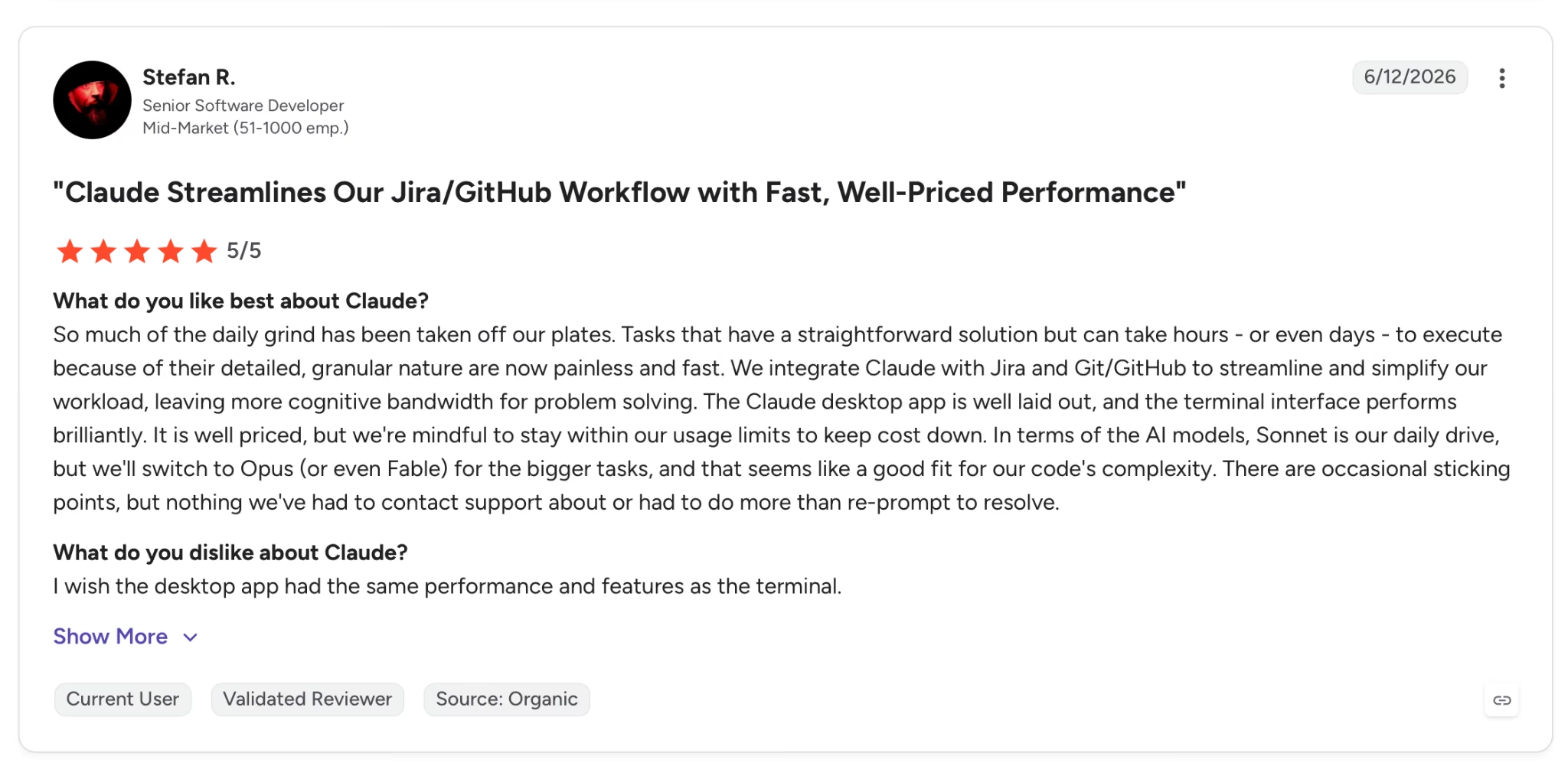
"The Claude desktop app is well laid out, and the terminal interface performs brilliantly. It is well priced, but we're mindful to stay within our usage limits to keep costs down." — Stefan R., G2
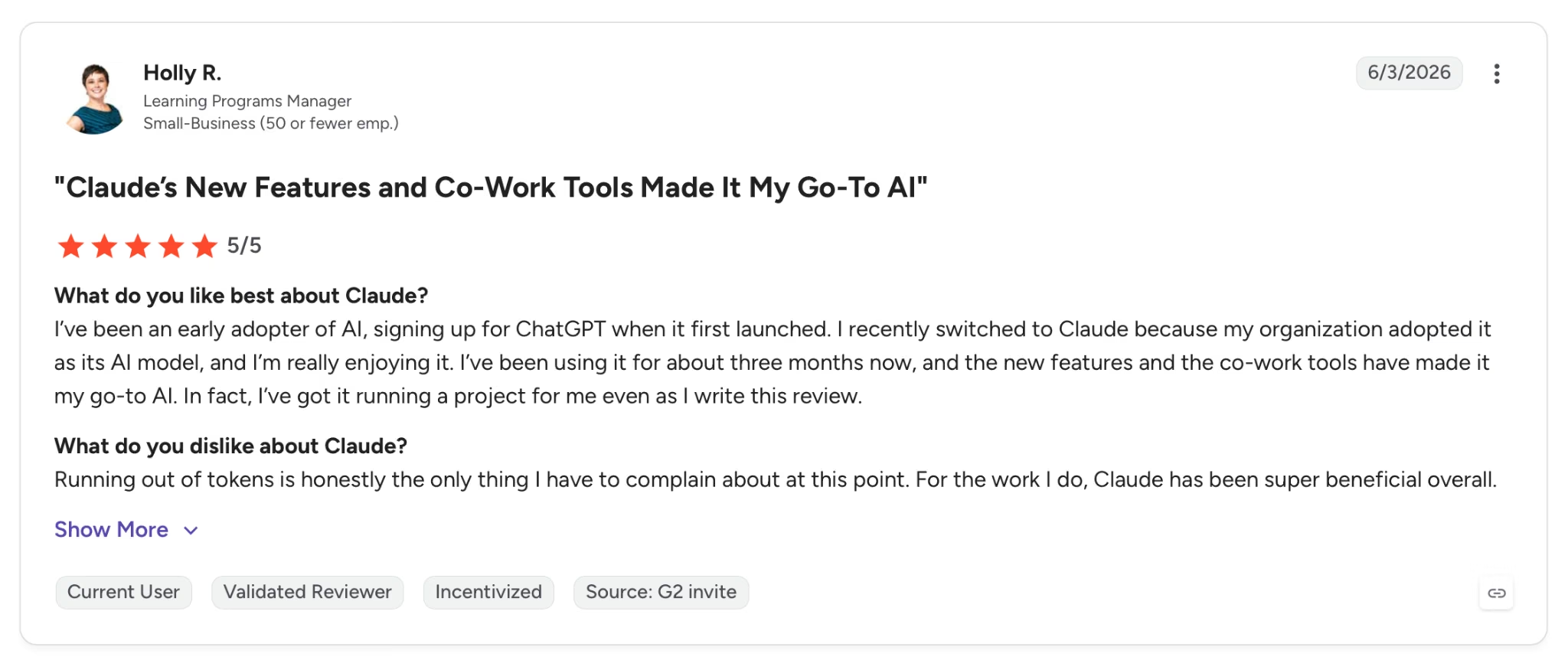
"Running out of tokens is honestly the only thing I have to complain about at this point." — Holly R., G2
Pricing
Pro is $20 per month, adding priority access, higher usage limits, and Claude Opus. Free plan available with access to Claude Sonnet on web, iOS, and Android.
Bottom Line
Claude fits consultants whose work is based on long documents and dense arguments. On heavy drafting days, free plan limits kick in fast and push you toward Pro. Add Fathom to the stack for meetings.
Read More: 6 Best Claude Alternatives in 2026
2. Perplexity: Best for Real-Time Research with Cited Sources

What it does: Perplexity searches the live web in real time and synthesizes cited answers from multiple sources in a single response. Every claim links back to a numbered source you can verify before it touches a client document.
Best for: Consultants who need fast, source-backed research on markets, competitors, or industry trends without spending an hour in browser tabs.
I ran Perplexity on the kind of research task that usually costs a morning: building a competitive landscape across five SaaS players in a specific vertical. Pro Search asked two clarifying questions before running.
It then returned a structured summary with 14 inline citations across analyst reports, company blogs, and trade publications.
The whole thing took four minutes. Checking the citations took another ten, and three of the fourteen pointed to sources I wouldn't have found through a standard search.
Deep Research goes further. It runs autonomously for two to four minutes and reads across hundreds of sources.
On a market sizing task built around a mid-market scenario, the output needed editing, but the sourcing was solid enough to go into a client deliverable with light cleanup.
The limitation that matters for consulting work is the one Perplexity is honest about: it is a research tool, not a writing tool. The output has no voice, no argument structure, and no editorial judgment.
You get a well-sourced summary. What you do with it is still your job. For drafting and analysis, the research feeds directly into Claude.
Key Features
- Pro Search: Asks clarifying questions before answering, then searches across multiple sources and synthesizes a structured, cited response
- Deep Research: Autonomous research mode that reads hundreds of sources and produces a comprehensive multi-page report with full citation trail, available on Pro and Max
- Spaces: Persistent research environments where you can upload documents, set context, and save searches for ongoing engagements, supporting up to 50 files per Space on Pro
- Pages: Converts any research thread into a formatted, shareable document with citations preserved, useful for packaging research for a client or colleague
- No ads: Perplexity removed advertising entirely, which removes the source bias built into Google's AI-generated results
- Model selector: Pro users can switch between Sonar, GPT-5.2, Claude Sonnet 4.6, and Gemini 3.1 Pro within the same interface (Claude Opus is reserved for Max).
Pros and Cons
Pros:
- Every answer includes numbered inline citations linking to the exact source, making it easy to verify claims before they reach a client
- Deep Research produces multi-page reports from hundreds of sources in under five minutes, replacing a task that previously took hours
- No ads in results, which removes the commercial bias present in Google's AI Overviews
Cons:
- Output has no editorial voice or argument structure; the research is sourced but the synthesis work still falls to the writer
- Source quality is uneven on fast-moving topics, and citations occasionally point to sources that don't fully support the claim
- Spaces and full Pages are only available on the Pro plan, which limits the tool significantly on the free tier
What Users Say
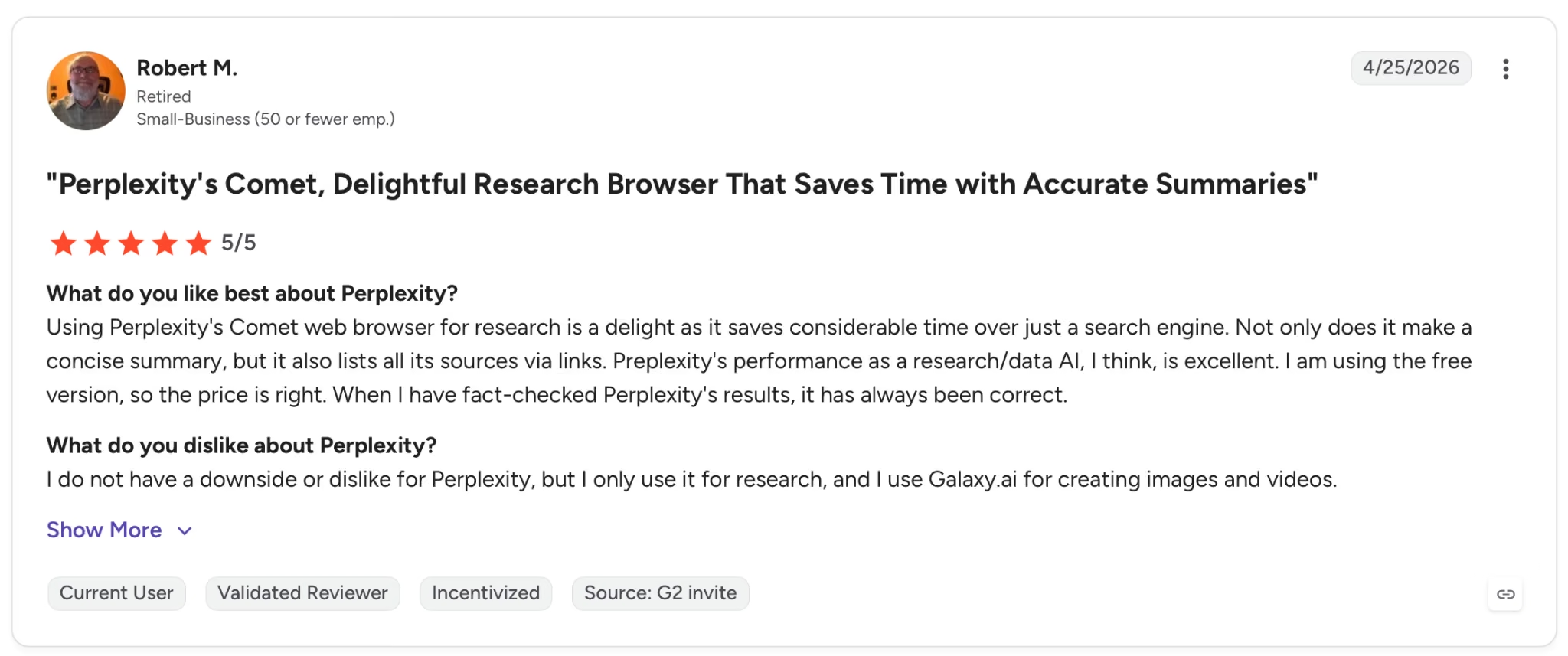
"Using Perplexity's Comet web browser for research is a delight as it saves considerable time over just a search engine." — Robert M., G2
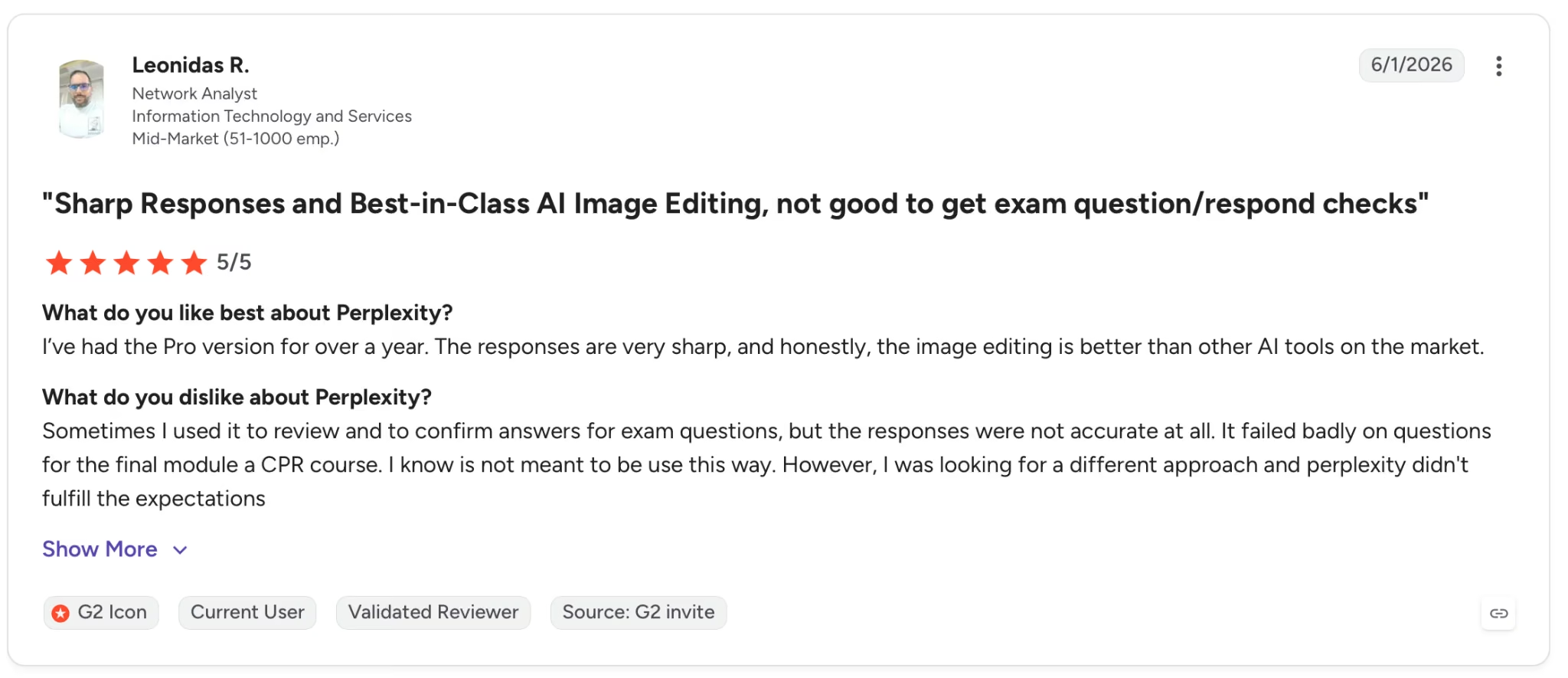
"Sometimes I used it to review and to confirm answers for exam questions, but the responses were not accurate at all." —Leonidas M., G2
Pricing
Pro is $20/seat/month. The free tier includes three Pro Searches per day and five Deep Research queries per day.
Bottom Line
Perplexity belongs in the research phase of any engagement where you're working off public information. It's faster than manual search, more reliable than a general-purpose LLM on sourcing, and cheaper than AlphaSense for work that doesn't require premium financial data.
3. ChatGPT: Best for Writing, Research, and Client Communication
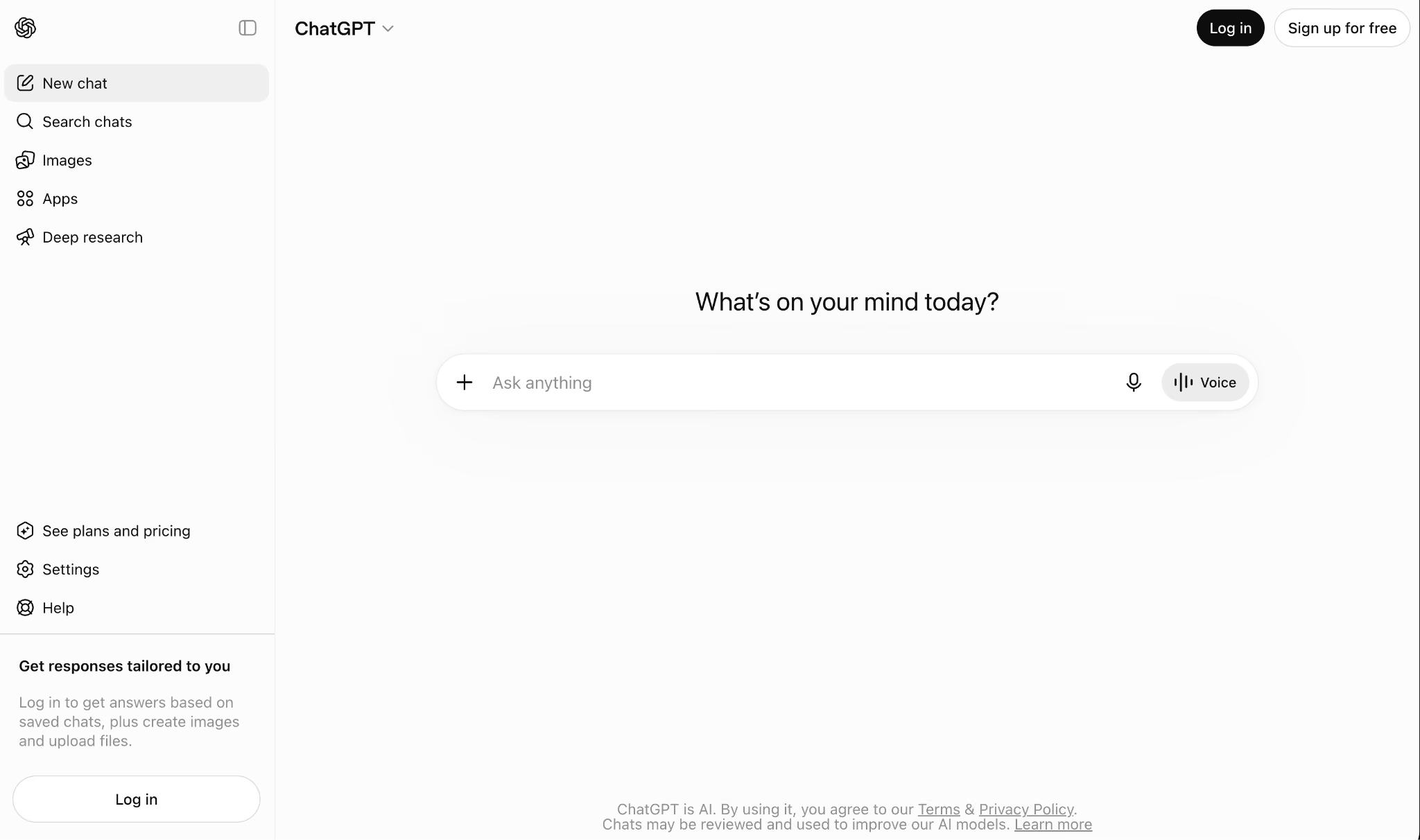
What it does: A conversational AI assistant that handles writing, research, planning, coding help, file analysis, and client communication across web, iOS, and Android.
Best for: Consultants who work across multiple deliverable types and need one tool that covers the full range of daily tasks without switching between platforms.
I used ChatGPT Plus daily for four weeks across three parallel test projects, each with its own tone guide, preferences, and standing instructions, to write proposals, summarize briefs, draft email sequences, and build content outlines. The memory feature across projects was the part that stood out most for recurring work.
Tone, preferences, and standing instructions were loaded at the start of every session without re-explaining anything to the model.
Where it earned less trust was the research. For fact-checking tasks requiring cited sources, I had to cross-reference outputs manually. The Plus plan's deep research mode helped, but it runs on a usage cap that dries up faster than expected during heavy weeks.
Key Features
- Extended context and reasoning access: Plus gives you extended context limits and access to multiple reasoning models, including GPT-5.5 Thinking, which handles long client documents and multi-file projects within a single session
- Custom GPTs and projects: Build reusable assistants pre-loaded with a client's brand voice, documents, and instructions, then call them up on any new project without setting anything up again
- Voice mode with video and screensharing: Available on Plus, this turns ChatGPT into a real-time meeting assistant that can review what's on screen and respond live
Pros and Cons
Pros:
- Handles more task types out of one interface than any other tool in this list
- Custom GPTs and persistent project memory mean repeat clients need no re-briefing. The context is already there
- Available on web, iOS, Android, and macOS desktop with code editing built in
Cons:
- Deep research on Plus runs on a usage cap that dries up faster than expected during high-output weeks
- Full GPT-5.5 capability requires Business at $25/user/month or Pro at $100/month
What Users Say
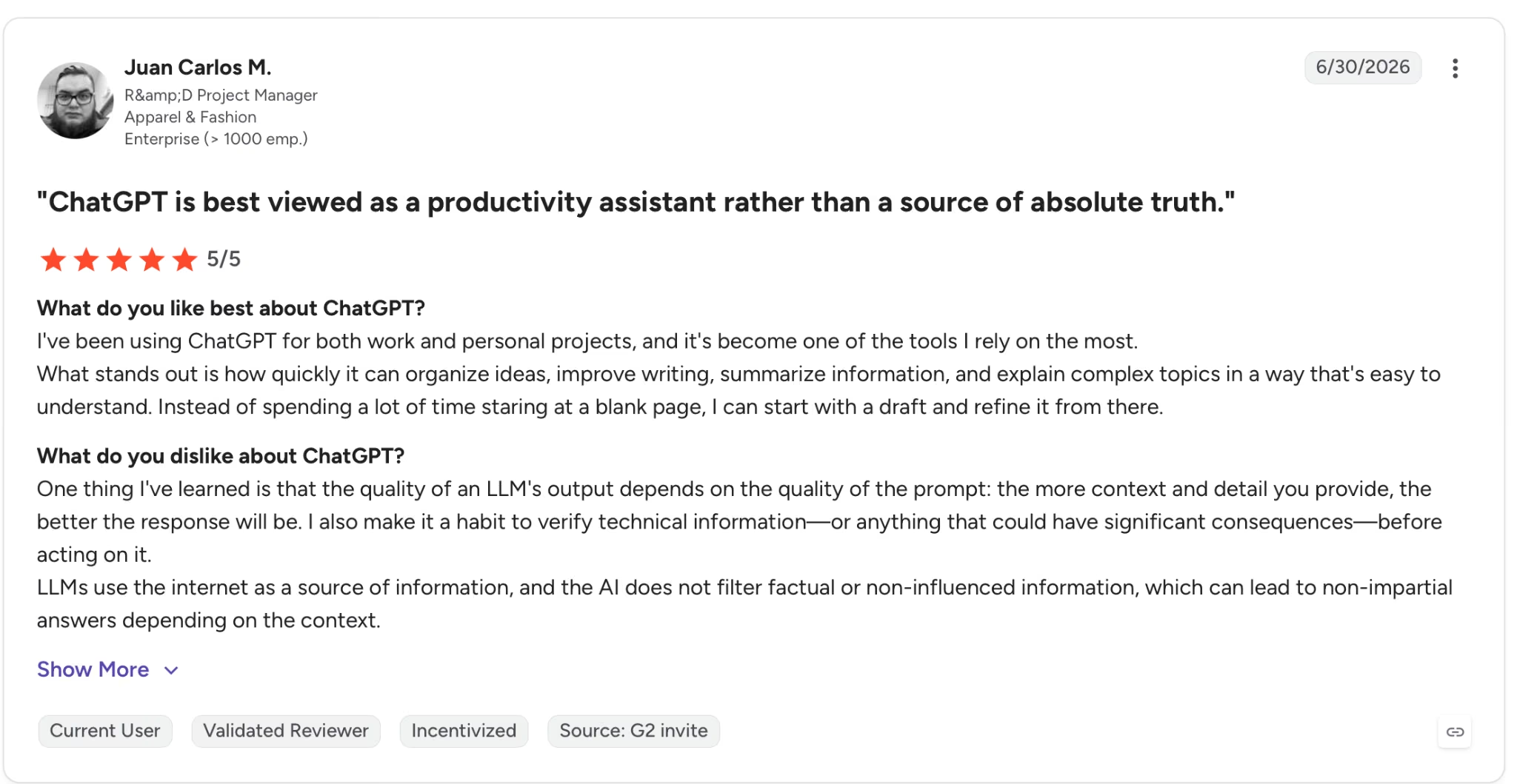
"I've been using ChatGPT for both work and personal projects, and it's become one of the tools I rely on the most." — Juan Carlos M., G2
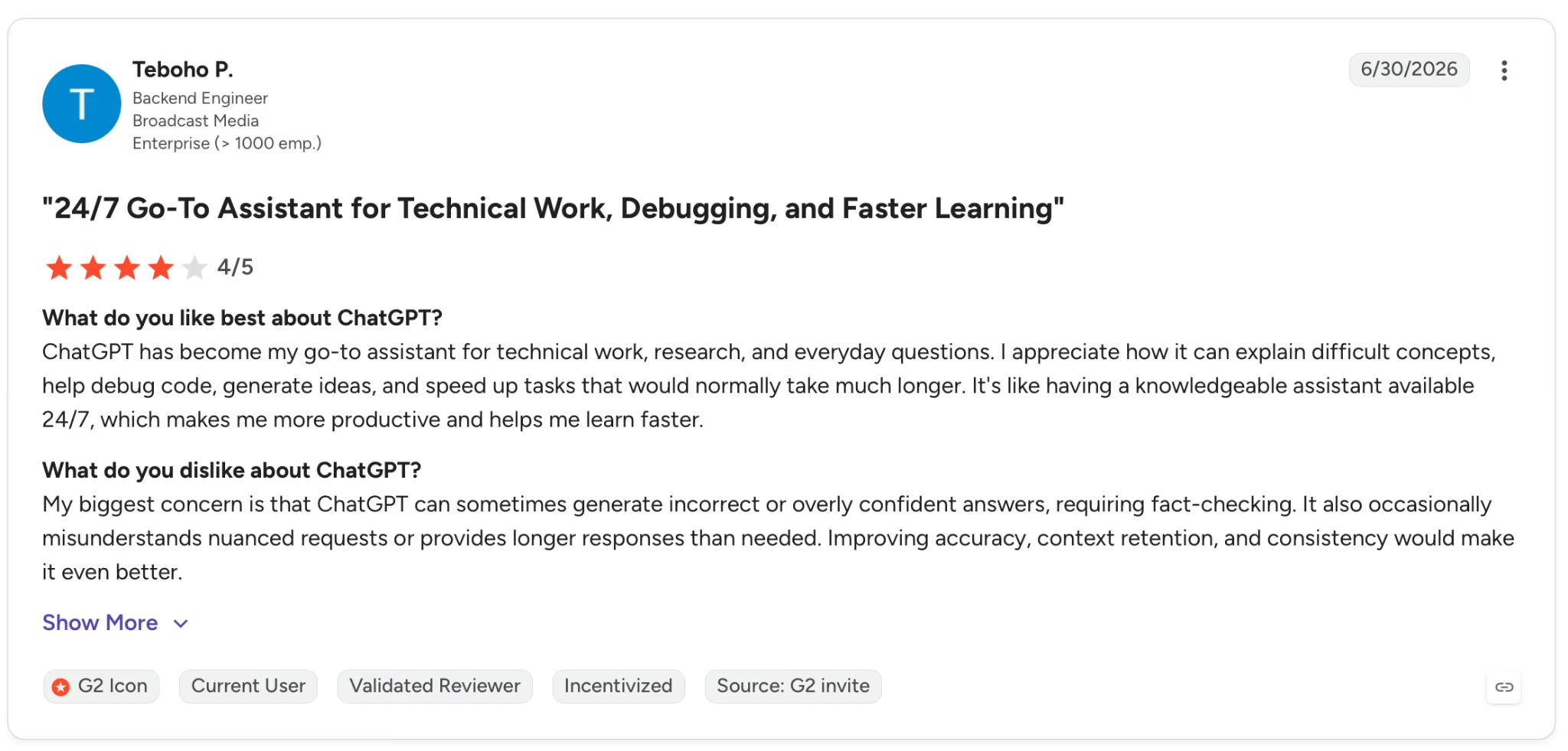
"My biggest concern is that ChatGPT can sometimes generate incorrect or overly confident answers, requiring fact-checking." — Teboho P., G2
Pricing
Go is $8 per month (with ads) for lighter use; Plus is $20 per month, billed monthly. Pro at $100/month removes limits and adds early model access.
Bottom Line
ChatGPT earns its place for the volume and variety of tasks it handles in a single session. When the work shifts to long-form strategy documents, hand it to Claude. For everything shorter and faster, ChatGPT is hard to beat.
4. Gemini: Best for Consultants Already Inside Google Workspace
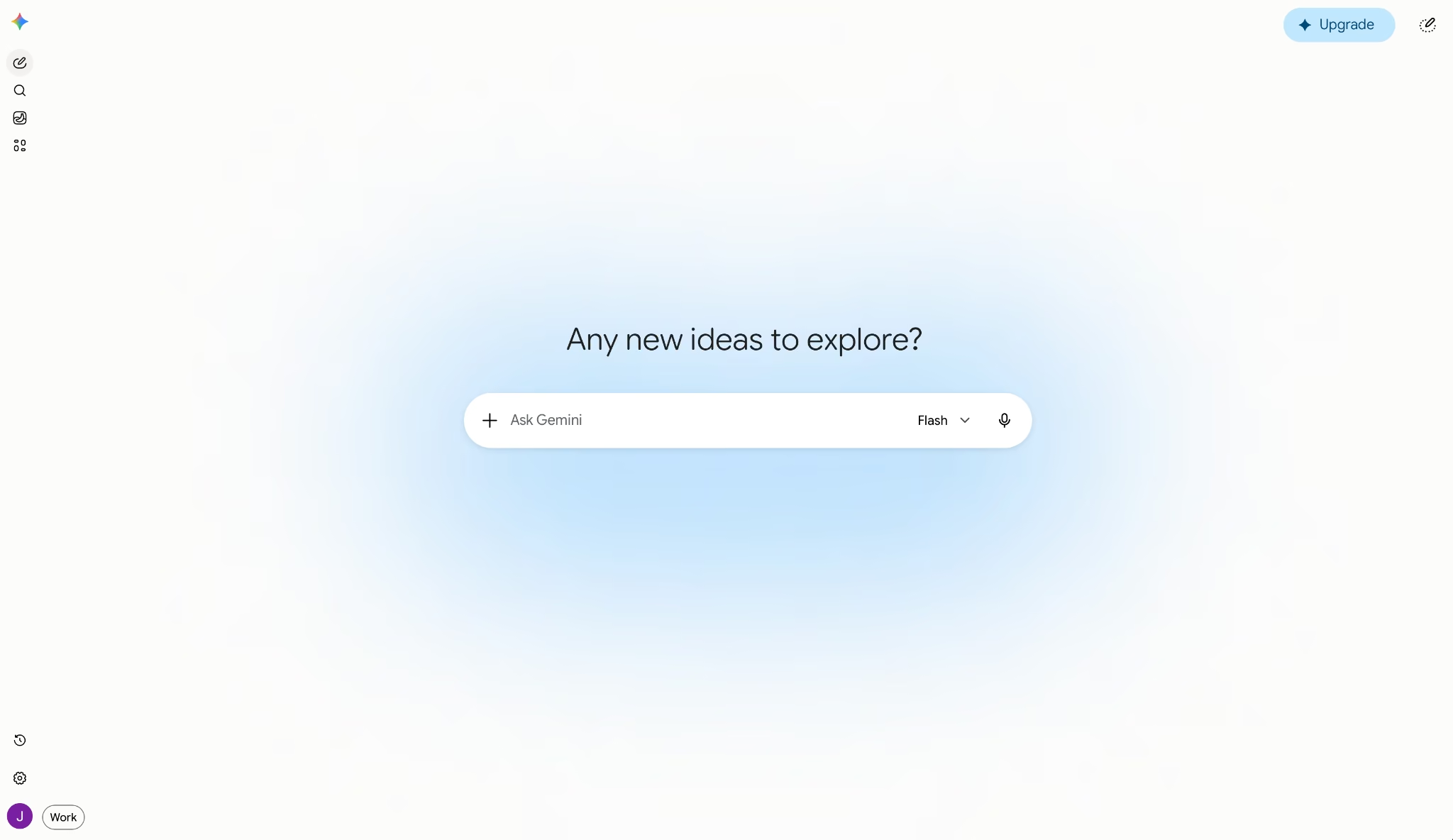
What it does: Gemini runs AI directly inside Gmail, Docs, Sheets, Slides, and Drive. It drafts emails, summarizes documents, analyzes spreadsheets, and generates research reports without leaving Google's apps.
Best for: Consultants whose entire workflow already runs through Google Workspace and who want AI built into the tools they use every day, not bolted on from outside.
I ran Gemini through the same test cycle as the other tools. The moment it clicked was in Gmail: I asked it to draft a follow-up based on the last three threads in the test inbox, and it pulled the right context without me copying anything. The draft landed close enough to send with one edit.
Deep Research was the second standout. I asked for a competitive landscape on a mid-market vertical, and it returned a structured, multi-page report with cited sources in under ten minutes. For the research phase of a new engagement, that alone saves a full afternoon.
Where it hit its ceiling was outside the Google stack. One test scenario kept its files in SharePoint, and Gemini had zero visibility. Every cross-platform task meant manual copy-pasting, which erased the time savings. If your consulting work splits between Google and Microsoft, Gemini only covers half.
Key Features
- Gemini in Gmail, Docs, Sheets, and Slides: AI runs natively inside each app for drafting, summarizing, analyzing, and generating content without switching tools
- Deep Research: Browses hundreds of web sources and generates multi-page reports with citations, included on Pro and above
- 1M-token context window: Handles large document sets, long transcripts, and full research packages in a single conversation on Pro
- Gems: Custom AI experts trained on specific topics or instructions that you can reuse across projects
- Google Drive integration: Gemini searches and references your Drive files directly, pulling context from documents you've already stored
- NotebookLM included: Google AI Pro subscribers get full access to NotebookLM for source-grounded research
Pros and Cons
Pros:
- AI runs inside the Google apps where consulting work already happens, so there's no switching between tools or copying content into a separate chat
- Deep Research generates structured, cited reports that cut the front end of a new engagement from hours to minutes
Cons:
- No visibility into files or tools outside Google's stack. Clients on SharePoint or Notion are a blind spot that requires manual workarounds
- Output on complex analytical tasks trails Claude and ChatGPT. Gemini is faster for surface-level summaries but weaker on multi-step reasoning
What Users Say
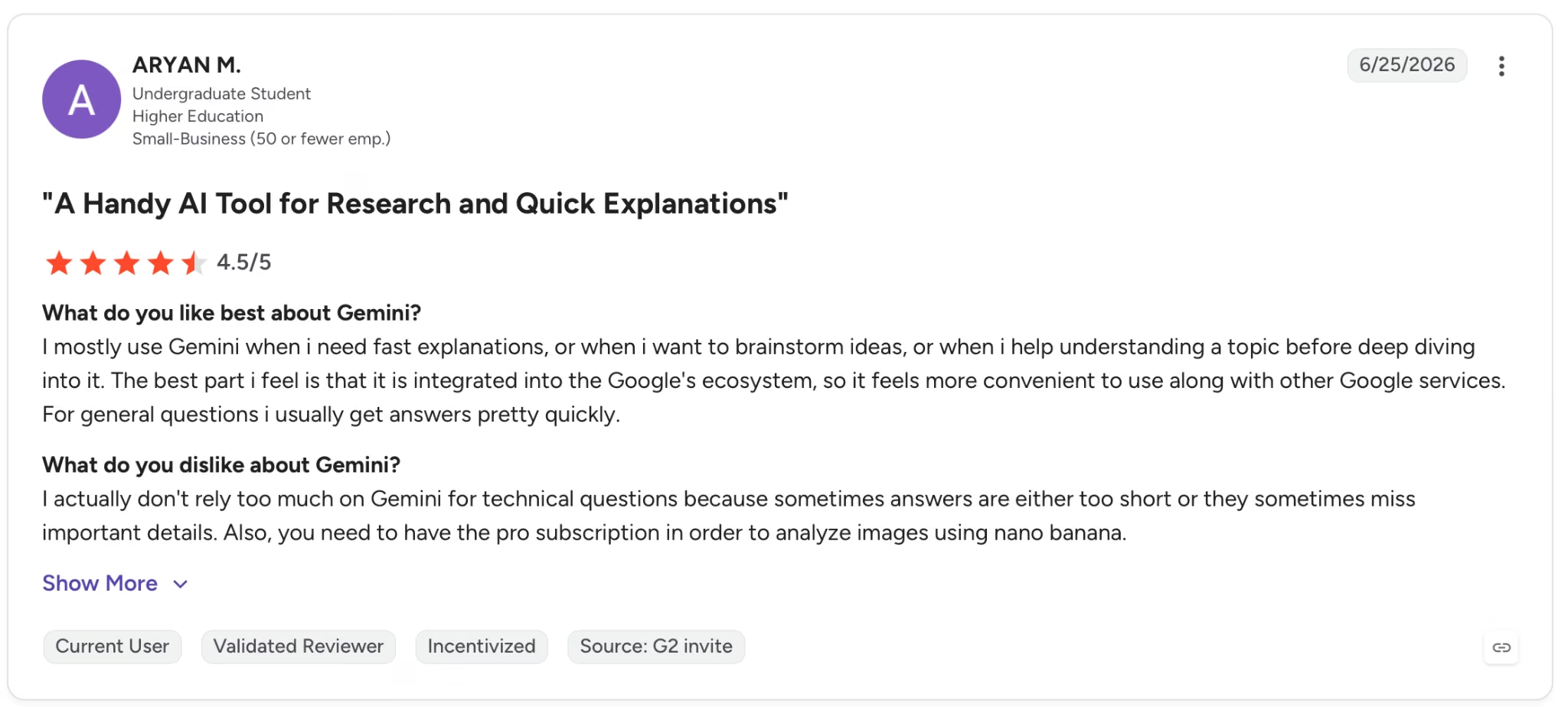
"I mostly use Gemini when I need fast explanations, or when I want to brainstorm ideas, or when I help understand a topic before deep diving into it." — Aryan M., G2

"While Gemini can provide excellent responses for research, content creation, and productivity tasks, there are times when the depth and accuracy of the answer are not as strong as I would like." — Ravindra N., G2
Pricing
Google AI Pro is $19.99 per month, adding full Gemini Pro model access, Deep Research, 1M-token context, 2TB storage, and Workspace integration.
Bottom Line
Gemini makes sense for consultants who already live inside Google Workspace and want AI that works where their files are. If your clients split across Google and Microsoft, the lack of cross-platform visibility limits what Gemini can do for you.
5. Fathom: Best for Meeting Notes and Client Call Management
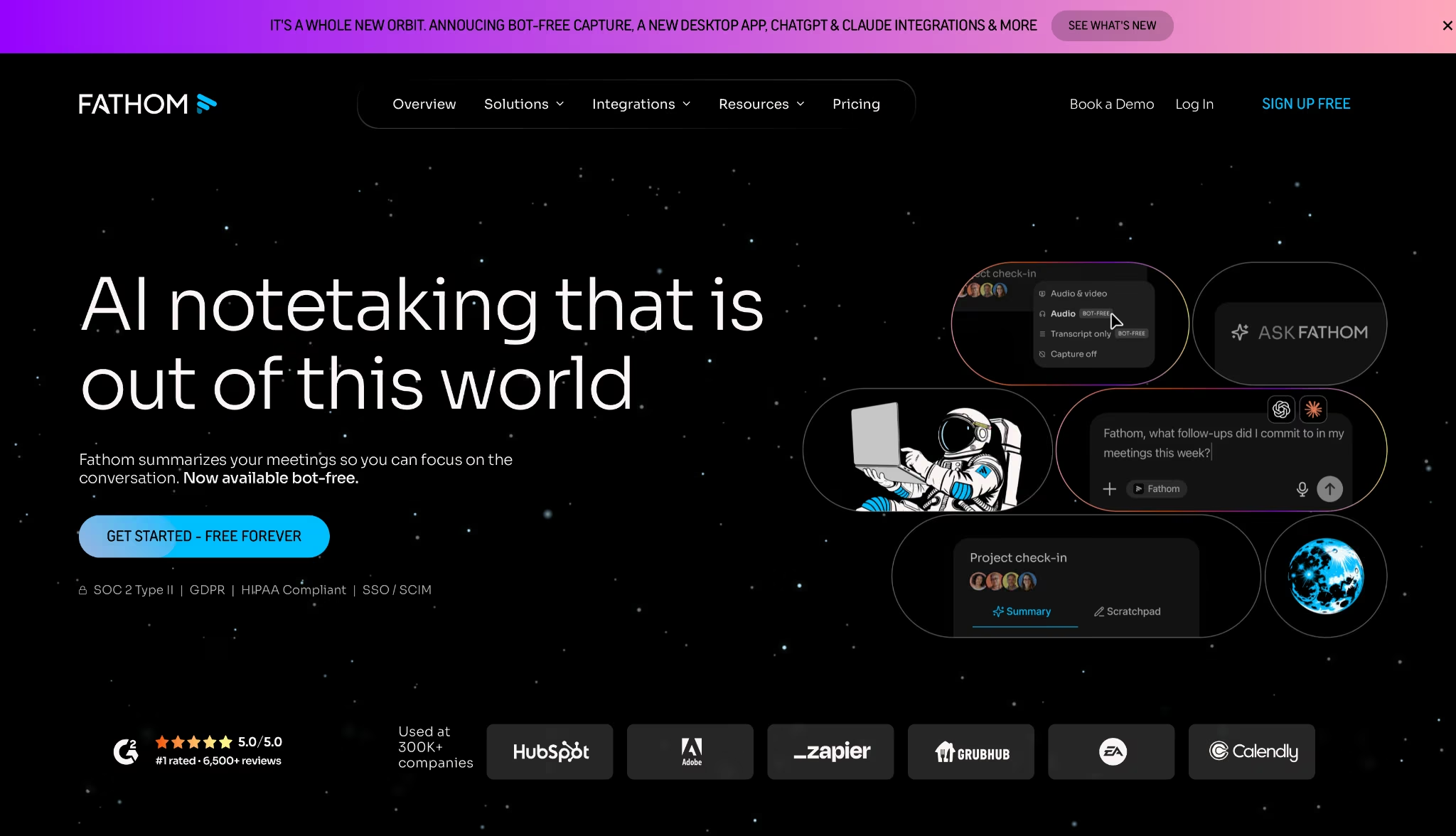
What it does: Fathom records, transcribes, and summarizes client calls across Zoom, Google Meet, and Microsoft Teams. Structured summaries and action items go directly to your CRM or inbox within 90 seconds of a call ending.
Best for: Consultants managing 5 or more client calls per week who lose an hour or more daily to post-call admin: updating CRMs, writing follow-up emails, and recreating notes from memory.
Four weeks of recorded calls, Fathom running on all of them: sessions with multiple participants, accented speakers, and heavy technical vocabulary. Fathom's own data puts time savings at 6+ hours per week, and after running it that hard, the number is credible.
Each summary arrived within 60 to 90 seconds of a call ending, already broken into Meeting Purpose, Key Takeaways, Topics, and Next Steps, with someone assigned to each item. I stopped taking notes entirely after the first week.
The bigger shift was in how I prepared for follow-up calls. Ask Fathom lets you query across all recorded meetings like a knowledge base: you type a question and get a timestamped answer pulled from months of conversations.
Key Features
- Unlimited recording and transcription on the free plan: No cap on calls, storage, or transcript length across Zoom, Google Meet, and Teams
- Advanced AI summaries: 15+ expert meeting templates including BANT and Sandler frameworks, available on Premium and above
- Ask Fathom: Query all past meetings like a knowledge base, surfacing decisions and themes across months of calls
- CRM sync and field mapping: Pushes meeting summaries and maps specific insights into CRM fields without manual entry, available on Business
- Claude and ChatGPT integration: Surfaces meeting context inside your LLM of choice for cross-call analysis
- Bot-free capture: Records meetings from a Mac without joining as a visible bot participant, currently in beta
Pros and Cons
Pros:
- Summaries arrive within 90 seconds of a call ending, already structured by topic and assignee
- Ask Fathom lets you query months of past calls without digging through old notes
Cons:
- Bot joins as a visible meeting participant by default, which some clients flag during sensitive calls
- In testing, AI summary accuracy dropped on calls with heavy crosstalk or non-native English speakers
What Users Say
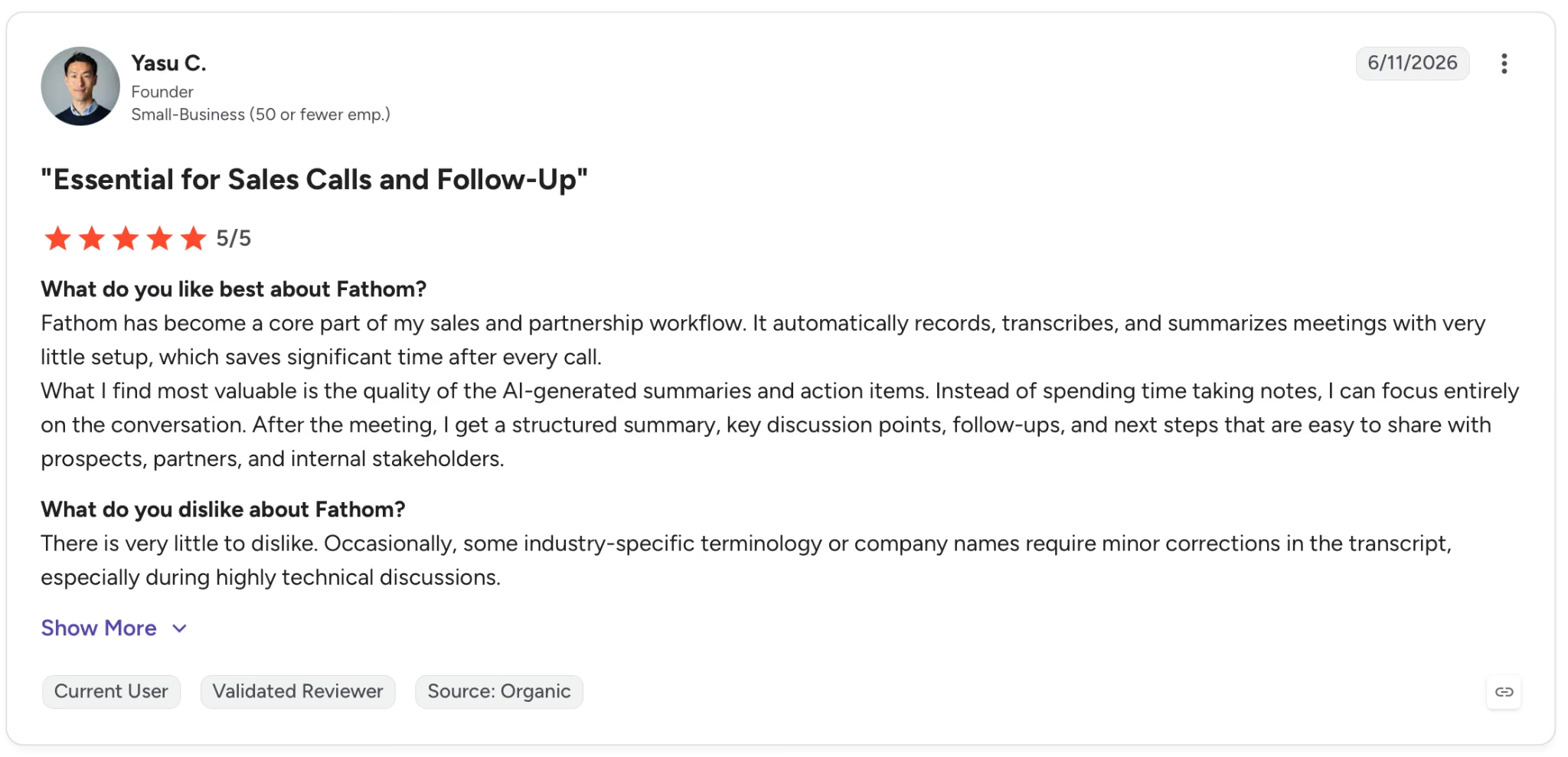
"Fathom has become a core part of my sales and partnership workflow. It automatically records, transcribes, and summarizes meetings with very little setup, which saves significant time after every call." — Yasu C., G2
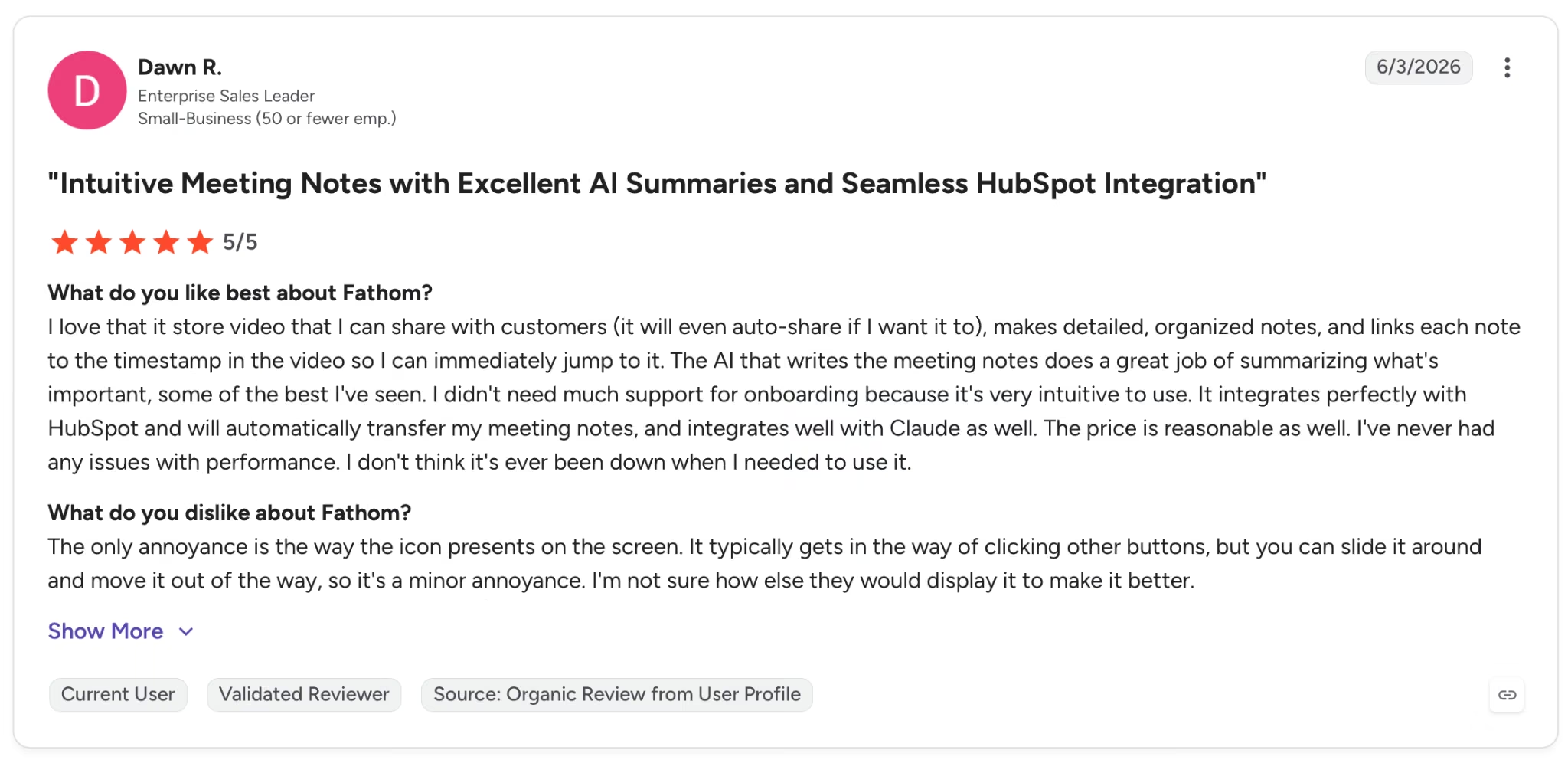
"The only annoyance is the way the icon presents on the screen. It typically gets in the way of clicking other buttons, but you can slide it around and move it out of the way, so it's a minor annoyance." — Dawn R., G2
Pricing
Premium is $20/month, adding advanced AI summaries, AI-generated action items, and the Ask Fathom conversational assistant. The free plan includes unlimited recordings and transcriptions.
Bottom Line
If you bill by the hour and can't spend those hours on call admin, Fathom earns its place in the stack fast. The free plan covers daily use without hitting a wall. Teams handling sensitive negotiations should test the bot-free beta before committing.
The main alternative worth comparing is Otter.ai, which handles in-person meetings from a device microphone without a bot joining the call.
6. NotebookLM: Best for Synthesizing Large Client Document Sets
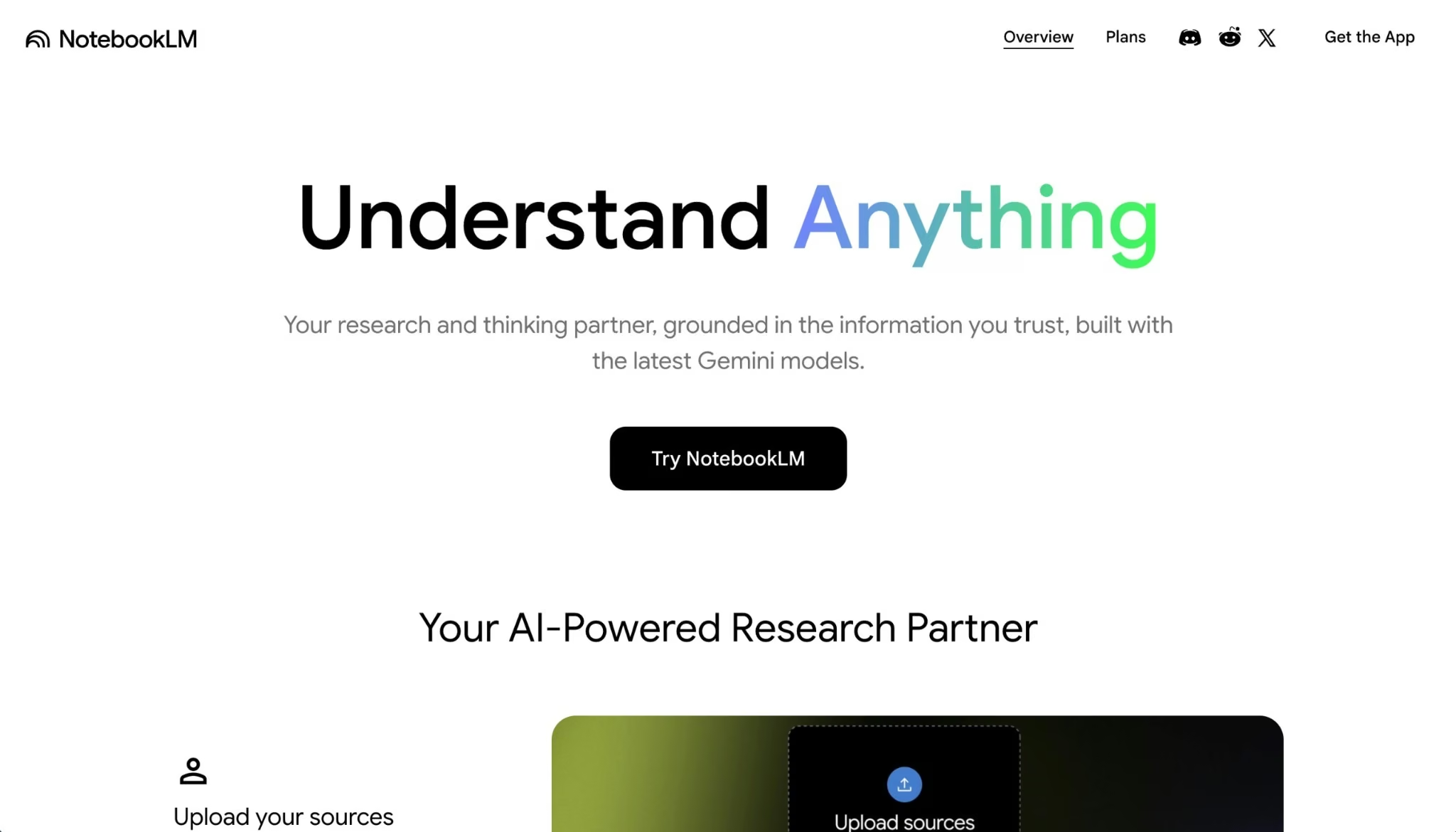
What it does: NotebookLM lets you upload up to 50 sources per notebook and answers every question with an inline citation pointing to the exact quote in your source material. It accepts PDFs, Google Docs, websites, and YouTube videos.
Best for: Consultants managing research-heavy engagements where the work starts with 20 or more documents that have to be digested before any analysis starts.
I loaded a sample due diligence package into NotebookLM (31 documents, over 400 pages) and ran questions across the whole set. No fabricated sources, not once across the whole package. That alone sets it apart from the general-purpose LLMs I've used for research.
What surprised me was the analysis layer. The Mind Maps feature built a visual map of key themes and relationships across eight source reports for a competitive landscape brief in under a minute, something that would have taken two hours by hand.
Key Features
- Source-grounded responses with inline citations: Every response links back to the exact quote in your uploaded material, with citations pulled only from what you uploaded
- 50 sources per notebook, up to 500,000 words or 200MB per source: Handles full due diligence packages, RFPs, and multi-report research sets in one workspace
- Mind Maps: Generates a visual map of key themes and connections across all uploaded sources, surfacing relationships that would take hours to build by hand
- Audio Overviews: Converts uploaded source material into a conversational podcast-style discussion for review on the go
- Notebook sharing: Share notebooks with team members for collaborative research without exposing underlying source files
- Data privacy: Google doesn't train models on uploaded Workspace user data
Pros and Cons
Pros:
- Answers stay grounded in uploaded sources only, which cuts the hallucination risk that makes general-purpose AI unreliable for research that goes into client deliverables
- Inline citations with exact source quotes mean every claim is traceable before a client sees it
- Core research features are fully accessible without a paid account, including 50-source notebooks and Mind Maps
Cons:
- The 50-source limit per notebook becomes a constraint on very large engagements
- In use, chat history didn't persist between sessions, requiring a fresh start each visit
What Users Say
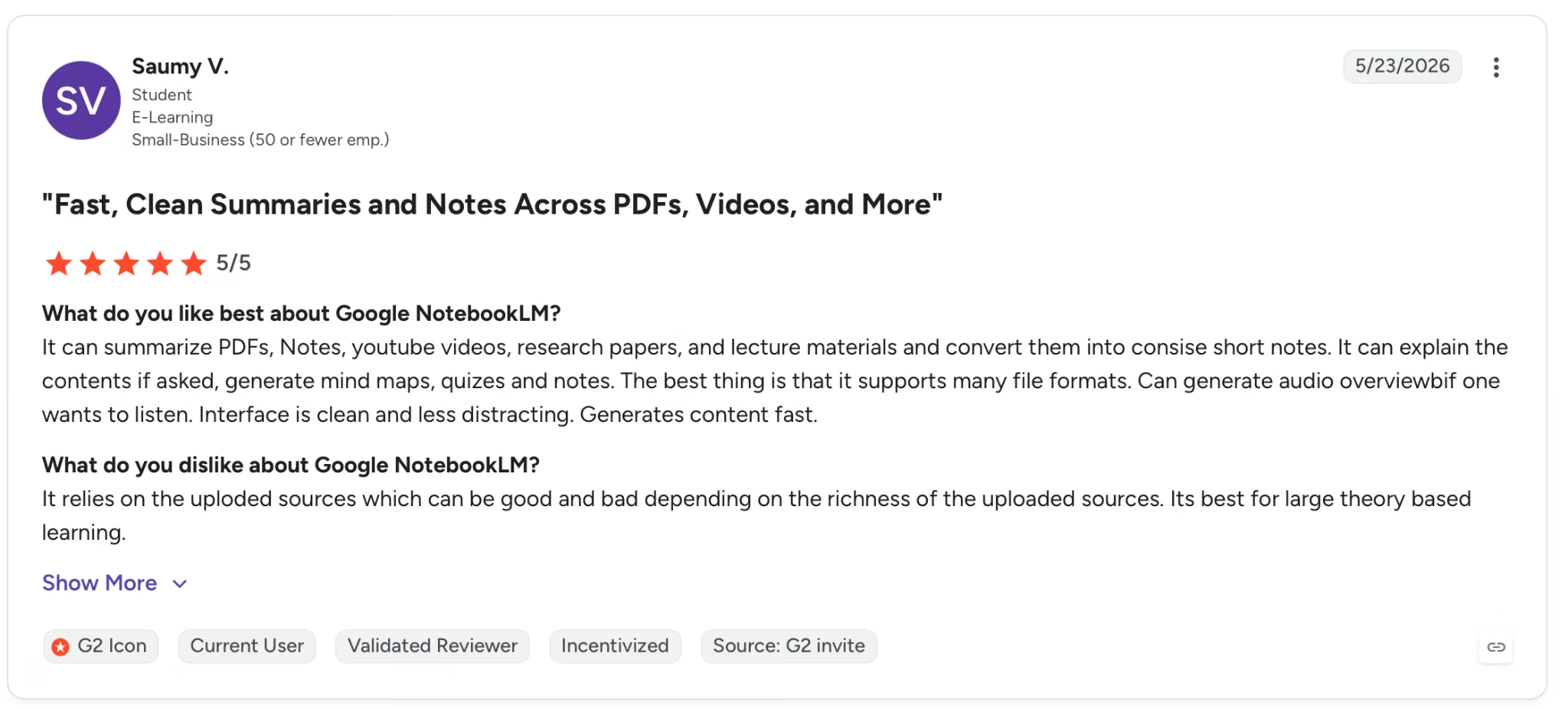
"The best thing is that it supports many file formats. Can generate an audio overview if one wants to listen. The interface is clean and less distracting. Generates content fast." — Saumy V., G2
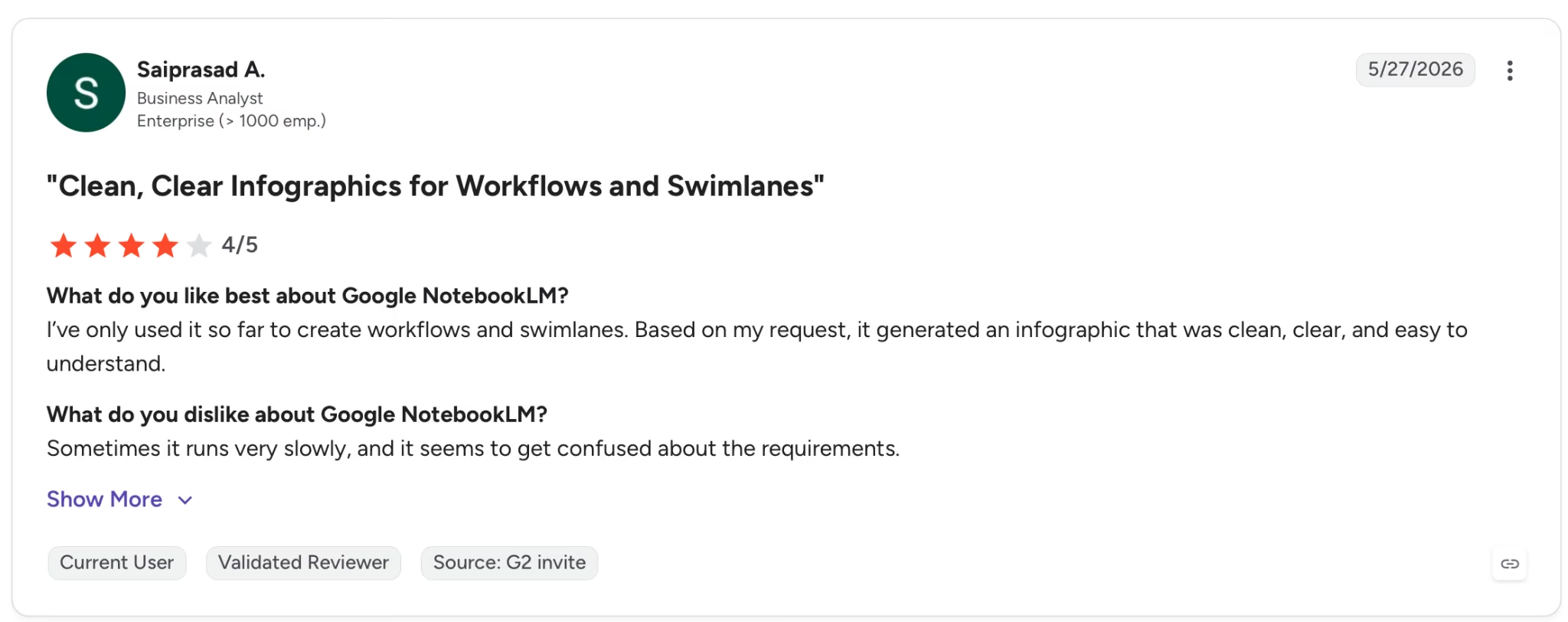
"Sometimes it runs very slowly, and it seems to get confused about the requirements." — Saiprasad A., G2
Pricing
The first paid tier is bundled with Google AI Plus at $4.99 per month, which gives you more notebooks, more Audio Overviews, and higher daily query limits than the free tier.
Bottom Line
NotebookLM earns its keep when the engagement starts with a document pile, and fabricated sources would be a serious problem. Once the research is solid, bring Claude in for the drafting and argumentation.
7. Gamma: Best for Building Client Decks Fast
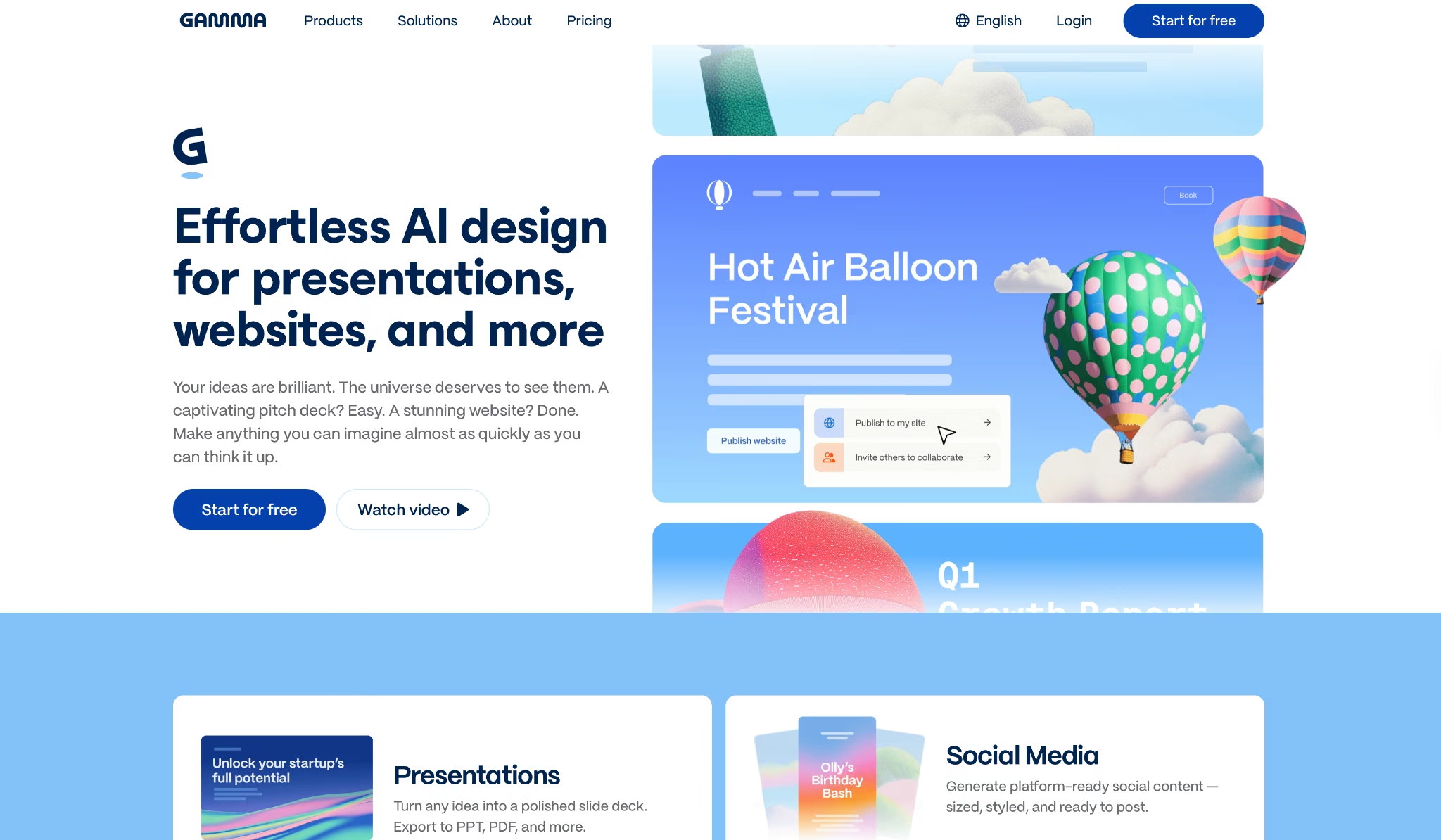
What it does: Gamma generates presentations, documents, and websites from a text prompt or imported file. Output exports directly into PowerPoint and Google Slides without reformatting.
Best for: Consultants who rebuild client presentations from scratch on every engagement and spend more time formatting than thinking.
I pasted a brief and a bullet list of research notes into the prompt field and had a 12-slide deck with a clean layout and visuals in three minutes. The structure needed editing, but I spent that time refining content rather than fighting the format.
Gamma eliminates the blank page and gives you something to push against.
The import path was what actually stopped me. I dropped a 22-slide PPTX into Gamma, described a new narrative arc, and asked it to reorganize.
It came back restructured, sections in the right order, slide titles rewritten to match the new framing, visual design intact. What I expected to take two hours took twelve minutes.
Key Features
- AI generation from prompt, outline, or import: Accepts free-text prompts, structured outlines, and existing PDFs or PPTX files as generation inputs
- Export to PPT, PDF, PNG, and Google Slides: Output works directly in client-facing formats without reformatting
- 100+ themes and custom branding: Apply consistent brand fonts, colors, and logos across decks, available on Pro
- Live collaboration: Multiple team members can edit simultaneously with shared access
- Analytics and engagement tracking: See how clients interact with shared decks, available on Pro
- API access: Run Gamma creation programmatically and connect to external tools, available on Pro
Pros and Cons
Pros:
- Goes from a rough brief to a structured, designed deck in under five minutes, the fastest turnaround of any tool in this comparison
- Import from existing PPTX or PDF lets you hand Gamma an old deck and get a restructured version back in minutes
- Exports directly to PowerPoint and Google Slides so clients receive files in formats they already use
Cons:
- AI-generated layouts don't always match the tone of a specific engagement and require manual adjustment before sharing
- Branding appears on published decks on the free plan until you upgrade
- Text-heavy slides, like detailed financial tables or dense appendix pages, need substantial reworking after generation
What Users Say
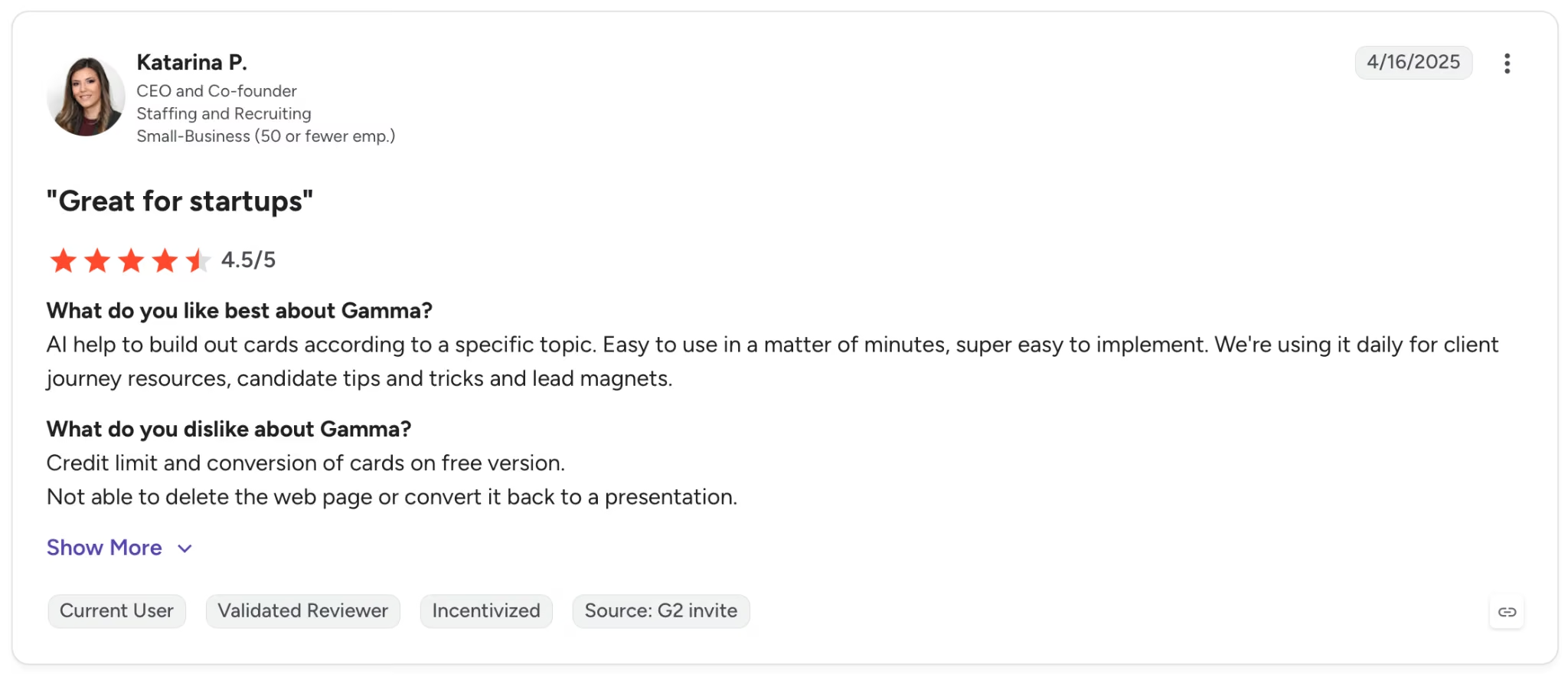
"AI helps to build out cards according to a specific topic. Easy to use in a matter of minutes, super easy to implement." — Katarina P., G2
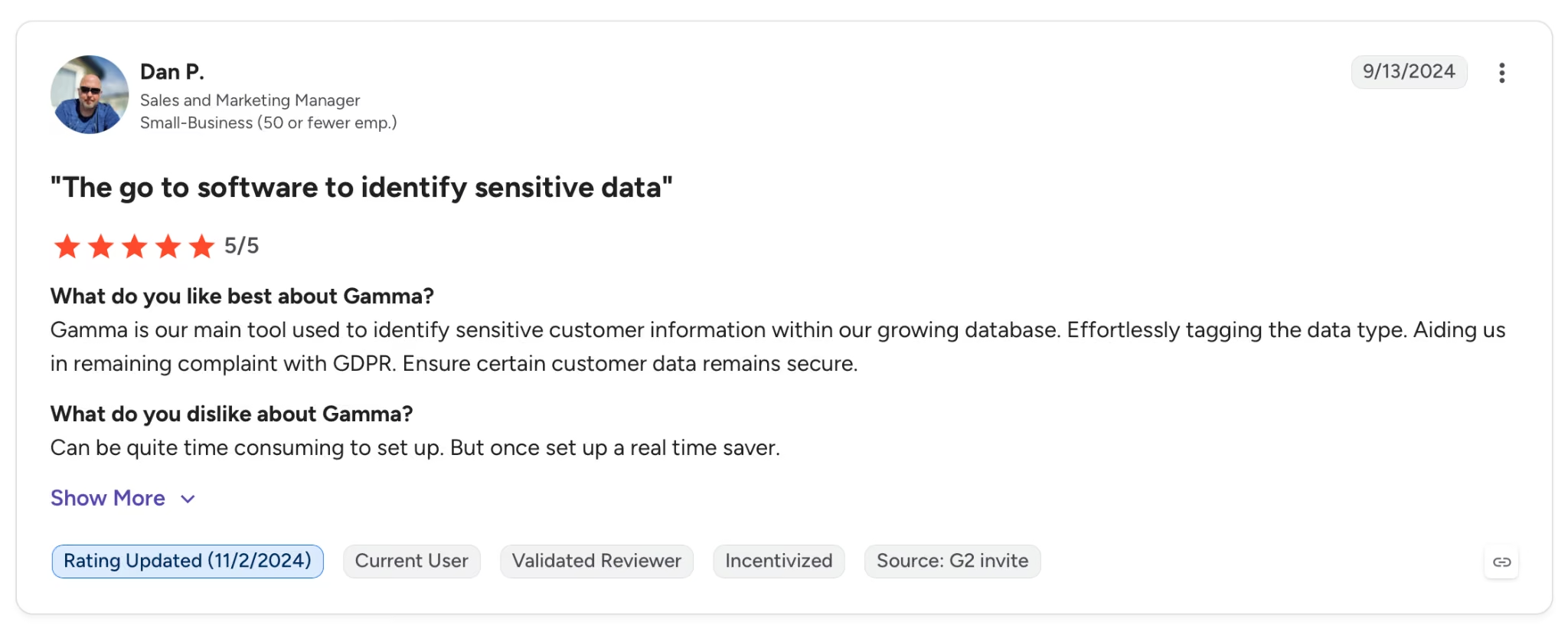
"Can be quite time-consuming to set up. But once set up, it's a real time saver." — Dan P., G2
Pricing
Plus is $12 per month ($9 billed annually), removing Gamma branding and adding unlimited AI creations. The free plan includes 400 one-time AI credits.
Bottom Line
Gamma is worth using if client decks are a recurring output and setup time is the bottleneck. For pitches where visual polish matters as much as the argument, you'll still want a designer to look it over.
For everything else, it removes the blank page problem. Consultants who want solid research behind their decks should pair it with NotebookLM before generating.
8. Notion AI: Best for Managing Knowledge Across Multiple Engagements

What it does: Notion AI lives inside your workspace. Ask it to search, summarize, or take action, and it works across pages, databases, and connected apps without leaving the tool.
Best for: Consulting firms and independents juggling three or more active engagements who need one place where client notes, deliverables, and project trackers all live together.
I ran Notion Agent on a straightforward but annoying task: pull all open action items across three active test projects and drop them into a single page. Done in under a minute.
Pulling across projects like that used to mean opening each one manually and copying things out. Now it's a single prompt, and the page builds itself.
The cracks show at scale. Once I had six active projects and a few hundred pages of documentation loaded, query responses started slowing down.
The more inline databases you have in the same workspace, the worse it gets. Get the structure right before you load content, because the AI features degrade fast if you don't.
Key Features
- Notion Agent: Takes multi-step actions inside your workspace, handling page creation, database updates, and Enterprise Search from a single prompt
- AI Meeting Notes: Transcribes meetings and stores summaries with action items directly inside the relevant project page, available on Business
- Enterprise Search: Searches across your connected apps simultaneously, including Slack, Google Drive, and GitHub, available on Business
- Custom Agents: Runs recurring team workflows on a schedule or trigger, 24/7, using Notion credits, available on Business and above
- Research Mode: Generates detailed reports by pulling from workspace content and external sources in one operation
- Model flexibility: Switch any workflow to a different AI model or provider without losing workspace context
Pros and Cons
Pros:
- Notion Agent connects all project activity (tracking, notes, and meeting summaries) into one searchable workspace that stays current
- Enterprise Search pulls from every connected app in one query, covering Notion pages, Slack threads, Google Drive, and GitHub without switching tools
- Custom Agents run recurring workflows on a schedule without manual triggering, handling the ops tasks that tend to get dropped between engagements
Cons:
- The setup takes serious time upfront, and in practice, teams that skip defining structure and ownership early get less from the AI features
- Performance degrades in large setups with many inline databases, a consistent complaint in Notion community forums
What Users Say

"It offers great support for Markdown files. All files and pages are interconnected, which makes it a strong tool for building a knowledge base." — Max H., G2

"One of the main downsides of Notion is the learning curve. While the flexibility is a huge advantage, it can feel overwhelming at the start, especially for users who aren’t familiar with databases or building structured workflows from scratch." — Vijay S., G2
Pricing
Business is $20 per member per month (billed annually) and bundles full Notion AI, Notion Agent, AI Meeting Notes, and single sign-on.
Bottom Line
The Business plan makes sense if your consulting work generates significant documentation and you want AI working inside the knowledge base you've already built. Teams that skip the setup phase rarely get the value.
If all you need is a presentation tool or a call recorder, earlier tools on this list do those jobs for less.
9. Zapier: Best for Cutting Repetitive Ops Without Writing Code
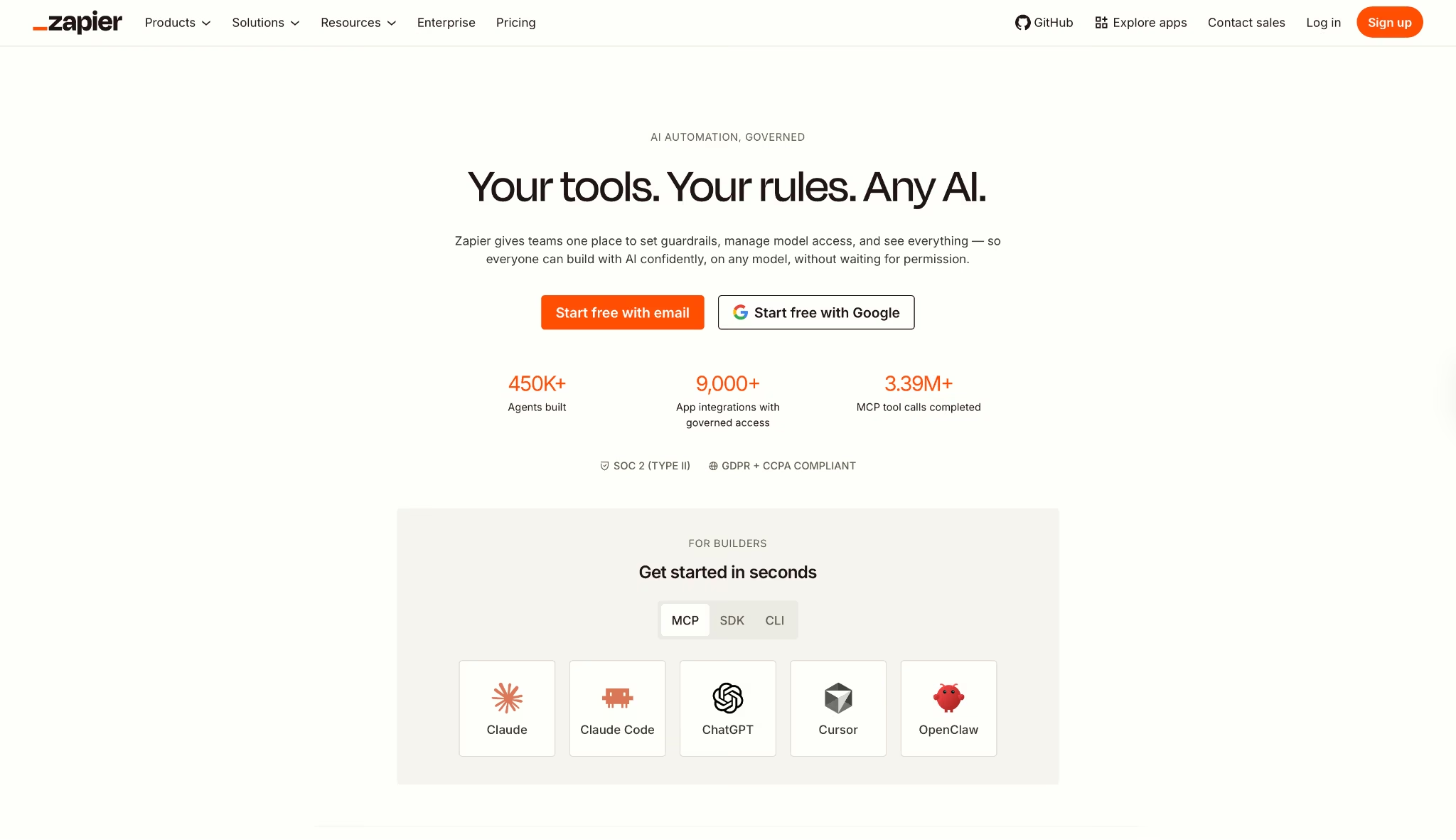
What it does: Zapier connects over 9,000 apps and runs multi-step automated workflows triggered by events across your consulting stack, without any code.
Best for: Consultants and small firms losing several hours per week to manual data routing. If the same information moves between the same apps on the same schedule every week, Zapier handles it.
I built a post-call automation stack across six parallel test workflows. Call ends in Fathom, summary routes to Notion, action items land in HubSpot, Slack message fires to the project channel. The first three-step Zap was live in under ten minutes.
Over four weeks, those automations removed roughly 45 minutes of daily admin from my stack without a single manual handoff.
Zapier's MCP integration is the real shift: connect it to Claude or ChatGPT, and you can ask either one to take direct actions across all your connected apps from a single prompt.
Instead of building a Zap for a specific task, you describe what you need in plain language and the AI handles the routing.
Key Features
- 9,000+ app integrations: Covers more tools than any other automation platform in this category, including the full range of apps in a standard consulting stack
- Multi-step Zaps with conditional logic: Paths, filters, delays, and loops let you build branching workflows that handle exceptions, available on Professional and above
- Zapier MCP: Connects AI assistants like Claude and ChatGPT to that full library of integrations so AI can take direct actions across your apps
- Zapier Tables and Forms: Included data storage and custom form tools on all plans
- Task-based pricing across all products: AI steps, code, MCP, and SDK all draw from the same shared task pool
- Zapier Copilot: AI-assisted Zap builder that generates workflow suggestions from a plain-language description
Pros and Cons
Pros:
- Almost every tool a consultant uses already has a native connection in the library, no custom API work needed
- Zapier MCP lets AI assistants take direct actions across your connected apps from a single prompt
Cons:
- Task volume adds up fast across multiple client workflows, and costs climb before you notice the ceiling
- Advanced conditional logic becomes cumbersome in the visual editor on longer Zaps
- Debugging failed Zaps takes longer than it should, with error messages that require trial-and-error to resolve
What Users Say
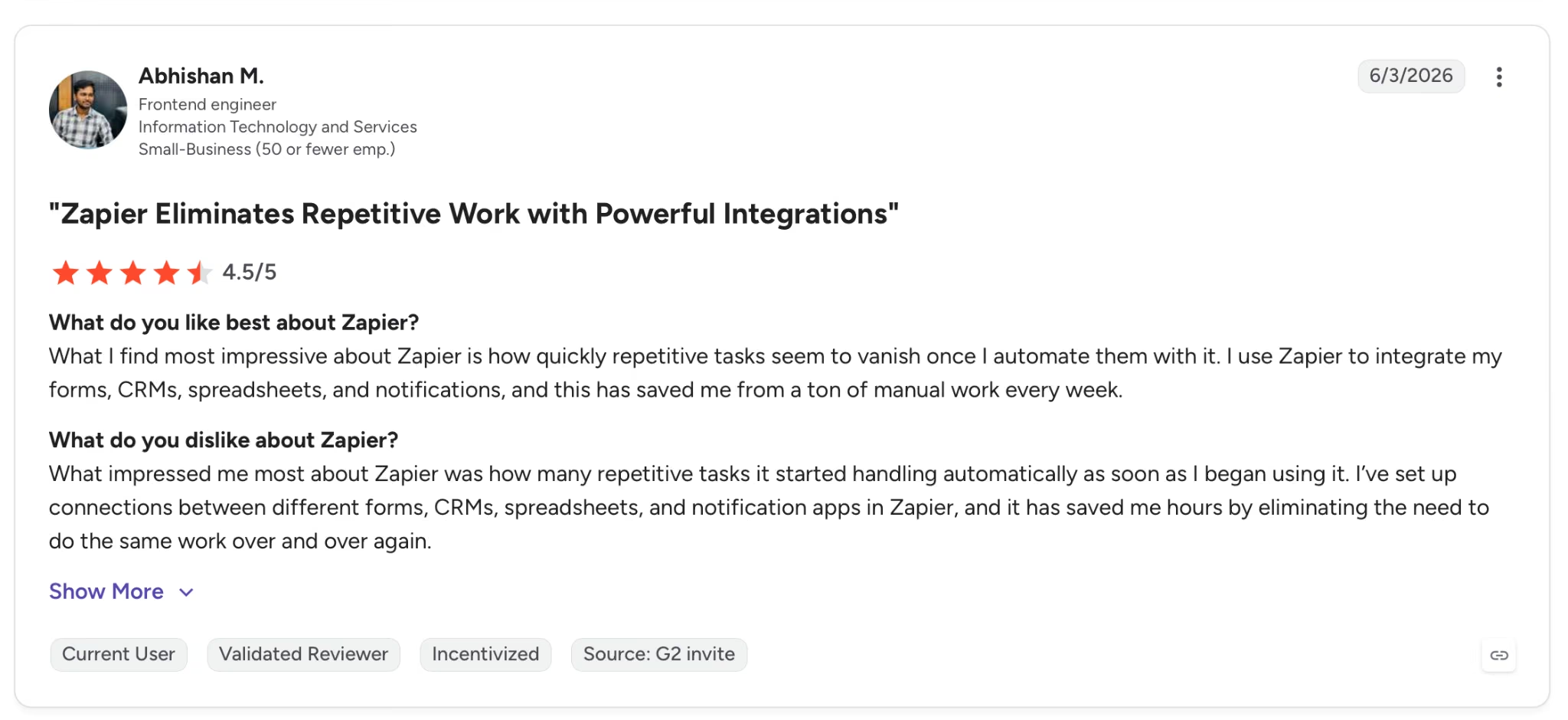
"What I find most impressive about Zapier is how quickly repetitive tasks seem to vanish once I automate them with it." — Abhishan M., G2
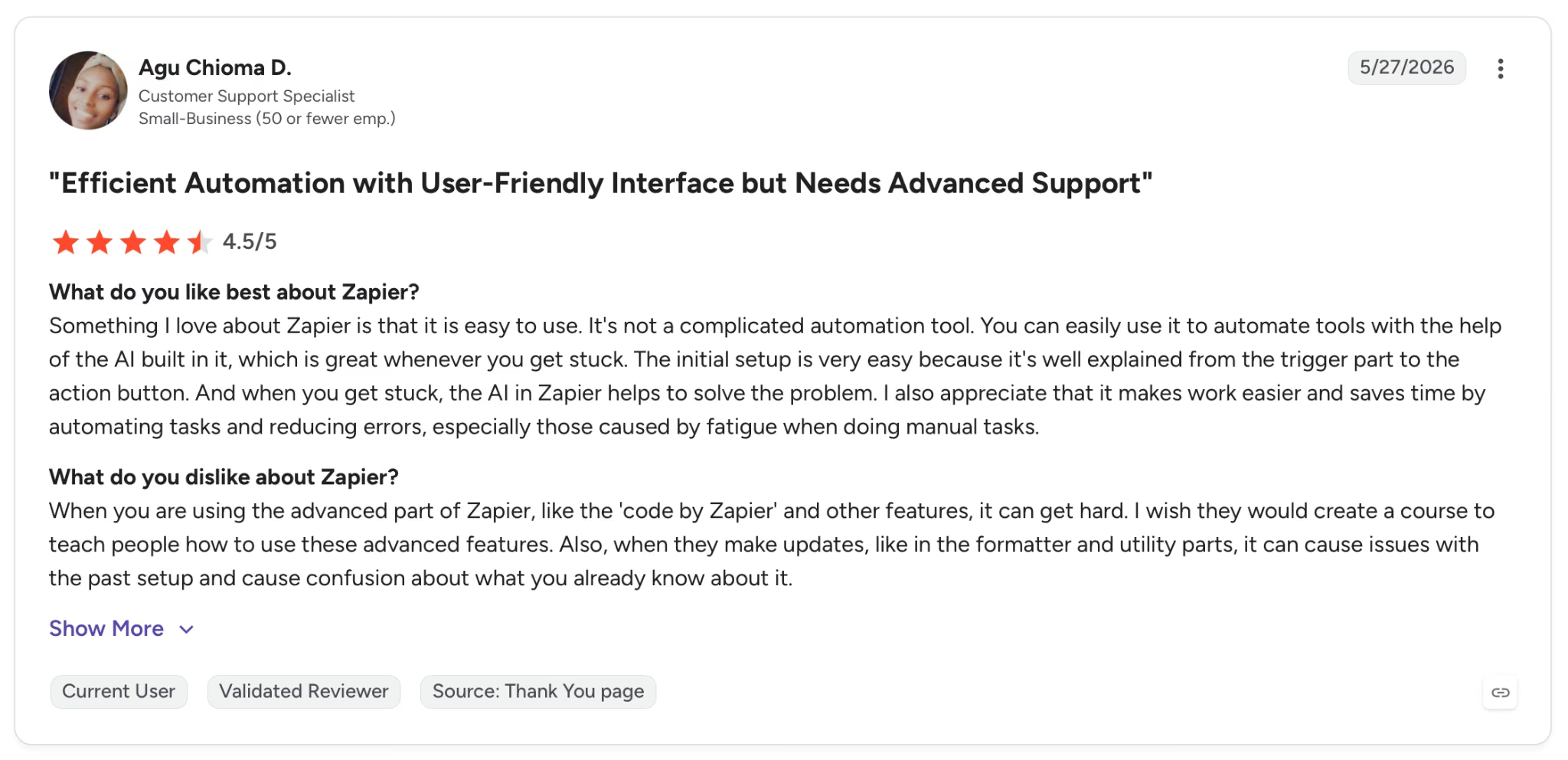
"When you are using the advanced part of Zapier, like the 'code by Zapier' and other features, it can get hard." — Agu Chioma D., G2
Pricing
Professional starts at $29.99 per month (750 tasks), adding multi-step Zaps and unlimited premium apps. The free plan includes 100 tasks per month with single-step Zaps.
Bottom Line
Zapier belongs in a consulting stack for anyone losing hours to repetitive cross-app tasks. At Professional, multi-step logic and conditional paths open up.
The free tier covers two-step testing only. Consultants connecting two or three tools will find the task counter climbs quickly across active client workflows.
10. Emergent: Best for Building Custom Client-Facing Tools
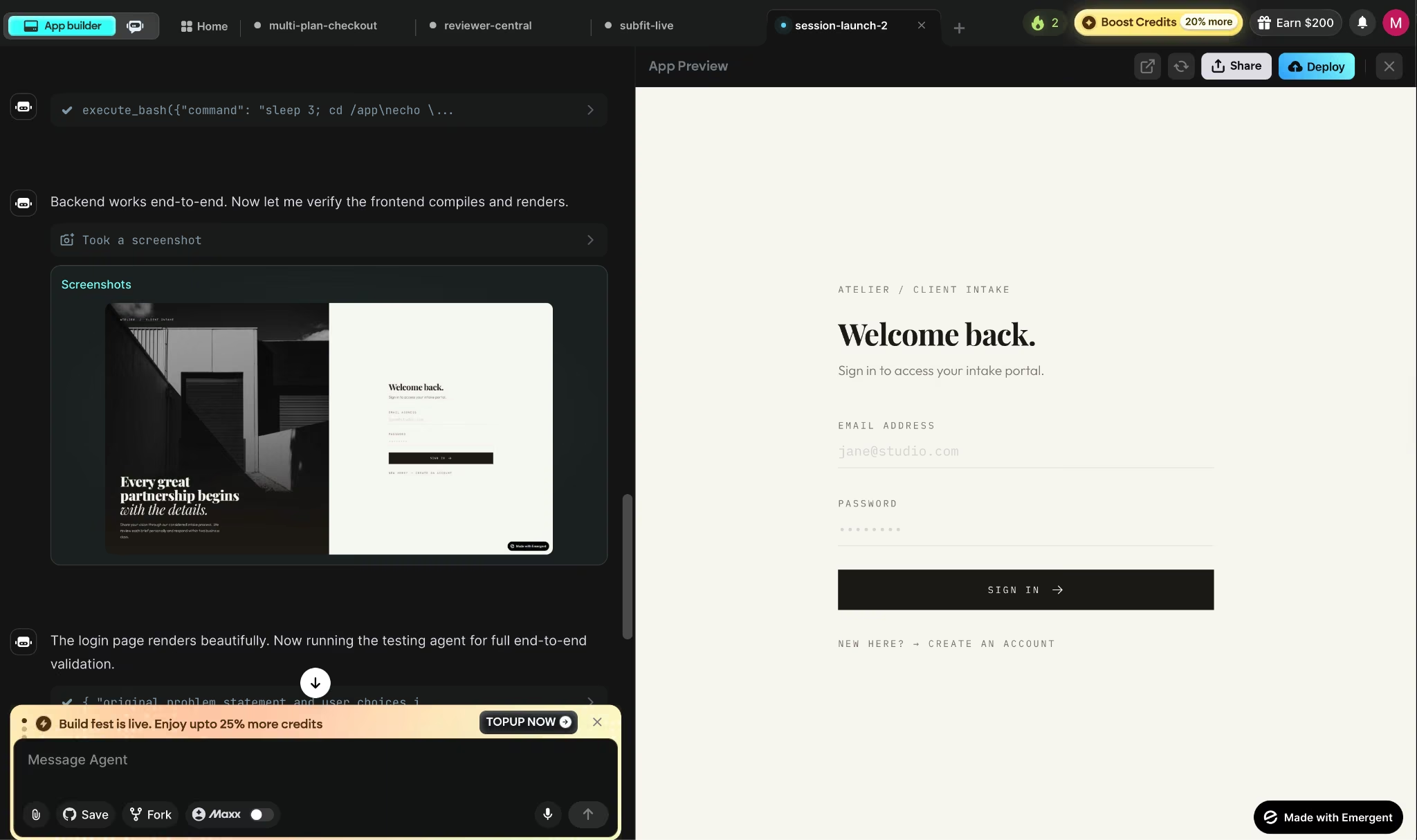
What it does: Emergent turns a plain-language prompt into a production-ready web or mobile app. Everything the app needs to go live (logins, stored data, payments, hosting) is wired up from the first session, with no setup on your side.
Best for: Consultants who want to hand clients a working tool they can log into on day one, without needing a developer to build it.
I prompted Emergent with a description of a client intake portal: a login, a data collection form, and a basic dashboard. By the end of one session, there was a working web app with authentication and a live URL ready to share.
The chat interface handled all the infrastructure setup. That result made me want to push it harder, so I went straight into a second test.
The second test was a three-page reporting tool with user roles and a data export function. What I was checking was whether adding new features would break what was already working, and it didn't.
Built-in login held when I added the export; the database didn't reset when I changed the UI. That stability across iterations is what separates Emergent from tools that look great on the first prompt and fall apart by the tenth.
Key Features
- E3 autonomous builder: Takes your description, produces a phased development plan, and runs the full development and test cycle across sessions without manual oversight
- Emergent coordinates multiple AI agents: Behind the scenes, it handles different parts of your app at once, so a login screen, a dashboard, and a payment flow can all move forward in the same session.
- Web and mobile deployment: Builds React web apps and Expo React Native mobile apps simultaneously, with App Store and Google Play-ready builds included
- MCP Connector for Claude and ChatGPT: Connects your existing AI chat directly to Emergent so you can describe and ship an app without leaving the conversation
- Universal LLM Key: Embeds Claude, GPT, or Gemini directly into your app using Emergent credits, so you don't have to sign up for or wire in a separate AI provider
- Built-in login, MongoDB, and Stripe: All three are connected to every project from the first prompt, with no separate setup required
- GitHub integration: Full code ownership with sync to your own repository from the Standard plan
Pros and Cons
Pros:
- Ships a working web and mobile app with all infrastructure included from a single prompt
- E3 autonomous builder handles multi-phase projects and coordinates the development work across sessions, so you're not managing it yourself
- MCP Connector lets you build directly from Claude or ChatGPT, so you never leave your existing AI chat
Cons:
- In testing, credit consumption on longer projects was difficult to predict upfront, which makes it hard to scope a project's cost
- After a few rounds of pushing updates live, the preview copy of your app's data can drift from the live version, meaning you'd need to decide which one to keep
What Users Say
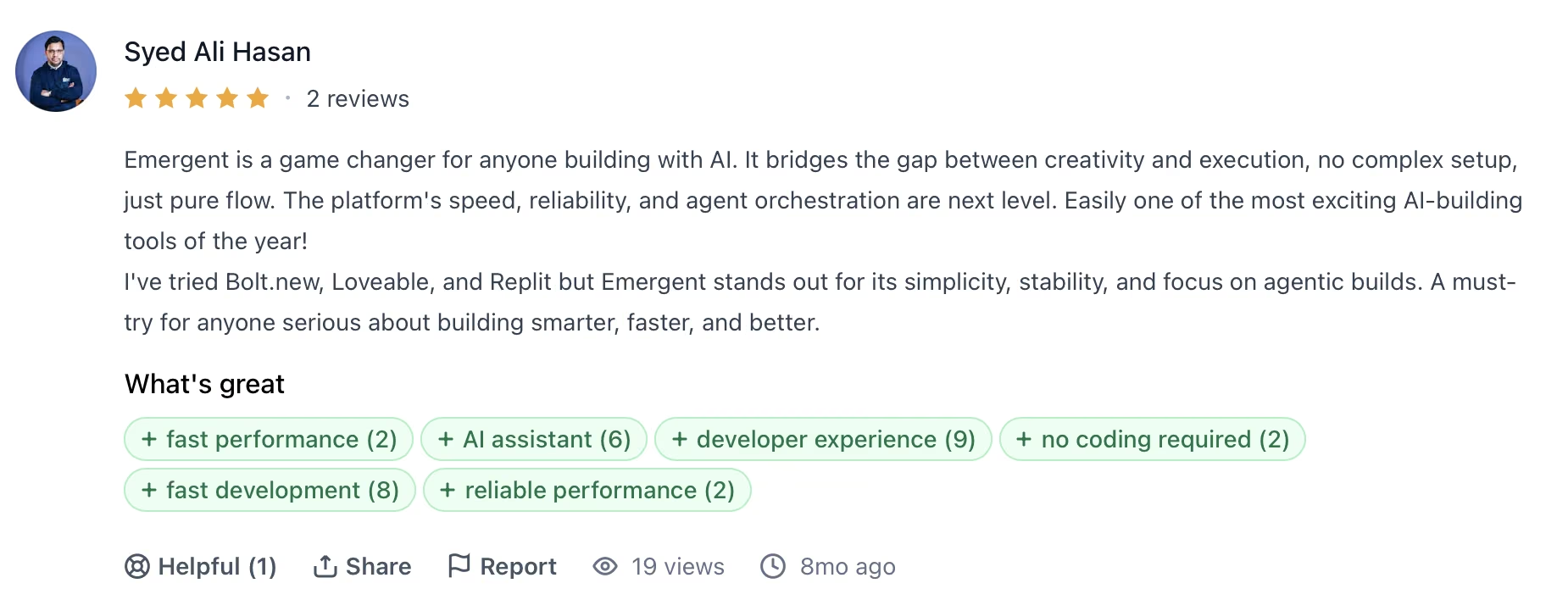
"Emergent is a game changer for anyone building with AI. It bridges the gap between creativity and execution, no complex setup, just pure flow." — Syed Ali Hasan, Product Hunt
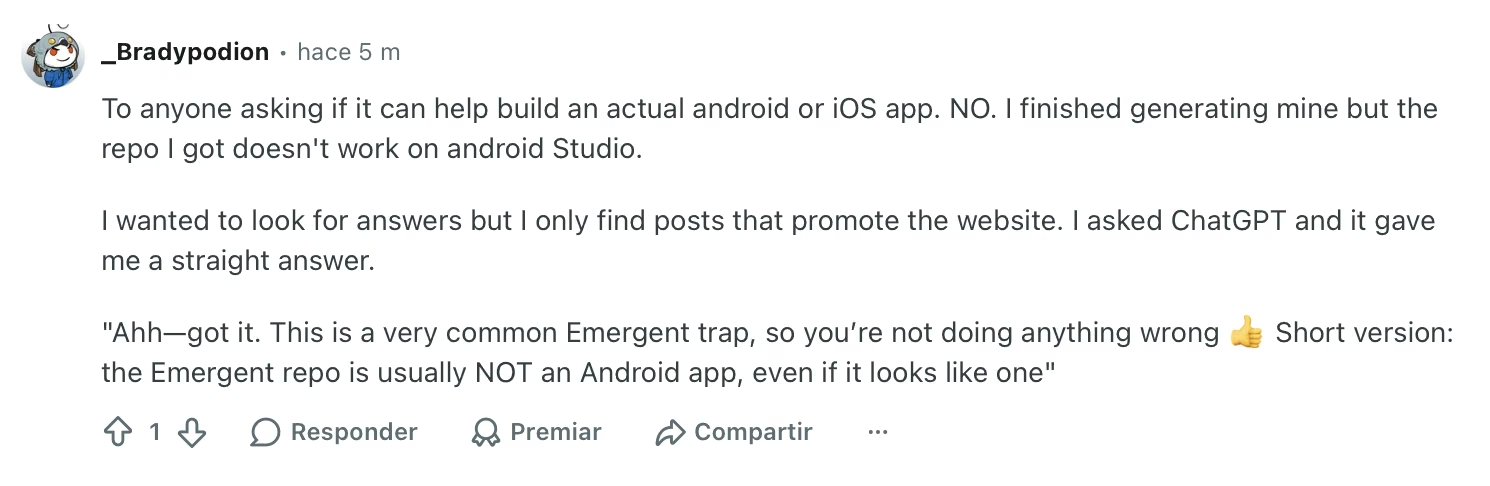
"To anyone asking if it can help build an actual Android or iOS app. NO. I finished generating mine, but the repo I got doesn't work on Android Studio." — Verified User, Reddit
Pricing
Standard is $20 per month, adding 100 credits per month along with private project hosting and GitHub integration. The free plan includes 10 credits per month (structured trial).
Bottom Line
Emergent is the right call for consultants whose best play is handing the client a tool they can log into on day one. The free tier is a trial with 10 credits. Standard covers single-engagement projects. Pro at $200/month adds E3, which plans, builds, and tests multi-phase apps autonomously, so you're approving a finished product instead of managing each build step.
Also read our Vibe Coding vs Traditional Coding guide for a developer's honest take on when building from a prompt makes more sense than writing code.
11. Microsoft 365 Copilot: Best for Enterprise Teams Already Inside the Microsoft Stack
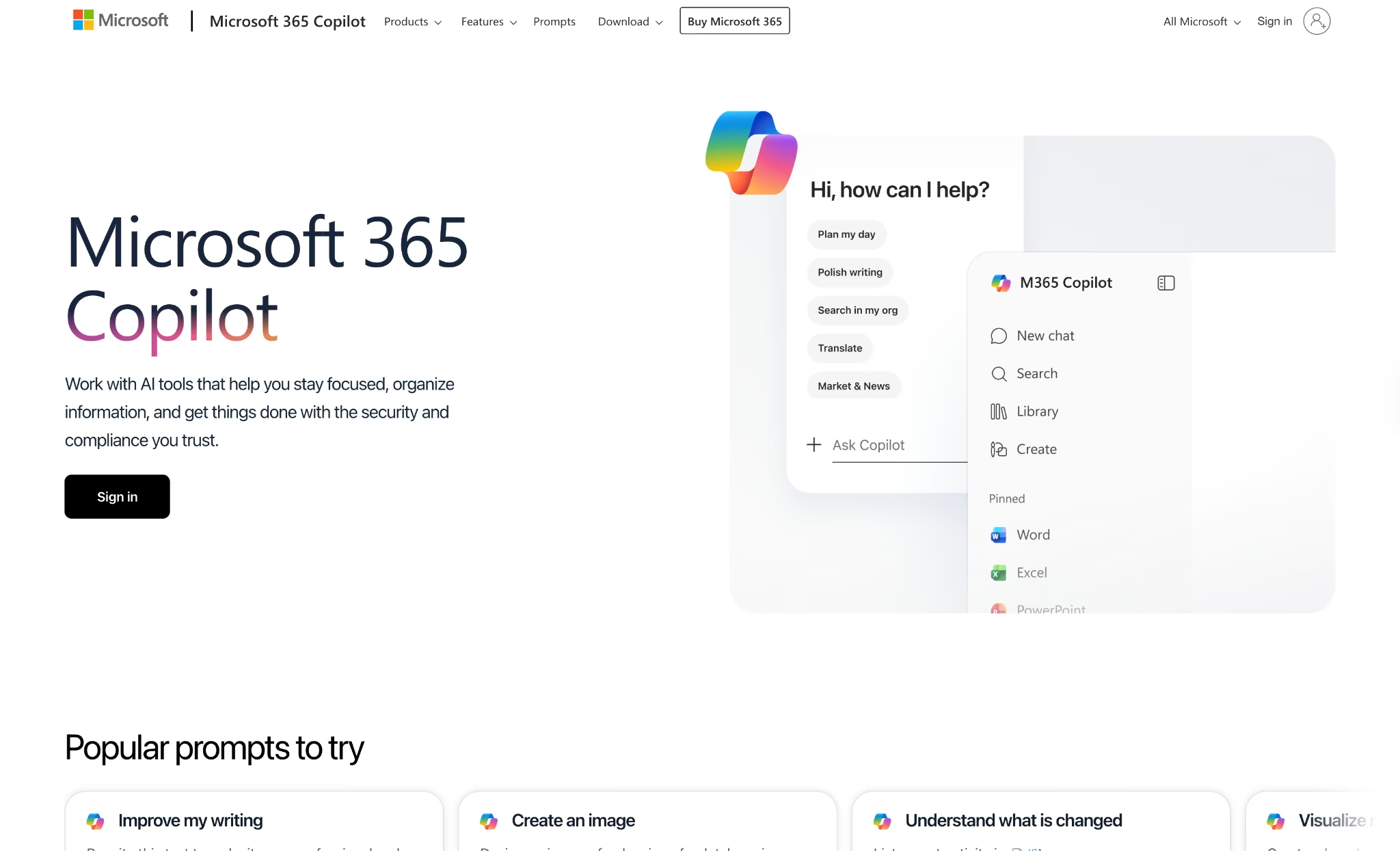
What it does: Microsoft 365 Copilot runs AI directly inside Word, Excel, PowerPoint, Outlook, and Teams. It draws on your company's own data through Microsoft Graph to draft, summarize, and pull up relevant information without leaving the apps you already work in.
Best for: Enterprise consulting teams whose entire workflow already runs through Microsoft 365 and who need AI built into the tools they use every day.
I asked Copilot in Teams to summarize the last three weeks of a project. It pulled from meeting transcripts, shared documents, and email threads in one step with no copy-pasting into an external tool. For a team living inside Microsoft 365, that alone saves a few hours a week.
The ceiling shows up fast outside the stack. On documents stored in Google Drive or Notion, Copilot had no visibility at all, and every cross-platform summary meant manually copying content first.
If your consulting work spans more than one platform, that gap forces manual workarounds that erase the time savings.
Key Features
- Work IQ: Grounds every Copilot response in your organizational data across Microsoft Graph, plus over 100 connectors to third-party data sources
- Copilot in Word, Excel, PowerPoint, Outlook, and Teams: AI runs natively inside each app with no switching, handling everything from email drafts to meeting transcription
- Copilot Notebooks: Centralizes project content, meeting notes, and AI conversations into one workspace with AI-generated summaries
- Researcher and Analyst agents: Ready-to-use agents for deep research and data analysis, included on all Copilot business plans
- Enterprise Data Protection: Prompts and responses stay within Microsoft 365 boundaries, never used for model training, with GDPR, HIPAA, and ISO/IEC 27018 compliance
- Copilot Studio: Create custom agents using simple prompts or code to handle firm-specific workflows
Pros and Cons
Pros:
- AI runs inside the apps where consulting work already happens, no switching between tools for firms fully committed to Microsoft 365
- Work IQ draws context from across your Microsoft 365 data simultaneously, so responses reflect your actual project history
- Enterprise-grade data protection with no model training on your data, backed by GDPR,HIPAA, and ISO/IEC 27018 certifications that clear the security bar most enterprise clients require before onboarding a tool
Cons:
- No free trial available, which limits evaluation before committing to an annual plan
- Output quality varies across apps, with Excel and Teams delivering strong results while PowerPoint generation requires more manual correction
What Users Say
"What I find most useful is its integration with the Microsoft ecosystem, which allows users to access AI assistance directly within tools they already use every day. Works seamlessly within Word, Excel, Outlook, and Teams." — Ravindra N., G2
"Sometimes Copilot provides generic or less accurate responses, especially when handling specific or complex queries." — Abdul H., G2
Pricing
Copilot Business is $18 per user per month (annual commitment, promotional rate through September 2026), as an add-on to an existing qualifying Microsoft 365 Business plan.
Bottom Line
Microsoft 365 Copilot is the right fit for enterprise consulting teams where all client work lives inside SharePoint, Teams, and Outlook, and switching to external tools creates compliance headaches.
Independent consultants and small teams on a mixed stack will find more flexibility at lower cost elsewhere on this list.
12. AlphaSense: Best for Market Intelligence and Financial Research
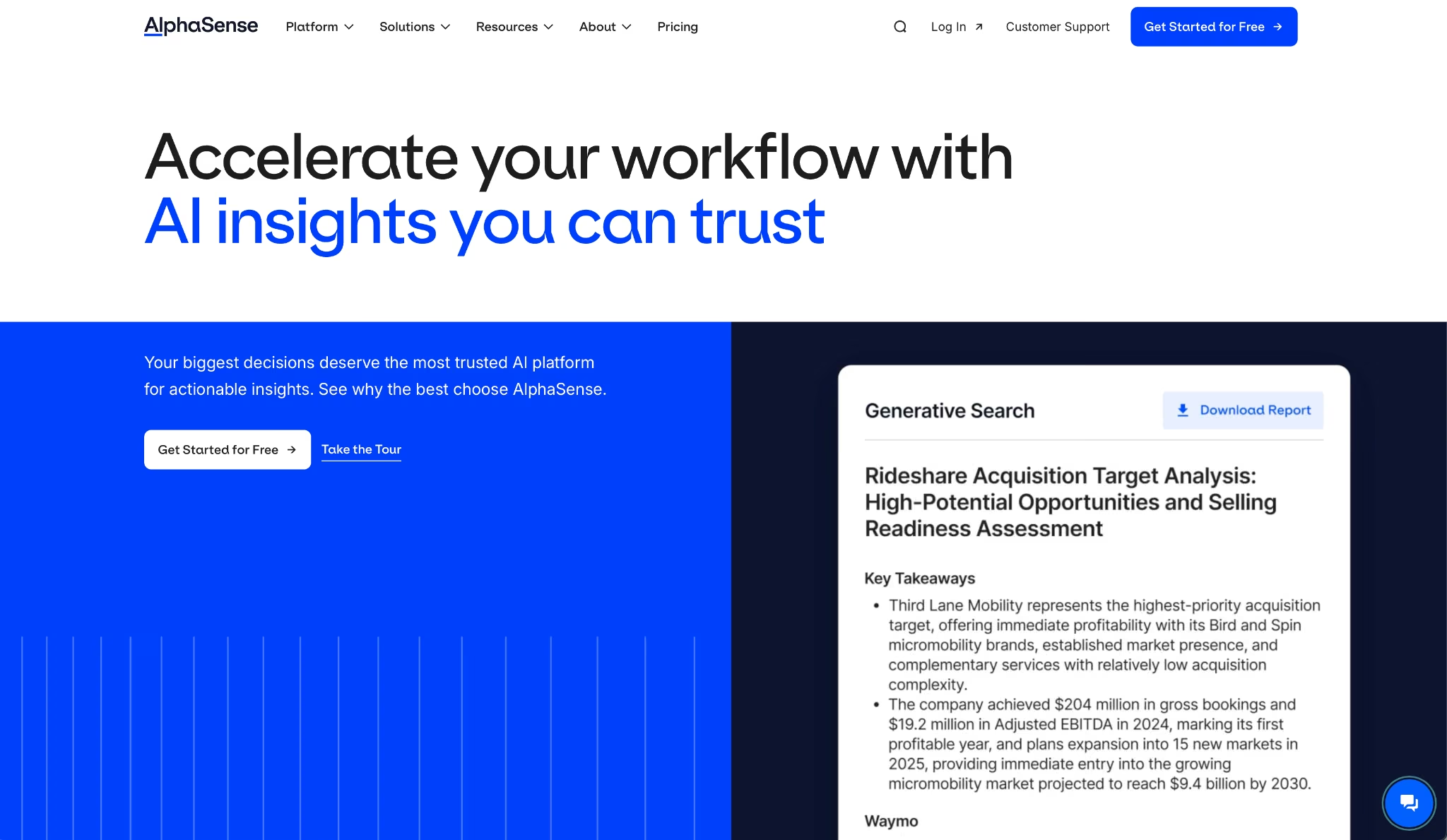
What it does: AlphaSense is a market intelligence platform that uses semantic search across earnings call transcripts, broker research, SEC filings, trade publications, and expert interview libraries. It surfaces results that a keyword search would miss.
Best for: Strategy and financial consultants who can't walk into a client meeting without every data point sourced to a named document.
Put AlphaSense and a general-purpose LLM side by side on the same mid-market competitive landscape brief. AlphaSense returned verbatim executive commentary from four earnings calls, two analyst reports, and a regulatory filing, each timestamped and linked to the source.
The LLM returned confident generalizations with no citations. One set of claims could survive a client challenge; the other couldn't.
The Smart Synonyms test was telling. I ran the same search for "pricing pressure" in AlphaSense and in a standard search engine.
AlphaSense surfaced documents using "margin compression," "discounting," and "competitive intensity," three additional angles from one query. The standard engine returned exact-match results only and missed two of the four highly relevant filings.
Key Features
- Earnings call transcripts and filings: Full library of public company transcripts, SEC filings, and regulatory documents with AI-highlighted key passages and sentiment tracking across quarters
- Expert Insights library: Curated expert interviews from former executives, practitioners, and industry specialists on specific sectors and companies
- Smart Synonyms: NLP layer that maps business synonyms automatically, so a single search surfaces all relevant results regardless of terminology
- AI-generated summaries with source pinning: Every summary links back to the exact passage in the original document, so any claim can be checked at its source before it reaches a client
- Monitoring and alerts: Set ongoing alerts for specific companies, topics, or trends and receive summarized updates as new documents are published
- Generative Search: Synthesizes answers across multiple sources simultaneously and returns a structured response with inline citations from primary documents
Pros and Cons
Pros:
- Every result traces back to a verifiable primary document (earnings transcripts, broker notes, or expert interviews), each with a timestamp and source link a client can check
- Smart Synonyms surfaces relevant results that keyword searches miss, cutting research time on unfamiliar industries
Cons:
- No publicly listed pricing makes it difficult to evaluate before requesting a demo, which adds friction for independent consultants without a procurement process
- Coverage skews heavily toward public companies and large institutions, which limits its usefulness for private companies or early-stage competitive research
- Getting maximum value requires meaningful time investment in search construction and alert setup before the tool starts paying back
What Users Say
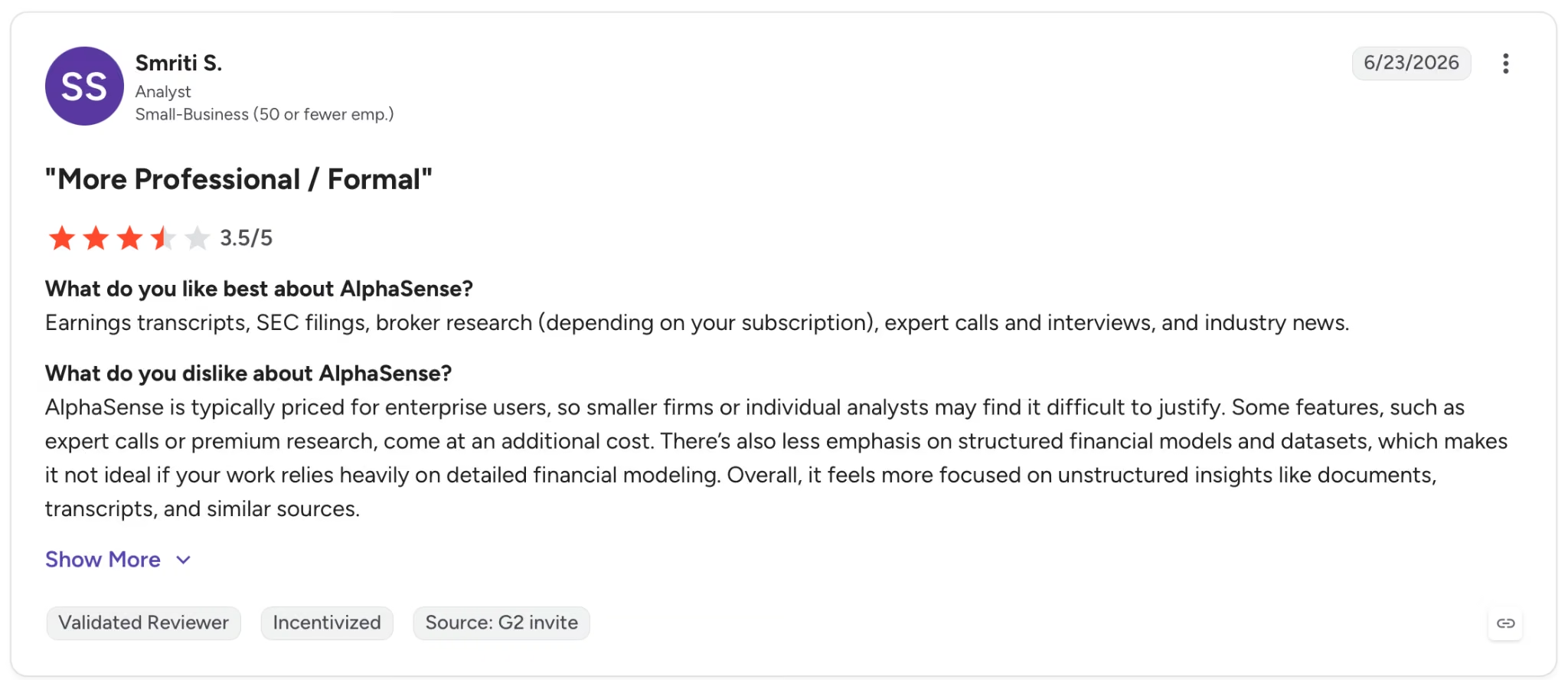
"Earnings transcripts, SEC filings, broker research (depending on your subscription), expert calls and interviews, and industry news." — Smriti S., G2
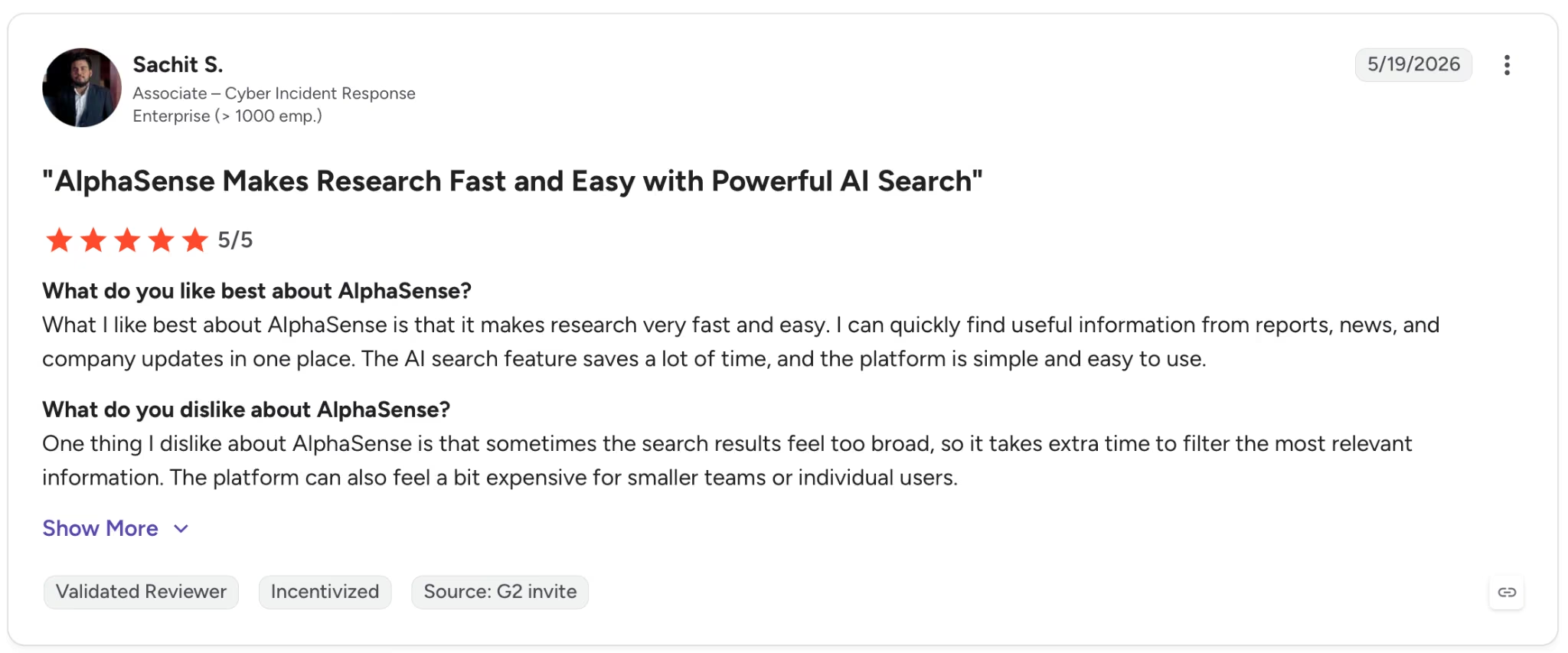
"One thing I dislike about AlphaSense is that sometimes the search results feel too broad, so it takes extra time to filter the most relevant information." — Sachit S., G2
Pricing
Custom pricing based on team size, content requirements, and use case. Trial available on request.
Bottom Line
Use AlphaSense at the research stage of consulting work where source quality is non-negotiable. Once the primary research is solid, switch to Claude or another general-purpose LLM for the drafting and analysis.
For strategy and financial consulting teams doing competitive due diligence or sector research at scale, no other tool on this list covers that specific job as well.
Also read our best AI agent builders guide for platforms that go beyond research into building and automating workflows in 2026.
13. Lindy: Best for Delegating the Admin That Repeats Every Day
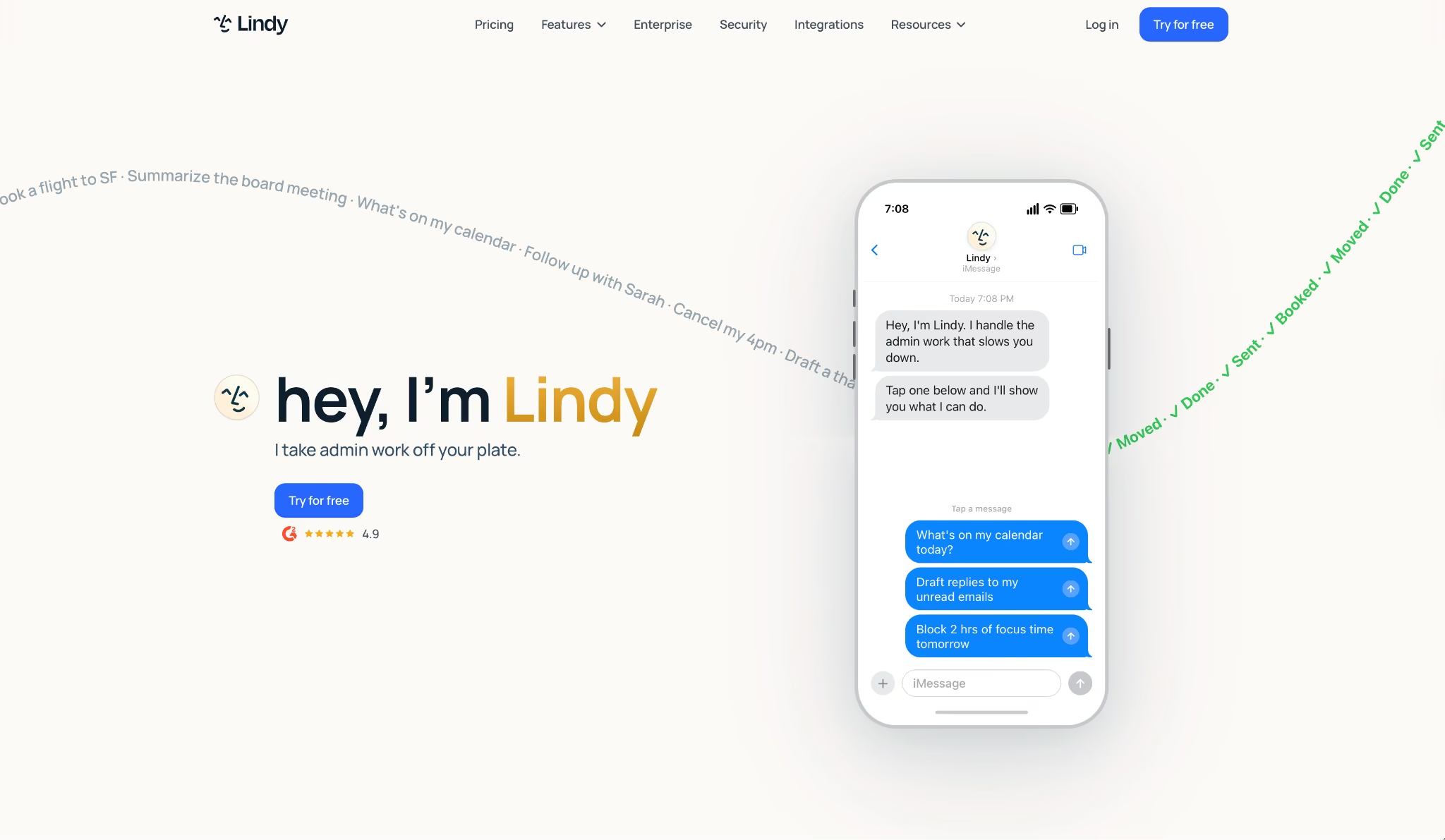
What it does: Lindy is an AI assistant that manages your inbox, calendar, and follow-ups through iMessage or SMS. No dashboard required. You text it what you need done, and it executes across your connected tools.
Best for: Consultants running back-to-back client calls whose mornings disappear into email triage and whose follow-ups slip the moment something more urgent lands.
The first morning I gave Lindy access to the test inbox, replies to three flagged emails were already drafted before I opened my laptop. Two meetings rescheduled, and a prep brief sitting in Slack for a kickoff call I'd forgotten was at nine.
From there, I ran it entirely through iMessage. Texted "reschedule Thursday's call with Marco and send the follow-up from last week's action items," and both were done before I replied, no clarifying questions, no list of next steps to approve.
Where it showed limits was during a heavier testing week. A multi-step research request burned through the monthly allowance faster than I'd planned, and there's no live usage indicator until you're already close to the cap.
Key Features
- iMessage and SMS access: Text Lindy from anywhere to trigger real actions across your calendar, inbox, and connected tools. Works on Android via SMS. No app required
- Inbox drafting in your voice: Lindy drafts replies based on your writing style and prior emails, ready to review before anything sends
- Meeting prep and follow-up: Pulls attendee history, email context, and agenda items before each call. After it ends, sends a summary with action items and handles follow-ups automatically
- Computer use on Pro: Lindy operates browser-based tools on your behalf, handling tasks inside platforms that don't have a direct connector
Pros and Cons
Pros:
- The iMessage interface turns delegation into a text. No app to open, no dashboard to navigate. Send a message from wherever you are, and it becomes a completed task
- Meeting prep and post-call follow-up run automatically across every client call, which compounds fast when you're managing five or more engagements
Cons:
- Heavier tasks burn through the usage allowance faster than simple ones, and the ceiling isn't visible until you're already close to it
- The setup investment is real. Connecting inboxes, setting tone preferences, and refining recurring tasks takes time before Lindy runs without correction
What Users Say
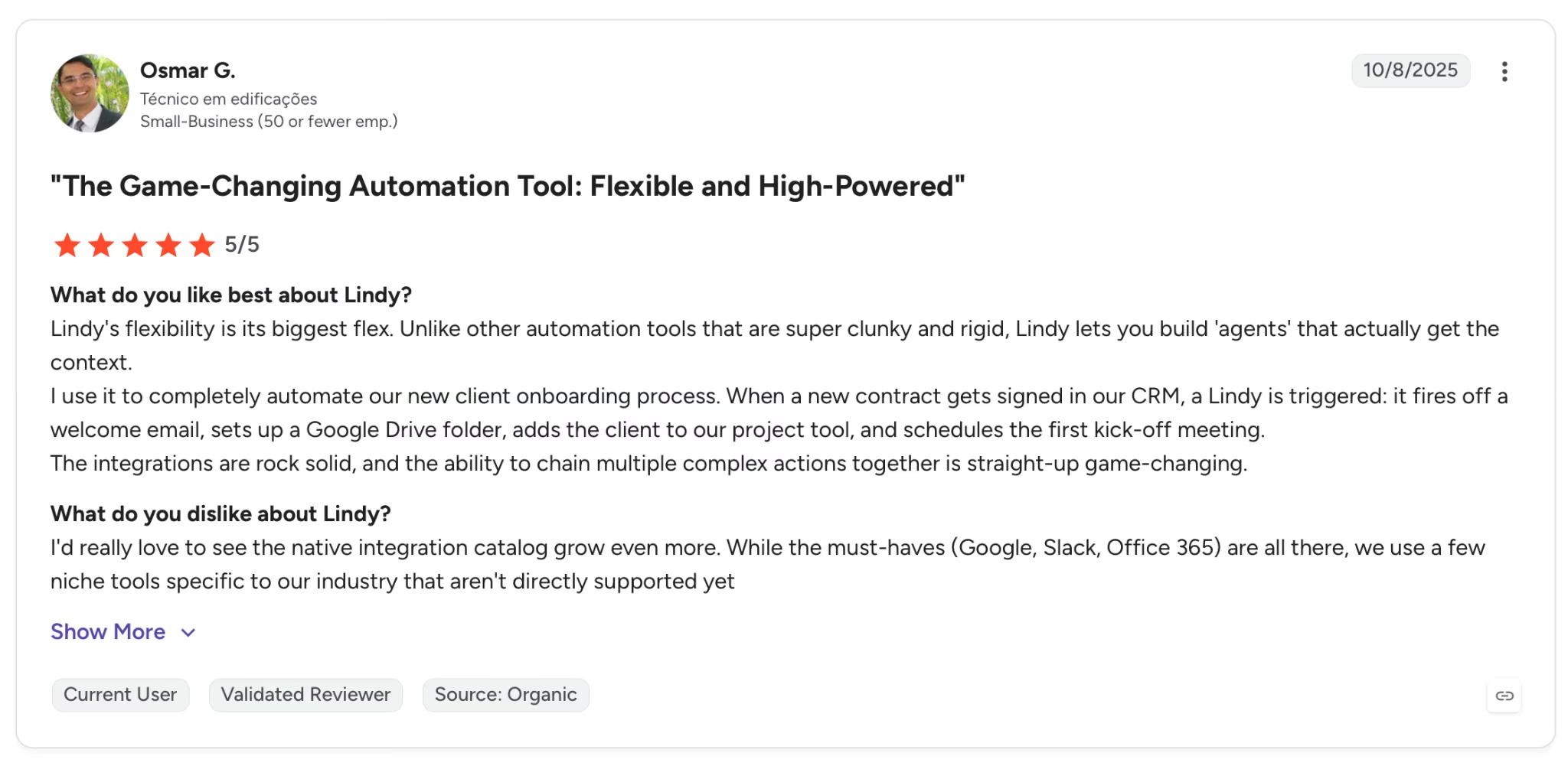
"Lindy's flexibility is its biggest flex. Unlike other automation tools that are super clunky and rigid, Lindy lets you build 'agents' that actually get the context." — Osmar G., G2

"I wish this program offered animation features or allowed for more video integration when rendering images." — Cardiechey J., G2
Pricing
Plus is $49.99 per month with standard usage, up to 2 connected inboxes, iMessage access, and a 7-day free trial. Pro at $99.99 per month adds 3x usage, a third inbox, and computer use for browser-based tasks.
Bottom Line
Lindy won't make sense for consultants who check email twice a day or run a light meeting schedule. It earns its place when your inbox and calendar eat the first two hours of every morning and follow-ups are the first thing that slips under pressure.
Which AI Tool for Consultants Should You Choose?
Where you spend your time determines which tool gives back the most value. Consulting hours tend to vanish into three predictable places: research you can't cite when a client pushes back, meetings that generated notes nobody acted on, and deliverables that took twice as long as they should have.
Choose Claude if you:
- Write strategy documents, proposals, or scenario analyses as your core output
- Need an AI that stays coherent across a full document without losing the thread
Choose Perplexity if you:
- Need fast, cited research on markets, competitors, or industry trends
- Spend more than an hour per project in browser tabs before you can start writing
Choose ChatGPT if you:
- Need one tool that handles drafting, data analysis, research, and visuals in the same session
- Work mostly on short-to-medium deliverables where speed matters more than deep document coherence
Choose Gemini if you:
- Run your entire workflow through Gmail, Docs, Sheets, and Drive
- Want AI that pulls context from your existing Google files without copying anything into a separate tool
Choose Fathom if you:
- Run five or more client calls per week
- Lose more than an hour daily to notes, follow-up emails, and CRM updates
Choose NotebookLM if you:
- Start every engagement with a large document pile
- Work in contexts where hallucinated sources would damage client trust
Choose Gamma if you:
- Rebuild client decks from scratch on every project
- Spend more time formatting than thinking
Choose Notion AI if you:
- Manage three or more active engagements simultaneously
- Have no shared, searchable knowledge system behind your work
Choose Zapier if you:
- Spend several hours weekly moving data between tools
- Run the same reporting sequence after every client call
Choose Emergent if you:
- Want to deliver a tool the client interacts with, beyond a slide deck
- Have no engineering team to build it
Choose Microsoft 365 Copilot if you:
- Run all client work inside SharePoint, Teams, and Outlook
- Face compliance friction when switching to external tools
Choose AlphaSense if you:
- Run strategy or financial engagements where source quality is non-negotiable
- Need citations that can survive a client challenge
Choose Lindy if you:
- Lose the first two hours of every morning to email triage and calendar conflicts
- Need follow-ups and scheduling handled without opening another app
Skip this category entirely if you're looking for a single tool that does everything. No one tool on this list covers writing, meetings, decks, automation, app building, and primary research at once. A focused stack of two or three tends to outperform a bloated one.
Final Verdict
Claude and Fathom cover the two jobs that eat the most hours in consulting, writing, and meetings. If you only pick two tools from this list, start there. Zapier makes both of them more useful by handling what happens after the work is done.
The outlier worth watching is Emergent. Consultants who deliver working tools (calculators, portals, dashboards) as part of their engagements have a clear advantage.
For getting those tools built without a developer, Emergent is the most direct option tested, and few consultants have fully explored how far that delivery model extends.
If that's the piece missing from your stack, Emergent is worth building something on before you decide.


Most AI app builders stop at prototypes. Emergent creates production-ready apps you can actually launch.
- Production-ready apps
- Web & mobile apps
- Deploy in minutes







