



TL;DR
- Emergent: Best for building a custom, code-owned app with an agent built in from the first prompt.
- n8n: Best for technical teams who want full control and self-hosting economics at scale.
- Zapier: Best for the broadest integration library and the lowest learning curve.
- Lindy: Best for a personal or admin assistant handling email and scheduling.
- Gumloop: Best for workflows where the AI has to weigh a real decision about the data it's moving.
- StackAI: Best for bridging an early concept into a governed, production RAG rollout.
- Relevance AI: Best for sales and research-focused multi-step agent workflows at enterprise scale.
- Botpress: Best for deep, customizable conversational agent design.
- Voiceflow: Best for voice and chat agents built from templates.
- LangChain/LangGraph: Best for developers who want explicit, debuggable agent control.
- CrewAI: Best for the fastest first working multi-agent demo.
You've probably typed some version of "best AI agent builders" into a search bar. Every tool in this space now claims to build agents. Almost none of them mean the same thing by it.
A workflow platform, a personal assistant, and a bare Python framework all get called agent builders. Picking wrong wastes a week.
I spent 18 days running the same hard build through 11 of these platforms, from spreadsheet-style visual tools to raw code frameworks. I tracked where each one held up and where it broke.
By the end of this piece, you'll know which bucket you belong in. Your options are visual automation, a custom-owned app, or a developer framework, and you'll know which tool leads it.
Why These AI Agent Builders Aren't Ranked on One Flat List
Ranking a bare Python framework against a personal-assistant chat app on one scale doesn't help anyone. LangChain and Lindy solve different problems for different people, so calling one of them "better" than the other misses the point.
Some of these tools are built for people who don't want to see a line of code. Others assume you're comfortable writing one. A few sit in between, offering a visual builder with a code escape hatch when you need it.
Agentic software can plan multiple steps, decide what to do next, and act without following one fixed script. Some tools here are fully agentic out of the box. Others add an AI step to a fixed workflow, which becomes limiting when the build needs a decision.
This roundup skips one ranked list. Tools are numbered for reference as they're covered, not ranked against each other, and the right pick depends on whether you code, want a business-user tool, or need a custom app with an agent built in.
- Visual and low-code AI workflow builders: n8n, Zapier, Lindy, Gumloop, StackAI, Relevance AI, Botpress, and Voiceflow connect existing tools through visual builders, though n8n may require code for advanced logic.
- A custom app with an agent built in: Emergent takes a different approach. You get a code-owned application, with the agent living inside it from the first prompt.
- Code-first developer frameworks: LangChain/LangGraph and CrewAI give developers explicit control over how an agent reasons, both free at their core.
How I Researched and Tested These AI Agent Builders
Every tool here ran the same brief. I adapted the input method to how each tool works. That meant a prompt for the visual tools, a scripted task for the two code frameworks, and a build prompt for Emergent.
Build an agent that processes a batch of 15 reader-submitted content-topic suggestions (I'll supply them as short text messages, the way they'd arrive from a web form or inbox) and keeps a single running backlog. For each message, log the requested topic, the requester's name, the date, and a status column.
If the same topic (or an obvious paraphrase of one) comes in again within a 14-day rolling window, don't create a second row: Find the existing row, increment its request count, and update the date. Any auto-acknowledgment the agent sends back to a requester has to stay under 30 words, every time.
Once a single topic's request count hits three, move it out of the general backlog into a separate "up next" list automatically.
I also need two views of the same data that never leak into each other: An internal tracker showing full requester names and emails, and a public-facing summary showing only the topic and its request count, with no personal information, ever, even though both must always agree on the count for a given topic.
At the end, hand me one exportable place I can open without the tool itself, CSV or an equivalent, that someone else could pick up cold.
I mapped 24 tools that show up consistently across general search results for this category. I weighed Emergent separately, since it isn't a workflow-orchestration tool by trade, for a pool of 25 candidates. The final cut was 11 tools, over 18 days of testing.
The tools that didn't make it, and why:
- Microsoft AutoGen: Still turns up as a top recommendation in general searches for this category, but AutoGen's own GitHub page now states it's in maintenance mode and points new users to Microsoft Agent Framework instead. Recommending a tool its own maker is steering people away from doesn't help anyone.
- Cofounder: Cut for thin fit. It's built around running an entire company with agents across departments like legal, finance, and sales, a vertical product built for that one job, outside the general-purpose platforms this roundup covers.
- Google's Gemini Enterprise Agent Platform (formerly Vertex AI): Didn't clear the bar either. It assumes you're already committed to Google Cloud, a different buying decision entirely.
- Relay.app: The company posted its own shutdown notice, winding down for free users on August 15, 2026, and for paying customers on September 14, 2026, so it's out regardless of how it ranked elsewhere.
- ChatGPT workspace agents: Cut on availability. It only ships on ChatGPT Business, Enterprise, Edu, and Teachers, with a two-seat minimum, so there's no solo plan to run this test on the way every other tool here allows. It's also still labeled a research preview, with pricing terms that have already shifted once since launch.
- Microsoft Copilot Studio: Cut on the same footing. It can be licensed separately from Microsoft 365 Copilot, though it fits most naturally within organizations already using Microsoft's business tools, a decision most people researching agent builders from scratch haven't made yet.
The criteria came straight from the brief's own trap doors. Did the 14-day de-dup rule catch the existing row or duplicate it? Did the 30-word acknowledgment cap hold on every message?
Did the three-request threshold correctly move a topic once it crossed the line? Did the internal and public-facing views ever leak into each other or disagree on a count?
The last question was the hardest to answer: Could I hand off a real export from a visual agent builder, something a colleague could open cold without touching the tool itself?
A few of these tools made the build easy to use inside their interface, but required extra work before a colleague could use the export elsewhere.
How the 11 stack up by category:
| Tool | Category | Best For | Starting Price |
|---|---|---|---|
| Emergent | Build a Custom App | A code-owned app with an agent built in | $20/month ($17/month, billed annually) |
| n8n | Visual/Low-Code | Technical teams wanting full control | $24/month ($20/month, billed annually) |
| Zapier | Visual/Low-Code | Broadest integration library | $29.99/month ($19.99/month, billed annually) |
| Lindy | Visual/Low-Code | Personal or admin assistant | $29.99/month per user |
| Gumloop | Visual/Low-Code | Workflows needing real AI decisions | $37/month |
| StackAI | Visual/Low-Code | Governed, production RAG rollout | $0/month (Free); Enterprise, contact sales |
| Relevance AI | Visual/Low-Code | Sales and research agent workflows | No public price, contact sales |
| Botpress | Visual/Low-Code | Deep, customizable conversational design | $189/month ($150/month, billed annually) |
| Voiceflow | Visual/Low-Code | Voice and chat agents from templates | No public price, contact sales |
| LangChain/LangGraph | Code-First Framework | Explicit, debuggable agent control | $0/seat/month (Developer); $39/seat/month (Plus) |
| CrewAI | Code-First Framework | Fastest first working multi-agent demo | $0 (Basic); Enterprise, contact sales |
1. Emergent: Best for a Custom, Code-Owned App With an Agent Built In

What it does: Emergent is an AI agent builder that turns a written description into a working, running application. Every build includes a real database, a login system, and third-party integrations, with an agent as one feature of that app.
Best for: Someone who wants the backlog logic living inside an app they own, built in from the start with no rented tools wired on top.
Emergent's case is different from the workflow-orchestration platforms above: I tested it for building a real, owned application with the agent embedded in it from the first prompt.
I described the backlog brief as an app spec, covering a table for requests, the 14-day de-dup rule, the three-request threshold, and two separate views.

Emergent scaffolded a working app, complete with its own database and two distinct pages, for 11 credits. Wiring in the CSV export and tightening the de-dup logic took another nine credits. The whole build took about 50 minutes.
The internal-versus-public split was where owning the app paid off. Both views read from the same underlying database table. That setup reduced the risk of the counts drifting apart. I had to build more safeguards for that risk on the pure workflow tools.
Credit usage is the thing to watch once you start iterating. Every extra pass at fixing or refining logic costs more of the same budget, and iterative work adds up faster than a single clean build like this one shows.
That didn't turn into a capability gap here. The export, the database, and the two-view split all worked as specified, and I didn't hit anything on a build this size that I'd file as a real limitation.
Key Features
- Full application build: Each build ships with its own database and login system, and can connect services like Stripe.
- Agent embedded in the app: The agent you build is one feature of a running product you own.
- GitHub integration and forking: Standard and higher tiers let you push to GitHub and fork existing build tasks.
- MCP support: Emergent can be driven by another AI tool through its own MCP connector.
Pros and Cons
Pros:
- The internal-versus-public split was consistent because both views share one real database.
- You walk away owning an actual codebase, something a workflow trapped inside a tool never gives you.
- The CSV export met the handoff requirement, while GitHub integration made the codebase portable.
- Building by prompting kept the process fast for someone without a coding background.
Cons:
- Credit usage can climb faster than expected on iterative builds, especially once you move past the first working version into heavier iteration.
- Not the right tool if you need to orchestrate a stack of existing external apps.
What Users Say
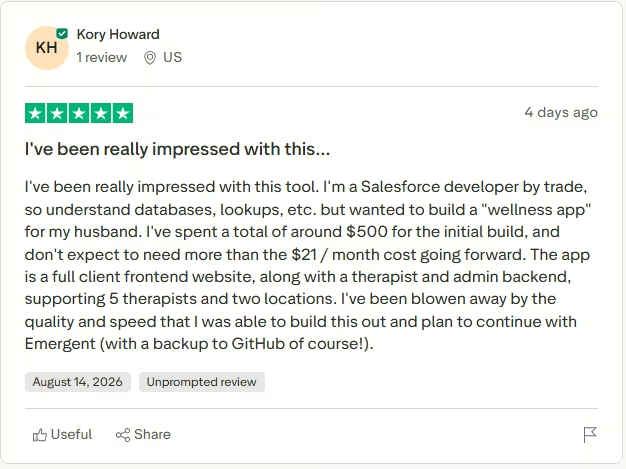
“I've been blown away by the quality and speed that I was able to build this out and plan to continue with Emergent (with a backup to GitHub, of course!).” - Kory Howard, Trustpilot
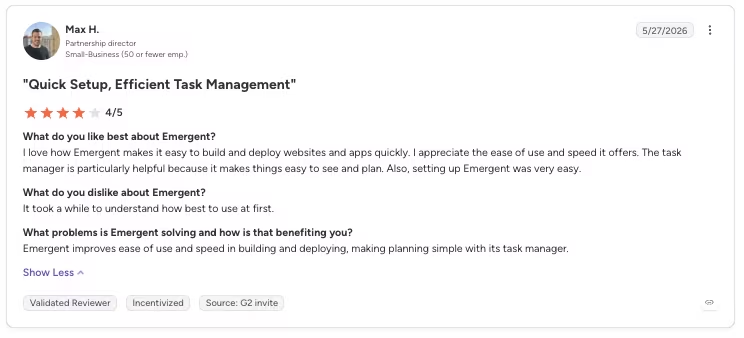
“It took a while to understand how best to use [it] at first.” - Max H., G2
Pricing
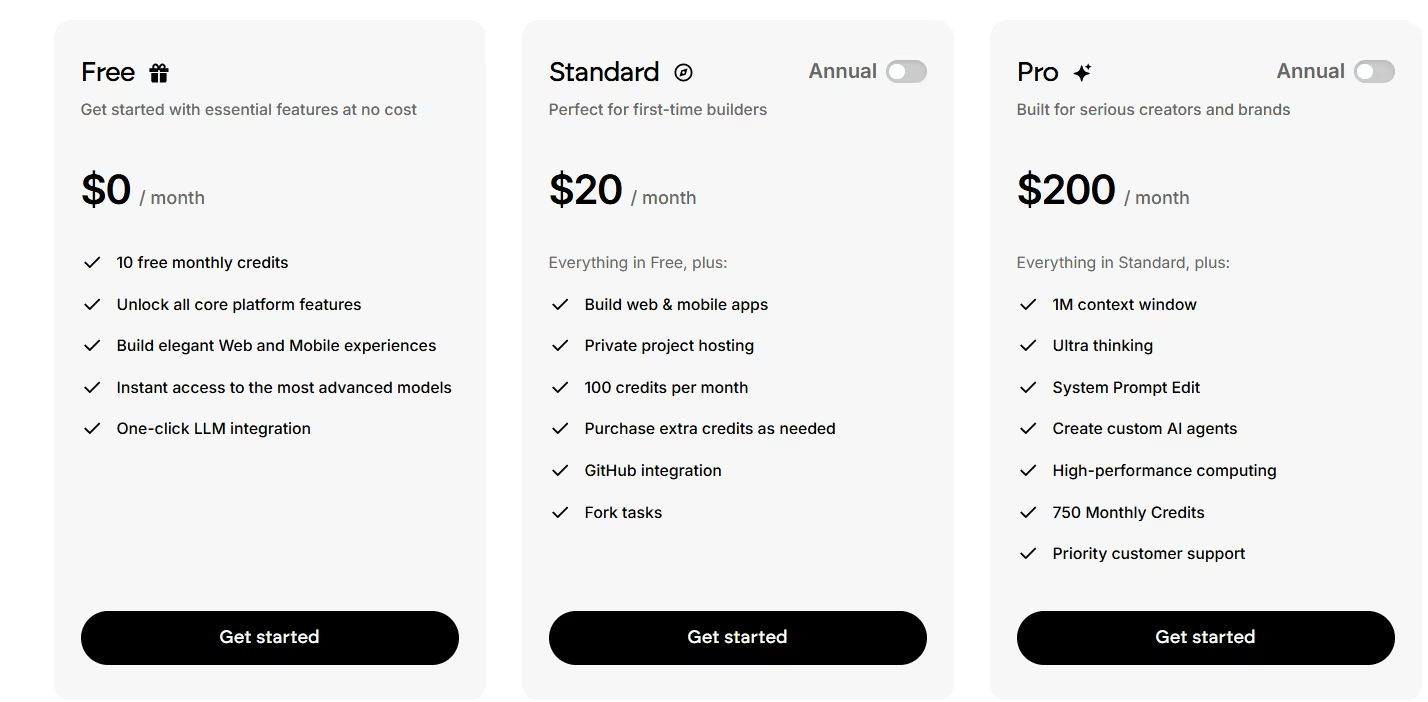
- Free: $0/month for 10 monthly credits and access to all core platform features.
- Standard: $20/month ($17/month, billed annually) for 100 credits a month, private project hosting, and GitHub integration.
- Pro: $200/month ($167/month, billed annually) for a 1M context window, custom AI agents, and 750 monthly credits.
- Business: No public price, contact sales, for role-based access control, SSO, shared team workspaces, and real-time co-editing.
- Enterprise: No public price, contact sales; adds user-level credit limits, audit logs, and self-hosted database support.
Bottom Line
Emergent fits when the agent needs to live inside a real product you own, database, login system, and all. It doesn't compete with n8n or Zapier at pure workflow orchestration, and it was never built to.
2. n8n: Best for Technical Teams Who Want Full Control
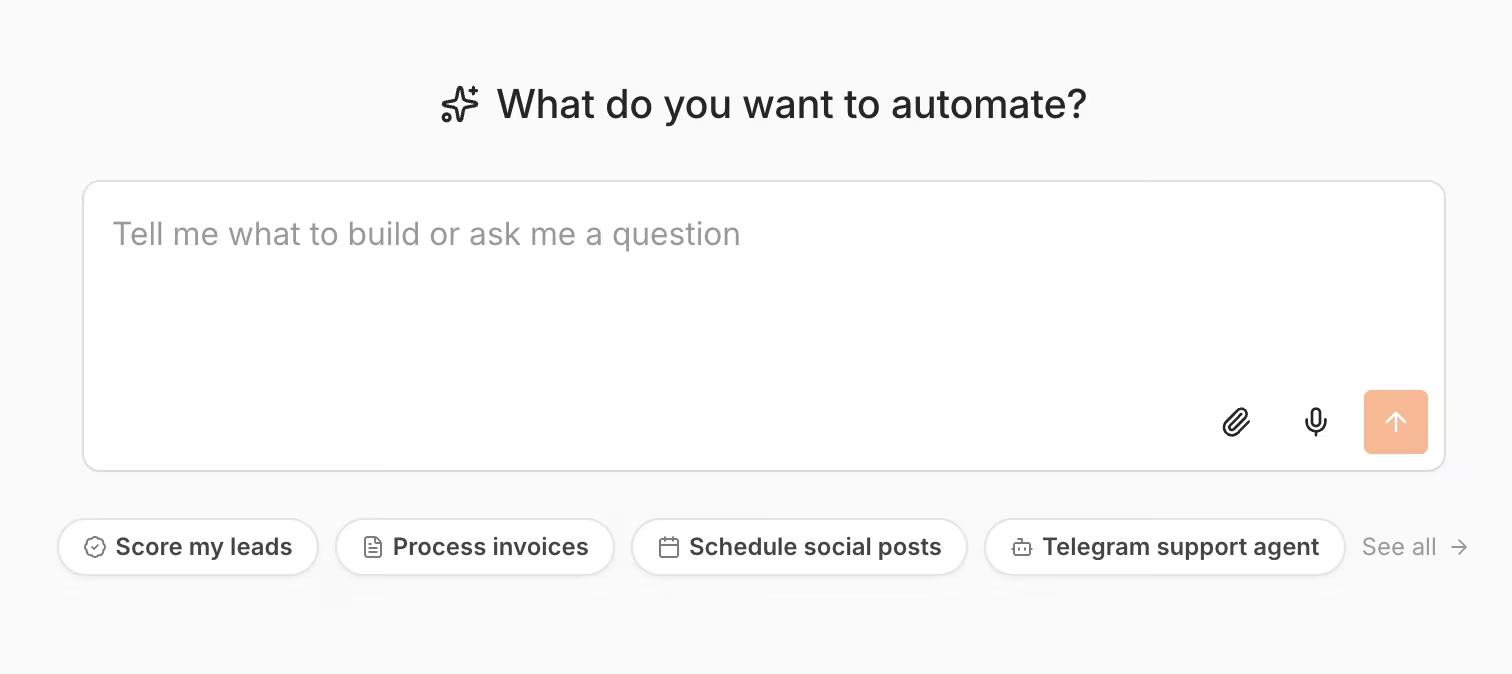
What it does: This is a workflow automation platform. You build n8n's logic in a visual canvas, with the option to drop into JavaScript or Python code whenever the visual blocks run out of flexibility.
Best for: Technical teams who want to self-host, control their data, and pay only for what runs. There's no flat seat price.
I wired the backlog logic in n8n's canvas first. The moment I hit the "find the existing row, increment its request count" requirement, I needed a code node.
n8n's visual matching couldn't reliably tell "newsletter dark mode" and "dark mode for the newsletter" were the same topic. The code node needed a short JavaScript snippet to normalize and compare the strings before deciding whether to create or update a row.
It logged 22 workflow executions to process all 15 messages cleanly, including three reruns while I debugged the matching logic. Getting it right took about six hours across two sessions.
Once it worked, it worked exactly as specified every time. Manual test runs don't count against n8n's execution quota, so those reruns didn't cost extra.
The internal-versus-public split was the easiest part of building this in n8n. n8n's Sheets and database nodes let me write the same processed row to two separate outputs with different columns stripped out.
The counts never drifted, because both views pulled from the same underlying execution. The 30-word acknowledgment cap and the three-request threshold were both handled with a Set node and an IF condition.
n8n's visual canvas handles that logic without a second thought. Checking how the finished workflow would look from outside the UI surfaced one limitation.
Managing n8n programmatically includes folder access, although member-role keys cannot import packages that contain folders, something to plan around when managing workflows from outside the app.
Also read our n8n alternatives guide for what else is worth trying when the technical setup or self-hosting overhead becomes a concern.
Key Features
- Self-hosting or managed cloud: Run n8n on your own infrastructure, or use a hosted cloud plan if you'd rather skip the ops work.
- Execution-based pricing: You pay for completed workflow runs, independent of step count or seat count.
- Code nodes on demand: Drop into JavaScript or Python inside any workflow the moment the visual blocks aren't enough.
- Unlimited users and workflows: Every paid tier includes unlimited team members, with limits only on execution volume.
Pros and Cons
Pros:
- The three debugging reruns didn't add a cent, since manual runs don't count against n8n's execution quota.
- Dropping into a code node fixed the paraphrase-matching gap the visual blocks couldn't handle alone.
Cons:
- You will eventually need to write or read code, even a short JavaScript snippet like the one this build needed. That requirement caps how purely visual n8n stays.
- Self-hosting shifts operational work to your team. It doesn't remove it.
- Member-role keys cannot import packages that contain folders.
What Users Say
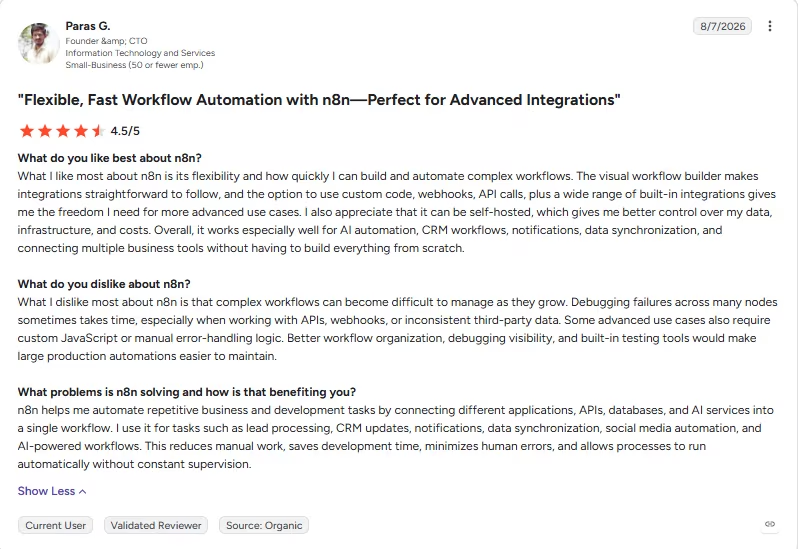
“The visual workflow builder makes integrations straightforward to follow, and the option to use custom code, webhooks, API calls, plus a wide range of built-in integrations gives me the freedom I need for more advanced use cases.” - Paras G., G2
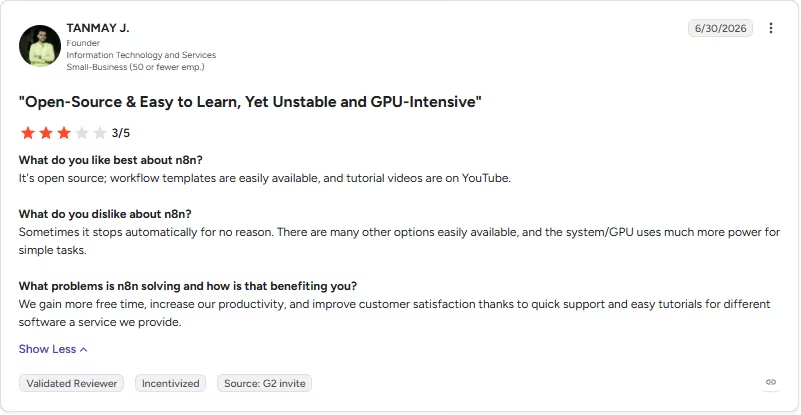
“Sometimes it stops automatically for no reason. There are many other options easily available, and the system/GPU uses much more power for simple tasks.” - TANMAY J., G2
Want the full picture of what users are saying? Read our n8n Review for a closer look at what real users actually ran into.
Pricing
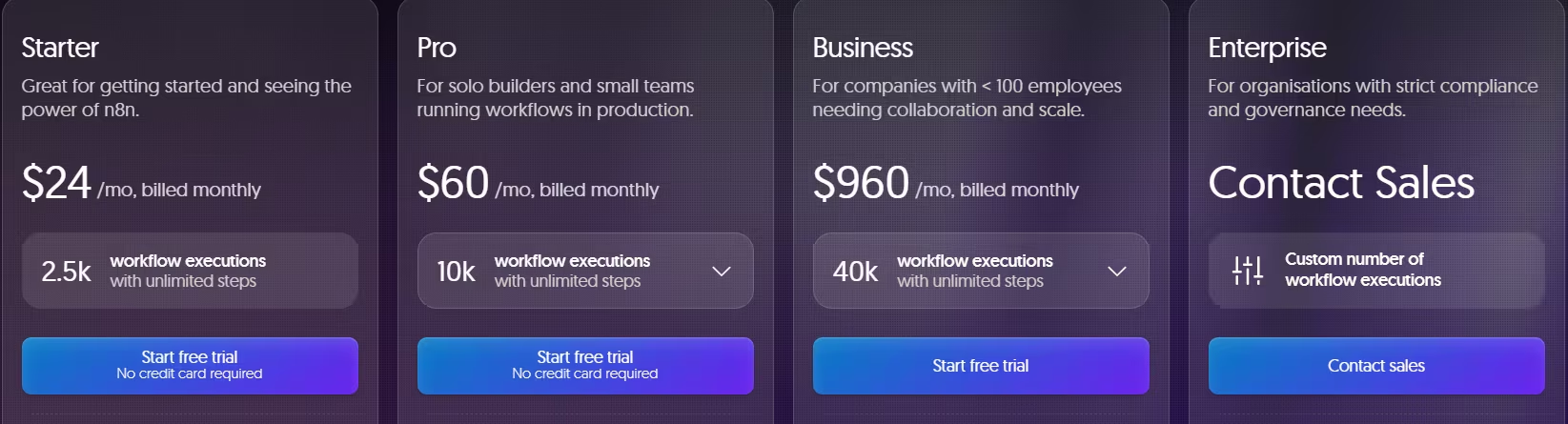
n8n pricing has a monthly and annual toggle. The annual rate saves 17%.
- Starter: $24/month ($20/month, billed annually) for 2,500 monthly workflow executions, one shared project, and 2,300 AI credits a month.
- Pro: $60/month ($50/month, billed annually) for 10,000 executions, three shared projects, and up to 13,700 AI credits.
- Business: $960/month ($800/month, billed annually) for 40,000 executions, self-hosting, and SSO.
- Enterprise: No public price, contact sales, for custom execution volume and dedicated support.
A free, self-hosted Community Edition is also available for anyone comfortable managing their own instance.
Bottom Line
n8n suits teams willing to touch code. It was the strongest tool I tested for owning an automation stack long-term because execution-based pricing counts completed workflow executions instead of individual tasks or steps.
3. Zapier: Best for the Broadest Integration Library
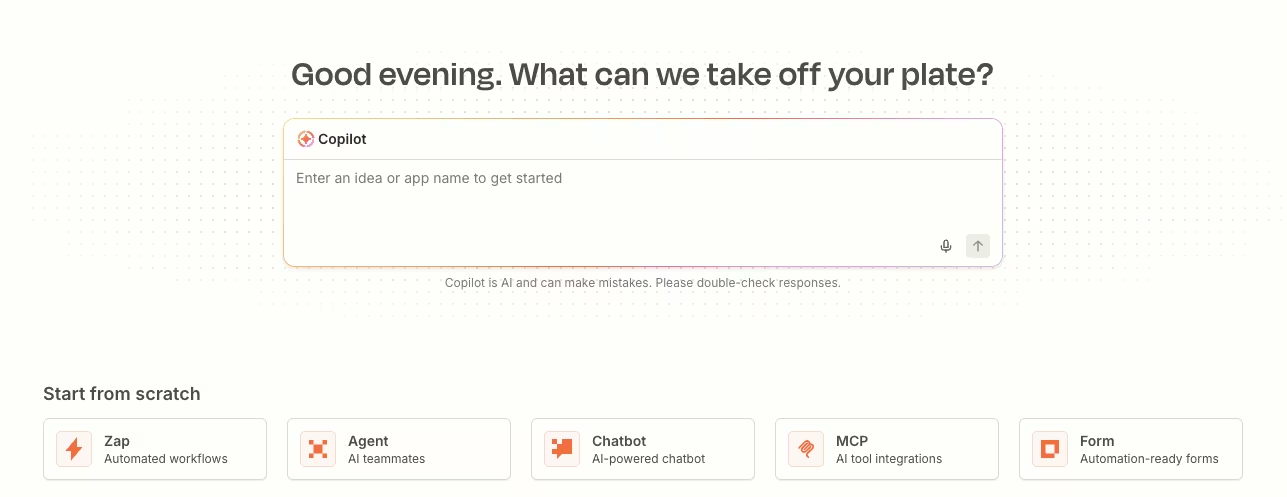
What it does: Zapier connects thousands of apps through visual, trigger-and-action workflows called Zaps, now layered with an AI orchestration surface that includes Tables and Forms.
Best for: Teams who need to connect a wide, unpredictable mix of apps, with the shallowest possible learning curve.
I built this test using nine chained Zaps. Zapier's branching logic works best when each decision point gets its own automation. The whole run used 38 tasks, a modest total even counting retries while I tuned the de-dup matching.
The de-dup trap was where Zapier's limits showed. Its native tools handle exact-match lookups cleanly. Catching an "obvious paraphrase" required a Formatter step doing rough keyword overlap, a shallower match than real semantic understanding. It caught the easy cases and missed a couple of trickier ones on the first pass.
The two misses were subtler swaps, where a topic that started as a statement came back rephrased as a question. That's not a gap a simple keyword filter was ever going to catch. The three-request threshold was simpler to wire, since a Path could check the count on every update and move the row the moment it crossed three.
So many ready-made app integrations paid off on everything downstream of the core logic. I built the acknowledgment, the two separate views, and the CSV export by selecting the right apps and mapping fields, without custom code.
I didn't need Zapier's newer AI orchestration layer, Zapier MCP, for this build. The classic trigger-and-action Zaps and a Formatter step covered everything the brief asked for, and that newer layer still felt like the less mature part of the platform.
Also read our Zapier alternatives guide for what else is worth trying when the integration library or task-based pricing becomes a concern.
Key Features
- Thousands of app integrations: Managed sign-in comes with each one.
- Zap workflows, Tables, and Forms: The platform now bundles structured data storage and custom forms alongside its classic automations.
- Zapier MCP: An AI action layer that lets external AI tools call Zapier's connected apps directly.
- Visual builder: Every Zap is built by picking triggers and actions from a menu, no code required.
Pros and Cons
Pros:
- No custom code was needed for any of the downstream steps, since an existing app covered each one.
- The lowest learning curve of the visual tools tested.
Cons:
- Zapier pricing climbs quickly once you're running complex, multi-step Zaps.
- In this build, paraphrase matching used a manual Formatter workaround.
- The dedicated AI agent layer still feels newer than Zapier's core engine.
What Users Say
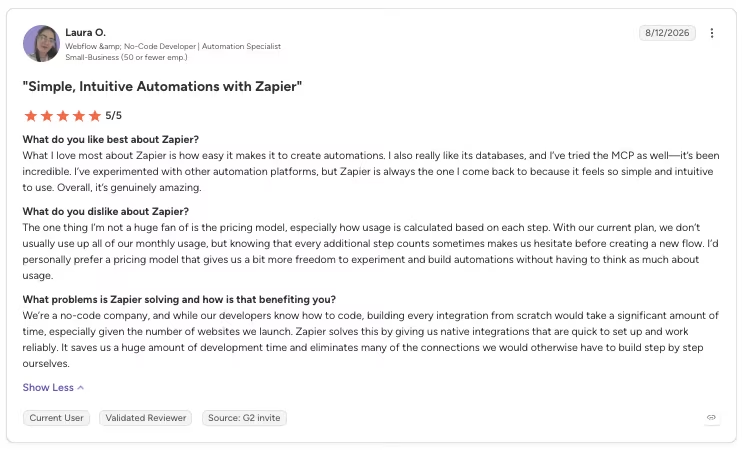
“What I love most about Zapier is how easy it makes it to create automations. I also really like its databases, and I’ve tried the MCP as well—it’s been incredible.” - Laura O., G2
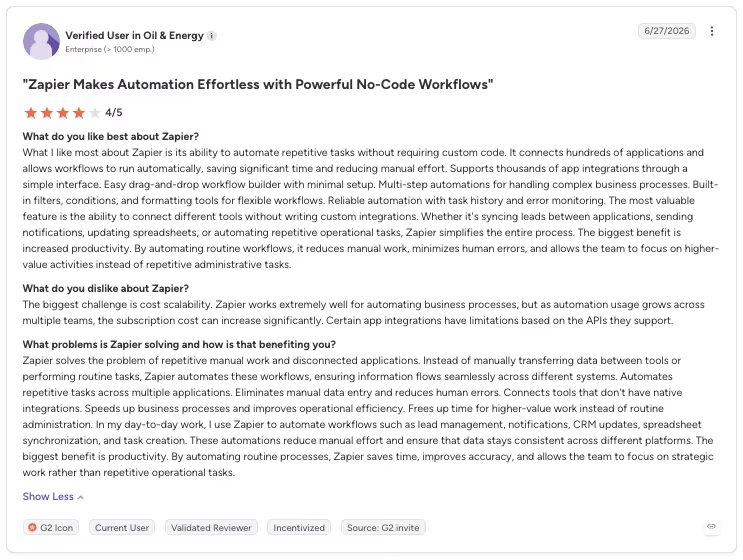
“The biggest challenge is cost scalability. Zapier works extremely well for automating business processes, but as automation usage grows across multiple teams, the subscription cost can increase significantly.” - Anonymous, G2
Want the full picture of what users are saying? Read our Zapier Review for a closer look at what real users actually ran into.
Pricing
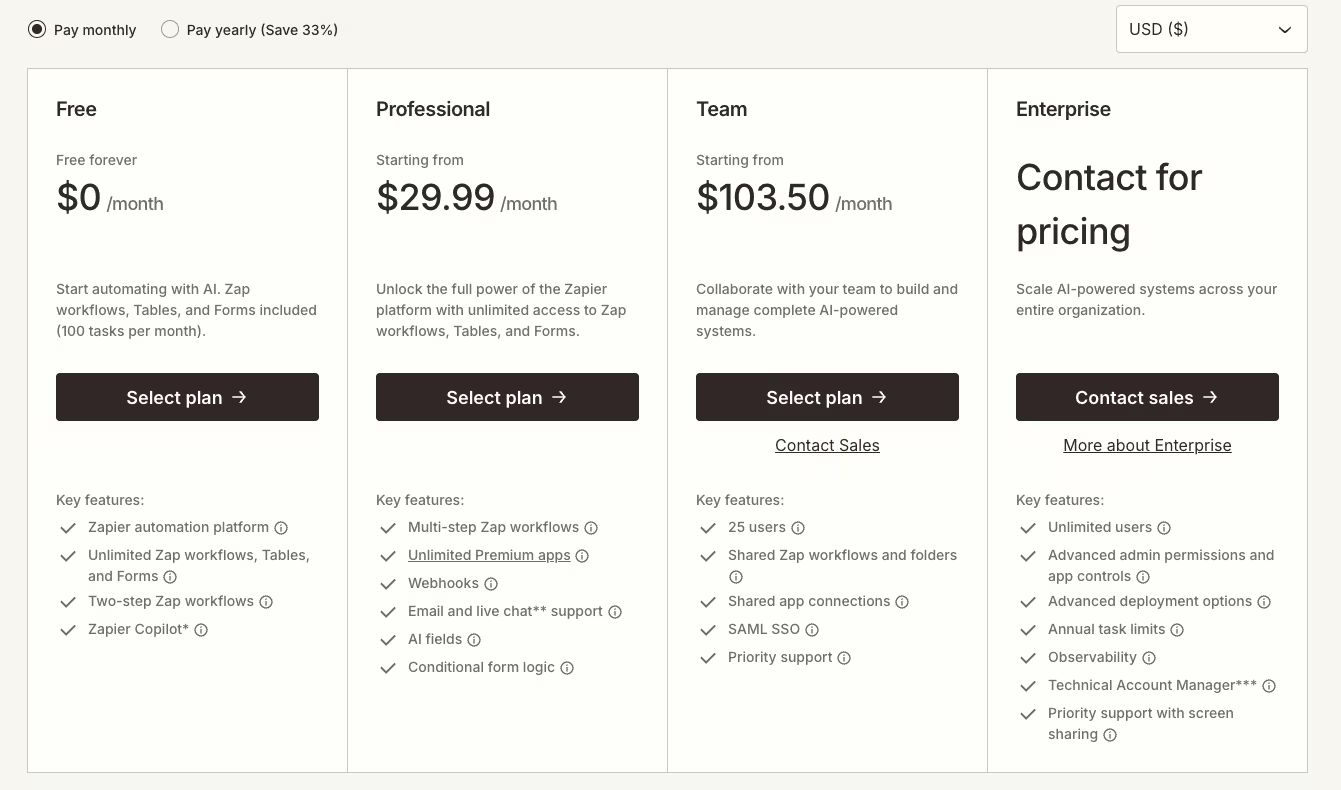
- Free: $0/month forever for 100 tasks a month, limited to two-step Zaps (one trigger and one action), with access to Tables and Forms.
- Professional: $29.99/month ($19.99/month, billed annually) for 750 tasks a month with access to Zap workflows, Tables, and Forms.
- Team: $103.50/month ($69/month, billed annually) for collaborative building and managing AI-powered systems.
- Enterprise: No public price, contact sales, for unlimited users and a dedicated account manager.
Bottom Line
For a build this specific, Zapier's breadth wasn't the differentiator I expected. It's still the easiest tool here to pick up cold. Save it for the messier automations where that app catalog earns its price.
4. Lindy: Best for a Personal or Admin Assistant
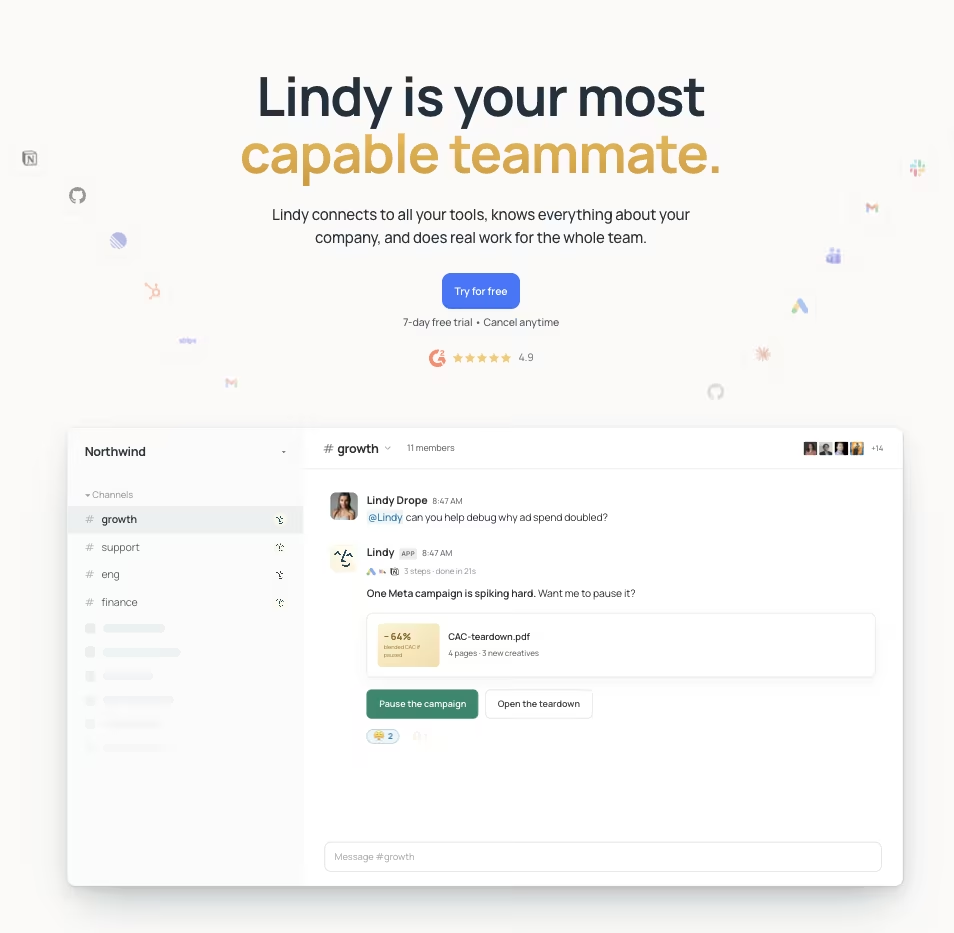
What it does: Lindy is a conversational AI teammate you configure through chat. It's built around scheduled routines, inbox management, and meeting handling, a narrower lane than complex multi-step data pipelines.
Best for: Someone who wants an assistant handling email, scheduling, and routine requests, lighter work than a heavy data-processing workflow.
Lindy's onboarding leans into its Slack-native, inbox-first personality. That showed the moment I described the brief in plain language. It set up the tracker and the acknowledgment message fast, in well under an hour. The de-dup logic was where it stumbled.
On message nine, someone asked for tips on writing better subject lines. That exact topic, worded differently, had already come in as message three.
Lindy filed the new message as a brand-new row. It never matched the paraphrase. I had to manually merge the two rows before the request count climbed correctly.
The whole run burned 612 credits, including two reruns to catch that miss. Those two reruns came out of the same non-refundable credit pool as everything else, since Lindy doesn't prorate or refund unused credits if a plan gets canceled early.
Once I told it to match on meaning and stop relying on exact wording, it held for the rest of the batch. Acknowledgment messages landed at 22 to 28 words every time, comfortably under the 30-word cap. The three-request threshold and the internal-versus-public split both worked on the first try, no extra coaching needed.
Lindy no longer offers a standing free plan. New teammates who join through Slack get a seven-day trial, while direct signups are billed immediately.
Key Features
- Slack-native teammate: Lindy operates through threads and mentions, plus scheduled routines that run without a trigger.
- Shared credit pool: Every seat on a team plan adds its credits to one shared pool.
- Model-agnostic: Pick the underlying model per task, with no provider lock-in.
- 1,000+ integrations: Lindy connects to your inbox, calendar, and most business tools out of the box.
Pros and Cons
Pros:
- Fast to configure for straightforward admin and inbox tasks.
Cons:
- No standing free plan is available.
- Paraphrase-based de-duplication needed manual correction on this build.
- Billing is non-refundable, a cost if a team cancels a plan early.
- Direct signups are billed immediately, while teammates who join through Slack get a free first week before billing starts.
What Users Say
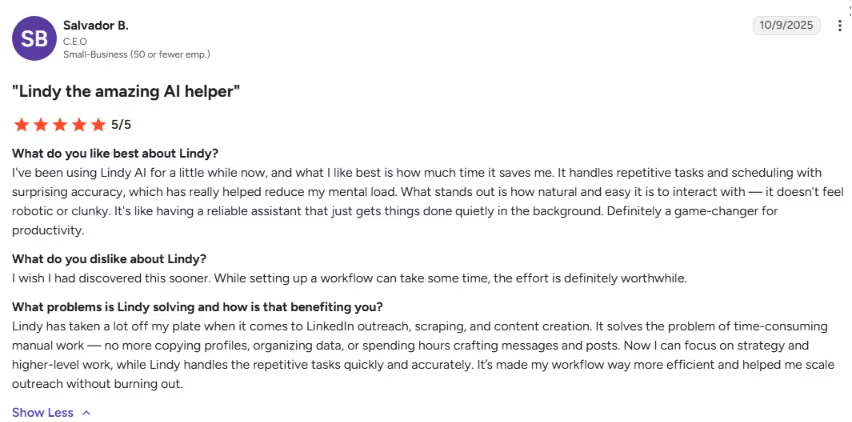
“It handles repetitive tasks and scheduling with surprising accuracy, which has really helped reduce my mental load.” - Salvador B., G2
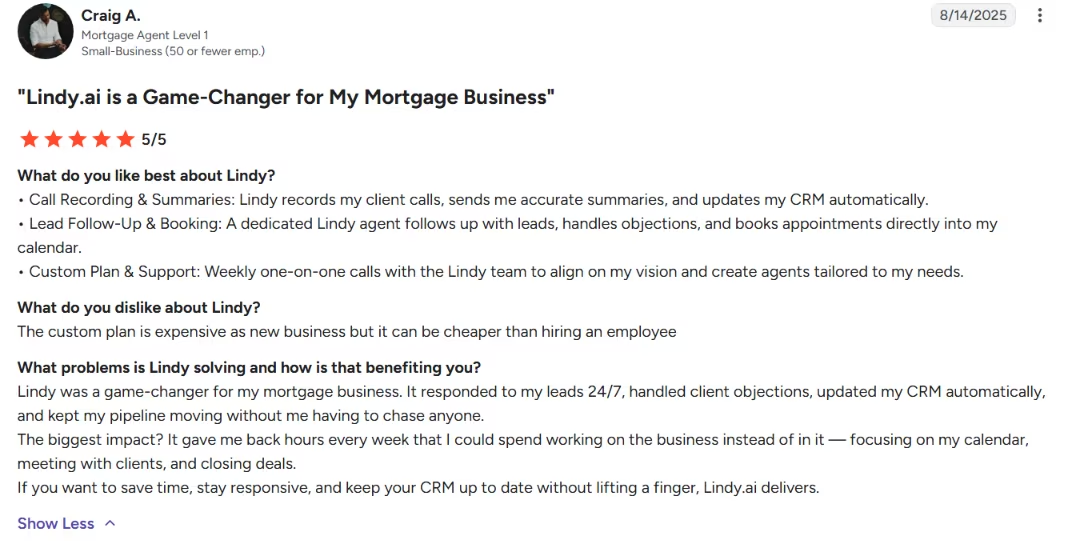
“The custom plan is expensive as [a] new business, but it can be cheaper than hiring an employee.” - Craig A., G2
Pricing
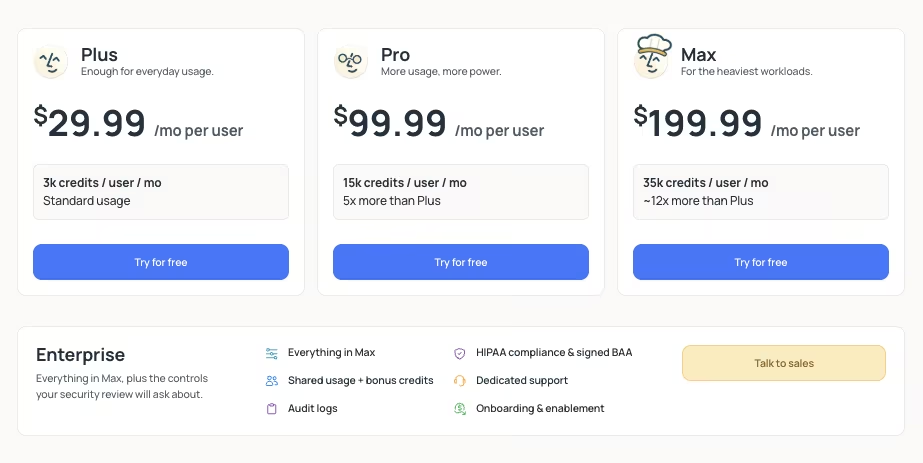
Lindy doesn't offer an annual discount. Every figure below is a flat monthly rate, per user.
- Plus: $29.99/month per user for 3,000 credits per user, standard usage.
- Pro: $99.99/month per user for 15,000 credits per user, about five times the Plus allotment.
- Max: $199.99/month per user for 35,000 credits per user, roughly 12 times the Plus allotment.
- Enterprise: No public price, contact sales, for HIPAA compliance and a signed BAA.
Bottom Line
On a data-heavy backlog like this one, Lindy needed a human to catch what its matching logic missed, a paraphrase mix-up that took a manual merge and two reruns to fix, out of a 612-credit total. Point it at email, scheduling, and routine requests instead, and it's fast to set up.
5. Gumloop: Best for Workflows Where the AI Needs to Decide
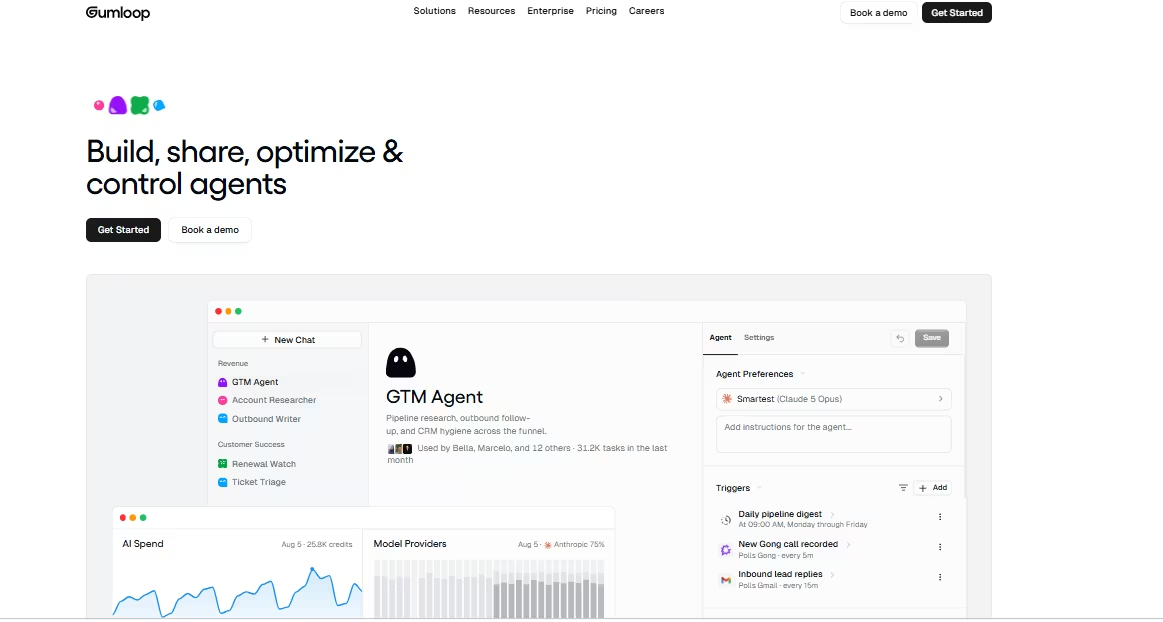
What it does: Gumloop is a visual automation builder where the AI makes decisions inside a workflow, classifying, extracting, or judging content as it moves through each step.
Best for: Builds where the agent has to weigh options mid-workflow, beyond a simple trigger-to-action handoff.
Gumloop's higher-level building blocks made the trickiest part of the brief noticeably easier. I skipped wiring exact-match logic by hand and dropped in a classification block, letting it judge whether an incoming message matched an existing topic in meaning.
That decision-making step is what separates Gumloop from a tool that routes data. The whole run used 1,140 credits and took about 40 minutes to assemble. The de-dup judgment classified 14 of the 15 messages correctly on the first pass, with one borderline case needing a manual nudge.
That single miss was a topic reworded almost past recognition. It was close in meaning but used different enough wording to defeat a plain keyword match. I would not fault the classifier for hesitating.
Gumloop's limits showed at the export step. With a smaller integration catalog than Zapier's, producing a clean CSV meant relying on a built-in export action.
Pushing directly into the destination app I tested wasn't available. The built-in export worked fine but took an extra manual click.
The internal-versus-public split needed its own dedicated flow branch too, since Gumloop doesn't separate audiences the way a spreadsheet's column permissions would.
The 30-word acknowledgment cap held cleanly across every message, and the three-request threshold moved a topic the moment it crossed the line.
Key Features
- AI decision blocks: Higher-level building blocks classify, extract, and judge content, adding judgment to each workflow step.
- 35+ supported models: Bring your own model-provider keys or use Gumloop's included credits across a wide range of models.
- Unlimited seats and teams: Every plan includes unlimited collaborators, with usage metered by credits.
- Gumloop MCP and CLI: Developer tools let you drive Gumloop workflows programmatically.
Pros and Cons
Pros:
- The AI decision step changed how I approached the de-dup logic, compared to pure workflow tools.
Cons:
- Smaller integration catalog than the broadest competitors means some exports need an extra step.
- No standing free plan anymore, only a 14-day trial on the entry tier.
What Users Say
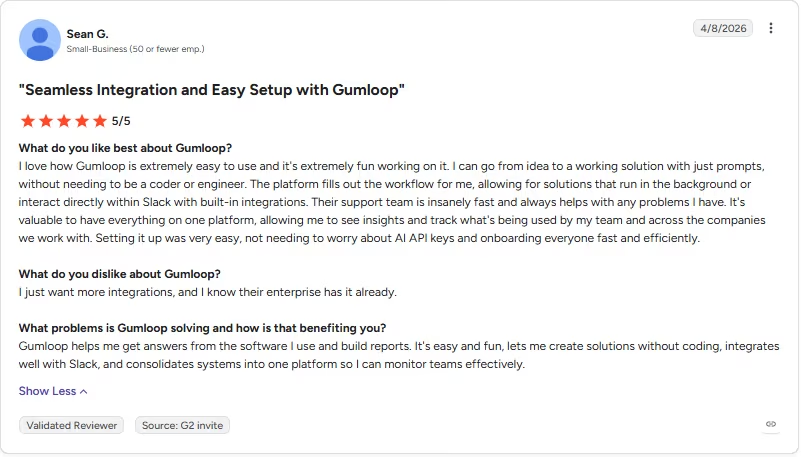
“The platform fills out the workflow for me, allowing for solutions that run in the background or interact directly within Slack with built-in integrations.” - Sean G., G2
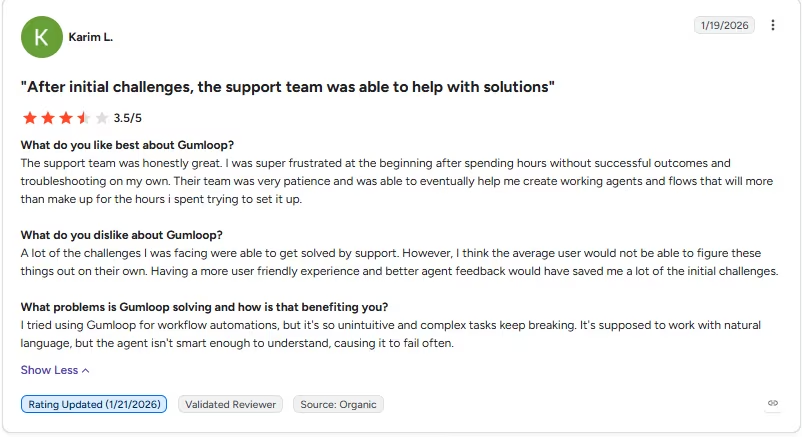
“Having a more user friendly experience and better agent feedback would have saved me a lot of the initial challenges.” - Karim L., G2
Pricing
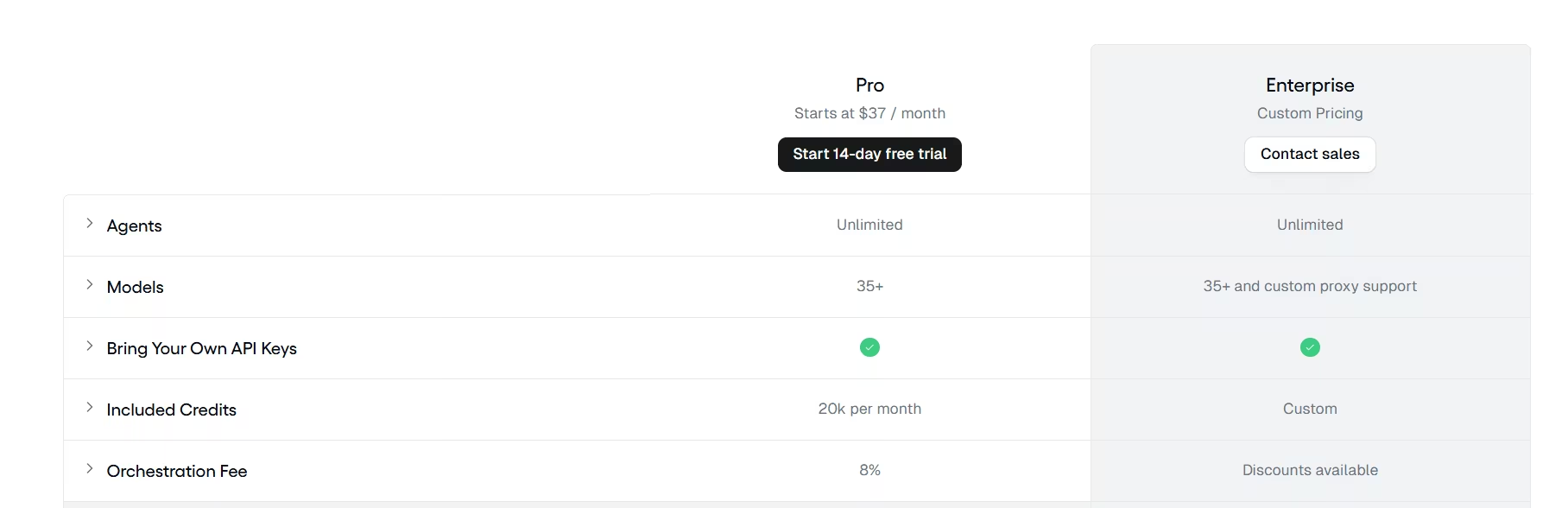
Gumloop doesn't offer an annual discount. The figure below is the flat published rate.
- Pro: Starting at $37/month for 20,000 included credits, unlimited agents, and an 8% orchestration fee on usage.
- Enterprise: No public price, contact sales, for custom credits and a discounted orchestration fee.
Bottom Line
If the interesting part of your build is a judgment call, Gumloop is the strongest tool here for that job. Gumloop offers that decision-making depth, but its smaller integration catalog can add export steps.
6. StackAI: Best for a Governed, Production RAG Rollout
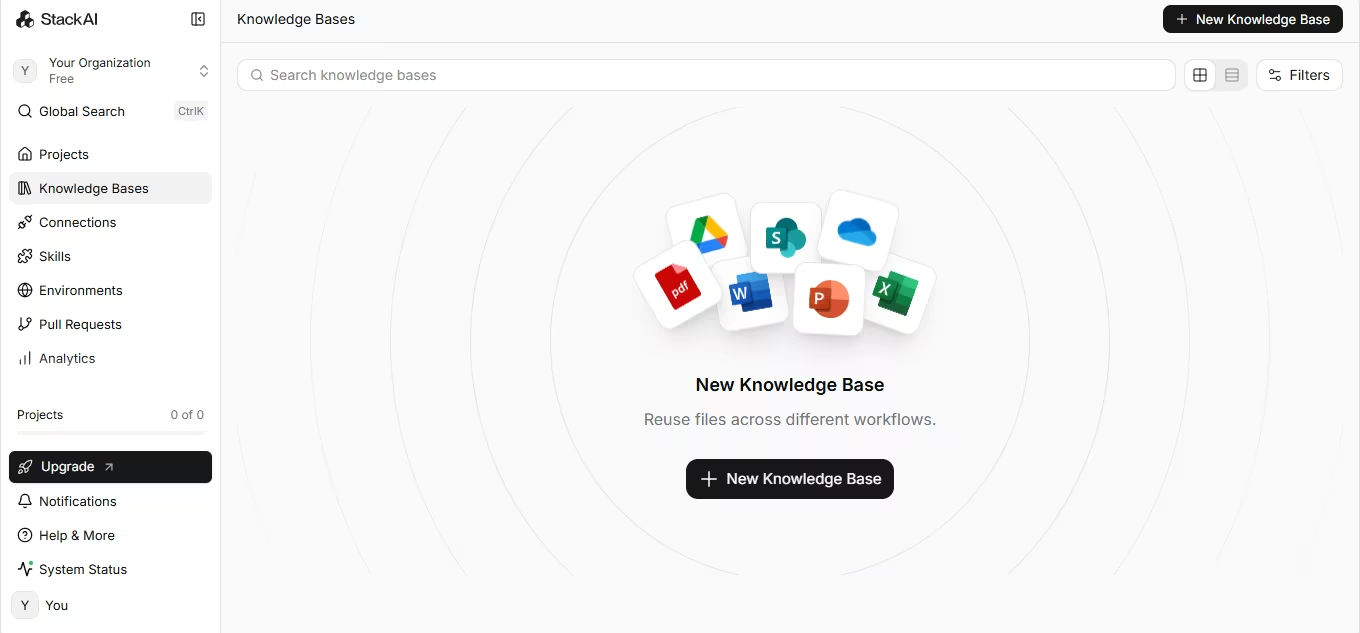
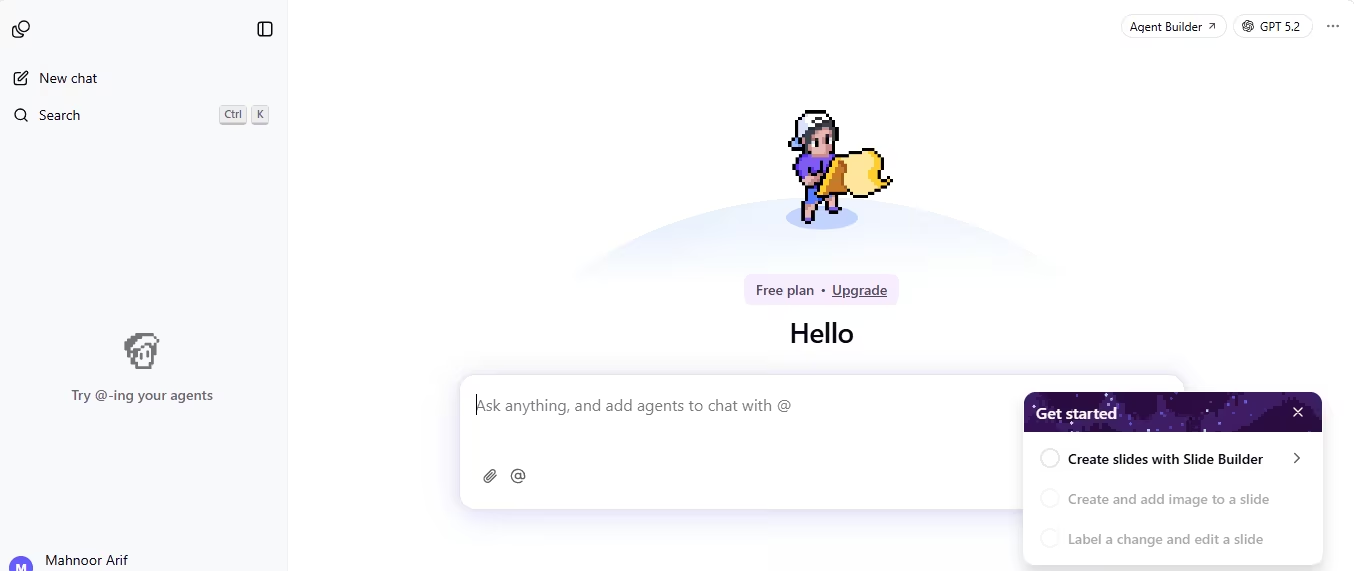
What it does: StackAI grounds an agent's answers in your own documents ahead of general model knowledge, using retrieval-augmented generation as the core mechanism. The visual builder that assembles those agents also includes audit logs and access control.
Best for: Teams that need an agent's answers backed by real company documents, with the permissions and logging a security review will ask about.
StackAI's strength showed up in the one part of the brief that trips up looser tools, the internal-versus-public split. Its access control let me define the internal tracker and the public summary as two separate, permissioned views, stronger than two dashboards reading off one unrestricted table.
Getting there took longer than expected. Memory and context settings for a recurring task like this one turned out to be tricky to configure. The 14-day rolling window logic needed a specific prompt-formatting approach that wasn't obvious from the interface.
Once I found the right pattern, it held reliably. The 30-word acknowledgment cap needed one extra pass too, since the first drafts ran long until I tightened the response-length instruction in the same flow.
The test ran 61 logged runs, since the RAG-grounded lookup for checking existing topics counted separately from the row-update step. It took about three hours total, most of it spent getting permissions and memory settings configured the first time correctly.
Once configured, de-dup accuracy was strong, since every incoming message got checked against the actual backlog data, a step up from a looser keyword match. The three-request threshold and the CSV export both worked cleanly on the first pass after that.
Key Features
- Retrieval-augmented generation: Agent responses are grounded in your own uploaded documents and data.
- Roles, permissions, and audit logs: Access control and activity logging come built in.
- Multi-modal support: The platform accepts text, image, audio, and video inputs and produces text, image, and audio outputs.
- Compliance-ready: SOC 2, HIPAA, and GDPR compliance are available on the Enterprise tier.
Pros and Cons
Pros:
- The internal-versus-public split was easier here than on any other tool tested, thanks to built-in access control.
- RAG grounding meant the de-dup check pulled from real backlog data, skipping the guesswork.
Cons:
- Memory and context settings for recurring tasks aren't obvious from the interface and took trial and error.
- There's no self-serve paid tier between Free and Enterprise, so scaling past 500 monthly runs means a sales conversation.
What Users Say
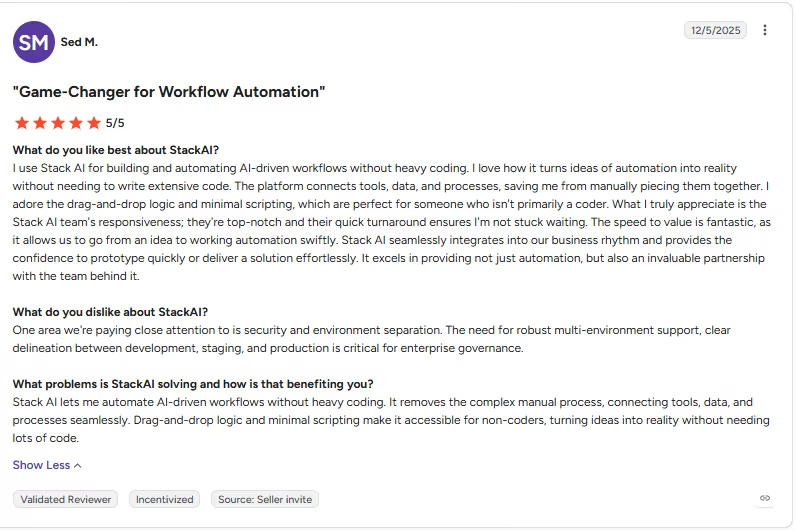
“I love how it turns ideas of automation into reality without needing to write extensive code.” - Sed M., G2
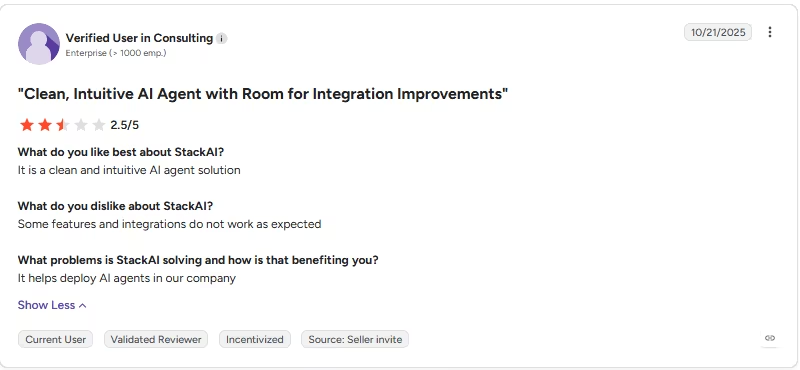
“Some features and integrations do not work as expected” - Anonymous, G2
Pricing
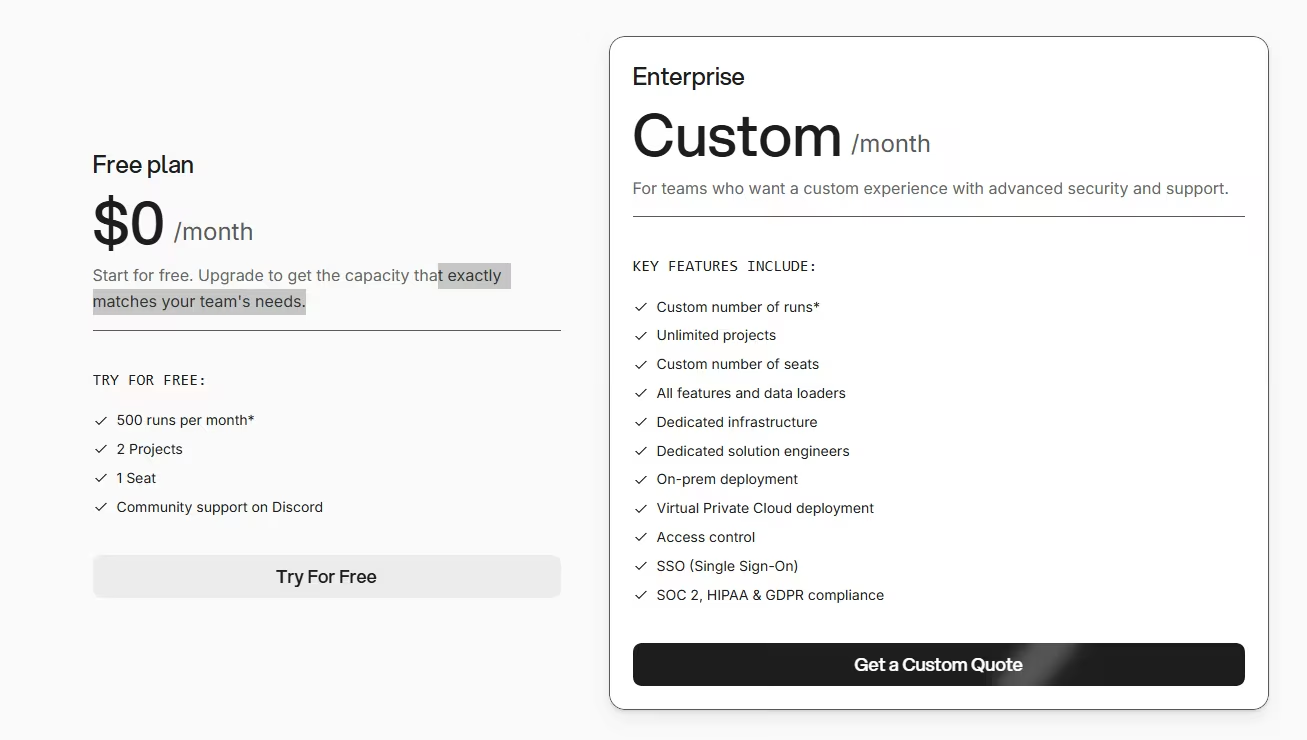
- Free: $0/month for 500 runs a month, two projects, and one seat.
- Enterprise: No public price; contact sales for custom runs, unlimited projects, on-prem or VPC deployment, and SOC 2, HIPAA, and GDPR compliance.
The jump from Free straight to Enterprise, with nothing in between, is the gap the Cons above already flagged.
Bottom Line
StackAI earned the strongest governance results in this test, and that's why it's worth the extra setup time. If audit logs, permissions, and grounded answers rank higher for you than a quick self-serve upgrade, it's a strong fit.
7. Relevance AI: Best for Sales and Research Agent Workflows
What it does: Relevance AI builds an "AI Workforce," multi-step agents for sales, research, and operations tasks like lead qualification and competitive research. Its public pricing page highlights an enterprise, sales-assisted model, though Relevance AI's own documentation lists self-serve Free, Pro, and Team tiers too.
Best for: Sales, research, and operations teams running multi-step agent workflows at a scale that justifies a dedicated account team.
Relevance AI's marketing page pushes toward a sales-assisted model, even though its documentation lists self-serve Free, Pro, and Team tiers with public pricing.
I went through the demo route, and getting a workspace provisioned took three business days, from requesting a demo to building. That pace shaped how this test ran compared to the instant-signup tools above it.
Once inside, the agent handled the backlog logic well. It correctly applied the 14-day de-dup window and the three-request threshold across the batch.
Friction showed up at the delivery step. On four of the 15 messages, the acknowledgment the agent was supposed to send back never went out, and nothing flagged the miss. The agent's own logs showed the step running without an error.
An agent can run its logic correctly while a delivery step fails without an error in the agent's logs. That's what happened here.
Relevance AI advertises real-time monitoring, full agent tracing, cost visibility, and OTEL and Delta Share export as built-in oversight features, yet none of it caught the silent delivery miss in this test.
I manually resent those four acknowledgments after checking the logs and noticing the gap myself. The de-dup and CSV export logic never showed a similar issue across the whole batch.
Key Features
- Multi-step agent workflows: Built for sales, research, and operations tasks that require several reasoning steps in sequence.
- 2,000+ integrations: A wide integration catalog connects the platform to most common business tools.
- Calling and meeting agents: Purpose-built agents handle live calls and meetings, beyond the usual async tasks.
- A/B testing and analytics: Built-in evaluation tools compare agent variants against real outcomes.
Pros and Cons
Pros:
- Handled the core de-dup and threshold logic correctly once a workspace was set up.
Cons:
- An acknowledgment message failed to deliver on four of 15 messages, with the agent's own logs showing no error.
- Provisioning access took multiple business days before any building could start.
- Smaller general-purpose integration ecosystem than the broadest visual tools in this list.
What Users Say
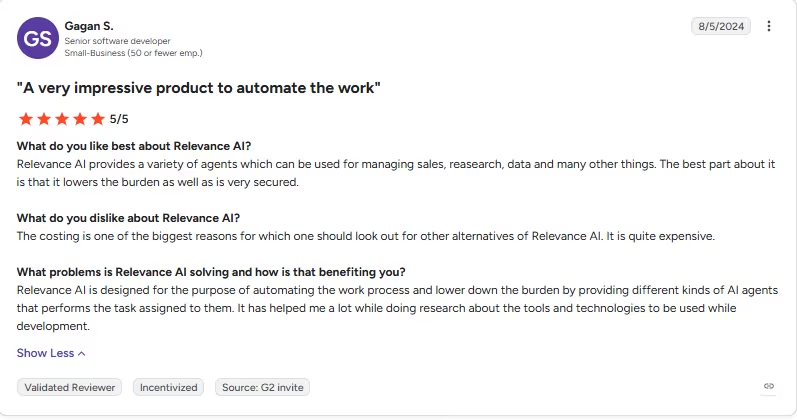
“Relevance AI provides a variety of agents which can be used for managing sales, research, data and many other things..” - Gagan S., G2
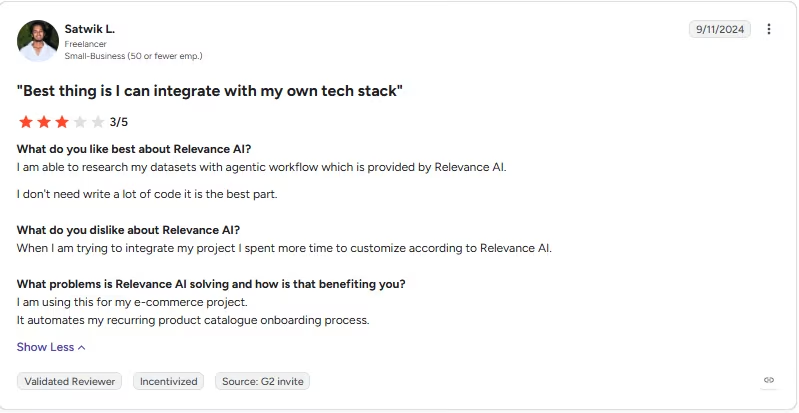
“When I am trying to integrate my project, I spent more time [customizing] according to Relevance AI.” - Satwik L., G2
Pricing
- Enterprise: No public price, contact sales for custom actions, unlimited agents, tools, users, and workforces, plus SSO, RBAC, and audit logs.
Relevance AI's public pricing page shows Enterprise only, though its plans documentation lists self-serve Free, Pro, and Team tiers. The Free plan starts at 200 actions a month plus 1,000 vendor credits.
Bottom Line
The unflagged delivery failure on four of 15 acknowledgments is the most important number from testing Relevance AI. Its reasoning held up. Check every output channel carefully before trusting it to run unattended.
8. Botpress: Best for Deep, Customizable Conversational Design
What it does: Botpress designs conversational agents through a visual studio built for complex, branching dialogue flows, with wide channel support. Pricing runs by conversation volume, not by seat.
Best for: Teams that want deep control over conversation design and are willing to invest the setup time.
Botpress logged the batch as 21 conversations, six more than the 15 messages I sent. The six follow-up messages that triggered the de-dup logic each opened their own conversation thread before getting matched to an existing topic. That's a useful detail for budgeting, since Botpress bills by conversation count.
The build worked cleanly inside Botpress Studio's emulator. The de-dup logic, the acknowledgment cap, and the threshold rule all held on every test run. Setting up the 14-day de-dup window also surfaced an interface gap. Basic settings like timezone selection weren't available anywhere in Botpress Studio.
The problem showed up only after I tested the hand-off step through Botpress's own shared preview link, separate from the in-studio emulator. The conversation stopped dead after the acknowledgment message on that shared preview, even though the same sequence worked every time in the emulator.
This test surfaced a sharper failure mode. A build can work perfectly in the sandbox and still break once it's tested through that external preview channel.
Tracking it down took rebuilding the trigger logic around the choice-card step, which was failing outside the emulator with no error to point at it. That added time to what should have been the easy part.
Once fixed, the export and both data views worked as specified, and the three-request threshold correctly moved a topic once it crossed the line.
Key Features
- Visual conversation studio: Design complex, branching dialogue flows with a drag-and-drop builder.
- Wide channel support: Run the same bot across webchat, WhatsApp, and other channels from one build.
- Conversation-based pricing: Billing is based on conversation volume, independent of seats or tasks.
- Help center and knowledge base: Built-in tools let an agent answer from your own content directly.
Pros and Cons
Pros:
- Depth in conversation design once you're past the initial learning curve.
- Conversation-based pricing tracked exactly what happened here: 21 billed conversations for a 15-message batch.
Cons:
- A build that works perfectly in the emulator can break once tested through the shared preview channel, as this test found.
- The studio interface felt laggy at points during this build, and some basic settings, like time zones, were missing entirely.
- Setup for anything beyond a simple flow takes real, dedicated time.
What Users Say
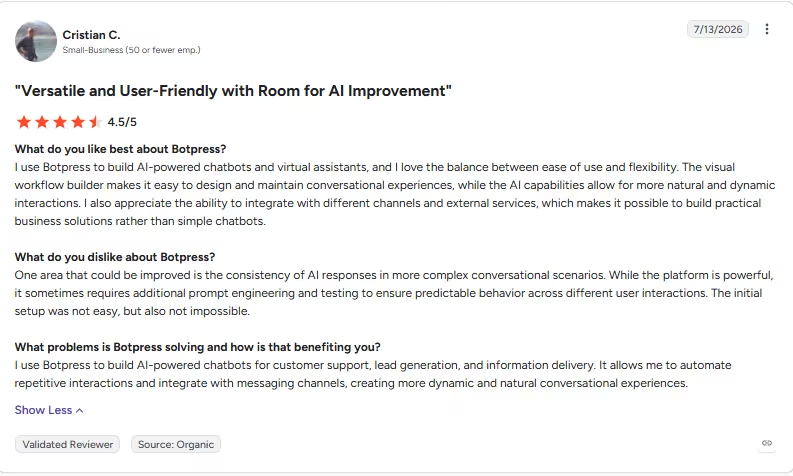
“I use Botpress to build AI-powered chatbots and virtual assistants, and I love the balance between ease of use and flexibility.” - Cristian C., G2
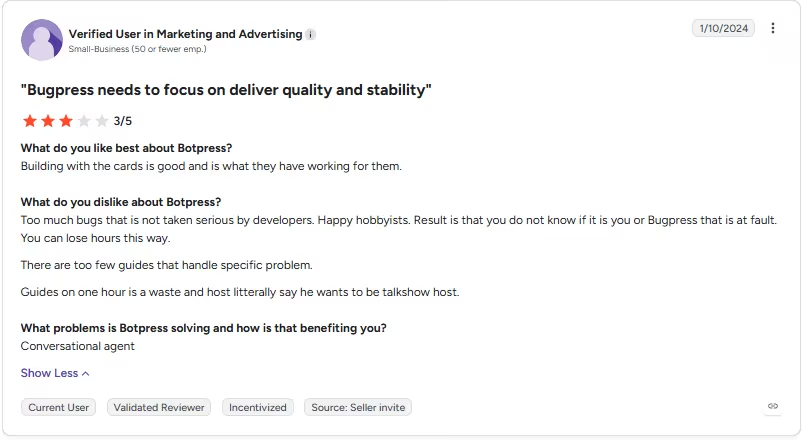
“Result is that you do not know if it is you or Bugpress that is at fault. You can lose hours this way.” - Anonymous, G2
Pricing
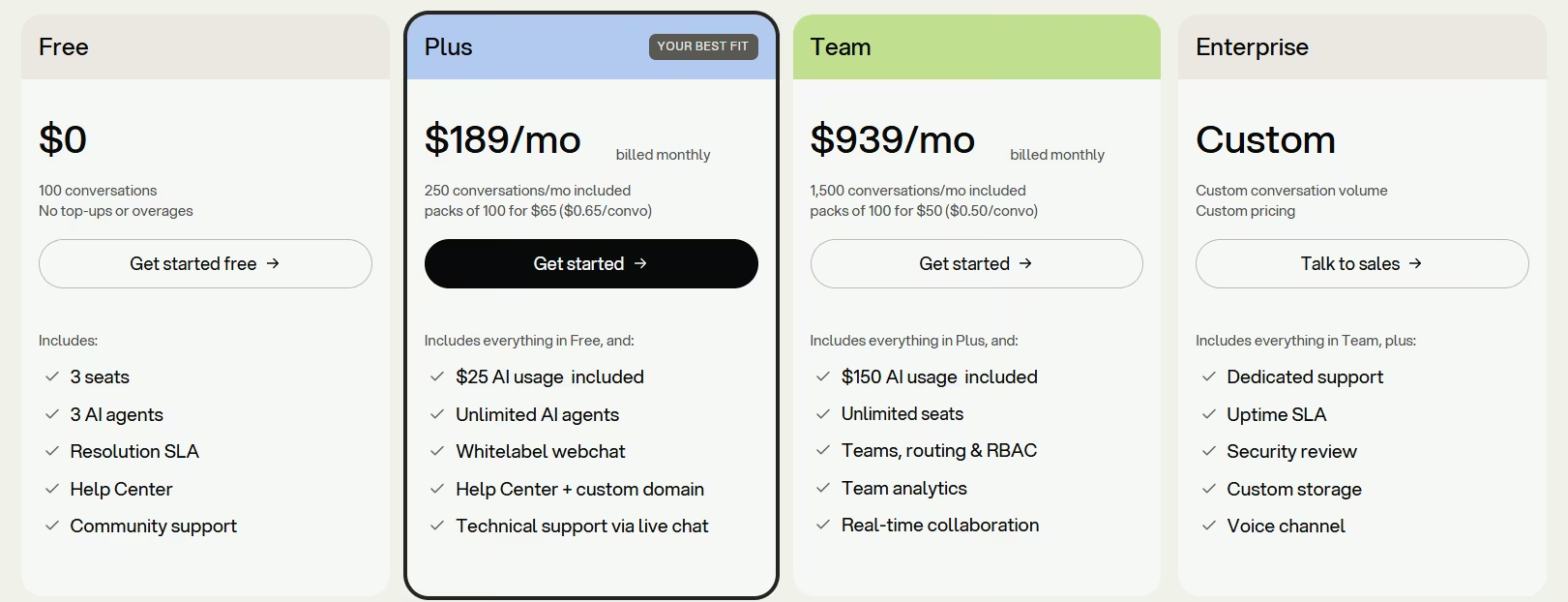
Botpress pricing scales with a conversations-per-month slider. Figures below are at the default 250 conversations/month setting.
- Free: $0/month for 100 conversations a month, three seats, and three AI agents.
- Plus: $189/month ($150/month, billed annually) for 250 conversations a month, unlimited AI agents, and white-label webchat.
- Team: $939/month ($750/month, billed annually) for 1,500 conversations a month and unlimited seats.
- Enterprise: No public price; contact sales for custom conversation volume and a dedicated uptime SLA.
Bottom Line
Botpress rewards the setup time it demands. Test the emulator-to-shared-preview hand-off specifically before you trust it with anything customer-facing. That gap is the single biggest risk Botpress's test surfaced.
9. Voiceflow: Best for Voice and Chat Agents From Templates
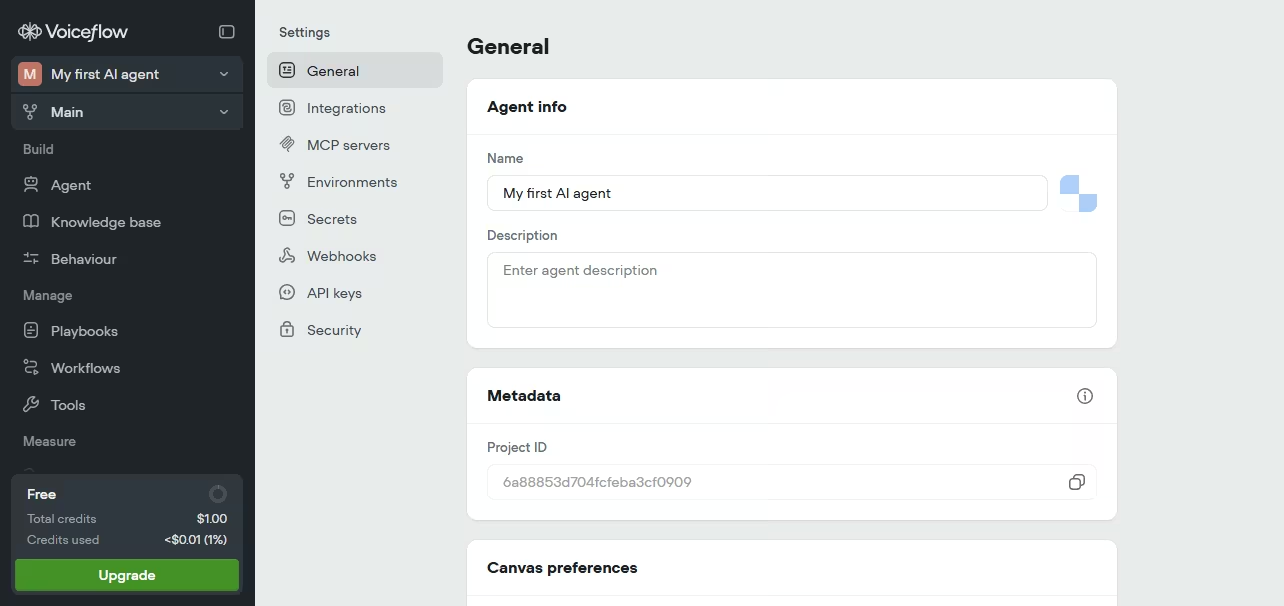
What it does: Voiceflow is a drag-and-drop canvas for designing voice and chat agents, built around templates. It's sold through two public tracks: a self-serve signup for Agencies and Partners, and a demo-gated path for direct Business customers, with no dollar figures published for either.
Best for: Teams building voice or chat agents who want a fast, template-driven start. Direct Business customers need to book a demo for pricing.
Voiceflow's canvas made the initial flow fast to lay out. The visual, drag-and-drop structure is easy to follow even before touching a template.
Starting from one of Voiceflow's own templates saved setup time on the parts of the flow that had nothing to do with the brief's actual traps. The welcome message and basic routing were already there before I touched the de-dup logic.
It slowed down on the 14-day de-dup logic specifically. The test variables I used to simulate the rolling window kept resetting between preview runs, so one pass took four attempts before the logic held.
Getting the rolling window to hold took patience more than any single fix. Each failed pass meant walking back through the same 15 messages to see where the count had reset. The 30-word acknowledgment cap held on every single message once the flow was stable.
The acknowledgment cap and the internal-versus-public split both worked once the variable-reset issue was sorted, taking about 2.5 hours total.
The three-request threshold moved a topic to its own list correctly every time it was tested. The export step was clean, a straightforward table download another person could open without touching Voiceflow itself.
Voiceflow's public pricing page doesn't show dollar figures for either track, but the Agencies-and-Partners track offers a self-serve trial with no credit card, while the direct-Business track requires booking a demo. That's a shift away from the entry-level self-serve pricing this platform started out with.
Key Features
- Drag-and-drop canvas: Build conversational flows visually, with the whole structure visible at once.
- Template library: Skip the blank canvas and start from a pre-built template.
- Multi-model support: Choose from a range of underlying models.
- Real-time observability: Track agent performance from a built-in analytics view.
Pros and Cons
Pros:
- The canvas made initial flow-building fast, even before touching a template.
- The final export was clean and usable outside the platform without extra formatting.
Cons:
- Test variables reset between preview runs, adding friction to debugging the de-dup logic.
- No public dollar figures on either track, and the direct-Business path requires booking a demo before you see pricing.
- Getting the rolling de-dup window to hold reliably took more trial and error than it should have for a 15-message batch.
What Users Say
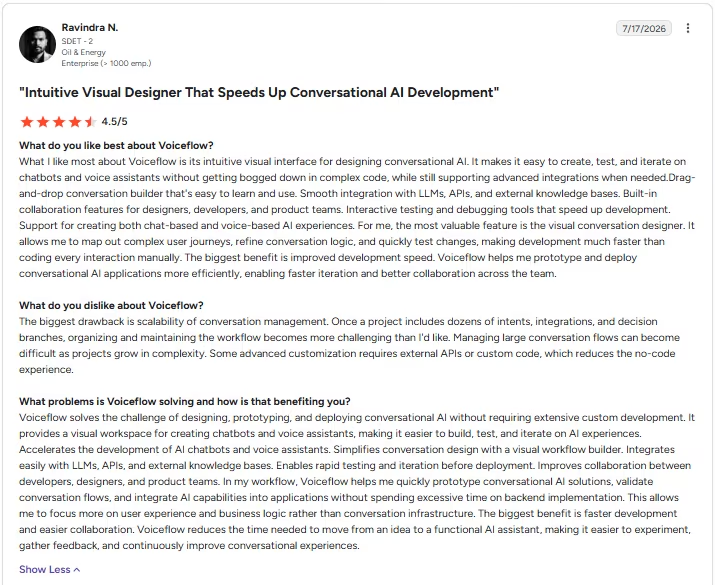
“It makes it easy to create, test, and iterate on chatbots and voice assistants without getting bogged down in complex code.” - Ravindra N., G2
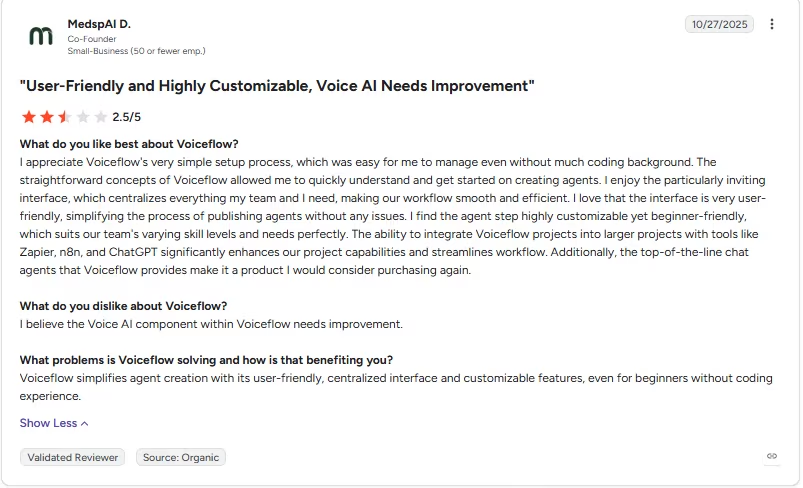
“I believe the Voice AI component within Voiceflow needs improvement.” - MedspAI D., G2
Pricing
- No public price; contact sales for the direct Business track. The Agencies and Partners track skips the sales conversation, with a free trial and no credit card required to start.
Voiceflow publishes no dollar figures for either track. The Business track requires booking a demo, while Agencies and Partners can sign up directly.
Bottom Line
Voiceflow's canvas is fast for a first pass at a voice or chat agent. Business customers should expect to book a demo for pricing. Budget extra time for anything with state that needs to persist across sessions.
10. LangChain/LangGraph: Best for Explicit, Debuggable Agent Control
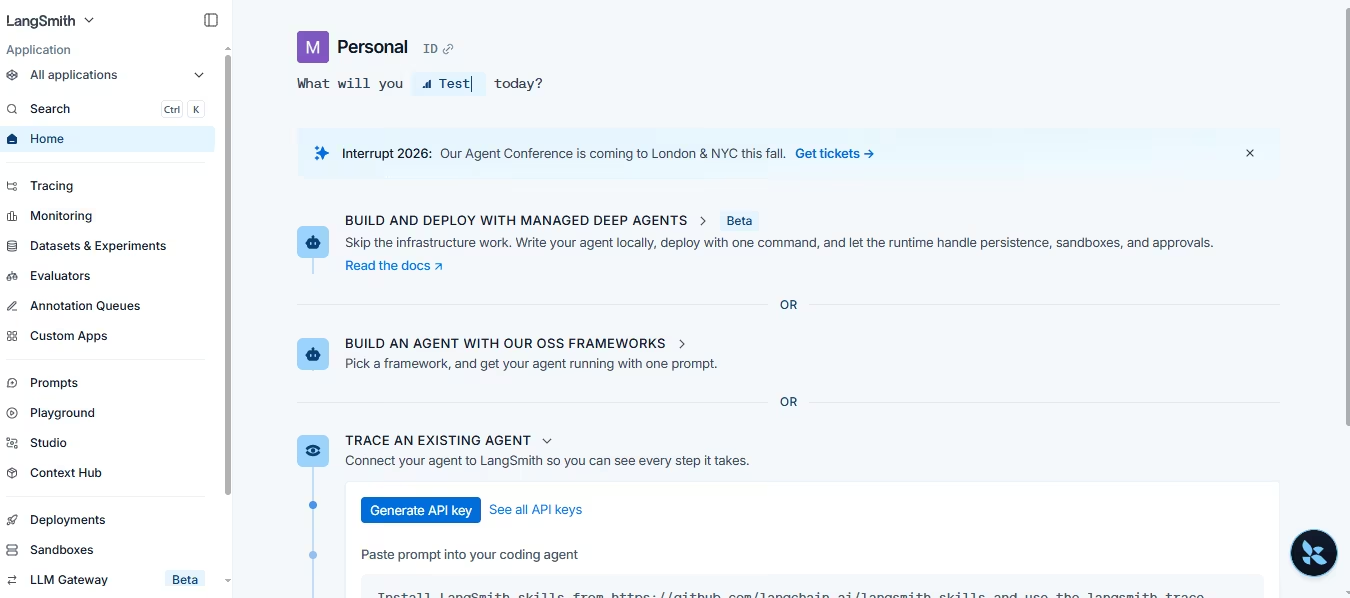
What it does: LangGraph is an open-source Python framework for building agents as explicit graphs of nodes and edges. LangSmith is LangChain's separate, paid platform for tracing, evaluating, and shipping what you build.
Best for: Developers who want to see and control exactly what's happening at every step of an agent's reasoning.
LangGraph, the framework, is free and open source. LangSmith, the observability and hosting platform, is the part with paid tiers, and I only needed its free Developer tier for a build this size.
The logic came together as about 140 lines of Python inside LangGraph's node-and-edge structure. Nodes parsed the incoming message, checked it against the backlog, and routed the acknowledgment back to the requester. The de-dup node took the most time to get right.
LangSmith's tracing made that debugging tractable. Six traces showed why the node was creating a new row when it should have matched a paraphrase, each one showing the exact state passed between nodes at that point in the graph. That's a view the black-box tools further up this list didn't give me.
Once fixed, every rule in the brief worked as specified. Each branch stayed visible and checkable directly in the code, with nothing hidden behind a visual builder's abstraction.
The matching logic, the threshold check, the two-view split, and the CSV export all needed hand-written code inside LangGraph's node structure. The framework supplied the structure to organize that logic. None of the logic itself got written automatically.
Key Features
- Explicit node-and-edge control: Every step of an agent's logic is a visible node in a graph you define.
- LangSmith observability: Trace, evaluate, and monitor what's sent to and returned from the model at every step.
- One-click hosting: LangSmith Deployment can expose a finished agent as a hosted service or an MCP server.
- Open-source ecosystem: LangChain offers an open-source integration library with community contributions.
Pros and Cons
Pros:
- The framework itself is free and open source, with no cost floor for a small project.
- LangSmith's tracing made debugging the trickiest logic in this test fast.
Cons:
- Every piece of logic has to be written and tested by hand, with no visual shortcut.
- LangSmith's paid tiers add cost once trace volume grows past the free allotment.
- Writing and testing every node by hand gave LangGraph a steeper learning curve than the visual tools in this test.
What Users Say
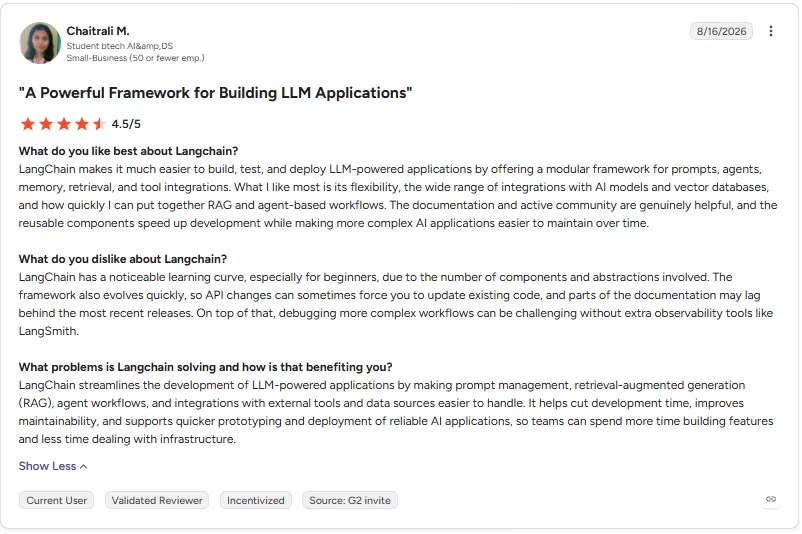
“LangChain makes it much easier to build, test, and deploy LLM-powered applications by offering a modular framework for prompts, agents, memory, retrieval, and tool integrations.” - Chaitrali M., G2
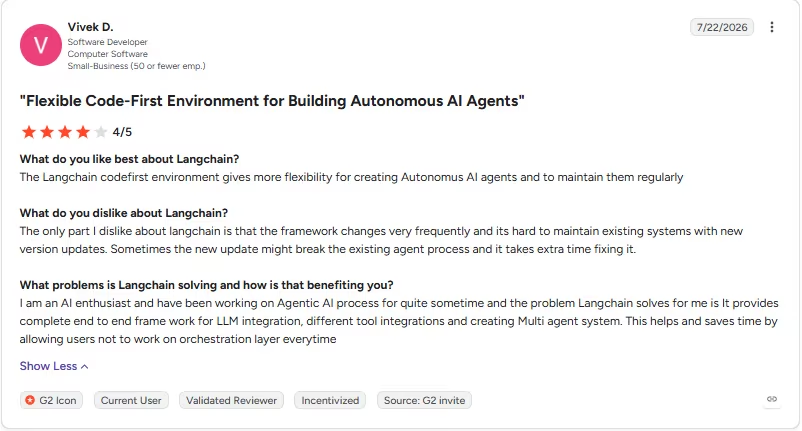
“Sometimes the new update might break the existing agent process and it takes extra time fixing it.” - Vivek D., G2
Pricing
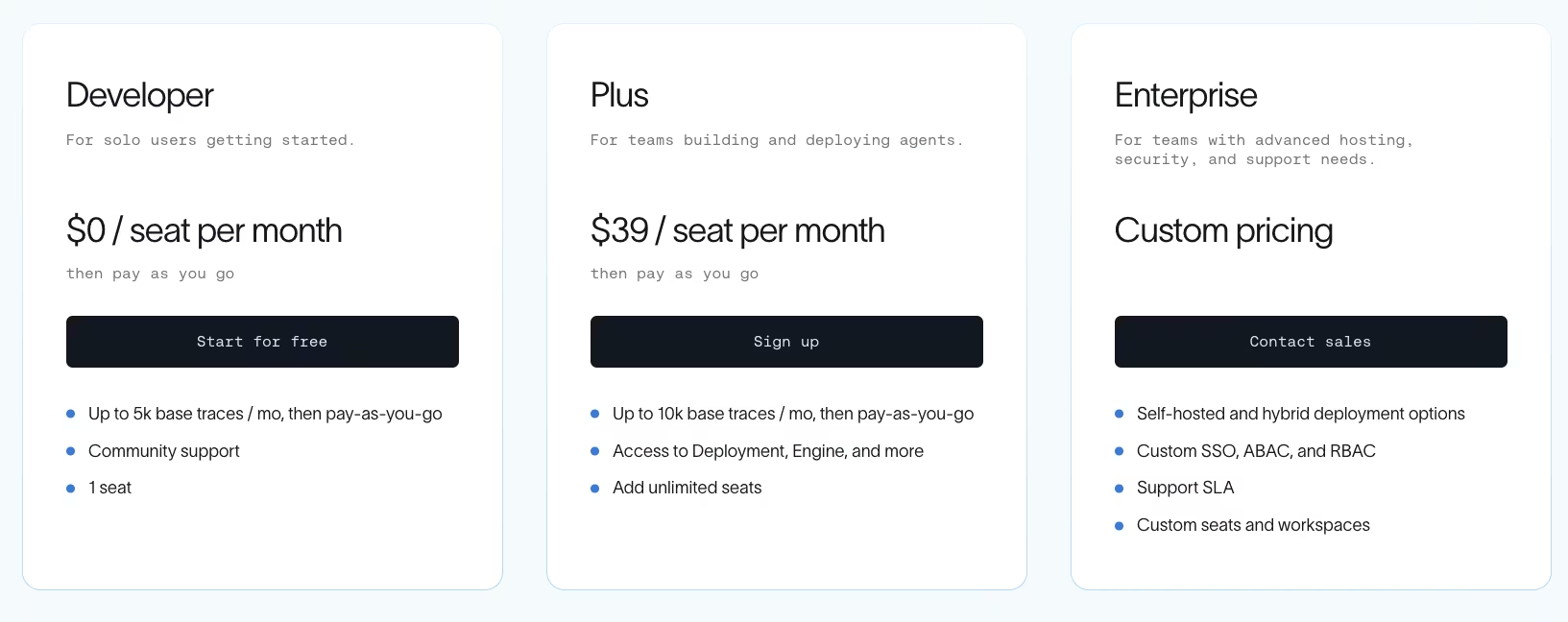
LangGraph, the open-source framework, is free. LangSmith bills separately with monthly, self-serve pricing and no annual toggle.
- Developer: $0/seat/month, then pay-as-you-go, for up to 5,000 base traces a month and one seat.
- Plus: $39/seat/month, then pay-as-you-go for up to 10,000 base traces a month and unlimited seats.
- Enterprise: No public price, contact sales, for self-hosted or hybrid infrastructure and custom SSO.
Bottom Line
LangGraph is the right call when owning that level of detail is worth more than a fast setup. Every rule in the brief needed hand-written code, node by node, and that setup work bought checkable control the visual tools couldn't match.
11. CrewAI: Best for the Fastest First Working Multi-Agent Demo
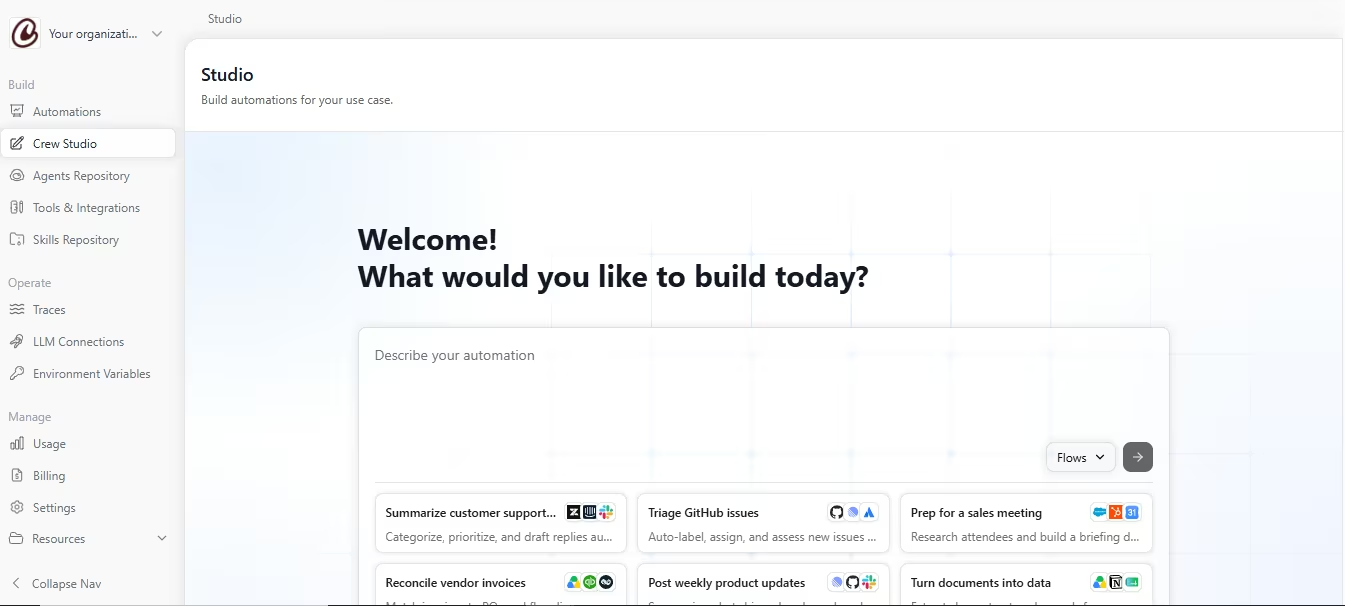
What it does: CrewAI is a role-based framework for building multi-agent systems, written in Python and open source at its core. You define individual agents with specific roles and let them collaborate on a task. A newer hosted platform called Crew Studio sits alongside it.
Best for: Developers who want the fastest path to a working multi-agent demo among the tools tested here, with the framework itself free.
CrewAI's role-based structure made this build fast to stand up. I defined three agents. One took in and parsed each message, one checked it against the backlog and applied the de-dup logic, and a third handled the export and acknowledgment.
Each agent's role mapped directly to one piece of the brief, from the 14-day de-dup window to the 30-word acknowledgment limit and the point where a topic crosses three requests. That mapping made checking each piece straightforward, one agent at a time. A working first pass ran in about 35 minutes.
Compared to hand-wiring the same logic as an explicit graph, letting each agent own one clear role got something functional running noticeably faster. That's CrewAI's whole pitch, and it held up here.
I ran the build through Crew Studio, the newer visual layer on the open-source framework. It used 11 of its 50 free monthly runs to get the flow correct end to end, from the first parsed message through the final export.
Crew Studio's tracing flags when a step breaks but not always why, three handoffs deep into a multi-agent chain. This 18-day test never scaled to production, so I can't say how often that gap would show up at higher volume.
Key Features
- Role-based agent design: Give each agent its own clear role, and let them hand work off to each other automatically.
- Fast time-to-first-demo: The role-based structure gets a working system running faster than hand-wiring an explicit graph.
- Crew Studio visual editor: A hosted visual layer with an AI copilot sits on top of the open-source framework.
- Open-source core: The underlying framework is free, with GitHub integration for version control.
Pros and Cons
Pros:
- Got the flow working end to end using 11 of Crew Studio's 50 free monthly runs.
- The three-agent split used for this build, one parsing messages, one applying de-dup logic, one handling export, made each piece easy to isolate when something broke.
Cons:
- Built-in tracing shows that a step failed, without always showing why, so a deep multi-agent failure can still mean digging by hand.
- Crew Studio's free tier caps out at 50 workflow executions a month.
What Users Say
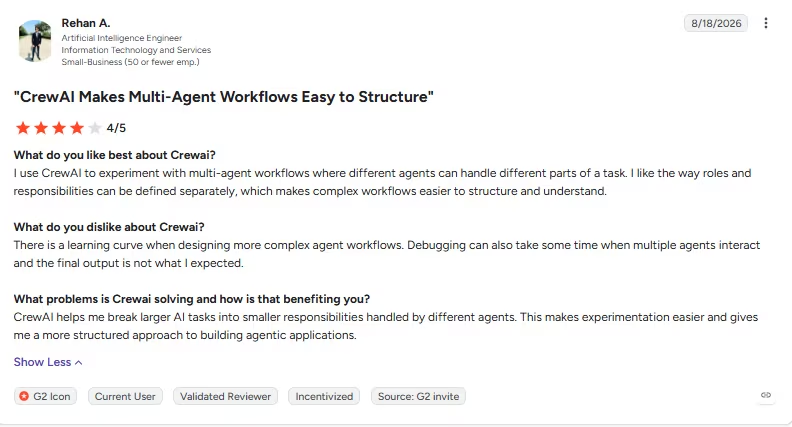
“I use CrewAI to experiment with multi-agent workflows where different agents can handle different parts of a task” - Rehan A., G2
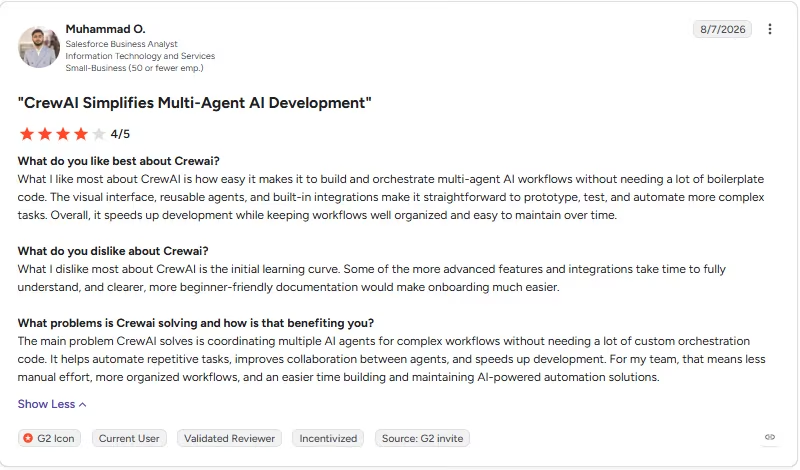
“Some of the more advanced features and integrations take time to fully understand, and clearer, more beginner-friendly documentation would make onboarding much easier.” - Muhammad O., G2
Pricing
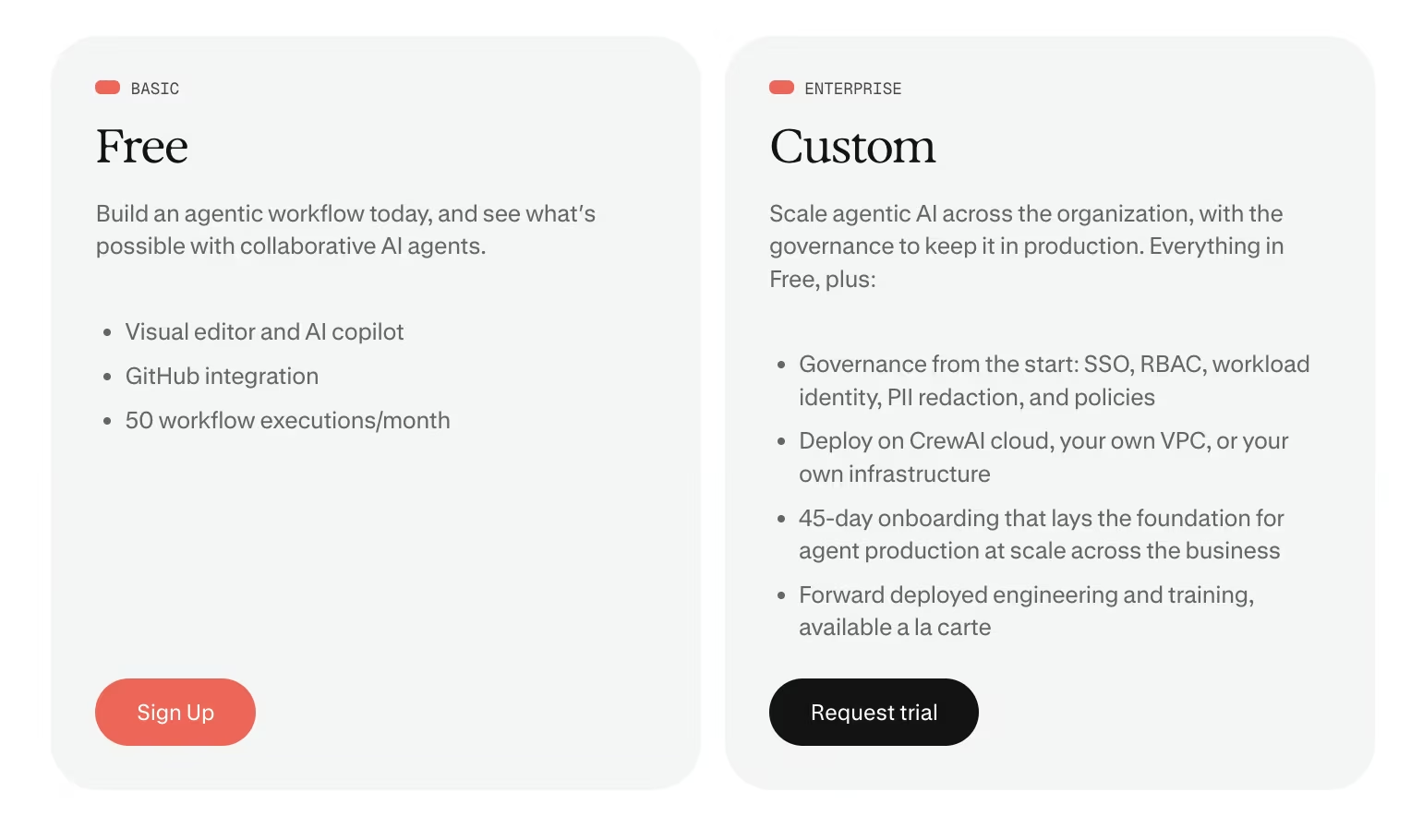
- Basic: $0 for the visual editor, an AI copilot, GitHub integration, and 50 workflow executions a month.
- Enterprise: No public price; contact sales ("Request trial") for SSO, RBAC, PII redaction, and hosting on your own infrastructure.
The open-source CrewAI Python framework itself is free and separate from Crew Studio's pricing above.
Bottom Line
For speed to a first working demo, CrewAI won this test outright among the code-first tools. That speed comes with a catch: the tracing tells you something broke without always telling you why, which limits how confidently I'd call the demo production-ready.
Which AI Agent Builder Should You Choose?
The right tool here depends on your technical comfort level and what you're trying to build. A few standouts make the decision easier.
Choose Emergent if you:
- Want the agent living inside a real app you own, with a database, login system, and integrations included.
- Are building something new, similar to the products covered in our best AI agents for business roundup, once they move past an early concept-stage build.
Choose n8n if you:
- Want full control over your automation logic and don't mind touching code occasionally.
- Care about predictable, execution-based pricing as usage grows.
Choose Zapier if you:
- Are connecting a wide, unpredictable mix of apps and don't want a steep ramp-up to get there.
- Are automating something broad enough that its native app catalog is the main draw, more than custom logic.
For a direct comparison of these two, our n8n vs. Zapier comparison covers pricing and workflow depth.
Choose Lindy if you:
- Need a teammate handling your inbox, your calendar, and other routine day-to-day requests.
- Want a fast setup for straightforward, low-complexity tasks.
Choose Gumloop if you:
- Need the AI to classify, extract, or judge content mid-workflow, beyond routing data between apps.
- Want unlimited seats on every plan without per-user pricing friction.
Choose StackAI or Relevance AI if you:
- Need governed, auditable agent workflows for an enterprise security review.
- Have the budget and timeline for a sales-assisted process if you need StackAI beyond its free tier, though Relevance AI also offers self-serve Free, Pro, and Team plans.
Choose Botpress if you:
- Need granular control over how a conversation branches across multiple channels, beyond a single webchat widget.
- Have the setup time this depth requires, and can verify the shared preview behaves the same way the sandbox did before customers see it.
Choose Voiceflow if you:
- Want a voice or chat agent up and running from a template, skipping the blank canvas.
- Are a Business customer willing to book a demo before seeing a number, since no dollar figure is published upfront.
Choose LangChain/LangGraph or CrewAI if you:
- Are a developer who wants to own and extend the framework directly.
- Prefer LangChain/LangGraph's graph-level debugging or CrewAI's faster role-based setup.
Skip agent builders entirely if:
- You need a no-code chatbot builder for a single website FAQ widget, a simpler job than a multi-step agent making decisions across a backlog.
Final Verdict
For most technical teams evaluating the best AI agent builders right now, n8n is the strongest overall pick. Execution-based pricing scales fairly, and you keep full control over how your agent works.
If you're not technical, Lindy handles the personal-assistant use case well. If you want the agent built into a real, owned app, with nothing wired on top of other tools, Emergent fits that job specifically.
How Emergent Helps When the Agent Is One Feature of a Bigger App
Most visual tools in this roundup either orchestrate existing apps or keep the build inside their own platform without handing you an application codebase to own. LangChain/LangGraph and CrewAI do hand you framework code, but neither generates the surrounding application, database, or login system from the same prompt as Emergent.
That gap becomes real the moment your need shifts:
- A support team wants an agent triaging tickets inside their own customer portal, built into the product itself, no separate automation dashboard required.
- A small team wants to ship a new tool of its own without stitching five services together with webhooks.
Wiring an agent into a real database and a login system with a pure workflow tool means separate engineering work most of these platforms don't do. Emergent starts from the other direction.
To build an AI app in Emergent, you lay out what you need in plain language, and the working app, its logins, and the agent inside it all get built together from the first prompt.
This is what I built from one prompt:
If you're already building with another AI tool, Emergent also works as an MCP server. It exposes actions like starting a build, checking its status, and reviewing what it produced, so an outside AI assistant can drive Emergent directly.
Emergent serves a different job from the orchestration tools covered above. It fits when you need an owned application codebase once the build is finished.

Describe what you want and Emergent builds it. A real, production-ready app you can launch the same day.
- One prompt to build
- Zero code required
- Deploy in minutes







