




Introduction
AI tools are changing how UI/UX teams design websites, applications, and digital products. From generating interfaces and wireframes to creating prototypes and functional applications, AI can now support different stages of the product development process.
However, there is no single AI UI/UX tool that is best for every use case. Some tools are designed for professional designers, some for beginners and wireframing, while others are built to take designs further into working applications.
In this guide, we compare the 10 best AI tools for UI/UX design in 2026 for different use cases, helping you choose the right tool based on your design needs, technical requirements, and the type of digital product you want to create.
Best AI Tools for UI/UX Design in 2026 for Different Use-Cases: Table Overview
10 Best AI Tools for UI/UX Design in 2026: Detailed Explanations
1. Figma Make
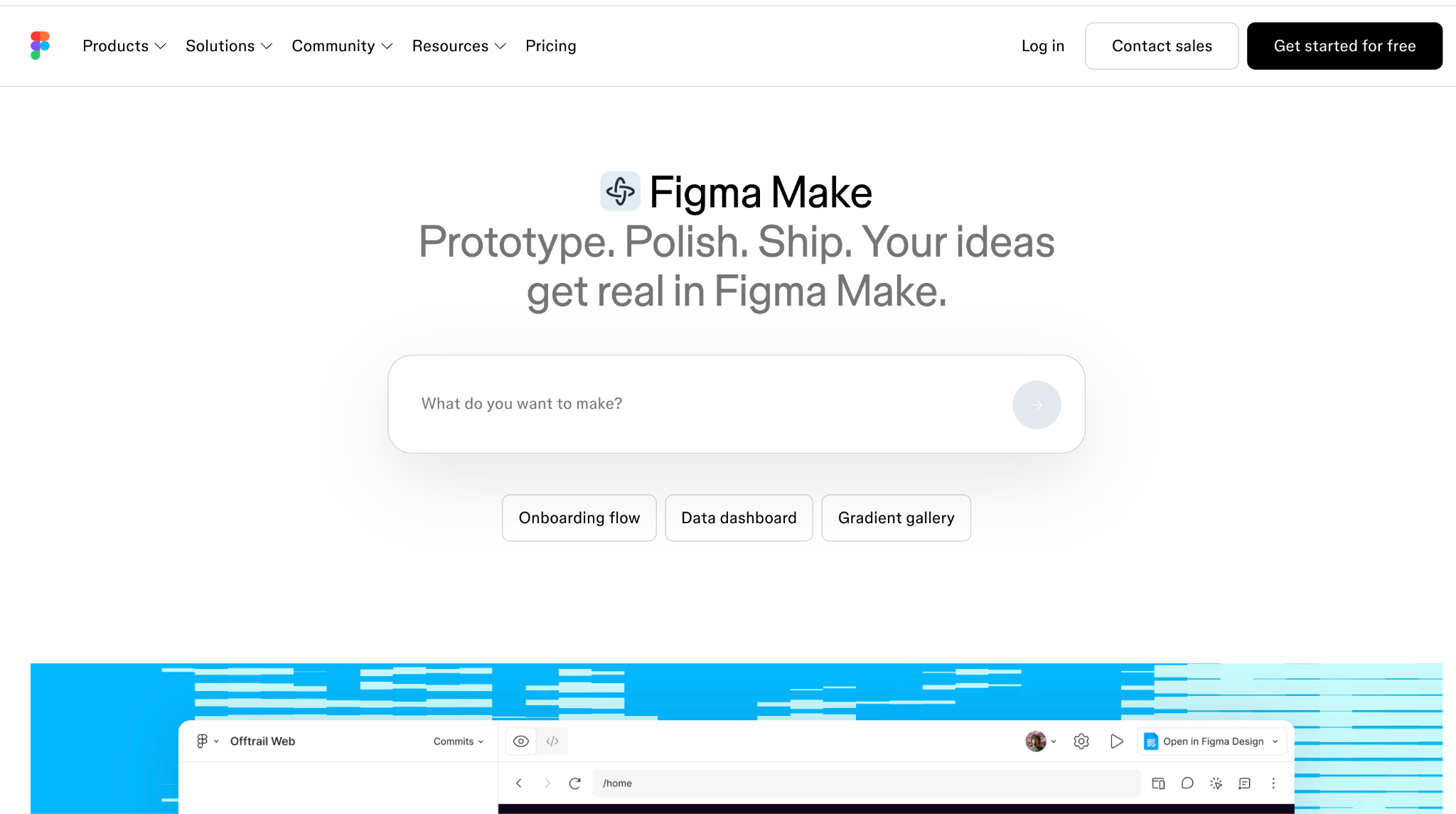
Figma Make is an AI-powered tool within the Figma ecosystem that allows users to create UI designs, interactive prototypes, and functional digital experiences using natural-language prompts. Users can describe what they want to build, provide existing designs or other context, and iteratively refine the generated experience.
It combines AI-assisted creation with Figma's existing design environment, making it suitable for users at different levels of design experience.
Best For
General-purpose AI UI/UX design and interactive prototyping
Who Should Use
- Beginners exploring UI/UX design without extensive design experience
- UI/UX designers creating interface concepts and interactive prototypes
- Product managers visualizing product ideas and user flows
- Founders creating early-stage product concepts and prototypes
- Design teams experimenting with different interface concepts and design directions
Key Features
1. Natural-Language Prompting
Users can describe the interface or experience they want to create using plain-language instructions. For example, a user can ask Figma Make to “Create a project management dashboard with a sidebar, task board, calendar, and analytics section.” The generated experience can then be refined through additional prompts.
2. AI-Generated Interfaces
Figma Make can generate complete interface screens from prompts, including layouts, navigation, buttons, cards, forms, tables, and other UI elements. Users can specify the type of product, required screens, content structure, and visual direction in their instructions.
3. Interactive Prototyping
Generated interfaces can contain functional interactions instead of behaving like static mockups. Users can create flows where clicking a button opens another screen, selecting a navigation item changes the page, submitting a form triggers a response, or interacting with an element changes its state.
4. Conversational Editing
Users can continue prompting Figma Make after an initial interface has been generated to make targeted changes. For example, they can ask it to “replace the sidebar with a top navigation,” “add a dark mode,” or “change the pricing section to three cards” without recreating the entire experience.
5. Responsive Layouts
Users can specify requirements for different screen sizes and create interfaces designed for desktop, tablet, and mobile viewports. UI elements can be arranged and adapted according to the specified responsive requirements.
6. Figma Design Integration
Existing Figma designs can be used as context within the Make workflow. Users can provide existing designs and visual references so that the generated experience can be based on an existing interface rather than starting entirely from a text description.
7. Design System Context
Figma Make can use design-system information when generating interfaces, including existing components, styles, variables, and other design-system context. This allows generated interfaces to follow established UI patterns and visual guidelines.
8. Code Access
Figma Make generates code for the experiences it creates and provides users with access to that code. Users can inspect the generated implementation and make direct code-level changes when required.
9. Publishing
Users can publish generated experiences to the web, allowing them to open and share the resulting experience through a browser instead of keeping it exclusively inside the Figma environment.
10. GitHub Integration
Figma Make can connect with GitHub so users can push generated code to a repository. The code can then be accessed and continued through a Git-based development workflow outside of Figma Make.
What Users are Talking about Figma Make?
User feedback on Figma Make is mixed but generally highlights its speed and prototyping capabilities. Some users appreciate how quickly it can turn ideas into functional prototypes and explore interactions, while others report issues with inconsistent outputs and needing multiple prompts to correct AI-generated work.
Common positive feedback:
- Fast creation of functional prototypes
- Useful for exploring ideas and interactions quickly
- Can produce polished-looking interfaces with the right prompts
- Helpful for testing concepts with users before development
Common concerns:
- AI-generated designs may require significant refinement
- Complex changes can sometimes break existing work
- Users have raised concerns about AI credit consumption during repeated iterations
- Some users find prompting slower than manually making certain design changes
Overall, users seem to view Figma Make as a powerful tool for rapid prototyping and experimentation, but its effectiveness can depend heavily on the quality of prompts and the complexity of the project.
Ratings By Trusted Sources
Final Verdict
Figma Make is a strong all-purpose AI UI/UX tool for users who want to move from an initial idea to an interactive interface using natural-language prompts. Its combination of AI generation, Figma integration, interactive prototyping, responsive layouts, and iterative editing makes it suitable for a wide range of UI/UX workflows.
2. Uizard
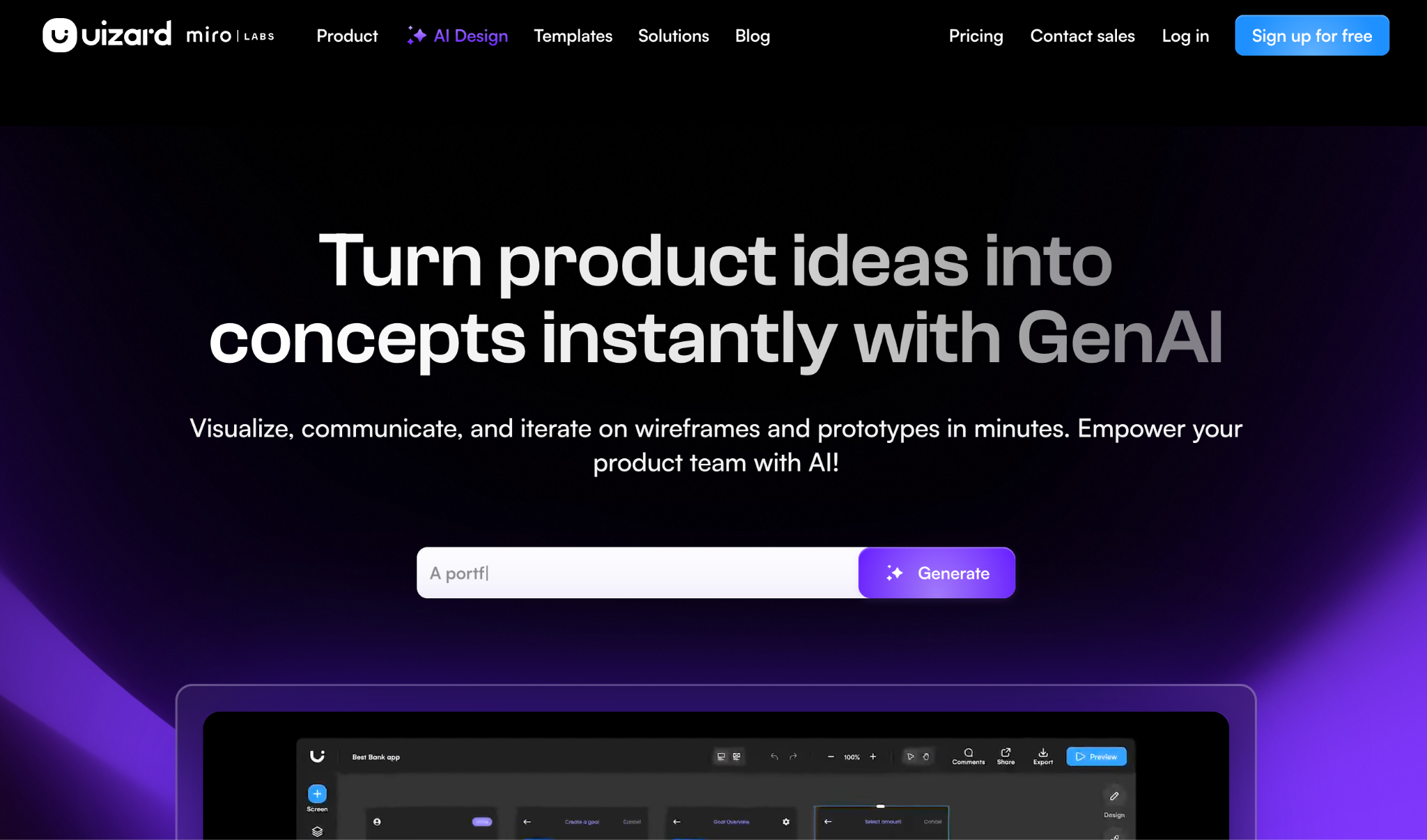
Uizard is an AI-powered UI/UX design and prototyping platform for creating website and app interfaces. It allows users to generate multi-screen designs from text prompts, convert hand-drawn wireframes and screenshots into editable designs, and create clickable prototypes.
Its AI features are designed around the early and middle stages of the design process, including ideation, wireframing, mockup creation, visual design, and prototyping. Uizard also provides a drag-and-drop editor for manually editing generated designs.
Best For
Fast wireframing and prototyping from ideas, sketches, and screenshots
Who Should Use
- Beginners who want to create UI designs without extensive design experience
- UI/UX designers creating wireframes, mockups, and prototypes
- Product managers visualizing product ideas and user flows
- Founders and entrepreneurs creating early-stage product concepts
- Product teams collaborating on interface concepts and prototypes
- Developers who need visual prototypes to communicate interface requirements with design teams
Key Features
1. Autodesigner
Uizard's Autodesigner generates multi-screen app or website designs from text prompts. Users can describe the product they want to design, select the device type, and provide visual-style instructions. The generated screens can then be edited inside Uizard.
2. Screen Generator
Users can generate individual UI screens from a text prompt or an uploaded screenshot. For example, a user can request a statistics screen for a profile page and receive multiple screen options that can be added to an existing project.
3. Wireframe Scanner
Users can photograph or upload hand-drawn wireframes created on paper, a whiteboard, or another surface. Uizard analyzes the sketch and converts it into an editable digital UI design that can be modified within the editor.
4. Screenshot Scanner
Users can upload a screenshot of an existing website, application, or interface and convert it into an editable Uizard mockup. Text, colors, images, and other design elements can then be modified within the editor.
5. Wireframe Mode
Users can switch a design between a higher-fidelity mockup and a low-fidelity wireframe view. This allows the same project to be viewed with visual styling or with the focus placed on the basic structure and layout.
6. Drag-and-Drop Editor
Uizard provides a visual editor where users can manually modify generated designs. Screens can be edited by changing UI elements, text, images, layouts, and other design properties without writing code.
7. Interactive Prototyping
Users can connect screens and add dynamic links between them to create clickable user flows. The resulting prototype can be previewed to simulate navigation through the designed website or application.
8. Theme Generator
Uizard can generate or extract visual themes for a project. Users can provide a text description, image, screenshot, or URL as a source for creating styles such as colors, typography, and other visual properties, which can then be applied to the design.
9. Text Assistant
The Text Assistant can generate and replace UI copy such as page titles, subheadings, button labels, and other interface text directly within a design.
10. Image Generator
Users can generate images from text prompts and add the resulting images to their UI designs. The tool provides different image-style options for generating visual assets within the design workflow.
11. Real-Time Collaboration
Multiple team members can work together on Uizard projects, share designs with stakeholders, and use comments to collect feedback on interface concepts and prototypes.
What Users are Talking about Uizard?
User feedback on Uizard generally highlights its ease of use, fast prototyping, and accessibility for people without advanced UI/UX skills.
Common positive feedback:
- Easy to learn and use
- Quickly creates wireframes and prototypes
- Useful for turning ideas and sketches into digital designs
- Helpful templates for getting started quickly
- Makes it easier for non-designers to visualize product concepts
Common concerns:
- AI-generated designs can sometimes feel generic or template-based
- Advanced customization can be more limited than professional design tools
- Complex projects may require more manual refinement
- Some users want greater control over individual design elements
Overall, users tend to see Uizard as a simple and fast tool for wireframing and prototyping, particularly for beginners, product managers, and teams validating ideas.
Ratings By Trusted Sources
Final Verdict
Uizard is particularly well suited to wireframing and prototyping, especially when the starting point is a rough idea, hand-drawn sketch, existing screenshot, or text description. Its combination of AI generation, visual editing, and interactive prototyping makes it accessible to both design professionals and users without extensive UI/UX experience.
3. Google Stitch
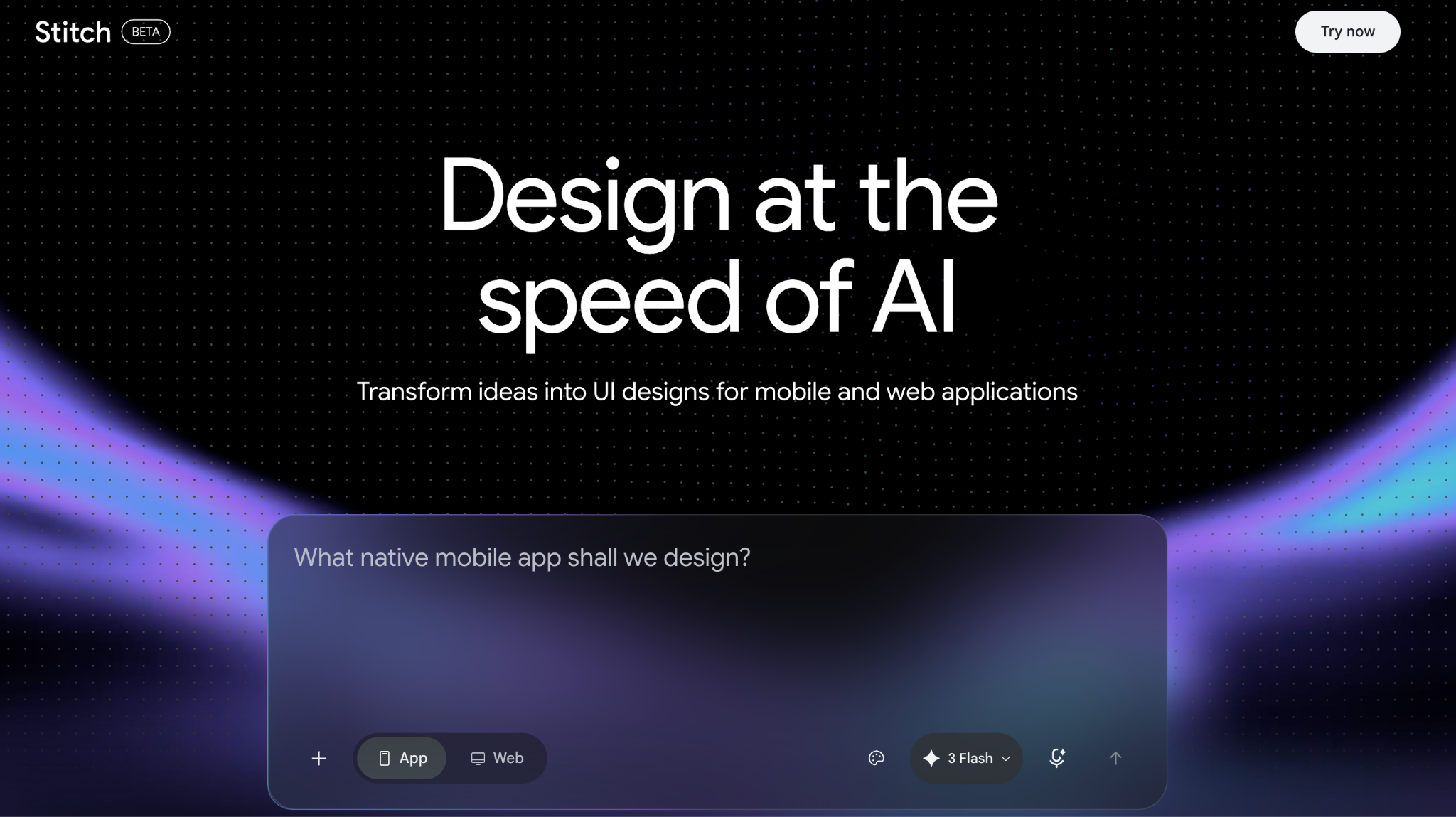
Google Stitch is an AI-powered UI design tool from Google Labs that allows users to create high-fidelity web and mobile interfaces from natural-language prompts, images, wireframes, and other design references. It has evolved from an AI UI generator into an AI-native design canvas where users can explore ideas, create multiple design directions, connect screens into interactive prototypes, and refine designs conversationally.
Stitch also supports design-system context, voice-based interaction, and workflows that connect designs with developer tools.
Best For
Rapid AI-generated UI concepts and high-fidelity interface exploration
Who Should Use
- Beginners who want to create UI designs without starting from a blank canvas
- UI/UX designers exploring different interface concepts and visual directions
- Product managers turning product requirements into visual UI concepts
- Founders and entrepreneurs visualizing early-stage product ideas
- Design teams creating and iterating on interface concepts collaboratively
Key Features
1. Natural-Language UI Generation
Users can describe the product or interface they want to create using natural language. Stitch interprets requirements such as the product type, target experience, layout, and visual style and generates high-fidelity UI designs for web or mobile applications.
2. Multimodal Design Input
Stitch can work with different types of design context, including text, images, and code. Users can bring existing visual references or other project context onto the canvas and use them to guide the generated designs.
3. AI-Native Infinite Canvas
Stitch provides an infinite canvas where users can organize early ideas, generated screens, references, and prototypes in one workspace. This allows multiple design directions to be explored within the same project.
4. Design Agent
Stitch includes an AI design agent that can reason across the context of a project and assist with design iterations. The Agent Manager can track progress and support multiple ideas being explored in parallel.
5. Conversational Design Editing
Users can describe changes through text rather than manually modifying every element. For example, they can ask Stitch to create different navigation options, change a color palette, or modify a particular screen, and the agent can apply those instructions to the design.
6. Voice-Based Design
Users can interact with Stitch through voice commands while working on the canvas. Voice instructions can be used to request design changes, explore variations, or ask the design agent for critiques during the design process.
7. Interactive Prototypes
Users can connect individual screens to create interactive user flows. Stitch can also generate logical next screens based on interactions, allowing users to map and preview application journeys directly on the canvas.
8. Design Systems with DESIGN.md
Stitch supports Google's DESIGN.md format for defining and transferring design rules. Users can export or import design-system information between projects so the AI can understand elements such as colors, typography, component usage, and design intent.
9. Design System Extraction
Stitch can extract a design system from an existing URL and use those design rules as context for creating new interfaces. This allows an existing visual language to be carried into a new Stitch project.
10. Real-Time AI Collaboration
Stitch streams AI-generated work directly onto the canvas while users can steer the process. Users can provide additional instructions while the design is being developed rather than waiting until the entire generation process is finished.
11. Code and Developer Tool Integration
Stitch can connect its design workflow with developer tools through its MCP server and SDK. Designs can also be exported to tools such as Google AI Studio and Google Antigravity for further development.
12. Web Publishing
Stitch can publish designs to the web through integrations such as Netlify, allowing users to take their generated interface beyond the design canvas.
What Users are Talking about Google Stitch?
User feedback on Google Stitch is mixed. Many users praise its speed, visual ideation, and ability to generate multiple UI concepts quickly, while others report inconsistencies when refining designs or working across multiple screens.
Common positive feedback:
- Very fast UI generation
- Useful for exploring multiple design directions
- Good for getting from an idea to a visual starting point quickly
- Helpful for generating initial layouts and design systems
- Recent updates have improved in-place editing, interactive previews, and design workflows
Common concerns:
- Design consistency can drop across multiple screens
- Detailed refinements may require very specific prompts
- Some users report generic or inconsistent visual output
- Editing and controlling individual design elements can be limiting
- Users have reported occasional loading and generation issues
Overall, users tend to see Stitch as a fast tool for generating UI concepts and exploring design ideas, but it may require additional refinement when creating detailed, consistent multi-screen experiences.
Ratings By Trusted Sources
Final Verdict
Google Stitch is a strong AI UI/UX tool for users who want to move from an idea to a high-fidelity interface quickly. Its combination of natural-language generation, multimodal inputs, interactive prototyping, design-system support, and conversational iteration makes it particularly useful for exploring and refining digital product interfaces.
4. Framer AI
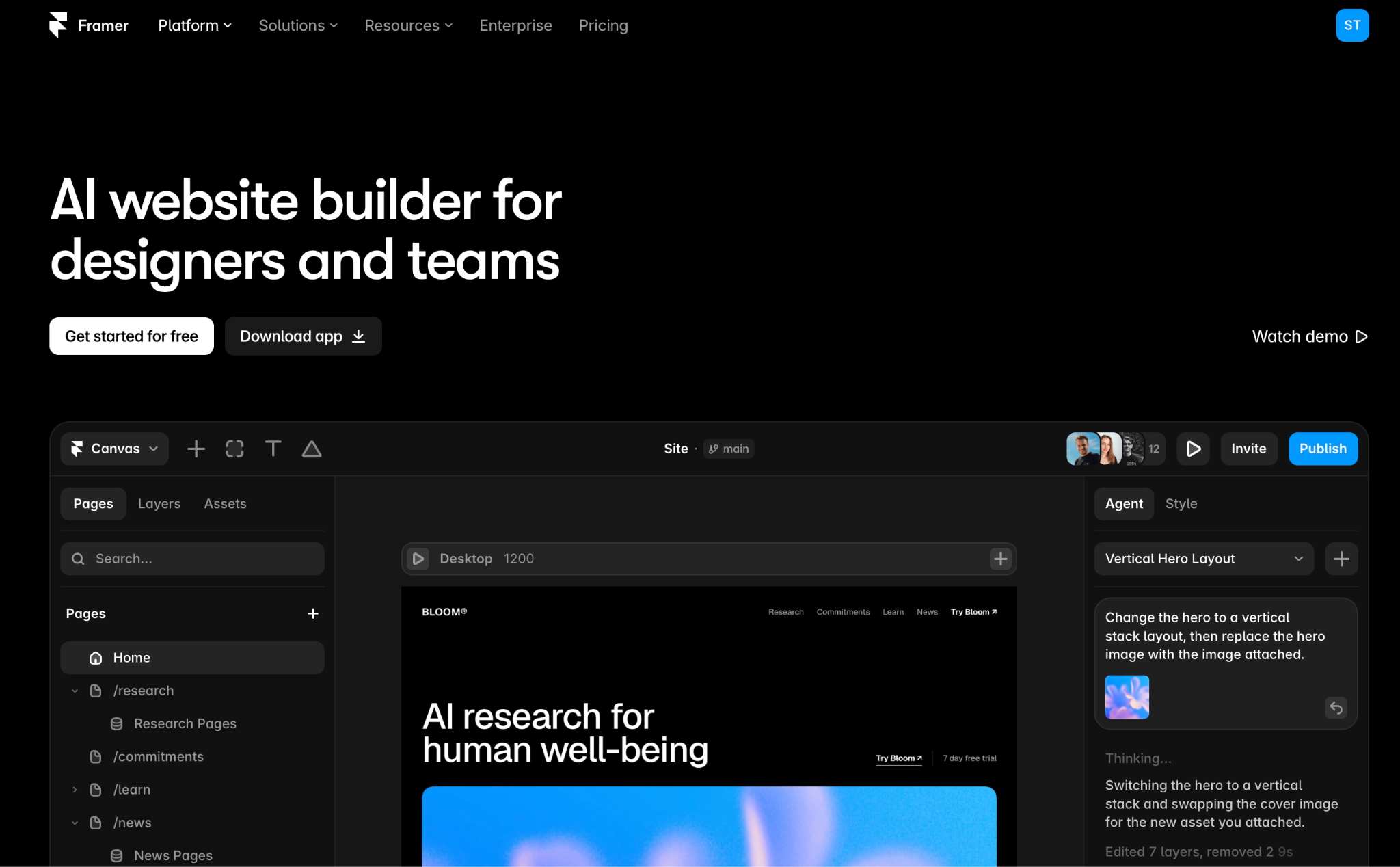
Framer AI is an AI-powered website design and creation platform built around a visual design canvas. Its AI Agent can generate and modify website layouts, sections, copy, visuals, and interactions directly within a Framer project. Designers can then manually refine the generated work using Framer's visual canvas, including typography, spacing, components, breakpoints, colors, and effects.
Framer is particularly focused on professional website design, combining AI-assisted creation with responsive design controls, CMS, collaboration, publishing, and built-in website management features.
Best For
Professional website design with AI-assisted visual editing
Who Should Use
- Professional UI/UX and web designers creating polished website experiences
- Design teams working on websites and digital experiences collaboratively
- Freelance designers building websites for clients
- Creative professionals who need detailed control over typography, layouts, animations, and visual styling
- Marketing and product teams that need to create and maintain professional websites without a separate development workflow
Key Features
1. AI Website Generation
Users can describe a website, page, or section in natural language, and Framer's AI Agent generates editable layouts, sections, copy, and visuals directly on the canvas. Users can start with a website brief or a specific page requirement and continue refining the generated result.
2. AI Design Agent
Framer's Agent works directly with the existing canvas and can create or modify website elements based on prompts. It can read the current page context and apply changes to layouts, styling, content, interactions, and other elements within the project.
3. Responsive Design
Framer provides controls for designing layouts across different breakpoints. Users can adjust elements such as width, spacing, typography, positioning, and layout behavior for desktop, tablet, and mobile views. The AI Agent can also be instructed to adapt an existing design for different screen sizes.
4. Visual Canvas Editing
Designers can manually edit AI-generated pages directly on Framer's visual canvas. Layouts, typography, colors, spacing, components, effects, and other visual properties can be adjusted without relying exclusively on prompts.
5. AI-Powered Layout Iteration
Designers can select a section or element and ask the Agent to explore alternative layouts or modify the existing direction. For example, a designer can request a different hero layout, change the arrangement of content, or restructure a section while keeping the work editable on the canvas.
6. AI Copy Generation
Framer's AI tools can generate and modify website copy directly within the project. Users can ask the Agent to create headlines, rewrite sections, adjust messaging, or update content while working on the page.
7. AI-Generated Components
Framer's AI Agent and Workshop can create reusable components from natural-language descriptions. Workshop can generate components with property controls, allowing designers to customize their behavior and appearance after generation.
8. Design System Integration
Components and custom code created within Framer can remain connected to the site's design system. Designers can use reusable components and maintain consistent styling across pages while making AI-assisted changes.
9. AI Website Review
Framer's AI Agent can review an existing website and identify issues such as contrast problems, missing alt text, spelling errors, SEO gaps, and inconsistent styles. Users can then address those issues within the same project.
10. CMS Management with AI
Framer's AI Agent can create CMS collections, populate content, and modify existing CMS content using prompts. CMS content remains connected to the visual website and its publishing workflow.
11. AI Analytics
Framer's AI tools can analyze website traffic and surface information such as top-performing pages, drop-offs, search intent, and potential conversion gaps.
12. Custom Code Components
Users can describe an interaction or custom functionality, and Framer's AI Agent can generate a code component for the site. The resulting component can then be reviewed and refined within Framer.
13. Collaboration and Branching
Framer supports collaborative workflows and branching, allowing teams to work together and explore changes separately before bringing them into the main website.
What Users are Talking about Framer AI?
User feedback on Framer AI is mixed. Users appreciate its speed, ability to make changes directly on the canvas, and usefulness for quickly creating and refining websites. Some users report that it can accurately handle layout and styling changes with the right instructions.
Common positive feedback
- Fast AI-assisted website creation and editing
- Useful for generating initial layouts and copy
- Can make direct changes to existing pages and designs
- Strong visual design and animation capabilities
- Helpful for designers who want to go from design to a published website quickly
Common concerns
- AI changes can sometimes alter spacing, colors, typography, or existing layouts unexpectedly
- Complex changes may require multiple prompts and manual corrections
- Users report that AI credits can be consumed quickly during repeated iterations
- Some users feel the AI features are expensive for heavy usage
Overall, users tend to see Framer AI as fast and useful for website design and iteration, but manual refinement is still important, especially for complex changes.
Ratings By Trusted Sources
Final Verdict
Framer AI is a strong choice for professional designers who want AI assistance without giving up control over the visual design process. Its combination of AI-generated layouts, responsive design controls, visual editing, reusable components, and website management makes it particularly well suited to professional website design workflows.
5. Flowstep
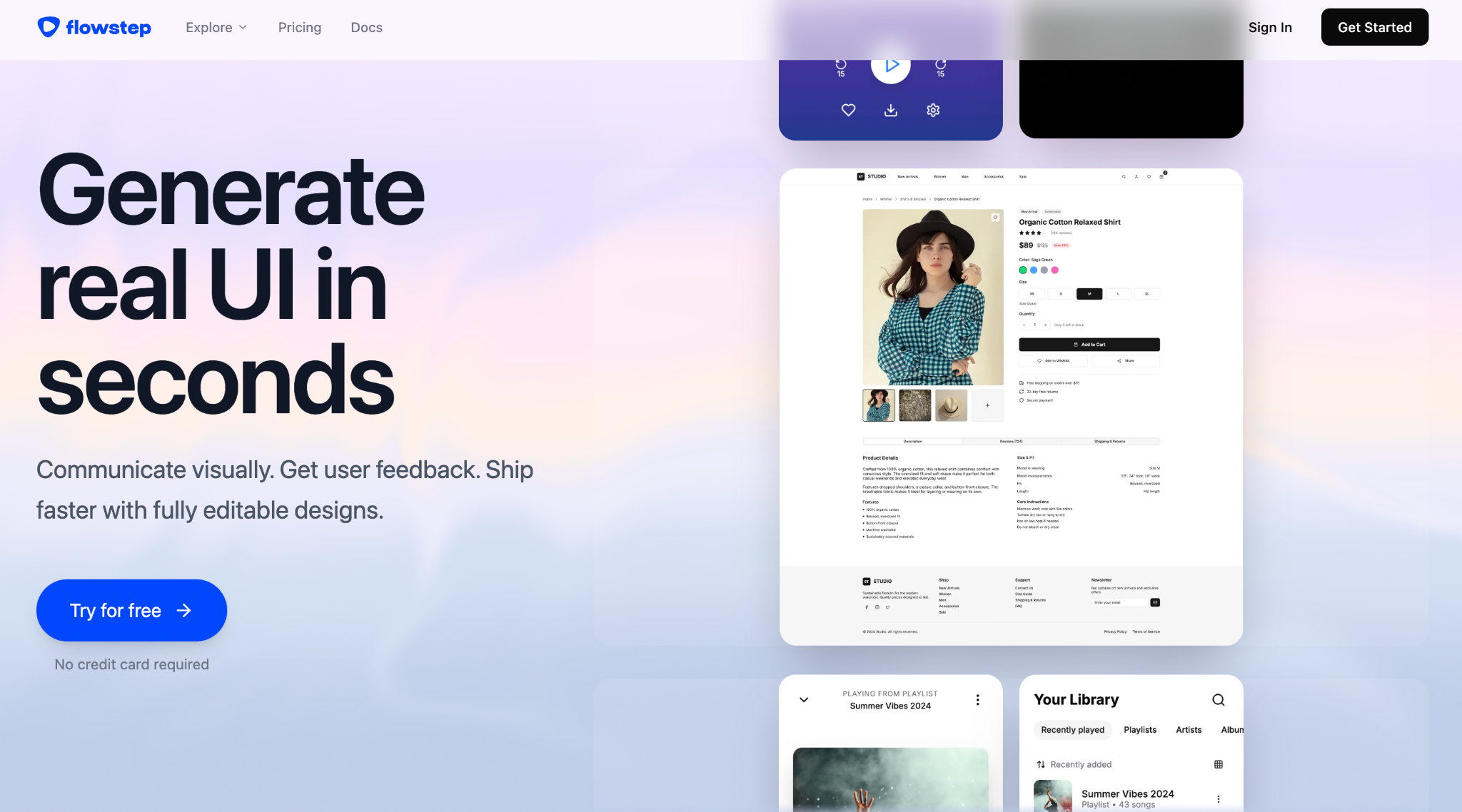
Flowstep is an AI-powered UI design tool that generates polished, editable interface designs from natural-language prompts. It uses an infinite canvas to create individual screens or complete multi-screen product flows, allowing users to explore and refine interfaces without starting from a blank canvas.
Users can provide additional context through PRDs, images, or URLs, edit generated designs through prompts or directly on the canvas, and export their work to Figma or code. Flowstep also supports real-time collaboration for teams working on the same design.
Best For
AI-powered multi-screen product design and design-to-development workflows
Who Should Use
- UI/UX designers creating product interfaces and multi-screen experiences
- Product designers exploring different layouts and user flows
- Design teams collaborating on UI concepts and design iterations
- Product managers who need to turn product requirements into visual interfaces
- Founders who need polished UI concepts for early product validation
Key Features
1. Text-to-UI Generation
Users can describe the interface they want in natural language, and Flowstep generates a designed UI screen from the prompt. Users can specify the product type, platform, user goal, content, and visual direction to influence the generated interface.
2. Multi-Screen Generation
Flowstep can generate multiple screens from a single prompt rather than limiting generation to one interface. Users can describe a complete flow such as onboarding, login, dashboard, settings, and profile screens and generate the screens together.
3. Infinite Canvas
Generated screens are placed on an infinite canvas where users can arrange, compare, and work with multiple designs within the same workspace. This allows different screens, flows, and design directions to be viewed together.
4. AI-Powered Editing
Users can select a screen and describe changes through chat. Flowstep can modify layouts, styling, content, and other UI elements based on the instruction. Users can also generate alternative versions or ask for the next screen in a flow.
5. Direct Canvas Editing
Generated designs remain editable after AI generation. Users can select individual elements and manually change properties such as color, size, position, spacing, or text directly on the canvas.
6. Design References
Users can attach a PRD, upload an image, or provide a URL as a design reference. Flowstep uses the additional context to understand product requirements, visual direction, existing interfaces, or content patterns when generating screens.
7. Responsive Screen Generation
Users can specify the target platform, such as mobile, desktop, or tablet, in their prompts. Flowstep generates screens according to the requested screen size and can create designs for different viewport types.
8. Real-Time Collaboration
Multiple team members can work on the same Flowstep canvas simultaneously. The collaboration environment provides live cursors and synchronized edits so team members can review and modify designs together.
9. Figma Integration
Users can copy Flowstep designs directly into Figma using copy and paste. The designs can be brought into an existing Figma workflow without requiring a separate plugin or browser extension.
10. Code Export
Flowstep can export generated UI as code using React, TypeScript, and Tailwind CSS. This provides a code representation of the generated interface that can be taken into a development workflow.
11. MCP Integration
Flowstep provides an MCP server that allows compatible AI coding clients such as Cursor, Claude Code, Windsurf, and Claude Desktop to interact with Flowstep's design capabilities. Users can generate, inspect, and manage UI screens from their development environment.
12. Shareable Design Links
Users can share Flowstep designs through a view-only link. People reviewing the design do not need a Flowstep account to view or comment on the shared work.
Final Verdict
Flowstep is a strong choice for professional UI/UX and product designers who want to generate and refine polished, multi-screen interfaces with AI. Its combination of text-to-UI generation, an infinite canvas, direct editing, design references, Figma integration, collaboration, and code export makes it particularly useful across the design-to-handoff workflow.
What Users are Talking about Flowstep?
User feedback on Flowstep is generally positive, particularly around its speed, prompt-to-UI generation, and ability to create multiple screens quickly. Users also highlight its Figma integration and the ability to move generated designs into existing design workflows.
Common positive feedback:
- Fast generation of complete UI screens from text prompts
- Useful for getting past the blank canvas and starting designs quickly
- Generates multiple screens for a complete user flow
- Easy to refine designs with AI or manual editing
- Direct copy to Figma is useful for continuing design work
- Good understanding of product context when given references such as PRDs or images
Common concerns:
- Some users find the editing experience less polished than established design tools
- Generated designs can have visual inconsistencies across screens
- More detailed designs may require additional prompting and manual refinement
- Some feedback suggests the product is still developing and has room to improve existing-page editing and user-flow controls
Overall, users tend to see Flowstep as a fast starting point for UI/UX design and multi-screen product flows, rather than a complete replacement for a professional design tool like Figma.
Ratings By Trusted Sources
Final Verdict
Flowstep is a strong choice for professional UI/UX and product designers who want to generate and refine polished, multi-screen interfaces with AI. Its combination of text-to-UI generation, an infinite canvas, direct editing, design references, Figma integration, collaboration, and code export makes it particularly useful across the design-to-handoff workflow.
6. Emergent
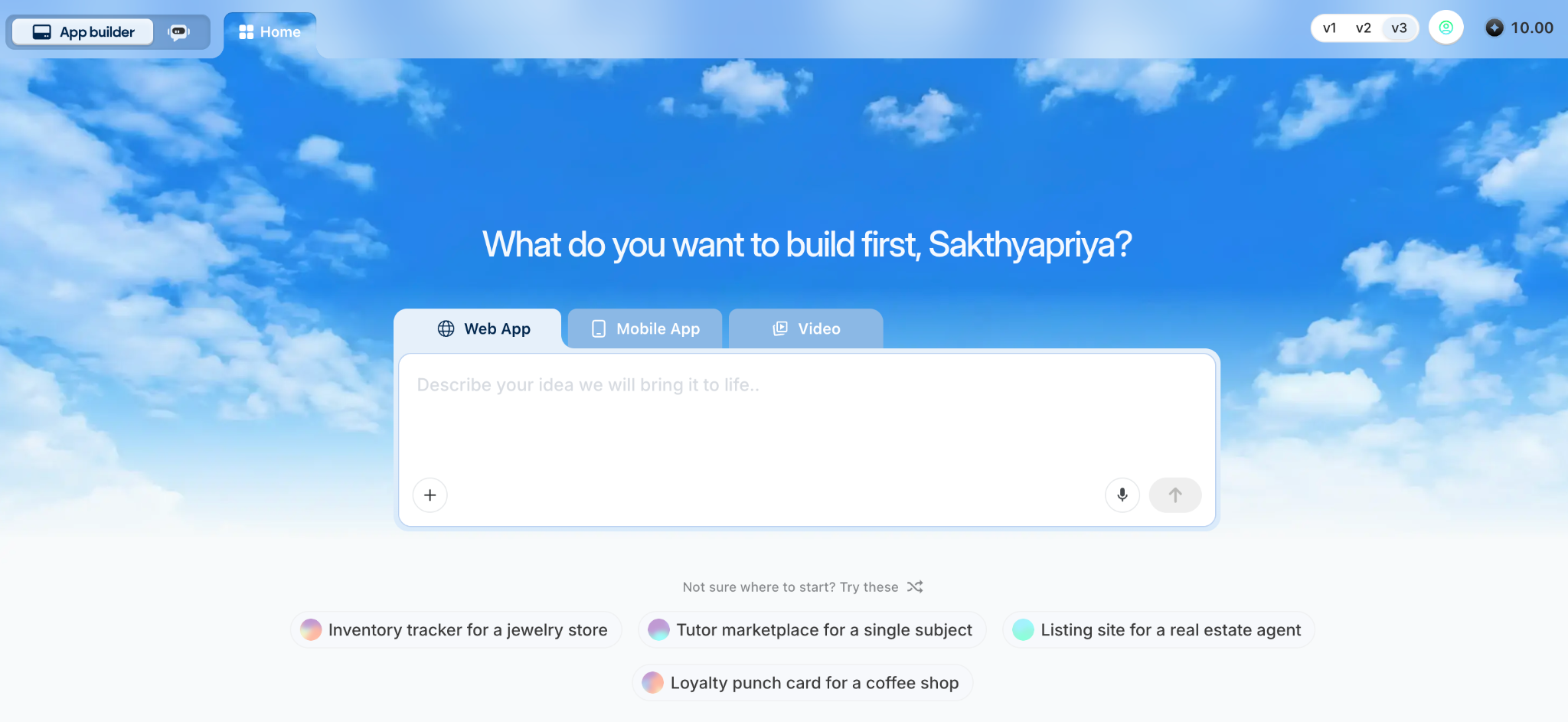
Emergent is an AI-powered full-stack application development platform that lets users build websites and mobile apps using natural-language prompts. It combines AI-powered design and development capabilities to take an application from an initial idea to a functional, deployable product.
Its main strength is handling complex and feature-rich applications that require sophisticated functionality, complex workflows, multiple integrations, and demanding technical requirements.
Best For
Building complex and feature-rich digital products such as websites, mobile apps, SaaS platforms, CRM systems, dashboards, business applications, internal tools, and workflow-based applications with AI.
Who Should Use
- Developers who want to accelerate application development with AI
- Product managers who want to turn product requirements into functional applications
- Founders and entrepreneurs building MVPs and digital products
- Non-technical users who want to create applications without writing code
- Businesses and teams building internal tools and workflow applications
Key Features
1. AI Design Agent
Emergent includes a dedicated Design Agent that handles the visual design and UI/UX layer of an application. It determines elements such as page structure, layout, visual hierarchy, navigation, spacing, typography, colors, and component styling based on the product requirements and design instructions provided by the user.
2. Design System and UI Components
The generated interface is built using reusable components and consistent design patterns. Users can provide instructions for visual styles, component appearance, typography, colors, spacing, and other design rules that should be followed throughout the application.
3. Natural-Language Design Editing
Users can refine an existing interface through prompts without recreating the design. Instructions can target specific parts of the UI, such as changing a navigation layout, modifying a card design, adjusting spacing, adding a new section, or changing the visual style.
4. Responsive UI
Users can specify requirements for desktop, tablet, and mobile interfaces. The generated UI can use responsive layouts and adapt component positioning, sizing, and spacing across different viewport sizes.
5. Modern Design Framework
Emergent generates web interfaces using technologies such as React, Next.js, Tailwind CSS, and reusable UI components. For mobile applications, it supports Expo and React Native.
6. Multi-Agent Architecture
Emergent uses specialized AI agents for different responsibilities within the application-building process. The Design Agent handles design, while other agents handle areas such as application logic, backend functionality, integrations, and testing.
7. Full-Stack Application Generation
Emergent generates the different technical layers required for a functional application, including frontend, backend, database, authentication, and integrations.
8. Database and Backend Generation
Users can describe data requirements and application logic in natural language. Emergent can create the required data structures, relationships, APIs, and backend functionality.
9. Authentication and Access Control
Users can add authentication methods and define user roles and permissions for controlling access to application features and data.
10. Third-Party Integrations
Applications can connect with external services and APIs. Users can describe the integration they need and configure services such as payments, communication, AI models, databases, and other third-party functionality.
11. Live Preview
Users can interact with the current version of their application through a live preview while building and refining the product.
12. Automated Testing
AI agents can test application functionality, identify issues, and make corrections to broken flows or implementation problems.
13. GitHub Integration
Projects can be connected to GitHub, allowing users to sync the generated codebase with a repository and continue development using a Git-based workflow.
14. Deployment
Applications can be deployed from Emergent and connected to custom domains, making the generated product accessible as a live application.
15. MCP Integration
Emergent can connect with compatible AI clients through MCP, allowing users to initiate and interact with Emergent projects from supported AI environments.
What Users are Talking about Emergent?
User feedback on Emergent is mixed, with many users praising its ability to build full-stack applications from natural-language prompts, while others raise concerns about credit usage, bugs, and reliability during complex iterations.
Common positive feedback:
- Quickly turns ideas into functional applications
- Strong performance for full-stack application development
- Handles frontend, backend, authentication, databases, and integrations
- Useful for users with limited coding experience
- Users report successfully building complex applications and prototypes
Common concerns:
- Credits can be consumed quickly during repeated iterations
- Some users report bugs being introduced while fixing existing issues
- Complex projects may require multiple prompts and corrections
- Some users have reported stability and support issues
Overall, users see Emergent as a powerful option for building full-stack and complex digital products, but experiences can vary depending on project complexity and the number of iterations required.
Ratings By Trusted Sources
Final Verdict
Emergent is a strong choice for building complex and feature-rich digital products with AI. Its dedicated Design Agent handles the UI/UX layer, while its full-stack capabilities support application logic, databases, authentication, integrations, testing, and deployment.
7. Lovable
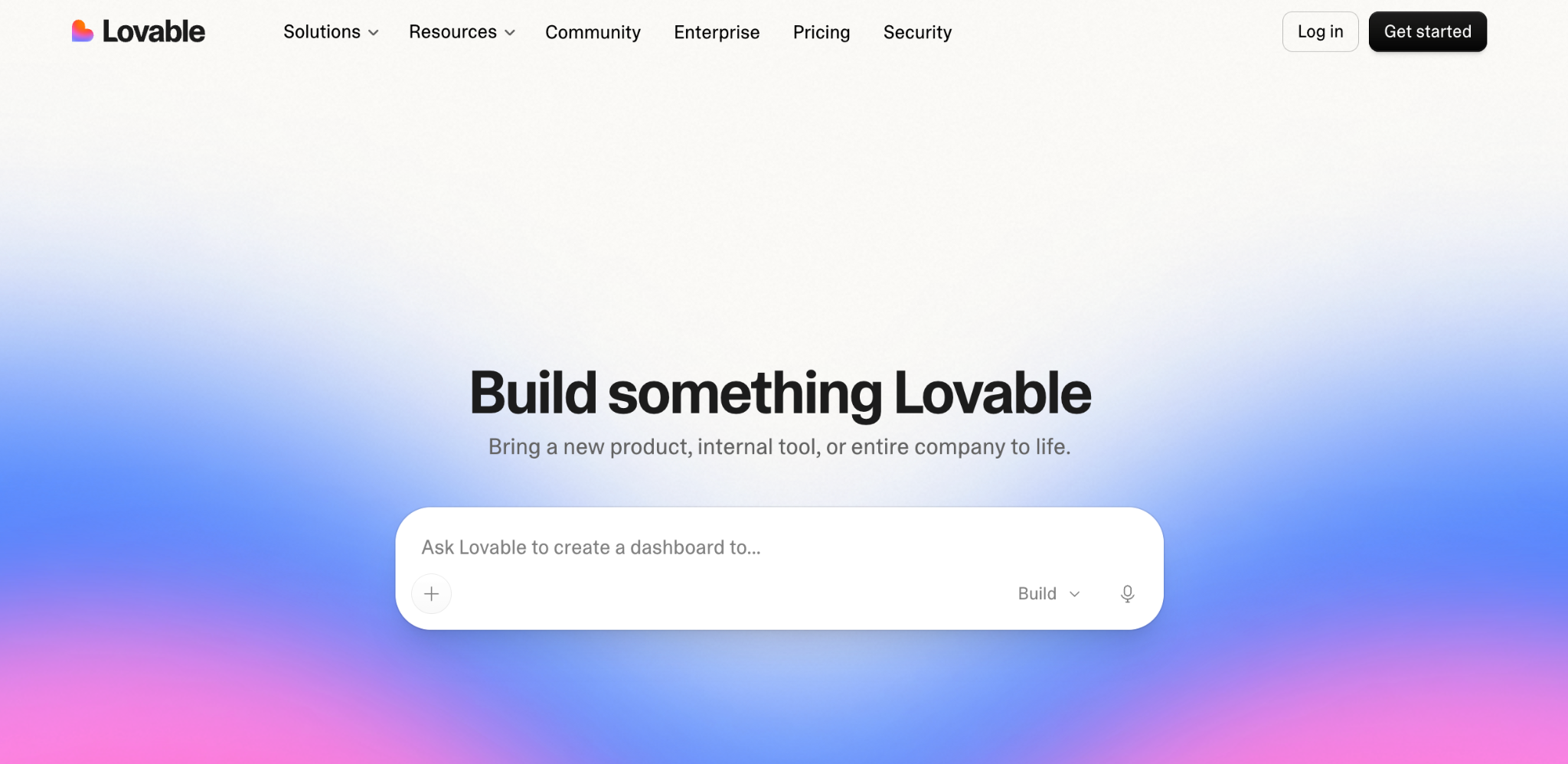
Lovable is an AI-powered development platform for creating web applications through natural-language conversations. Users can describe what they want to build, and Lovable quickly generates a working application that can be refined through follow-up prompts.
Its main strength is speed. Lovable can turn an idea into a functional web application quickly, making it particularly useful for prototypes, MVPs, internal tools, and relatively straightforward products. However, it is less suited to applications that require highly complex architecture, extensive business logic, or sophisticated workflows.
Best For
Quickly building functional web applications, prototypes, and MVPs
Who Should Use
- Developers who want to rapidly create web applications
- Startup teams validating product ideas and building MVPs
- Product managers who want to turn requirements into working prototypes
- Founders who need to test and launch software ideas quickly
- Teams building relatively straightforward web applications
Key Features
1. Conversational App Building
Users interact with Lovable through natural-language conversations to describe pages, functionality, data, integrations, and application behavior.
2. Rapid Application Generation
Lovable is designed to produce a working application quickly from an initial prompt, allowing users to move from an idea to an interactive implementation in a short development cycle.
3. Frontend Generation
Lovable generates the frontend of the application, including pages, navigation, forms, tables, dashboards, cards, and other interface elements.
4. Real-Time Application Preview
Users can see and interact with the generated application while working on it. Changes requested through the conversation can be reviewed directly in the running application.
5. Iterative Development
Users can continue the same conversation throughout development, adding features or modifying existing functionality through additional prompts.
6. Supabase Integration
Lovable can connect applications with Supabase for backend functionality, including databases, authentication, storage, and server-side capabilities.
7. Database Management
Applications can use structured data stored in Supabase. Users can define the data their application needs and connect that data to generated UI components and application logic.
8. Authentication
Lovable can implement user authentication and protected application areas, allowing applications to support account creation, sign-in, sessions, and user-specific functionality.
9. API and Service Integrations
Users can connect applications to external APIs and third-party services, allowing generated applications to interact with external data and services.
10. Custom Backend Logic
Lovable can generate application logic that connects the frontend with backend services and external APIs.
11. Code Access
The generated application code is accessible to users, allowing developers to inspect, modify, and continue working on the implementation.
12. GitHub Integration
Projects can be synchronized with GitHub, allowing developers to manage the codebase through their existing Git-based workflow.
13. Responsive Web Interfaces
Generated web applications can include layouts that adapt to different screen sizes, with users able to specify desktop and mobile requirements through their prompts.
14. Deployment
Completed applications can be deployed and accessed through a live URL, with support for connecting a custom domain.
What Users are Talking about Lovable?
User feedback on Lovable is generally positive about its speed, ease of use, and ability to turn prompts into functional web applications. Users particularly appreciate its polished UI output, rapid prototyping, and integrations with tools such as GitHub and Supabase.
Common positive feedback:
- Very fast for turning ideas into working applications
- Easy to use, even for users with limited coding experience
- Produces polished UI and functional prototypes
- Useful GitHub and Supabase integrations
- Good for MVPs, landing pages, and rapid product validation
Common concerns:
- Credits can be consumed quickly, particularly during repeated iterations
- Complex business logic may require manual refinement
- Some users report inconsistent results when making multiple changes
- Larger or more complicated projects can experience slowdowns or timeouts
Overall, users tend to see Lovable as a fast and accessible option for building websites, MVPs, and simpler web applications, particularly when speed and ease of development are priorities.
Ratings By Trusted Sources
Final Verdict
Lovable stands out for its speed and simplicity. It is particularly effective when the goal is to quickly turn an idea into a functional web application or MVP. However, teams building highly complex applications with sophisticated business logic, complex workflows, or demanding architectural requirements may need a more capable development platform.
Explore the best Lovable alternatives to find the right AI tool for your project.
8. v0 by Vercel
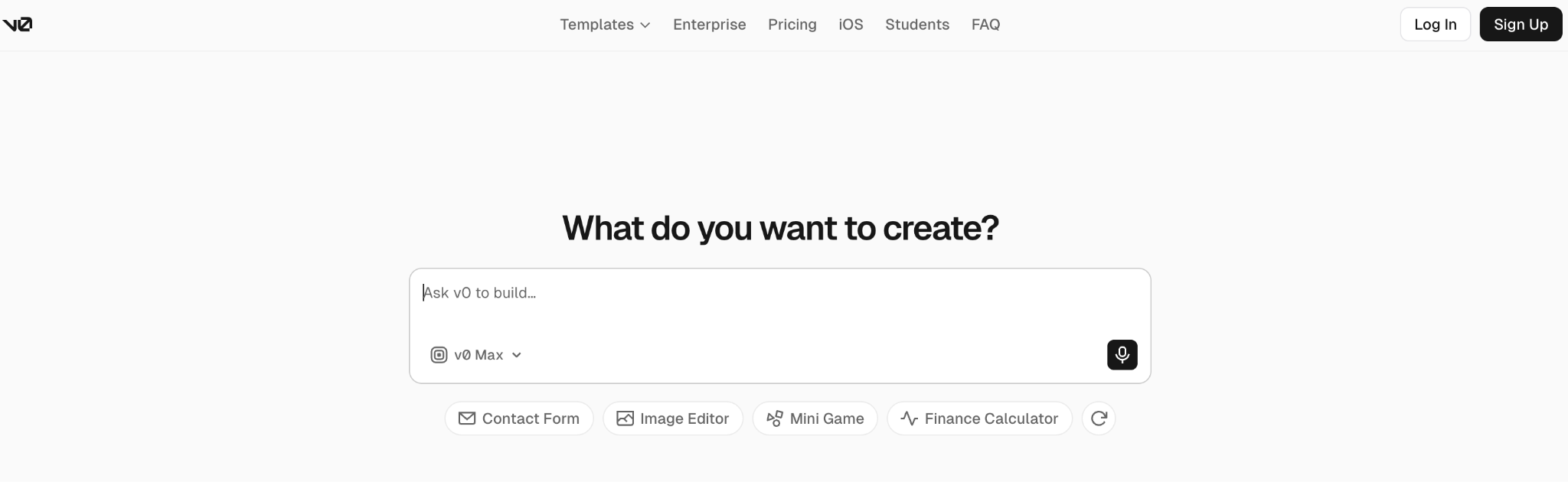
v0 is an AI-powered development tool from Vercel that lets users create web interfaces and applications using natural-language prompts. It generates working UI and code that users can preview, iterate on, and customize through additional prompts.
v0 is particularly useful for developers who want to quickly generate polished frontend interfaces and turn design ideas into functional web experiences while maintaining access to the underlying code.
Best For
Rapid AI-powered frontend and UI development
Who Should Use
- Frontend developers looking to accelerate UI development
- Full-stack developers building web applications with modern React frameworks
- Designers who want to turn interface ideas into functional frontend implementations
- Product teams creating prototypes and interactive product concepts
- Startups that need to quickly develop and validate web product ideas
Key Features
1. Prompt-to-UI Generation
Users can describe a website, page, or interface in natural language, and v0 generates the corresponding UI and code.
2. AI-Powered Iteration
Users can continue prompting v0 to modify the generated interface, add components, change layouts, or adjust functionality without starting the project again.
3. Multimodal Input
Users can provide images, screenshots, or other visual references as input. v0 can use these references as context when generating the corresponding interface.
4. Responsive UI Generation
v0 can generate interfaces designed for different screen sizes, allowing developers to create responsive layouts for desktop and mobile experiences.
5. Component Generation
v0 can generate reusable interface components such as forms, navigation, cards, tables, dialogs, charts, and other UI elements based on the user's requirements.
6. Design System Support
v0 can work with established design systems and component libraries, allowing generated interfaces to follow predefined visual patterns and reusable components.
7. React and Next.js Support
v0 is designed around the React ecosystem and works particularly well with Next.js applications, making generated interfaces easier to incorporate into modern web development workflows.
8. Tailwind CSS
Generated interfaces can use Tailwind CSS for styling, allowing developers to modify layouts, spacing, typography, colors, and other visual properties directly in the code.
9. Code Access and Editing
Users can inspect and modify the generated source code, giving developers control over the implementation instead of being limited to a visual editor.
10. GitHub Integration
Projects can be connected with GitHub, allowing developers to move generated work into their existing repository and development workflow.
11. Vercel Deployment
Generated applications can be deployed through Vercel, allowing users to move from an AI-generated interface to a live web application.
12. Full-Stack Capabilities
v0 can go beyond static UI generation and create applications that include backend functionality, data handling, authentication, and integrations depending on the project requirements.
13. Live Preview
Users can interact with generated interfaces and applications through a live preview while iterating on the design and functionality.
What Users are Talking about v0?
User feedback on v0 is generally positive about its speed and UI generation, particularly for turning prompts or screenshots into React and Tailwind interfaces. Users often see it as a strong tool for rapid prototyping and frontend development.
Common positive feedback:
- Fast generation of polished UI from prompts
- Strong for landing pages and frontend prototypes
- Good React, Tailwind, and Next.js output
- Useful for creating custom UI components quickly
- Helpful for designers and developers who want to move from ideas to working interfaces faster
Common concerns:
- Generated designs can become inconsistent across larger projects
- Complex workflows, state management, and backend/data connections can require additional work
- Some users report bugs, broken CSS, and regressions during iterations
- Usage-based pricing and credit consumption are recurring concerns among users
Overall, users tend to view v0 as a strong choice for rapid UI generation and frontend prototyping, while larger or more complex applications may require additional development and refinement.
Ratings By Trusted Sources
Final Verdict
v0 is a strong choice for developers who want to move quickly from an idea or design reference to functional frontend code. Its combination of AI-generated UI, React and Next.js support, reusable components, code access, and Vercel deployment makes it particularly useful for modern web development workflows.
Compare the top v0 alternatives and discover AI tools that offer different capabilities for your development needs.
9. Bolt.new
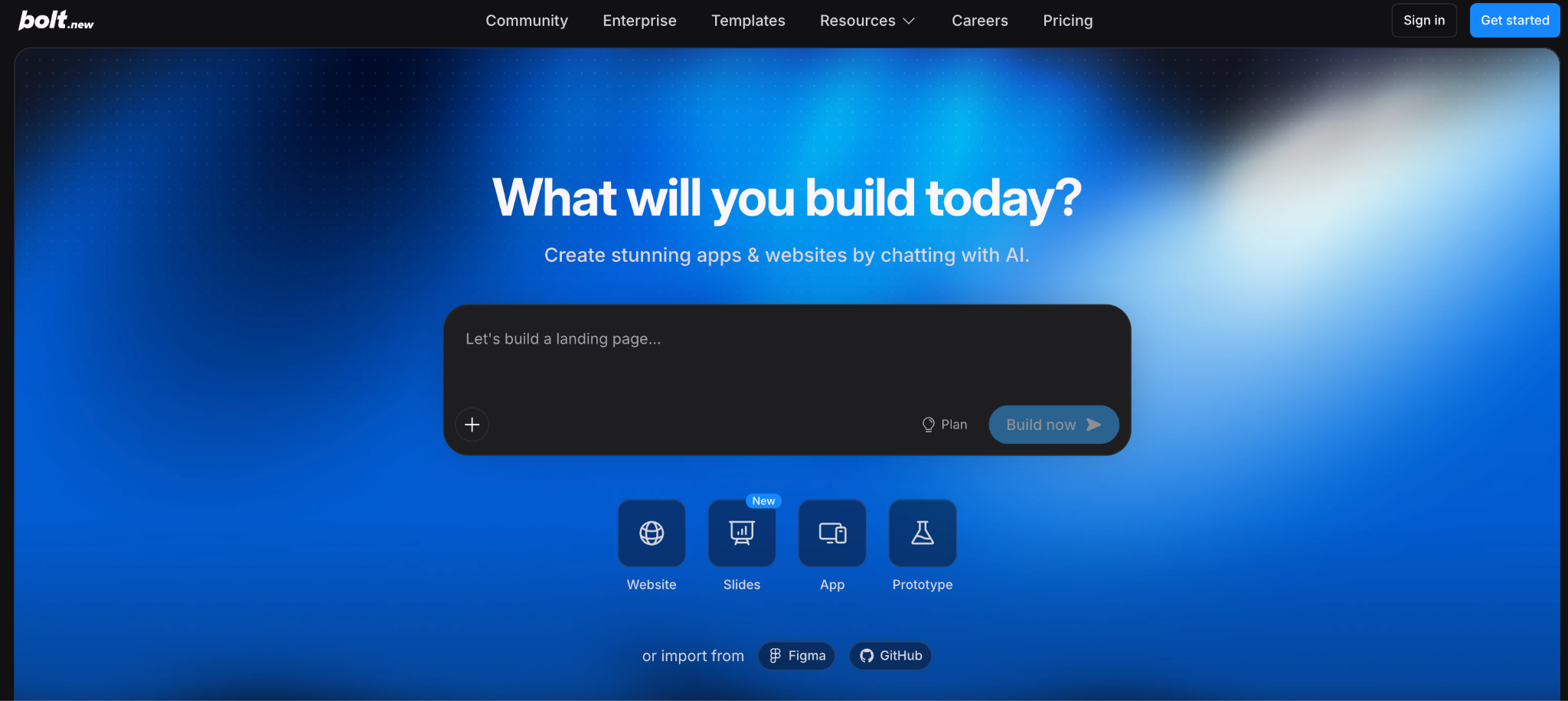
Bolt.new is an AI-powered development platform that lets users build web applications through natural-language prompts. It generates the application directly in the browser, allowing users to create, edit, run, and preview their projects without setting up a local development environment.
Its main strength is fast, browser-based development, making it useful for quickly turning ideas into working web applications and prototypes while still providing access to the generated code.
Best For
Fast browser-based development of web applications and prototypes
Who Should Use
- Developers who want a fast AI-assisted development environment
- Frontend developers creating web interfaces and applications
- Founders validating product ideas and building MVPs
- Product teams creating prototypes and internal tools
- Learners experimenting with modern web technologies without configuring a local environment
Key Features
1. Prompt-to-App Development
Users describe an application or feature in natural language, and Bolt.new generates the corresponding code and project structure.
2. Browser-Based Development
Bolt.new provides a development environment directly in the browser, allowing users to build and run applications without installing a traditional local development setup.
3. AI Code Generation
The AI generates and modifies application code based on user instructions, covering both interface and application functionality.
4. Conversational Editing
Users can continue giving prompts after the initial generation to add features, modify existing functionality, or change the interface.
5. Live Preview
Generated applications can be run and previewed within the browser, allowing users to interact with their projects while developing them.
6. Frontend UI Generation
Bolt.new can generate interface elements such as navigation, forms, cards, tables, dashboards, and other components based on natural-language requirements.
7. Responsive Web Design
Generated interfaces can be designed to work across different screen sizes, with users able to specify responsive requirements in their prompts.
8. Full-Stack Development
Bolt.new supports development across the frontend and backend, allowing users to create applications with server-side functionality, data handling, and APIs.
9. Database Integration
Applications can connect to databases and backend services, allowing users to build products that store and retrieve application data.
10. Third-Party Integrations
Users can connect their applications to external APIs and services to add functionality beyond the generated application itself.
11. Code Editing
Developers can access and modify the generated source code, providing direct control over the implementation.
12. Package and Framework Support
Bolt.new supports popular web development frameworks, libraries, and packages, allowing developers to build applications using technologies suited to their project requirements.
13. GitHub Integration
Projects can be connected with GitHub, allowing developers to synchronize their code and continue development through a standard Git workflow.
14. Deployment
Applications can be published to the web directly from the development environment, allowing users to move from development to a live application.
What Users are Talking about Bolt.new?
User feedback on Bolt.new is generally positive about its speed and ease of use, particularly for turning prompts into working websites, prototypes, and MVPs directly in the browser. Users also appreciate its full-stack capabilities and deployment workflow.
Common positive feedback:
- Fast prototyping and MVP development
- Easy to build without extensive coding experience
- Browser-based development without local setup
- Useful for generating frontend and full-stack applications
- Easy deployment and live previews
- Good support for modern frameworks and tools such as Next.js, Tailwind, and Supabase
Common concerns:
- Token usage can feel expensive or difficult to predict
- Larger projects may require more guidance and manual refinement
- AI fixes can sometimes modify or break existing functionality
- Users have reported limitations with complex projects and collaboration
- Some users have raised concerns about customer support and billing issues
Overall, users tend to view Bolt.new as a fast option for prototyping, MVPs, and browser-based application development, while larger or more complex projects may require additional refinement.
Ratings By Trusted Sources
Final Verdict
Bolt.new is a strong option for rapid AI-assisted web development directly in the browser. Its combination of prompt-based coding, live previews, full-stack capabilities, code access, and deployment makes it particularly useful for developers and teams that want to quickly prototype, build, and test web applications without setting up a local development environment.
Explore the best Bolt.new alternatives and compare AI-powered tools for building websites, apps, and digital products.
10. Visily
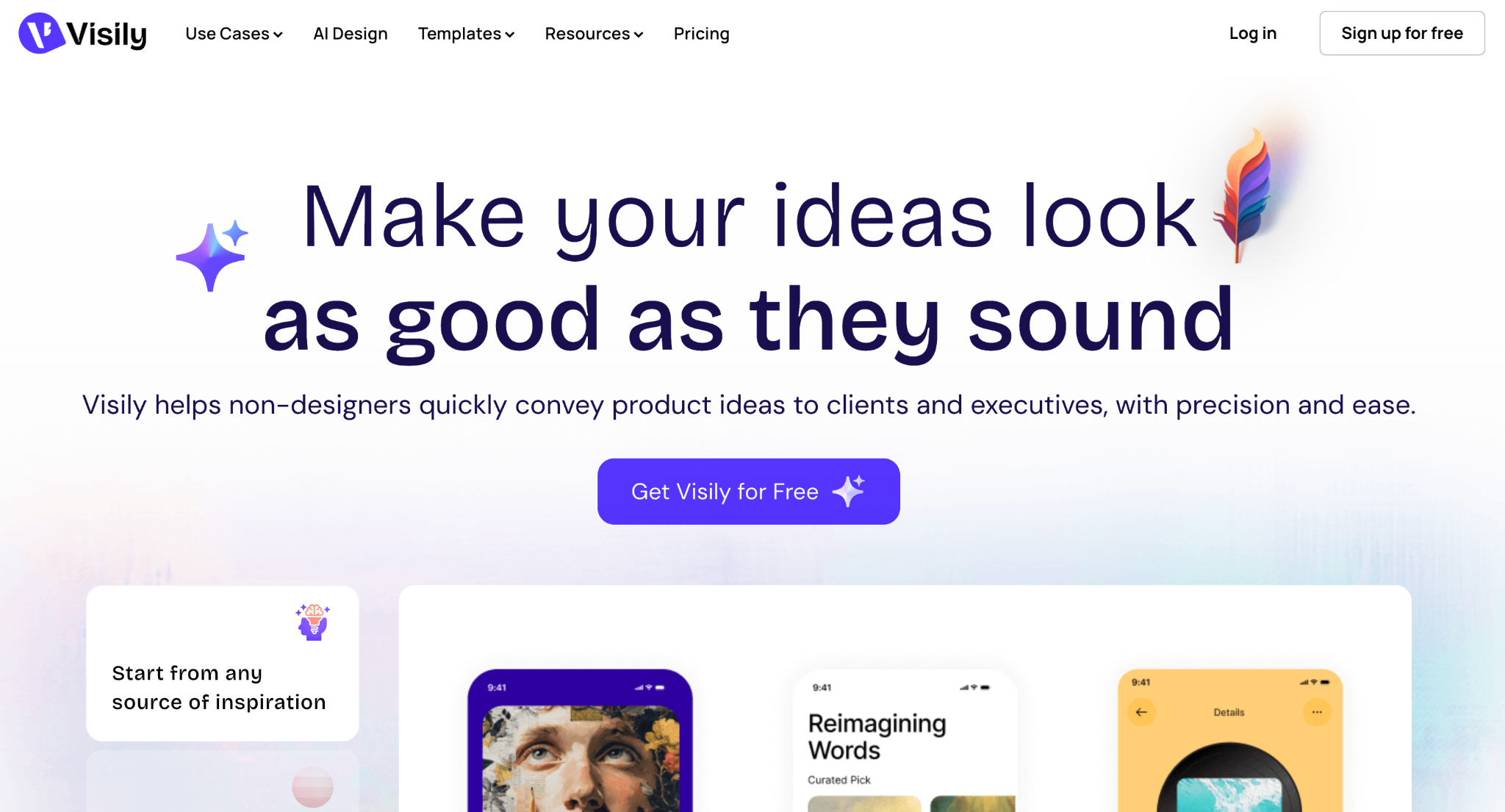
Visily is an AI-powered UI/UX design and prototyping platform designed to help users create wireframes, mockups, and prototypes without requiring advanced design skills. Users can start with text prompts, screenshots, templates, or hand-drawn sketches and turn them into editable interface designs.
Its main strength is quickly transforming rough ideas and references into editable wireframes and UI designs, making it particularly useful during the early stages of product design.
Best For
AI-powered wireframing and early-stage UI/UX prototyping
Who Should Use
- Beginners who want to create UI designs without advanced design skills
- UI/UX designers creating wireframes and early-stage product concepts
- Product managers visualizing product requirements and user flows
- Founders creating early product concepts and prototypes
- Development teams communicating product and interface requirements
Key Features
1. Text-to-Design
Users can describe a product or screen in natural language, and Visily generates an editable UI design based on the description.
2. Screenshot-to-Design
Users can upload screenshots of existing websites or applications and convert them into editable UI designs that can be modified within Visily.
3. Sketch-to-Design
Users can upload hand-drawn sketches or wireframes, and Visily converts them into digital interface designs.
4. AI Wireframing
Visily can generate wireframes from product requirements, allowing users to visualize page structures and layouts before moving into detailed visual design.
5. AI Prototyping
Users can connect screens and create interactive prototypes to demonstrate navigation and user flows.
6. AI Design Assistant
Visily provides AI-assisted tools for generating and modifying interface elements, allowing users to make design changes without manually creating every component.
7. Editable Designs
AI-generated designs remain editable, allowing users to modify text, components, layouts, colors, images, and other interface elements.
8. UI Component Library
Visily provides a collection of reusable UI components that users can add to their designs, including buttons, forms, navigation elements, cards, tables, and other common interface patterns.
9. Templates
Users can start projects from pre-built templates for common website and application interfaces instead of creating screens from scratch.
10. Flowchart and User Flow Creation
Visily allows users to map user journeys and connect screens to visualize how users move through an application.
11. Design Collaboration
Teams can work together on designs, share projects, provide feedback, and collaborate during the product design process.
12. Interactive Prototypes
Users can turn individual screens into clickable prototypes by defining interactions and navigation between different screens.
13. Responsive Design
Visily supports designing interfaces for different screen sizes, allowing users to create layouts for desktop, tablet, and mobile experiences.
14. Export and Handoff
Completed designs can be shared and exported for use in downstream design and development workflows.
What Users are Talking about Visily?
User feedback on Visily is generally positive about its ease of use, AI-assisted design, and fast prototyping, particularly for non-designers, product managers, and teams. Users frequently highlight its ability to turn screenshots, sketches, and prompts into editable UI designs.
Common positive feedback:
- Easy to use, even without a UI/UX background
- Quickly turns ideas into wireframes and mockups
- Screenshot-to-design and sketch-to-design are frequently praised
- Large collection of templates and UI components
- Useful for collaboration and sharing designs with teams
- Helps reduce the time needed for early-stage prototyping
Common concerns:
- Advanced designs can feel limited compared with more powerful design tools
- Some users want greater customization and more advanced UI capabilities
- Users have reported occasional freezes, errors, and performance issues
- AI-generated designs may require additional refinement
- Some users mention limitations around AI credits and the free plan
Overall, users tend to see Visily as a fast and accessible tool for wireframing, mockups, and early-stage prototyping, especially when non-designers need to turn ideas into visual designs quickly.
Ratings By Trusted Sources
Final Verdict
Visily is a strong choice for wireframing and early-stage UI/UX design, particularly for users who want to turn ideas, sketches, or existing screenshots into editable designs quickly. Its combination of AI generation, wireframing, prototyping, templates, and collaboration makes it accessible to both designers and non-designers.
Conclusion
The best AI UI/UX tool depends on your specific needs. Figma Make, Uizard, Google Stitch, Framer AI, Flowstep, and Visily are strong choices for UI design, wireframing, and prototyping, while v0, Lovable, and Bolt.new are better suited for quickly turning designs and ideas into functional web applications.
For complex, feature-rich digital products, Emergent stands out by combining AI-powered UI/UX design with full-stack development, including backend, databases, integrations, testing, and deployment.
Choose the tool based on your use case, design requirements, development needs, and application complexity.

Describe what you want and Emergent builds it. A real, production-ready app you can launch the same day.
- One prompt to build
- Zero code required
- Deploy in minutes







