



The best AI website builder for a five-page site about your business is almost never the right pick for a site that takes bookings and money, even though both start the same way.
The difference shows up at the second request. Ask for a booking calendar that collects a 20% deposit, or a login area where clients see only their own files, and one group hands you a widget to paste in. The other writes the feature into the site.
What Are the Two Types of AI Website Builder?
AI website builders split into two groups, and the split is about what the finished site can do. One generates pages. The other generates software that happens to have pages.
Page generators are classic website builders with an AI layer on the front. Wix, GoDaddy, and 10Web work this way. You answer a few questions, the AI assembles a themed site, and you edit it visually. Anything beyond content lives in an app market, so bookings and invoicing are paid add-ons.
Prompt-to-code builders write the site the way a developer would, then host it for you. Emergent and Lovable belong here, and Framer straddles the two. You describe the feature, and the builder writes it in. The vibe coding approach exists because that job kept landing on tools built for the other one.
Neither group is better. They answer different questions, which is why this article isn't a ranking.
How I Compared the Top AI Website Builders
A word on method, because it changes how much weight to give this AI website builder comparison. I didn't run a six-way lab test. I built with the ones I could, and read the documentation, pricing pages, and reviews for the rest.
Every builder faced the same checklist: a small service business needing five pages, a contact form, a priced services list, and booking that takes a deposit. The first four are where most small sites stop, and all six handle them. The deposit is where they split.
I checked three things:
- Coverage: How much of the brief the platform handles itself, and where it hands you an add-on.
- True cost: Monthly price, annual price, renewal rate, and credit top-ups.
- Ownership: Whether you can edit the AI's draft freely, and export the site if you leave.
Four didn't make the cut. Squarespace and Durable start from a design system you choose up front, so the site reflects that more than your brief, though Squarespace's Blueprint AI is worth a look if polish outranks custom features.
Relume generates components for designers to assemble, and v0 by Vercel builds deployable apps aimed at developers rather than site owners.
Prices come from each vendor's own pricing page, with one exception noted under Lovable. Ratings and review counts are as of September 2026. The six below run in order of how much of a working site each covers without add-ons, not best to worst. Framer is last on that measure and still the right pick if design is what you're buying.
Emergent: Best for Bookings, Logins, and Payments
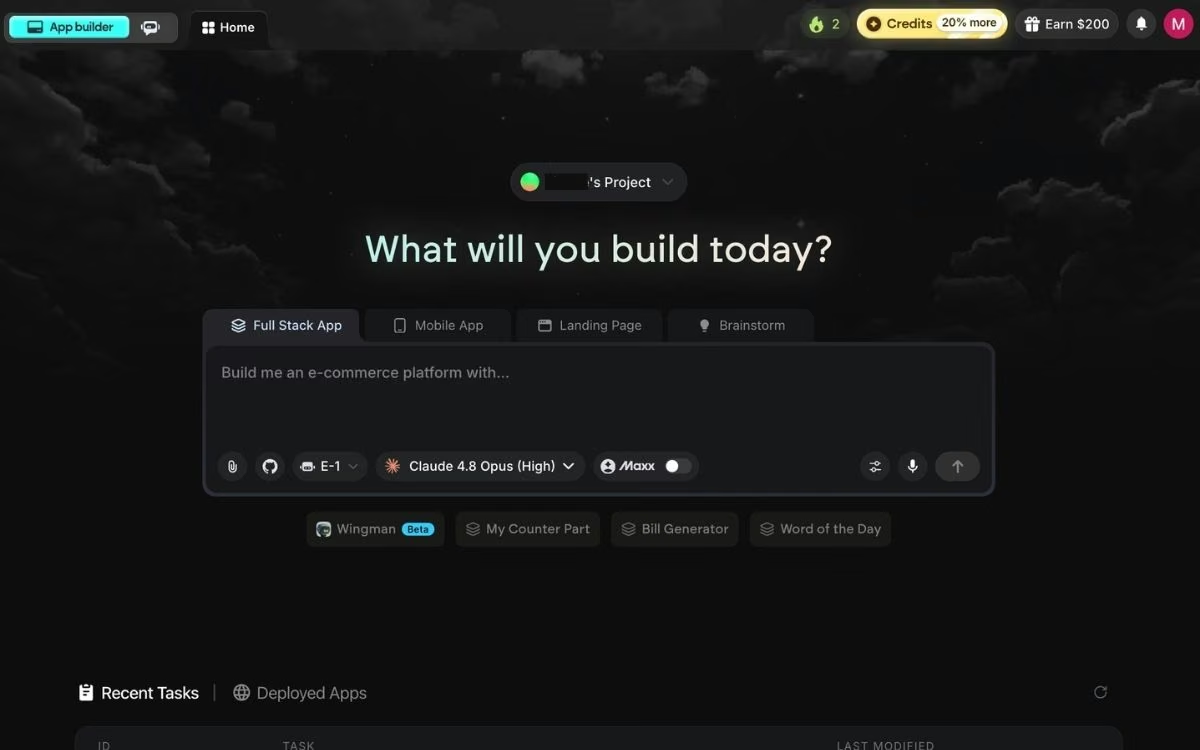
What it does: Emergent is an AI website builder built for vibe coding that turns a plain-English description into a complete site, sign-in and payments included.
Emergent built the booking brief as written rather than bending a fixed feature around it. Describe a site where clients pick a slot, pay a deposit, and get a confirmation email, and it writes those pieces in, with payments through Stripe or Razorpay.
Publishing stays your call: click Deploy and the site is live in about 10 to 15 minutes. If describing it is the hard part, Emmy is a free chat assistant that turns your answers into a build-ready prompt.
Key Features
- Features written into the site: Booking flows, customer accounts, and checkout are generated as part of the site.
- A coordinated system of specialized agents: Some plan the build, others wire up the logic, and testing agents check the work.
- Custom domains, either way: Buy one through the built-in IONOS integration, free the first year, or point one you own at the site.
Pros and Cons
Pros:
- Handles bookings, logins, and payments as part of the site, not as third-party add-ons.
- No lock-in: builds sync to a code repository under your account from the Standard plan up.
Cons:
- Pricier than Wix for a plain marketing site, and credit-based, so heavy iteration costs more.
- Not a fit for video games, heavy PDF reporting, or developers who want to write code faster.
What Users Say
Emergent is newer, with a 4.3 out of 5 from six G2 reviews and 4.6 from 14 on Product Hunt, both early signals.
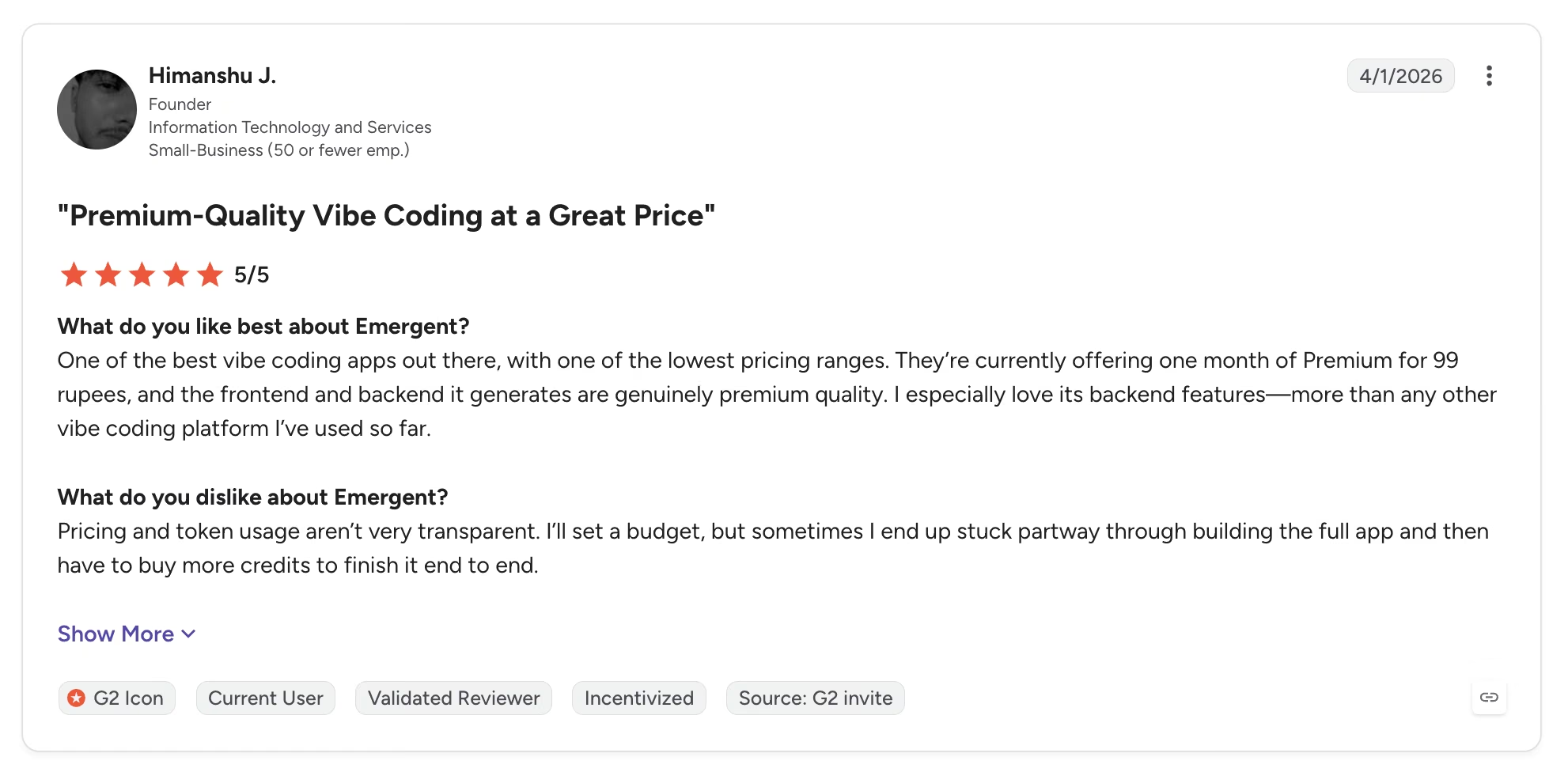
Himanshu J. rates the output highest, writing that "the frontend and backend it generates are genuinely premium quality," and that he "especially love[s] its backend features—more than any other vibe coding platform I've used so far."
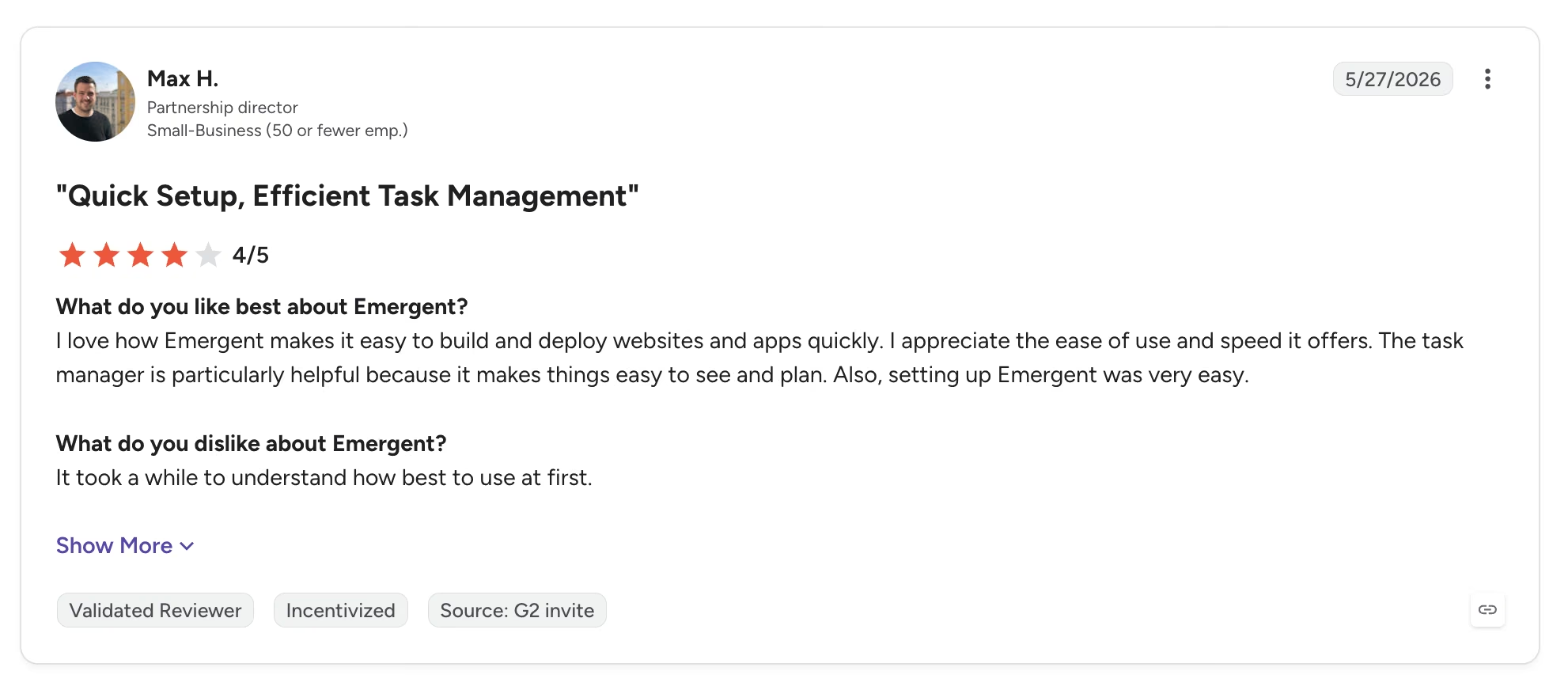
The criticism is about the ramp. Max H. put it in one line: "It took a while to understand how best to use at first."
Pricing
Emergent has a free plan with 10 monthly credits. Standard is $20/month for 100 credits, or $17/month billed annually, and Pro is $200/month for 750 credits, or $167/month billed annually.
Bottom Line
Emergent is the pick when the site has a job beyond looking good, and it met the booking brief without an app market. Skip it if a contact form is all you need.
Lovable: When You Need Something Clickable This Week
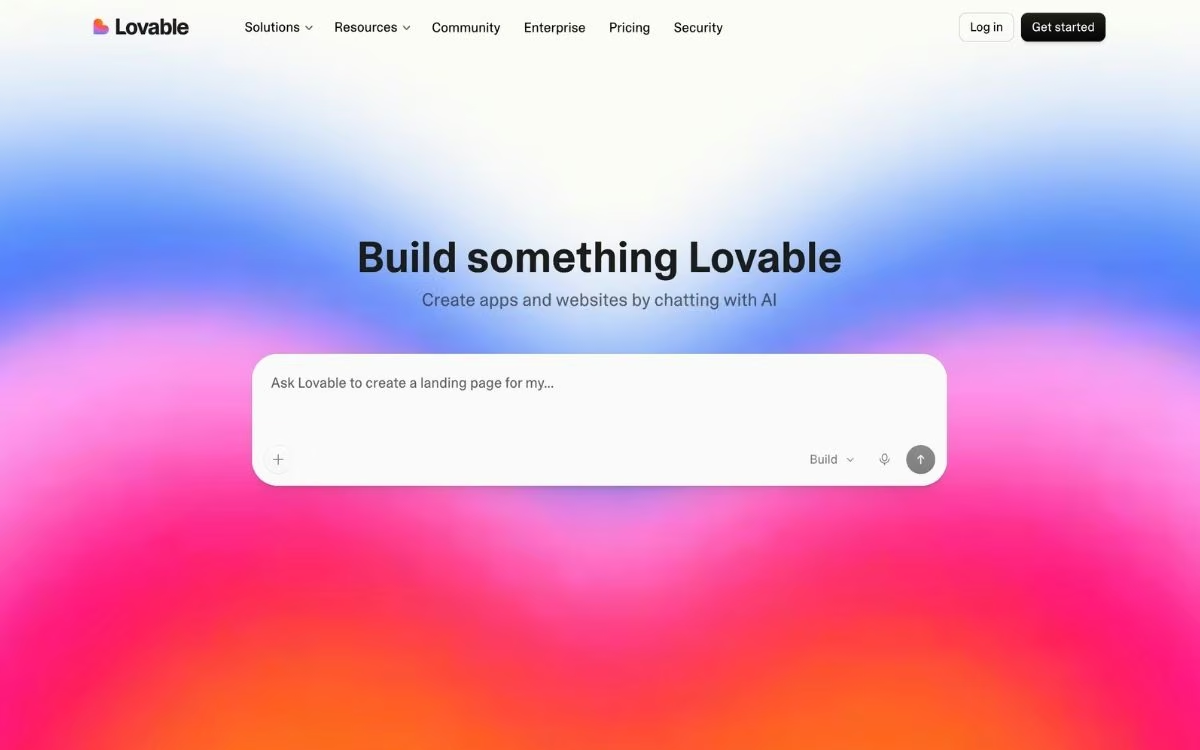
What it does: Lovable generates browser-based apps and sites from prompts, with hosting and repository sync included.
Generating the site was easy. The interface is easy to follow, and Lovable had something usable faster than anything else here. The free credits ran out before the site I asked for was finished.
The other tradeoff is category: it's an app tool that makes sites, so a business homepage costs app-builder prices for a job Wix does better.
Key Features
- Prompt-to-app generation: A description returns a browser app with screens and data connected.
- Instant preview and repository sync: Changes preview immediately, and projects connect to a repository under your account.
Pros and Cons
Pros:
- The fastest path from idea to a clickable prototype.
- Clean default design that needs little cleanup, and code sync keeps the project portable.
Cons:
- Credit costs climb quickly when the AI needs several attempts at one fix.
- Reliability drops as projects get more complex, and it's web-only.
What Users Say
Lovable holds 4.6 out of 5 across over 370 G2 reviews, with speed driving the score.
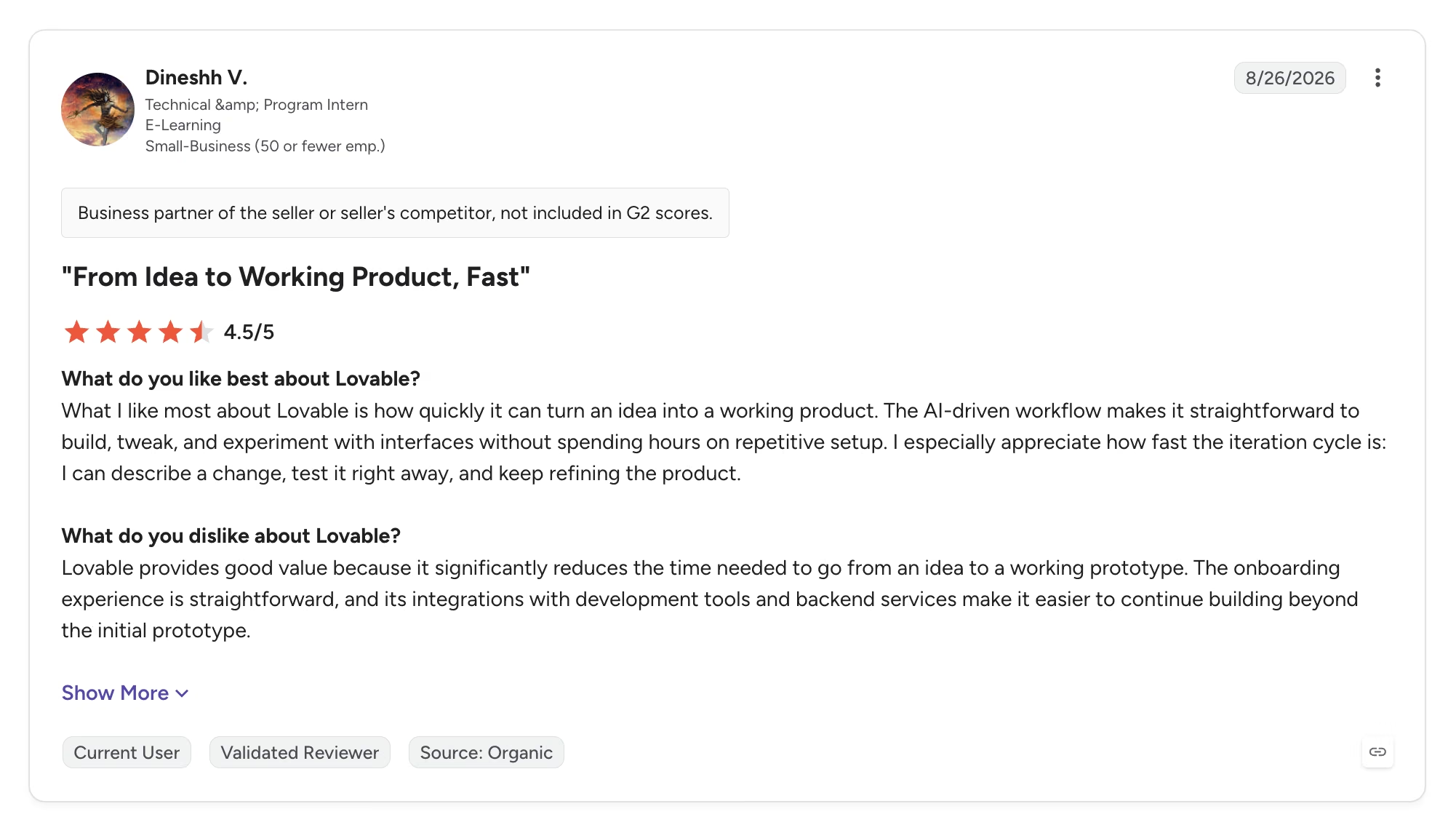
Dinesh V. rates the iteration loop highest: "I can describe a change, test it right away, and keep refining the product." That loop is also where the credits go, a complaint in around 40 of those reviews.
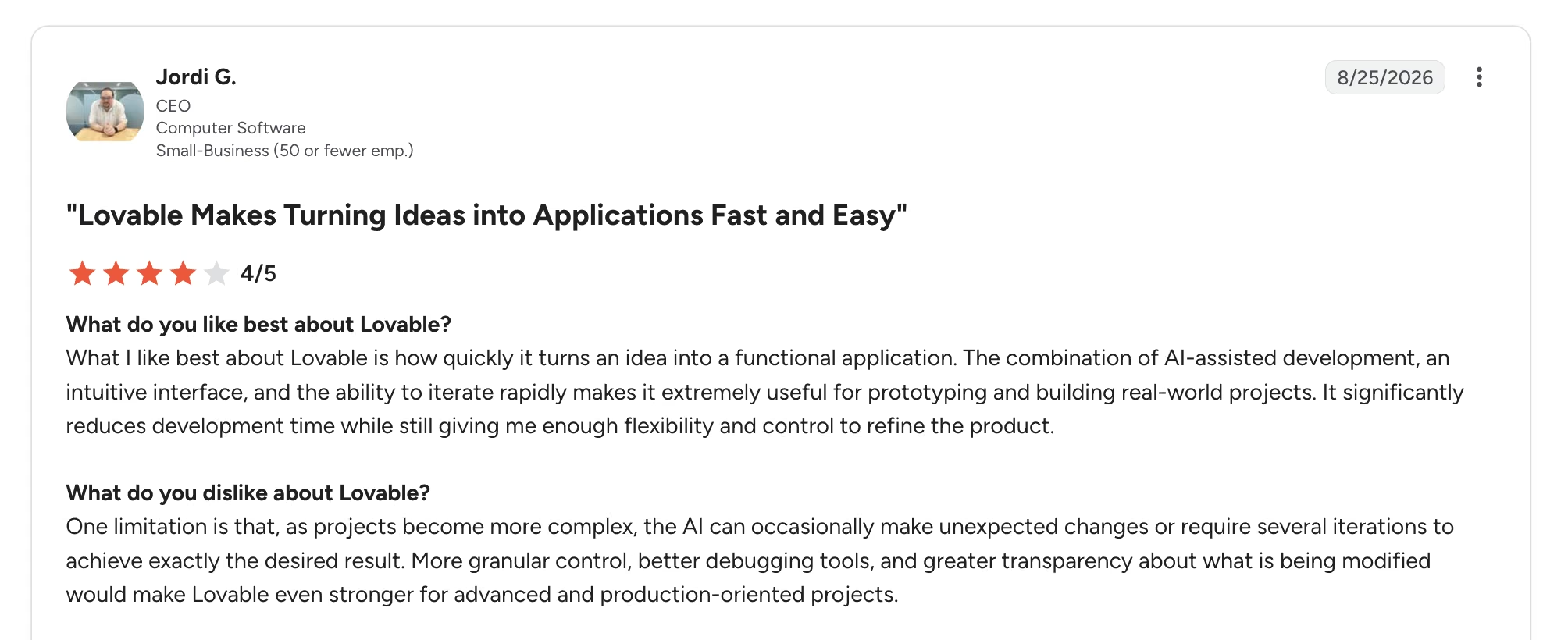
Jordi G. found that "as projects become more complex, the AI can occasionally make unexpected changes or require several iterations to achieve exactly the desired result."
Pricing
Lovable has a free plan. Pro starts at $25/month for 100 monthly credits, or $21/month billed annually, with larger bundles priced up from there. Business starts at $50/month, or $42/month billed annually, and adds team controls.
Bottom Line
Use Lovable to find out whether people want the thing before building it properly. For a site whose main job is being found in search, a page generator does more for less.
Wix: When the Site Is Pages, a Form, and Maybe a Store
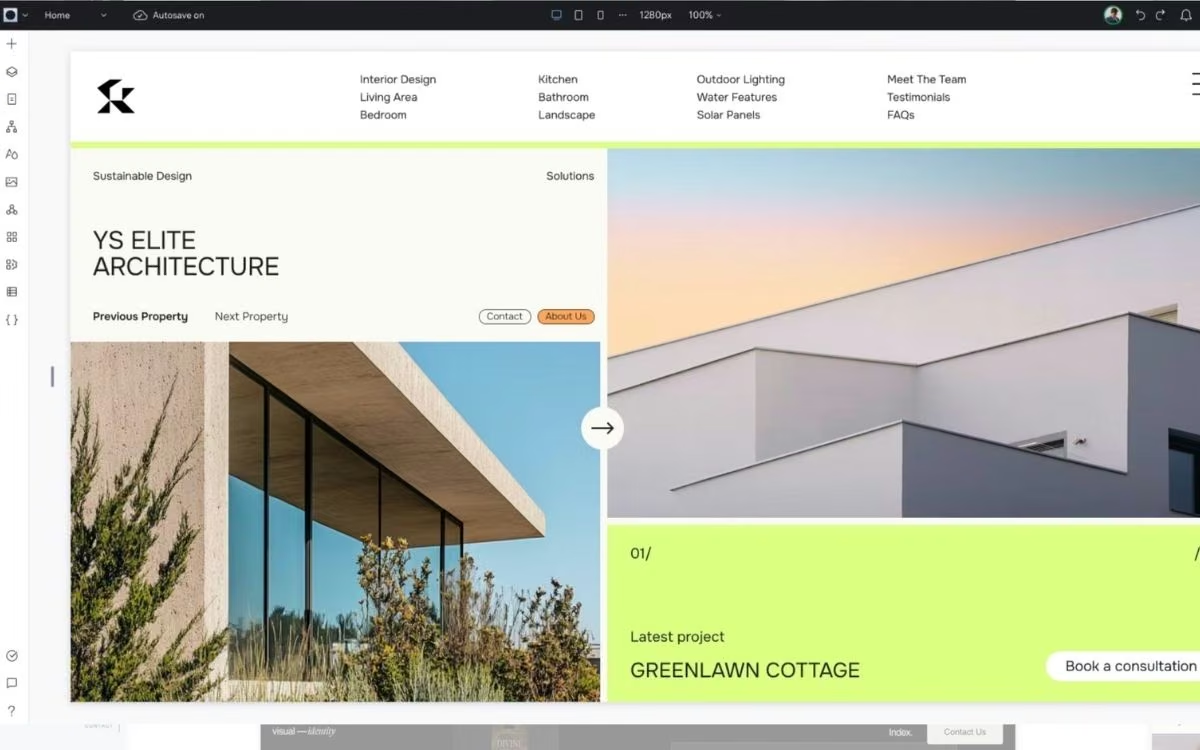
What it does: Wix turns a description of your business into a themed, editable site with industry-specific sections in place.
Wix is the default answer for a reason, and for most people reading this, it's still the right one. The AI agent is easy to use and took about 10 minutes to build a site, but the editor behind it is dense enough that a first-timer will feel it. Depth is the other catch: Bookings takes a deposit, but unusual rules mean bending a fixed feature out of shape.
Key Features
- In-editor AI assistant: Rewrites copy, builds sections, and drafts meta tags without leaving the editor.
- First-party business apps: Bookings, payments, invoicing, and email marketing all come from Wix.
Pros and Cons
Pros:
- The largest feature set of any builder I compared, so most small businesses never need a second platform.
- The editor gives you real room to fix whatever the AI got wrong.
Cons:
- Templates can't be swapped after publishing, so a rebrand means a rebuild.
- Sites can't be exported, so moving off Wix means starting over.
What Users Say
Wix holds 4.2 out of 5 across over 1,800 G2 reviews.
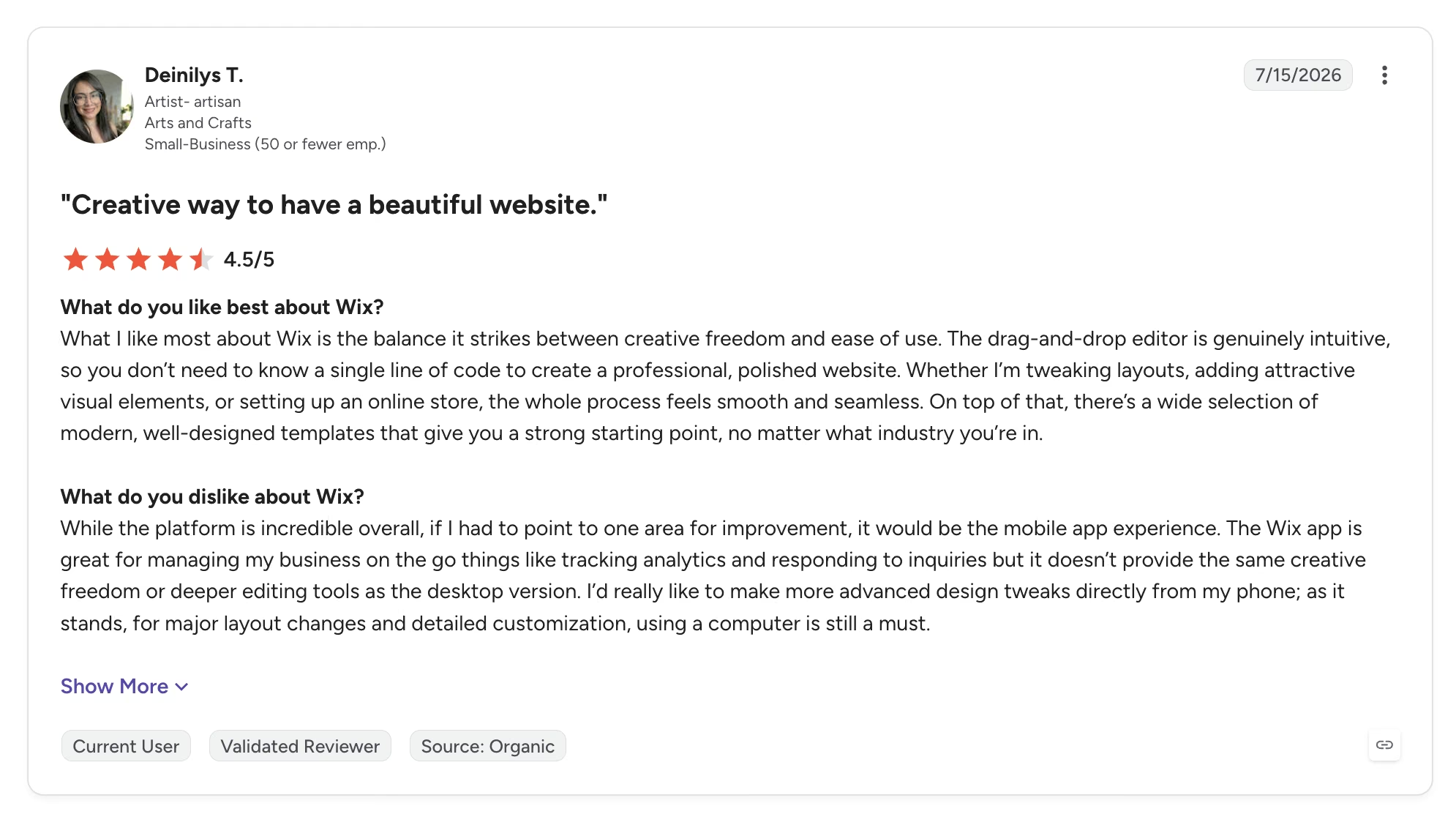
Deinilys T. credits "the balance it strikes between creative freedom and ease of use," adding that "the drag-and-drop editor is genuinely intuitive, so you don't need to know a single line of code."
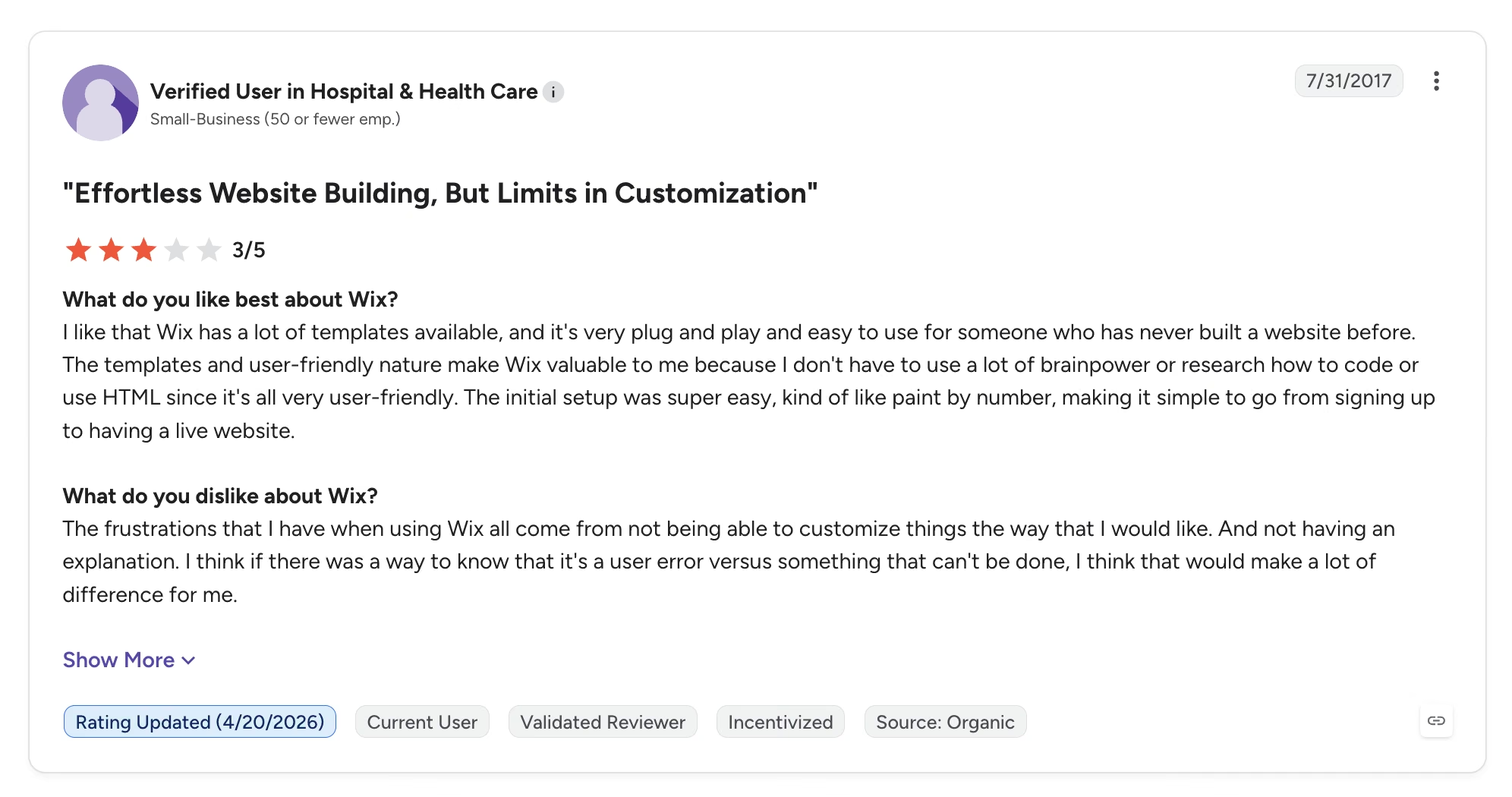
A verified Wix user in healthcare wrote that the frustrations "all come from not being able to customize things the way that I would like. And not having an explanation," and wanted a way to tell user error from a hard limit.
Pricing
Paid plans start at $17/month for Light and $29/month for Core. Its pricing page notes those are yearly subscription prices paid up front; shorter terms exist but cost more per month.
Bottom Line
If the site's job is to explain what you do and let people contact or buy from you, Wix covers it better than anything else. It stops being the answer the day you need a feature nobody sells as an app.
10Web: When You're Staying on WordPress
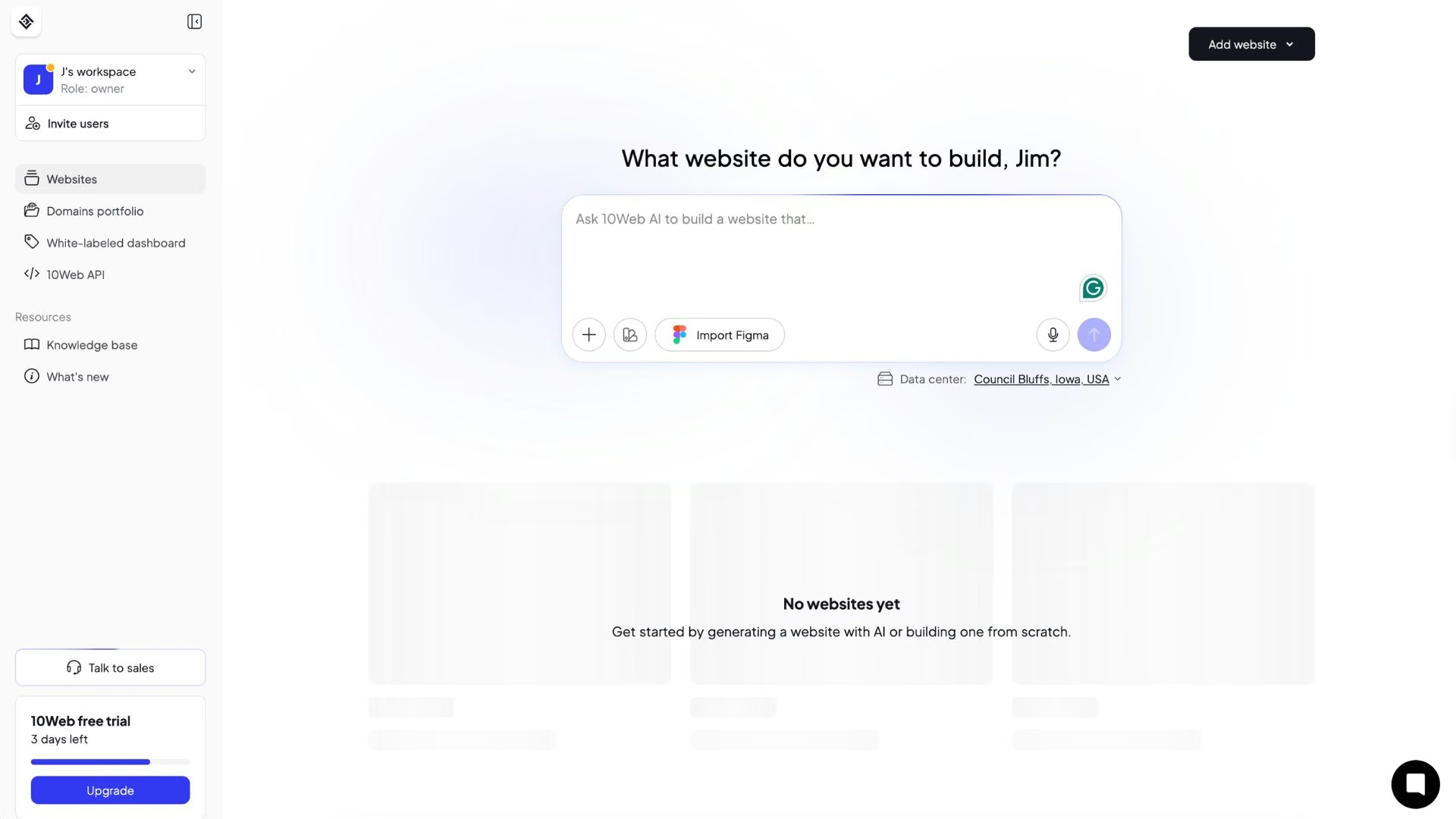
What it does: 10Web generates WordPress sites from a description and hosts them itself, with an Elementor-based editor on top.
If WordPress is already the decision, 10Web is the only builder here that doesn't ask you to leave it, and every plugin still works underneath. It was also the simplest of the six to use, and the output was the weakest, with few templates and little control over the AI.
Key Features
- AI-generated WordPress: The output is a standard WordPress install, so every plugin still works.
- Migration and managed hosting: An existing site can be imported and regenerated, with backups, security, and performance tuning handled.
Pros and Cons
Pros:
- Full access to the WordPress plugin library, which none of the other five offer.
- Hosting, backups, security, and migration tooling included instead of bought separately.
Cons:
- AI layouts repeat across similar businesses, so distinctiveness takes editing.
- Website counts are capped per plan, with one site on the entry tier.
What Users Say
10Web holds 4.6 out of 5 across over 160 G2 reviews.
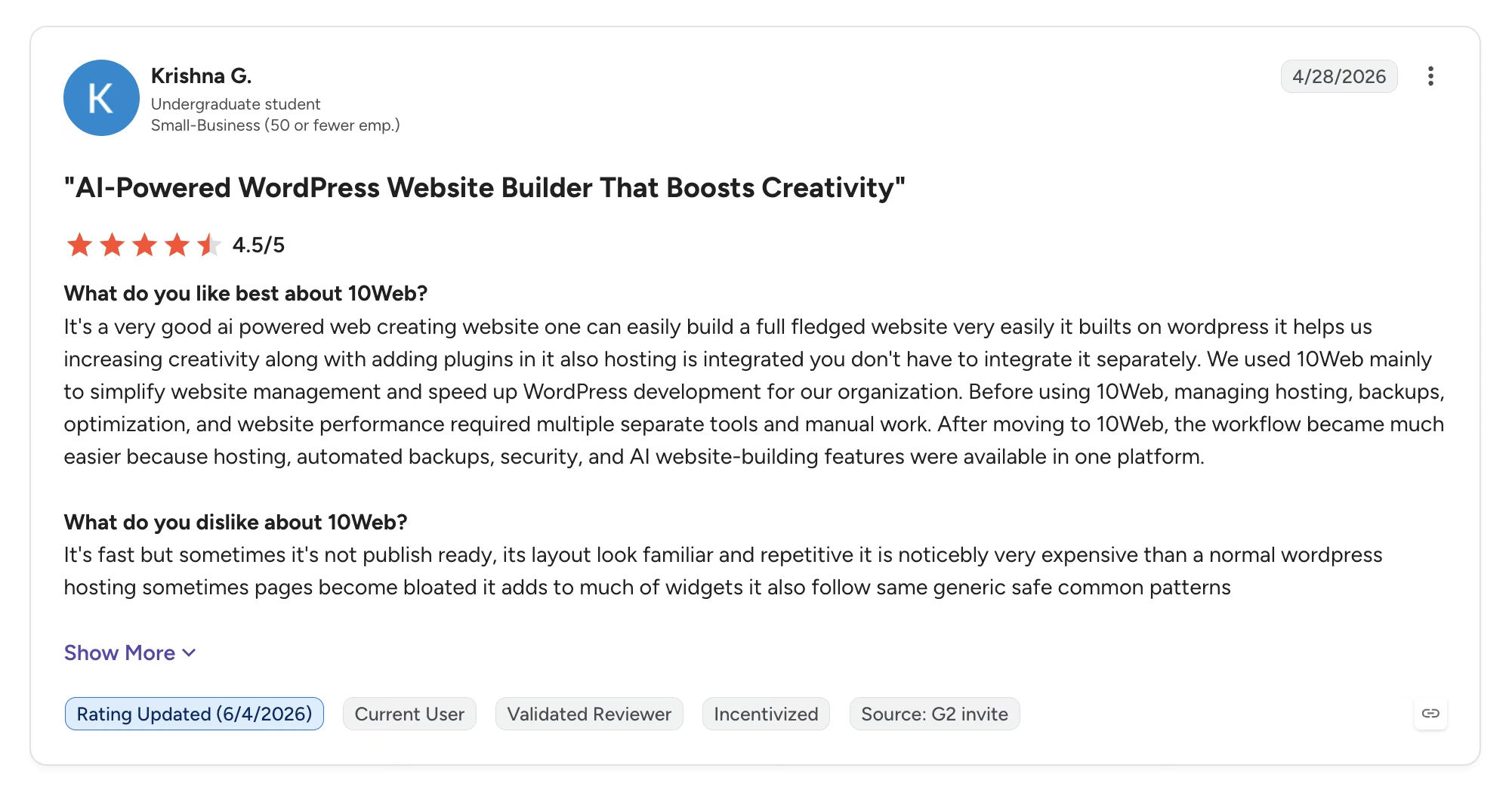
Krishna G. had been juggling separate tools for hosting and backups, and moved because 10Web put "hosting, automated backups, security, and AI website-building features" in one platform.
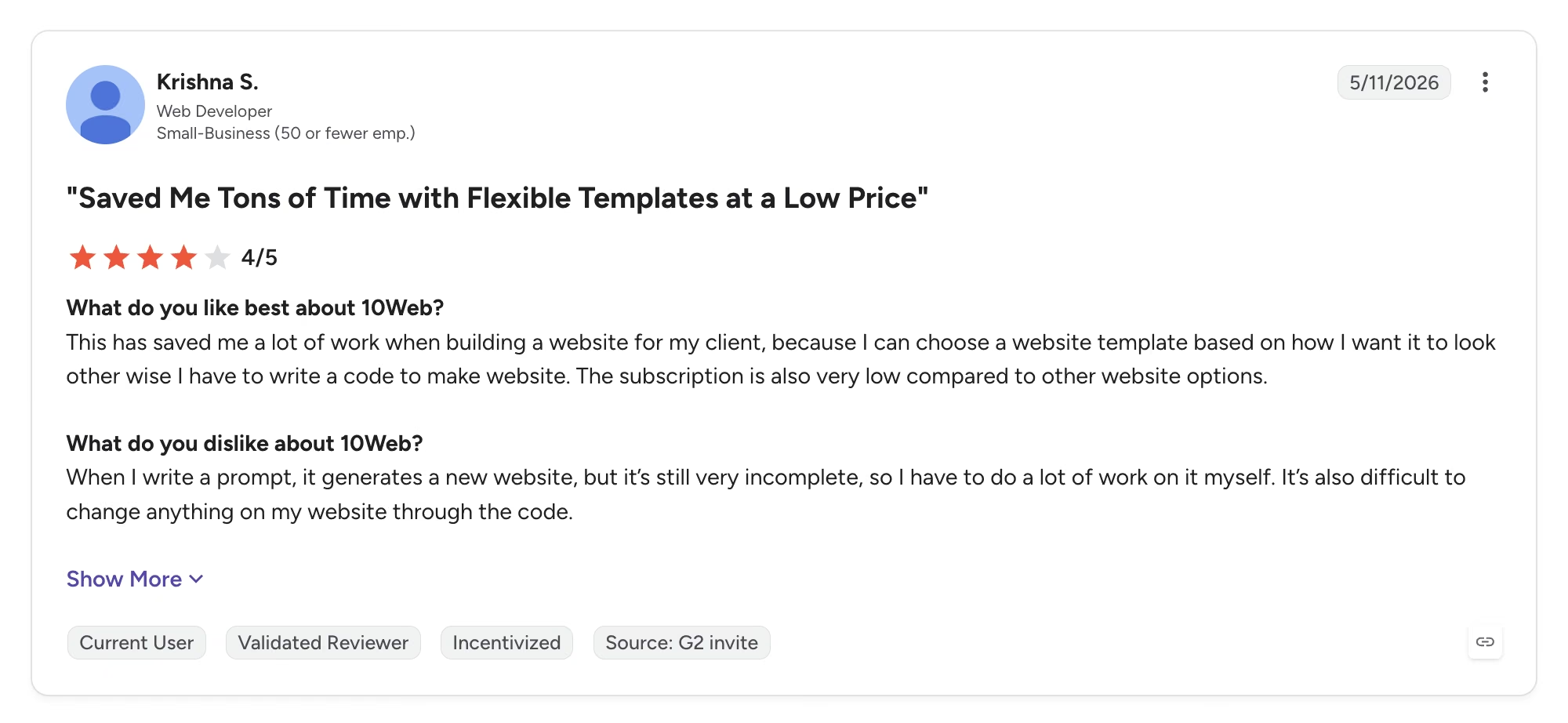
Another reviewer, Krishna S., found that "when I write a prompt, it generates a new website, but it's still very incomplete, so I have to do a lot of work on it myself," and that editing through the code is difficult.
Pricing
AI Starter runs $20/month, or $10/month billed annually, for one website and 100 monthly AI credits. AI Premium is $30/month, or $15/month billed annually, for two sites and 200 credits.
Bottom Line
When WordPress is already the decision, 10Web is the quickest route to an AI-generated site that keeps the plugin library. Without that requirement, the same money buys a better-looking site from Framer.
GoDaddy: When You Want Domain, Email, and Site in One Sitting
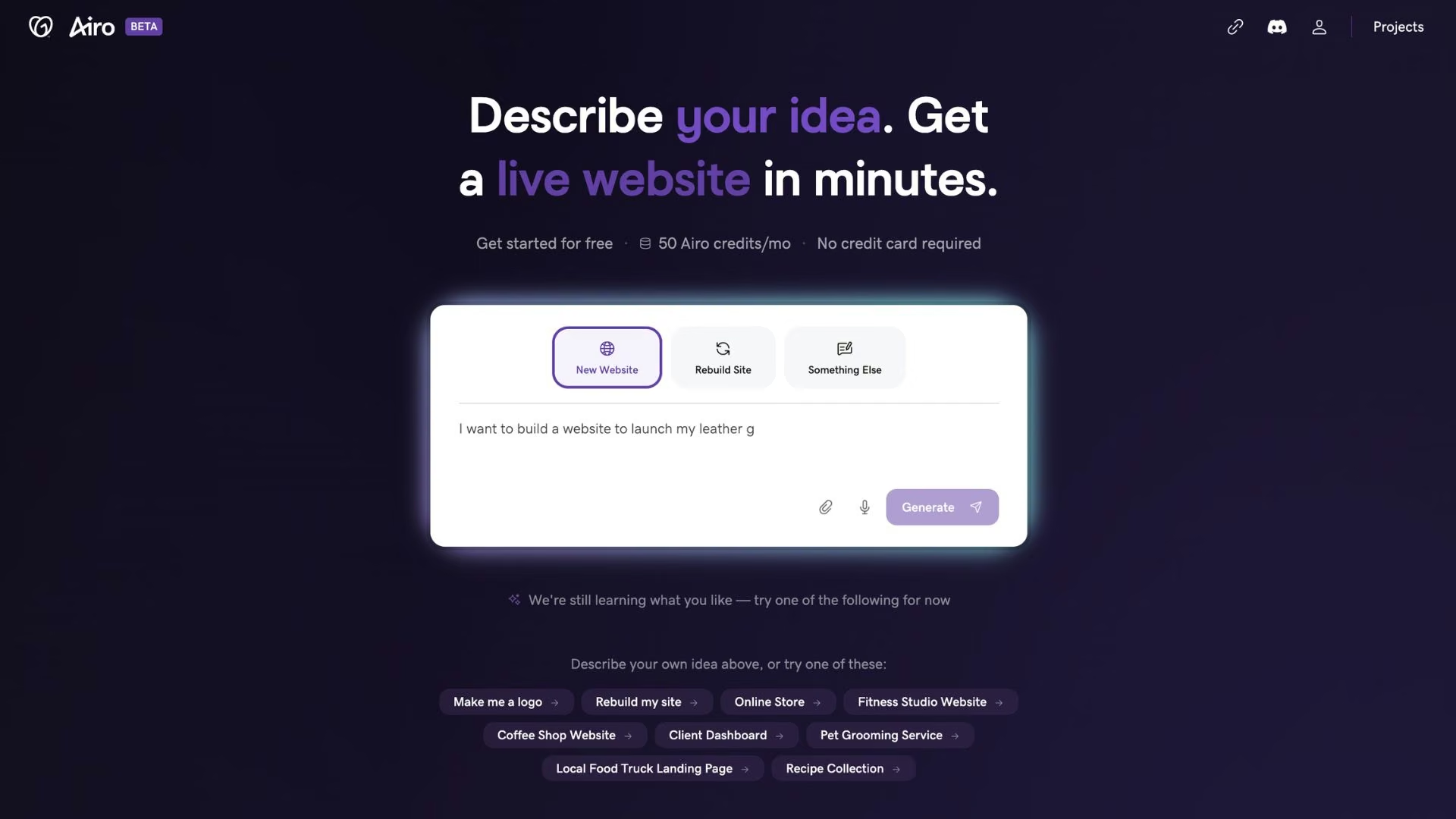
What it does: GoDaddy Website Builder, with the Airo AI Builder layer, generates a site, logo, and marketing copy from a short description.
GoDaddy's pull is the single flow: domain, email, site, and payment tools come from one company, set up in one sitting. Airo also drafts a logo, marketing copy, and SEO suggestions you'd otherwise buy, and it offered more templates than anything else here, with more control once I'd picked one. The catch is an interface that's heavy going.
Key Features
- Domain, email, and site in one flow: Buying the domain and publishing happen in one place.
- Bookings with deposits from Starter up: Scheduling that collects payment is first-party on every paid plan.
Pros and Cons
Pros:
- The fastest setup from buying a domain to a published site.
- Genuine month-to-month billing, plus marketing, email, and commerce tools included.
Cons:
- The editor is heavy going, and there's more of it to learn than the site you get out of it justifies.
- The annual discount is steep enough to make monthly billing look poor value.
What Users Say
GoDaddy Website Builder holds 4.1 out of 5 across over 180 G2 reviews, the lowest of the six.
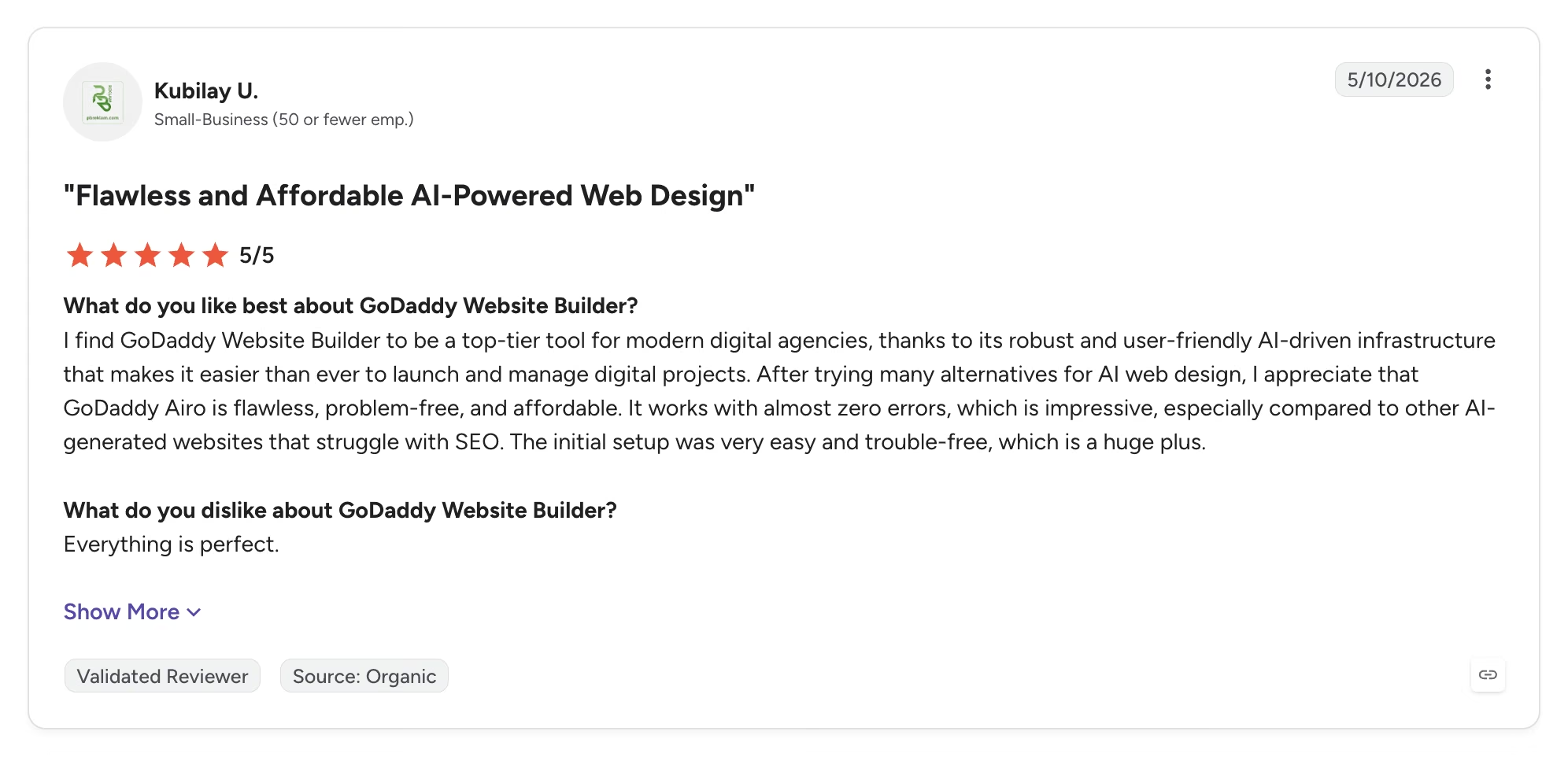
Kubilay U. rates the setup highest after trying several alternatives, calling Airo "flawless, problem-free, and affordable" and the initial setup "very easy and trouble-free."
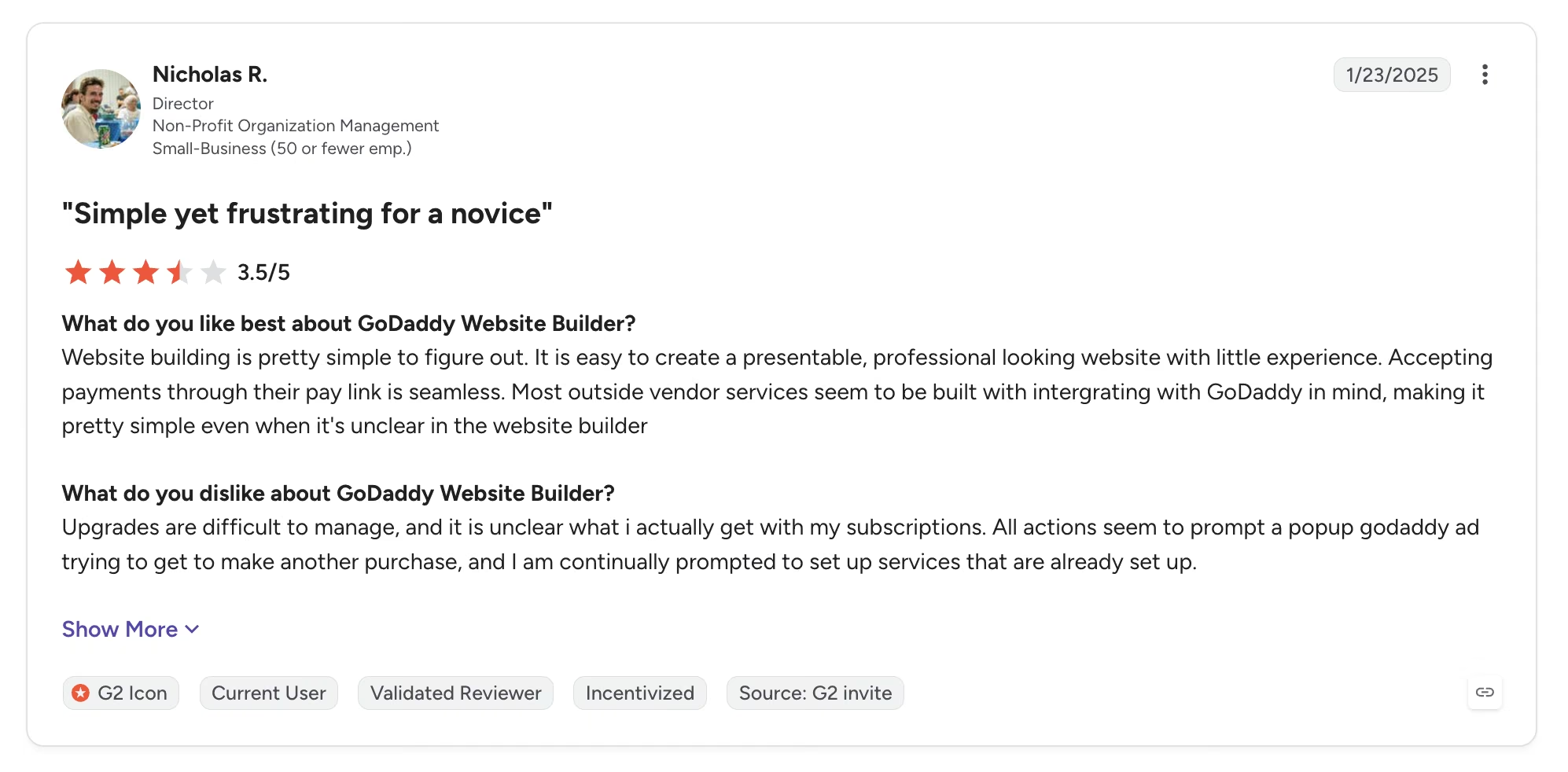
Nicholas R. found upgrades hard to manage and his subscription unclear: "All actions seem to prompt a popup godaddy ad trying to get to make another purchase, and I am continually prompted to set up services that are already set up."
Pricing
Starter is $19.99/month, or $9.99/month annually, with 150 AI credits a month. Professional is $49.99/month, or $24.99/month annually, with 300 credits. Ultimate is $199.99/month, or $99.99/month annually, with 750 credits. A free tier includes 50 credits a month, and unused credits expire each billing cycle.
Bottom Line
GoDaddy wins when you want the whole stack bought and running in one sitting, and Airo gives more starting points and more control than the price suggests. Budget the learning time.
Framer: When Design Is the Point
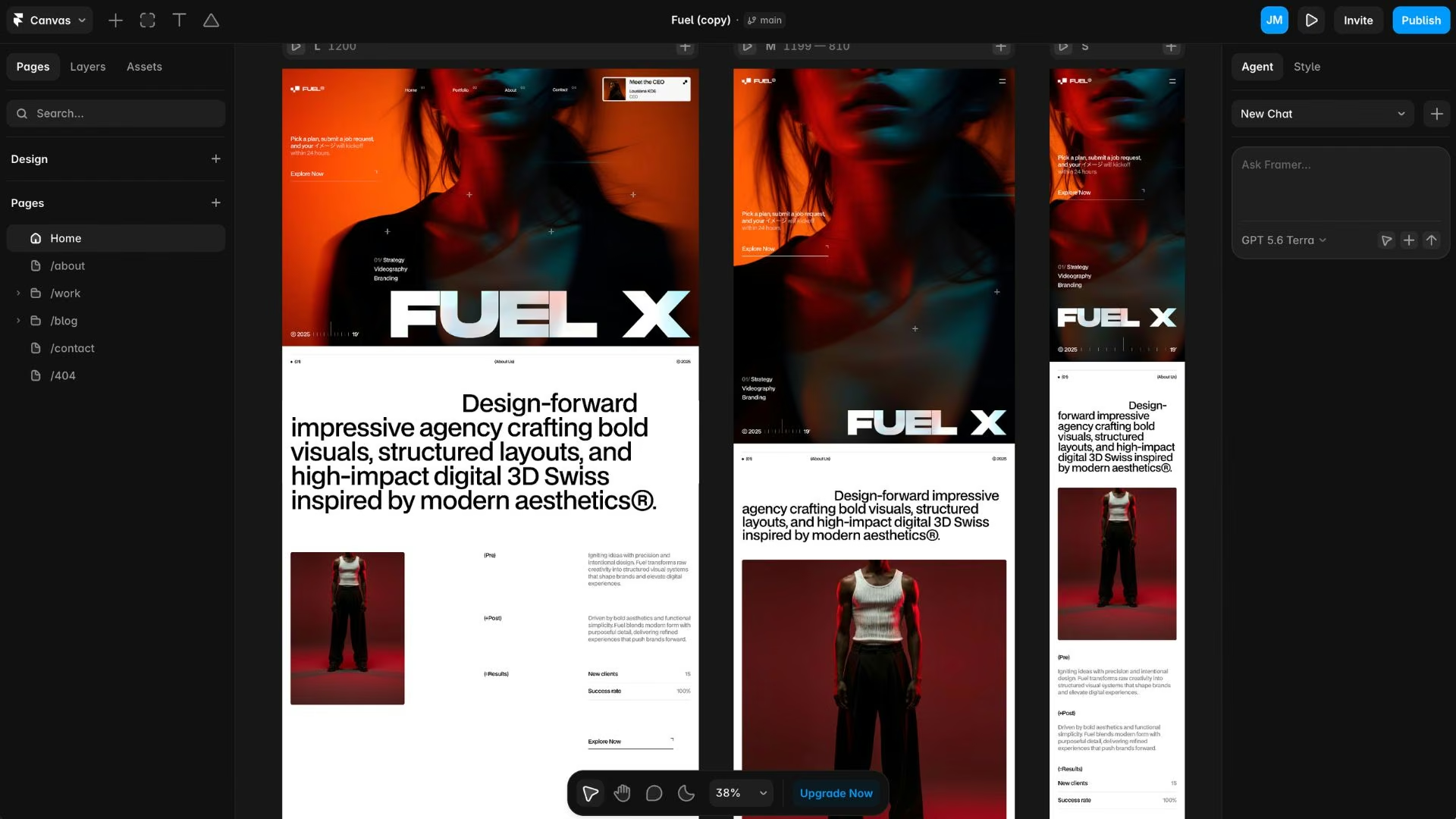
What it does: Framer generates and edits marketing sites on a design canvas, then publishes them on its own hosting.
Framer generated the best-looking site of the six by a distance, and it's last here only because it builds the least beyond pages. The AI's draft is something you shape rather than accept, which is why it suits people who already design: the tool assumes it, the curve is steep without it, and performance slows on bigger projects.
Key Features
- Design-grade canvas: Layout, typography, and motion are editable at the level a designer expects, with a built-in CMS so non-designers can publish safely.
- Credit-based AI editing: Paid plans refill a monthly credit pool, and the free plan gets a one-time 500 credits to evaluate with.
Pros and Cons
Pros:
- The strongest visual output of any builder I compared.
- A Figma-adjacent workflow that's fast for anyone with design experience.
Cons:
- No source code export, so the site can't move to another host.
- Add-ons for extra editors and localization push the true monthly cost above the plan price.
What Users Say
Framer holds 4.5 out of 5 across over 140 G2 reviews.
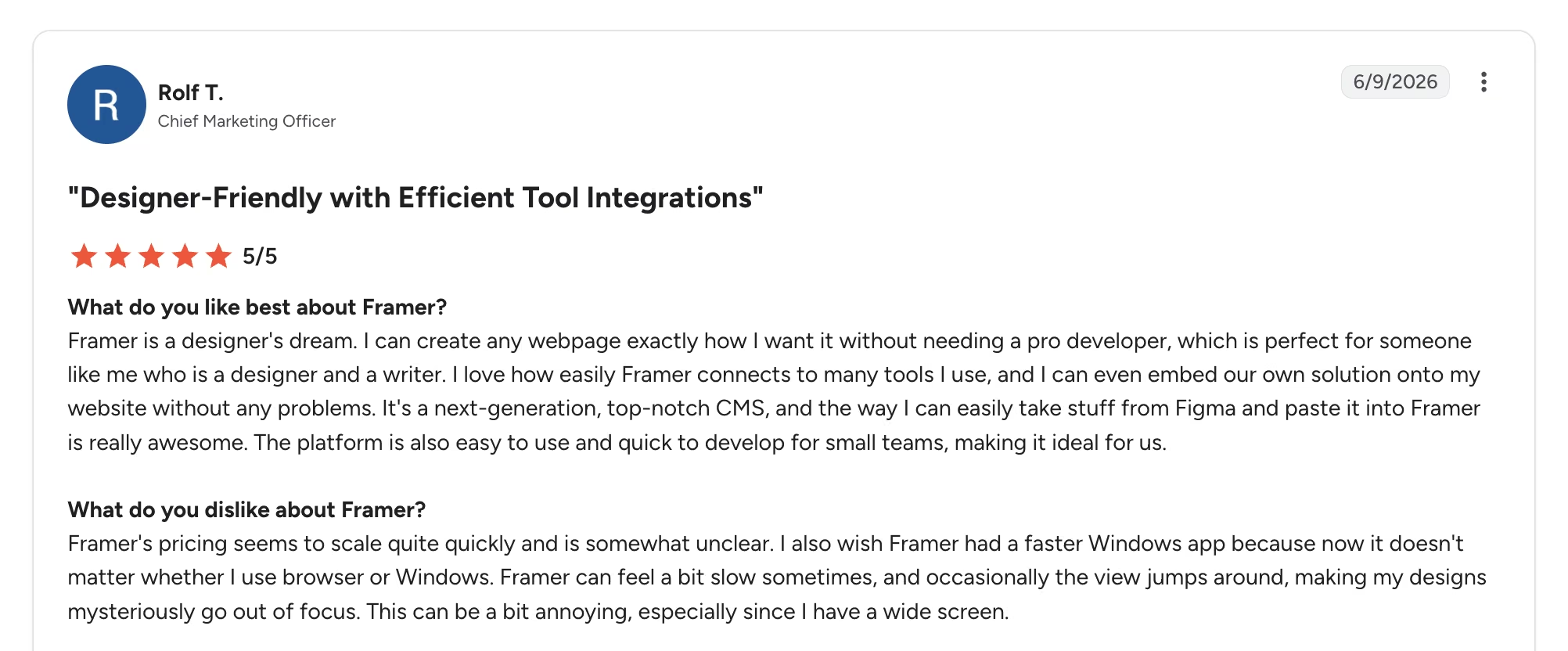
Rolf T. calls Framer "a designer's dream," because "I can create any webpage exactly how I want it without needing a pro developer," and rates moving work over from Figma as the standout.
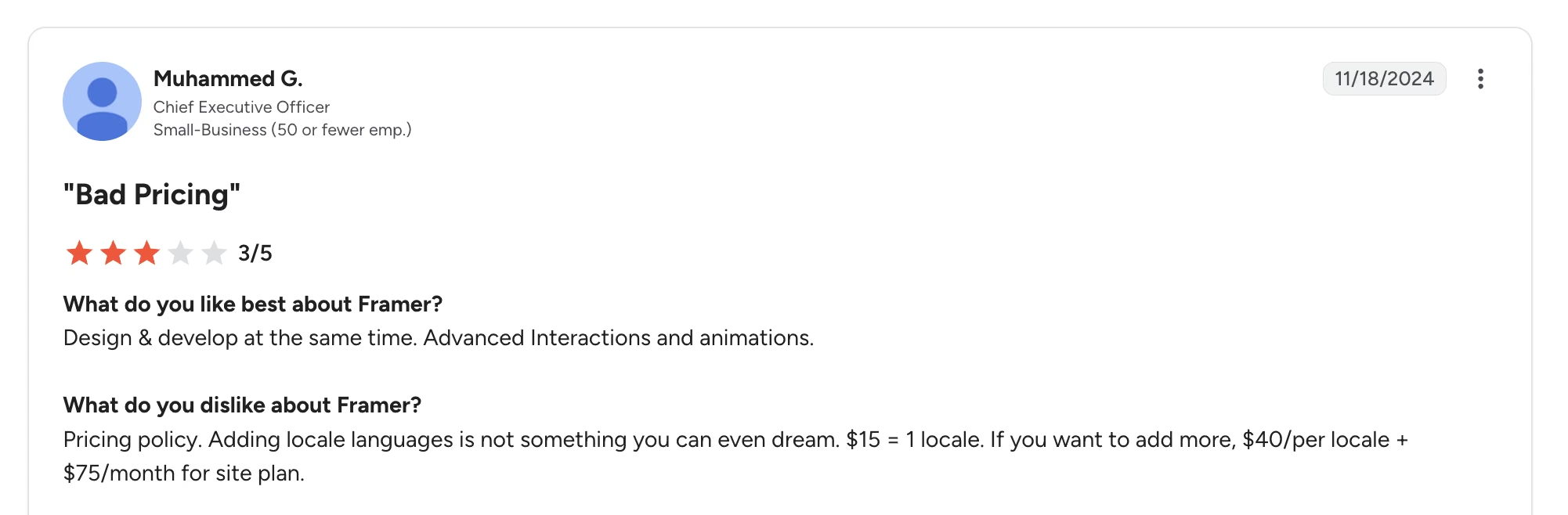
The add-on pricing is where reviewers push back. Muhammed G. singled out the "pricing policy," writing that "adding locale languages is not something you can even dream. $15 = 1 locale." Framer has since raised that add-on to $20 per locale.
Pricing
Framer's free plan includes a Framer subdomain and a one-time 500 credits. Recurring credits only start on a paid plan. Basic runs $15/month, or $10/month annually, with 1,000 monthly credits. Pro is $45/month, or $30/month annually, with 3,000 credits.
Also read our Framer review for a closer look at how it holds up on a real build.
Bottom Line
For a portfolio, a launch page, or an agency site, Framer is worth paying more for, provided you're happy for the site to live there permanently.
If the budget is tight and the site has to earn its keep, our AI website builders for small businesses guide narrows the field.
How to Choose the Best AI Website Builder for Your Site
Match the group to the job first, then let design taste and budget decide inside it. If the site's work is explaining, listing, and selling, a page generator is enough, and Wix is the safest of them. If it has to run a process, a deposit against a calendar, a login that shows each customer something different, a prompt-to-code builder saves you a permanent workaround.
One last check before you pay: look up the renewal price. Every discount here is tied to an annual commitment, and the second term is where the real cost sits. If this is your first site, a beginner-focused comparison is a better next read than any pricing page, and our small business builders comparison goes deeper on that case.
Twenty minutes spent writing down what the site has to do, before you type a prompt, will change the result more than the tool you pick.
Every one of these builds exactly what you described, and nothing more.
If that includes a deposit at booking or customer logins, it's the job Emergent was built for, and the free plan's 10 credits are enough to generate a first site and judge it against Wix yourself.

Emergent designs, writes, and publishes your whole site from one prompt. No templates, no drag-and-drop.
- Full site from one prompt
- Custom design, real pages
- Publish in minutes







