



After testing custom business software across AI builders, low-code platforms, and enterprise suites, the differences that matter don't show up on a feature page. They show up when the logic gets complicated, and the deadline gets close.
7 Best Custom Business Software Tools: Quick Comparison
Pricing models vary across tools. Compare full pricing sections below before drawing cost conclusions from this table.
How I Tested These Custom Business Software Tools
The goal was to see how far a non-technical user could get before hitting a wall, and how fast they could go from a blank canvas to something a team would use day one.
For each tool, I tracked five things:
- Features: How well each platform covers the core tasks businesses need (forms, databases, workflow automation, role-based permissions, and third-party integrations). I paid specific attention to what breaks when the logic gets more involved, beyond what a pricing page will tell you.
- Usability: Whether someone without a developer background can build, update, and troubleshoot the app independently. I noted where I had to Google something, where I had to watch a tutorial, and where I hit a dead end entirely.
- Integrations: How cleanly each tool connects to the systems many business teams already use (Google Sheets, Slack, Airtable, Stripe, and REST APIs). I tested both native connectors and custom API setups to see where the gaps are.
- Pricing: What you realistically get at the entry tier versus what gets gated on higher plans. Credit-based models, per-user fees, and usage caps all behave differently at scale, so I mapped out what a 10-person team would pay after six months.
- Use cases: How each tool handles the three scenarios I saw come up again and again: internal ops tools, client-facing portals, and workflow automation with conditional logic.
If I couldn't hand the result to a non-technical ops manager and have them run it the next day, it didn't make the list.
1. Emergent: Best for Non-Technical Teams Building Production Apps
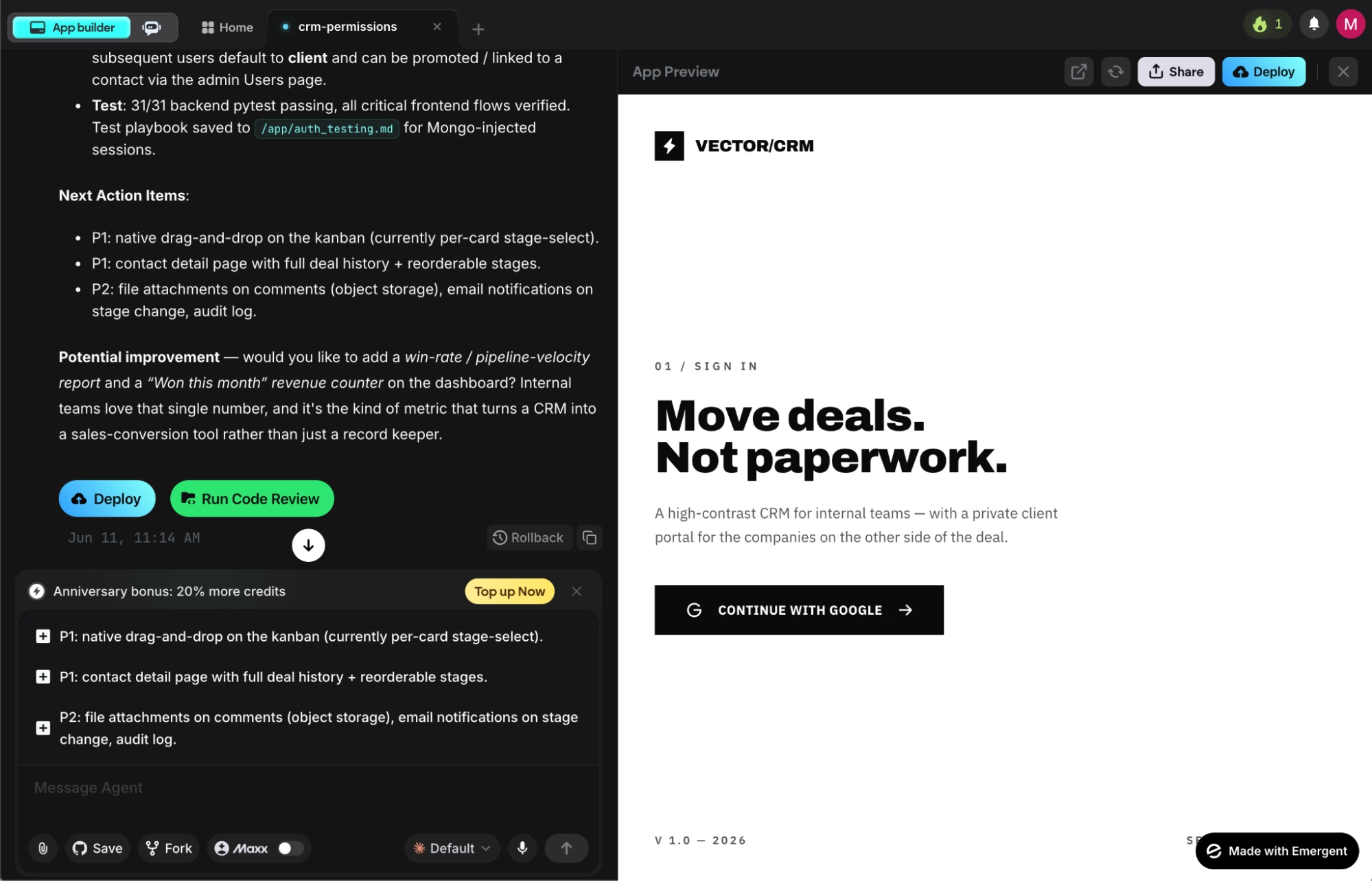
What it does: A vibe coding platform where you describe what you want in plain English and specialized agents handle the rest, shipping a working app with interface, database, hosting, and live URL included, no developer needed.
Best for: Solo founders, ops teams, and service business owners who need production-grade custom software without an engineering team.
Two sentences to describe what I needed. Twenty minutes later, I had a working app with contact management, deal stages, and role-based permissions. The portal took around 45 minutes, and what surprised me was how stable both builds stayed across iterations.
On Emergent, the testing agent caught three regressions before they shipped during the CRM build alone. The output wasn't perfect on the first try, but the prompt-test-fix loop felt faster and less destructive than any other tools I tested.
Key Features
- Multi-agent architecture: Separate agents handle design, code, testing, and integrations in parallel.
- Live app monitoring: Analytics, health checks, error logs, and mobile alerts run automatically on every deployed app.
- Automated regression testing: Emergent's testing layer catches regressions before they ship, so large builds stay stable as you iterate.
- Universal LLM access: Use Claude, GPT, or Gemini inside your app via Emergent credits, without needing your own API keys.
Pros and Cons
Pros:
- Fastest path from a business idea to a deployed, functional app across all seven tools tested
- Each agent owns one job (design, code, testing, integrations). Emergent's architecture is specifically designed to reduce regressions as builds get larger
- Your codebase exports to GitHub on Standard and above, so switching hosting or working with a developer later is straightforward
Cons:
- Prompt quality matters. Vague descriptions produce vague apps, and fixing them means rewriting the prompt, not tweaking the output
- After 3-4 deployment cycles, the local preview database can diverge from the live version. No merge option yet, just replace or revert
What Users Say
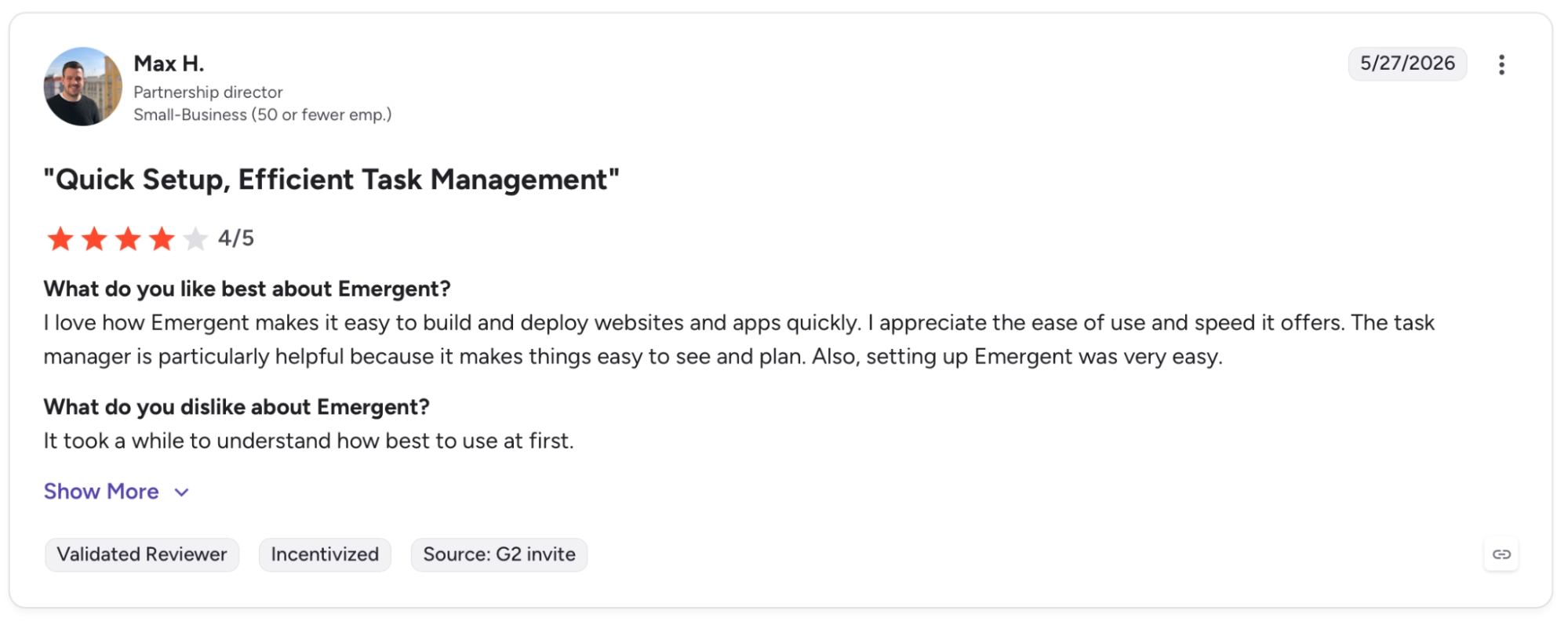
"The task manager is particularly helpful because it makes things easy to see and plan. Also, setting up Emergent was very easy." — Max H., G2
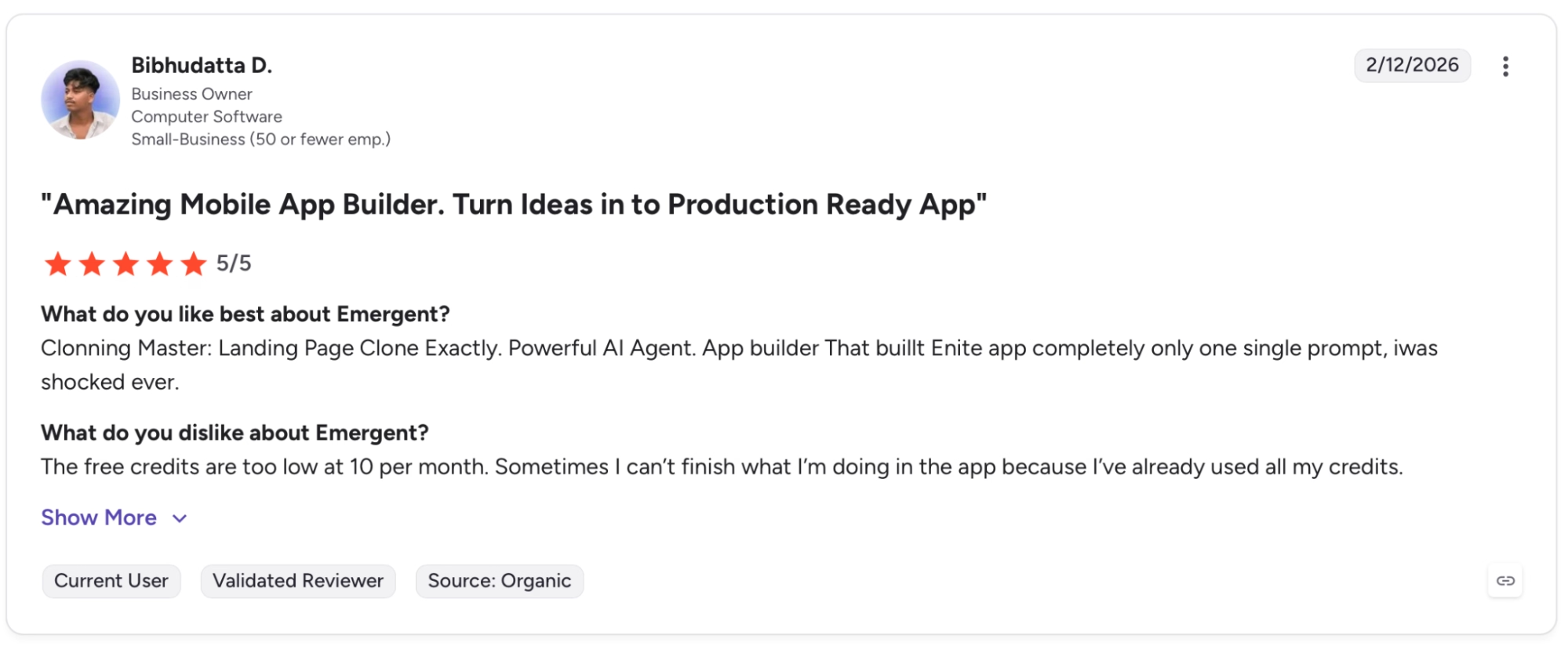
"The free credits are too low at 10 per month. Sometimes I can’t finish what I’m doing in the app because I’ve already used all my credits." — Bibhudatta D., G2
Pricing
Standard starts at $20/month for 100 credits, GitHub sync, and unlimited projects. Pro runs $200/month with 750 credits, a 1M context window, and custom agent creation.
Bottom Line
Emergent works best for non-technical founders and business owners who need custom software that ships without hiring a dev team. If your main goal is wiring existing tools like Slack and Gmail into automated workflows, a dedicated automation platform gets you there faster.
2. Bubble: Best for Web and Mobile Apps With Deep Customization
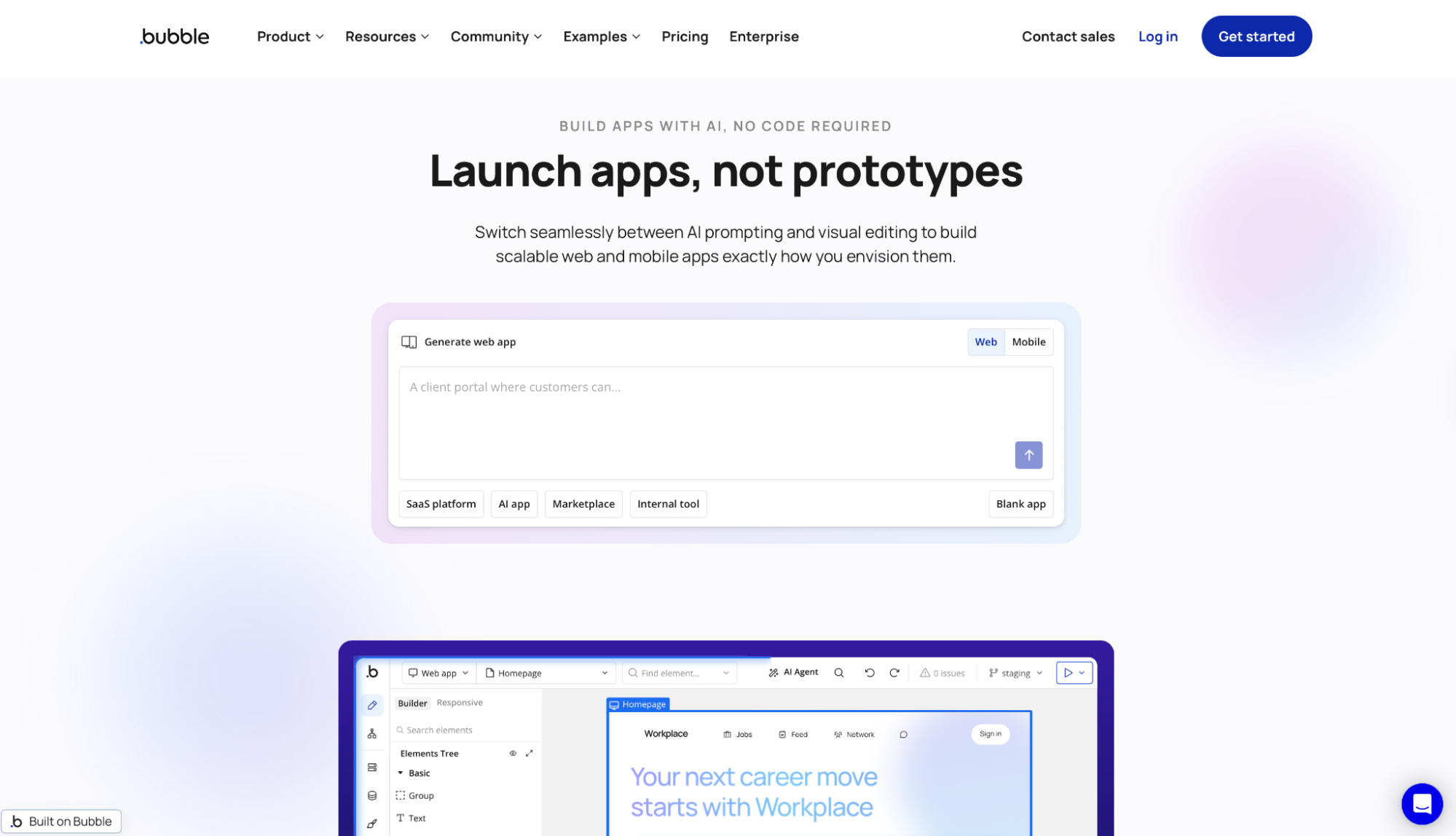
What it does: Visual development platform for creating web and mobile apps with a drag-and-drop editor, native workflows, and a native database.
Best for: Founders, startups, and product teams that need deep customization and are willing to trade speed for control.
Bubble builds apps at the data layer first. The same client portal took under an hour on Glide. On Bubble, it took the better part of a morning, not because the tool is slow, but because you're making decisions at every layer (data types, privacy rules, workflow logic, page structure).
That depth pays off when your product has demanding logic. The portal I ended up with was more precisely configured than anything I produced elsewhere. Role-based access worked exactly how I designed it, and the workflow logic handled edge cases I hadn't anticipated.
Key Features
- Visual editor and workflows: Design the interface, define app logic, and shape how users move through the product visually.
- API Connector and plugin ecosystem: Bubble hooks into external services through its API Connector and an extensive plugin library.
- Bubble AI app generator: Generates an initial app with a database and logic from a plain-language prompt.
Pros and Cons
Pros:
- Among the tools I tested, Bubble offers the most control for teams that need deep customization without leaving a visual environment
- Visual workflows and database control let you model product logic at a depth that goes well beyond what lighter app builders support
- An extensive free plugin marketplace and a built-in API Connector cover most of the external services a web app would need to talk to
- A large active community with a strong library of templates, tutorials, and forum answers, which helps when you hit something the docs don't cover
Cons:
- The learning curve is steep, especially for teams expecting a prompt-to-app experience
- Workload Unit costs are hard to predict. Every app consumes WUs differently, and overage at $0.30 per 1,000 WUs compounds fast
What Users Say
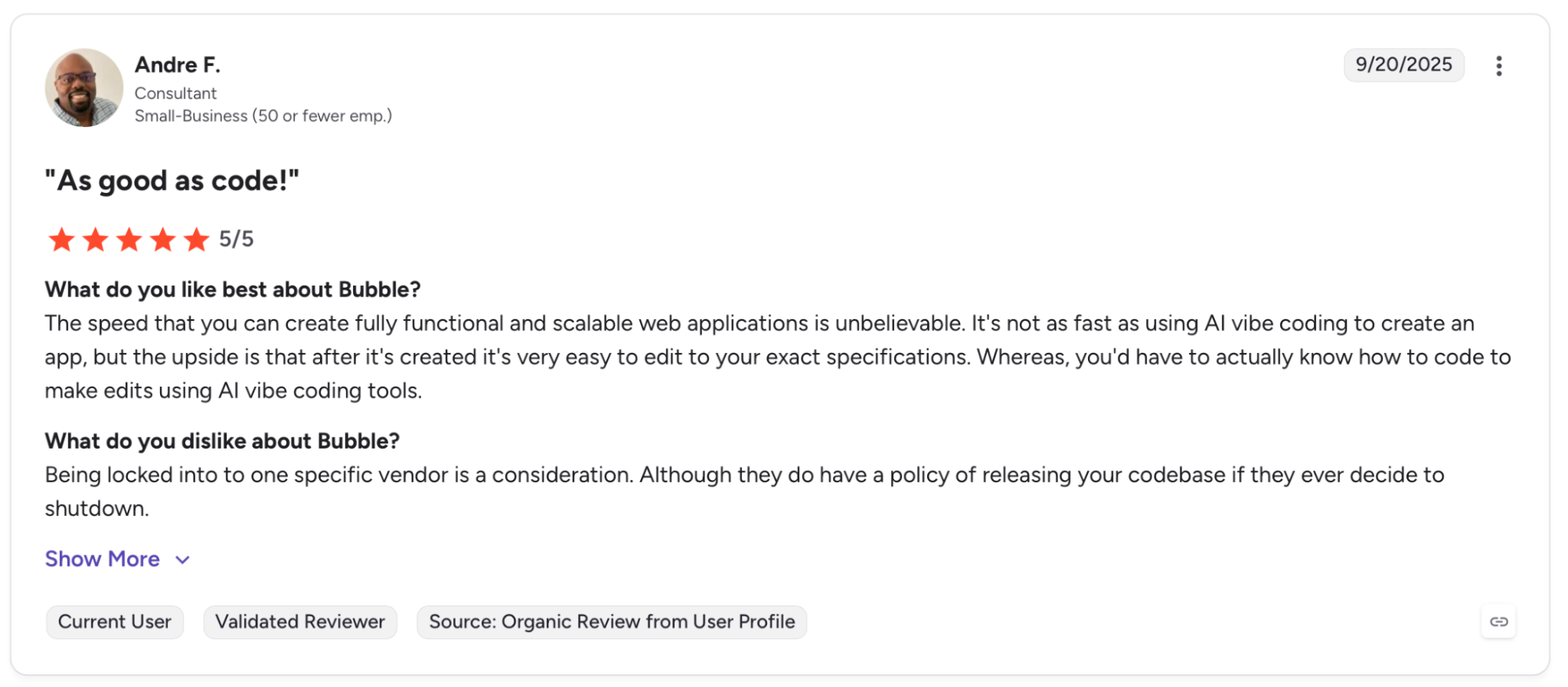
"The speed that you can create fully functional and scalable web applications is unbelievable." — Andre F., G2
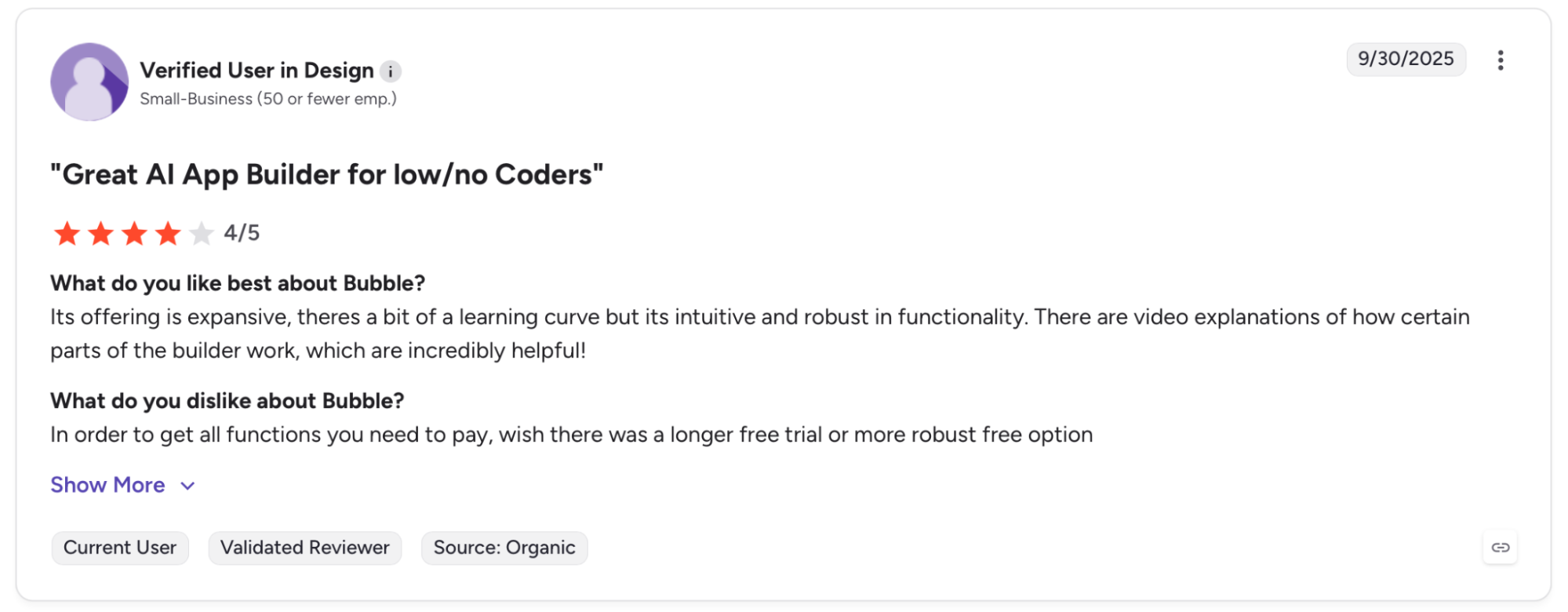
"In order to get all the functions you need to pay for, I wish there was a longer free trial or more robust free option." — Verified User in Design, G2
Pricing
Starter runs $59/month (billed annually) with a custom domain and live deployment. Growth at $209/month adds recurring workflows and higher Workload Unit limits.
Bottom Line
Bubble is where to go for marketplaces, SaaS products, and anything with layered user roles and branching decisions. If you need something live in a day, look elsewhere. If you need it built right, Bubble is worth the time.
3. Glide: Best for Turning Spreadsheets Into Apps
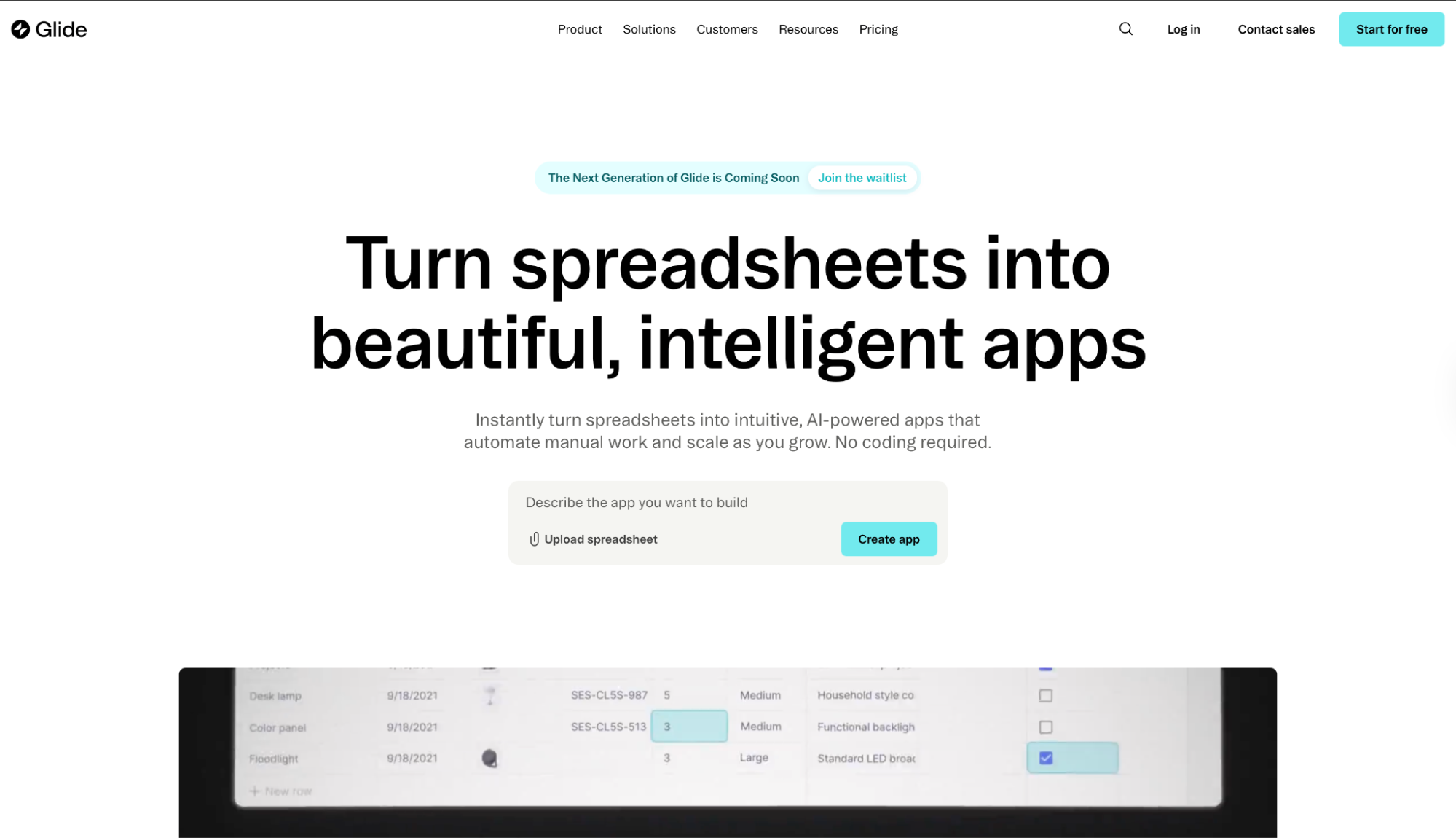
What it does: App builder that turns spreadsheet data into business ops tools without writing code.
Best for: Teams that already run key workflows in Google Sheets, Airtable, or Excel and need a cleaner, shareable interface on top of that data.
Glide clicks when the data already exists and the friction is how people interact with it. I connected a Google Sheet with 200 rows of contact data and had a filterable, searchable CRM interface. No configuration beyond pointing Glide at the source.
Where I hit the ceiling was workflow logic. The task tracker worked fine for linear status updates, but conditional routing requires Business, and even there, branches can't run custom code or SQL.
Workflows that depend on data transformations beyond Glide's built-in computed steps still need an external tool.
Key Features
- Broad data source support: Glide Tables on Free; Google Sheets and Excel import from Explorer; live sync for Google Sheets, Airtable, and Excel on Business; HubSpot, Stripe, PostgreSQL, and 100+ sources on Enterprise.
- Workflows and API access: Scheduled, webhook, and email triggers plus full API access require Business.
- Glide AI: Generates apps and creates AI agents that handle tasks like drafting emails and extracting data directly inside the app.
Pros and Cons
Pros:
- Fastest tool here for converting spreadsheet workflows already in place into a usable business app
- Strong out-of-the-box support for inventory, CRM, field sales, and work orders, which are the use cases that drove most people to Glide in the first place
Cons:
- The logic layer has a low ceiling. No custom code or SQL, aggregations cap at 100 rows on Big Tables, and complex branching requires external tools
- Usage-based pricing ($5/additional user per month on annual, $0.02/update) makes costs harder to predict as team size or data activity grows
What Users Say
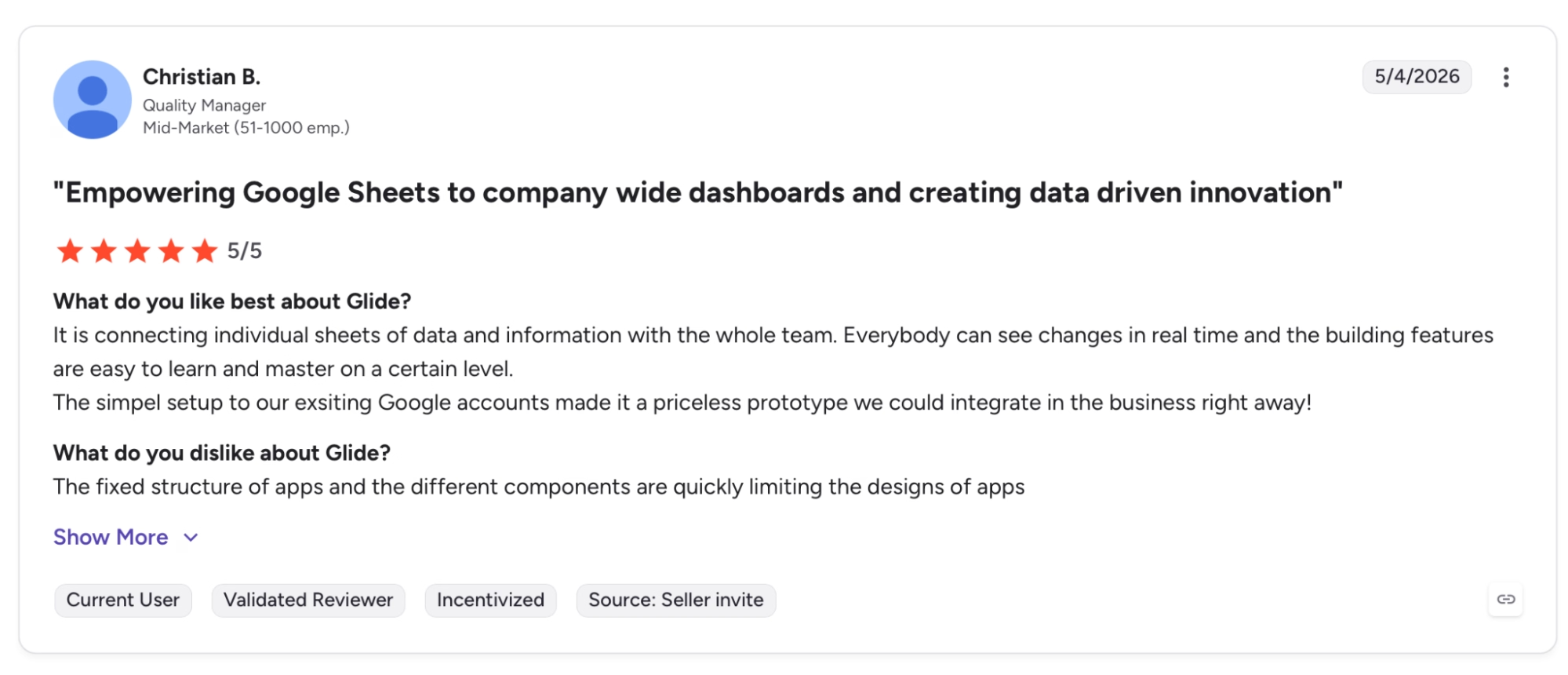
"Everybody can see changes in real time and the building features are easy to learn and master on a certain level." — Christian B., G2
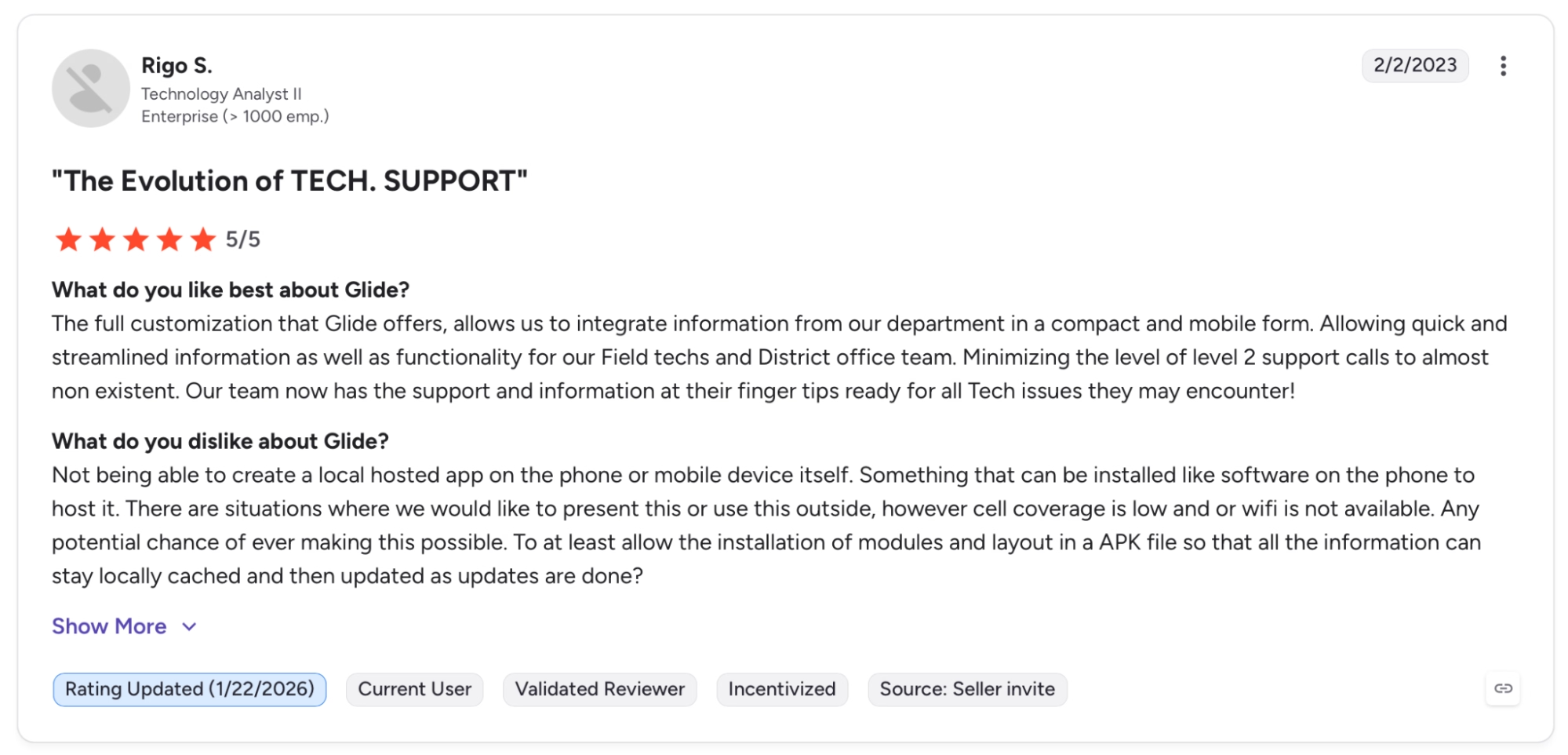
"Not being able to create a local hosted app on the phone or mobile device itself." — Rigo S., G2
Pricing
Business starts at $199/month (billed yearly) for 30 users, 5,000 updates/month, full workflow automation, and live Airtable and Excel sync. Additional users run $5/user/month and update $0.02 each.
Bottom Line
Glide earns its spot when the team already works in spreadsheets and needs a cleaner way to surface that data. Heavier customization or more involved product logic points toward Retool or Bubble.
4. Microsoft Power Apps: Best for Teams in the Microsoft Ecosystem
What it does: Microsoft's low-code platform for building custom business apps that connect natively to the 365 suite, Dataverse, Dynamics 365, and Azure.
Best for: Organizations already running on Microsoft 365 or Dynamics 365 that need custom internal apps without standing up a separate development environment.
Power Apps earns its place here almost entirely because of ecosystem fit. Building an expense tracker that pulled from SharePoint and pushed approvals through Teams took a fraction of the time it would have taken elsewhere. That speed is real, but it's conditional.
The moment I tried to build something outside that stack, the overhead became obvious. Model-driven apps require Dataverse, the licensing assumes Azure Active Directory familiarity throughout, and the environment setup adds friction before you write a single line of logic.
Power Apps is fast when the foundation is already Microsoft.
Key Features
- Microsoft Dataverse: Stores and manages app data with enterprise-grade security, role-based access, and compliance built in.
- Agentic features and Copilot: Premium users get agentic capabilities in model-driven apps and Microsoft 365 Copilot chat.
- Ready-to-use templates: Pre-built templates for help desk management, employee onboarding, asset checkout, and budget tracking.
Pros and Cons
Pros:
- Native integration with Microsoft 365, Dynamics 365, Azure, and Dataverse with no custom connectors needed for most enterprise scenarios
- Enterprise-grade governance, compliance, and role-based access are included in the base plan
Cons:
- Per-user pricing adds up quickly in mid-size organizations and requires careful license planning before rollout
- The deepest agentic features are more mature in model-driven apps than canvas apps. Teams building canvas-first may hit that ceiling sooner than expected
- Outside the Microsoft ecosystem the value drops sharply. Dataverse, Azure AD, and Microsoft 365 licensing make it a poor fit for other stacks
What Users Say
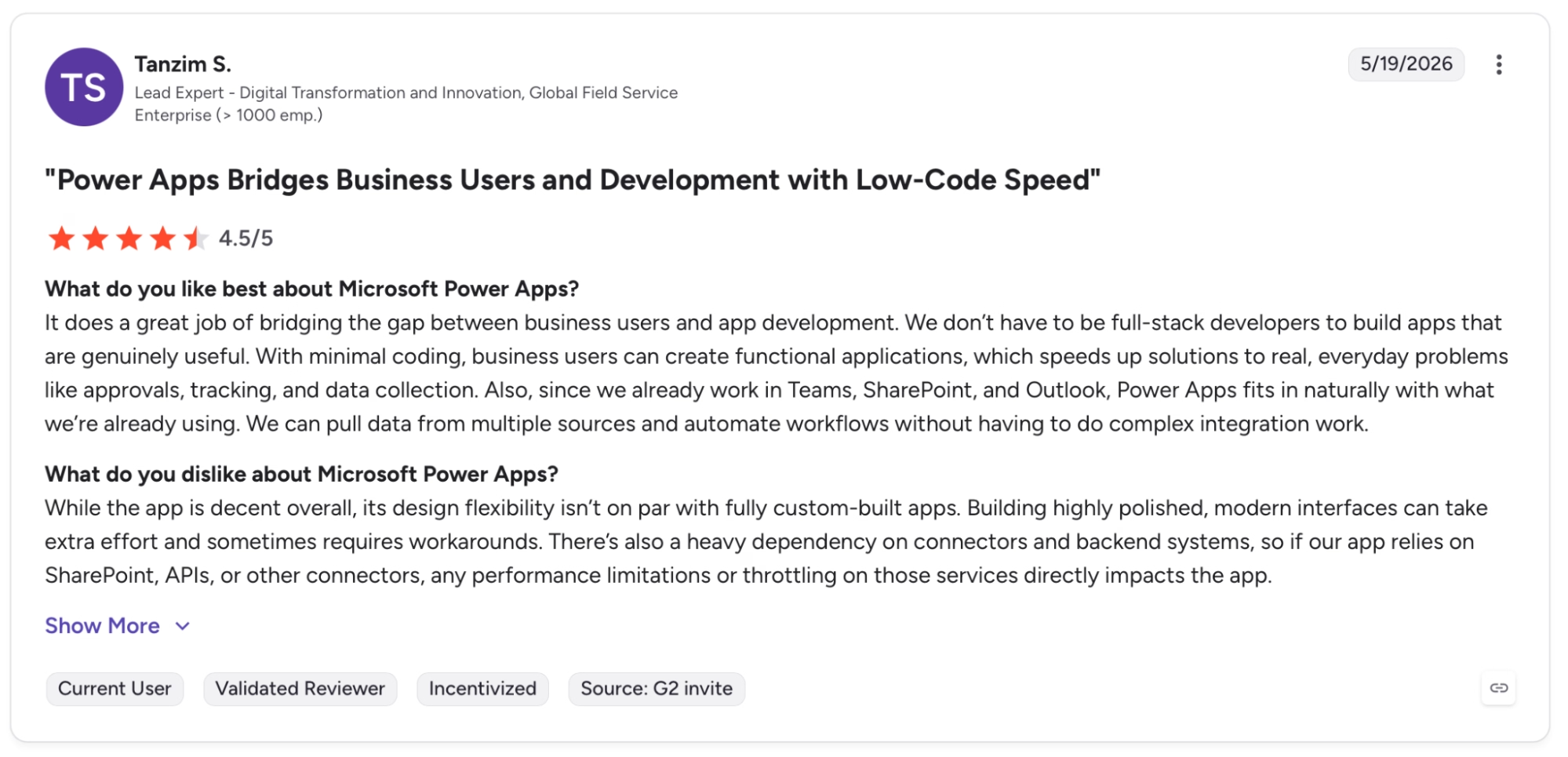
"It does a great job of bridging the gap between business users and app development." — Tanzim S., G2
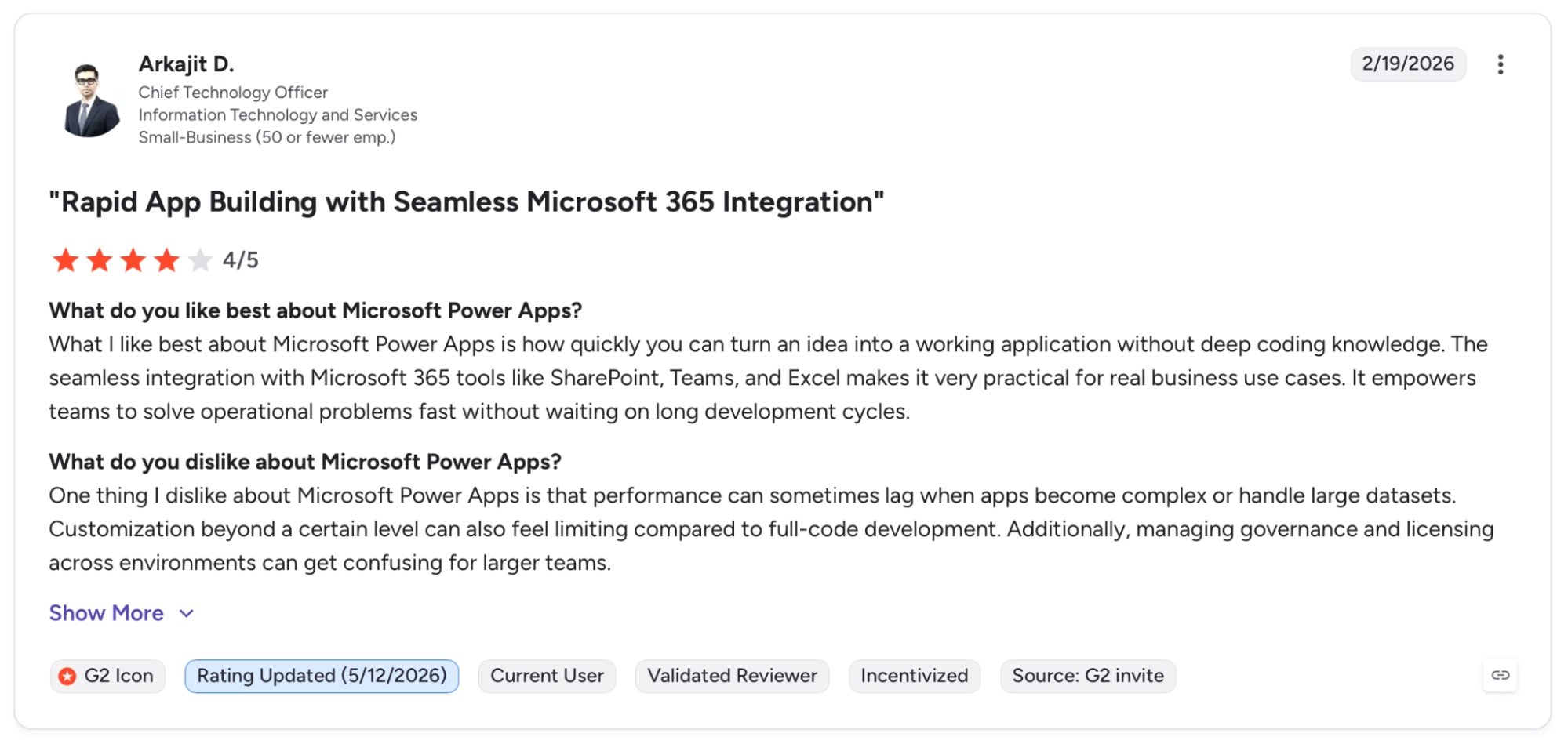
"One thing I dislike about Microsoft Power Apps is that performance can sometimes lag when apps become complex or handle large datasets." — Arkajit D., G2
Pricing
Power Apps Premium runs $20/user/month (billed yearly), covering unlimited apps, Dataverse, premium connectors, and agentic features. There's a free Developer Plan for building and testing.
Bottom Line
Power Apps is a strong choice when the organization already runs on Microsoft and needs internal apps that work natively with that stack. Teams on other stacks will ship a working internal app sooner with Retool or Glide.
5. Retool: Best for Semi-Technical Teams Building Internal Tools
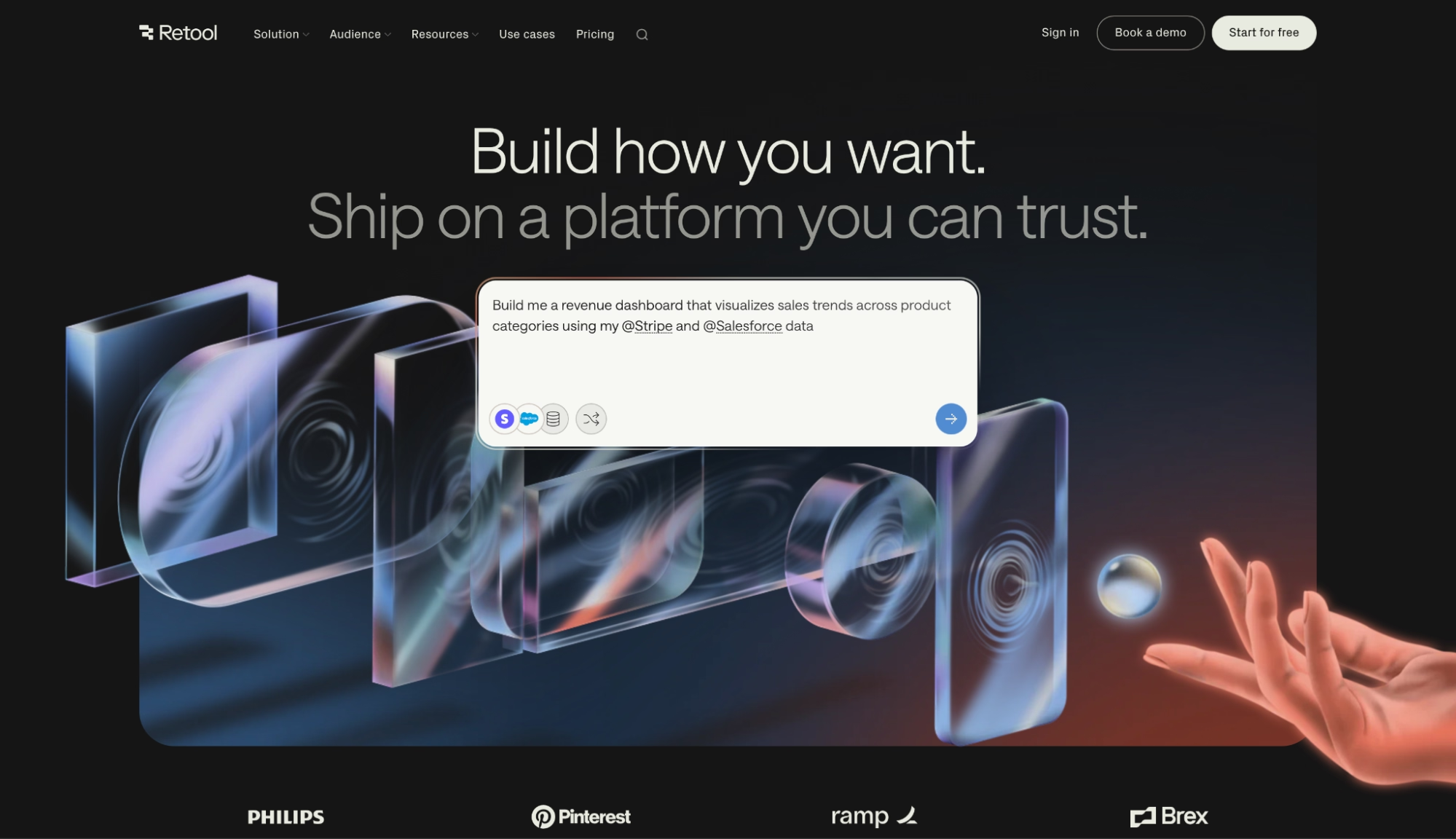
What it does: Development platform for assembling internal tools like dashboards, CRMs, and admin panels, connected directly to your databases and APIs.
Best for: Developer and ops teams that need dashboards and admin panels fast, connected directly to their existing databases and APIs.
An admin dashboard connected to a live mock database was running in Retool faster than any other tool I tested. No import step, no sync lag. Setting up the queries, wiring them to the table, the whole thing was functional in under an hour.
Retool slowed me down on the CRM. Building a customer-facing view with layered permission logic required more configuration than I wanted. Retool's sweet spot is internal ops, and you feel it the moment you push toward external users or deep role hierarchies.
For dashboards and admin panels, it covers what you'd need.
Key Features
- Direct database and API connections: Connects to PostgreSQL, MySQL, MongoDB, Stripe, Salesforce, and hundreds more, querying live without an import step.
- UI component library: Pre-built tables, forms, charts, and wizards connect to your data. Dashboards and admin panels without code.
- AppGen: Describe what you need in plain English and Retool generates a complete app with UI components, queries, and event handlers.
Pros and Cons
Pros:
- Fastest tool here for building internal dashboards and ops tools on top of databases already in production
- Self-hosting option gives teams with strict data or compliance requirements full authority over where data lives
- Integrates with hundreds of databases and APIs out of the box, including Stripe, Salesforce, and REST endpoints
Cons:
- Per-builder and per-internal-user pricing adds up fast as headcount grows, especially when external users are billed separately
- External-facing portals require Business or Enterprise. Pricing scales with external users, which gets expensive fast on consumer apps with open signups
What Users Say
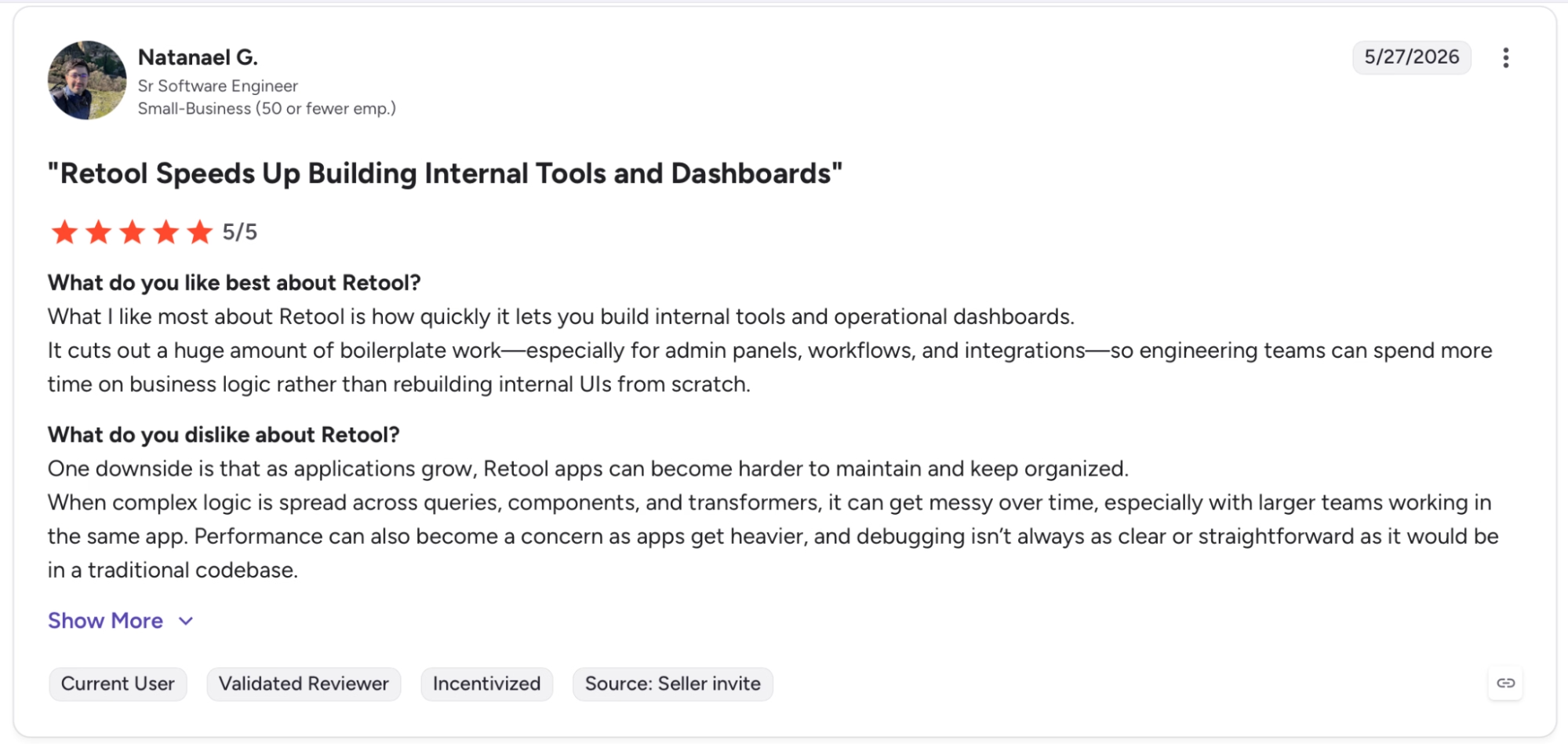
"What I like most about Retool is how quickly it lets you build internal tools and operational dashboards." — Natanael G., G2
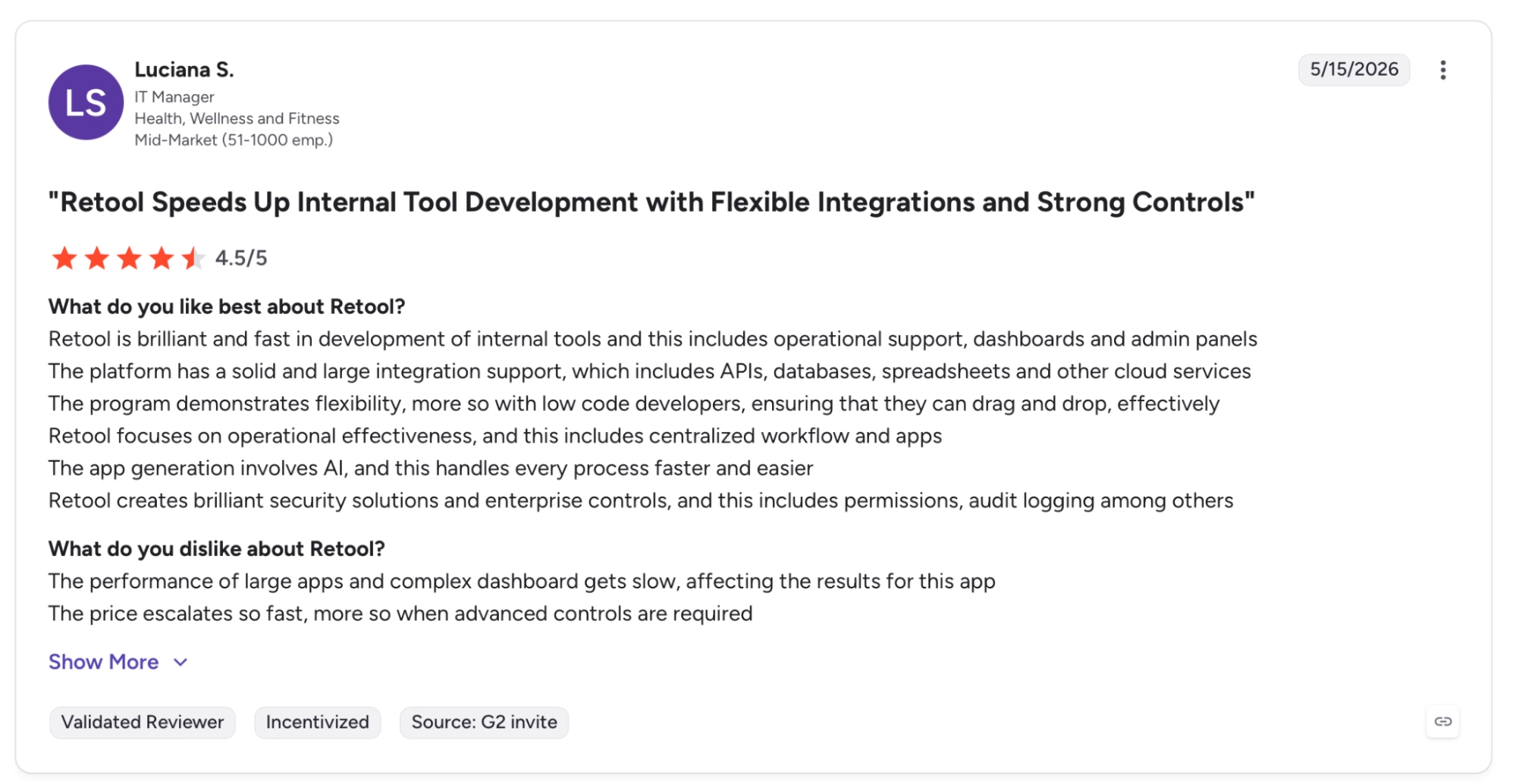
"The performance of large apps and complex dashboard gets slow, affecting the results for this app." — Luciana S., G2
Pricing
Team plan runs $10/month per builder (billed annually) plus $5/month per internal user, with staging environments and app versioning. Business steps up to $50/builder and $15/internal user, adding audit logs, portals, and embedded apps.
Bottom Line
Retool is the strongest option for semi-technical teams that need internal tools built on top of existing data, fast. Teams building customer-facing apps, or starting from scratch without a database already in place, will cover more ground with Emergent or Bubble.
6. Appsmith: Best for Developer Teams Building Internal Dashboards
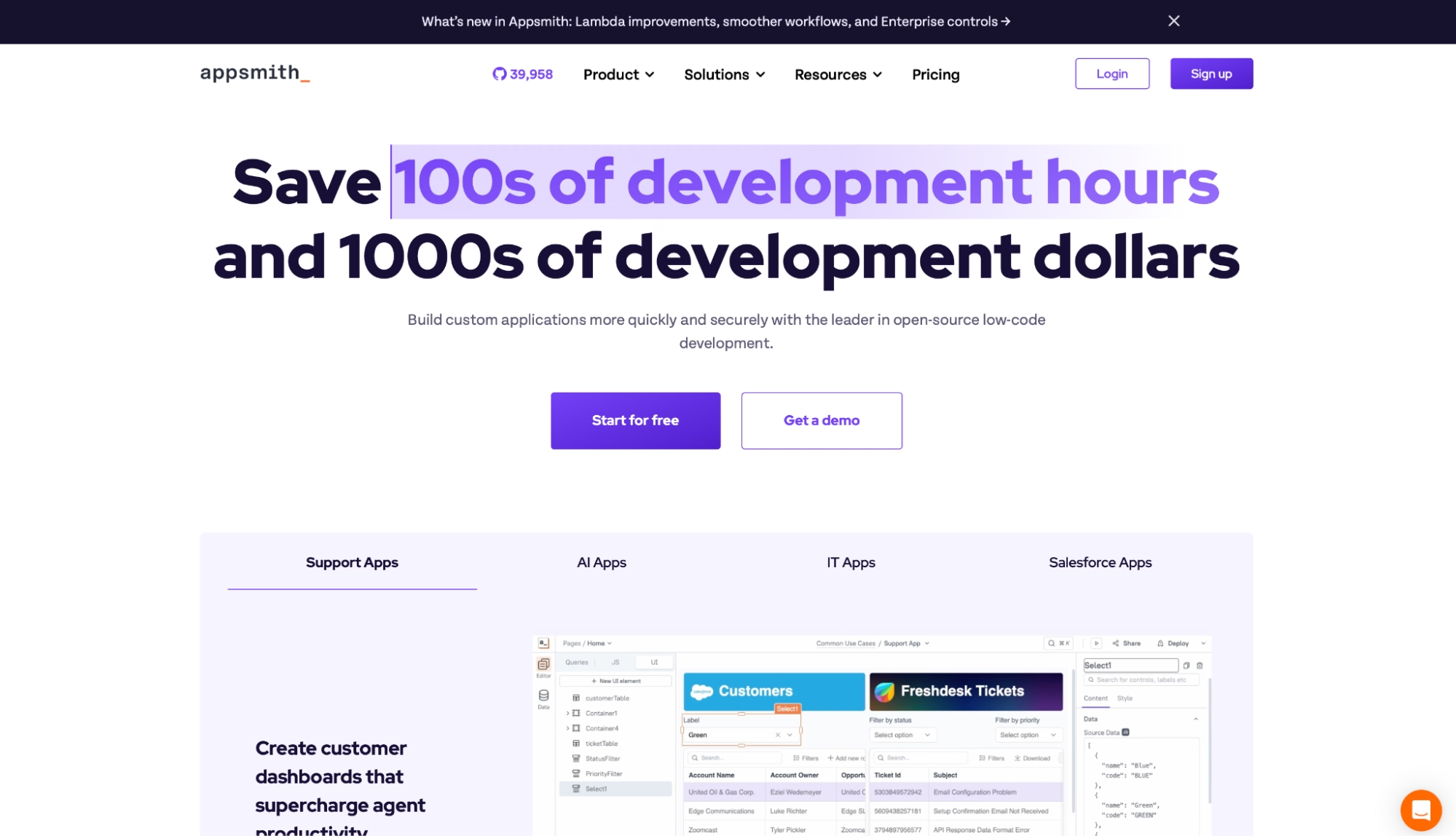
What it does: Open-source low-code platform for building internal tools, connected to your own databases and APIs. Runs cloud, self-hosted, or air-gapped.
Best for: Developer and engineering teams that want full control over hosting, data, and deployment without paying a premium for builder seats.
Connecting Appsmith to a PostgreSQL instance is direct: write SQL, bind the result to a table component, and the data shows up. For teams that already know their database, that directness is the point.
What stood out more than the interface was the pricing model. Every user pays the same flat rate regardless of role. In a category where Retool charges differently for builders versus internal users, that difference adds up fast at scale.
Appsmith's approach means you can onboard the whole team without a licensing conversation.
Key Features
- No extra charge for developer seats: Every user who builds or edits apps is billed at the standard rate, with no premium tier for builders.
- Database and API connectivity: Connects to PostgreSQL, MySQL, MongoDB, REST APIs, and GraphQL out of the box, with a query editor for writing and running queries directly.
- Self-hosting, cloud, and air-gapped options: Cloud, self-hosted, or fully air-gapped on Enterprise.
- Version control with Git and CI/CD: Git on all plans; Business adds unlimited repos; Enterprise adds CI/CD and branch protection.
Pros and Cons
Pros:
- No premium seat tier for developers. Every user is billed at the same rate, regardless of whether they build or only use apps
- SOC 2 Type II compliant, with SAML/OIDC SSO and an air-gapped edition available on Enterprise
Cons:
- Business plan caps at 99 users. Teams exceeding that move directly to Enterprise at $2,500/month for 100 users, which is a steep jump
- Workflows and reusable packages are Business-only, so the Free tier falls short for anything beyond basic internal tooling
What Users Say
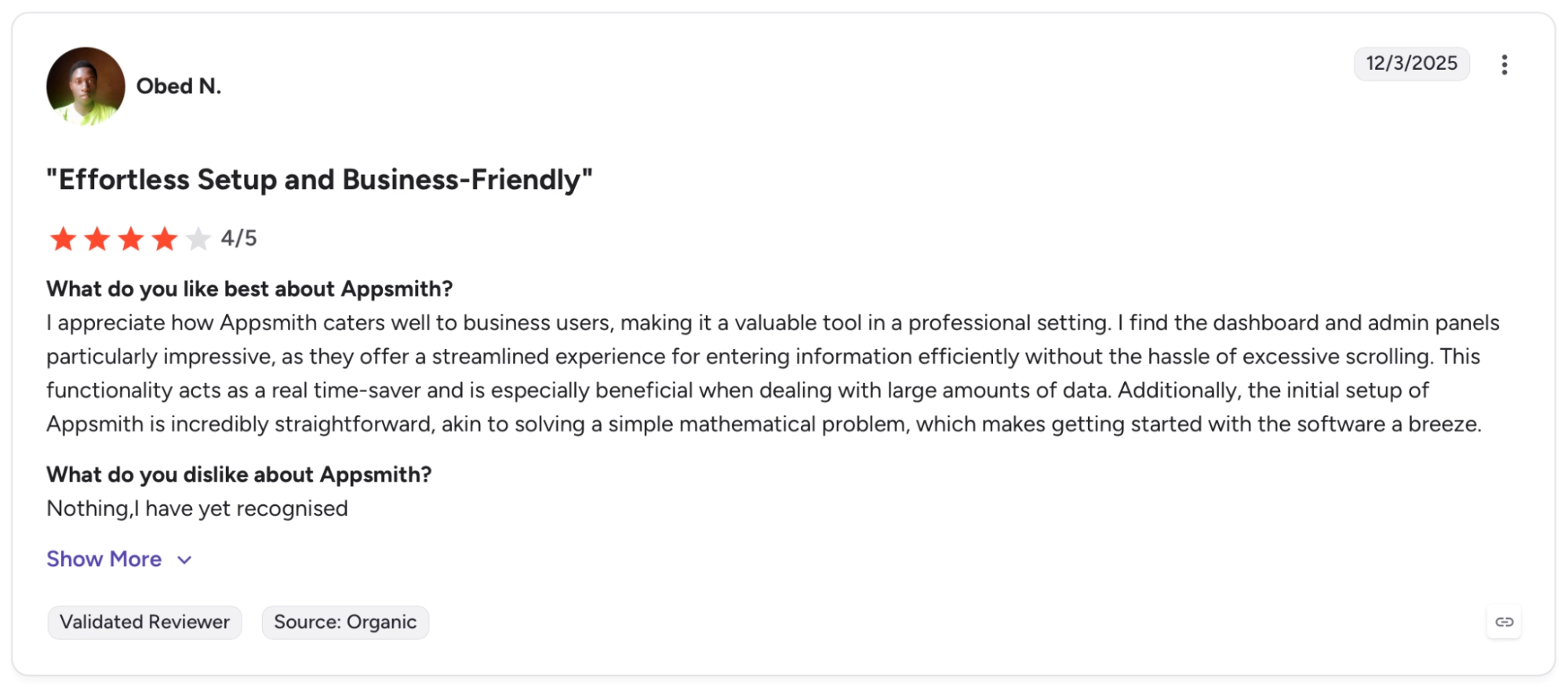
"I appreciate how Appsmith caters well to business users, making it a valuable tool in a professional setting." — Obed N., G2
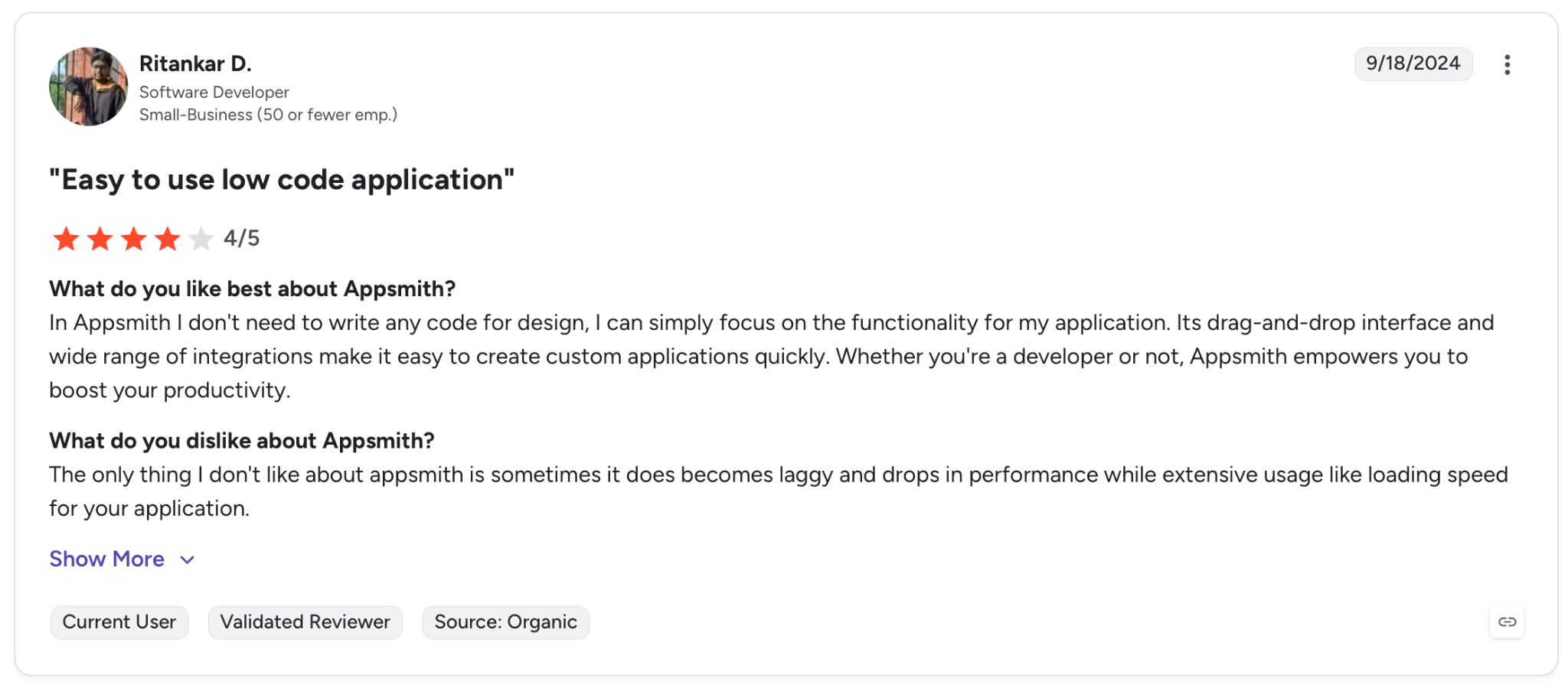
"The only thing I don't like about Appsmith is sometimes it becomes laggy and drops in performance while extensive usage like loading speed for your application." — Ritankar D., G2
Pricing
Business runs $15/user/month (cloud) for up to 99 users, with workflows, reusable packages, custom roles, and audit logs. There's a free cloud plan for up to 5 users, and a free self-hosted Community edition.
Bottom Line
Appsmith is built for developer teams that want flat per-user pricing, full ownership of the hosting layer, and a self-hosted path that meets strict data requirements. Non-technical teams looking for a quicker on-ramp will cover more ground with Emergent or Glide.
7. OutSystems: Best for Enterprise Apps With Regulatory Requirements
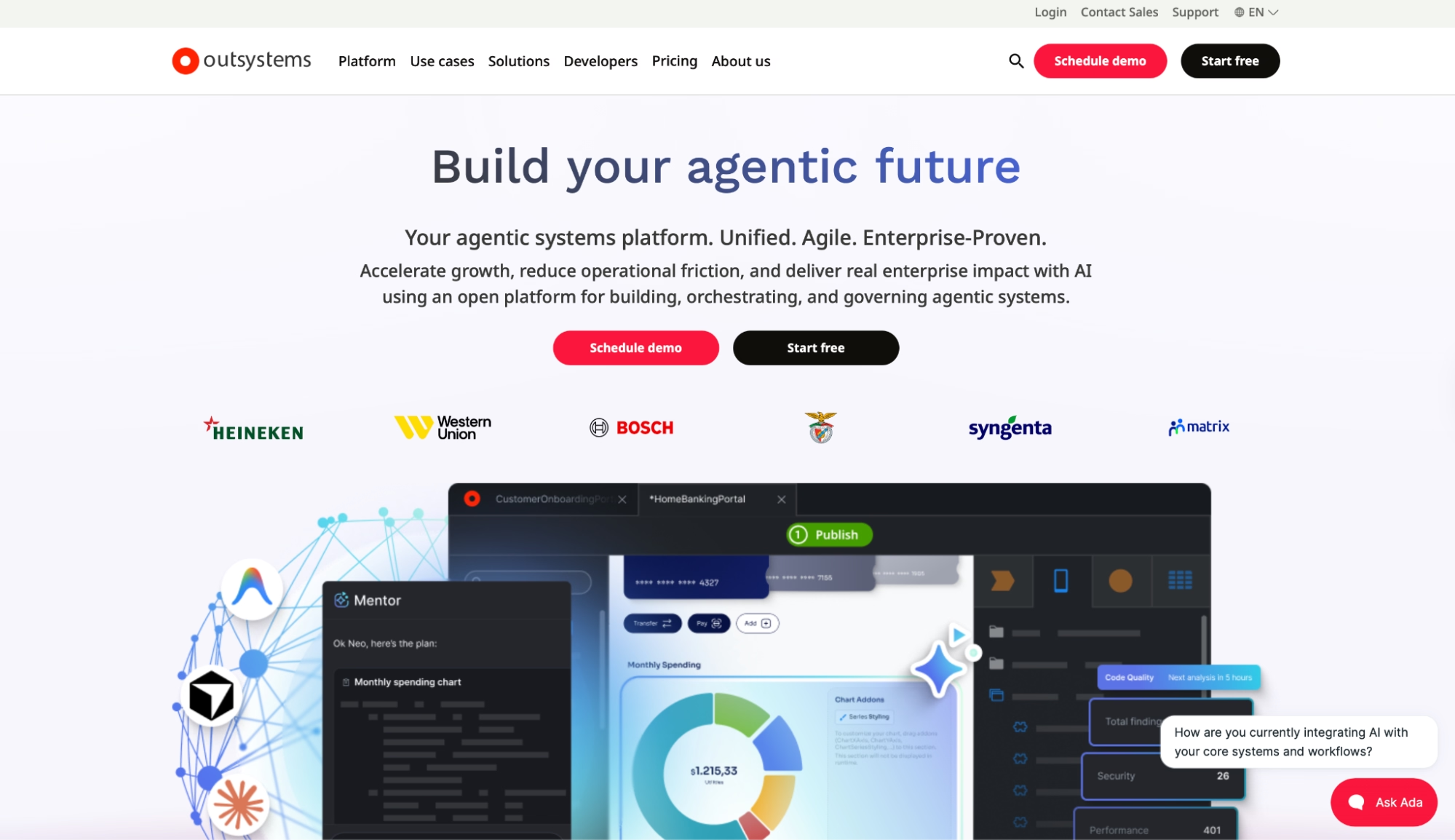
What it does: High-performance low-code platform for shipping enterprise applications end to end, with security, compliance, and governance included.
Best for: Enterprise teams with strict regulatory requirements that need production-grade custom apps at scale and have the budget and IT resources to match.
OutSystems operates entirely at enterprise scale. It handles high app volume and heavy data loads, and covers compliance requirements most low-code platforms weren't designed for. Dev, test, and prod environments ship out of the box, separate from day one, no setup required.
What makes OutSystems harder to evaluate is the pricing model. Charges scale with app size and structure rather than developer headcount, so the cost math works differently.
Key Features
- OutSystems Mentor: An AI assistant that generates apps from a description and runs automated code quality reviews every 12 hours.
- Three-runtime architecture: Every plan includes dev, test, and production environments out of the box, with cloud hosting and disaster recovery included.
- Enterprise compliance and governance: ISO 27001 and SOC 2 Type II, RBAC, and on-premises hosting included.
Pros and Cons
Pros:
- Handles high app volume and heavy data loads that would buckle several other low-code platforms in this category
- Three runtime environments (dev, test, prod) and disaster recovery come standard with every plan
- No per-developer seat charges. Costs scale with app size and structure, not headcount
Cons:
- Pricing is opaque and requires a sales conversation. Estimating actual costs without going through that process is hard to do
- OutSystems is priced and scoped for enterprise budgets. Smaller outfits and early-stage projects will find better options among the other six tools here
- Implementation takes time, even with the low-code layer. Formal training and upfront architecture decisions make the ramp longer than any other tool here
What Users Say
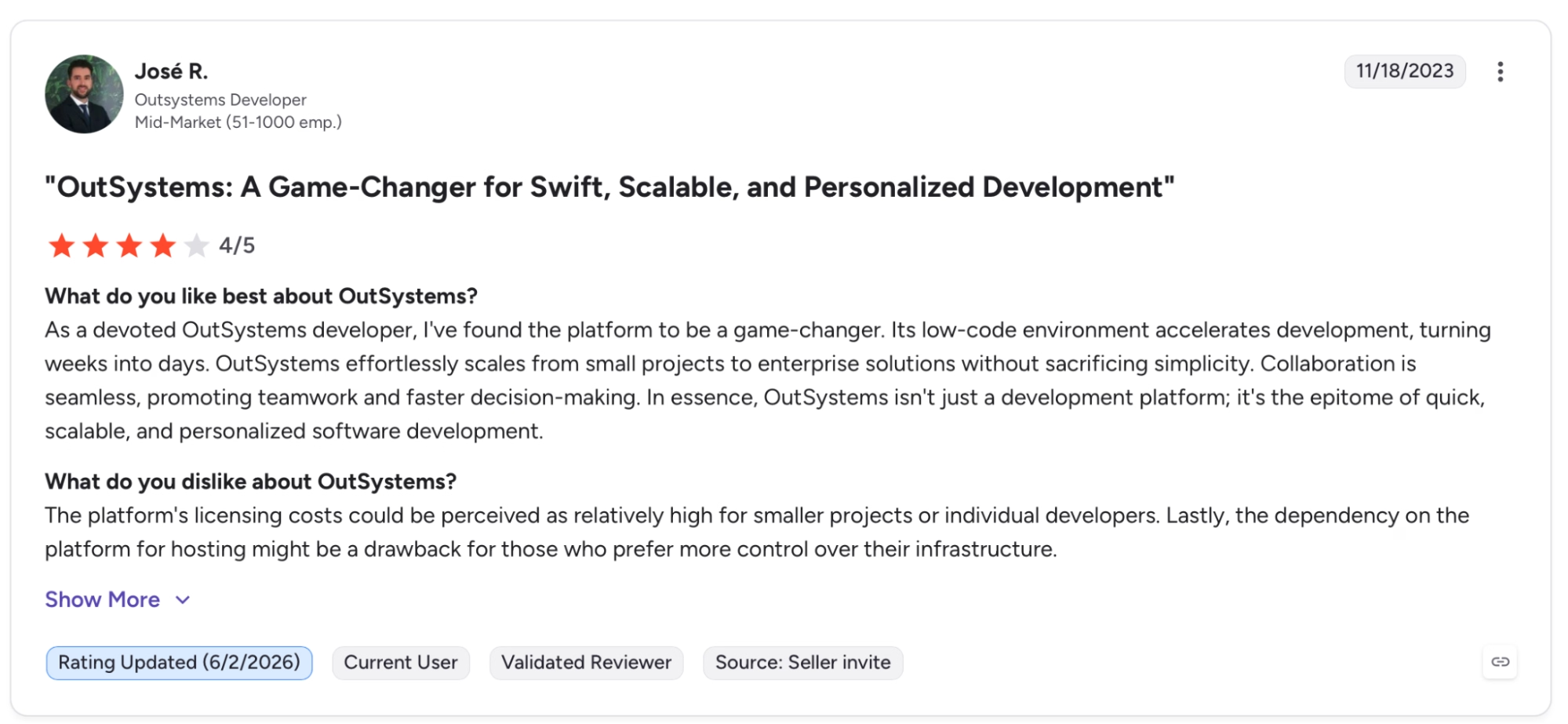
"As a devoted OutSystems developer, I've found the platform to be a game-changer. Its low-code environment accelerates development, turning weeks into days." — Jose R., G2
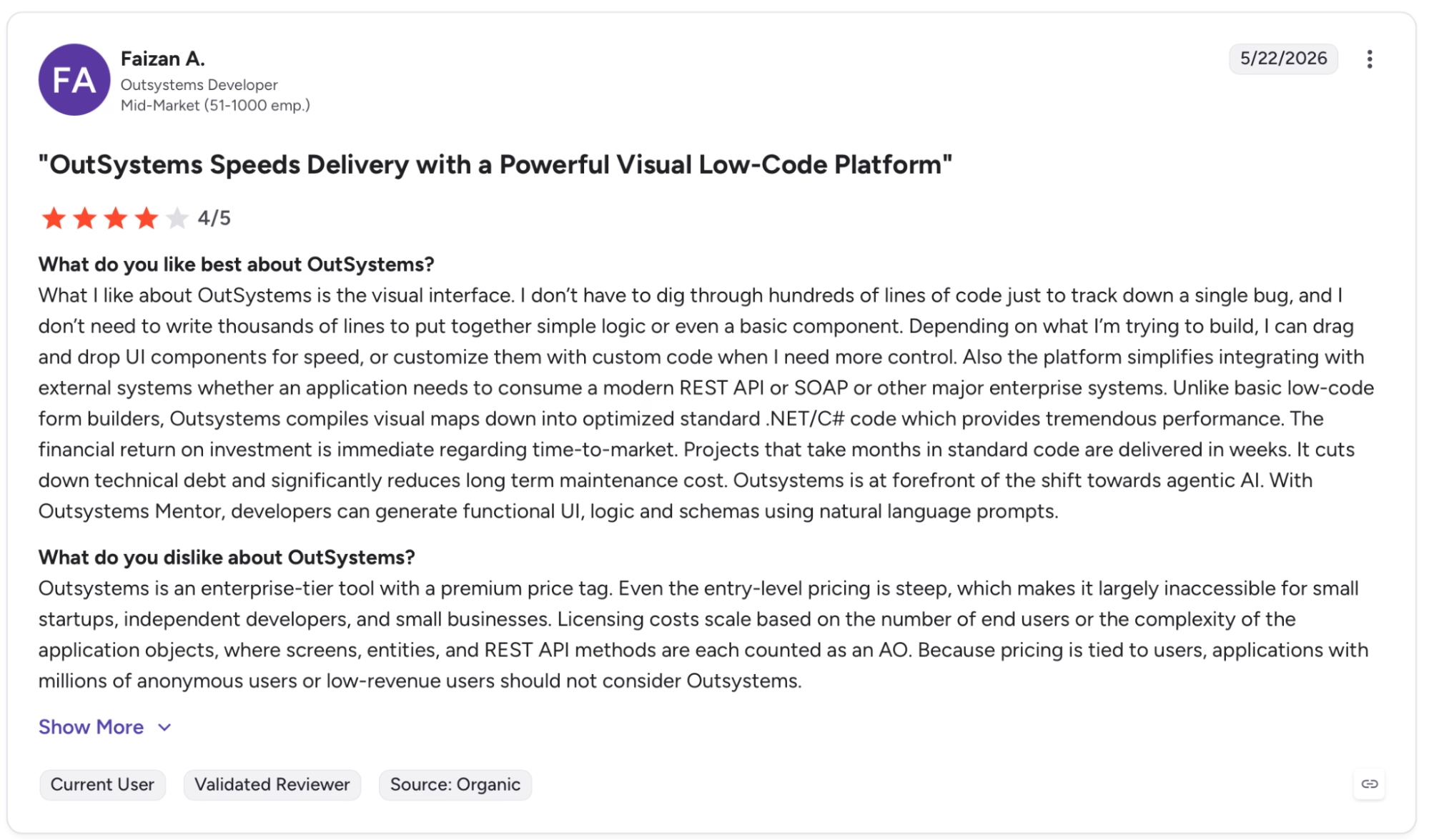
"Even the entry-level pricing is steep, which makes it largely inaccessible for small startups, independent developers, and small businesses." — Faizan A., G2
Pricing
OutSystems Developer Cloud is custom-priced based on app size and structure. There's a free Personal Edition for development and testing only.
Bottom Line
OutSystems is built for enterprise teams with strict compliance requirements, business-critical apps, and the IT resources to support them. Smaller teams and earlier-stage projects will get more traction from Emergent, Retool, or Bubble at a lower cost.
Which Custom Business Software Tool Should You Choose?
The decision depends on who is building and who keeps it running afterward.
Emergent if you need a working app and have no dev team. Bubble when the project has architectural depth (a marketplace, a SaaS, anything where the logic branches hard). Glide when the data already lives in spreadsheets, and the team needs a better interface on top.
For teams already inside Microsoft, Power Apps. For developer teams that want precision, live database queries, and hosting control, the choice is between Retool and Appsmith.
That decision usually comes down to one thing: flat per-seat pricing or a self-hosted open-source path. OutSystems, when compliance, dedicated infrastructure, and audit controls take priority over everything else.
The answer is usually in the doing, not in the comparison table. Several of these tools have a free plan or trial, so take a couple for a spin before committing.
Not sure custom software is the right direction? Browse our best no-code software builders guide to see what else fits.
Ready to Build Your First Custom Business Software?
A few things worth knowing before you start:
- A working app without a dev team: Emergent's multi-agent system takes care of design, code, testing, and deployment from a plain-English description, with no engineers required.
- No agent configuration needed: Dedicated agents for design, testing, integrations, and troubleshooting run automatically as part of every build.
- Deployment is handled: Apps go to managed infrastructure with built-in authentication, a database, SSL, and a live URL. No separate hosting setup required.
- Post-launch visibility: Analytics, health checks, error logs, and mobile alerts give you a read on how the app is running.
- Full ownership of your code: On Standard and above, every build syncs to a GitHub repository under your account and can be exported to run on any hosting service you choose.

Most AI app builders stop at prototypes. Emergent creates production-ready apps you can actually launch.
- Production-ready apps
- Web & mobile apps
- Deploy in minutes







