




The way websites get built has shifted permanently. What once required a developer, a hosting configuration, an FTP upload, and weeks of iteration is now handled by browser-based platforms that manage every technical layer behind the scenes. Online website builders have become the default starting point for businesses, creators, freelancers, and agencies that want a professional web presence without the overhead of traditional development.
But the category spans a wide range. Some platforms are template engines with basic editors. Others combine AI generation, full-stack output, ecommerce, and workflow automation in a single interface. Choosing the wrong one means either hitting a ceiling when your needs grow or paying for complexity you will never use.
This guide reviews the six best online website builders in 2026, with verified pricing, honest trade-offs, and clear guidance on which platform fits which use case. For a deeper look at the AI-powered end of the spectrum, the guide on the best AI website builders covers that category in detail.
TL;DR
- Emergent is the strongest choice for businesses and creators who want a fully custom website built from natural language prompts, with native integrations, scalable infrastructure, and no template constraints
- Wix is the most accessible general-purpose builder for small businesses and creators who want a broad feature set and drag-and-drop flexibility
- Shopify is the best choice for ecommerce-first businesses that need a proven, scalable online store with the largest commerce app ecosystem
- Webflow is the best option for designers and agencies who need pixel-level visual control with clean, exportable code
- Framer is the strongest AI-assisted builder for design-conscious teams who want visually distinctive websites with fast, clean output
- Squarespace is the best option for creative brands and small catalog ecommerce stores where design quality is the primary purchase driver
What is an online website builder?
An online website builder is a browser-based platform that allows users to create, design, publish, and manage websites without installing software, configuring servers, or writing code. The platform handles hosting, security, performance optimization, and technical maintenance automatically, while providing a visual editor or AI-driven interface for building and updating the site.
Unlike traditional web development, where each layer of the website, design, code, hosting, and database, is managed separately, online website builders consolidate everything into a single subscription. Users access the builder through a web browser, make changes in real time, and publish updates without any technical setup.
Modern online website builders increasingly include AI capabilities. Generating complete websites from a description, writing content automatically, suggesting design improvements, and configuring integrations through plain language instructions. For a practical understanding of how AI changes the website building process, the guide on how to build a website with AI walks through each stage in detail.
How we evaluated these online website builders
Every platform in this guide was assessed against the factors that matter most for businesses, creators, and agencies making a platform decision in 2026. Ease of use was evaluated from the perspective of a non-technical user building their first website, not a developer familiar with the platform. AI capabilities were assessed based on what the AI actually generates rather than what the marketing describes.
Ease of use and editor experience
How quickly can a non-technical user get from signup to a publishable website? We assessed the clarity of the onboarding process, the intuitiveness of the editor, and whether the platform requires previous web design knowledge to produce a professional result.
AI website generation and automation
The quality and scope of AI assistance varies significantly across platforms. We distinguished between platforms where AI generates a template selection and platforms where AI generates the actual website structure, integrations, and content from plain language descriptions. The latter represents a meaningfully different capability.
Design flexibility and customization depth
Can a business make the website genuinely their own, or does it look like every other site on the platform? We evaluated how much layout, typography, and design control is available without requiring developer involvement, and what happens when a user wants something the default editor does not support.
Built-in SEO and performance
A website that cannot be found through search is not achieving its purpose. We assessed full URL control and stability, metadata management for all content types, page speed output, mobile performance, and structured data support. These are the baseline requirements for competitive SEO, not advanced features.
Pricing, value, and scalability
We assessed the real total cost of each platform, including what features require higher-tier plans or additional app subscriptions to unlock, and how pricing changes as the business grows. Introductory rates that spike significantly at renewal were noted specifically.
Integrations, ecosystem, and support
A website does not operate in isolation. We assessed native integrations with tools businesses commonly need, the depth of the third-party app or plugin ecosystem, and the quality and availability of customer support.
Best online website builders compared for 2026
Here is a concise overview of all six platforms across the factors most relevant to choosing the right builder for your business.
| Platform | Best for | Starting price | Key strength | Limitation |
|---|---|---|---|---|
| Emergent | Fully custom AI-built websites and applications | Free; Standard plan starts at $20/month | Full-stack generation from prompts; no template ceiling; native integrations | Requires clear requirements; newer platform with smaller community |
| Wix | Small businesses and creators needing breadth | $17/month (annual) | Most accessible editor with the broadest app ecosystem | Template lock-in; app costs add up at scale |
| Shopify | Ecommerce-first businesses | $29/month (annual) | Most complete commerce platform with 10,000+ apps | Transaction fees without Shopify Payments; app stack costs |
| Webflow | Designers and agencies needing visual control | $14/month (annual) | Pixel-level design with clean, exportable code | Steeper learning curve; ecommerce adds cost and transaction fee |
| Framer | Design-conscious teams and marketing sites | $10/month (Basic) | Best AI-assisted design output with clean, fast code | Not a native ecommerce platform; ecommerce requires third-party plugin |
| Squarespace | Creative brands and small catalog stores | $16/month (annual) | Best visual template quality of any general-purpose builder | Business plan charges 3% transaction fee; limited integration depth |
1. Emergent

Best for
Emergent is a full stack online website builder best for businesses, startups, freelancers, creators, and agencies that want a website built precisely around their requirements rather than adapted from a template.
Emergent is the right choice when the website needs to do something specific, whether that is handling a custom booking workflow, connecting to a specific integration, or operating as a full ecommerce application, and when the priority is building that capability into the site natively rather than assembling it from a marketplace.
For teams evaluating what a modern AI website builder can produce at the full-stack level, Emergent represents the most advanced development of that category in 2026.
Key features and capabilities
- Prompt-based full-stack generation: - Describe your website in plain language and Emergent builds the complete site, structure, pages, workflows, and integrations included
- Production-grade technical output: - React frontend, Python backend, MongoDB with Atlas database, built for real operational use rather than prototyping
- Native integrations configured through prompts: - Connect payment processors, CRMs, booking tools, email platforms, and any other service by describing the requirement rather than following API documentation
- Multi-LLM build pipeline: Multiple large language models can be applied at different stages of the build, matching the best AI model to each specific task
- Custom logic from first build: Ecommerce flows, membership areas, booking systems, lead capture workflows, and any other business requirement built into the site from the start
- Flexible domain management: - You can connect a custom domain, buy a custom domain, claim a free IONOS domain, or use an Emergent subdomain
- No platform transaction fees: Zero fees on any business conducted through sites built on Emergent
Where Emergent stands out
The distinction between Emergent and every other platform on this list is architectural. Wix, Squarespace, Framer, and even Webflow all work by giving the user a structure, a template or a design canvas, and allowing them to customize within that structure. The structure determines what is possible. When a business's requirements go beyond what the structure supports, they need a plugin, a workaround, or a different platform.
Emergent does not start with a structure. It generates the structure from the user's requirements. A startup that needs a landing page, a waitlist signup connected to their CRM, a team directory, and a blog with gated content for paying subscribers does not need to find apps for each of these. They describe the website and all of these are built into it from the start.
For businesses that already know what they need their website to do, this approach produces a more precisely tailored result in less time than selecting and adapting a template. And because the output is real code on open-source technology, there is no vendor lock-in. The site can be maintained, extended, and migrated independently of the Emergent platform.
Pricing
Emergent offers subscription plans for individuals, professionals, and teams through a credit-based model that scales with how much you build. Additional credits are available as a top-up at $10 for 50 credits, which never expire. Enterprise users have access to custom pricing. Full current plan details are available at emergent.sh/pricing.
2. Wix
Best for
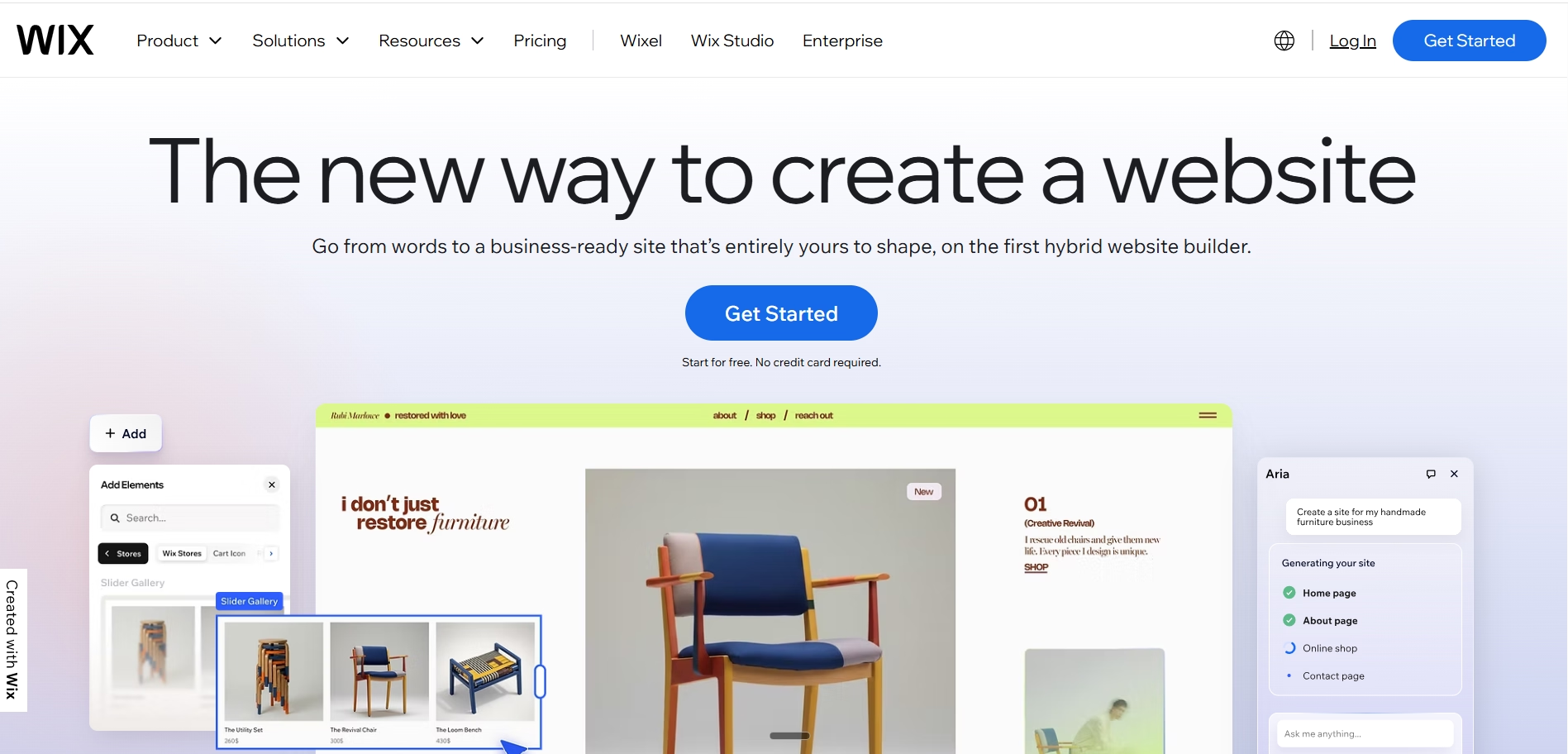
Wix is the most accessible general-purpose website builder for small businesses, service providers, creators, and non-technical users who want a broad set of features in a single platform without a steep learning curve. Its combination of AI-assisted setup, a 900-template library, and an app marketplace covering nearly every small business need makes it the most versatile starting point for businesses that are not yet certain what their website will need to do.
Key features and capabilities
- Wix AI for site generation from a business description, producing a complete multi-page website automatically
- Drag-and-drop editor with free element positioning, not section-locked like GoDaddy or Squarespace's earlier editors
- 900+ templates covering every business category
- App marketplace with tools for booking, ecommerce, email marketing, subscriptions, reviews, and memberships
- Wix eCommerce with 0% platform transaction fees on Business plans and above
- Member areas for gated content and password-protected pages
- AI text generator, AI image generator, and AI logo maker built into the platform
- Multilingual site support and international SEO tools
Where Wix stands out
Wix's competitive advantage is breadth. It covers more use cases from a single subscription than any other platform on this list. A business can launch a service website, add an online store, enable a booking system, start a blog, run email campaigns, and create a members-only area, all within Wix without additional platform subscriptions. For businesses whose needs are not yet fully defined, this breadth is genuinely valuable.
The app marketplace is Wix's second major advantage. Most functionality gaps can be filled with an app from the marketplace, reducing the situations where a user has to switch platforms or hire a developer. This comes at the cost of additional monthly app subscriptions, which can accumulate significantly as a business grows.
Pros and limitations
Pros
- Most feature-breadth of any general-purpose builder in a single subscription
- AI setup tools reduce time to first publishable website
- 0% platform transaction fees on ecommerce plans
- Large app marketplace covers most business requirements
Limitations
- Template lock-in allows switching templates after launch requires rebuilding the site from scratch
- App subscriptions add to monthly cost as the business adds features
- Page performance can lag behind Webflow or custom-built sites on complex pages
Pricing
Business plan from $17/month (annual). Business Elite at $159/month (annual) for advanced ecommerce and priority support.
3. Shopify
Best for
Shopify is the definitive platform for ecommerce-first businesses. It powers a significant share of global online retail and has the most mature commerce infrastructure of any builder on this list. It has inventory management, multi-channel selling, shipping carrier integrations, checkout optimization, and an ecosystem of over 10,000 apps specifically built for selling online.
Key features and capabilities
- Full ecommerce platform with product management, inventory tracking, and order processing built in
- Shopify Magic AI for product description generation, image background removal, and email marketing drafts
- Sidekick AI assistant for conversational store management and reporting
- 10,000+ apps covering every ecommerce function from upsells to subscriptions to reviews
- Shopify Payments for eliminating platform transaction fees in eligible markets
- Multi-channel selling across Instagram, Facebook, TikTok, Google, and Amazon from a single dashboard
- Shopify Markets for multi-currency, multi-language, and international tax management
- Point-of-sale system for businesses selling in person as well as online
Where Shopify stands out
No other platform on this list has Shopify's depth of ecommerce functionality. The combination of native commerce tools, a 10,000-app ecosystem, and infrastructure proven at very high transaction volumes makes it the most reliable choice for any business where online selling is the primary purpose of the website.
Shopify Magic's AI tools are practical and well-integrated into the merchant admin. Writing product descriptions, generating image variations, and drafting email subject lines are tasks that merchants with large catalogs can significantly accelerate through these tools. The quality is consistent and the integration is seamless rather than bolted on.
Pros and limitations
Pros
- Most mature ecommerce infrastructure available with proven scalability at very high volumes
- AI tools embedded natively in the merchant admin
- Shopify Payments eliminates platform transaction fees for eligible merchants
- 24/7 support included on all plans
Limitations
- Platform transaction fees of 0.6% to 2% apply when not using Shopify Payments, which is not available in all markets
- App stack costs add significantly to the real monthly cost. Merchants regularly spend $200 to $500 per month on apps in addition to the subscription
- Not suited as a primary content or marketing website. Shopify's blogging and content tools are limited compared to WordPress or Webflow
Also Read: Best Shopify Alternatives
Pricing
Basic plan at $29/month (annual billing). Grow plan at $79/month (annual). Advanced plan at $299/month (annual). Shopify Plus from $2,300/month. Transaction fees apply when not using Shopify Payments.
4. Webflow
Best for
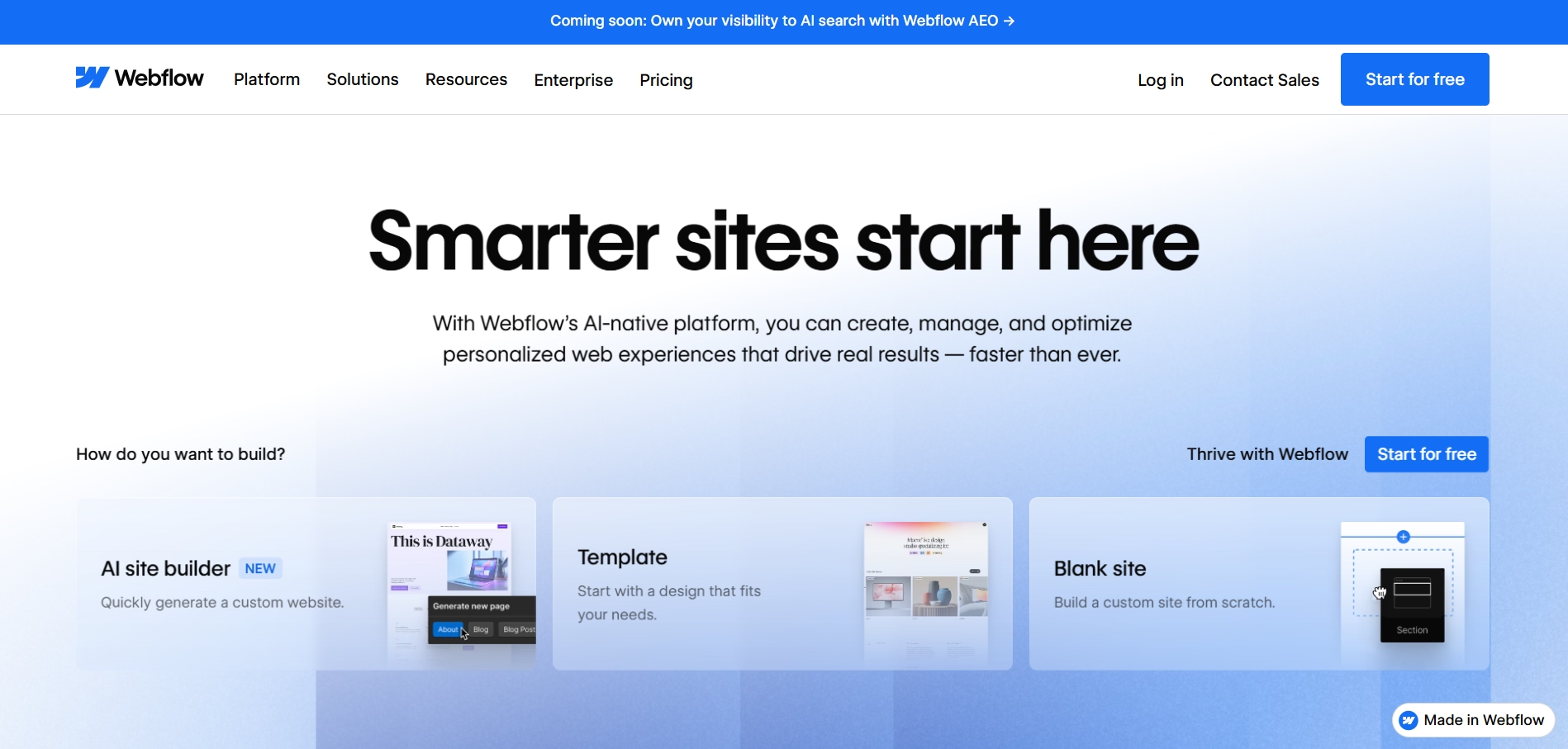
Webflow is the platform of choice for designers, creative agencies, marketing teams, and technically capable business owners who want pixel-level design control and clean, exportable code without writing HTML and CSS manually. It generates web-standard output as you design, meaning Webflow sites consistently outperform template-based builders on page speed, SEO, and visual distinctiveness.
Key features and capabilities
- Pixel-precise visual editor generating clean, exportable HTML, CSS, and JavaScript
- Advanced animations and scroll interactions without writing JavaScript
- Built-in CMS for managing dynamic content collections including blog posts, case studies, and team pages
- Excellent SEO output with semantic markup, customizable metadata, and automatic sitemap generation
- Webflow AI for layout generation and content assistance
- Webflow Ecommerce for design-controlled online stores
- Code export available on paid plans, removing platform lock-in risk
- Webflow University learning ecosystem for upskilling teams
Where Webflow stands out
Webflow is the only visual builder on this list that generates genuinely clean, standards-compliant web code. Other builders produce functional websites; Webflow produces websites that behave like hand-coded sites in terms of performance, SEO, and design fidelity. For agencies delivering client websites, this code quality is the primary reason Webflow has become the dominant professional web design platform.
The CMS is Webflow's second major strength. Managing dynamic content, whether blog posts, portfolio items, team member profiles, or product listings, is handled through structured collections that generate consistent, well-structured pages. Non-technical team members can add and update CMS content without touching the design layer.
Pros and limitations
Pros
- Best design precision of any visual builder with genuinely clean code output
- Excellent SEO performance from semantic markup and fast page loading
- Code export eliminates platform lock-in
- CMS enables dynamic content management without developer involvement
Limitations
- Steeper learning curve than Wix, Squarespace, or Framer. Understanding CSS concepts like flexbox and responsive breakpoints improves outcomes significantly
- Webflow Ecommerce Standard plan charges a 2% transaction fee; eliminated on Plus ($74/month) and Advanced ($212/month) plans
- Webflow deprecated User Accounts in January 2026. Membership and login features now require third-party solutions like Memberstack or Outseta
Pricing
Basic Site plan from $14/month (annual). CMS plan at $23/month (annual). Webflow Ecommerce Standard at $29/month (annual).
5. Framer
Best for
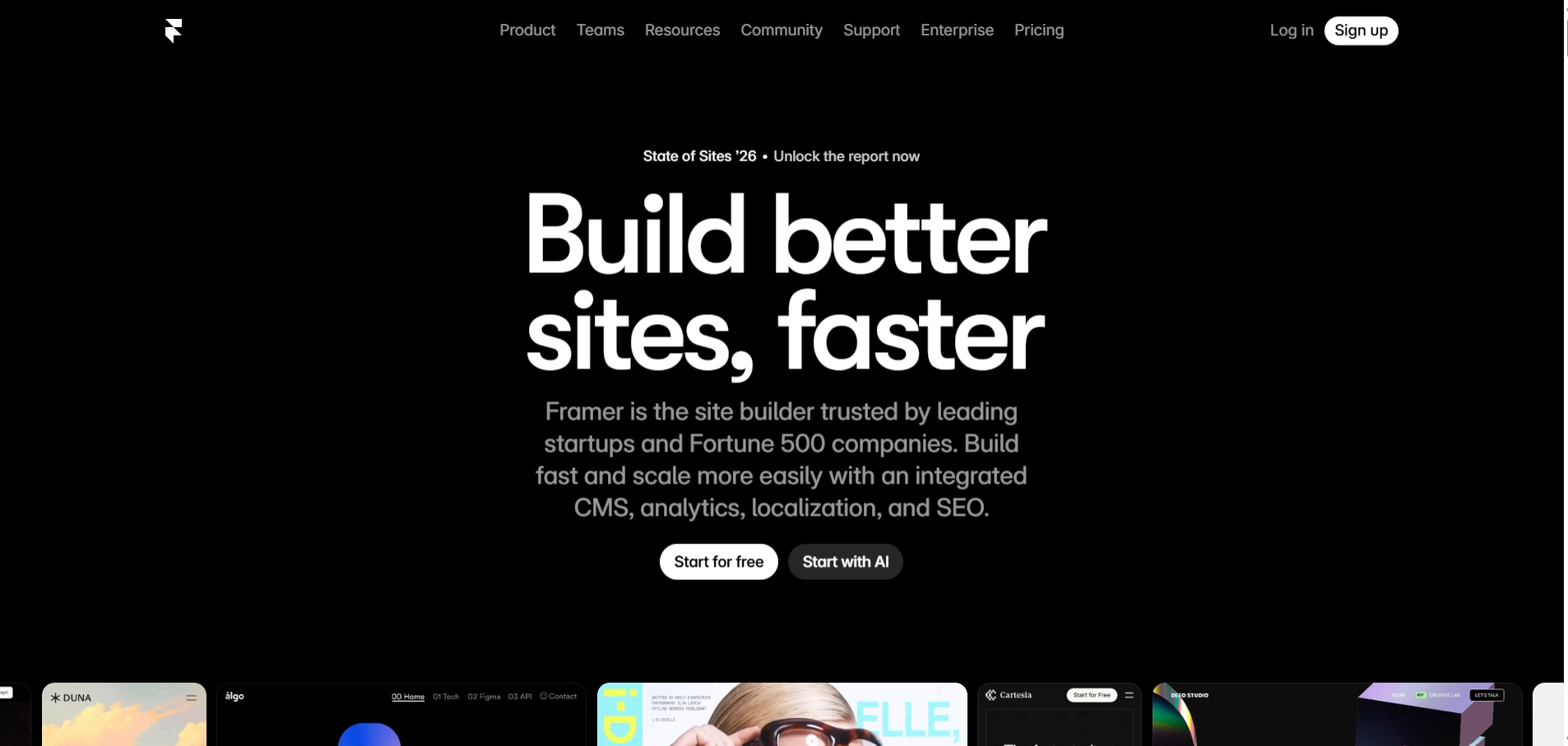
Framer is the strongest AI-assisted builder for design-conscious teams, marketing sites, portfolios, and product landing pages where visual quality is the primary consideration. Its AI generates complete page layouts from text prompts, and the visual output is consistently more distinctive and polished than what other AI builders produce from equivalent inputs.
Key features and capabilities
- AI layout and component generation from plain language prompts
- Pixel-level design control with the most advanced visual editor in this category
- AI copy generation and AI localization for multilingual sites
- Clean, fast-loading code with excellent SEO performance
- Built-in CMS for blog and dynamic content management
- Advanced animations and scroll effects without code
- Framer Commerce plugin for connecting to a Shopify backend for ecommerce functionality
- Updated March 2026 pricing is Basic $10/month, Pro $30/month, Scale $100/month
Where Framer stands out
Framer's AI generates layouts that are visually distinctive rather than obviously template-based. This is the clearest differentiator from Wix and Squarespace, where AI generation produces recognizable template outputs that experienced web users can identify immediately. Framer's output looks like it was designed specifically for the brand rather than selected from a library.
The code Framer generates is also among the cleanest of any builder, which translates directly to better page speed scores and better SEO performance than most general-purpose builders. For marketing teams that depend on organic traffic, this performance difference is practically significant.
Pros and limitations
Pros
- Best AI-generated design output for distinctive, non-generic-looking websites
- Excellent page speed and SEO performance from clean code output
- Updated March 2026 pricing is simpler and more affordable than the previous structure
- Free plan available for personal and non-commercial projects
Limitations
- Not a native ecommerce platform. Selling products requires the Framer Commerce plugin, which connects to a Shopify backend and adds complexity and cost
- Steeper learning curve than Wix, Squarespace, or Hostinger for users without design background
- Not suitable for complex web applications or custom business logic
Pricing
Free plan available for personal projects. Basic plan at $10/month, Pro plan at $30/month, Scale plan at $100/month. Pricing confirmed from Framer's official March 2026 pricing update.
6. Squarespace
Best for
Squarespace is the best online website builder for creative brands, independent professionals, and small catalog ecommerce businesses where visual presentation is the primary factor in converting visitors. Its templates are consistently rated the most polished of any general-purpose builder, and its 2025 platform refresh, including Beacon AI and Blueprint AI, has made the setup process meaningfully faster and more personalized.
Key features and capabilities
- Designer-quality templates rated the best visual defaults of any general-purpose builder
- Beacon AI for guided setup, page content generation, and email marketing drafts
- Blueprint AI templates that adapt layout and style to the user's industry and brand inputs
- AI image generation and background removal in the media library
- Built-in blogging, events, and donation tools without additional apps
- 0% transaction fees on Core plan and above
- Subscription products, digital downloads, and physical product ecommerce
- Strong built-in SEO tools and analytics
Where Squarespace stands out
Squarespace's default design quality is the best on this list for non-technical users who want a professional result without customization effort. Blueprint AI's ability to adapt a layout to the user's business type and brand style, and Beacon AI's guidance through content creation, has reduced the time to a first publishable Squarespace website significantly since the 2025 platform update.
For businesses where photography and visual presentation drive purchasing decisions, Squarespace's image handling, whitespace management, and typography defaults produce a consistently premium result. This quality is difficult to match on Wix without significant manual design effort.
Pros and limitations
Pros
- Best visual template quality for non-technical users who want a professional result
- Beacon AI and Blueprint AI reduce setup time and improve content quality
- 0% transaction fees on Core plan and above
- Built-in marketing tools reduce dependency on third-party apps
Limitations
- Business plan charges a 3% transaction fee on all sales; Core at $23/month (annual) eliminates this
- Limited integration depth compared to Wix or Shopify; no equivalent third-party app ecosystem
- B2B pricing, complex product variants, and multi-currency selling are limited or unsupported
Pricing
Basic plan from $16/month (annual). Core plan at $23/month (annual) removes the 3% transaction fee.
Why businesses are switching to online website builders
The adoption of online website builders by businesses of all sizes is not driven by cost alone. It is driven by a fundamental shift in how quickly a business can go from an idea to a live, operational web presence.
Faster website launches
A traditional website development project, from briefing a developer through to a live site, typically takes four to twelve weeks depending on complexity. An online website builder can produce a functional, professional first version in hours. For businesses testing a new product, launching a campaign, or responding to a market opportunity, this speed difference is strategically significant.
Lower development and maintenance costs
Professional web development starts at several thousand dollars for a basic site and scales quickly for anything more complex. Online website builders replace that upfront cost with a monthly subscription that includes hosting, security, and platform updates. For the vast majority of small business use cases, the subscription cost is a fraction of what ongoing developer maintenance would cost.
No need to manage hosting or infrastructure
Traditional web hosting requires managing server configurations, SSL certificates, software updates, security patches, backup schedules, and performance monitoring. Online website builders handle all of this automatically, allowing business owners and marketing teams to focus on the website's content and business function rather than its technical infrastructure.
AI website generation is reducing setup time
The introduction of AI generation across all major website builders has further compressed the time to a live, functional website. AI that generates complete page structures, writes initial content, configures SEO settings, and sets up integrations from a plain language description reduces setup time from hours to minutes. For businesses with clear requirements, a prompt-based builder like Emergent can build a website with AI that would previously have required a development team.
Easier scaling for modern businesses
The best online website builders scale with the business rather than requiring a platform migration when needs grow. Adding an online store, a booking system, a membership area, or a new content section is handled through the platform's interface rather than a development project. For businesses that are growing and evolving quickly, this ability to add capability without rebuilding is a significant operational advantage.
How online website builders compare to traditional website development
The table below clarifies the practical differences between traditional website development and modern online website builders across the factors that matter most for business decisions.
| Capability | Traditional website development | Online website builders |
|---|---|---|
| Setup process | Requires developer briefing, design iteration, development, and testing before launch | Visual editor or AI prompt-based setup accessible to non-technical users |
| Hosting management | Requires separate hosting account, server configuration, and ongoing management | Hosting included and managed automatically in the platform subscription |
| Launch speed | Typically four to twelve weeks from briefing to live site | Hours to days for a first publishable version |
| Technical knowledge | Developer skills required for setup, customization, and maintenance | No technical knowledge required for most platforms; AI generation further reduces the requirement |
| Maintenance | Security patches, software updates, and performance monitoring require ongoing developer time | Platform handles infrastructure maintenance automatically; content updates done through the editor |
| AI capabilities | AI tools can be integrated but require custom development and API configuration | AI generation, content assistance, and workflow automation built into leading platforms natively |
| Scalability | Adding major features requires new development projects and developer time | Adding features is handled through the platform's interface, marketplace, or prompt-based tools |
| Cost structure | High upfront development cost; ongoing maintenance adds developer time cost | Predictable monthly subscription covering hosting, security, and platform features |
Common mistakes to avoid when choosing an online website builder
Choosing based only on templates
The template selection is the most visible part of evaluating a website builder, but it is one of the least important factors for long-term satisfaction. Templates can be customized. What cannot be easily changed is the underlying platform's editor flexibility, SEO capabilities, and feature ceiling. A platform with the best-looking templates but a locked-in section editor will frustrate a user within months. Evaluate the editor and the platform's scalability, not just the initial design output.
Ignoring SEO and mobile performance
A website that looks excellent but loads slowly or cannot be optimized for search is not delivering business value. Page speed, stable URL structures, mobile responsiveness, and control over metadata are SEO basics that should be non-negotiable in any platform evaluation. Test page speed on the platform's demo sites before signing up, and confirm that you have full control over page titles, meta descriptions, and URL slugs for every content type.
Underestimating long-term scalability
The platform that works for a five-page website with a contact form may not work for the same business eighteen months later when it needs ecommerce, a membership section, a multilingual site, and integration with its CRM. Evaluate platforms against where the business will be in two years, not just where it is today. The cost of migrating to a different platform after significant investment in content, SEO, and customization is always higher than choosing a scalable platform from the start.
Overlooking platform lock-in
Many online website builders do not allow you to export your site's code or content in a portable format. If you decide to switch platforms, you rebuild from scratch. This is not a minor inconvenience for a business with a large content library, established SEO rankings, and dozens of custom pages. Evaluate whether the platform allows content export, code export, or at minimum a structured data export, before committing.
Not testing customization flexibility
Every website builder advertises flexibility. The practical test is whether you can make a specific design or functional change that matters to your business within the editor without hiring a developer. Before signing up for any platform, identify two or three things you know your website will need and verify in the platform's demo or free trial that you can actually achieve them.
Choosing a builder without integration support
Your website is part of a larger business technology stack. It needs to connect to the tools your business uses like email marketing, CRM, payment processing, booking systems, analytics, and advertising platforms. A website builder that lacks integration support for the tools your business depends on will either require manual workarounds or force a platform migration when those integrations become critical.
Conclusion
The best online website builder for your business is the one that matches your current requirements and has room for your business to grow without forcing a migration. For most small businesses and creators, Wix or Squarespace are the most accessible starting points with the lowest technical overhead. For ecommerce-first businesses, Shopify is the most reliable foundation. For design-led teams and agencies, Webflow and Framer offer visual quality that general-purpose builders cannot match.
For businesses that need a website built precisely around their operational requirements, not adapted from a template's structure, Emergent is the most capable option in the category. The ability to describe what a website needs and have it generated as a full-stack application, rather than configured within a predefined template, is a meaningfully different capability from what the rest of the market offers.
Whatever platform you choose, start by being clear about what your website needs to do, who it is for, and what success looks like. Every platform decision that follows from a clear brief will serve you better than one made based on template design alone.

Emergent designs, writes, and publishes your whole site from one prompt. No templates, no drag-and-drop.
- Full site from one prompt
- Custom design, real pages
- Publish in minutes







