Alternatives and Competitors
•
5 Best Rocket.new Alternatives to Build and Scale Products in 2026
Compare the top 5 Rocket alternatives and competitors for faster, scalable app development. Explore AI-powered no-code platforms, features, pricing, and the best options for startups and teams.
Written By :

Divit Bhat
Rocket has gained attention as an AI-driven app development platform that helps users design and launch full-stack applications quickly using natural language. It bridges the gap between no-code simplicity and developer-grade flexibility, making it appealing to startups and teams that want faster product iteration. However, as the AI app-building space evolves, many users are now searching for alternatives that offer more scalability, transparent pricing, and deeper integration control.
In this guide, we’ll explore the 5 best Rocket alternatives and competitors that provide advanced AI capabilities, smoother collaboration, and production-ready outputs. Whether you’re a technical founder, indie developer, or product designer, these platforms will help you choose the right tool to build, deploy, and scale your next big idea with confidence.
What is Rocket.new?
Rocket is a platform designed to help users rapidly create and launch applications or projects with minimal setup. It focuses on reducing initial friction by abstracting technical complexity and enabling faster execution, especially for early-stage ideas and lightweight use cases.
Rocket is typically used for quick launches and early experimentation, rather than for building deeply customized or long-term scalable software systems.
What are the Challenges with Rocket.new and Why Existing Users are Looking for Alternatives?
Token Usage Drains Faster than Expected
Several users report that token credits are consumed rapidly, even before meaningful features are built, making cost forecasts unreliable.

Source of Information: Trustpilot
Frequent Build Failures Impede Progress
Some reviews indicate that builds generate non-functional apps or crash repeatedly, forcing users into repeated debugging loops and wasted time.
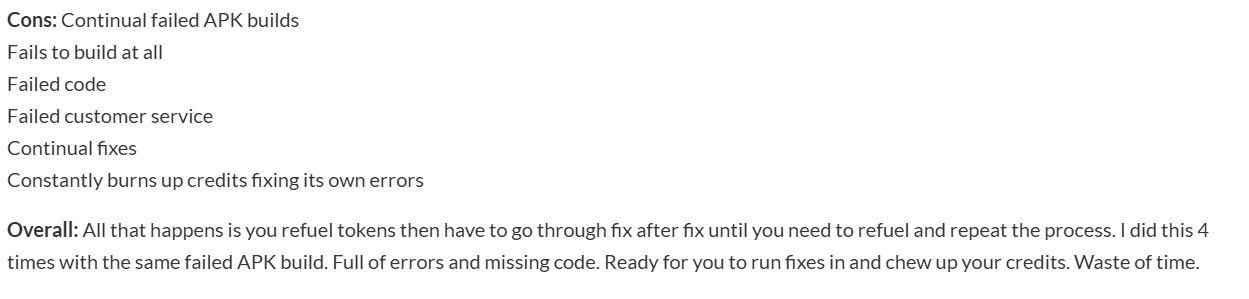
Source of Information: Sourceforge
Customer Support and Responsiveness are Inconsistent
User comments reveal delayed responses and lacked resolution, especially when system errors or billing issues were reported.

Source of Information: Trustpilot
What to look for in a Rocket alternative
Flexible architecture that adapts as requirements grow
A strong alternative should support evolving product needs without forcing teams into rigid templates or fixed patterns. This ensures that early design decisions do not become long-term constraints as the product matures.
Production-ready scalability from the beginning
Instead of optimizing only for launch speed, the ideal platform should be built to handle real users, real data, and increasing complexity without requiring a full rebuild later.
Clear control over backend logic and data flows
Teams should be able to understand, modify, and extend backend behavior as needed, rather than relying on opaque abstractions that hide critical system functionality.
Strong support for integrations and external systems
Modern products depend on third-party services, APIs, and internal tools. A capable Rocket alternative should make these integrations straightforward and reliable, without fragile workarounds.
Maintainability and safe iteration over time
Look for platforms that allow teams to iterate confidently, understand system behavior, and make changes without breaking existing functionality, which is essential for long-term product success.
List of TOP 5 Rocket.new Alternatives and Competitors in 2026
Alternatives to Rocket.new include Emergent for full-stack application development, Cursor for AI-assisted coding and developer productivity, Lovable for fast UI-first prototypes, Windsurf for guided code generation and cloud development, and Firebase for backend infrastructure, authentication, and real-time databases.
Here’s the list of 5 best Rocket.new alternatives and competitors to overcome the above challenges.
Emergent
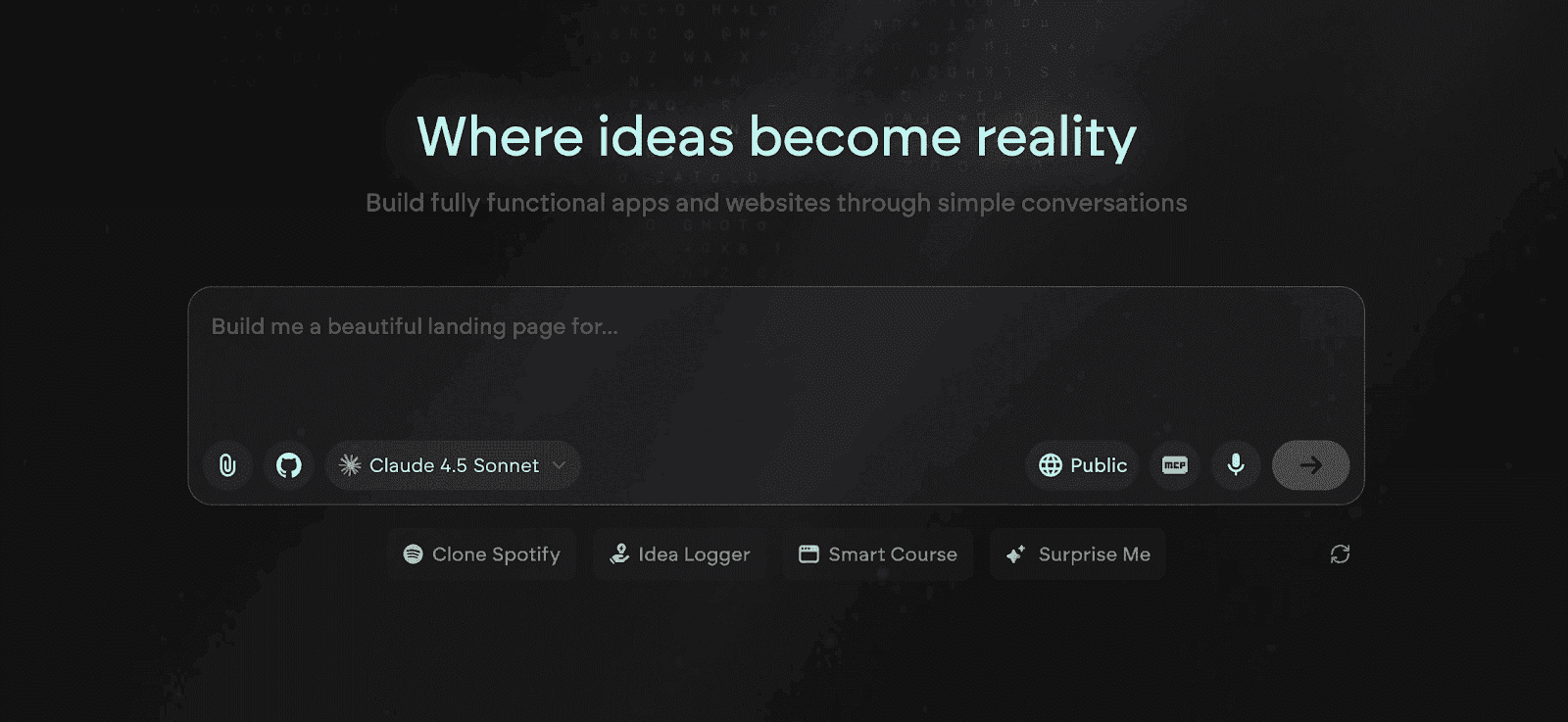
Emergent is a full-stack, AI-powered vibe coding platform that allows startups, founders, and teams to build production-ready applications directly from natural language prompts. It automates frontend, backend, database, hosting, authentication, and deployment in a single browser-based workspace. Unlike limited low-code tools, Emergent produces real, exportable code using modern frameworks, giving users both speed and control.
Key Features of Emergent
Multi-Agent AI Development System
Emergent uses specialized AI agents for different stages of development, including Builder, Designer, Quality, and Deploy Agents. Each works in parallel to generate, validate, and deploy code efficiently while ensuring production-grade reliability.
Natural Language to Full Application Generation
Users can describe features or ideas in plain English, and Emergent automatically generates UI, logic, APIs, and database schema. This makes it possible to go from concept to live app in a fraction of traditional development time.
Browser-Based Full-Stack Environment
Everything runs inside a secure, cloud-hosted workspace with no installations or dependencies. Teams collaborate in real time, eliminating version conflicts and setup hassles.
Standards-Based Code Output
Emergent generates clean, exportable code using frameworks like React, Next.js, and Node.js. This ensures long-term scalability and allows teams to self-host or extend functionality outside the platform.
Integrated Testing, Monitoring, and Debugging
The platform includes built-in quality checks, test coverage, and performance monitoring tools, helping teams maintain code integrity throughout development.
Unique Features of Emergent
Enterprise-Grade Security and Isolation
Each project operates within its own secure container, featuring encrypted storage, audit logs, and role-based access control suitable for compliance-heavy industries.
Custom AI Model Configuration
Users can assign specific AI models like GPT-4, Claude, or Llama to different modules for optimized performance, control, and cost management.
Continuous Learning from Team Behavior
Emergent adapts to team preferences, coding patterns, and architectural styles over time, making future projects faster and more aligned with internal standards.
Model Context Protocol (MCP) Integration
The system connects seamlessly with tools like GitHub, Notion, Figma, and Slack, allowing smooth data and asset imports directly into the development process.
Multimedia and Advanced Interface Support
Emergent supports advanced app types including generative media, AR/VR, and interactive visual components, enabling a wider range of modern use cases.
Advantages of Emergent
Automates full app lifecycle from design to deployment
Generates clean, editable, and production-grade code
Eliminates DevOps complexity with one-click hosting
Learns team workflow for faster, more accurate builds
Strong security and compliance-ready infrastructure
Limitations of Emergent
Custom enterprise apps may still require manual fine-tuning
Cloud-only access limits offline flexibility
Pricing can scale with usage for large teams
Third-party integrations are still expanding
Emergent Pricing and Plans
Plan | Pricing | Key Highlights |
Free | $0/month |
|
Standard | $20/month |
|
Pro | $200/month |
|
Team | $300/month |
|
Enterprise | Custom |
|
Read More About: Emergent Pricing and Plans
Cursor
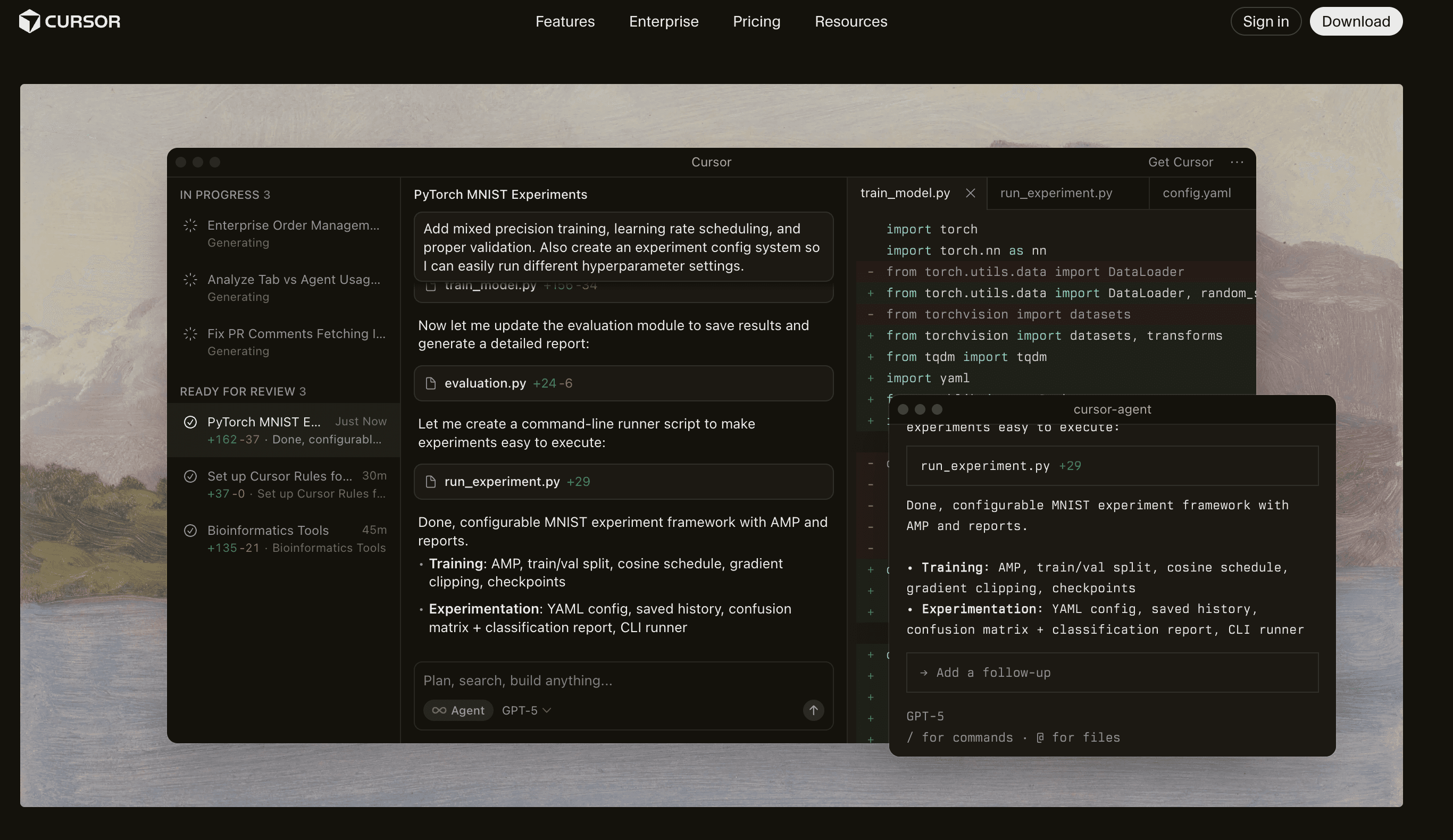
Cursor is an AI-first code editor built to make software development faster, smarter, and more collaborative. It combines the flexibility of a traditional IDE with the intelligence of advanced AI models like GPT-4, Claude, and Gemini. Cursor helps developers write, refactor, debug, and understand complex codebases through intelligent chat, autocomplete, and inline code editing. Designed for both individual developers and teams, it integrates seamlessly with GitHub and existing workflows to accelerate end-to-end development.
Key Features of Cursor
AI Pair Programming and Contextual Code Assistance
Cursor’s integrated AI understands the full codebase and provides real-time suggestions, code explanations, and refactoring support. Developers can chat directly with the AI about any file or function, reducing time spent debugging or searching documentation.
Smart Autocomplete and Inline Code Generation
The editor predicts and completes lines of code intelligently, reducing typing effort and improving accuracy. It also allows instant generation of functions, test cases, and boilerplate code based on brief prompts.
Full Context Awareness Across Projects
Cursor maintains deep contextual understanding of your entire repository, enabling AI suggestions that are aware of dependencies, architecture, and design patterns. This ensures coherence in larger projects.
Seamless Git and Repository Integration
Users can open repositories directly from GitHub, commit changes, and manage branches without leaving the editor. The AI can even summarize pull requests and generate commit messages automatically.
Cross-Model Support for AI Flexibility
Cursor supports top-tier AI models such as GPT-4, Claude, and Gemini, allowing developers to switch between models for accuracy, creativity, or cost-efficiency as needed.
Unique Features of Cursor
Explain and Edit Any Code Block
Developers can highlight a code snippet and ask the AI to explain, refactor, or improve it instantly. This creates a powerful learning and debugging experience within the editor itself.
AI-Driven Codebase Search
Cursor goes beyond simple keyword search by understanding intent and meaning. You can ask questions like “Where do we handle payment errors?” and get precise results in seconds.
Real-Time Team Collaboration
Multiple developers can work in the same codebase while sharing AI context and suggestions, ensuring consistent code quality and improved team productivity.
Multi-Language Support and Framework Compatibility
From Python and JavaScript to C++ and Go, Cursor supports a wide range of languages and frameworks, making it a universal tool for diverse development environments.
Privacy-Focused Local Context Option
Developers can choose to process context locally for sensitive projects, ensuring code never leaves their system while still benefiting from AI assistance.
Advantages of Cursor
Combines traditional IDE power with cutting-edge AI features
Deep understanding of code context improves accuracy and speed
Seamless GitHub integration simplifies collaboration
Customizable model selection for flexibility and cost control
Excellent for learning, debugging, and refactoring existing code
Limitations of Cursor
Requires an active internet connection for AI functionality
Heavy usage can consume prompt credits quickly
Some enterprise users may prefer full offline or on-premise solutions
Advanced AI features depend on subscription tier and model access
Cursor Pricing and Plans
Plan | Price | Best For | Key Features |
Hobby | Free | Beginners & casual users | • 1-week Pro trial• Limited Agent requests• Limited Tab completions |
Pro | $20/mo | Regular users | • Everything in Hobby• Higher Agent limits• Unlimited Tab completions• Background Agents• Max context windows |
Pro+ | $60/mo | Power users | • Everything in Pro• 3x usage on OpenAI, Claude, Gemini models |
Ultra | $200/m | Heavy users & teams | • Everything in Pro• 20x model usage• Priority feature access |
Read More About: 7 Best Cursor Alternatives and Competitors
Lovable
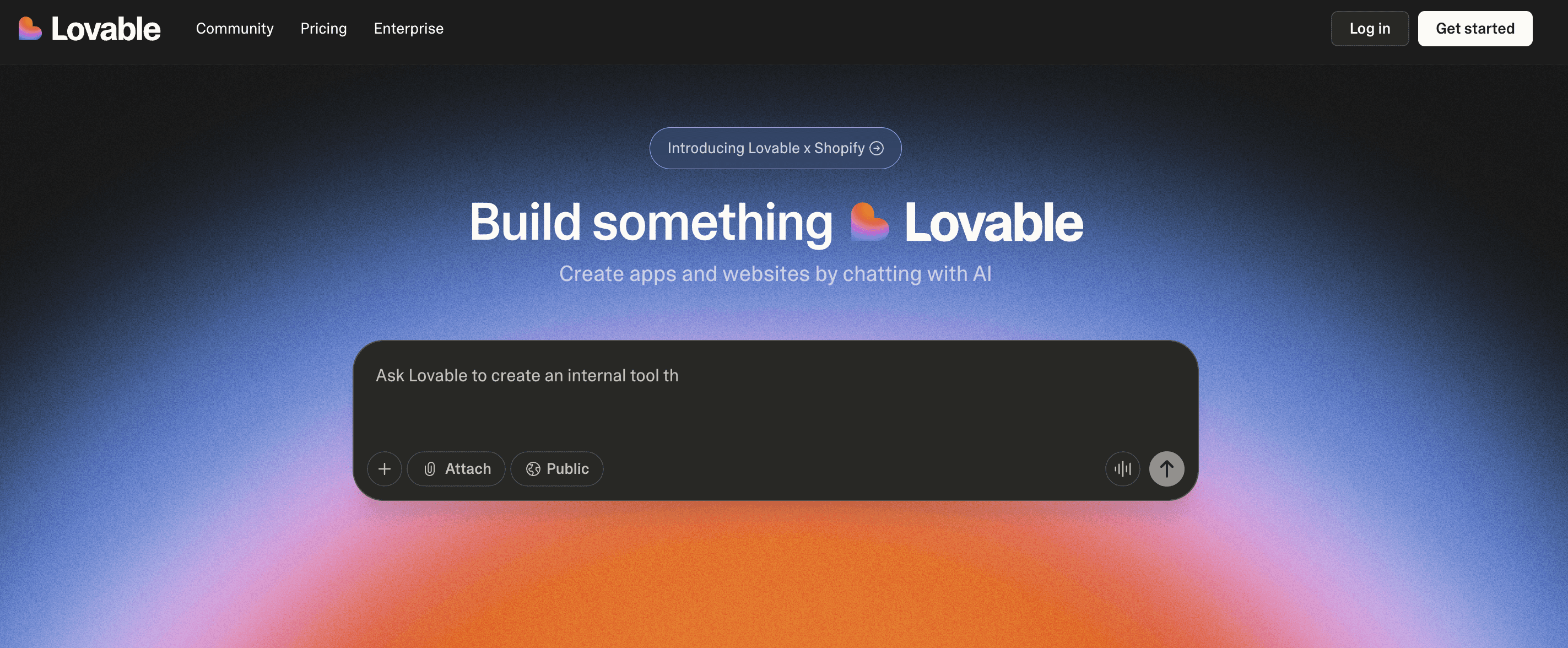
Lovable is an AI-powered app development platform that helps users create complete web applications from natural language prompts. It focuses on making the process of building and deploying apps fast and effortless by automatically generating frontend, backend, and database logic. Designed for startups, solo founders, and small teams, Lovable eliminates traditional coding bottlenecks and promises instant app creation with a “click-to-deploy” workflow.
Key Features of Lovable
AI-Powered App Generation from Prompts
Lovable transforms plain English ideas into fully functional web apps. Users can describe what they want, and the AI automatically creates the frontend, backend, and database schema without needing manual coding.
Integrated Hosting and Deployment
Once an app is generated, it can be instantly deployed using Lovable’s built-in hosting environment. The platform manages scalability, SSL, and backend setup, removing the need for third-party infrastructure tools.
Visual Editor for Real-Time Customization
Lovable provides a visual interface where users can modify designs, content, and logic. It balances AI automation with manual control, allowing for quick personalization of generated apps.
Pre-Built Templates and Components
Users can start with existing templates for dashboards, marketplaces, or SaaS apps. These templates are fully editable and integrate seamlessly with the AI generation flow for faster prototyping.
Built-In Authentication and Database Management
Lovable handles user authentication, roles, and database operations out-of-the-box, letting users focus on their product vision rather than repetitive setup tasks.
Unique Features of Lovable
One-Click App Creation and Deployment
Unlike traditional builders, Lovable delivers a fully operational app in minutes. Users can preview and publish directly from the editor without switching environments or tools.
Intelligent Code Generation Engine
Lovable’s AI is trained specifically for app logic, meaning it can create CRUD operations, API endpoints, and integrations automatically based on contextual understanding of prompts.
Continuous Learning from User Feedback
The AI improves over time by learning from user refinements and edits, producing better-structured, production-ready code with every iteration.
Real-Time Collaboration Tools
Teams can co-edit applications simultaneously, viewing live updates and AI suggestions for design and logic changes. This accelerates both collaboration and iteration speed.
Built-In Error Detection and Debugging
Lovable identifies logic errors and offers automatic fixes, saving users from manual troubleshooting or dependency management issues.
Advantages of Lovable
Extremely fast idea-to-app conversion with minimal setup
Seamless deployment and hosting built into the platform
Allows both AI-driven and manual customization
Great for early-stage founders or teams building MVPs
Reduces dependency on backend developers and infrastructure tools
Limitations of Lovable
Limited control over underlying code for technical teams
Some users report app instability during live editing sessions
Lacks deep integration options for external APIs or custom logic
Pricing may scale quickly for larger teams or high-traffic apps
AI-generated apps sometimes require manual cleanup for production
Lovable Pricing and Plans
Plan | Price | Key Features |
Free | $0/month | • 5 daily credits (30/month)
|
Pro | $25/month (shared across unlimited users) |
|
Business | $50/month (shared across unlimited users) |
|
Enterprise | Flexible pricing |
|
Read More About: 9 Best Lovable Alternatives and Competitors
Windsurf
Windsurf is an AI-powered development environment built to enhance coding productivity through intelligent assistance, automation, and integrated collaboration tools. It provides a seamless experience for developers by merging code editing, debugging, and deployment into one streamlined platform. Windsurf is ideal for engineers, startups, and teams that want AI support without losing manual control over their codebase.
Key Features of Windsurf
AI-Powered Coding Assistance
Windsurf’s built-in AI assistant understands context across entire projects, generating code snippets, explaining logic, and suggesting improvements. It reduces repetitive work and helps developers focus on architecture and problem-solving.
Seamless IDE Integration and Collaboration
The platform integrates directly with popular IDEs and version control systems, allowing teams to collaborate, review, and merge code efficiently. Real-time collaboration features enable developers to work together with shared visibility into code changes.
Intelligent Code Review and Refactoring
Windsurf analyzes pull requests and suggests improvements based on clean code practices. Its AI engine can identify performance issues, redundant functions, and unused dependencies for a smoother codebase.
Multi-Language Support and Flexibility
It supports multiple programming languages including JavaScript, Python, Go, and Rust. This makes Windsurf adaptable for full-stack development, backend services, or data-driven applications.
Integrated Debugging and Testing Tools
Developers can run tests, debug issues, and view performance metrics within the same environment. AI suggestions help identify the source of bugs and propose instant fixes.
Unique Features of Windsurf
Context-Aware AI for Project-Wide Understanding
Unlike generic AI tools, Windsurf reads across files and dependencies to provide recommendations that match the project’s structure and coding patterns, improving reliability and accuracy of code generation.
Conversational Development Mode
Users can communicate with the AI assistant using natural language commands like “optimize this function” or “add authentication to this route,” turning coding tasks into simple conversations.
Real-Time Collaborative Debugging
Teams can debug the same codebase together in real-time, share AI insights, and resolve issues collaboratively without switching between tools or IDEs.
Built-In Security and Compliance Analysis
Windsurf automatically scans projects for vulnerabilities, dependency issues, and compliance risks, giving developers peace of mind before deployment.
Adaptive Learning for Individual Developer Style
The AI tailors its coding and suggestion patterns to each developer’s unique habits, helping maintain consistent style and quality across long-term projects.
Advantages of Windsurf
Deep AI integration without sacrificing code control
Context-aware understanding improves code quality
Streamlined workflow with editing, testing, and deployment in one place
Ideal for remote and distributed teams collaborating in real time
Adaptive AI learns individual developer preferences over time
Enhances productivity without locking users into a proprietary environment
Limitations of Windsurf
Higher learning curve for first-time users compared to simpler tools
Advanced features may require premium subscription tiers
Limited offline functionality due to AI dependency
Heavy reliance on AI can slow performance on large repositories
Integration setup may take time for complex enterprise projects
Windsurf Pricing and Plans
Plan | Price | Key Features |
Free | $0/user/month |
|
Pro | $15/user/month |
|
Teams | $30/user/month |
|
Enterprise | Custom |
|
Read More About: 7 Best Windsurf Alternatives and Competitors
Firebase
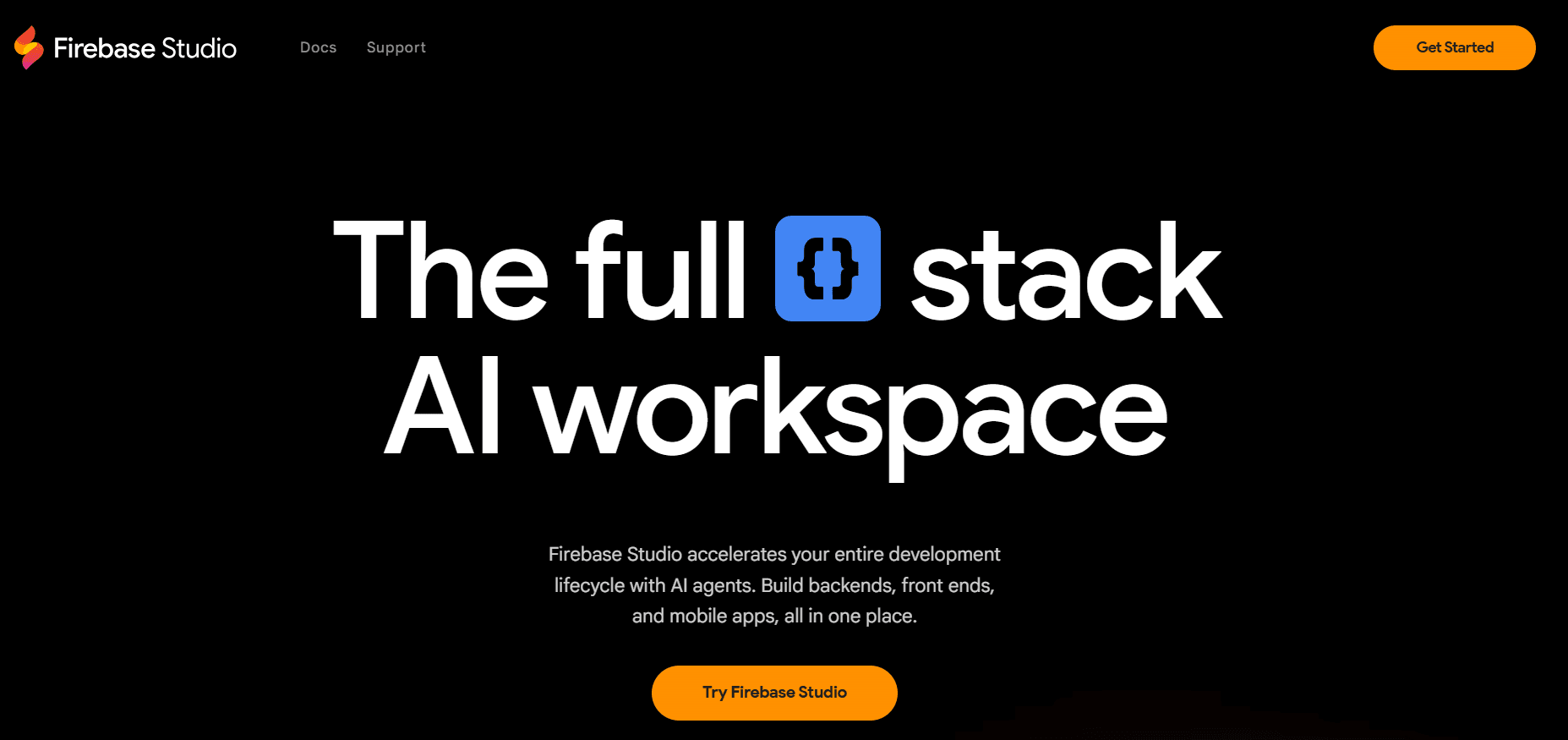
Firebase is Google’s comprehensive backend-as-a-service (BaaS) platform designed to help developers build, deploy, and scale applications faster. It provides ready-to-use backend features such as authentication, databases, hosting, analytics, and cloud functions that eliminate the need for server management. Developers across startups and enterprises rely on Firebase to deliver real-time, high-performance web and mobile experiences with minimal infrastructure complexity.
Key Features of Firebase
Real-Time Database and Firestore for Dynamic Data Syncing
Firebase’s Real-Time Database and Firestore automatically sync data between users and devices, enabling live updates without manual refreshes. This makes it ideal for chat apps, collaborative tools, and dashboards where instant synchronization is key.
Authentication and Secure User Management
Firebase Authentication offers a quick setup for login systems with email, password, phone, and OAuth providers like Google, Apple, and Facebook. Built-in security rules and encryption ensure data protection without complex configuration.
Cloud Functions for Scalable Serverless Backend
Developers can deploy server-side logic through Cloud Functions that automatically scale with traffic. This eliminates the need for managing servers or infrastructure, improving performance and cost efficiency.
Integrated Hosting and CDN for Web Apps
Firebase Hosting provides fast, reliable global content delivery with SSL, versioning, and custom domains. It is well-suited for deploying web applications, landing pages, and static assets securely and quickly.
Analytics and Performance Monitoring
With Firebase Analytics and Crashlytics, developers get deep insights into user behavior, app performance, and crash trends, enabling data-driven improvements and better user experiences.
Unique Features of Firebase
Tight Integration with Google Cloud Ecosystem
As a Google product, Firebase integrates directly with Cloud Run, BigQuery, and Vertex AI, enabling seamless scaling, AI-driven insights, and enterprise-grade infrastructure expansion.
Real-Time Data Updates Without Manual Polling
Unlike traditional APIs, Firebase pushes data changes to clients automatically, reducing backend workload and ensuring instant UI updates across platforms.
Built-In ML Kit for On-Device Machine Learning
Firebase ML Kit allows developers to add computer vision, language detection, and image labeling directly within their apps without requiring deep ML expertise or external libraries.
Remote Config and A/B Testing for Feature Control
Firebase’s Remote Config lets teams change app behavior, test features, and roll out updates dynamically without pushing new versions to app stores.
Cross-Platform SDKs for Web, iOS, and Android
Firebase supports unified SDKs for multiple platforms, allowing developers to build once and deploy seamlessly across devices with consistent behavior and data flow.
Advantages of Firebase
Simplifies backend setup and maintenance for developers
Real-time syncing enhances interactivity and live updates
Secure, managed authentication and data storage solutions
Robust analytics for performance and engagement tracking
Ideal for fast MVP development and iterative scaling
Seamless integration with Google Cloud for enterprise use
Limitations of Firebase
Limited flexibility in database structure for highly relational data
Vendor lock-in due to proprietary Google infrastructure
Query limitations in Firestore compared to SQL databases
Pricing can increase rapidly at scale with high read/write operations
Limited server control and customization for advanced backend logic
Migration to other platforms can be complex and time-consuming
Firebase Pricing and Plans
Plan | Cost | Includes |
Spark | Free | Hosting, Firestore, Realtime DB, Functions, Analytics, A/B Testing, Crashlytics |
Blaze | Pay-as-you-go | Everything in Spark + Cloud integrations, custom domains, and premium APIs |
Authentication | Free (limited) | Email, password, anonymous login |
Storage & Hosting | Free basic storage and transfer | Static hosting + SSL |
AI & Gemini Tools | Free for non-Workspace users | AI assistance in console and Studio |
Read More About: 5 Best Firebase Alternatives and Competitors
Why is Emergent the best Rocket alternative?
Emergent is built for long-term products, not just fast launches
Rocket is optimized for getting something live quickly, but that speed comes at the cost of architectural depth and long-term flexibility. Emergent is designed specifically for building products that are meant to evolve, scale, and handle real users over time, making it a fundamentally better choice once the goal shifts from launching fast to building something sustainable.
Emergent provides full system control without exposing technical complexity
Rocket hides much of the system behavior behind rigid abstractions, which becomes a problem as products grow. Emergent solves this by giving users clear control over workflows, backend logic, data models, and integrations, while still allowing everything to be built through natural language instead of manual coding.
Emergent removes the scalability ceiling Rocket users eventually hit
As Rocket-based products gain traction, teams often discover hard limits around customization, integrations, and performance. Emergent eliminates this ceiling by supporting complex business logic, external APIs, authentication, and scalable infrastructure from the start, ensuring the platform never becomes the bottleneck.
Emergent’s AI reasons about entire systems, not just setup speed
Rocket focuses on simplifying initial setup, but it does not deeply understand how systems behave as they grow more complex. Emergent’s AI operates at a system level, maintaining context across UI, backend logic, data relationships, and integrations, which results in coherent, maintainable products rather than fragile builds.
Emergent is the only option that avoids future rewrites and migrations
Most teams that start with Rocket eventually have to switch platforms or rebuild their product when requirements grow. Emergent is built to support the entire lifecycle, from first idea to scaled product, which means users never have to rethink their stack or redo foundational work later.
Conclusion
Rocket is a solid option for getting projects off the ground quickly, especially when speed and simplicity are the top priorities. However, as products mature and demands increase around scalability, flexibility, and backend control, Rocket’s limitations become increasingly difficult to work around.
Emergent stands out as the strongest Rocket alternative because it combines the ease of AI-driven development with the depth required for real, production-grade systems. By focusing on system-level design, full-stack generation, and long-term scalability, Emergent enables teams to build products that last, without sacrificing speed or simplicity.
FAQs
1. Is Emergent better than Rocket for startups?
Yes, Emergent is designed for startups building scalable, production-ready products, whereas Rocket is better suited for quick launches and early experimentation.