



I tested many AI app builders across prototypes, internal tools, and production builds to find the 9 best Lovable alternatives in 2026. Lovable is fast and polished for early demos, but once you need real data handling, scale, or production-grade reliability, it starts showing its limits.
9 Best Lovable Alternatives: At a Glance
| Platform | Best For | Price |
|---|---|---|
| Bolt.new | Fast prototyping, browser-native | Free, Pro $25/month, Teams $30/user/month |
| Base44 | Visual app building with managed data | Free, Starter $20/month (or $16/month billed annually) |
| Replit | Cloud IDE with AI coding help | Free, Core $20/month, Pro $100/month |
| v0 by Vercel | React/Next.js UI scaffolding | Free, Team $30/user/month |
| Emergent | Production apps without a dev team | Free, Standard $20/month, Pro $200/month |
| Bubble | Visual app building with serious depth | Free, Starter $69/month, Growth $249/month |
| Vitara AI | Complete apps on React + Supabase | Free, Build $20/month, Scale $50/month |
| Glide | Internal tools from spreadsheets | Free, Explorer $25/month, Maker $60/month |
| Claude Code | Semi-technical builders who want control | Pro $20/month, Max $100/month |
Pricing correct as of June 2026. Verify with each vendor. Prices shown are monthly; per-user rates marked where applicable.
Why Look for Lovable Alternatives?
Lovable is good at what it does. The prompt-to-demo loop is fast, the UI output is clean, and for early-stage MVPs, it's hard to beat. But as projects grow, five patterns keep showing up:
Regressions compound over time. Users report that fixing one thing tends to break another. Instead of moving forward, you end up rebuilding the same features repeatedly, which makes long-term projects unstable and exhausting.
More hype than product improvement. Long-term users have noticed Lovable invests heavily in marketing and influencer visibility rather than fixing core usability issues. That gap between the pitch and the product gets harder to ignore the longer you use it.
Credits burn fast without results. Developers have spent hundreds of dollars only to end up with half-working projects. The combination of wasted time, broken builds, and support that shifts blame to users is a recurring complaint.
Unstable outputs and deployment errors. The AI generates inconsistent results on multi-step projects, and publishing errors are common. Updates fail without notice or take hours to show up, with little transparency or recovery options when things go wrong.
Too restrictive for anything beyond basics. The low-code approach suits beginners, but advanced users hit a wall fast. Customization is shallow, code control is limited, and the integration freedom that serious projects need simply isn't there.
Seen enough to keep looking? Read our Lovable Review for a full breakdown of where it holds up and where it doesn't.
TL;DR: Which Lovable Alternative Should You Choose?
- Choose Bolt.new if you want the closest 1:1 Lovable experience with slightly better code visibility. Good for technical founders who still want speed without opening a terminal.
- Choose Base44 if you need a full-stack app fast and want visual building without sacrificing backend control. Not ideal for deep custom logic.
- Choose Replit if you want a fully hosted cloud IDE where an AI agent builds and runs your app. Best for builders comfortable staying inside a managed environment.
- Choose v0 by Vercel if you're building in React/Next.js and need fast, clean UI scaffolding you can drop straight into an existing codebase. Works best inside the Vercel ecosystem.
- Choose Emergent if you're a non-technical founder building something that needs to work in production (payments, users, data) without hiring engineers.
- Choose Bubble if you want a mature visual platform with a long track record. Moving off it later is a rebuild, but for shipping fast inside one ecosystem, it's proven.
- Choose Vitara AI if you want a clean, exportable full-stack app on React + Supabase and you're fine with that fixed tech stack.
- Choose Glide if you're building internal tools or dashboards on top of existing data (Google Sheets, Airtable, BigQuery). Don't use it for consumer-facing apps.
- Choose Claude Code if you're semi-technical and want maximum control without a full engineering setup. Steeper learning curve than the others, but significantly cheaper at scale.
- Stick with Lovable if you're in early prototyping mode and speed to a shareable demo is your only priority. Few tools match it for fast, polished greenfield UI work.
The 9 Best Lovable Alternatives
1. Bolt.new
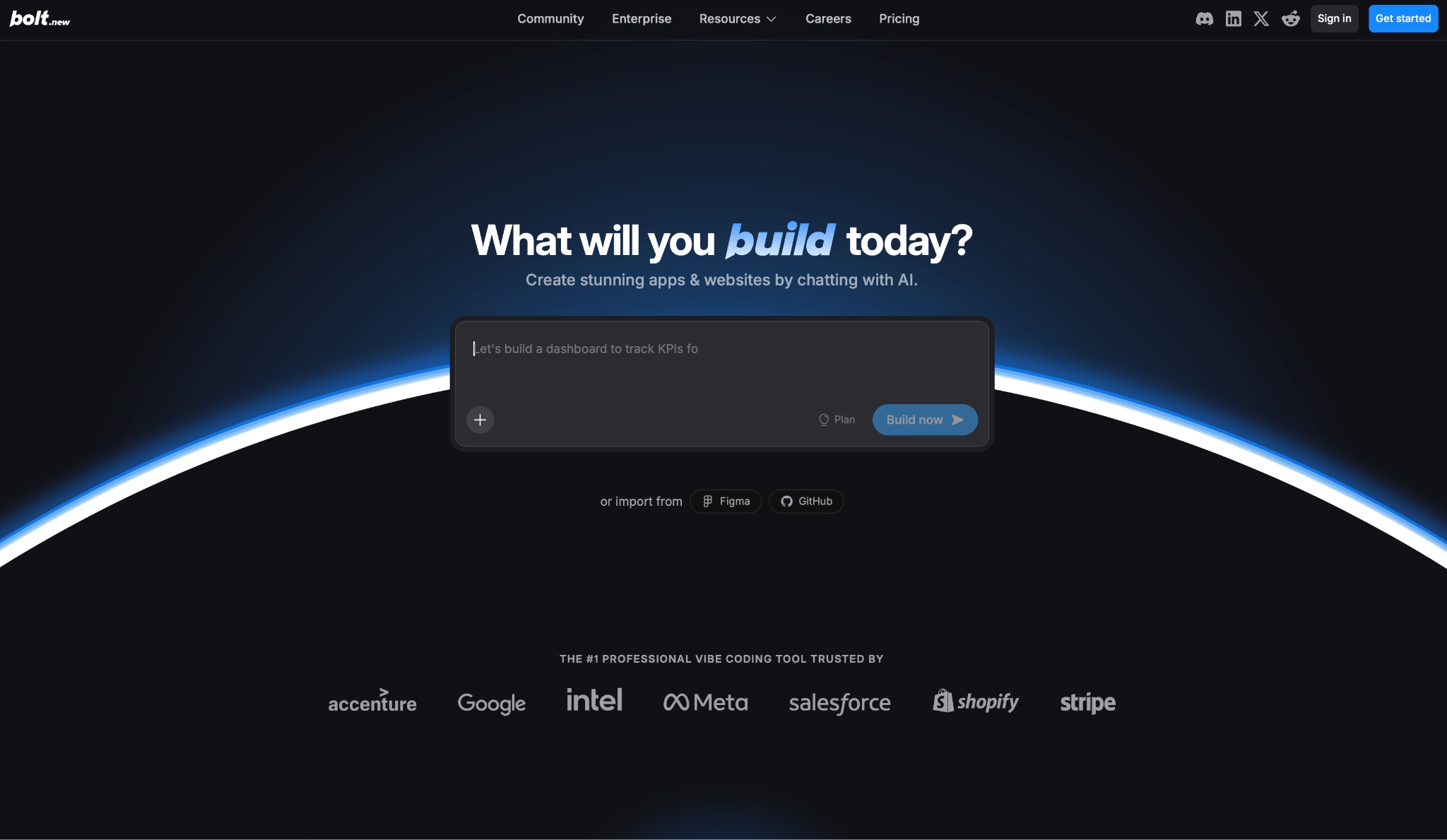
Bolt.new is the closest thing to a 1:1 Lovable replacement I tested. It's fast, browser-native, and gets you from prompt to working prototype without touching a terminal.
The AI generates code from plain text prompts and handles hosting for you, which keeps the experience frictionless early on. The tradeoff is a relatively closed environment, so tech stack flexibility is limited as projects grow.
"Bolt.new runs the whole thing in the browser, so you go from prompt to a running app with no local setup at all. It installs npm packages, spins up the dev environment, and lets you deploy in a couple of clicks." — Naumaan Zahid, Product Hunt
Key Features
- App builder: Interprets text prompts to generate layouts, logic, and database structures across the whole app without writing code manually.
- Templates: A library of ready-to-use templates for different app types saves hours of repetitive setup work. Team Templates let paid teams reuse their own project setups.
- Automated deployment: Pushes your project to a live URL without external servers or manual configuration.
- Version history: Tracks project changes and creates snapshots so you can revert to previous states safely.
Pros
- Fast from prompt to working prototype, no setup required
- Prompt-based workflow makes it accessible if you've never written code
- Database and logic are handled for you
- Hosting included with live preview URLs
Cons
- Closed tech stack limits flexibility for advanced developers
- Asking it to fix a bug often rewrites the entire file, which can break unrelated parts of the app and consume tokens
- Larger projects can run into performance ceilings from browser-based execution
- Team collaboration is basic compared to other platforms
Best For
- Developers and technical founders who want Lovable-level speed but feel more comfortable seeing the code
- Solo builders validating an idea before committing to a full build
- Teams prototyping mobile products (supports React Native and Expo)
Pricing
The Pro plan runs $25/month and unlocks unlimited tokens, custom domains, and no Bolt branding. Teams at $30/user/month adds admin controls and centralized billing. There's a free tier with 1M tokens/month if you want to test first. Enterprise pricing on request.
Considering Bolt.new over Lovable? Our Lovable vs Bolt.new breakdown shows exactly where each one pulls ahead.
2. Base44
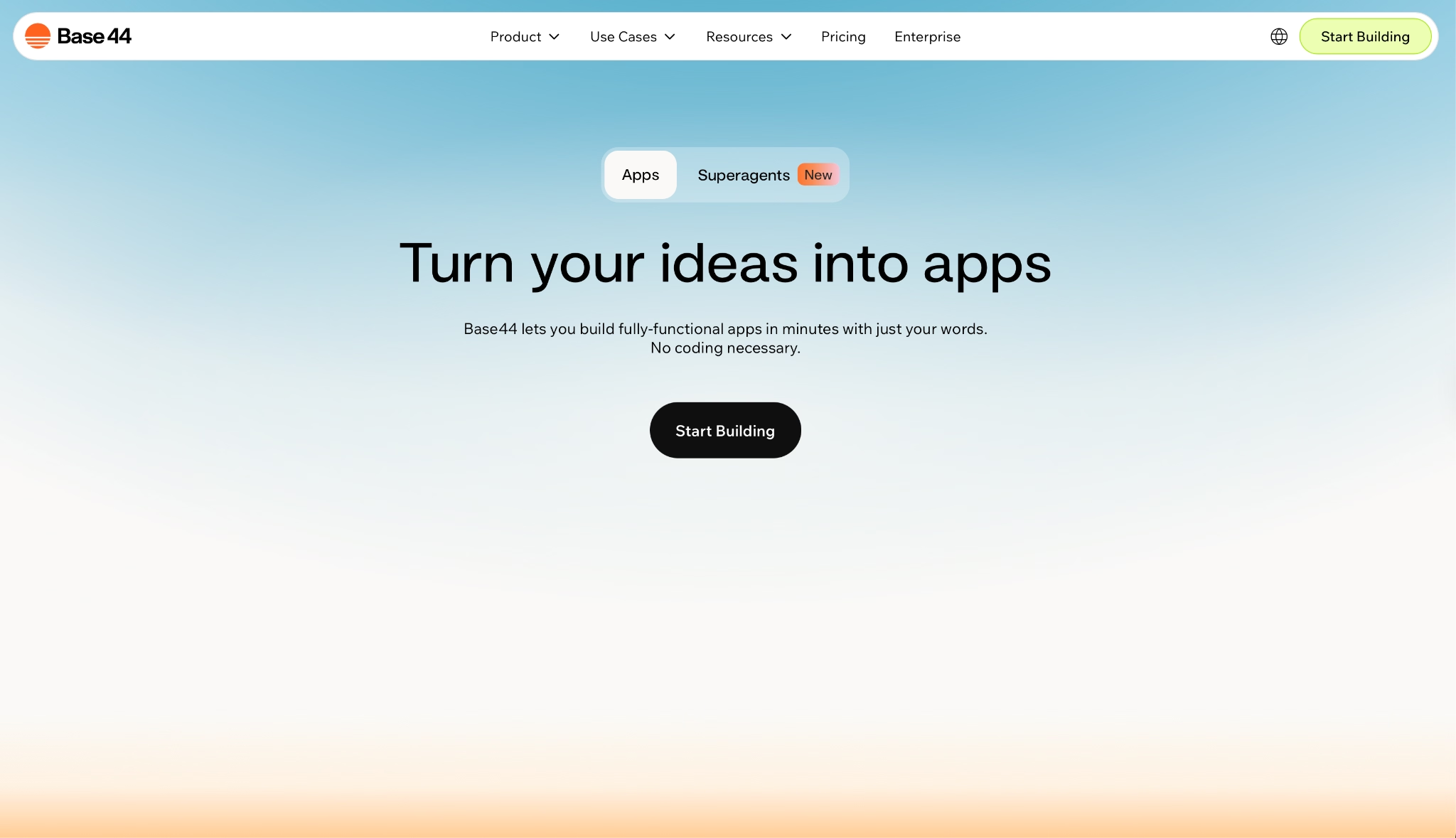
Base44 was the surprise of the batch. I expected another Lovable clone. What I found was a platform where the database, hosting, and logic are all managed inside the product itself, so you never have to wire external services together. That changes the experience significantly for non-technical builders.
Where Lovable leans on Supabase and external integrations to fill gaps, Base44 handles that layer itself. The result is less configuration overhead and more time building.
"I think it's great to have the support of an AI that helps turn an idea into something real and useful, especially when that idea aims to solve a problem." — Asesor C., G2
Want more hands-on takes before you decide? Read our Base44 Reviews breakdown for a closer look.
Key Features
- Visual drag-and-drop builder: Design entire web pages and applications without manual coding, keeping the workflow approachable from day one.
- AI-assisted workflow automation: Define objectives in natural language and the AI generates workflows, connects databases, and sets triggers on its own.
- Database and cloud storage: Create, store, and manage structured data without external dependencies, including live updates and access control.
- Third-party integrations: Works with Zapier, Slack, and Google Workspace to link cross-platform workflows without workarounds.
Base44 checks a lot of boxes but still not quite right? Our Best Base44 Alternatives breakdown covers more options worth trying.
Pros
- Rapid prototyping with visual tools and AI assistance
- Beginner-friendly while still offering low-code flexibility for developers
- Analytics and workflow automation in one platform
- Ready-made templates reduce setup time for MVP launches
Cons
- Limited flexibility for deep custom backend logic
- Performance may slow down at very high data or request volumes
- Community and documentation are thinner than older platforms like Bubble or Replit
Best For
- Non-technical founders who need a working app fast without managing separate services
- Small teams building internal dashboards, CRMs, or lightweight SaaS tools
- Builders who want their data and logic handled without hiring a developer
Pricing
Starter at $20/month (or $16/month billed annually) gets you 100 message credits and unlimited apps. Builder at $50/month adds GitHub integration and custom domains. There's also a free tier with 25 message credits to get started.
For a complete breakdown of every plan and credit limit, also read our guide on Base44 pricing
3. Replit
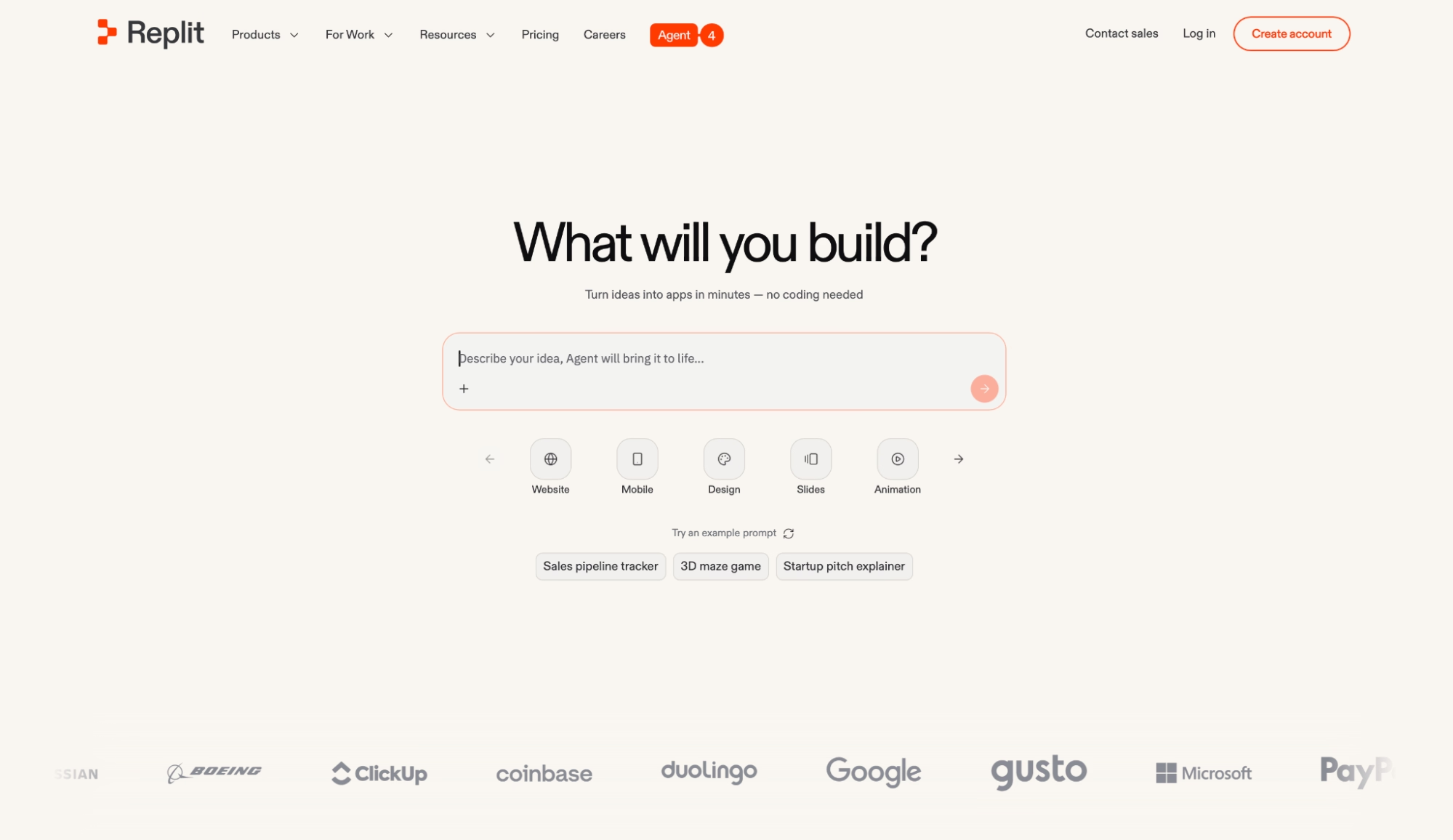
Replit took the longest to get comfortable with, and that's kind of the point. The payoff is a fully hosted environment where you can go from idea to deployed app without touching your local machine once.
It started as an online IDE for students and developers, then pivoted into AI-assisted app building. That background shows in the product. You get a cloud workspace where an agent builds and runs your app, with live collaboration and Nix-supported languages. It's more complex than Lovable is willing to expose, and the learning curve shows.
"As a founder working in early-stage development, speed and accessibility matter more than heavy setup." — Pragam S., G2
Key Features
- Replit Agent: Writes code, fixes errors, and explains programming logic in plain language, acting as a coding partner throughout the build.
- Multiplayer Mode: Multiple people can work on the same project at the same time, like a Google Doc for code.
- Hosting and deployment: Projects deploy directly from the platform with live URLs, no external servers needed.
- Database and package manager: Centralizes project management and reduces the need for external tools.
Pros
- Fully hosted with zero local setup, works from any browser
- Covers multiple programming languages in one environment
- Live collaboration that holds up across the team without extra setup
- Community templates take time off the first build
Cons
- Steeper than Lovable, expect a learning curve
- The Agent can confidently report a task complete while leaving code half-wired, meaning you spend credits to build and verify
- Free tier has limited compute and storage
- Debugging is less granular than a dedicated local IDE
Best For
- Builders who want a fully hosted cloud environment and are happy to stay inside it
- Small teams that need live collaboration on the same codebase
- Developers comfortable with code who want AI assistance without switching tools
Pricing
Core at $20/month gives full Agent access, private and public apps, and live hosting. There's a Starter tier with limited Agent build time if you want to try it first. Enterprise pricing on request.
Torn between the two? Read our Lovable vs Replit head-to-head to see which one fits your build.
4. v0 by Vercel
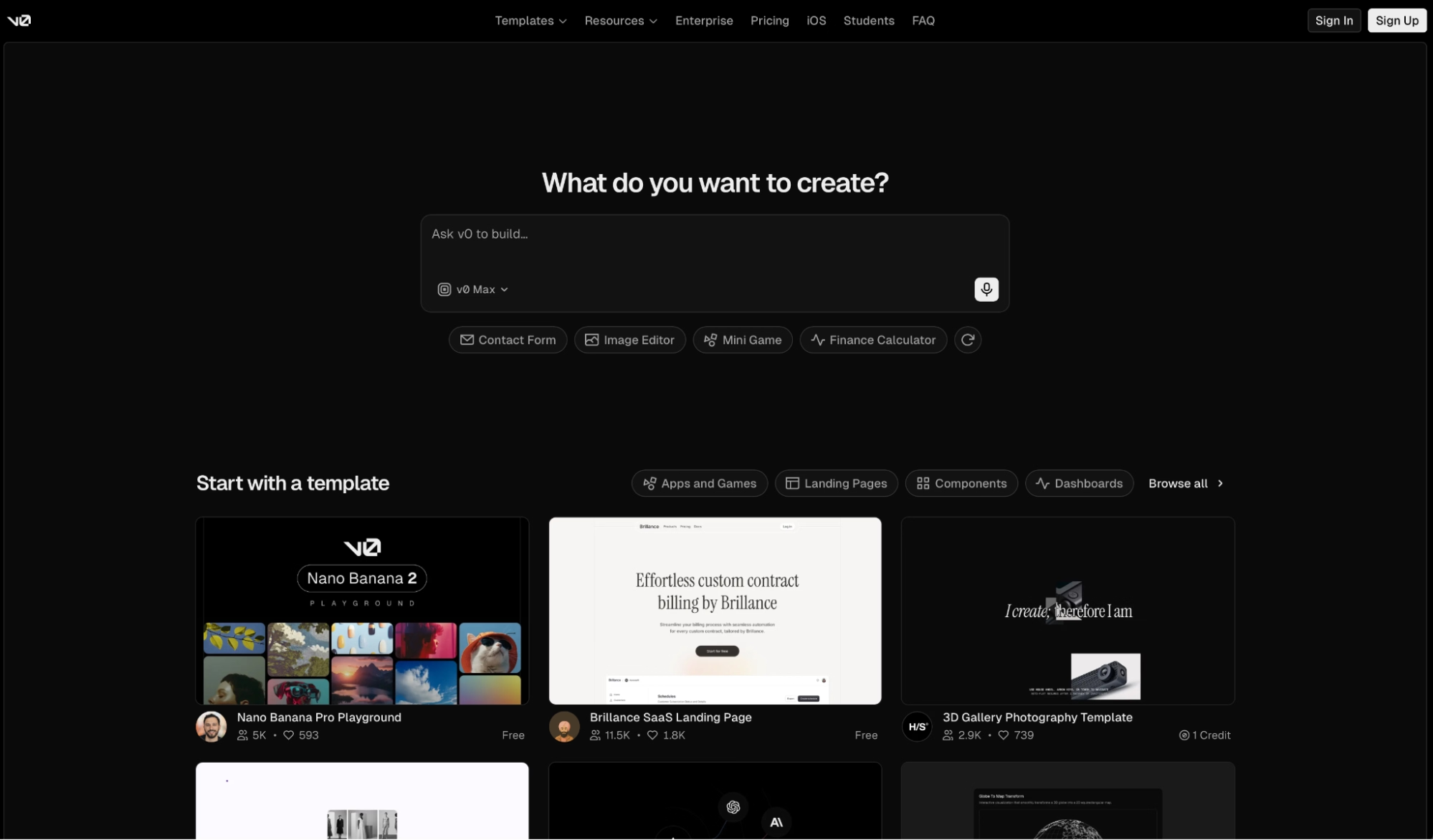
v0 is the tool I kept reaching for whenever I needed a clean React component fast and didn't want to write it from scratch. It does one thing exceptionally well. You describe a layout or component, and what comes back is clean, production-ready React code you can drop straight into a codebase.
Made by the team behind Vercel and Next.js, it's designed for frontend developers who want to skip the initial UI drafting phase without leaving their existing workflow.
Backend connections and database logic are also there, but the tool is built around UI generation first. Outside the Next.js and Vercel stack, friction comes quickly.
"What I love most about v0 is how it completely changes the game for UI/UX development." — Ayushman M., G2
Key Features
- Prompt-to-UI generation: Describe a layout or component in plain text and v0 generates production-quality React code ready for Next.js integration.
- Code export and reusability: Unlike builders that lock your code in their ecosystem, v0 lets you export and reuse generated code across any project.
- Component library: A modern component library inspired by ShadCN UI and Tailwind CSS keeps design consistent across builds.
- Figma import: Upload design files and v0 translates them into structured React code, keeping visual and functional consistency intact.
Pros
- Clean, human-readable React code you can drop into a live project
- Tight integration with Vercel and Next.js if that's your stack
- Live preview and deployment without leaving the tool
- Your code stays yours, no lock-in
Cons
- Built primarily around the Vercel ecosystem, teams outside Next.js workflows will hit integration friction
- Requires some React or Next.js familiarity to customize outputs
- Credits are charged even on failed generations
- Can struggle with multi-state UIs that require layered logic
Best For
- React and Next.js teams that want to skip the initial UI drafting phase
- Developers dropping new components into an existing codebase
- Product teams who need to ship Figma designs as working code, fast
Pricing
There's a free tier with $5 in monthly credits, no credit card required. Team at $30/user/month adds shared credits and centralized billing. Business at $100/user/month includes API access and training opt-out.
5. Emergent
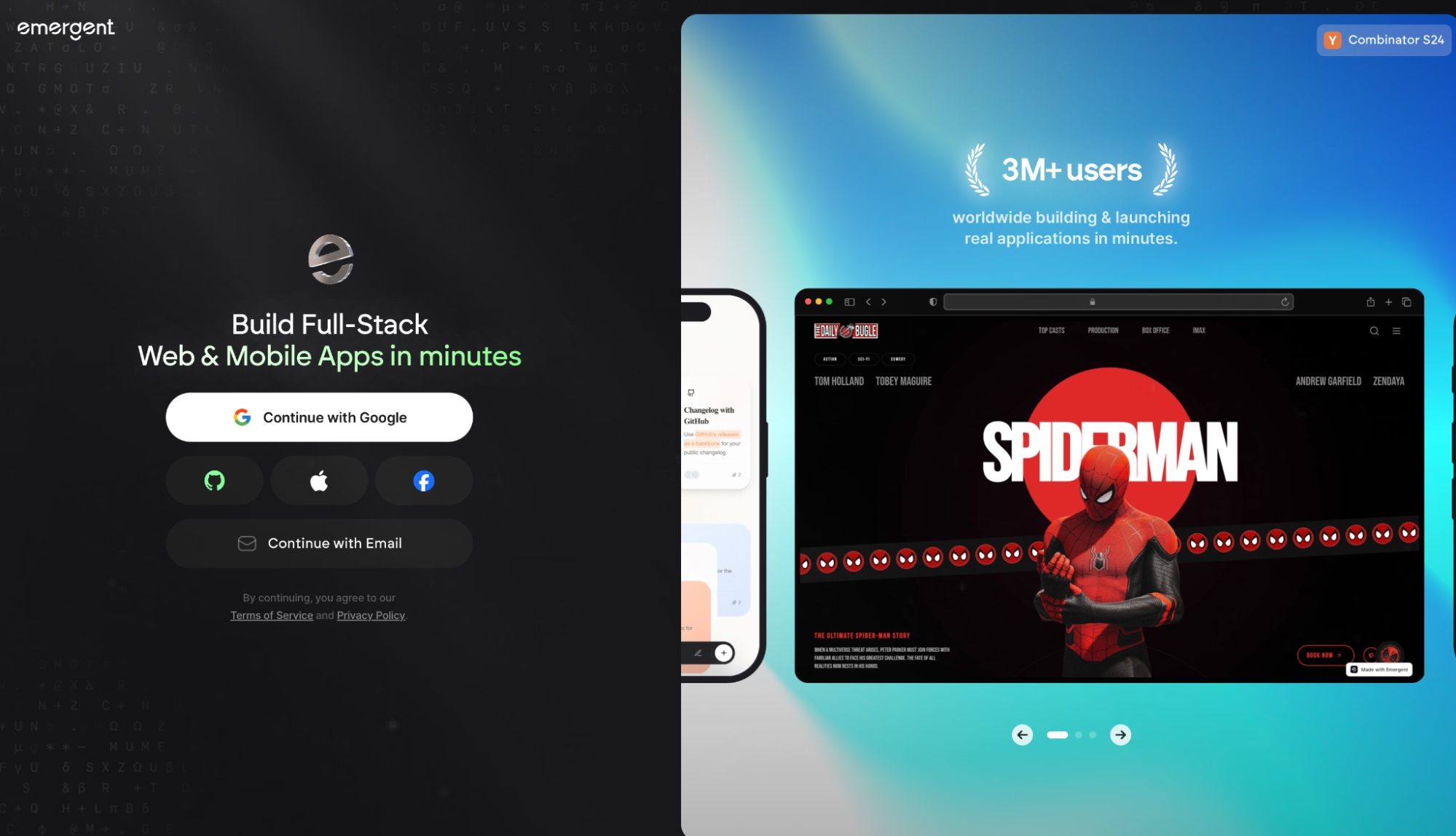
Emergent is for the people who need their vibe coding sessions to turn into apps that run a business, and who want to get there without hiring engineers. It's a prompt-to-app platform where a multi-agent system handles design, logic, database, and deployment.
All from a single conversation, with no terminal and no engineering background required. The key differentiator is what happens after the first build. Specialized agents handle testing, debugging, deployment, and regression. That's the exact problem that makes Lovable painful at scale.
"I appreciate the ease of use and speed it offers. The task manager is particularly helpful because it makes things easy to see and plan." — Max H., G2
Key Features
- Multi-agent architecture: A coordinating agent directs specialized sub-agents for design, testing, deployment, and troubleshooting. Each agent focuses on its domain, which is how Emergent handles regressions that single-agent tools miss.
Maxx, available on the Pro plan, extends this with up to 1M thinking tokens for complex, multi-step builds that need deeper reasoning.
- Web and mobile output: Builds both web apps and mobile apps via React Native and Expo, publishable to the App Store and Google Play once you connect your developer account.
- Managed hosting and deployment: Apps go live on Emergent's infrastructure, with Emergent Auth, database, SSL on custom domains, and environment variables handled for you.
- Model Context Protocol (MCP): AI agents connect with external tools like Notion, GitHub, and Figma, automating cross-platform workflows without manual setup.
- GitHub integration and code export: Full access to your codebase from the Standard tier up. The Fork Feature lets you pass full project context to a new agent session, so nothing gets lost between builds. You own the code.
Pros
- Handles the complete app-building journey in one platform, from first prompt to deployed app
- Multi-agent architecture targets regressions that single-agent tools tend to miss
- No local setup required, runs entirely in the browser
- SOC 2 Type I certified, suitable for apps handling user data and payments
- Universal LLM Key lets you use Claude, GPT, or Gemini inside your apps without your own API keys
Cons
- Credit costs rise fast for teams running multiple heavy projects
- Prompt quality matters a lot; vague prompts introduce bugs after extended builds
- Database can diverge between local preview and cloud after several deployment cycles
- Not suitable for video games, heavy PDF reporting, or Swift apps for Apple Watch and iPad
Best For
- Non-technical founders who need their app to handle payments, users, and data
- Service business owners swapping out point solutions or manual workflows for custom software
- Agencies and consultants building client-facing tools at speed without an engineering hire
Pricing
Standard at $20/month gets you 100 credits, private hosting, and GitHub integration. Pro at $200/month gets you 750 credits, custom AI agents, and priority support. There's a free tier with 10 credits/month to test the platform. Enterprise pricing on request.
6. Bubble
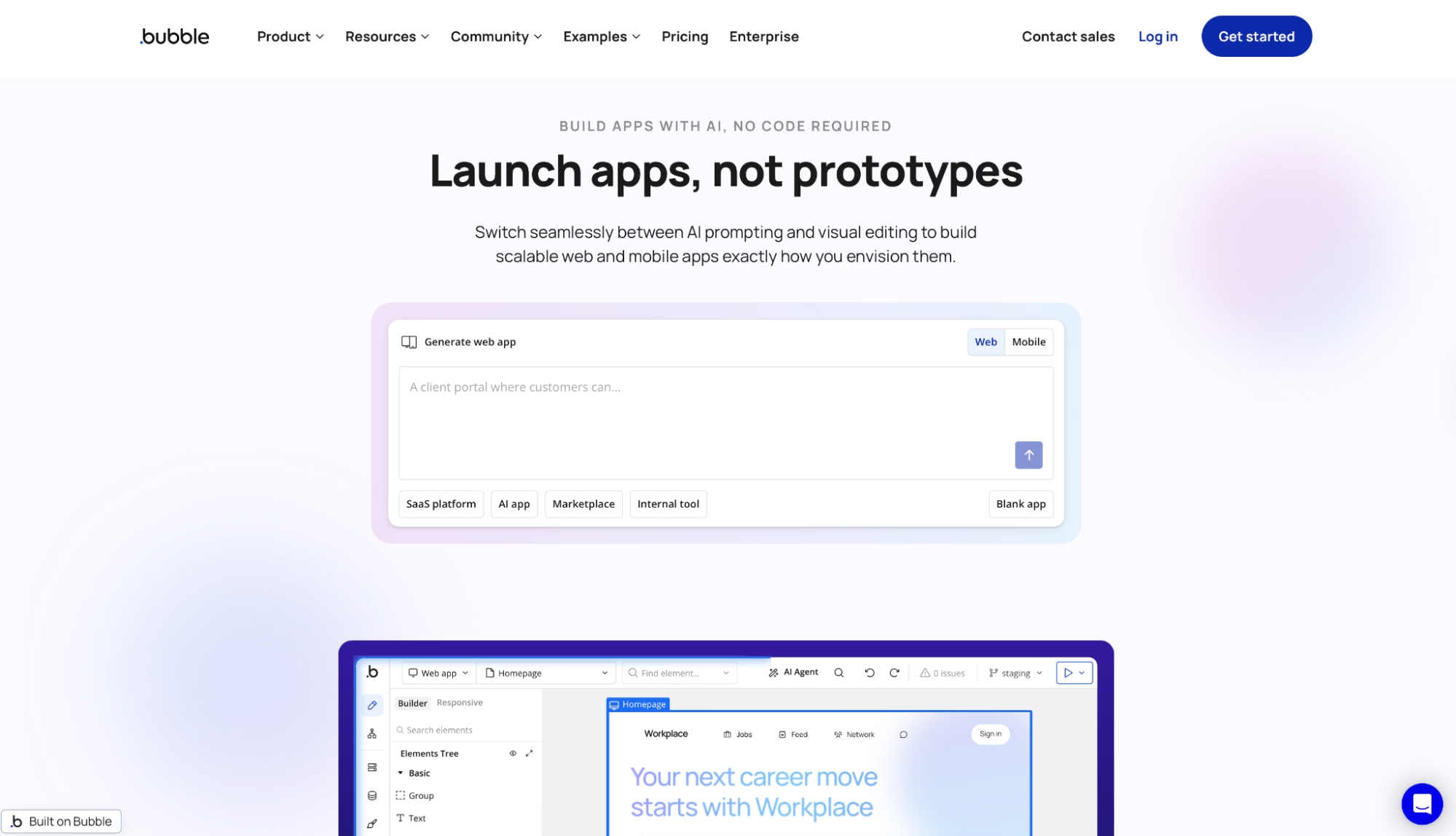
Bubble has been around longer than any other tool on this list. I've seen it power products that are still running years later, which matters when you're evaluating whether a platform will be around when your app needs to grow.
Bubble gives you a visual editor where you control both the UI and the business logic directly. That depth comes with a learning curve, but once you're past it, you can build apps with serious depth without touching code.
"I can set up a non-complicated product with a database, external API call and custom user flow just in a couple of hours." — Nikita V., G2
Key Features
- Visual drag-and-drop builder: Design responsive web pages with live content and previews, beginner-friendly but powerful enough for layered projects.
- Custom workflows and logic: Build multi-step workflows that handle tasks like emails, authentication, and database updates based on user triggers, with no code involved.
- Database management system: Create and manage relational data structures, custom queries, and filters, giving you near full app-building capabilities inside a visual editor.
- Plugin ecosystem and API integration: Thousands of plugins plus native connectors for Stripe, Zapier, and Google Maps, with support for custom API connections.
Pros
- UI and business logic in one platform, no need to stitch services together
- Businesses have shipped and grown on Bubble for years; the track record speaks for itself
- Cloud hosting grows as your app does
- Large, active community with tutorials and templates for most common use cases
Cons
- Steep learning curve, mastering workflows and database relationships takes time
- Web apps only, native mobile requires third-party wrappers
- Data-heavy apps can face slower load times without careful optimization
- No self-hosting, which rules it out for teams that need on-premise deployment
Best For
- Founders and lean teams who care more about speed-to-MVP than owning the underlying stack
- Builders who want a mature, proven platform with a large community behind it
- Projects that need layered logic and workflows without writing a line of code
Pricing
There's a free tier with full access to the visual builder and 50K workload units/month for prototyping. Starter at $69/month adds version control, a live site, and a custom domain. Growth at $249/month unlocks more editors, branches, and higher usage limits.
Hitting Bubble's learning curve or need something more flexible? Our Best Bubble Alternatives breakdown covers what else is worth trying.
7. Vitara AI
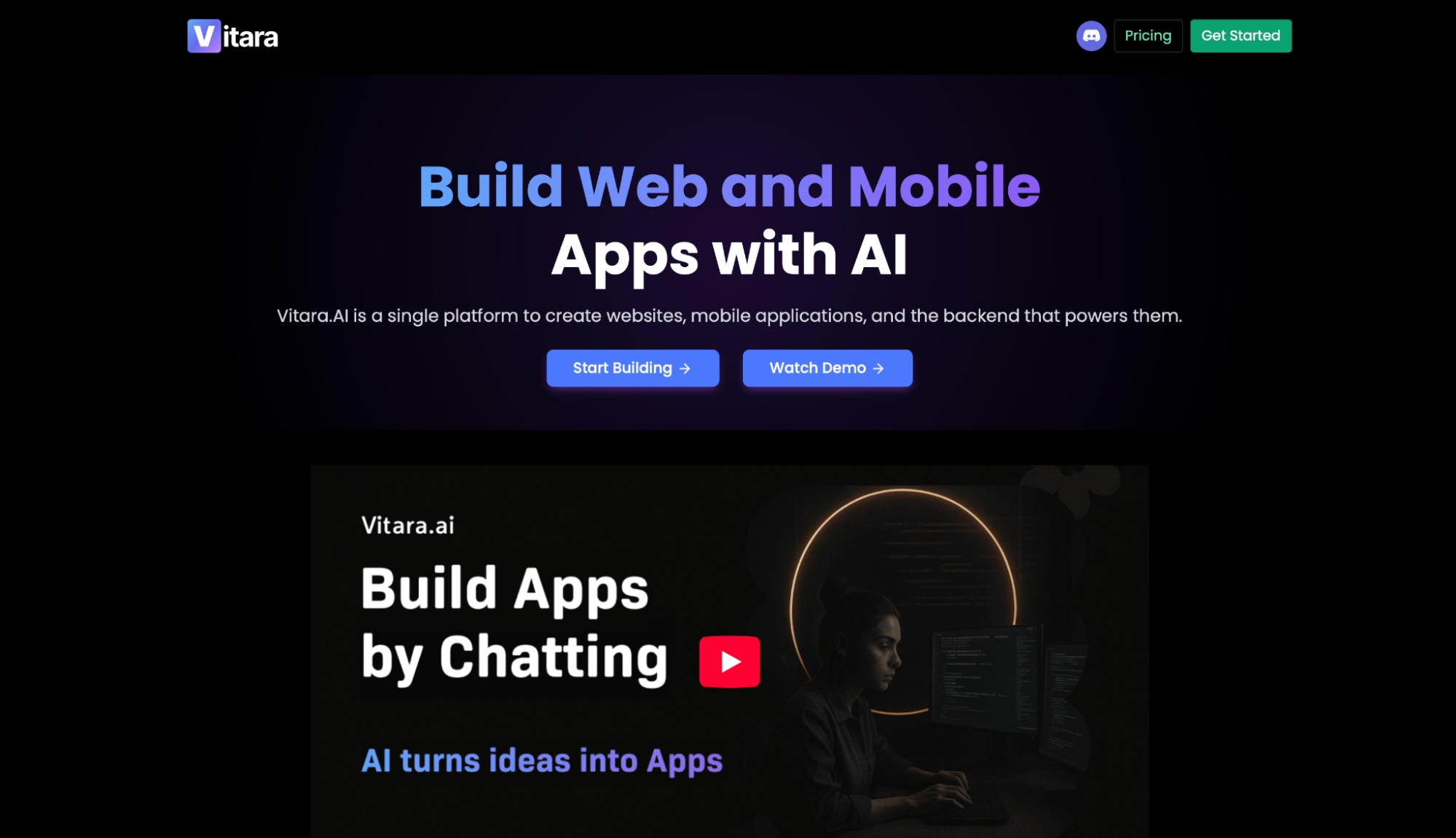
Vitara AI is the tool I'd hand to a solo builder who has a clear idea, wants to ship fast, and doesn't want to spend an afternoon configuring services before writing the first prompt.
One prompt generates the UI, data layer, logic, and authentication flow. The fixed stack (React and Supabase) is both its strength and its ceiling. If that combination works for your project, setup friction disappears.
"Tried it out just now and got a usable dashboard app in like 90 seconds. This is what “AI-powered” should actually mean. Impressed!" — Ramakaiev Rustam, Product Hunt
Key Features
- Full-stack generation from a single prompt: Generates UI components, data logic, and database models from one natural language input, no manual configuration needed.
- Pre-configured tech stack: React and Supabase with authentication, live updates, and storage included from day one.
- GitHub sync: Push projects to a repository with one click, keeping version control and team workflows intact.
- Clean, exportable code: Full access to the generated source code at any point, no platform lock-in.
Pros
- Zero local setup, browser-based from start to finish
- Natural language editing lets you iterate on features without writing manual code
- Clean, readable code that developers can take over and extend
- Cloud hosting with live previews simplifies deployment
Cons
- Limited to React and Supabase, no flexibility on tech stack
- Complex builds may need manual adjustments that the AI generation doesn't catch
- Generated code blocks don't always connect cleanly across the stack, so multi-feature builds can need more manual wiring
- Not ideal for teams needing full control over the app's hosting and data layer
Best For
- Solo developers and small startups wanting a fast, clean MVP without service configuration
- Builders who plan to hand off or extend the codebase later and need readable output
- Projects where React and Supabase are already the chosen stack
Pricing
Build at $20/month extends usage limits and adds code download and private projects. Scale at $50/month adds higher caps and advanced features for teams. There's a free tier with limited daily prompts if you want to try it first.
8. Glide
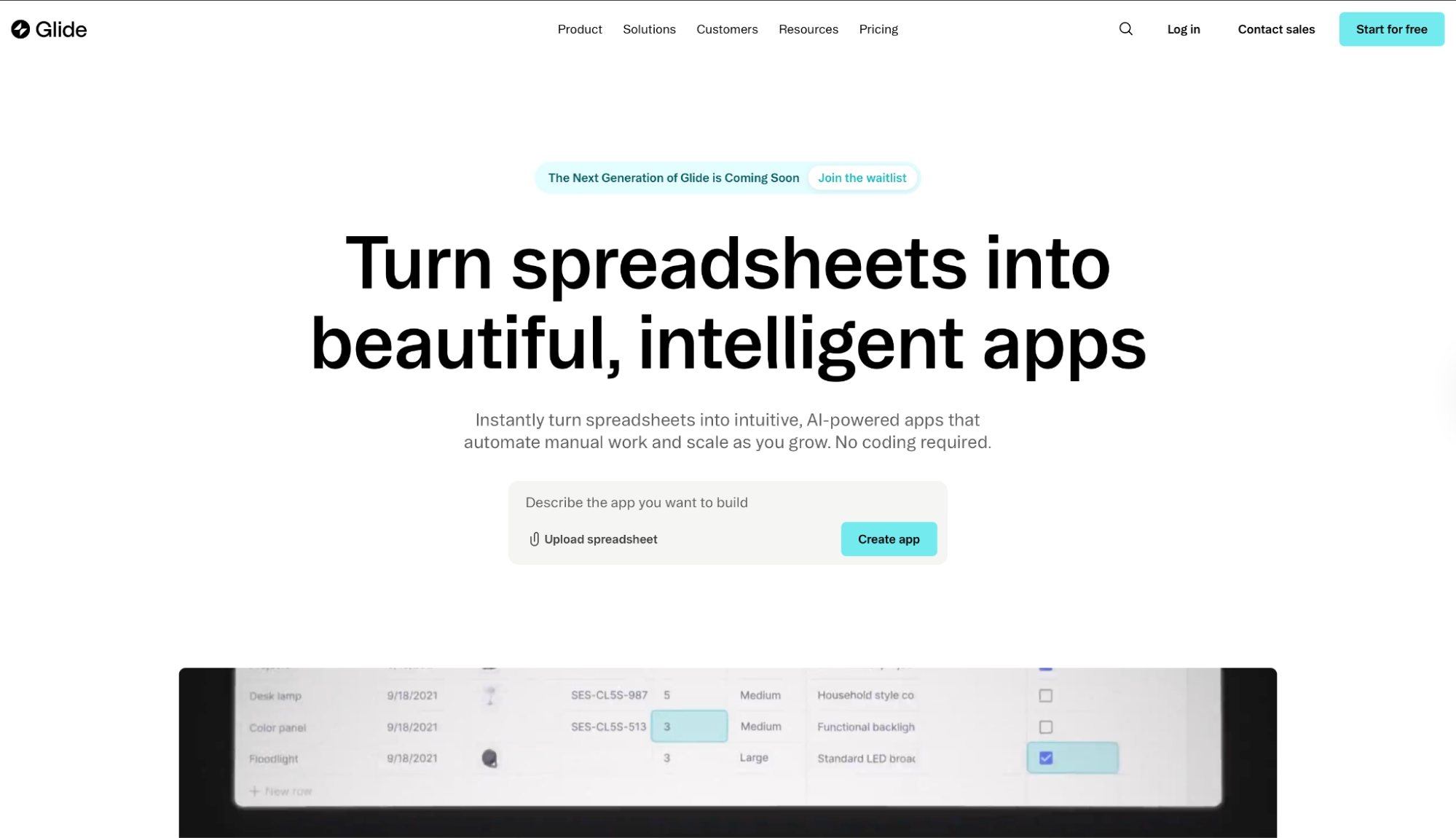
Glide is the one I keep recommending to operations teams who already have the data and need something their team can use. The premise is simple: connect your Google Sheets, Airtable, or BigQuery data, and Glide turns it into a web app that works on any device.
Changes in the source show up in the app right away. The scope is narrow by design, and that focus is what makes it genuinely fast to deploy.
"Everybody can see changes in real time and the building features are easy to learn and master on a certain level." — Christian B., G2
Key Features
- Data-first application building: Connects directly to Google Sheets, Airtable, BigQuery, or Glide Tables, with any data updates reflected in the live app without delay. Apps are web-based and mobile-responsive, but not publishable to the App Store or Google Play.
- Role-based permissions: Control what users see or can edit based on their role or attributes, enabling secure internal tools with granular access control.
- Workflow editor: Trigger sequences of events like sending emails, updating data, or triggering webhooks via Custom Actions, visually and without writing code.
- Glide AI Column: Process data inside the app by generating summaries, extracting sentiment, or classifying text using AI models without custom coding.
Pros
- Gets you from existing data to a working app faster than building from scratch
- Data sync keeps the live app current as your source data changes
- Mobile-optimized output that works well across devices as a Progressive Web App
- Native integrations with Slack, Zapier, and OpenAI
Cons
- Limited flexibility for layered logic or custom data connections
- Not designed for consumer-facing apps or differentiated products
- Advanced customization requires higher-tier plans
- Not ideal for heavy computational or data-intensive applications
Best For
- Operations teams building internal dashboards, CRMs, or inventory tools on top of existing data
- Small businesses replacing manual spreadsheet workflows with a proper app interface
- Non-technical teams that need a working tool fast without learning a new data model
Pricing
Explorer at $25/month gets you 1 app, 100 users, and workflow integrations. Maker at $60/month adds custom branding, custom domains, and unlimited users across 3 apps. There's a free tier with 1 app, 10 users, and up to 25k rows.
Glide not quite the right fit for your data or team? Our Best Glide Alternatives breakdown covers what else is worth trying.
9. Claude Code
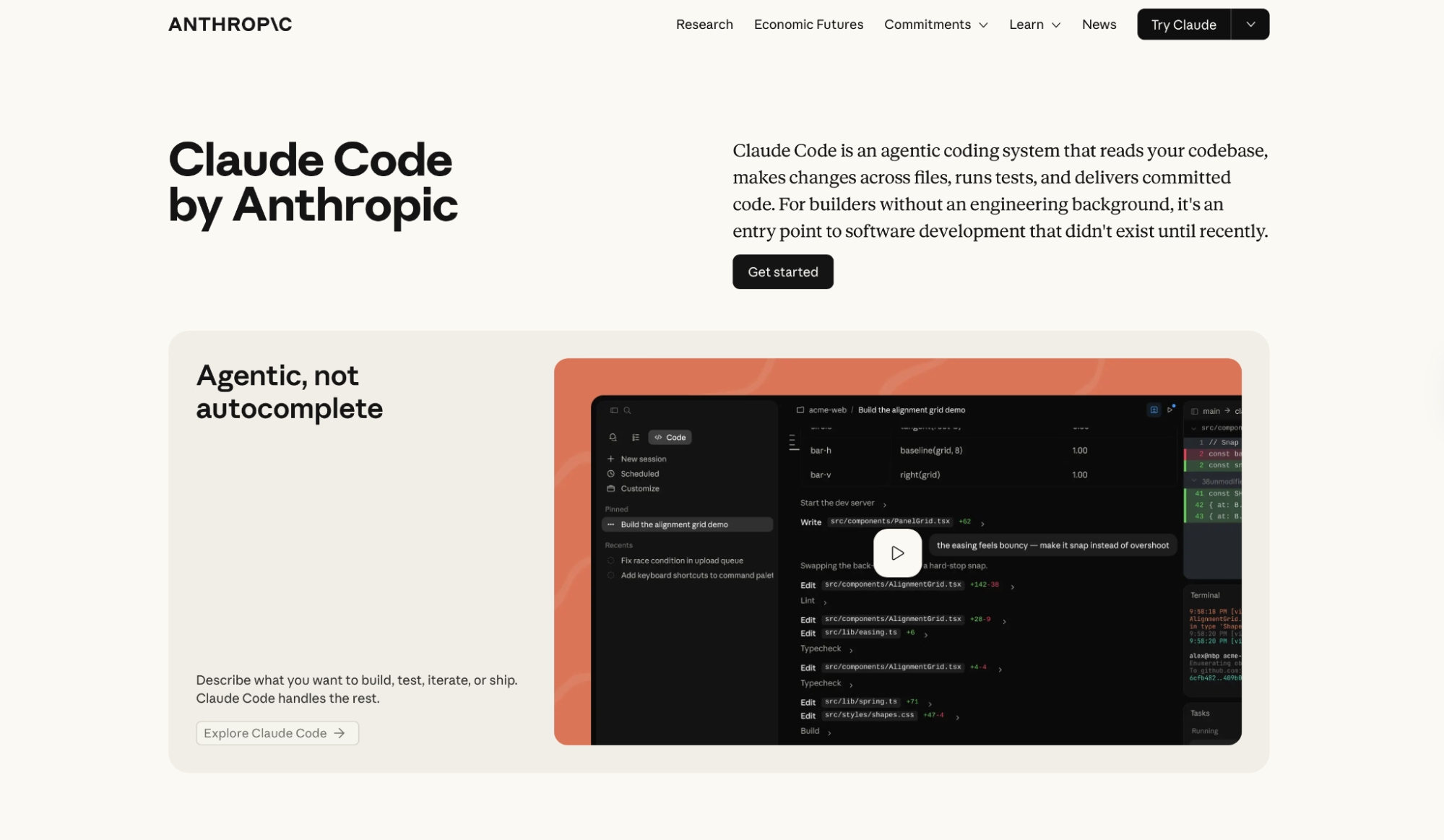
If the credit costs on the other tools start adding up and you're comfortable working closer to the code, Claude Code is worth a serious look. The tradeoff is a steeper setup, but what you get back is full control over your codebase and a pricing model that scales better than per-credit alternatives for heavy users.
It's a command-line coding tool that reads your codebase, edits files, runs commands, and integrates with your development tools across the terminal, VS Code, JetBrains, a desktop app, and the browser.
You describe what you want in plain language and it handles the work end-to-end. Deployment, hosting, and infrastructure stay in your hands.
"The thing that separates Claude Code from every other AI coding tool I've tried is that it understands the full context of what you're building, not just the file you're looking at." — Rex J., G2
Key Features
- Codebase-aware agent: Reads your entire project before acting, so changes are surgical rather than wholesale rewrites across files.
- Multi-environment access: Works from the terminal, VS Code, JetBrains, desktop app, browser, and iOS. Sessions carry over between surfaces.
- MCP integration: Connects to external tools like Google Drive, Jira, Slack, and custom data sources through the Model Context Protocol.
- Sub-agents and parallel tasks: Spawn multiple Claude Code agents, each working on a different part of the task at once, coordinated by a lead agent.
- GitHub and GitLab integration: Creates commits, branches, and pull requests directly. Can handle PR reviews and issue triage via GitHub Actions.
Pros
- Works inside your actual codebase, not a sandboxed environment
- Cheaper than the other options on this list for heavy users on a subscription
- No platform lock-in, the code and the environment stay yours
- Configurable via CLAUDE.md files, hooks, and skills
Cons
- No visual builder or managed hosting, you handle deployment yourself
- Steeper learning curve than most tools on this list
- Requires at least a paid Claude subscription, no free tier
- Token limits can interrupt long sessions on the Pro plan
Best For
- Semi-technical builders who are comfortable with a terminal and want maximum control over their output
- Developers who already have a codebase and want AI help without switching environments
- Teams running recurring automated tasks like PR reviews, dependency audits, or test generation
Pricing
Pro at $20/month includes Claude Code access across all surfaces. Max 5x at $100/month offers higher usage limits for heavier workloads. API pay-as-you-go is available for teams that prefer per-token billing.
How to Evaluate Lovable Alternatives
These nine tools sit in very different categories. Before committing to one, four things are worth checking carefully:
- Prototype vs. production. Bolt.new and v0 are built for getting to a demo fast. Emergent, Bubble, and Replit handle what comes after: the users, the data, and the systems that need to keep working. Building on the wrong tool from day one means a painful migration later.
- Code ownership and portability. Bolt.new, Replit, Vitara AI, Emergent (Standard and above), and Claude Code give you exportable code or GitHub integration. Base44 restricts GitHub to the Builder plan ($50/month) and above.
Glide and Bubble keep your app inside their ecosystem. Check this before you build, if handing the project to a developer later is part of your plan.
- App-building approach vs. full platform. v0 is built around UI generation and the Vercel ecosystem. It handles database connections, but the experience centers on React components and Next.js workflows. Glide connects to data you already have, but doesn't generate systems from scratch.
Bolt.new, Base44, Replit, Vitara AI, Emergent, and Bubble build the complete app without assuming a particular framework. Knowing which approach fits your workflow eliminates half the list immediately.
- Pricing model at your actual usage level. Bolt.new runs on tokens. Base44, Emergent, and v0 run on credits. Bubble and Glide charge by workload units and updates.
Free plans across all of these are playgrounds, not serious building environments. Run an actual build on the free tier before committing to a paid plan.
Which Lovable Alternative Should You Use?
All nine tools here can ship a working app. The question is what you're building and how far you need it to go.
If you want the closest 1:1 Lovable experience with more code visibility, Bolt.new is where I'd start. For React work on an existing codebase, v0 gets you there without the boilerplate.
If your data already lives in Google Sheets or Airtable, Glide turns it into a working internal tool faster than anything else I tested.
For apps that need serious logic and depth, Base44 and Bubble both go deeper than other AI-first builders. Bubble has the longer track record. Base44 is faster to get started.
If you're non-technical and building something that needs to handle payments, user accounts, and mobile, Emergent is the one I kept coming back to. The multi-agent setup handles the parts that break other tools at scale, and you don't need a technical co-founder to get there.
And if you're semi-technical and want maximum control without paying per-credit, Claude Code is worth the learning curve. It's significantly cheaper at scale.
Pick two or three, spend an afternoon vibe coding with each, and you'll know fast. The comparison chart only gets you so far.

Every alternative has trade-offs. Emergent just builds production-ready apps from one prompt.
- Production-ready apps
- Web & mobile apps
- Deploy in minutes







