



If Base44 works for you, stick with it. But if you've hit a credit wall mid-launch, a paused app, or a backend ceiling you can't code around, I’ve tested eight Base44 alternatives that are worth a closer look.
8 Best Base44 Alternatives at a Glance
I ran the same app build through all eight platforms. Six broke before they were ready to ship, and two made it to production without touching a config file.
| Platform | Best For | Starting Price |
|---|---|---|
| Lovable | Founders who want to ship a complete web app and own the code | Pro $25/month |
| Bolt.new | Fast prototypes and web apps, with React Native code via Expo | Pro $25/month |
| Emergent | Non-technical founders building software that powers a live business | Standard $20/month |
| Replit | Building across app types, including mobile | Core $20/month |
| Bubble | Heavyweight web apps designed to scale | Web & Mobile Starter $69/month; Web Starter $29/month |
| Glide | Internal tools on top of data you already have | Explorer $25/month |
| v0 by Vercel | Frontend-heavy builds in the Next.js ecosystem | Team $30/user/month |
| Cursor | Developers who want AI help without giving up control | Individual $20/month |
Why Look for Base44 Alternatives?
Look for Base44 alternatives if your app needs more predictable costs, more code access, or more control over hosting. Base44 scaffolds a complete app from a text prompt, including a database, authentication, and hosting. But as apps grow, the platform's limits tend to surface fast.
- The dual-credit system creates unpredictable costs. This is one of the most common complaints in Base44 reviews. Base44 runs on two separate credit pools. Message credits are consumed when you build, and integration credits are consumed when your users interact with the live app. Both reset at the start of your billing cycle and don't roll over. If your app gains traction and burns through integration credits mid-cycle, functionality is paused until the next reset.
- Key features are gated behind mid-tier plans. Custom domains and GitHub integration require the Builder plan ($50/month) or higher. On the Starter plan ($20/month), your app ships with Base44 branding in the URL, which makes it unsuitable for any customer-facing product.
- The backend is fully managed with no exit path. Base44 handles hosting automatically. No plan offers self-hosting, custom server configuration, or export to external infrastructure. For apps that outgrow the platform's limits, migrating means rebuilding from scratch elsewhere.
- Design customization has a ceiling. Base44 launched Visual Edit mode to give builders more control over layout and styling. Brand-consistent, component-level design still requires more manual effort here than on Lovable or v0 by Vercel, which produce polished UI from the first generation.
TL;DR: Which Base44 Alternative Should You Choose?
- Choose Lovable for fast, exportable web apps. It is strongest for prompt-driven builds, but not the best fit if you want to manually control every line of code as you work.
- Choose Bolt.new for hands-on prototyping. You can see and edit every line of code the AI generates, but it is less ideal if you want a more guided, no-code-style experience.
- Choose Emergent for non-technical founders. It is a good fit if you need a revenue-ready product without touching code, though deep design customization may require more manual work than more visual builders.
- Choose Replit for web, mobile, and backend builds. It gives you one developer-facing environment, but it is not the best fit if you want a purely no-code workspace.
- Choose Bubble for complex no-code apps. It works well for advanced logic, relational data, and scaling to thousands of users, but it has more of a learning curve than simpler AI app builders.
- Choose Glide for apps built from existing data. It is useful for turning Google Sheets, Airtable, or Excel data into an internal tool or client-facing app, but it is not built for complex public consumer apps.
- Choose v0 by Vercel for frontend UI generation. It is strongest if you already work in the Next.js or Vercel ecosystem, but backend infrastructure is outside its scope.
- Choose Cursor for developer-controlled AI coding. It speeds up your workflow without taking over the codebase, but it is not a no-code app builder for non-technical users.
- Stick with Base44 for quick early MVPs. It still makes sense when you want a fast path from idea to live app with minimal setup, as long as credit limits are unlikely to slow you down.
Not everything I tested made the list. Softr is built around Airtable-backed portals, which is a narrower use case than the rest of the field. Wix Studio is strong on marketing sites but thin on app logic, and Webflow's AI features still trail the dedicated AI builders here.
The 8 Best Base44 Alternatives in 2026
Running the same build through all eight tools showed exactly where each one stalls: credit walls mid-launch, backend ceilings you can't code around, or mobile pipelines that stop short of submission.
1. Lovable
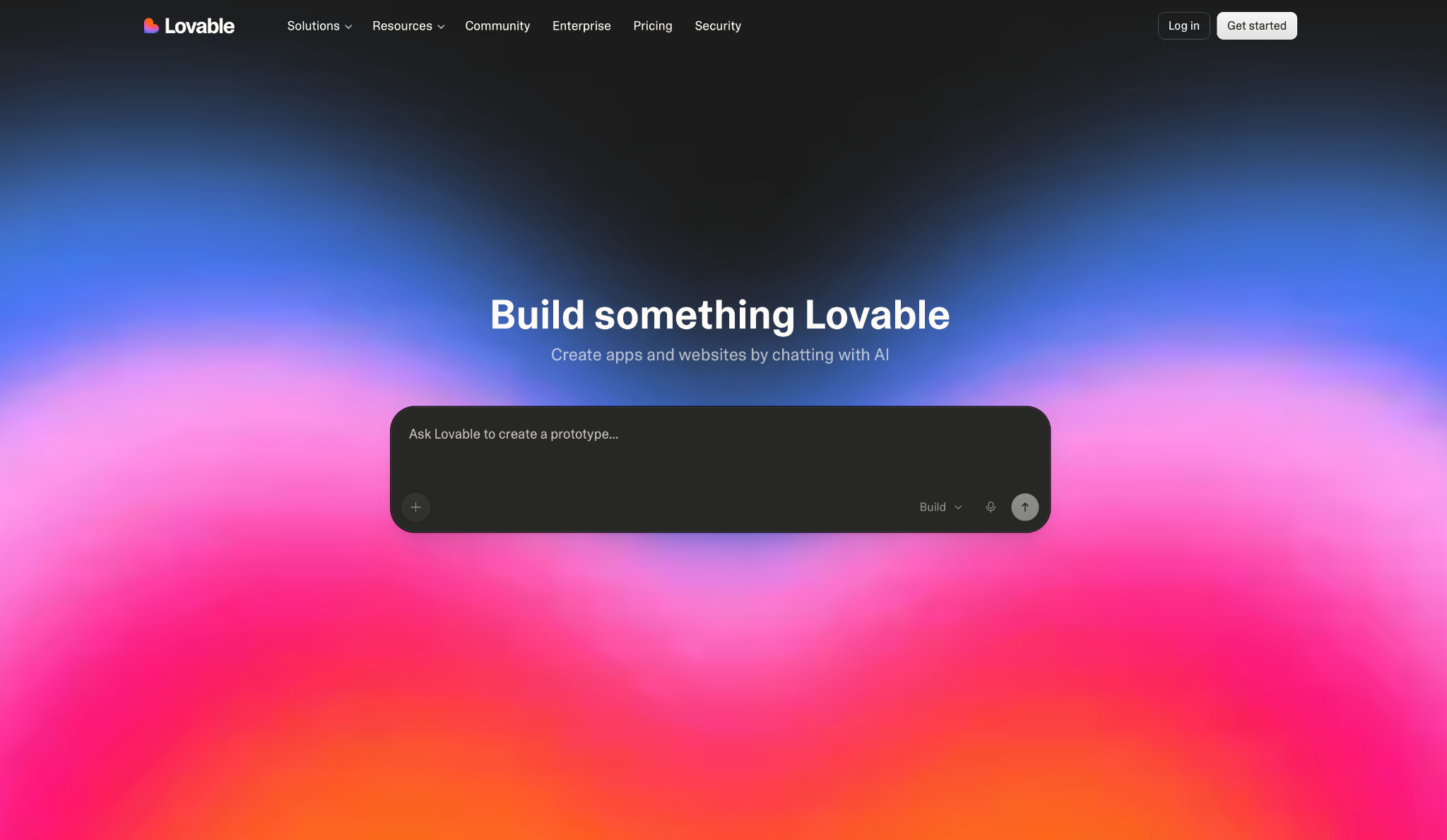
Lovable generates a complete web app from a single prompt, with database, authentication, and hosting wired in from the start.
I had a working prototype with Supabase connected and a custom domain live in under 40 minutes. Where things get unpredictable is the credit system. Larger builds burn through your monthly allowance faster than the plan numbers suggest.
"Lovable describes itself as a full-stack AI development platform that can generate frontend, backend, database, authentication, and integrations from natural-language prompts." — Himanshu J., G2
Key Features
- Agent mode: Lovable implements and verifies changes end-to-end with minimal supervision, handling execution automatically
- Code mode: Direct access to view and edit your project's source code inside the editor, included on Pro plans and above
- GitHub and GitLab integration: Sync your project to your own repo for backup, collaboration, and external deployment
- Custom domains: Connect branded URLs to your published app, part of Pro plans and above
- Supabase integration: Native connection for database, auth, storage, real-time, and serverless functions
Pros
- Complete app output from a single prompt, database and auth included
- You own the code and can deploy outside Lovable's hosting
- Native integrations with GitHub, Stripe, and external APIs via MCP
Cons
- No traditional drag-and-drop canvas. Visual Edits covers direct UI tweaks. Bubble and Glide go significantly deeper on visual building
- Credit system is usage-based and can run out faster on demanding builds
- Free plan limited to five credits/day (30/month cap)
Best For
- Founders who want to ship a complete web app fast and own the codebase
- Any project that needs working authentication, database logic, and a clean handoff to developers
- Developers who want AI to speed up their workflow without giving up code control
Pricing
Lovable's free plan includes 5 daily credits with a hard 30/month cap. Pro costs $25/month for 100 monthly credits plus 5 daily credits, with rollover on unused monthly credits.
Still deciding between Base44 and Lovable? Explore our Base44 vs. Lovable comparison
2. Bolt.new
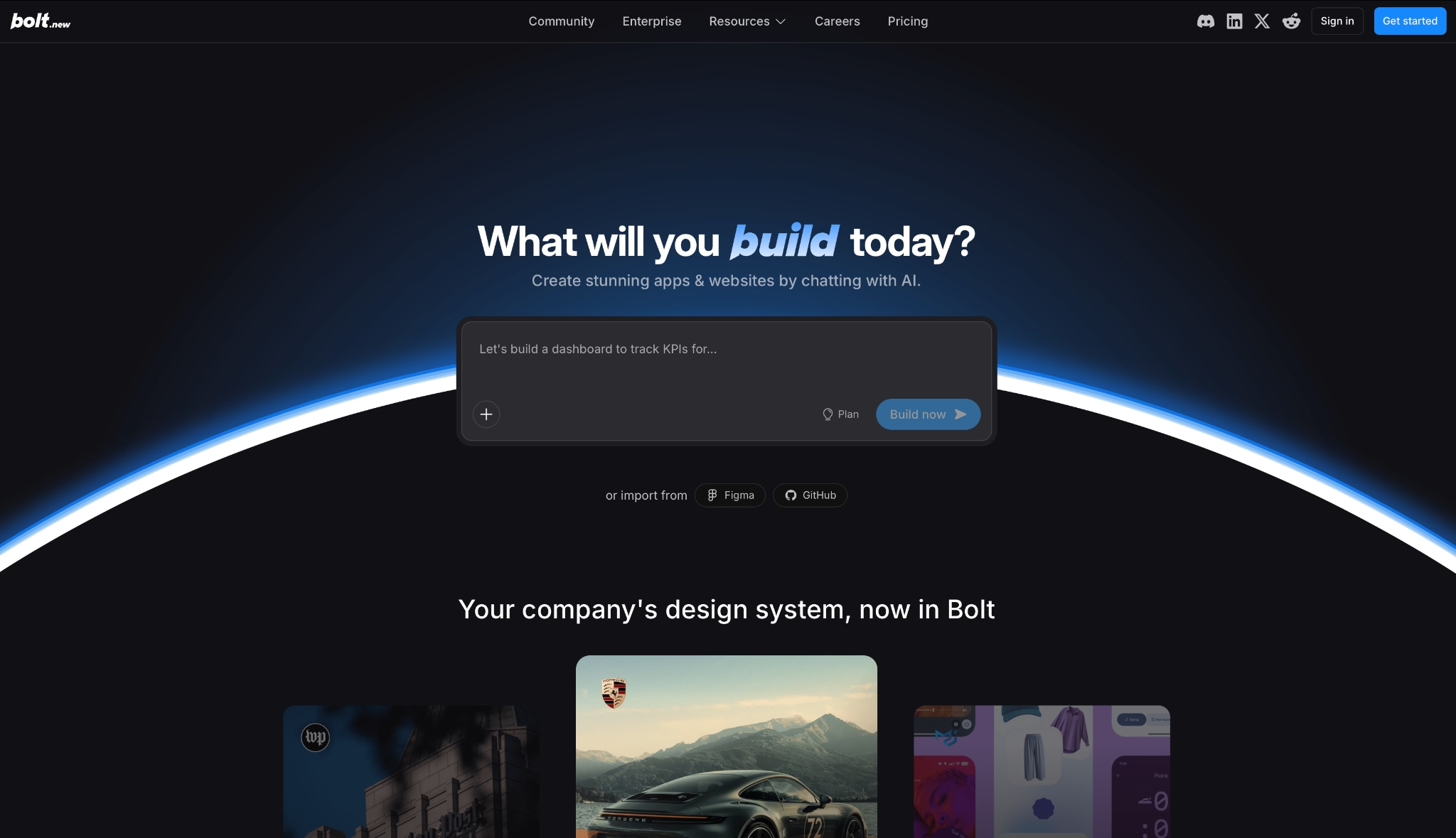
Bolt.new runs entirely in the browser, with no installs, no terminal, and no local config to manage.
I had a working app with authentication, a database, and a live URL in the first session. The token system is generous on Pro, though multi-step builds eat through your monthly allowance faster than the plan numbers imply.
"Bolt.new is honestly one of the most impressive tools I’ve come across for web development. It combines manual coding with AI-powered features so seamlessly." — Karan Singh, Product Hunt
Key Features
- Frontier coding agents: Bolt integrates the latest coding agents from AI labs directly inside one familiar interface, no switching platforms required
- Bolt Cloud infrastructure: Built-in hosting, unlimited databases, user management, authentication, and SEO optimization included on all plans
- Design System support: Import your team's components and brand guidelines so builds stay on-brand from the first prompt, included in the Teams plan
- Token-based building: Pro plan includes 10M tokens/month, with unused tokens rolling over to the next month
- Custom domains: Available on Pro and above, with SEO optimization included
Pros
- Hosting, databases, authentication, and SEO included without extra accounts
- Handles multi-layered projects with larger context than the free tier allows on comparable tools
- Unused tokens roll over on Pro and Teams plans
Cons
- No dedicated testing agent, bugs surface after deployment rather than before
- Custom domains only on Pro ($25/month) and above
- React Native code via Expo generates, but App Store submission requires an external build service
Best For
- Solo builders who want to go from prompt to live URL without a single terminal window
- Agencies delivering multiple client projects without scaling headcount
- Product managers who need to prototype and test ideas quickly
Pricing
Bolt's free tier includes 1M tokens/month with a 300K daily limit and Bolt branding on published sites. Pro costs $25/month for 10M tokens/month, custom domains, and rollover.
Still Not sure If Lovable or Bolt.new is right for you? Check out our Lovable vs Bolt.new detailed comparison.
3. Emergent
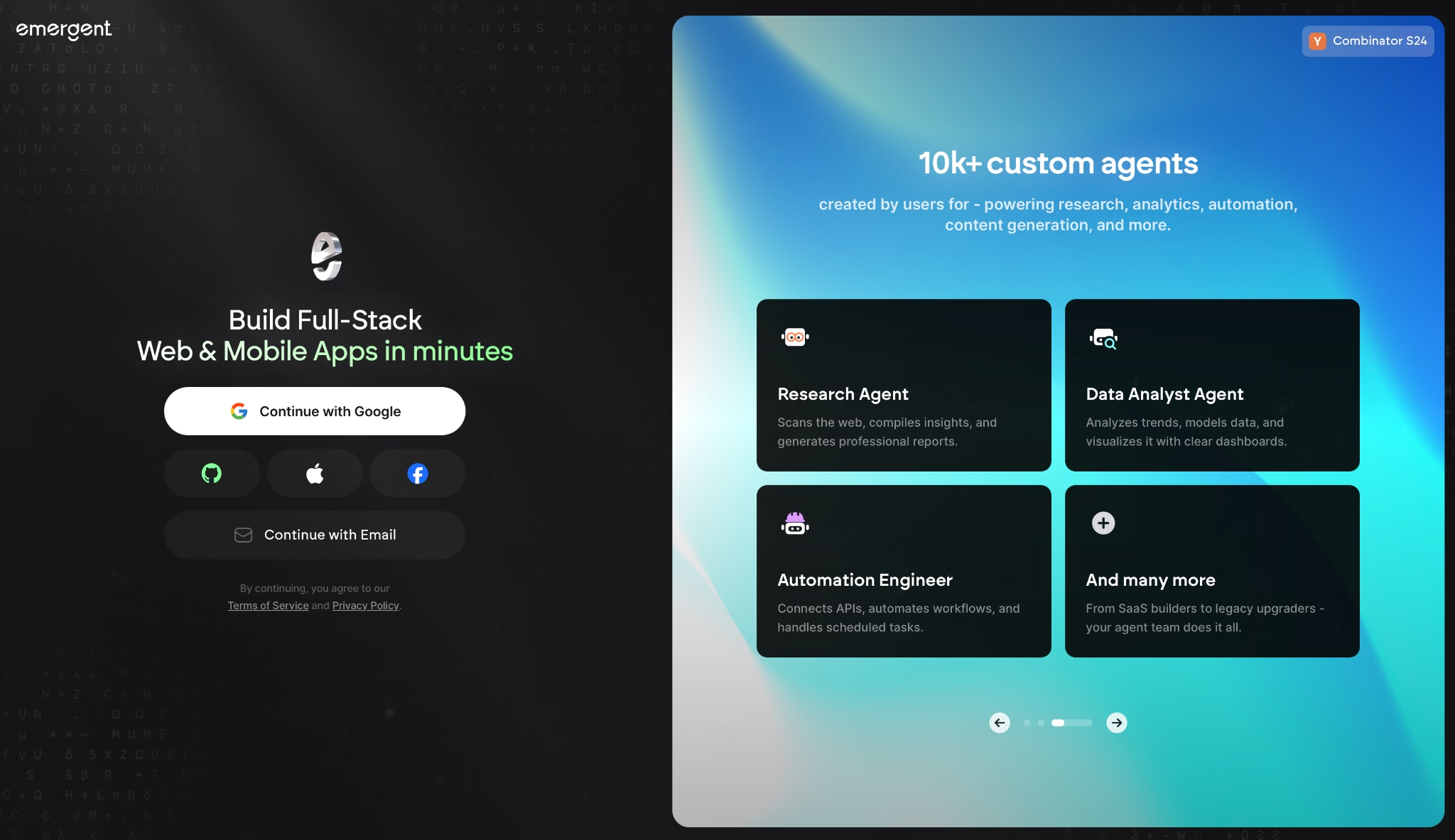
Until recently, many AI app builders ran one agent at a time. Emergent is an agentic coding platform designed around a multi-agent architecture. Specialized agents split the work across the build. Some shape the interface, others handle the backend logic and integrations, and testing agents check the work before anything ships.
You describe what you want in conversation, and the system coordinates the full build, including keeping the app stable across iterations.
"I especially love its backend features, more than any other vibe coding platform I’ve used so far." — Himanshu J., G2
Key Features
- Complete app on the first build: Built-in authentication, database, payments via Stripe, hosting, and custom domain included from the first prompt
- Web and mobile from one workspace: Builds web and mobile apps using React Native and Expo, with live device previewing and production-ready builds for App Store and Google Play submission.
- Universal LLM Key: Plug Claude, GPT, or Gemini into your own app using Emergent credits, no separate API accounts required
- Multiple integrations out of the box: Connect WhatsApp, iMessage, Telegram, and hundred tools for preview links and job creation
- Your code is yours: Everything syncs to GitHub from the Standard plan up, open it in VS Code, or hand it to a developer
Pros
- Testing agent catches bugs before they reach production, keeping the app stable as it grows
- Builds web and mobile from the same workspace, with production-ready builds for App Store and Google Play submission
- ISO 27001 and SOC 2 Type I certified, with SSO, role-based access controls, and audit logs included
Cons
- Output quality depends heavily on how well you describe what you want. Vague prompts introduce bugs faster as builds grow
- Database can diverge from local preview after several deployment cycles, with no merge option
- Swift apps for Apple Watch and iPad aren't deployable through Emergent
Best For
- Non-technical entrepreneurs who need a revenue-ready product with payments, built-in authentication, and hosting already wired in
- Teams building across web and mobile from one workspace, with Universal LLM Key included
- Businesses tackling demanding builds that need a 1M context window
- Service businesses building custom software for their operations, like a medical practice's clinical portal with live patient data, provider dashboards, and multi-system integrations.
Pricing
Emergent's free plan includes 10 credits/month. Standard costs $20/month for 100 credits, GitHub integration, and private hosting. Enterprise pricing is available on request.
4. Replit
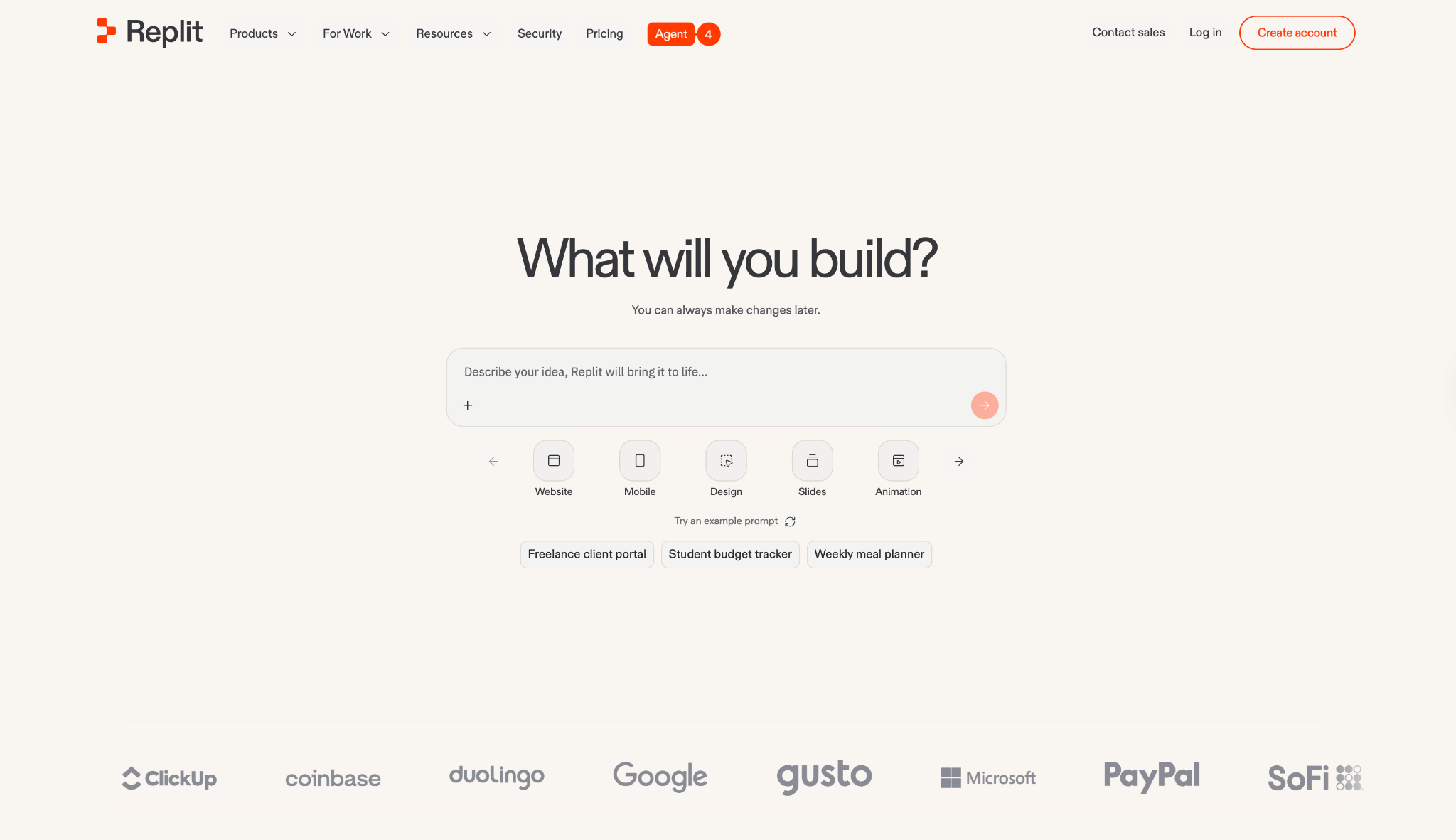
Replit is one of the platforms on this list where you can build a web app and a mobile prototype inside the same project without switching tools.
Agent 4 powers the whole thing, and the Parallel Agents feature lets multiple agents work on separate tasks at the same time, so demanding builds move faster than on any single-agent platform.
"As a founder working in early-stage development, speed and accessibility matter more than heavy setup. Replit stands out because it removes the friction of environment configuration." — Pragam S., G2
Key Features
- Agent 4: Writes deployable code, evolves it over time, and handles execution with minimal guidance, from rough concept to functional prototype
- Parallel Agents: Run multiple tasks simultaneously with full visibility before anything merges, up to two agents on Core and up to 10 on Pro
- Design Canvas: Explore mockups on an infinite canvas before committing to code, then apply changes directly to your app
- Multi-output builds: Create web apps, mobile apps, landing pages, slides, and videos within a single project
- Full-stack infrastructure: Built-in authentication, database, hosting, and monitoring with no manual setup on all plans
Pros
- Parallel agents handle multiple workstreams simultaneously, cutting time on large builds
- Web apps, mobile apps, landing pages, slides, and videos all from one project
- Database rollbacks up to 28 days on Pro
Cons
- Interface assumes some technical familiarity; non-technical users will hit friction faster than on purely visual builders
- Database can diverge from local preview after several deployment cycles, with no merge option
- Credit system depletes fast on ambitious builds, with a steep jump from Core to Pro and no mid-tier option
Best For
- Product managers and founders who need to prototype and ship fast without writing code
- Anyone who needs web, mobile, and backend output from one environment without switching tools
- Commercial builds that need parallel agent execution and database rollbacks
Pricing
Replit's Starter plan is free with daily Agent credits and one published project. Core costs $20/month for $20 monthly credits and up to two parallel agents.
Not sure if Base44 or Replit fits your needs? We break it down in our Base44 vs Replit comparison.
5. Bubble
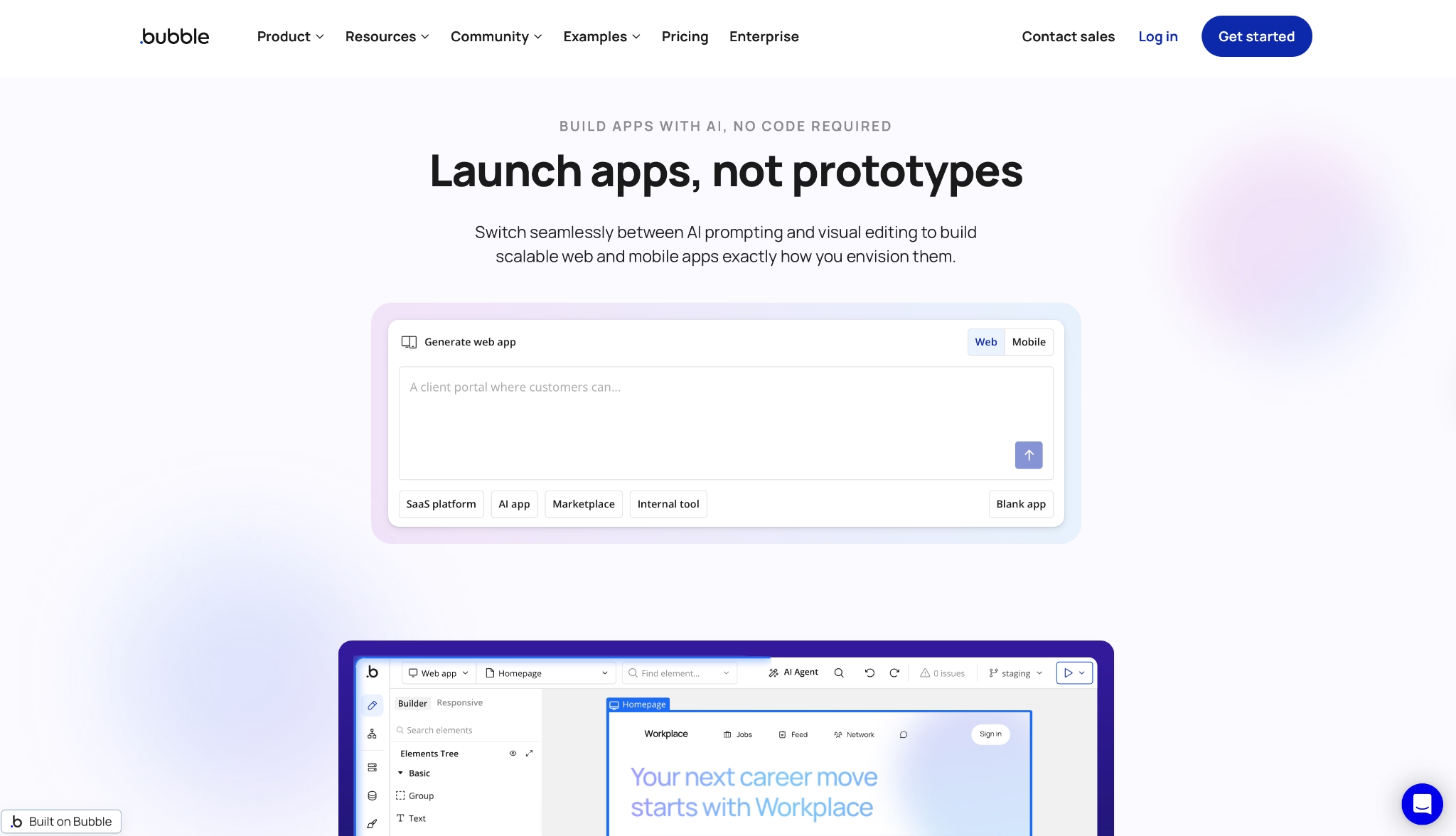
Bubble gives non-technical teams complete control over logic, data, and UI through a visual editor, without writing code.
Building a multi-step app with conditional logic and relational data made the tradeoff obvious. It took longer to get moving than any AI-first tool on this list, and the learning curve is steep. The payoff is a level of control that none of the AI builders here come close to.
"It's not as fast as using AI vibe coding to create an app, but the upside is that after it's created it's very easy to edit to your exact specifications." — Andre F., G2
Key Features
- Visual drag-and-drop editor: Build your entire UI and app logic visually, with a component library and web debugger on all plans, including Free
- Native mobile editor: Design and ship iOS and Android apps from the same project, with on-device testing included on Free
- Recurring workflows: Run backend logic on a schedule without manual triggers, included from Starter plan
- Version control: Basic version control from Starter, premium version control from Growth
- Custom domains: Connect branded URLs to your live app, included from Starter plan
Pros
- Web and mobile from one project, no separate mobile build environment needed
- Workload units scale with your plan, from 50K/month on Free to 500K/month on Team
- Up to 25 custom branches on Team plan for serious version management
Cons
- No AI agent that writes or generates code, every feature requires manual visual building
- Workflow automation is powerful but has no natural language interface; you configure logic step by step
- Learning curve is steeper than AI-first tools like Lovable or Emergent
Best For
- Apps that outgrow AI builders fast, including multi-tenant SaaS, marketplaces, and logic-heavy platforms
- Founders who need a production-grade product with proper version control and custom branching
- Agencies building client apps that require mobile submissions and OTA updates
Pricing
On Bubble, the free plan is development-only. Starter costs $69/month for the Web & Mobile bundle, which includes a live website, custom domain, and recurring workflows.
6. Glide
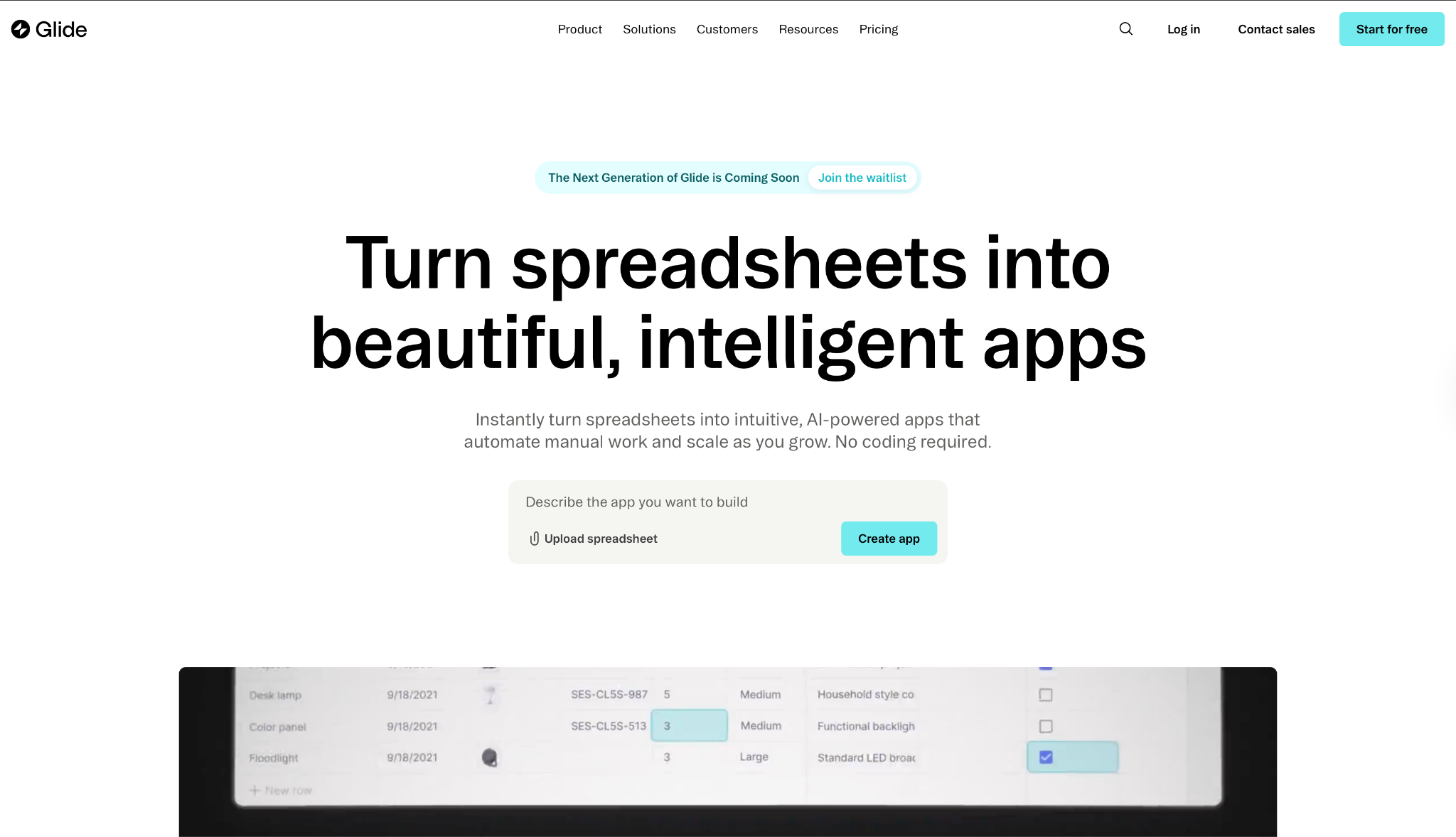
Glide turns spreadsheets into business apps without touching the underlying data. I connected a Google Sheet and had a working internal tool in the first launch. It's made for operations teams that live in Google Sheets, Airtable, or Excel and need something their people will use daily.
"The interface is intuitive, the components are well thought out, and the integration with databases like Airtable, Google Sheets, or Supabase is seamless." — Johan I., G2
Key Features
- Spreadsheet-native data sources: Connect directly to Google Sheets, Airtable, Excel, Glide Tables, and CSV imports, with no data migration required
- Glide AI: Generate custom apps or create AI agents that handle tasks like drafting emails and extracting data, shipped inside the platform
- Workflows: Eliminate manual tasks and business processes with a no-code workflow builder, included from Explorer plan
- API access: Call external APIs and connect to the Glide API for custom integrations, included from Business plan
- 40+ components: Build interfaces with a rich component library included on all plans, including Free
Pros
- Turns existing spreadsheet data into a live app in minutes, no data migration needed
- Business plan includes 30 users, 5,000 updates/month, and 500GB storage
- 14-day free trial on Business plan
Cons
- Free plan has no API access and limited usage (250 updates/month, 500MB storage)
- Business plan starts at $249/month, steep for solo founders or small teams
- Not designed for public consumer apps, positioned entirely around business and internal tools
Best For
- Operations teams turning Google Sheets, Airtable, or Excel data into internal tools
- Businesses in supply chain, logistics, manufacturing, retail, and field sales
- Ops-heavy businesses looking to cut manual processes without touching their data layer
Pricing
Glide's free plan covers unlimited drafts with one editor and up to 25k rows. Explorer costs $25/month for one app, 100 personal users, and workflows.
7. v0 by Vercel
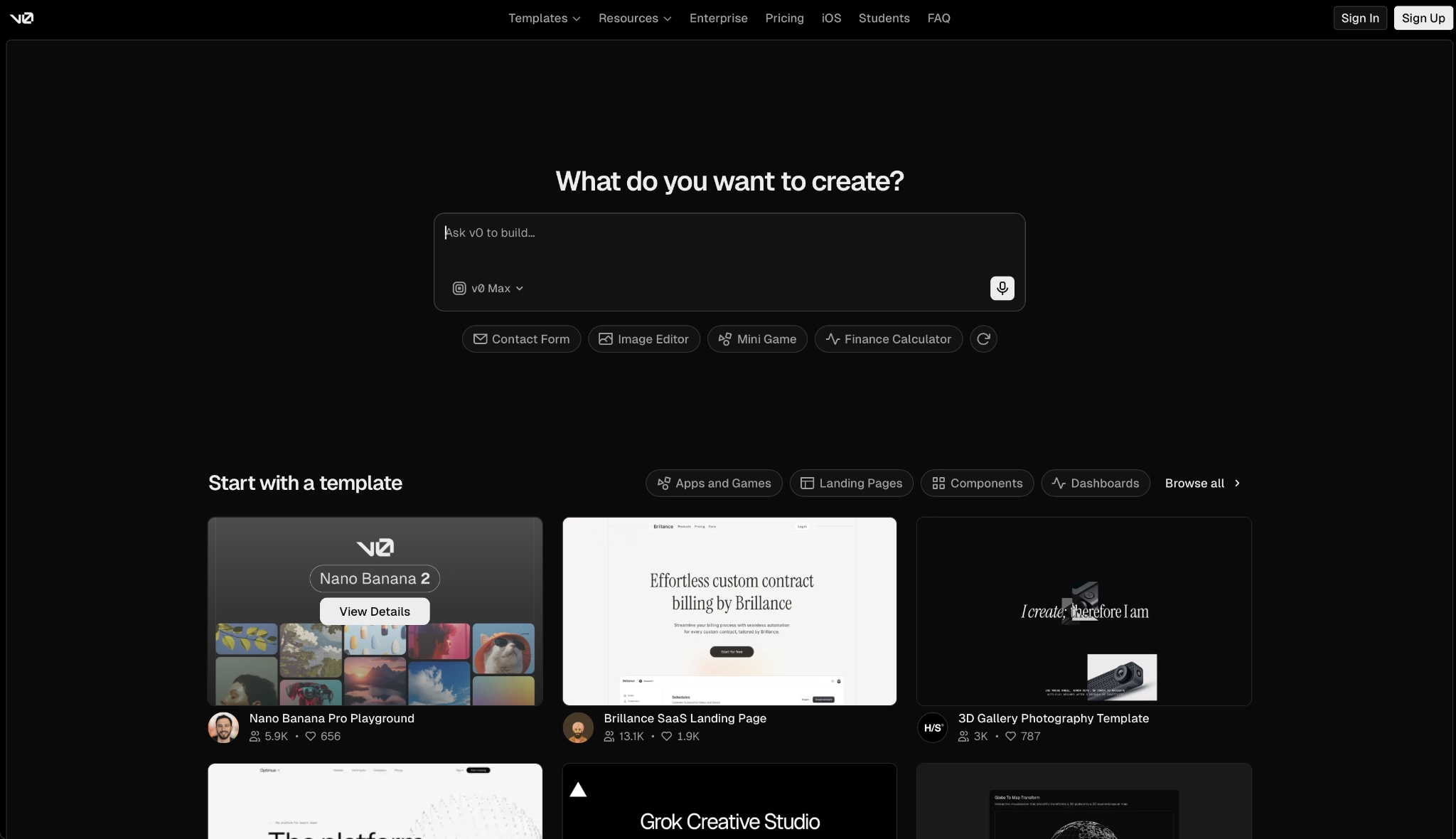
v0 is Vercel's builder that generates working applications and publishes them as live websites with one-click deployment to Vercel's production infrastructure.
Running a dashboard UI from a text prompt to a live URL was one of the faster builds in this test, with clean output and a deployment that barely registered. If your project needs backend logic beyond what Vercel handles natively, you'll need to bring that yourself.
"v0 makes it very easy to quickly generate UI components and prototypes using natural language. It speeds up the early stages of development and helps explore ideas faster without spending too much time on initial implementation." — Martina F., G2
Key Features
- Design Mode: Fine-tune your UI with visual controls and live preview, without writing code
- Agentic by default: v0 plans, creates tasks, and connects to databases autonomously as it builds
- GitHub sync: Connect to your repository and push code directly, included on every plan
- Deploy to Vercel: One-click deployment to production in seconds, included from Free upward
- Design System: Define colors, typography, and styles that carry across all your projects for brand consistency
Pros
- One-click deployment to Vercel production, no configuration required
- GitHub sync on all plans, including Free
- Unused monthly credits roll over to the next billing cycle, expiring after 65 days
Cons
- Frontend-only by design, backend logic and database management sit outside its scope
- No mid-tier plan for new users, the jump goes directly from Free to Team
- Credit-based pricing with per-token model costs can be hard to predict on demanding builds
Best For
- Frontend developers and designers who need production-ready UI fast
- Developers already in the Next.js or Vercel ecosystem who want deployment handled without extra steps
- Product teams iterating on design-heavy interfaces with visual controls and live preview
Pricing
Starting free, v0 includes $5 in monthly credits with a limit of seven messages/day. Team runs $30/user/month for $30 monthly credits per user plus $2 daily login credits.
8. Cursor
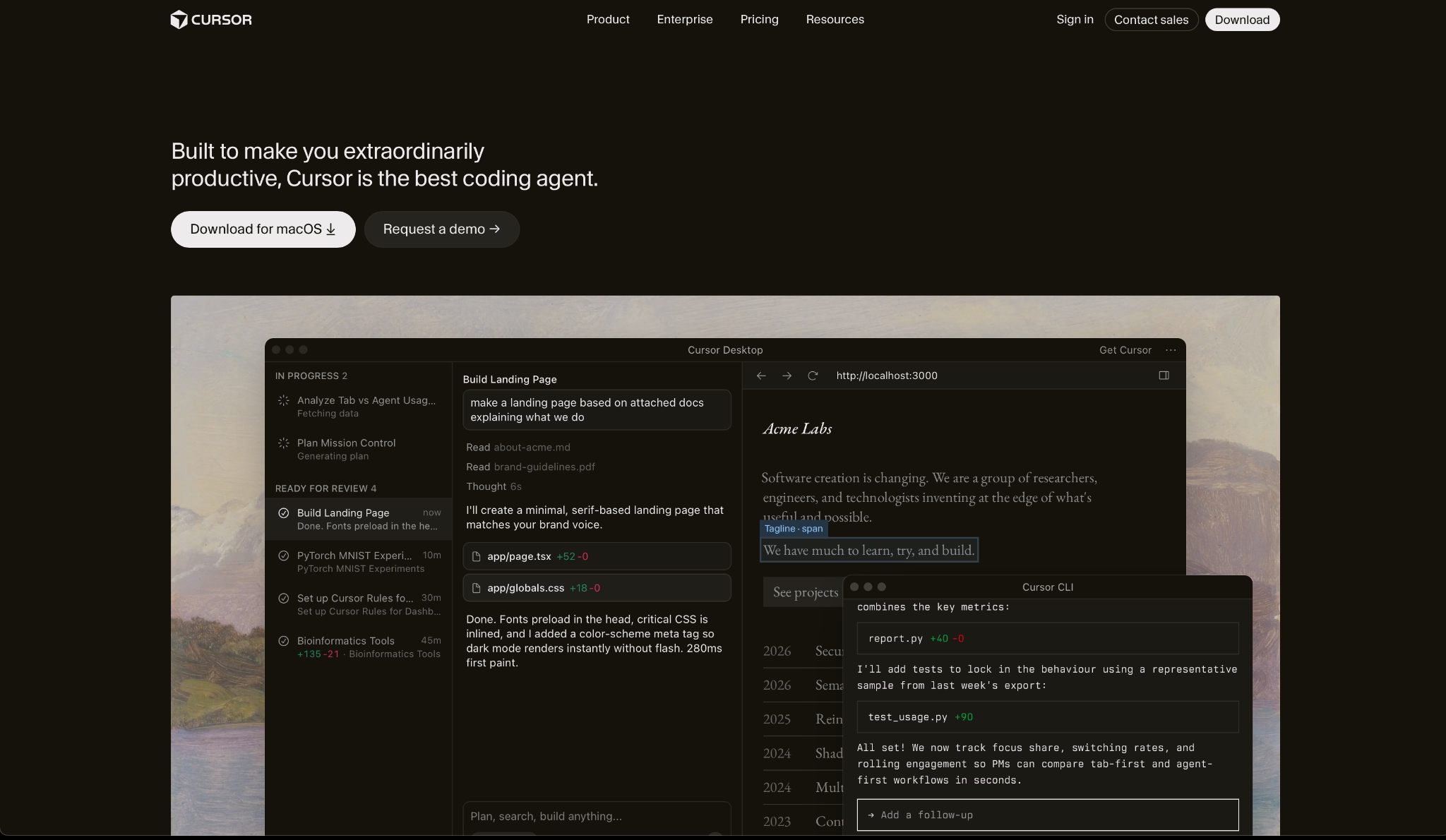
Cursor is for developers who want AI help without giving up control of how they work.
Dropping it into an existing project with 40+ files, it mapped the structure without any manual context setup and matched existing patterns. It ran tasks autonomously in the background, allowing me to keep working without switching tools or breaking flow.
"The AI suggestions feel natural and actually useful, especially for debugging and writing repetitive code. It saves a lot of time and helps me focus more on logic instead of boilerplate." — Akhil R., G2
Key Features
- Autonomous agents: Cursor agents use their own computers to build, test, and demo features end to end, running in parallel across tasks
- Tab autocomplete: A specialized model that predicts your next action with speed and precision, learning from your codebase patterns
- MCPs, skills, and hooks: Extend Cursor's capabilities with custom integrations, included from Individual plan and above
- Cloud agents: Run agents in the cloud without keeping your local machine active, included in the Individual plan and above
- Team-wide rules and automations: Define shared rules, skills, and automations that apply across your entire team; included in the Teams plan
Pros
- Works across terminal, Slack, and GitHub in addition to the IDE
- Access to frontier models from OpenAI, Anthropic, Gemini, xAI, and Cursor's own models
- SAML/OIDC SSO with enforced team-level privacy mode on Teams plan
Cons
- Requires coding knowledge; non-technical users will find the learning curve steep
- Hobby plan has no defined usage ceiling on Agent requests or Tab completions
- Teams plan at $40/user/month is expensive for small developer teams
Best For
- Developers who want AI to speed up their coding without surrendering control of their codebase
- Dev teams that need shared context, team-wide rules, and one billing account across the org
- Organizations that require SAML/OIDC SSO, audit logs, and granular model controls
Pricing
Cursor's Hobby plan is free with no credit card required. Individual costs $20/month for extended Agent limits, frontier model access, and cloud agents.
Still evaluating your options? Read our detailed Base44 vs Cursor comparison to find the right fit.
How to Evaluate Base44 Alternatives
These eight tools sit in very different categories, and the gap widens fast once you're past the free tier. Before you commit to one, there are six things worth checking.
- Technical depth vs. simplicity tradeoff. The tools on this list sit on a spectrum from fully no-code to fully developer-controlled. Bubble and Cursor require technical patience. Lovable, Emergent, and Bolt.new produce exportable code without requiring it.
- Output ownership and portability. If you ever need to move platforms, hand the project to a developer, or deploy to your own infrastructure, you need the code. Lovable, Bolt.new, Replit, and Cursor give you that. Base44 restricts GitHub integration to the Builder plan ($50/month) and above.
- Pricing model predictability. Base44, Lovable, Emergent, and v0 run on credits. Bolt.new runs on tokens. Bubble and Glide charge by workload units and updates, respectively. Run a build on the free plan before committing.
- Mobile app support. Lovable is web-only. Bolt.new generates React Native code via Expo, but cannot run the EAS build pipeline required for App Store submission, so you'll need an external service for that. Replit, Emergent, and Bubble handle the full mobile build and submission pipeline directly.
- Integration ecosystem. Glide natively connects to Google Sheets, Airtable, Excel, HubSpot, Stripe, and QuickBooks without custom API work. Lovable connects natively to Supabase and Stripe. Bolt.new includes built-in auth and databases through Bolt Cloud.
- Security and compliance requirements. Replit is SOC 2 certified with SSO/SAML on Enterprise. Cursor offers SAML/OIDC SSO, SCIM, and audit logs on Enterprise. Emergent is ISO 27001 and SOC 2 Type I certified with SSO and audit logs included across plans.
Which One Should You Pick?
Every tool here can ship a working app, but the question is what you're trying to build.
If you're a developer who wants AI inside the codebase you already work in, Cursor is the obvious pick.
For logic-heavy apps with relational data, Bubble still has more depth than any AI-first tool on this list.
And if your data already lives in Google Sheets or Airtable, nothing turns it into a working tool faster than Glide.
Lovable and Bolt.new are good fits if you want code ownership without managing the infrastructure yourself.
If you're non-technical and you're building something that needs to run a business (payments, user accounts, mobile, the works), Emergent is the sweet spot.
The answer is usually in the building, not the comparison chart. Pick two or three, spend an afternoon with each, and you'll know.

Every alternative has trade-offs. Emergent just builds production-ready apps from one prompt.
- Production-ready apps
- Web & mobile apps
- Deploy in minutes







