



Not every AI app builder gets you to a deployable product. I ran the strongest contenders through real builds to find out which ones actually ship production-ready code and which ones break before going live.
6 Best AI App Builders: Quick Comparison
Free tiers vary more than pricing pages let on. This is where each tool lands in practice before you hit a paywall.
How I Researched and Tested These AI App Builders
I signed up for every free plan, paid where there wasn't one, and built at least one working project on each platform before writing anything.
I built a different project on each platform, chosen to stress what that tool is known for. Think a booking page for a Dallas landscaping company, a client dashboard for a Brooklyn agency, or a feedback tool for a Bay Area consultancy. Some tools I ran for a week straight, others for a focused afternoon.
Here's what I measured:
- Features: Whether the tool handles sign-in, a database, payments, and hosting from a single prompt, or stops at the UI layer and leaves the rest to you.
- Usability: How fast you go from a blank prompt to something you can click through and test in practice.
- Integrations: Stripe, GitHub, Google sign-in. If setting these up requires leaving the platform, that counts against the tool.
- Pricing: What the free tier covers in practice and how fast costs climb once you start iterating on an active project.
- Use cases: Whether the output holds up for a non-coder shipping a first app or needs a developer to clean the code before it goes live.
Running real builds on each platform is where the gaps showed up.
Lovable, Replit, and Bolt come up in every roundup on this topic. I tested all three. Lovable generates clean front-ends but stops short of backend logic and payments without manual wiring. Replit is a strong coding environment, not an app builder in the way the rest of this list is. Bolt ships fast but broke on two of my three test builds when the logic got layered.
None of them cleared the bar I used here. A deployable product with sign-in, payments, and hosting from a single workflow.
1. Emergent: Best for Web and Mobile App Building from One Prompt
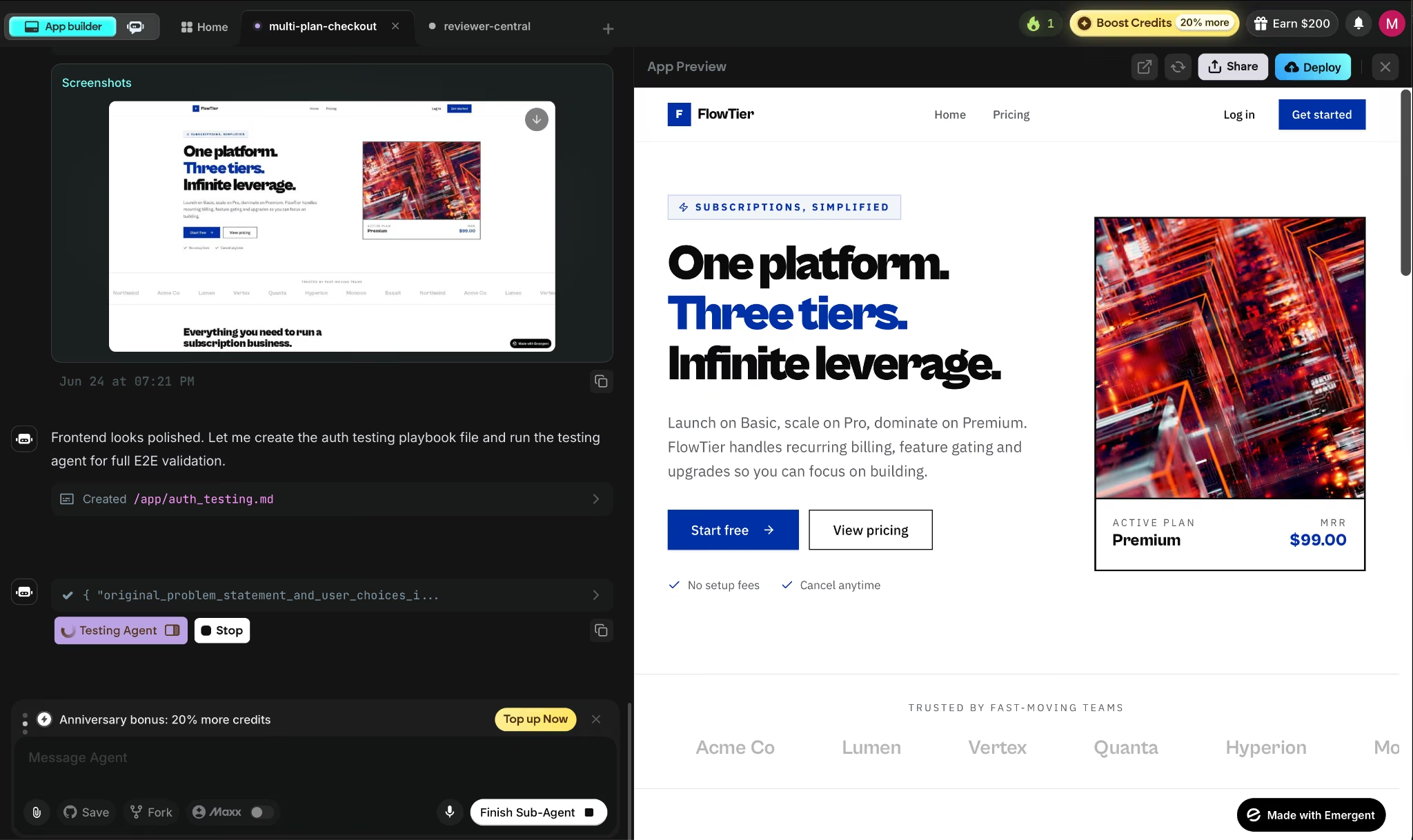
What it does: Emergent uses a team of specialized AI agents to build, test, and deploy web and mobile apps from a plain-language conversation, with Emergent Auth (Emergent's own login system, no Google Cloud setup needed), payments, and hosting included from the first build.
Best for: Founders and product teams who want a deployable product across web and mobile without touching the infrastructure side of things.
I tested Emergent on a subscription app with tiered pricing, user accounts, and Stripe, the kind of setup a service business would need to sell monthly plans online. On the first prompt, I got a working app with Emergent's built-in login system, a live database, and a deployed URL. Which wasn't the norm across everything I tested.
Emergent also runs an automatic QA pass. Testing agents click through the app, find broken flows, and fix them before you see the result.
Because the web and mobile outputs come from the same workspace, once the web version was stable, I pushed to iOS and Android without setting up a separate tool or subscription.
Key Features
- Multi-agent build architecture: Specialized agents split the work across the build. Some shape the interface, others wire up the data and integrations, and testing agents check the work before anything ships.
- Web and native mobile from one workspace: Builds web and mobile apps using React Native and Expo, with live device previewing and store-ready builds for App Store and Google Play submission.
- Stripe payments out of the box: Wire up one-time purchases, subscriptions, and donation flows by connecting your payment account and describing the checkout directly to the agent.
- Universal LLM Key: Plug Claude, GPT, or Gemini into your app using Emergent credits with no separate API accounts or billing required.
- GitHub sync from Standard up: Every build syncs to your repository automatically, so the code is yours to open in VS Code, hand to a developer, or fork from day one.
Pros and Cons
Pros:
- Ships web and native mobile from a single workspace, with no separate subscription or build tool required for each platform
- End-to-end testing runs before deployment, so broken flows get caught before they reach your users
- SOC 2 Type I certified, no security configuration needed on your end to get that coverage
Cons:
- 10 credits per month on the free plan is the tightest limit in this comparison. Iterative building burns through the allowance before a working product takes shape
- After several deployment cycles, the local preview database can drift from the cloud database, which creates inconsistent testing results
What Users Say
"No fluff, no 40-step tutorials. You describe what you need, it ships the system agent-first architecture baked in from day one." — Prasanth Kumar, Product Hunt
"Gave it a shot. The free tokens were used up in a basic task in a few minutes of planning, before it even completed the task. So I don't even know how good it is." — Verified User, Reddit
Pricing
Standard is $20/month (or $17/month billed annually), adding 100 credits, private hosting, and GitHub sync. Pro is $200/month ($167/month annually) for 750 monthly credits and custom AI agents.
Bottom Line
Of everything tested here, Emergent ships the widest scope from a single prompt. Stripe, Emergent Auth, hosting, and GitHub sync come included across web and mobile in the same workspace. Ten credits are enough to see how it thinks, though it won't get you far into a real build.
Also read our guide on the 10 best AI app-building tools we tested in 2026 for a fuller picture of what else is worth trying.
2. Base44: Best for Iterative MVP Builds with End-to-End Output
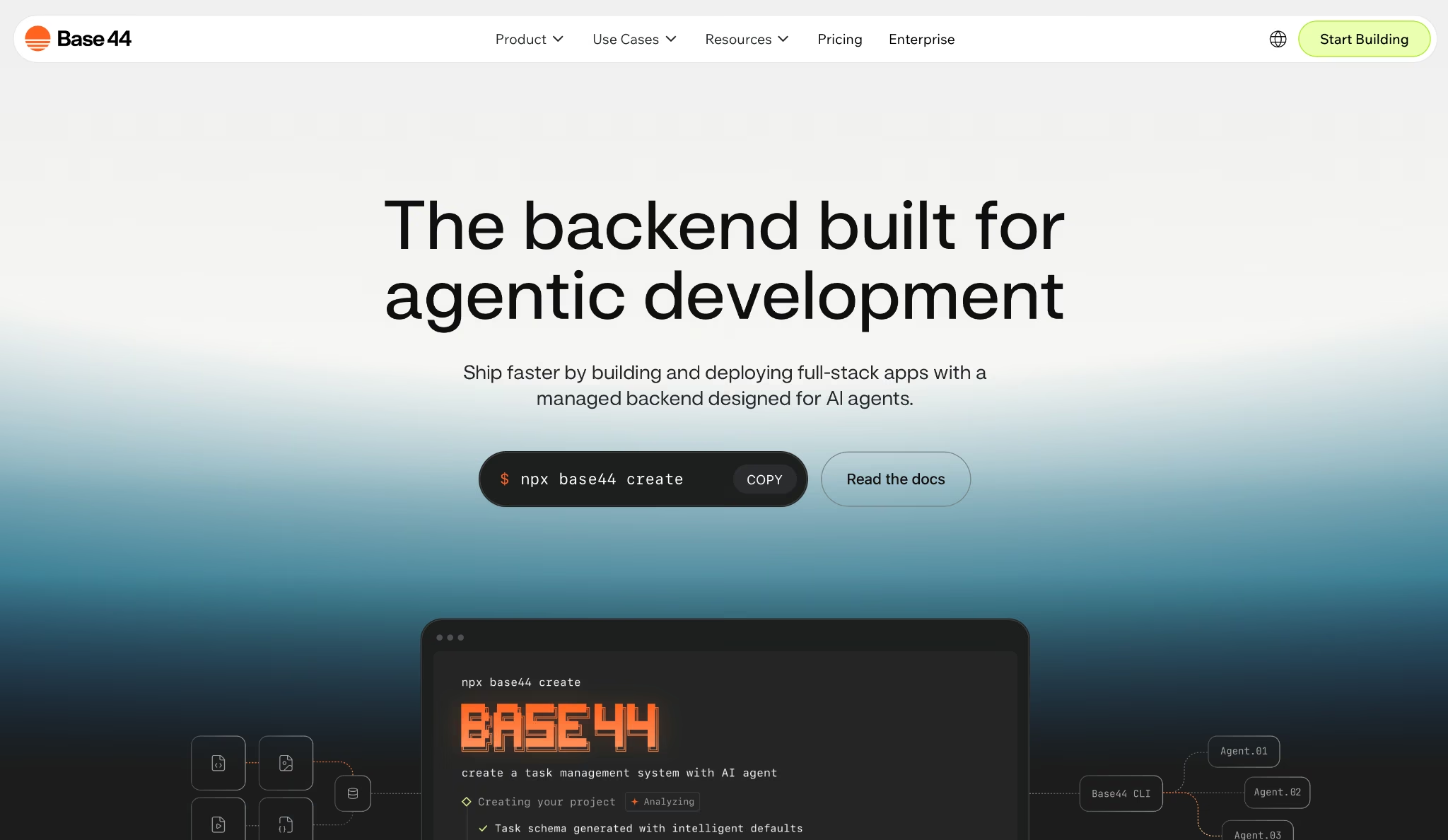
What it does: Base44 generates complete apps from plain-language prompts with built-in sign-in, a database, payments, and analytics, all editable through a visual editor and in-app code access.
Best for: Early-stage founders and solo builders who need to iterate fast on a working product without switching between tools.
I tested Base44 on a client-facing feedback tracker with conditional logic, user roles, and email notifications. The first pass handled sign-in and database setup correctly without manual configuration.
Where it stood out was in follow-up edits: one plain-English description updated multiple components at once, and earlier logic held up.
That same session-aware approach extends to what comes prebuilt: the platform includes email marketing and an analytics dashboard. This saved me from setting up two integrations I'd normally set up separately on day one.
Key Features
- Iterative chat editing: Describe changes to any part of the app mid-session, and Base44 updates multiple files simultaneously. In testing, it generally kept earlier logic intact, though more ambiguous prompts occasionally needed correction.
- Built-in server layer from prompt one: Sign-in, database functionality, and analytics are included on every plan, including the free tier.
- In-app code editing: Access and edit the underlying code directly from the Builder plan up, without exporting to an external IDE.
- GitHub integration: Sync your project to a repository automatically from the Starter plan, so the codebase stays portable from early builds.
- Testing Agent and Security Scan: Run automated verification and security checks before publishing.
Pros and Cons
Pros:
- One follow-up prompt updates multiple components at once, and earlier structure held up consistently in testing, even through significant changes
- Sign-in, database, analytics, payments, and email tools ship on every plan with no third-party integrations required
- Testing Agent and Security Scan run before publishing, so bugs the AI introduces mid-iteration get caught before they reach your users
Cons:
- Database export is unavailable on all plans, so leaving the platform means leaving the data behind, a hard vendor lock-in on production apps
- Credits count against you even when the AI misunderstands a prompt, so unclear or ambiguous builds drain the monthly allowance faster than expected
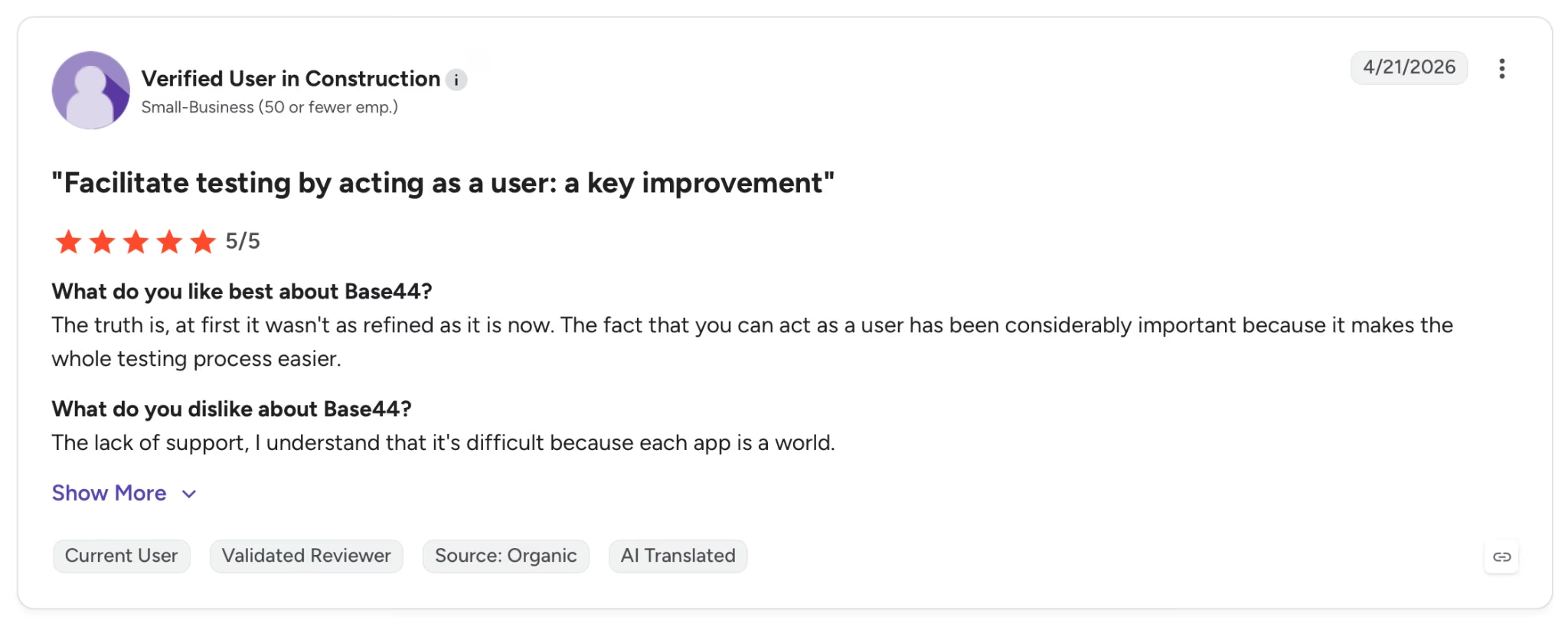
"The truth is, at first it wasn't as refined as it is now. The fact that you can act as a user has been considerably important because it makes the whole testing process easier." — Verified User, G2
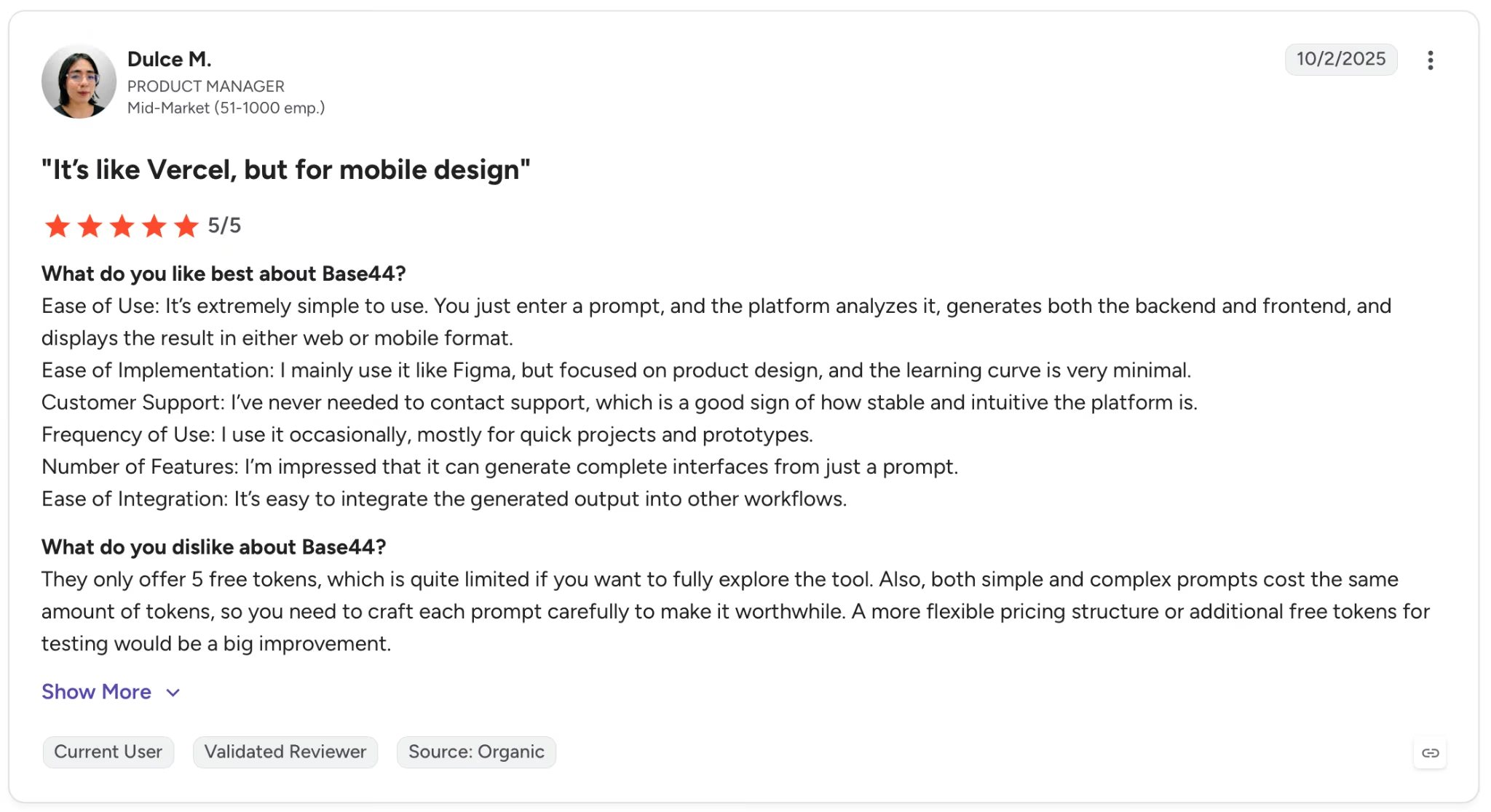
"They only offer 5 free tokens, which is quite limited if you want to fully explore the tool." — Dulce M., G2
Pricing
Plans start at $20/month, billed monthly, adding 100 message credits, 2,000 integration credits, and GitHub sync.
Want the full breakdown of what each plan covers? Read our Base44 pricing guide before you commit.
Bottom Line
For fast, iterative MVP work, Base44 is hard to beat: it ships sign-in, a database, payments, analytics, and email on every plan, and holds earlier logic together through heavy mid-session changes.
Just know there's no database export on any plan, so moving off later means leaving the data behind.
Also read our best Base44 alternatives guide if the database lock-in is a dealbreaker for your build.
3. Rork: Best for Native Mobile Apps Without Writing a Line of Code
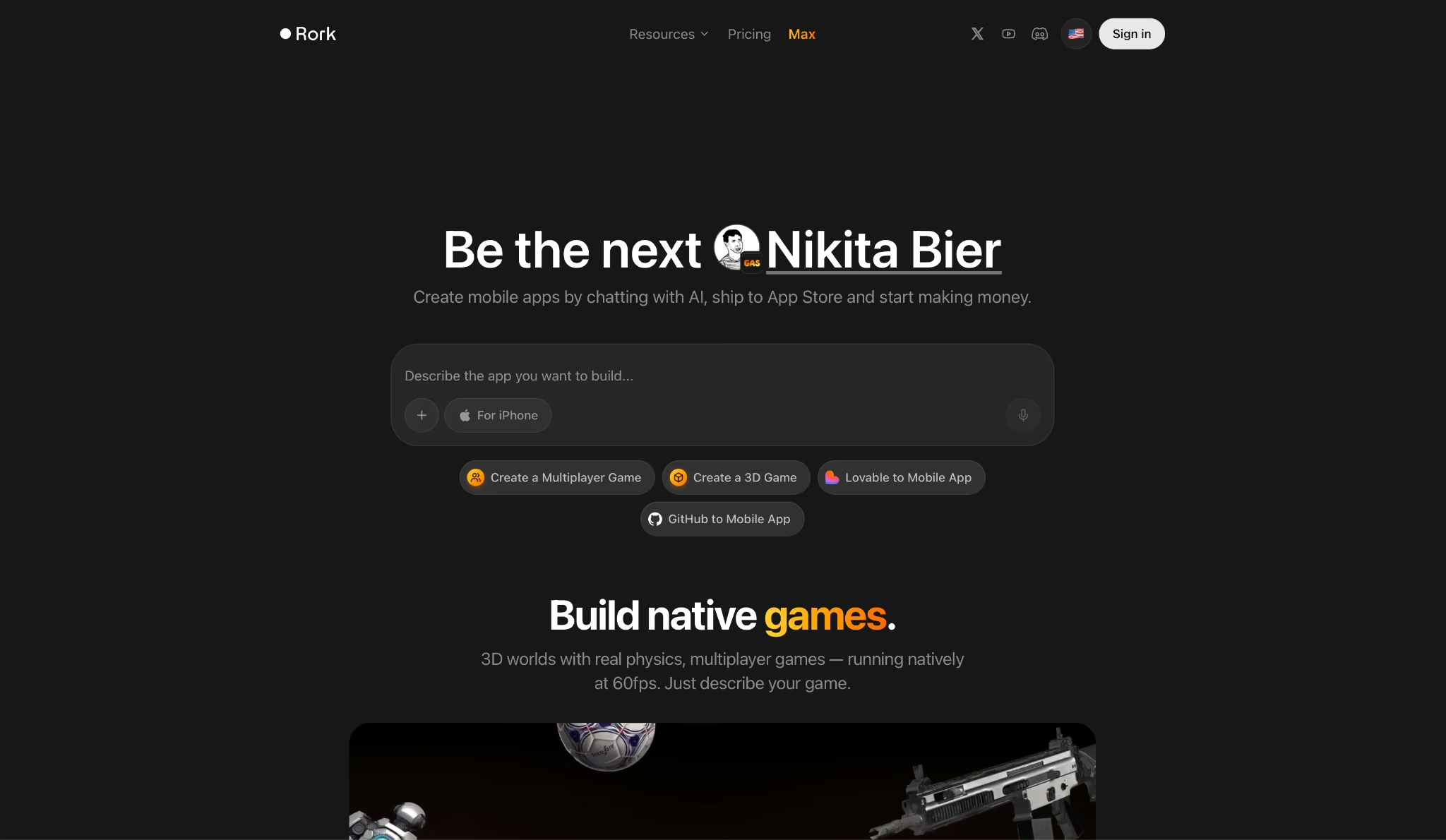
What it does: Rork turns plain-language prompts into native iOS and Android apps built on React Native and Expo, with two-click App Store publishing and no Xcode required.
Best for: Non-technical founders and solo builders whose product lives entirely on mobile and who need a working App Store submission without hiring a developer.
Rork does one thing and stays focused on it. I described a habit tracker with daily streaks, push notifications, and a paywall. The output ran natively on my iPhone through Expo Go in under ten minutes using a QR code scan. The result was a working app on the device, with no local build environment to configure.
That test used the standard React Native output. The version that changes the calculus for Apple-focused products is Rork Max, launched in February 2026.
It generates native SwiftUI instead of React Native, covering iPhone, iPad, Apple Watch, and Vision Pro from a single prompt.
Key Features
- React Native and Expo output on Rork Pro: Cross-platform apps that run natively on iOS and Android from a single codebase, with live device preview via QR code.
- Rork Max (native SwiftUI builds): Generates native Swift code instead of React Native for Apple-only products, covering iPhone, iPad, Apple Watch, and Vision Pro.
- Two-click App Store publishing: Submit directly to App Store and Google Play from inside Rork without Xcode or Android Studio. Apple Developer account ($99/year) required separately.
- GitHub integration from Rork Pro plan: Code syncs to your repository automatically, so the output is portable and reviewable by a developer at any stage.
- In-app code editor: Inspect and edit the generated code inside the platform without switching to an external IDE.
Pros and Cons
Pros:
- Native device preview via QR code lets you test on a physical iPhone or Android in minutes, on the actual hardware rather than a browser simulator
- Rork Max generates native SwiftUI for the full Apple ecosystem (iPhone, iPad, Apple Watch, and Vision Pro) from a single prompt
- Two-click App Store publishing means non-technical builders can submit without touching Xcode
Cons:
- Rork builds for mobile only, so any product that also needs a web URL has to start elsewhere
- Support is limited across several paid plans, and users report bugs and crashes on larger builds
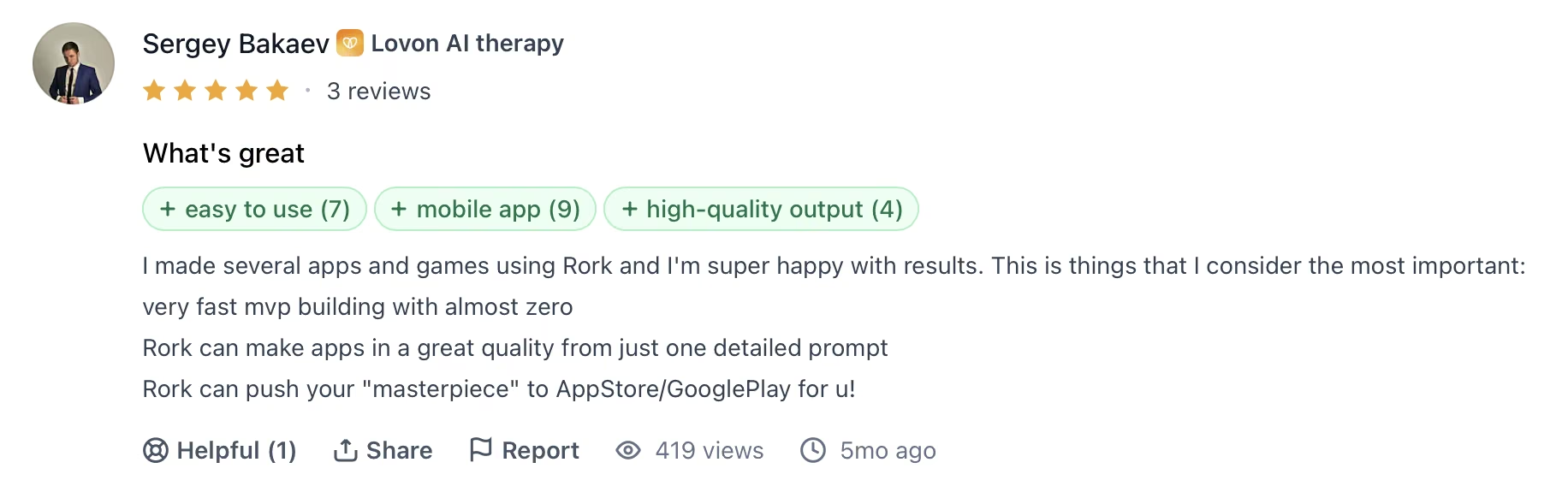
"I made several apps and games using Rork, and I'm super happy with the results. These are things that I consider the most important: very fast MVP building with almost zero." — Sergey Bakaev, Product Hunt
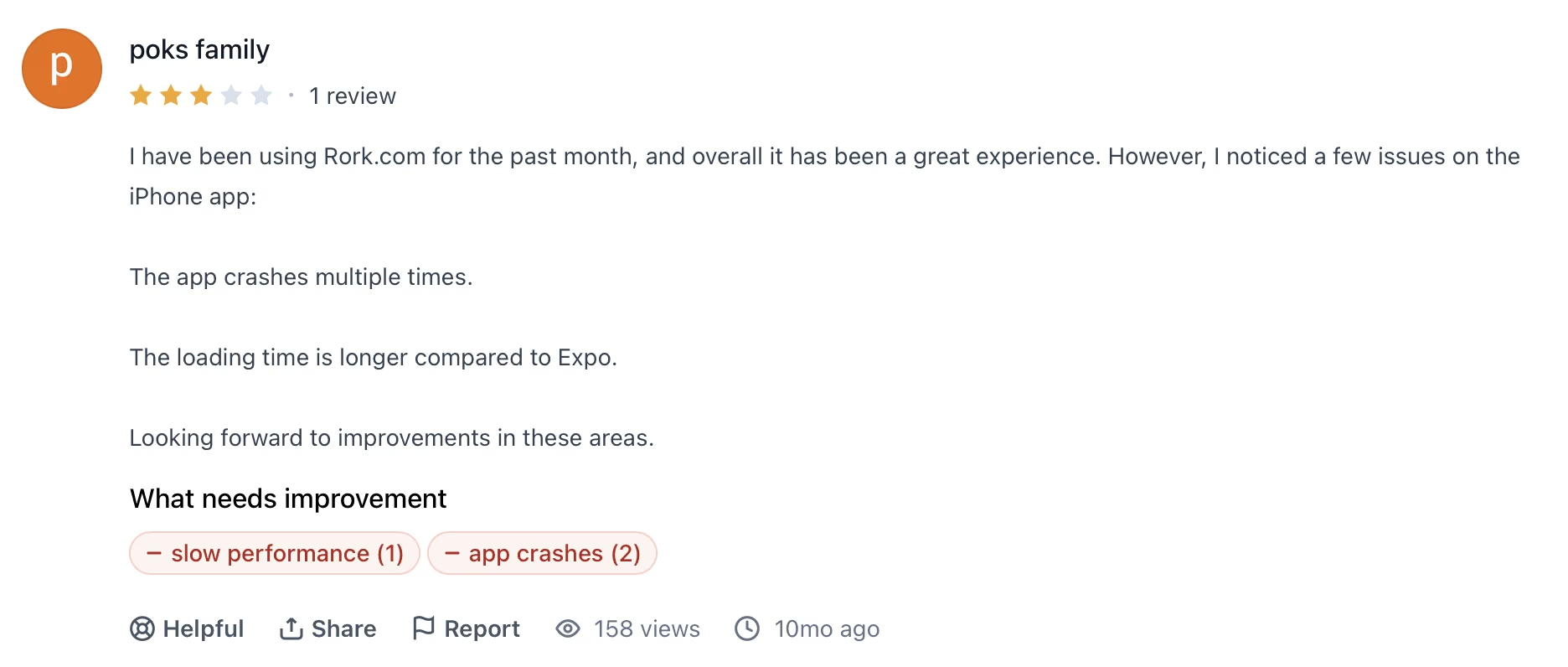
"The app crashes multiple times. The loading time is longer compared to Expo." — Poks Family, Product Hunt
Pricing
Starting at $20/month, adding 100 credits, private projects, code export, and GitHub integration. Rork Max, for native SwiftUI output, starts at $200 /month.
Bottom Line
Rork wins for mobile-only products where App Store performance is the priority. The SwiftUI output on Rork Max is the one differentiator that no other tool in this comparison offers for Apple-first projects. If the product also needs a web URL, Emergent is the better fit.
Also read our guide on the best app builders for mobile in 2026 to see what else is worth trying beyond mobile-only tools.
4. FlutterFlow: Best for Cross-Platform Mobile with Production-Ready Code
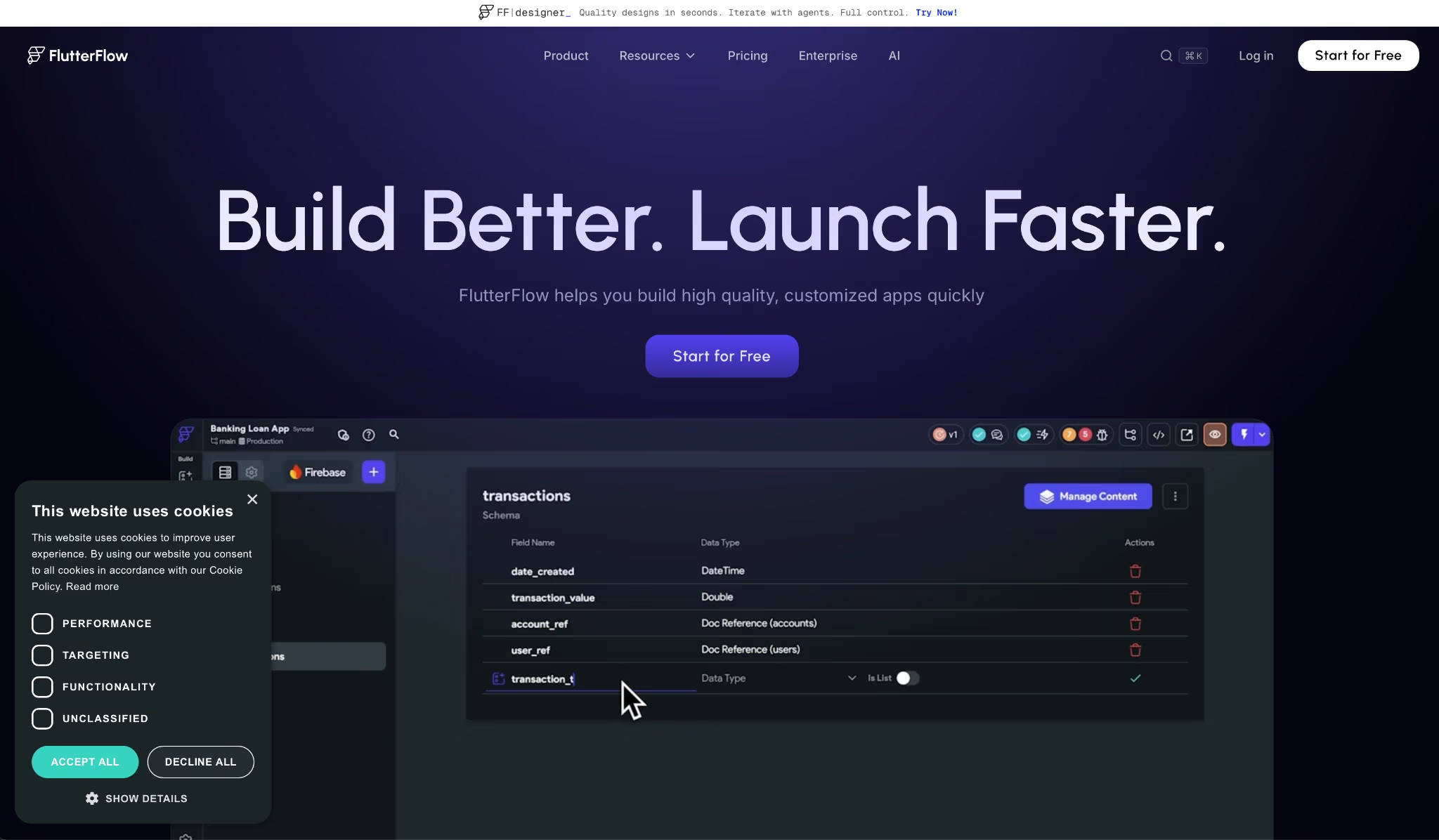
What it does: FlutterFlow is a visual development environment that generates clean Flutter/Dart code for iOS, Android, and web apps. Comes with Firebase and Supabase integration, one-click store deployment, and a VS Code extension for developer handoff.
Best for: Developers and technical founders who want visual speed without giving up access to the underlying code or the ability to extend it manually.
FlutterFlow is a visual builder where you design screens, wire up logic, and connect data sources through a structured interface, with the AI layer available to accelerate individual steps along the way.
I built a multi-screen fitness tracker with Firebase, push notifications, and an App Store submission. The canvas felt close to Figma, and the generated Dart code was clean enough for a Flutter developer to pick up without cleanup, which makes sense given how the AI is scoped.
The platform treats AI as an accelerator inside a structured workflow you still control end to end, not a replacement for it.
Key Features
- Visual canvas with Flutter/Dart output: Design screens visually and get clean, exportable Flutter code you can take to any IDE or hand to a developer without conversion.
- One-click App Store and Google Play deployment: Submit to both stores directly from FlutterFlow on Basic and above, with no Xcode or Android Studio configuration required.
- Firebase and Supabase integration on all plans: Connect your database and sign in on the free plan, with no third-party workarounds needed.
- GitHub integration and VS Code extension from Growth: Push to GitHub and edit code in VS Code with full context intact, so the handoff to a developer team does not break the existing structure.
- Automated testing up to 3 tests per project on Business: Run structured automated tests before deployment from the Business plan, which cuts manual QA on larger builds.
Pros and Cons
Pros:
- Exports clean Flutter/Dart code with no vendor lock-in. A developer can take the output and continue in any IDE without cleanup
- Firebase and Supabase integration available on the free plan. Lovable and Bolt both gate database access behind paid tiers
- 3M+ users and a large community mean many problems have a documented solution or an active thread before you need to contact support
Cons:
- The visual builder has a steep learning curve for non-developers. It's built around components and data flows, and if you've only ever used prompt-based tools, that mental model takes time to pick up
- Support is slow on paid plans and largely community-driven, which becomes a blocker on deadline-sensitive builds
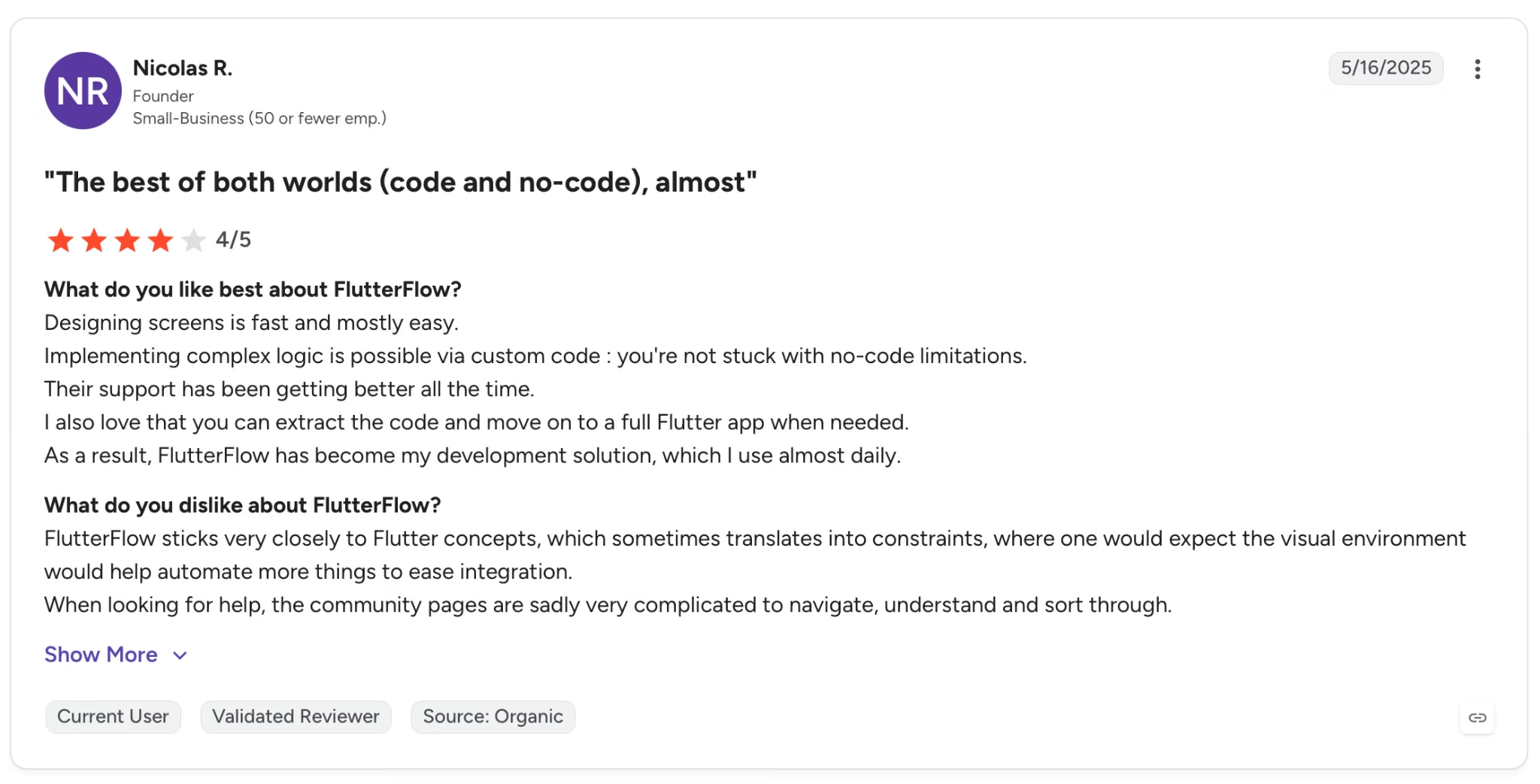
"Designing screens is fast and mostly easy." — Nicolas R., G2
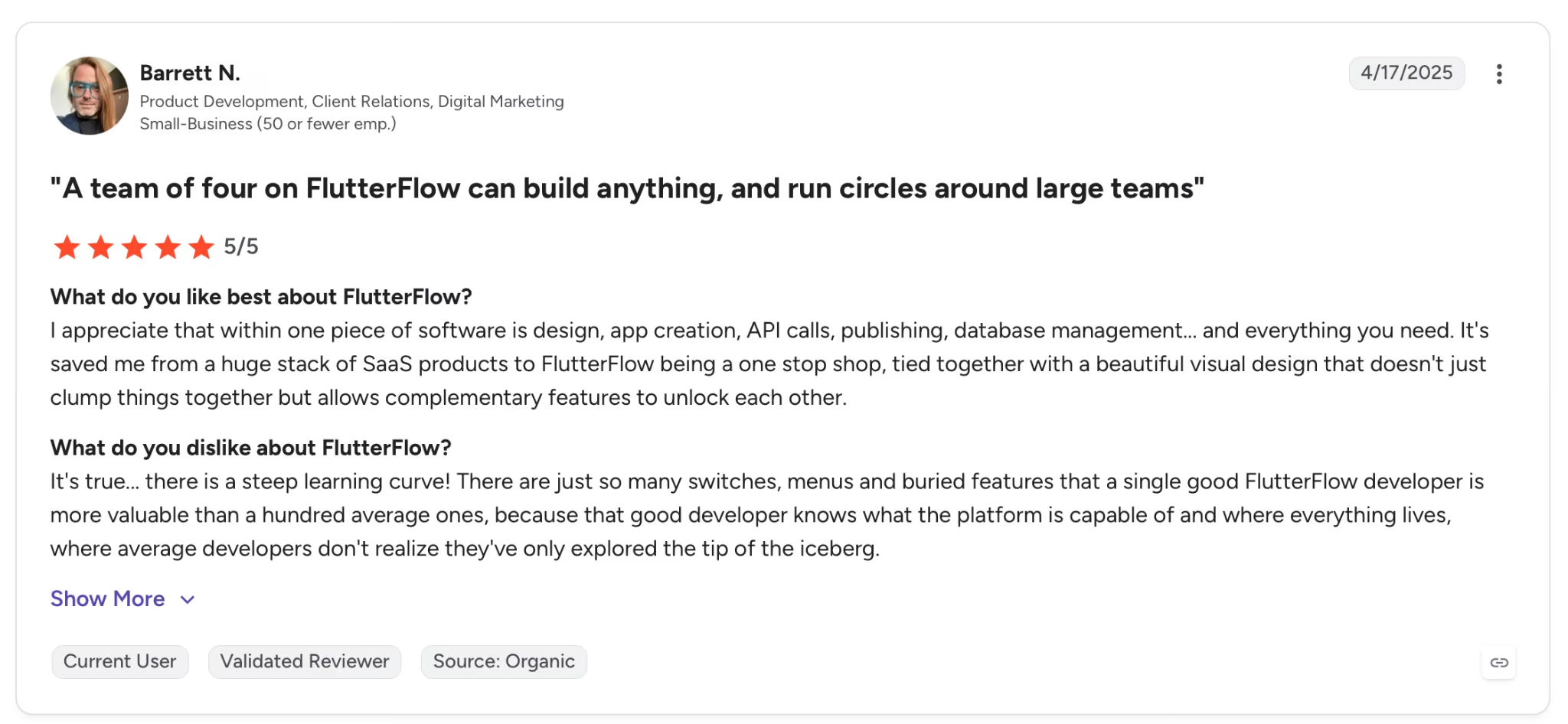
"It's true. There is a steep learning curve! There are just so many switches, menus, and buried features that a single good." — Barret N., G2
Pricing
Basic is $39/month, unlocking code download, APK export, custom domains, and one-click store deployment.
Bottom Line
FlutterFlow suits developers who want visual speed without giving up code control or portability. Non-technical founders will hit its learning curve well before they hit its ceiling. Emergent or Rork gets to a working app faster for anyone starting from a plain-language prompt.
Also read our best FlutterFlow alternatives guide for what else is worth trying when you need less learning curve and faster output.
5. Bubble: Best for Multi-Role SaaS with Deep Business Logic
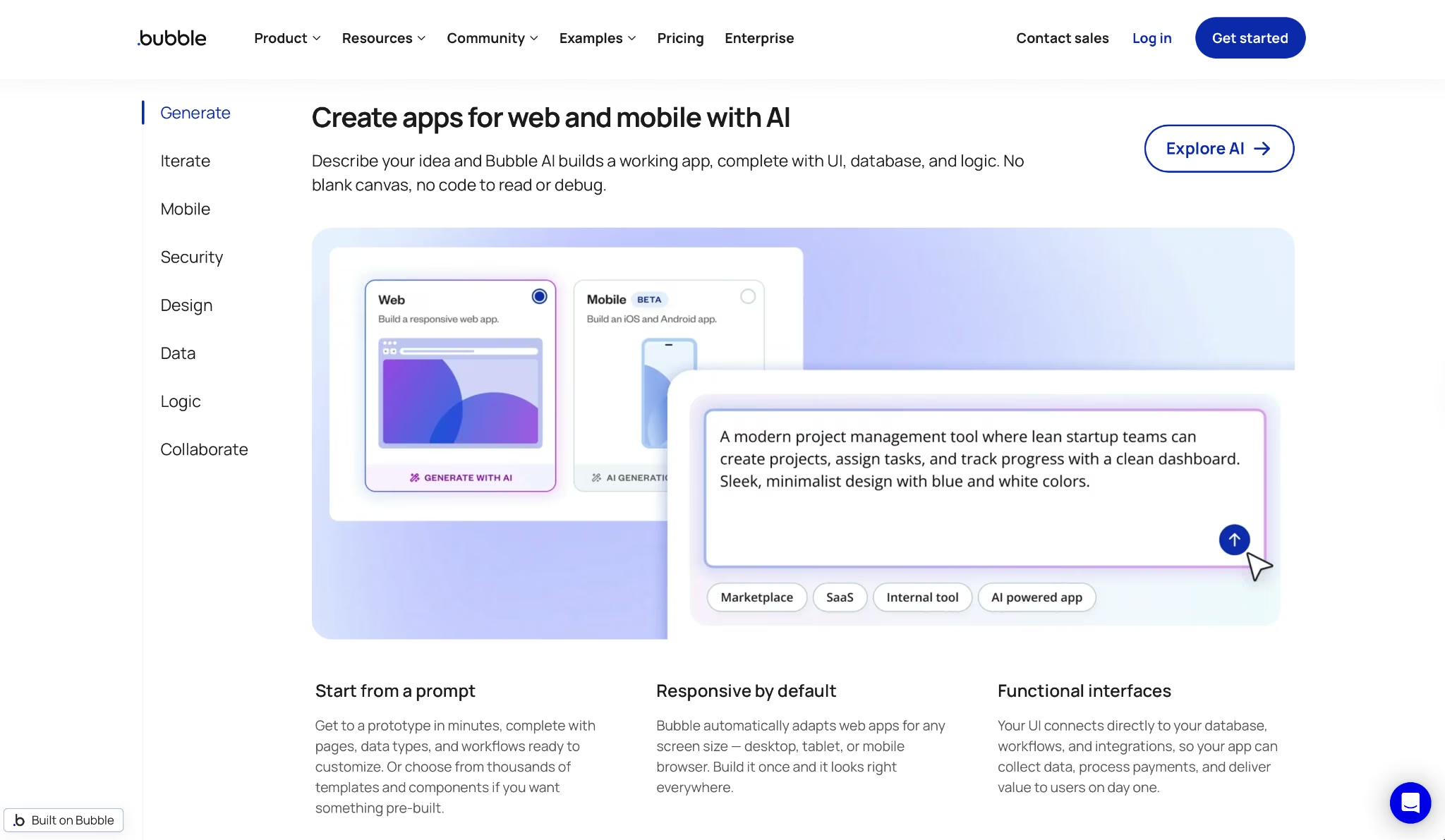
What it does: Bubble is a visual app builder where you design screens, wire up workflows, and manage a relational database from a single interface. There's no code export, and the structure is yours to define rather than generated from a prompt.
Best for: Founders and product teams building multi-role SaaS products, marketplaces, or workflow-heavy apps where the business logic is too layered for prompt-based tools to handle reliably.
Seven million-plus apps have been built on Bubble, and after a week of testing it on a multi-role project management tool with conditional access and recurring billing, it's easy to see the appeal.
The workflow editor handles logic that would require ten back-and-forth prompts in a generator. You map it once, and it runs consistently from there.
That power comes with a billing model worth understanding before you commit. The Workload Unit model means every server action (a database read, a workflow trigger, an API call) consumes WUs.
That ceiling is invisible during development and can surface as a surprise bill once users start arriving.
Key Features
- Visual workflow engine: Map multi-step business logic, conditional branches, and scheduled automations visually without writing backend code. The workflow editor handles server-side operations that prompt-based builders hand back to the developer.
- Relational database with privacy rules: Build a structured data model with field types, relationships, and row-level access controls from inside the builder, with no third-party database required.
- Native mobile builder: Publish iOS and Android apps from the same Bubble workspace on Starter and above.
- Plugin marketplace with 2,000+ extensions: Add payments, maps, chat, video, and third-party API connections through a marketplace of plugins built by Bubble and the community, without custom code.
- Bubble AI Agent: Describe a feature or change in plain English and the AI Agent implements it inside your existing app structure, available as a rolling 2026 update.
Pros and Cons
Pros:
Workflow engine handles multi-role logic, conditional branching, and scheduled automations that Emergent and Base44 hand back to the developer after a few prompt iterations
2,000+ plugins and a 14-year-old community mean many integration and UI problems have a documented solution before you need to file a support ticket
Cons:
Code export is off the table on every plan. If you ever want to move the app to a different infrastructure, you're starting from scratch
Workload Units are consumed by every server action, and the billing impact only becomes visible once live users generate live traffic. The development phase does not indicate what the production costs will look like
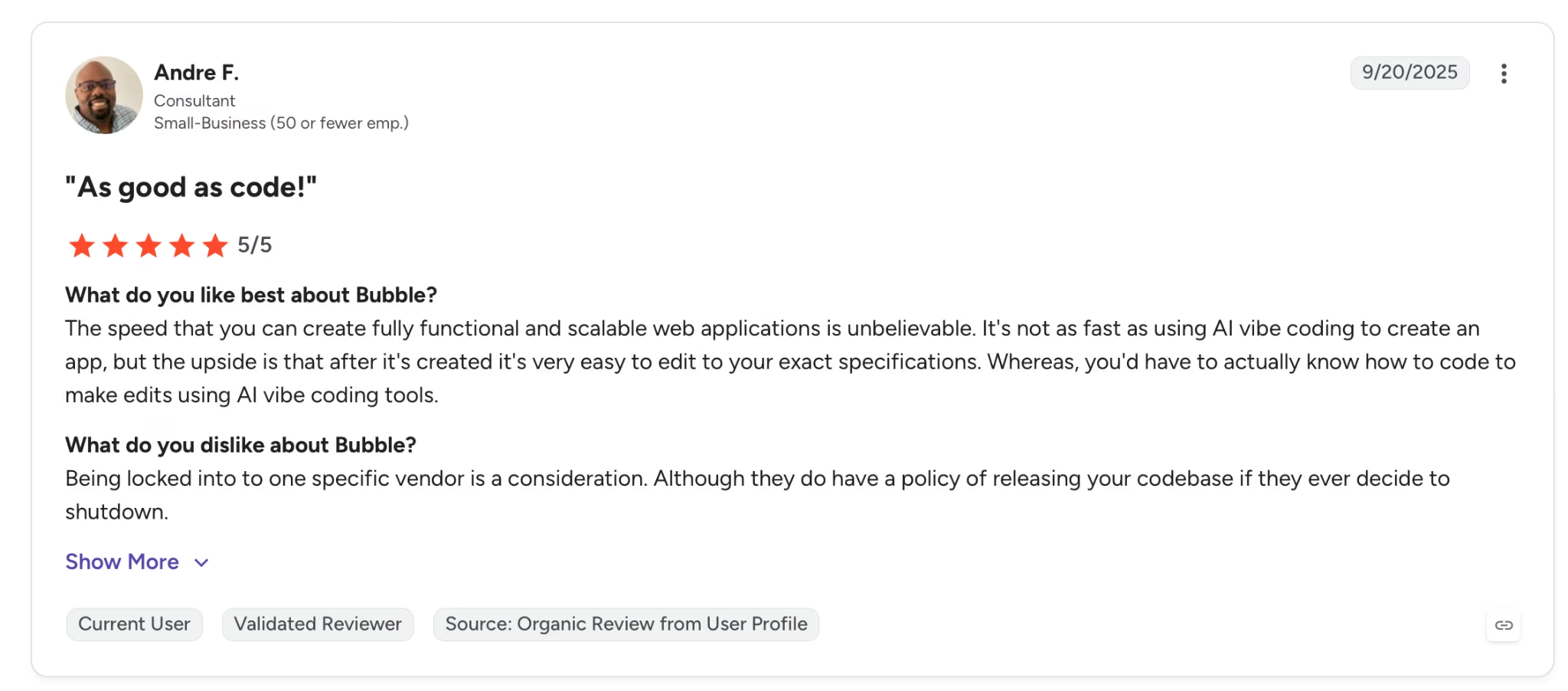
"The speed at which you can create fully functional and scalable web applications is unbelievable." — Andre F., G2
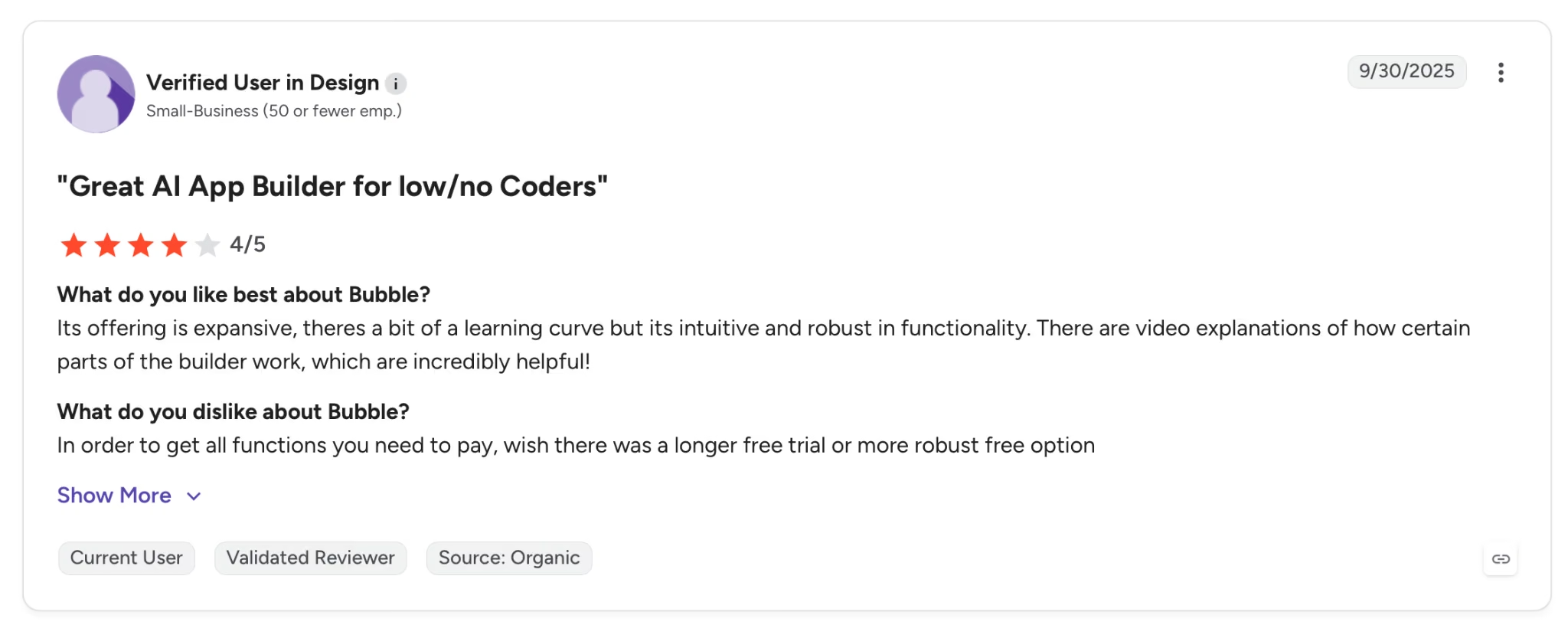
"In order to get all functions you need to pay for, I wish there were a longer free trial or more robust free option." — Verified User, G2
Pricing
Bubble's Starter plan is $32/month, unlocking publishing, a custom domain, and 175,000 WUs/month.
Bottom Line
If the product has multi-role access, scheduled automations, and conditional logic that needs to run reliably every time, Bubble's built for that.
The WU billing model and vendor lock-in are hard constraints to factor in before committing to it for a production app. If the goal is just getting to a first testable version, Emergent or Base44 skip the data modeling step and get there in one session.
Also read our best Bubble alternatives guide for what else handles complex logic without the WU billing constraints.
6. Softr: Best for Business Operations Apps Your Team Can Run
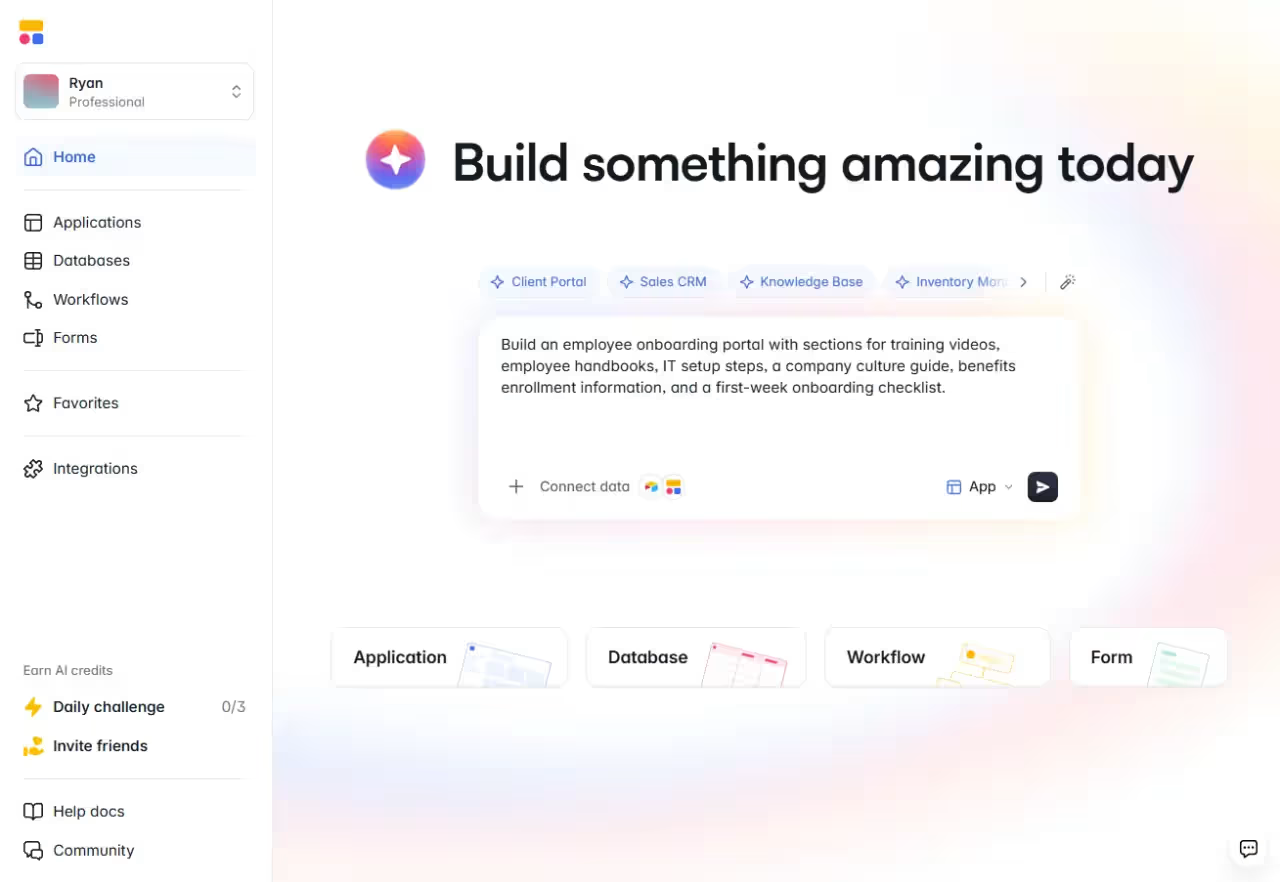
What it does: Softr turns plain-language prompts into secure business apps like client portals, CRMs, and internal tools, with the database, forms, workflows, and permissions connected from the start.
Best for: Non-technical operators and teams who need an internal tool or portal they can hand to staff or clients and maintain themselves, without relying on developers.
For the client-portal use case, a single prompt to Softr's AI builder produces the interface, database, and workflow already wired together. The payoff is the handoff: you can give the finished app to a team without managing hosting, security, or generated code, and later changes happen in the visual builder rather than through re-prompting.
For anything more custom, the Vibe Coding block or MCP via Claude lets you build outside the visual builder, and those components still respect the app's data and permissions.
Key features
AI co-builder and visual builder: Describe what you need and Softr builds the interface, database, and workflows, or switch to the visual builder when you would rather edit than re-prompt.
Enterprise-grade security: Independently audited security, AWS hosting with EU or US data residency, and granular authentication and access controls, including the option to use governed data without moving it out of your warehouse.
Granular permissions: Control what each user can see and do, down to individual records, pages, and blocks.
Built-in workflow automation: Softr Workflows trigger from form submissions, record changes, and other events, then handle branching logic, delays, and API calls without a separate automation tool.
Custom components when you need them: Prompt the Vibe Coding block for custom designs, or build apps over MCP from tools like Claude.
Pros and cons
Pros:
- The app, database, forms, and automations live in one place, so you avoid stitching separate tools together for a single product.
- Permissions go as granular as individual records, pages, and blocks, which makes client and staff-facing portals safe to hand off.
- You are not locked into the first AI output, since visual editing, ready-made blocks, and the Vibe Coding block all change the same connected app.
Cons:
- Design and styling control is limited, so bespoke visual changes take manual block-by-block work rather than one global change.
- AI credits are capped per month and it is not always clear how many a given edit consumes, which can slow down heavier builds.
- Per-user pricing gets expensive as you scale, especially when many seats sit idle.
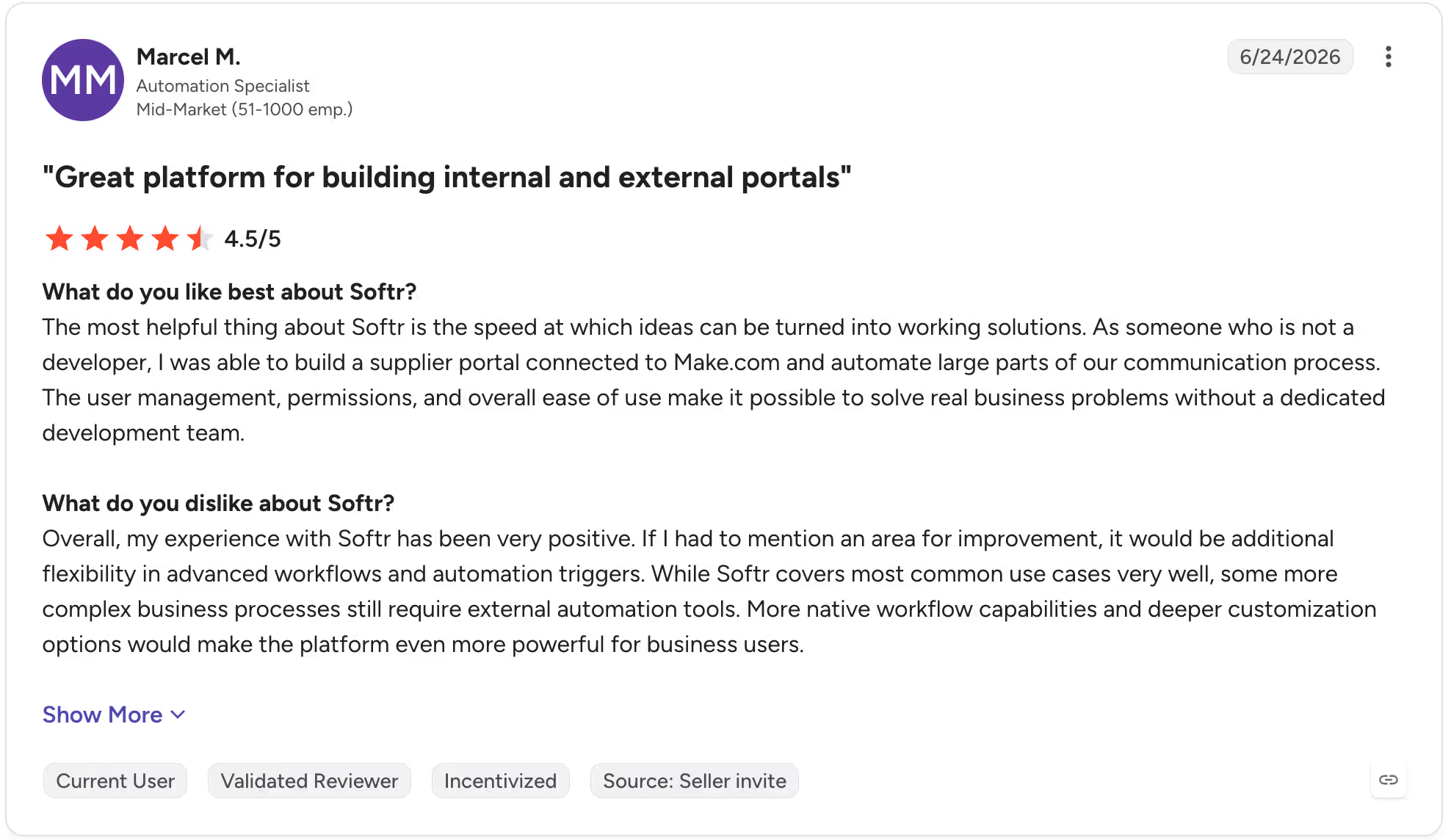
"As someone who is not a developer, I was able to build a supplier portal connected to Make.com and automate large parts of our communication process. The user management, permissions, and overall ease of use make it possible to solve real business problems without a dedicated development team." — Marcel M., G2
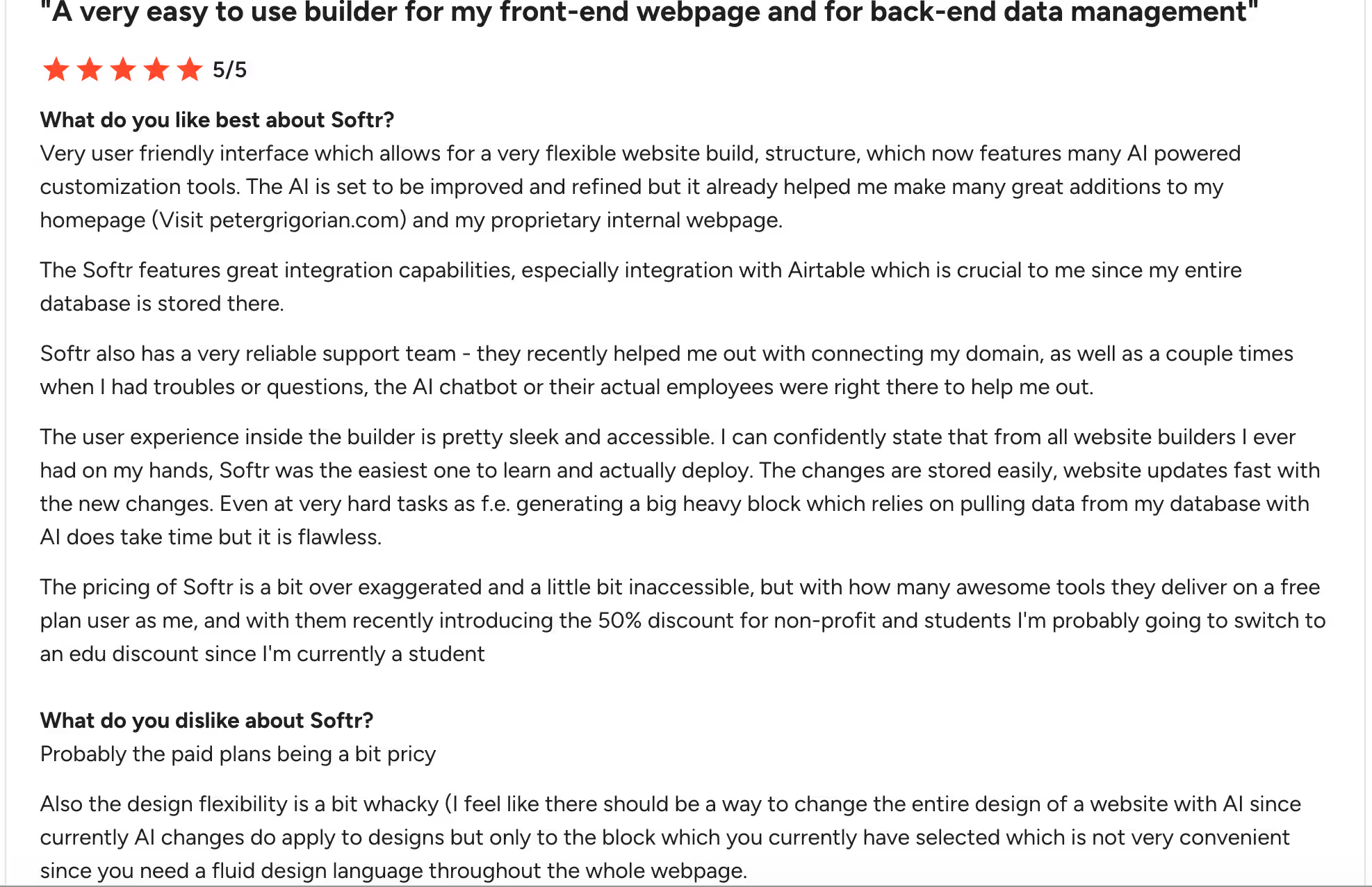
"The design flexibility is a bit whacky. AI changes do apply to designs but only to the block which you currently have selected, which is not very convenient since you need a fluid design language throughout the whole webpage." — Peter G., G2
Pricing
Softr's Basic plan is $25/month, billed monthly, with 20 app users and 10 AI credits. Pro at $119/month adds granular permissions and custom code, and Business at $395/month covers advanced security and scale.
Bottom Line
If you need a secure internal tool or client portal your team can run and change without a developer, Softr keeps the app, database, forms, automations, and permissions in one place.
Design control is limited and per-user pricing climbs as your user count grows, so factor both in before committing to it for a client-facing build. Also read our best Softr alternatives guide for what else fits business operations apps.
Which AI App Builder Should You Choose?
Here's how to choose the best AI app builder for you.
Choose Emergent if you:
- Need a deployable product across web and native mobile from a single workspace, with Stripe, Emergent's built-in login system, and hosting wired in from the first prompt
- Want end-to-end testing to run before anything reaches your users, without setting it up manually
- Are building a product that needs to go live on the App Store and Google Play alongside a web URL
Choose Base44 if you:
- Need to iterate fast on a working product (changing multiple components per session) without rebuilding from scratch each time
- Want sign-in, database, analytics, payments, and email tools included from day one with no third-party configuration
- Are an early-stage founder who needs a working MVP before investing in a larger stack
Choose Rork if you:
- Are building a mobile-only product and App Store performance matters more than web parity
- Want native SwiftUI output for iPhone, iPad, Apple Watch, and Vision Pro without touching Xcode
- Need two-click App Store publishing and a live device preview via QR code from the first build
Choose FlutterFlow if you:
- Already think in components, data flows, and backend structures, since the interface is built around that mental model
- Need clean, exportable Flutter/Dart code that a developer can extend in any IDE without cleanup
- Are building a cross-platform mobile app and want Firebase or Supabase connected without a third-party workaround
Choose Bubble if you:
- Are building a multi-role SaaS, marketplace, or workflow-heavy app where the business logic is too layered for prompt-based tools to handle reliably
- Need a relational database with row-level privacy rules and a structured data model you can control directly
- Are comfortable with a learning curve upfront in exchange for a visual workflow engine that handles logic that breaks other builders
Choose Softr if you:
- Need a secure internal tool or client portal that your team can run and change without a developer.
- Want the app, database, forms, automations, and permissions managed in one place instead of stitched together.
- Value granular access control down to individual records, pages, and blocks for staff or client-facing apps.
The Bottom Line
For a deployable product across web and mobile with payments, and managed hosting included from the first build, Emergent covers more ground out of the box than the other tools here.
Rork is purpose-built for mobile-only products where App Store performance is the priority, especially on Rork Max for native SwiftUI output. For layered SaaS logic that outgrows prompt-based builders, Bubble has the workflow engine to handle it. None of the other tools here do. For internal tools and client portals your team needs to run day to day, Softr keeps the database, permissions, and automations in one place.
Pick two that match your use case, build the same thing on each, and you'll know which one works before you see a paywall. Start with Emergent's free plan and see how far one prompt gets you.

Most AI app builders stop at prototypes. Emergent creates production-ready apps you can actually launch.
- Production-ready apps
- Web & mobile apps
- Deploy in minutes







