



Cursor is the default AI code editor for a reason. But depending on how you work, your pricing tolerance, or your technical background, one of these Cursor alternatives might serve you better. I tested and reviewed each one to find out.
The 8 Best Cursor Alternatives in 2026: At a Glance
Cursor dominates the category, but the pricing is unpredictable, the editor lock-in is real, and there's no built-in path from code to a live app. Here's how the alternatives stack up:
| Platform | Best For | Starting Price |
|---|---|---|
| Windsurf | Switching directly from Cursor | $20/month |
| Claude Code | Terminal-native development | $20/month |
| GitHub Copilot | Multi-editor support | $10/user/month |
| Emergent | Non-technical app building | $20/month |
| Cline | Free, Bring your own keys, AI coding | Free + API costs |
| Zed | Raw editor performance | $10/month |
| Lovable | Non-technical app building | $25/month |
| Replit | Browser-based development | $20/month |
Why Look for Cursor Alternatives?
Years of Reddit threads and developer forums and Cursor reviews across G2 and Trustpilot tell a consistent story. As vibe coding has expanded who builds software, the gap between what Cursor does and what some users need has widened.
- Unpredictable pricing. The Pro plan starts at $20/month, but heavy use of frontier models burns through your credit pool mid-sprint. One Pro user reported burning through the entire Pro plan quota in hours on high-reasoning models, with implied token costs of around $57 for that session.
- VS Code lock-in. Cursor is a standalone VS Code fork that added JetBrains support via ACP in March 2026. If your team has a mixed editor setup, the transition is still a hard ask for non-VS Code users.
- Context limits on multi-step tasks. Refactoring large files or chaining multi-step agent tasks hits context limits faster than many developers expect. Extending that context requires Max Mode, which adds cost on top of your base plan.
- Built for developers who already code. Cursor assumes you're comfortable writing and reviewing code. Founders, PMs, and operators without a dev background will hit friction with the interface.
TL;DR: Which Cursor Alternative Should You Choose?
- Choose Windsurf if you're already on Cursor and want to switch with minimal disruption. It runs on a similar VS Code-based IDE and the transition is unusually smooth. Windsurf also supports JetBrains and Neovim via its plugin.
- Choose Claude Code if you live in the terminal and want an agent that can handle multi-file, repo-wide tasks without leaving your existing editor setup. Developers who prefer a GUI-first workflow will find it uncomfortable.
- Choose GitHub Copilot if you need AI assistance across JetBrains, VS Code, Neovim, and more, and your whole team needs to adopt it without disrupting their existing workflow.
- Choose Emergent if you want to ship a revenue-ready app without writing code. Describe what you want in conversation and it handles payments, hosting, and mobile deployment all from one workspace.
- Choose Cline if full model flexibility and zero subscription lock-in matter more than convenience. You bring your own API key and pay only for what you use, ideal for developers who want control, but less so if you want a predictable monthly bill.
- Choose Zed if editor speed and performance are your priority. It's built in Rust and noticeably faster than Electron-based editors, though its AI feature set is still maturing compared to Cursor.
- Choose Lovable if you're a non-technical founder, designer, or product manager who wants to build and ship a working app with no coding required.
- Choose Replit if a fully browser-based environment fits how you work, especially for prototyping or collaborating across devices.
- Stick with Cursor if you're already on a plan that works for your usage level and you value the maturity of its codebase context features. It's still one of the more polished AI editors available.
The 8 Best Cursor Alternatives in 2026
I tested each of these tools on actual projects, from terminal-heavy refactors to browser-based app builds. Here's what held up and where each one cracked.
1. Windsurf

Windsurf is the closest like-for-like replacement for Cursor. You keep the same IDE and keybindings, but it runs two agents instead of one. Cascade handles edits inside your editor while Devin takes the heavier tasks to a separate cloud machine, so you never have to stop coding.
"I love how Windsurf handles prompts by mapping out the steps clearly before starting to work on them. This helps me easily pinpoint issues or make changes in specific sections of code, without going through the whole code." — Chirag M., G2
Key Features
- Agent Command Center. Manages every Cascade and Devin session in one unified Kanban-style dashboard
- MCP support. One-click setup for curated MCP servers including Figma, Slack, Stripe, GitHub, and PostgreSQL
- JetBrains integration. Full AI experience inside JetBrains IDEs, no editor switch required
- Spaces. Bundles agent sessions, PRs, and shared context around a single task so nothing gets lost across sessions
- SWE-grep. RL-trained code retrieval that finds relevant context faster than standard model-based search
Pros
- Switching from Cursor takes minutes, not days; same IDE model and keybindings carry over
- Runs local and cloud agents in parallel under one dashboard, which few tools on this list offer
- Devin handles long autonomous tasks while Cascade keeps you moving in the editor
Cons
- Devin adds cost beyond the base subscription
- Spaces and Command Center are still maturing
- The full Cascade agent experience only runs inside the standalone Windsurf IDE. Niche editors like Helix aren't supported
Best For
- Cursor users who want to switch and keep their muscle memory intact
- Teams that want a cloud agent handling background tasks while developers keep coding locally
Pricing
Windsurf's free plan includes unlimited access to Cascade with a light usage allowance. Paid plans start at $20/month (Pro), with extra usage billed at API price.
Still deciding between Windsurf and Cursor? See our Windsurf vs Cursor: One-to-One Comparison
2. Claude Code
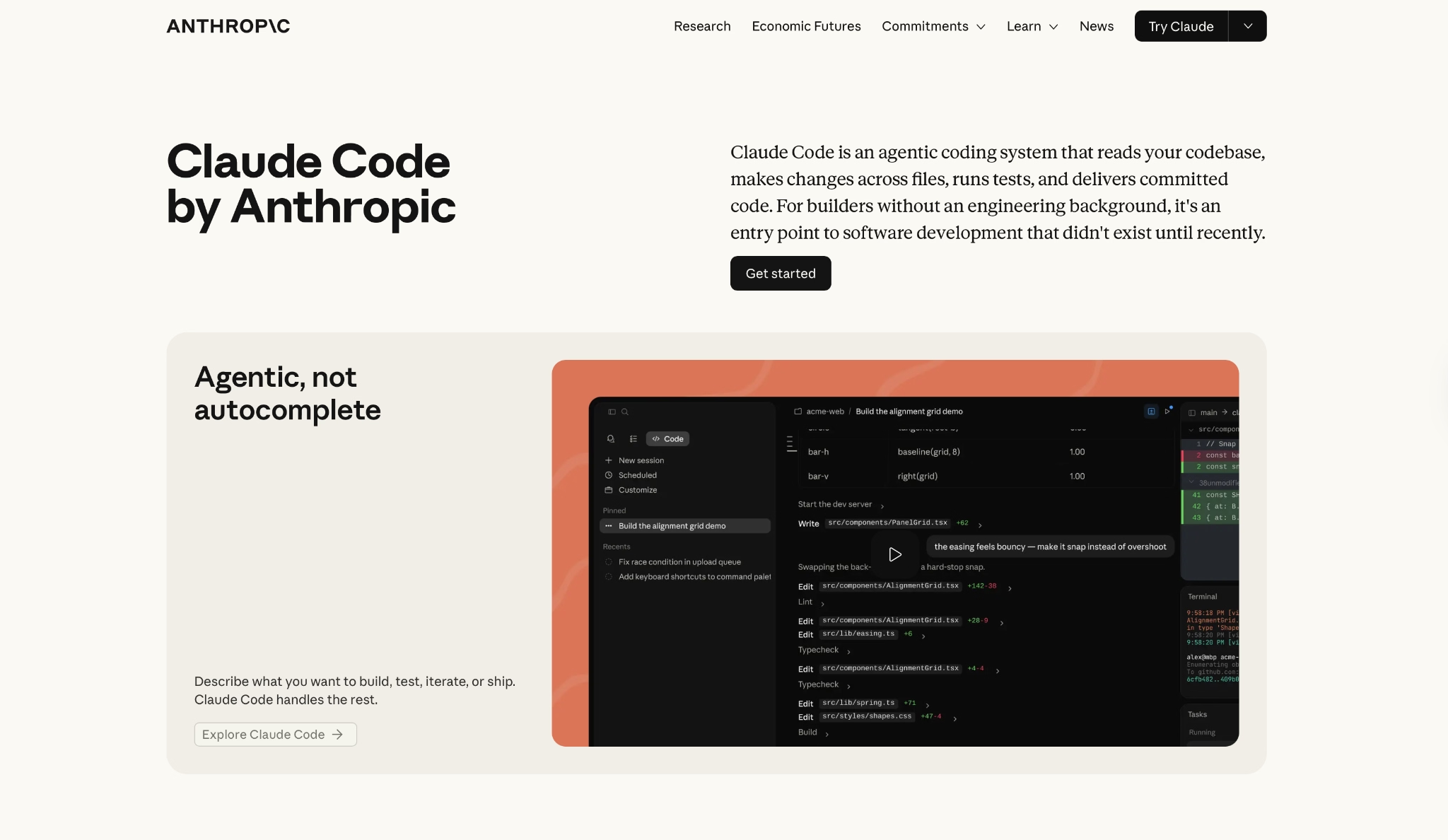
Claude Code is an agentic coding tool that lives in your terminal. The first time I kicked off a task from my phone and came back to a working PR on my machine, the appeal was obvious.
You stay in your existing editor the whole time; Claude handles reading your codebase, writing changes, running tests, and opening PRs end-to-end.
"What I like most about Claude Code is how good it is at understanding larger context and structured thinking during development." — Burak Y., G2
Key Features
- Codebase onboarding. Maps and explains entire project structures using agentic search, no manual context selection needed
- Issue-to-PR automation. Connects to GitHub/GitLab to go from reading an issue to a ready-to-merge PR, entirely from the terminal
- Mobile-to-PR. Kick off a task from your phone. Claude works on your local machine, tests what it builds, and delivers a working branch
- Routines. Configure tasks to run on a schedule, via API call, or triggered by an event
- Auto mode. Safer long-running option for autonomous workflows without skipping permissions manually
Pros
- Works alongside VS Code, JetBrains, Cursor, or Windsurf with zero editor disruption
- Start tasks from your phone and come back to a working PR
Cons
- It runs in your terminal, including inside VS Code, and if you're used to a full IDE the adjustment takes time
- Pro ($20/month) depletes quickly on large codebases. For serious daily use, you'll typically need a Max plan
- No tab autocomplete. If you rely on inline code suggestions while you type, you'll need to keep a second tool open alongside it
Best for
- High-volume multi-file refactors and feature work
- Teams that want full GitHub/GitLab automation without changing their editor
- Engineers who spend most of their day in a terminal window
Pricing
Included in Claude Pro starting at $20/month, billed monthly. The Max plan adds two usage tiers: 5x at $100/month and 20x at $200/month.
Still deciding between Claude Code and Cursor? See Claude Code vs Cursor Comparisons
3. GitHub Copilot
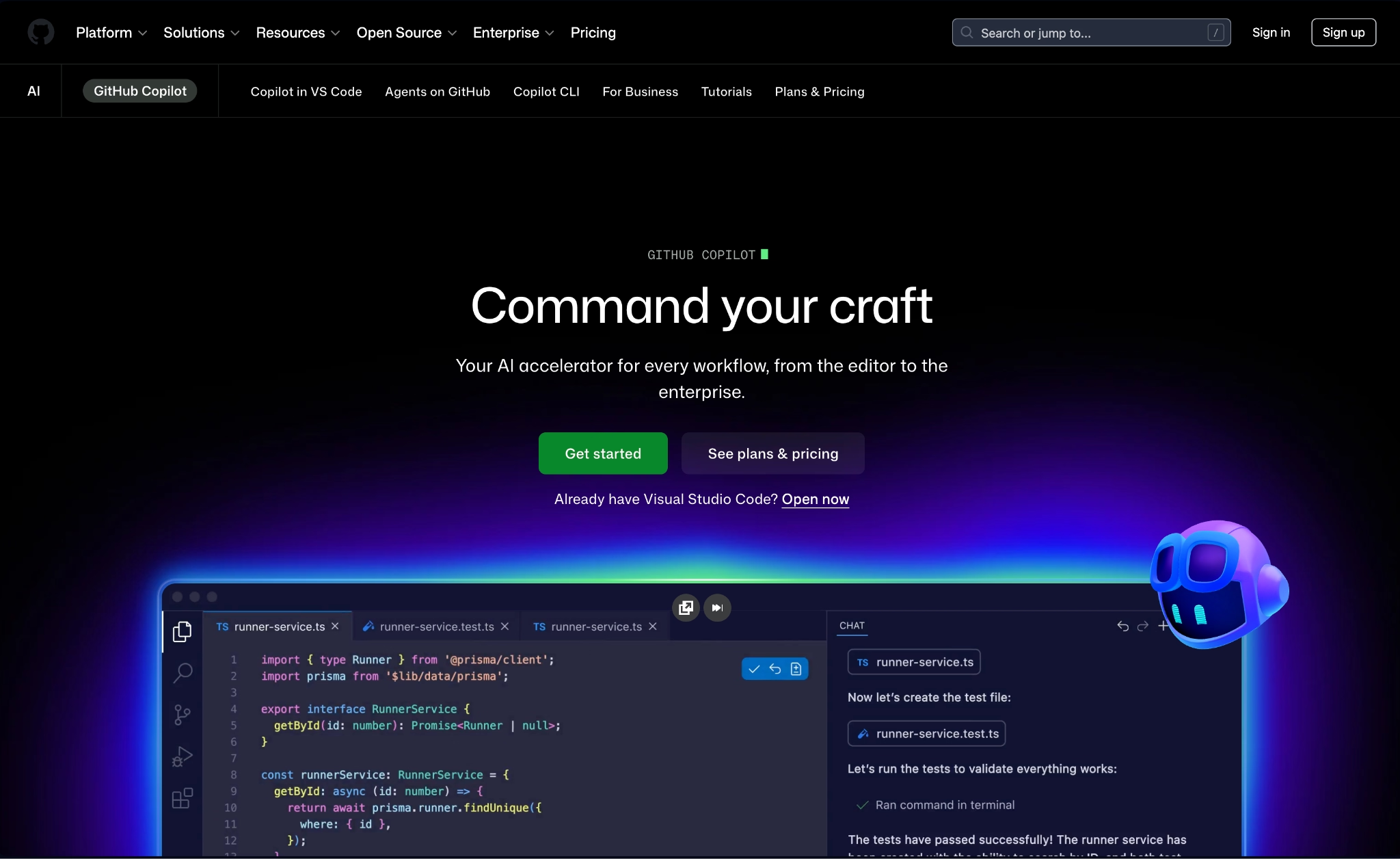
GitHub Copilot is the only AI coding tool built directly into GitHub itself. That matters because your PRs, issues, and repositories live there too. Nobody on the team had to change their editor, which is rarer than it sounds with AI tools.
It runs across VS Code, Visual Studio, JetBrains, Neovim, Eclipse, and Xcode, the widest editor coverage on this list.
"Another thing I appreciate is how well it integrates with editors like Visual Studio Code. The suggestions feel natural, and I don’t have to break my flow to search for syntax or examples." — Pradip G., G2
Key Features
- Copilot cloud agent. Assign tasks and let Copilot plan, explore, and execute work autonomously in the background while you keep coding
- Copilot code review. Automated PR review built into the GitHub pull request workflow, available from Pro and above
- Next edit suggestions. Predicts the current line and the next logical edit in sequence
- Copilot CLI. Directs Copilot via natural language in the terminal, planning and executing workflows using your GitHub context
- MCP support. Connects to MCP servers from inside your IDE, with enterprise controls over which servers developers can access
Still deciding between Github Copilot and Cursor? GitHub Copilot Vs Cursor Comparisons
Pros
- Widest editor support on this list including VS Code, JetBrains, Neovim, Xcode, and Eclipse
- PR code review built natively into the GitHub workflow, no external tool needed
- Access to Claude Opus, GPT-5.5, Gemini 3.1 Pro, Grok, and more, depending on your plan
Cons
- New Pro and Pro+ sign-ups temporarily paused as of April 20, 2026
- 300 premium requests/month on Pro runs out fast with heavy frontier model use
- Moving to usage-based billing on June 1, 2026, which means monthly costs may become harder to predict
Best For
- Developers already deep in the GitHub ecosystem (issues, PRs, Actions)
- Organizations that need centralized AI policy management across teams
Pricing
There's a free tier with 50 requests/month. Paid plans start at $10/user/month (Pro), with Pro+ at $39/month for 1,500 premium requests and access to all models.
Also read our GitHub Copilot pricing guide for the full plan breakdown.
4. Emergent
Until recently, many AI app builders ran one agent at a time.
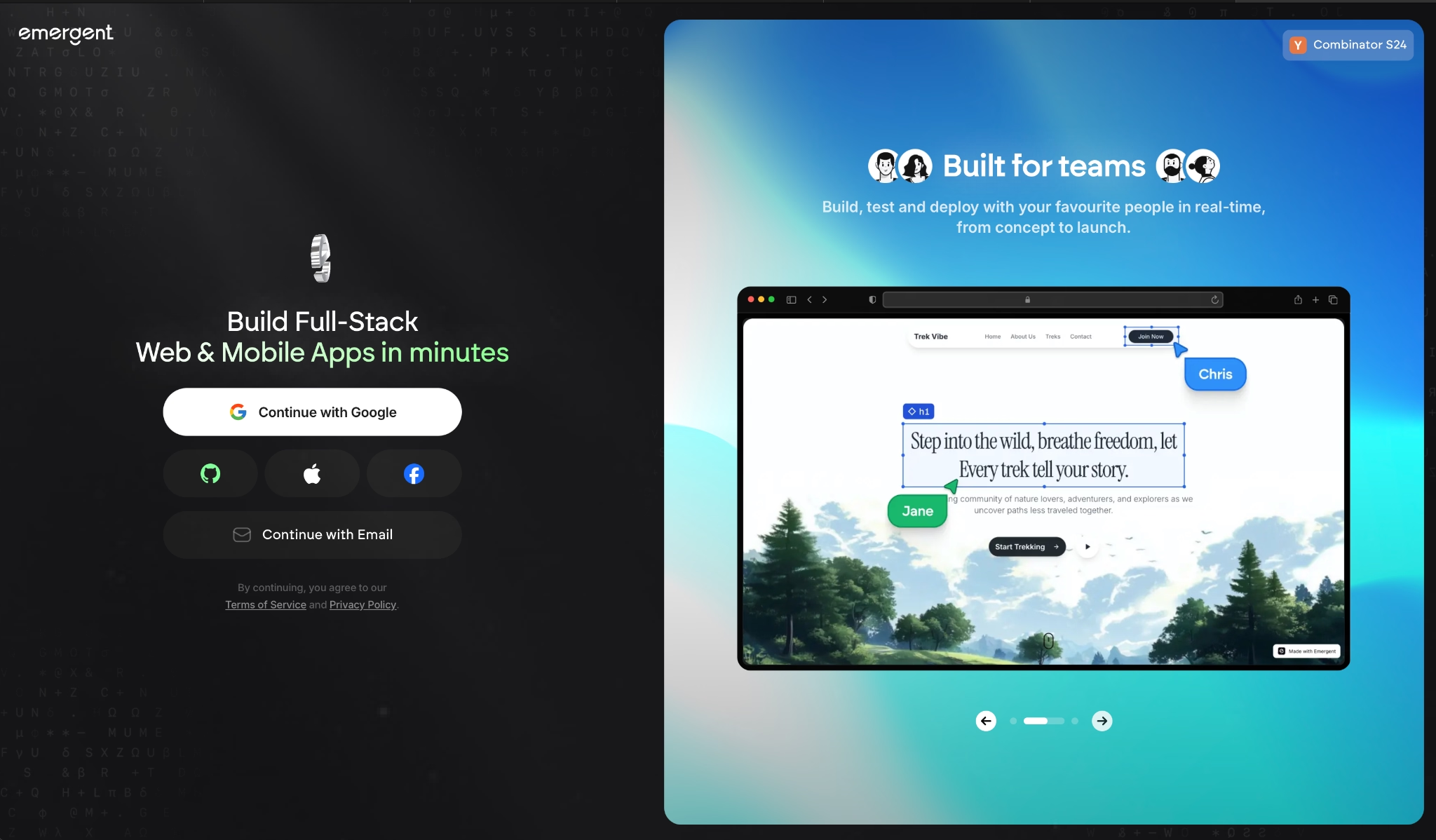
Emergent is an agentic coding platform designed around a multi-agent architecture. Specialized agents split the work across the build. Some shape the interface, others handle the backend logic and integrations, and a dedicated group of testing agents runs end-to-end checks before anything goes live.
That's what separates it from single-agent tools in the vibe coding space. You describe what you want in conversation, and the system coordinates the full build, including keeping the app stable across iterations.
"Emergent is very easy to use, even for someone without a programming background. I can simply describe what I want to build and the platform helps generate the structure and code needed." — Luis F., G2
Key Features
- Complete app on the first build. Emergent Auth, database, payments via Stripe, hosting, and custom domain included from the first prompt
- Web and mobile from one workspace. Apps publish to the App Store and Google Play directly, shipped with React Native and Expo
- Universal LLM Key. Plug Claude, GPT, or Gemini into your own app using Emergent credits, no separate API accounts required
- Connect to hundreds of tools out of the box. And because its agents wire up the integrations for you, you can hook into pretty much any service that has an API.
- Your code is yours. Everything syncs to GitHub from the Standard plan up, open it in VS Code, or hand it to a developer
Pros
- Testing agent catches bugs before they reach production, keeping the app stable as it grows
- Builds web and mobile from the same workspace, App Store and Google Play included
- ISO 27001 and SOC 2 Type I certified, with SSO, role-based access controls, and audit logs included
Cons
- Output quality depends heavily on how well you describe what you want. Vague prompts introduce bugs faster as builds grow
- Database can diverge from local preview after several deployment cycles, with no merge option
- Swift apps for Apple Watch and iPad aren't deployable through Emergent
Best For
- Non-technical founders who need a revenue-ready product with payments, Emergent Auth, and hosting already wired in
- Teams building across web and mobile from one workspace, with Universal LLM Key included
- Businesses tackling demanding builds that need a 1M context window
Pricing
Emergent's free plan includes 10 credits/month. Standard costs $20/month for 100 credits, GitHub integration, and private hosting. Enterprise pricing is available on request.
5. Cline
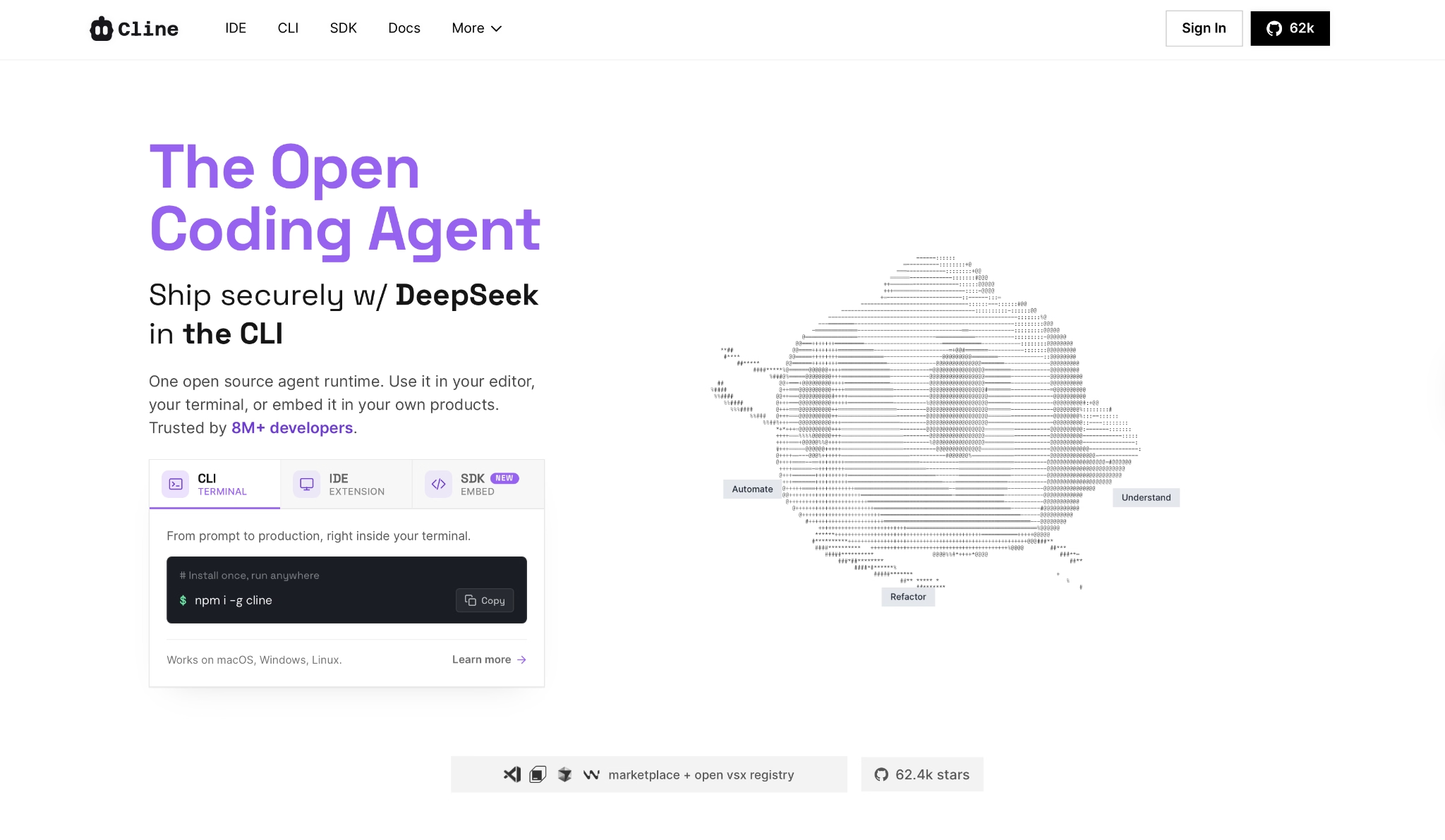
Cline is a fully open-source agent platform, free to install, with no vendor lock-in. It runs in VS Code and JetBrains, reads and writes files, executes commands, and browses the web, with every action requiring your explicit approval before it touches your code.
With a solid API key and a clear prompt, it covers more ground than you'd expect from a free tool.
"I started using Cline a couple of weeks ago, and it’s outstanding! It’s incredibly helpful as a development plugin for VSCode programmers, boosting productivity and streamlining workflows." — Jaya Krishna, Product Hunt
Still deciding between Cline and Cursor? See Cline vs Cursor Comparisons
Key Features
- BYOK + multi-provider. Bring your own API keys from Anthropic, OpenAI, Google, OpenRouter, AWS Bedrock, and more, or use Cline's own provider
- Plan/Act modes. Separates planning from execution so you review the agent's approach before anything runs
- Cline SDK. Build your own agents and integrations on the same core engine that powers the VS Code extension, JetBrains plugin, and CLI
- CLI for automation. Run Cline headlessly in CI/CD pipelines, cron jobs, and scripts
- MCP integration. Expand agent capabilities by connecting custom tools and external services
Pros
- Free to install with zero seat fees; you pay only for the API you use
- Switch providers or self-host anytime without losing your setup
- Every action requires explicit approval, keeping you in full control
Cons
- Cline doesn't include tab autocomplete; it's built for full agentic tasks rather than inline code suggestions
- Managing your own API keys and provider setup adds friction compared to subscription tools
Best For
- Developers who want full model flexibility without a recurring subscription
- DevOps engineers automating workflows via CLI and CI/CD
Pricing
Installing Cline costs nothing. It's free + API costs, and enterprise pricing is available on request.
6. Zed
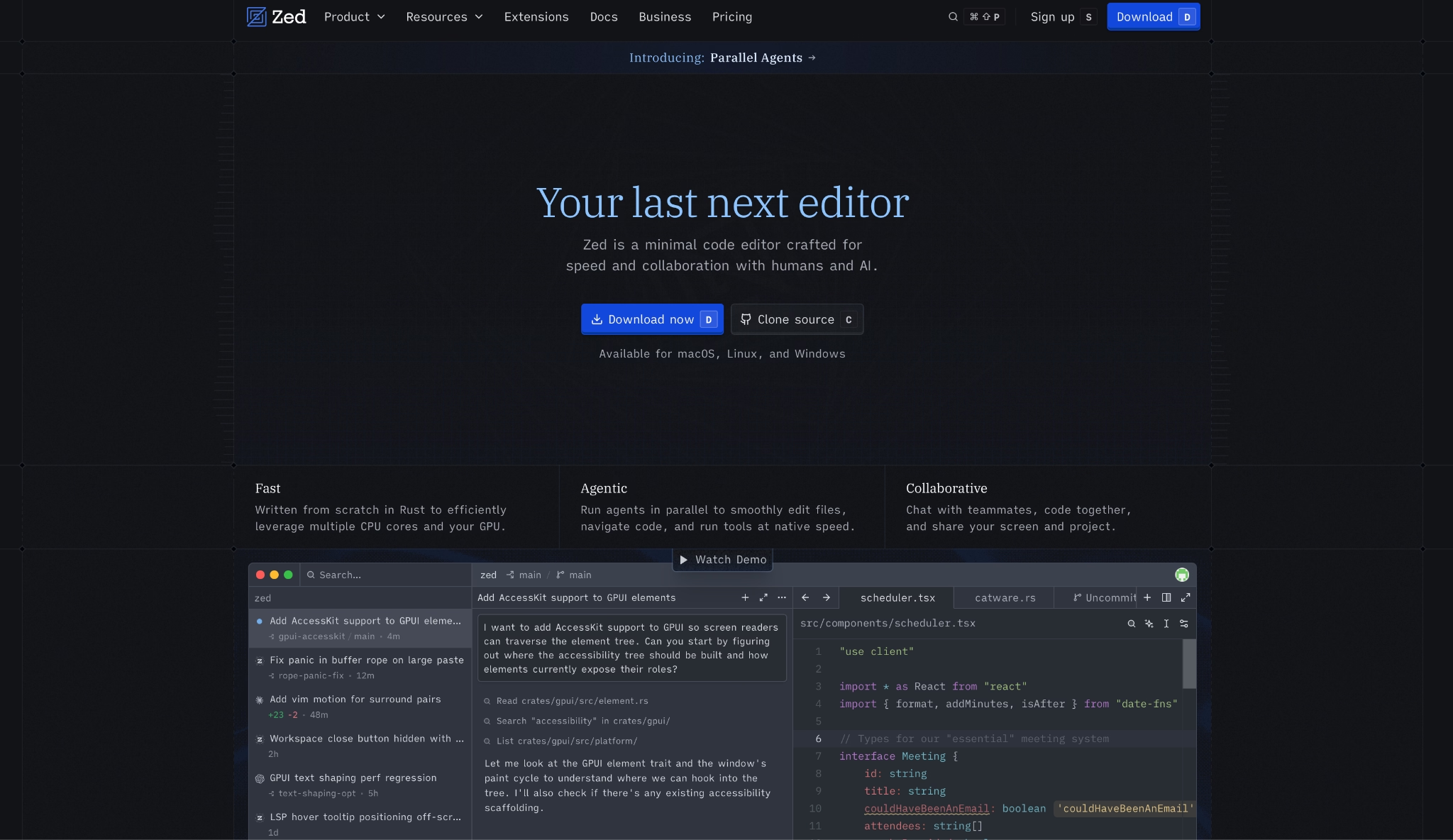
Zed is a high-performance, multiplayer code editor built in Rust by the creators of Atom and Tree-sitter. Open a large file in Zed after months in VS Code and the speed difference hits you immediately.
It's open source (GPL/AGPL), runs on macOS, Linux, and Windows, and lets you disable all AI features entirely if you just want a fast editor.
"Zed is fast, efficient, modern, and sleek. I love using Zed for developing many of my applications, regardless of the language, as it is so fast and clean, and its intelligent autocomplete feels superb." — Gustav Lübker, Product Hunt
Key Features
- Edit Predictions. Zed's own open-weight model (Zeta2) for inline code suggestions, shipped ready to use with no configuration
- Agentic editing. Overhauled agent panel with multibuffer review and agent following across multiple files simultaneously
- ACP (Agent Client Protocol). Connects any external agent to Zed as the editor client, making it compatible with third-party agents
- Native debugger. Built-in debugger shipped in response to community requests, available out of the box
- Multiplayer collaboration. Real-time co-editing with teammates built into the core editor
Pros
- Noticeably faster than Electron-based editors like VS Code, Cursor, and Windsurf
- Edit Predictions run on Zed's own open-source model, no extra API cost on Pro
Cons
- Extension ecosystem significantly smaller than VS Code-based editors
- $5/month token credit on Pro depletes fast, usage-based billing kicks in quickly on heavy agent use
- SSO, SAML, and SCIM for Business are planned but not yet available
Best For
- Developers who prioritize raw editor performance over feature breadth
- Teams that want real-time multiplayer co-editing built into the editor
Pricing
The editor is free with 2,000 accepted edit predictions and unlimited BYOK (Bring your own keys). Paid plans start at $10/month (Pro), which includes $5 in tokens and usage-based billing beyond that.
7. Lovable

Lovable is a browser-based software generation platform that turns plain-language descriptions into working code. I tested it like a non-technical founder who had never shipped an app, and I had a working prototype in under an hour.
A button color change costs 0.5 credits while adding full authentication costs around 1.2 credits, so the bill scales with what you're actually building.
"I use it to define features like user journeys, dashboards, and workflows through prompts, and it generates structured UI and backend logic." — Yardan S., G2
Key Features
- Code mode. Edit the underlying code directly inside Lovable without switching tools
- Custom domains. Connect your own domain to any Lovable project
- Workspace roles and permissions. Assign roles across team members within a shared workspace
- Credit top-ups. Buy additional credits mid-cycle in 50-credit increments, valid for 12 months
- SSO and data training opt-out. Keeps project data out of Lovable's training pipeline
Pros
- Stronger out-of-the-box design quality than comparable tools, especially for early prototypes
- Describe features in plain language and get working code, zero technical background required
- Simple edits cost a fraction of a credit, so low-volume users stretch their plan further than the numbers suggest
Cons
- Free plan caps at 30 credits/month total, enough to explore but not to build seriously
- Architecture and infrastructure decisions are handled by Lovable, not the user
Best For
- Founders, designers, and PMs who want to ship a working app on their own
- Small teams prototyping products without a dedicated engineering resource
Pricing
The free tier includes 30 credits/month. Paid plans start at $25/month (Pro) for 100 credits billed monthly, unlocking Code mode, custom domains, and workspace roles.
Still deciding between Lovable and Cursor? Lovable vs Cursor Comparisons
8. Replit
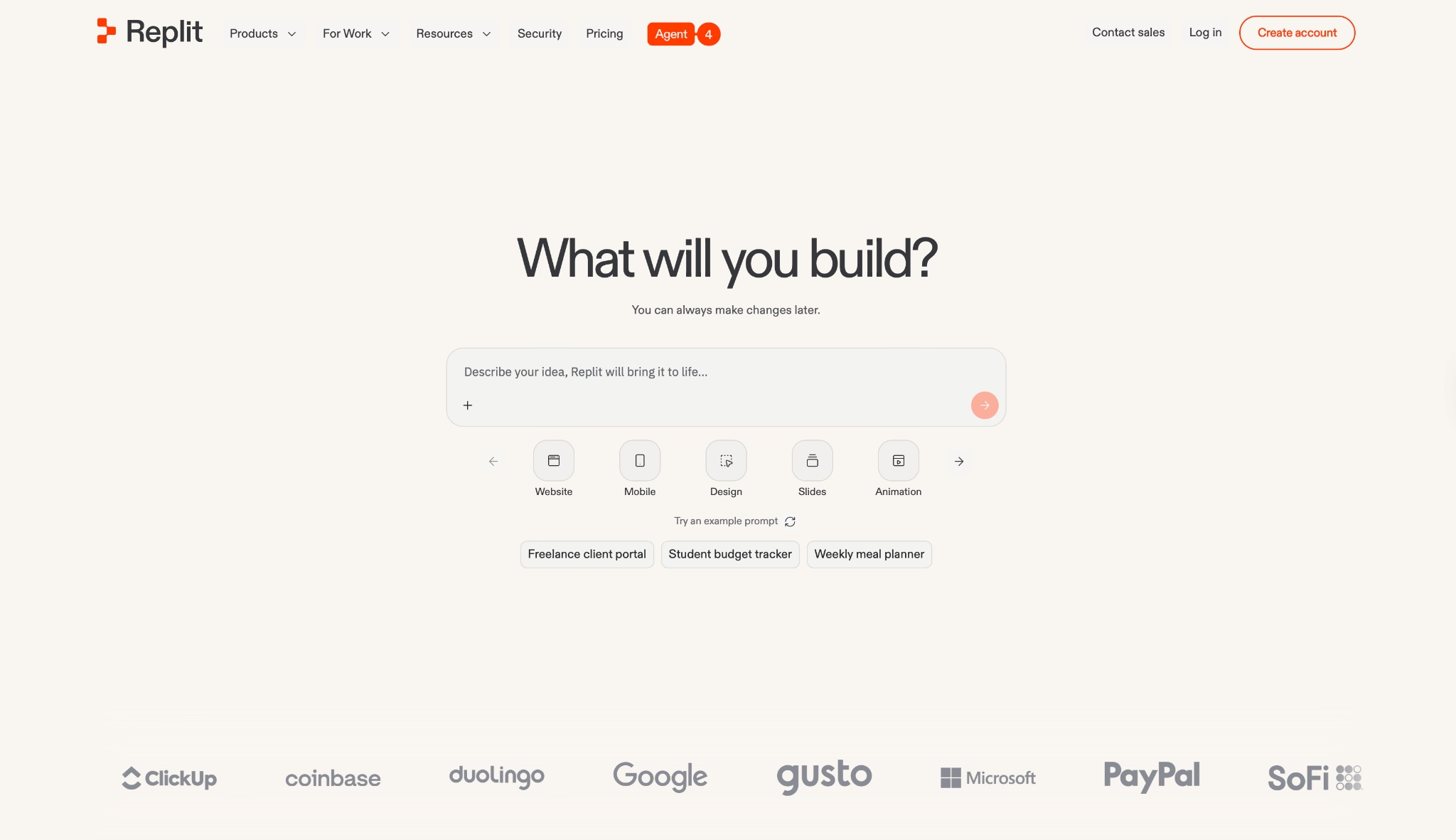
Replit is a fully browser-based app-building platform where you describe what you want and Replit Agent builds, deploys, and hosts it. I tested it on a tablet with no local environment, and it worked exactly the same as on a desktop. Everything runs in the browser.
The UI assumes some technical familiarity though, so completely non-technical users will have a steeper learning curve.
"The best thing I like about Replit is its browser-based development environment, where you have the simple AI chat option." — Divyarajsinh C., G2
Key Features
- Replit Agent. Describe your app or website and it builds end-to-end. The screenshot-to-app feature lets you upload an image of a site and Agent replicates it
- Parallel agents. Run up to 2 agents simultaneously on Core, up to 10 on Pro, each handling separate tasks of the same project
- Built-in database. Apps built on Replit get a database without external setup or configuration
- Database rollbacks. Roll back your database up to 28 days, available on Pro
- Effort-Based Pricing. Pay-as-you-go option beyond plan credits with configurable spend limits
Pros
- Zero local setup, everything runs and deploys in the browser
- Screenshot-to-app lets you upload any design and get a working version back
Cons
- Credits deplete fast on heavy builds; the Core plan's $25/month may not stretch far for serious projects
- Developers who need full control over infrastructure and local environment will find it limiting
Best For
- Non-technical founders who want to build and deploy without touching a terminal
- Teams that need enterprise-grade controls including SSO/SAML, VPC peering, and single-tenant environments
Pricing
The Starter plan is free with daily Agent credits. Paid plans start at $20/month (Core). Pro is $100/month with up to 10 parallel agents and 28-day database rollbacks.
Still deciding between Replit and Cursor? See Replit vs Cursor Comparisons
How to Evaluate Cursor Alternatives
Before you switch, it helps to know why most developers leave Cursor in the first place. Usually it's pricing, or a workflow mismatch:
- Workflow environment. Where you work day-to-day determines which tools are viable. A terminal-first developer and a non-technical founder need completely different products.
Figure out whether you need a GUI IDE, terminal integration, or a browser-based environment before comparing anything else.
- Model flexibility. Some tools lock you into one provider; others let you bring your own API keys and switch freely.
If you work with sensitive codebases or want to control costs by moving between models, check whether the tool supports routing through your own cloud infrastructure (AWS Bedrock, GCP Vertex) for compliance or security reasons.
- Pricing predictability. Flat monthly subscriptions are easier to budget than credit pools or usage-based billing. Before committing, map your typical daily usage against what each plan's credit pool realistically covers.
File edits, agent runs, and model tier all burn through credits at different rates. What you'll pay at full usage is almost always higher than the listed price.
- Codebase scale and context handling. If you work on large, multi-repo codebases, you need an agent that can index, navigate, and hold context across large dependency chains without losing track mid-task.
Lovable and Replit, for example, are optimized for app-level builds rather than large engineering codebases. Test on a project that reflects your typical workload before you pay for anything.
- Team collaboration primitives. Check whether the tool has actual team features, shared workspaces, role-based access, org-wide AI policy controls, or a higher seat price. Solo developers can ignore this. For teams, it's often what tips the decision.
The Bottom Line
This list really splits in two. Most of these tools (Windsurf, Claude Code, Copilot, Cline, Zed) are built for people who already write code and want a sharper way to do it. The rest are for people who want to ship a product without ever opening a terminal.
If you're in that second group, Lovable and Replit get you a working app fast, and they're good at it. Where Emergent goes further is everything that comes after the prototype. Payments, Emergent Auth, hosting, and mobile deployment are wired in from the first build, so what you ship can run as a real business instead of sitting as a demo.
It comes down to how much you want the tool to do for you. If you just need to write code faster, stay near the top of this list. If you've got an idea you want live and taking payments without hiring an engineer, that's where Emergent earns its spot.
Try building your first app on Emergent and see how far you get in an afternoon.

Every alternative has trade-offs. Emergent just builds production-ready apps from one prompt.
- Production-ready apps
- Web & mobile apps
- Deploy in minutes







