



After testing Cursor across several workflows and reading through 40+ reviews from other developers, their verdict is consistent with mine. It's a strong AI coding tool, but only if you already know how to code.
Quick Verdict (TL;DR)
- Cursor delivers where it promises. It speeds up engineering work and indexes your whole project so it understands context across every file.
- It lets you pick between Composer 2.5, GPT-5.5, Opus 4.7, Gemini 3.1 Pro, and Grok 4.3.
- If you can't read the code it generates, you won't catch its mistakes, and it will make them.
- Good fit for professional developers and engineering teams. But for non-technical founders who just want to build and ship something, the experience tends to be frustrating.
What Is Cursor?
Cursor is an AI code editor built on top of VS Code, with AI layered directly into the workflow. It autocompletes code, answers questions about your codebase, runs agents that build and test features across multiple files, and connects to tools like GitHub, Slack, and your terminal.
It's picked up enough traction that 64% of Fortune 500 companies use it today.
What You Get With Cursor
These features cover a lot of ground. Some you'll reach for constantly, others only when the job calls for it.
Core Capabilities
- Tab Autocomplete predicts your next code edit in real time, including full multi-line changes based on your current context.
- Agent Mode runs coding tasks end-to-end, writing, editing, and testing code across multiple files without you directing every step.
- Background Agent executes long-running tasks remotely while you keep working, available on the Individual plan and above.
- Codebase Indexing indexes your entire repository automatically, so suggestions and edits are aware of how your files, functions, and logic connect.
- Memories remembers project-specific context across conversations so you don't repeat yourself every session. Available since v1.0.
Workflow & Integrations
- BugBot automatically reviews your pull requests on GitHub and flags bugs before they merge. Included on Individual plans and billed on a usage basis.
- MCP One-Click Setup connects Cursor to external tools and APIs with a single click, including one-click login setup.
- Multi-model support lets you choose between Composer 2.5, GPT-5.5, Opus 4.7, Gemini 3.1 Pro, and Grok 4.3 depending on the task.
- Jupyter Notebook support lets the agent create and edit cells directly inside Jupyter, useful for data science workflows.
Limits & Privacy
- Privacy Mode prevents your code from being stored or used to train AI models when enabled. Available on all plans.
These tools are only as good as your ability to evaluate what comes out. Cursor generates code but won't tell you if the result is secure or ready for production. That judgment stays with you.
Cursor Reviews: What Users Are Saying
Developers across Reddit and dev forums largely agree that Cursor outperforms GitHub Copilot, Microsoft's AI coding assistant. It rewards those who review everything it touches, though.
Pros
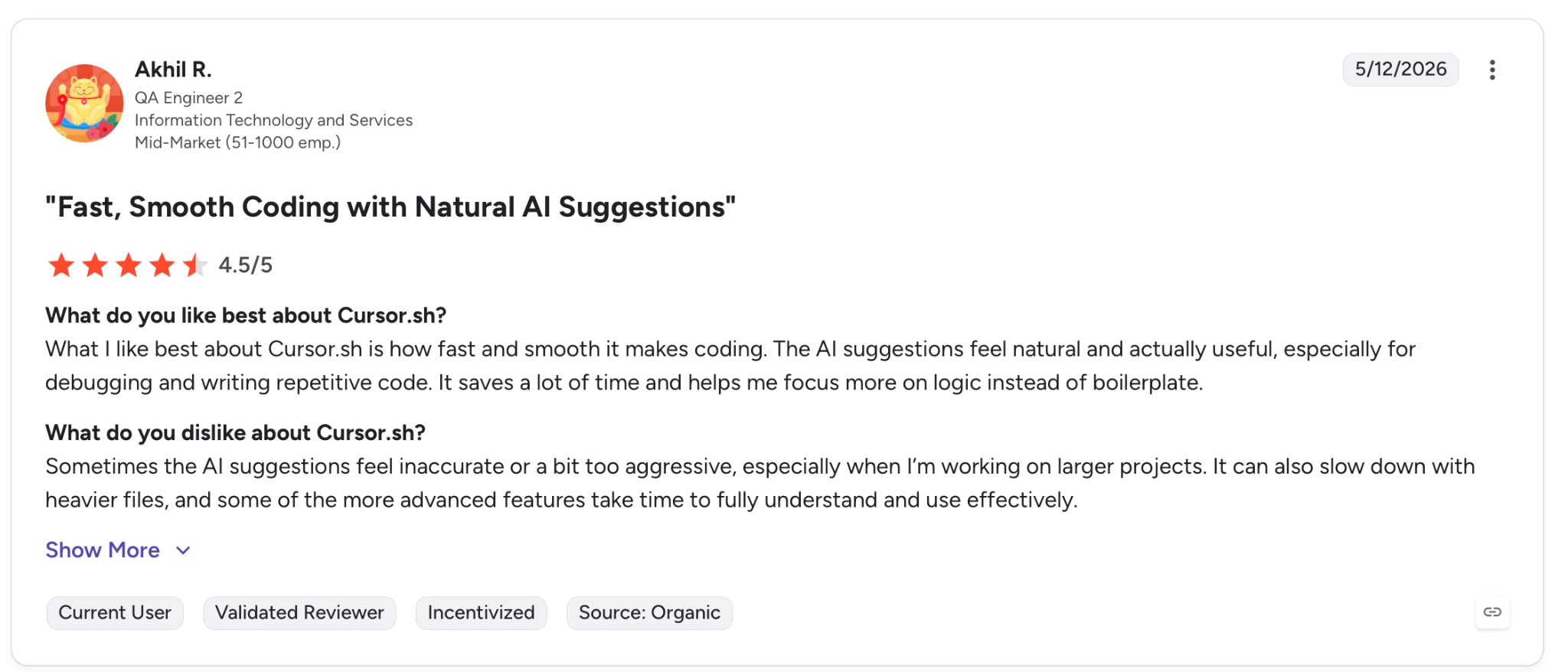
✅ "The AI suggestions feel natural and actually useful, especially for debugging and writing repetitive code." — Akhil R., G2
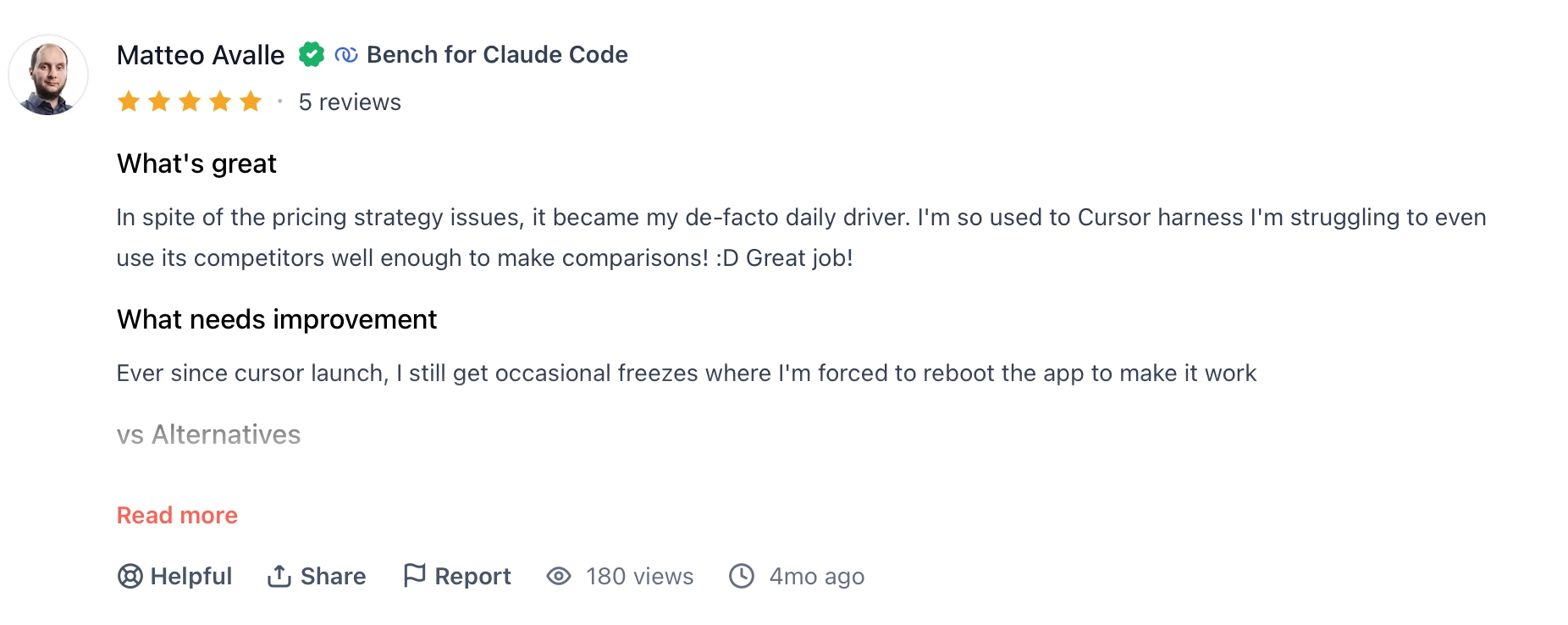
✅ "In spite of the pricing strategy issues, it became my de-facto daily driver. I'm so used to Cursor's harness I'm struggling to even use its competitors well enough to make comparisons! :D Great job!" — Mateo Avalle, Product Hunt
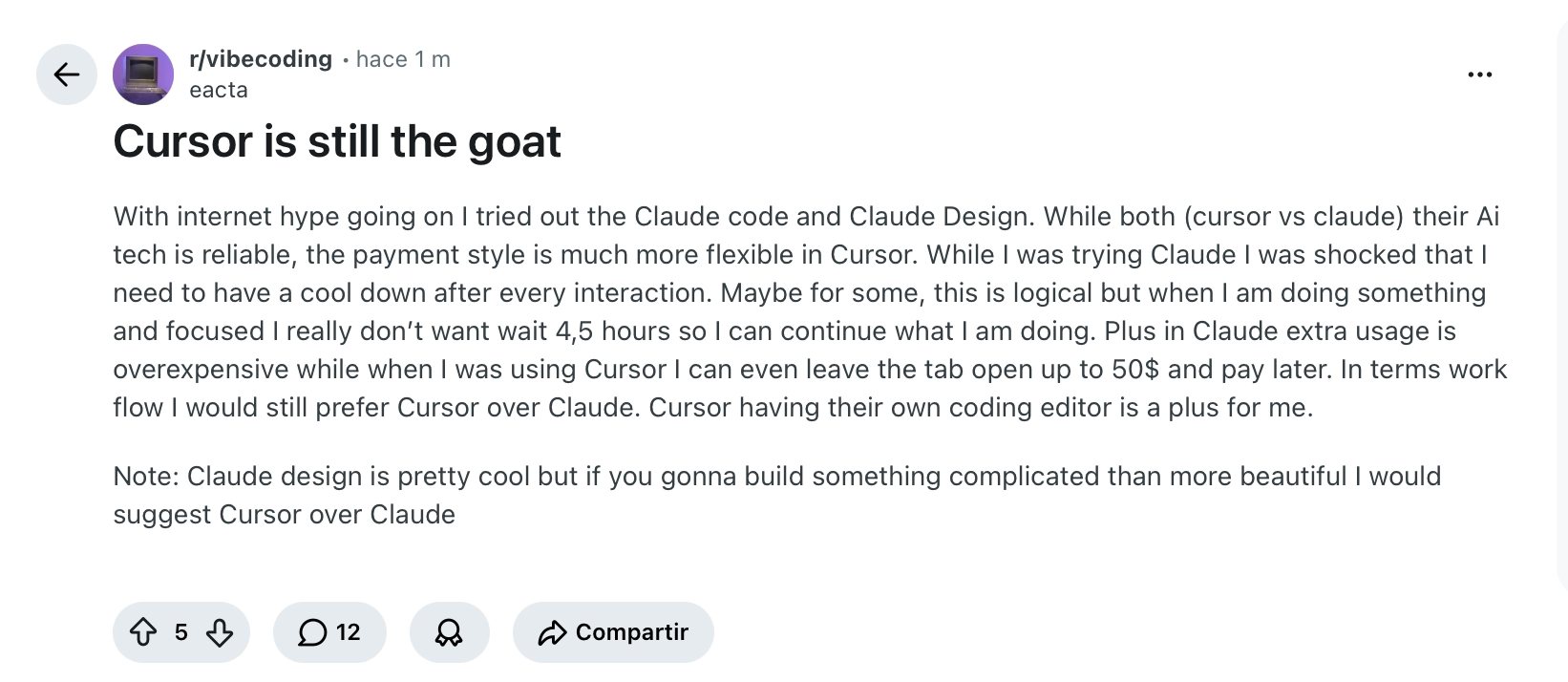
✅ "With internet hype going on, I tried out the Claude code and Claude Design. While both (cursor vs claude) their AI tech is reliable, the payment style is much more flexible in Cursor." — Verified User, Reddit
Cons
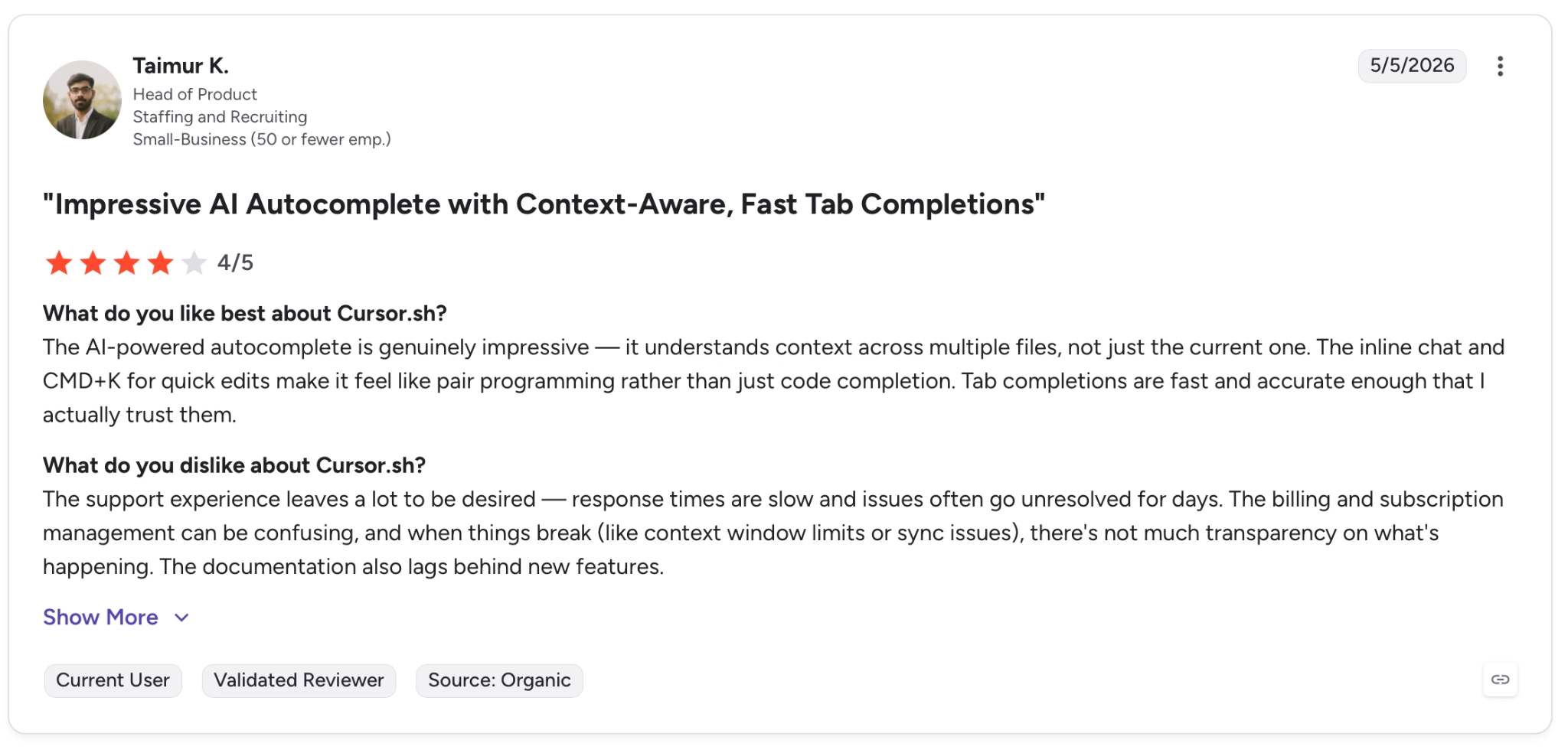
❌ "The support experience leaves a lot to be desired — response times are slow and issues often go unresolved for days." — Taimur K., G2
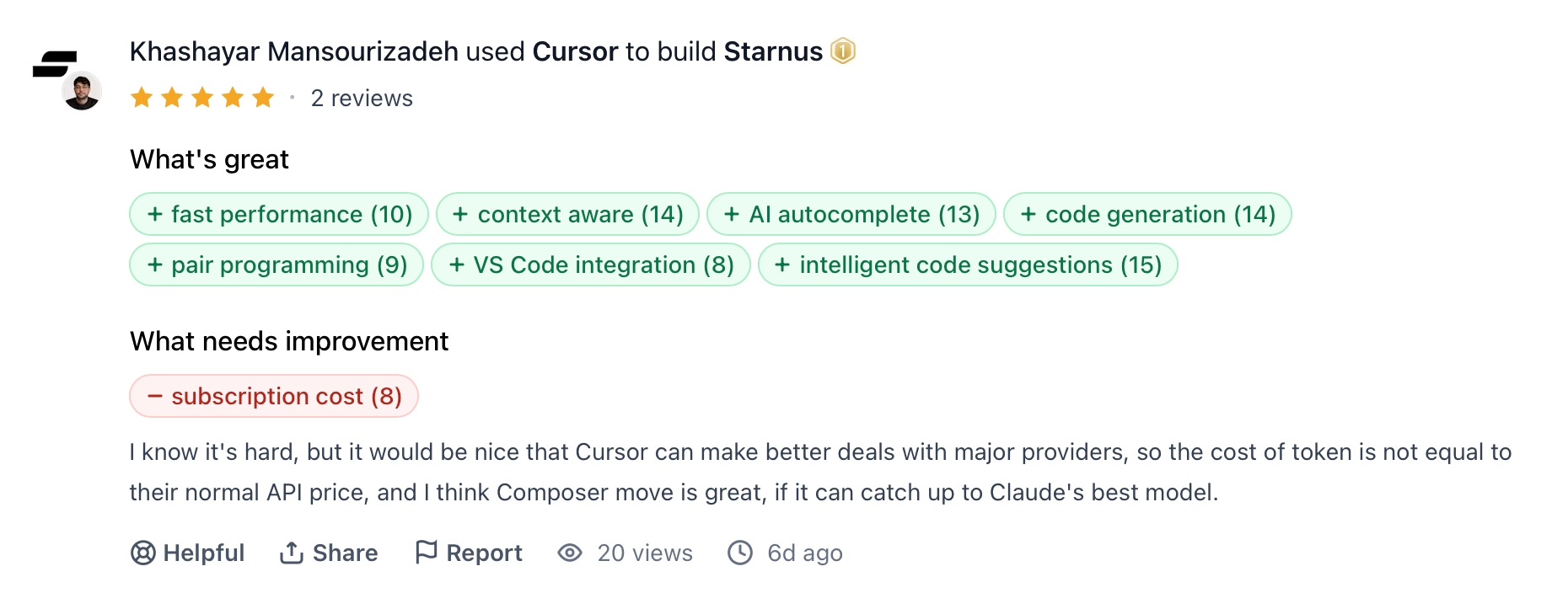
❌ "I know it's hard, but it would be nice that Cursor can make better deals with major providers, so the cost of token is not equal to their normal API price, and I think Composer move is great, if it can catch up to Claude's best model." — Khashayar Mansourizadeh, Product Hunt

❌ "The hype around cursor 2 years ago + was real. Godlike almost limits were non existent basically. The hype was real back then.They kept lowering limits, raising prices, they wouldn't even tell you what your current usage was at lmao." — Verified User, Reddit
My Personal Take on Cursor
Tab Autocomplete is the feature that came up again and again in Cursor reviews, and it's the one I kept coming back to as well.
It's fast, handles multi-line suggestions well, and cuts the time I'd normally spend on repetitive work; refactors, boilerplate, and repeat patterns that used to take 10 minutes now take under two.
So far, so good.
Agent Mode is where things get more complicated. On clean, isolated tasks, it's fine. Point it at an existing project, though, and it starts touching files you didn't ask it to touch, making architectural assumptions you didn't sign off on.
The developers who hated Cursor all ran into the same problem. They gave Agent Mode too much room, and the old saying goes doubly so for Cursor: give it an inch, and it will take a mile. Generally, Cursor works a lot better when you scope the task tightly and approve each change before moving on.
That pattern holds across the whole tool. Cursor won't write good code for you if you don't know what good code looks like. The speed gain compounds on top of whatever skill you already bring to the table, technical debt compounds on the skills you don’t.
Is Cursor Right for You?
If you can read what it writes, yes. If not, no.
Who will love it:
- Professional developers and engineering teams who already write code daily and want to ship faster without switching environments. Cursor slots directly into an existing VS Code workflow.
- Developers working on large codebases who need a tool that understands how routes, models, and services connect across files throughout the project.
- Developers who want model flexibility. If you have a preferred model (Claude, ChatGPT, Gemini, Grok), Cursor lets you choose rather than locking you into one.
- Teams already on GitHub who want automated PR reviews via BugBot without adding a separate tool.
Who should avoid it:
- Non-technical founders who want to build and launch a product without a development background. Cursor doesn't deploy, validate, or explain what it builds.
- Solo builders without code review experience who can't catch the mistakes Agent mode occasionally introduces.
- Anyone on a tight, predictable budget. The $20/month Individual plan can escalate once you exceed your included usage and tip into on-demand billing.
Why Emergent Is the Strongest Cursor Alternative
If what you want is a finished, working app without sacrificing the technical chops of a tool like Cursor, Emergent is worth your time. Among the many Cursor alternatives available today, Emergent takes a fundamentally different approach.
Cursor and Emergent aren't really built for the same person. Cursor is a code editor with AI built in, so you're still writing and reviewing code. Emergent builds, deploys, and runs the whole app for you from a conversation.
The difference comes down to architecture.
Cursor is one agent doing the work of a whole engineering team.
Emergent runs on a coordinated system of specialized agents, each owning a piece of the build.
Some shape the interface, others handle the backend logic and third-party integrations, and a separate group of testing agents stress-tests the frontend, backend, and deployed app.
Layer in dedicated agents for deployment, troubleshooting, and final review, and you get the output of a real engineering team instead of one tool wearing every hat.
And as your app grows, that same setup keeps the rest of it steady, where single-agent tools (which is pretty much everyone else in the vibe coding space) often introduce new bugs in code they wrote weeks ago.
For non-technical builders, these are the parts that matter most.
Build & Deploy:
- You get a finished, working app. Emergent handles login flows with Emergent Auth (no Google Cloud project needed), a database (MongoDB by default, Supabase optional), payments via Stripe and Razorpay, hosting, and your custom domain out of the box.
- Web and mobile from one workspace. Apps publish to the App Store and Google Play directly, built with React Native and Expo.
- The same conversation that builds your app also deploys it. You get traffic monitoring, health checks, logs, and mobile alerts for errors alongside zero-downtime updates and rollback.
Extend & Integrate:
- Plug Claude, GPT, or Gemini directly into your own app with Universal LLM Key. Uses Emergent credits so you don't need to mess around creating separate accounts with OpenAI or Anthropic.
- Connect to hundreds of tools out of the box. And since its agents read API docs and set up the connections for you, you can hook into any service that has an API.
- Build specialized AI agents inside your app, each with its own model and behavior. Available on the Pro Plan.
- Handle complex builds with the “Maxx” toggle in the chatbox for deeper reasoning and advanced problem-solving. Available on the Pro plan.
Own & Collaborate:
- Build with your team without losing track of spend, with per-project credit limits and role-based access for admins and contributors.
- Your code is yours. Everything syncs to GitHub from the Standard plan up. You can open it in VS Code, hand it to a developer, or keep building on it yourself.
On the security side, Emergent is ISO 27001 and SOC 2 Type I certified, with SSO, role-based access controls, and audit logs built in. That matters hugely if you're building anything that handles user data or payments.
If you want to go from idea to a working app in a single conversation, try building on Emergent.
So, Who Should Use Cursor in 2026?
After all the testing and reviews, the verdict is simple. Cursor is for developers who spend their days in a code editor.
If that’s you, it's a useful tool, and it'll certainly speed up your work.
Reviewing what it generates is part of that deal, for better or worse.
For non-technical builders who want to skip that step entirely, Emergent is the more attractive option.

Most AI app builders stop at prototypes. Emergent creates production-ready apps you can actually launch.
- Production-ready apps
- Web & mobile apps
- Deploy in minutes







