



I've tested more AI productivity tools than I've kept. The best AI productivity tools that made the cut each handle a distinct layer of the work stack, from writing and research to meetings, task management, and the custom internal tools that no off-the-shelf SaaS covers.
10 Best AI Productivity Tools in 2026: Quick Comparison
These tools cover different jobs, price points, and team sizes. A few overlap, but most solve a distinct problem. The comparison below breaks down what each one does best and what it costs to get started.
| Tool | Strengths | Best For | Starting Price |
|---|---|---|---|
| ChatGPT | Broad reasoning, integrations, GPT-5.5 access | General-purpose AI assistant | $20/month |
| Claude | Long-context analysis, nuanced writing, coding | Deep research and document work | $20/month |
| Perplexity | Live web search, cited answers | Fast research with sources | $34/user/month |
| Emergent | Multi-agent app building, deploy-ready output | Building custom business tools | $20/month |
| Notion AI | Docs, wikis, knowledge base with AI | Team knowledge management | $12/user/month |
| ClickUp | Tasks, projects, AI agents, automations | Team project management | $10/user/month |
| Otter | Meeting transcription, summaries, action items | Capturing and searching meetings | $16.99/user/month |
| Grammarly | Writing corrections, tone, and brand voice | Polished professional writing | $30/month |
| Gamma | AI presentation and deck creation | Fast, polished slide decks | $12/user/month |
| Lindy | Inbox management, meeting prep, iMessage task execution | Delegating daily tasks over text | $49.99/month |
How I Researched and Tested These AI Productivity Tools
I ran each one through months of real work: client briefs, back-to-back meetings, vague inputs, and three-week-old projects. The ones that made this list proved themselves in the sessions where things got messy and context was thin.
A few things shaped how I evaluated each tool. Most reviews skip them.
Failure modes over feature lists. Every tool looks impressive on a clean prompt. What matters is what happens when the input is vague, the document is long, or the project has three weeks of context behind it. That's where tools fall apart.
The cleanup tax is significant. A tool that saves 20 minutes but costs 15 in corrections is a bad trade. I tracked actual time saved against time spent prompting, fixing, and reformatting. Anything that didn't clear that bar, I dropped.
Switching cost matters more than speed. Some tools are faster in isolation but require abandoning your entire workflow to use them. Tools that fit around how work happens came out ahead of ones that demand you rebuild habits from scratch.
Free tiers tell you a lot. Several tools here have free plans that hold up for weeks before you hit a hard limit. Others give you just enough to see where the paid tier starts. Both are worth knowing before you commit.
1. ChatGPT: Best for General-Purpose AI Assistance

What it does: Conversational AI assistant for writing, research, analysis, coding, and ideation, with access to OpenAI's latest GPT models.
Best for: Knowledge workers who need one tool that covers the broadest range of daily tasks without switching between platforms.
GPT-5.4 was the first ChatGPT model I used for coding work. I gave it a half-broken Python script and no context. It came back with a diagnosis, two rewritten functions, and a clear reason why the third needed rethinking from scratch.
The same held on contract review, competitive briefs, and spreadsheet work I'd normally avoid in Excel.
Codex handles agentic coding tasks with mid-turn steering while the model works. Add GPT-5.5 as the flagship on Plus and above, and it gets hard to swap out for anyone doing technical work.
Key Features
- GPT-5.5 as default: Current flagship on Plus and above, launched April 2026, with stronger reasoning and fewer factual errors than GPT-5.4. Free and Go run GPT-5.5 Instant with lower usage limits.
- Codex for agentic coding: Runs long tasks in parallel with mid-turn steering, handling research, tool use, and deep execution.
- GPT-5.5 Thinking on Plus and above: Extended reasoning mode with Standard and Extended thinking for problems that need more than a single-pass answer.
- Advanced Data Analysis: Upload spreadsheets, PDFs, or images, and ChatGPT runs analysis and builds charts without a separate tool.
Pros and Cons
Pros:
- Codex handles agentic coding tasks in parallel with mid-turn steering, which no other tool on this list does natively.
- The current flagship on Plus and above delivers stronger multi-step reasoning than GPT-5.4, and in testing threw far fewer wrong-but-certain answers at ambiguous prompts.
- Integrations with Slack, Google Drive, and 60+ tools drop into existing workflows without requiring a rebuild.
Cons:
- Memory misses long multi-week projects. Large builds often require re-pasting context because it doesn't retain enough detail across extended sessions.
- For specialized writing, I found Claude held voice and structure better across longer sessions.
What Users Say
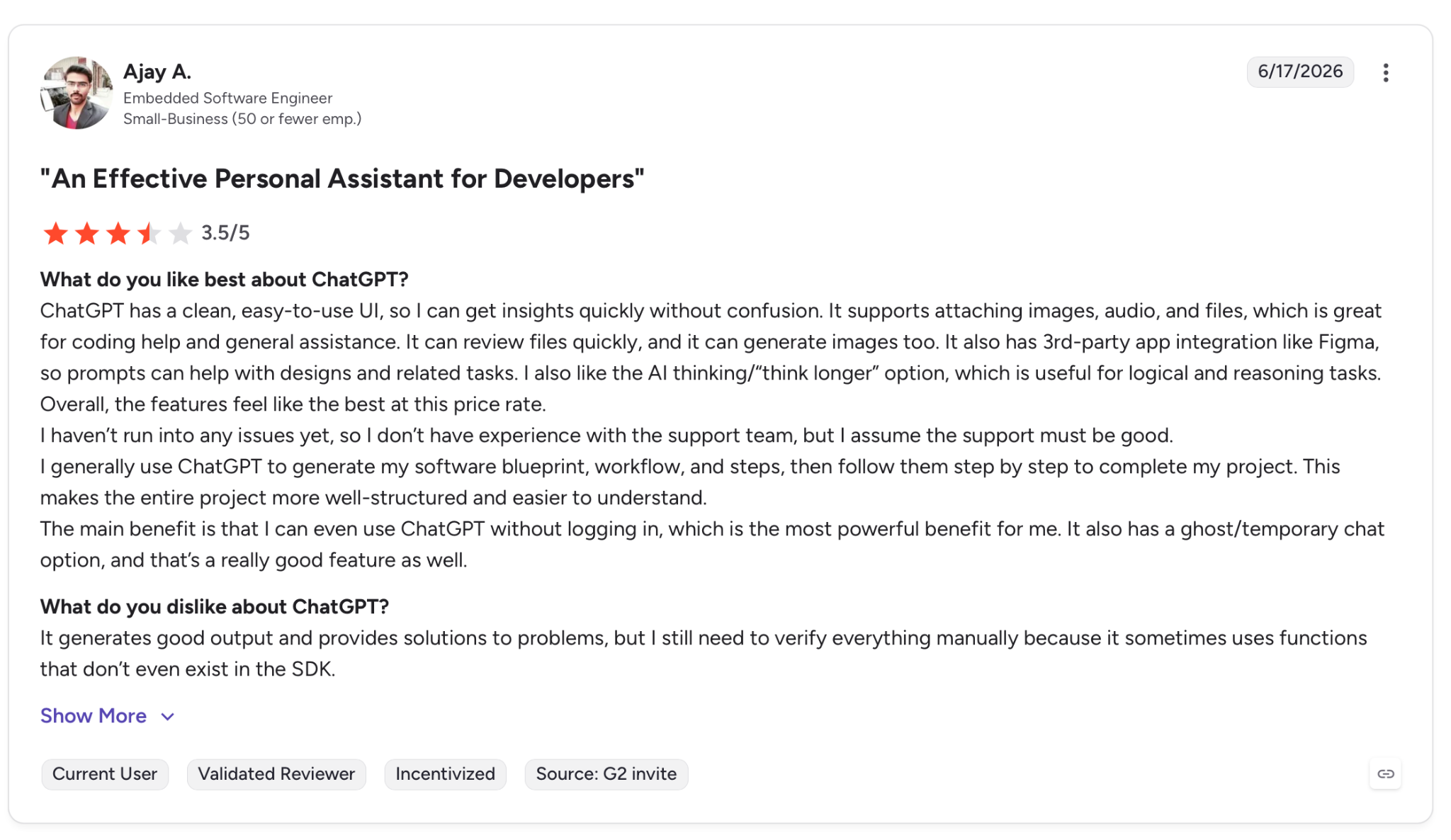
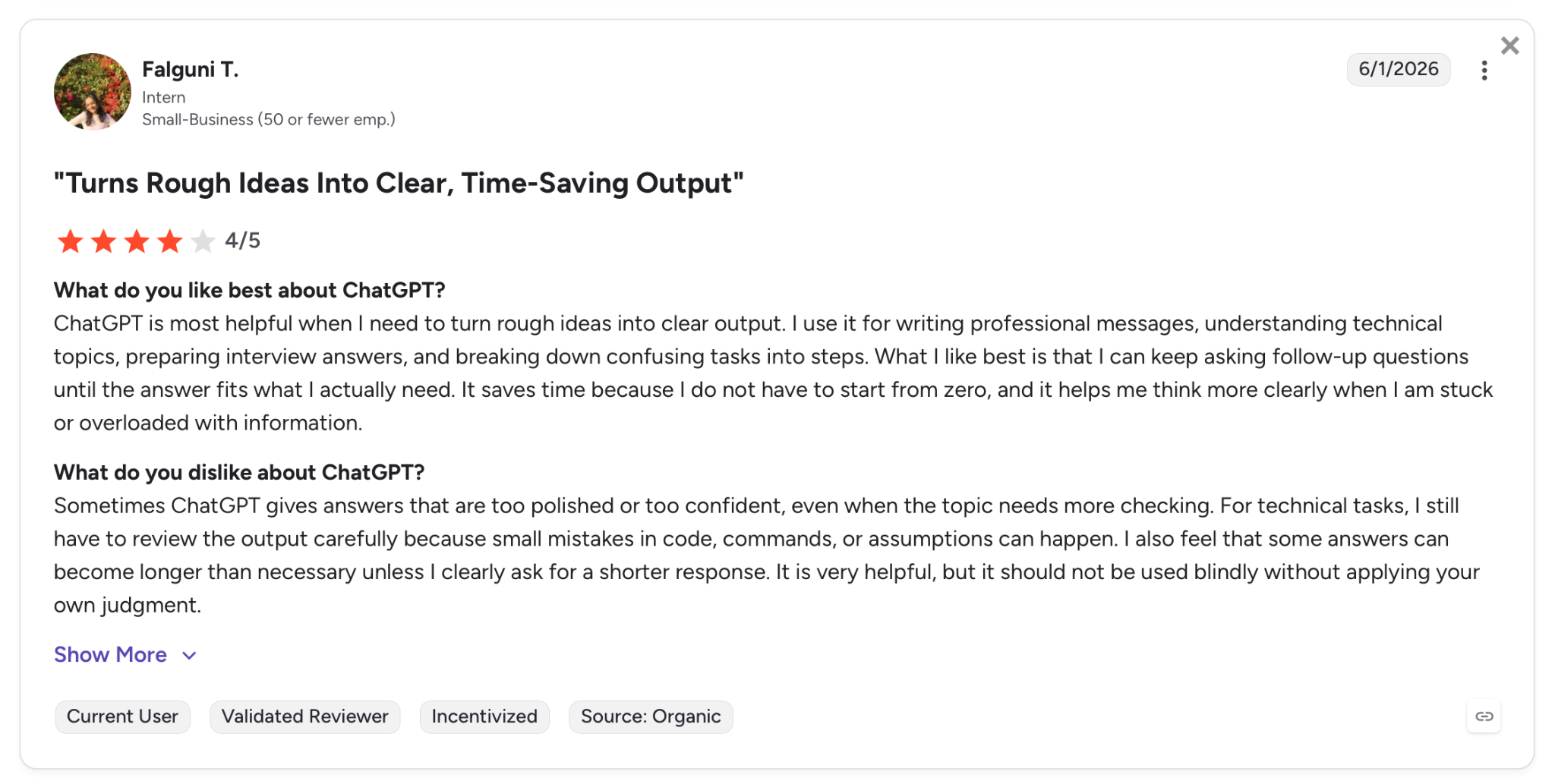
"For technical tasks, I still have to review the output carefully because small mistakes in code, commands, or assumptions can happen." — Falguni T., G2
Pricing
Business runs $20/user/month with access to ChatGPT and Codex, AI for chat, coding, analysis, and integrations with tools like Google Drive and Slack. Pro starts at $100/month with the highest usage limits and priority access to new features. Enterprise pricing is custom.
Bottom Line
ChatGPT fits when the work varies daily. Code one session, a deck the next. Anyone running a single discipline or a project with weeks of accumulated context will hit the memory ceiling faster than expected.
Still deciding between the two? Our Claude vs ChatGPT breakdown gives you an honest side-by-side before you commit.
2. Claude: Best for Long-Context and Depth-Heavy Work
What it does: AI assistant designed for long documents, demanding reasoning, and sustained multi-step tasks, with models ranging from Sonnet 4.6 to the current flagship Opus 4.8.
Best for: Writers, analysts, lawyers, and developers who need a tool that holds precision and voice across long sessions, including the sessions where context stacks up and tone can't drift.
Long-document work I ran through Claude came back with fewer follow-up questions than I expected. In a 74-page contract review, Sonnet 4.6 flagged twelve clauses, grouped them by risk type, and drafted rewrites for four before I asked.
That pattern held on a 60,000-word research corpus I needed to collapse into a single briefing document.
Opus 4.8 is a different level entirely. Effort control lets you dial how hard the model thinks before responding, and on demanding legal and technical tasks, the gap between default and high effort showed up clearly.
Key Features
- Sonnet 4.6 as default: The default model on Free and Pro, with improved computer use. The full 1M-token context window is available through the Claude API and Claude Code on Max, Team, and Enterprise.
- Opus 4.8 for demanding work: Stronger judgment on agentic tasks, faster tool calling, and a fast mode at 2.5x speed.
- Effort control on Claude.ai: Sets how much reasoning the model applies before responding, a direct lever on output quality.
- Claude Code with dynamic workflows: Handles very large-scale coding tasks end to end, consistent enough to run unattended.
Pros and Cons
Pros:
- Sonnet 4.6 and Opus 4.8 handle documents up to 1M tokens in context. That covers contracts, codebases, and research corpora that exceed the context limits of most competitors.
- Effort control on Opus 4.8 lets you tune output quality directly without switching models or rewriting prompts.
- Voice and style consistency across long sessions holds better here than anywhere else I tested, which matters for writing-heavy workflows.
Cons:
- Free tier hits usage limits quickly on heavy tasks. The gap between Free and Pro is wider than on ChatGPT.
- Opus 4.8 at default settings is slower, though fast mode on Pro closes most of that gap.
What Users Say
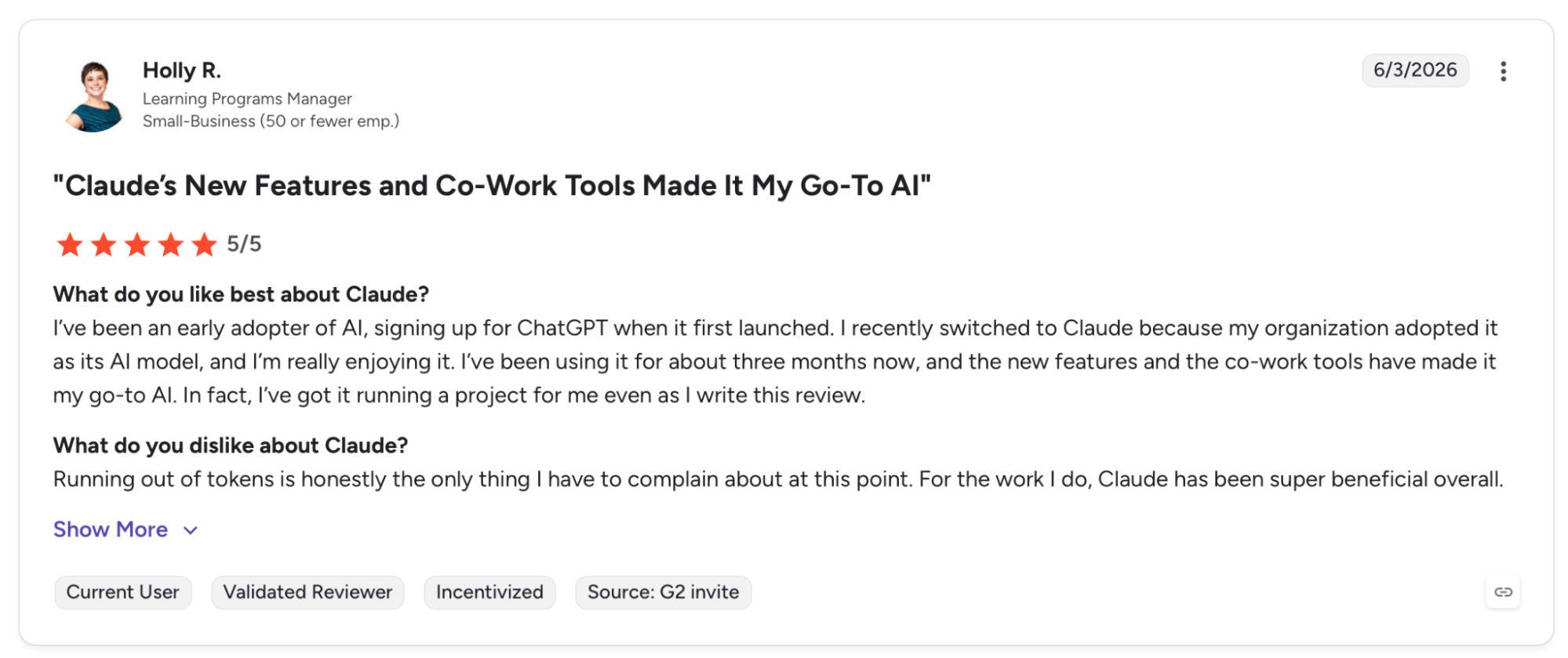
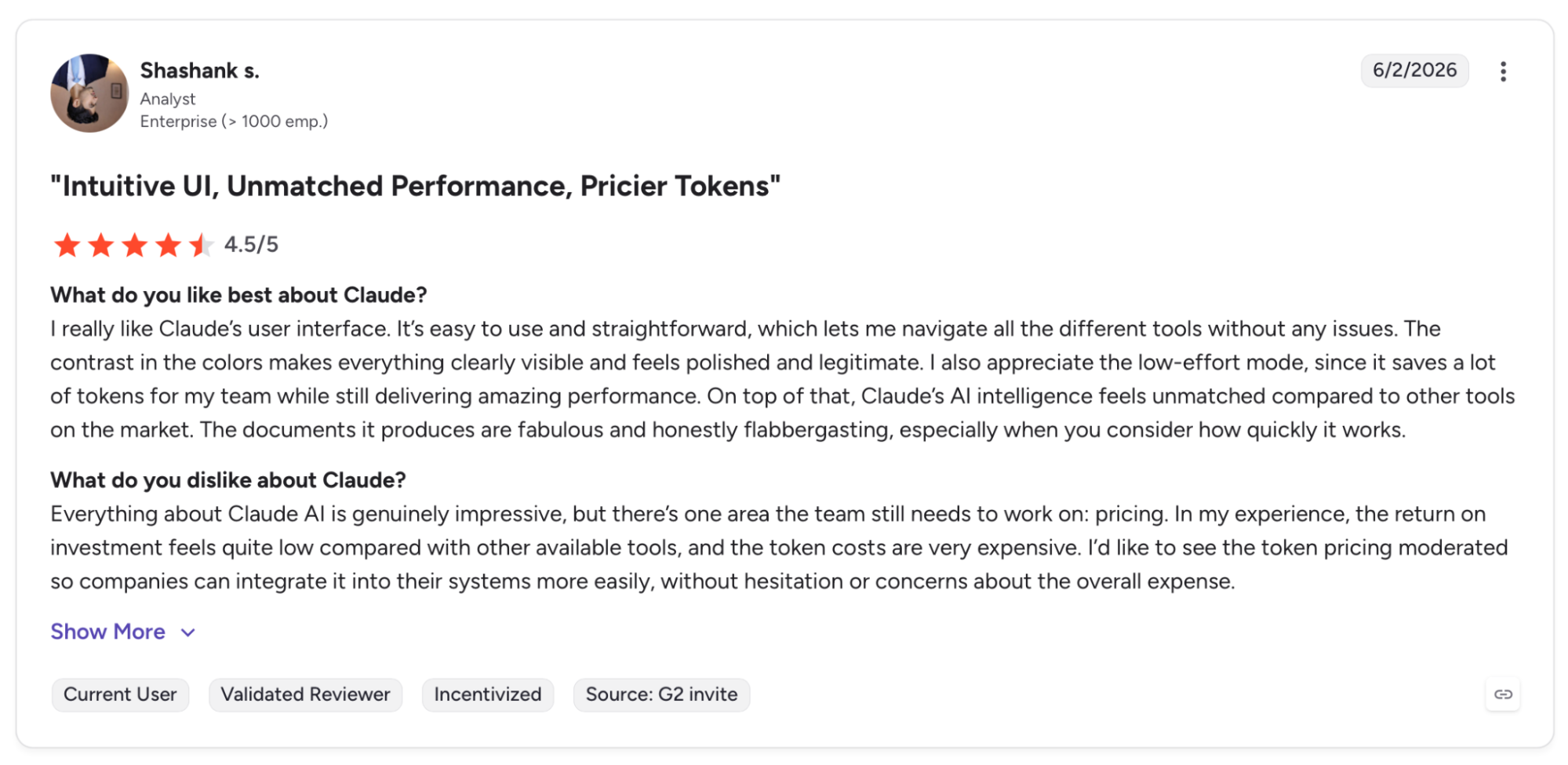
"Everything about Claude AI is genuinely impressive, but there’s one area the team still needs to work on: pricing." — Shashank S., G2
Pricing
Pro runs $20/month with extended thinking, Claude Code access, and research mode. Max starts at $100/month for 5x usage and Opus 4.8 access, scaling to $200/month for 20x.
Bottom Line
Claude is worth the price on the jobs where getting it wrong costs something: long legal documents, large codebases, research that requires real synthesis over simple fact-retrieval. For casual daily use across varied task types, ChatGPT gets there at a lower cost of entry.
3. Perplexity: Best for Fast, Cited Research
What it does: Answer engine that searches the web live, returns cited responses, and runs multi-step Deep Research across hundreds of sources.
Best for: Analysts, journalists, and knowledge workers who need accurate, sourced answers fast and want to verify every claim before using it.
Perplexity changed the first hour of my research project. A competitive brief that previously took three hours of tab-switching came back as a cited synthesis across 40+ sources in under four minutes.
That speed held on financial analysis, product comparisons, and a legal precedent search across three jurisdictions.
Perplexity Labs now generates reports, spreadsheets, dashboards, presentations, and mini-apps from research outputs, but the results need editing, and anything requiring a distinctive voice needs a second tool to finish.
Key Features
- Deep Research: Multi-step reasoning across hundreds of sources with cited outputs, now generating presentations and spreadsheets without leaving the tool.
- Comet Browser: Perplexity's AI-native browser for research and task automation, available on iOS, Android, Mac, and Windows.
- Model Council (Max): Runs three frontier models on the same query simultaneously and compares outputs for a higher-confidence answer.
- Pro Search: Citation-backed answers with live web access and source links visible on every response.
Pros and Cons
Pros:
- Deep Research synthesizes across hundreds of live sources in under five minutes, a task that takes hours manually and that general-purpose AI assistants without live search can't replicate.
- Every answer links its sources inline, making fact-checking a single click rather than a separate research session.
- Comet syncs research context across devices, so a thread started on desktop picks up on mobile without losing where you left off.
Cons:
- Source quality varies. Perplexity pulls from whatever ranks, and low-authority pages occasionally surface alongside credible ones with no signal.
- Deep Research outputs need editing before use in professional contexts. The synthesis is strong, but the prose it wraps around it is flat.
What Users Say
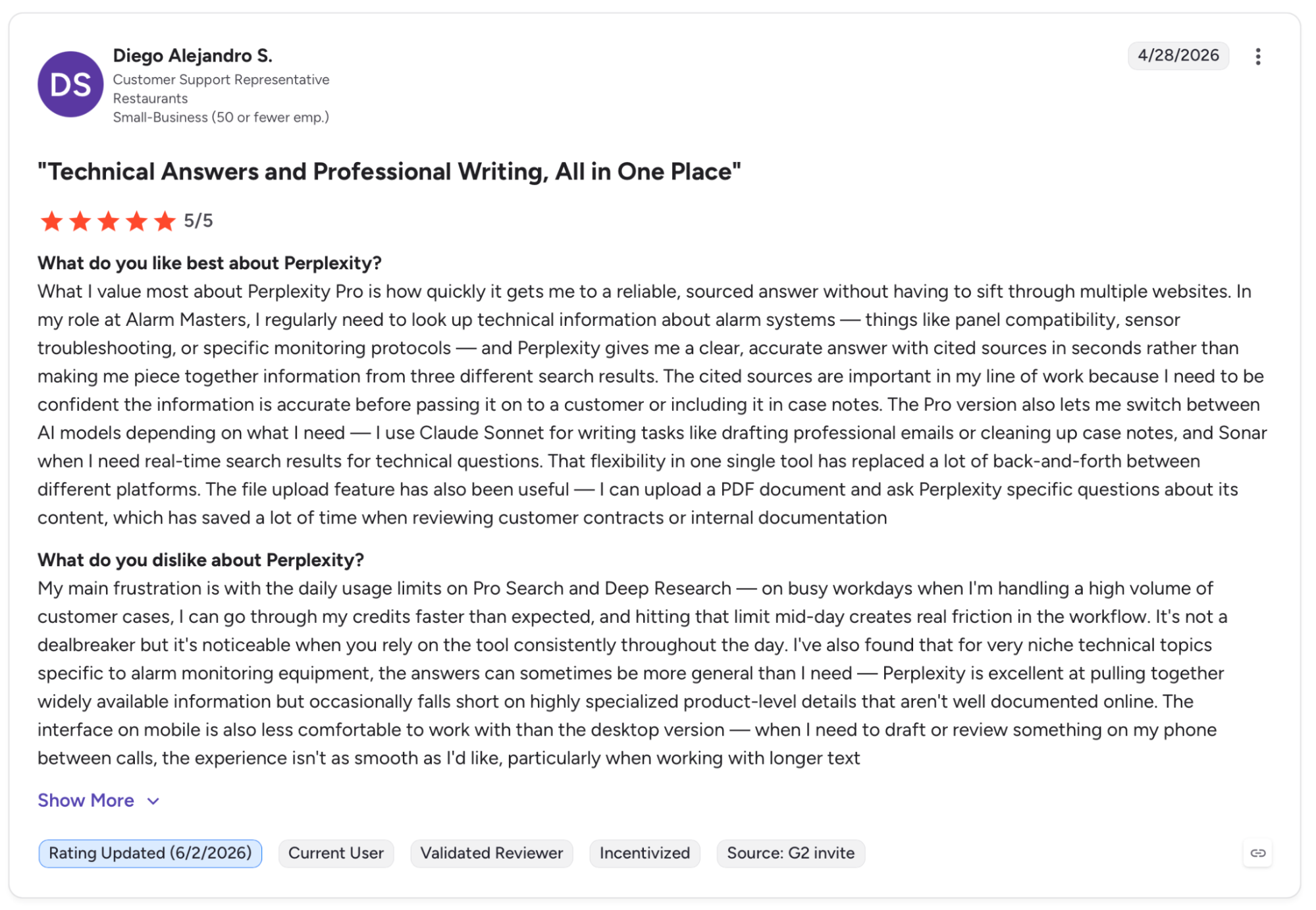
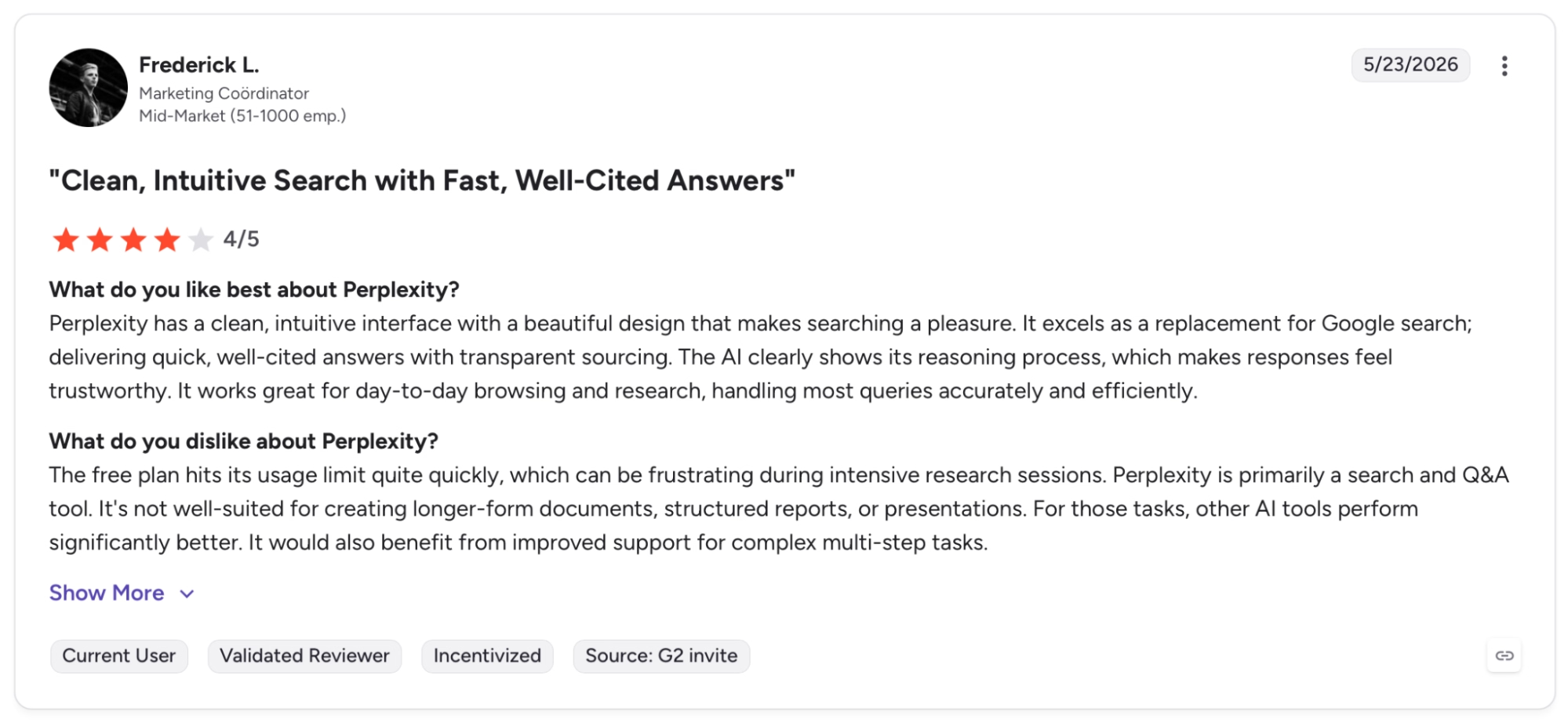
"The free plan hits its usage limit quite quickly, which can be frustrating during intensive research sessions." — Frederick L., G2
Pricing
Enterprise Pro runs $34/user/month billed annually with unlimited Pro Search, Deep Research, and advanced models. Enterprise Max runs $271/user/month and adds Model Council, advanced reasoning models, and Deep Research at any scale.
Bottom Line
For raw speed from question to cited answer, nothing else on this list moves as fast. But a memo, a brief, or final copy built from that output needs work elsewhere.
Still figuring out which one fits your workflow? Our Perplexity vs ChatGPT vs Claude breakdown covers the real differences before you commit.
4. Emergent: Best for Building the Tools Your Business Actually Needs
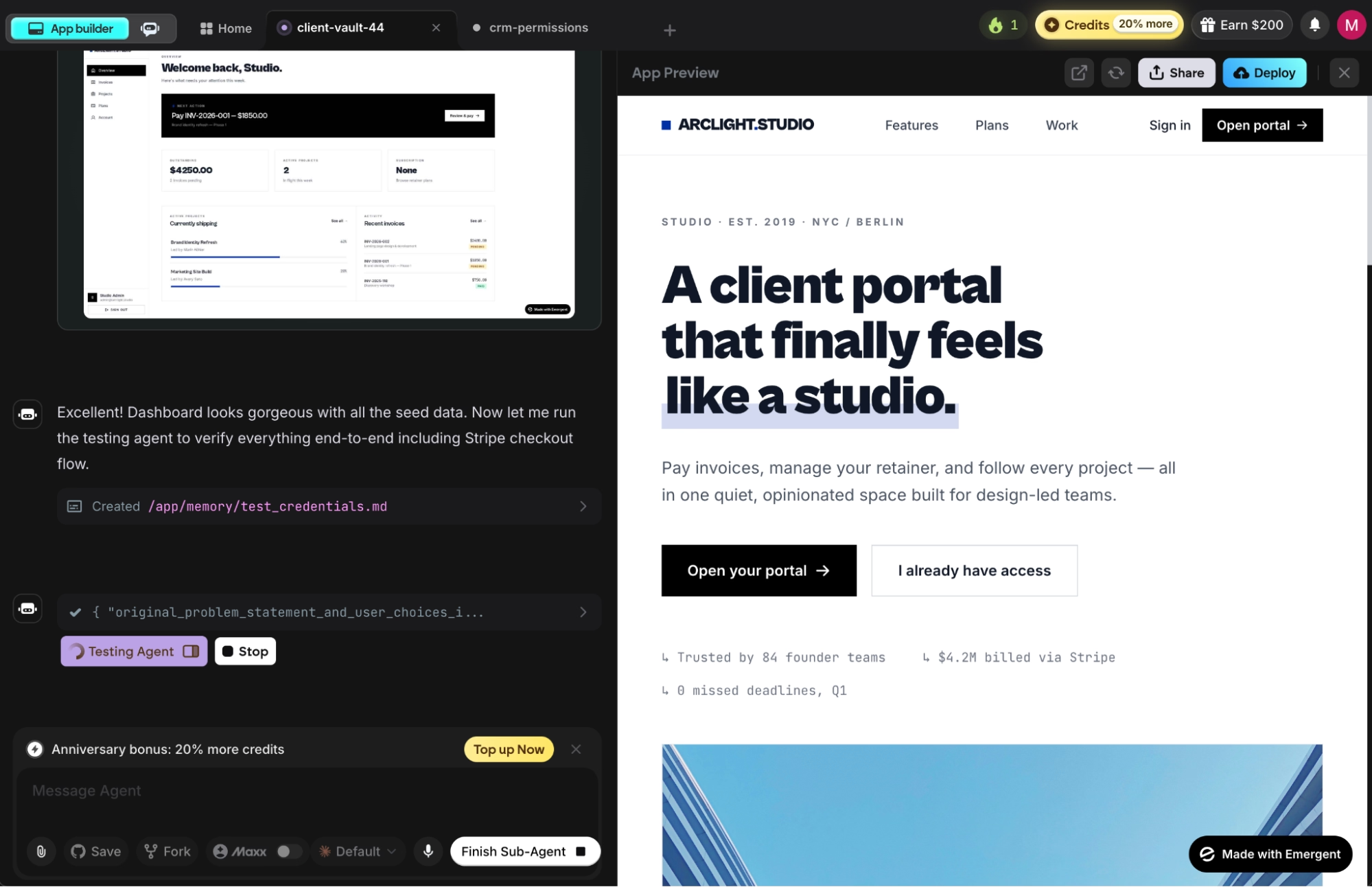
What it does: Agentic coding platform where you describe what you want and specialized agents build, test, and deploy a working web or mobile app, with hosting and Emergent Auth included.
Best for: Non-technical founders, ops teams, and service business owners who need custom software without an engineering team.
Building a client portal on Emergent started with a plain-English description. The result was a working app with sign-in, a database, and a Stripe integration added on request.
The app was ready when it went live, and specialized agents had already caught three bugs during the build. After a few deployment cycles, the preview database drifted from the live version with no merge path.
Key Features
- Multi-agent architecture: Specialized agents handle the full build in parallel as a coordinated system, which reduces regressions as apps grow.
- Live app monitoring: Analytics, health checks, error logs, and mobile alerts run automatically on every deployed app.
- Automated bug testing: The testing layer catches regressions before they ship, so large builds stay stable as you iterate.
- Universal LLM Key: Plug Claude, GPT, or Gemini into your app using Emergent credits without needing your own API keys.
Pros and Cons
Pros:
- Shortest path from idea to deployed app. Design, code, testing, and deployment are handled without a developer on the team.
- Automated regression testing runs on every build, which is the feature that keeps larger, multi-layered apps stable over time.
- Code exports to GitHub on Standard and above, so you own the codebase and can move it to any hosting provider later.
Cons:
- Prompt quality matters. Vague descriptions produce vague apps, and fixing them means rewriting the prompt, not tweaking the output.
- After three or four deployment cycles, the preview database can diverge from the live version with no merge option, only replace or revert.
What Users Say
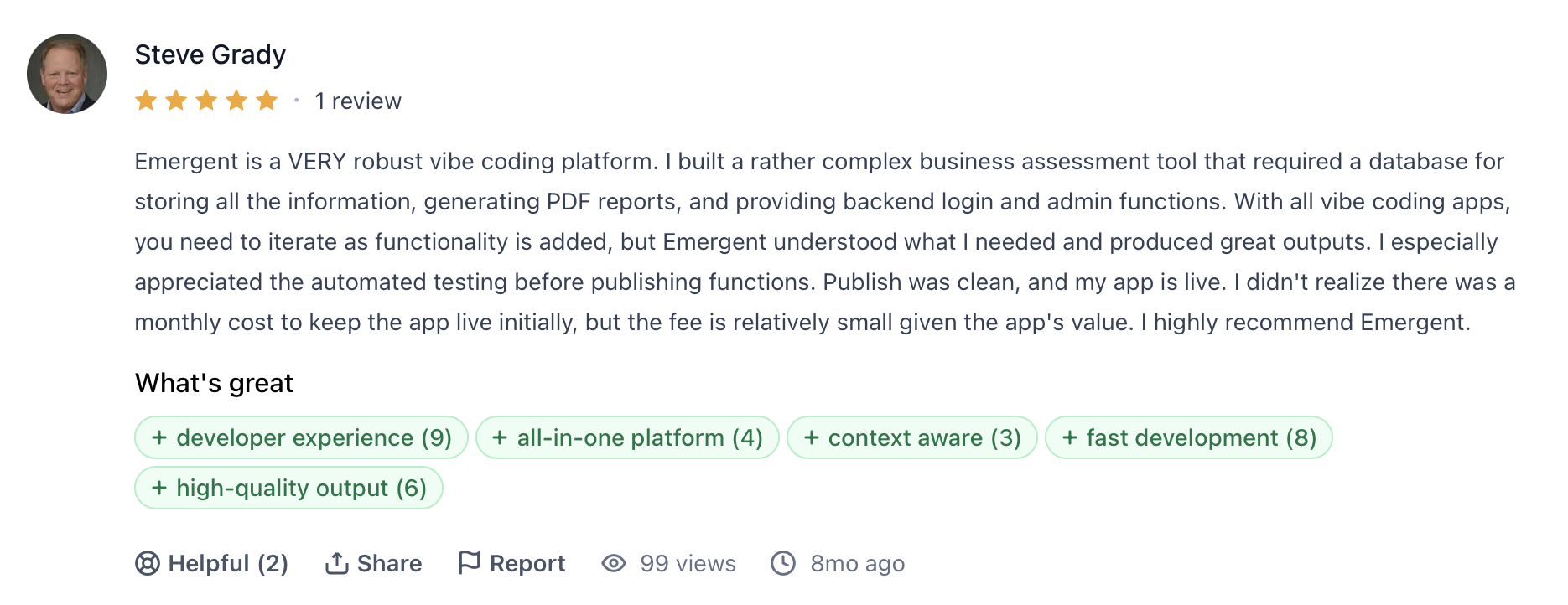
"I built a rather complex business assessment tool that required a database for storing all the information, generating PDF reports, and providing backend login and admin functions." — Steve Grady, Product Hunt
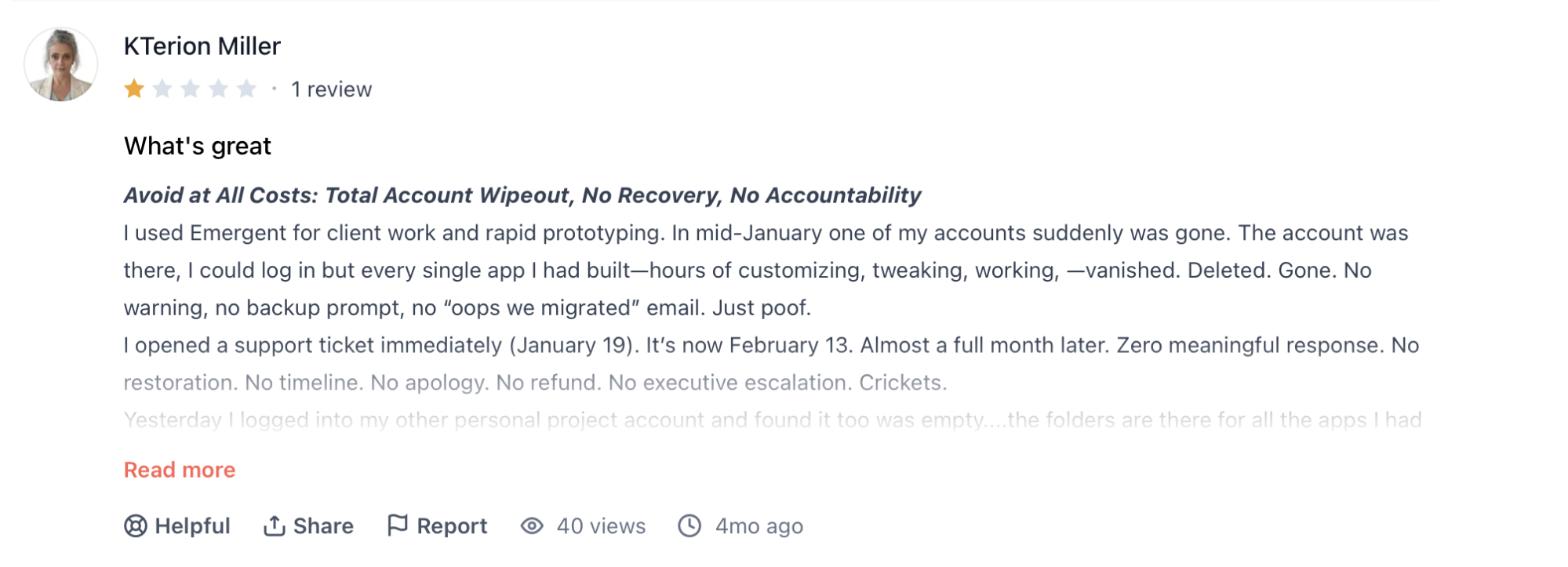
"I used Emergent for client work and rapid prototyping. In mid-January, one of my accounts suddenly was gone." — KTerion Miller, Product Hunt
Pricing
Standard starts at $20/month for 100 credits, GitHub sync, and unlimited projects, or $17/month billed annually. Pro runs $200/month with 750 credits, a 1M context window, Max mode, and custom agent creation.
Bottom Line
Emergent is the answer when the software your business needs doesn't exist yet, and a developer isn't in the budget.
For ops teams replacing point solutions or founders shipping client-facing tools without an engineer, Emergent tends to be faster and cheaper than patching together a stack of SaaS subscriptions to cover the same ground.
5. Notion AI: Best for Teams Already Living in Notion

What it does: AI layer inside Notion's workspace that searches across connected apps, runs recurring tasks via agents, transcribes meetings, and assists with writing and analysis inside the same environment where work lives.
Best for: Teams that already use Notion as their primary workspace and want AI that works within their existing context rather than as a separate tool.
Three months into using Notion AI daily, the thing that stuck was Enterprise Search. I stopped hunting through Slack threads and GitHub issues and started asking Notion, which pulled answers from wherever they lived across six connected apps.
The Agent feature took that further. Setting it up once for weekly status summaries ended the habit of writing them by hand. Notion Agent completes steps reliably, but when the underlying data is ambiguous, it doesn't flag the problem. The output just looks done.
Key Features
- Notion Agent: Completes multi-step tasks using context from your workspace, connected apps, and the web, available on Business and above.
- AI Meeting Notes: Transcribes meetings and automatically generates follow-ups, with no external bot or integration required.
- Enterprise Search: Searches across Slack, GitHub, Asana, and other connected apps from inside Notion, surfacing answers without switching tools.
- Custom Agents: Run recurring workflows on a schedule and apply them across the whole team, billed per 1,000 AI credits.
Pros and Cons
Pros:
- Enterprise Search pulls answers from connected apps without leaving Notion, which cuts the tab-switching that breaks focus.
- AI Meeting Notes transcribes and summarizes without a separate bot, so meeting context stays where the rest of the work is.
- Custom Agents run recurring workflows on schedule. Set them up once, and every team member stops doing the same manual steps each week.
Cons:
- Notion Agent works well on retrieval and structured tasks. Judgment-heavy work produces output that looks complete but needs close review.
- Full AI features, including Agent and Meeting Notes, are gated on Business, two plan tiers above Free for new users.
What Users Say
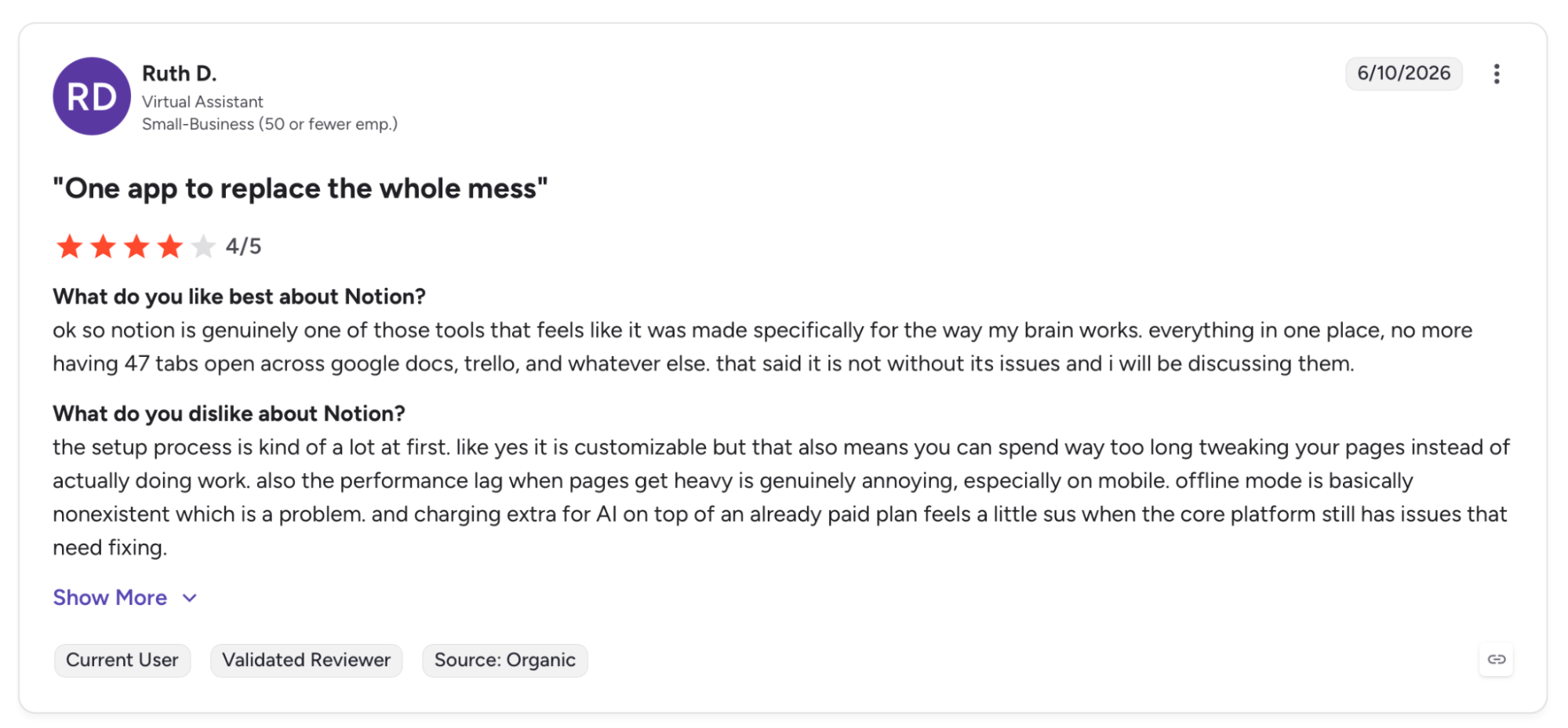
"Everything in one place, no more having 47 tabs open across Google Docs, Trello, and whatever else." — Ruth D., G2
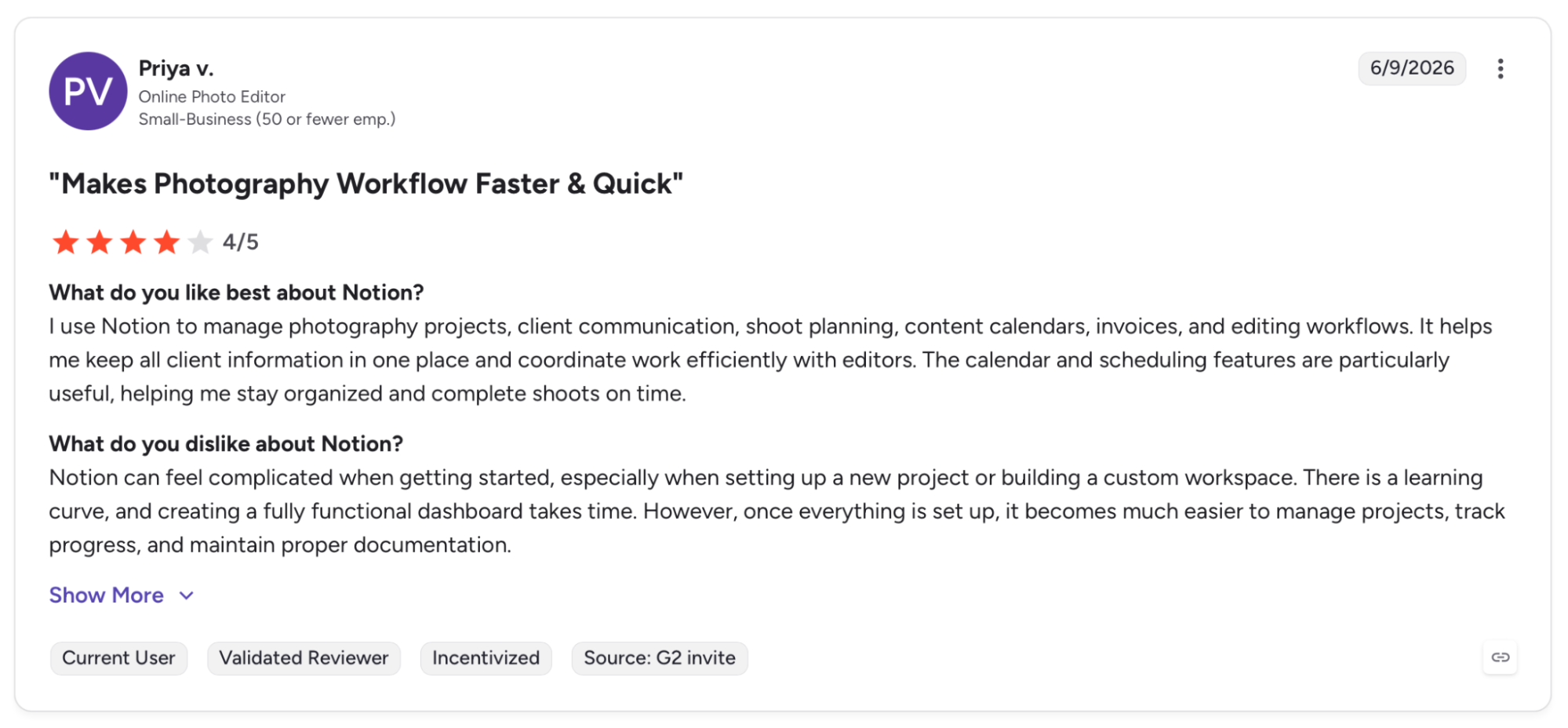
"Notion can feel complicated when getting started, especially when setting up a new project or building a custom workspace." — Priya V., G2
Pricing
Plus starts at $12/user/month ($10 annually) with trial AI access, unlimited collaboration, and basic connections. Business at $24/user/month ($20 annually) unlocks Notion Agent, AI Meeting Notes, Enterprise Search, and SAML SSO.
Bottom Line
Notion AI clicks when the team already lives in Notion and wants the AI working inside that context, not as a separate tab to open alongside it. Starting from scratch or working across tools that don't connect to Notion? Claude handles the document-heavy lifting; ChatGPT covers the broader daily mix.
6. ClickUp: Best for AI-First Project Management
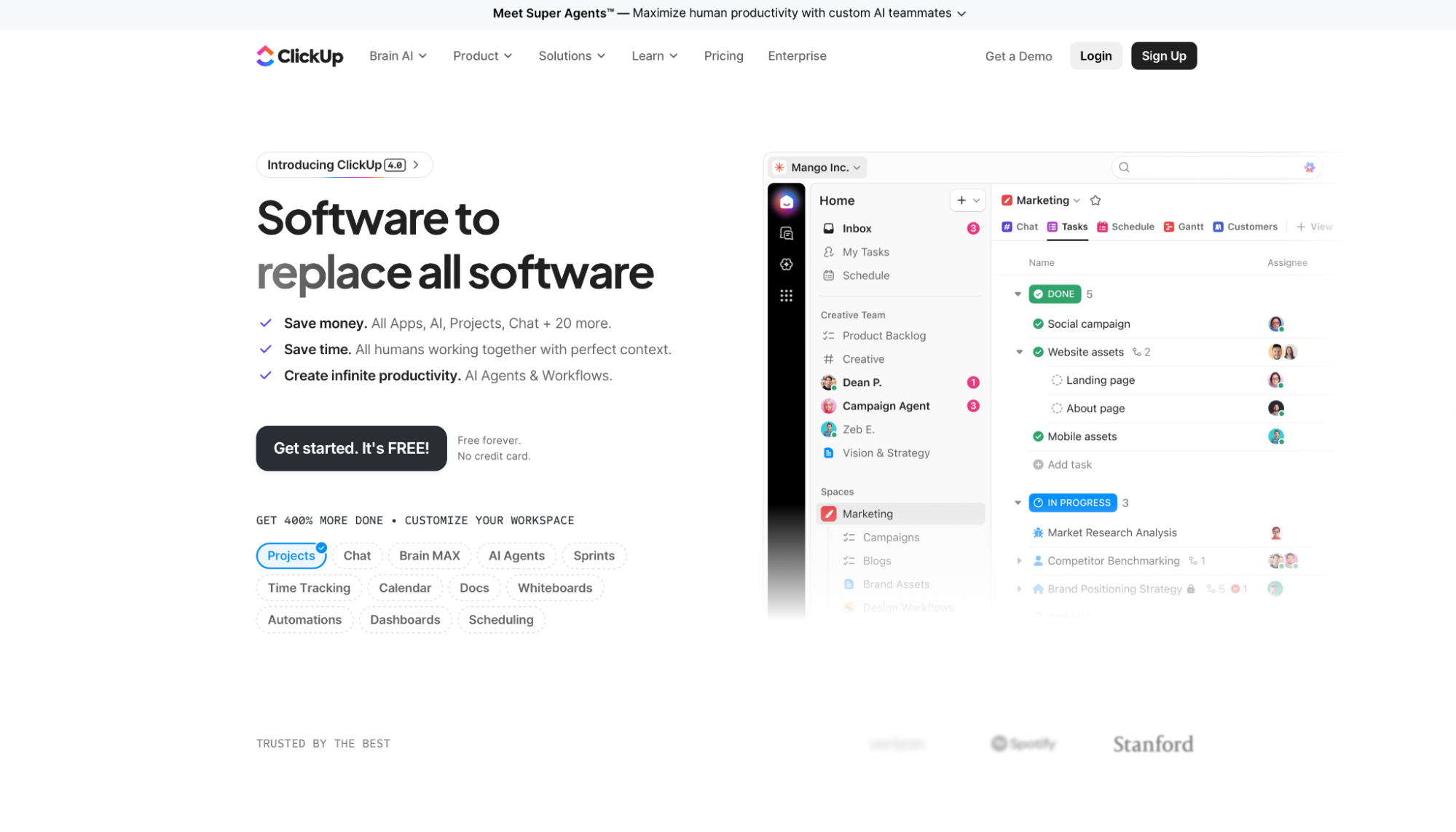
What it does: Work management platform that runs AI through tasks, automations, docs, and team communication, with Super Agents acting as persistent AI teammates across your workspace.
Best for: Teams managing several concurrent projects who want AI that improves over time as it accumulates context about how the team works.
ClickUp is the only tool on this list where I had to schedule time to learn it before I could use it. Two weeks in, the payoff was clear.
Super Agents ran standup summaries, automations moved tasks through review without anyone touching them, and Brain answered project history questions that used to mean a Slack hunt.
In my testing, the tendency is to configure what you need on day one and leave the rest untouched, which means the most valuable features never get configured. Getting there requires configuration that lighter tools simply don't ask for.
Key Features
- Super Agents: AI teammates that run workflows and handle demanding tasks with persistent memory across your workspace.
- ClickUp Brain: Connects tasks, docs, and conversation history to answer questions and generate updates without leaving the platform.
- Brain MAX: Runs Claude, ChatGPT, and Gemini inside ClickUp for search, deep reasoning, and content generation across your work.
- AI Notetaker: Transcribes meetings and generates summaries and action items linked directly to the relevant tasks.
Pros and Cons
Pros:
- Super Agents carry persistent memory across your workspace. The longer the team uses them, the more context they've built up and the less manual setup each task needs.
- Brain MAX brings Claude, ChatGPT, and Gemini inside ClickUp, removing the need to switch to a separate AI tool for deep reasoning.
- Automations and AI Fields handle task state updates, progress summaries, and workflow routing without manual intervention at each step.
Cons:
- Setup overhead is substantial. Getting meaningful value from Super Agents and Brain requires configuration time that simpler tools don't demand.
- The interface shows you everything ClickUp can do at once. That first week is disorienting, and there's no shortcut: you need to commit to a real setup.
What Users Say
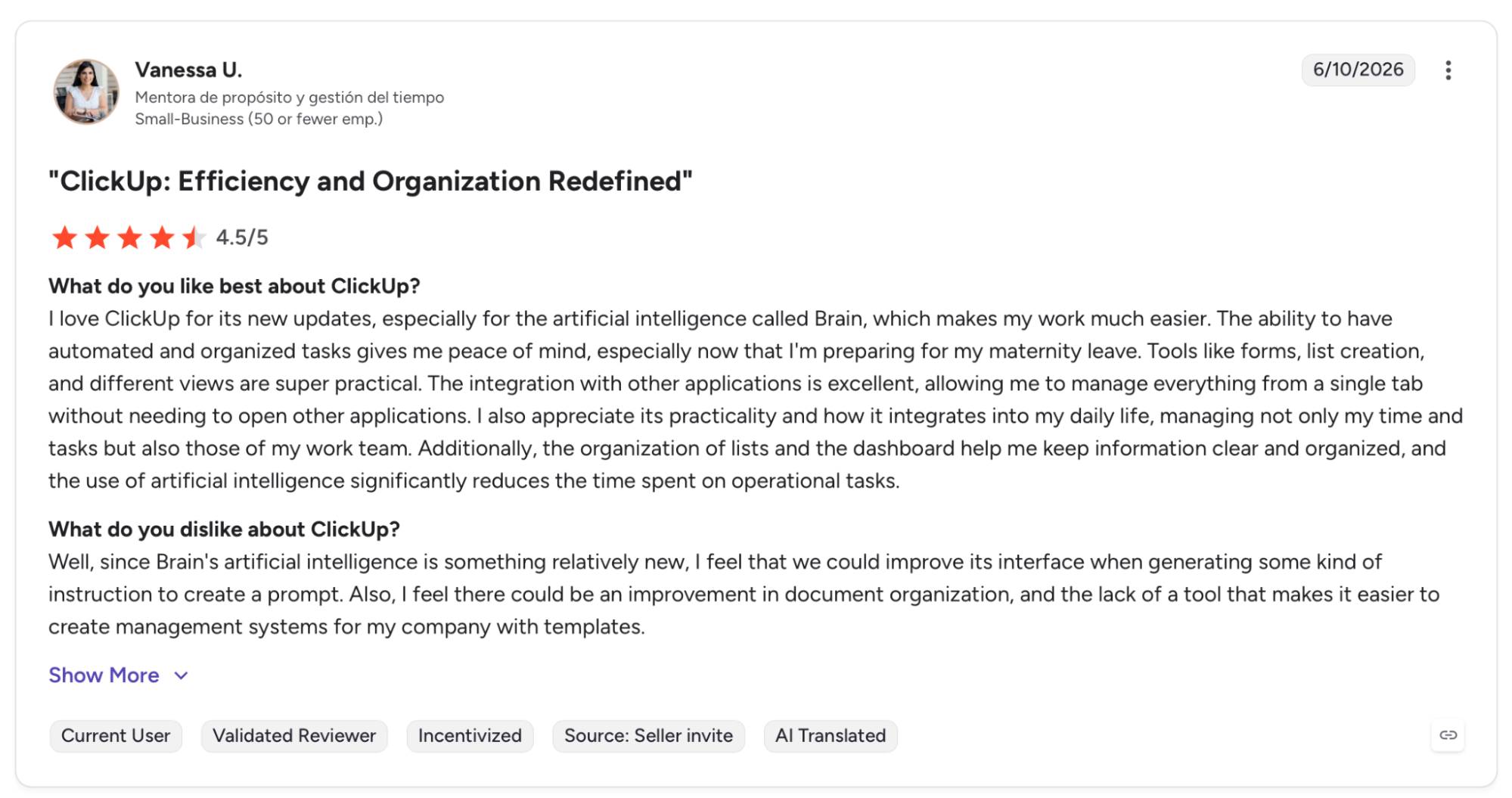
"I love ClickUp for its new updates, especially for the artificial intelligence called Brain, which makes my work much easier." — Vannesa U., G2
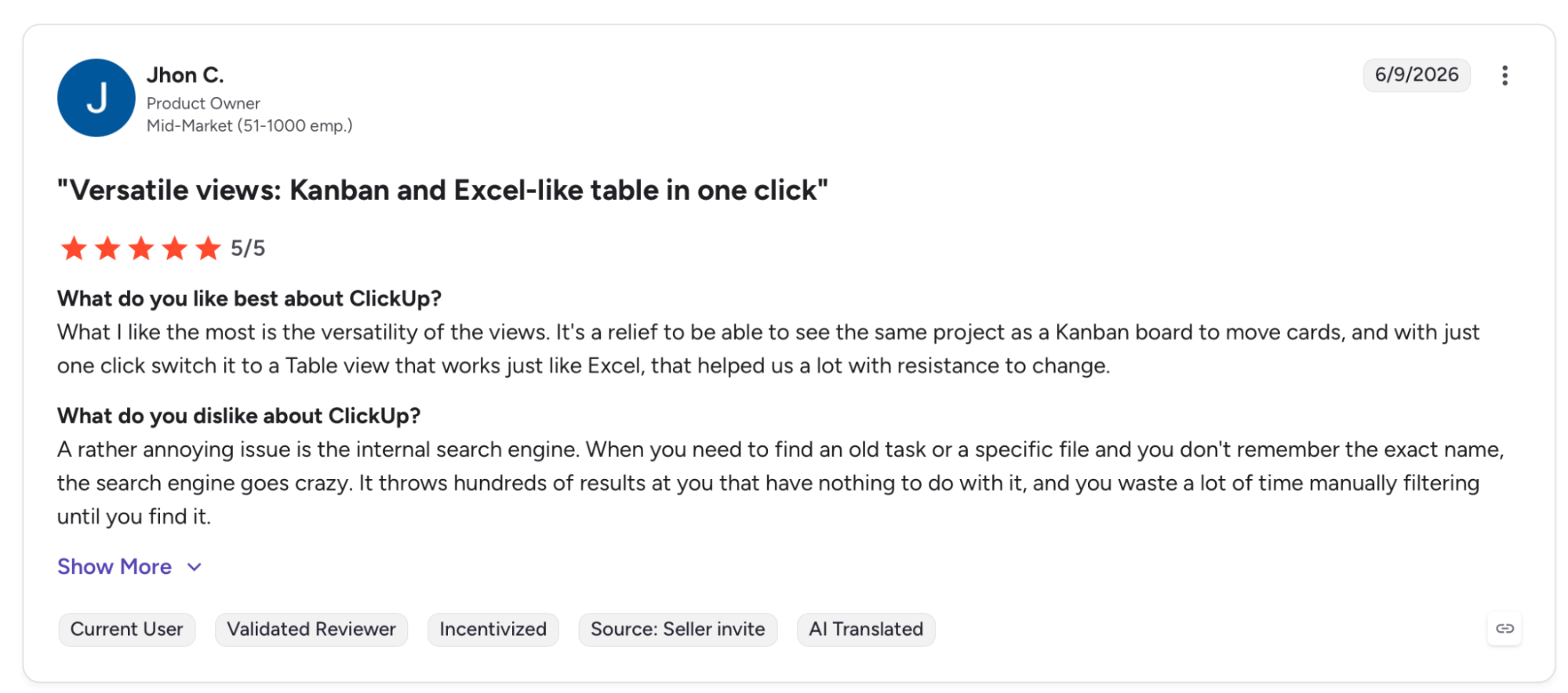
"When you need to find an old task or a specific file and you don't remember the exact name, the search engine goes crazy." — Jhon C., G2
Pricing
Unlimited starts at $10/user/month (billed monthly; $7/user/month annually), with unlimited storage, integrations, and dashboards. Business at $12/user/month annually adds advanced automations, timeline views, and Google SSO.
ClickUp Brain is a separate add-on at $9/user/month, available across all plans.
Bottom Line
ClickUp delivers the deepest AI-layered project management on this list, but only after the team invests time in setting it up properly. Small teams or anyone who needs something running in a day will get there faster with Notion AI or a standalone task tool.
7. Otter.ai: Best for Turning Meetings Into Searchable Knowledge
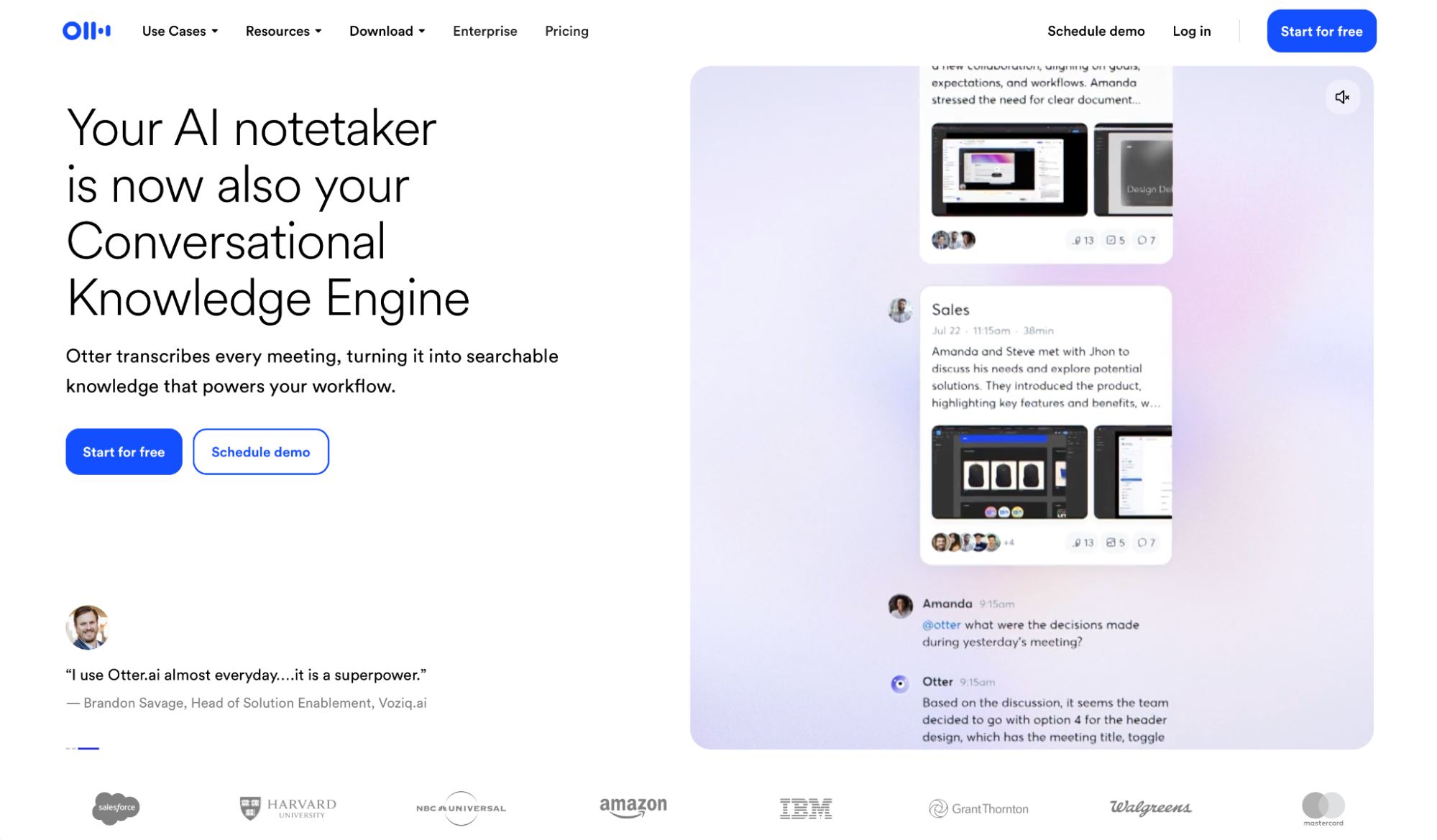
What it does: AI meeting assistant that joins calls automatically, transcribes live, generates summaries and action items, and lets you search across your entire meeting history through AI Chat.
Best for: Sales teams, distributed teams, and anyone whose decisions live in meetings and who needs those decisions to be searchable rather than lost in recordings.
Forty-seven meetings in two months, and I stopped writing notes after the first week. Otter joined every call automatically, identified speakers correctly across Zoom and Google Meet, surfaced action items in a searchable transcript, and pushed a summary to Slack before the recording ended.
Otter AI Chat changed how I use it. Instead of hunting through a specific recording, I ask across the full history and get the answer with the original meeting attached.
Speaker accuracy degrades on noisy calls, and the 1,200-minute monthly cap on Pro is tight for heavy meeting schedules.
Key Features
- OtterPilot: Auto-joins Zoom, Google Meet, and Teams, identifies speakers, and delivers searchable transcripts with no per-meeting setup.
- Otter AI Chat: Searches your entire meeting history and surfaces answers with the source conversation linked.
- AI Meeting Workflows: Custom templates that extract data points, generate follow-ups, and route action items automatically after each call.
- CRM sync: Pushes notes and action items to Salesforce and HubSpot automatically, capped per user on Pro and unlimited on Business.
Pros and Cons
Pros:
- Auto-join across Zoom, Google Meet, and Teams works without configuring each platform separately, which is where many meeting tools lose time.
- Otter AI Chat turns every transcript into a searchable knowledge base where you can ask what was decided, who said it, and when.
- Salesforce and HubSpot sync on Pro and Business removes the manual step of moving meeting notes into the CRM after each call.
Cons:
- Speaker identification degrades on calls with overlapping voices or background noise, which is when accurate attribution matters most.
- The 1,200-minute monthly cap on Pro runs out fast for teams averaging more than three hours of meetings per day.
What Users Say
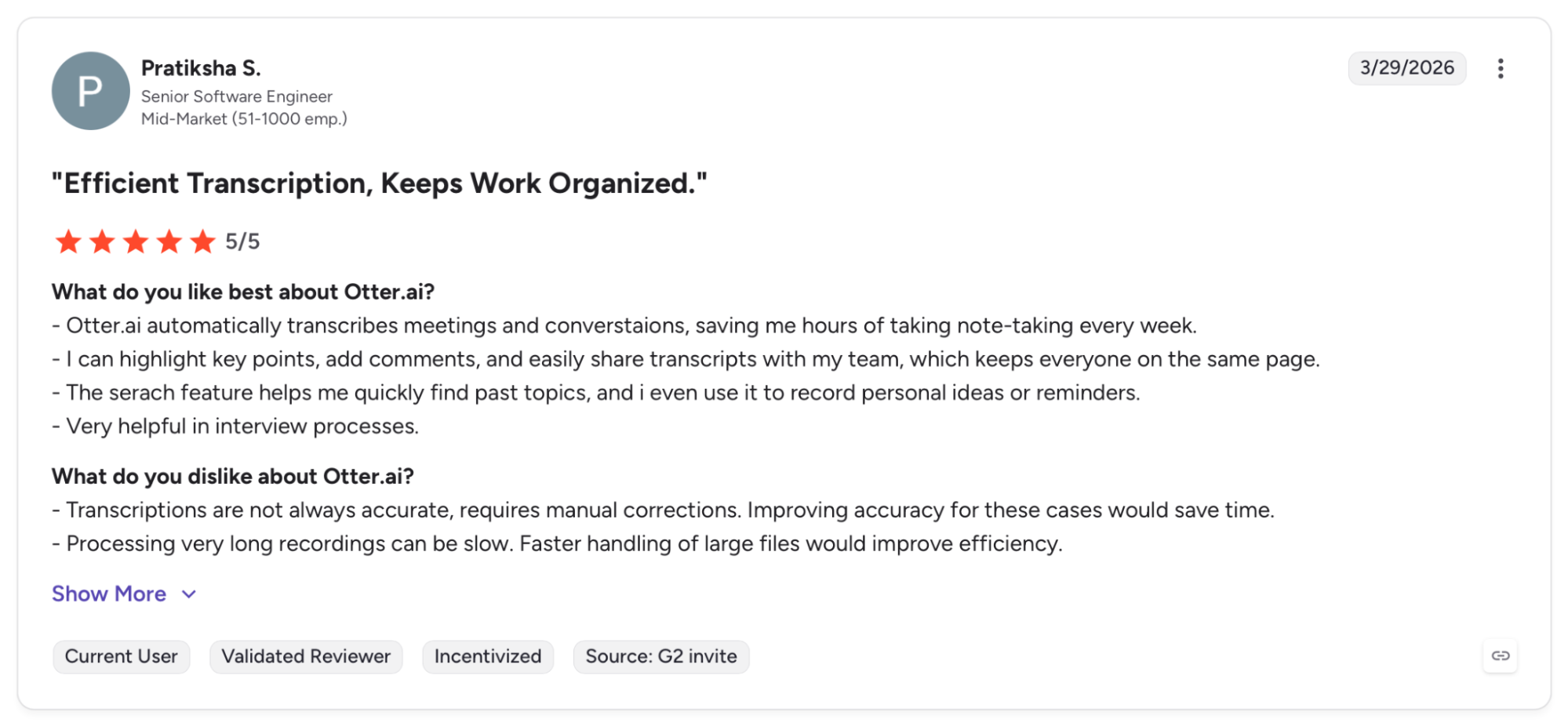
"Otter.ai automatically transcribes meetings and conversations, saving me hours of taking note-taking every week." — Pratiksha S., G2
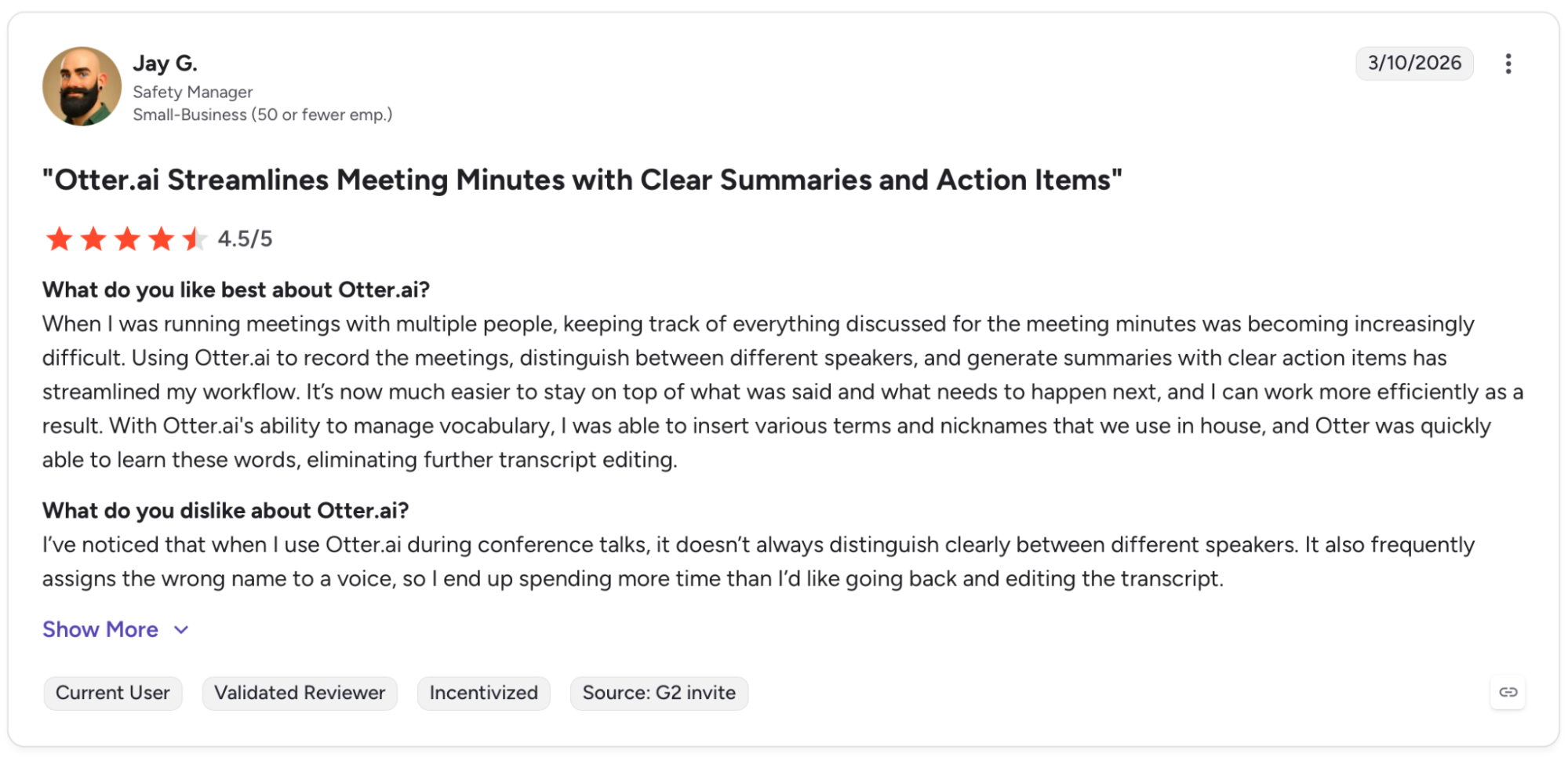
"I’ve noticed that when I use Otter.ai during conference talks, it doesn’t always distinguish clearly between different speakers." — Jay G., G2
Pricing
Pro runs $16.99/user/month billed monthly ($8.33/user/month billed annually). It includes 1,200 transcription minutes, advanced templates, and Salesforce and HubSpot integration.
Bottom Line
Otter pays off when decisions happen in calls, and the team needs to find them later. If your meeting load is light or you're already on ClickUp AI Notetaker, the overlap is hard to justify.
8. Grammarly: Best for Consistent, High-Quality Written Communication
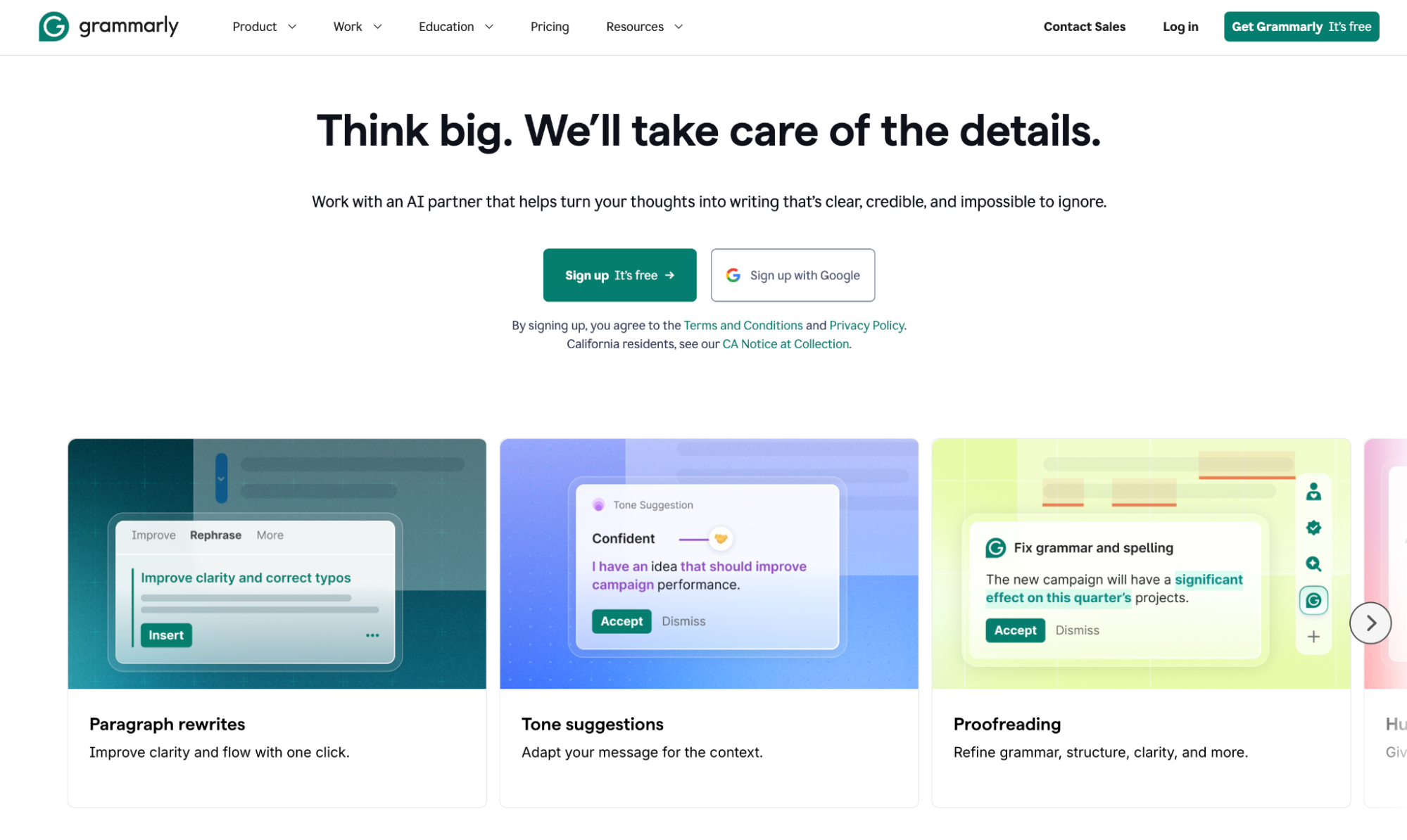
What it does: AI writing assistant that catches grammar, clarity, and tone issues across every app you write in, with team features for brand voice consistency and AI agents for audience analysis.
Best for: Customer-facing teams, content teams, and organizations where written communication quality directly affects how the brand is perceived.
Writing quality is the one thing that quietly degrades until someone notices. Running a 3,000-word client proposal through Grammarly Pro before sending it would have been three rounds of revision.
It flagged tone mismatches, applied clarity fixes, and caught two phrases that read as condescending that I'd missed. That's its strongest lane.
Reader Reactions goes further, predicting how a specific audience will receive the piece before it goes out. The output from AI prompts lands closer to serviceable than distinctive, and anything with a strong voice needed a second pass.
Key Features
- Full-sentence rewrites: Rewrites sentences for clarity, concision, or tone with one click, available across most web apps via the browser extension.
- Style guide and Brand tones: Style guide enforces terminology rules in real time; Brand tones keep the team's voice consistent across contexts, both configured once in Pro.
- Reader Reactions: Predicts how a specific audience will respond emotionally to a piece, flagging sections likely to land wrong.
- AI Detector and Plagiarism Checker: Scans for AI-generated content and unoriginal phrasing, included with Pro's AI prompt allowance.
Pros and Cons
Pros:
- Works across most web apps without switching windows, so corrections happen in the tool you're already in.
- Style guide and Brand tones enforce consistent terminology across the team with no manual review step required.
- Reader Reactions flags emotional mismatches before you send, cutting the back-and-forth on high-stakes client and executive communication.
Cons:
- AI generation output is competent but generic. Writing that calls for a distinct voice needs a human pass after Grammarly.
- Deep editing features cover one layer well. Teams that also need research or document creation will reach for a second tool.
What Users Say
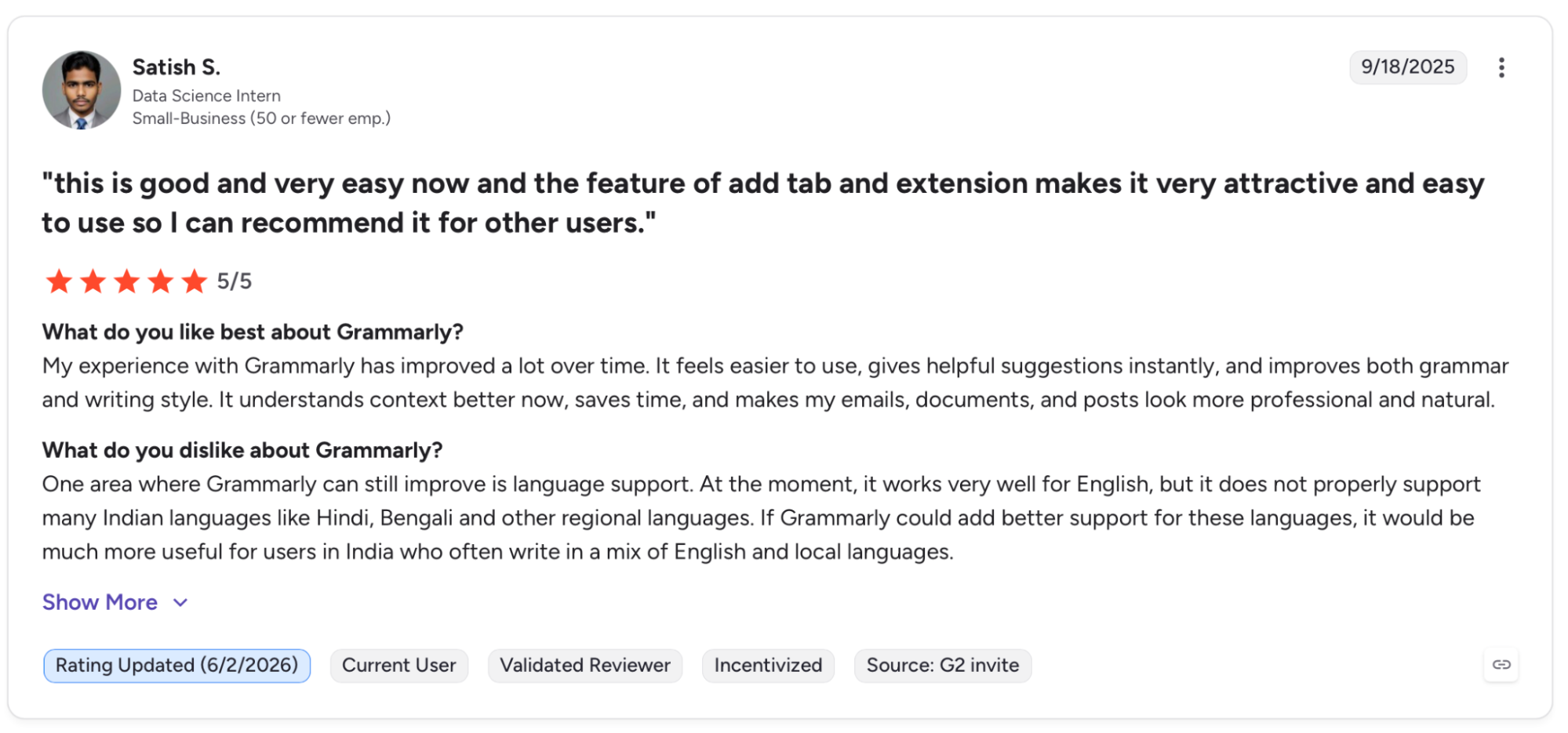
"It feels easier to use, gives helpful suggestions instantly, and improves both grammar and writing style." — Satish S., G2
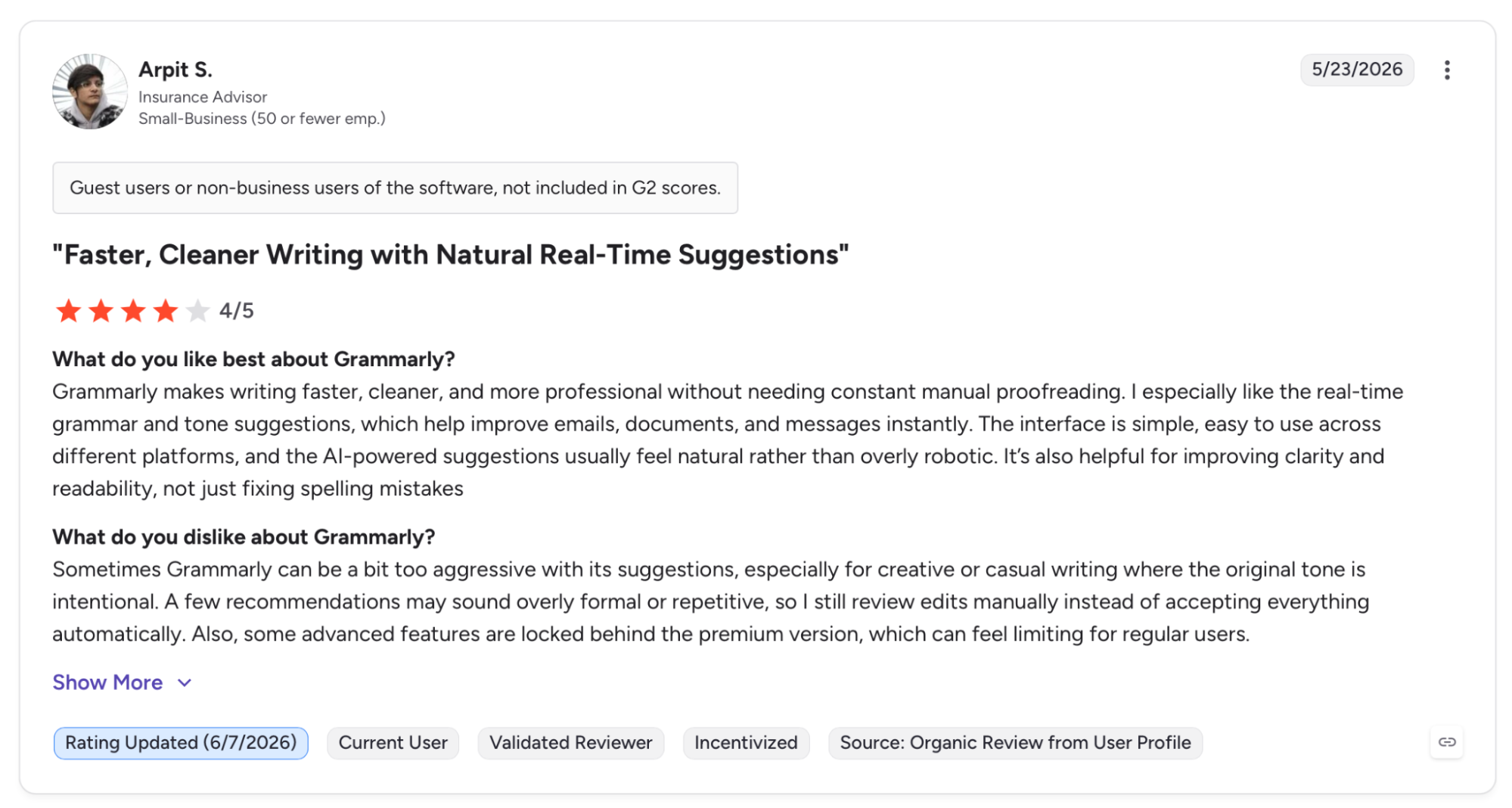
"Sometimes Grammarly can be a bit too aggressive with its suggestions, especially for creative or casual writing where the original tone is intentional." — Arpit S., G2
Pricing
Pro runs $12/month billed annually ($144/year), or $30 month-to-month, with the same feature set.
Bottom Line
Grammarly does its best work at team scale, where brand voice drift across writers is a real cost, and Reader Reactions adds a pre-send gut check. If you're a solo writer with strong instincts, Claude holds voice better across long sessions; ChatGPT covers more ground at a lower entry cost.
9. Gamma: Best for Fast, Polished Presentations
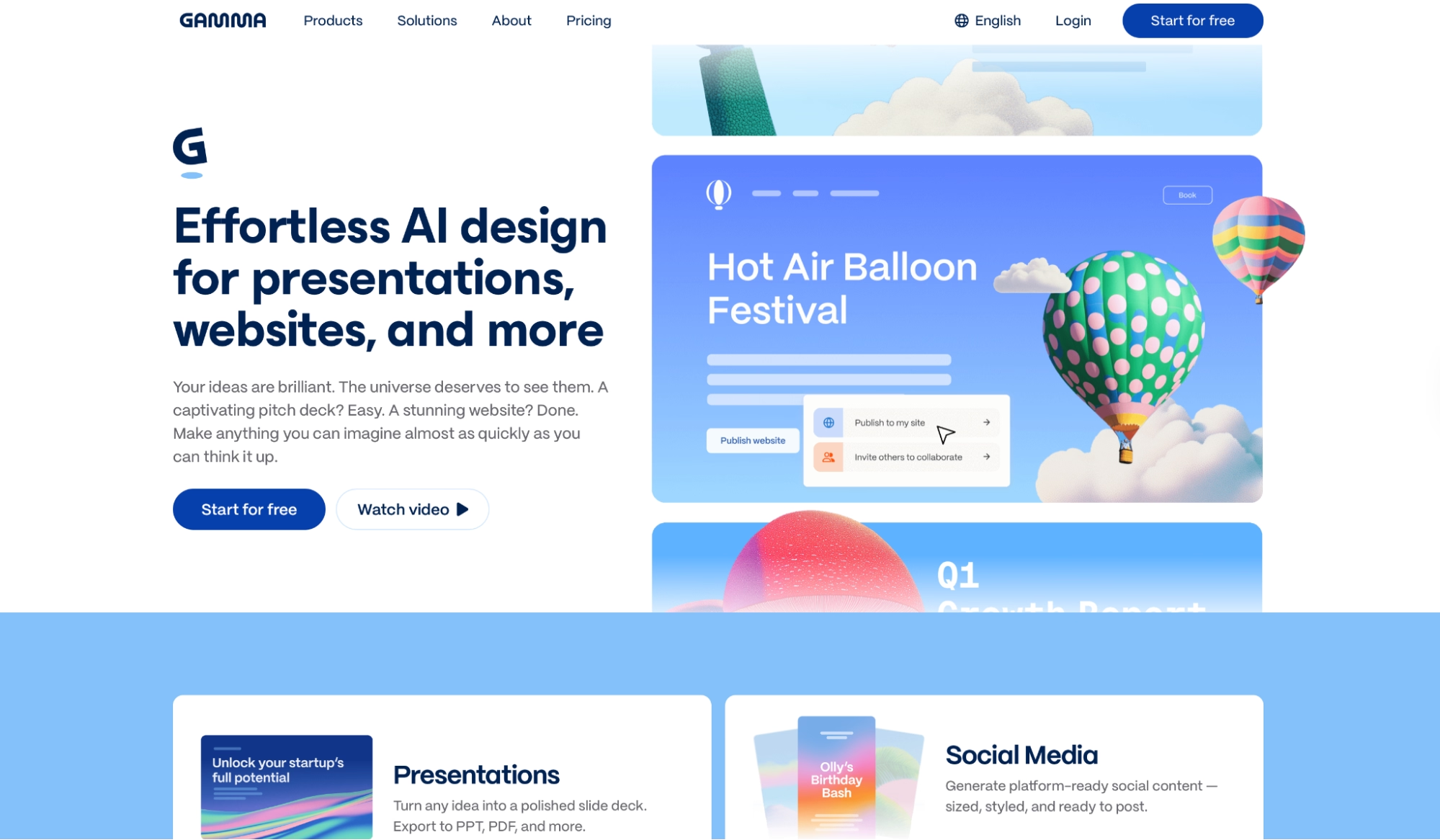
What it does: Presentation and document creator that generates full visual decks from a prompt or imported content, with an AI agent that edits through conversation.
Best for: Consultants, sales teams, and knowledge workers who need polished decks quickly and want to skip the blank-slide phase entirely.
Presentations are the last thing anyone wants to spend time on before a client meeting. I fed a rough outline into Gamma and had a thirty-slide strategy deck with layouts, headers, charts, and visuals in under two minutes, polished enough to share after twenty minutes of editing.
Gamma Agent handles layout decisions, image generation, and translations without switching tools, which is where most AI presentation tools fall short. The initial output took manual passes to match specific color values and font rules.
Key Features
- AI presentation generation: Builds full decks from an idea or outline using multiple AI models, with export to PPT, PDF, and Google Slides.
- Gamma Agent: Edits presentations through conversation, adding layouts, reworking sections, generating images, and translating without leaving the platform.
- Websites and documents: Generates hosted websites, one-pagers, and white papers alongside presentations from the same input.
- Engagement tracking: Shows who opened a shared link, time spent per slide, and where viewers dropped off.
Pros and Cons
Pros:
- Full deck from an outline in under two minutes, ready to edit rather than rebuild. That's where most of the time goes on a typical deck.
- Gamma Agent edits through conversation instead of menus, so you adjust layout and content without breaking out of the thinking.
- Engagement tracking on shared links shows where viewers lost interest, which traditional slide exports don't provide.
Cons:
- Brand precision requires manual passes. The initial output looks polished but rarely matches specific color values or font rules without adjustment.
- AI credits drive generation costs, and on Pro, the 4,000 monthly credits go faster than expected on decks with heavy image generation.
What Users Say
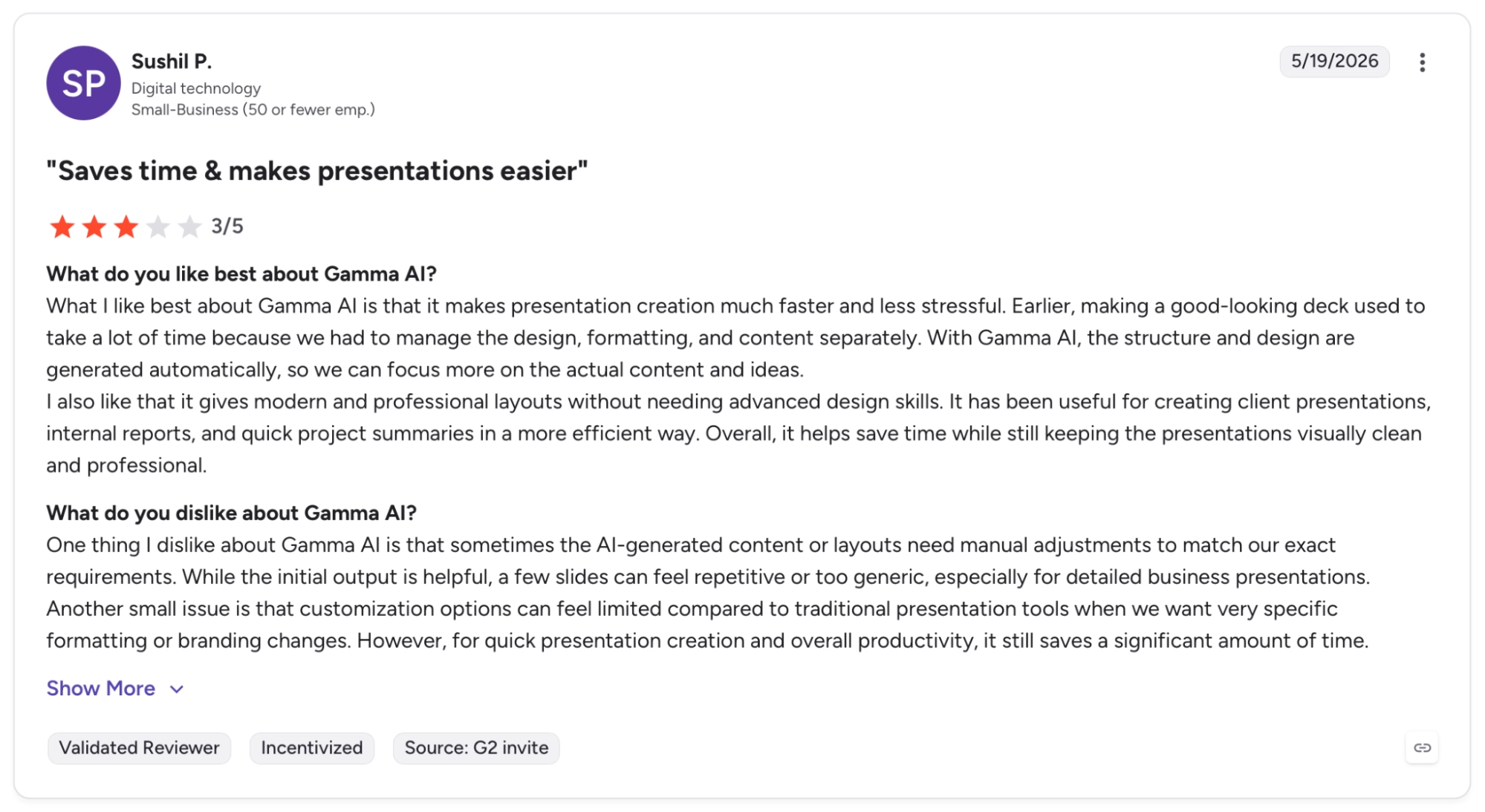
"What I like best about Gamma AI is that it makes presentation creation much faster and less stressful." — Sushil P., G2
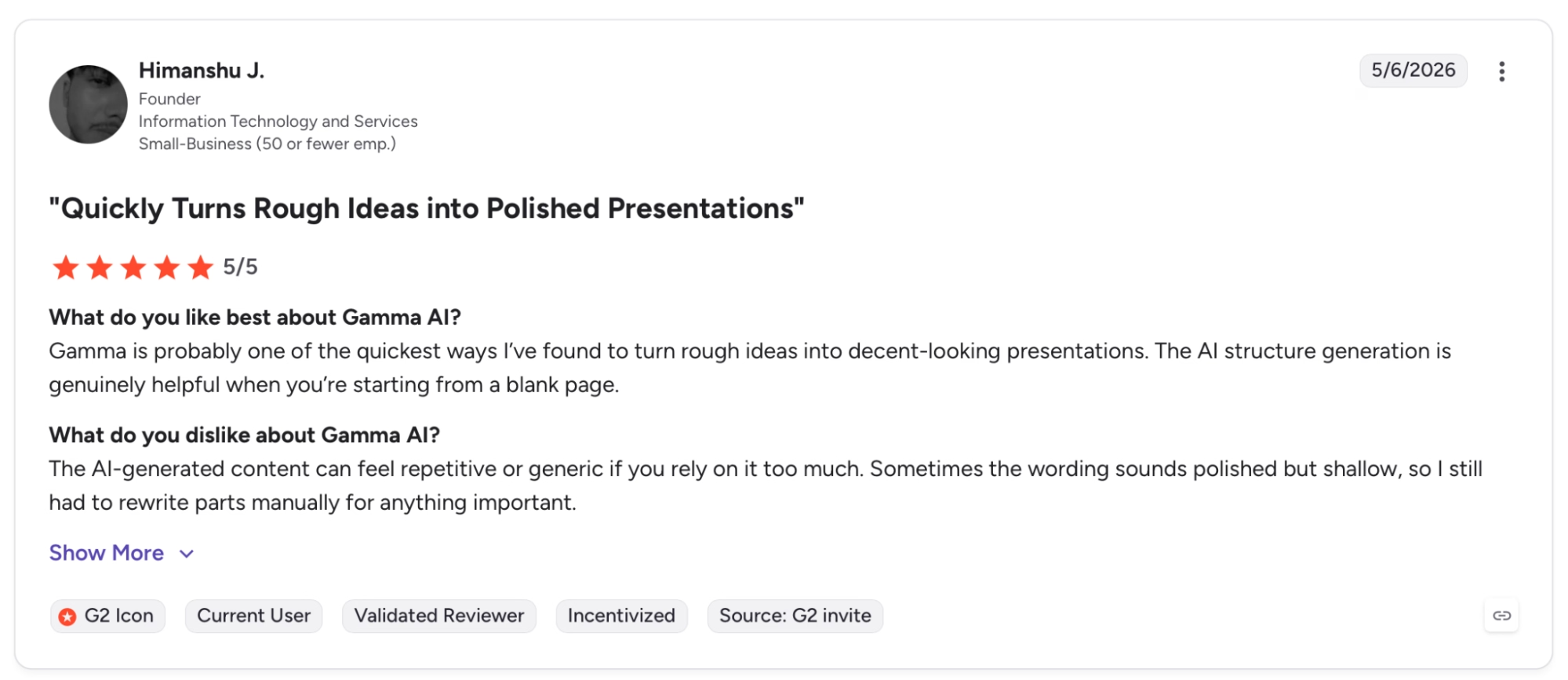
"The AI-generated content can feel repetitive or generic if you rely on it too much." — Himanshu J., G2
Pricing
Plus runs $12/user/month with 1,000 monthly credits, watermark removal, and advanced image models. Pro at $25/month bumps credits to 4,000 and adds custom domains, password protection, analytics, and API access.
Bottom Line
Gamma saves real hours when a polished deck needs to exist in two hours, and all you've got is a rough set of ideas. For teams with strict brand guidelines or decks heading into board review, a designer pass is necessary.
10. Lindy: Best for Delegating the Work That Repeats Every Day
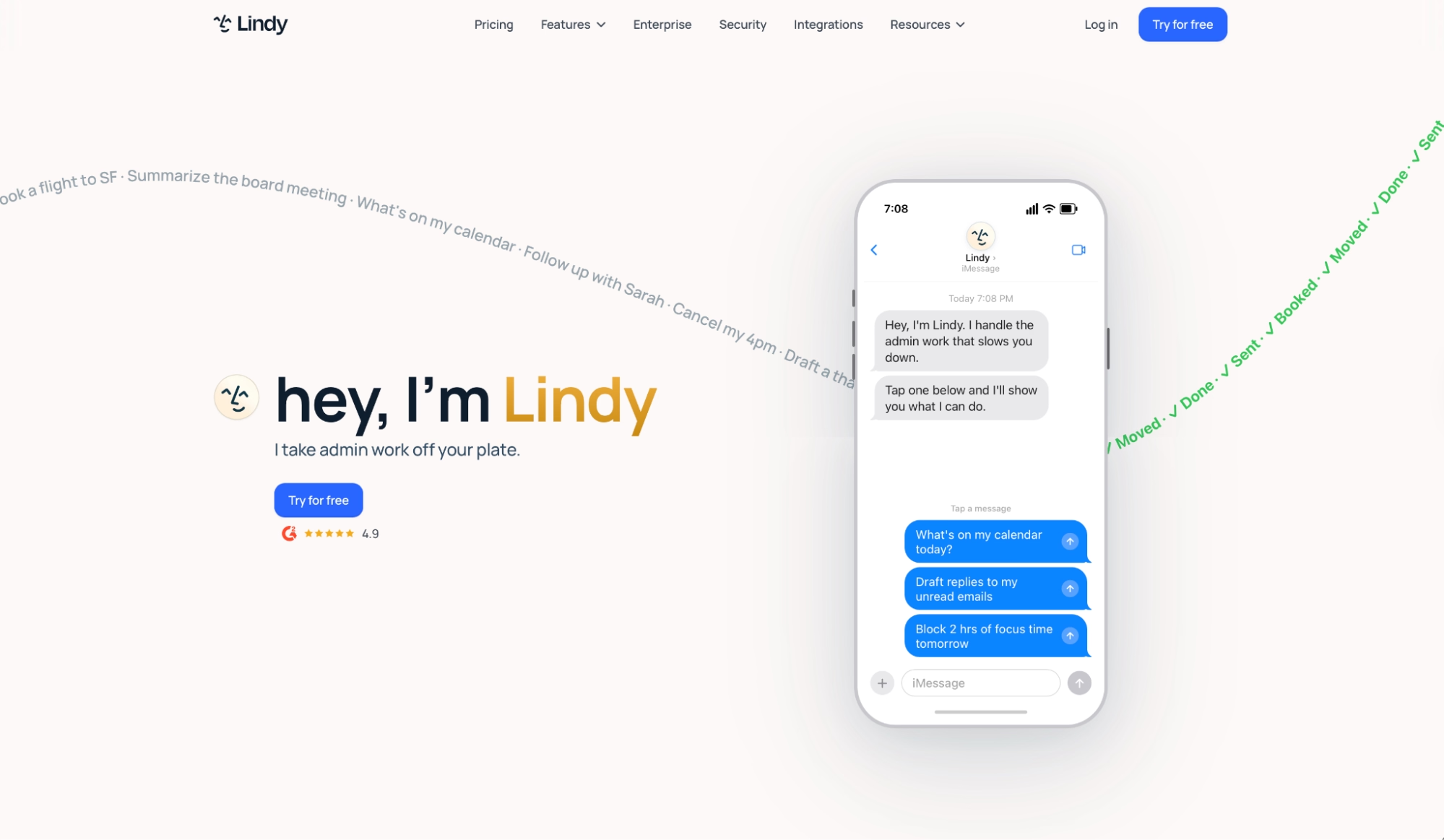
What it does: AI assistant that manages your inbox, calendar, and follow-ups. Text it what you need, and it handles the execution.
Best for: Founders, executives, and chiefs of staff whose daily overhead is inbox triage, meeting prep, and scheduling, and who want that work handled without building anything.
The first morning I gave Lindy access to my inbox, replies were already drafted before I opened my laptop. Three emails triaged, two meetings rescheduled, and a prep brief sitting in Slack for a call I'd forgotten was at nine.
From there, I ran it entirely through iMessage. Texted "reschedule Thursday's call with Marco and follow up after" and it handled both without asking a single clarifying question. The action happened. Not a summary of what I could do. The thing itself.
Key Features
- iMessage and SMS access: Text Lindy from anywhere to trigger real actions across your calendar, inbox, and connected tools. Works on Android via standard SMS; no app required.
- Inbox drafting in your voice: Lindy drafts replies in your voice based on your writing style, ready to review before anything sends.
- Meeting prep and follow-up: Pulls attendee history, email context, and agenda items before each call. After it ends, it sends a summary with action items and handles the follow-ups automatically.
- Computer use on Pro: Lindy can operate browser-based tools on your behalf, handling tasks inside platforms that don't support a direct connection.
Pros and Cons
Pros:
- The iMessage interface means delegation happens from wherever you are. No app to open, no dashboard to navigate. A text becomes a completed task.
- Meeting prep and post-meeting follow-up run automatically across every call. The combination of pre-brief, notes, and follow-up in one assistant is something Otter handles piecemeal at best.
Cons:
- Heavier tasks burn through the usage allowance faster than simple ones, and the ceiling isn't visible until you're already close to it.
- Setup takes longer than the other assistants on this list. Connecting inboxes, setting tone preferences, and refining how tasks get handled takes real time before it runs cleanly.
What Users Say
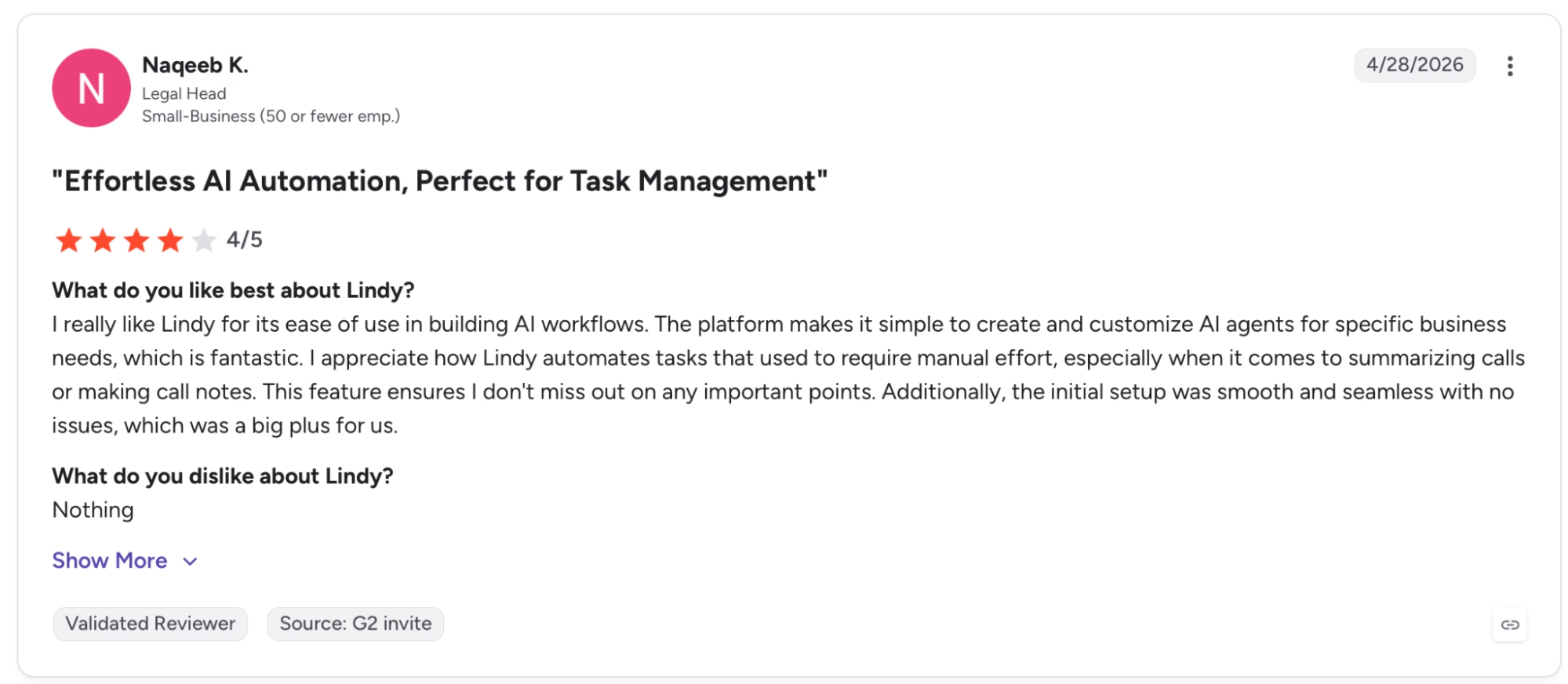
"I really like Lindy for its ease of use in building AI workflows. The platform makes it simple to create and customize AI agents for specific business needs, which is fantastic." — Naqeeb K., G2
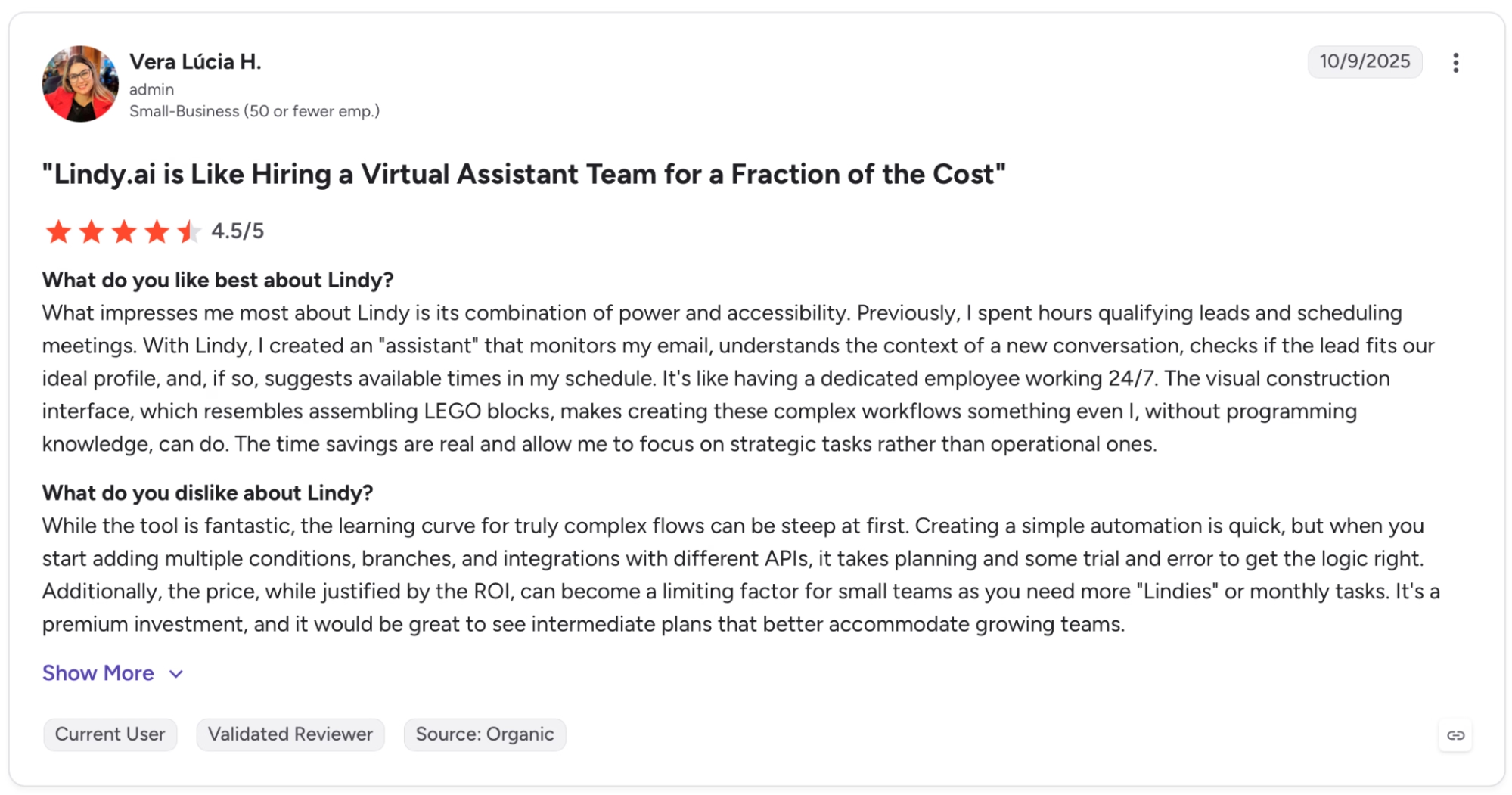
"While the tool is fantastic, the learning curve for truly complex flows can be steep at first." — Vera Lucia H., G2
Pricing
Plus runs $49.99/month with standard usage, up to 2 connected inboxes, iMessage access, and a 7-day free trial. Pro at $99.99/month adds 3x usage, a third inbox, and computer use for browser-based tasks.
Bottom Line
Lindy won't make sense for someone who checks email twice a day or runs light meeting schedules. It's built for the person whose mornings disappear into inbox triage and whose follow-ups reliably slip.
Which AI Productivity Tool Should You Choose?
Each tool here covers a different layer of the work stack. The decision is usually about which layer of your workflow is costing you the most time, and whether you need breadth across tasks or depth on a specific one.
Choose ChatGPT if you:
- Work across different domains daily. Coding one session, contract review the next, competitive analysis the day after.
- Want Codex-level agentic coding with mid-turn steering without managing a separate developer environment.
- Need 60+ integrations running out of the box without custom API configuration per tool.
Choose Claude if you:
- Work with long documents where precision matters, from contracts and regulatory filings to technical specs and research corpora over 50,000 words.
- Want effort control on Opus 4.8 to dial reasoning depth per task without manually switching between models.
- Need voice and style consistency across a long session, and ChatGPT drifts on that.
Choose Perplexity if you:
- Need cited, source-linked answers fast and verify every claim before it goes anywhere downstream.
- Want Model Council running three frontier models on the same query simultaneously before committing to a position.
- Use Comet Browser and want research, browsing, and task context persisting across desktop and mobile in one place.
Choose Emergent if you:
- Need custom software that your business can't find off the shelf, and doesn't have a developer to build it.
- Want automatic bug testing running on every update as the app grows.
- Need your app to connect to Claude or GPT without managing separate accounts or keys.
Choose Notion AI if you:
- Already run docs, projects, and wikis in Notion and want Enterprise Search pulling answers from Slack, GitHub, and Asana without adding a new tool.
- Want Notion Agent handling recurring multi-step workflows from inside the workspace your team already uses, without adding a separate tool to the stack.
- Need AI Meeting Notes without an external bot, and that tradeoff makes sense over Otter or ClickUp Notetaker for your team.
Choose ClickUp if you:
- Manage three or more concurrent projects and need Super Agents that carry context forward as the work history builds up over weeks.
- Want Brain MAX running Claude, ChatGPT, and Gemini inside your task management layer so you never tab out for reasoning or generation.
- Are willing to spend two weeks on setup to reach automation depth that lighter project tools don't offer.
Choose Otter.ai if you:
- Need Otter AI Chat searching across your full meeting history, going back months, to surface what was decided and when it happened.
- Want Salesforce or HubSpot CRM sync happening automatically after every call, removing that step from your sales process entirely.
- Run a sales or recruiting workflow where the SDR Agent or Recruiting Agent covers use cases you would otherwise build manually.
Choose Grammarly if you:
- Produce high-volume client-facing writing and brand voice drift across writers is a problem you need to solve at scale.
- Want Reader Reactions predicting audience emotional response before a piece goes out, not after the first round of feedback comes back.
- Need AI writing assistance that covers Outlook, Slack, Google Docs, and your CRM under one subscription.
Choose Gamma if you:
- Need a polished, shareable deck from rough notes in under two hours, and starting from a blank slide is consistently the bottleneck.
- Want Gamma Agent editing through conversation, where you describe the change and it applies it, instead of navigating PowerPoint menus.
- Want engagement tracking showing exactly which slides lost your audience before the follow-up call.
Choose Lindy if you:
- Text your assistant to handle daily tasks like inbox triage, scheduling, and follow-ups without opening a separate app or dashboard.
- Want meeting prep and post-meeting follow-ups handled before and after every call, so nothing slips through on a packed schedule.
- Need an assistant that works from iMessage and connects to hundreds of tools without requiring any setup beyond connecting your accounts.
What this list won't solve:
- You're looking for a single tool that replaces all ten. High-output teams run two or three. One AI assistant, one workspace or PM tool, one communication layer.
- You need something running in an hour with zero configuration. Grammarly, Perplexity, and Gamma fit that. ClickUp and Emergent don't.
Want to see which tools go beyond productivity into building full products? Our roundup of the best AI web app builders covers every major option worth trying in 2026.
The Bottom Line
The hardest decision on this list is figuring out which tools to use and how many.
ChatGPT when the work varies daily and breadth matters more than depth. Claude when the document is long, the stakes are high, and accuracy matters more than turnaround. Perplexity when the answer needs to be cited and verified before it goes anywhere.
Notion AI for teams already inside Notion who need AI searching across their connected stack. ClickUp when the project is complex enough to justify the setup time, and the real payoff is Super Agents getting better as context builds.
Otter when decisions live in meetings and the full history needs to be searchable. Grammarly when the team writes at volume, brand voice drift is a problem. Gamma when the deck needs to exist in two hours.
Emergent is for building software that doesn't exist yet, for workflows too custom for any off-the-shelf product to touch. Lindy when the work piling up lives in your inbox and every follow-up is already late.
Most of these have a free tier. Pick the layer of your workflow that costs the most time and build from there.
Ready to Build the App Your Stack Is Missing?
A few things worth knowing before you build:
- No dev team needed: Emergent's multi-agent system handles design, code, testing, and deployment from a plain-English description.
- Agents run automatically: Dedicated agents for design, testing, integrations, and troubleshooting activate as part of every build without configuration.
- Deployment is included: Apps ship to managed infrastructure with Emergent Auth, a database, SSL, and a live URL out of the box.
- Post-launch visibility included: Analytics, health checks, error logs, and mobile alerts give you a read on how the app is running after it goes live.
- You own the code: On Standard and above, every build syncs to a GitHub repository under your account and can be exported to any hosting service.

Most AI app builders stop at prototypes. Emergent creates production-ready apps you can actually launch.
- Production-ready apps
- Web & mobile apps
- Deploy in minutes







