




Chatbots have become one of the most practical points of entry for business automation. They handle repetitive customer questions, qualify incoming leads, guide users through complex processes, and operate continuously without requiring a human agent on standby. What once required a development team and weeks of engineering work can now be configured in an afternoon using a no-code chatbot builder.
A no-code chatbot builder is a platform that lets you design, deploy, and manage conversational AI without writing any code. Instead of programming dialogue flows and integrations manually, you work through visual editors, drag-and-drop interfaces, or AI-assisted prompt builders. The result is a functional chatbot that you can embed in your website, connect to your messaging channels, or integrate with your existing tools.
The market has matured significantly. Today's no-code chatbot platforms span a wide range of approaches: from full-stack builders that generate custom chatbot applications from prompts, to dedicated support tools, social media automation platforms, and advanced conversational design environments. This guide reviews the five best options in 2026, with honest assessments, verified pricing, and clear guidance on which fits which use case.
TL;DR
- No-code chatbot builders let teams build and deploy AI chatbots without coding, using visual editors, templates, or natural language prompts
- The best choice depends on your use case: customer support, lead generation, social media automation, or a fully custom chatbot application
- Emergent is the strongest option for building a complete custom chatbot integrated into a full-stack web application
- Tidio excels for e-commerce and SMB customer support with built-in live chat and AI automation
- ManyChat leads for social media automation across Instagram, Facebook, and WhatsApp
- Botpress offers the most depth for technical teams building complex, multi-channel AI agents
- Voiceflow is built for conversational designers and teams that need to prototype, collaborate, and ship chat and voice agents
Why businesses are adopting no code chatbot builders?
Customer expectations have shifted permanently. People expect immediate responses across digital channels, at any hour, without waiting in a queue. Meeting that expectation with human agents alone is expensive and operationally complex. Chatbots address the gap directly.
The reasons businesses are moving toward no-code chatbot builders specifically, rather than custom-built solutions, are practical:
- Speed of deployment: A functioning chatbot can be configured and made live in hours on most modern platforms, compared to weeks or months for a custom-coded solution
- Cost efficiency: No-code platforms eliminate developer costs for initial setup. Ongoing updates can be handled by non-technical team members
- Automation at scale: Chatbots handle repetitive interactions at any volume without additional staffing cost, freeing human agents for complex queries
- Accessible iteration: Adjusting conversation flows, adding new responses, or updating FAQs requires no code changes, so teams can improve the bot based on real feedback quickly
- Channel reach: Modern no-code platforms deploy to websites, WhatsApp, Instagram, Facebook Messenger, Slack, and more from a single build, without rebuilding separately for each channel
Benefits of no code chatbot builders and their limitations
No-code chatbot builders offer clear advantages over custom development for most standard use cases, but they are not without trade-offs. Understanding both sides helps you choose a platform that fits now and does not create problems as your requirements grow.
Key benefits of no code chatbot builders
- Launch a working chatbot in hours without engineering involvement
- Non-technical team members can build, maintain, and update conversation flows independently
- Templates and pre-built flows reduce the time to go live on common use cases like FAQ bots, lead capture, and appointment booking
- AI-powered responses allow bots to handle natural language questions, not just rigid menu selections
- Multi-channel deployment from a single configuration covers website chat, WhatsApp, Instagram, and email
- Integration with CRMs, helpdesks, and e-commerce platforms adds data context to conversations without coding
- Lower cost of ownership compared to developer-built solutions, especially for standard use cases
Limitations of no code chatbot builders
- Proprietary platforms create vendor dependency: if pricing changes or the platform closes, migration is difficult
- Complex conversation logic, multi-step reasoning, or deeply custom integrations often require code-level access or a developer
- Usage-based pricing models can become unpredictable as conversation volume scales
- Most dedicated chatbot platforms are not designed to build the broader application that houses the chatbot, which often requires a separate tool
- AI quality varies significantly between platforms: some use simple intent matching while others leverage full large language models with knowledge base integration
How businesses use no code chatbot builders?
Automating customer support interactions
Customer support is the most common use case for no-code chatbots. Rather than routing every inbound question to a human agent, a chatbot handles the high-volume, repetitive queries: order status, return policies, account questions, troubleshooting steps, and FAQ responses.
When a query is too complex, the bot hands off the conversation to a human agent with the relevant context already captured. This reduces wait times, lowers support costs, and allows agents to focus on interactions that genuinely require human judgment.
Capturing and qualifying leads automatically
Sales teams use chatbots to convert website visitors into qualified leads without human involvement. A chatbot can ask qualifying questions, capture contact details, assess budget and timeline, and route high-intent leads to the sales team or directly book a meeting on a calendar. For businesses running paid traffic, this 24-hour lead capture capability means fewer missed opportunities from visitors who arrive outside business hours.
Streamlining internal workflows and operations
Beyond customer-facing applications, chatbots are increasingly used for internal automation. HR teams deploy bots to handle employee onboarding questions, leave request workflows, and policy lookups. Operations teams use them to collect structured data from staff, trigger approval processes, and surface information from internal knowledge bases. These internal bots reduce the administrative burden on teams and standardize processes across organizations.
Enhancing user engagement and conversational experiences
Brands use conversational experiences to increase engagement at key moments in the customer journey. A chatbot embedded on a product page can guide visitors through a selection process, answer comparison questions, and surface relevant recommendations based on their responses. Post-purchase, bots send order updates, request reviews, and offer support proactively. This level of engagement, delivered automatically at scale, was previously only possible through large customer success teams.
If you're still mapping out where a chatbot fits your business, our guide on the best chatbot use cases is a good starting point before evaluating platforms.
Quick comparison of the best no code chatbot builders
The table below offers a quick overview of the five platforms covered in this guide, focused on the factors most relevant to choosing the right tool.
| Tool | Type | Best for | Key strength | Limitation |
|---|---|---|---|---|
| Emergent | Full-stack AI chatbot builder | Custom chatbots embedded in complete web applications | Generates a full-stack chatbot app from prompts; React, Python, MongoDB | Newer platform; not a standalone chatbot widget tool |
| Tidio | Live chat + AI chatbot platform | E-commerce and SMB customer support | All-in-one: live chat, Lyro AI, flows, and helpdesk in one interface | Conversation-based pricing scales up quickly; 10-agent cap on self-serve plans |
| ManyChat | Social media chatbot automation | Instagram, Facebook, and WhatsApp automation | Best-in-class for social DM and comment automation; contact-based pricing | Limited beyond social channels; not suited for complex web app chatbots |
| Botpress | AI agent builder (no-code to low-code) | Complex multi-channel AI agents for technical teams | LLM-agnostic; 100+ integrations; open-source foundation; code access when needed | Steeper learning curve; AI Spend costs can be unpredictable at scale |
| Voiceflow | Conversational AI design platform | Chat and voice agent design for product and design teams | Best collaboration and prototyping tools; supports voice and chat from one workflow | More design-oriented than deployment-focused; scaling requires technical setup |
5 best no code chatbot builders to use in 2026
Each of the platforms below serves a meaningfully different use case. A social media automation tool is not the right choice for building a product-embedded AI assistant, and a full-stack builder is not the fastest path to a simple FAQ bot. The reviews below reflect those distinctions so you can evaluate each tool against your actual requirements.
1. Emergent
Emergent is an AI chatbot builder that positions itself differently from most tools in this list. Where dedicated chatbot platforms give you a widget to embed in an existing website, Emergent lets you build the entire application, chatbot included, from natural language prompts. It is the right tool when the chatbot is not an add-on to your product but a core part of it.
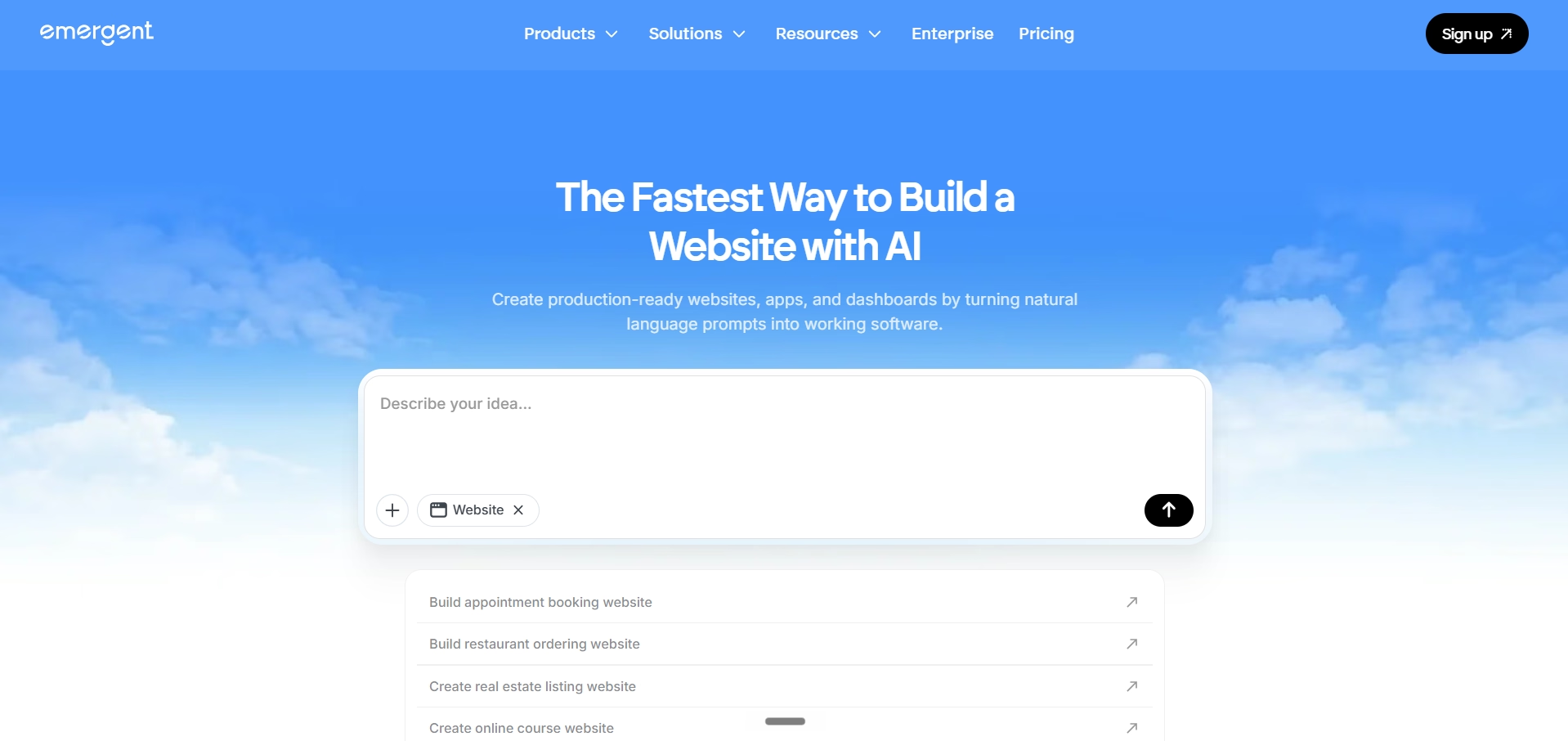
The technical output is production-grade. The frontend is built on React, the backend on Python, and the database layer uses MongoDB with Atlas. This is real, maintainable code on standard open-source technology, not a proprietary visual layer that only works within the platform.
Best for
Founders, product teams, and businesses that need a custom chatbot integration built into a complete web application, rather than a standalone chat widget. Also suitable for anyone building a no-code product that includes conversational AI as a primary feature.
Key features
- Prompt-based app and chatbot generation: describe what you want and Emergent builds it
- Third-party integrations via simple prompts, no manual API configuration required
- Multiple large language models applied to different parts of the build, matching each AI model to the specific task
- Flexible domain options: Emergent subdomain, connect your own domain, free IONOS domain, or a paid domain through the platform
- Covers a wide range of application types alongside chatbots, from no-code web apps to full platforms and no-code Android apps
How to build a chatbot with Emergent?
The build process is straightforward and does not require any technical knowledge.
Here is how it works in practice:
- Describe your chatbot: Start by telling Emergent what you need. For example: "Build a customer support chatbot for a SaaS product that can answer questions from a knowledge base, escalate complex issues, and capture user emails." Emergent generates the initial structure based on your description
- Configure your knowledge base: Connect the chatbot to your content, whether that is product documentation, FAQ pages, or uploaded files. Emergent handles the underlying retrieval setup so the bot can pull accurate answers from your material
- Add integrations via prompts: If you need the chatbot to connect to a CRM, a ticketing system, or a payment platform, describe the integration in plain language. Emergent configures the connection without requiring API documentation to be read manually
- Customize the interface: Adjust the chatbot's appearance, tone, and behavior to match your brand through further prompts or direct edits
- Deploy: Publish to your chosen domain and go live. Ongoing updates follow the same prompt-based process, so maintaining the chatbot does not require a developer
How it compares to other chatbot builders?
Emergent occupies a different category from the other tools in this list. Tidio, ManyChat, Botpress, and Voiceflow are dedicated chatbot platforms: they excel at conversation design, channel deployment, and support workflows, but they are not designed to generate the application around the chatbot. Emergent builds the full product.
For teams that need a chatbot widget embedded in an existing website without rebuilding the site, a dedicated platform is the faster path. For teams building something new, where the chatbot is integrated into a custom web application, Emergent produces results that would otherwise require a developer.
Real use cases and capabilities
- A SaaS company building an AI support assistant that connects to their knowledge base and automatically creates support tickets for unresolved issues
- An e-commerce brand building a shopping assistant embedded in their store that can answer product questions, check inventory, and guide users through checkout
- A service business building an intake bot that qualifies leads, captures project details, and books consultations directly into a calendar
- A platform building a conversational interface as the primary UI for their product, rather than a traditional dashboard
Pricing
Emergent, the agentic AI app-building platform, uses a credit-based subscription model with plans starting at $0/month (Free) up to $250/month (Team). Every action the AI takes (planning, coding, testing, and deploying) consumes credits, making it a dynamic usage model.
2. Tidio
Tidio is an all-in-one customer communication platform that combines live chat, AI-powered automation, chatbot flows, and helpdesk features in a single interface. It is particularly strong for e-commerce and SMB customer support, where the priority is handling a high volume of inbound queries efficiently while maintaining the ability for human agents to step in when needed.
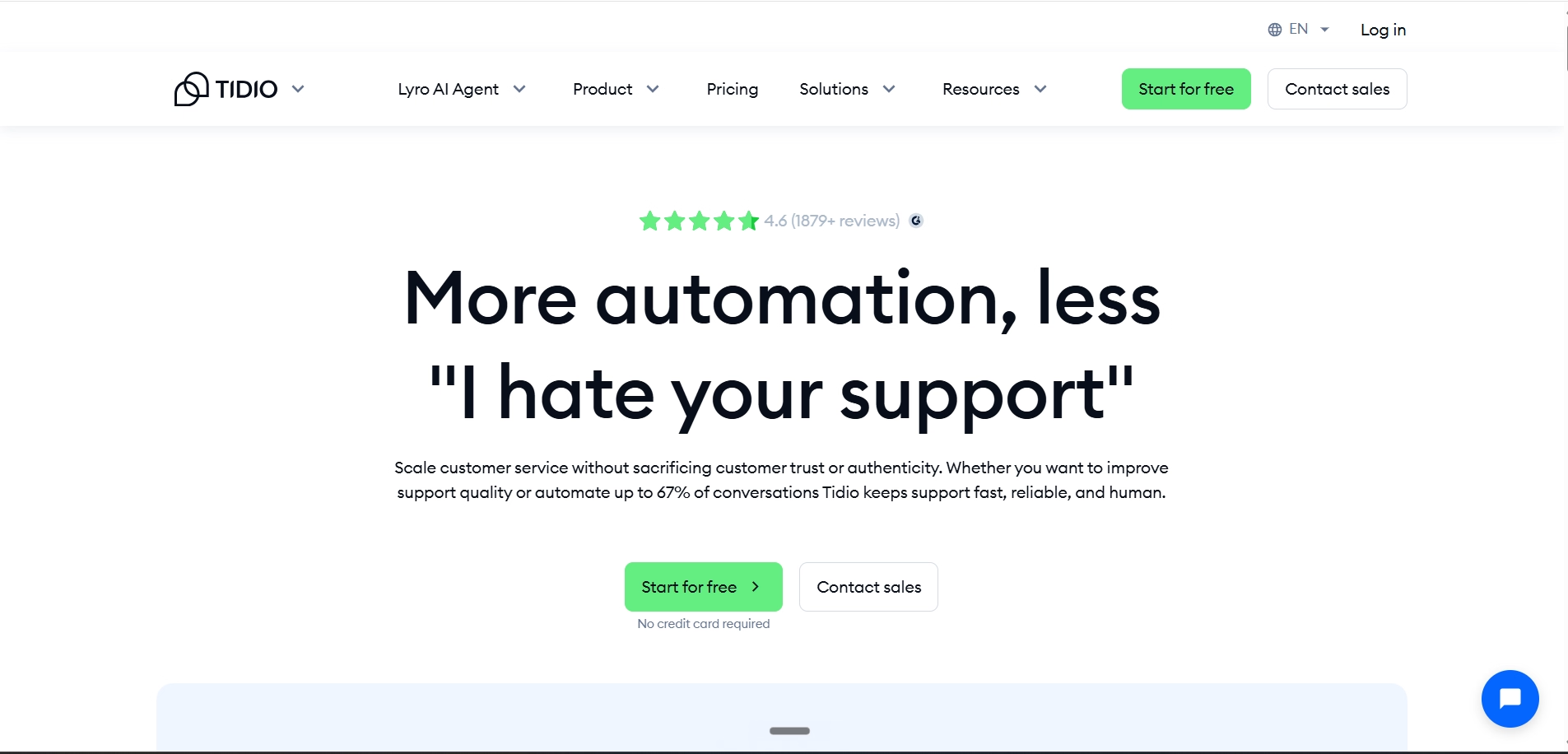
Tidio's AI agent, Lyro, is trained on your support content and handles end-to-end conversations with customers. It integrates with Shopify, WordPress, and other platforms natively, giving it access to order data and product information that makes responses more accurate and contextually relevant.
Best for
Small to mid-sized e-commerce businesses and service companies that need live chat, AI automation, and basic chatbot flows in one platform without stitching together multiple tools.
Key features
- Lyro AI agent: trained on your support content, resolves questions end-to-end without human involvement
- Flows: visual drag-and-drop chatbot builder for rule-based and AI-assisted conversation automation
- Live chat with human handoff when the bot cannot resolve a query
- Native integrations with Shopify, WooCommerce, WordPress, and major CRMs
- Multi-channel inbox: website chat, email, Instagram, and Facebook Messenger in one dashboard
- Free plan available with 50 handled conversations per month
Pros and limitations
Strengths: Tidio is genuinely easy to get started with, and the combination of live chat, AI automation, and flows in one interface reduces the need to manage multiple tools. The Shopify integration is particularly strong for e-commerce teams.
Limitations: Tidio's pricing scales by conversation volume, which becomes unpredictable as usage grows. Real-world costs are often two to three times the advertised base price once Lyro AI and Flows add-ons are factored in. Lyro and Flows are billed separately from the core plan. All self-serve plans also cap at 10 agents, with more seats only available on the Plus plan.
Pricing
Free plan available; Starter from $29/month, Growth from $59/month. Lyro AI add-on and Flows are billed separately.
3. ManyChat
ManyChat is the dominant platform for social media chatbot automation. It specializes in Instagram, Facebook Messenger, and WhatsApp automation, allowing brands to respond to comments, DMs, and story interactions automatically with personalized, sequenced conversation flows.
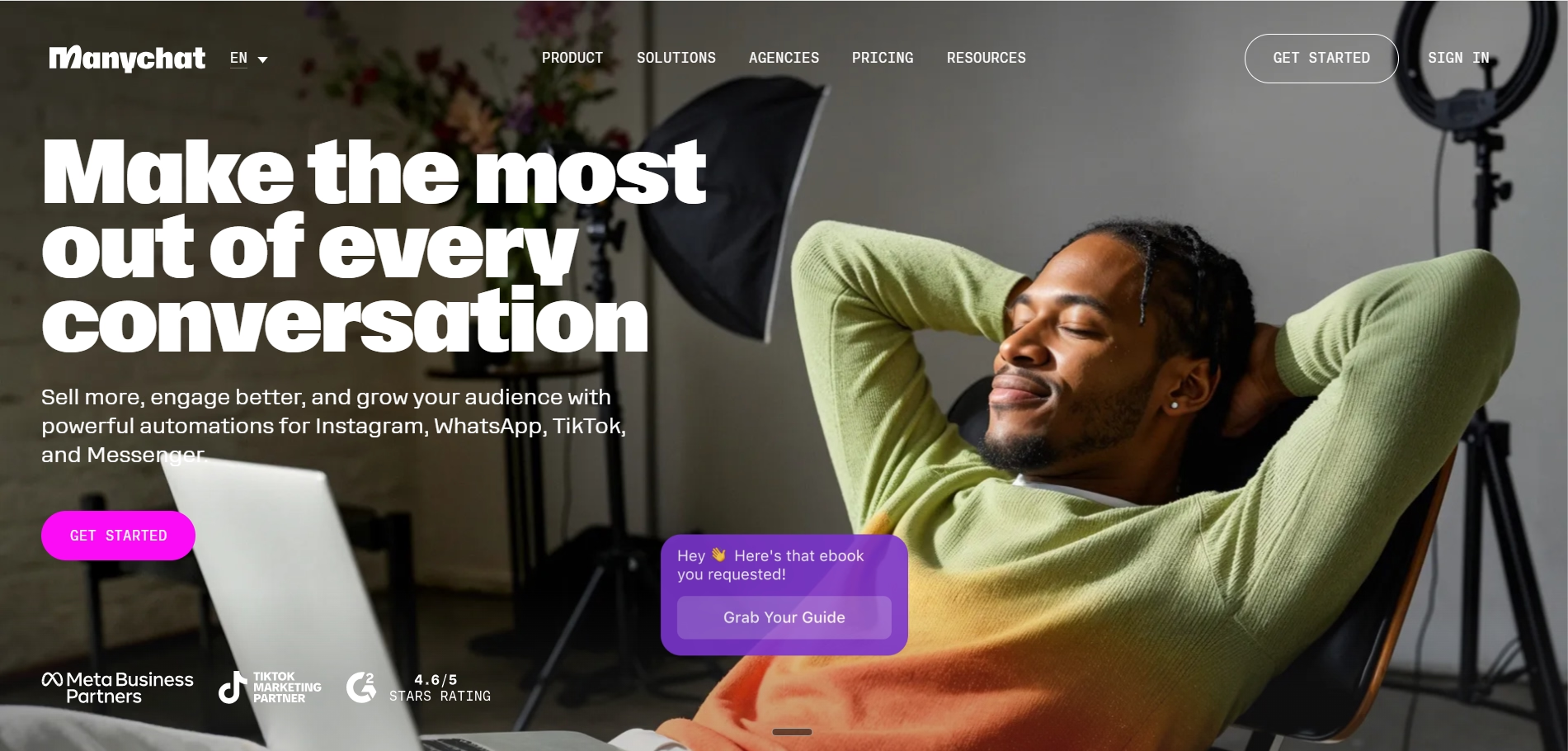
For social-first businesses, content creators, and e-commerce brands running campaigns on Instagram and Facebook, ManyChat's automation capabilities are genuinely powerful. It supports comment triggers, story reply automations, keyword-based DM responses, and broadcast messaging to contact lists.
Best for
Creators, e-commerce brands, and marketers who use Instagram, Facebook, or WhatsApp as primary growth and sales channels and need to automate DM conversations, lead capture, and campaign follow-ups at scale.
Key features
- Automation across Instagram, Facebook Messenger, WhatsApp, Email, and SMS
- Comment-to-DM automation: automatically send a DM to anyone who comments on a post with a keyword
- Story reply automation: trigger conversations from story interactions
- Visual flow builder for designing conversation sequences
- Integration with Shopify, HubSpot, Google Sheets, and 2,000+ tools via Zapier
- Contact-based pricing model: you pay based on the number of active contacts engaged per month
Pros and limitations
Strengths: ManyChat's social media automation depth is unmatched. For Instagram and Facebook specifically, no other no-code tool comes close for the breadth of triggers, automation options, and native channel integrations.
Limitations: ManyChat's scope is limited to social and messaging channels. It is not designed for website chatbots with complex logic, internal tools, or full-stack application development. ManyChat revised its pricing model in early 2026 to an active-contact basis, which means costs are tied to how many people you engage in a given month rather than your total contact list.
Pricing
Free plan with 25 active contacts/month; Essential plan from $15/month (annual) for up to 250 active contacts; Pro plan for up to 2,500 active contacts. Overage charges apply per additional contact.
4. Botpress
Botpress sits at the intersection of no-code accessibility and developer-grade depth. Its visual flow builder lets non-technical users design conversation logic, while its code editor and API access give technical teams full control over custom integrations, logic, and LLM configuration. It is open-source at its foundation, with over 750,000 bots in production.
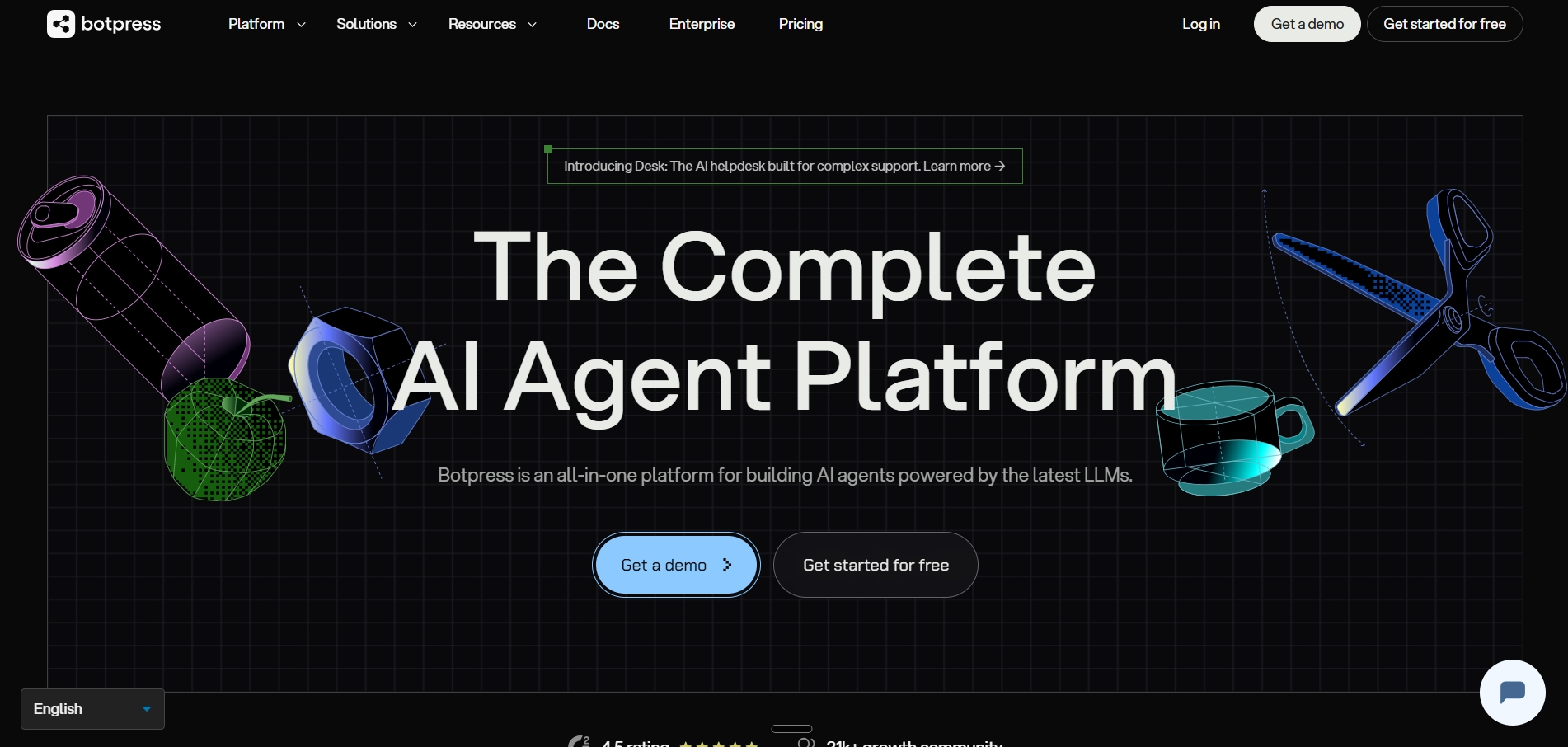
What distinguishes Botpress from most no-code chatbot tools is its LLM-agnostic architecture. Teams can switch between OpenAI, Anthropic, Mistral, and other models without restrictions, and Botpress does not mark up AI token costs. You pay the model provider at cost.
Best for
Technical teams and agencies building sophisticated, multi-channel AI agents that need flexibility over LLM selection, custom integration logic, and the option to drop into code for advanced workflows.
Key features
- Visual flow builder with drag-and-drop conversation design
- LLM-agnostic: supports OpenAI, Anthropic, Mistral, Cohere, and custom models
- 100+ pre-built integrations covering WhatsApp, Telegram, Zendesk, HubSpot, Notion, Calendly, and more
- Knowledge base integration for AI-powered responses from your documentation
- Custom actions and JavaScript code support for advanced logic
- Human-in-the-loop handoff on Team plan and above
- Open-source foundation with active Discord community of 30,000+ builders
Pros and limitations
Strengths: Botpress is the most technically capable no-code chatbot platform on this list. Its LLM flexibility, integration depth, and open-source transparency make it a strong choice for teams that outgrow simpler tools.
Limitations: Botpress has a steeper learning curve than Tidio or ManyChat. AI Spend (the cost of LLM tokens consumed by the bot) is tracked separately and can become unpredictable with high conversation volumes. The free tier caps AI Spend at $5/month, and the Pay-as-you-go tier caps it at $100/month. Advanced features like human handoff require the Team plan.
Pricing
Free tier available; Plus plan at $89/month; Team plan at $495/month; Enterprise pricing is custom. LLM token costs (AI Spend) are additional and billed at cost.
5. Voiceflow
Voiceflow is built for conversational designers and product teams. Its visual canvas lets teams design, prototype, and test conversation flows collaboratively before deployment. It is one of the few platforms that supports both chat and voice agent design from the same workflow, making it uniquely suited to organizations building experiences for voice assistants, IVR systems, or phone support alongside web and messaging chatbots.
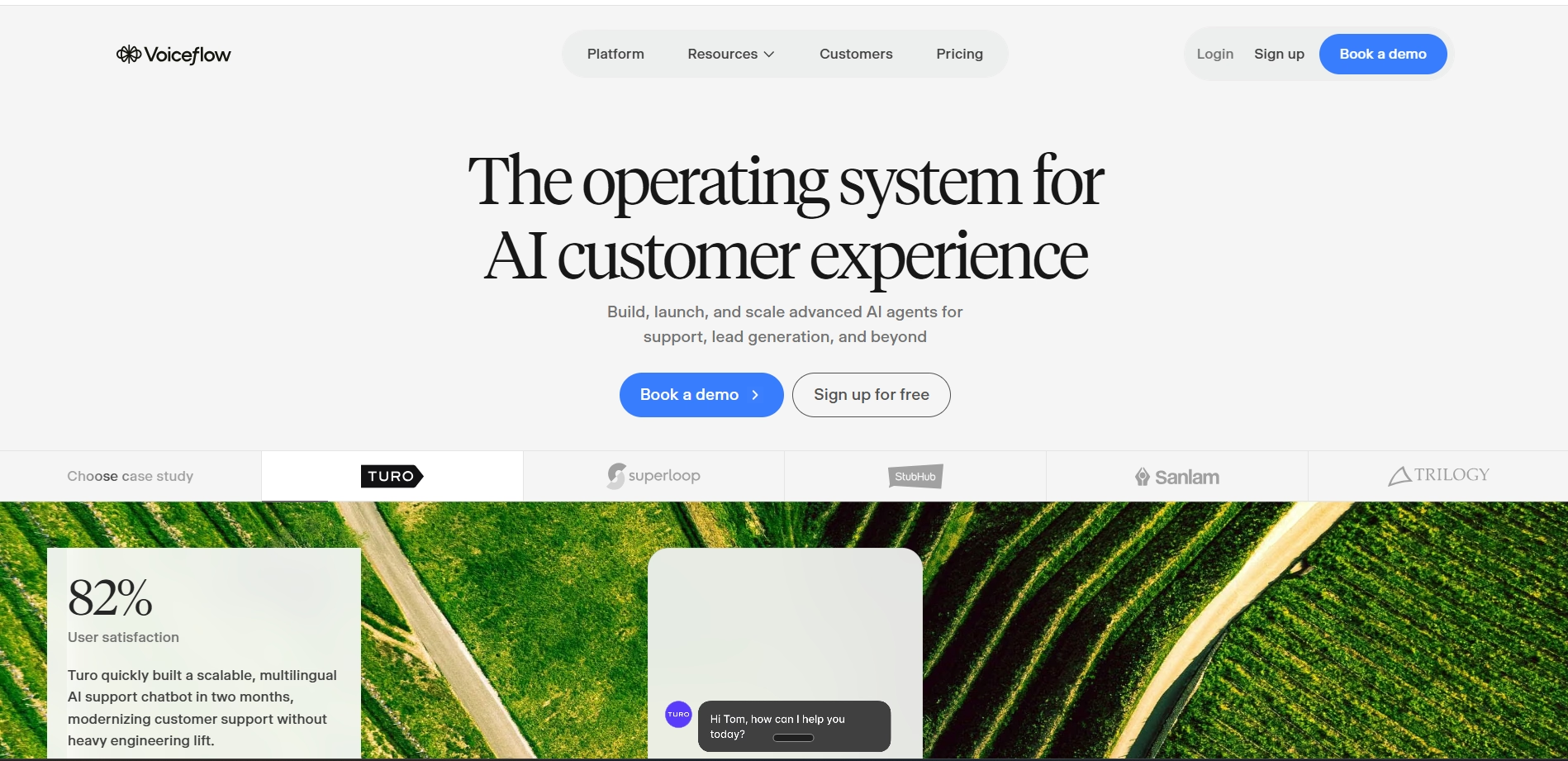
Voiceflow serves over 500,000 teams globally and is widely used by product designers, UX teams, and agencies that prioritize the quality and structure of the conversational experience itself. Its real-time collaboration tools allow multiple team members to design together, similar to how Figma works for visual design.
Best for
Product teams, conversational designers, and agencies that need to design, prototype, and iterate on AI agents carefully before going live, particularly for voice and chat experiences where conversation quality is the primary concern.
Key features
- Visual canvas for designing conversation flows with drag-and-drop blocks
- Supports both chat and voice agent design from a single workflow
- Real-time collaboration for multi-user editing and design review
- Knowledge base integration for AI-powered answers from uploaded documents or URLs
- Multi-LLM support on paid plans: GPT-4, Claude, Gemini, and bring-your-own-LLM on Enterprise
- Reusable components for building once and deploying across multiple agents
- SOC 2 and ISO 27001 certified for enterprise security requirements
Pros and limitations
Strengths: Voiceflow has the best collaboration and prototyping tools of any chatbot builder in this category. For teams where multiple stakeholders contribute to conversation design, the structured workflow is a meaningful advantage.
Limitations: Voiceflow moved to a credit-based billing system in 2025, which introduces some usage variability. Additional editors cost $50/month per seat on Pro and Team plans. The free Starter tier is limited to testing and is not suitable for production use.
Pricing
Free Starter tier available; Pro plan from $60/month (10,000 credits); Business plan from $150/month (30,000 credits). Additional editor seats and credits available as add-ons.
What you can build with no code chatbot builders?
AI customer support systems
The most common output is a customer-facing support bot that handles inbound queries from a website or messaging channel. These range from simple FAQ bots that match questions to pre-written answers, to fully AI-powered agents that pull from a knowledge base, understand intent, and carry multi-turn conversations. The most capable implementations resolve a significant proportion of support tickets without human involvement and hand off complex cases with the full conversation context intact.
Lead generation and qualification bots
Lead capture bots engage website visitors proactively, collect contact information, ask qualifying questions, and route high-intent leads to the sales team or book meetings directly. For businesses running paid advertising, a well-configured lead bot significantly reduces the drop-off between click and contact, because the engagement happens immediately rather than waiting for a human to follow up.
Automated workflows
Beyond conversation, chatbots are increasingly used to trigger and manage business workflows. A bot can collect structured information from a user and automatically create a record in a CRM, send a follow-up email, update a project management tool, or initiate an approval process. This turns conversational interactions into operational actions without requiring any manual data entry.
Chat-based applications
The most sophisticated implementations treat the chatbot not as a support widget but as the primary interface of an application. An AI app builder like Emergent can generate an entire web application where the chatbot is the core user experience: an AI research assistant, a conversational product configurator, an onboarding system, or an interactive data query interface. These are full-stack applications where the conversation layer is inseparable from the underlying functionality.
Why chatbot builders alone are no longer enough for modern workflows?
From conversations to actions
The earliest chatbots were passive. They answered questions and collected data, but everything they gathered had to be acted on manually. The shift that has happened in the last two years is from conversation to action. Users now expect a chatbot to not only answer their question but also to:
- Check their order status
- Reschedule their appointment
- Update their account
- File a ticket
This requires the chatbot to be connected to real systems, not just trained on static content.
The need for workflow automation
A chatbot that cannot trigger downstream actions is only solving half the problem. Modern business workflows involve multiple systems: a CRM for customer records, a helpdesk for ticket management, a calendar for scheduling, a payment processor for transactions. When a chatbot operates in isolation from these systems, it creates additional manual work rather than removing it. The platforms that matter in 2026 are those that treat chatbots as workflow participants, not just conversation interfaces.
Read More: Best Zapier Alternatives
How AI platforms go beyond chatbots
The most capable platforms in this space are not chatbot builders in the traditional sense. They are AI application platforms that happen to include conversational interfaces as one of many components. Full-stack tools like Emergent generate complete applications where the chatbot connects to a database, triggers integrations, processes user input, and takes action, all within a coherent product rather than a siloed widget.
This distinction matters as organizations move from deploying their first chatbot to building AI-native workflows. The question shifts from "how do I build a bot that answers questions" to "how do I build a system that uses conversations as input to automate a business process." That question points toward platforms with deeper architectural capabilities than a standalone chatbot builder can offer.
How to choose the best no code chatbot builder for your needs?
The best no-code chatbot builder depends entirely on what you want to build. Here’s a practical framework to help you choose the right platform for your needs.
| Use Case | Best Tool | Why It Fits Best |
|---|---|---|
| If you need a chatbot as part of a custom web application | Emergent | Builds both the chatbot and the application it lives in through a single prompt-based workflow. |
| If you need live chat plus AI automation for customer support on your website | Tidio | Particularly strong for e-commerce stores and deep Shopify integrations. |
| If your customers are primarily on Instagram, Facebook, or WhatsApp | ManyChat | Industry-leading automation depth for social and messaging channels. |
| If you need multi-channel AI agents with technical flexibility and full LLM control | Botpress | Best suited for engineering teams building production-grade AI agents. |
| If you need to design, prototype, and collaborate on a voice or chat experience before deployment | Voiceflow | Ideal for product and design teams focused on refining conversation quality before launch. |
- Pricing model at scale: Conversation-based, contact-based, and credit-based pricing, all behave differently as volume grows. Map your expected usage against each model before choosing
- Integration requirements: Choose a platform that connects natively to the systems your bot needs access to, so you can avoid building custom integrations wherever possible.
- Who will manage it: A platform with a steep learning curve is a poor fit for a non-technical team that needs to make regular updates without developer support
- Exit path: If the platform's pricing changes or it does not serve your needs in two years, how difficult is it to migrate? Platforms that generate portable code reduce this risk significantly
Final verdict
No-code chatbot builders have removed most of the technical barriers to deploying conversational AI. The decision is no longer whether you can afford to build one. It is which platform best fits your specific use case, your team's technical level, and how you expect your requirements to evolve.
For customer support and e-commerce automation, Tidio delivers an all-in-one solution that most teams can have live in a day. For social media growth, ManyChat is purpose-built and unrivalled. For technical teams building production AI agents across multiple channels, Botpress offers the most depth. For conversational design and voice, Voiceflow is the standout choice.
For teams that need a chatbot embedded within a complete, custom-built application rather than a widget layered onto an existing site, Emergent is the most complete option: a full-stack AI builder that generates the entire product, chatbot and all, from plain language descriptions.

Describe what you want and Emergent builds it. A real, production-ready app you can launch the same day.
- One prompt to build
- Zero code required
- Deploy in minutes







