



I ran the windsurf vs cursor test the hard way: same project, all three tools, one weekend. Windsurf rebranded mid-build, Cursor stalled on a blank file, and Emergent had a live URL before I finished my coffee.
Windsurf vs Cursor vs Emergent at a Glance
Choose Windsurf if you're a developer who wants to run multiple agents in parallel and manage all of them from a single interface.
Choose Cursor if you're a developer who wants the sharpest single-agent experience and more control over which model handles which task.
Choose Emergent if you want to ship a working web or mobile app without writing a line of code, with Emergent Auth, deployment, and a database included from day one.
Meet the Contenders
Windsurf: The Agent Command Center That Used to Be an Editor
Windsurf started as a $15/month alternative to Cursor, built by Codeium. It matched Cursor on nearly every feature and undercut it on price, until two changes in 2026 reshaped the product.
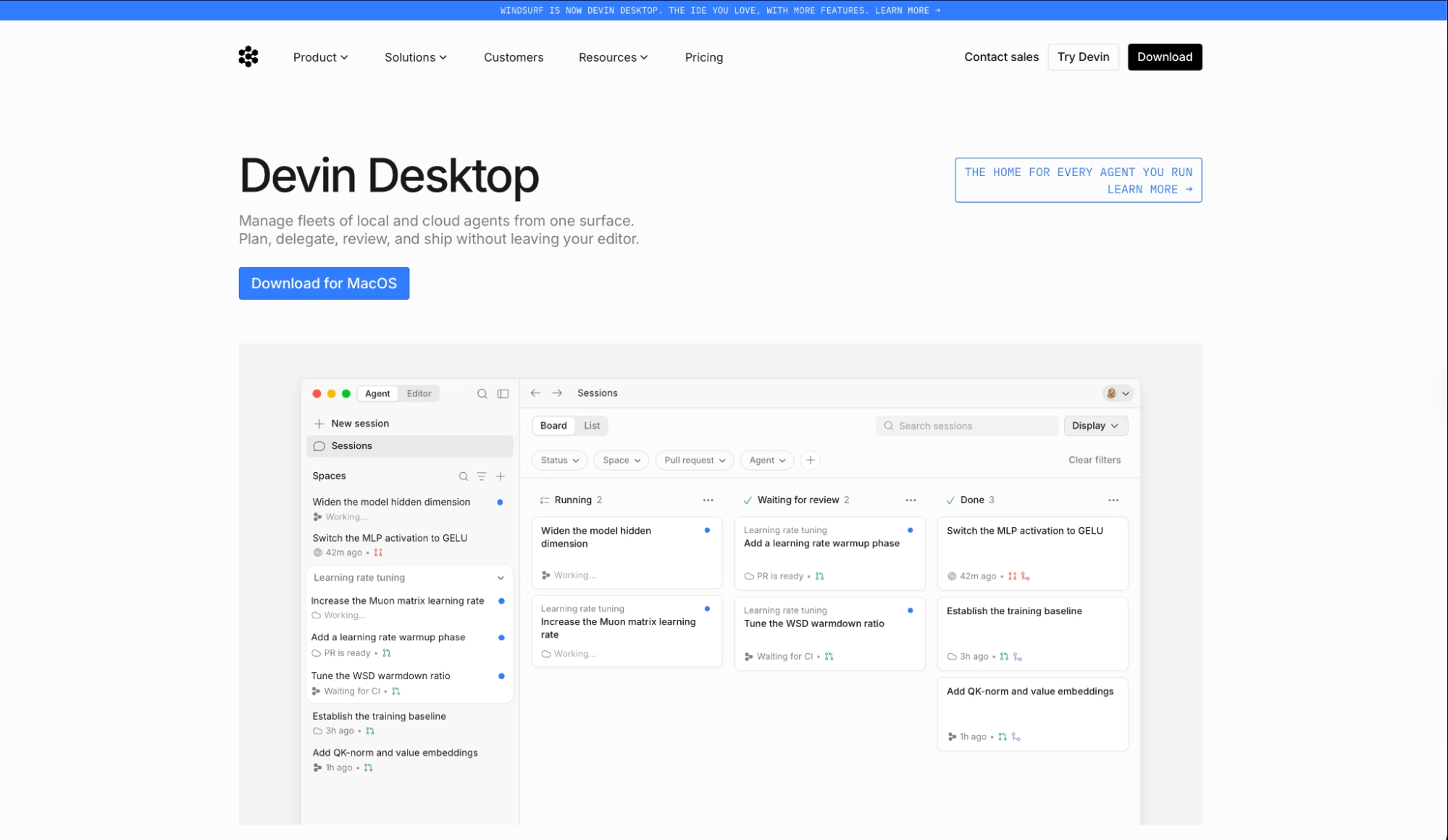
In March 2026, prices went up to $20, and the credit system was replaced with daily and weekly quotas. Then, in June 2026, Cognition (which had acquired Windsurf in July 2025) rebranded it Devin Desktop. A Kanban-style Agent Command Center became the default surface instead of the code editor.
I opened Windsurf the morning after the rebrand, and the Kanban board was the first thing on screen. Agent sessions were sorted into running, blocked, and ready-for-review columns. It was still one click to get back to writing code, but the product's direction had shifted.
Once I adjusted, building the client dashboard felt fast. The Fast Context system pulled relevant files from across the project without me having to point it anywhere.
If you relied on Cascade memories or workflows, you've got until July 1, 2026, to migrate them to Rules files (.devin/rules/) before Cascade is gone.
Not sure the rebrand changed things for the better? Our best Windsurf alternatives breakdown covers what else is worth trying before you commit.
Cursor: The Developer's Tool That Understands Your Codebase
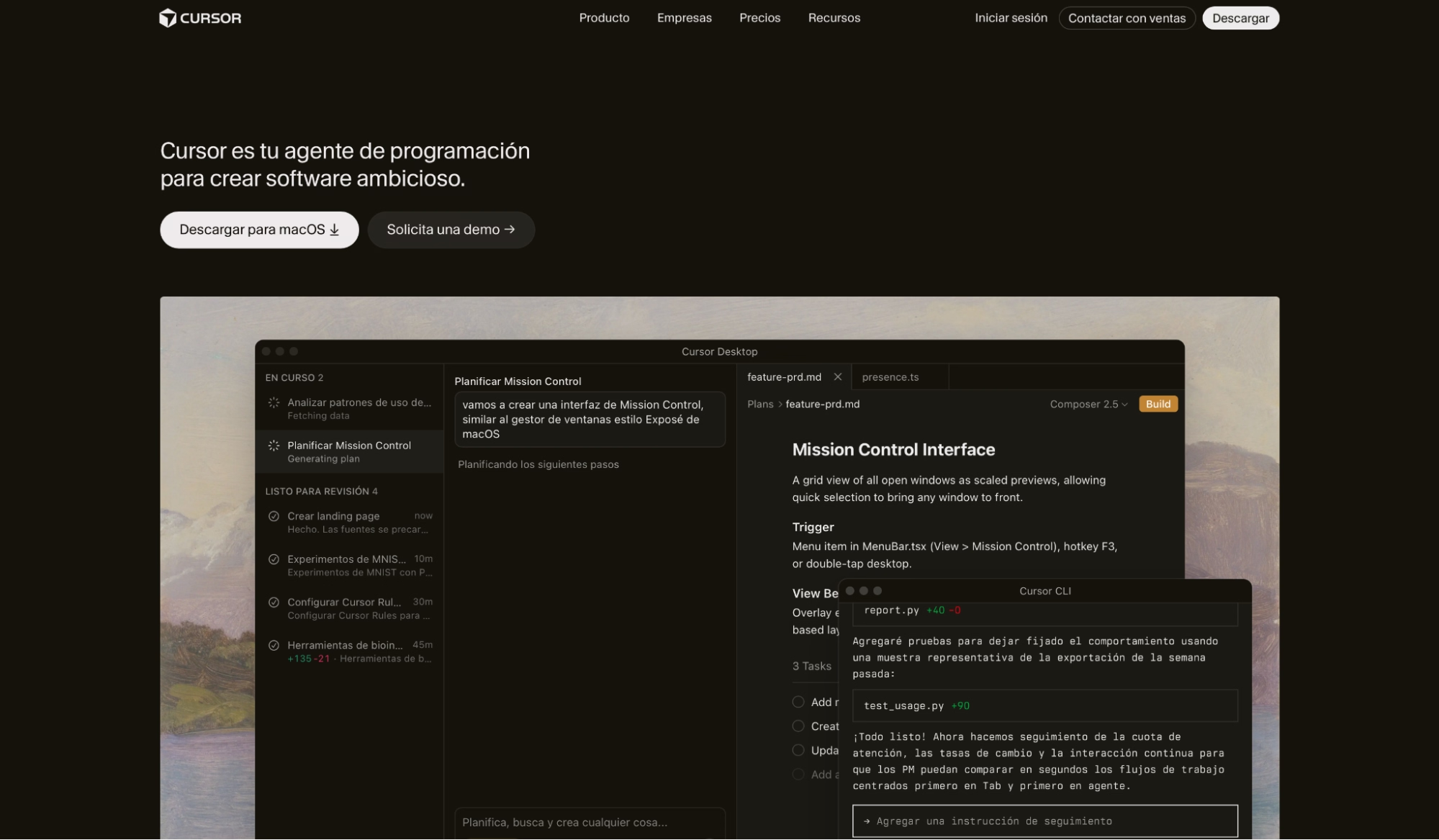
Cursor is a Visual Studio Code fork built by Anysphere. Developers use it to write code faster. The agents read the whole codebase and suggest changes that fit the existing patterns, which means you're not correcting style mismatches on top of the actual work.
Its latest model, Composer 2.5, runs at a fraction of third-party model costs with substantial improvements on long-horizon agentic tasks.
I dropped it into the client dashboard I had started building and the difference from a blank project was immediate. The agent flagged a broken component in the authentication flow, suggested a fix that matched the patterns already there, and resolved it in under 10 minutes.
When I tried starting from scratch earlier in the week, Cursor had almost nothing useful to offer. It needs existing code to read before it can help.
If you don't write code, skip this one. Cursor is built for developers working on projects they already own.
Cursor shines on existing codebases but struggles from scratch. Our Claude Code vs Cursor breakdown shows what that trade-off looks like in practice.
Emergent: The App Builder That Goes Past the Prototype
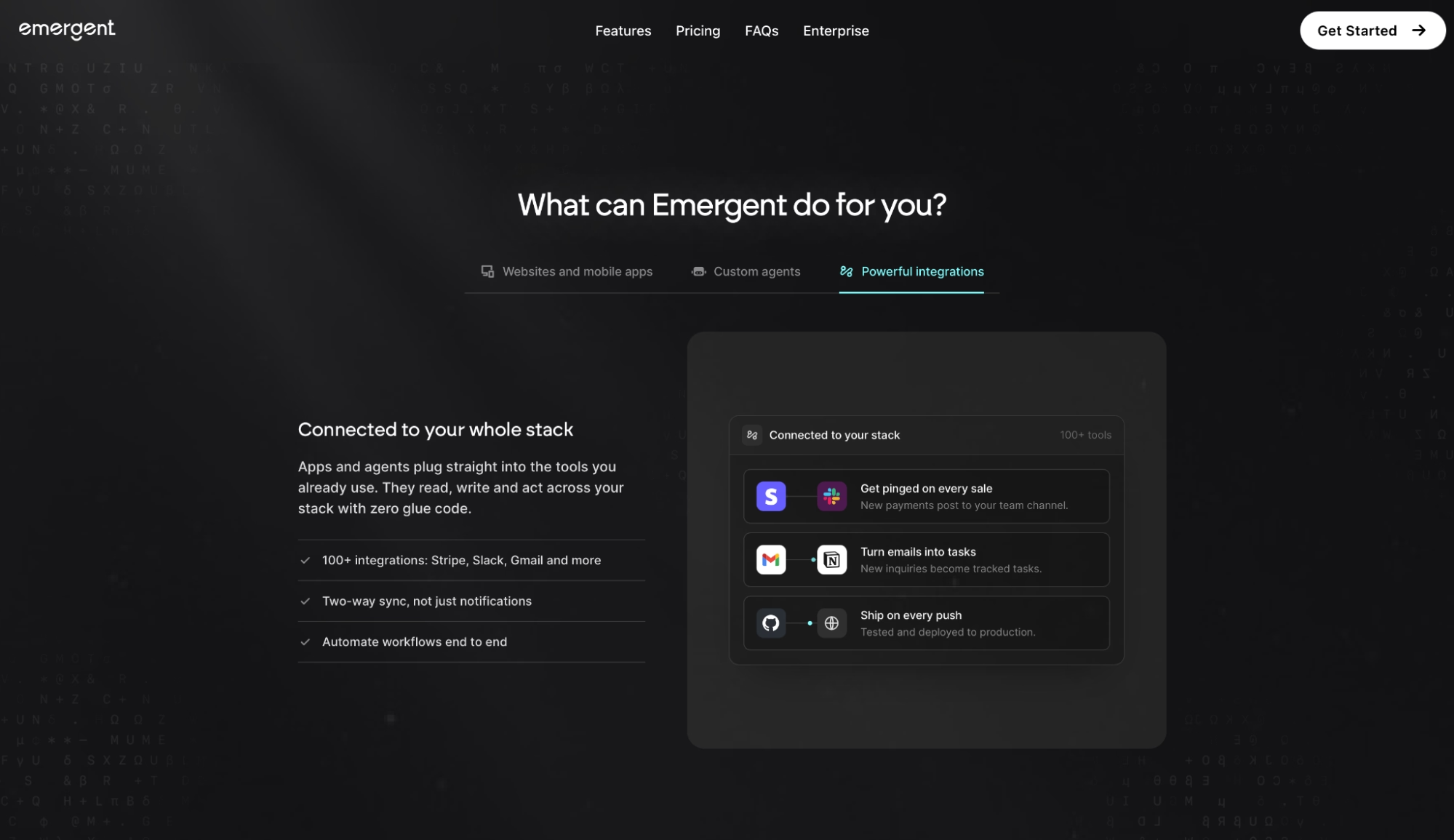
Emergent is a conversational AI app builder for web and mobile. You describe what you want, and a multi-agent system handles the build, runs end-to-end tests, and reviews the output before you see it.
When it's done, the app deploys to managed infrastructure on Emergent's servers. On Standard plans and above, the code syncs to GitHub.
Emergent Auth comes standard, so there's no separate Google Cloud project to configure for user login. If you need more capacity, the Pro plan adds a 1M context window, Maxx mode, and the ability to create custom AI agents for your specific workflow.
I built the client dashboard in one session. Emergent's testing agents flagged two issues before I ran into them myself, one in the data display logic and one in the mobile layout, and fixed both without me having to prompt again.
By the time I checked back, it was live with its own URL. With Emergent, the app goes live as part of the build, so deployment happens automatically instead of as a step you handle afterward.
The tradeoff is that you're building inside Emergent's environment, so if you want line-by-line control of every file as you go, a developer-first tool will feel more hands-on.
Windsurf vs Cursor vs Emergent Feature Breakdown
Here's how the three tools stack up when you put them to work on the same project.
Speed to First Working App
Windsurf: Fast for developers already inside a project. The Agent Command Center and Devin Local agent make it easy to delegate tasks and track progress across parallel sessions.
That speed drops on a blank project. The agent can build from a prompt, but the output still assumes someone technical is reviewing it before it ships.
Cursor: Slow on a blank slate, fast inside an existing codebase. The agents have no useful context when there's no project to index.
Once there's something to work with, few tools I've used close a debugging loop that fast. A refactoring task that would've taken me an afternoon to trace manually took the agent about 10 minutes.
Emergent: Among the three, Emergent got me to a live app the fastest. A plain-English description of the client dashboard produced a working, deployed app faster than either of the other two.
In my session, the multi-agent setup caught issues during the build that I would've found only after launch.
Winner: Emergent, for anyone going from prompt to deployed app. Cursor is where developers extending existing projects should look. Windsurf sits between the two and makes the most sense when you want multiple agents running at once.
Credit and Cost Predictability
Windsurf: Pro at $20/month with daily and weekly resets. SWE-1.6 costs zero credits on all plans, which matters if it covers the bulk of your usage. The display shows percentages instead of token counts or dollar amounts, so planning long frontier model runs is guesswork until you've already hit the wall.
Cursor: Pro at $20/month. The Teams plan now splits usage into two buckets: a Composer and an Auto pool for first-party models, and a separate one for third-party API models. This started for new customers immediately and for renewing customers from July 1, 2026.
Cursor also has a live dashboard tracking your burn rate in real dollars. It's more useful than a percentage bar when you're managing a team budget.
Emergent: Standard at $20/month with 100 credits. Heavier builds consume more than lighter ones, but tighter prompts keep costs predictable. The usage display shows you a number, not a percentage, which is clearer than Windsurf's bar.
Winner: Teams with predictable usage and a need for spend controls will land on Cursor. Developers who lean on SWE-1.6 for routine work won't burn through their Windsurf allowance fast.
And if you ship occasionally and want to see a concrete number instead of a bar, Emergent's credit counter is easier to read at a glance.
Code Quality and Production Readiness
Windsurf: Devin Local generates clean code and is 30% more token-efficient than Cascade on the same tasks. It also ships with Quick Review, a dedicated subagent that runs an automated check on local changes before they leave your machine.
For developers who want eyes on every diff before it lands, Quick Review adds that gate without slowing the session.
Cursor: On code quality, Cursor is the one I'd trust with a production repo. The design puts every AI-generated change through a visible diff that the developer approves before anything enters the repo.
Multi-file refactoring with that view keeps the codebase clean over time. The agent reads existing patterns and writes code that matches them.
Emergent: Runs automated testing agents alongside the build, which catch bugs before you see them. It keeps going past generated files, through testing, and into deployment. The code syncs to GitHub and is yours to extend, hand off, or keep building on.
Winner: On existing codebases with developer sign-off at every step, Cursor. For someone who wants testable output without touching the code, Emergent's testing agents catch bugs during the build, often before you'd notice them in manual testing.
Want to see how the full field compares on code quality? Our roundup of the best vibe coding tools covers every major option we tested in 2026.
Support and Community
Windsurf: Cognition only completed the rebrand in June. Some docs are still mid-update, and nobody's really built a Devin Desktop community yet.
The Devin brand does have enterprise traction (Ramp and Linktree are customers), but that backing hasn't translated into community resources for people using the IDE day-to-day. I found fewer third-party guides and discussion threads specific to the Windsurf experience than I did for Cursor.
Cursor: Active Discord, solid documentation, and a dedicated community forum at forum.cursor.com with thousands of posts. The library of skills, plugins, and MCP integrations has two years of community-built extensions that neither Windsurf nor Emergent can match yet.
When something breaks, existing discussions tend to surface a fix faster than a support ticket would.
Emergent: Lists priority customer support on the Pro plan. The team is responsive to Trustpilot reviews and active in the community forum. Reading through the reviews, the Emergent team replies directly more than you'd expect.
Winner: Cursor has a forum with over 2,000 active threads, a Discord, and documentation that's kept current. If something breaks and you need a human response fast, Emergent's team picks up faster. Windsurf is rebuilding that layer post-acquisition and isn't there yet.
What Real Users Are Saying
G2 and Product Hunt reviews across all three tools point to the same split: the things users love are specific and technical, and the complaints almost always come down to credits and cost visibility.
Windsurf
Pros:
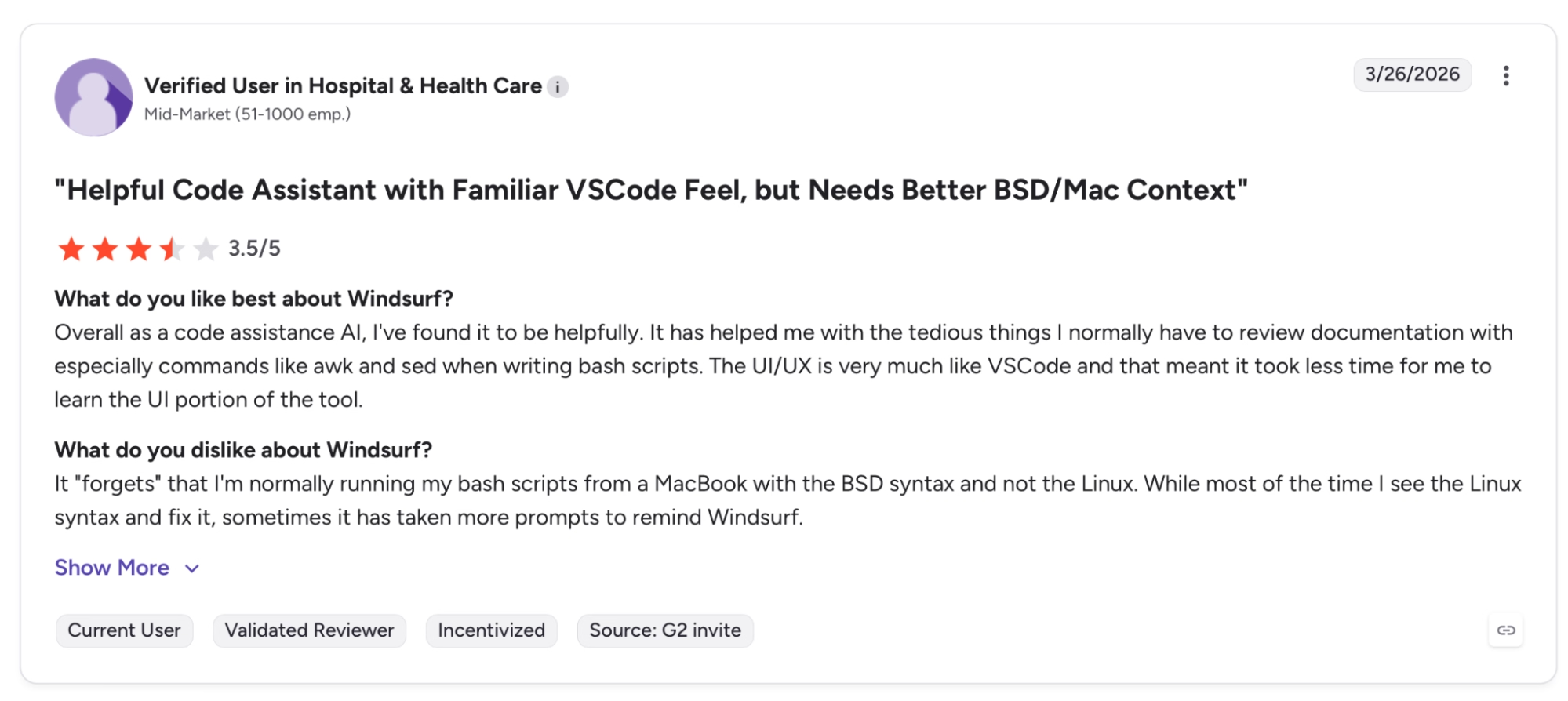
"Overall as a code assistance AI, I've found it to be helpful. It has helped me with the tedious things I normally have to review documentation with especially commands like awk and sed when writing bash scripts." — Verified User, G2
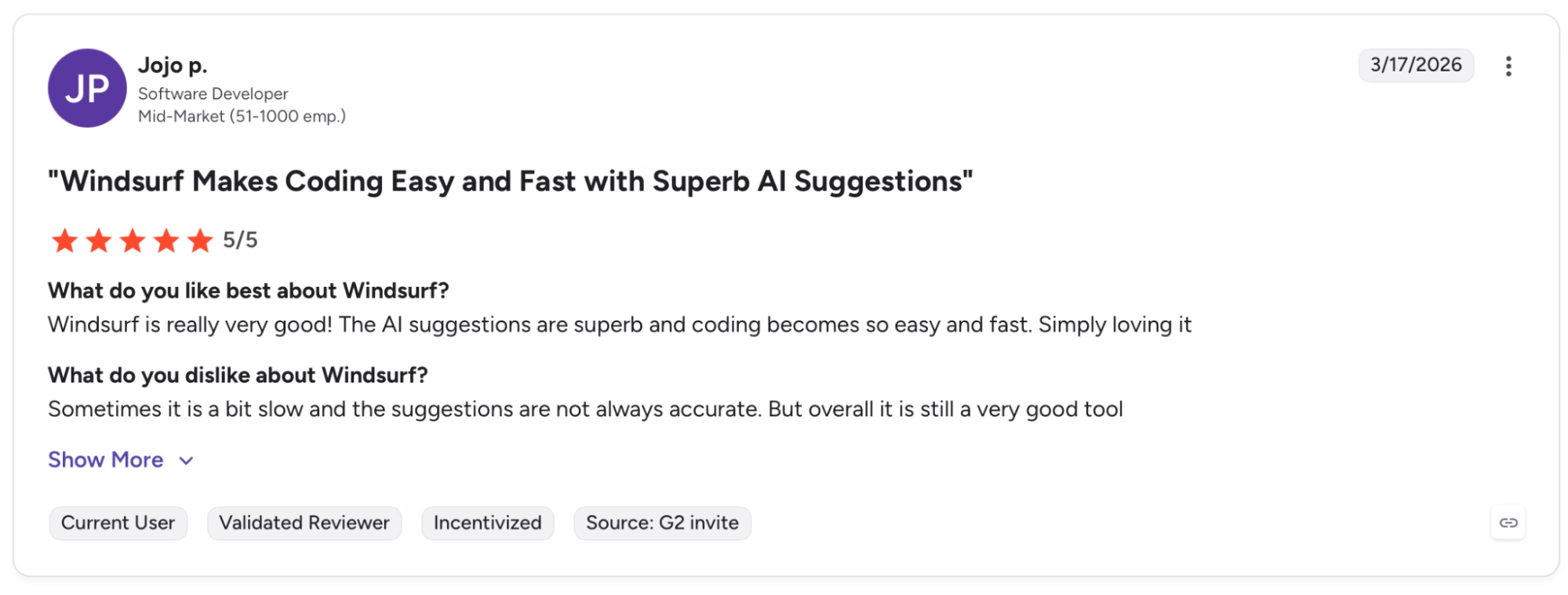
"Windsurf is really very good! The AI suggestions are superb and coding becomes so easy and fast. Simply loving it." — Jojo P., G2
Cons:
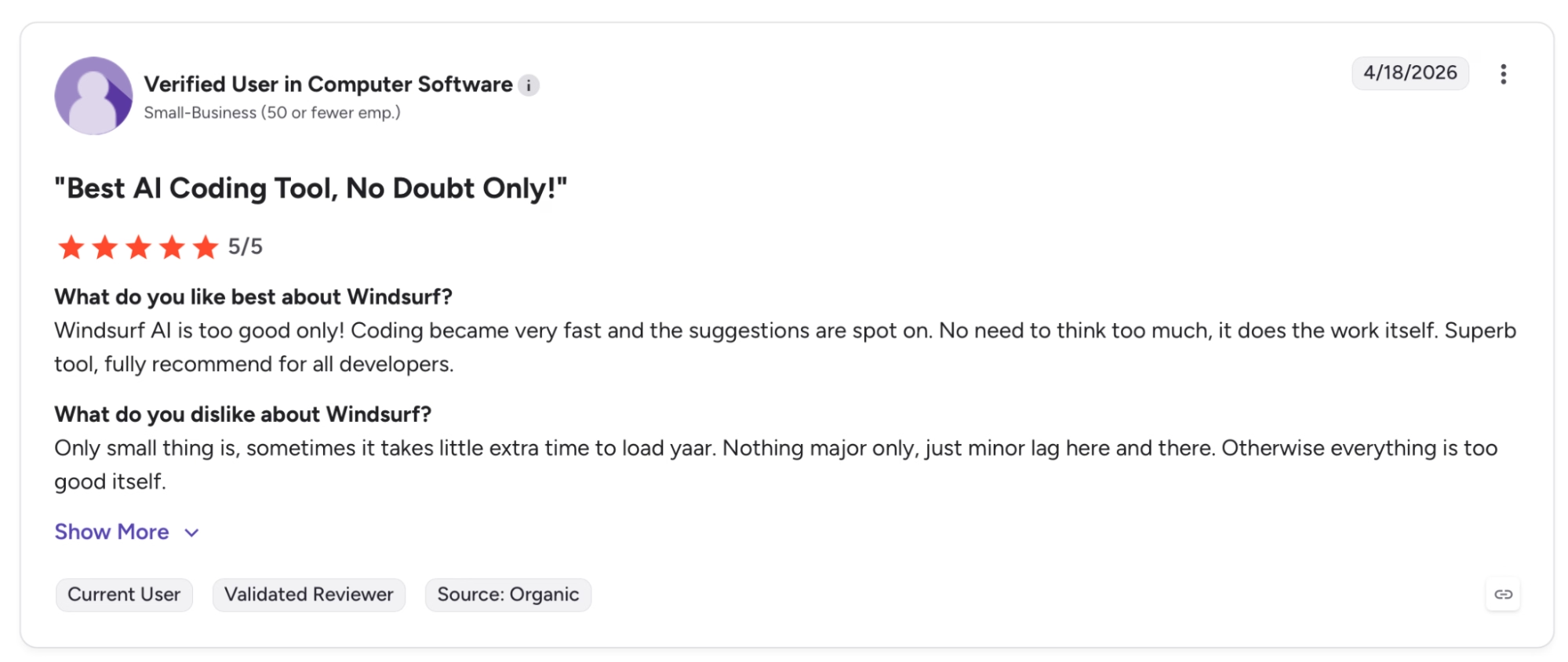
"Only small thing is, sometimes it takes a little extra time to load yaar. Nothing major, only minor lag here and there. Otherwise, everything is too good itself." — Verified User, G2
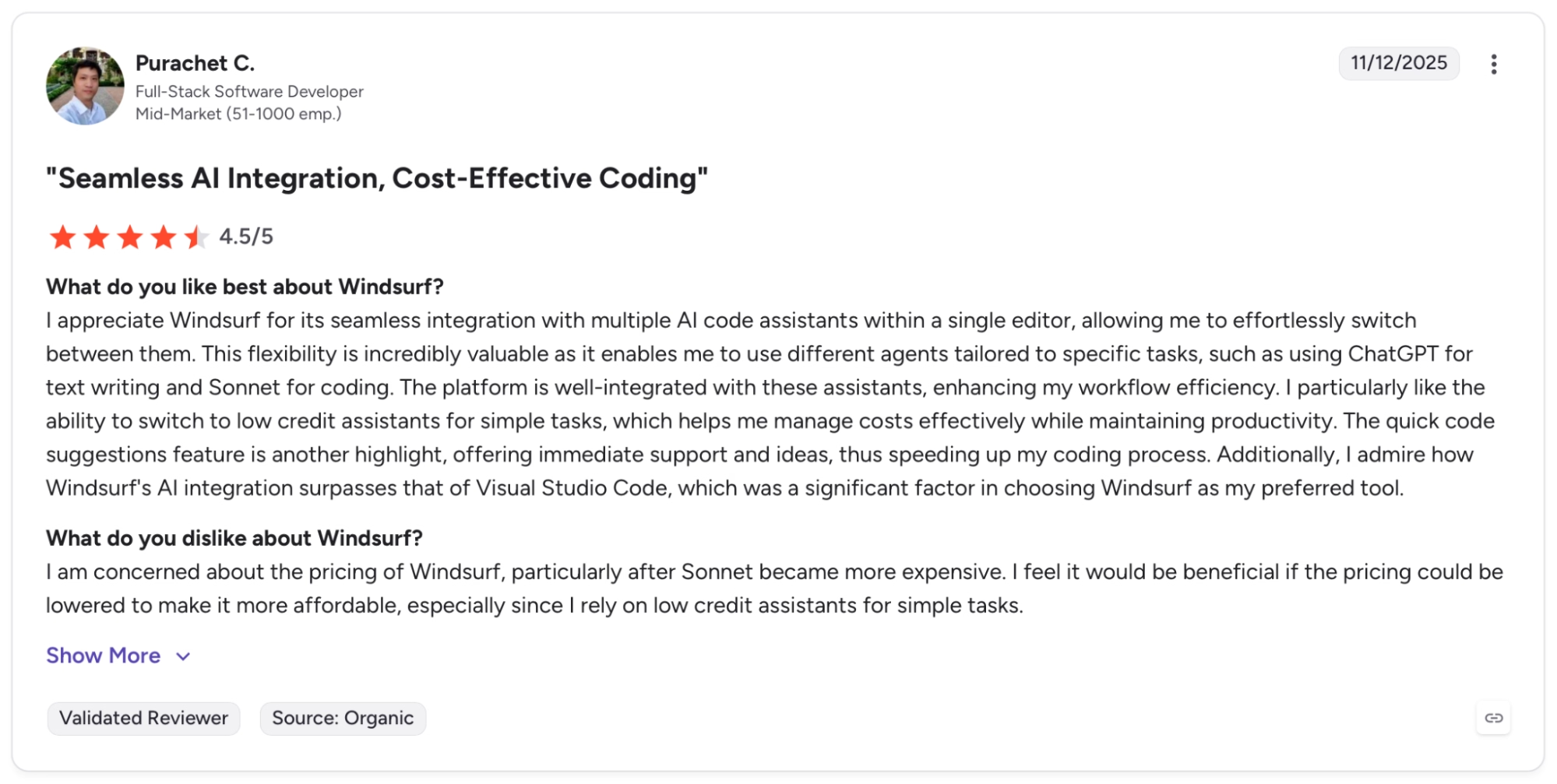
"I am concerned about the pricing of Windsurf, particularly after Sonnet became more expensive." — Purachet C., G2
Cursor
Pros:
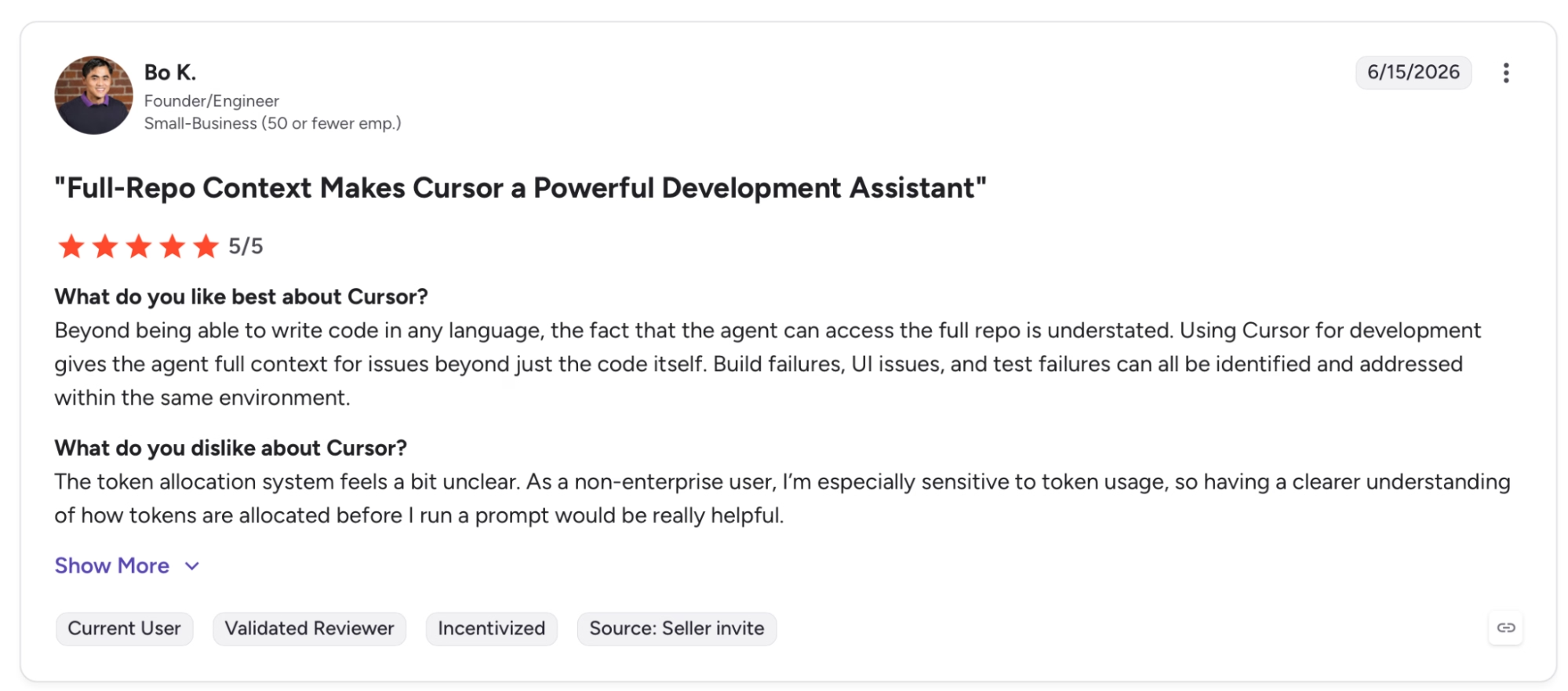
"Beyond being able to write code in any language, the fact that the agent can access the full repo is understated." — Bo K., G2
"It’s easy to use, and I especially like that it offers different AI models I can switch between depending on what I need in the moment." — Harsh D., G2
Cons:
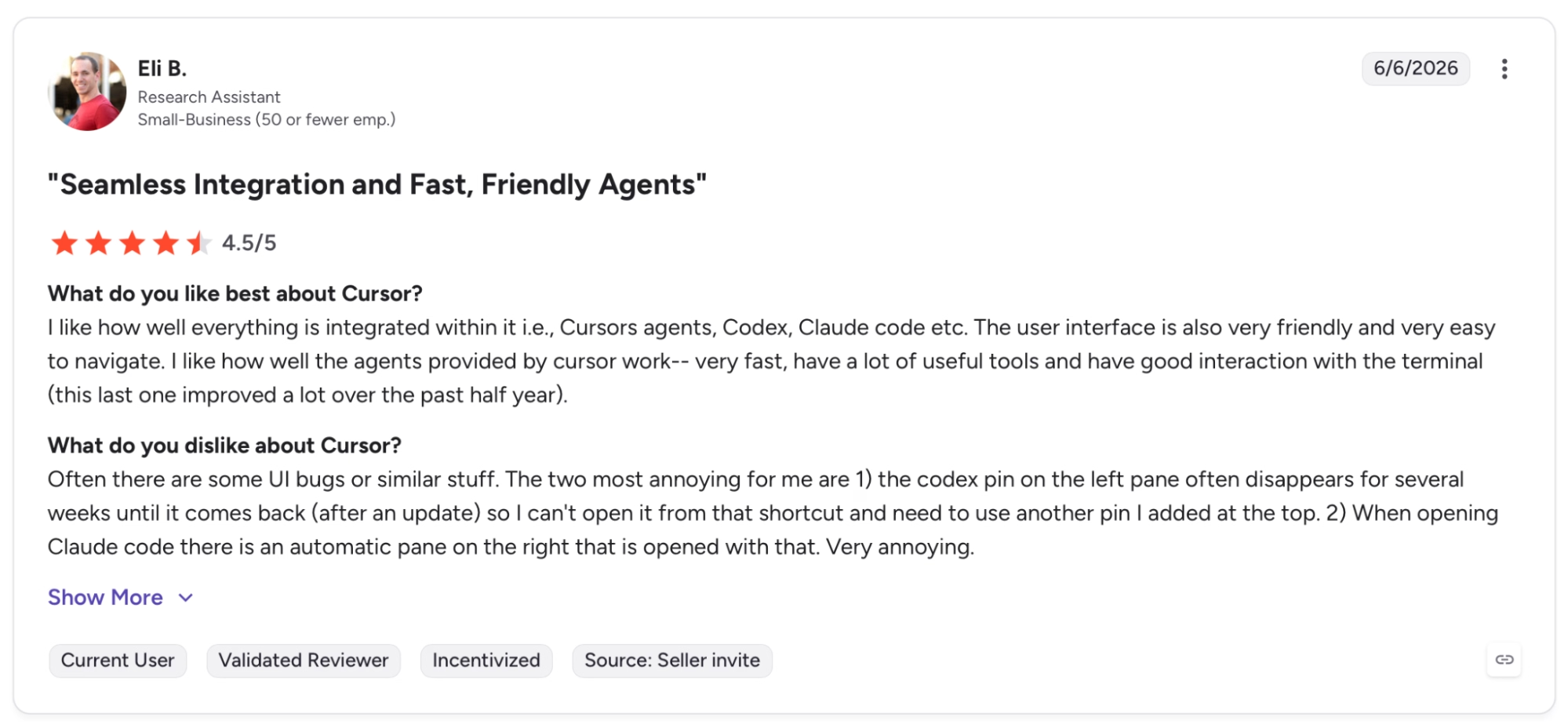
"The codex pin on the left pane often disappears for several weeks until it comes back (after an update), so I can't open it from that shortcut and need to use another pin I added at the top." — Eli B., G2
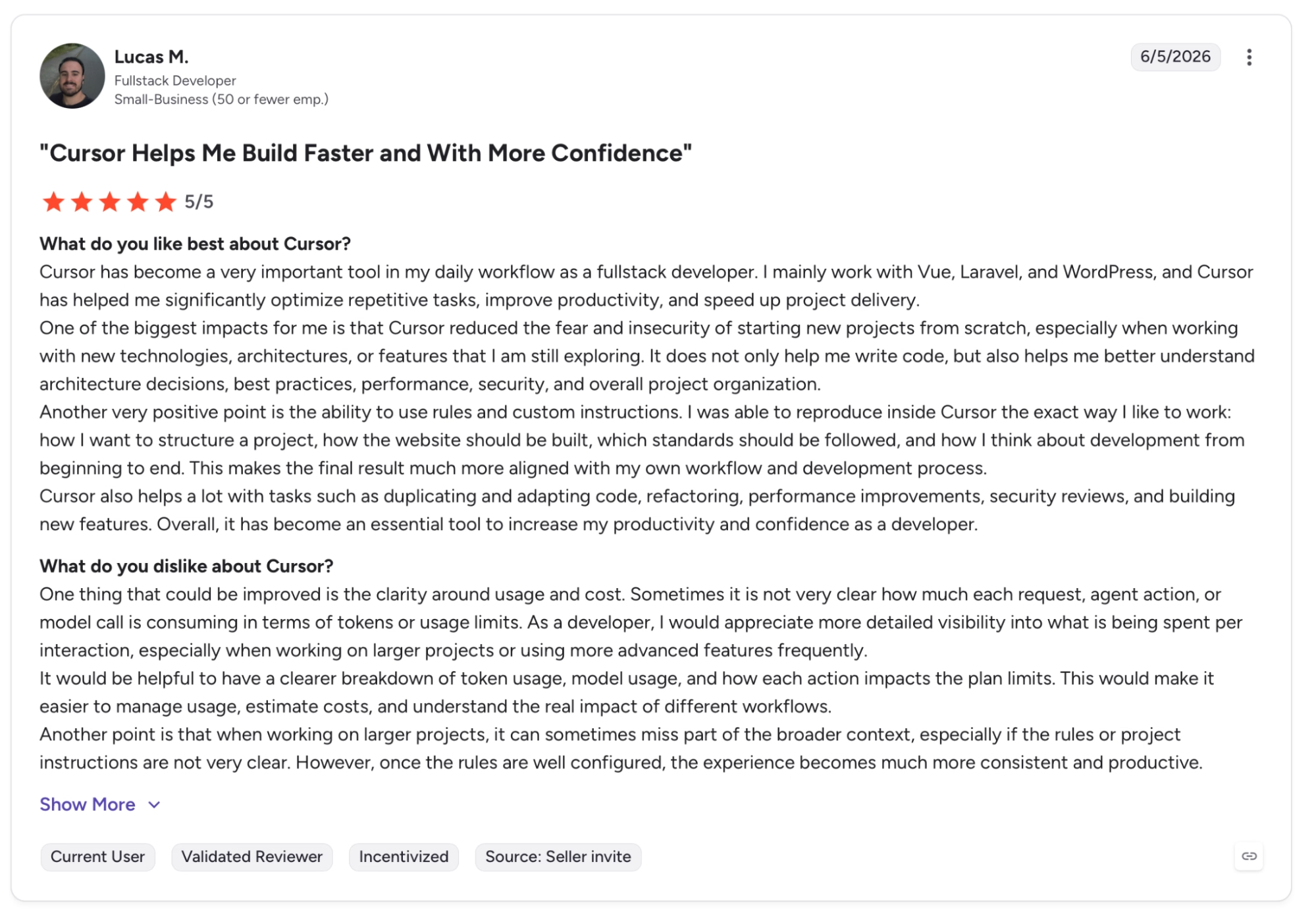
"One thing that could be improved is the clarity around usage and cost." — Lucas B., G2
Want more hands-on takes before you decide? Read our Cursor Reviews for a closer look at what users actually ran into.
Emergent
Pros:
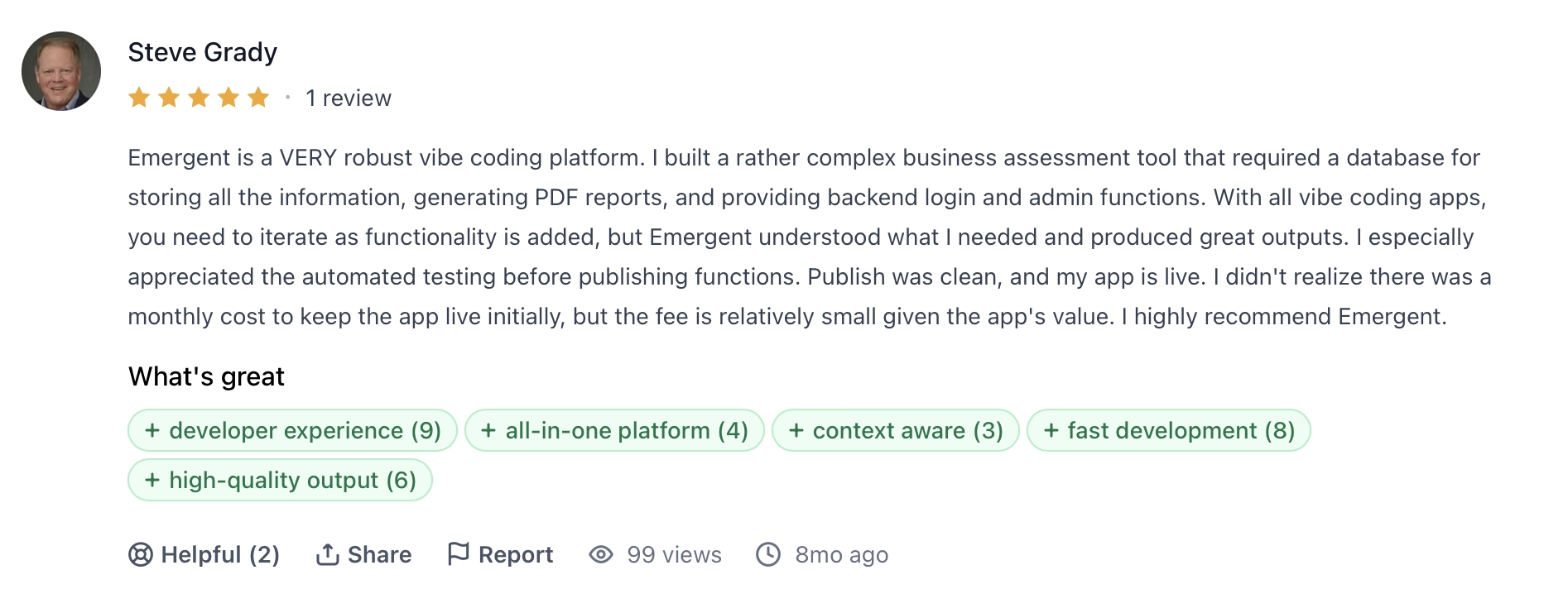
"With all vibe coding apps, you need to iterate as functionality is added, but Emergent understood what I needed and produced great outputs." — Steve Grady, Product Hunt
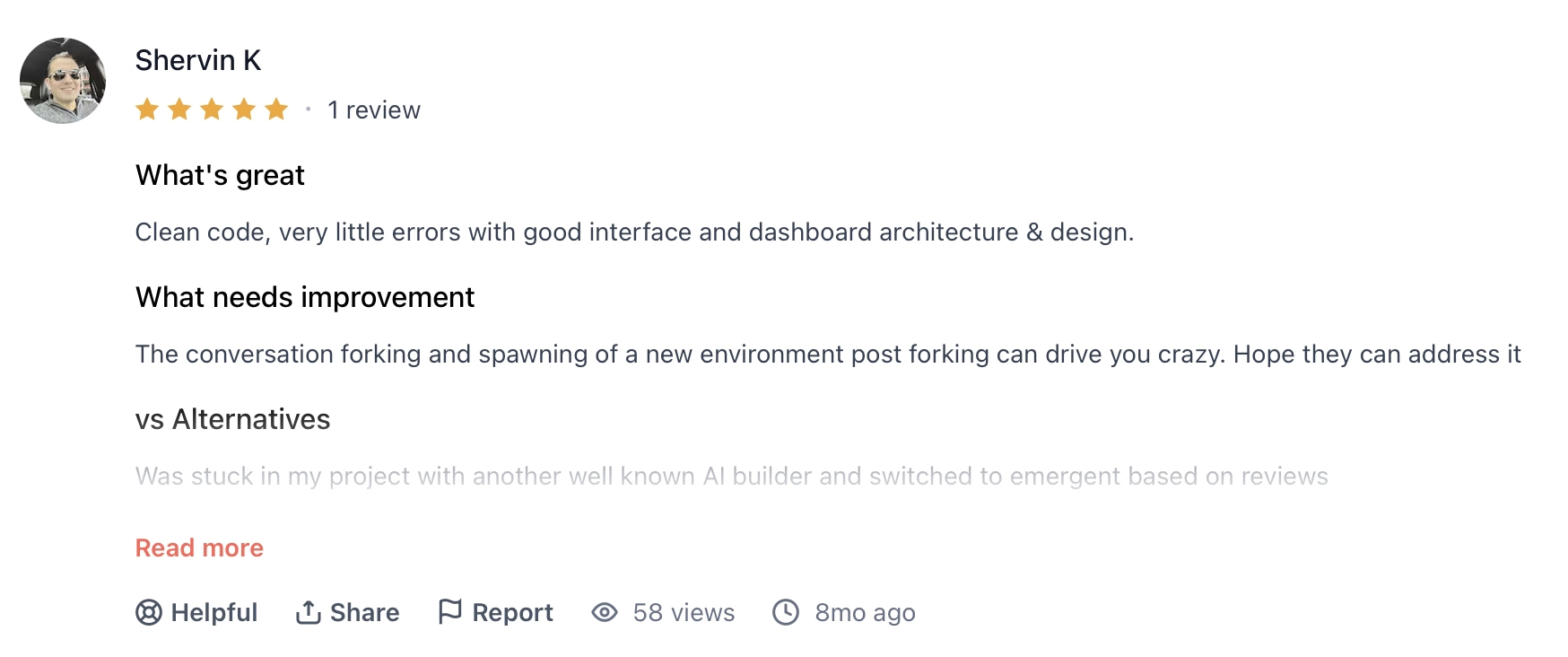
"Clean code, very little errors with good interface and dashboard architecture and design." — Shervin K., Product Hunt
Cons:
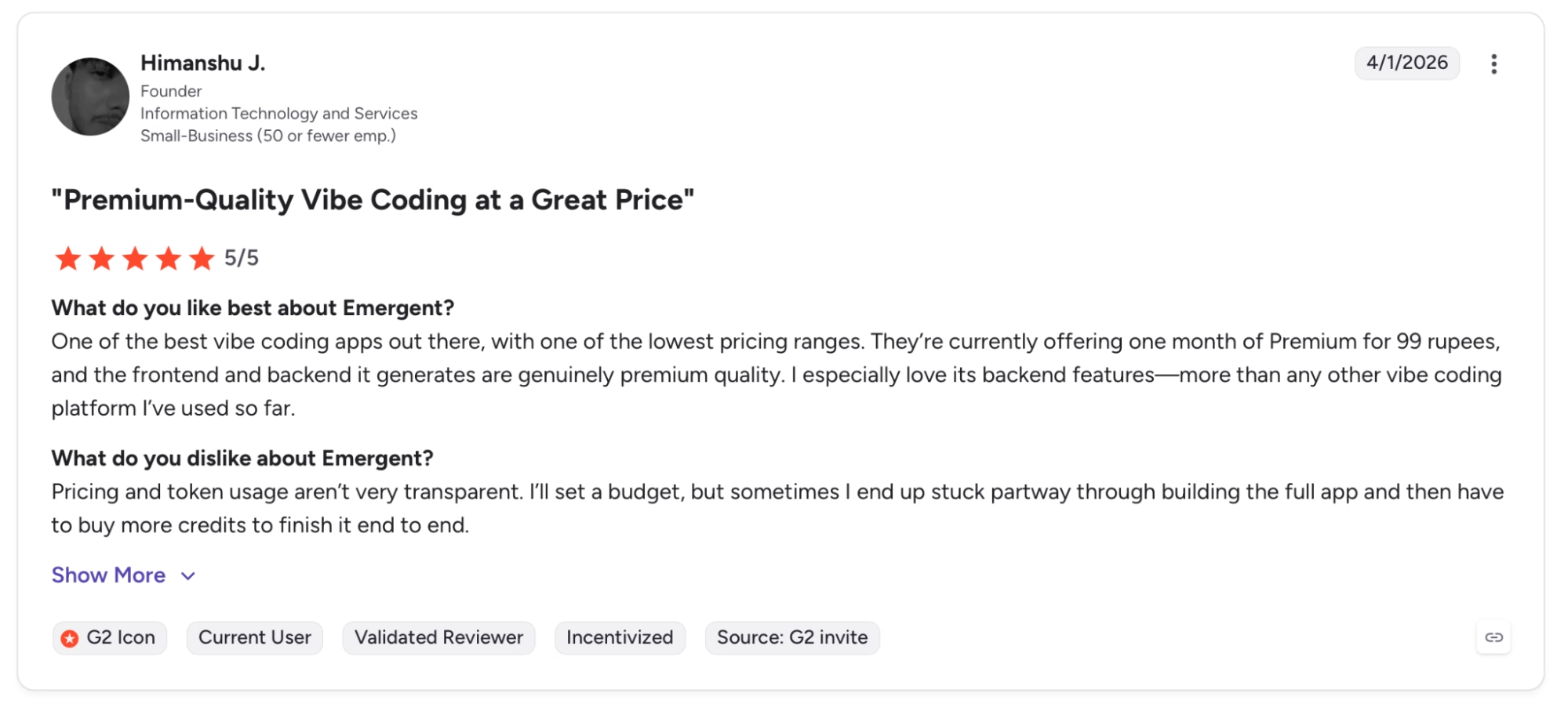
"I’ll set a budget, but sometimes I end up stuck partway through building the full app and then have to buy more credits to finish it end to end." — Himanshu J., G2
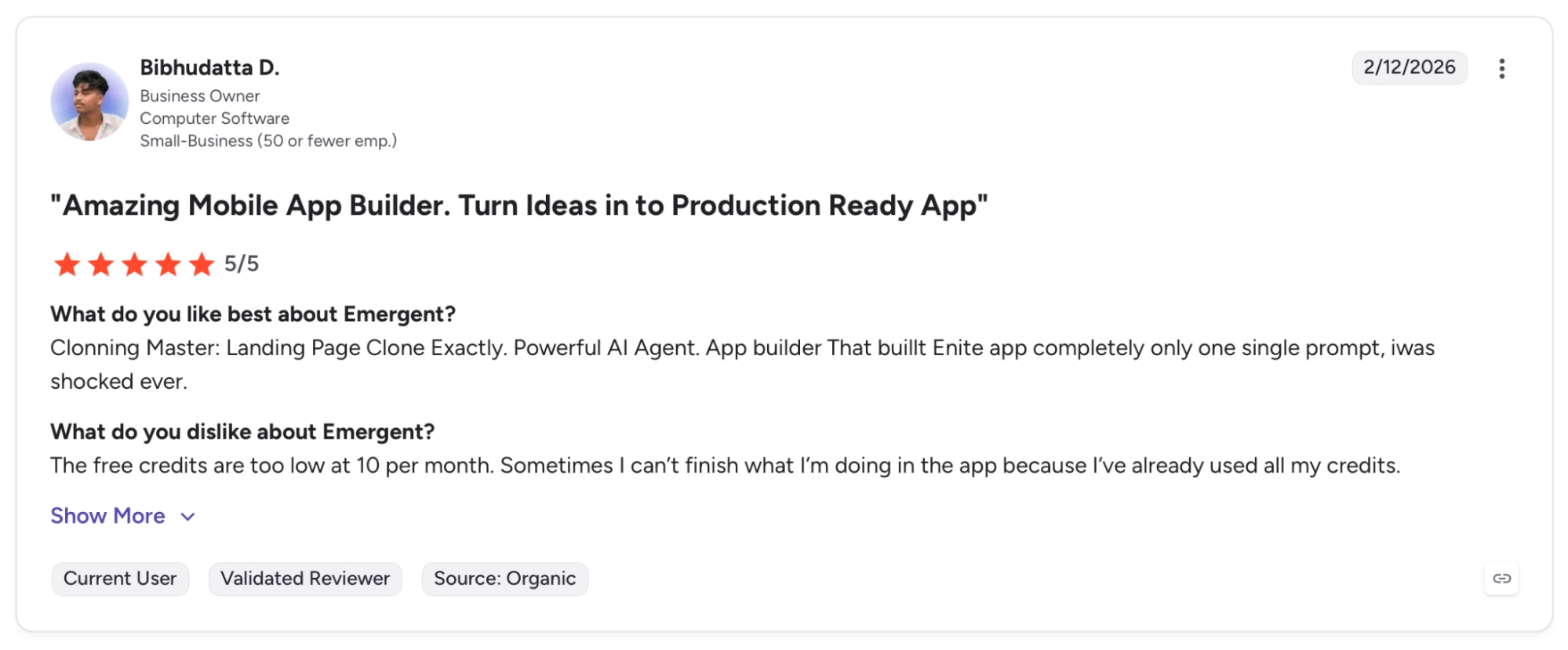
"The free credits are too low at 10 per month. Sometimes I can’t finish what I’m doing in the app because I’ve already used all my credits." — Bibhudatta D., G2
Which Tool Should You Choose?
After running the Windsurf vs Cursor vs Emergent comparison on the same project, none of them is universally better. These three tools are aimed at genuinely different people. Pick the wrong one, and you'll spend credits and time getting an agent to work with a workflow it wasn't designed for.
Choose Windsurf if you:
- Are a developer running multiple agent tasks in parallel and want a single Kanban view to manage all of them.
- Already use Devin Cloud and want local and cloud work visible in the same interface.
- Want SWE-1.6 at zero credit cost for routine agentic tasks.
Choose Cursor if you:
- Already write code and want an agent that deeply understands the project you're working on.
- Are refactoring, debugging, or navigating a codebase you didn't write yourself.
- Need enterprise-grade cost controls, pooled usage, and SAML SSO for a team.
Choose Emergent if you:
- Don't write code and want to ship a working web or mobile app without opening a terminal.
- Need an app that handles user accounts, stores data, and goes live on day one with Emergent Auth and deployment already set up.
- Are a consultant, agency owner, or service business owner who needs a working tool shipped without hiring developers.
Read More: GitHub Copilot vs Cursor: Which One Should You Choose?
My Final Verdict
Windsurf's angle is coordination. Cursor's is depth. Emergent's is getting a live app out the door.
If I had to pick one for a non-technical founder or service business owner who needs to ship something that works, it's Emergent. The client dashboard I built on it was more complete and ready to hand off than what I got from Windsurf or Cursor in the same timeframe.
Emergent's testing Agent caught bugs before I did, the code went to GitHub from the first build, and I never once had to think about infrastructure. That's what separates it from the other two for non-technical users.
Developers who work inside code all day should stay on Cursor. Running agents in parallel without switching windows is where Windsurf stands out. For anyone who doesn't fit either of those profiles (running a business, no developer on payroll), Emergent is the one I'd look at first.
Ready to Build Your First App on Emergent?
Emergent takes you from a plain-English description to a working web or mobile app. Automated testing runs checks during the build, and the code syncs to GitHub on Standard plans and above.

Most AI app builders stop at prototypes. Emergent creates production-ready apps you can actually launch.
- Production-ready apps
- Web & mobile apps
- Deploy in minutes







