

Build a Custom Time Clock and Scheduling Software Using AI in Minutes
Create your time clock and scheduling software in minutes with AI. Compare rostered against clocked hours daily and evidence breaks, no coding.










Trusted by Builders Worldwide
Active Builders Worldwide
Apps Successfully Created
Countries Globally Reached



Emergent Key Features for Building Time Clock and Scheduling Software
The difference between hours rostered and hours paid is where labour budgets quietly fail. Nobody looks at it until payroll is already wrong.
Clocked Hours Compared with Scheduled
Every shift showing planned against actual with the variance and its reason, since that difference is the number payroll disputes are made of.
Early Clock in Handled by Rule
Grace periods and rounding applied consistently, because paying from the moment somebody arrives rather than when their shift starts is a silent and substantial cost.
Missed Punches Surfaced for Correction
Shifts with a start and no finish flagged immediately, rather than becoming a manual adjustment somebody guesses at during payroll week.
Approval Before Hours Reach Payroll
Variances reviewed and authorised by a manager, so payroll receives approved figures rather than raw clock data with errors in it.
Break Compliance Evidenced
Breaks taken against entitlement recorded from clock data, which is the evidence a working time challenge actually requires.
Location or Device Verified Where It Matters
Clocking confirmed at the site rather than remotely where the role requires presence, without treating every employee as suspect.
Time Clock and Scheduling Software Use Cases You Can Build in Minutes

The Variance Nobody Looks At
Planned hours compared with clocked hours per person and period, variance categorised by cause, and the cumulative cost of small differences made visible across a month.
window.awbMockup = { scheduledAgainstWorked: "Build a variance report comparing scheduled shifts against clocked hours per employee and pay period, categorising differences by cause such as early start, late finish, overtime or absence, and totalling the cost of the variance across the period.", punchExceptions: "Build a punch exception queue surfacing missed clock outs, duplicate punches, shifts with no clocking and clockings far outside the scheduled time, presenting them daily for correction with the scheduled shift alongside for reference.", approvalWorkflow: "Build a timesheet approval workflow routing shifts with variance to the responsible manager with the scheduled and clocked times shown, requiring a reason for approval, and preventing unapproved hours from being exported to payroll.", breakAndRestEvidence: "Build a break compliance record deriving breaks taken from clocking data, comparing them against entitlement for each shift length, flagging shifts where required rest was not taken, and retaining the evidence for the statutory period."};
Fix It Before Payroll, Not After
Missed clock outs, duplicate punches and shifts with no clocking at all surfaced daily for correction, rather than discovered during payroll week and estimated.
window.awbMockup = { scheduledAgainstWorked: "Build a variance report comparing scheduled shifts against clocked hours per employee and pay period, categorising differences by cause such as early start, late finish, overtime or absence, and totalling the cost of the variance across the period.", punchExceptions: "Build a punch exception queue surfacing missed clock outs, duplicate punches, shifts with no clocking and clockings far outside the scheduled time, presenting them daily for correction with the scheduled shift alongside for reference.", approvalWorkflow: "Build a timesheet approval workflow routing shifts with variance to the responsible manager with the scheduled and clocked times shown, requiring a reason for approval, and preventing unapproved hours from being exported to payroll.", breakAndRestEvidence: "Build a break compliance record deriving breaks taken from clocking data, comparing them against entitlement for each shift length, flagging shifts where required rest was not taken, and retaining the evidence for the statutory period."};
Payroll Should Receive Approved Hours
Variances routed to the responsible manager for review with the reason recorded, so what reaches payroll has been authorised rather than accepted raw from a terminal.
window.awbMockup = { scheduledAgainstWorked: "Build a variance report comparing scheduled shifts against clocked hours per employee and pay period, categorising differences by cause such as early start, late finish, overtime or absence, and totalling the cost of the variance across the period.", punchExceptions: "Build a punch exception queue surfacing missed clock outs, duplicate punches, shifts with no clocking and clockings far outside the scheduled time, presenting them daily for correction with the scheduled shift alongside for reference.", approvalWorkflow: "Build a timesheet approval workflow routing shifts with variance to the responsible manager with the scheduled and clocked times shown, requiring a reason for approval, and preventing unapproved hours from being exported to payroll.", breakAndRestEvidence: "Build a break compliance record deriving breaks taken from clocking data, comparing them against entitlement for each shift length, flagging shifts where required rest was not taken, and retaining the evidence for the statutory period."};
Prove the Break Was Taken
Breaks recorded from clock data and compared against entitlement, with shifts where required rest was not taken flagged at the time rather than at a tribunal.
window.awbMockup = { scheduledAgainstWorked: "Build a variance report comparing scheduled shifts against clocked hours per employee and pay period, categorising differences by cause such as early start, late finish, overtime or absence, and totalling the cost of the variance across the period.", punchExceptions: "Build a punch exception queue surfacing missed clock outs, duplicate punches, shifts with no clocking and clockings far outside the scheduled time, presenting them daily for correction with the scheduled shift alongside for reference.", approvalWorkflow: "Build a timesheet approval workflow routing shifts with variance to the responsible manager with the scheduled and clocked times shown, requiring a reason for approval, and preventing unapproved hours from being exported to payroll.", breakAndRestEvidence: "Build a break compliance record deriving breaks taken from clocking data, comparing them against entitlement for each shift length, flagging shifts where required rest was not taken, and retaining the evidence for the statutory period."};
Connect the rota to the clock in four steps
Scheduled hours compared with clocked hours every day, punch exceptions corrected before payroll rather than after, and breaks evidenced from the data itself.
How early clocking is treated, rounding conventions, what variance requires approval, break entitlements by shift length, and who authorises exceptions.
Terminals or a mobile app for clocking, the rotas managers build, and your payroll system so approved hours export without being retyped.
A different grace period, revised rounding, a new approval threshold. Model the change against last month's data before applying it to live payroll.
Compare scheduled against paid hours, because the total is usually larger than anyone expects and pays for the project immediately.
More things you can build
with Emergent
AI Website Builder
Build and publish responsive websites with AI — from landing pages to complete websites.
AI App Builder
Create and launch mobile apps with AI, without the complexity of traditional app development.
AI Web App Builder
Build and ship fully functional web apps with custom interfaces, logic, and workflows.
AI Dashboard Builder
Create interactive dashboards to visualize data, track KPIs, and manage business operations.
AI SaaS Builder
Build complete SaaS products with user accounts, subscriptions, dashboards, and core product workflows.
AI CRM Builder
Build custom CRMs for managing contacts, leads, pipelines, campaigns, and automated workflows.
AI Agent Builder
Create AI agents that can understand tasks, use tools, automate workflows, and work across your business.
Build Your Own
Start with any idea and build exactly what you need with AI — no templates or limits.

Why choose Emergent?
Most tools give you a demo you have to rebuild. Emergent gives you a product that is ready to run.
| Comparison | Other Tools |  |
|---|---|---|
| Built for | Demos and MVPs | Products you keep growing |
| What you get | Front end shell only | Full stack, wired end to end |
| Backend and database | Set it up yourself | Built and connected for you |
| Customization | Surface level styling | Deep workflow control |
| Integrations and APIs | Manual glue work | Connected from a prompt |
| Code ownership | Locked to the platform | Clean code you can export |
| Time to launch | Weeks of patching and setup | Live the same day |
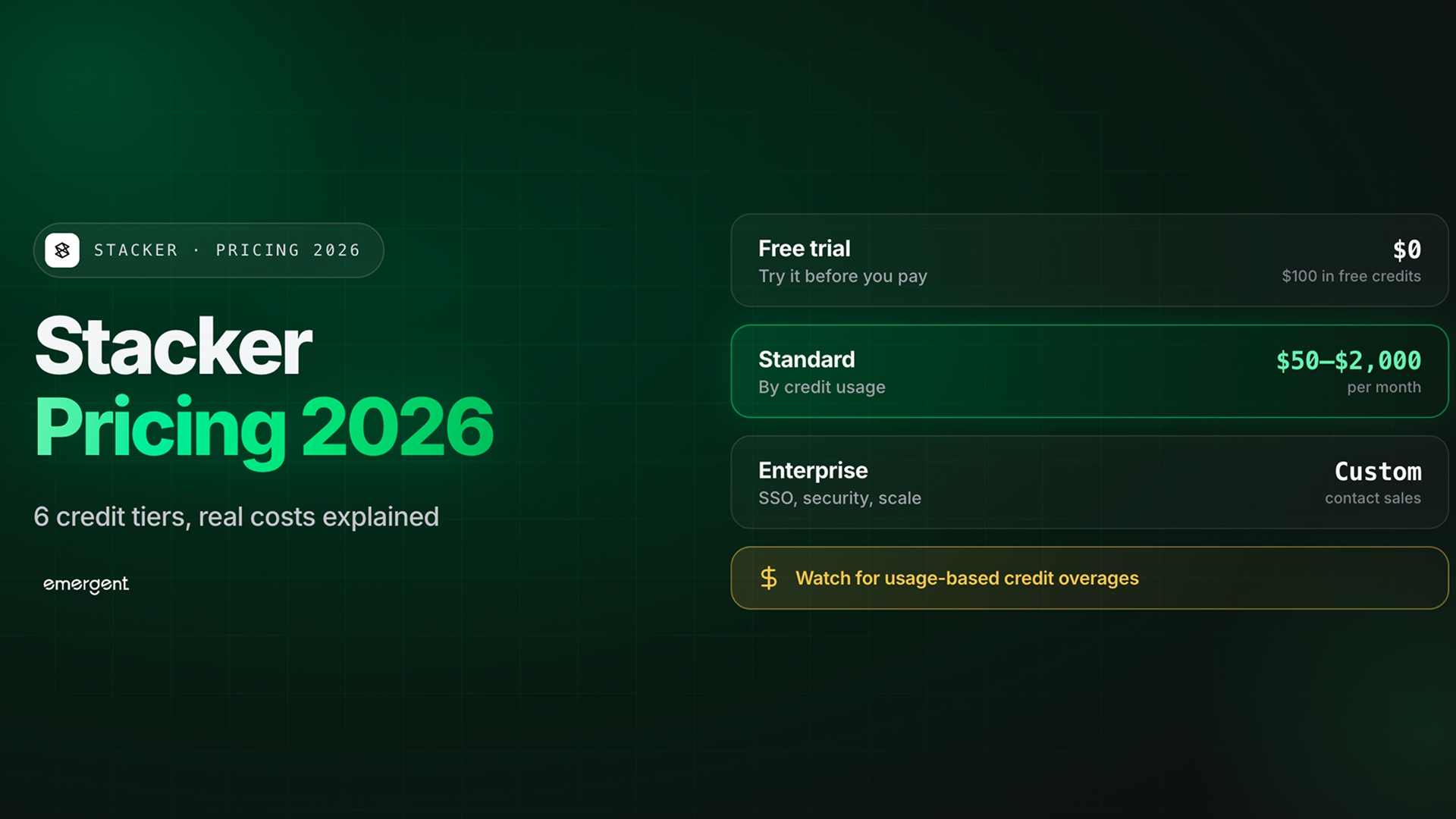
Pick the Pricing Plan That Works for You
Choose the plan that fits your building ambitions. From weekend projects to enterprise applications, we've got you covered.
No credit card required*


Frequently Asked Questions
Your Questions, Answered
Don't change this element unless you know what you are doing
on Emergent today




