



I ran these AI agents through months of real sales, ops, and support work. These are the 7 worth keeping, with pricing, trade-offs, and the use case each one wins.
7 AI Agents for Business: Quick Comparison
Six of these automate work inside software you already have. One builds the software itself. Know which problem you're solving before you pick.
How I Researched & Tested These AI Agents for Business
I put each tool through lead qualification, repetitive support handling, and ops workflows that connect Slack, Google Sheets, and a CRM. Every tool with a free tier got a live workflow built in it. Nothing made this list based on a demo or a landing page claim.
- Features: Whether the tool handles multi-step conditional logic, chained actions, branching decisions, and business rules without breaking mid-run.
- Usability: How far a non-technical person gets before hitting a wall, including setup friction, documentation quality, and whether the UI tells you what's happening or hides it.
- Integrations: Whether the connection covers the actions that matter (read, write, trigger, search) or just shows up in the app directory.
- Pricing: What the actual ceiling is at each tier, including execution limits, agent caps, user restrictions, and what forces an upgrade faster than you'd expect.
- Use Cases: How each tool behaves when things go wrong, with missing data, failed steps, ambiguous triggers, and the kind of edge cases that only surface after two weeks in production.
The cuts happened in week two. Steps skipped without errors, budgets blew past the pricing page, governance features lived in the docs but not the product.
1. Zapier Agents: Best for Teams Already Running Automations in Zapier
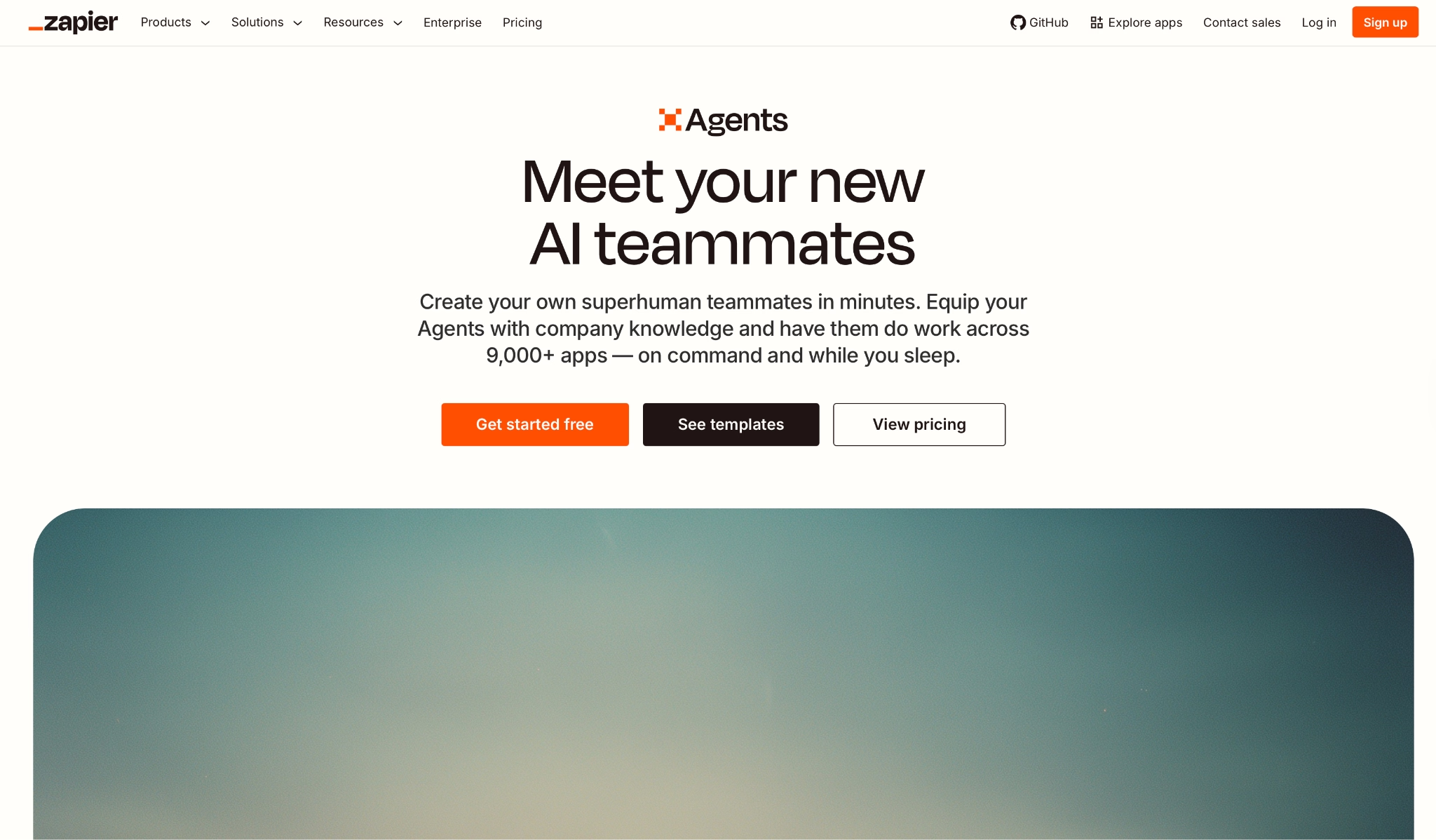
What it does: Lets you build AI agents that take action across 9,000+ apps using your existing Zapier connections and natural language instructions.
Best for: Operations and marketing teams already running automations in Zapier who want to layer in AI without migrating their stack.
With Zapier Agents I had a lead-qualifying agent reading form submissions and posting enriched alerts to Slack in under 25 minutes. No new connections to set up. Gmail, Slack, and Salesforce were already authenticated, so they carried over automatically.
Where it got complicated was MCP. Every tool call pulls from the same task quota as your Zaps, so a workflow that touches four apps burns through your monthly allowance faster than the pricing page implies. It's worth knowing that before you commit to a plan.
Key Features
- Zapier Copilot. Create specialized agents in plain language. Describe what the agent should do and Copilot scaffolds the workflow, selects the right actions, and connects your apps.
- Monitor activity. Track every completed task, pending action, and agent run from a centralized dashboard so nothing runs unattended without a log.
- Chat when needed. Talk to your agent directly to adjust instructions, ask for a status update, or redirect a task mid-run.
- Work on the web. Agents browse the web, research contacts, pull live data, and deliver results without leaving the workflow.
- Zapier MCP. Connects any MCP-compatible AI client (Claude, ChatGPT, Cursor) to 30,000+ pre-built actions across 9,000+ apps, governed by your existing Zapier account controls.
Pros and Cons
Pros:
- Largest app library on this list, and your existing connections carry over automatically with zero re-authentication
- Zapier MCP gives any AI client governed access to 30,000+ actions with account-level controls and a full audit log
- Agents go from description to live in minutes with Copilot scaffolding the workflow, no code required
Cons:
- MCP tool calls pull from your Zaps quota. Heavy use depletes your monthly allowance faster than the listed price suggests
- The free tier runs out quickly on any workflow touching multiple apps or running on a frequent schedule
What Users Say
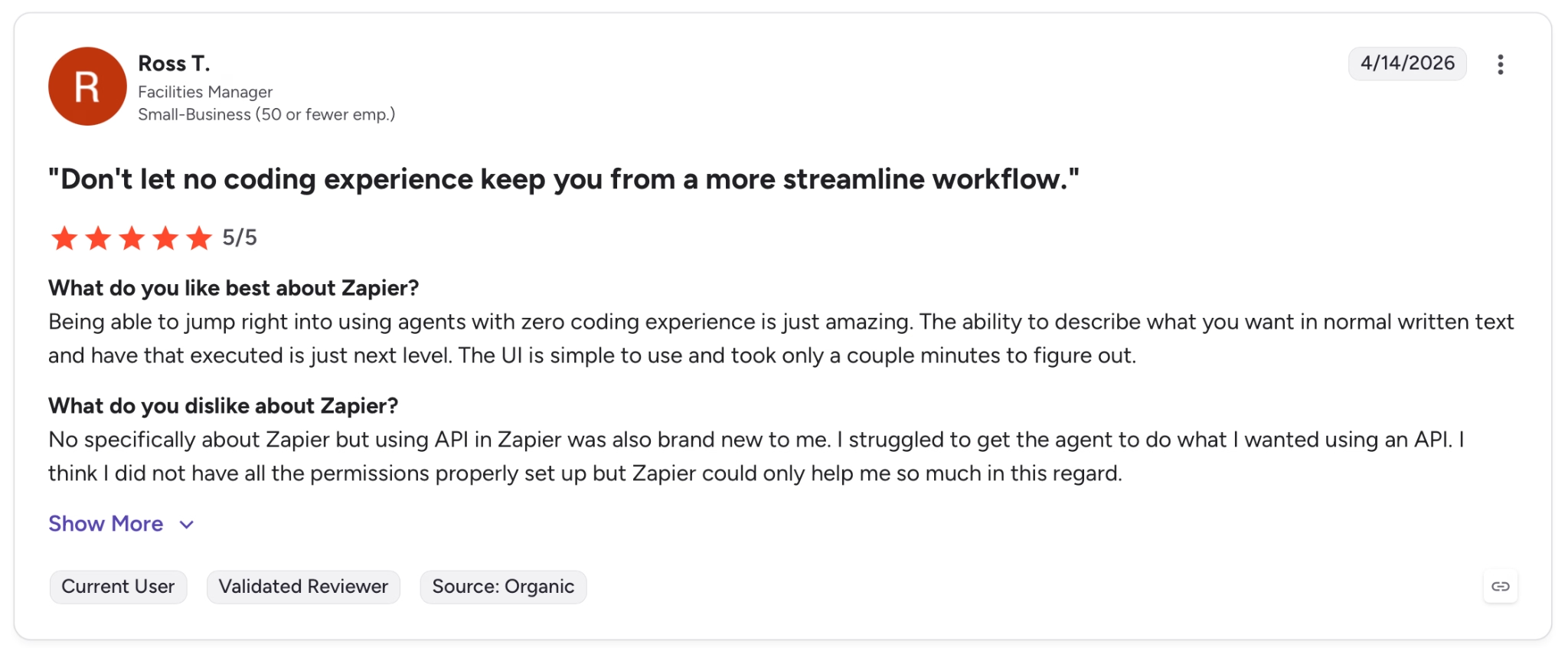
"Being able to jump right into using agents with zero coding experience is just amazing." — Ross T., G2
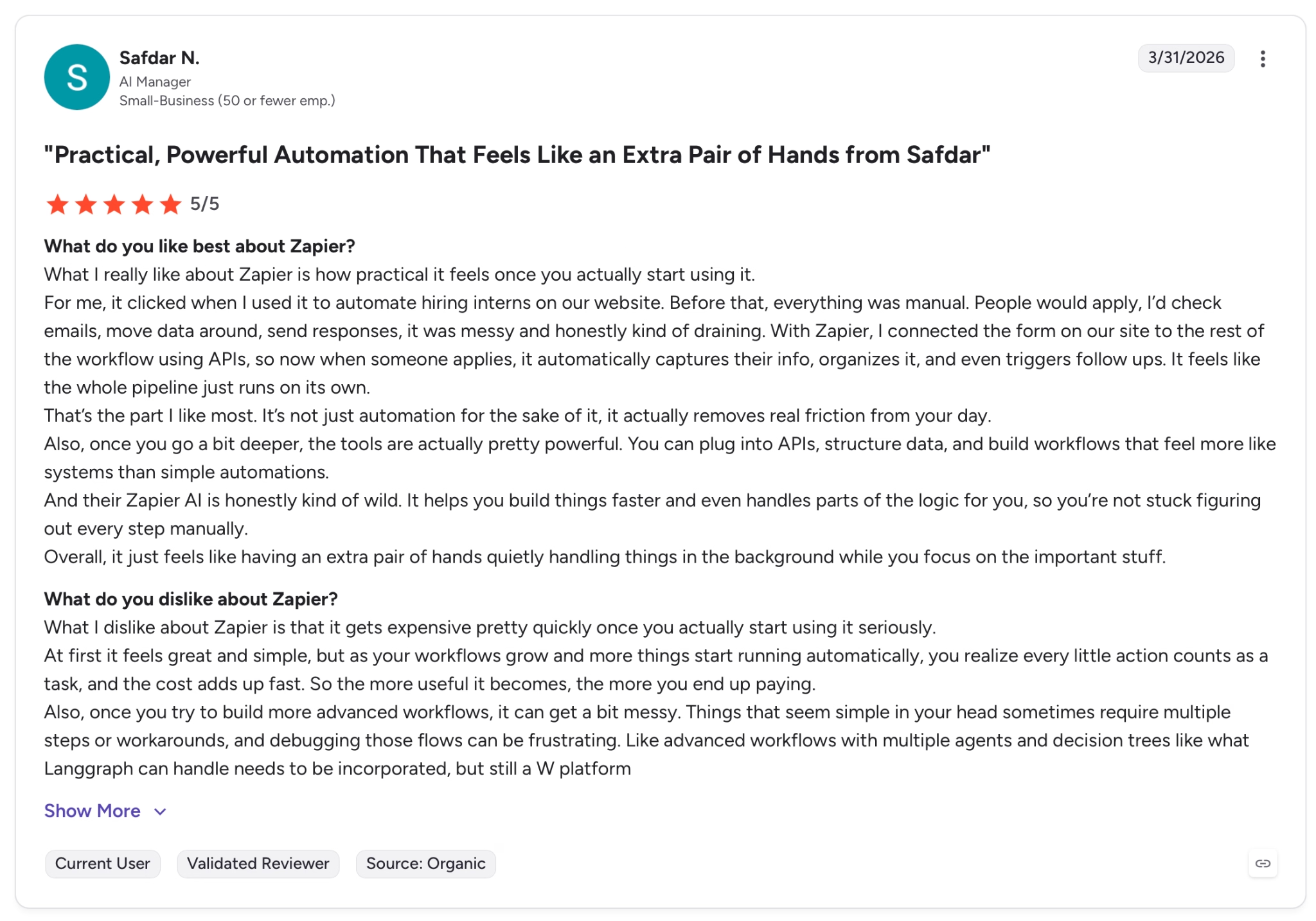
"What I dislike about Zapier is that it gets expensive pretty quickly once you start using it seriously." — Safdar N., G2
Pricing
Agents Pro starts at $50/month with 1,500 activities/month. Enterprise is available for org-wide agent sharing and audit controls.
Bottom Line
If your team already runs automations in Zapier, this is the lowest-friction way to add AI. The app library is the largest on this list, and the MCP coverage runs deeper than any other tool here.
If you're starting from scratch and Zapier isn't already in your stack, the cost-per-task model will get expensive faster than you'd expect.
Still not sure Zapier is the right fit for your stack? Check out our Best Zapier Alternatives detailed breakdown.
2. n8n: Best for Technical Teams That Need Flexibility and Self-Hosting
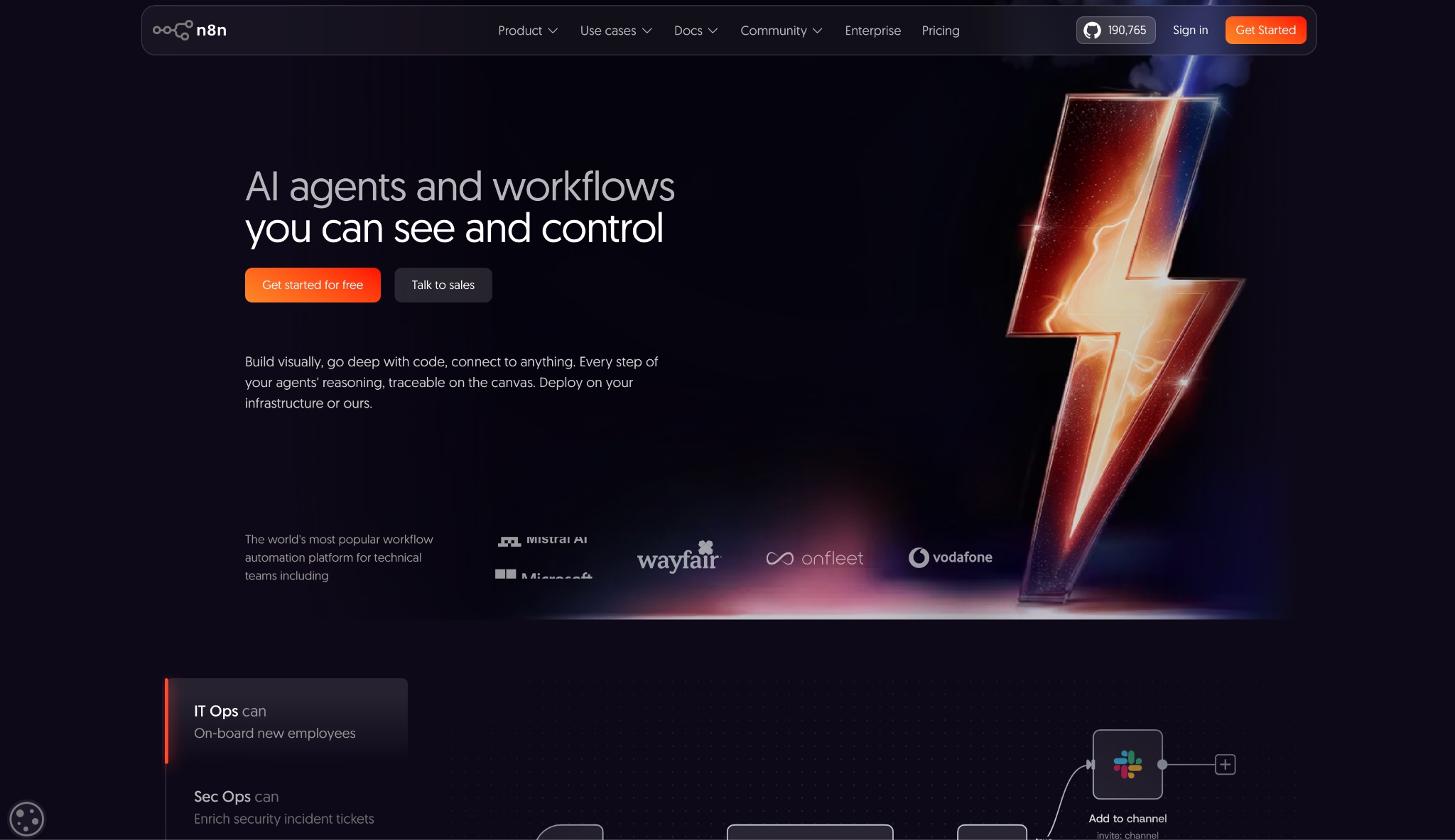
What it does: A workflow tool that puts a visual builder and a code editor in the same interface, with a free self-hosted option and unlimited users on every plan.
Best for: Engineering and DevOps teams that want full code access inside a visual workflow builder, or companies with strict data residency requirements.
I tested n8n on a multi-step AI pipeline that pulled data from a webhook, processed it with a Python script, and posted results to Slack.
The debug loop (replay data, fix one node, re-run only that node) cut iteration time significantly compared to tools that force a full end-to-end run every time.
The UI is where non-technical users will stall. The canvas is dense, the error messages assume you know what a node is, and there's no hand-holding when something breaks. If you don't have someone technical on the team, the learning curve is real before you ship anything useful.
Key Features
- Code and UI in one editor. Write JavaScript or Python in any workflow step, with inputs and outputs displayed inline, no switching between a visual builder and a separate code editor.
- AI Workflow Builder. Build and test AI workflows with data to catch errors before they hit production. Credits are included on every cloud plan (Starter: 50, Pro: 150, Enterprise: 1,000).
- Native AI evaluation. Test and evaluate AI agent performance inside the workflow, without external tooling.
- AI governance. Human-in-the-loop approvals, guardrails, and evaluation tools available at the platform level.
- Self-hosted Community Edition. Full source code available on GitHub, free to deploy. Git-based version control is available on Business plans. Audit log streaming to your SIEM requires Enterprise.
Pros and Cons
Pros:
- Engineers write JS or Python inline while non-technical teammates work in the same visual UI. Neither has to compromise
- A 50-node workflow counts as one execution. More steps don't increase the cost
- The entire team works in the same shared workspace. Headcount doesn't change what you pay
Cons:
- There's no mid-tier between Pro and Business. Teams that outgrow it face a steep jump with nothing in between
- The Business plan is self-hosted only. Cloud hosting stops at Pro
What Users Say
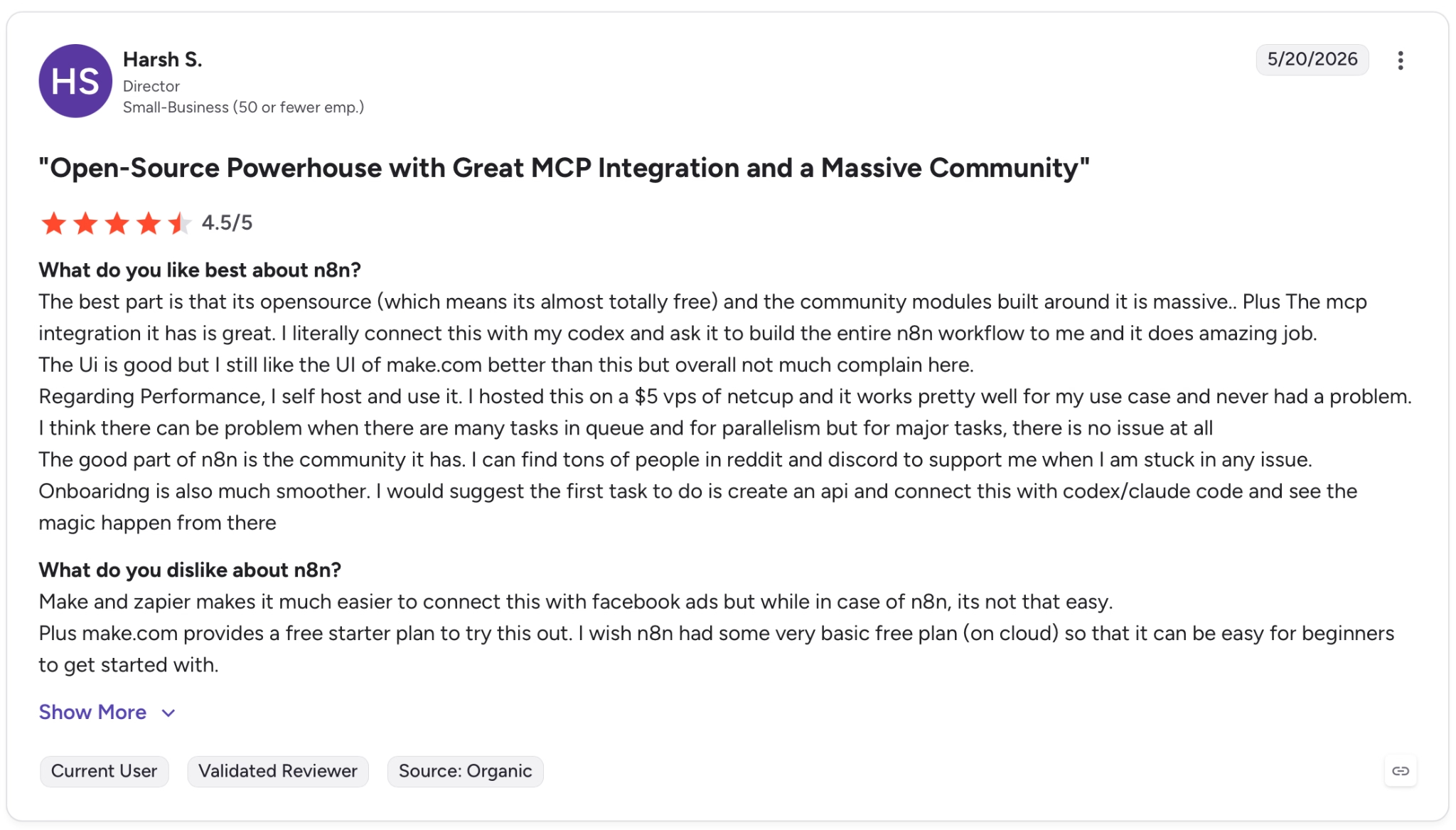
"The best part is that it's open source (which means its almost totally free) and the community modules built around it are massive." — Harsh S., G2
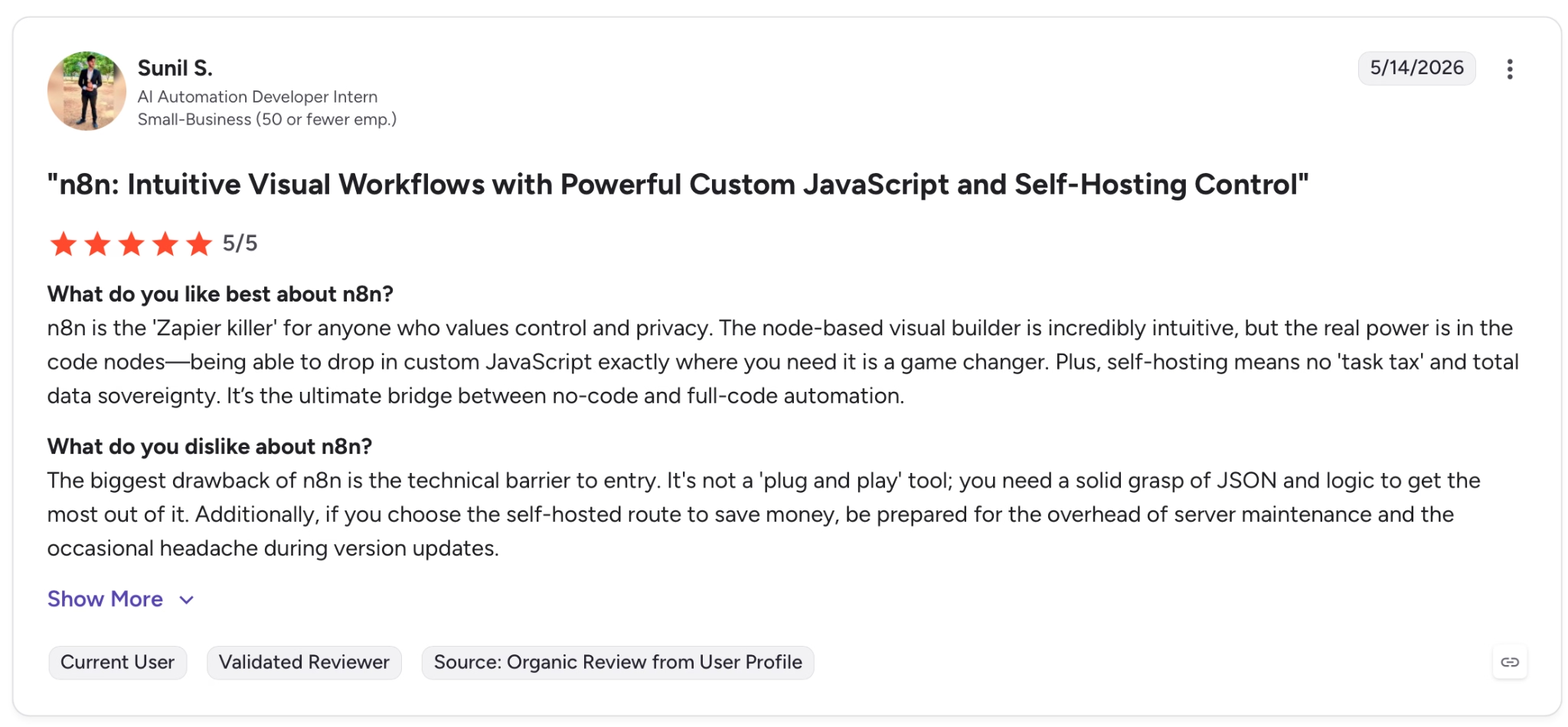
"The biggest drawback of n8n is the technical barrier to entry. It's not a 'plug and play' tool; you need a solid grasp of JSON and logic to get the most out of it." — Sunil S., G2
Pricing
Cloud plans start at $24/month (Starter). Business at $800/month is self-hosted only, with a 50% startup discount for teams under 20 employees.
Bottom Line
If your team writes code and needs full control over what runs and where, n8n gives you more per dollar than anything else here. The free self-hosted tier is production-capable.
If you're a non-technical operator looking for something you can set up in an afternoon, the learning curve will frustrate you before you get to the good parts.
Not sure n8n is the right tool for your setup? Check out our Best n8n Alternatives detailed breakdown.
3. Relevance AI: Best for Sales and Revenue Ops Teams Running Agents at Scale
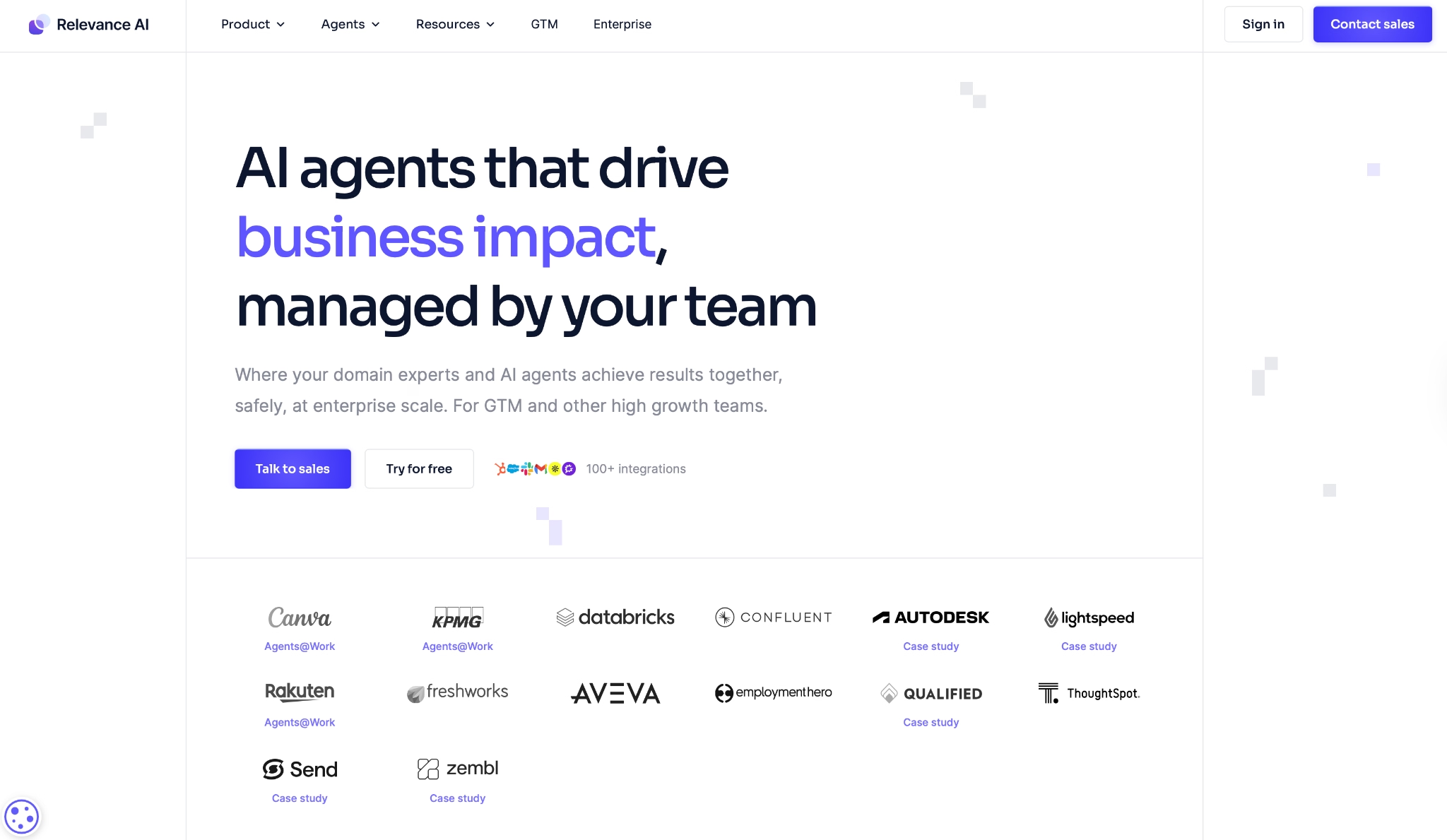
What it does: An enterprise platform for building AI agent workforces at scale, designed for GTM teams with pre-deployment evals and domain-expert-managed quality controls.
Best for: Sales and revenue ops teams that need autonomous agents running outbound, lead qualification, and follow-up workflows at scale, with full governance baked in.
I went through Relevance AI's onboarding process to evaluate it for outbound sales automation. The model is different from many tools here: the ops team owns the agents, not engineering. They design the playbooks, set the eval thresholds, and manage performance day to day.
What I noticed is how much the platform front-loads quality control. You define what good looks like before anything goes live, and the eval layer holds every agent to that bar continuously.
The friction hits before you even build anything. No self-serve trial, no public pricing, no way to explore without booking a call first.
Key Features
- Invent. Describe what you want and the platform builds the agents, tools, and evals for you. The team running the workflow designs the playbook and gets a deployable agent back without writing YAML or managing containers.
- Evals. Set your quality threshold before deployment. Agents run against pre-deployment scenarios and production checks daily, and domain experts own this process without engineering support.
- Human-in-the-loop. Set approval gates on any action. Agents escalate automatically when confidence is low, so nothing consequential runs without a human in the loop.
- Multi-model routing. Route each agent to whichever model delivers the best balance of performance and cost across Claude, GPT, and Gemini, and switch providers without rebuilding the agent.
- Enterprise governance. RBAC, audit logs, data residency, PII masking, SSO/SAML, and version control with one-click rollback, all available in a single governance layer.
Pros and Cons
Pros:
- Dashboards and tooling are designed around ops and revenue teams, not engineering configs
- Evals hold agents to a quality bar every day. Pre-deployment testing and production monitoring run without dev support
Cons:
- No public pricing. Every conversation starts with a sales call
- Designed for GTM teams only. Organizations that need automation across multiple departments will find it narrow
What Users Say
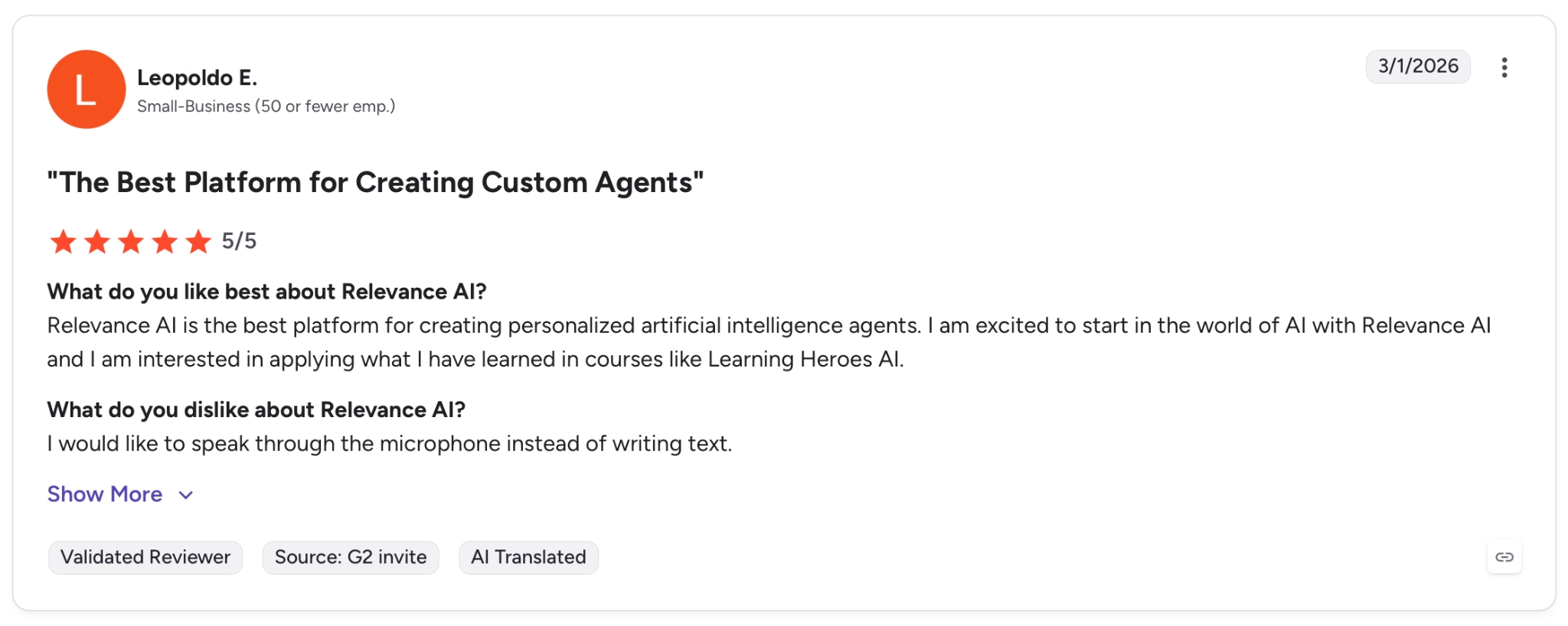
"Relevance AI is the best platform for creating personalized artificial intelligence agents." — Leopoldo E., G2
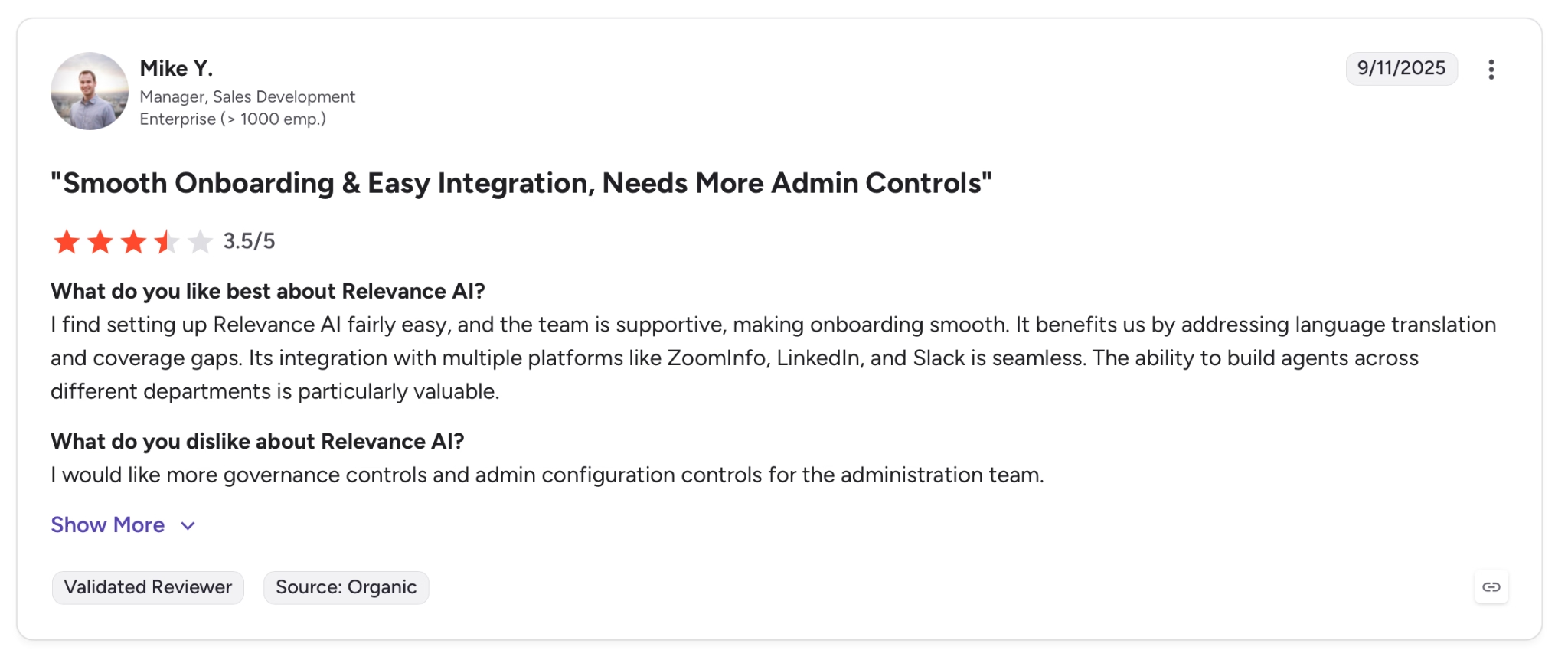
"I would like more governance controls and admin configuration controls for the administration team." — Mike Y., G2
Pricing
Relevance AI doesn't publish plan costs. Enterprise options are available with custom quotes.
Bottom Line
If your team runs outbound, lead qualification, or follow-up at volume and needs agents that the ops team can own without pulling in developers, Relevance AI is built for exactly that. If you need public pricing or a self-serve trial, look elsewhere first.
4. Gumloop: Best for Marketing and Ops Teams Building Shared Agent Workflows
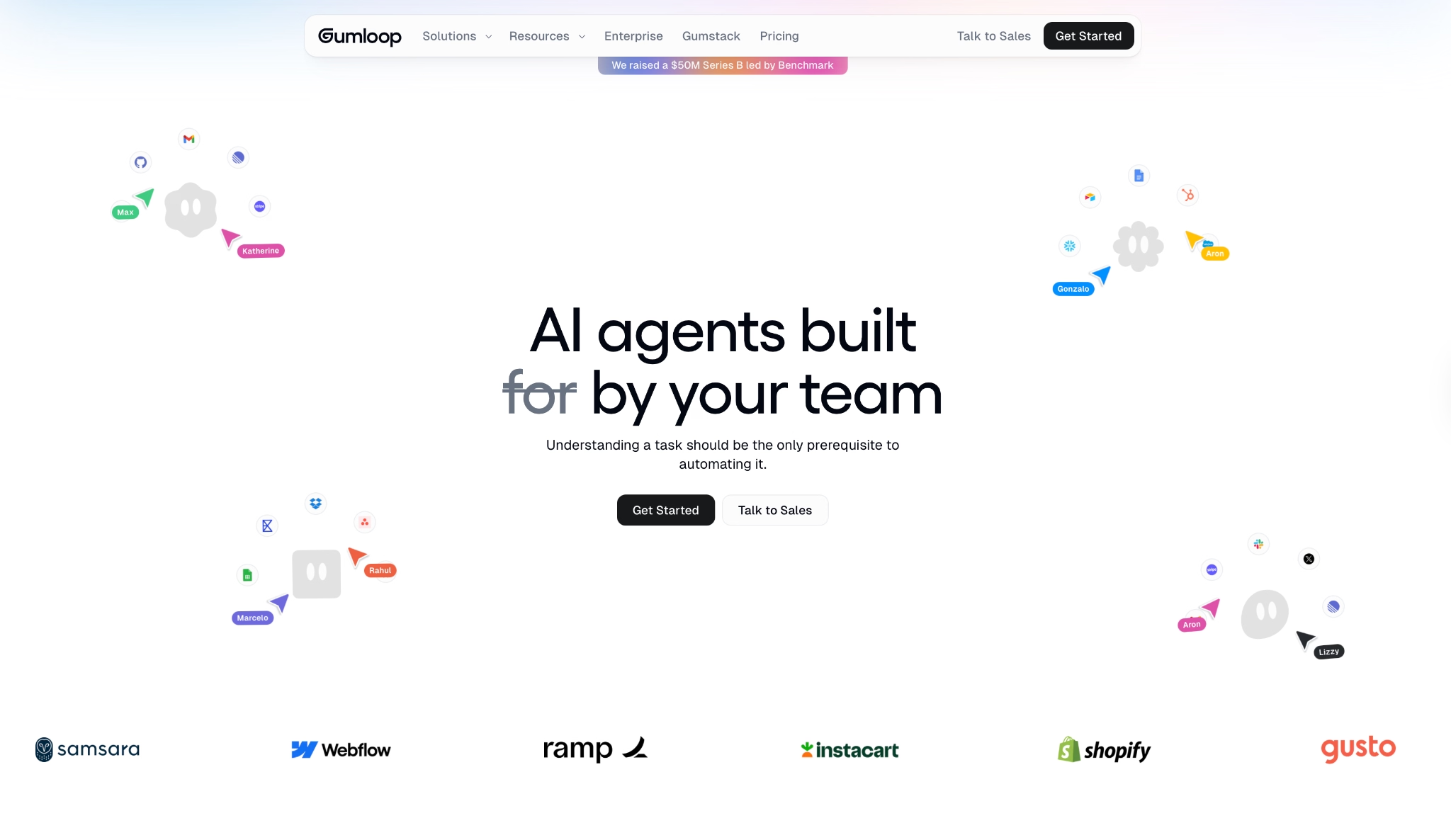
What it does: A visual orchestration tool centered on multi-agent workflows, where teams share agents, automations, and an org-wide AI audit layer from a single workspace.
Best for: Marketing and ops teams that need shared agent workflows with enterprise-grade observability before they need to talk to sales.
I built a shared SEO research workflow in Gumloop, connecting a web scraper, an LLM summarizer, and a Slack output. The canvas made data flow easy to follow, and the whole team ran the same agent without anyone touching the underlying build.
What I didn't expect was Gumstack. It surfaces every AI action across the org, including tools running outside Gumloop entirely. Often teams only think about that audit layer after something goes wrong.
The free plan caps at a single seat and two concurrent runs. The moment a second person needs to build or run something, you're on Pro.
Key Features
- Multi-model, no vendor lock-in. Access Anthropic, OpenAI, Gemini, and DeepSeek from a single workspace. Swap models per workflow without reconfiguring your stack.
- Gumstack. A security and observability layer that monitors, audits, and analyzes AI activity across your entire organization, including MCP clients and third-party AI tools outside Gumloop.
- MCP Server Hosting. Host and proxy MCP servers directly from your Gumloop workspace, so any MCP-compatible AI client can access your workflows without additional infrastructure.
- App Policies. Set spend limits, model access controls, and usage quotas at the team level. Available from Pro, not locked behind Enterprise.
- Interfaces. Surface any workflow as a standalone UI that teammates or external users interact with directly, without touching the underlying canvas.
Pros and Cons
Pros:
- No caps on agents or workflows on any plan including Free. BYOK across the board with no seat fees
- Enterprise-grade controls start at Pro: shared credentials, app guardrails, MCP server hosting, and analytics
- Gumstack gives security teams one audit layer across all AI activity in the org, including tools outside Gumloop
Cons:
- Free plan is single-seat with one active trigger and two concurrent runs. Teams need Pro to collaborate
- RBAC, audit logs, and VPC deployment are Enterprise-only. Pro has a hard ceiling on governance
What Users Say
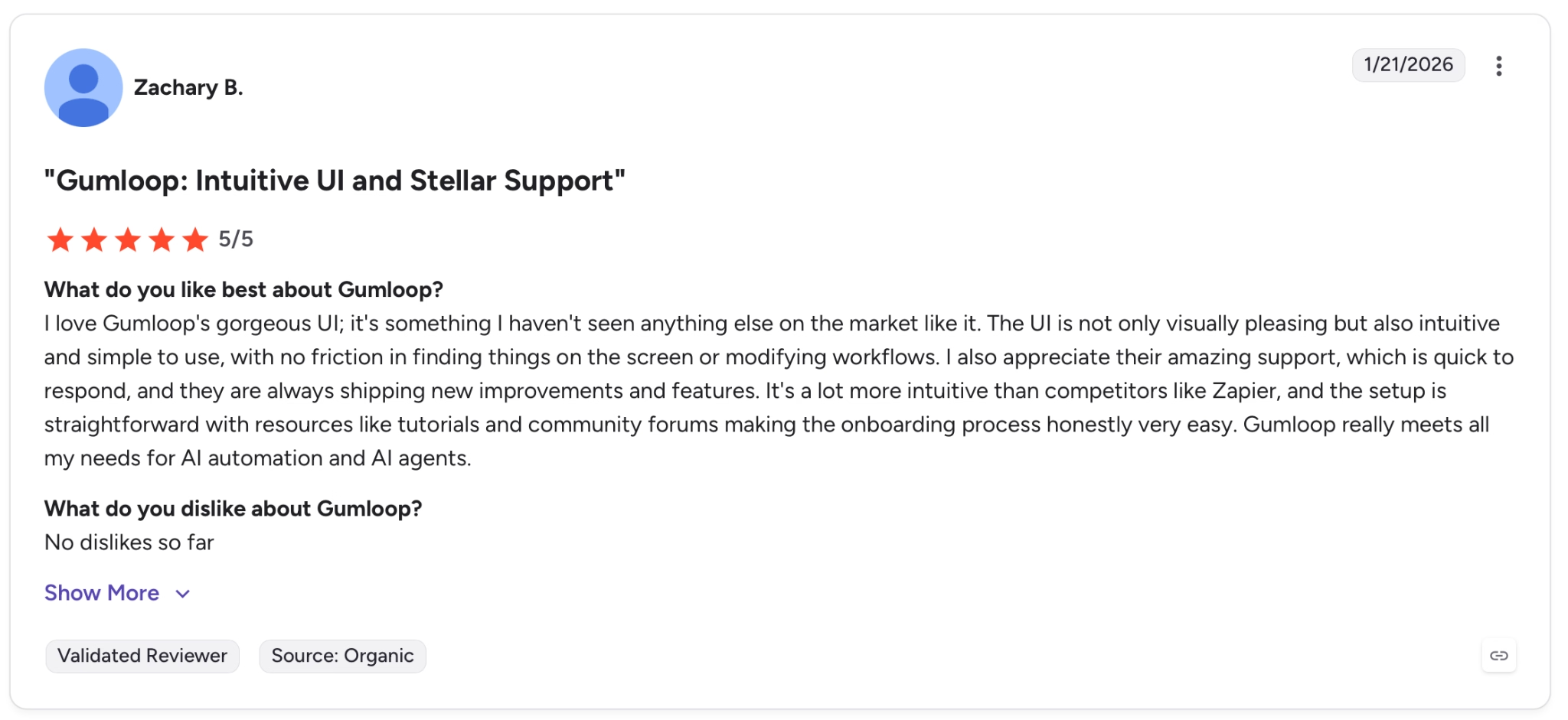
"I love Gumloop's gorgeous UI; it's something I haven't seen anything else on the market like it." — Zachary B., G2
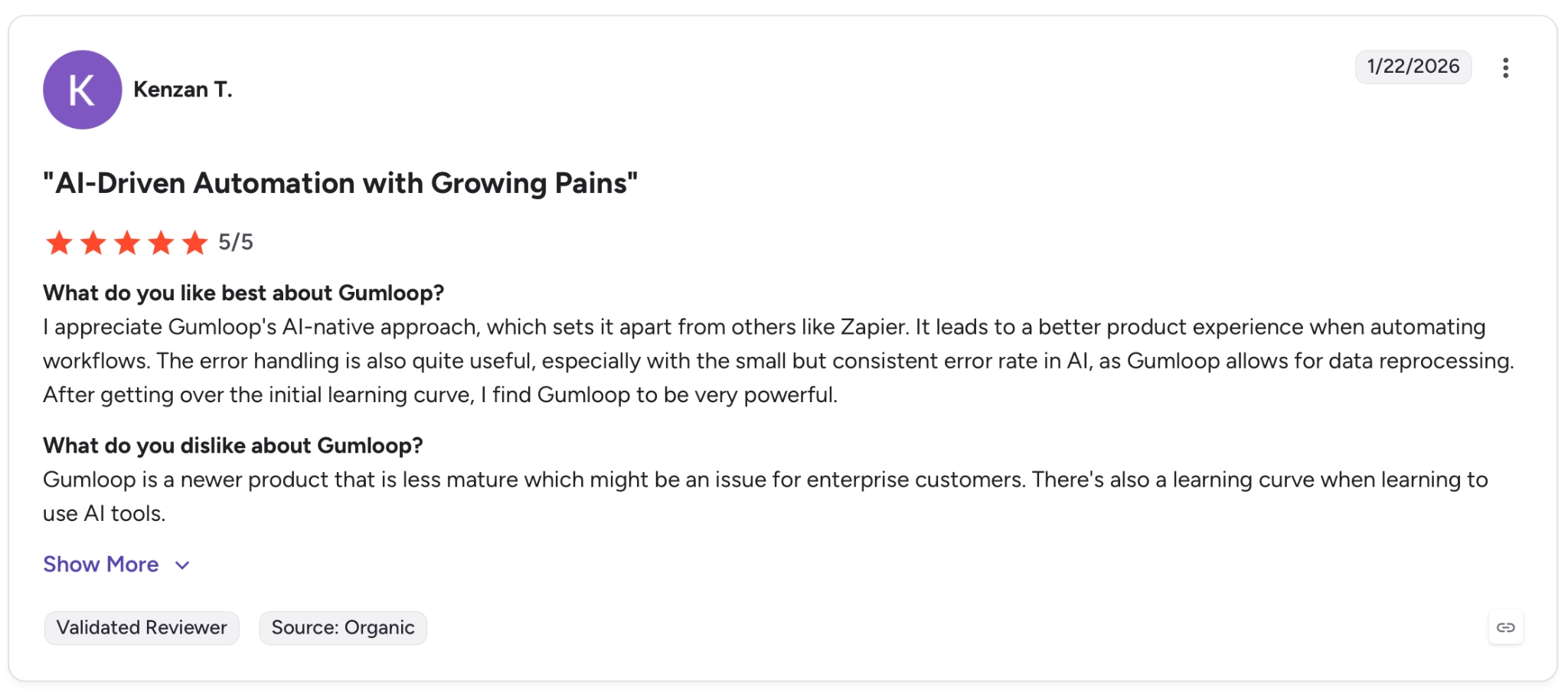
"Gumloop is a newer product that is less mature which might be an issue for enterprise customers. There's also a learning curve when learning to use AI tools." — Kenzan T., G2
Pricing
Pro starts at $37/month with 20,000+ credits and unlimited seats. There's a free plan with 5,000 credits/month for a single seat. Enterprise is custom.
Bottom Line
If your marketing or ops team needs shared agent workflows with enterprise-grade observability, Gumloop delivers more governance per dollar than anything else at this price point. And those controls arrive before you need to talk to their sales team.
5. Microsoft Copilot Studio: Best for Organizations Already on Microsoft 365
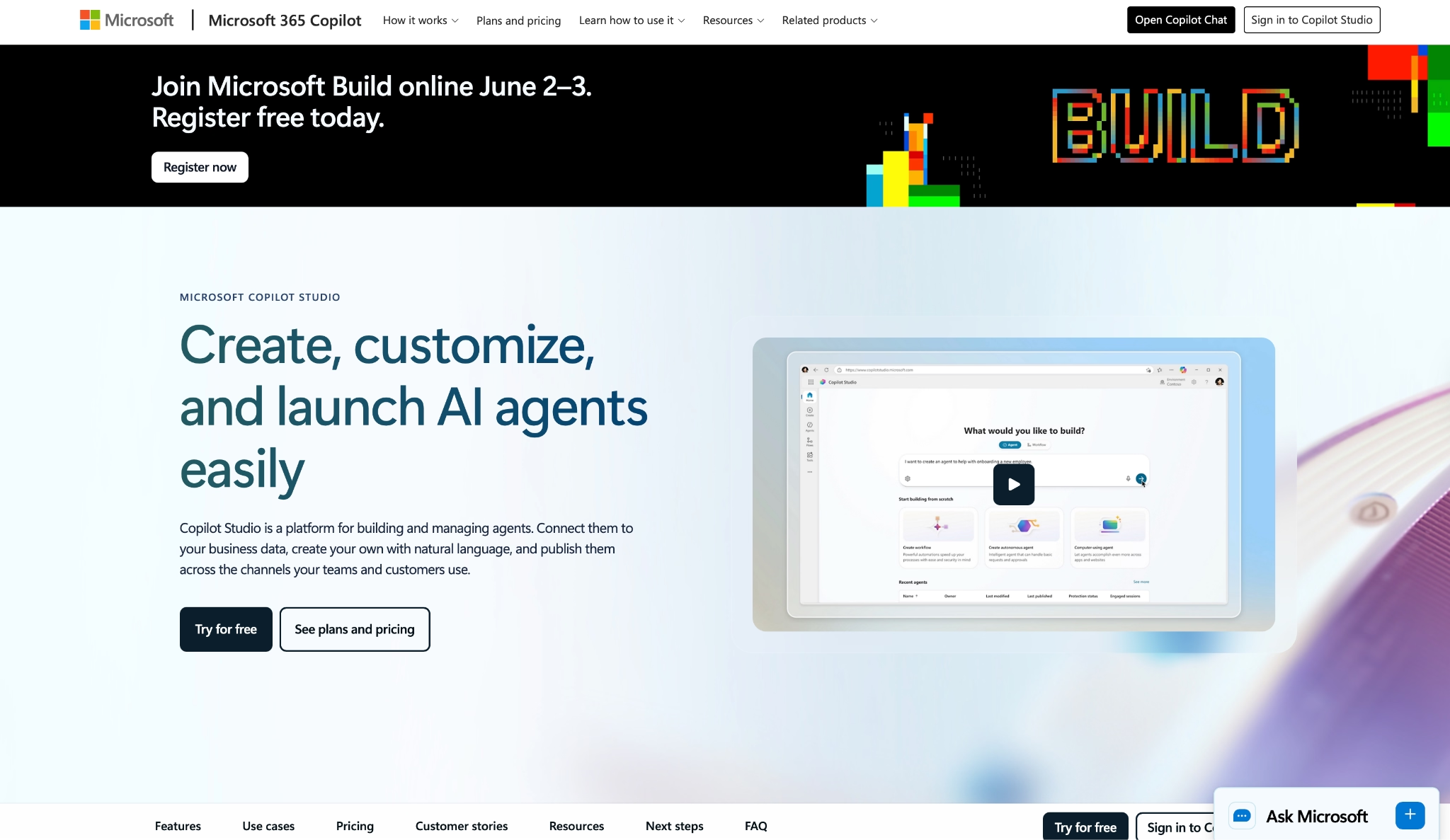
What it does: The agent-building platform inside Microsoft 365, where agents deploy directly into Teams, SharePoint, and Microsoft 365 Copilot using the infrastructure your IT team already manages.
Best for: Organizations already on Microsoft 365 who want to deploy internal agents without new vendors, new infrastructure, or a conversation with IT.
I tested Copilot Studio by building an internal support agent inside a Microsoft 365 environment. It was live in Teams in under an hour, pulling from SharePoint documents without manual setup. For anyone already inside the Microsoft stack, that deployment speed is the story.
The setup assumptions hit fast if you're not on Azure. Both pricing options require an active Azure subscription, and organizations without one face overhead before a single agent goes live. If your team runs on Google Workspace, the onboarding cost is higher than it looks.
Key Features
- Work IQ. The intelligence layer behind Microsoft 365 Copilot and agents. Knows your org, your job function, and your workflows, and tunes agents to your specific business context automatically.
- Agent Store and templates. Deploy ready-to-use agents from the Agent Store or start from a template and customize. Covers finance, HR, customer service, IT support, and legal out of the box.
- Multi-agent orchestration. Route multi-step tasks to the right specialized agent automatically. Connect Microsoft and third-party agents to work together under a single orchestration layer.
- Voice and phone agents. Build generative AI-powered voice agents for customer-facing channels, freeing service reps for cases that require human judgment.
- Power Platform admin center and Microsoft Purview. Govern agent creation, sharing, spend, and audit trails from the admin layer your IT team already manages.
Pros and Cons
Pros:
- Microsoft 365 Copilot licenses include Copilot Studio at no extra cost. Internal agents run without usage limits
- Agents deploy directly into Teams and SharePoint. Distribution is already handled before you write the first prompt
- GPT-5 and Anthropic models are available, routed and governed from the admin center your IT team already manages
Cons:
- Both payment options require an active Azure subscription. No existing account means setup overhead before a single agent goes live
- Credit costs vary by action type, so monthly spend is hard to predict until you've mapped production usage
What Users Say
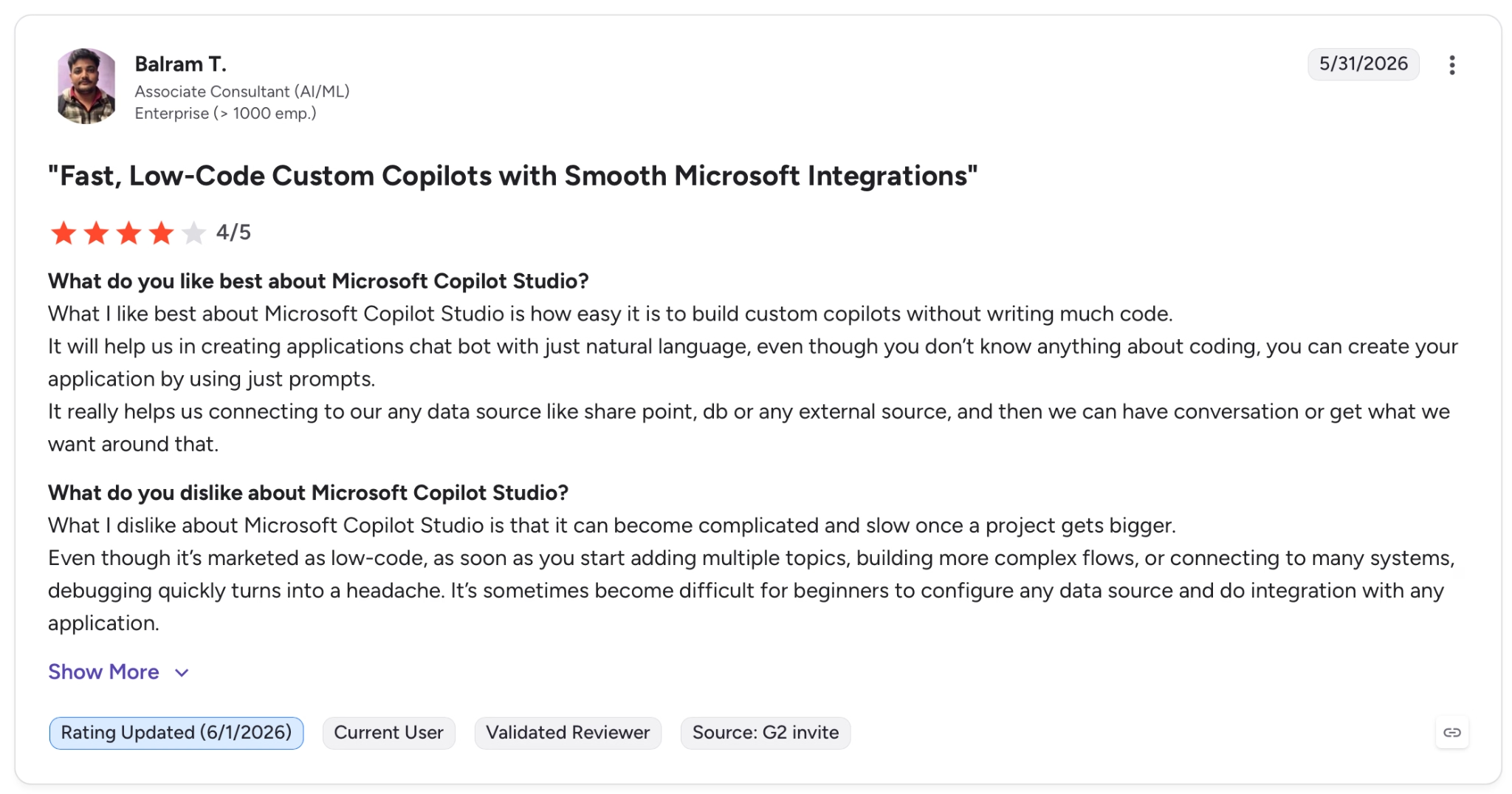
"What I like best about Microsoft Copilot Studio is how easy it is to build custom copilots without writing much code." — Balram T., G2
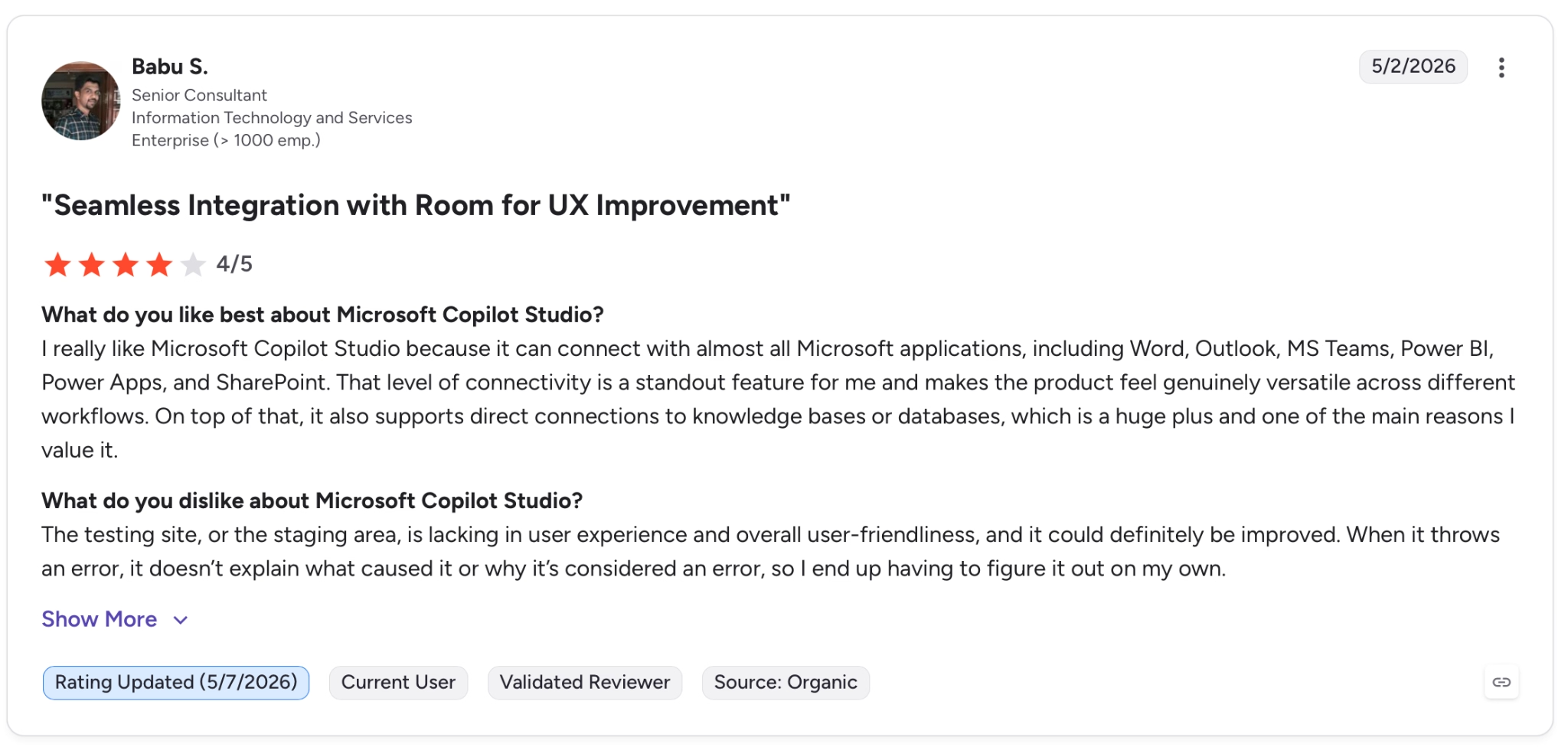
"The testing site, or the staging area, is lacking in user experience and overall user-friendliness, and it could definitely be improved." — Babu S., G2
Pricing
Microsoft 365 Copilot at $30/user/month (paid yearly) includes Copilot Studio access at no extra cost for internal agents.
Standalone Copilot Studio starts at $200/pack/month for 25,000 Copilot Credits, or pay-as-you-go with no upfront commitment. Both standalone options require an Azure subscription.
Bottom Line
If your organization runs on Microsoft 365 and your IT team already manages Azure and Power Platform, Copilot Studio is the path of least resistance to production agents.
If you're outside the Microsoft stack, the Azure dependency and variable credit pricing will add friction before you've shipped anything.
6. Emergent: Best for Non-Technical Founders Who Need a Full App, Not Just Automation
What it does: An agentic app builder that produces complete web and mobile apps from a conversation prompt, with auth, database, payments, and hosting included from the first build.
Best for: Non-technical founders and service businesses that want a revenue-ready product without hiring engineers. Like a New York medical practice that built its own clinical portal or an energy company that automated its entire CRM.
I built a client-facing project tracker in Emergent from a plain text description, no mockups. Separate agents handled the UI, the logic, and a testing pass before anything went live. What came out wasn't a prototype. It had auth, a database, and hosting already wired in.
Where it started slipping was prompt quality. An imprecise description for a filtering feature introduced a bug that took three follow-ups to untangle. The more specific you are, the more stable the output.
The five tools above this one automate work inside software you already have. Emergent is for when that software doesn't exist yet.
Key Features
- Complete app on first build. Authentication, database, payments via Stripe, hosting, and custom domain are included from the first prompt.
- Web and mobile from one workspace. Builds web and mobile from the same workspace using React Native and Expo. The mobile output is App Store and Google Play ready once you connect your developer account.
- Universal LLM Key. Plug Claude, GPT, or Gemini into your own app using Emergent credits, no separate API accounts required.
- Hundreds of integrations out of the box. Connect to hundreds of tools from the first build. Since agents read API docs and set up connections for you, you can hook into almost any service that has an API.
- Your code is yours. Everything syncs to a repo from the Standard plan up. Open it in VS Code or hand it to a developer.
Pros and Cons
Pros:
- Testing agent catches bugs before they reach production, keeping the app stable as it grows.
- Builds web and mobile from the same workspace, with App Store and Google Play deployment built in.
- ISO 27001 and SOC 2 Type I certified, with SSO, RBAC, and audit logs.
Cons:
- Prompt quality matters more as builds grow. Vague descriptions introduce bugs that compound.
- Database can diverge from local preview after several deployment cycles, with no merge option.
What Users Say
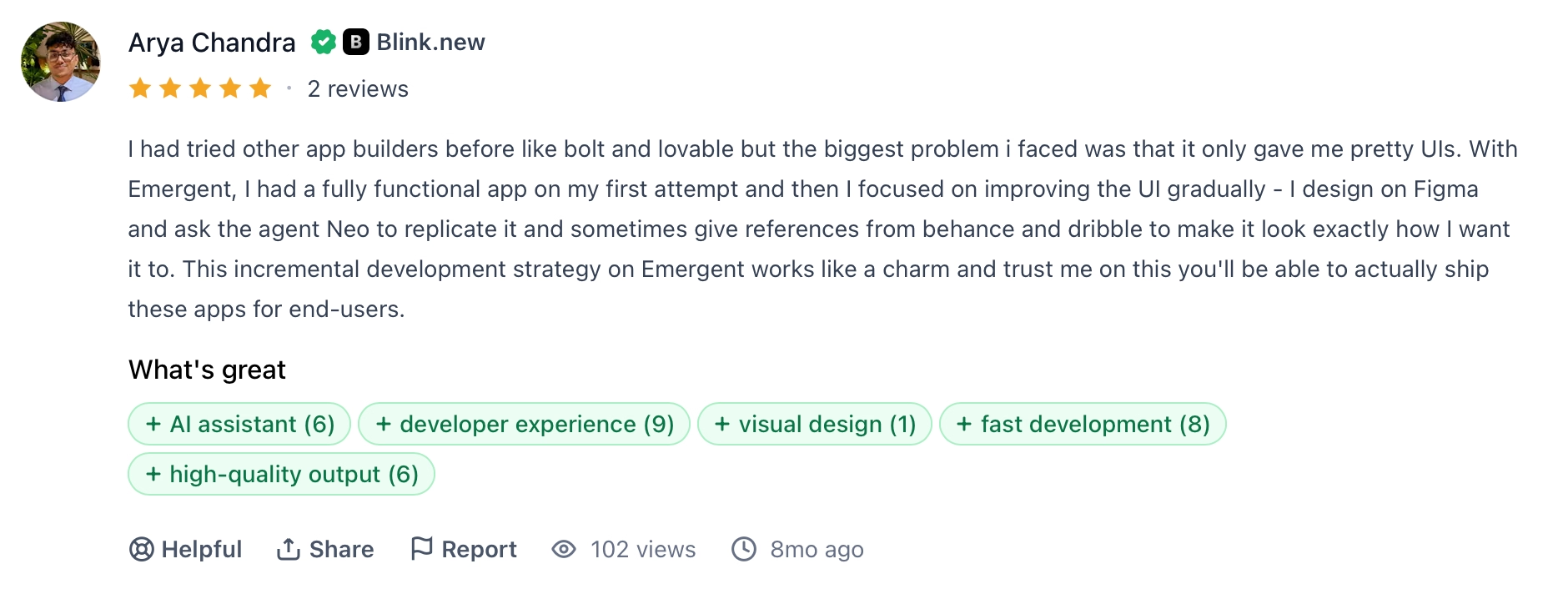
"With Emergent, I had a fully functional app on my first attempt, and then I focused on improving the UI gradually." — Arya Chandra, Product Hunt
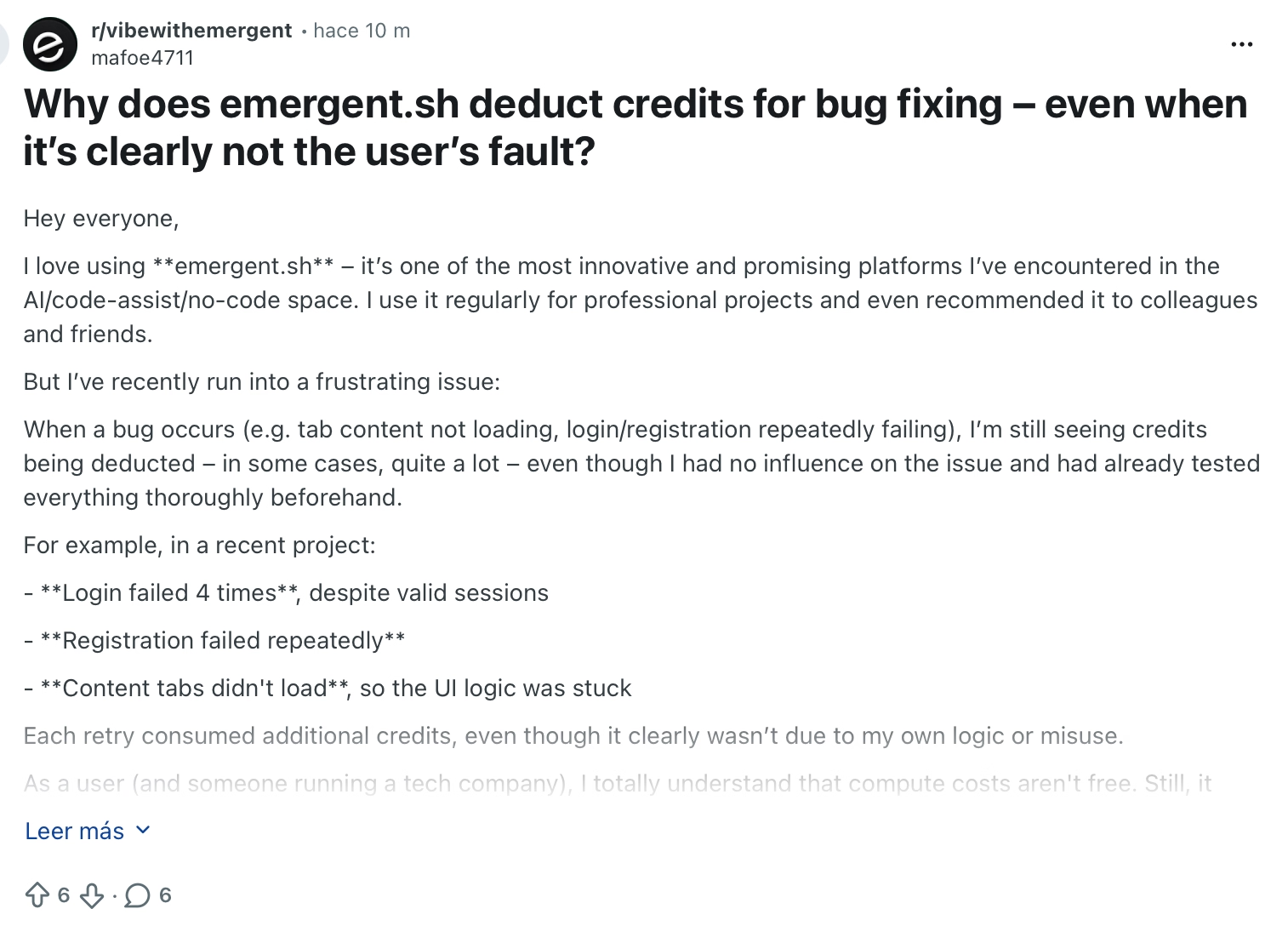
"When a bug occurs (e.g., tab content not loading, login/registration repeatedly failing), I’m still seeing credits being deducted." — Verified User, Reddit
Pricing
Standard costs $20/month for 100 credits, GitHub integration, and private hosting. There's a free plan with 10 credits/month to try it out. Enterprise pricing is available on request.
Bottom Line
If the tools above this list give you the workflows, but you're missing the app to run them in, Emergent builds it. Skip it if you need video games, heavy PDF reporting, or Swift apps for Apple Watch. Those aren't where Emergent shines yet.
7. Claude Code: Best for Semi-Technical Founders Who Want to Build and Deploy with AI
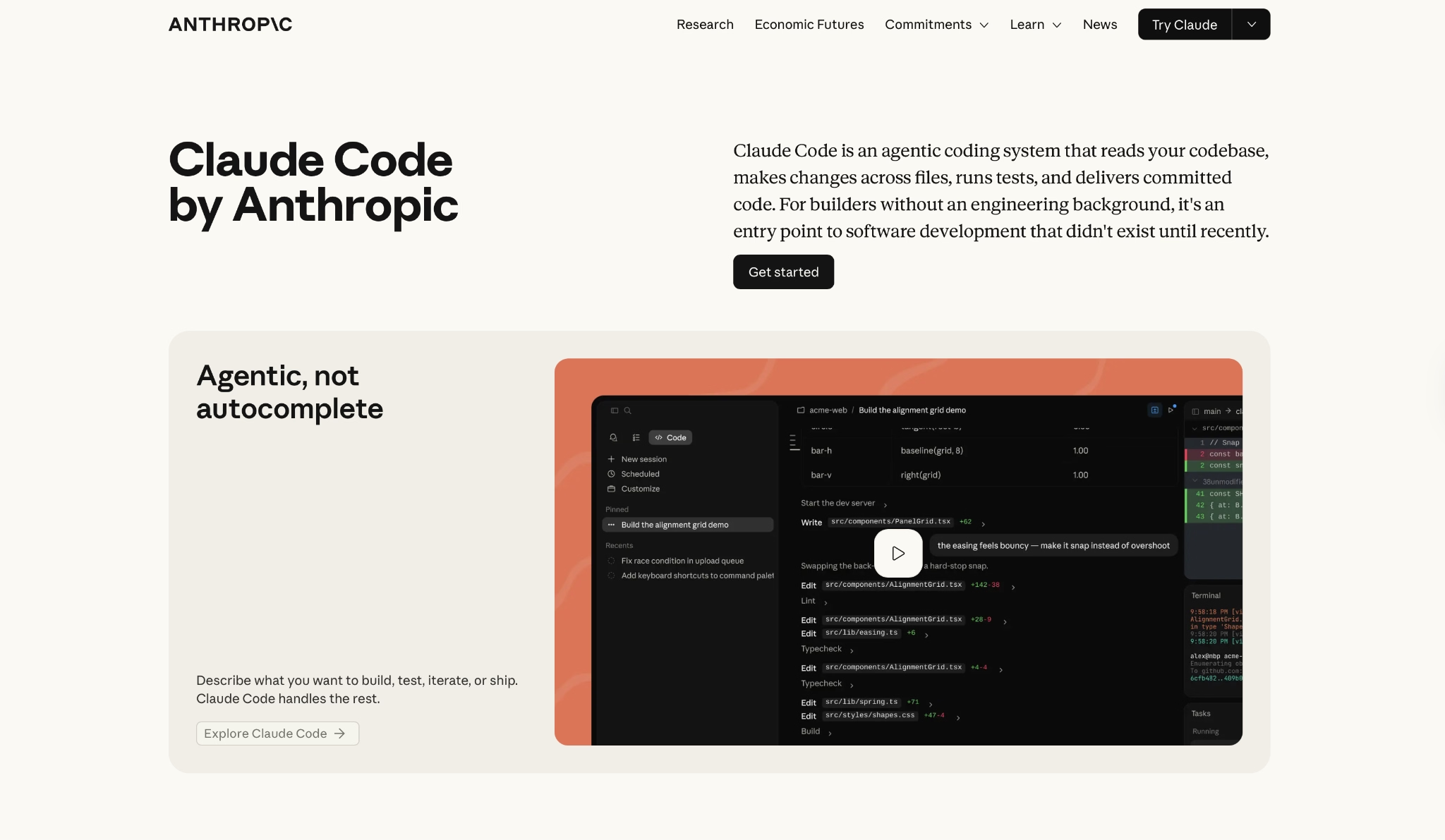
What it does: Anthropic's agentic coding tool that reads your entire codebase, makes multi-file edits, runs tests, and submits PRs from a single terminal prompt, without a server layer or remote code index.
Best for: Semi-technical founders, ops leads, and anyone who needs to ship production software without a dedicated engineering team.
Claude Code is Anthropic's agentic coding tool. It runs in your terminal or IDE, reads your entire codebase using agentic search, makes multi-file edits, runs tests, and submits PRs from a single prompt.
I ran it on an existing codebase with multiple interdependent files. It mapped the structure before touching anything, flagged a dependency conflict I hadn't noticed, and submitted a clean PR.
The ceiling hits fast. Pro depletes quickly on larger codebases, and the CLI-first interface creates a learning curve for anyone not used to working in a terminal. The productivity gains don't show up until you're past it.
Key Features
- Agentic codebase search. Maps and explains entire codebases in seconds without requiring manual context file selection. Understands project structure, dependencies, and architecture before writing a single line.
- GitHub and GitLab automation. Reads issues, writes code, runs tests, and submits a clean pull request without switching tools or terminals.
- Routines. Configure a task once and it runs on a schedule, from an API call, or in response to an event. The closest thing on this list to a true autonomous agent for recurring dev work.
- Mobile task kickoff. Kick off a task from your phone via the Claude mobile app. Claude runs the work on your local machine and returns a ready-to-merge branch.
- Desktop app. Manage multiple parallel Claude Code tasks, review visual diffs, preview servers, and monitor PR status from one interface.
Pros and Cons
Pros:
- Non-technical operators ship production-ready software without a developer. G2 reviews are consistent on this across photographers and PMs.
- Approval gates on every file change. Claude Code never touches your codebase without permission.
Cons:
- Token consumption is aggressive on larger codebases. Serious daily use pushes past Pro quickly.
- CLI-first interface creates friction for anyone unfamiliar with terminals. The productivity gains take time to kick in.
What Users Say
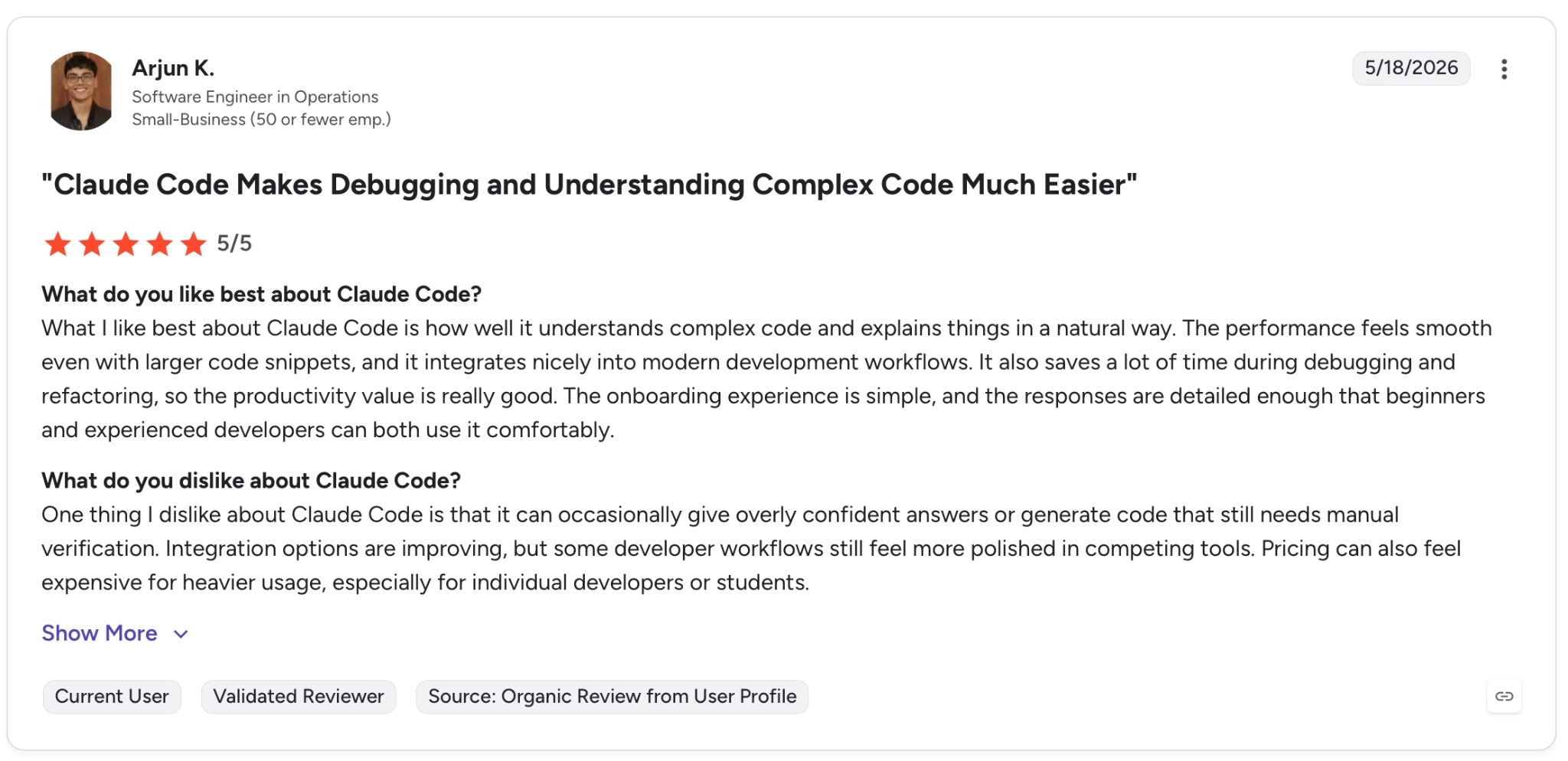
"What I like best about Claude Code is how well it understands complex code and explains things in a natural way." — Arjun K., G2
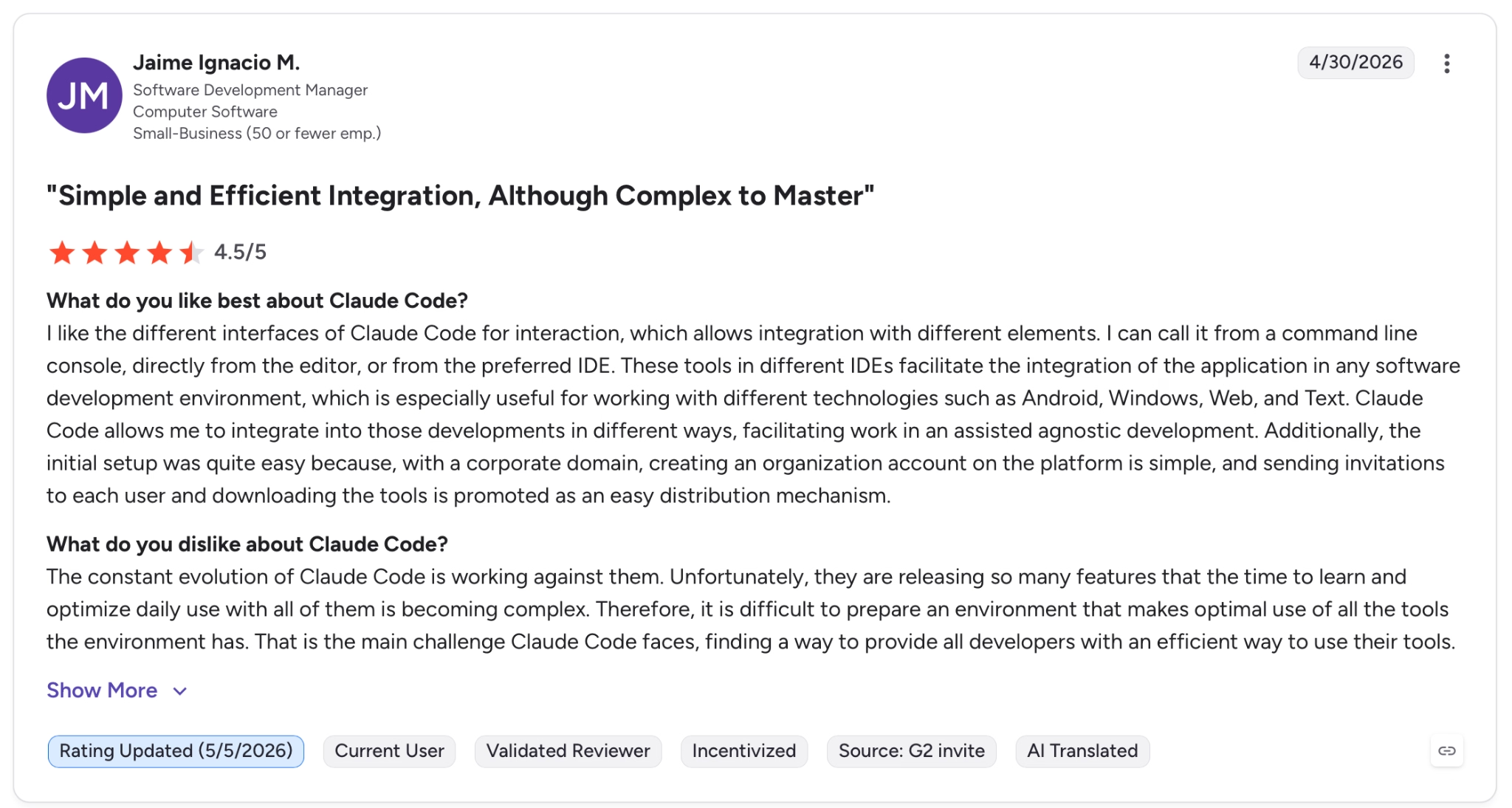
"Unfortunately, they are releasing so many features that the time to learn and optimize daily use with all of them is becoming complex." — Jaime Ignacio M., G2
Pricing
Claude Code is included in Pro at $17/month billed annually ($20 billed monthly) and Max plans from $100/month for 5x usage. Team seats at $20/seat/month annually also include Claude Code access.
Bottom Line
If you need to ship software without a full engineering team, Claude Code is where you start. The token costs get fast on serious projects, so budget for Max upfront rather than running out mid-build.
Which AI Agent for Business Should You Choose?
Zapier Agents is the right starting point for most teams already running automations. n8n if you have engineers and want full co̧ntrol. Emergent if you need to build the software itself, not just automate inside it. The full branching is below.
Choose Zapier Agents if you:
- Already have a Zapier account with authenticated apps
- Want AI without migrating your existing automations
- Need the widest app coverage on the market
Choose n8n if you:
- Have engineers on the team who want code access inside a visual builder
- Need to self-host for data residency or compliance reasons
- Want unlimited users without per-seat costs
Choose Relevance AI if you:
- Run a sales or revenue ops team that needs agents at outbound scale
- Need domain experts to own agent quality without engineering support
- Have budget for an enterprise conversation
Choose Gumloop if you:
- Need shared workflows across a marketing or ops team
- Want enterprise-grade audit trails before you hit custom pricing
- Run multiple AI tools and need a single observability layer across all of them
Choose Microsoft Copilot Studio if you:
- Are already licensed for Microsoft 365
- Want agents deployed inside Teams and SharePoint without new infrastructure
- Have an IT team managing Azure and Power Platform
Choose Emergent if you:
- Need to build software from scratch, not run automations inside tools you already have
- Want auth, database, payments, and hosting included from the first prompt
- Are you a non-technical founder who needs to ship a web or mobile app fast
Choose Claude Code if you:
- Need to ship production software without a full engineering team
- Prefer working in a terminal and want repo-wide autonomy
- Are comfortable with usage costs that scale with serious projects
Skip this category entirely if:
- You're trying to handle a single repetitive task and a basic Zap or spreadsheet macro would do the job
- Your team hasn't mapped the workflow yet. Agents only work as well as the process they're running
The Bottom Line
Five of these tools (Zapier Agents, n8n, Relevance AI, Gumloop, Copilot Studio) automate work inside software you already use. The other two, Emergent and Claude Code, are for building the software itself.
If you're in the first group, the decision is mostly about your technical level and your stack. Zapier Agents, if the integrations are already there. n8n if your team writes code. Relevance AI if the use case is sales. Gumloop, if you need a shared layer across the org.
Claude Code handles the builder side for technical teams. Emergent handles it for non-technical teams. If you have an idea that needs to be live and taking payments without an engineering hire, that's the use case Emergent is made for.
Try building your first app on Emergent and see how far you get in an afternoon.


Most AI app builders stop at prototypes. Emergent creates production-ready apps you can actually launch.
- Production-ready apps
- Web & mobile apps
- Deploy in minutes







