



TL;DR
- Dovetail: Best for turning scattered customer feedback into answers you can act on.
- ChatPRD: Best for drafting a PRD that doesn't need three rounds of edits.
- Productboard: Best for turning feedback into a roadmap you can defend in a stakeholder review.
- Emergent: Best for building a working prototype with a real backend, without waiting on an engineer.
- Amplitude: Best for proving whether a feature you shipped worked.
- Zite: Best for building an internal tool for your own team without filing an engineering ticket.
- tl;dv: Best for never missing what was said on a stakeholder call.
- ClickUp: Best for teams that want an all-in-one project management platform with AI built in.
- Lindy: Best for automating the status update you'd normally write by hand.
I spent a week trying to run my product week through nothing but AI tools. Draft a PRD, sort a backlog, prototype a feature for a stakeholder demo, dig through a pile of made-up customer feedback, sit in on three mock calls, then automate the status update I'd normally write by hand on a Friday afternoon.
Most “best AI tools for product managers” lists read like a scraped directory. They give you the same twenty names (ChatGPT, Notion AI, Mixpanel) and call it a day. Almost none of them test whether a non-technical PM can build something with AI, not just write about it.
So that's what I did differently here. I picked one tool per stage of the actual PM workflow: discover, define, prioritize, build, validate, communicate, automate. By the end, you'll know exactly which tool solves which Tuesday-afternoon problem.
How I Researched & Tested These Tools
I ran the same rough week through each category of tool. I synthesized a batch of mock customer feedback in Dovetail, drafted a full PRD in ChatPRD from a one-line idea, built a mock roadmap view in Productboard, and built a clickable prototype with a working signup flow in Emergent.
I also used Zite to build an internal feature-request intake tool, complete with a database and an approval step; set up a Lindy agent to pull sprint context from Slack and my inbox, and draft my Friday status update; pulled a cohort report in Amplitude; summarized a stakeholder call in tl;dv; and asked ClickUp Brain to summarize sprint progress inside a project.
I cut a few tools mid-test, including two roadmap tools and one meeting recorder, because they either required a sales call to see pricing or couldn't do the one thing I needed without an upgrade.
- Features: How well each tool handled the real task behind its demo.
- Usability: Whether I could get to a usable output without a support ticket.
- Integrations: Whether it fits into a normal PM stack (Slack, Jira, Notion, Figma).
- Pricing: What you get for free versus what forces an upgrade.
- Use cases: How each tool performed on the specific PM scenario it claims to solve.
This hands-on approach is what separates this list from a scraped directory: every tool below either earned its spot or got cut for a documented reason.
9 Best AI Tools for PMs: Quick Comparison
| Tool | Best For | Core Strength |
|---|---|---|
| Dovetail | Synthesizing scattered feedback | AI-powered opportunity tracking across channels |
| ChatPRD | Drafting and coaching on PRDs | AI trained specifically on PM documentation |
| Productboard | Feedback-to-roadmap alignment | Centralizes insights, prioritization, and roadmap in one view |
| Emergent | Building a customer-facing prototype | Generates frontend, backend, and database from one prompt |
| Zite | Building an internal tool for your team | Visual, flowchart-style logic you can edit without code |
| Amplitude | Validating shipped features | Behavioral cohort analysis and causal insights |
| tl;dv | Meeting intelligence | Free plan includes unlimited recording and transcription |
| Lindy | Automating recurring PM admin work | No-code AI agents that act across your existing tools |
| ClickUp | Full PM platform with AI built in | Free trial on every paid plan, plus a usable Free Forever tier |
1. Dovetail: Best for Turning Scattered Feedback Into Answers
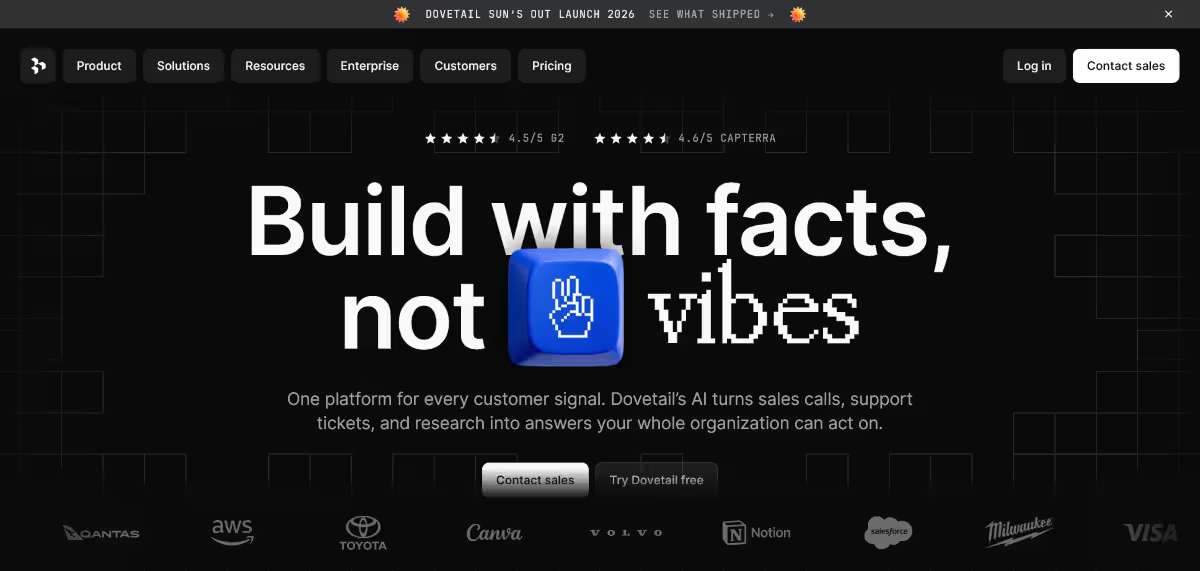
What it does: Dovetail pulls support tickets, sales calls, interviews, and surveys into one place and lets you ask plain-language questions across all of it.
Best for: PMs who are sitting on feedback from five different tools and need one answer to “why are users churning,” not five separate exports to stitch together by hand.
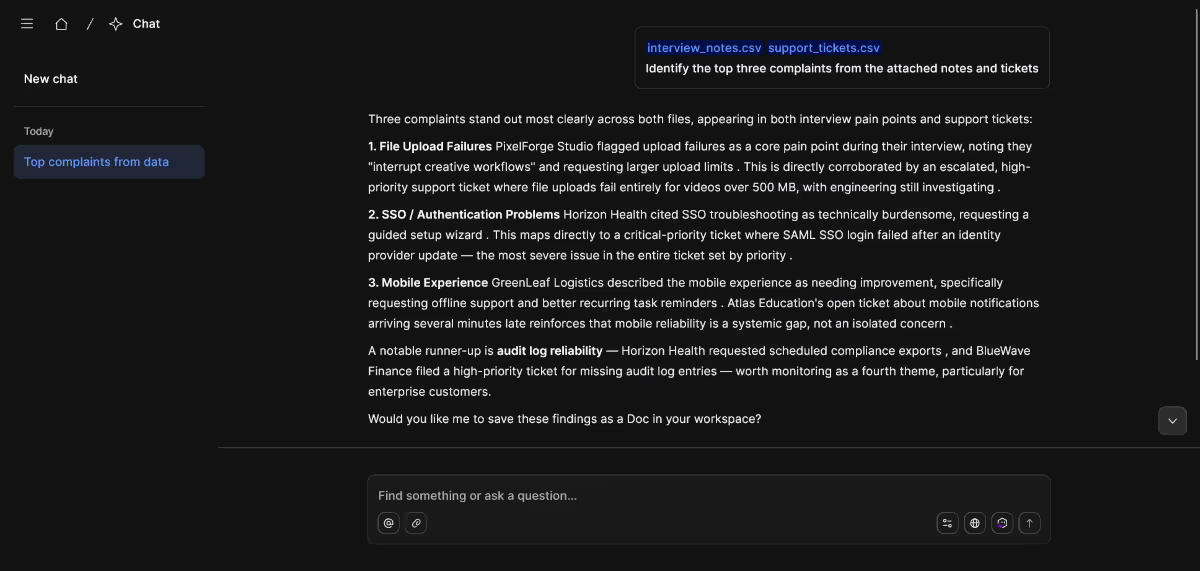
I fed it a batch of mock support tickets and interview notes and asked it to surface the top three complaints. It grouped near-duplicate phrasing correctly, which is the part that usually takes most of an afternoon.
Key Features
- AI opportunity tracking: Continuously scans support tickets, reviews, and feedback channels for recurring themes, so you're not manually re-reading the same complaints every week.
- AI Chat: Ask a direct question (“What do enterprise customers ask for most?”) and get an answer backed by actual quotes.
- AI clustering: Groups similar feedback automatically, cutting down manual tagging
Pros and Cons
Pros:
- Fast at turning a pile of unstructured feedback into named themes
- Query access from Slack or Teams means non-researchers can ask questions directly
- Free plan is real, not a seven-day trial dressed up as “free”
Cons:
- The free plan caps you at one project and one channel, so you'll outgrow it fast if you're running ongoing research
- Enterprise pricing is quote-only, so budgeting ahead of a sales call takes extra legwork
What Users Say
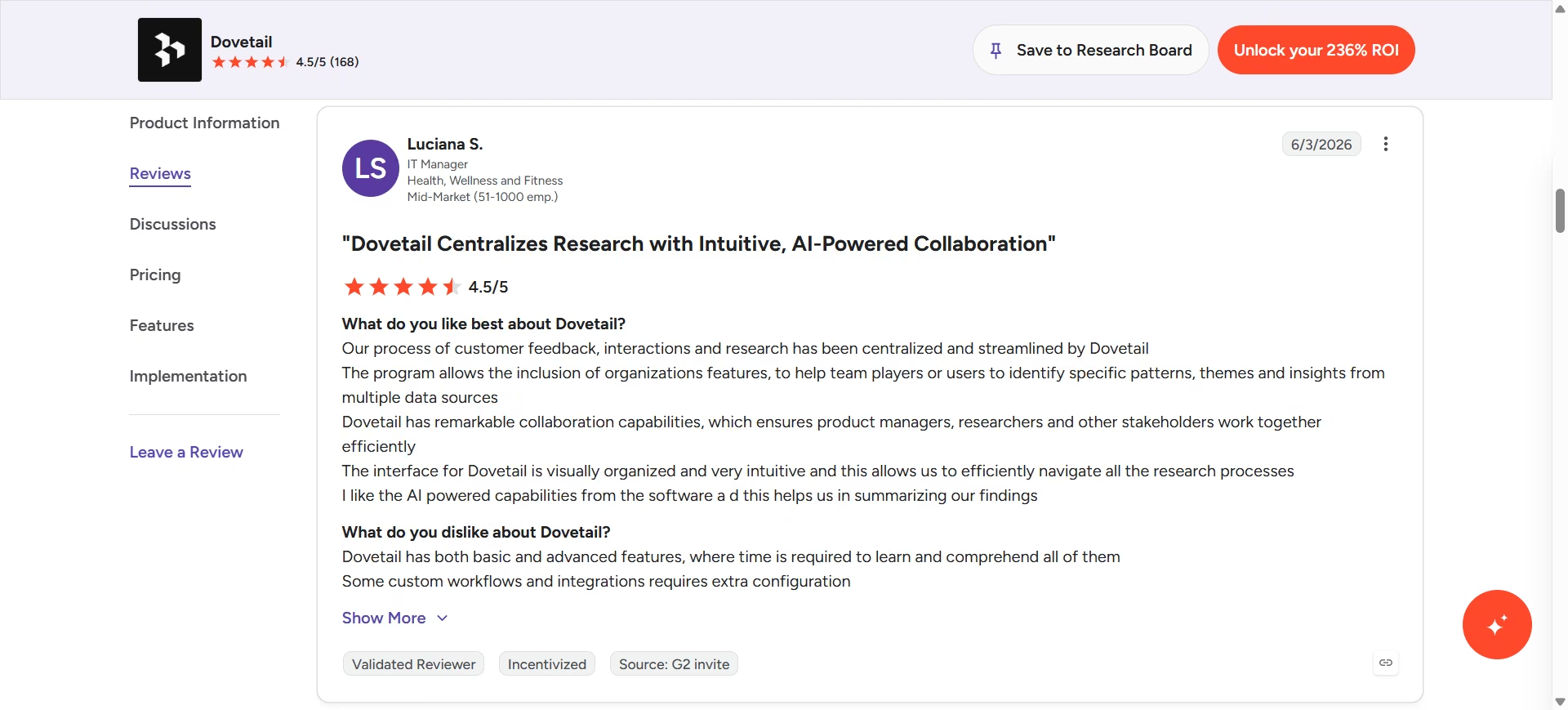
“Our process of customer feedback, interactions and research has been centralized and streamlined by Dovetail. The program allows the inclusion of organizations features, to help team players or users to identify specific patterns, themes and insights from multiple data sources” - Luciana S. G2
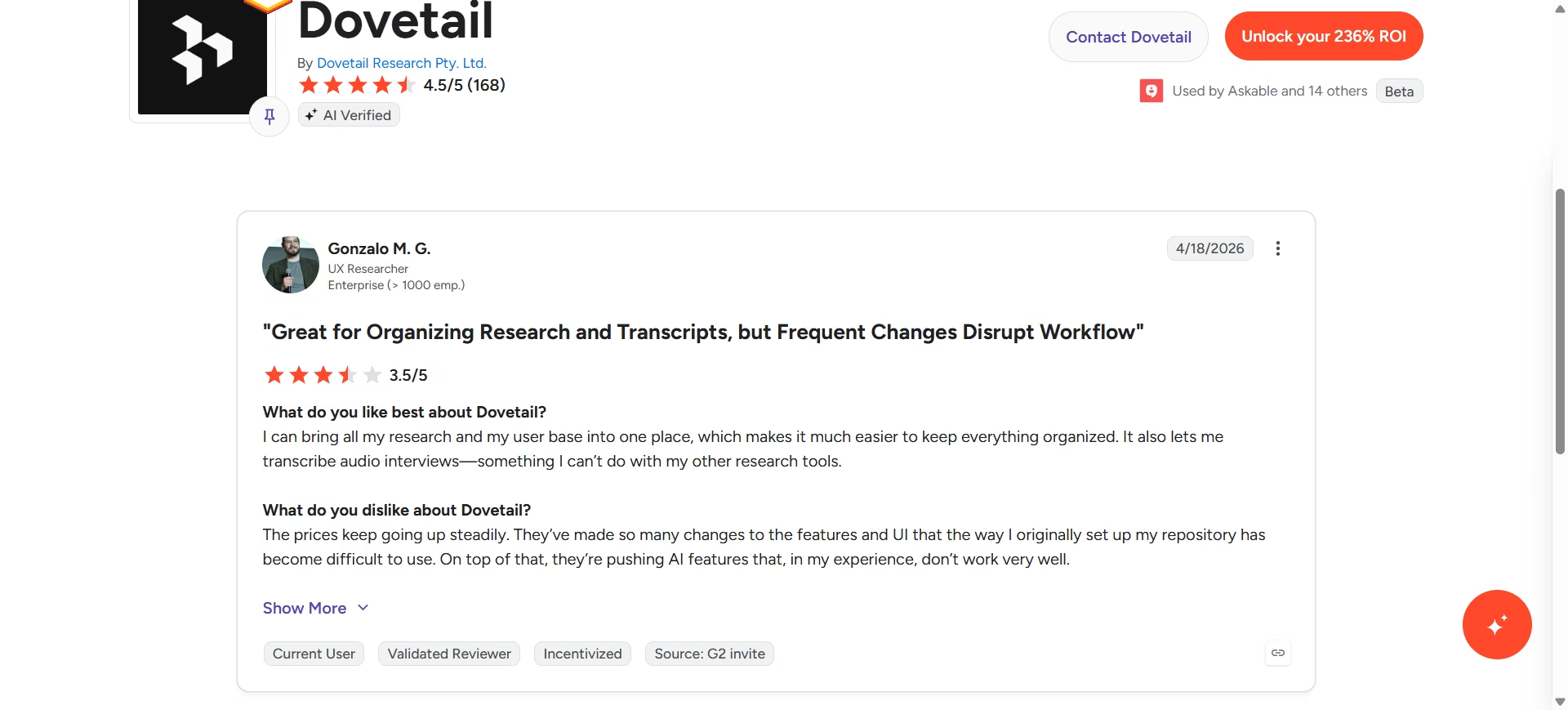
“The prices keep going up steadily. They’ve made so many changes to the features and UI that the way I originally set up my repository has become difficult to use. On top of that, they’re pushing AI features that, in my experience, don’t work very well.” - Gonzalo M. G2
Pricing
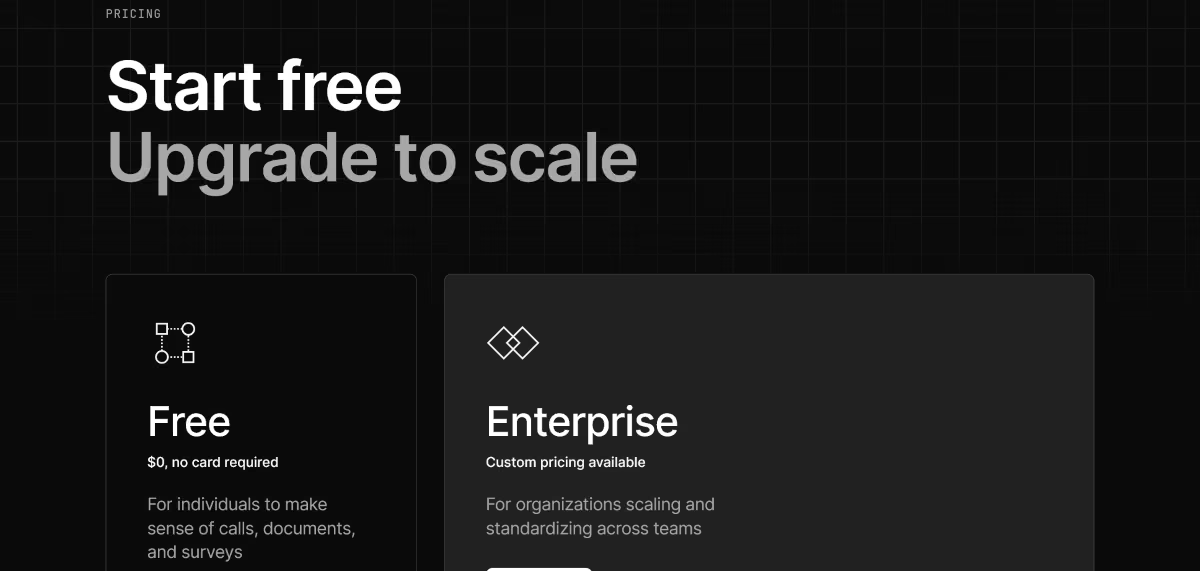
According to Dovetail's official pricing page, the plan structure is simpler than it used to be: Free ($0, one project, one channel, AI chat, and summaries) and Enterprise (custom pricing, unlimited projects, channels, and AI agents).
There's no longer a mid-tier Professional plan listed publicly, only Free and a custom Enterprise quote.
Bottom Line
If your feedback is scattered across five tools and nobody on your team has time to manually tag it, Dovetail earns its keep.
If you're a solo PM with a manageable volume of feedback, the free plan may be enough, at least until you need more than one project.
2. ChatPRD: Best for Drafting a PRD That Doesn't Need Three Rounds of Edits
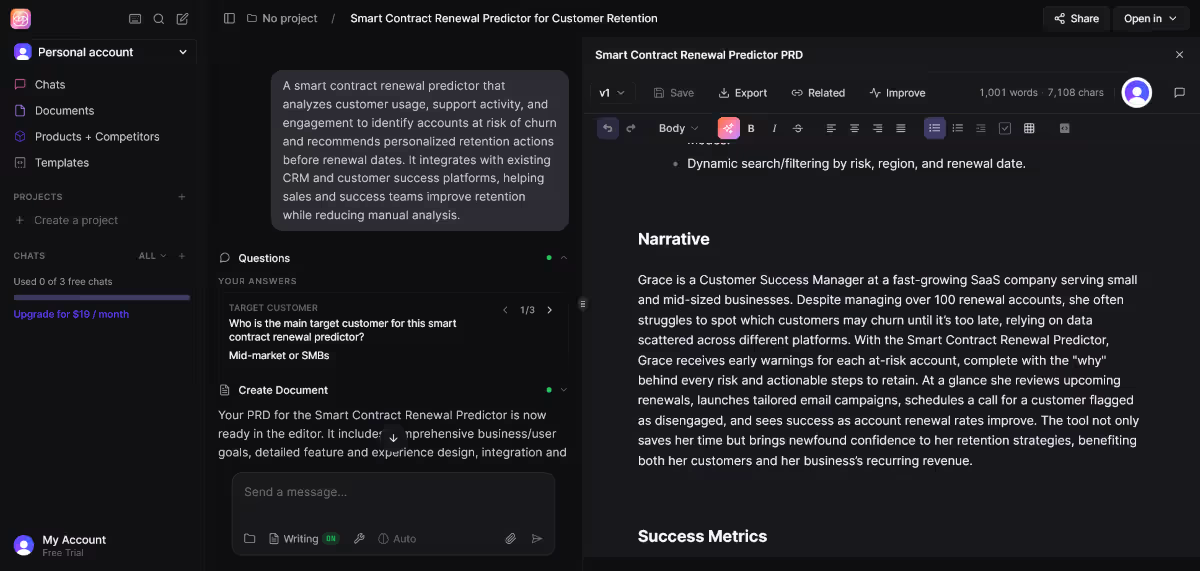
What it does: ChatPRD takes a rough idea and drafts a full product requirements document (PRD), then coaches you on gaps the way a Chief Product Officer might in a review.
Best for: Solo PMs and small teams who don't have a senior PM to review their specs before they go to engineering.
I gave it a two-sentence feature idea, and it came back with a structured draft: problem statement, success metrics, and open questions I hadn't thought to ask. It's not a replacement for domain knowledge, but it closes the blank-page gap fast.
Key Features
- AI-powered PRD creation: Drafts a full PRD from a rough prompt, cutting the time from blank page to reviewable draft significantly.
- Document enhancement: Import an existing PRD and get direct feedback on where it's vague or missing a metric.
- PM coaching: Offers Socratic-style feedback on strategy and communication, aimed at leveling up the PM's judgment as much as the document itself.
Pros and Cons
Pros:
- Output reads as if a PM wrote it
- Integrations with Notion, Linear, and Slack mean the doc doesn't live in a silo
- Free tier lets you create a few documents before you need to pay anything
Cons:
- Free plan caps out at three chats, so you'll hit the paywall fast with serious use
What Users Say
ChatPRD doesn’t have a page on any of the third-party review platforms (G2, Capterra, or Trustpilot), and the reviews on the company’s self-hosted testimonials page are unsurprisingly glowing.
A Reddit user claims he got better output by customizing the ChatPRD system prompt, while another redditor called it an “LLM wrapper” with features that can be substituted by “vanilla LLMs.”
Pricing
Per ChatPRD's official pricing page, plans are: Free (limited documents to trial the platform), Pro at $19/month ($15/month billed annually, unlimited AI-powered docs, premium models, integrations), and Teams at $39/month per seat (billed $29/seat/month annually, adds shared workspaces and real-time collaboration). Enterprise is custom.
Bottom Line
ChatPRD is the fastest way I've found to go from a rough idea to a structured draft. If you're a solo founder without a senior PM to lean on, the coaching angle alone might justify the $19 a month.
3. Productboard: Best for Turning Feedback Into a Roadmap You Can Defend
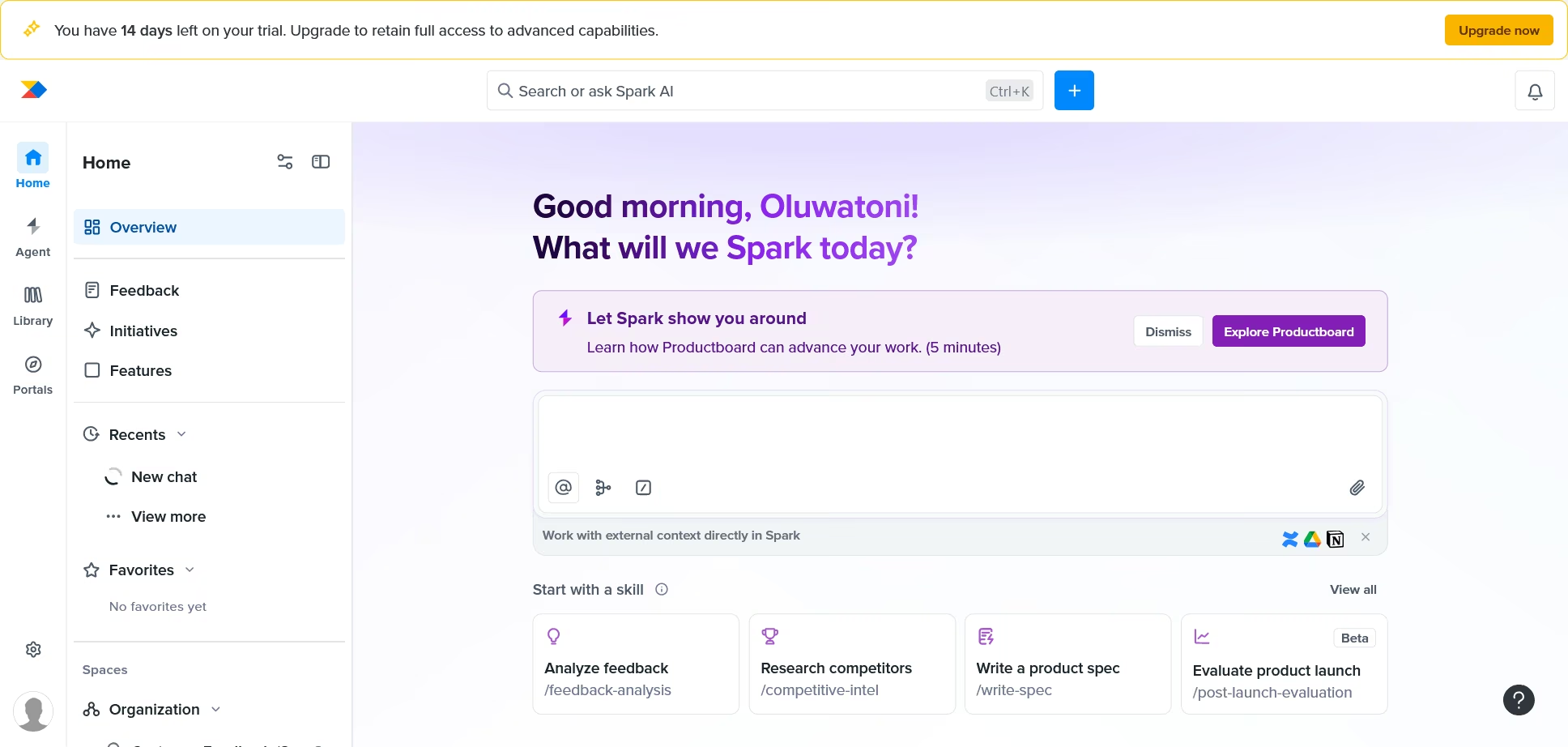
What it does: Productboard centralizes customer feedback, links it to feature ideas, and helps you build and communicate a prioritized roadmap.
Best for: PMs who need to walk into a stakeholder review and show, not just tell, why a feature is prioritized the way it is.
The AI layer here is decent at summarizing feedback into themes, but where it actually earns its price is the roadmap communication side: turning a messy backlog into something a VP can skim in two minutes.
Key Features
- Feedback-to-feature linking: Ties raw customer quotes directly to roadmap items, so a stakeholder can see the evidence behind a prioritization call, quotes and all.
- Visual roadmaps: Communicates direction in a format non-PMs can follow, which cuts down on the “wait, why are we building this” meetings.
- Distinct feedback channels: Segments incoming feedback by product area or customer segment, so you're not drowning one team's requests in another's.
Pros and Cons
Pros:
- Strong at consolidating feedback from multiple sources into one prioritization view
- Roadmap visuals are easier for non-PM stakeholders to parse than a spreadsheet
- Widely adopted, so onboarding resources and integrations are mature
Cons:
- Per-maker pricing means costs scale fast once a product team grows past a few people
- Multiple G2 reviewers flag a real learning curve and interface density when the feedback volume gets large
What Users Say
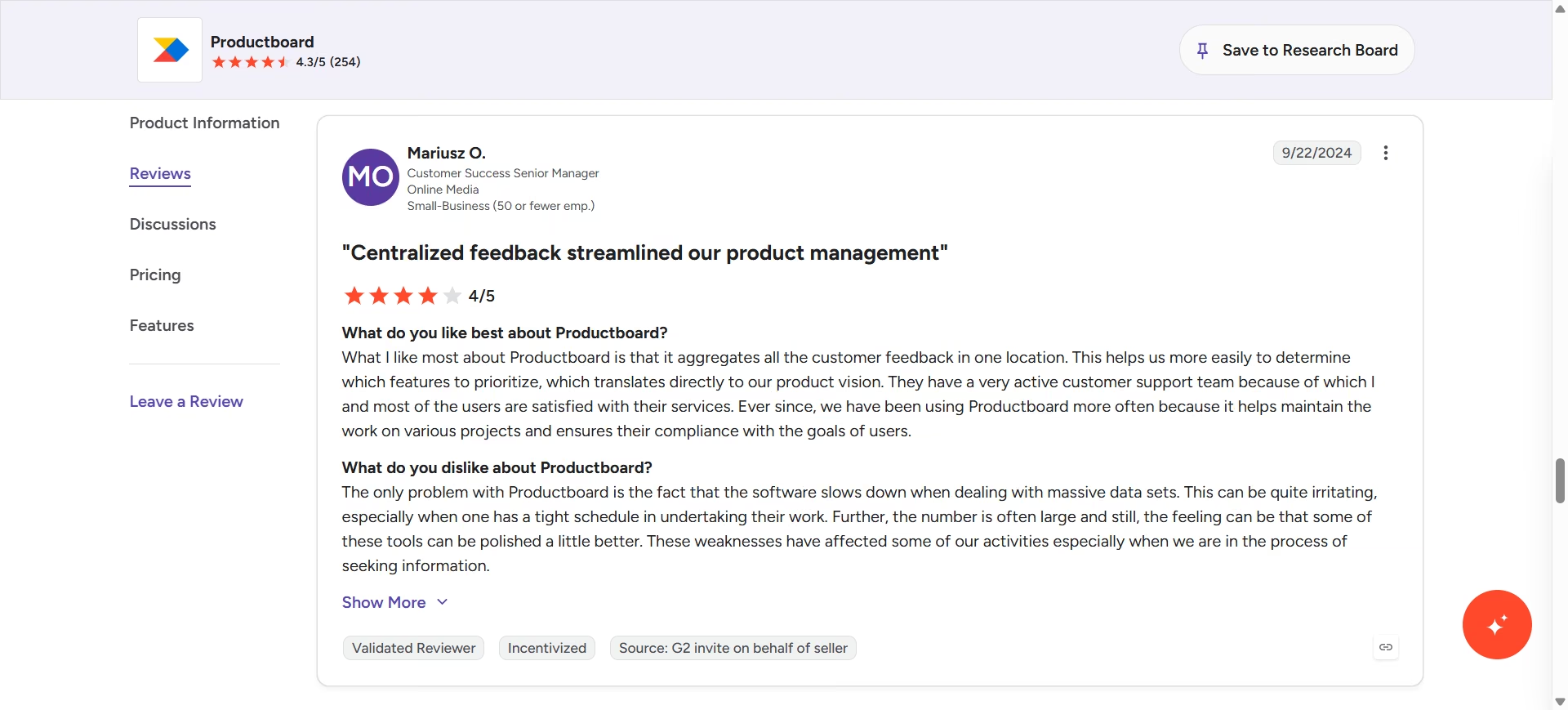
“The only problem with Productboard is the fact that the software slows down when dealing with massive data sets. This can be quite irritating, especially when one has a tight schedule in undertaking their work. Further, the number is often large and still, the feeling can be that some of these tools can be polished a little better. These weaknesses have affected some of our activities especially when we are in the process of seeking information.” - Mariusz O. G2
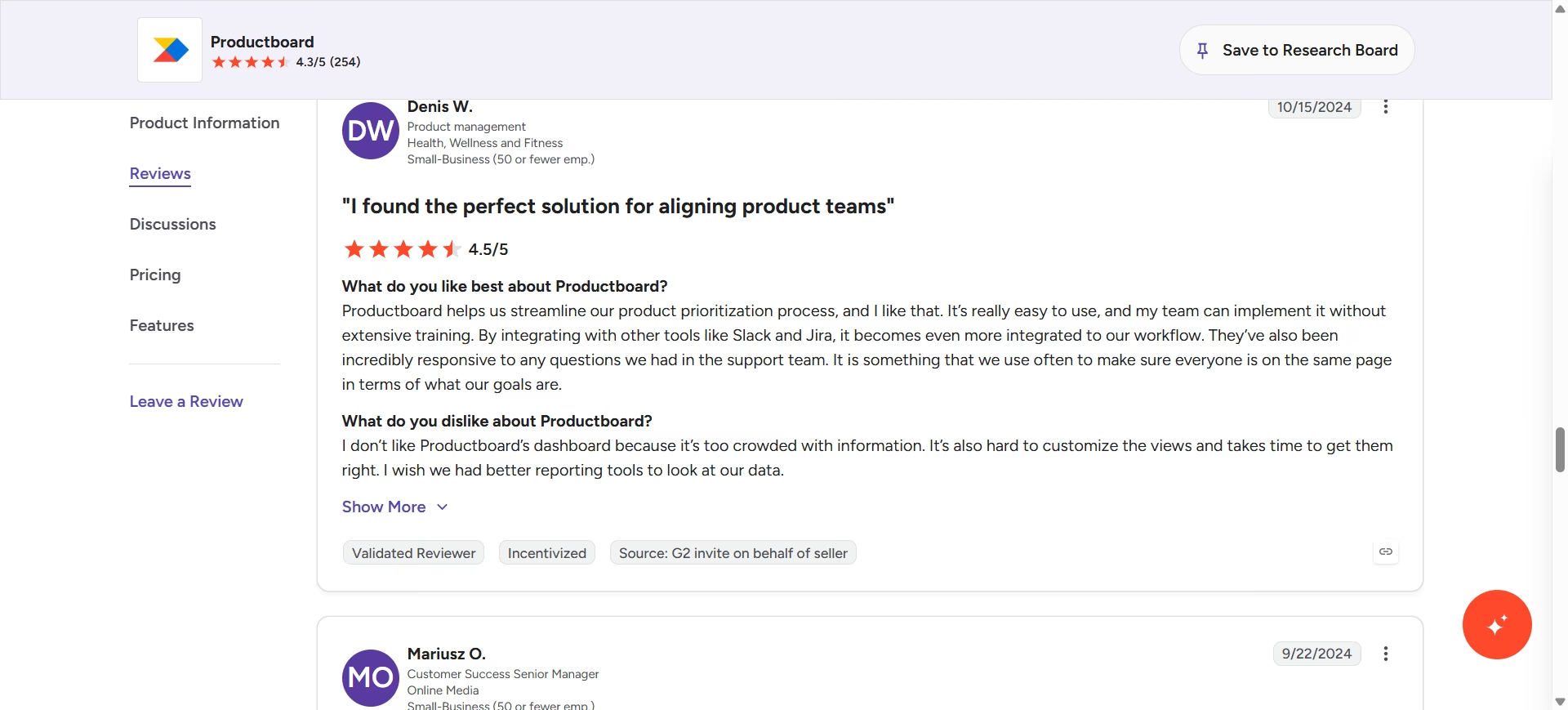
“Productboard helps us streamline our product prioritization process, and I like that. It’s really easy to use, and my team can implement it without extensive training. By integrating with other tools like Slack and Jira, it becomes even more integrated to our workflow.”- Denis W. G2
Pricing
Based on Productboard's official pricing page, plans run: Free (50 AI credits, 500 feedback notes, 25 contributors), Business at roughly $59/maker/month billed annually, and Enterprise at custom pricing.
Bottom Line
If your team is past the “one spreadsheet” stage and needs to defend prioritization calls with evidence, Productboard is worth the per-maker cost. If you're a solo PM or a very small team, the interface and pricing model may be more than you need.
4. Emergent: Best for Building a Working Prototype Without an Engineer
What it does: Emergent is a prompt-to-app platform. You describe the app you want, and its multi-agent system handles the frontend, backend, database, and deployment for both web and mobile.
Best for: PMs who need to validate an idea with a real, clickable prototype, complete with working sign-up and data storage, before they can justify pulling an engineer off the roadmap.
This is one of the few tools that many roundups on AI for product managers fail to evaluate seriously. Most focus on AI writing assistants and analytics tools, while giving AI app builders only a brief mention.
Yet the ability to build a working prototype yourself can really improve stakeholder conversations by making ideas tangible before engineering work begins.
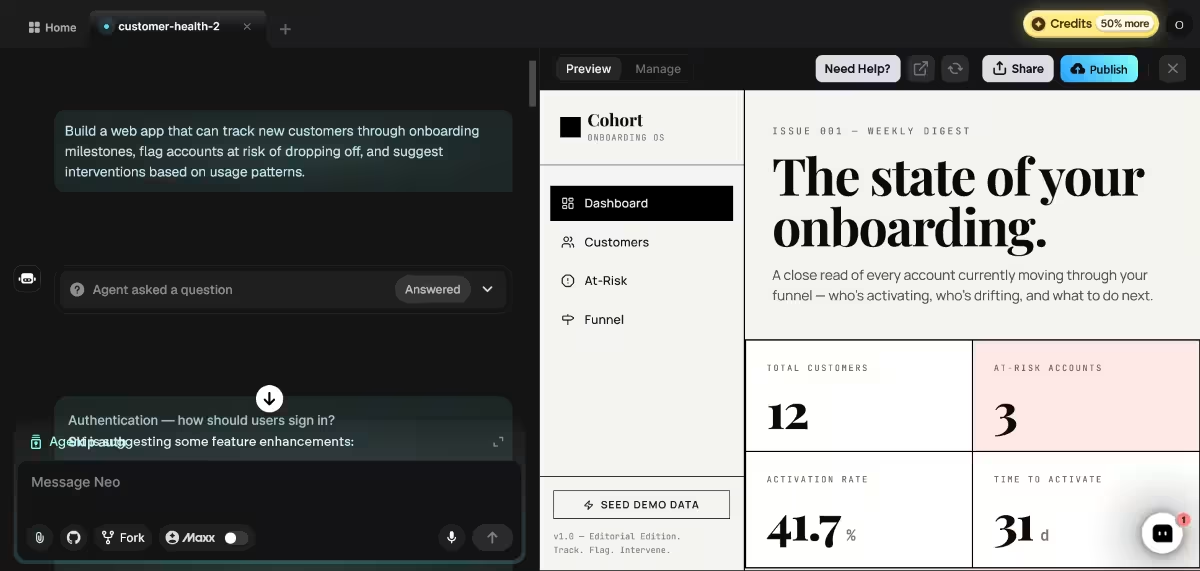
I used Emergent to validate a user onboarding analytics concept. With one prompt, Emergent was able to build a complete prototype (interface, logic, and data) that could track customers through the onboarding process and flag likely drop-offs early.
Key Features
- Multi-agent architecture: Specialized agents split the work across a build: some shape the interface, others handle the logic and integrations, and testing agents check the work before anything ships, which is why Emergent can catch and rewrite broken code rather than generating it once and stopping.
- End-to-end generation: Builds the frontend, backend, and database together from one conversation, so a PM isn't stuck with a clickable mockup that can't store a signup. Apps then deploy automatically with analytics, health checks, and error alerts built in, so a prototype can survive past the demo if it needs to.
- Built-in LLM integration: Lets you plug Claude, OpenAI, or Gemini into the app you're building using Emergent credits, even without your own API keys.
Pros and Cons
Pros:
- Generates a working backend and database, not just a UI mockup, which is the actual differentiator versus most no-code tools
- Free tier exists, so you can test the “zero to one” build experience before paying anything
- Deployment is automatic; there's no separate hosting step to figure out
Cons:
- Credit-based pricing means the real cost depends heavily on what you're building; a landing page and a full SaaS app cost very differently, and that's easy to underestimate upfront
- One G2 reviewer flagged that the free plan's 10 monthly credits run out fast enough to interrupt an in-progress build
What Users Say
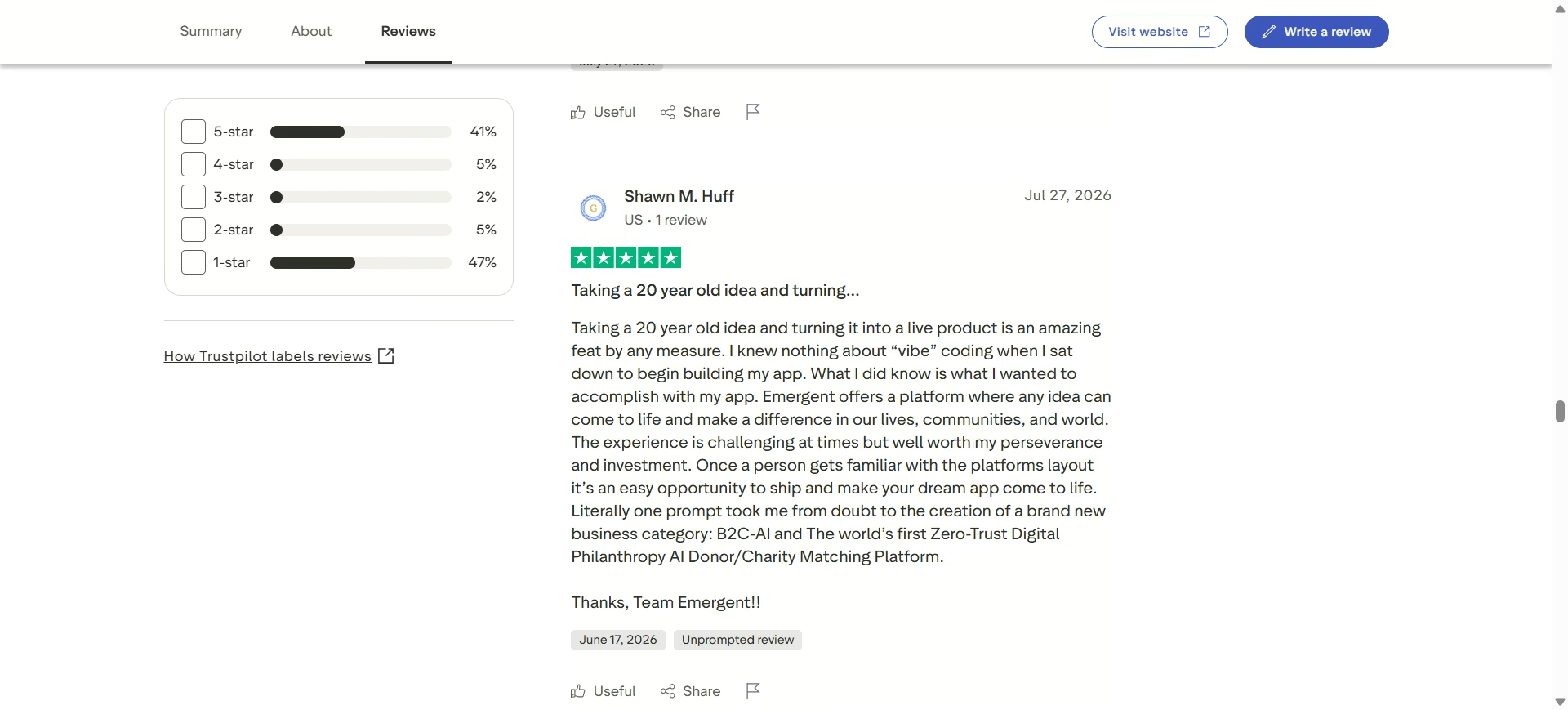
“Taking a 20 year old idea and turning it into a live product is an amazing feat by any measure. I knew nothing about “vibe” coding when I sat down to begin building my app. What I did know is what I wanted to accomplish with my app. Emergent offers a platform where any idea can come to life and make a difference in our lives, communities, and world.” Shawn M. Trustpilot
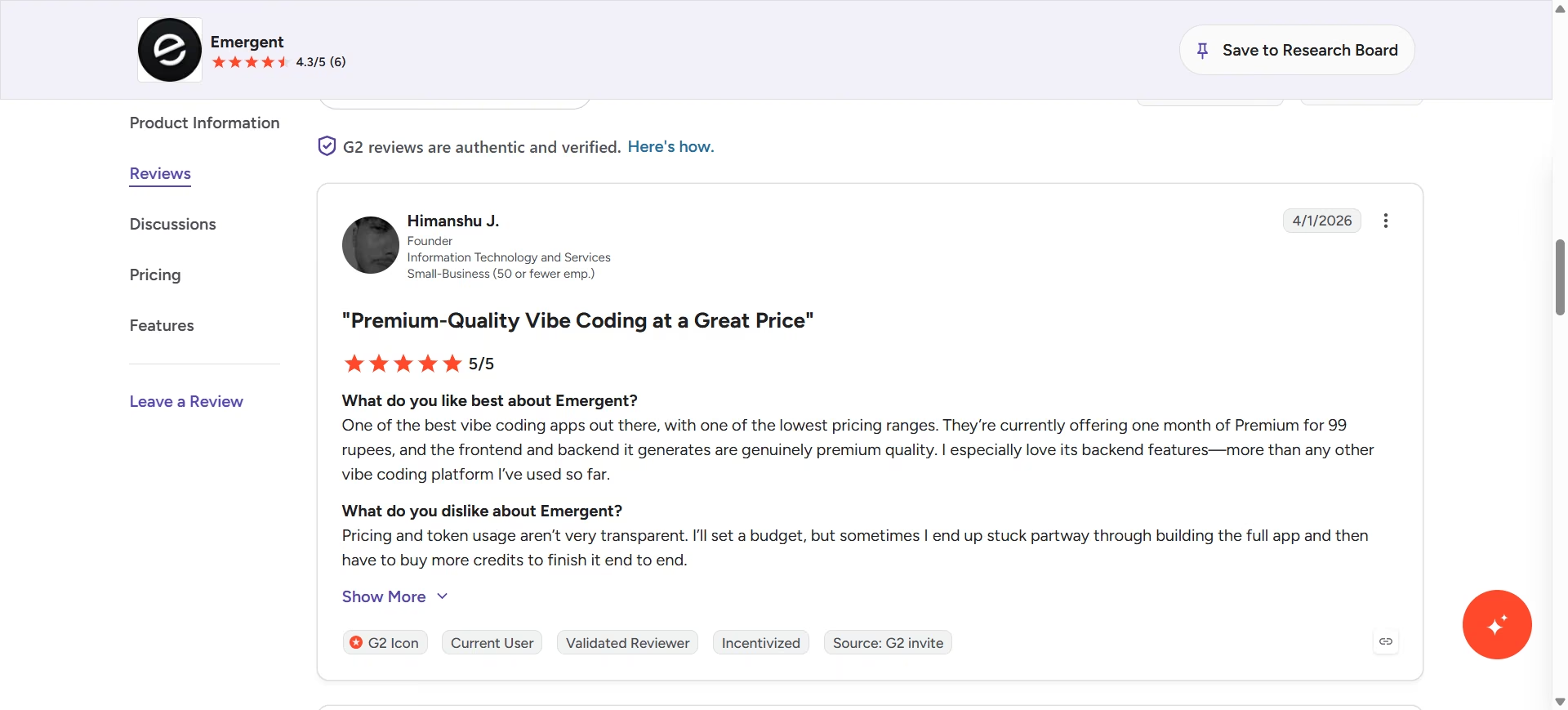
“Pricing and token usage aren’t very transparent. I’ll set a budget, but sometimes I end up stuck partway through building the full app and then have to buy more credits to finish it end to end.” Himanshu J. G2
Pricing
Per Emergent's official pricing page, plans are: Free ($0/month, 10 credits), Standard ($20/month or $17/month billed annually, 100 credits), Pro ($200/month or $167/month billed annually, 750 credits), Business (custom; SSO, RBAC, shared workspaces), and Enterprise (custom; audit logs, VPC, self-hosted DB, SLA).
Because pricing is credit-based, the real cost depends on project complexity, not a flat per-seat rate.
Bottom Line
If you need a stakeholder demo that does more than click through static screens, real signup, real data, Emergent is the only tool on this list built for that job specifically. It's not the tool to reach for if you just need a written spec; pair it with ChatPRD for that.
5. Amplitude: Best for Validating Whether a Shipped Feature Worked
What it does: Amplitude tracks user behavior and gives PMs a way to see whether a shipped feature changed how people use the product, not just whether it shipped on time.
Best for: PMs who need to walk into a retro and say, with a chart, whether last sprint's feature moved the needle.
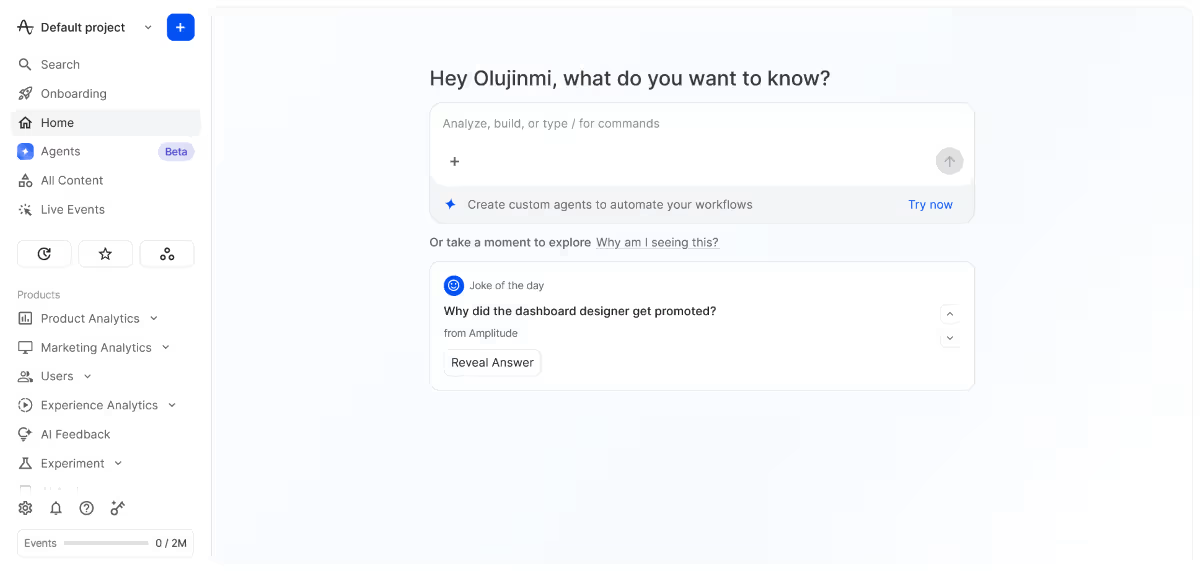
I pulled a cohort comparison and a funnel report for a mock feature launch, and the AI layer (Ask Amplitude) did shorten the path from “I have a question” to “here's a chart,” which is exactly the gap it claims to close.
Key Features
- Behavioral cohort analysis: Groups users by shared behavior, not just demographics, so you can see how a specific segment responds to a change.
- Ask Amplitude: Lets you ask a business question in plain language and get back a chart built for you.
- Causal insights and experimentation: Connects a feature change to an outcome with statistical backing, not just a correlation you're hoping holds up.
Pros and Cons
Pros:
- Fast at turning a vague question into a usable chart, per multiple G2 reviewers
- Free plan is generous enough (2 million events/month) to validate a real prototype, not just a toy project
- Session replay lets you jump from a drop-off point straight into watching what the user did
Cons:
- Cross-platform funnels can fail silently if event properties aren't structured consistently between web and mobile
- Some reviewers find the interface too technical for non-analyst stakeholders to read unassisted
What Users Say
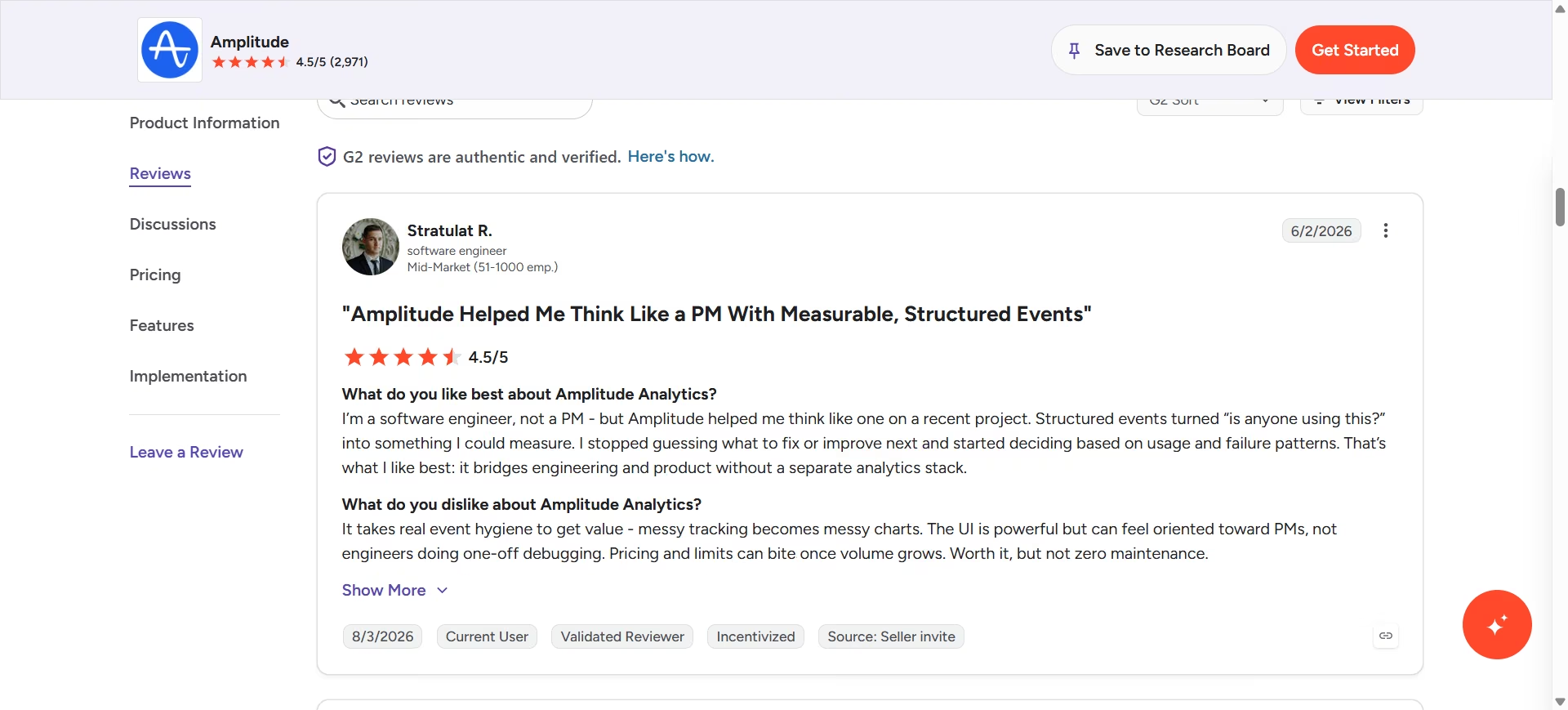
“I’m a software engineer, not a PM - but Amplitude helped me think like one on a recent project. Structured events turned “is anyone using this?” into something I could measure. I stopped guessing what to fix or improve next and started deciding based on usage and failure patterns.” Stratulat R. G2
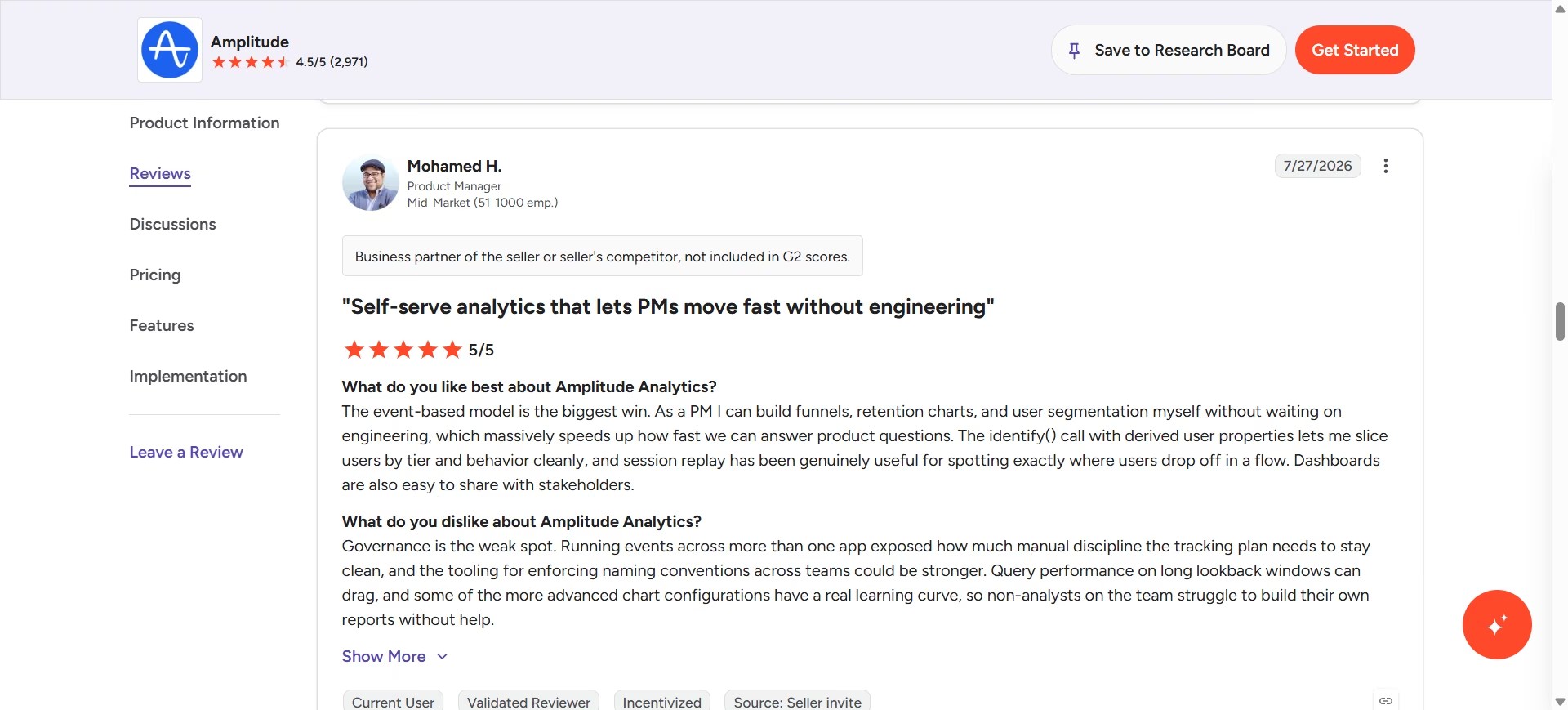
“Governance is the weak spot. Running events across more than one app exposed how much manual discipline the tracking plan needs to stay clean, and the tooling for enforcing naming conventions across teams could be stronger.” Mohamed H. G2
Pricing
Based on Amplitude's official pricing page, plans are: Free (2 million events per month), Plus (usage-based, starting around $0, billed annually and scaling with your monthly tracked user volume), and Growth/Enterprise at custom pricing based on volume and features.
Bottom Line
If you need hard evidence that a shipped feature worked, Amplitude's free plan is generous enough to prove it before you pay a cent. The technical density is a real tradeoff if your stakeholders aren't data-fluent.
6. Zite: Best for Building an Internal Tool Without Pulling in Engineering
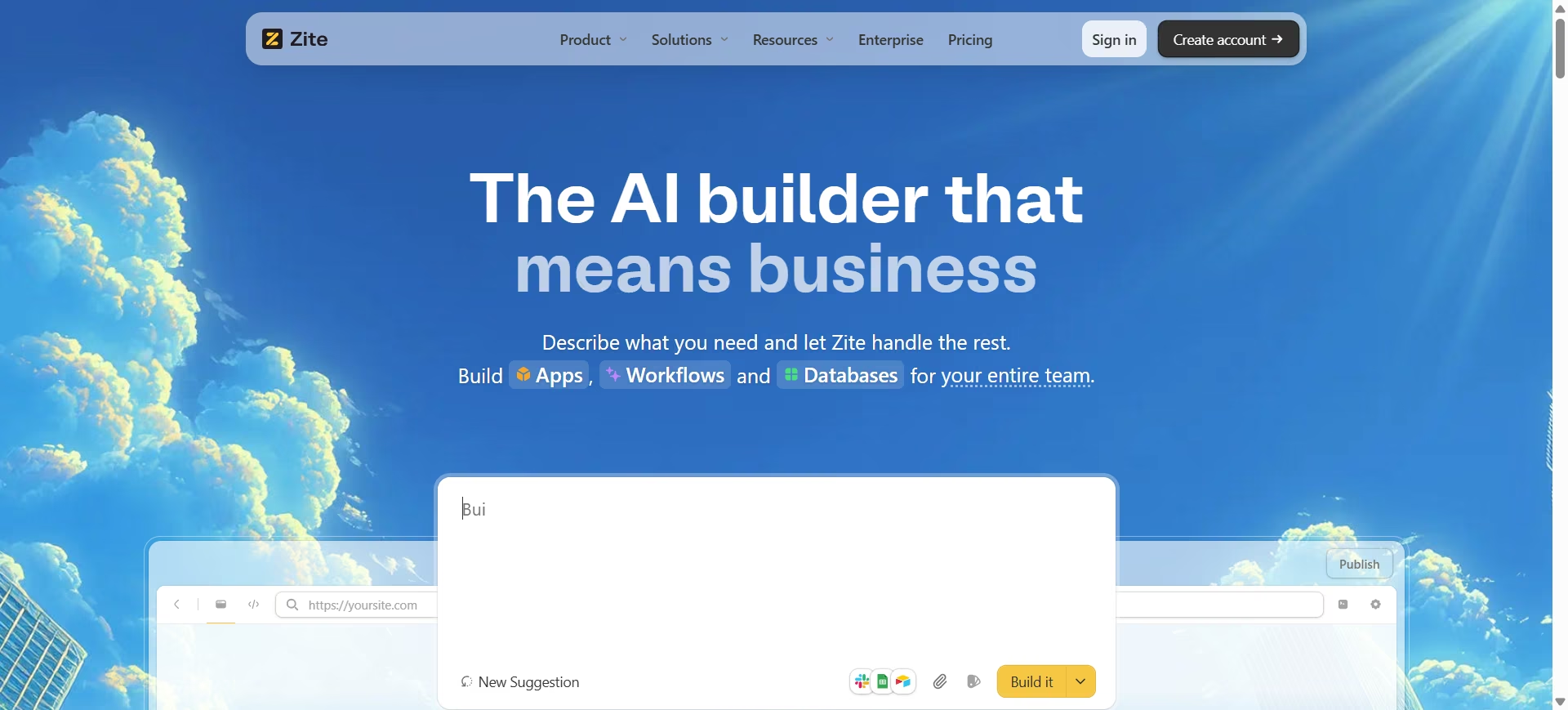
What it does: Zite turns a plain-language description into a working internal app, complete with a database, authentication, and role-based permissions, and shows the backend logic as an editable flowchart instead of hiding it behind more prompts.
Best for: PMs who need a tool for their own team, an intake form, an approval workflow, a lightweight tracker, and don't want to file an engineering ticket or wait on a shared spreadsheet that everyone slowly breaks.
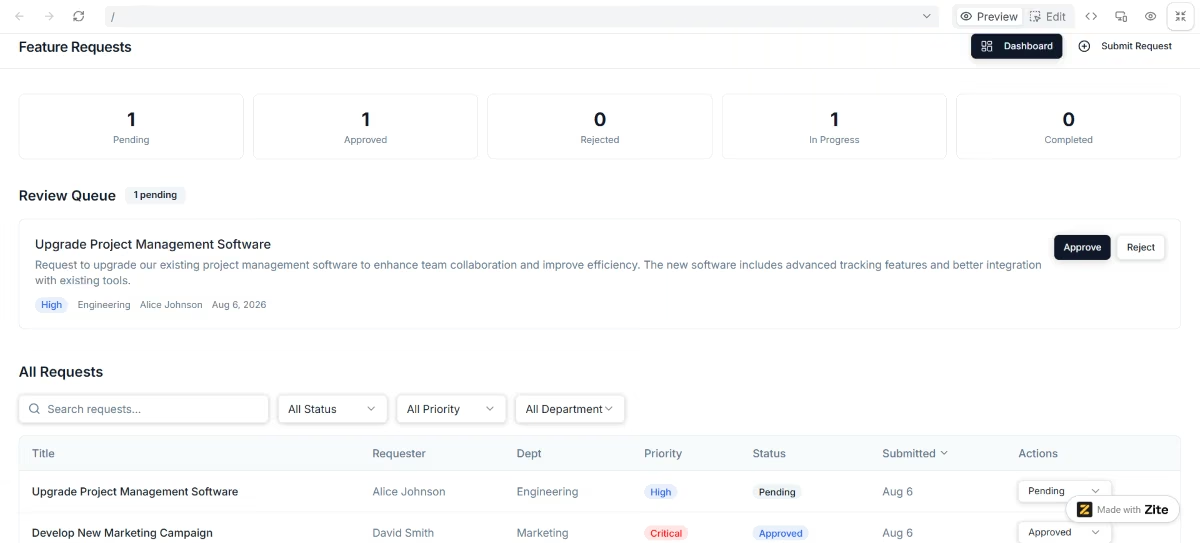
I used Zite to build an internal feature-request intake tool: a form that logged requests to a database, then routed them through an approval step before anything hit my backlog.
It generated the form, the database, and the approval logic in about 15 minutes, and let me inspect that approval logic as an editable flowchart instead of guessing what a prompt had built.
Key Features
- Flowchart-style logic: Backend workflows render as an editable flowchart, so you can see exactly why an approval routes where it does.
- Built-in relational database: Handles structured data like a spreadsheet but supports up to 250,000 records on its published Business tier (more on custom plans), so an intake tool doesn't outgrow its own backend in a month.
- Role-based permissions: Set who can see or edit what without writing access-control code, useful the moment a tool moves from "just me" to "my whole team."
Pros and Cons
Pros:
- Visual editing after generation means small changes (a new field, a different approval step) don't require re-prompting from scratch
- No per-user licensing fees, so sharing an internal tool with a whole team doesn't multiply the cost
- Ships with SSO, audit logs, and SOC 2 Type II compliance out of the box, which matters the moment IT asks questions
Cons:
- Built for internal, ops-style tools rather than a customer-facing product a PM might use to test a market hypothesis
- Smaller review footprint than more established no-code platforms, so there's less third-party feedback to lean on before committing
What Users Say
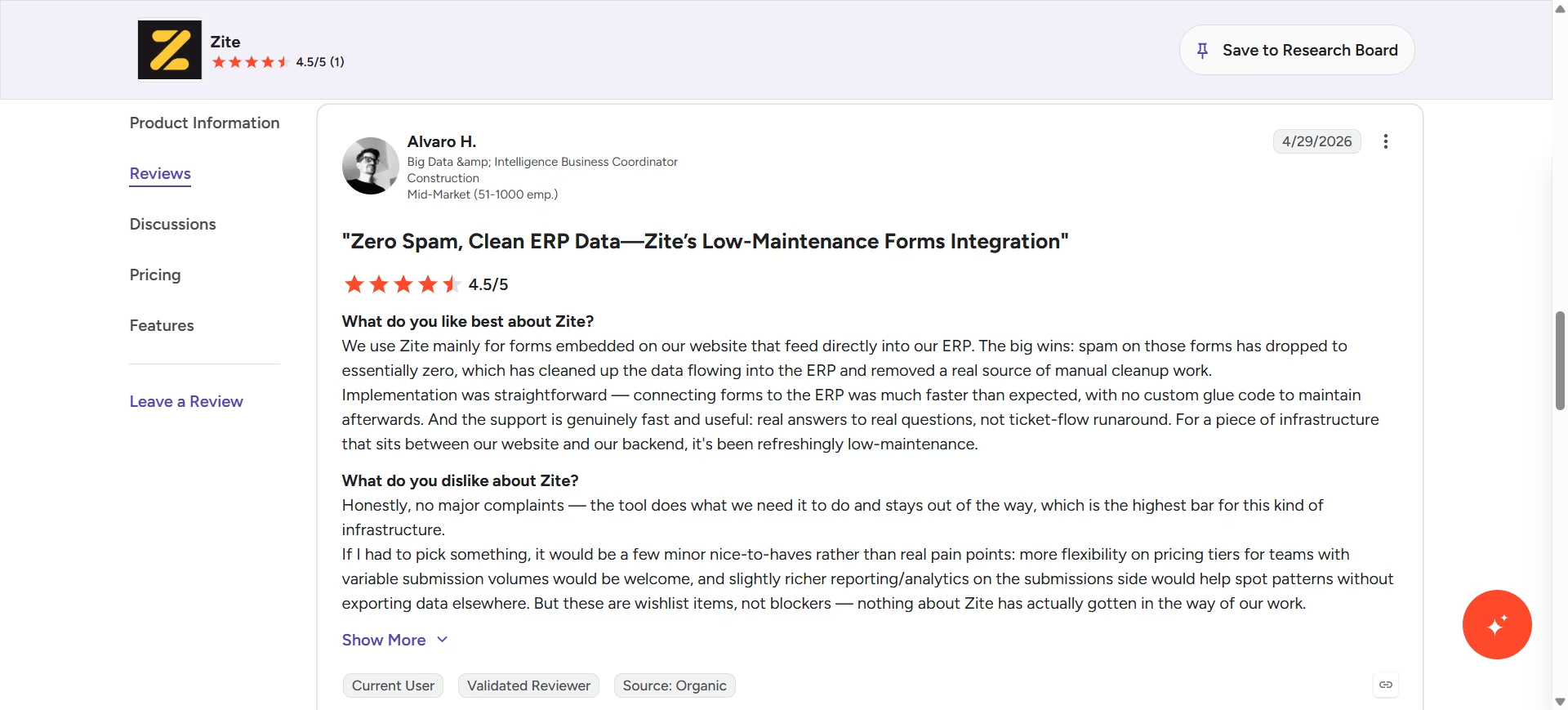
“We use Zite mainly for forms embedded on our website that feed directly into our ERP. The big wins: spam on those forms has dropped to essentially zero, which has cleaned up the data flowing into the ERP and removed a real source of manual cleanup work.
Implementation was straightforward….and the support is genuinely fast and useful.” - Alvaro H. G2
The same reviewer noted only a few minor wishlist of features, which, in their own words, didn’t hinder their work. This includes greater flexibility in pricing tiers for teams with fluctuating submission volumes.
Pricing
According to Zite's official pricing page, plans are: Free (unlimited users and apps, capped AI credits and database records), Pro at $19/month ($15/month billed annually), and Business at $69/month ($55/month billed annually) that add more AI credits, database records, and custom domains. Team and Enterprise plans are available for larger organizations.
Bottom Line
If you need a tool for your own team's workflow, not a product for customers, and want to see exactly how the logic works instead of trusting a black box, Zite is built for that specific job. It's not the tool to reach for if you're validating a customer-facing idea; that's Emergent's lane on this list.
7. tl;dv: Best for Never Missing What Was Said on a Call
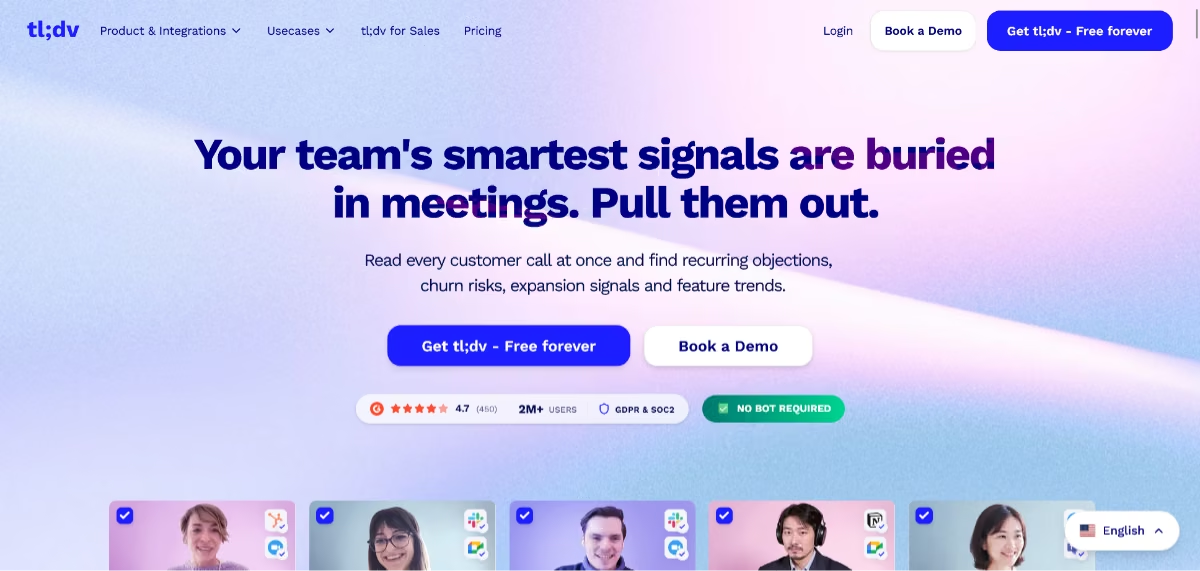
What it does: tl;dv auto-joins Zoom, Google Meet, or Teams calls, records them, transcribes in 30+ languages, and generates an AI summary with timestamps.
Best for: PMs who sit in back-to-back stakeholder and customer calls and need a reliable record of what was said, not a half-remembered recap typed up an hour later.
I ran it against a stakeholder call, and the timestamped summary flagged several action items from the call, which is the exact task it's built for.
Key Features
- Unlimited free recording and transcription: The free plan has no cap on recordings, which is unusual in this category and useful for a solo PM testing the waters.
- AI summaries with timestamps: Generates an organized recap tied to the moment in the call it happened, so you can jump straight to the relevant clip.
- CRM and workflow integrations: Pushes notes and action items directly into HubSpot, Salesforce, or Slack on paid tiers, cutting the manual copy-paste step.
Pros and Cons
Pros:
- Genuinely unlimited free recording and transcription, which is rare for this category
- Timestamped, organized summaries make it easy to share context with someone who missed the call
- Transcription accuracy holds up well on clear audio, per a large volume of G2 reviews
Cons:
- Some reviewers report accuracy drops on strong accents or heavily technical jargon
- The free plan's AI summary count is capped, so heavy call volume pushes you to Pro fast
What Users Say
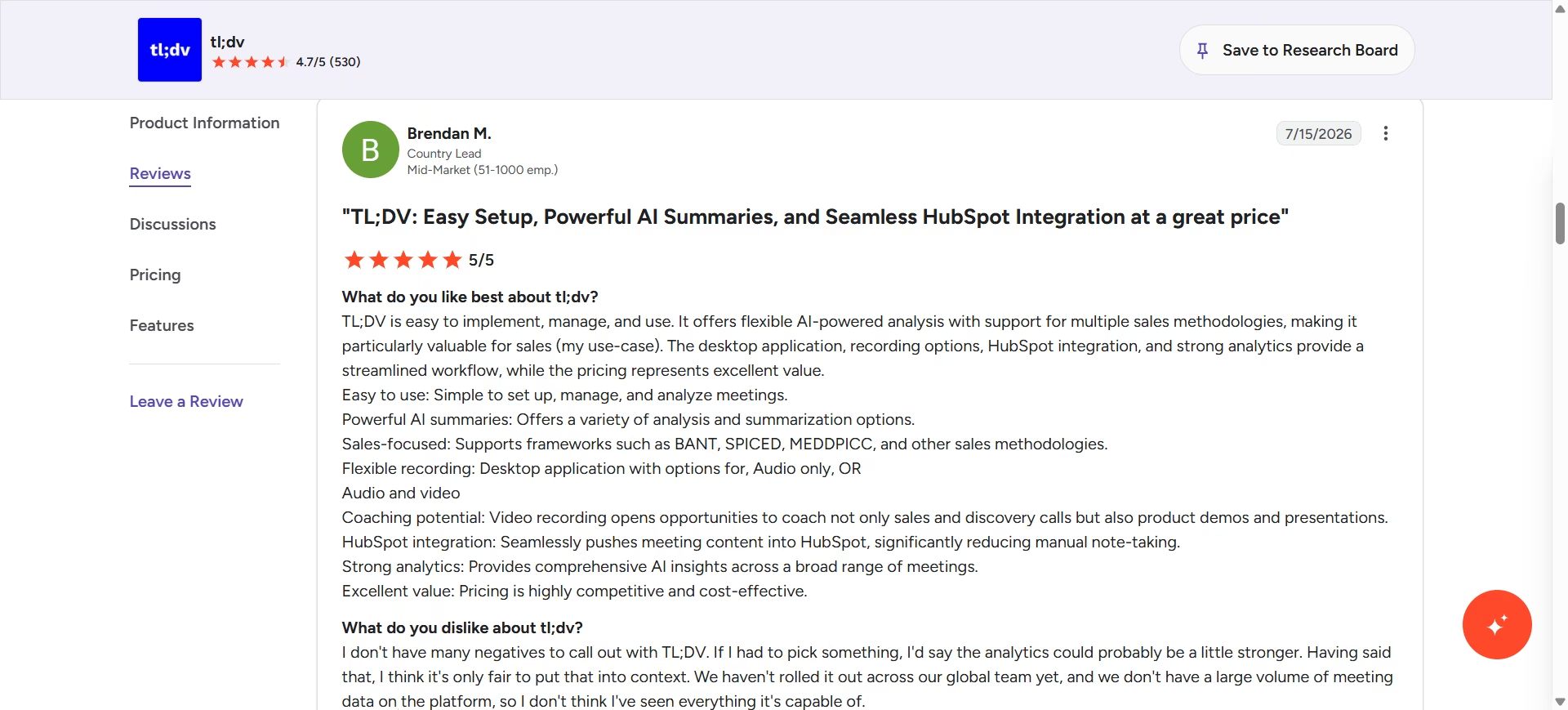
“TL;DV is easy to implement, manage, and use. It offers flexible AI-powered analysis with support for multiple sales methodologies, making it particularly valuable for sales (my use-case).” - Brendan M. G2
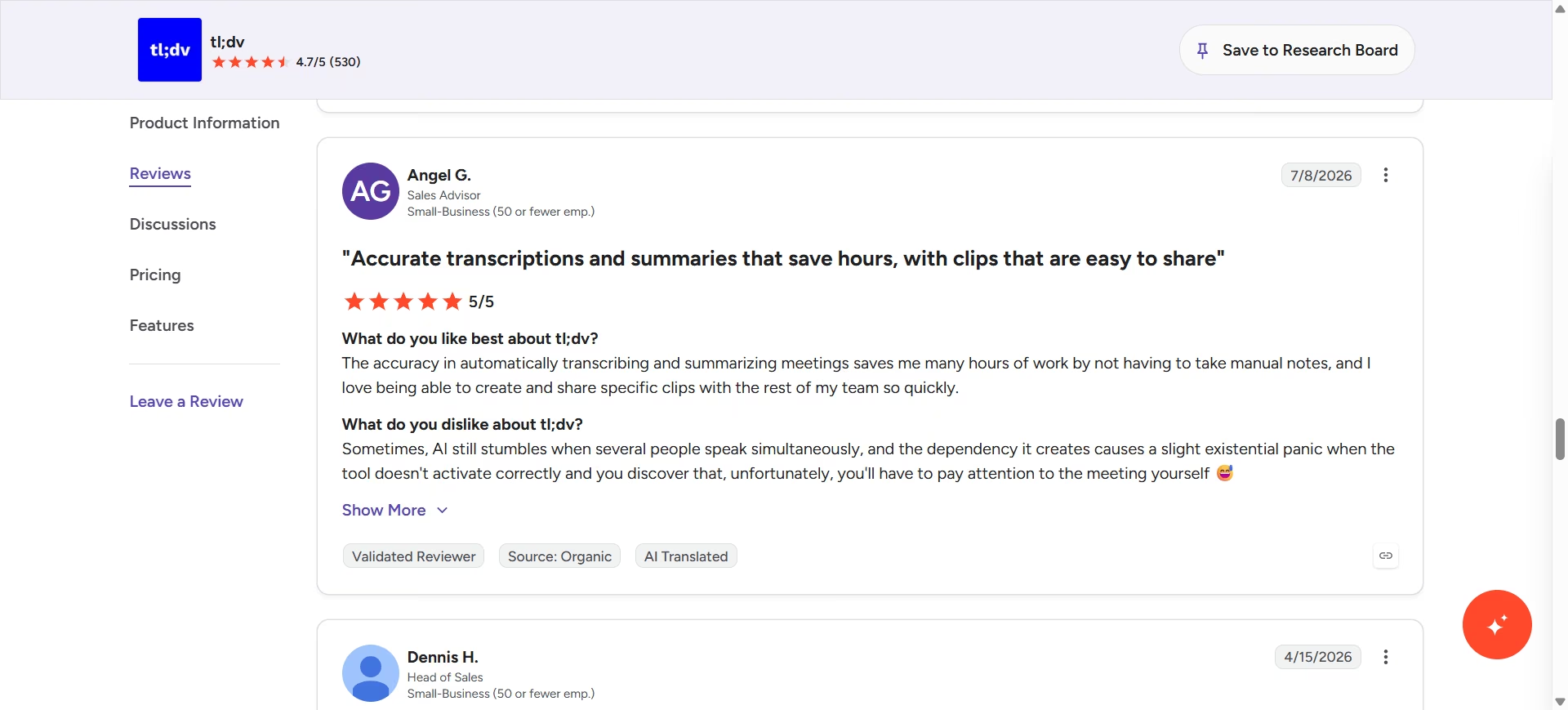
“Sometimes, AI still stumbles when several people speak simultaneously, and the dependency it creates causes a slight existential panic when the tool doesn't activate correctly and you discover that, unfortunately, you'll have to pay attention to the meeting yourself”- Angel S. G2
Pricing
Per tl;dv's official pricing page, plans are: Free (unlimited recording and transcription, capped AI summaries), Pro at $29/month ($18/month billed annually), and Business at $39/month ($29/month billed annually, adds CRM integrations and team analytics). Enterprise pricing is custom.
Bottom Line
If you're drowning in stakeholder calls and keep losing track of who committed to what, tl;dv's free plan alone might solve the problem. Upgrade only once you need the CRM push, not before.
8. Lindy: Best for Automating the Status Update You'd Normally Write by Hand
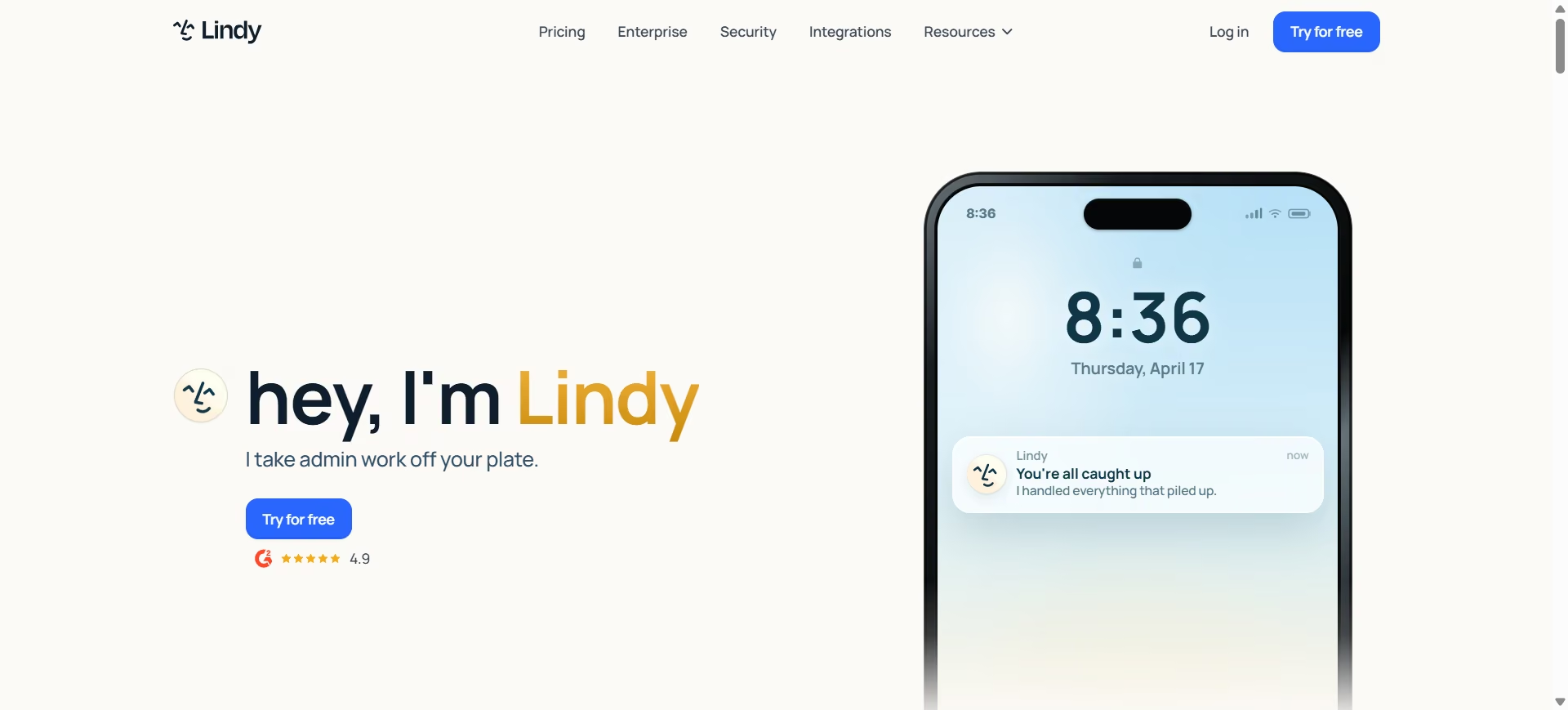
What it does: Lindy is a no-code AI agent platform that connects to your email, calendar, Slack, and other everyday tools, then runs recurring work on its own: triaging an inbox, prepping you before a meeting, or drafting a report the moment a real trigger fires.
Best for: PMs who write the same status update, the same sprint recap, the same "here's what shipped this week" message every Friday, and want an agent that assembles the draft from actual Slack threads and tickets.
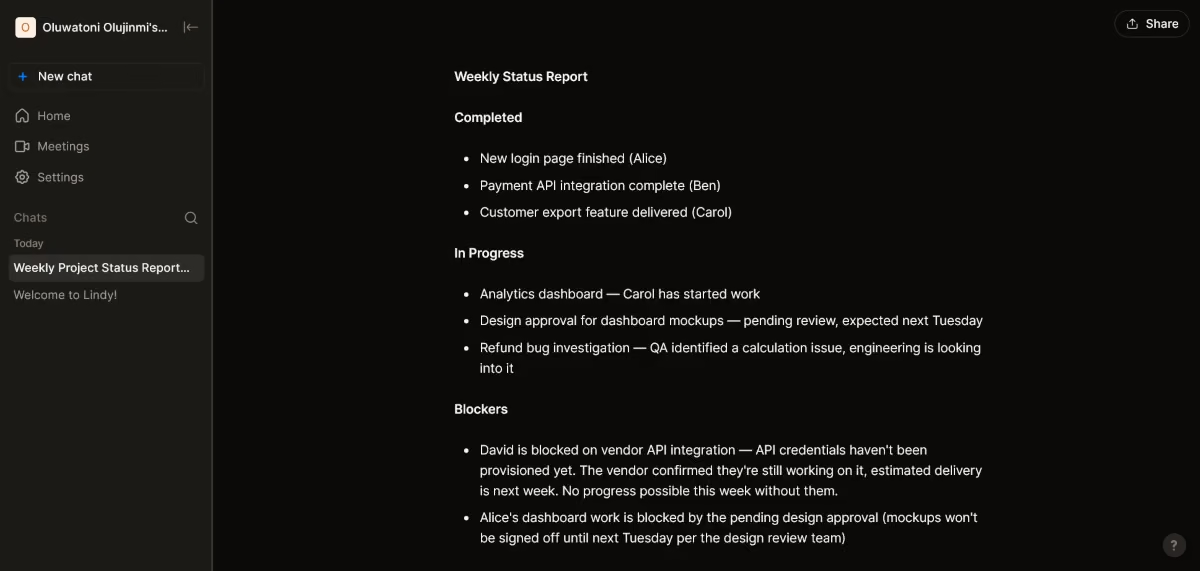
I built a Lindy agent that pulled the week's updates from a Slack channel and a mock inbox, then drafted a status update flagging anything that looked blocked. It got the blocked item right on the first try, which is exactly the task that eats up a Friday afternoon.
Key Features
- No-code agent builder: Describe the outcome in plain language ("summarize this week's blockers into a status update") and Lindy assembles the trigger, logic, and output without a flowchart to build yourself.
- Cross-tool triggers: Agents can watch Slack, Gmail, and other connected tools for the specific event that should kick off a task, so it starts on its own.
- Human-in-the-loop drafts: Agents draft the update and wait for your review before sending, which matters most when the output is headed to a stakeholder.
Pros and Cons
Pros:
- Fast to set up for a well-defined recurring task; a single well-scoped agent can be running the same afternoon
- Works across whatever tools your team already lives in, so it doesn't force a platform switch the way an all-in-one tool does
- Drafts read like a person wrote them once the agent has a few runs of context
Cons:
- Credit-based usage means a chatty agent or a heavy research task can burn through a plan faster than the flat monthly price suggests
- No free tier anymore; every plan starts with a 7-day trial, so you commit to a price before you know your real usage pattern
What Users Say
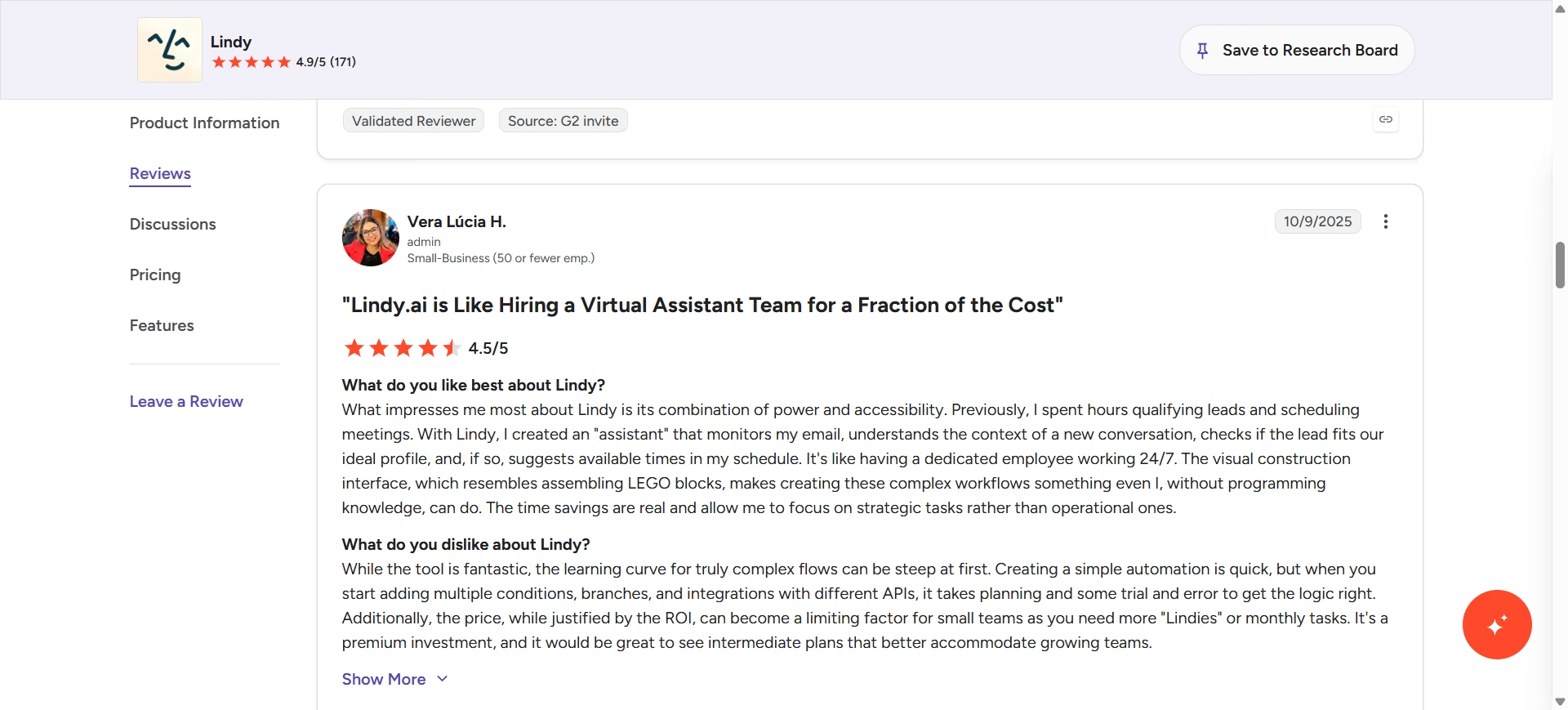
“What impresses me most about Lindy is its combination of power and accessibility. Previously, I spent hours qualifying leads and scheduling meetings. With Lindy, I created an "assistant" that monitors my email, understands the context of a new conversation, checks if the lead fits our ideal profile, and, if so, suggests available times in my schedule. It's like having a dedicated employee working 24/7.” - Vera Lúcia H. G2
Pricing
Based on Lindy's official pricing page, plans are: Plus ($29.99/month, 3,000 credits), Pro ($99.99/month, 15,000 credits, computer use), Max ($199.99/month, 35,000 credits), and Enterprise (custom, adds SSO, SCIM, and HIPAA compliance). Every plan starts with a seven-day free trial; there's no permanent free tier anymore.
Bottom Line
If the same recurring admin task eats up an afternoon every week, a Lindy agent set up once will keep doing it without you in the loop. Budget for the credit usage before you commit to a plan tier, since the sticker price and the real monthly cost aren't always the same number.
9. ClickUp: Best for a PM Platform With AI Built In
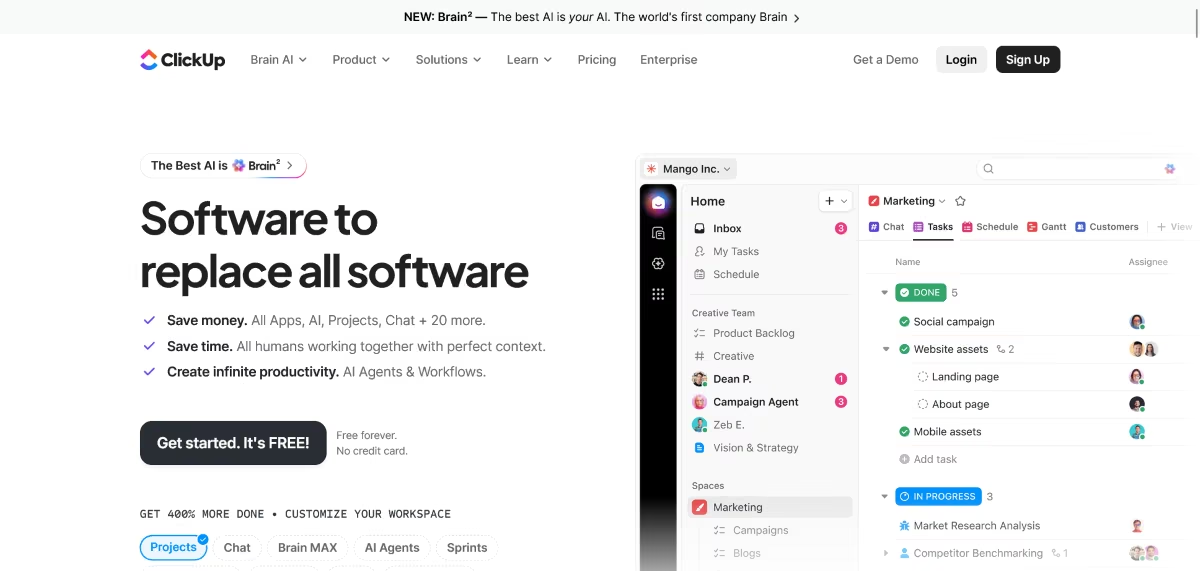
What it does: ClickUp is a project management platform that holds tasks, docs, goals, and chat in one workspace, with ClickUp Brain layered on top as its AI assistant.
Brain turns conversations into tasks, drafts status updates and sprint summaries from existing tickets, and answers questions across the workspace in plain language.
Best for: PMs who want to trial a full AI-enabled PM platform with a real team before paying for it, whether that means replacing a patchwork of tools or moving off one that isn't working.
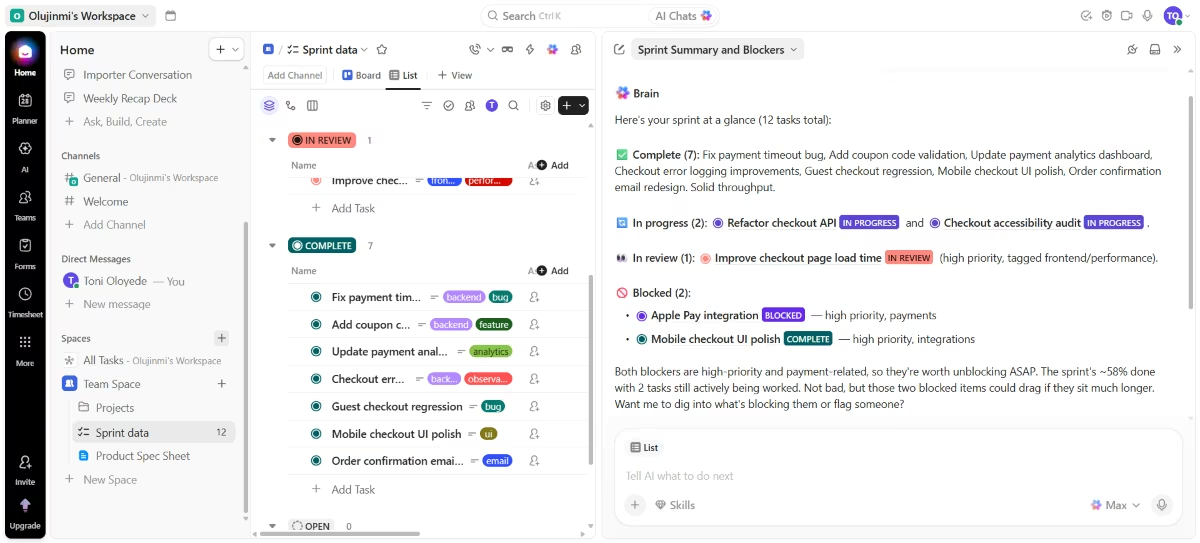
I asked ClickUp Brain to summarize a mock two-week sprint and flag anything blocked, and it pulled directly from the actual task statuses and comments rather than a generic template, correctly catching the one task I'd marked blocked.
It's useful for a quick status update, though I'd still give it a read before sending it to a stakeholder.
Key Features
- Multiple views on the same data: The same tasks show up in List, Board, Gantt, and Table views without duplicating anything, so a PM can work in Gantt while an exec reviews the same data as a spreadsheet.
- ClickUp Brain: Condenses long comment threads and task activity into a sprint summary or status update on request, and can auto-create tasks directly from a conversation.
- 1,000+ native integrations: Connects to Slack, Google Workspace, GitHub, and most of a normal PM stack, so moving to ClickUp doesn't mean losing those connections.
Pros and Cons
Pros:
- One platform for tasks, docs, goals, and chat, so teams stop bouncing between four separate tools for the same project
- Brain's summaries are grounded in a project's actual task and comment history
- The Free Forever plan has no seat cap and no time limit, so a full team can genuinely trial the platform before anyone pays for it
Cons:
- ClickUp Brain isn't included in any plan; it's a $9/user/month add-on billed across every seat in the workspace, even if only a few people use the AI
- Multiple G2 reviewers note the platform can feel sluggish in massive workspaces with thousands of active tasks and heavy automation
What Users Say
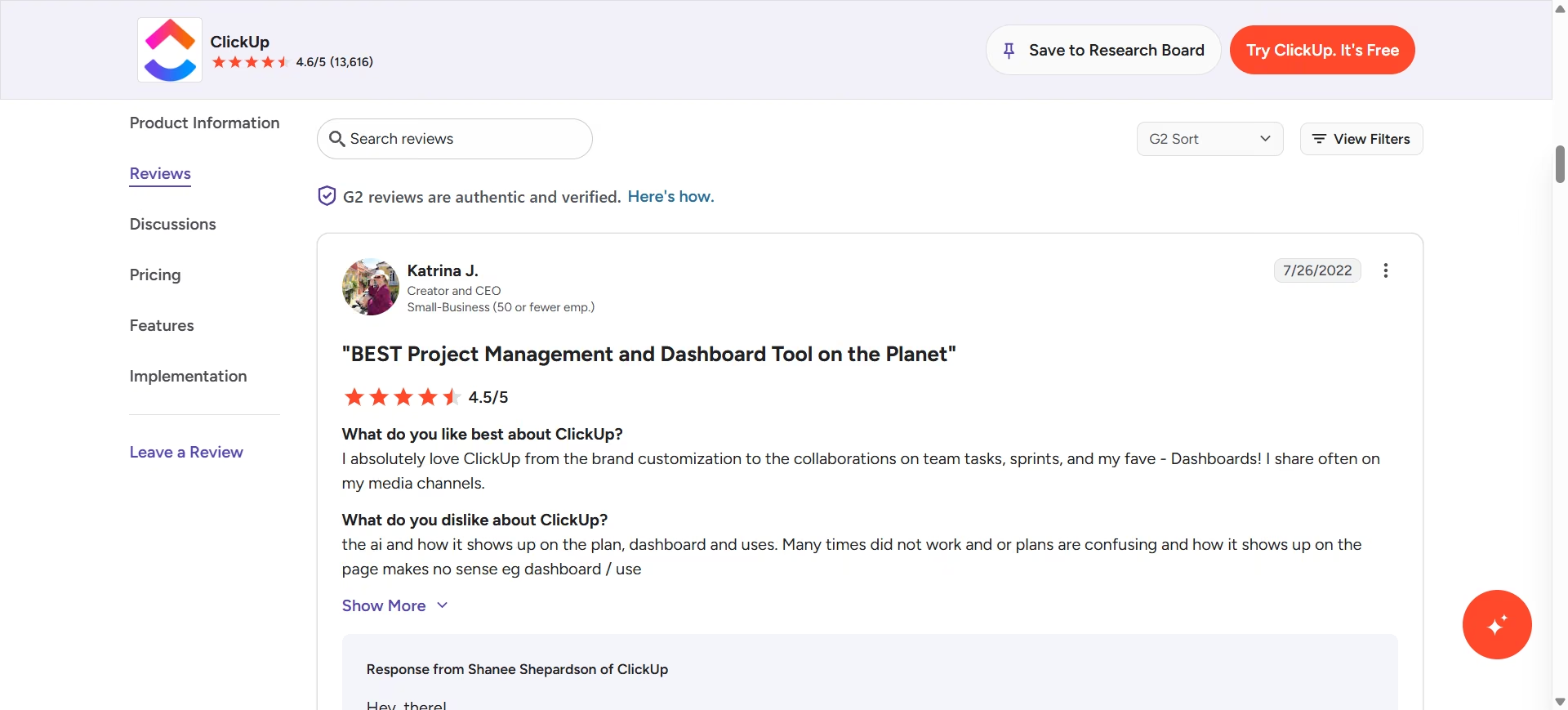
“I absolutely love ClickUp from the brand customization to the collaborations on team tasks, sprints, and my fave - Dashboards!” - Katrina G. G2
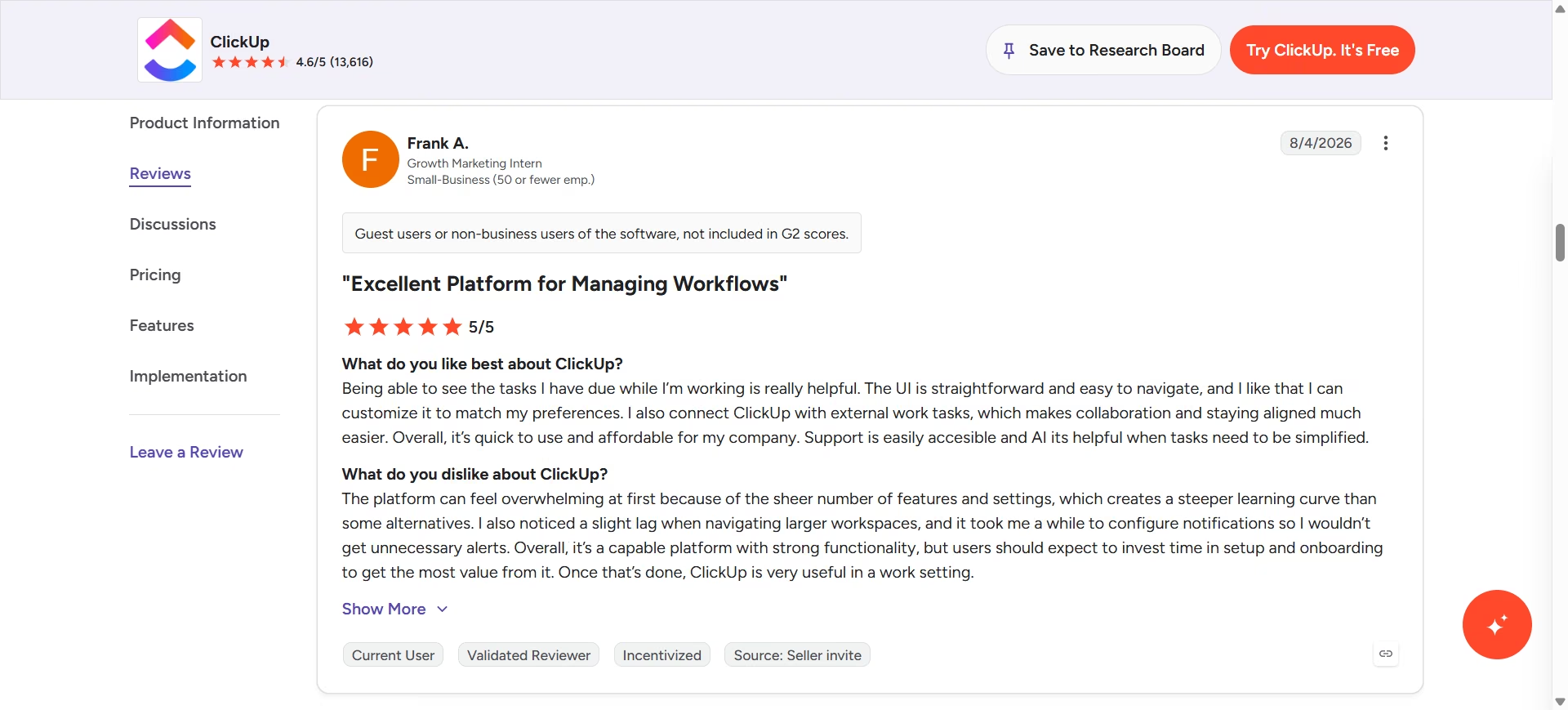
“The platform can feel overwhelming at first because of the sheer number of features and settings, which creates a steeper learning curve than some alternatives. I also noticed a slight lag when navigating larger workspaces, and it took me a while to configure notifications so I wouldn’t get unnecessary alerts.” Frank A. G2
Pricing
Per ClickUp's official pricing page and its Brain AI add-on page, plans are: Free Forever ($0/month, unlimited users and tasks, 60MB storage), Unlimited at $10/user/month ($7/user/month billed annually), Business at $19/user/month ($12/user/month billed annually), and Enterprise (custom pricing).
ClickUp Brain is a separate add-on starting at $9/user/month on top of any paid plan, billed per seat across the whole workspace. Most paid tiers offer a short free trial to test Brain before committing.
Bottom Line
If you want to trial a full AI-enabled PM platform with a real team before paying, ClickUp's Free Forever plan and paid-tier free trials make that possible in a way most competitors don't. Budget for the Brain add-on separately, since it isn't included in the base price and bills across every seat in the workspace.
Which AI Tool Should You Choose?
There's no single "best overall" tool here, because each one solves a different Tuesday, not a different tier of the same problem.
Choose Dovetail if you:
- Have feedback scattered across support tickets, calls, and surveys with no single source of truth
- Need to answer "why are users churning" without a week of manual tagging
Choose ChatPRD if you:
- Are a solo PM or small team without a senior PM to review specs before engineering sees them
- Keep rewriting the same PRD sections because the first draft never has enough detail
Choose Productboard if you:
- Need to defend a prioritization call with evidence in front of stakeholders
- Have outgrown a spreadsheet-based roadmap but aren't ready for a fully custom build
Choose Emergent if you:
- Need a working prototype, not a clickable mockup, to validate a customer-facing idea before pulling in engineering
- Are non-technical but need something that can store a signup or take a payment
Choose Zite if you:
- Need a tool for your own team's workflow, not a product for customers
- Want to see and edit the backend logic directly instead of re-prompting and hoping
Choose Amplitude if you:
- Need to prove a shipped feature moved a real metric
- Have a data-literate team that can read a cohort chart without help
Choose tl;dv if you:
- Sit in back-to-back stakeholder or customer calls and keep losing track of action items
- Want a free plan that's usable long-term, not a seven-day trial
Choose Lindy if you:
- Write the same recurring status update or recap every week and want it drafted for you
- Already have a tool stack you like and just need something to act across it
Choose ClickUp if you:
- Want to trial a full AI-enabled PM platform with a real team before you commit to it
- Are prepared to budget for the Brain add-on separately, since it isn't bundled into any base plan
Skip this category entirely if:
- Your team already has a single, disciplined system of record and adding another tool would just create a sixth place to check for updates
- You're a team of one still validating whether the product should exist at all; a notebook and five customer conversations will outperform any tool on this list at that stage
Final Verdict
If I had to keep just three: Dovetail for research, Emergent for building customer-facing products, and tl;dv for making sure nothing said out loud gets lost. Between them, you cover discovery, execution, and communication without paying for six other subscriptions.
Where the other tools on this list win: Productboard if your team is big enough to need a defensible roadmap, Amplitude the moment you need to prove impact with a number instead of a gut feeling, Zite the moment you need an internal tool instead of a customer-facing one, and Lindy the moment a recurring admin task is eating a real chunk of your week.

Most AI app builders stop at prototypes. Emergent creates production-ready apps you can actually launch.
- Production-ready apps
- Web & mobile apps
- Deploy in minutes







