



TL;DR
Cline is an open-source coding agent that runs inside your code editor and asks for approval before it changes anything. It's the most transparent option in this category, and it recovers from errors well, although the approval loop demands more patience than most people will bring to it.
It suits developers who want oversight, and it's a poor fit for anyone who wants a finished app without touching code.
Most AI coding tools show you a finished result and leave you to work out what they changed. Cline does the opposite, asking permission before every file it writes and every command it runs. This Cline review is what happened when I put that promise through a real build.
I installed it, connected a free model, and gave it one instruction: build a booking app for a small hair salon, with a services page, a booking form, and a database. It took about 90 minutes from start to finish while costing nothing, although somewhere in the middle it hit a problem that stopped the install until it dug itself out.
By the end of this, you'll know whether Cline fits how you work, what the approval loop feels like in practice, and how much you should expect to pay.
What Is Cline?
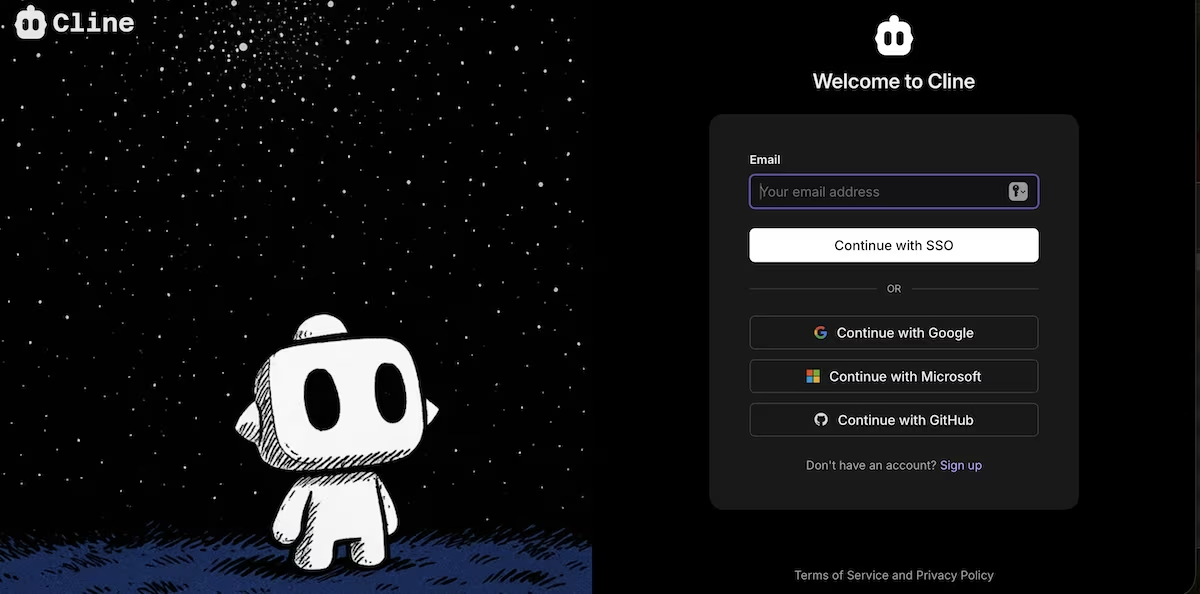
Cline is an open-source AI coding agent that installs as an extension for VS Code and other editors. It reads your project, writes and edits files, runs terminal commands, and reacts to the output.
It doesn't include a model of its own. You either connect an API key from a provider like Anthropic, OpenAI, or Google, or you sign into a Cline account and pay per token from a credit balance. The extension itself costs nothing.
The tool is aimed at developers who already have a setup they like and want to use a built-in agent rather than a separate app.
It also supports MCP servers, which let you add outside tools to the agent. That's useful if you already run MCP setups elsewhere. Emergent's MCP connector brings that to a chat window like Claude or ChatGPT.
How I Tested Cline
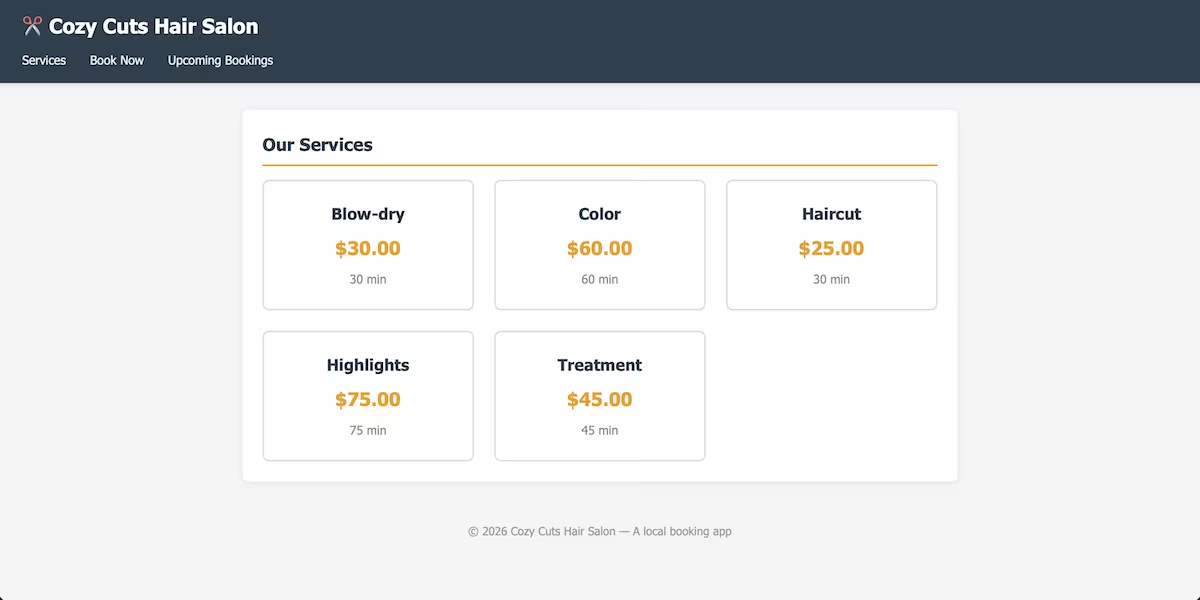
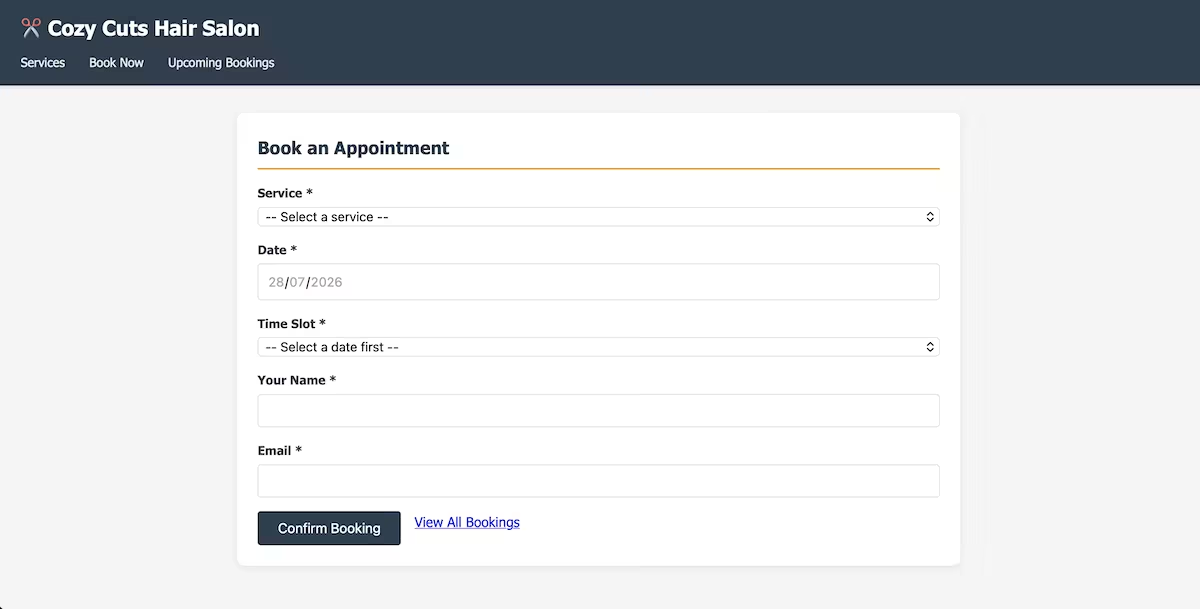
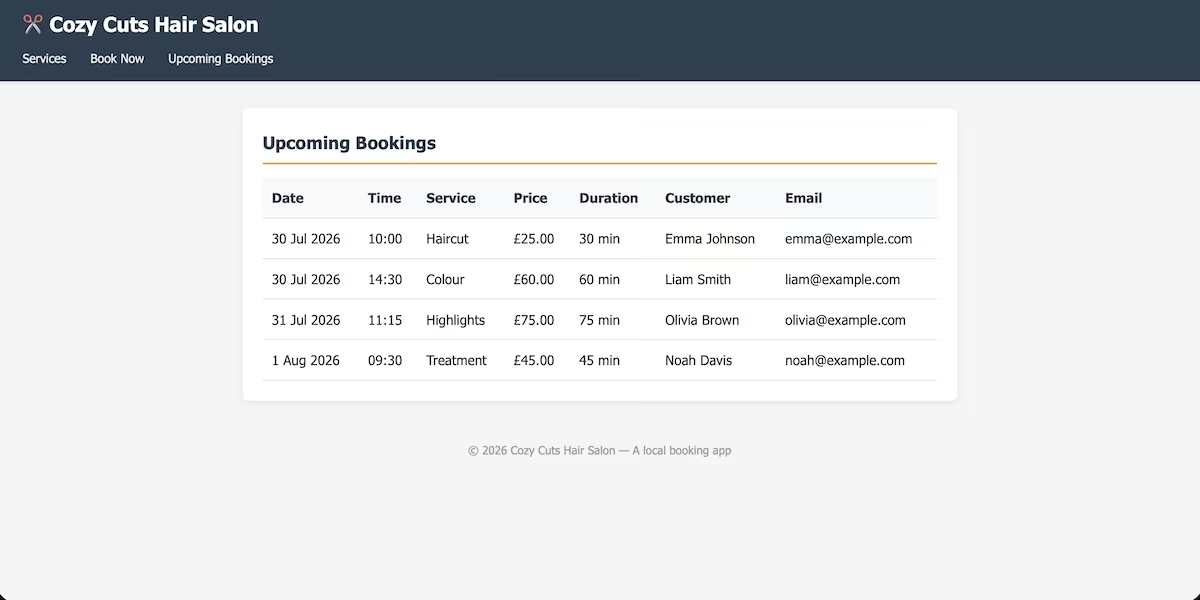
I gave Cline one prompt and an empty folder. I asked it to build a booking app for a small hair salon, with a services page listing prices and durations, a booking form, a page of upcoming bookings, and a local database.
Getting to that point meant installing VS Code, adding the extension, signing in, connecting GitHub, and picking a model, none of which is obvious if you haven't used it before.
I used the free poolside/laguna-s-2.1 model through a Cline account, on the free starter credit balance, so the whole build cost $0.0000. I left auto-approve switched off at the start so every action came to me, and I timed how long that stayed practical.
I wanted to see what it did when something went wrong, since running commands and reading the output is the part that separates it from the browser-based builders. I was also curious how much of the setup you have to work out on your own.
My Testing: One Prompt, One Failure, and 90 Minutes
Here's the prompt, word for word:
Build a booking app for a small hair salon that runs locally in the browser. It should have a page listing the services offered with a price and duration for each, a booking form where a customer picks a service, a date, and a time slot and enters their name and email, and a page showing all upcoming bookings in date order.
Store the data in a local SQLite database. Seed it with five services and four existing bookings. Include a README with the steps to install and run it.

The first attempt failed outright with a stream error from the model provider. Cline retried on its own and got through on the second of three allowed attempts, which was reassuring but not a great start.
Then it did the thing I liked most. In plan mode, it read the instruction, worked out that a browser can't reach a local database directly, and proposed a small server to sit between them. It listed the files it intended to create, the database tables, the three pages, and the seed data, then asked me to approve before it wrote anything.
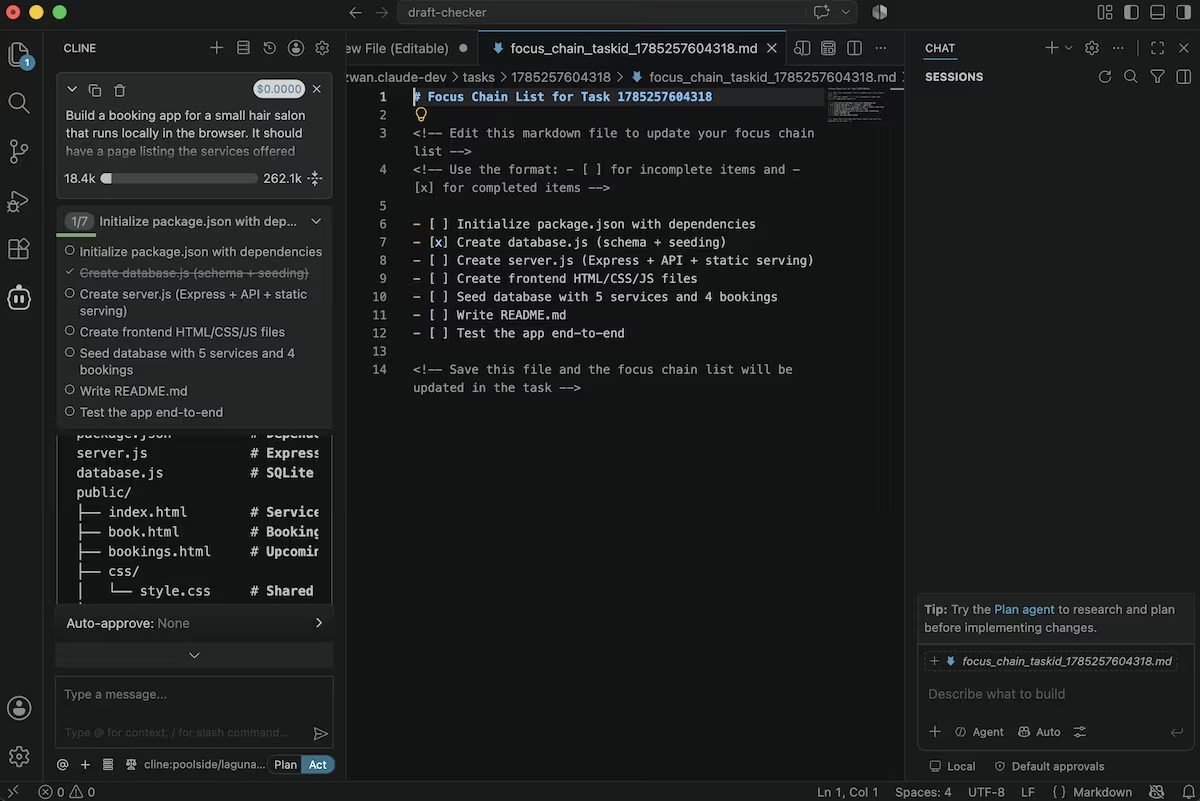
I approved and switched it to act mode. From there, it proposed each file one at a time and waited for me, which is safer and a far bigger time sink than I'd planned for.
About 30 minutes in, I wanted to turn auto-approve on, and it took me a while to find where the setting lived. Clicking Act in the meantime sent the whole thing back into plan mode, where it presented the entire plan to me again. That happened several times before I finally tracked it down and switched it on.
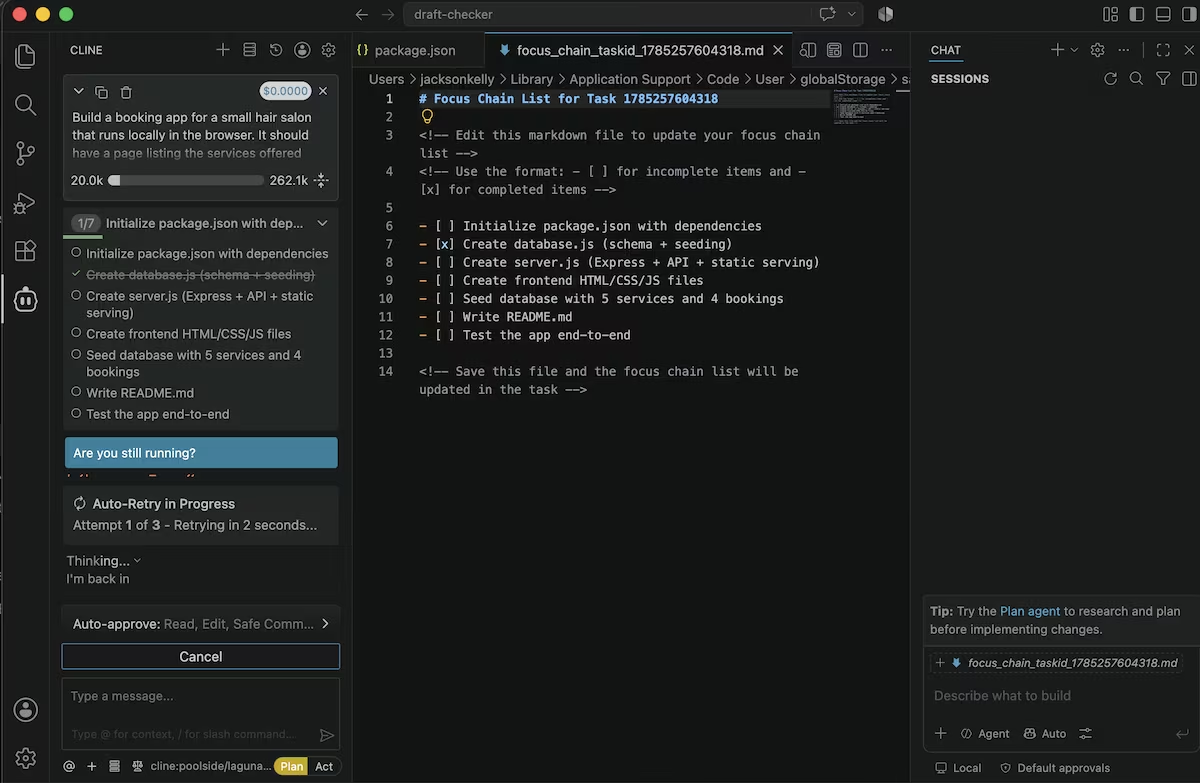
Then came the install step. The database package it picked wouldn't compile against the version of Node on my machine, and npm returned a wall of red errors. Cline read those errors, worked out that my Node version has a database module built in, rewrote three files to use it instead, reinstalled, and carried on. That was all without any further prompting from me.
It also stopped the same time slot being booked twice, which wasn't in the prompt. Its own test tried the same slot twice, and the second attempt came back with an error, so the check worked.
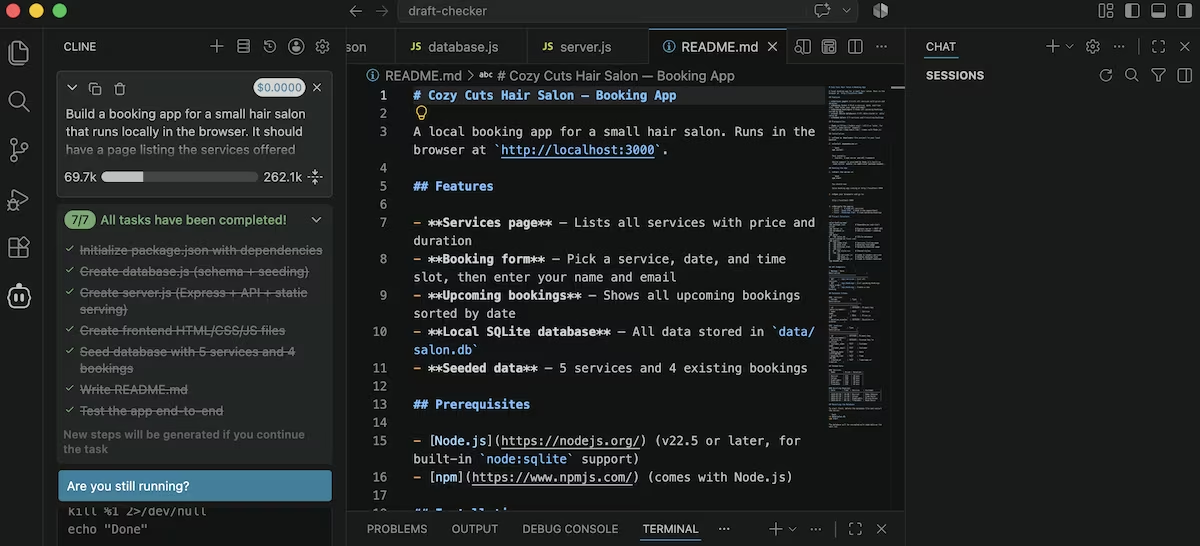
It took 90 minutes after the first prompt, but I eventually had a running app at localhost:3000 with five services, four bookings, and a database that reseeds on start.
Cline Key Features
- Plan and act modes: Cline reasons and proposes before it writes, so you catch a misread instruction early. Plan mode is cheaper in tokens than act mode.
- Terminal access: It runs commands, reads what comes back, and fixes problems itself. My install failure recovered this way, though it repeatedly warned that it couldn't read command output properly.
- Per-step approval: Nothing is written or run until you approve it. You can switch it off by category, which is what I ended up doing.
- Model choice: More than 30 providers, plus free models on the Cline account.
- Checkpoints: Changes are tracked so you can revert the agent's work.
Cline Pros and Cons
Pros:
- The plan step is clear and specific, so you know what's coming
- Error recovery worked without any help from me
- You can run a full build on a free model at no cost
- Nothing changes on your machine without permission
Cons:
- Setup runs through an editor, an account, a GitHub connection, and a model choice before you write a prompt
- The approval loop becomes impractical on a build of any size
- Clicking Act kept throwing the build back into plan mode, so I sat through the same plan several times
- Nothing is deployed at the end, so there's no live URL
Cline Pricing
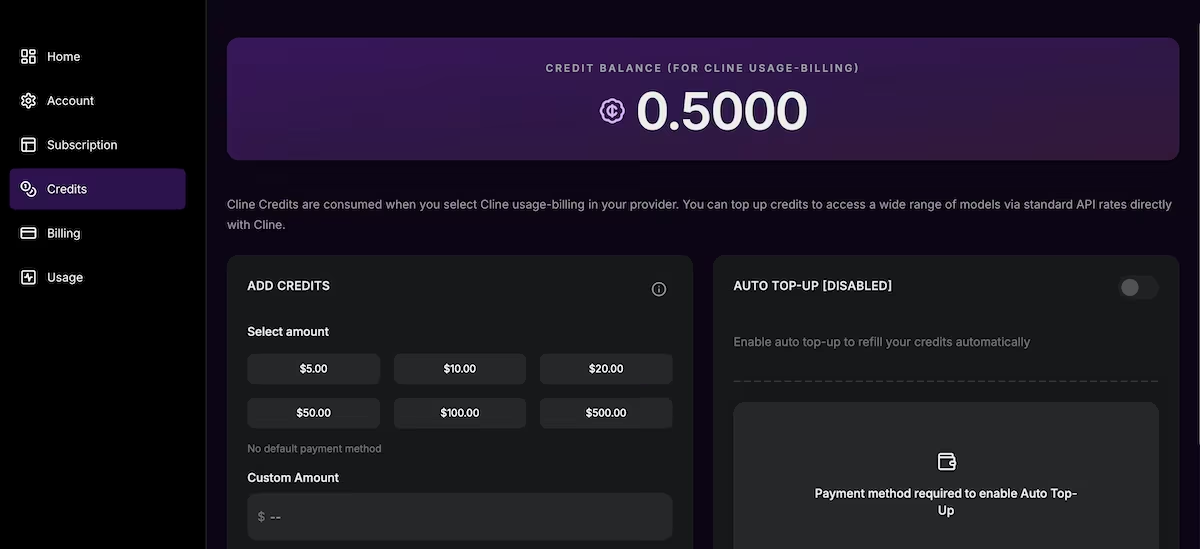
The extension is free and open source. What you pay for is model access, and there are three routes. If you have your own API key, you pay your provider at their rates. Use a Cline account and you buy credits, with some models tagged free.
There's also ClinePass at $9.99 a month (currently $4.99 for the first month), which covers open-weights models like GLM 5.2, Kimi, DeepSeek, MiniMax, and Qwen. Cline says it gives you two to five times the usage you'd get at standard API rate limits, so it's aimed at heavy users.
I didn't pay anything for my build because I used a free model. A paid model for the same work would have cost real money, and an agent that reads and rewrites files makes a lot of calls. If a predictable monthly figure matters more to you than per-token control, Emergent's pricing works the other way around.
Want the full breakdown of what each Cline plan actually covers? Read our Cline pricing guide before you commit.
Cline Reviews: What Real Users Are Saying
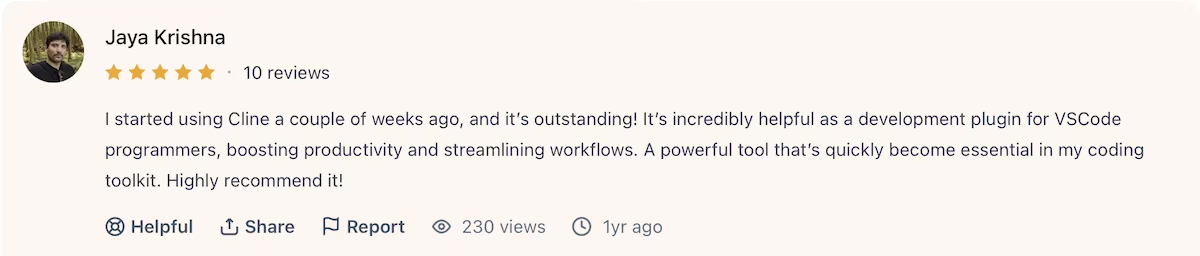
“I started using Cline a couple of weeks ago, and it’s outstanding!” Jaya Krishna (Product Hunt)
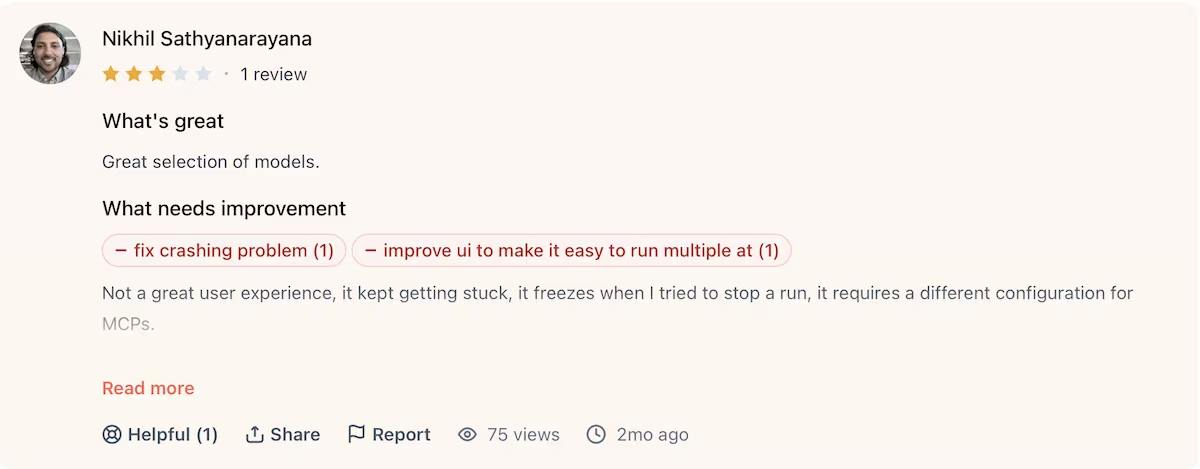
“Not a great user experience, it kept getting stuck, it freezes when I tried to stop a run, it requires a different configuration for MCPs.” Nikhil Sathyanarayana (Product Hunt)
Is Cline Right for You?
Who will love it:
- Developers who want an agent inside the editor they already use
- Anyone working on an existing codebase who needs changes reviewed before they apply
- People who want to choose their own model, or run one locally
Who should look elsewhere:
- Non-developers who want a finished app rather than a folder of code
- Anyone who needs something live on the internet at the end
- People who want a fixed monthly cost rather than usage-based billing
Cline Alternative for Non-Developers: Emergent
Cline gives you control over every step, which is what you want when you'll be maintaining the code afterwards. If you're not planning to open the files at all, most of that control is time you spend for nothing.
Emergent is closer to that second case. You describe the app, specialized agents split the build between them, and they check their work before you see the result. It deploys, so you finish with a live URL rather than a local server.
It isn't the better tool for everything. If you're refactoring an existing project, Cline's per-file approvals are exactly what you want.
However, if you're going from an idea to something people can use, Emergent gets you there with fewer decisions. It's also a reasonable starting point if you're new to vibe coding and don't want to install an editor first.
You can start free and see what it builds before you commit to anything.
Final Verdict
Would I open Cline again? For changes to code I already own, yes, without hesitating. For shipping something new this week, no. The same approval loop that earns your trust on the first job is what makes it a slog on the second.

Describe what you want and Emergent builds it. A real, production-ready app you can launch the same day.
- One prompt to build
- Zero code required
- Deploy in minutes







