



I ran GitHub Copilot across all six pricing tiers in VS Code, and on Pro, a 40-minute Claude Sonnet agent session burned through $12 in credits, nearly the full monthly allowance in one sitting.
GitHub Copilot Pricing Plans: At a Glance
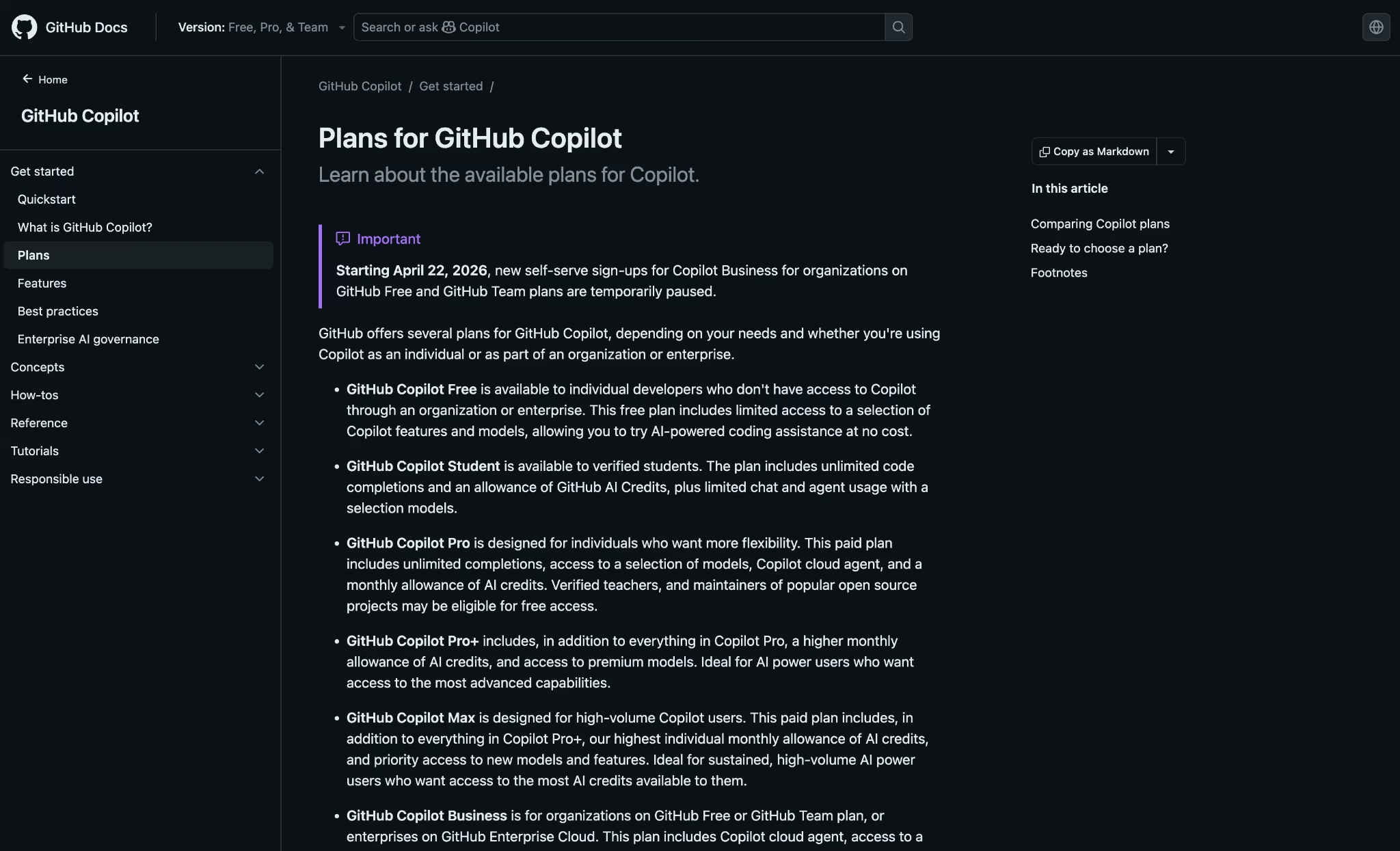
The plans run from $0 to $100/month for individuals and $19 to $39/user/month for teams, with real differences in what each one costs, limits, and delivers.
| Plan | Price | Best For | Key Features |
|---|---|---|---|
| Free | $0/month | Developers evaluating AI coding assistance | 2,000 completions/month, 50 chat requests/month, limited AI credits |
| Pro | $10/month | Individual developers with daily coding workflows | Unlimited completions, $15/mo in credits, code review, PR summaries |
| Pro+ | $39/month | Power users running multi-step agentic workflows | $70/mo in credits, GitHub Spark, third-party coding agents |
| Max | $100/month | Sustained high-volume agent workflows | $200/mo in credits, priority model access |
| Business | $19/user/month | Teams needing org-level controls and policy management | $19/user in credits, audit logs, content exclusion, IP indemnity |
| Enterprise | $39/user/month | Large orgs on GitHub Enterprise Cloud | $39/user in credits, codebase indexing, fine-tuned models |
GitHub Copilot Pricing Plans Breakdown
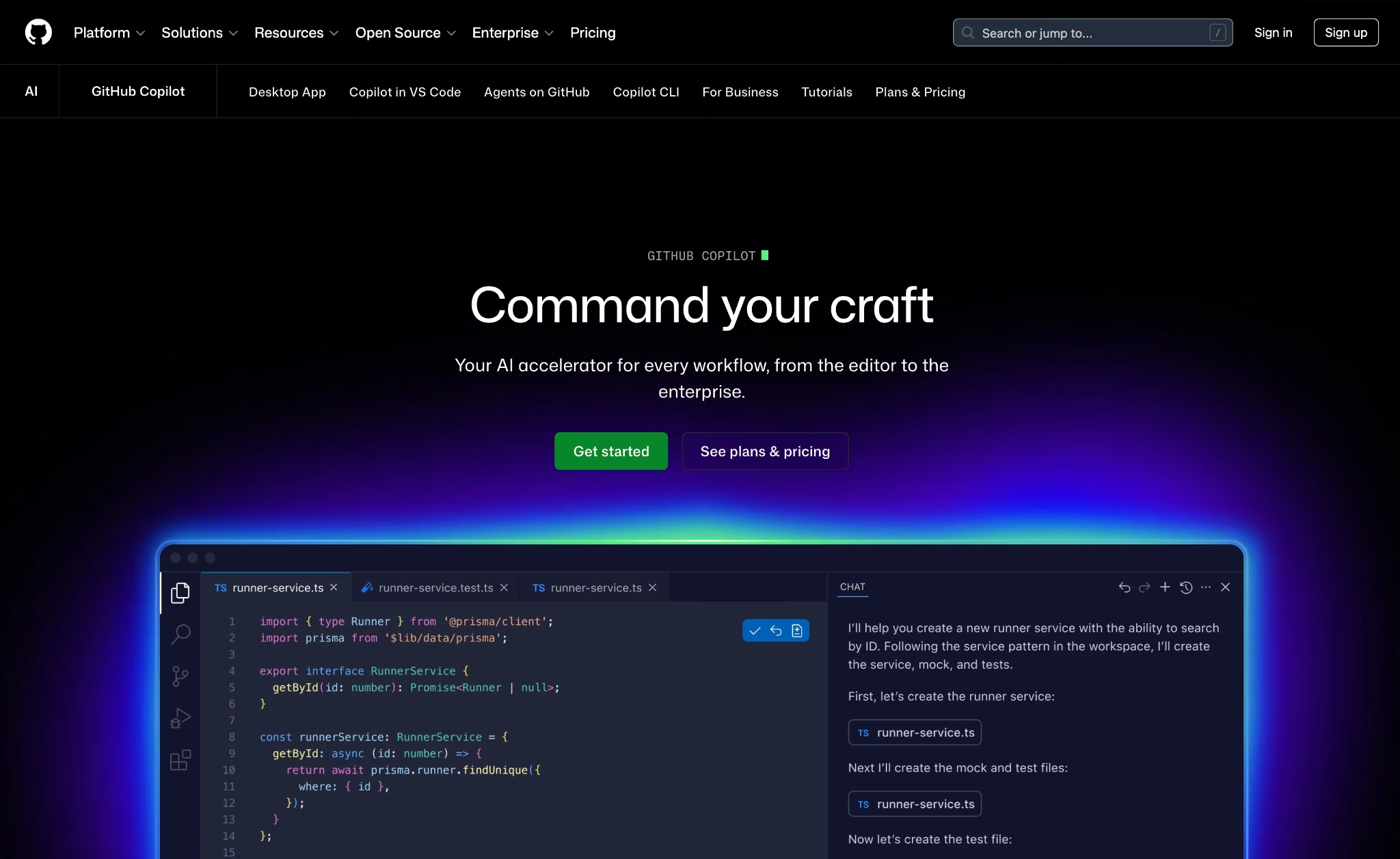
The caps, the credits, and the real-world limits that matter more than the feature list. Each GitHub plan is broken down below.
Free: $0/Month
The Free plan gives you 2,000 code completions and a limited monthly allotment of AI Credits. Completions and Next Edit Suggestions don't consume AI Credits. The 2,000 monthly cap resets each month.
The AI Credits are a different story. The Free allotment goes fast, and a few agentic sessions or an hour with Copilot Chat on a frontier model can clear it well before month-end.
Best for: Developers who want to evaluate Copilot on an active codebase before committing to a paid plan.
Pros:
- Agent mode and MCP support are included at no cost: Many tools hold agentic features back until you pay. Getting them on Free means you can test the parts of Copilot that matter before touching your card.
- No credit card required to get started: You connect your editor, verify your GitHub account, and you're in. No payment details needed.
Cons:
- The Free credit allotment isn't enough for daily use: Any active use of Copilot Chat, code review, or agent mode burns through it in a few serious sessions.
- Chat, agent mode, and code review all draw from the same credit pool across GitHub.com, the IDE, and GitHub Mobile. Developers who use chat as a regular thinking tool hit the ceiling inside the first week.
Also read our best GitHub Copilot alternatives guide for what else is worth trying when the free credits run out in 2026.
Pro: $10/Month
Pro removes the completion cap entirely and includes $15 in monthly AI Credits. Usage beyond that draws down at $0.01 per credit. Code review, PR summaries, Copilot CLI, cloud agent, and app modernization for Java and .NET all come with Pro.
Under usage-based billing introduced June 1, 2026, Pro includes $15 in monthly AI Credits: $10 in base credits (fixed) plus a $5 flex allotment (variable, may change over time).
Unlimited completions and unlimited Copilot Chat make the biggest day-to-day difference. The other features matter depending on how you work, but those two are the ones you'll feel first.
Best for: Individual developers who use AI assistance daily and have outgrown the Free tier's 50 chat requests and limited credits.
Pros:
- Unlimited completions and Next Edit Suggestions address the main limit of Free: Inline suggestions stay on all month without you having to track the count.
- Code review and PR summaries extend Copilot into the review cycle: Both features save time on active pull request work and code generation, and neither one touches your premium request allotment for basic use.
Cons:
- $15 in monthly credits runs out under heavy agentic use: Multi-step agent sessions on frontier models (check GitHub's supported models page for the current list) can burn through credits quickly.
- Third-party coding agents like Claude by Anthropic and OpenAI Codex aren't available on Pro: Delegating tasks to external agents requires Pro+.
Pro+: $39/Month
Pro+ includes $70 in monthly AI Credits, nearly five times the Pro allotment in dollar terms. It also adds GitHub Spark for app prototyping and the ability to delegate tasks to third-party coding agents like Claude by Anthropic and OpenAI Codex, two features that don't exist on lower tiers.
Under usage-based billing, Pro+ includes $70 in monthly AI Credits: $39 in base credits (fixed) plus a $31 flex allotment (variable, may change over time). Usage beyond that draws down at $0.01 per credit."
The jump from $10 to $39 is steep with no middle tier. If your agentic sessions regularly push past Pro's $15 credit allotment, Pro+ becomes the cheaper option, roughly once your monthly premium usage clears about $44 in credits; the $39 tier costs less than staying on Pro and paying overage.
Best for: Power users running multi-step agent workflows daily, or anyone who needs GitHub Spark or third-party coding agent delegation.
Pros:
- $70 in monthly AI Credits handles serious agentic workloads without constant rationing: For most daily workflows, that ceiling rarely becomes a problem. Pro's $15 allotment surfaces regularly under active agent use, making Pro+ the more comfortable option for daily sessions.
- Third-party coding agent delegation is exclusive to Pro+: Handing tasks off to Claude by Anthropic or OpenAI Codex from within Copilot requires this tier.
Cons:
- Chat, agent mode, and code review all draw from the same $70 credit pool: Sustained daily agent use on frontier models can still drain it before month-end, and there's no hard stop once you're paying overage.
- Heavy months can push spend past the base subscription: Usage-based billing means frontier model requests above the $70 allotment draw down at $0.01 per credit, which adds to the monthly bill without a hard cap unless you configure one.
Also read our GitHub Copilot vs Cursor guide to see which one pulls ahead for your daily workflow before you commit to Pro+.
Max: $100/Month
Max is the top individual tier, including $200 in monthly AI Credits: $100 in base credits (fixed) plus a $100 flex allotment (variable, may change over time). It includes everything in Pro+ plus priority access to new models and the highest individual credit allowance GitHub offers.
As of mid-2026, GitHub is gradually rolling out new sign-ups across its paid individual plans (Pro, Pro+, and Max). If a plan isn't available when you try, GitHub's plans page says to check back soon.
At $100/month, the math only works for developers running Copilot as an automated agent pipeline for hours every day. One or two agent sessions in the evening won't come close to justifying it. The sweet spot is continuous, sustained agent use where $200 in credits genuinely gets consumed each month.
Best for: Developers running Copilot as a continuous agentic coding pipeline, not occasional agent sessions.
Pros:
- ~$200 in monthly AI Credits is the highest individual allowance available: For developers who regularly exhaust Pro+'s $70 ceiling, Max removes the ceiling as a daily concern.
- Priority access to new models: Max subscribers get early access to frontier model releases before other tiers, which matters if you depend on the latest reasoning capabilities.
Cons:
- $100/month is hard to justify for most individual developers: Unless you're consistently burning through Pro+'s credit allowance and paying overages, Max is paying for a ceiling you won't reach.
Business: $19/User/Month
Business includes $19 in monthly AI Credits per user and adds the organizational controls that individual plans don't offer: content exclusion, audit logs, SAML SSO, IP indemnity, and policy controls that apply across every seat.
Under usage-based billing, each seat contributes $19 in AI Credits (about 1,900 credits at $0.01 each). Existing customers receive a higher promotional allotment of $30 per seat (about 3,000 credits at $0.01 each) during the first three months of usage-based billing, June 1 through September 1, 2026.
At $19/user, a 10-person team pays $190/month for $19 in credits per seat, while individual Pro delivers $15 in credits at $10. You're paying for governance, not more capacity.
Best for: Engineering teams that need centralized billing and control over which models and features each member can use.
Pros:
- Content exclusion prevents Copilot from processing specific files or directories: For teams working with internal codebases or sensitive data, that's a meaningful control that individual plans don't provide.
- IP indemnity covers unmodified suggestions: GitHub extends intellectual property protection to Business and Enterprise customers when Copilot's duplication detection filter is enabled.
Cons:
- $19 in credits per user is only marginally more than Pro's $15, at nearly double the per-seat cost: The capacity is the same across both plans. Business adds governance on top of that identical request ceiling.
- Third-party coding agent delegation is locked to Pro+: Teams that want to use Claude by Anthropic or OpenAI Codex from within Copilot need a Pro+ seat to do so.
As of April 22, 2026, GitHub has temporarily paused new self-serve sign-ups for Copilot Business for organizations on GitHub Free and GitHub Team plans. Orgs on paid GitHub plans are unaffected.
Enterprise: $39/User/Month
Enterprise adds codebase-level indexing, fine-tuned private models, and $39 in monthly AI Credits per user on top of everything in Business. It needs GitHub Enterprise Cloud as a prerequisite, which carries its own per-seat cost on top of the Copilot license.
Each seat contributes $39 in AI Credits (about 3,900 credits at $0.01 each) under usage-based billing. Existing customers receive a promotional $70 allotment (about 7,000 credits at $0.01 each) during the first three months, June 1 through September 1, 2026.
Codebase indexing is what sets Enterprise apart from every tier below it. Copilot reads context across entire repositories, not just the file you have open, so suggestions reflect the actual shape of your codebase.
On large, interconnected projects, that difference shows up in suggestion relevance and agent task quality.
Best for: Large engineering organizations on GitHub Enterprise Cloud that need deep repository context, fine-tuned models, and the highest per-seat request ceiling.
Pros:
- Codebase indexing gives Copilot repository-wide context: Suggestions reflect your actual codebase conventions and patterns, across every repo, not just what's in the current file. On large teams, the quality difference is noticeable from the first session.
- Fine-tuned private models match suggestions to internal standards: Teams with established coding conventions can train Copilot toward their stack so suggestions feel like they came from someone who knows the codebase.
Cons:
- Requires GitHub Enterprise Cloud as a prerequisite: The per-seat Enterprise cost stacks on top of the GitHub Enterprise Cloud subscription, which raises the total bill significantly for large teams.
- At $39/user, cost scales fast for large teams: A 50-person team pays $1,950/month for Copilot alone, before the GitHub Enterprise Cloud license.
Also read our Microsoft Copilot vs ChatGPT guide to see how the two compare before you commit to an enterprise plan.
Which GitHub Copilot Plan Should You Choose?
Choose Free if you:
- Are evaluating Copilot before spending anything
- Write code occasionally with no daily dependence on AI suggestions
- Want to test agent mode and MCP before deciding whether paid tiers are worth it
Choose Pro if you:
- Hit the Free tier's 50 chat requests or run out of its limited credits regularly, and need uninterrupted daily access
- Need code review, PR summaries, or Copilot cloud agent in your workflow
- Work on individual projects with no need for org-level controls
Choose Pro+ if you:
- Run multi-step agentic sessions that regularly exhaust Pro's $15 credit allotment before month-end
- Need to delegate tasks to third-party coding agents like Claude by Anthropic or OpenAI Codex
- Use GitHub Spark for app prototyping directly inside the Copilot interface
Choose Max if you:
- Run Copilot as an automated agent pipeline for hours daily and consistently burn through Pro+'s $70 in credits before month-end
- Want priority access to new models and features as GitHub ships them
- Need the highest individual credit ceiling without managing overage
Choose Business if you:
- Manage an engineering team that needs centralized billing, audit logs, and control over what Copilot can access
- Work with internal codebases where content exclusion and IP indemnity are hard requirements
- Need SAML SSO and usage metrics across all organization members
Choose Enterprise if you:
- Already run GitHub Enterprise Cloud and need Copilot to operate with full codebase context
- Have compliance requirements that demand fine-tuned private models and advanced audit controls
- Need the highest per-seat credit allotment to support high-volume agentic workflows at scale
Is GitHub Copilot Worth the Cost?
GitHub's own data shows developers on Copilot are up to 55% faster at completing coding tasks.
Those numbers come from GitHub's own research, so take them as a signal rather than a guarantee. The gains are most consistent for developers whose daily work runs heavy on code generation and review.
Moving to usage-based billing changed the math, and not everyone is happy about it. Flat monthly costs are gone, replaced by a credit pool that drains faster on heavy agentic months. The fallback to lower-cost models when you exhaust your allotment is gone too. Now you either pay overage or stop using premium models.
The backlash has been loud. Developers on Reddit and GitHub's community forums report burning through a month of credits in a single day of agent-heavy work. The Register, TechCrunch, and Visual Studio Magazine documented the pattern within days of the switch.
For developers who mostly use code completions (still free on every plan), nothing changes. The cost spike hits agentic workflows with frontier models. GitHub has added budget controls and usage dashboards to help. Setting a spending limit before your first agent session is a practical requirement now, not optional.
GitHub Copilot is worth it if you:
- Write code daily and want inline suggestions across JavaScript, Python, TypeScript, Go, and the other languages Copilot covers without a per-suggestion cost
- Use pull request workflows actively and want code review and PR summaries without switching tools
- Run agentic coding sessions regularly and need Pro+'s $70 credit allotment to avoid mid-month interruptions
- Manage a team where content exclusion and IP indemnity are requirements you can't compromise on
Skip GitHub Copilot if you:
- Write code occasionally and don't need AI assistance often enough to justify $10/month or more
- Use Claude or ChatGPT for coding help, and prefer keeping those tools outside your IDE
- Are on a tight budget and want predictable monthly costs. Credit-based overage at $0.01 per credit adds up fast under heavy use.
Also read our guide on can ChatGPT build an app to see how far you can get with a general AI tool before reaching for a dedicated coding assistant.
GitHub Copilot Alternatives and Pricing Comparison
The market for AI coding assistants has real alternatives at every price point. Four tools worth comparing before committing to a plan.
| Tool | Starting Price | Best For | Key Pricing Advantage |
|---|---|---|---|
| GitHub Copilot | $10/month | Developers already working in GitHub | Native GitHub integration with no additional tooling required |
| Cursor | $20/month | Developers who want a dedicated AI-first editor with agentic workflows | Individual plan at $20/month includes frontier model access and cloud agents |
| Tabnine | $39/user/month* | Enterprise teams with strict data residency requirements | Self-hosted and air-gapped deployment on its Code Assistant plan; no free tier |
| Emergent | $20/month | Non-technical founders and teams who need a deployed app, not a code suggestion | Covers app building from first prompt to live deployment, with built-in login, payments, hosting, and mobile in the same workspace |
Emergent vs GitHub Copilot: Which Should You Choose?
GitHub Copilot lives inside your editor. Suggestions, completions, and PR summaries plug into your existing workflow. If you're a developer working inside an existing codebase every day, that's exactly what you want.
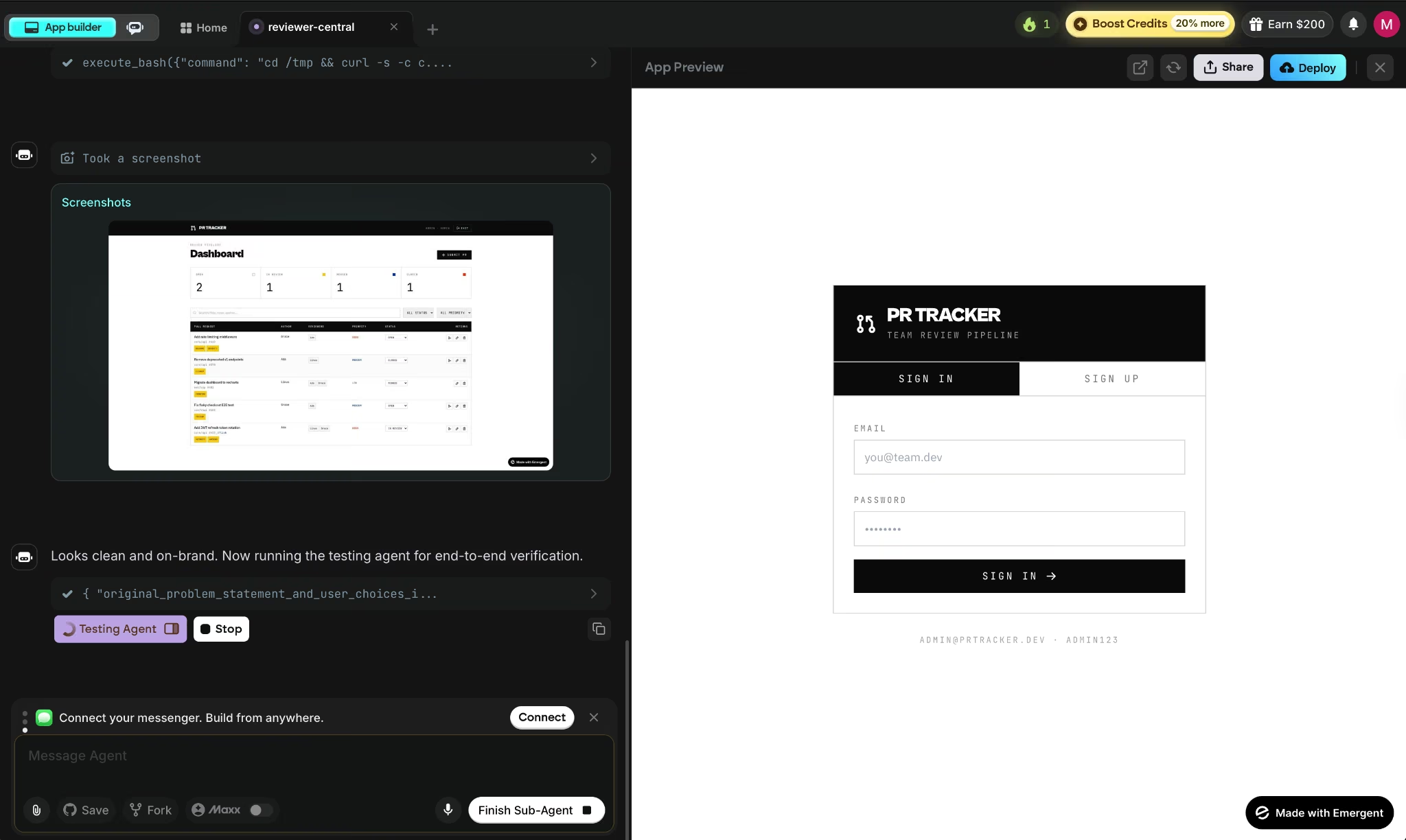
Emergent solves a different problem for a different person. If you have a business idea but no codebase to start from, Emergent lets you describe what you need and generates a full-stack application (frontend, backend, database, auth, payments, and deployment) in one workspace. You walk away with a live app your users can open the moment it deploys.
The choice isn't which tool is better. It's which problem you're solving. Developers speeding up an existing workflow should use Copilot. Founders and operators who need working software without writing code should look at Emergent.
The Bottom Line on GitHub Copilot Pricing
Pro at $10 is the clearest entry point, and most developers won't need to go further unless agentic sessions become a daily habit. When they do, the credit math pushes you toward Pro+ fast. The jump from $10 to $39 with nothing in between is the sharpest edge in this pricing structure, and it's worth knowing before you hit it.
If you're starting from an idea rather than an existing codebase, Emergent gets you to a live app without the setup that Copilot assumes you already have.
Plus, the free plan gives you 10 credits/month to try it without a card.

Most AI app builders stop at prototypes. Emergent creates production-ready apps you can actually launch.
- Production-ready apps
- Web & mobile apps
- Deploy in minutes







