

Build a 3D Construction Design App That Turns Plans Into Walkthroughs with AI
Create your 3D construction design app in minutes with AI. Power model viewing, design markup, client walkthroughs, and version control without coding.










Why Emergent for 3D Construction Design Apps?
Standard app builders choke on heavy models and flatten the walkthrough. On Emergent, describe what you need and it builds your 3d design app.
| Traditional Builders |  |
|
|---|---|---|
| Creation & Setup | Limited templates with lengthy setup and multiple manual steps | Fully customizable 3d construction design app created instantly using plain English prompts |
| Design | Limited design flexibility | AI-driven, personalized design layouts that match your firm |
| Model Handling | Heavy CAD files choke most builders | Stream and rotate 3d models smoothly inside the app using prompts |
| Custom Domain | Requires purchasing a domain and manual DNS configuration setup | Just share your domain. We handle DNS setup with SSL included |
| Time to Launch | Can take up to days and weeks | Launch in just a few minutes to hours |
| Payment & Checkout | Limited plugins and integrations | Accept global payments in any currency by connecting gateways with API keys |
| Client Review | Feedback scattered across email threads | Capture markup and approvals on the model itself using prompts |
| SEO | Basic tools with heavy manual effort | Improve SEO instantly using prompts. No technical setup needed |
| Scaling | Limited scalability with performance constraints and risk of data loss | Scale your app anytime by reopening the chat and expanding with prompts |
| Maintenance & Updates | Requires manual updates, bug fixes, and ongoing management | Easily update and improve your app anytime using simple prompts |

Why 3D Construction Design Apps Win Users

Designs the client can walk through
Interactive 3D lets buyers explore the space before ground breaks, so approvals arrive fast instead of change orders after framing.

Revisions handled without rebuilding shapes
Edits update every view and elevation at once, so a small change stops burning a full afternoon of drafting.

Coordination that catches clashes early
Structure, MEP, and finishes render together, so conflicts show on screen rather than on the jobsite.
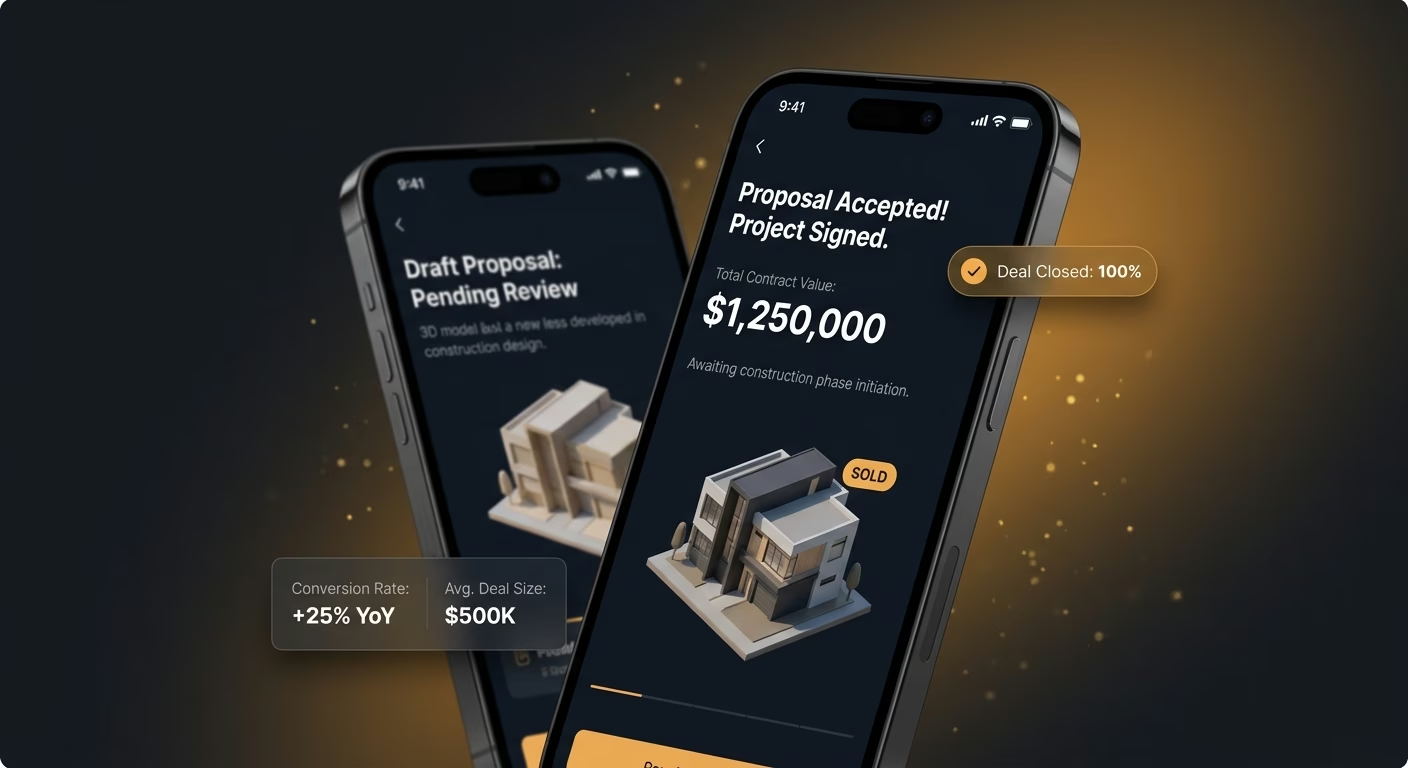
A sales pitch that closes
Photorealistic renders and fly-throughs pitch the vision itself, so buyers commit on the design rather than the plan drawings.
How Emergent Turns Your Idea Into an App
Create a 3d construction design app that manages model viewing, design markup, client walkthroughs, version control, and design operations from one platform.




Turn Plans Into Spaces Clients Walk Through
Make each design legible to the people paying for it, so approvals come faster and revisions cost less.

End-to-end app development for your business
Turn ideas and spreadsheets into fully functional internal apps your team can actually use, not just plan on paper.
 Describe, don’t code:Write what you need in plain language and instantly generate the layout, components, and logic.
- Full UI in one go:Create full pages with forms, tables, filters, and charts in a single automated pass.
- Use the data you already have:Connect your spreadsheets or datasets quickly and turn them into interactive dashboards.
Models that load without the wait
Heavy files stall most apps. Rendering infrastructure streams full models on any device so nobody waits on a spinning screen.
- Smooth model streaming
- Any-device rendering
- Orbit and zoom
- Layer toggles
End-to-end app development for your business
Turn ideas and spreadsheets into fully functional internal apps your team can actually use, not just plan on paper.
- Describe, don’t code:Write what you need in plain language and instantly generate the layout, components, and logic.
- Full UI in one go:Create full pages with forms, tables, filters, and charts in a single automated pass.
- Use the data you already have:Connect your spreadsheets or datasets quickly and turn them into interactive dashboards.
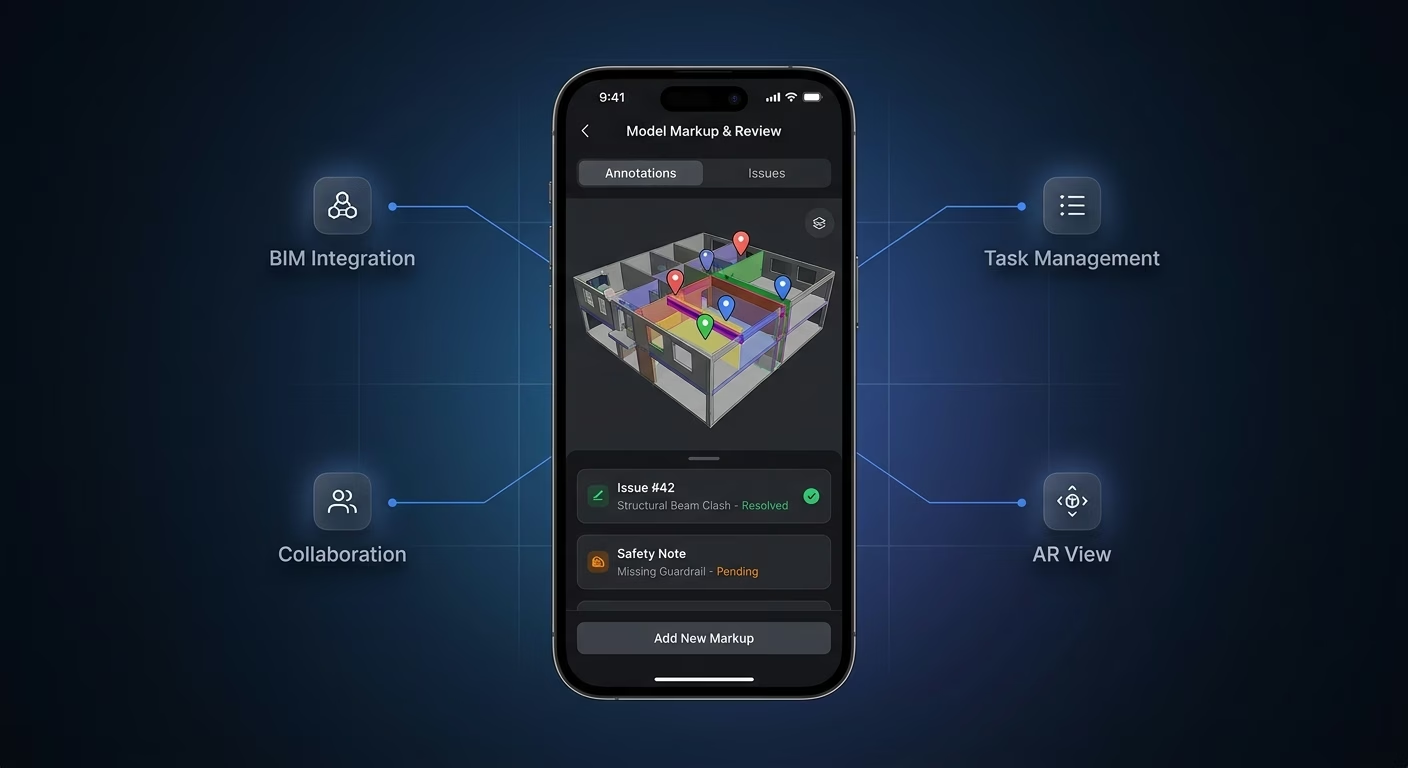
Markup pinned to the model
Feedback in email loses context. Markup infrastructure attaches every note to the exact spot on the design so nothing gets misread.
- On-model comments
- Pinned annotations
- Threaded feedback
- Resolve tracking
End-to-end app development for your business
Turn ideas and spreadsheets into fully functional internal apps your team can actually use, not just plan on paper.
- Describe, don’t code:Write what you need in plain language and instantly generate the layout, components, and logic.
- Full UI in one go:Create full pages with forms, tables, filters, and charts in a single automated pass.
- Use the data you already have:Connect your spreadsheets or datasets quickly and turn them into interactive dashboards.
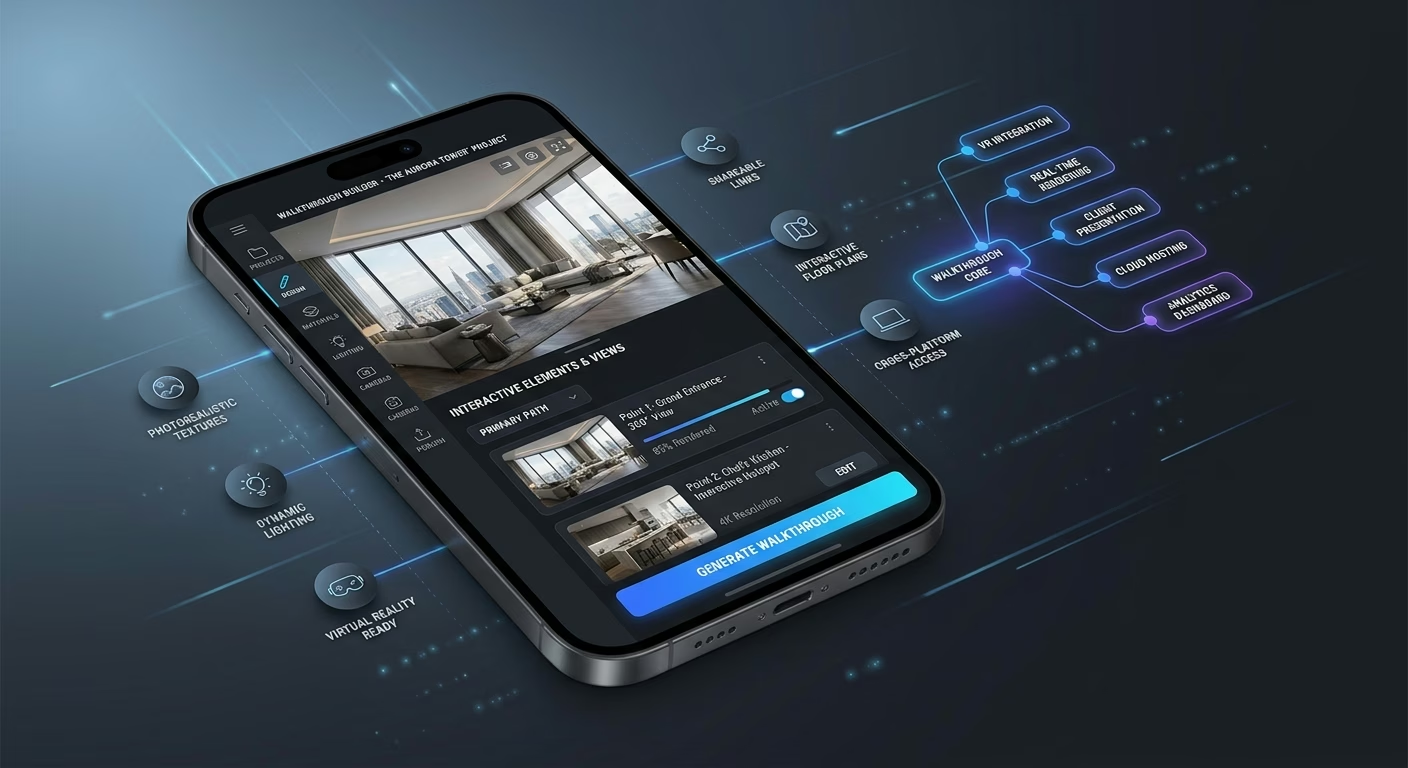
Walkthroughs that sell the space
Static renders fall flat. Walkthrough infrastructure guides clients through the design like a real tour so the vision lands instantly.
- Guided tours
- First-person views
- Scene presets
- Shareable links
End-to-end app development for your business
Turn ideas and spreadsheets into fully functional internal apps your team can actually use, not just plan on paper.
- Describe, don’t code:Write what you need in plain language and instantly generate the layout, components, and logic.
- Full UI in one go:Create full pages with forms, tables, filters, and charts in a single automated pass.
- Use the data you already have:Connect your spreadsheets or datasets quickly and turn them into interactive dashboards.
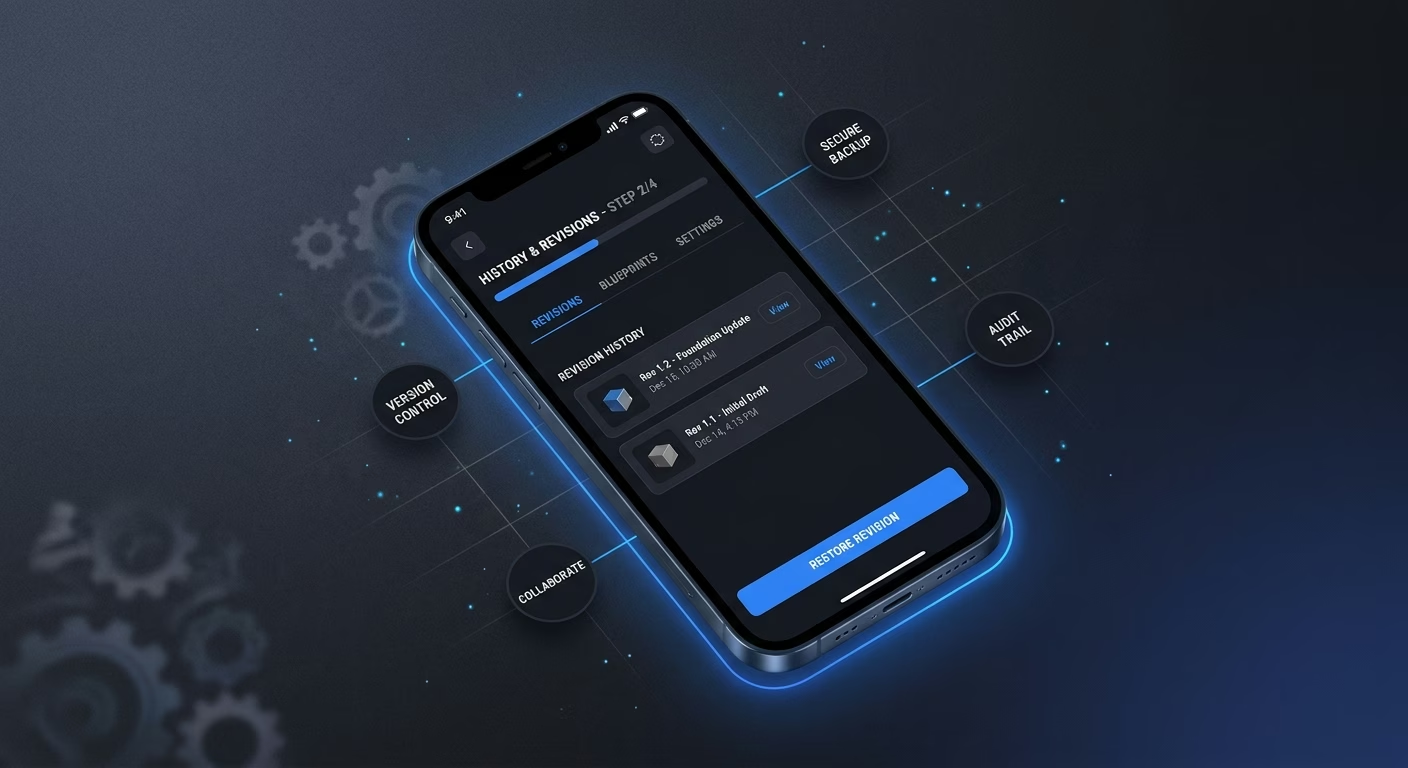
History that protects every revision
Lost versions cost rework. Version infrastructure keeps every iteration recoverable so no approved change ever disappears.
- Version timeline
- Restore points
- Change logs
- Side-by-side compare
Connect Your Design Stack
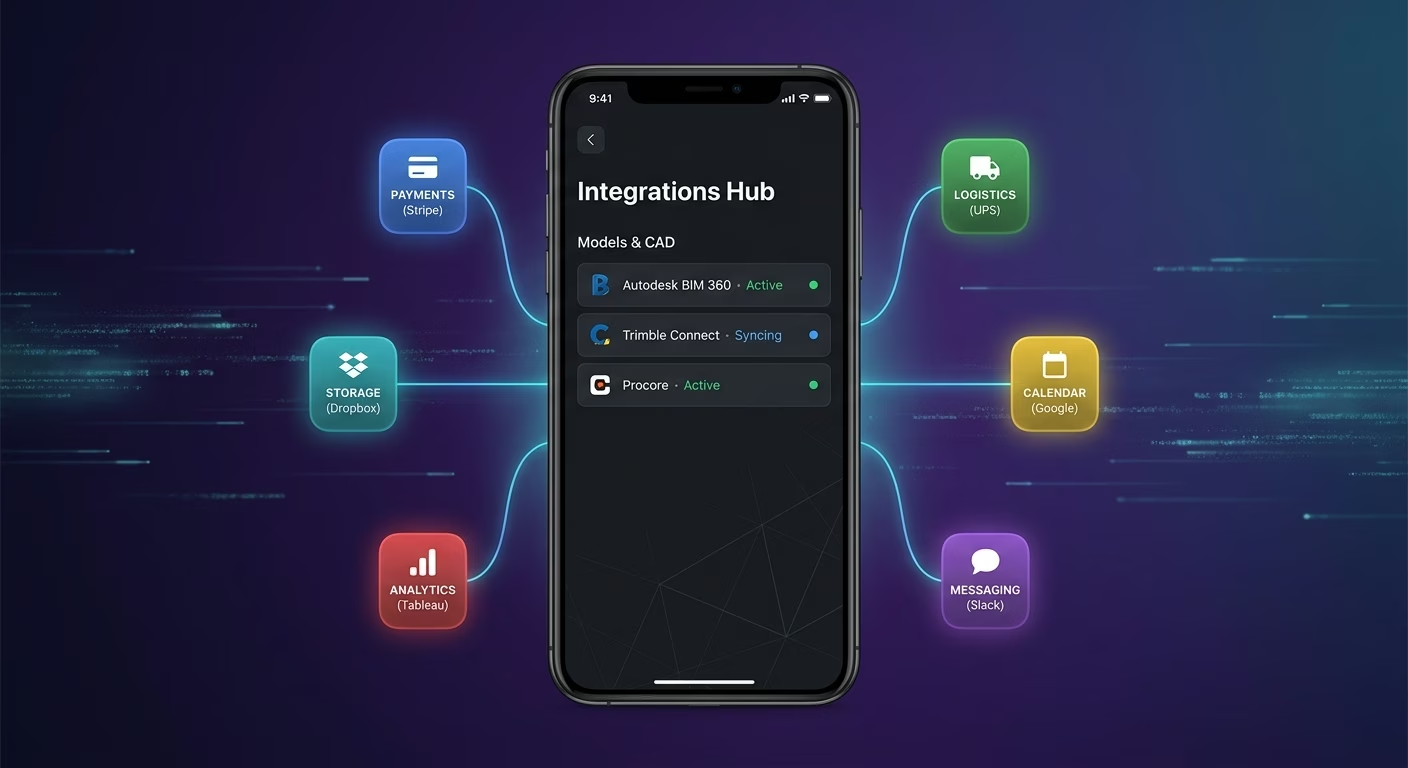
Models & CAD
Coordinate model files, exports, and revisions across one connected workspace
- BIM platforms
- CAD export tools
- Model storage systems
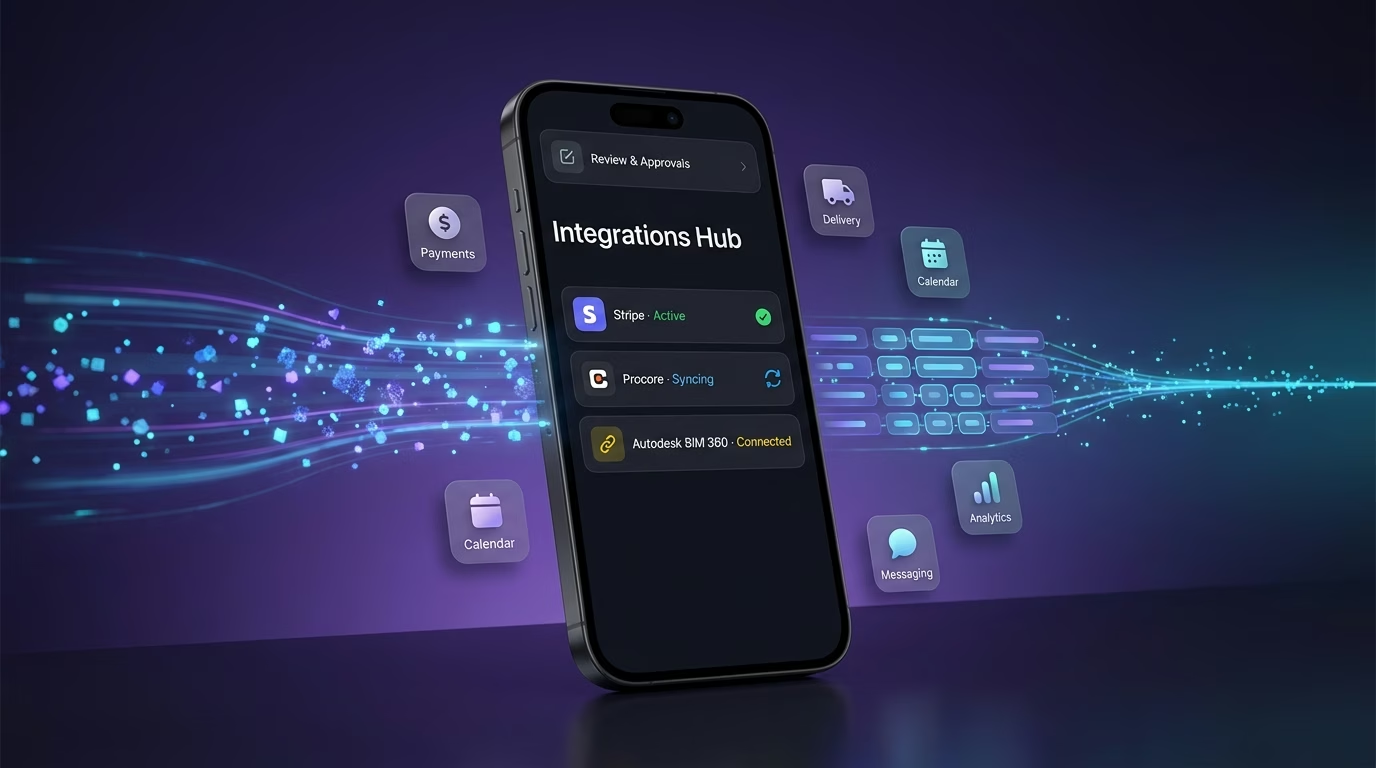
Review & Approvals
Keep markup, comments, and sign-offs synced across every project team
- Markup tools
- Approval platforms
- Client comment systems
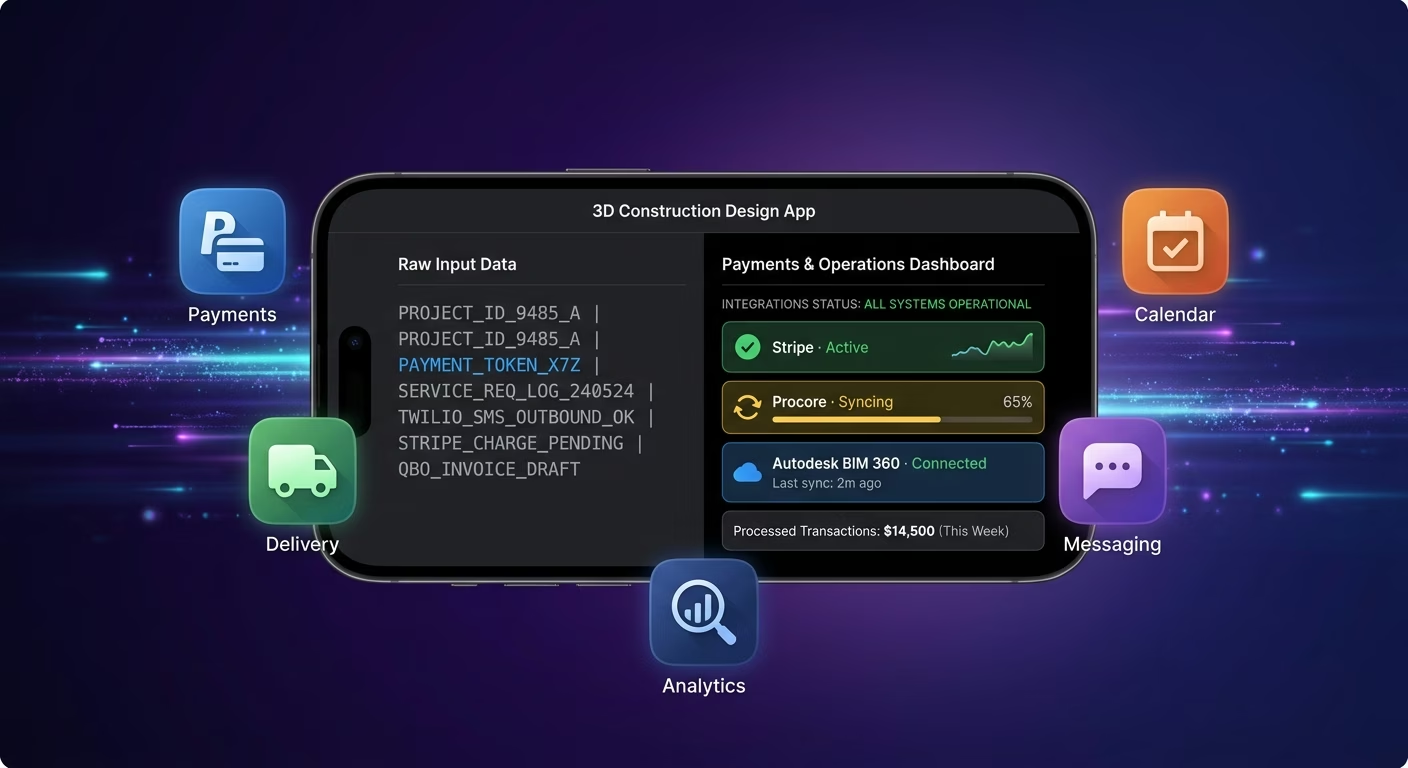
Payments & Operations
Connect Stripe, PayPal or Razorpay and operational tools through APIs
- Payment infrastructure
- Invoicing tools
- Project operations systems
Models And Markup, Connected
Coordination fragments when model files, revisions, and client feedback scatter across disconnected tools, so Emergent connects external systems through APIs and everything stays aligned as projects grow.

How to Create a 3D Construction Design App
Create a 3d construction design app that manages model viewing, design markup, client walkthroughs, version control, and design operations from one platform.
01 Choose the right app building approach
You can hire a developer, use a traditional app builder, or use an AI-powered platform like Emergent. AI app builders help design firms launch and manage client-facing apps without technical complexity or extended development timelines.
02 Plan your models and review workflows
Decide how models should render, how markup should flow, how walkthroughs should guide clients, how versions should track, and how teams should collaborate before building.
03 Build your 3d construction design app
Describe your models, review steps, and presentation needs, and the app is generated around your firm's actual projects and design workflows.
04 Add design systems and review workflows
Set up model viewing, design markup, client walkthroughs, and version control so projects move from concept to approval smoothly.
05 Connect payments and operational tools
Connect payment gateways like Stripe, PayPal, or Razorpay alongside BIM platforms, CAD tools, invoicing systems, and client communication infrastructure to support design operations. On Emergent, these systems can be connected easily through APIs.
06 Test the app before publishing
Check model rendering, markup capture, walkthrough flow, version history, mobile performance, and client experience before launch.
07 Publish and grow your 3d construction design app
Launch the app and continue managing models, revisions, and presentations as the firm grows.
Turn Models Into Approvals
Design firms win the bid when the client sees the space, walks it on a phone, and signs off without a single confused email.

Clients buy what they can walk through
A flat blueprint asks the client to imagine, and the firm whose app lets them step inside the model wins the trust that abstract drawings never earn.

Faster approvals shorten the whole project
Every review round lost to email costs days, and the firm that captures markup on the model itself collapses weeks of back-and-forth into a single afternoon.

Presentation quality signals build quality
Clients judge the builder by the pitch, and the firm presenting a polished interactive model looks like the one that will deliver the polished finished space.
Pick the Pricing Plan That Works for You
Choose the plan that fits your building ambitions. From weekend projects to enterprise applications, we've got you covered.




Find the Right App Builder
for Your Business
Frequently Asked Questions
Your Questions, Answered
Don't change this element unless you know what you are doing
on Emergent today




