

Build a Meal Reminder App That Actually Gets Users to Eat on the Schedule They Set with AI
Create your meal reminder app in minutes with AI. Power time alerts, custom schedules, snooze options, and meal skip logs without coding.










Why Emergent for Meal Reminder Apps?
Users forget to eat, forget to hydrate, forget to break their fast on time. On Emergent, describe what you need and it builds your meal reminder app.
| Traditional Builders |  |
|
|---|---|---|
| Creation & Setup | Limited templates with lengthy setup and multiple manual steps | Fully customizable meal reminder app created instantly using plain English prompts |
| Design | Limited design flexibility | AI-driven, personalized design layouts that match your brand |
| Reminder Logic | No alert or snooze fields | Handle alerts and snoozes natively using prompts |
| Custom Domain | Requires purchasing a domain and manual DNS configuration setup | Just share your domain. We handle DNS setup with SSL included |
| Time to Launch | Can take up to days and weeks | Launch in just a few minutes to hours |
| Payment & Checkout | Limited plugins and integrations | Accept global payments in any currency by connecting gateways with API keys |
| Skip Logs | Skip tracking requires custom analytics | Handle skip logs through prompts |
| SEO | Basic tools with heavy manual effort | Improve SEO instantly using prompts. No technical setup needed |
| Scaling | Limited scalability with performance constraints and risk of data loss | Scale your app anytime by reopening the chat and expanding with prompts |
| Maintenance & Updates | Requires manual updates, bug fixes, and ongoing management | Easily update and improve your app anytime using simple prompts |

Why Meal Reminder Apps Stick With Users
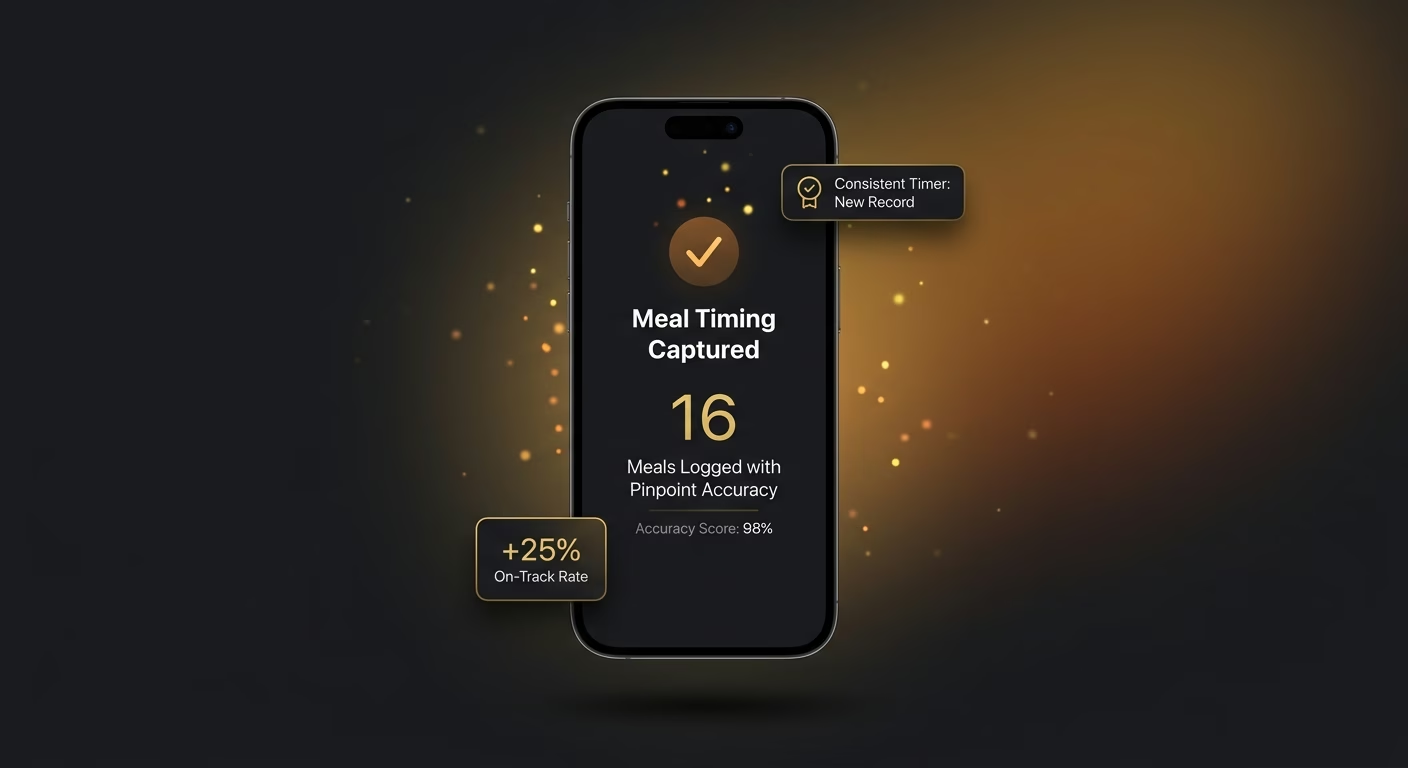
Meal timing captured with pinpoint accuracy
Precise timestamp firing with multi-channel delivery runs each reminder, so meals happen when the user intended rather than when hunger interrupts.
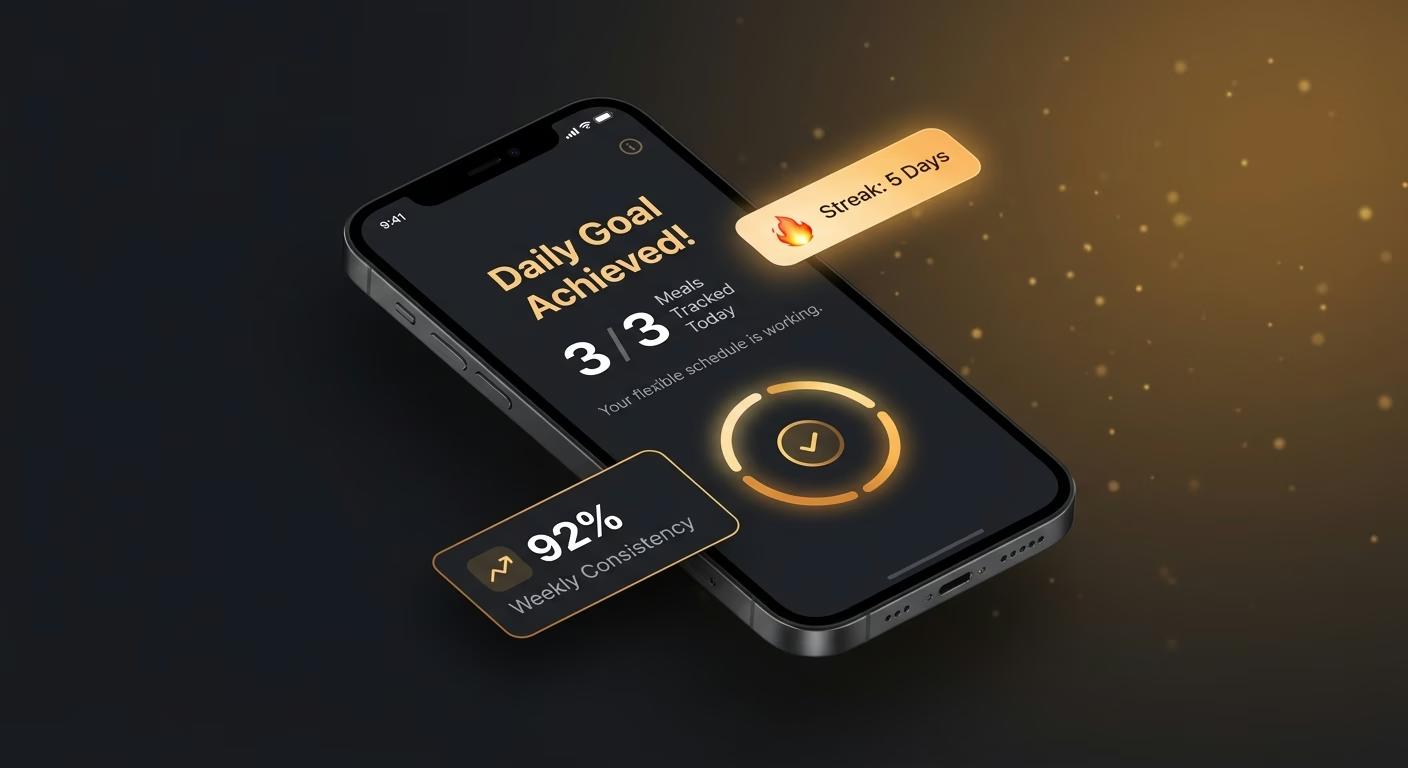
Reminders bent to fit variable lives
Fixed and relative timing with rotating-shift support shapes each cycle, so reminders match real lives rather than force artificial patterns.
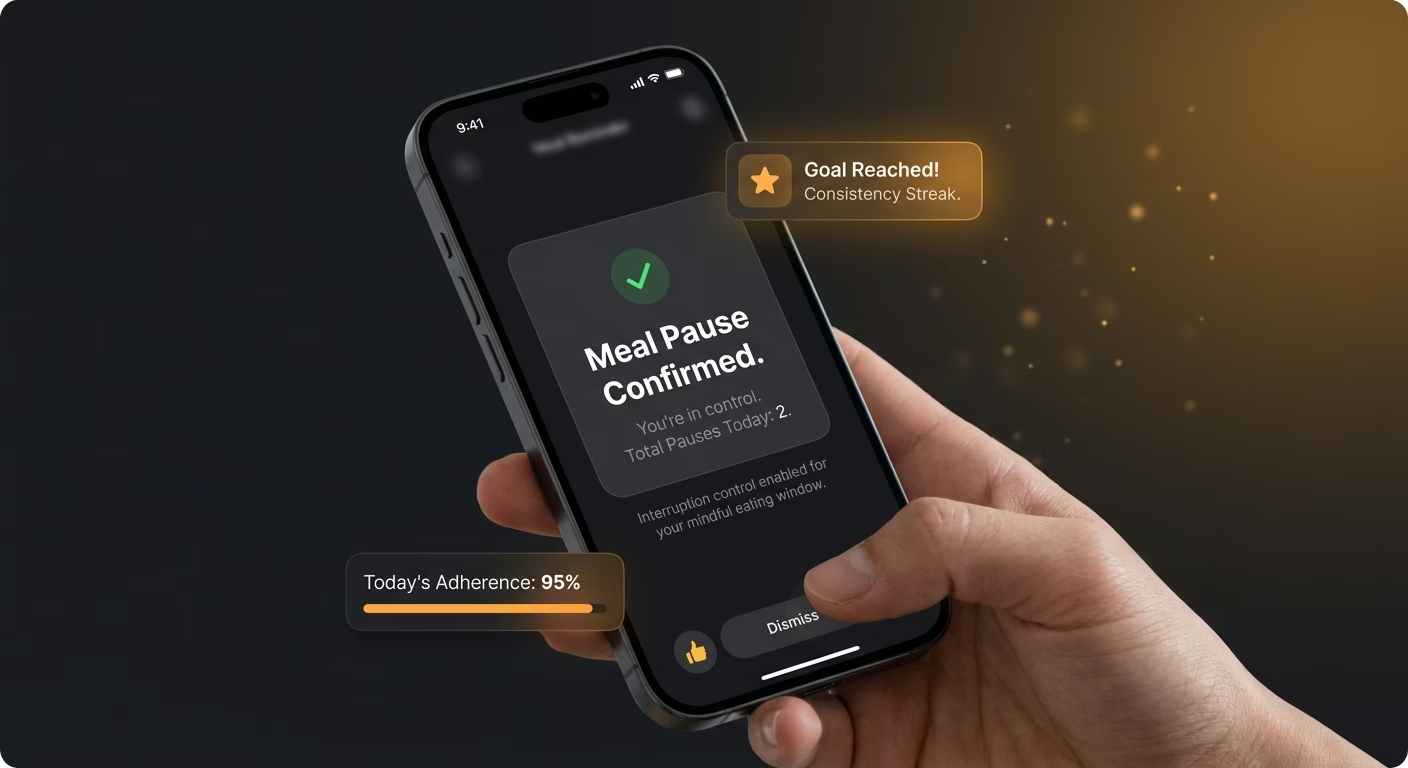
Pauses that let users control interruption
Multi-duration options with one-tap skip flow run every interruption, so users control interruption without abandoning the habit.
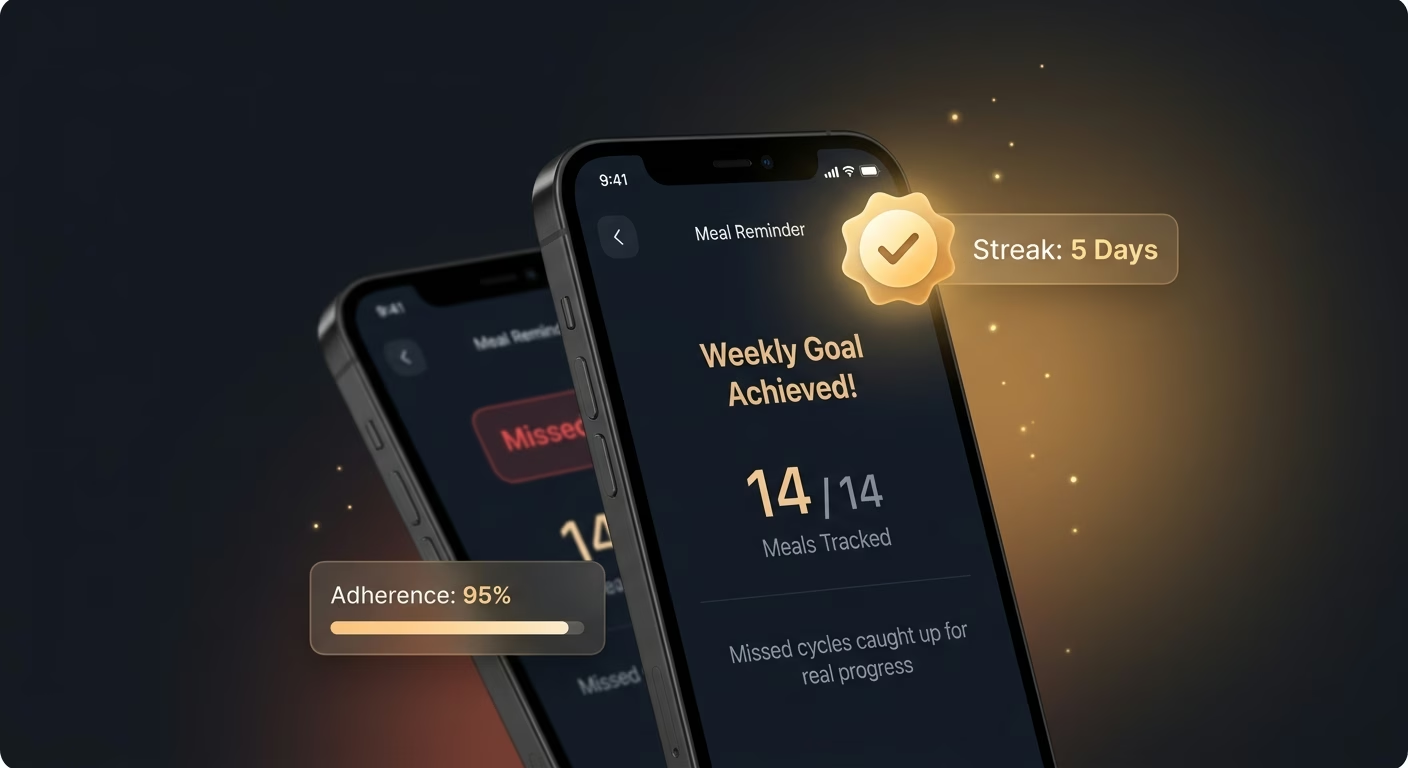
Missed cycles visible for real course-correction
Per-meal skip capture with reason tagging surfaces every missed cycle, so invisible behavior becomes visible enough to change.
How Emergent Turns Your Idea Into an App
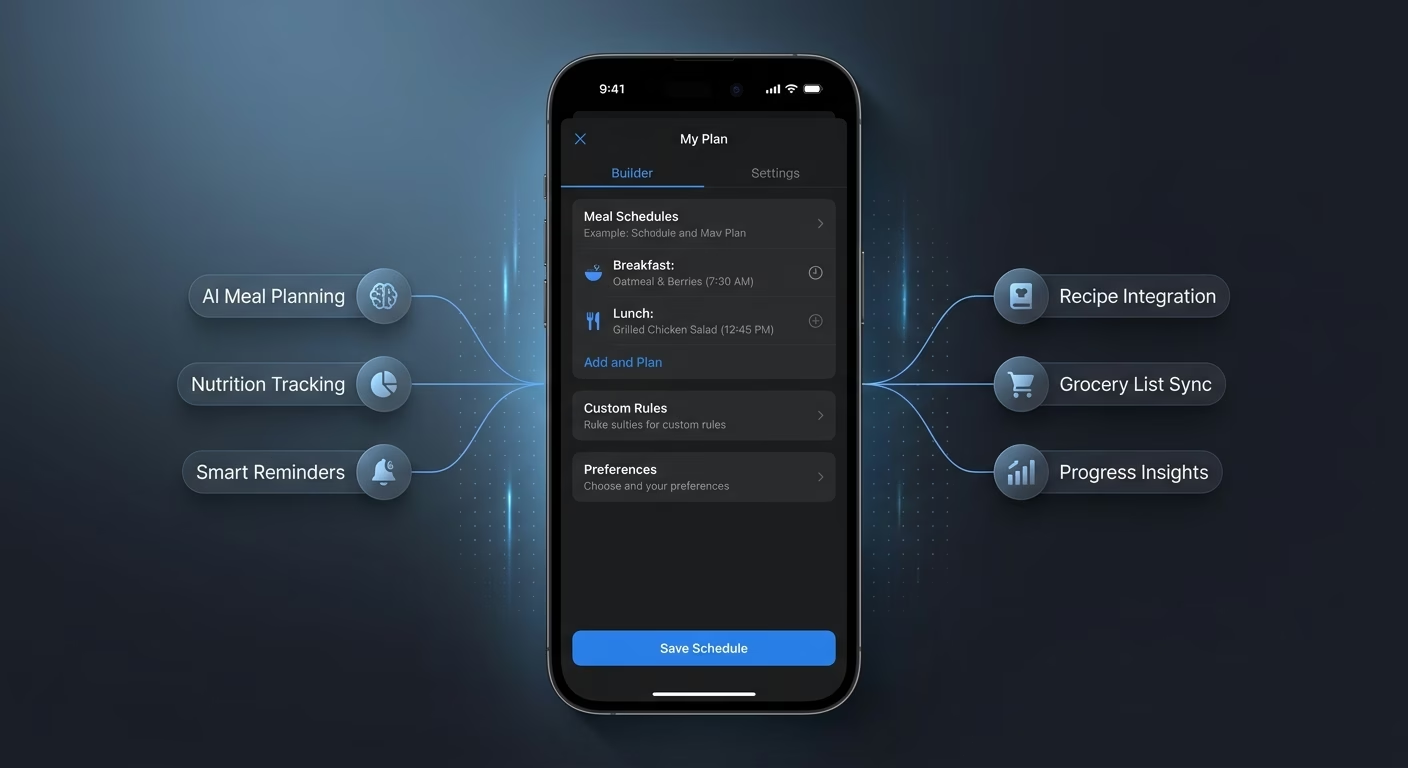
Create a meal reminder app that manages time alerts, custom schedules, snooze options, meal skip logs, and reminder operations from one platform.




Turn Intentions Into Consistent Meal Timing
Give users a reminder engine that actually gets them eating on schedule.
End-to-end app development for your business
Turn ideas and spreadsheets into fully functional internal apps your team can actually use, not just plan on paper.
 Describe, don’t code:Write what you need in plain language and instantly generate the layout, components, and logic.
- Full UI in one go:Create full pages with forms, tables, filters, and charts in a single automated pass.
- Use the data you already have:Connect your spreadsheets or datasets quickly and turn them into interactive dashboards.
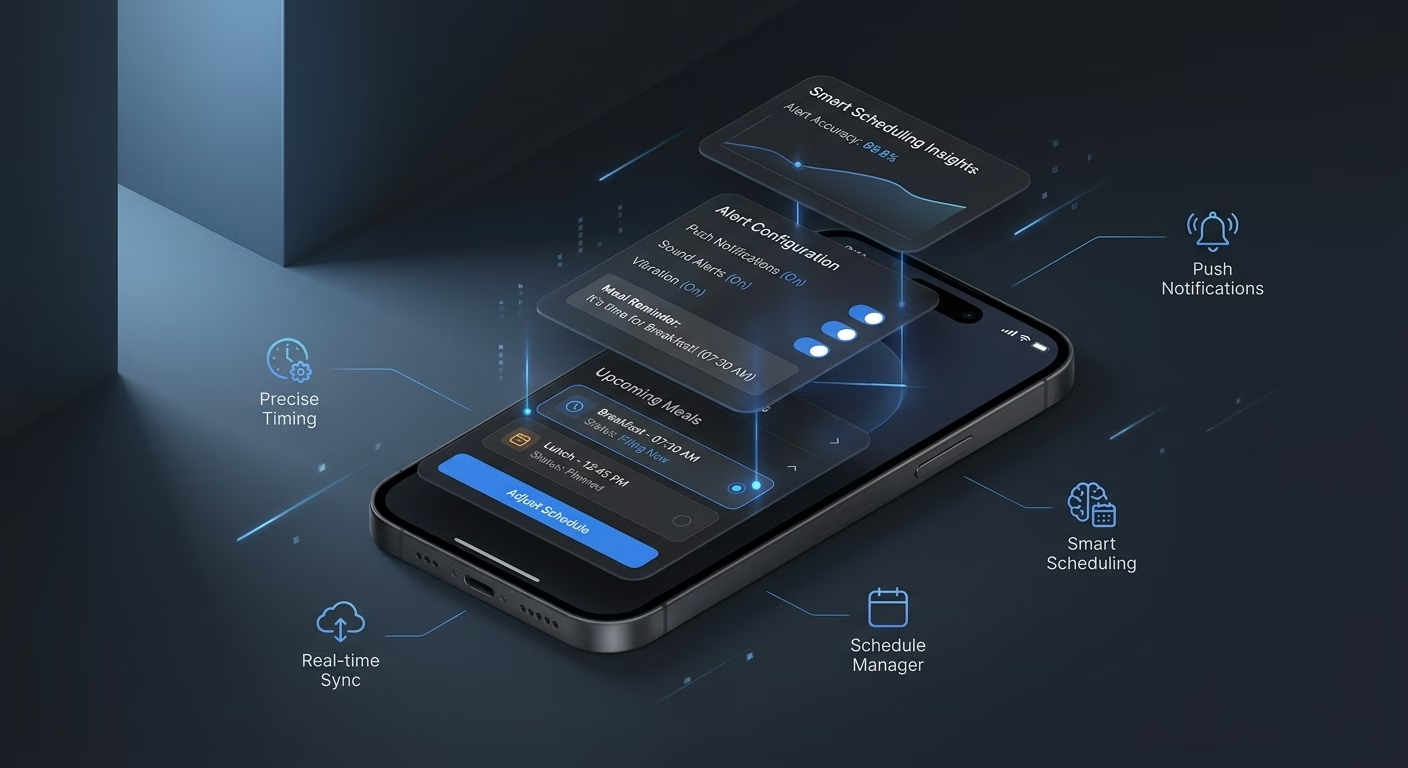
Alerts firing at the exact planned moments
Loose timing loses users. Alert infrastructure fires at precise timestamps with escalation for missed events so meals happen at the intended times.
- Precise timestamp firing
- Multi-channel delivery
- Escalation logic
- Silent-hour respect
End-to-end app development for your business
Turn ideas and spreadsheets into fully functional internal apps your team can actually use, not just plan on paper.
- Describe, don’t code:Write what you need in plain language and instantly generate the layout, components, and logic.
- Full UI in one go:Create full pages with forms, tables, filters, and charts in a single automated pass.
- Use the data you already have:Connect your spreadsheets or datasets quickly and turn them into interactive dashboards.
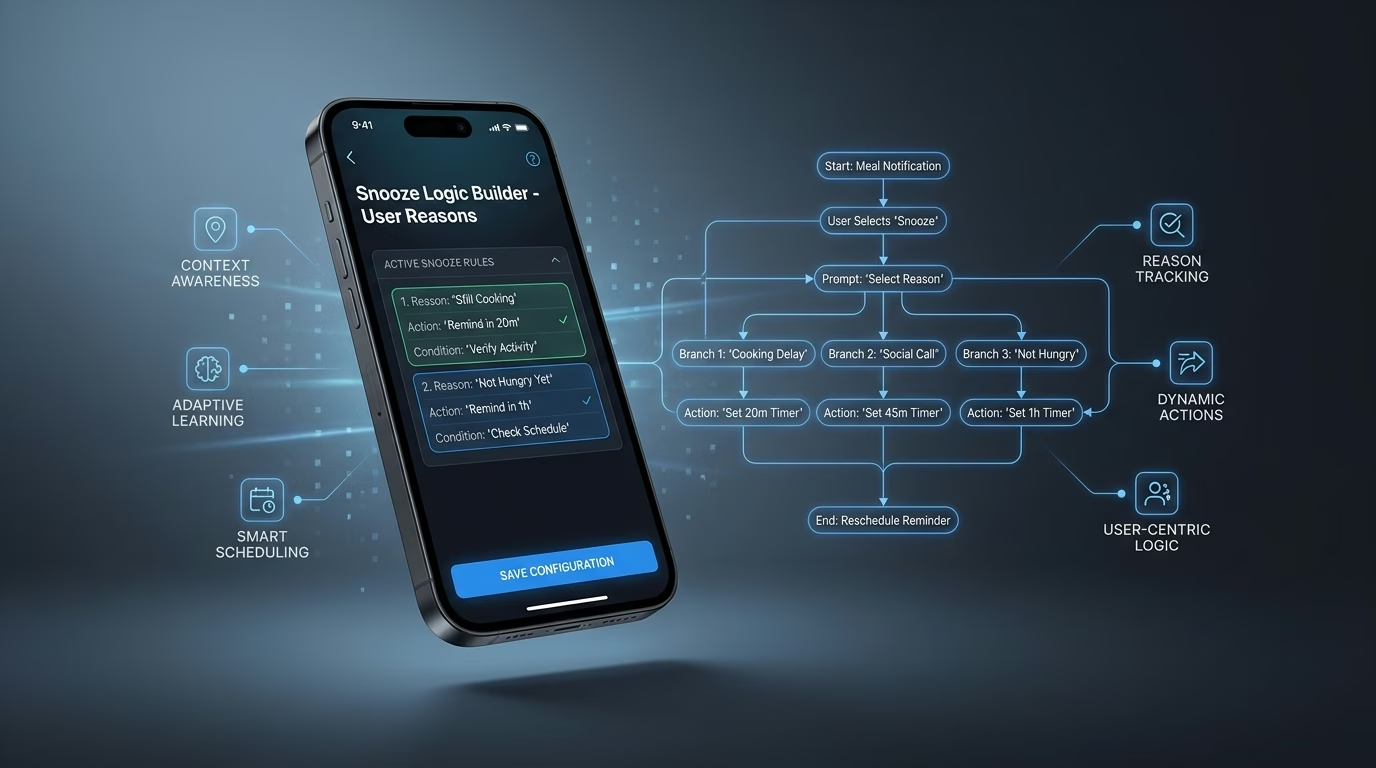
Schedules customized to each user's life
One-size timing fails variable lives. Schedule infrastructure supports fixed times, relative offsets, and rotating shifts so reminders match actual rhythms.
- Fixed and relative timing
- Rotating-shift support
- Day-of-week variation
- Time-zone auto-adjustment
End-to-end app development for your business
Turn ideas and spreadsheets into fully functional internal apps your team can actually use, not just plan on paper.
- Describe, don’t code:Write what you need in plain language and instantly generate the layout, components, and logic.
- Full UI in one go:Create full pages with forms, tables, filters, and charts in a single automated pass.
- Use the data you already have:Connect your spreadsheets or datasets quickly and turn them into interactive dashboards.
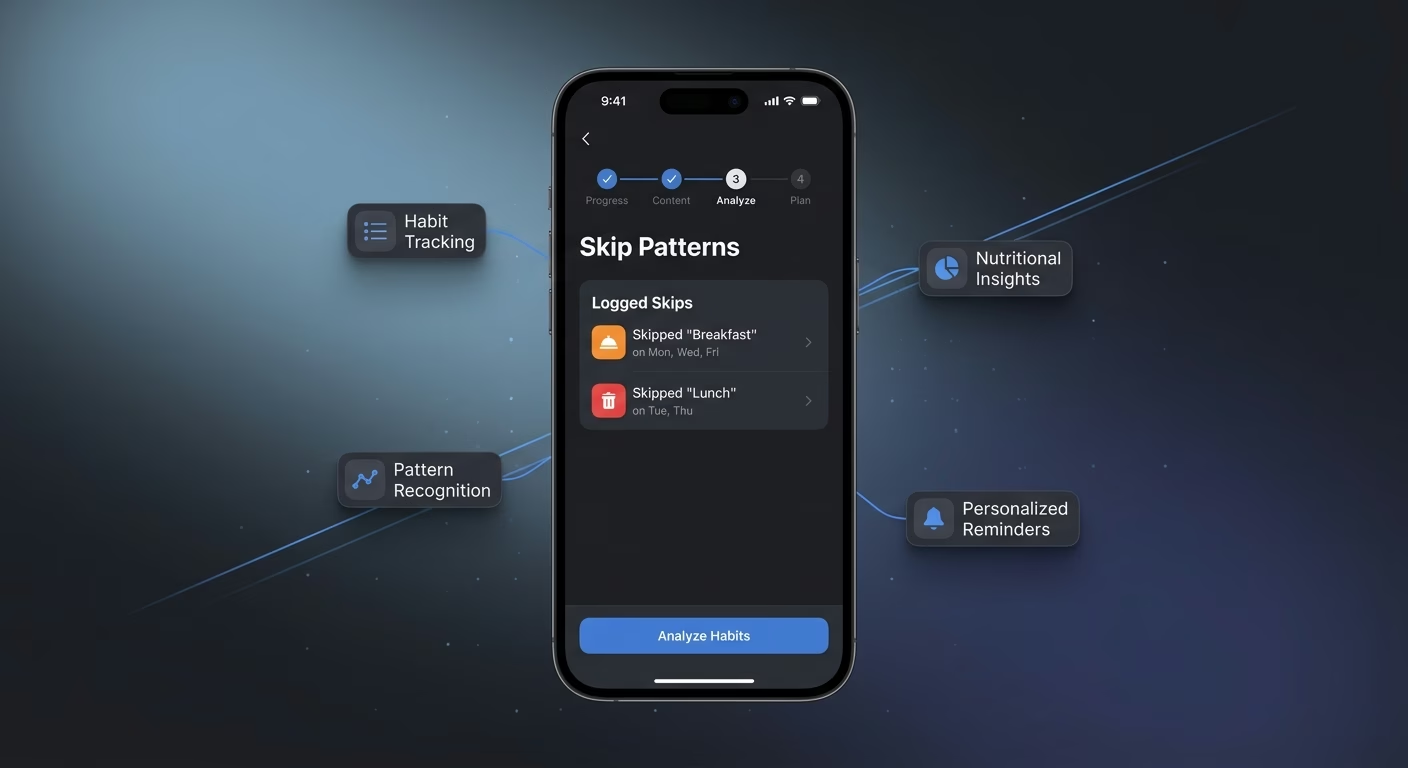
Snoozes that respect the user's real reasons
Rigid snoozes annoy. Snooze infrastructure offers short-delay, next-hour, and skip-this-one options so users control interruption without disabling reminders.
- Multi-duration snooze options
- One-tap skip flow
- Re-alert scheduling
- Snooze-pattern learning
End-to-end app development for your business
Turn ideas and spreadsheets into fully functional internal apps your team can actually use, not just plan on paper.
- Describe, don’t code:Write what you need in plain language and instantly generate the layout, components, and logic.
- Full UI in one go:Create full pages with forms, tables, filters, and charts in a single automated pass.
- Use the data you already have:Connect your spreadsheets or datasets quickly and turn them into interactive dashboards.
Skips logged to reveal the habit patterns
Untracked skips repeat. Skip infrastructure records every missed or delayed meal so users see behavioral patterns worth changing.
- Per-meal skip capture
- Reason-code tagging
- Weekly pattern visualization
- Trigger-correlation analysis
Connect Your Alert Stack
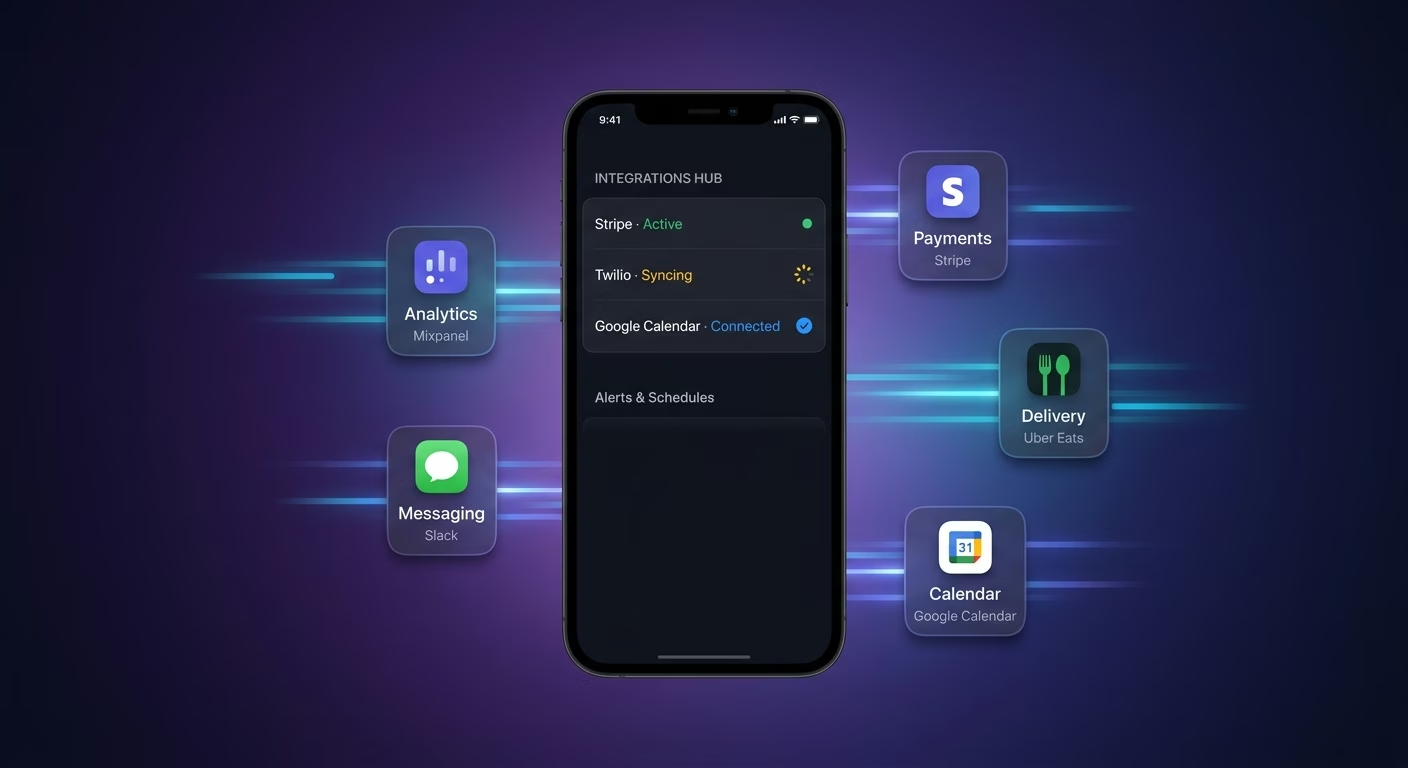
Alerts & Schedules
Coordinate time alerts and custom schedules across one persistent workspace
- Push notification services
- Custom schedule engines
- User timezone APIs
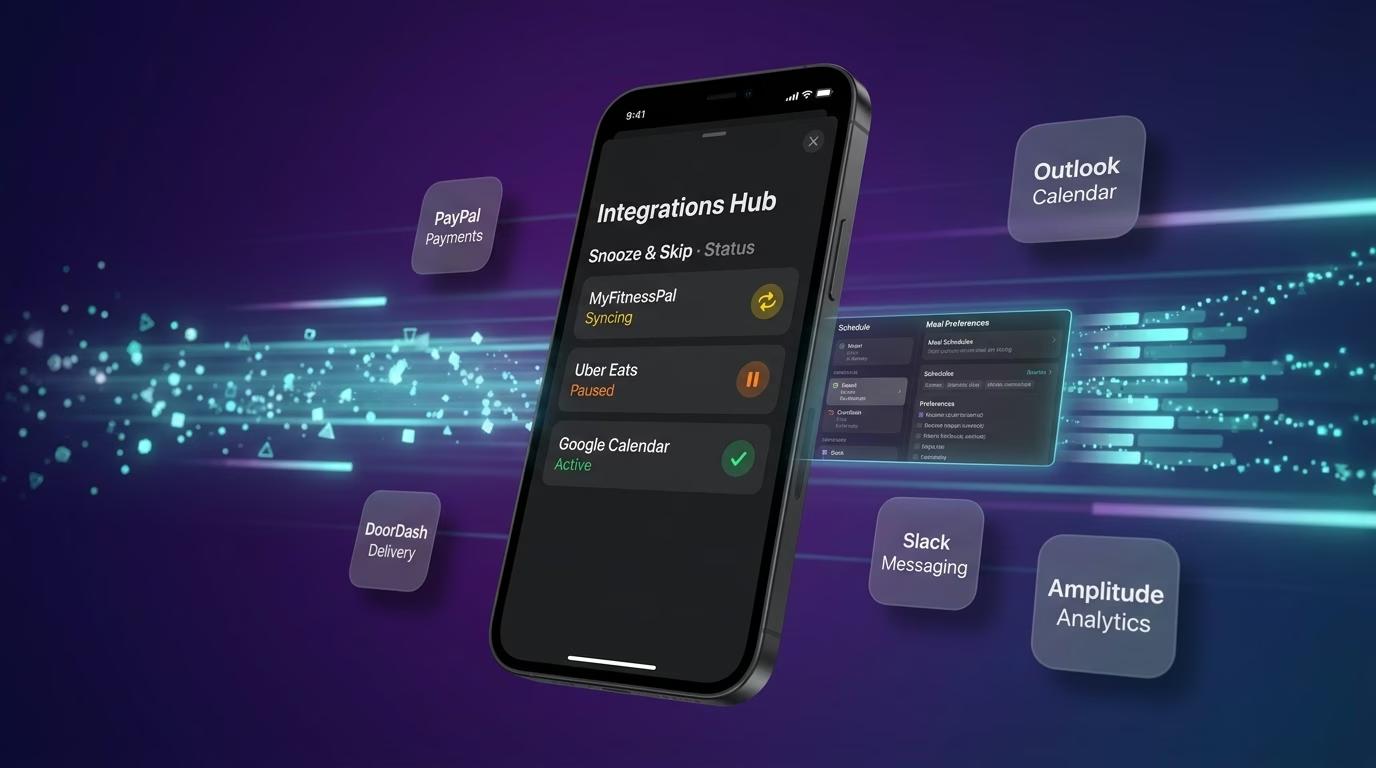
Snooze & Skip
Sync snooze logic and skip tracking across every scheduled meal
- Snooze routing tools
- Skip logging services
- Habit pattern APIs
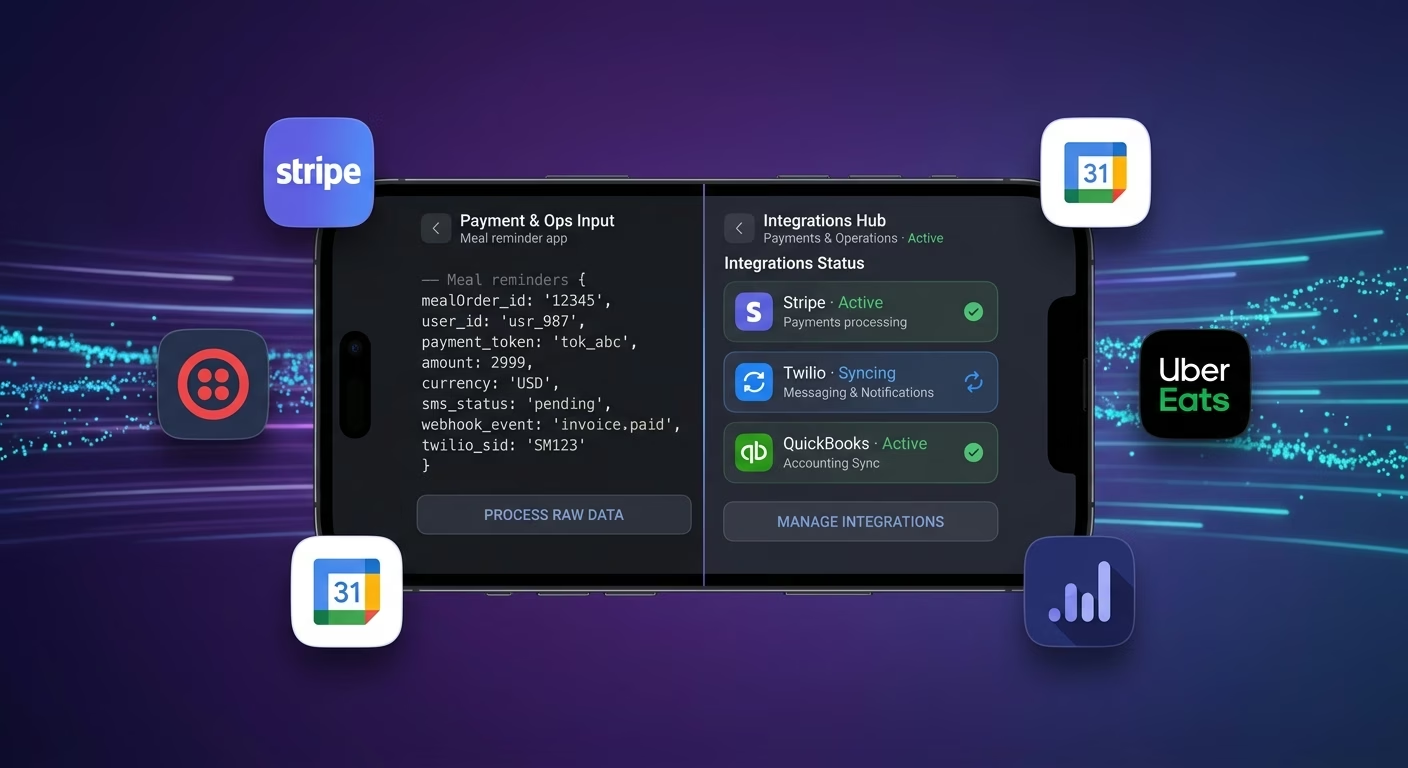
Payments & Operations
Connect Stripe, PayPal or Razorpay and operational tools through APIs
- Payment infrastructure
- Subscription tools
- Reminder operations systems
Alerts And Actions, Connected
Users skip meals when time alerts, custom schedules, and skip logs scatter across disconnected tools, so Emergent connects external systems through APIs and everything aligns as habits form.

How to Create a Meal Reminder App
Create a meal reminder app that manages time alerts, custom schedules, snooze options, meal skip logs, and reminder operations from one platform.
01 Choose the right app building approach
You can hire a developer, use a traditional app builder, or use an AI-powered platform like Emergent. AI app builders help wellness founders and habit-focused coaches launch and manage reminder apps without technical complexity or extended development timelines.
02 Plan your alert and snooze workflows
Decide how alerts should time, how schedules should custom, how snoozes should behave, how skips should log, and how users should review before building.
03 Build your meal reminder app
Describe your alert timings, schedule variations, snooze behavior, and skip tracking, and the app is generated around your actual reminder workflows.
04 Add alert systems and snooze workflows
Set up time alerts, custom schedules, snooze options, and meal skip logs so users eat on schedule rather than by accident.
05 Connect payments and operational tools
Connect payment gateways like Stripe, PayPal, or Razorpay alongside push notification services, custom schedule engines, snooze routing tools, and notification infrastructure to support reminder operations. On Emergent, these systems can be connected easily through APIs.
06 Test the app before publishing
Check time alerts, custom schedules, snooze options, meal skip logs, mobile performance, and user experience before launch.
07 Publish and grow your meal reminder app
Launch the app and continue managing alerts, schedules, and skips as habits form.
Turn Forgotten Meals Into Consistent Habits
Users who receive timely reminders eat regularly and hit their nutrition targets consistently, while those relying on hunger cues alone skip meals, over-snack, and break fasts randomly.
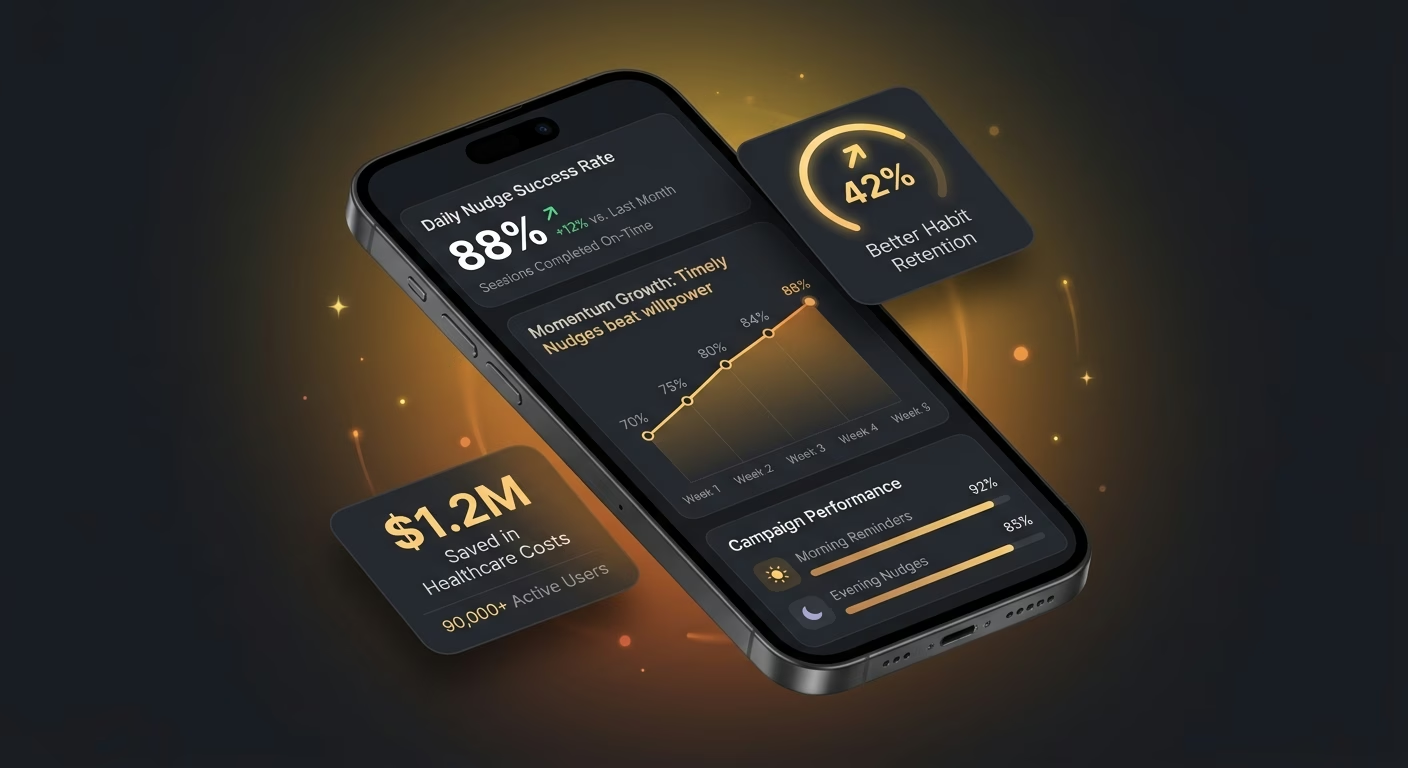
Timely nudges beat willpower every session
A user relying on memory to eat lunch at noon often finds themselves eating at three, and the alert that fires at the planned moment turns intention into consistent execution.
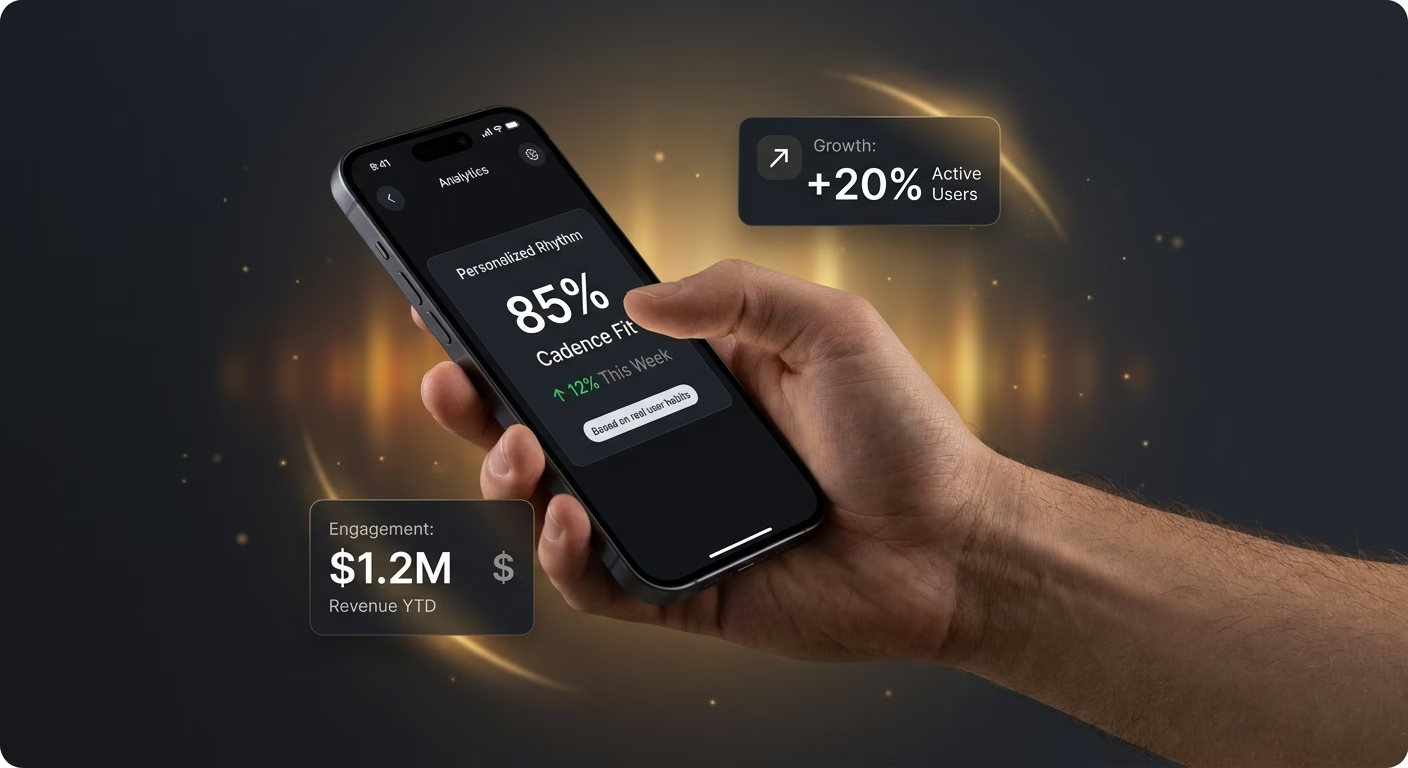
Custom cadence fits real user rhythms
A user with irregular shift patterns cannot use a fixed-time reminder, and the schedule engine that adapts to each user's actual rhythm keeps reminders relevant rather than annoying.
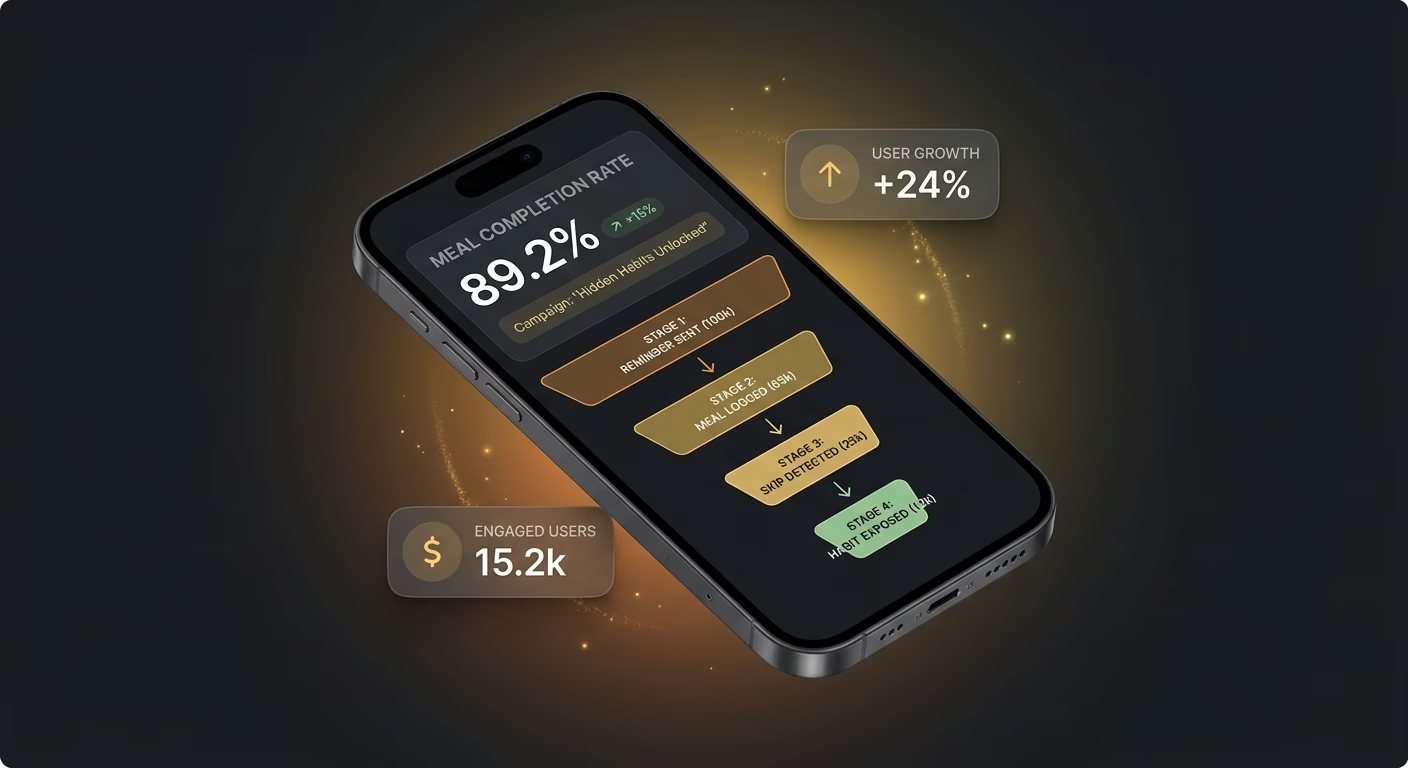
Skip logs expose habits users cannot see live
A user skipping breakfast three times a week without noticing cannot address the habit, and the skip log that surfaces the pattern turns invisible behavior into fixable behavior.
Pick the Pricing Plan That Works for You
Choose the plan that fits your building ambitions. From weekend projects to enterprise applications, we've got you covered.




Find the Right App Builder
for Your Business
Frequently Asked Questions
Your Questions, Answered
Don't change this element unless you know what you are doing
on Emergent today




