

Build a Parental Control App That Retires Desktop Router And Hopeful Monitoring with AI
Create your parental control app in minutes with AI. Run policy scheduling, content filtering, screen time limits, and location alerts without coding.










Why Emergent for Parental Control Apps?
Parents rely on desktop routers, hope kids stay on approved apps, cannot see where devices go, and enforce screen limits through arguments. On Emergent, policies, filters, limits, and alerts come together.
| Traditional Builders |  |
|
|---|---|---|
| Creation & Setup | Limited templates with lengthy setup and multiple manual steps | Fully customizable app created instantly using plain English prompts |
| Design | Limited design flexibility | AI-driven, personalized design layouts that match your brand |
| Guardian Logic | Desktop routers with URL blocklists and verbal screen limits | Time-window policies with category filters and automatic cutoffs |
| Custom Domain | Requires purchasing a domain and manual DNS configuration setup | Just share your domain. We handle DNS setup with SSL included |
| Time to Launch | Can take up to days and weeks | Launch in just a few minutes to hours |
| Payment & Checkout | Limited plugins and integrations | Accept global payments in any currency by connecting gateways with API keys |
| Location Workflow | Blind location checking creating low-grade parental anxiety | Geofence signals with arrival confirmations preserving peace of mind |
| SEO | Basic tools with heavy manual effort | Improve SEO instantly using prompts. No technical setup needed |
| Scaling | Limited scalability with performance constraints and risk of data loss | Scale your app anytime by reopening the chat and expanding with prompts |
| Maintenance & Updates | Requires manual updates, bug fixes, and ongoing management | Easily update and improve your app anytime using simple prompts |

What Users Get From a Parental Control App

Study focus stays intact through active periods
Scheduling services with time-window rules replace manual toggling, so school focus stays intact without daily reminders and academic outcomes rest on protected study time rather than the battle of asking children to close entertainment apps.

Browsing safety scales beyond blocklists
Filter services with category rules replace URL blocklists, so browsing safety scales beyond blocklists and internet exposure rests on category coverage rather than the constant race between new harmful sites appearing and blocklists updating.

Family evenings stop turning into daily fights
Limit services with automatic cutoffs replace verbal limits, so family evenings stop turning into screen arguments and household calm rests on device-enforced rules rather than the exhausting conflict of daily negotiation.

Peace of mind arrives at each safe checkpoint
Alert services with geofence signals replace blind checking, so peace of mind arrives at school arrival and parental confidence rests on arrival confirmation rather than low-grade anxiety over whether children reached school safely.
How Emergent Turns Your Idea Into an App
Create a parental control app that manages policy scheduling, content filtering, screen time limiting, location alerting, and parental control operations from one platform.





A Real Guardian Platform Beyond Desktop Routers
Desktop router guardian coordination retires quietly always.
End-to-end app development for your business
Turn ideas and spreadsheets into fully functional internal apps your team can actually use, not just plan on paper.
 Describe, don’t code:Write what you need in plain language and instantly generate the layout, components, and logic.
- Full UI in one go:Create full pages with forms, tables, filters, and charts in a single automated pass.
- Use the data you already have:Connect your spreadsheets or datasets quickly and turn them into interactive dashboards.
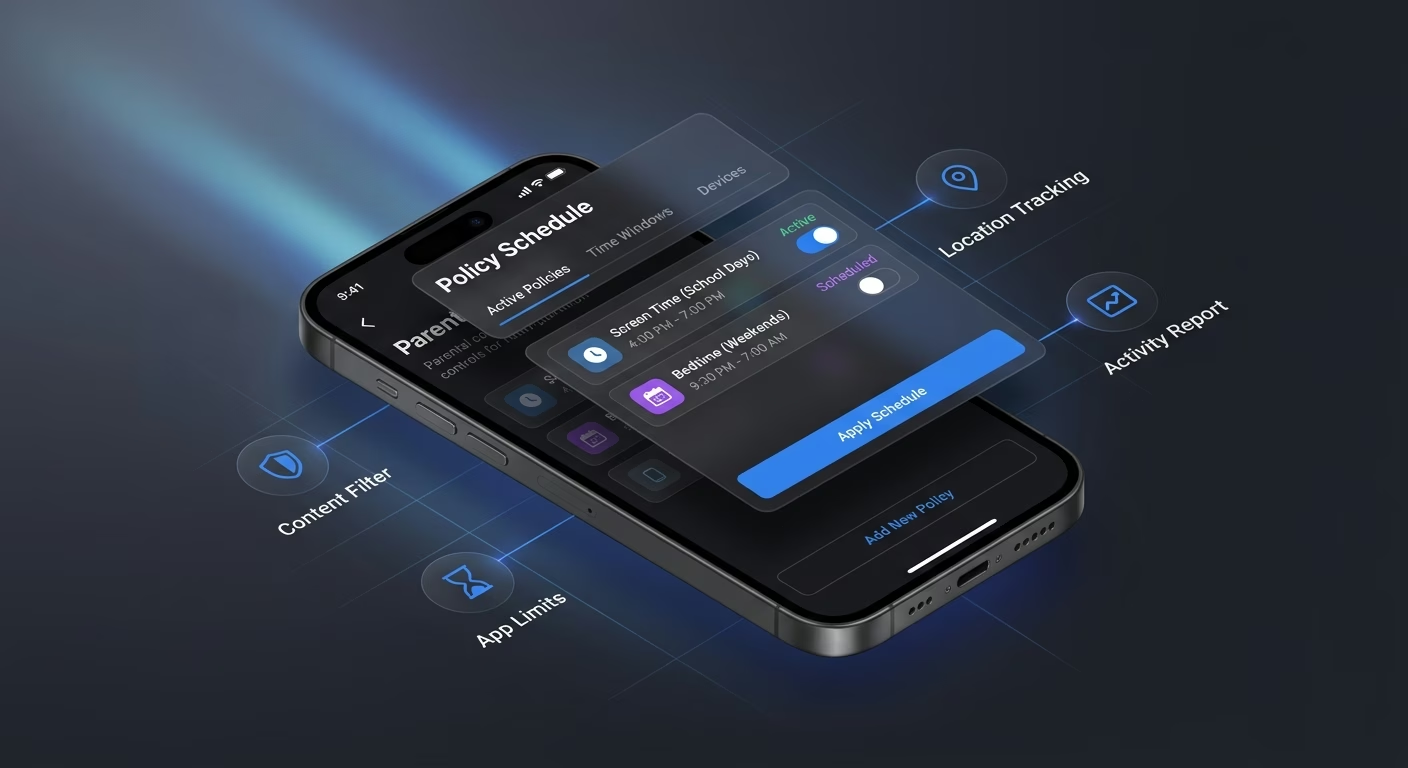
Policy scheduling activates by time window
Manual toggling misses school-hour moments. Scheduling services with time-window rules and calendar syncing preserve policy timing across every school day reliably always cleanly.
- Time-window rules
- Calendar syncing
- School-hour presets
- Weekend variants
End-to-end app development for your business
Turn ideas and spreadsheets into fully functional internal apps your team can actually use, not just plan on paper.
- Describe, don’t code:Write what you need in plain language and instantly generate the layout, components, and logic.
- Full UI in one go:Create full pages with forms, tables, filters, and charts in a single automated pass.
- Use the data you already have:Connect your spreadsheets or datasets quickly and turn them into interactive dashboards.
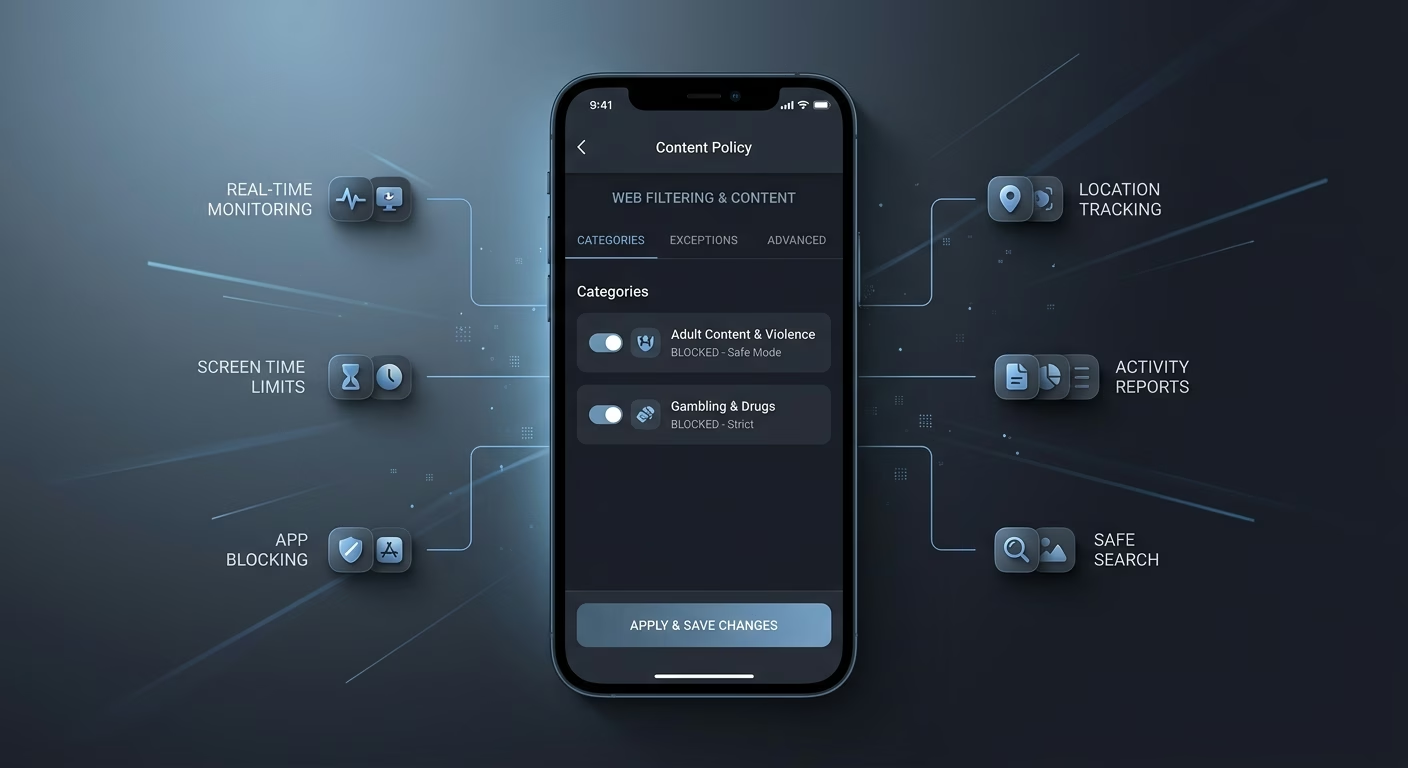
Filtering blocks by content type safely
URL blocklists miss new domains. Filter services with category rules and preview handling preserve filter coverage across every browsing session reliably always cleanly.
- Category rules
- Preview handling
- Age-appropriate defaults
- Safe search

End-to-end app development for your business
Turn ideas and spreadsheets into fully functional internal apps your team can actually use, not just plan on paper.
- Describe, don’t code:Write what you need in plain language and instantly generate the layout, components, and logic.
- Full UI in one go:Create full pages with forms, tables, filters, and charts in a single automated pass.
- Use the data you already have:Connect your spreadsheets or datasets quickly and turn them into interactive dashboards.
Usage quotas apply automatically and cleanly
Verbal limits produce family conflict. Limit services with automatic cutoffs and reward extensions preserve family calm across every daily cycle reliably always cleanly.
- Automatic cutoffs
- Reward extensions
- App-specific limits
- Bedtime enforcement
End-to-end app development for your business
Turn ideas and spreadsheets into fully functional internal apps your team can actually use, not just plan on paper.
- Describe, don’t code:Write what you need in plain language and instantly generate the layout, components, and logic.
- Full UI in one go:Create full pages with forms, tables, filters, and charts in a single automated pass.
- Use the data you already have:Connect your spreadsheets or datasets quickly and turn them into interactive dashboards.
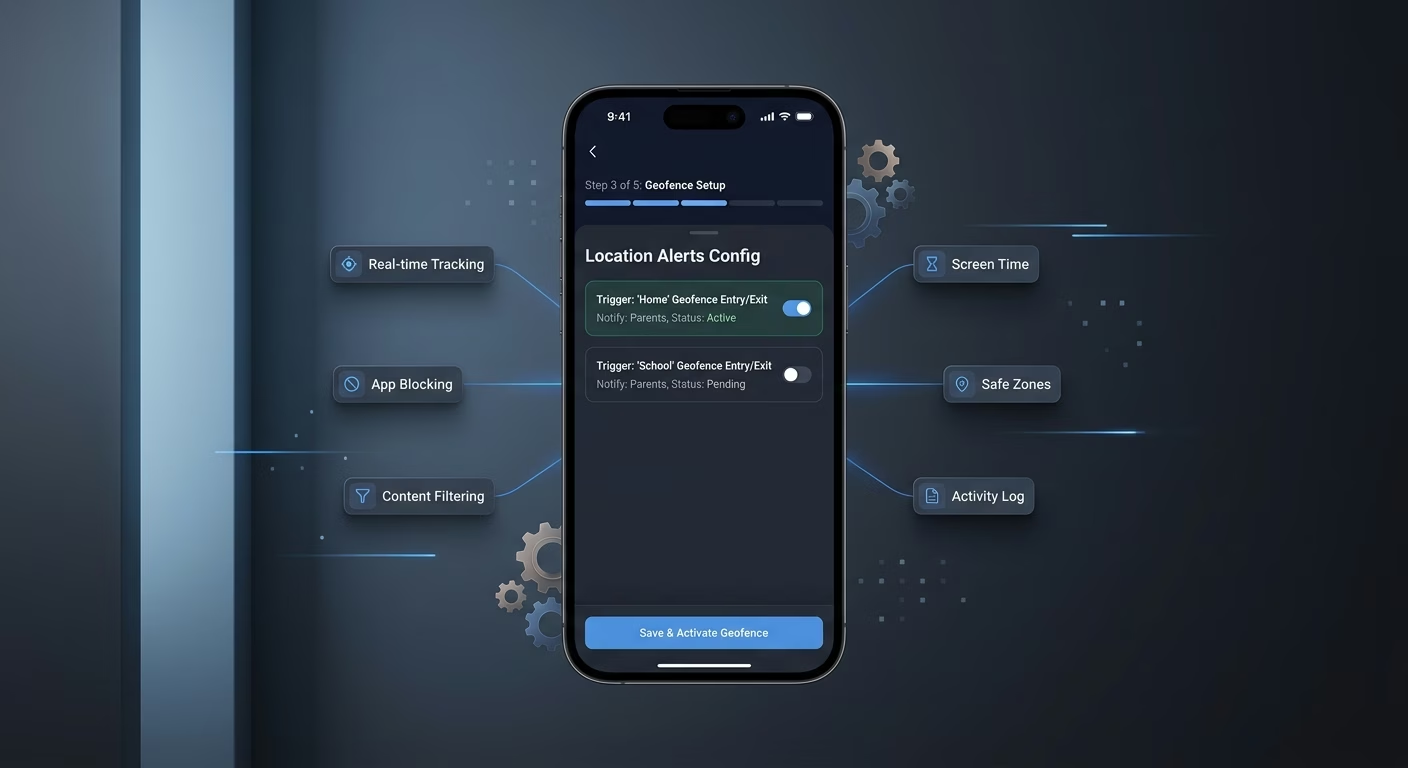
Location alerts trigger from geofence signals
Blind location checking creates worry. Alert services with geofence signals and arrival confirmations preserve peace of mind across every school journey reliably always.
- Geofence signals
- Arrival confirmations
- Departure notifications
- Safe-place tags
Connect Your Guardian Stack

Policies & Filters
Coordinate policy scheduling and content filtering across one guardian workspace.
- Policy scheduling services
- Content filtering engines
- Category rule tools
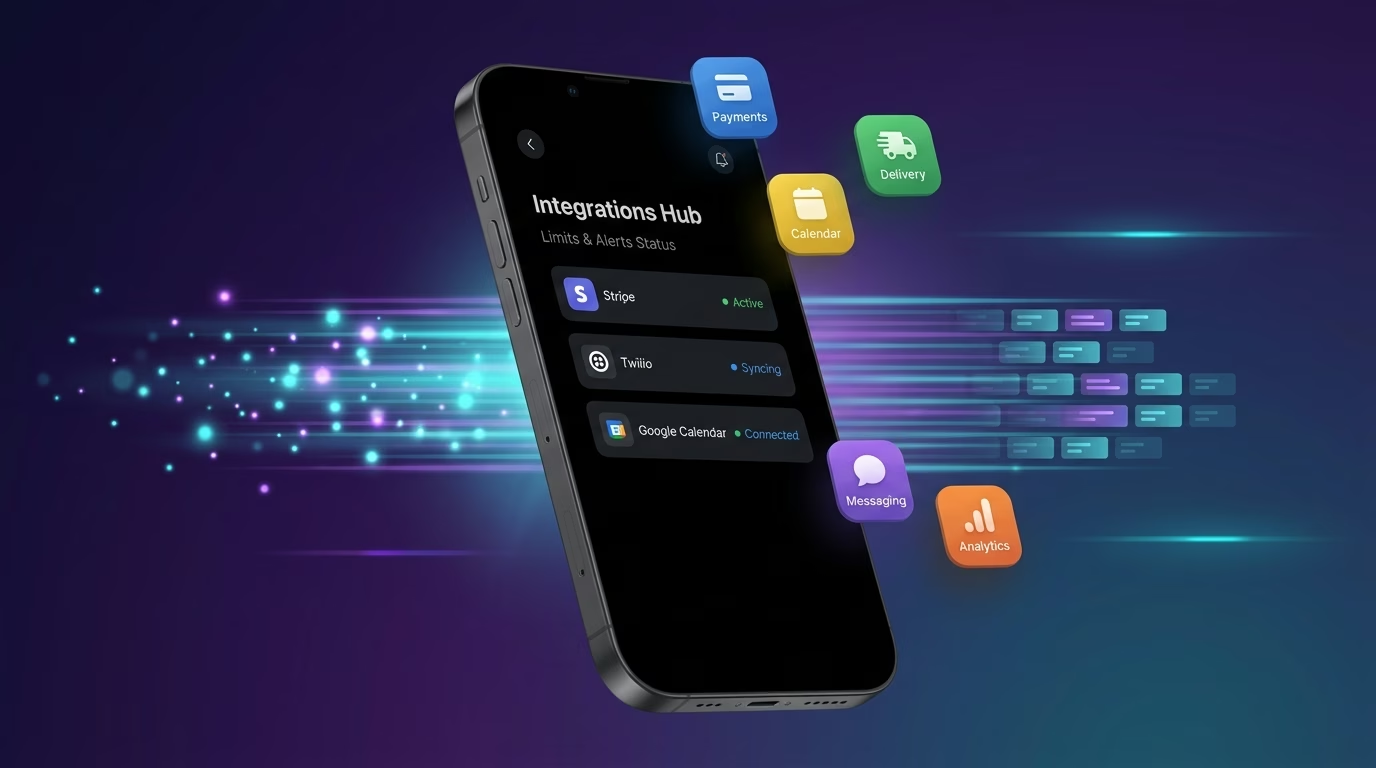
Limits & Alerts
Sync screen limits and location alerts across every family cycle.
- Screen time limit tools
- Location alert systems
- Geofence engines
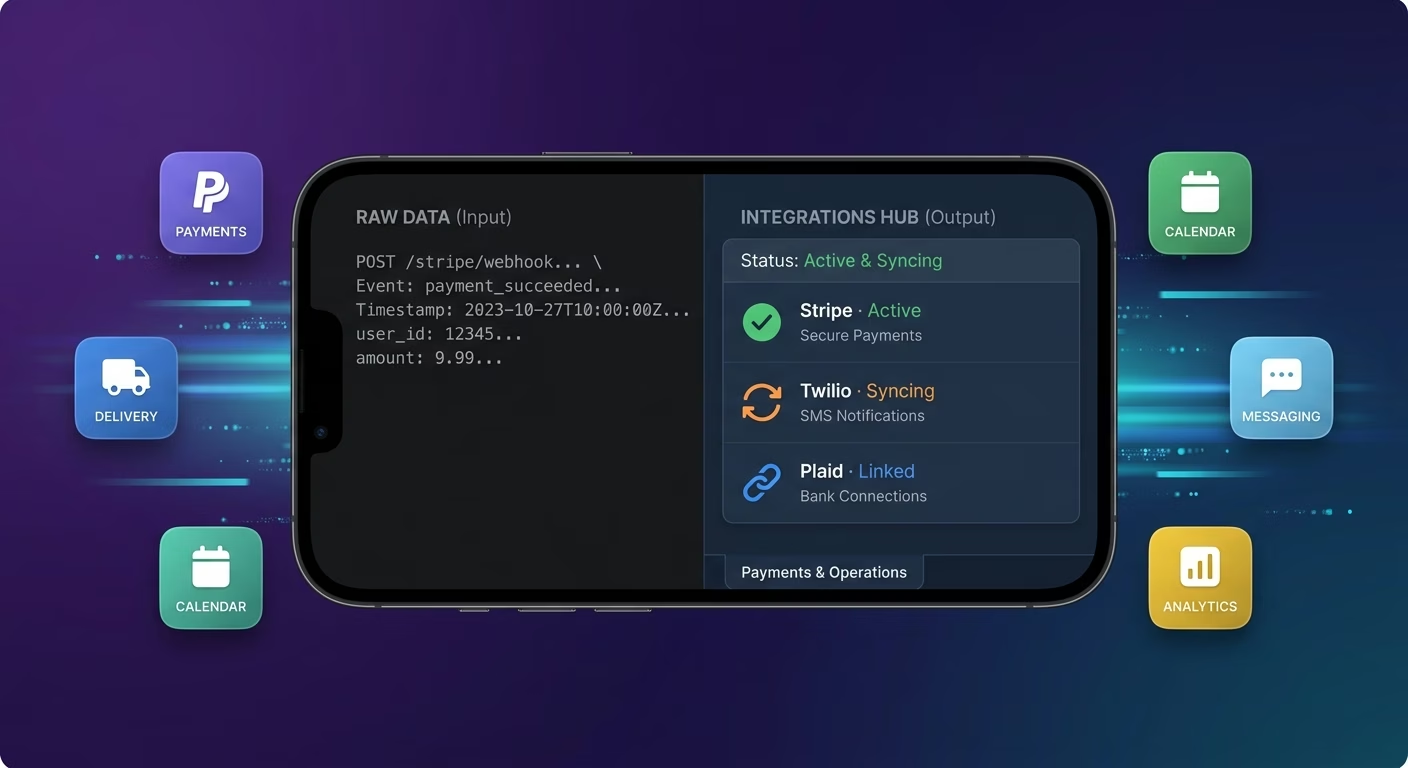
Payments & Operations
Connect Stripe, PayPal or Razorpay and operational tools through APIs.
- Payment infrastructure
- Family plan tools
- Subscription tier systems
Limits And Alerts, Connected
Guardian coordination fragments across desktop routers and hopeful device monitoring efforts, so Emergent connects external tools through APIs and family motion aligns cleanly across every guardian cycle.

How to Create a Parental Control App
Create a parental control app that manages policy scheduling, content filtering, screen time limiting, location alerting, and parental control operations from one platform.
01 Choose the right app building approach
You can hire a developer, use a traditional app builder, or use an AI-powered platform like Emergent. AI app builders help parents and family safety operators launch and manage parental control apps without technical complexity or extended development timelines.
02 Plan your policy and filter workflows
Decide how policy scheduling should work, how content filtering should behave, how screen time limits should function, how location alerts should track, and how parents and family safety operators should review before building.
03 Build your parental control app
Describe your policy scheduling, content filtering, screen time limits, and location alerts needs, and the app is generated around your actual parental control workflows.
04 Add limit and alert systems
Set up policy scheduling, content filtering, screen time limits, and location alerts so parents and family safety operators run parental control operations without the fragmentation that desktop-router-and-hopeful tools create.
05 Connect payments and operational tools
Connect payment gateways like Stripe, PayPal, or Razorpay alongside policy scheduling services and content filtering engines, screen time limit tools and location alert systems, and notification infrastructure to support parental control operations.
06 Test the app before publishing
Check policy scheduling, content filtering, screen time limits, location alerts, mobile performance, and parent experience before launch.
07 Publish and grow your parental control app
Launch the app and continue managing policy, filter, and operations as parents and family safety operators use the platform.
Retire Desktop Router And Hopeful Monitoring
A parent on desktop routers and hope-based monitoring cannot enforce screen limits or see where devices actually go during school hours. A platform where policies, filters, limits, and alerts connect ends the hopeful routine.

Policies engage when school day begins
Manual toggle policies miss the moment school starts. Scheduling services with time-window rules apply when school hours start reliably always.

Filters block by category type not URL lists
URL blocklists miss new sites. Filter services with category rules block by category not by URL reliably always cleanly.

Screen minutes follow automatic cutoff rules
Verbal limit enforcement produces daily conflict. Limit services with automatic cutoffs enforce without daily arguments reliably.
Pick the Pricing Plan That Works for You
Choose the plan that fits your building ambitions. From weekend projects to enterprise applications, we've got you covered.
No credit card required*


Frequently Asked Questions
Your Questions, Answered
Don't change this element unless you know what you are doing
on Emergent today




