

Build a PDF Scanner App That Retires Desktop Scanner And Manual Crop Cycles with AI
Create your pdf scanner app in minutes with AI. Run camera capture, edge detection, ocr extraction, and cloud export without coding.










Why Emergent for PDF Scanner Apps?
Field workers depend on desktop scanners nowhere near them, crop pages manually in editors, retype text because OCR is separate, and email files instead of exporting. On Emergent, capture, detection, extraction, and export come together.
| Traditional Builders |  |
|
|---|---|---|
| Creation & Setup | Limited templates with lengthy setup and multiple manual steps | Fully customizable app created instantly using plain English prompts |
| Design | Limited design flexibility | AI-driven, personalized design layouts that match your brand |
| Scanner Logic | Desktop scanners with manual cropping and email attachments | Mobile capture with auto-detection and cloud export |
| Custom Domain | Requires purchasing a domain and manual DNS configuration setup | Just share your domain. We handle DNS setup with SSL included |
| Time to Launch | Can take up to days and weeks | Launch in just a few minutes to hours |
| Payment & Checkout | Limited plugins and integrations | Accept global payments in any currency by connecting gateways with API keys |
| Extraction Workflow | Image-only scans forcing manual retyping into editable form | High-accuracy OCR with language detection preserving text usability |
| SEO | Basic tools with heavy manual effort | Improve SEO instantly using prompts. No technical setup needed |
| Scaling | Limited scalability with performance constraints and risk of data loss | Scale your app anytime by reopening the chat and expanding with prompts |
| Maintenance & Updates | Requires manual updates, bug fixes, and ongoing management | Easily update and improve your app anytime using simple prompts |

The Case for a PDF Scanner App

On-site work stops waiting for office return
Capture services with mobile cameras replace desktop scanners, so field work stops waiting for office return and productivity rests on immediate document capture rather than sales reps returning to the office to digitise field paperwork.
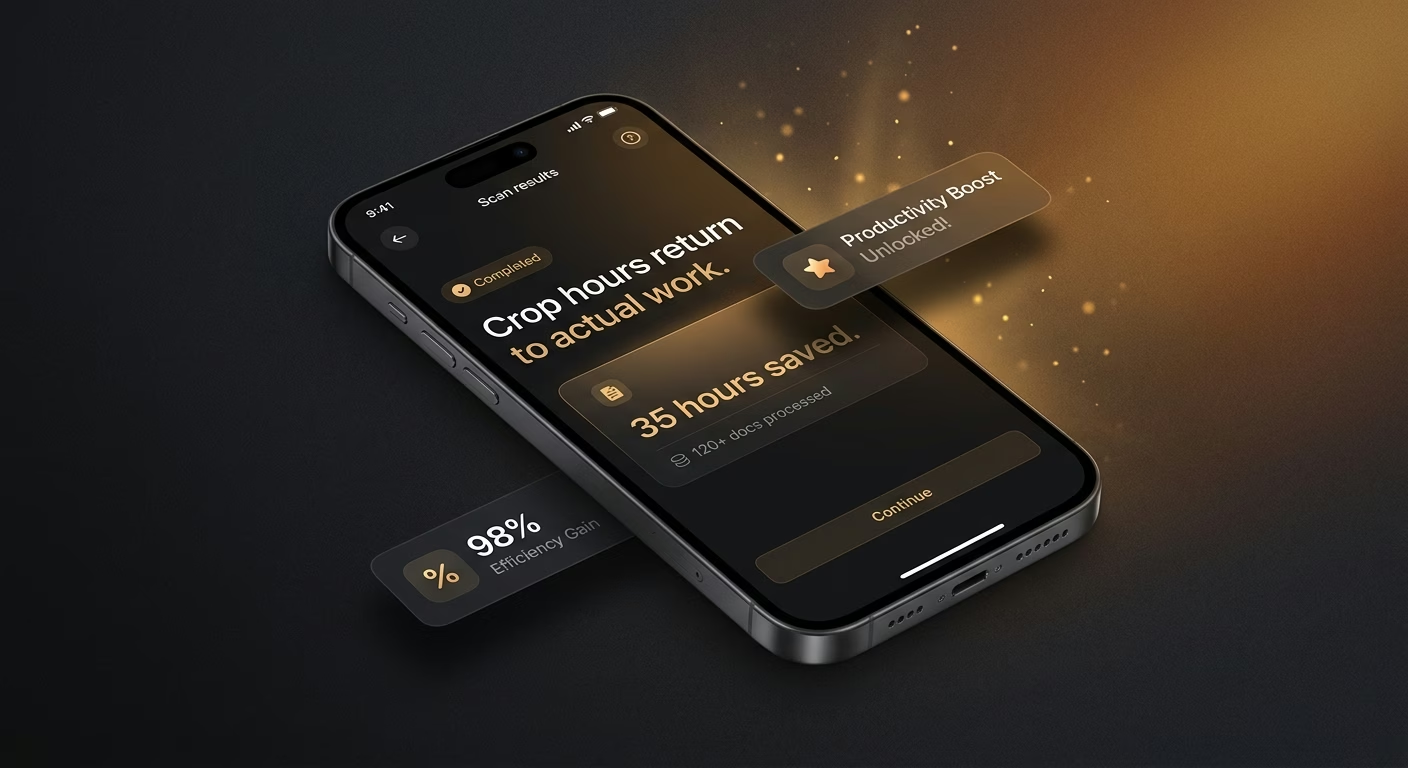
Crop hours return to actual work
Detection services with boundary recognition replace manual cropping, so crop hours return to actual work and knowledge output rests on frictionless capture rather than tedious minutes in image editors squaring up phone photos of documents.

Document text becomes searchable immediately
Extraction services with high-accuracy OCR replace image-only scans, so document text becomes searchable immediately and knowledge retrieval rests on indexed content rather than the impossibility of finding information locked inside picture-format scans.
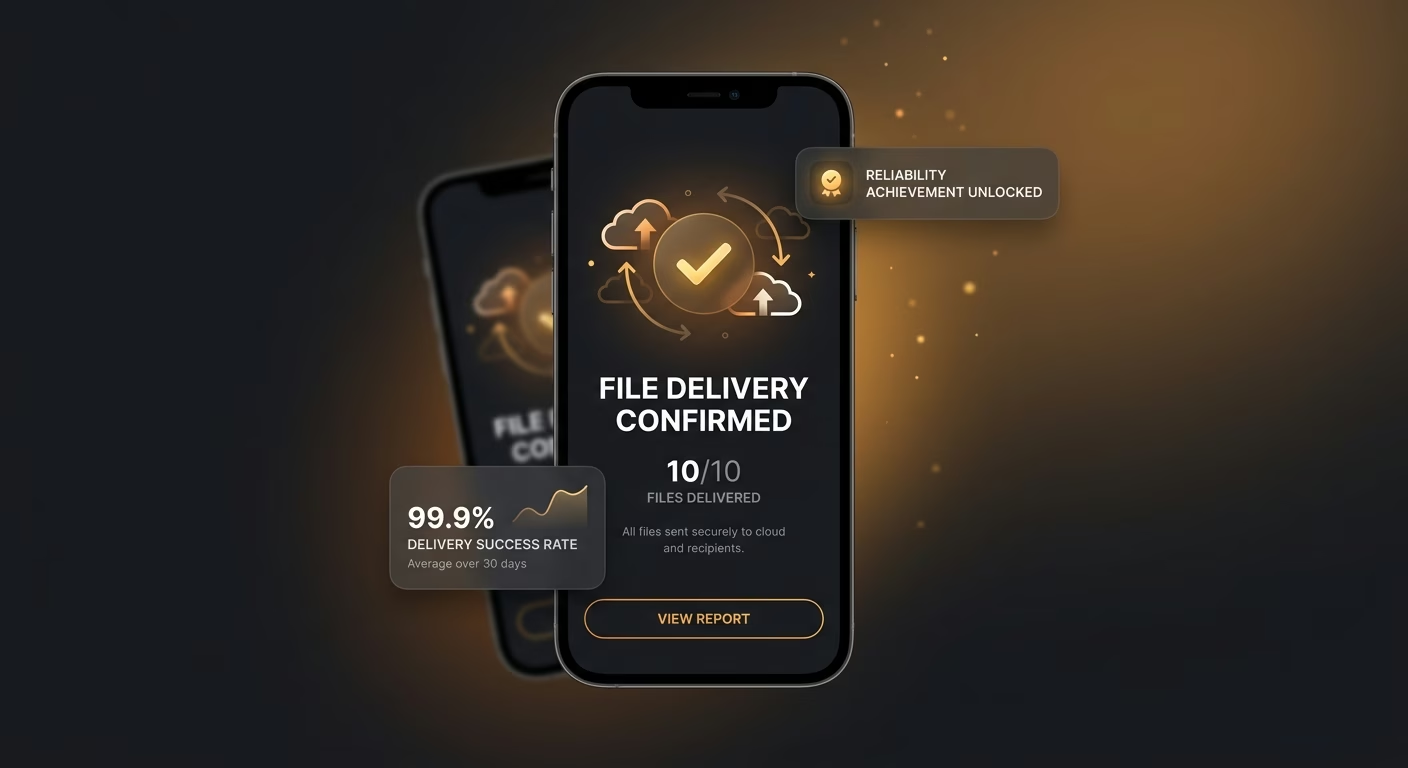
File delivery reaches destinations reliably always
Export services with cloud destinations replace email attachments, so file delivery reaches destinations without friction and document workflow rests on structured routing rather than scanned files lost in email threads never reaching the right folder.
How Emergent Turns Your Idea Into an App
Create a pdf scanner app that manages camera capturing, edge detecting, ocr extracting, cloud exporting, and pdf scanner operations from one platform.



A Real Scanner Platform Beyond Desktop Boxes
Desktop scanner coordination retires quietly always.
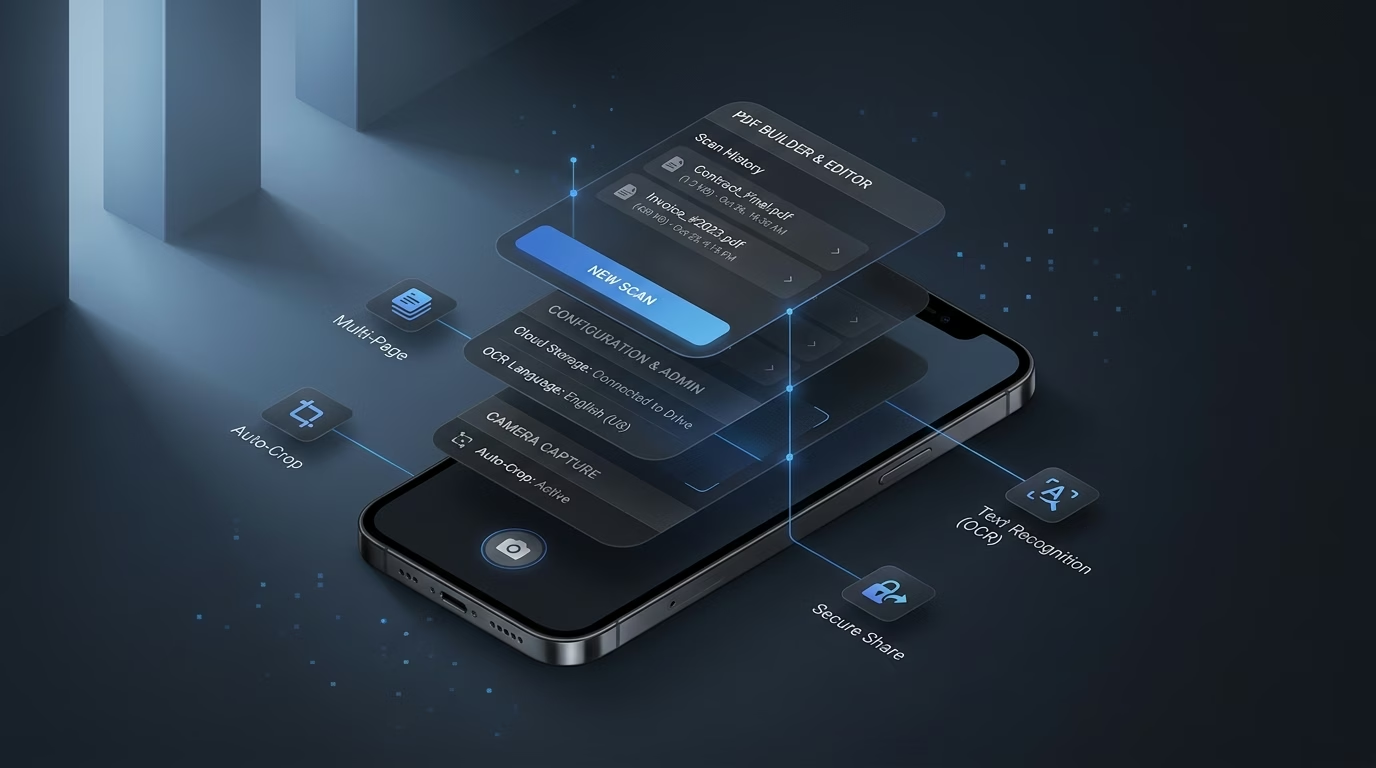
End-to-end app development for your business
Turn ideas and spreadsheets into fully functional internal apps your team can actually use, not just plan on paper.
 Describe, don’t code:Write what you need in plain language and instantly generate the layout, components, and logic.
- Full UI in one go:Create full pages with forms, tables, filters, and charts in a single automated pass.
- Use the data you already have:Connect your spreadsheets or datasets quickly and turn them into interactive dashboards.
Camera intake works from any mobile device
Desktop scanners tether users to office hardware. Capture services with mobile cameras and quality guides preserve capture flexibility across every field moment reliably always cleanly.
- Mobile cameras
- Quality guides
- Multi-page batching
- Low-light handling
End-to-end app development for your business
Turn ideas and spreadsheets into fully functional internal apps your team can actually use, not just plan on paper.
- Describe, don’t code:Write what you need in plain language and instantly generate the layout, components, and logic.
- Full UI in one go:Create full pages with forms, tables, filters, and charts in a single automated pass.
- Use the data you already have:Connect your spreadsheets or datasets quickly and turn them into interactive dashboards.
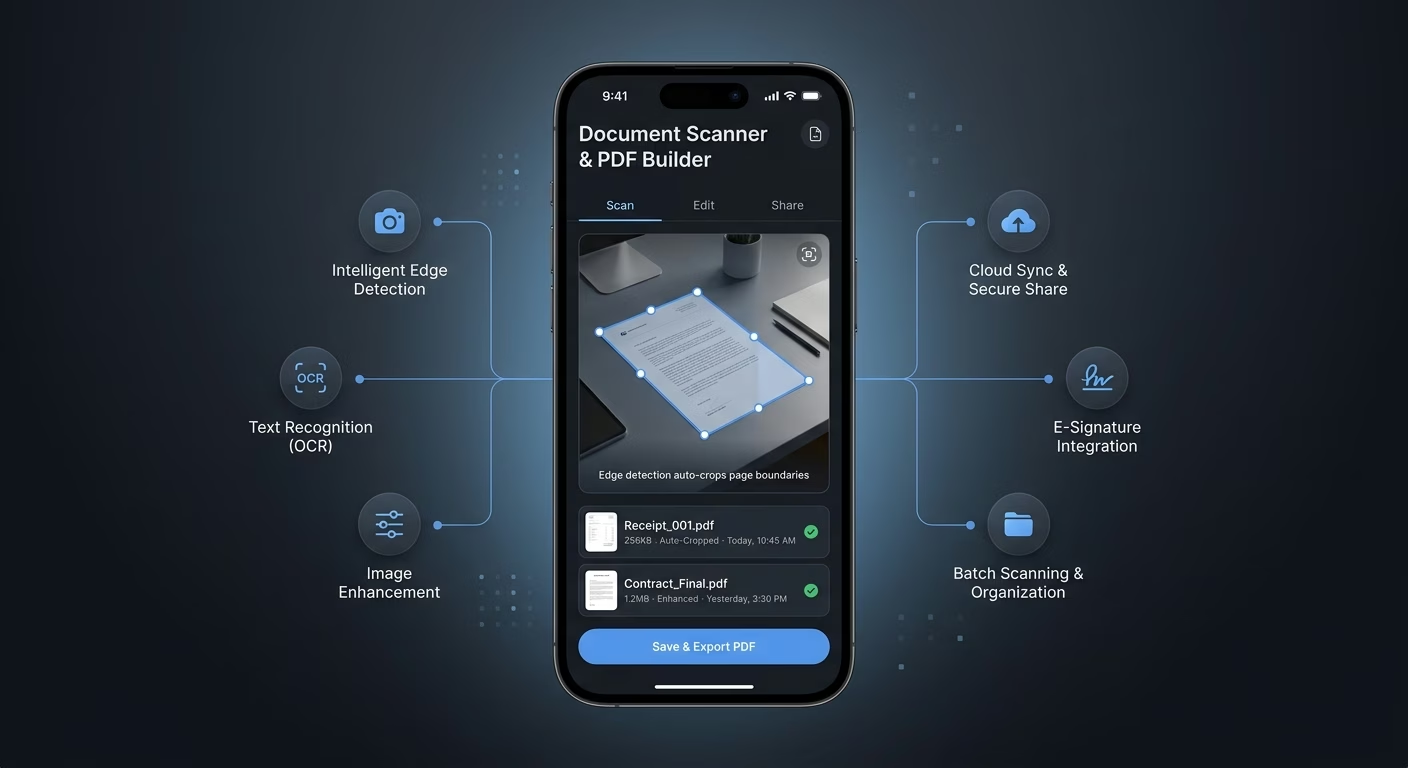
Edge detection auto-crops page boundaries
Manual cropping wastes minutes per page. Detection services with boundary recognition and perspective correction preserve document geometry across every scanned page reliably always cleanly.
- Boundary recognition
- Perspective correction
- Shadow removal
- Auto-rotate
End-to-end app development for your business
Turn ideas and spreadsheets into fully functional internal apps your team can actually use, not just plan on paper.
- Describe, don’t code:Write what you need in plain language and instantly generate the layout, components, and logic.
- Full UI in one go:Create full pages with forms, tables, filters, and charts in a single automated pass.
- Use the data you already have:Connect your spreadsheets or datasets quickly and turn them into interactive dashboards.
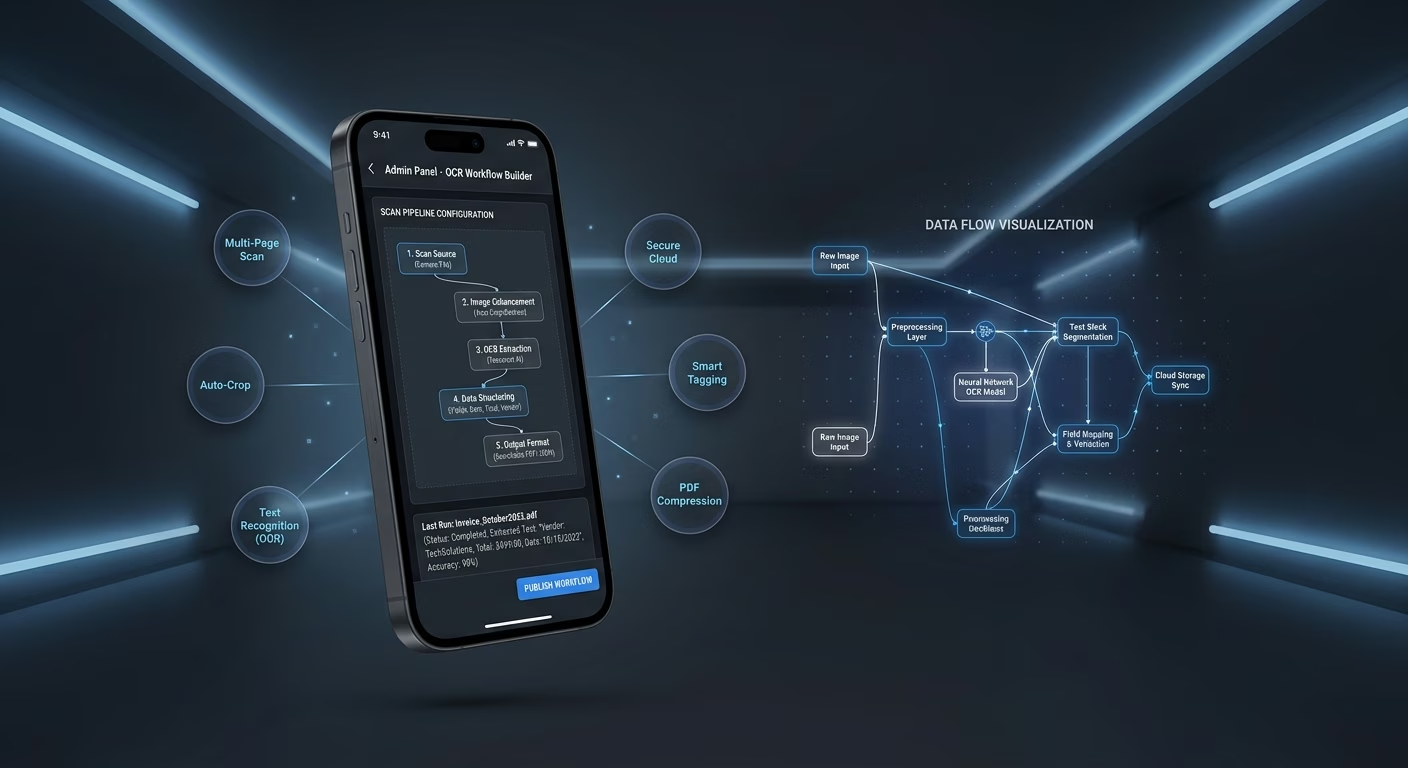
OCR extraction pulls text from scanned images
Image-only scans force retyping. Extraction services with high-accuracy OCR and language detection preserve text usability across every extracted document reliably always cleanly.
- High-accuracy OCR
- Language detection
- Formatting preservation
- Handwriting support

End-to-end app development for your business
Turn ideas and spreadsheets into fully functional internal apps your team can actually use, not just plan on paper.
- Describe, don’t code:Write what you need in plain language and instantly generate the layout, components, and logic.
- Full UI in one go:Create full pages with forms, tables, filters, and charts in a single automated pass.
- Use the data you already have:Connect your spreadsheets or datasets quickly and turn them into interactive dashboards.
Cloud export sends files where they need to go
Email attachment sending scatters files. Export services with cloud destinations and format options preserve delivery clarity across every exported scan reliably always cleanly.
- Cloud destinations
- Format options
- File naming rules
- Direct-share links
Connect Your Scanner Stack

Capture & Detection
Coordinate camera capture and edge detection across one scanner workspace.
- Camera capture services
- Edge detection engines
- Auto-crop tools
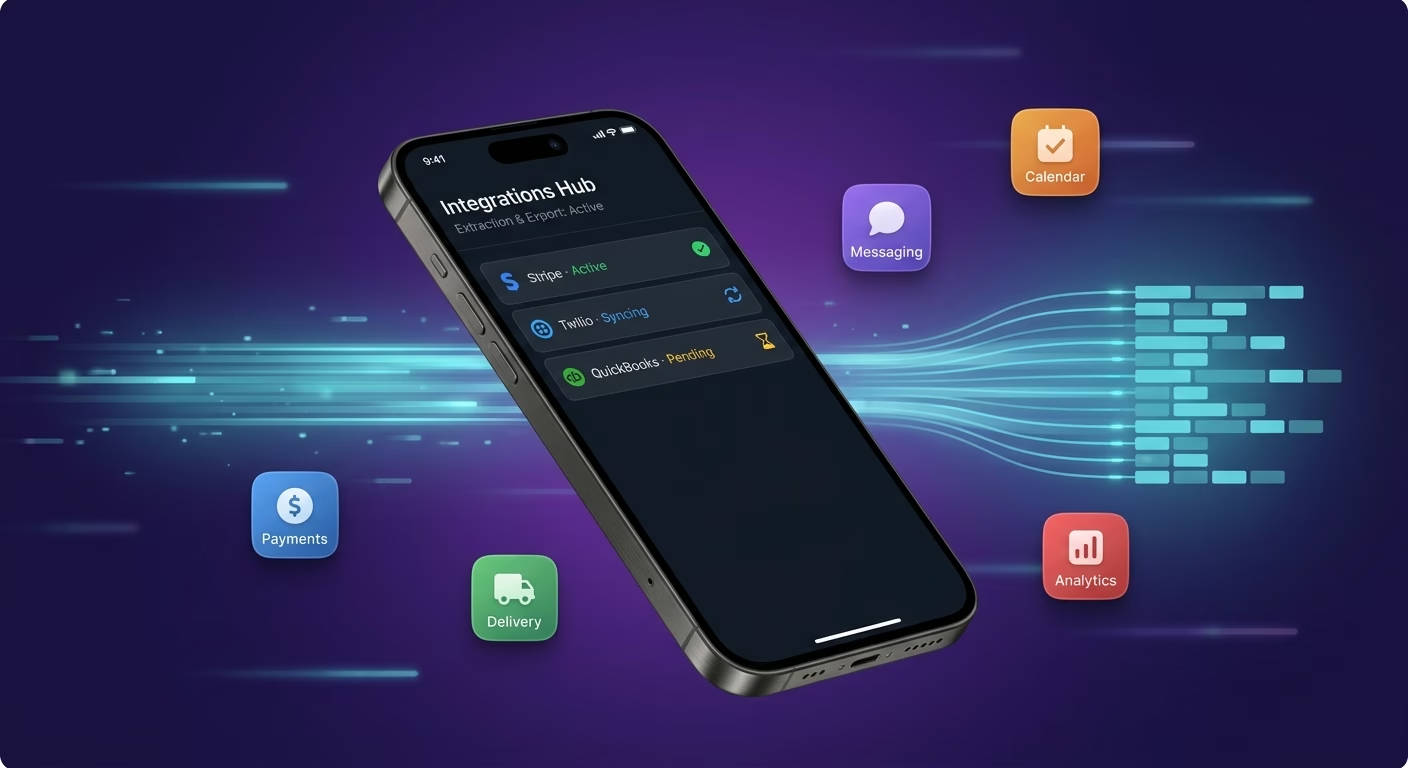
Extraction & Export
Sync ocr extraction and cloud export across every document cycle.
- OCR extraction tools
- Cloud export systems
- Batch processing engines
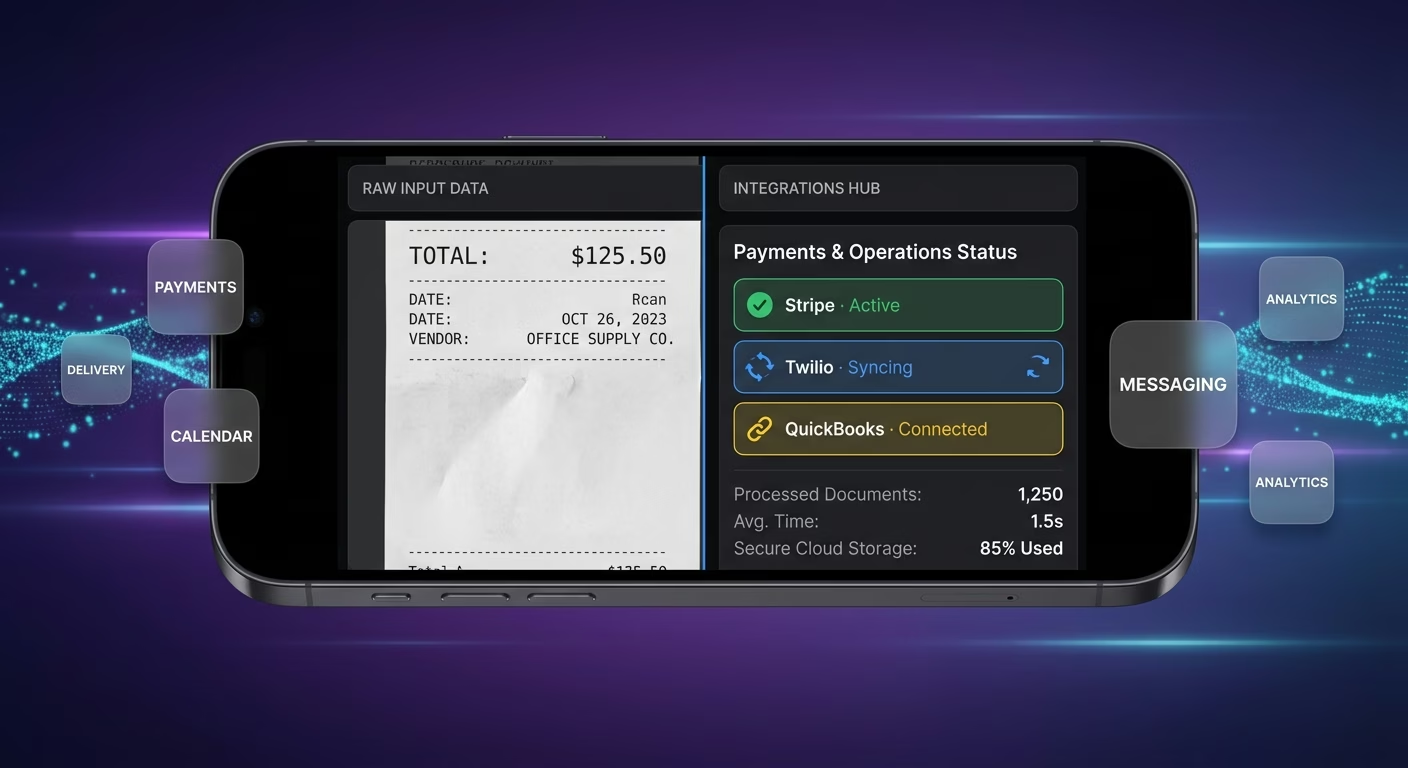
Payments & Operations
Connect Stripe, PayPal or Razorpay and operational tools through APIs.
- Payment infrastructure
- Premium tier tools
- Storage upgrade systems
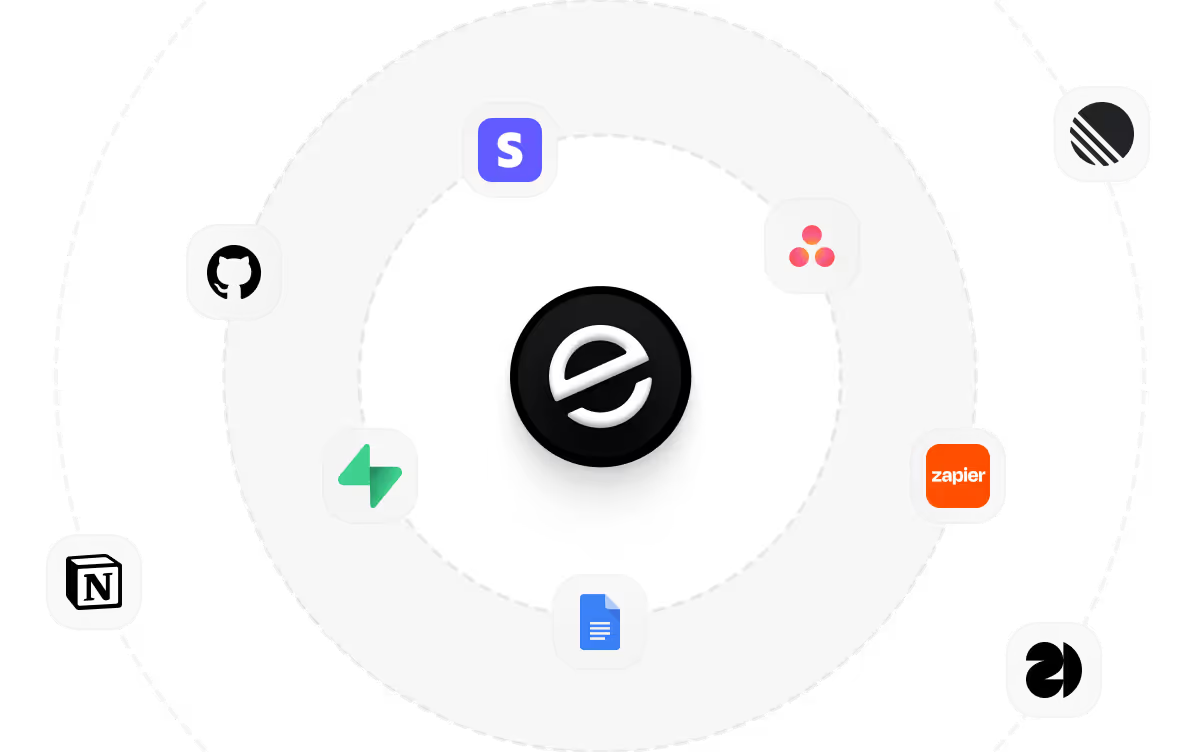
Extract And Export, Connected
Scanning coordination fragments across desktop scanner queues and manual image editor workflows, so Emergent connects external tools through APIs and scanning motion aligns cleanly across every document cycle.

How to Create a PDF Scanner App
Create a pdf scanner app that manages camera capturing, edge detecting, ocr extracting, cloud exporting, and pdf scanner operations from one platform.
01 Choose the right app building approach
You can hire a developer, use a traditional app builder, or use an AI-powered platform like Emergent. AI app builders help knowledge workers and field ops teams launch and manage pdf scanner apps without technical complexity or extended development timelines.
02 Plan your capture and detection workflows
Decide how camera capture should work, how edge detection should behave, how ocr extraction should function, how cloud export should track, and how knowledge workers and field ops teams should review before building.
03 Build your pdf scanner app
Describe your camera capture, edge detection, ocr extraction, and cloud export needs, and the app is generated around your actual pdf scanner workflows.
04 Add extraction and export systems
Set up camera capture, edge detection, ocr extraction, and cloud export so knowledge workers and field ops teams run pdf scanner operations without the fragmentation that desktop-scanner-and-crop tools create.
05 Connect payments and operational tools
Connect payment gateways like Stripe, PayPal, or Razorpay alongside camera capture services and edge detection engines, ocr extraction tools and cloud export systems, and notification infrastructure to support pdf scanner operations.
06 Test the app before publishing
Check camera capture, edge detection, ocr extraction, cloud export, mobile performance, and knowledge worker experience before launch.
07 Publish and grow your pdf scanner app
Launch the app and continue managing capture, detection, and operations as knowledge workers and field ops teams use the platform.
Retire Desktop Scanner And Manual Crop Cycles
A field worker without a desktop scanner cannot capture documents cleanly or convert them to editable text without retyping. A platform where capture, detection, extraction, and export connect ends the desktop dependency.

Remote capture happens beyond a desktop scanner
Desktop scanners tether documents to office hardware. Capture services with mobile cameras happen without desktop scanners reliably always.
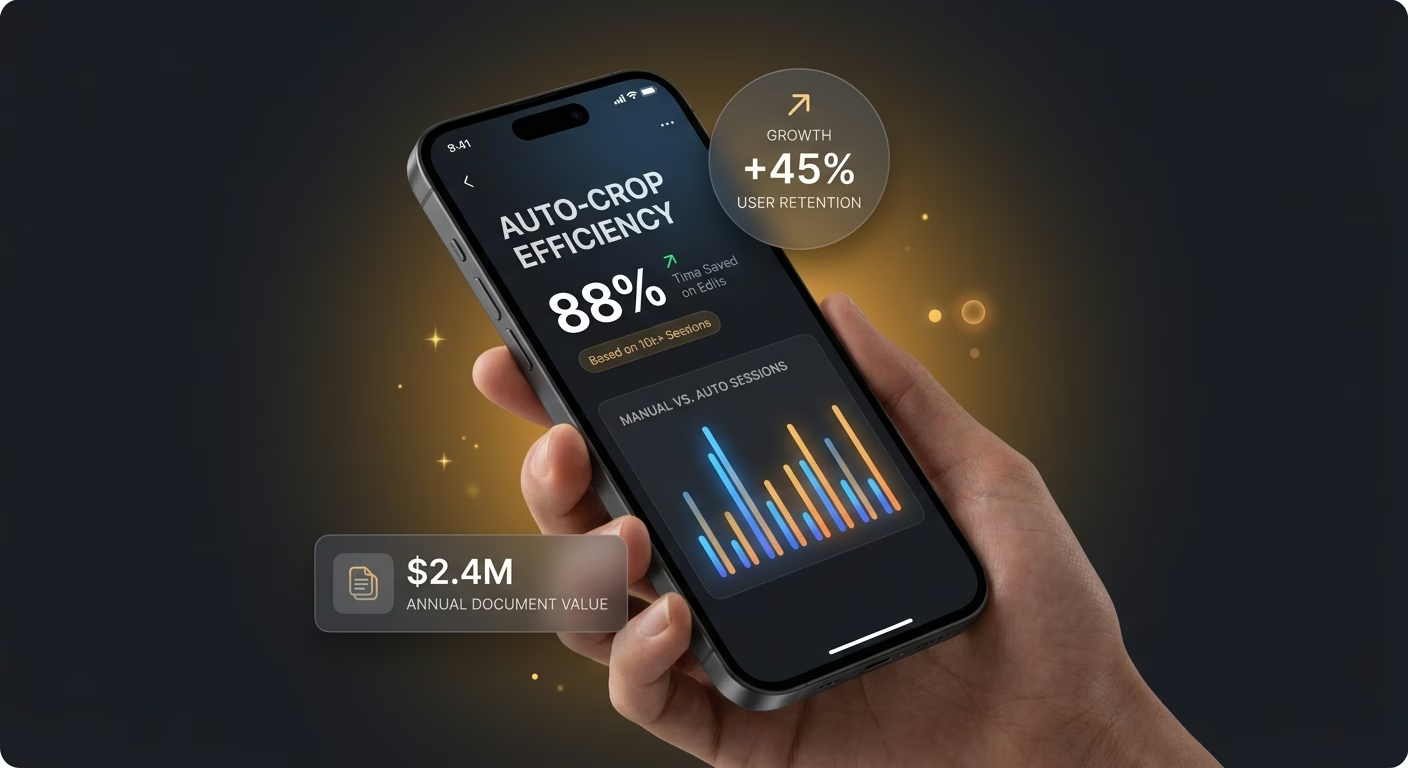
Auto-crop replaces manual image edit sessions
Manual cropping in image editors takes minutes per page. Detection services with auto-crop replace manual sessions reliably always cleanly.
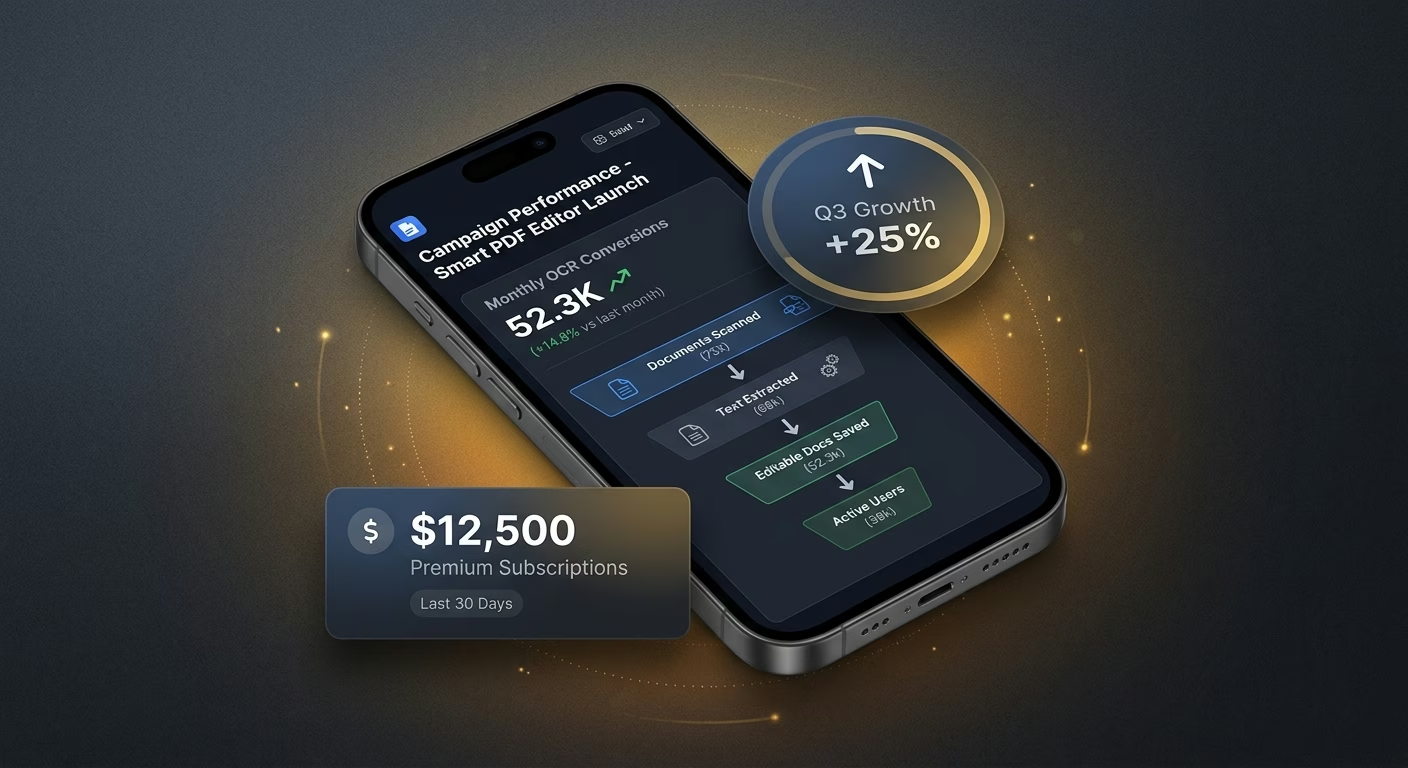
Text turns editable through machine reading
Image scans force manual retyping into text form. Extraction services with OCR make text editable without retyping reliably.
Pick the Pricing Plan That Works for You
Choose the plan that fits your building ambitions. From weekend projects to enterprise applications, we've got you covered.
No credit card required*


Frequently Asked Questions
Your Questions, Answered
Don't change this element unless you know what you are doing
on Emergent today




