

Build a Real Estate Video Editing App That Turns Raw Walkthrough Footage Into Polished Cuts with AI
Create your real estate video editing app in minutes with AI. Run clip trimming, transition effects, music overlay, and export presets without coding.










Why Emergent for Real Estate Video Editing Apps?
Agents lose entire evenings inside heavy desktop editors and still ship cuts that look choppy and off-brand. On Emergent, describe what you need and it builds your real estate video editing app.
| Traditional Builders |  |
|
|---|---|---|
| Creation & Setup | Limited templates with lengthy setup and multiple manual steps | Fully customizable real estate video editing app created instantly using plain English prompts |
| Design | Limited design flexibility | AI-driven, personalized design layouts that match your brand |
| Editing Logic | No trim or effect fields | Handle trims and effects natively using prompts |
| Custom Domain | Requires purchasing a domain and manual DNS configuration setup | Just share your domain. We handle DNS setup with SSL included |
| Time to Launch | Can take up to days and weeks | Launch in just a few minutes to hours |
| Payment & Checkout | Limited plugins and integrations | Accept global payments in any currency by connecting gateways with API keys |
| Export Presets | Presets live scattered across editors | Save every preset through prompts |
| SEO | Basic tools with heavy manual effort | Improve SEO instantly using prompts. No technical setup needed |
| Scaling | Limited scalability with performance constraints and risk of data loss | Scale your app anytime by reopening the chat and expanding with prompts |
| Maintenance & Updates | Requires manual updates, bug fixes, and ongoing management | Easily update and improve your app anytime using simple prompts |

Why Real Estate Video Editing Apps Get Adopted

Cuts finish in a fraction of the time
Clip trimming services with waveform cuts speed each pass, so cuts finish in a fraction of the time desktop editors typically demand for the same identical result.
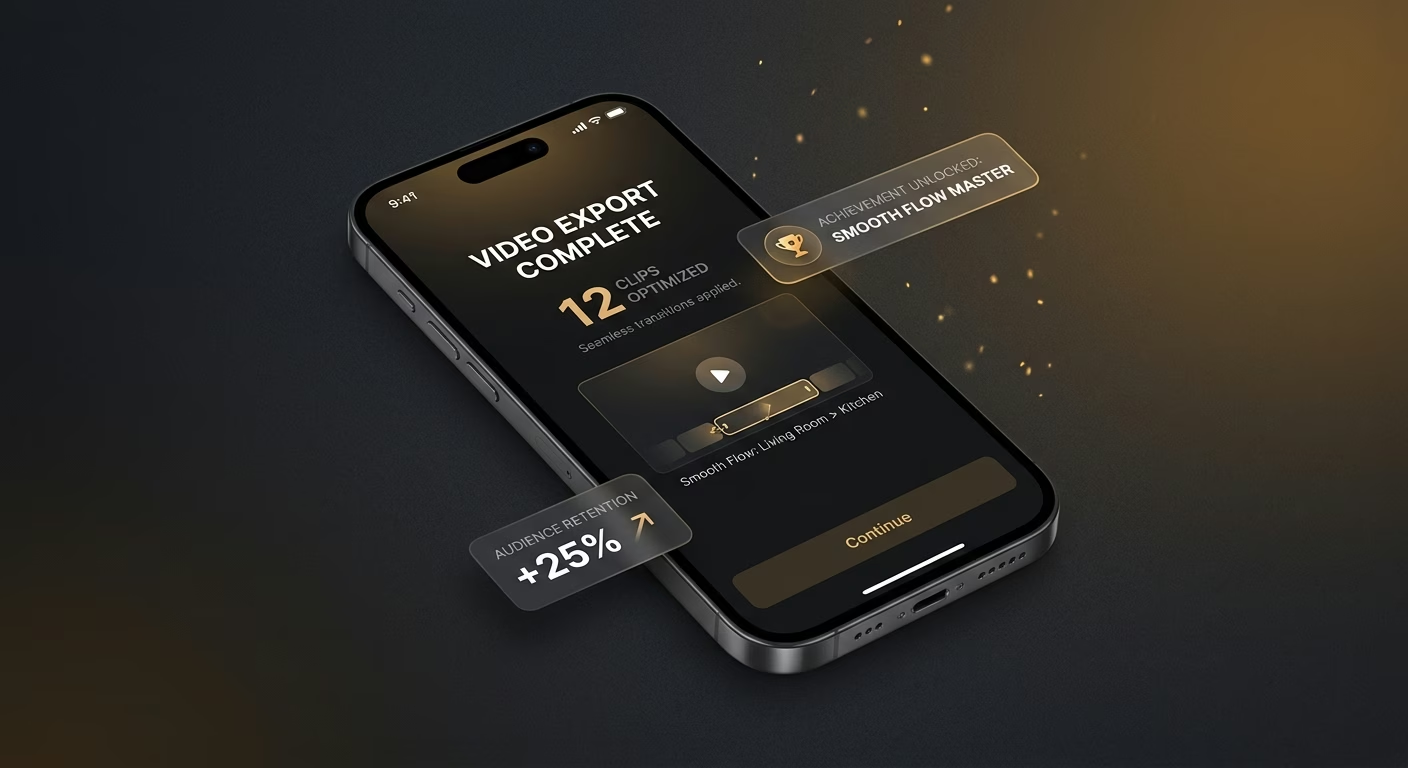
Cuts flow smoothly from shot to shot
Transition effect engines with auto detection refine each edit, so cuts flow smoothly from shot to shot and stop jarring viewers with rough, ugly hand-offs between clips.

Every walkthrough rides the right beat
Music overlay tools with track fitting anchor each edit, so every walkthrough rides the right beat and holds viewer attention the way silent walkthroughs never quite manage.
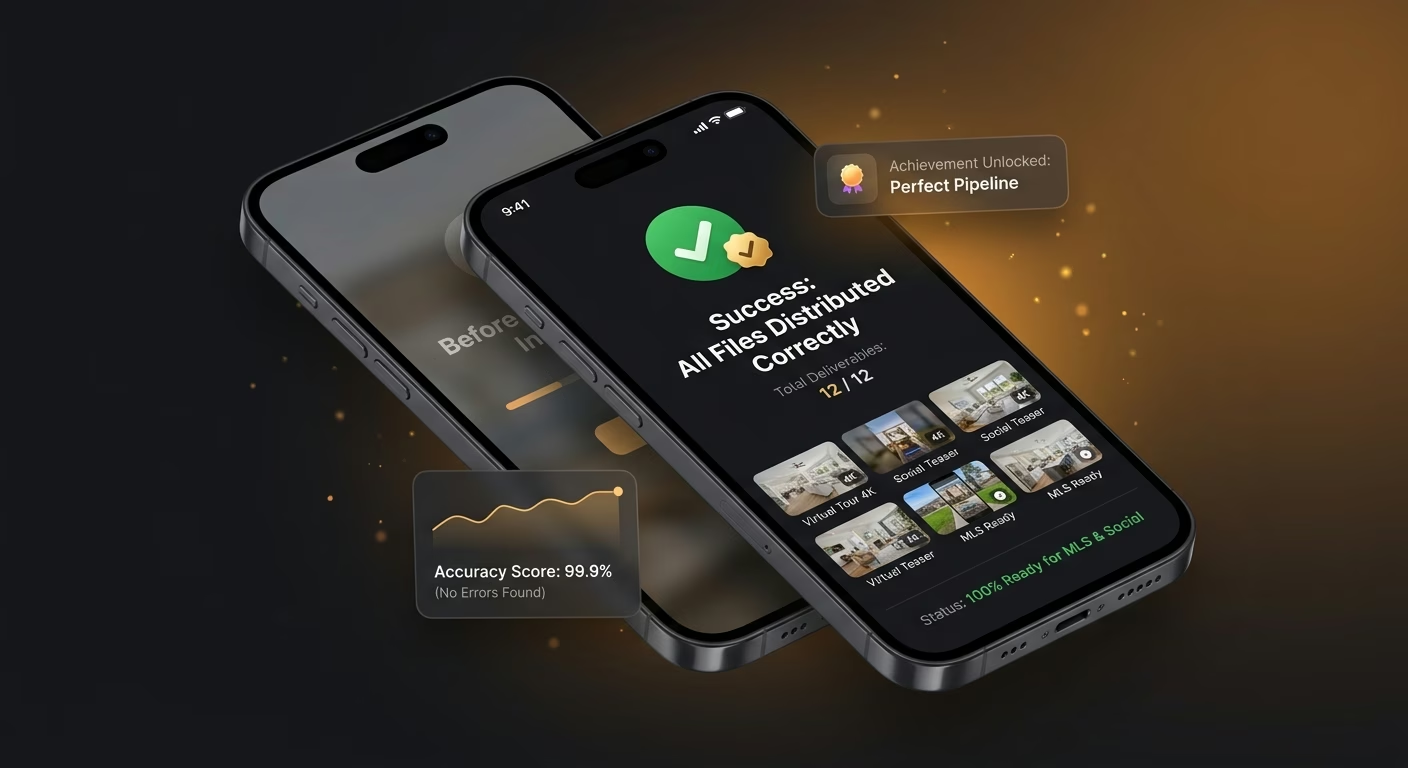
Distribution files ship correct every time
Export preset services with locked settings finalize each render, so distribution files ship correct every time and never come back mis-sized from a portal or feed.
How Emergent Turns Your Idea Into an App
Create a real estate video editing app that manages clip trimming, transition effects, music overlay, export presets, and post-production coordination from one platform.





Finish Cuts in a Fraction of the Time
Give agents a fast finishing pipeline.

End-to-end app development for your business
Turn ideas and spreadsheets into fully functional internal apps your team can actually use, not just plan on paper.
 Describe, don’t code:Write what you need in plain language and instantly generate the layout, components, and logic.
- Full UI in one go:Create full pages with forms, tables, filters, and charts in a single automated pass.
- Use the data you already have:Connect your spreadsheets or datasets quickly and turn them into interactive dashboards.
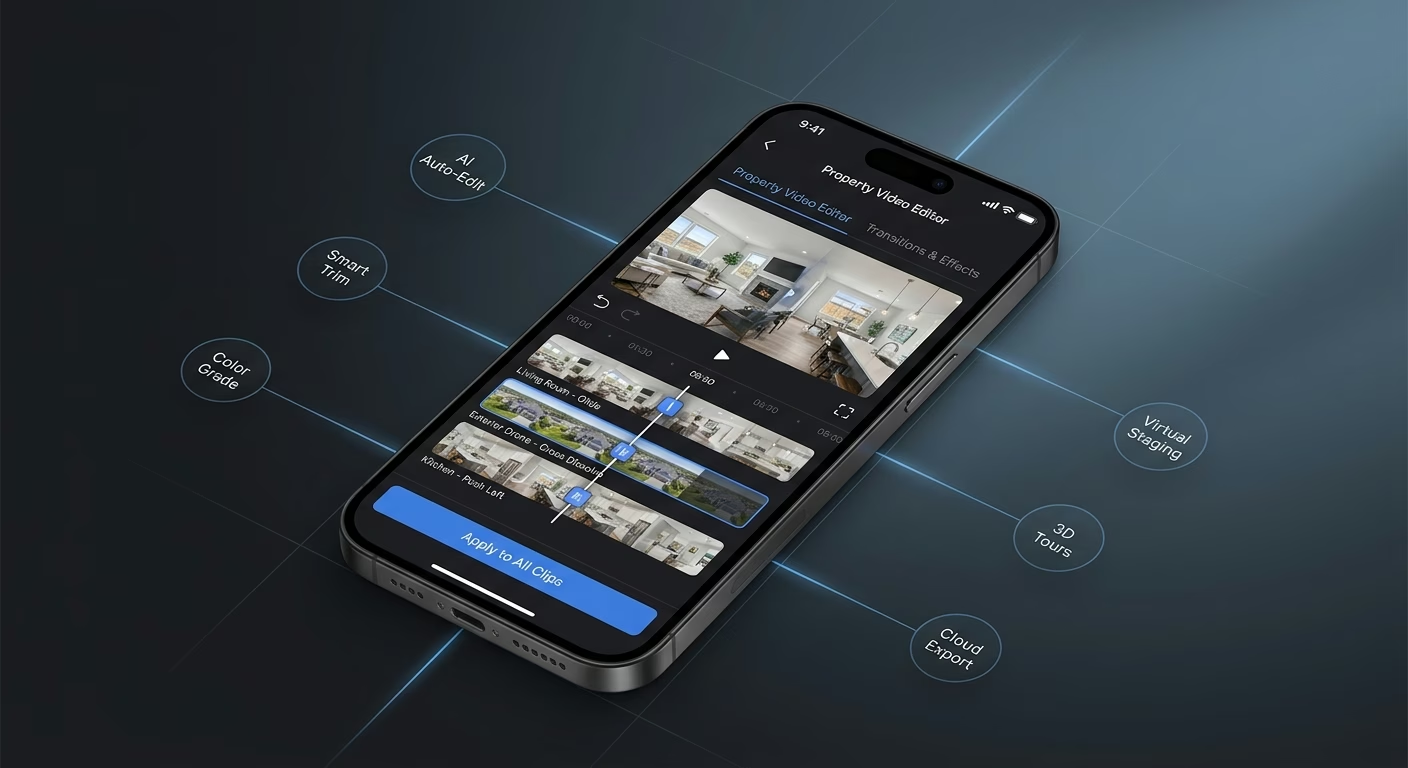
Takes trimmed straight on the timeline
Rough takes waste time. Trim infrastructure lets agents cut straight on the timeline so unusable material disappears in seconds instead of minutes.
- Timeline scrub trimming
- Waveform-aware cuts
- Take marker keeps
- Snap-to-cut cleanup
End-to-end app development for your business
Turn ideas and spreadsheets into fully functional internal apps your team can actually use, not just plan on paper.
- Describe, don’t code:Write what you need in plain language and instantly generate the layout, components, and logic.
- Full UI in one go:Create full pages with forms, tables, filters, and charts in a single automated pass.
- Use the data you already have:Connect your spreadsheets or datasets quickly and turn them into interactive dashboards.
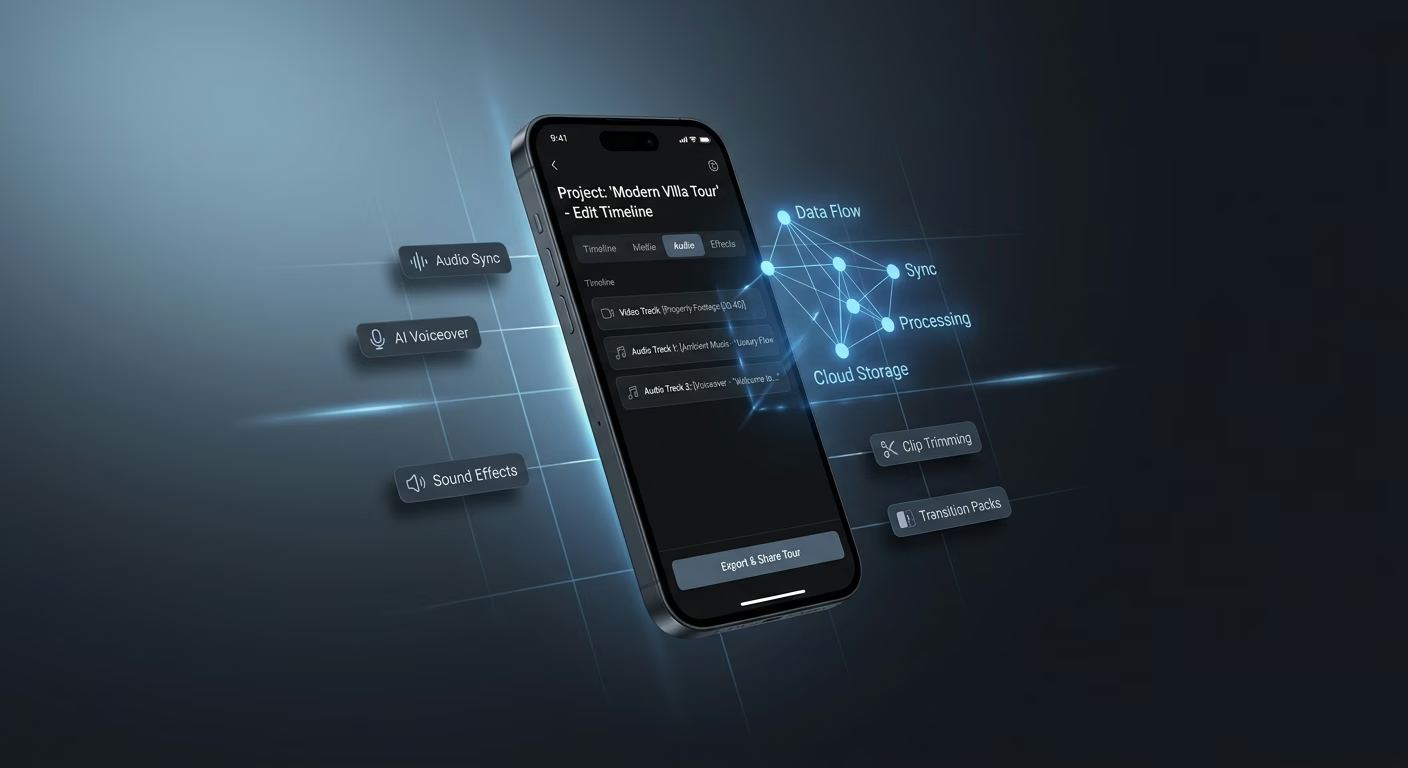
Transitions applied without heavy tools
Manual dissolves drag. Transition infrastructure applies effects between shots without heavy tools so each hand-off feels intentional and clean.
- Preset transition styles
- Auto-detect cut points
- Transition length control
- Preview before commit
End-to-end app development for your business
Turn ideas and spreadsheets into fully functional internal apps your team can actually use, not just plan on paper.
- Describe, don’t code:Write what you need in plain language and instantly generate the layout, components, and logic.
- Full UI in one go:Create full pages with forms, tables, filters, and charts in a single automated pass.
- Use the data you already have:Connect your spreadsheets or datasets quickly and turn them into interactive dashboards.
Music layered under the property tour
Silent walkthroughs fall flat. Music infrastructure layers licensed tracks under the walkthrough so the cut rides a soundtrack and holds attention on beat.
- Licensed music library
- Beat-aware track fitting
- Duck-under-narration mixing
- Fade-in and fade-out control
End-to-end app development for your business
Turn ideas and spreadsheets into fully functional internal apps your team can actually use, not just plan on paper.
- Describe, don’t code:Write what you need in plain language and instantly generate the layout, components, and logic.
- Full UI in one go:Create full pages with forms, tables, filters, and charts in a single automated pass.
- Use the data you already have:Connect your spreadsheets or datasets quickly and turn them into interactive dashboards.
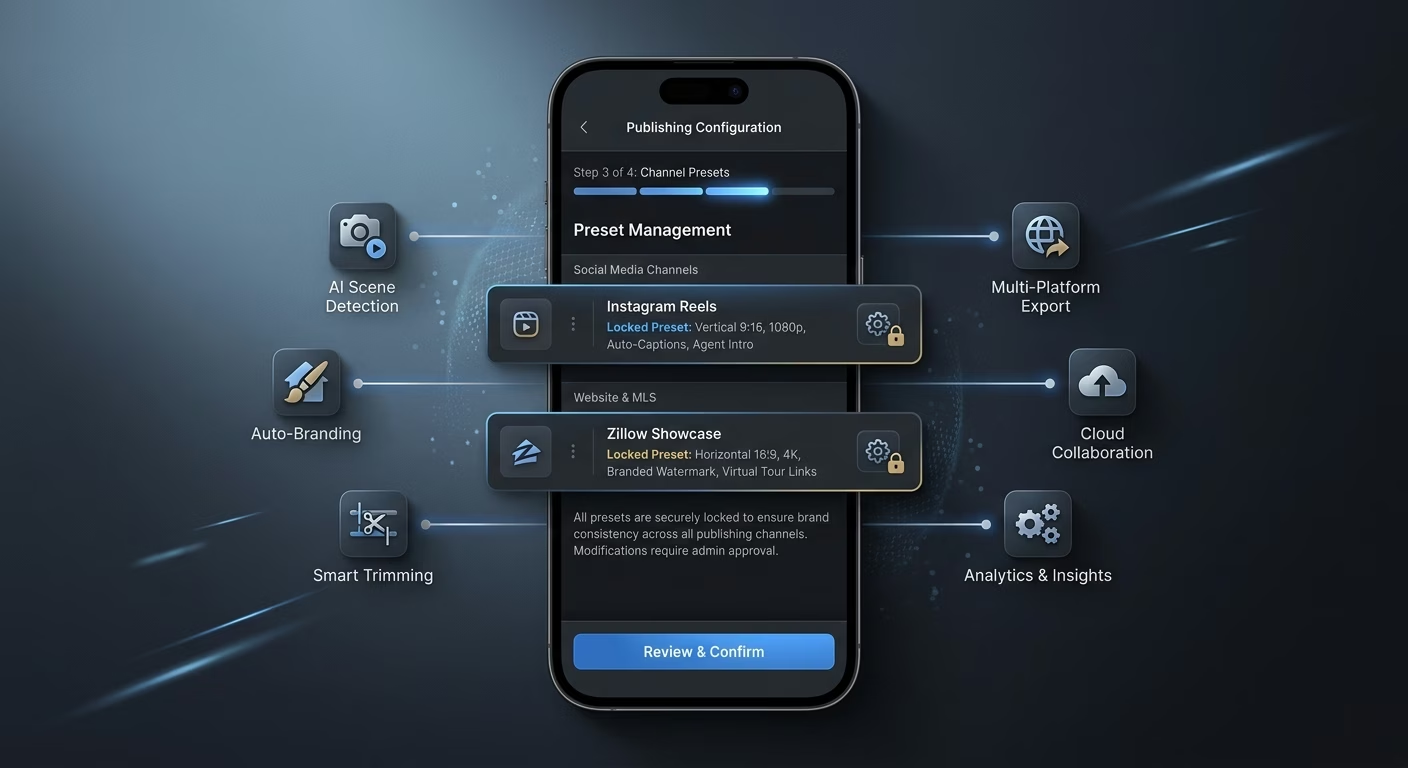
Presets locked for every publishing channel
Manual settings vary. Preset infrastructure locks presets for every distribution channel so exports fire correctly on the first try.
- Channel-ready presets
- Aspect and length locks
- Bitrate and codec sets
- One-tap batch export
Connect Your Editing Stack
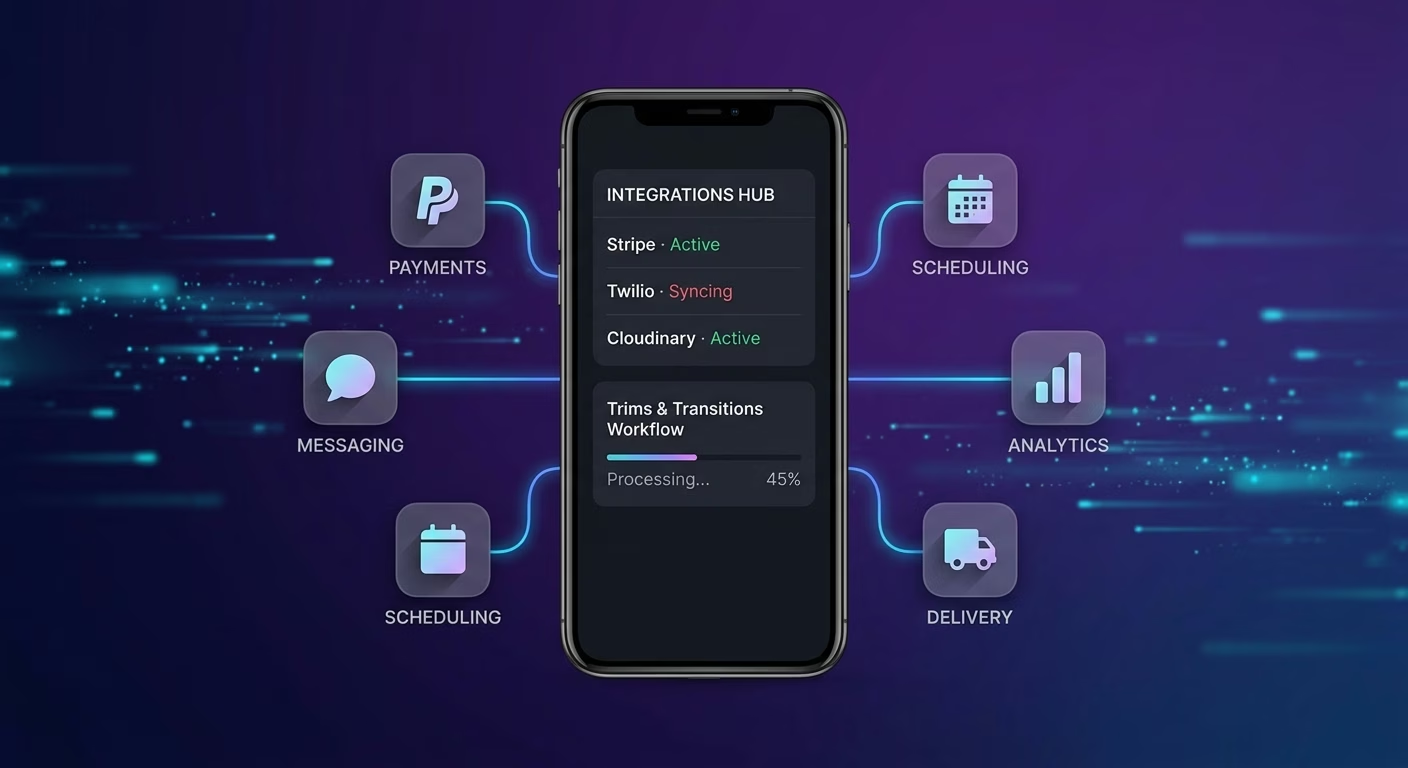
Trims & Transitions
Coordinate clip trimming and transition effects across one post-production workspace
- Clip trimming services
- Transition effect engines
- Timeline render APIs
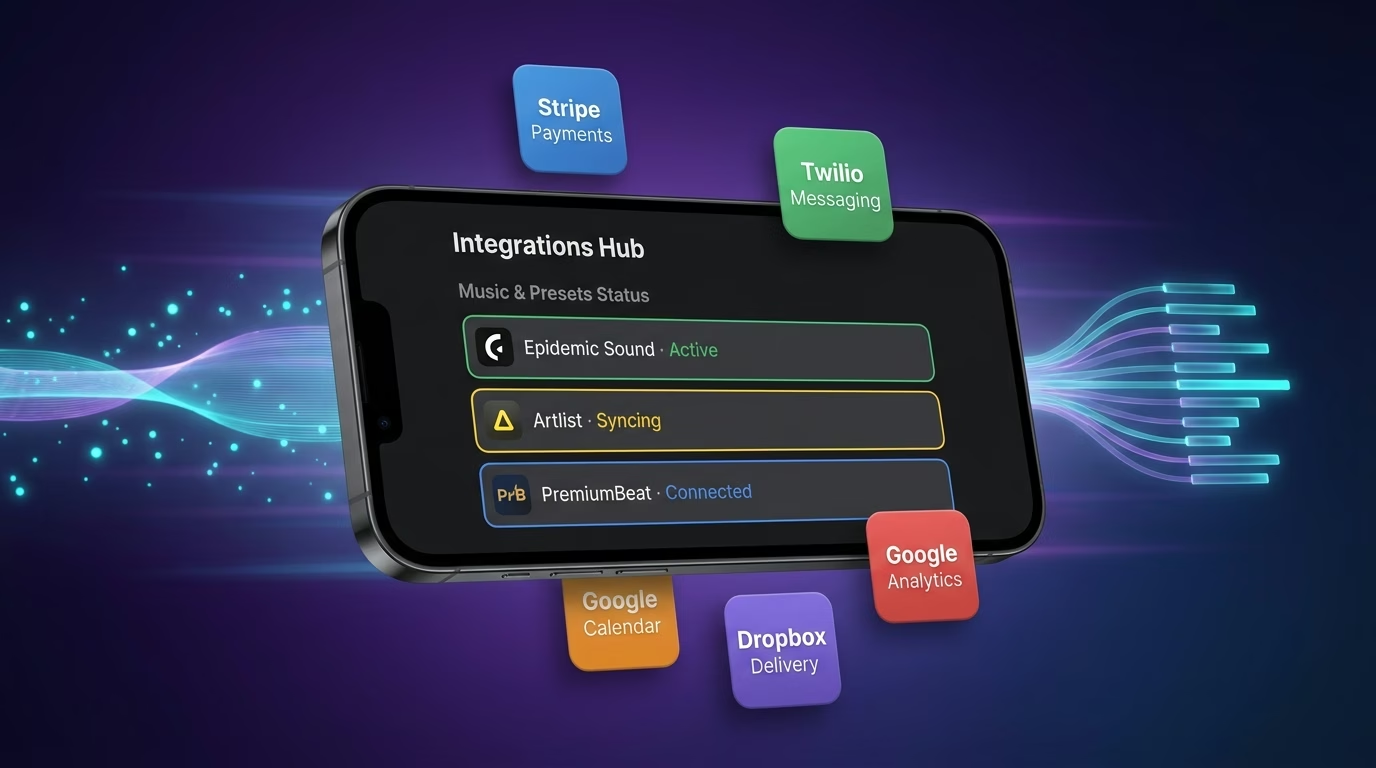
Music & Presets
Sync music overlay and export presets across every finished cut
- Music overlay tools
- Export preset services
- Media library APIs
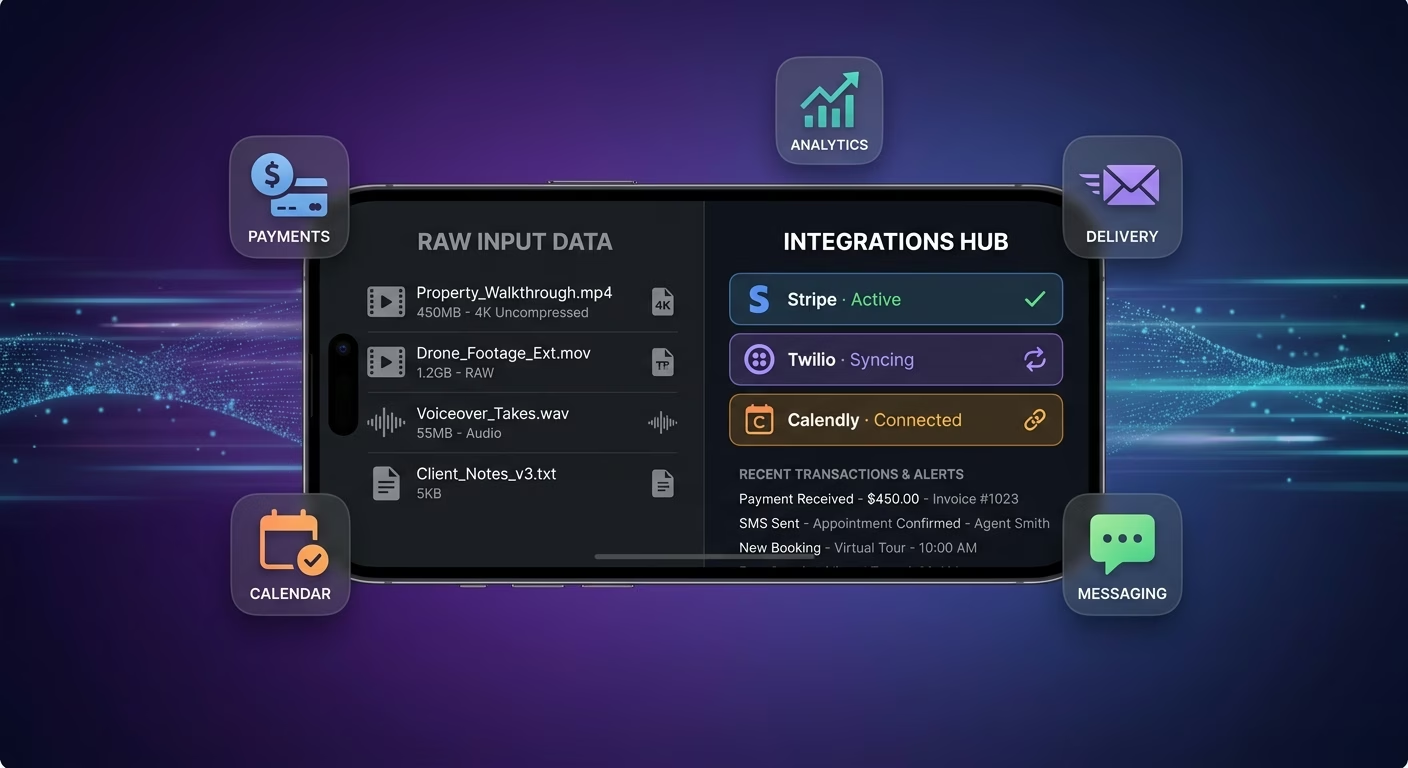
Payments & Operations
Connect Stripe, PayPal or Razorpay and operational tools through APIs
- Payment infrastructure
- Subscription tools
- Operations and workflow systems
Timelines And Presets, Connected
Cuts drag when raw takes, transitions, and export presets live across editors and folders, so Emergent connects external systems through APIs and everything aligns as agents finish.

How to Create a Real Estate Video Editing App
Create a real estate video editing app that manages clip trimming, transition effects, music overlay, export presets, and post-production coordination from one platform.
01 Choose the right app building approach
You can hire a developer, use a traditional app builder, or use an AI-powered platform like Emergent. AI app builders help agents and editors launch and manage editing apps without technical complexity or extended development timelines.
02 Plan your trimming and preset workflows
Decide how takes should trim, how transitions should apply, how music should layer, how presets should render, and how editors should review before building.
03 Build your real estate video editing app
Describe your trim rules, transition styles, music library, and export settings, and the app is generated around your actual post-production workflows.
04 Add trimming systems and preset workflows
Set up clip trimming, transition effects, music overlay, and export presets so agents finish polished cuts in a fraction of the time a desktop editor demands.
05 Connect payments and operational tools
Connect payment gateways like Stripe, PayPal, or Razorpay alongside clip trimming services, transition effect engines, music overlay tools, and notification infrastructure to support editing operations. On Emergent, these systems can be connected easily through APIs.
06 Test the app before publishing
Check clip trimming, transition effects, music overlay, export presets, mobile performance, and editor experience before launch.
07 Publish and grow your real estate video editing app
Launch the app and continue managing trims, transitions, and presets as agents finish cuts.
Finish Polished Cuts in a Fraction of the Time
Editing inside heavy desktop tools eats evenings that should be spent selling. A focused editing flow finishes polished cuts in a fraction of the time and hands the calendar back to real client work.
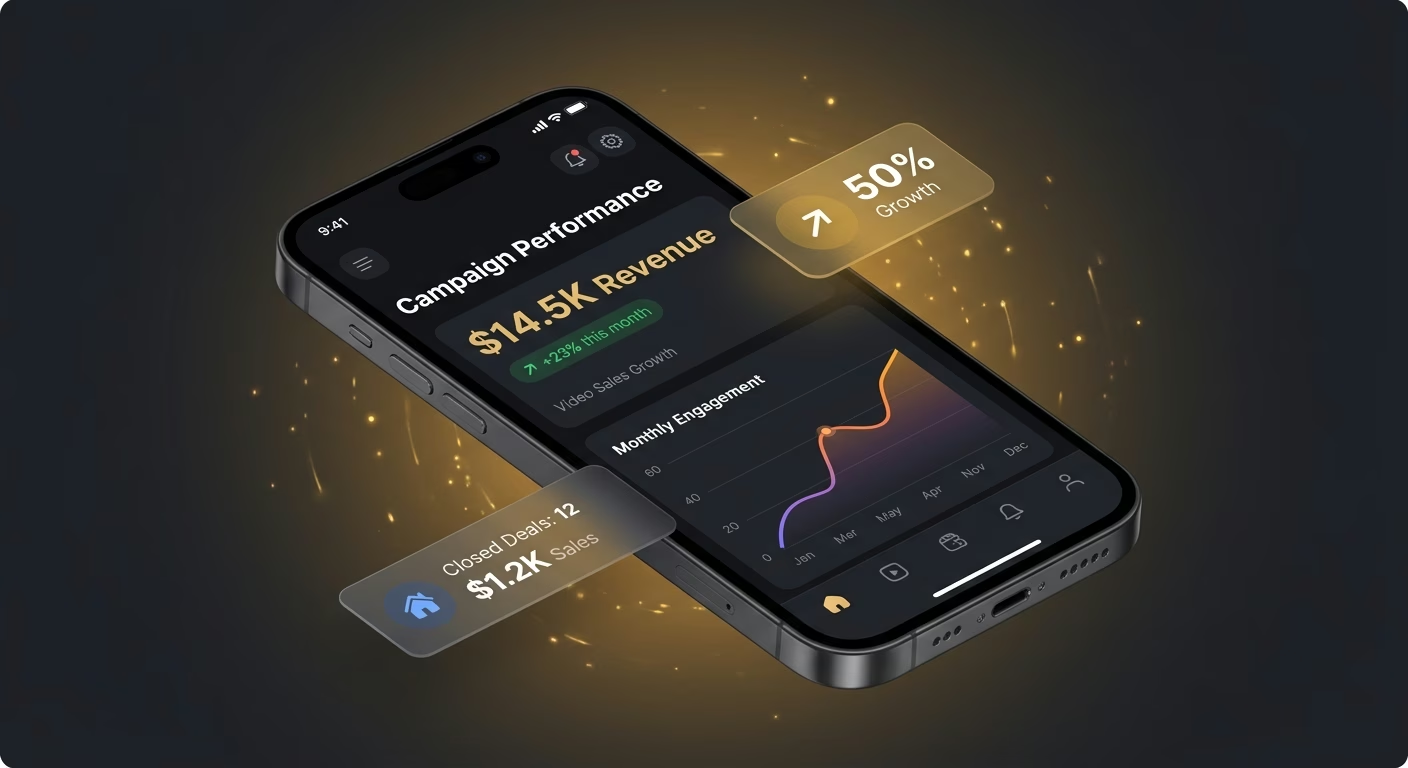
Desktop editors devour selling evenings
An agent grinding inside a desktop editor loses the evenings meant for client work. The focused mobile flow that trims and finishes fast hands those hours back to selling and follow-up.
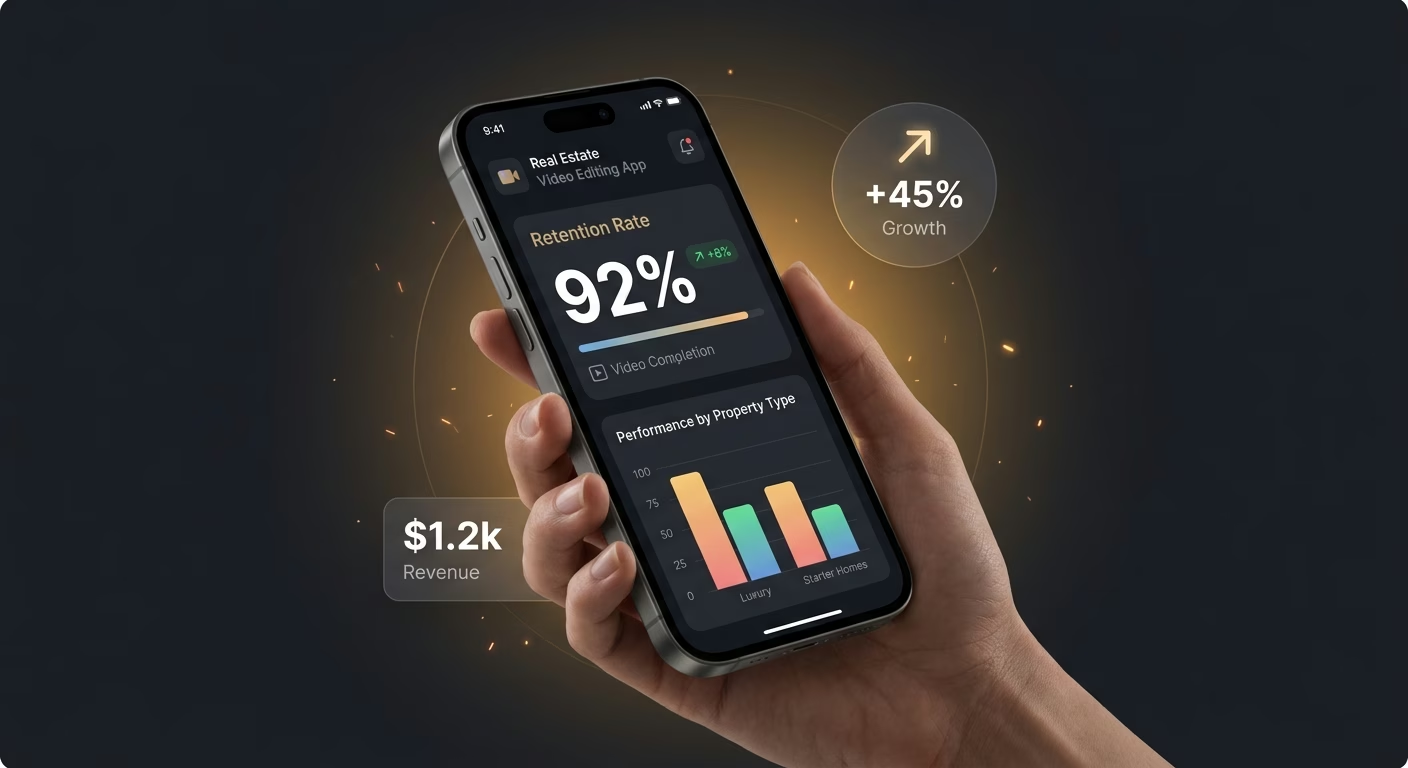
Choppy cuts kill viewer retention
A choppy cut with clumsy jumps loses viewers in seconds. The polished sequence built on clean transitions and beat-matched music keeps buyers watching until the final property call to action.
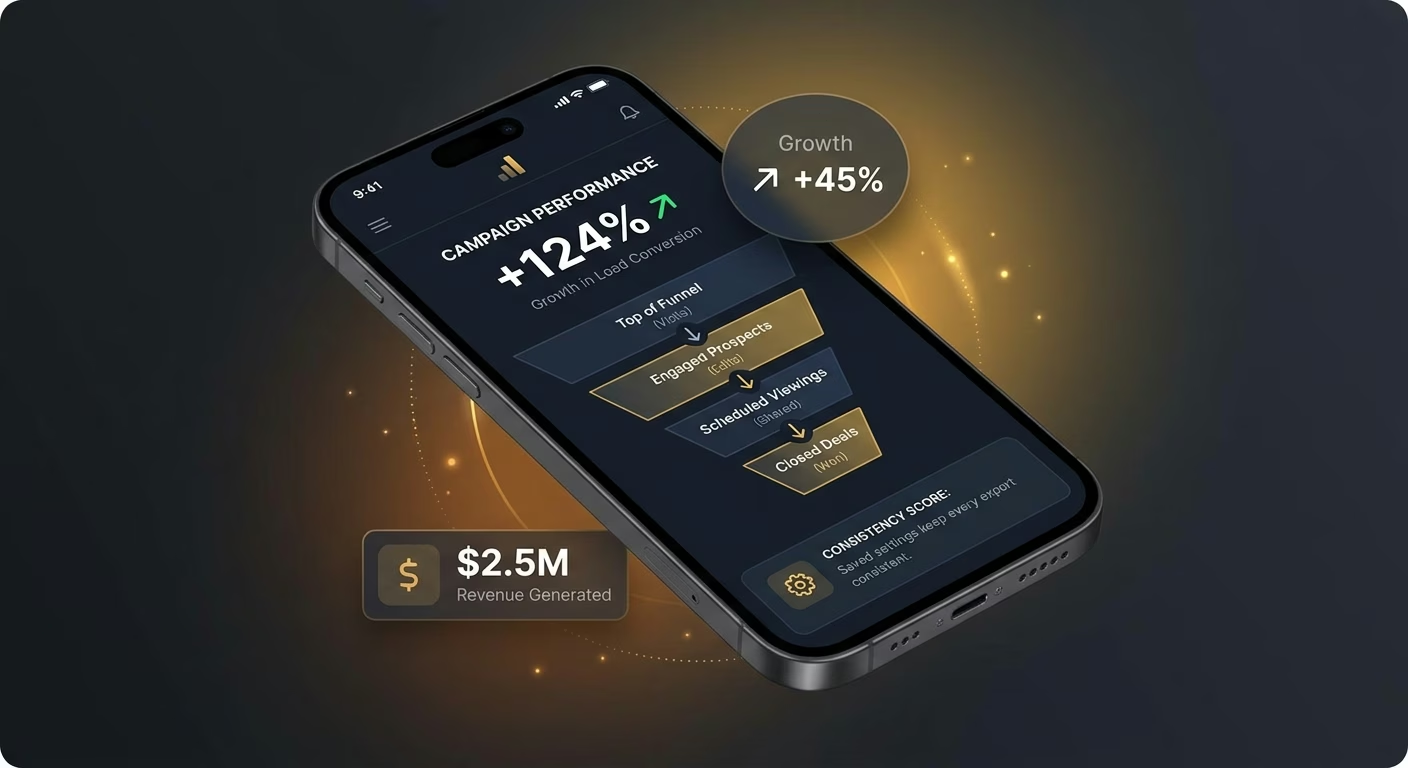
Saved settings keep every export consistent
An agent exporting settings by hand ships inconsistent files. The locked preset library that fires the right settings every time keeps files consistent across portals, feeds, and email.
Pick the Pricing Plan That Works for You
Choose the plan that fits your building ambitions. From weekend projects to enterprise applications, we've got you covered.




Find the Right App Builder
for Your Business
Frequently Asked Questions
Your Questions, Answered
Don't change this element unless you know what you are doing
on Emergent today




