

Build a Custom Cash Flow Dashboard Using AI in Minutes
Turn a plain-English description of your Cash Flow Dashboard into a production-ready build, from design to deployment, in minutes. No code needed.


Trusted by Builders Worldwide
Active Builders Worldwide
Apps Successfully Created
Countries Globally Reached



Build a custom cash flow dashboard in 4 simple steps
See cash in, cash out and runway in one place rather than in a spreadsheet updated when somebody remembers.
Name the cash figures you check first. Balance, runway, receivables, payables, expected inflow by week.
Your bank feeds and accounting system connect, so the position is current rather than as at last reconciliation.
Request a new forecast scenario, a different collection assumption or cash by entity.
Open the cash position whenever you need it, which is the entire point of tracking it at all.
Emergent Key Features for Building a Cash Flow Dashboard
Receipts and payments scheduled to when cash will actually move, based on how your customers really pay.
Behaviour Based Receipt Timing
Expected receipts use how each customer actually pays rather than agreed terms, which is the difference between a forecast and a wish.
Rolling Weekly Horizon
The forecast rebuilds itself each week across a 13 week window, so the low point ahead is always visible rather than recalculated occasionally.
Threshold Warnings
Weeks where cash falls below your minimum are flagged, giving weeks of notice to arrange collection, delay or facility drawdown.
Scenario Modelling
The impact of late payment, revenue shortfall or new cost is calculated on the same forecast, so decisions are tested before being taken.
Operating Cash Separated
Trading cash flow is distinguished from financing and investing movement, showing whether the business itself generates cash.
Multi Account Consolidation
Balances across accounts, entities and currencies are combined, producing a single liquidity position rather than several partial views.
Cash Flow Dashboard Use Cases You Can Build in Minutes
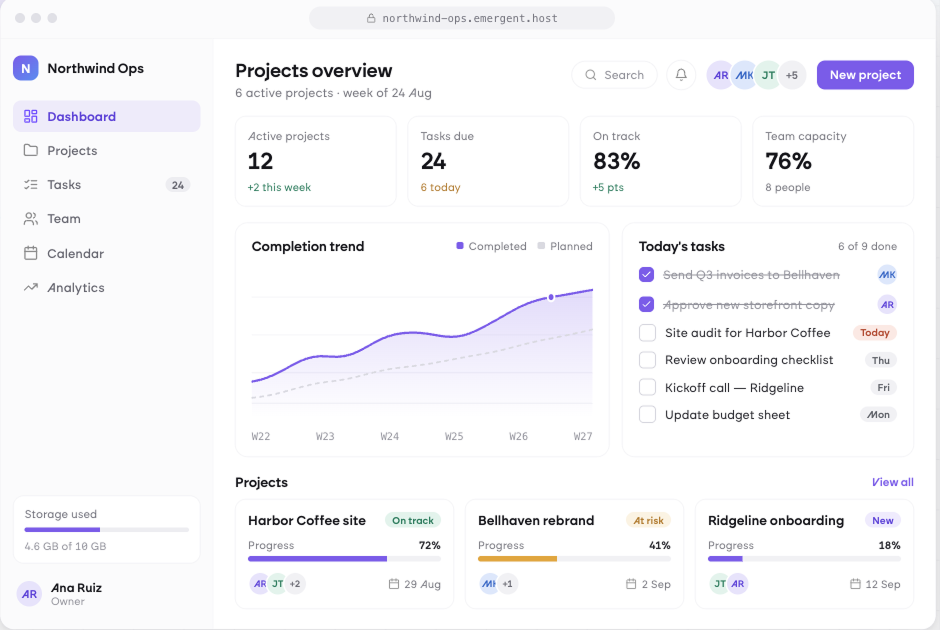
See the Tight Week before It Arrives
Opening balance, expected receipts by due date, scheduled payments including payroll, tax and suppliers, and closing balance for each of thirteen weeks, with any week falling below your minimum threshold highlighted.
window.awbMockup = { rollingCashForecast: "Build a 13 week rolling cash flow dashboard showing opening balance, expected receipts from invoices by due date, scheduled payments including payroll, tax and suppliers, and closing balance per week, highlighting any week where the balance falls below a minimum threshold you set.", receivablesTiming: "Build a cash collection dashboard showing invoices outstanding by due date and customer, expected receipt dates adjusted for each customer's actual payment behaviour rather than terms, total overdue by ageing band, days sales outstanding trend, and the cash unlocked by collecting the largest overdue accounts.", cashMovementAnalysis: "Build a cash movement dashboard showing actual cash in and out by category per month over 12 months, net movement and closing balance, operating cash flow separated from financing and investing activity, the categories where outflows grew fastest, and seasonality across the year.", liquidityScenario: "Build a cash scenario dashboard modelling the effect on the 13 week forecast of a large customer paying 30 days late, a revenue decline of 20 percent, a delayed supplier payment run, or a planned hire, showing the resulting low point in each scenario and how many weeks of cover remain."};
Time Receipts to How Customers Actually Pay
Invoices outstanding by due date and customer with expected receipt dates adjusted for each customer's real payment behaviour, total overdue by ageing band, days sales outstanding trend and the cash in your largest overdue accounts.
Understand Where the Cash Went
Actual cash in and out by category per month over twelve months, net movement and closing balance, operating cash flow separated from financing and investing activity and the outflows growing fastest.
Model the Thing You Are Worried About
The effect on your thirteen week forecast of a large customer paying thirty days late, a revenue decline, a delayed supplier run or a planned hire, showing the resulting low point and weeks of cover remaining.
Every integration your
Dashboard needs from day one
Email and calendar
Inbox and calendar sync both ways, so every reply, meeting and no-show lands on the contact record without anyone logging it.




Messaging and support
Conversations from chat, WhatsApp and your helpdesk attach to the right contact, so sales and support see the same history.




Payments and billing
Invoices, subscriptions and payment status flow back into the deal, so revenue and pipeline stay in one place.



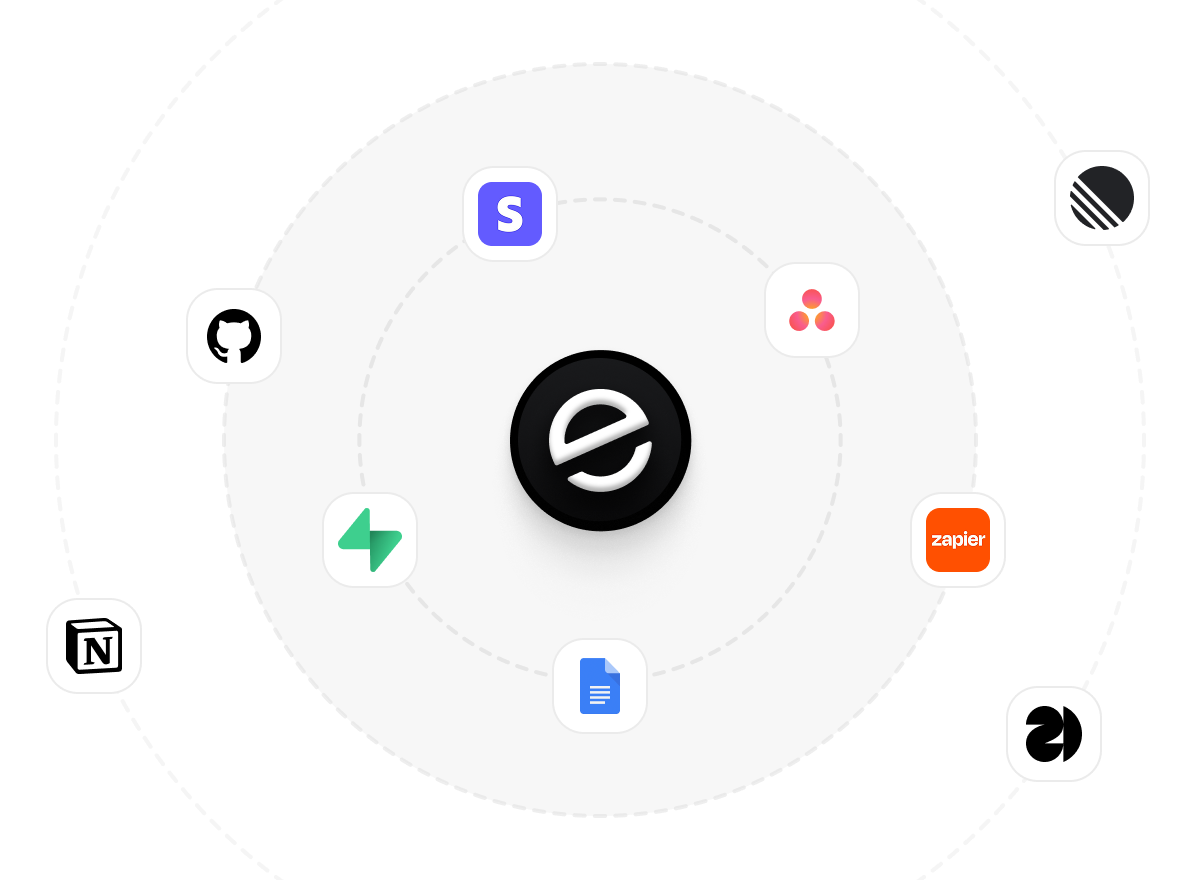
If it has an API, your CRM can connect to it.
Emergent builds the connection against the API itself, including internal tools your team made. No closed ecosystem, no approved-partner list, no waiting for a connector to ship.

More things you can build
with Emergent
AI Website Builder
Build and publish responsive websites with AI — from landing pages to complete websites.
AI App Builder
Create and launch mobile apps with AI, without the complexity of traditional app development.
AI Web App Builder
Build and ship fully functional web apps with custom interfaces, logic, and workflows.
AI Dashboard Builder
Create interactive dashboards to visualize data, track KPIs, and manage business operations.
AI SaaS Builder
Build complete SaaS products with user accounts, subscriptions, dashboards, and core product workflows.
AI CRM Builder
Build custom CRMs for managing contacts, leads, pipelines, campaigns, and automated workflows.
AI Agent Builder
Create AI agents that can understand tasks, use tools, automate workflows, and work across your business.
Build Your Own
Start with any idea and build exactly what you need with AI — no templates or limits.

Why choose Emergent?
Most tools give you a demo you have to rebuild. Emergent gives you a product that is ready to run.
| Comparison | Other Tools |  |
|---|---|---|
| Built for | Demos and MVPs | Products you keep growing |
| What you get | Front end shell only | Full stack, wired end to end |
| Backend and database | Set it up yourself | Built and connected for you |
| Customization | Surface level styling | Deep workflow control |
| Integrations and APIs | Manual glue work | Connected from a prompt |
| Code ownership | Locked to the platform | Clean code you can export |
| Time to launch | Weeks of patching and setup | Live the same day |



Pick the Pricing Plan That Works for You
Choose the plan that fits your building ambitions. From weekend projects to enterprise applications, we've got you covered.




Find the Right Dashboard Builder
for Your Business
Frequently Asked Questions
Your Questions, Answered
Don't change this element unless you know what you are doing
on Emergent today


