

Build a Massage Intake Form That Shapes Every Session
Tell Emergent what you ask before a session and which answers change it. You get the massage intake form, the rules behind it and a client database you own.
Build a massage intake form that flags recent surgery for my lead therapist.
Trusted by Builders Worldwide
Active Builders Worldwide
Apps Successfully Created
Countries Globally Reached



What a Massage Intake Form Should Handle
Each one answers a question your therapist would otherwise ask with the client already on the table.
Follow-up questions on a tick
Open a follow-up only when a box is ticked. A client who checks recent surgery is asked what was done and when, and one who checks pregnancy is asked how many weeks along.
A body map for focus and no-go areas
Let clients tap the spots to work on and the spots to leave alone, front and back. The marks appear on the therapist's session sheet beside the pressure each client picked.
Answers carried to the next visit
Fill a returning client's form with what they told you last time. They correct the lines that are out of date, and every correction is dated in that client's history.
Holds set by the answers
Hold a booking when an answer needs a conversation first, such as a recent operation. The lead therapist hears about it in Slack or by email before the client arrives.
Consent signed on the last screen
Close the form with your cancellation policy and a consent statement, then collect a typed or drawn signature. The signed copy is saved alongside that visit's answers.
Code you can take anywhere
Send the full source of the form and its client database to your GitHub on paid plans. Host it on your own servers, or have a developer wire it into the booking site you use.
Massage Intake Forms by Practice Type
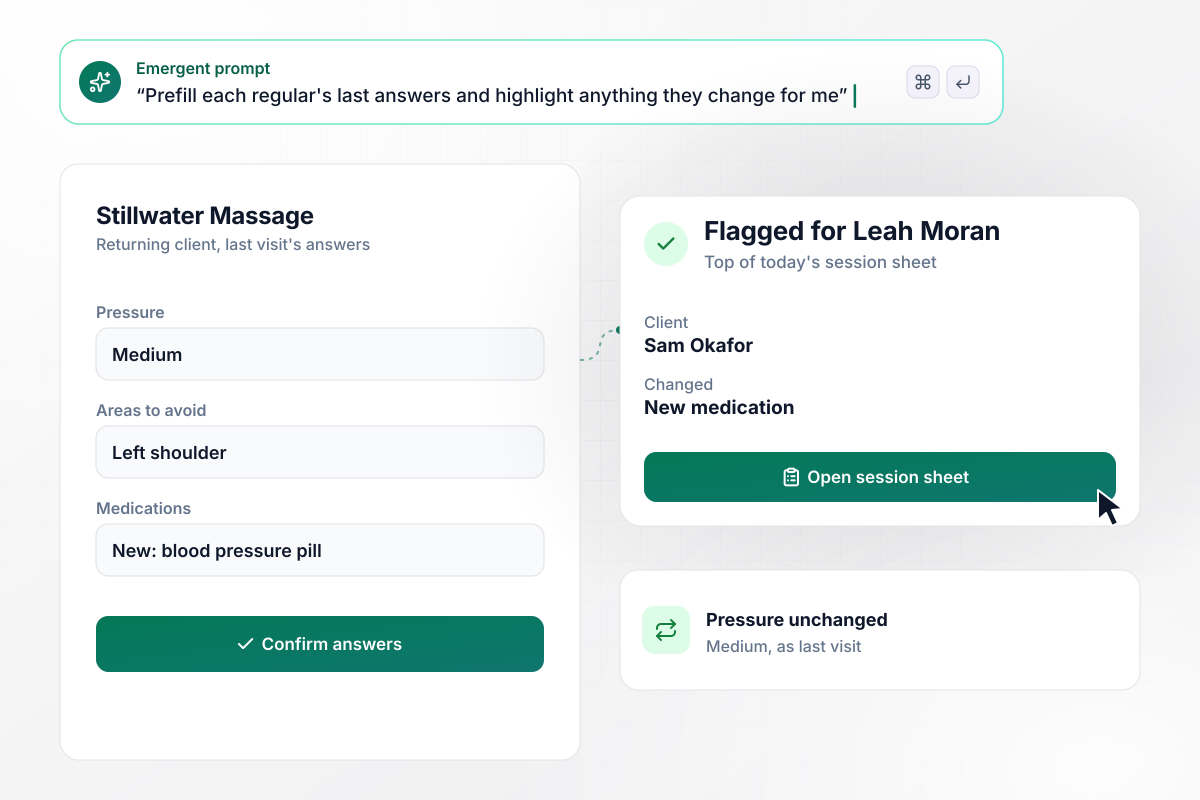
Last visit's answers come back for every regular
Regulars at Stillwater Massage open the intake with last visit's answers already filled in. They confirm what still holds and edit what does not. Leah Moran runs the practice alone, and a new medication or a fresh injury is highlighted at the top of her session sheet before the client walks in.
window.awbMockup = { soloTherapists: "I run a one-person massage practice. Build an intake form that opens with each regular's answers from their last visit already filled in, so they confirm or edit them. Highlight anything they change, such as a new medication or an injury, at the top of my session sheet for that appointment. New clients get the full form with pressure, areas to avoid and a signature.", daySpas: "My day spa needs a massage intake form that asks every guest about pregnancy and, if the answer is yes, how many weeks along. Move any pregnant guest off the general Swedish booking and onto the schedule of a therapist trained in prenatal massage. Add a note to the room asking for a side-lying setup with extra pillows.", sportsMassage: "My sports massage clinic books deep tissue sessions online. Ask every client for the date of any surgery in the last 12 weeks. If there is one, keep the slot but put it on hold, and send our lead therapist a Slack message to call the client. The booking is confirmed only after he marks the call done.", chairMassage: "I run chair massage at office wellness days. Build a short intake employees open from a QR code on their phones: three screening questions, areas to avoid and a signature. Each signed form should take the next open 15-minute slot, and the therapist needs a list on a tablet showing everyone in order with their areas to avoid." };
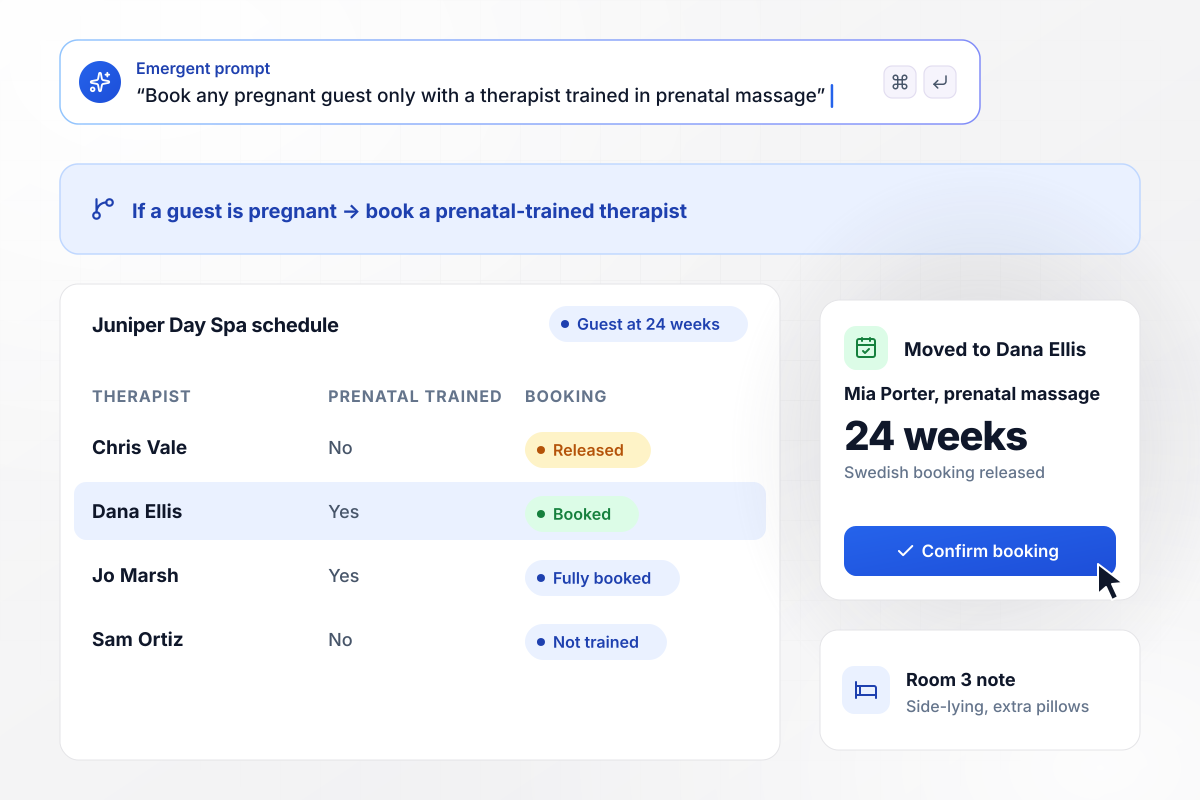
Pregnant guests are booked with prenatal-trained therapists
Juniper Day Spa asks every guest about pregnancy and, on a yes, how many weeks along. A guest at 24 weeks moves from the open Swedish booking to Dana Ellis, who is trained in prenatal massage. The note for Room 3 asks for a side-lying setup with extra pillows.
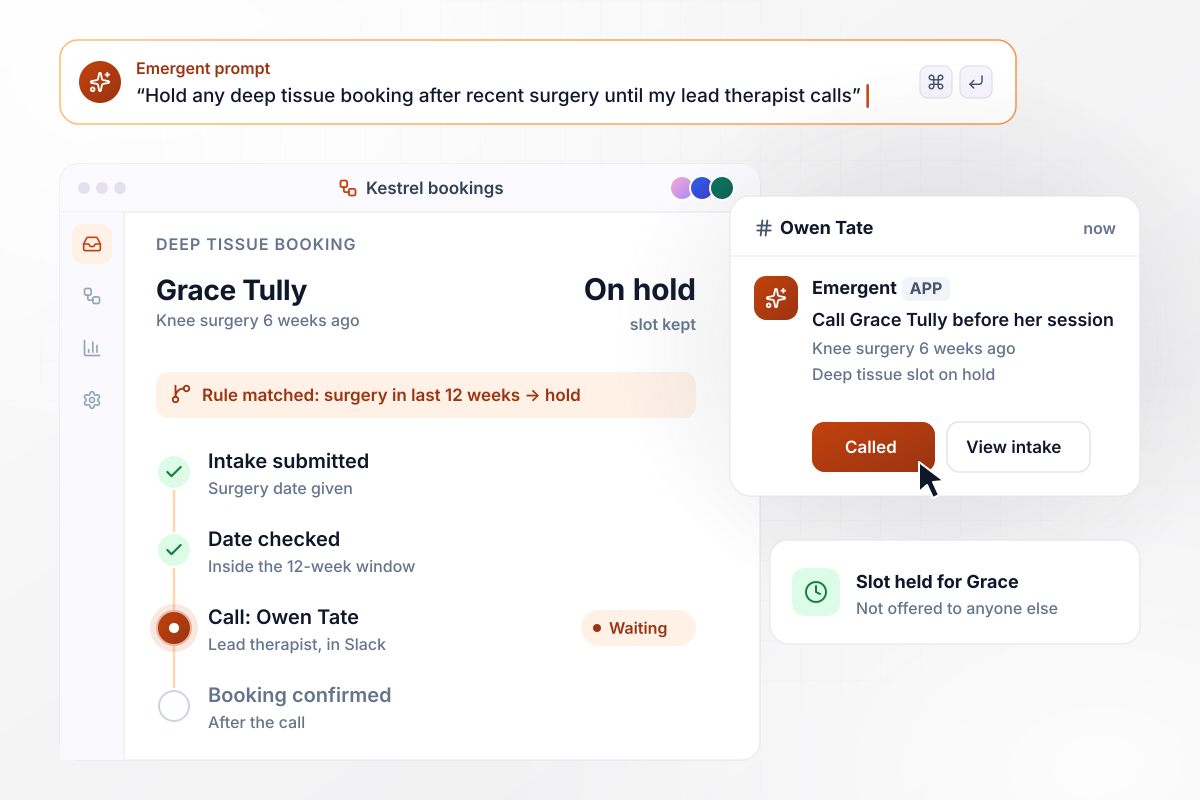
Deep tissue waits for a call after recent knee surgery
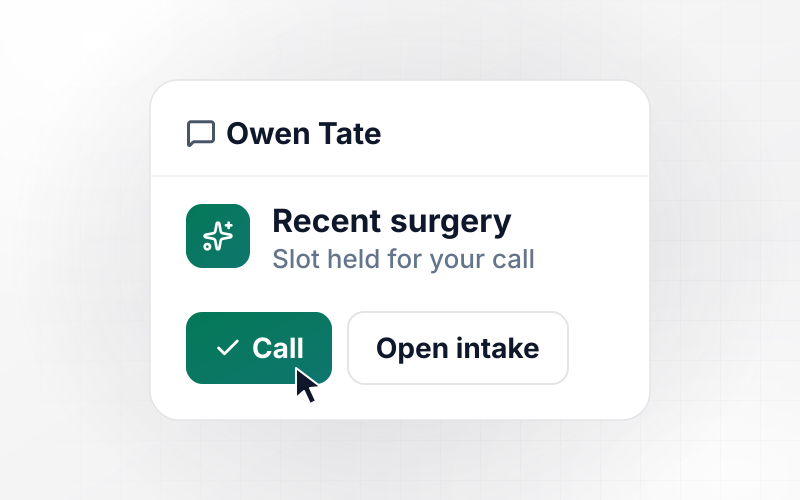
Kestrel Sports Massage books deep tissue online, and its intake asks for the date of any surgery in the last 12 weeks. A runner who reports knee surgery 6 weeks ago keeps her slot, but it stays on hold. Owen Tate, the lead therapist, gets a Slack message to call her and confirms the booking after they talk.
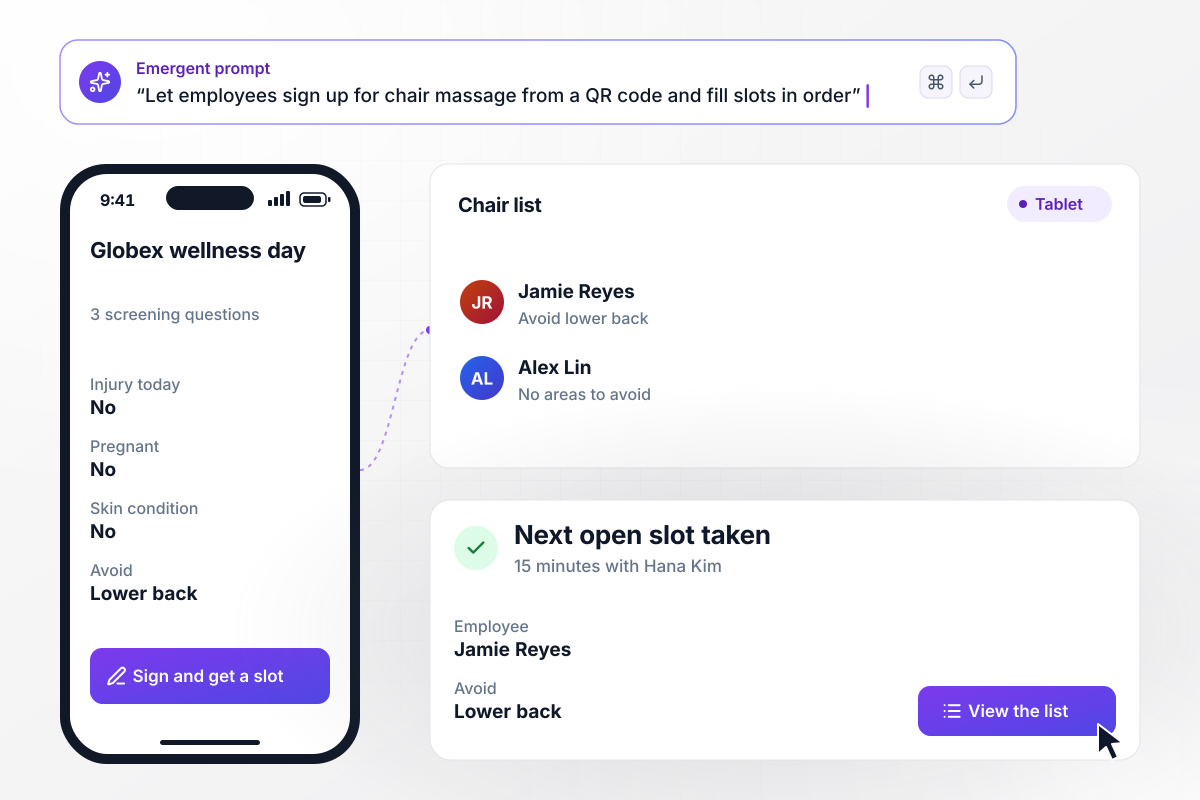
Each signed form takes the next 15-minute chair slot
On the Globex wellness day, employees scan a QR code at the break room door and answer three screening questions on their phones. Each signed form takes the next open 15-minute slot. Hana Kim works down the list on a tablet, with each person's areas to avoid beside their name.






How to Create a Massage Intake Form
Start from what a therapist needs to know before the session, then decide which answers should change the booking.
Write down every answer that would change what you do on the table: pressure, areas to avoid, pregnancy, recent surgery, and anything the client is allergic to. A question whose answer changes nothing about the session can come off the form.
Place pressure and areas to avoid on the first screen after contact details, because they shape every session. A body map with front and back views is quicker for clients than describing a sore shoulder blade in a text box.
Ask when an operation happened instead of a yes or no. With a date, the form can tell an operation two years ago from one last month, and only the recent one needs a call before the booking stands.
Name the person who reads each flagged answer: the lead therapist for health questions, the front desk for pregnancy rebookings. Pick Slack or email for each one, and give every flag a fallback for the days that person is off.
Paste your questions and rules into the prompt in plain English. Emergent builds the form, the client database behind it and the alerts. Change a question or a time window later by prompting again, and the live form updates.
Write your cancellation window and late arrival rule in a sentence or two each. Put a consent statement under them and a signature field last. Have a lawyer in your state read any fee you plan to charge before clients sign it.
Send the link with the booking confirmation, then fill it once yourself as a test client who ticks every box. Check that each alert lands. On the day itself, read the session sheet at the front desk, before the client is in the room.
Why Build a Massage Intake Form With Emergent?
A PDF records answers. Emergent builds a form that acts on them and keeps every visit in a database you own.

|
Jotform | Google Forms | Typeform | |
|---|---|---|---|---|
| How you build | Describe it in plain English | Templates, editor, AI generator | Manual, field by field | Templates, editor, AI assist |
| Response limits | No response caps | Monthly submission caps by plan; the form stops at the cap | No limit | Monthly response caps by plan; the form closes at the cap |
| Where responses live | A database table you own, plus any integration | Jotform account | Google Sheets | Typeform account |
| Code ownership | Full code export to GitHub on paid plans | None | None | None |

Pick the Pricing Plan That Works for You
Choose the plan that fits your building ambitions. From weekend projects to enterprise applications, we've got you covered.




Find the right form
for whatever you're collecting
Frequently Asked Questions
Your Questions, Answered
Don't change this element unless you know what you are doing
More things you can build
with Emergent









on Emergent today




