

Build a Sign in Form That Tracks Who Comes and Goes
A sign in form turns a front door into a record of every visit. Describe who signs in, and Emergent builds the form and the log behind it.
Build a sign in form for an office lobby that messages each visitor's host in Slack.
Trusted by Builders Worldwide
Active Builders Worldwide
Apps Successfully Created
Countries Globally Reached



What a Clipboard Sheet Never Did
A paper sheet keeps names in handwriting and shows each one to the next visitor. These features give every visit its own record.
The questions a front desk needs
Asks for the visitor's name and company, then the host from a dropdown list. The form stamps the time in, and a returning visitor's details fill in from their email address.
Sign-out on the same screen
Records the sign-out time when a visitor taps their name on the way out. Each visit row keeps both times and the length of the stay, and any visit left open gets flagged at closing.
A message to the host on arrival
Sends the host a Slack direct message or an email naming the visitor and the company they are from. Reception no longer phones around the building to find out who is expecting whom.
A live list of who is on site
Shows everyone signed in at this moment, grouped by work area. A shift lead can open the list on a phone, and each name drops off as that person signs out of the building.
Hours added up per person
Totals each person's hours for the month from their sign-in and sign-out times. The totals sit in a database you own, and any tool with an API can pull them for a report.
The whole app in your GitHub
Exports the full sign-in app to GitHub on paid plans. A developer can extend it in code, for example by connecting a badge printer, or you can keep changing it with a plain prompt.
Four Places a Sign in Form Works
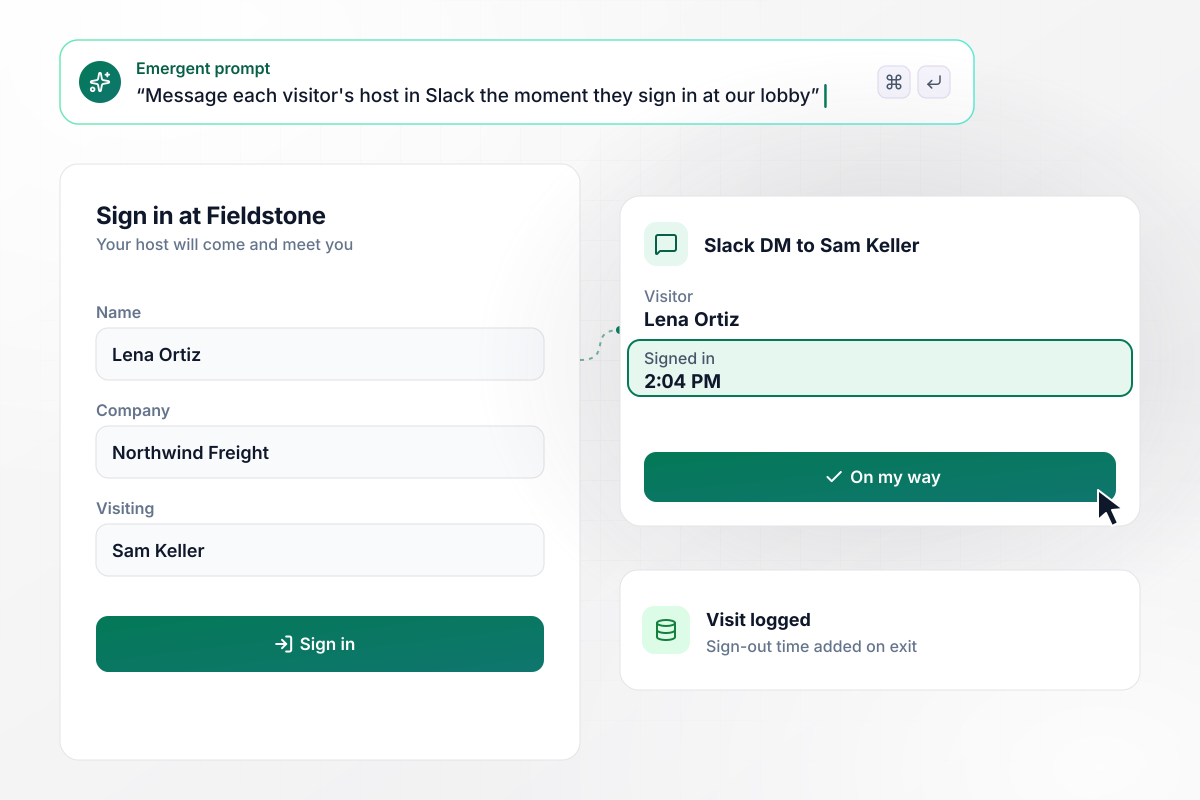
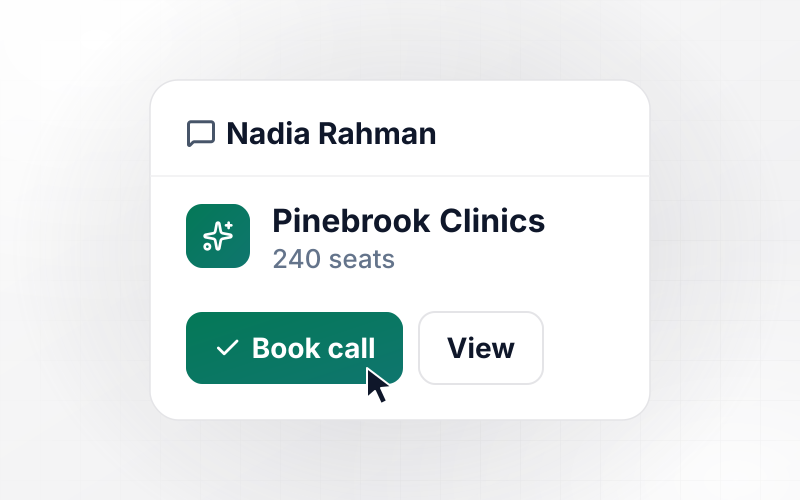
Sam Keller hears about his visitor in Slack
Visitors at Fieldstone Architects sign in on a tablet in the lobby. Lena Ortiz types her name and company, picks Sam Keller from the host list and taps Sign in. Sam gets a Slack direct message at 2:04 PM naming her and Northwind Freight, and he walks out to meet her.
window.awbMockup = { officeVisitors: "We run an architecture office and want a sign in form on the lobby tablet. Ask each visitor for their name and company, and let them pick their host from a list of our staff. Send that host a Slack direct message with the visitor's name, company and sign-in time, and keep a log of every visit with the sign-out time.", contractorsOnSite: "Build a sign in form for contractors at our cold storage warehouse. Ask for name, company and the area they will work in, and let them sign out on the same tablet at the dock door. At 6:00 PM, email the shift lead a list of anyone still signed in, with their company and work area.", openHouses: "I am a listing agent and want a sign in form for open houses on a tablet by the door. Ask each group for names, a phone number and whether they already work with an agent. At 5:00 PM, email me the groups with no agent, with their phone numbers and the time each one arrived.", volunteerHours: "Our animal rescue needs volunteers to sign in and out on the kennel tablet. Add up each volunteer's hours from closed visits and show a monthly total per person for our grant reports. Flag any visit left open overnight so our volunteer coordinator can enter the real sign-out time." };
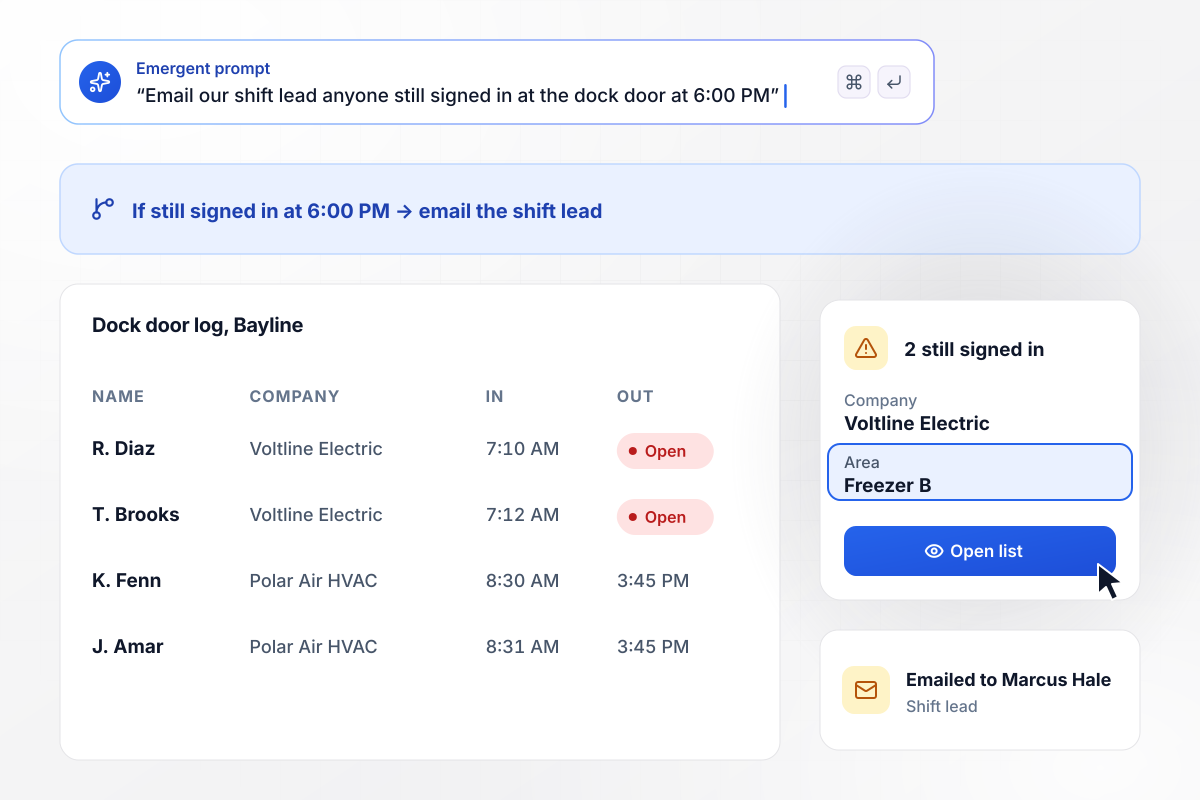
Anyone on site after 6:00 PM goes to the shift lead
Contractors at Bayline Cold Storage sign in at the dock door with their company and work area, and sign out on the same tablet. The app sends the shift lead the names of anyone still signed in at 6:00 PM. Tonight two electricians from Voltline Electric never signed out, and Marcus Hale sees their names next to Freezer B.
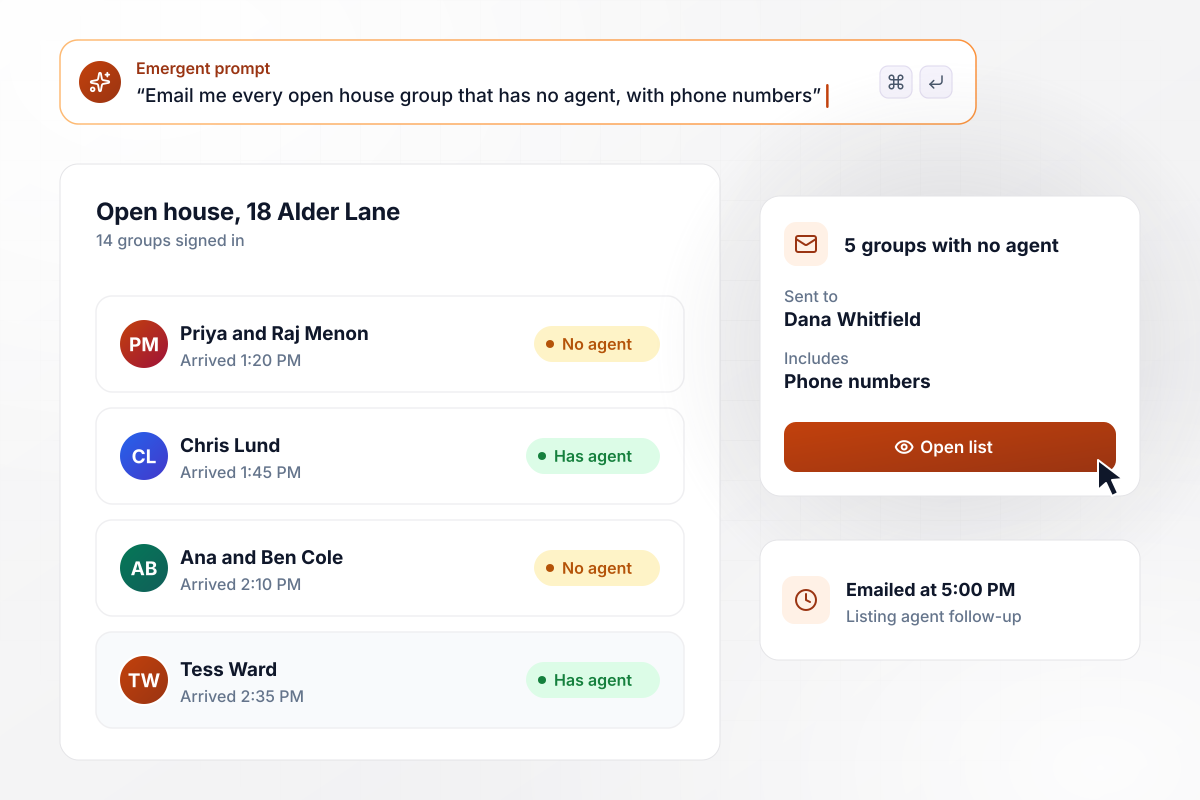
Buyers without an agent make the follow-up list
Linden Realty holds an open house at 18 Alder Lane on a Sunday afternoon. Each group signs in at the door and says whether they already work with an agent. In all, 14 groups came through, and the five with no agent reach listing agent Dana Whitfield by email at 5:00 PM.
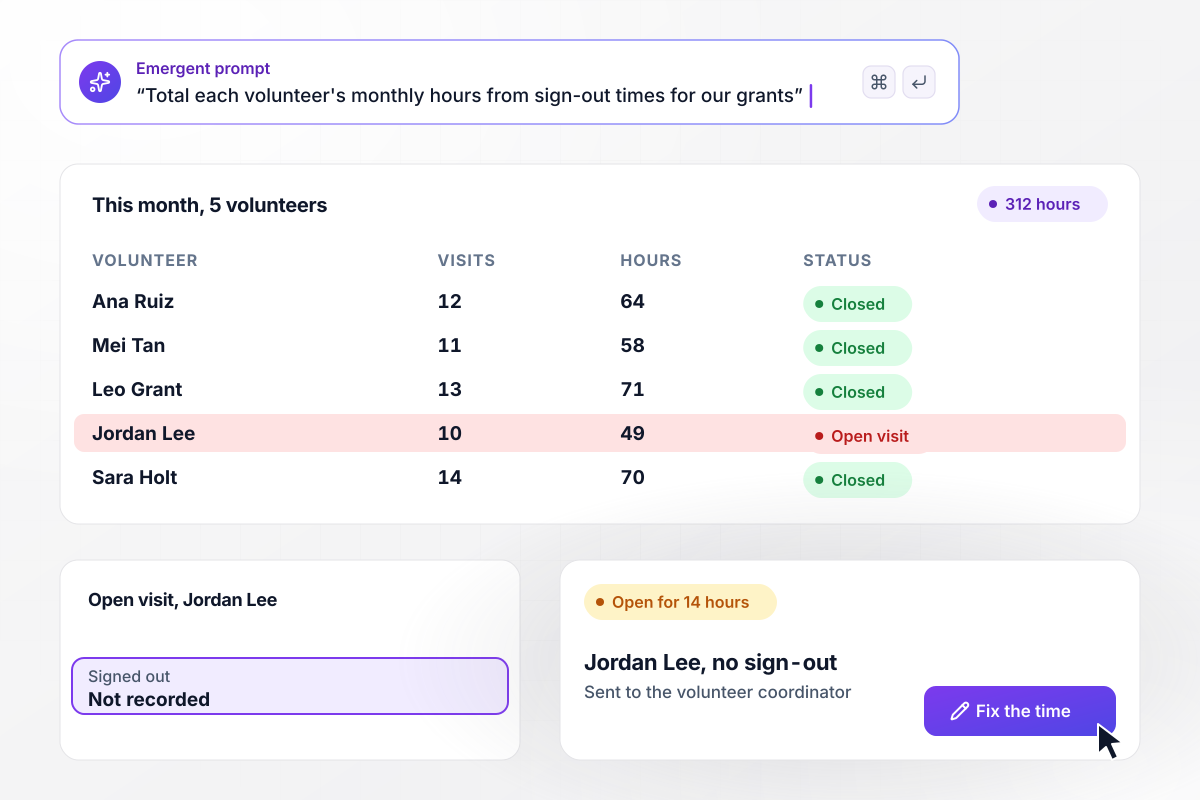
Every sign-out adds hours to the monthly total
Cedar Hollow Animal Rescue counts volunteer hours for its grant reports. Volunteers sign in and out on the kennel tablet, and each closed visit adds to that person's monthly total. This month shows 312 hours across five volunteers, while one visit has sat open for 14 hours waiting on the coordinator.






How to Make a Sign in Form
Start with where people sign in and what should happen after they do. The fields follow from that.
Name the people who sign in and the reason you keep the record. An office lobby needs a host field. A job site needs the work area, and a volunteer program needs hours. Each purpose adds a field or two to the same short form.
Name, time in, and time out are the core of any sign-in record. Add company, host, or reason for the visit only when someone acts on the answer. On a busy morning, every extra field makes the line at the door longer.
A tablet on a stand works for most reception desks. A site without a desk can post the link by the entrance for people to open on their own phones. Test it at the real door, in that light, with gloves on if your crews wear them.
Tell Emergent who signs in, which fields you need and who should hear about each arrival. It builds the form and a table that holds every visit, sign-out times included. A later change, such as a new person on the host list, takes one more prompt.
Decide what an open visit means when the building closes. Pick an hour and a person who receives the names still signed in at that point. Without the rule, missed sign-outs pile up and the hours in your reports stop matching reality.
Print a blank sheet for the day the tablet's battery dies or the network drops. Whoever runs the desk types those entries into the form afterward. The visit log stays complete, and nobody has to merge two records at the end of the month.
Look through the week's visits for patterns, such as hosts who never respond or one door where sign-outs keep getting missed. Each pattern points to a field or a rule that needs changing, and that change is one prompt away.
Why Build Sign in Forms With Emergent?
Printable sheets stop at a name and a time. Emergent builds the form with the host message and the closing check attached.

|
Google Forms | Jotform | Typeform | |
|---|---|---|---|---|
| How you build | Describe it in plain English | Manual, field by field | Templates, editor, AI generator | Templates, editor, AI assist |
| Where responses live | A database table you own, plus any integration | Google Sheets | Jotform account | Typeform account |
| Response limits | No response caps | No limit | Monthly submission caps by plan; the form stops at the cap | Monthly response caps by plan; the form closes at the cap |
| Code ownership | Full code export to GitHub on paid plans | None | None | None |

Pick the Pricing Plan That Works for You
Choose the plan that fits your building ambitions. From weekend projects to enterprise applications, we've got you covered.




Find the right form
for whatever you're collecting
Frequently Asked Questions
Your Questions, Answered
Don't change this element unless you know what you are doing
More things you can build
with Emergent









on Emergent today




