



TL;DR
- Emergent (our own tool): Best for a school that needs the site to do more than display information: role-based portals, working forms, booking logic
- Morweb: Best for a school that wants the entire site built and maintained by someone else
- Webflow: Best for a school with a design or marketing team that wants full visual control
- WordPress.com: Best for content-heavy sites with video lessons, blogs, or a large family and alumni base
- Squarespace: Best for a polished, professional look with minimal ongoing design work
- Wix: Best for a teacher or small school that wants design freedom on a tight budget
- SITE123: Best for the fastest possible simple page for a private tutor or a one-off class project
Type “school website builder” into Google and you’ll find tools aimed at one particular job: an administrator replacing an old institutional site. But the same search can come from a teacher who needs a simple classroom page or a student who needs a project site by Friday. Those are three different jobs, and a tool built for one can be the wrong choice for the others.
One quick disclosure before we get into it: this is Emergent’s own site, and Emergent is one of the eight tools below. We’ll start with a deep dive into our own product and how we built it, then walk through the other seven honestly, situation by situation, so you can see where each one, including ours, actually fits.
A note on how this was built: I verified every price against each vendor's own pricing page, pulled user reviews from G2, Capterra, and Trustpilot, and ran a timed 15-minute session in the editor of every tool with a free plan or trial.
Two of the eight, Morweb and Hostinger, have no self-serve way in, so those entries rest on demo materials, vendor documentation and verified reviews, and I say so in each section.
By the end, you'll know which type of school website you are building, and which of these eight tools is built for it.
Which Kind of School Website Are You Building?
Before comparing tools, it helps to identify which of these three jobs you're trying to do. The right choice depends on it.
- The official school site: A principal, IT coordinator, or communications staffer replacing the institution's main website. This needs to survive staff turnover, handle hundreds of families, and probably handle student or parent data.
- A single teacher's or tutor's page: One person, one classroom or one tutoring practice, updated by the same person who built it. Speed and cost matter more than governance.
- A one-off class project: A student assignment or a short-lived microsite that only needs to exist for a few weeks.
The tools below are grouped by which of these three jobs they're actually built for.
What Nobody Tells You About Student and Parent Data
Most articles on this topic stop at templates and drag-and-drop editors. None of them talk about what happens once a school website starts collecting names, photos, or contact information from minors.
None of the eight publish a FERPA compliance certification, but four publish terms that bear directly on a school site.
Squarespace states its products may not be used to collect FERPA-covered information without a special written agreement. Wix says it does not knowingly collect data from children under 16. SITE123 and Emergent both state their services are intended for people 18 and over.
So the school is responsible not just for what a form collects, but for checking whether its builder permits that collection at all.
Morweb comes closest to addressing this: it is built for nonprofits and schools and markets interactive features for students, parents and faculty, though it publishes no FERPA statement either. Before signing up, schools should still ask its sales team specific questions about data handling.
Continuity is another overlooked issue. On Wix, Squarespace, SITE123, and Hostinger, the site account is typically tied to an individual's login. If that person leaves, transferring ownership can become difficult. Morweb, Webflow's team plans, and WordPress.com's Business tier support multiple users, making them better suited to institutional sites that need to outlive their original creator.
7 Best School Website Builders: Quick Comparison
Pricing and limits verified against each vendor's own pricing page as of August 2026.
| Tool | Best For | Free Plan? | Starting Price | Standout Feature |
|---|---|---|---|---|
| Emergent | A site that needs real functionality | Yes (10 credits/mo) | $20/month (Standard, 100 credits) | Builds working logins, forms and databases |
| Morweb | Turnkey, fully managed school site | No (demo only) | $149/month + setup fee | Built specifically for schools and nonprofits |
| Webflow | Full visual/design control | Yes (Starter) | $25/month (Basic) | Real CMS and design freedom |
| WordPress.com | Content-heavy sites, video lessons | Yes | $9/month (Personal) | Most generous free storage |
| Squarespace | Polished look, low ongoing effort | No (14-day trial) | $25/month | Best-in-class templates |
| Wix | Design freedom on a real budget | Yes | $17/month (Light) | Largest template and app library |
| SITE123 | Fastest simple page | Yes (limited) | Free, or Premium (price confirmed at signup) | Structured 3-step setup |
We’ll Start With Our Own Product
Every tool above generates a page. This last one answers a different question: what happens when a school needs the site to store data, gate content by role, or run actual logic?
1. Emergent
Emergent’s AI School website builder that generates working software, including full sites, from a written description, instead of filling in a template.
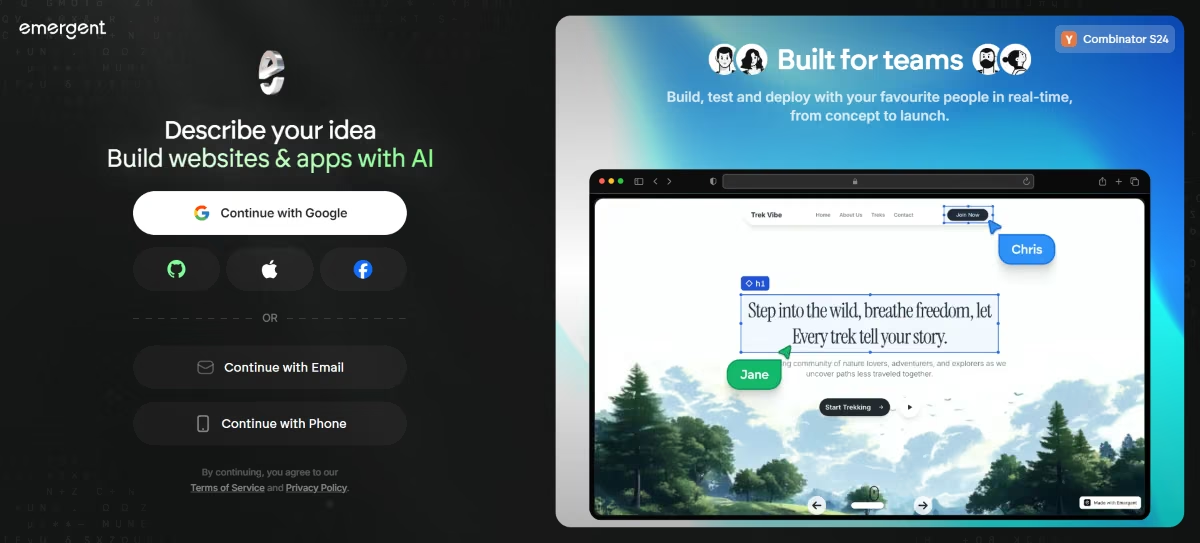
Best for: A school that needs something a static page cannot do, like a parent portal behind a login, a booking system for conferences, or a form that writes submissions to a database instead of emailing them. Test the build thoroughly before it holds student records, the same as you would with any platform.
What I Found in a Focused Session
Based on Emergent's free plan (10 monthly credits) and verified G2 reviews.
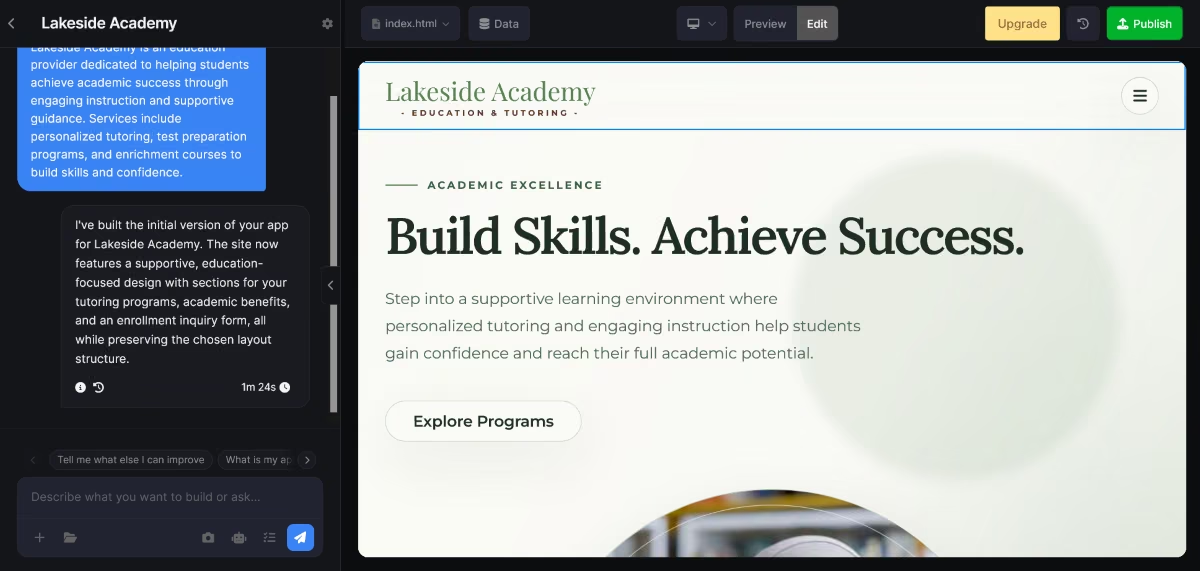
Describing a brief for a school site with a public information page and a separate, password-protected area for parent sign-ups produced a working site with both pieces functioning from a single prompt.
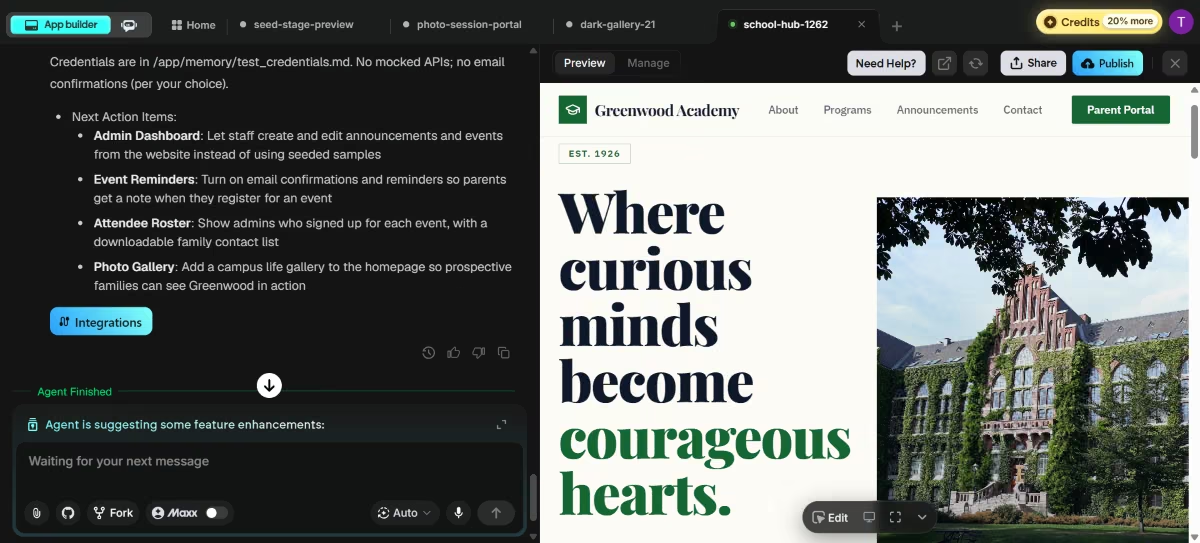
The catch is the free plan's 10 monthly credits, which is enough to see the concept work but not enough to build and refine an institutional site; a single build like this one used 6 of the 10 free credits in one sitting.
Key Features
- Working functionality from the start: Forms, logins, and role-based access are functional from the first generation instead of being bolted on afterward with a third-party plugin.
- Prompt-based iteration: Changes are made by describing what should change in plain language, rather than manually editing a visual canvas element by element.
- Generated from a description: There's no template library to browse or outgrow, since each site is built specifically from what was described.
- Credit-based usage: Billing scales with how much is built and revised rather than a flat seat price, which can work in favor of a small, well-scoped school project.
Pros:
- The only tool in this comparison that builds genuinely working logic instead of a styled page
- No template constraints since each site is generated from a specific description
- Iteration happens through plain-language prompts instead of a visual editor learning curve
- Free plan requires no credit card, useful for testing the concept before committing
Cons:
- Free plan's 10 monthly credits are only enough to test the idea
- No education-specific templates or pre-built school modules the way Morweb offers
- Newer to this category than the other seven tools, with a much smaller review base on G2 and Trustpilot
- Best fit is narrower than a general website builder; a school that only needs a simple informational page doesn't need this tool's functionality
What Users Say
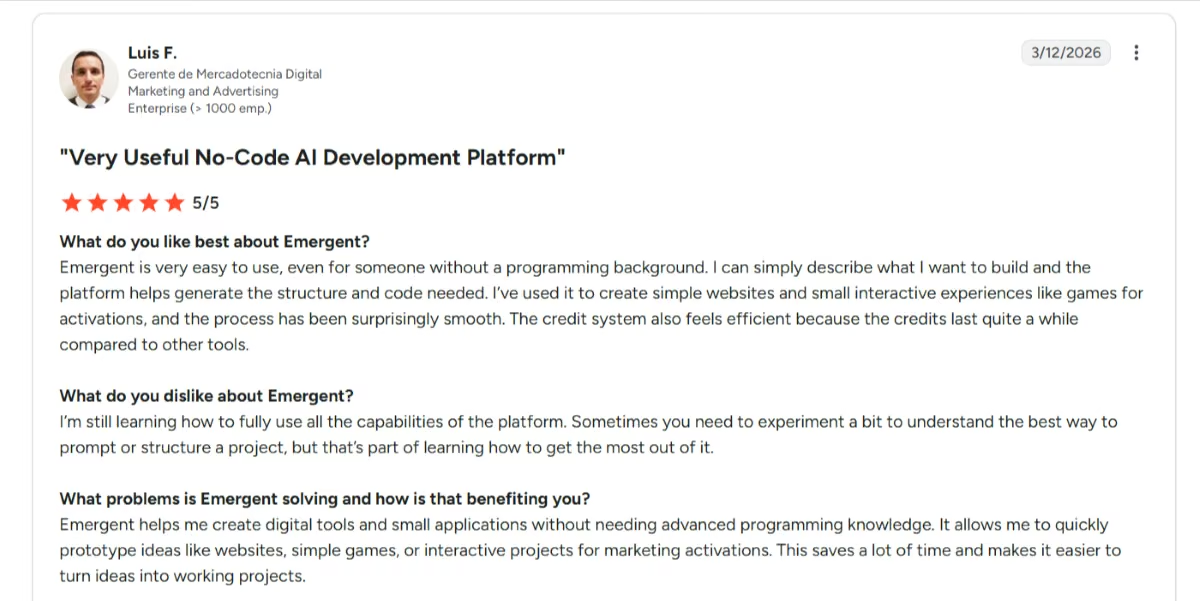
"I can simply describe what I want to build and the platform helps generate the structure and code needed." - Luis F., G2
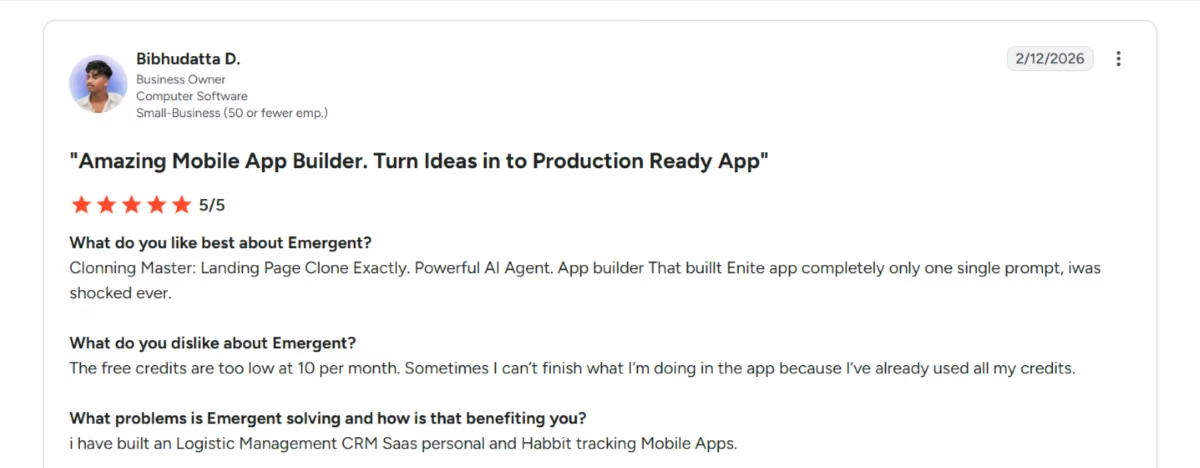
"The free credits are too low at 10 per month. Sometimes I can't finish what I'm doing in the app because I've already used all my credits." - Bibhudatta D., G2
Pricing
Free plan includes 10 credits/month, enough to test but not build a complete site. Standard is $20/month for 100 credits, and Pro is $200/month for 750 credits with a larger context window. There is no fixed page or feature cap; every build and revision consumes credits instead.
Bottom Line: Emergent is the right tool only when the site needs to do something a static page can't, and the wrong tool if a simple informational page is all that's needed.
Best Website Builders for the Official School Site
These four suit an institutional site, though only the first three handle multiple staff accounts well. Squarespace makes the list on design quality, with the single-owner caveat noted below.
2. Morweb
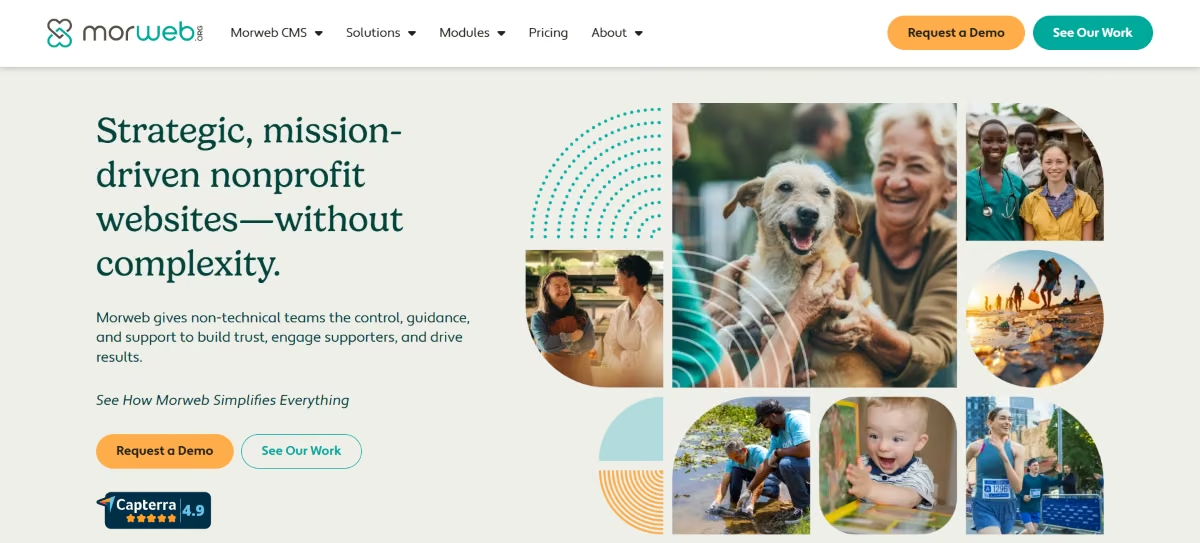
Morweb is a content management system built specifically for nonprofits, associations, and schools, with education as one of its core markets from the start.
Best for: A school or district that wants the entire build handled by someone else, from strategy through launch, and doesn't have in-house design or development capacity.
What I Found in a Focused Session
Morweb doesn't offer a self-serve trial, so this is based on its public demo materials, sales documentation, and verified customer reviews rather than a hands-on build. Anyone seriously evaluating Morweb should request the live demo before committing, since pricing and scope are quoted per-project.
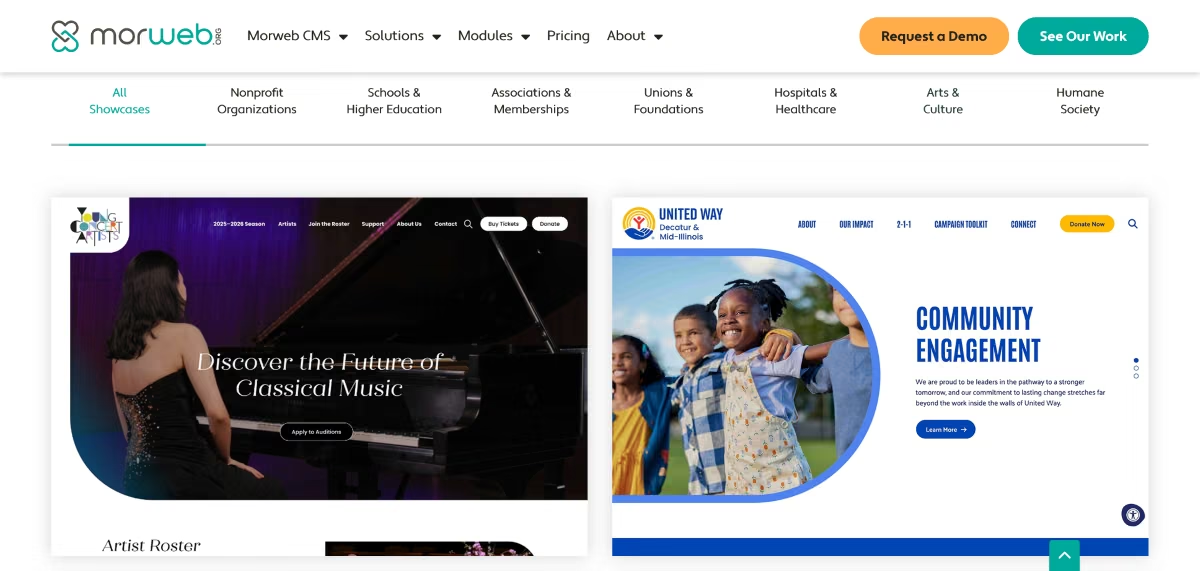
Requesting a demo puts you in front of an assigned project manager, rather than a self-serve signup flow. The pricing page itself is unusually transparent for a quote-based product: it states that a separate one-time setup fee applies on top of the monthly cost, and that the fee scales with site size, complexity, and add-on modules.
That upfront honesty about a two-part cost is more than most vendors in this list disclose before you talk to sales.
Key Features
- Live front-end editing: Staff edits pages by clicking directly on the live site instead of a separate backend, which lowers the bar for non-technical teachers to make small updates themselves.
- Built-in accessibility tools: Font size, greyscale mode, and link highlighting are included out of the box, addressing a compliance need most general builders leave to a paid plugin.
- Nonprofit- and school-specific modules: Event calendars, donation or fee forms, and directory tools are built natively for the education and nonprofit sector.
- A dedicated project team: Every plan includes a discovery meeting, content strategy, and hands-on training as part of onboarding.
Pros:
- Purpose-built for schools and nonprofits, so the templates and modules already fit the use case
- Accessibility tooling included by default
- A dedicated onboarding team walks you through setup instead of leaving you to a knowledge base
- Multiple staff accounts supported from the Starter tier, addressing the continuity problem general builders don't solve
Cons:
- No free plan and no self-serve trial, only a sales demo
- Starting at $149/month, plus a variable setup fee, Morweb is significantly more expensive than every other tool on this list.
- The template design sits behind Wix and Squarespace's newer libraries
- Not a fit for a single teacher or a short-term project; it's built for institutional commitments
What Users Say
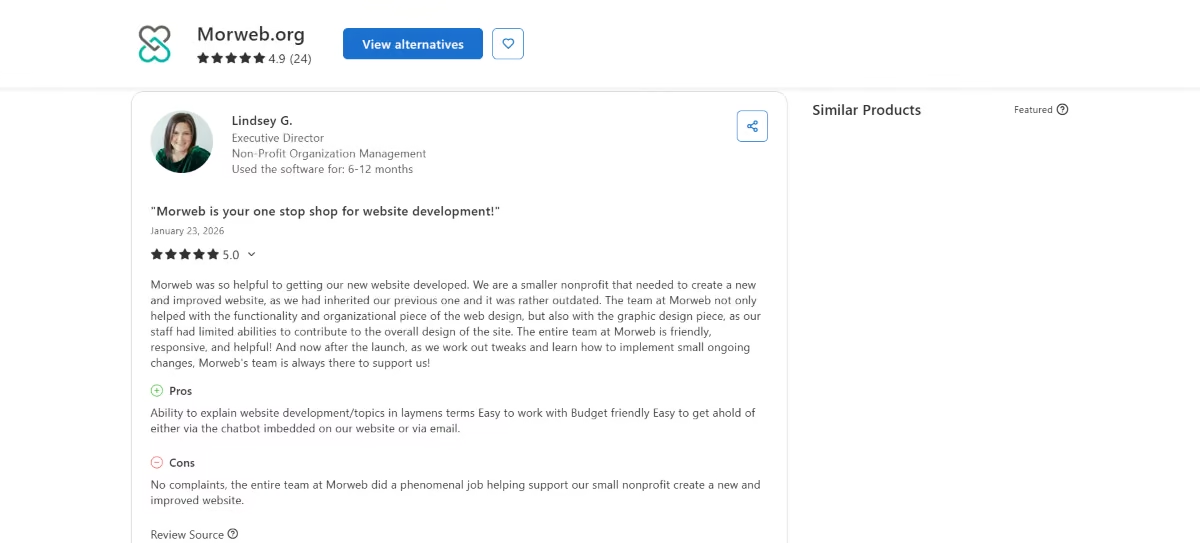
"The entire team at Morweb is friendly, responsive, and helpful! And now after the launch, as we work out tweaks and learn how to implement small ongoing changes, Morweb's team is always there to support us!" - Lindsey G., Capterra
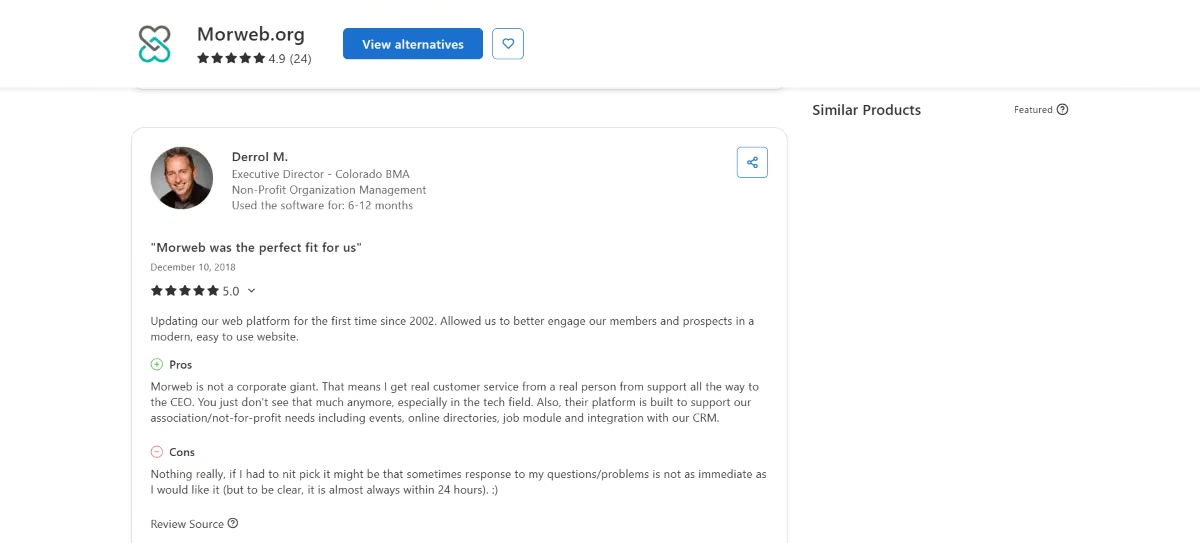
"Sometimes response to my questions or problems is not as immediate as I would like it." - Derrol M., Capterra
Pricing
Starter plan begins at $149/month, and Grow at $199/month, both plus a separate one-time setup fee that scales with site complexity. The Engage and Enterprise tiers are custom-quoted for multi-site or API needs.
There is no free plan or self-serve trial; Morweb offers a demo instead.
Bottom Line: Morweb is the right call when the school wants a finished, managed website and is willing to pay a premium for someone else to build and support it. A teacher who needs a page live by Friday should look further down this list.
3. Webflow
Webflow is a visual web design tool that outputs clean code, sitting between a drag-and-drop builder and hand-coding a site from scratch.
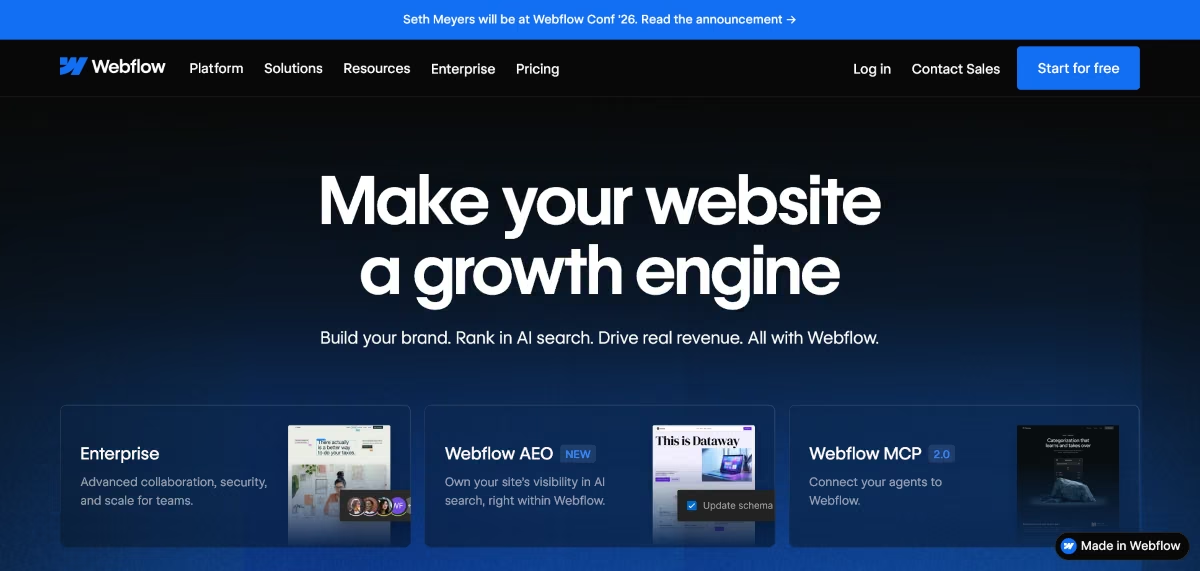
Best for: A school with someone on staff, or a hired designer, who wants full visual control over the site's look and isn't intimidated by a steeper learning curve.
What I Found in a Focused Session
Based on Webflow's own free Starter plan, its public template library, and verified G2 reviews rather than a full institutional rollout.
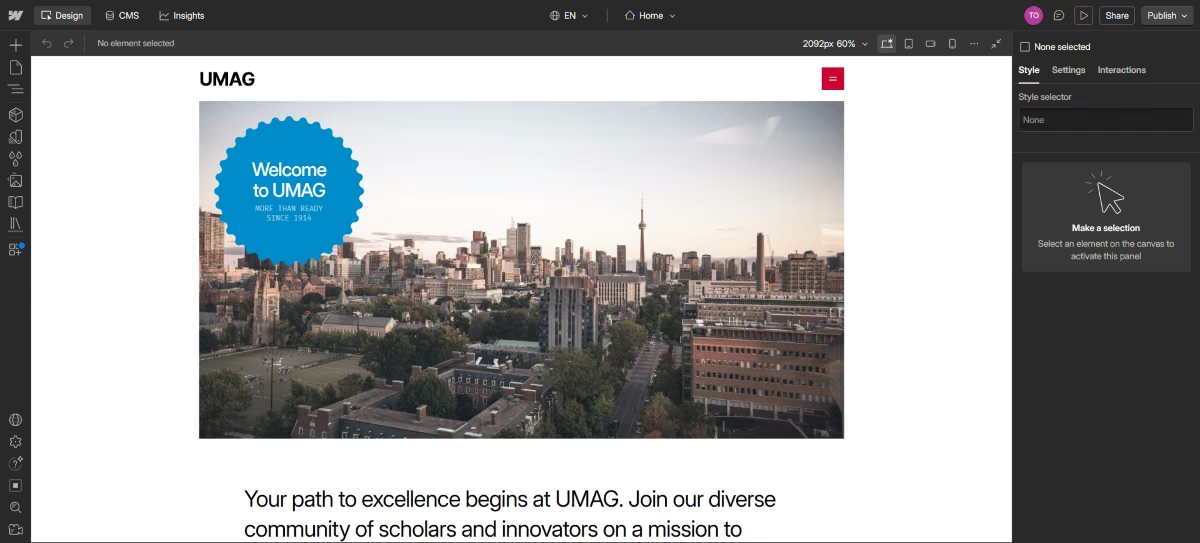
Starting from the free Starter plan, building a basic multi-page layout from a template took about 15 minutes to get a homepage, an about page, and a contact section roughly in place. The canvas-style editor is more powerful than a template-locked builder, letting you reposition nearly any element freely, but that same freedom is exactly the learning curve.
Publishing to a custom domain and unlocking the CMS requires a paid Site plan. The free tier's Webflow-branded subdomain and badge make it clear this tier is for testing only.
Key Features
- True visual design freedom: Elements can be positioned, styled, and animated without templates constraining the layout, which matters for a school that wants a distinctive look instead of an off-the-shelf template.
- A content management system: Staff can add news posts, staff bios, or event listings through structured content types once on a Premium plan, without touching the design.
- Clean, exportable code: HTML and CSS can be exported, so a school isn't locked into a proprietary editor the way it would be with most drag-and-drop builders.
- Team workspace roles: The Team plan (from $2,500/month) supports multiple named collaborators with different permission levels, addressing the staff-turnover problem directly.
Pros:
- Free tier available to test the platform before committing
- Design output looks distinctly less templated than most competitors on this list
- 20,000 CMS items and 40 collections included on the Premium plan
- Code ownership reduces long-term platform lock-in compared to closed builders
Cons:
- Steepest learning curve of any tool in this comparison
- Publishing to a custom domain and using the CMS both require a paid Site plan
- Governance features like publishing workflows and an activity log start at the Team plan at $2,500/month, out of reach for most individual schools, though cheaper Workspace plans cover basic multi-seat editing
- No native e-commerce transaction-fee-free tier below $29/month if the site needs to sell anything
What Users Say
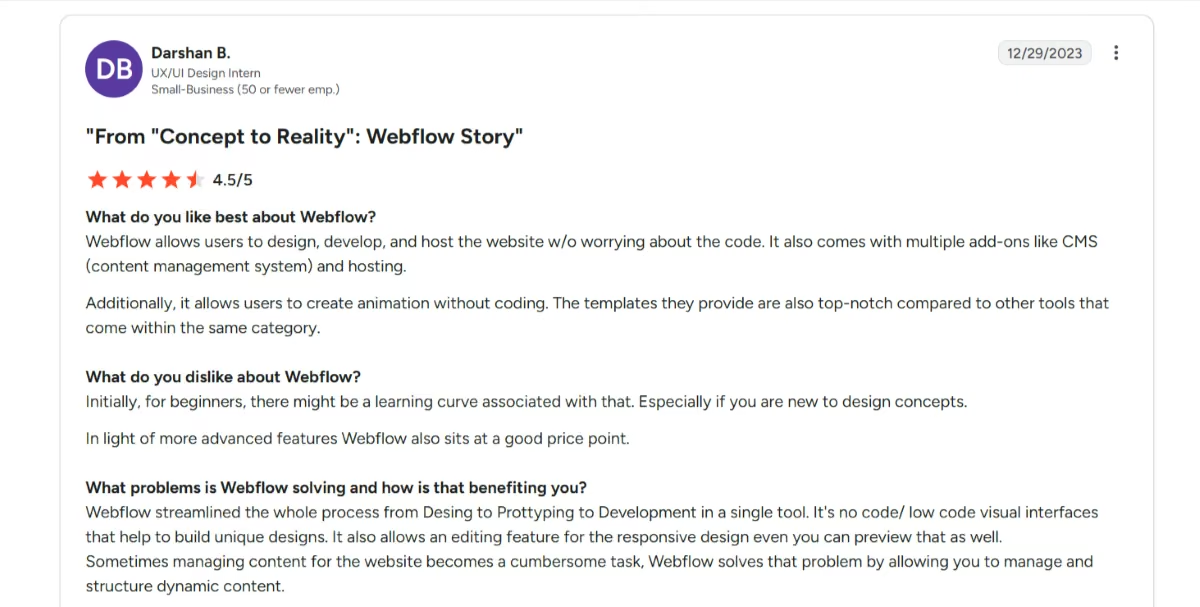
"Webflow allows users to design, develop, and host the website w/o worrying about the code. It also comes with multiple add-ons like CMS and hosting." - Darshan B., G2
"The only downside of Webflow is that there is a bit of a learning curve that can take a few weeks, but once you learn it, it's like having super powers." - Matthew B., G2 (via AWS Marketplace)
Pricing
Free Starter plan available. Basic Site plan is $25/month ($15/month billed annually), and Premium is $39/month ($25/month billed annually). A Team workspace plan for multi-seat collaboration starts at $2,500/month, with custom Enterprise pricing above that.
Bottom Line: Webflow rewards a school that has someone willing to climb the learning curve in exchange for a site that doesn't look like a template, but it's the wrong pick if nobody on staff has web design experience.
4. WordPress.com
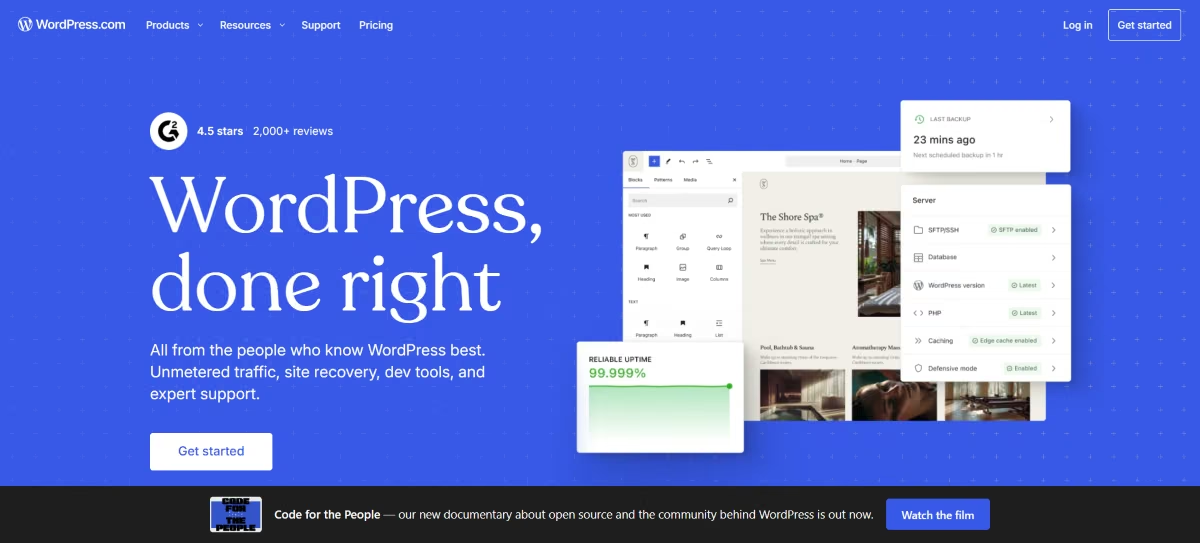
WordPress.com is the hosted version of the world's most widely used content management system, built around a block-based editor rather than free-form drag-and-drop.
Best for: A school or program that publishes a lot of content over time, especially video lessons, blog-style updates, or newsletters to a large family and alumni list.
What I Found in a Focused Session
Based on the free WordPress.com plan and verified G2 reviews rather than a full paid-tier build.
The free plan's 1GB of storage is usable for a text-and-photo site, and the block editor is closer to a document editor than a design tool, which lowers the barrier for non-technical staff to make edits.
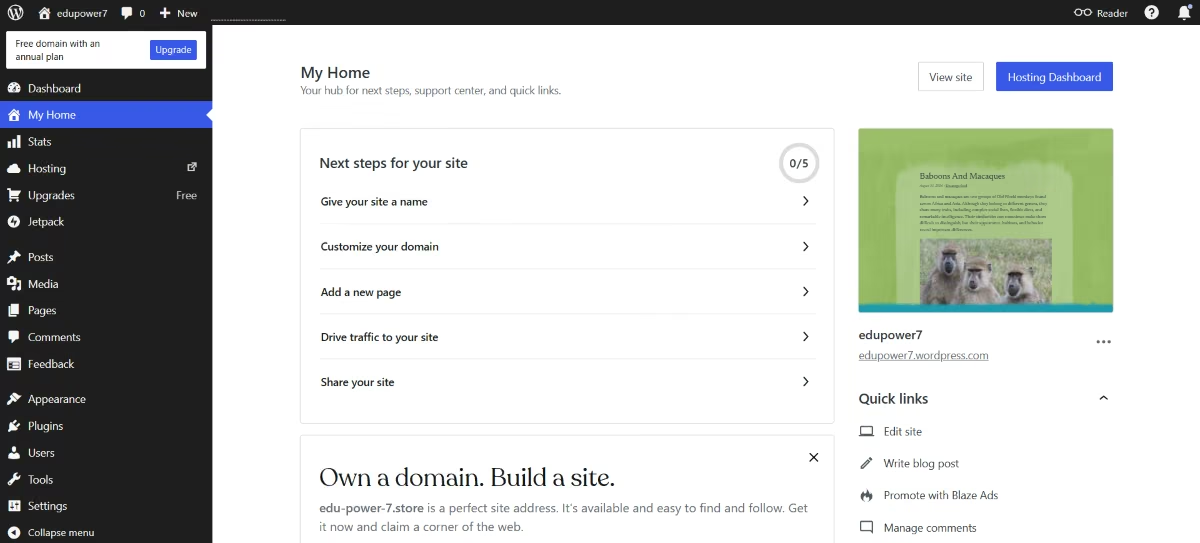
What the free plan doesn't include matters more for a school: no custom domain, WordPress.com branding stays visible, and there's no plugin installation at all, so anything beyond basic pages and posts means a paid plan, starting with Personal at $9/month.
Native video hosting through VideoPress needs the Business plan or above, so the free, Personal and Premium tiers all have to embed from a third-party host.
Key Features
- Familiar block editor: Content is added in modular blocks rather than a full visual canvas
- Deep plugin ecosystem on paid tiers: Every paid plan from Personal up unlocks the same 50,000-plus plugin library that powers self-hosted WordPress, letting a school add nearly any feature without a developer.
- Generous storage even on the free tier: 1GB free, rising to 6GB on Personal and 13GB on Premium, comfortably covers years of blog posts and photos, with video hosted elsewhere and embedded.
- Built-in SEO and social sharing: Jetpack tools are bundled into paid plans, automating search-engine basics that a school office would Ordinarily skip.
Pros:
- Free plan is functional enough for a branded site
- Block editor is easier to pick up than a full drag-and-drop canvas
- Massive plugin ecosystem on paid tiers covers nearly any feature a school might eventually need
- WordPress powers over 40% of the web, so finding help, tutorials, or a hire is easy
Cons:
- The free tier blocks plugin installation entirely, which is a hard ceiling for anything beyond basic content
- The platform gets expensive once the plugins a school needs are added up
- Design flexibility is more limited than Wix, Squarespace, or Webflow without custom CSS
- Security is self-managed even on paid tiers, an ongoing responsibility rather than a one-time setup step
What Users Say
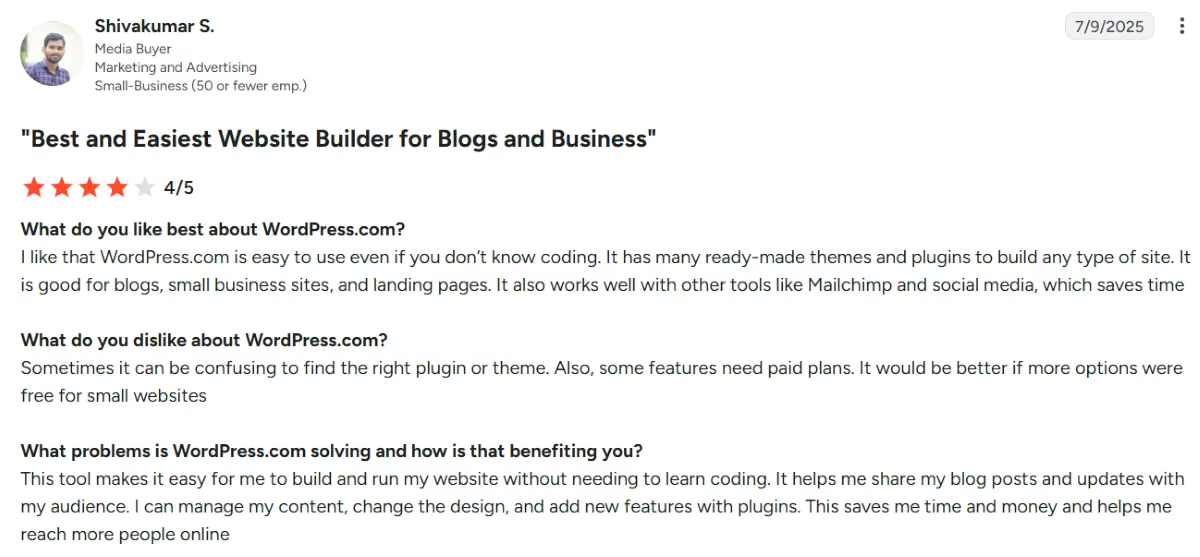
"I like that WordPress.com is easy to use even if you don't know coding. It has many ready-made themes and plugins to build any type of site." - Shivakumar S., G2
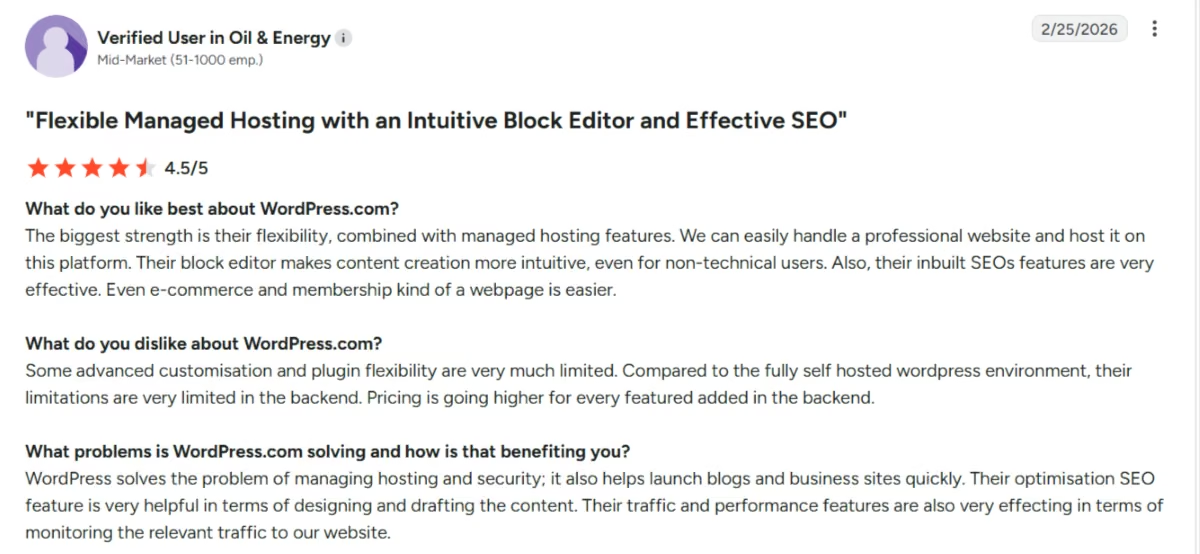
"Some advanced customisation and plugin flexibility are very much limited." - Verified User, G2
Pricing
Free plan available with WordPress.com branding and no custom domain. Personal is $9/month ($4/month billed annually), Premium $18/month ($8 annually), Business $40/month ($25 annually), and Commerce $70/month ($45 annually). Plugin installation requires Business or above. Figures confirmed across multiple independently sourced 2026 breakdowns.
Bottom Line: WordPress.com is the strongest pick for a school that treats its website as an ongoing publication rather than a static brochure. The free and Personal tiers are too locked-down for much beyond a simple blog.
5. Squarespace
Squarespace is a template-first website builder best known for design quality, with an editor that trades some flexibility for a consistently polished result.
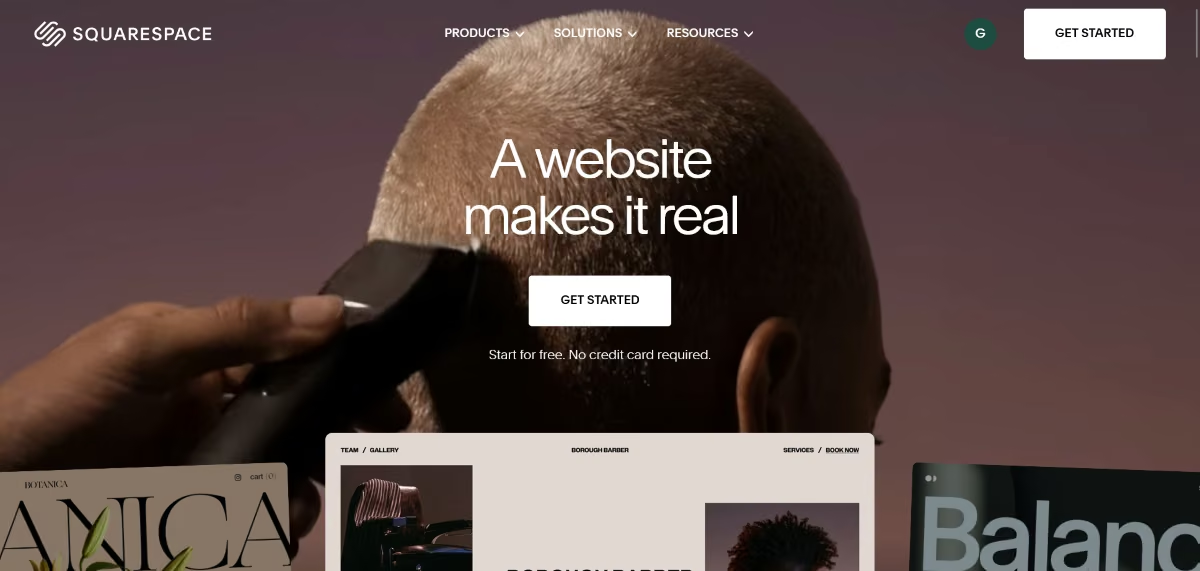
Best for: A school that wants a professional, design-forward site without much ongoing tinkering, and is willing to pay from day one since there's no free plan.
What I Found in a Focused Session
Based on Squarespace's 14-day free trial and verified reviews
The template quality is the standout: choosing an education-oriented template and swapping in actual content produced a professional-looking homepage within about 15 minutes, with no design decisions required beyond picking colors. The tradeoff shows up quickly once you need something the template doesn't anticipate.
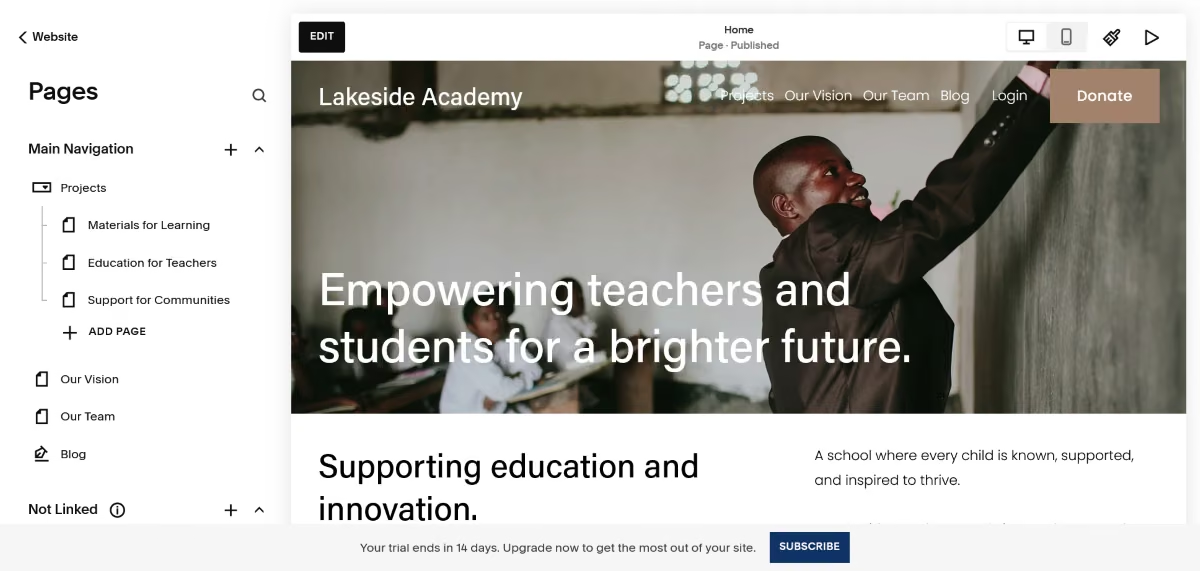
Simple tasks often take more clicks than expected, and the editor lacks true free-form positioning. Squarespace does not offer a permanent free plan, only a 14-day trial, meaning a school can't keep a placeholder site live at zero cost the way it can on Wix or WordPress.com.
Key Features
- Professionally designed templates: Its templates give schools a polished starting point, making it easier to create a professional-looking site without extensive design experience.
- Built-in scheduling integration: Acuity Scheduling lets parents or students book appointments directly, useful for office hours, tours, or conferences without a third-party tool.
- Post and content scheduling: Announcements, newsletters, or lesson updates can be queued for future publication dates, useful for a semester's worth of planned content.
- Student discount: Squarespace runs a student program that gives eligible students a discount
Pros:
- Template design quality is the strongest in this comparison, out of the box
- Acuity Scheduling and newsletter tools cover common school office needs natively
- Academic discount specifically targets the education use case this article covers
- Mobile optimization is automatic, without a separate manual step
Cons:
- No permanent free plan, only a 14-day trial, an ongoing cost from day one
- Editor requires more clicks than competitors for tasks outside the template's assumptions
- Less suited to larger school teams that need granular roles and permissions for multiple staff members.
- Fewer education-specific templates than a purpose-built tool like Morweb
What Users Say
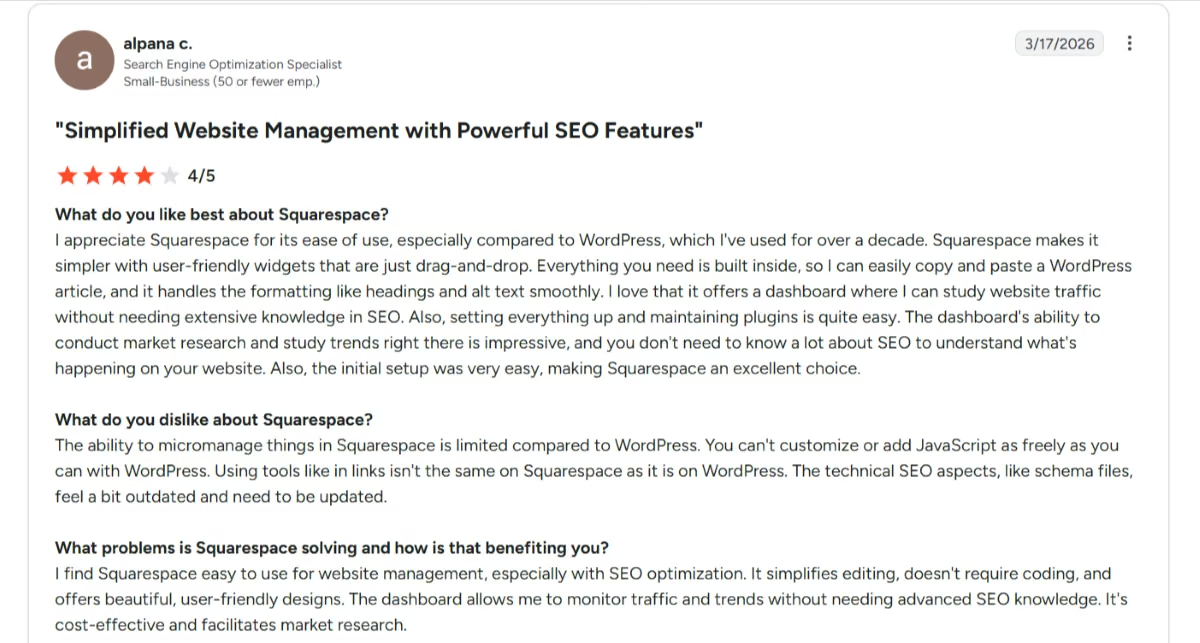
"I find Squarespace easy to use for website management, especially with SEO optimization. It simplifies editing, doesn't require coding, and offers beautiful, user-friendly designs." - Alpana c., G2
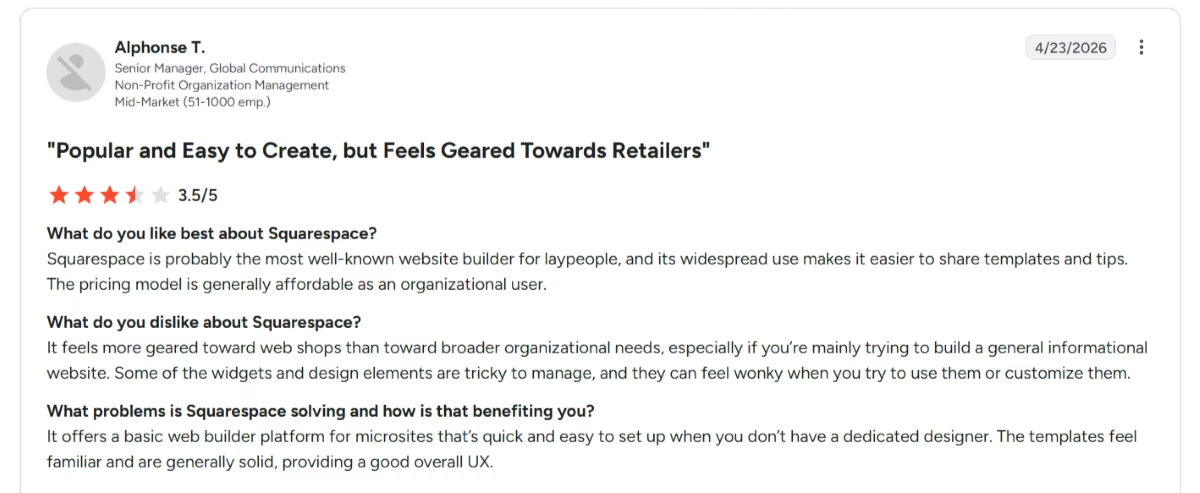
"It feels more geared toward web shops than toward broader organizational needs, especially if you're mainly trying to build a general informational website." - Alphonse T., G2
Pricing
No free plan; a 14-day free trial is available, no credit card required. Billed monthly, Basic runs $25/month, Core $39, Plus $65, and Advanced $139. Paying annually brings those to $19, $29, $49 and $99 a month.
Bottom Line: Squarespace is worth the cost if design quality is the priority and the school has the budget to pay for a premium builder from the start.
Best Website Builders for a Single Teacher's Page or a Class Project
These three trade institutional features for speed and low cost. For a one-person, one-page job that trade is usually worth making.
6. Wix
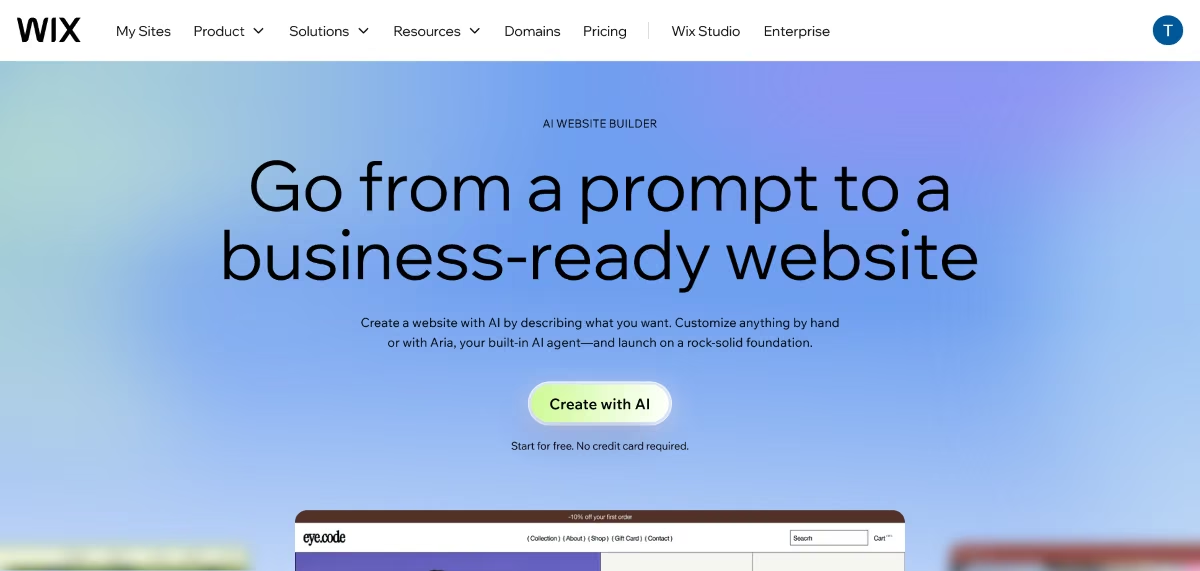
Wix is a general-purpose website builder with a free-form drag-and-drop editor and an AI-assisted setup flow for a faster first draft.
Best for: A teacher or small private school that wants design freedom without paying for it, at least until storage or a custom domain is necessary.
What I Found in a Focused Session
Based on Wix's free plan, its AI website builder flow, and verified G2 reviews.
Answering the AI setup flow's questions about a tutoring business produced a reasonable starting template in well under 15 minutes, matching how smooth the onboarding is meant to be. From there, the free-form editor let me reposition text and image blocks anywhere on the page, a level of control most template-locked builders don't offer.
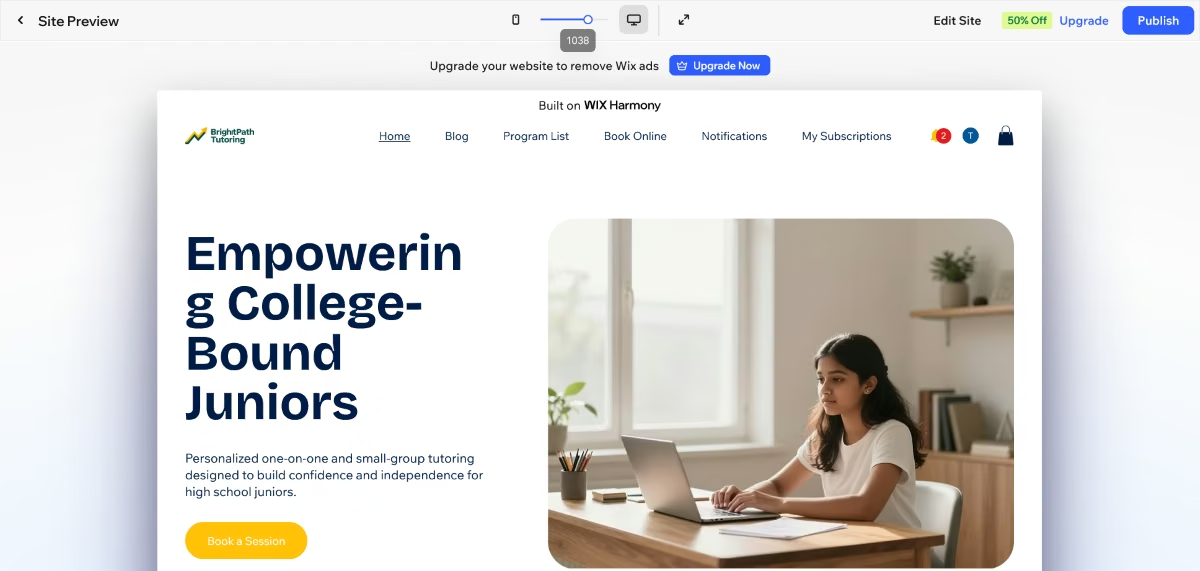
The free plan's practical ceiling showed up around storage: 500MB is workable for a small text-and-photo site but tight the moment a school wants to post a semester's worth of event photos.
Key Features
- AI-assisted first draft: Answering a short set of questions about the school or class produces a starting template automatically, removing the blank-page problem entirely.
- Free-form element positioning: Unlike grid-based builders, any element can be moved to any position on the page, giving more layout control than most competitors at this price.
- Education-specific templates: A dedicated education template category covers schools, universities, online courses and tutoring, more targeted than Squarespace's general library.
- A large app market: 800-plus integrations, including scheduling and video tools, let a school add specific functionality without switching platforms.
Pros:
- Usable free plan with no credit card required to start
- Largest template library of any tool in this comparison, at over 2,000
- Free-form editor gives more design control than most builders at this price point
- AI setup flow meaningfully speeds up the first draft for a non-technical teacher
Cons:
- 500MB of storage on the free plan is tight for a photo- or video-heavy class site
- No e-commerce functionality at all on the free tier, relevant if the school sells anything (tickets, merchandise)
- Mobile layout frequently needs separate manual adjustment from the desktop version
- Wix branding and subdomain stay visible until a paid plan removes them
What Users Say
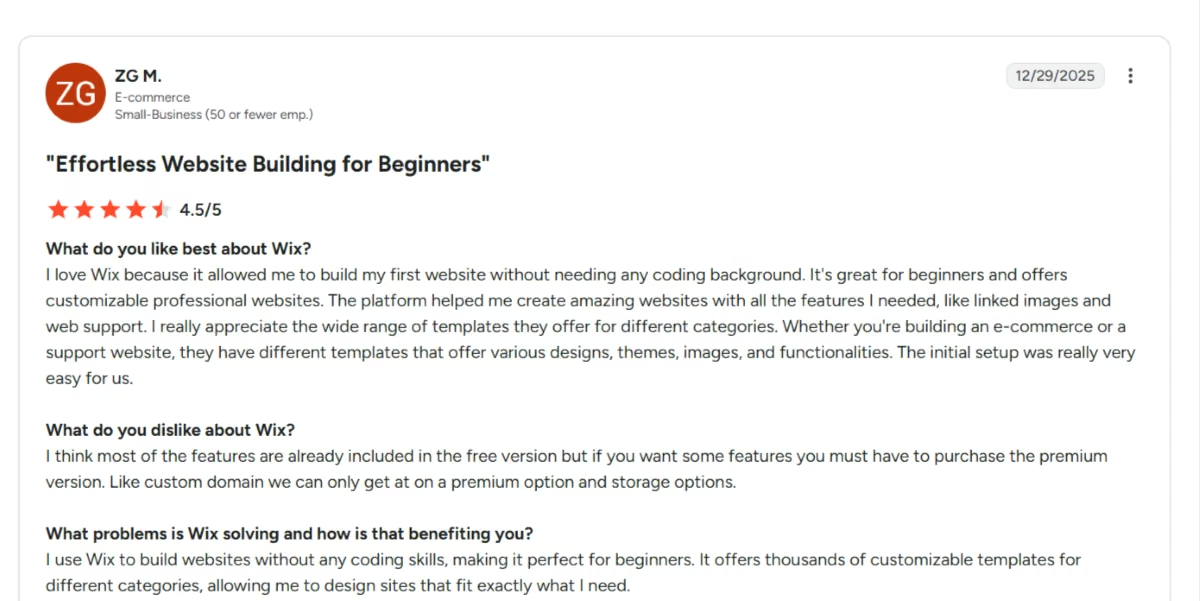
"The platform helped me create amazing websites with all the features I needed." - ZG M., G2
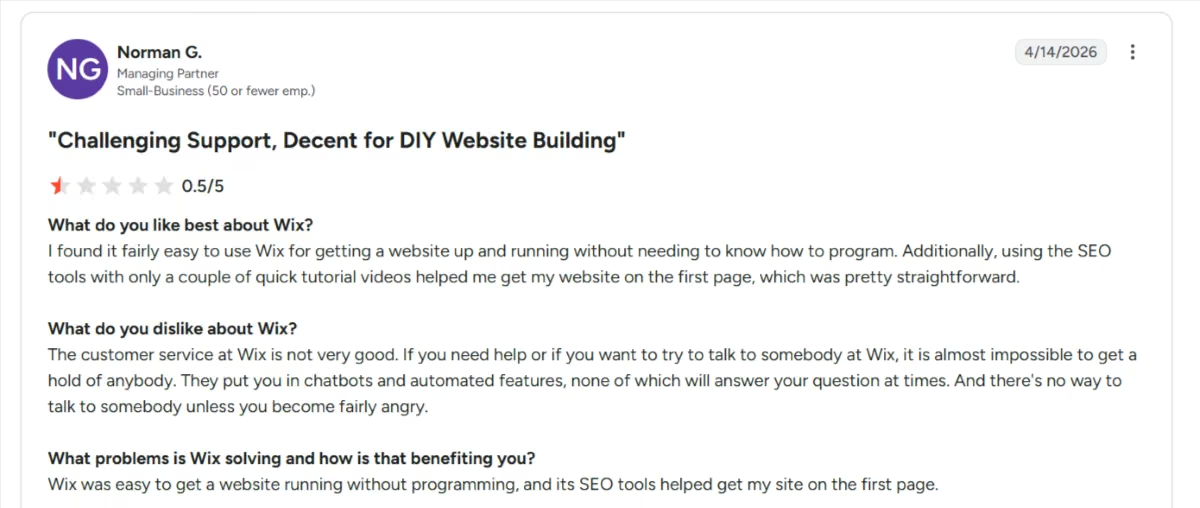
"They put you in chatbots and automated features, none of which will answer your question at times." - Norman G., G2
Pricing
Free plan available with Wix branding and a wixsite.com subdomain. Paid plans begin with Light at $17/month billed annually ($24/month billed monthly), Core at $29/month annually, Business at $39/month annually, and Business Elite at $159/month.
Bottom Line: Wix is the strongest free option here if design flexibility matters and a small storage limit doesn't, which fits a single classroom page far better than a full institutional rollout.
7. SITE123
SITE123 uses a structured, template-locked editor rather than free-form drag-and-drop, trading creative flexibility for a fast setup.
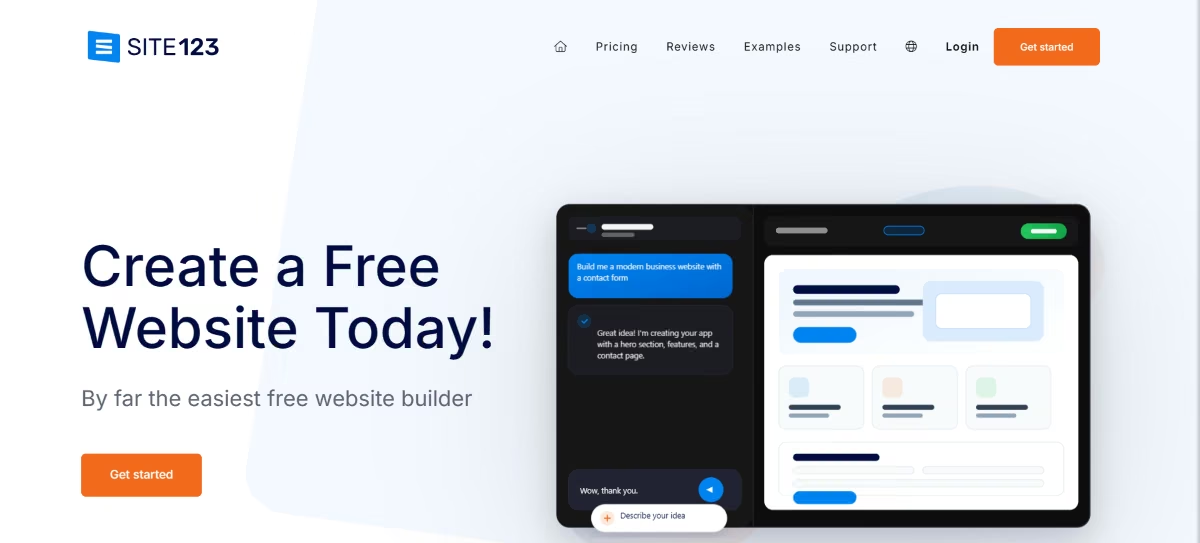
Best for: A private tutor or a student who needs the simplest, fastest possible page and doesn't care about design customization.
What I Found in a Focused Session
Based on SITE123's free plan and verified Trustpilot and Capterra reviews.
The three-step setup lives up to its billing: picking a layout, adding a business or class name, and choosing a color scheme produced a live page in well under 15 minutes, faster than any other tool tested here. The structured layout system prevents the kind of broken, half-finished layout a free-form editor can produce in inexperienced hands.
The free plan's randomized subdomain is the catch: sites get an unmemorable auto-generated URL, and moving to a custom domain requires the Premium tier.
Key Features
- Guided three-step setup: Layout, content, and color are chosen in sequence instead of assembled freely, which removes decision paralysis for a first-time builder.
- Automatic mobile responsiveness: No separate mobile editing step is required, unlike Wix, which needs manual adjustment between desktop and mobile views.
- Built-in SEO fields: Page titles, meta descriptions, and keywords can be set per page without a plugin, useful for a tutor trying to be findable locally.
- Multilingual support: A language translator add-on lets a single site serve families who don't share a primary language, relevant for many school communities.
Pros:
- Fastest setup-to-live-page time of any tool tested in this comparison
- Structured layouts make it difficult to accidentally break the design
- Low-cost paid tiers compared to Wix or Squarespace for a simple site
- Multilingual translator add-on directly serves diverse school communities
Cons:
- Free plan assigns an unmemorable, randomized subdomain instead of a clean URL
- The full list of paid plans and prices only becomes visible after signing up, an unusual and frustrating pattern worth knowing about upfront
- Structured templates mean far less design flexibility than Wix or Webflow
- No dedicated mobile app, unlike some competitors, so all editing happens in a browser
What Users Say
"I wanted to make my own website, and SITE123 helped me very much! It's a simple set-up that doesn't need someone to have a scholarship for coding." - Verified reviewer, Trustpilot
"Cons of SITE123 include the lack of mobile application presence with iOS or Android." - Krunal, Capterra
Pricing
SITE123 publishes only two plans up front: a free tier with 250MB of storage on a subdomain, and Premium, which adds a connected custom domain plus a free domain for the first year. Higher tiers exist but their names and prices only appear after signup, so treat Premium as the entry point you can actually confirm.
Bottom Line: SITE123 is the fastest tool here for a simple page and nothing more, but the after-signup pricing reveal is worth knowing about before you start.
Which School Website Builder Should You Choose?
- Choose Morweb if you want the build and ongoing support handled by someone else.
- Choose Webflow if you want a site that doesn't look templated and someone on staff can invest the time and effort needed.
- Choose WordPress.com if the site will function as an ongoing publication with regular posts, video, or a large mailing list.
- Choose Squarespace if design polish matters most and you're comfortable paying from day one.
- Choose Wix if you want design freedom on a free or low-cost plan for a single classroom or small school.
- Choose SITE123 if you need the simplest, fastest possible page and don't care about customization.
- Choose Hostinger Website Builder if price is the deciding factor and you can commit to a multi-year Deal.
- Choose Emergent if the site needs to do something beyond display information, such as powering a gated portal or functional booking form.
Final Verdict
There isn't one best school website builder because “school website” can mean three different things.
For an institutional site designed to last, Morweb, WordPress.com, and Webflow are the strongest options, each balancing cost, design control, and managed support differently. For a teacher's page or short-term class project, Wix, SITE123, or Hostinger can get you online for little or no money. If the site needs to be interactive, Emergent is the strongest fit.
If you need a membership area for parents or alumni, see our guide to building a membership website. For broader comparisons, see our roundups of the best online website builders and most affordable website builders.

Emergent designs, writes, and publishes your whole site from one prompt. No templates, no drag-and-drop.
- Full site from one prompt
- Custom design, real pages
- Publish in minutes







