



After a few months of running my own work through every major AI chatbot, I gave up on finding one best ChatGPT alternative. The strongest options in 2026 each win a single job, so you get more by matching each tool to the work in front of you.
8 Best ChatGPT Alternatives: At a Glance
Skim this first. The eight, side by side:
Why Look for ChatGPT Alternatives?
Most people look for ChatGPT alternatives because one generalist can't be the best at every job. ChatGPT is still an excellent default.
Its newest flagship, GPT-5.6 Sol, began rolling out in July 2026 and holds up across writing, coding, and analysis, following layered instructions better than almost anything outside Claude and giving you the fastest path from prompt to usable answer.
Four problems push people to look elsewhere:
- It can't act. ChatGPT can help you write the email, plan the follow-up, or figure out the next step. But it won't actually send that email or book the meeting for you. When the bottleneck is doing the work, not thinking through it, a chat box isn't enough.
- Losing ground to specialists. If you need fresh information, research with links, or work done inside Google Docs, a tool built for that task can be a better fit than a generalist.
- Instruction drift on long or constrained work. You may ask for a 300-word post and get something much longer, with extra sections you didn’t ask for. GPT-5.6 is better than older versions, but Claude is often stronger when the brief has tight limits.
- Ads and plan sprawl. The free and Go plans now show ads in the US, and the paid tiers carry caps that aren't always published. OpenAI describes deep research quotas only in tiers, limited on Free, expanded on Plus, and maximum on Pro, with your remaining allowance shown inside ChatGPT.
ChatGPT still handles everyday work well. It just loses to specialists on the handful of jobs below.
The 8 Best ChatGPT Alternatives
This list is organized by use case rather than ranked from best to worst. The order reflects eight different jobs, and each tool gets the same honest treatment: What it does well, where it breaks, who it's built for, and what it costs.
1. Lindy
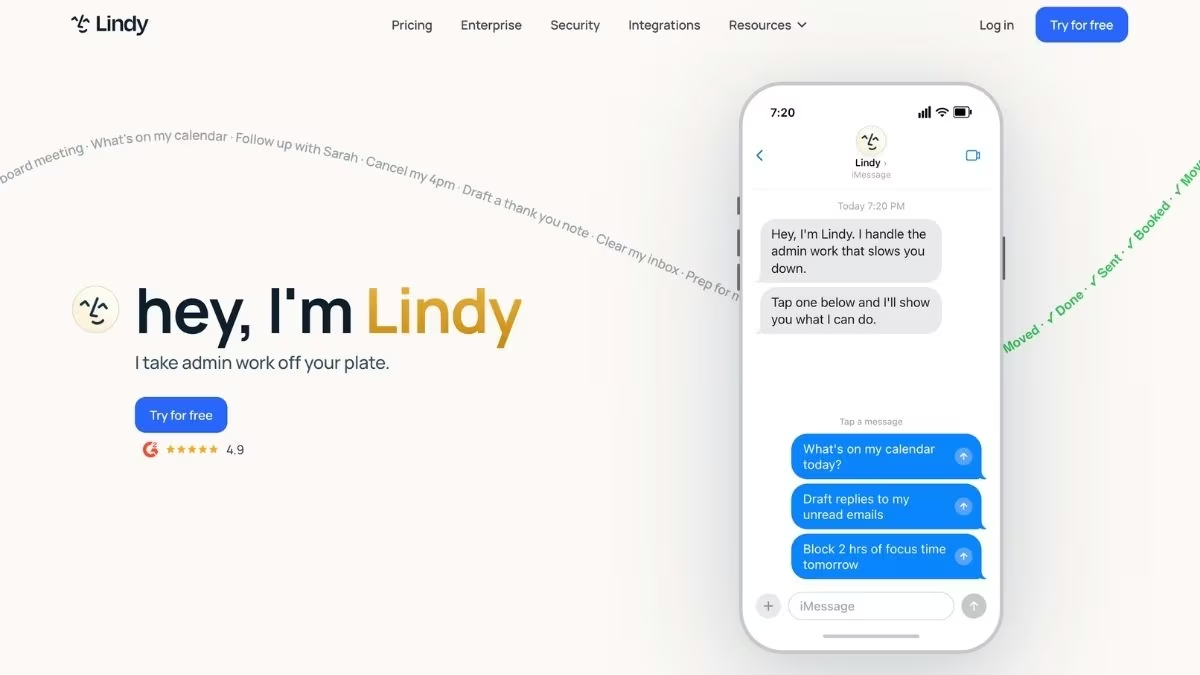
Lindy is the AI assistant you text. Instead of opening another dashboard, you connect your email and calendar, then delegate work to Lindy over iMessage or SMS the same way you'd message an assistant.
That framing matters because it removes the friction of a new app. Lindy reads enough context from your connected tools to triage your inbox, draft replies in your voice, schedule and reschedule meetings, take meeting notes, and keep your CRM current.
It proposes, you approve, and nothing sends without your sign-off.
Key features:
- Text-first delegation: Run your inbox, calendar, and follow-ups from a chat thread on any phone, with iMessage on iOS and standard SMS on Android.
- Email in your voice: You show Lindy how you write and prioritize through examples and instructions, so drafts match your tone rather than a template.
- Meeting handling end to end: It schedules, joins, records, summarizes, and pulls action items, then sends the follow-up.
- Thousands of connections: It connects with hundreds of apps, including Gmail, Outlook, Google Calendar, Slack, Notion, HubSpot, and Salesforce.
Pros:
- Proactive by design, handling routine tasks before you ask
- Lives where you already message, so there's no new tool to babysit
- Approvals are built in, so nothing fires off without you
Cons:
- No permanent free tier, only a seven-day trial
- Usage runs on credits, so heavy months can cost more than expected
- Complex multi-step setups take patience to get right
Best for:
- Solopreneurs and founders drowning in email and scheduling
- Anyone who wants to delegate admin by text instead of learning software
- Small teams that need an assistant without hiring one
Pricing
A 7-day free trial, then Plus at $49.99/month, Pro at $99.99/month (adds computer use), and Max at $199.99/month. Enterprise pricing is custom.
2. Claude
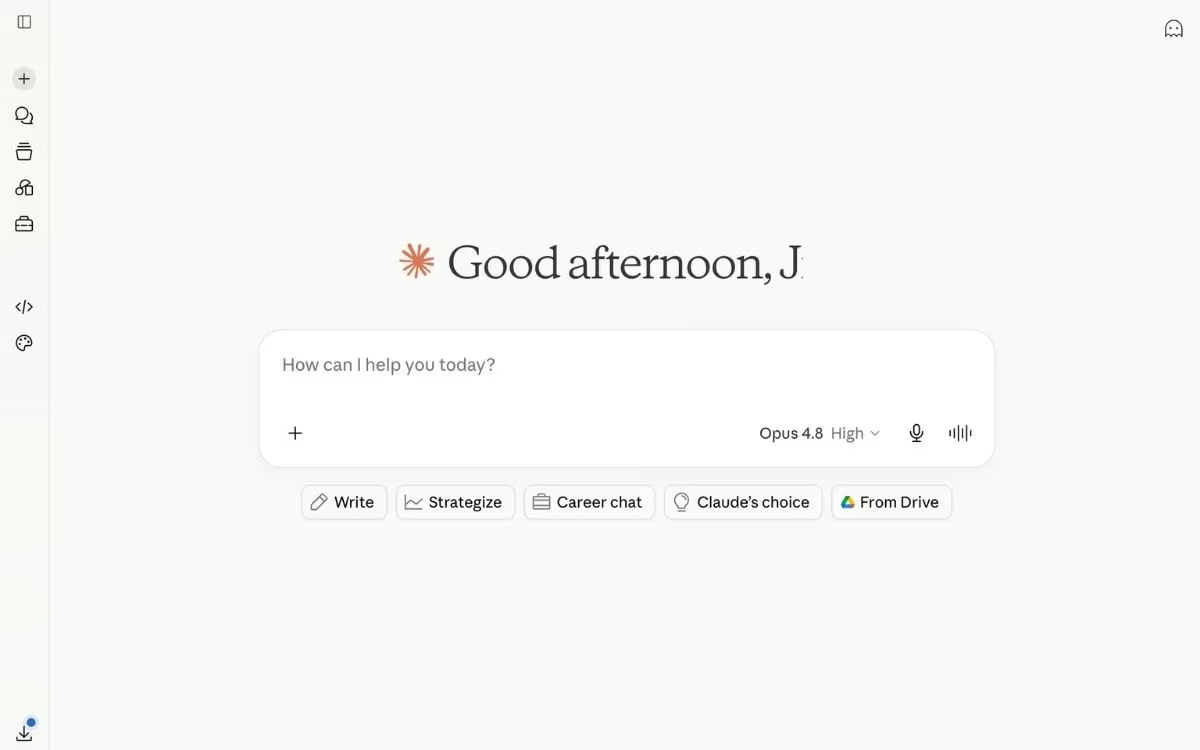
Claude is the pick when the quality of the thinking matters more than the speed of the reply. Its new flagship, Fable 5, is built for reasoning depth and long-form coherence, which shows up in tighter arguments and far less rewriting on serious writing work.
The advantage compounds over a long task. Claude holds tone, constraints, and intent across many rounds of edits better than most models, so a draft doesn't drift the longer you work on it.
For people who write, analyze, or build for a living, that consistency is the whole game.
Key features:
- A full model lineup with 1M-token context: Sonnet 5 is the fast default, Opus 4.8 handles heavy reasoning, and Fable 5, the new flagship, sits on top; all three carry a 1M-token context window for book-length documents.
- Claude Cowork: A work companion that takes on multi-step knowledge tasks for non-technical users, carrying a project forward across several steps.
- Claude Code for builders: An agentic coding tool that plans, writes, and runs code on its own, so developers can hand off real engineering work.
Pros:
- Best-in-class long-form writing and reasoning clarity
- Holds context and intent across long, iterative projects
- Useful for both writers (Cowork) and developers (Claude Code)
Cons:
- Less built around real-time data than Perplexity or Grok, so it's a weaker pick for live, current events
- Slower than ChatGPT for rapid back-and-forth iteration
- Usage limits on the $20/month plan can interrupt long, heavy sessions
Best for:
- Writers, analysts, and founders doing strategic or long-form work
- Developers who want to delegate coding tasks through Claude Code
- Anyone who values output quality over raw speed
Pricing
A free tier exists, with Pro at $20/month ($17/month billed annually) opening up Opus 4.8. Max runs $100/month and $200/month for heavier usage.
3. Wingman (Emergent)

Emergent's Wingman exists to turn a good answer into a finished task. It's Emergent's autonomous agent, and it lives inside the messaging apps you already use, including WhatsApp, Telegram, and iMessage. It completes the work and reports back.
You delegate in plain language, and Wingman handles scheduling, inbox triage, sales follow-ups, content drafting, social posts, and research across your connected tools. Because it comes from Emergent's app-building roots, it can also spin up a website or a small tool when a task calls for one, which is something a pure chatbot can't touch.
Key features:
- Runs in your chat apps: No new app to learn. You open WhatsApp, Telegram, or iMessage and start delegating.
- Permission-first controls: Low-stakes tasks run on their own, while anything consequential pauses for your approval, with a kill switch you control.
- Persistent memory: It remembers your preferences, routines, and tone across sessions, so you rarely start from zero.
- Connects to your stack: It signs into tools like Gmail, Outlook, Google Calendar, Slack, HubSpot, and Salesforce through standard sign-ins, with no key-juggling, and the connector list keeps growing.
Pros:
- Completes tasks end to end instead of stopping at an answer
- Permission boundaries keep you in control of anything that matters
- Backed by an app-building platform, so it can create software too
Cons:
- Credit-based usage can be hard to predict month to month
- It's a young product, so the feature set is still filling in
- Broad by design, so it's less specialized than a single-workflow tool
Best for:
- Solo founders and freelancers running a business from their phone
- People who want an always-on agent that clears recurring admin off their plate
- Operators who'd rather delegate than open another dashboard
Pricing
Wingman is part of Emergent, so it starts on the free tier with 10 monthly credits and scales through the same paid plans, from Standard at $20/month up to Pro at $200/month. There's no separate account or bill to manage.
Also read our guide on Claude Cowork and Emergent use cases to see how Wingman fits into a broader AI workflow for creators.
4. Gemini
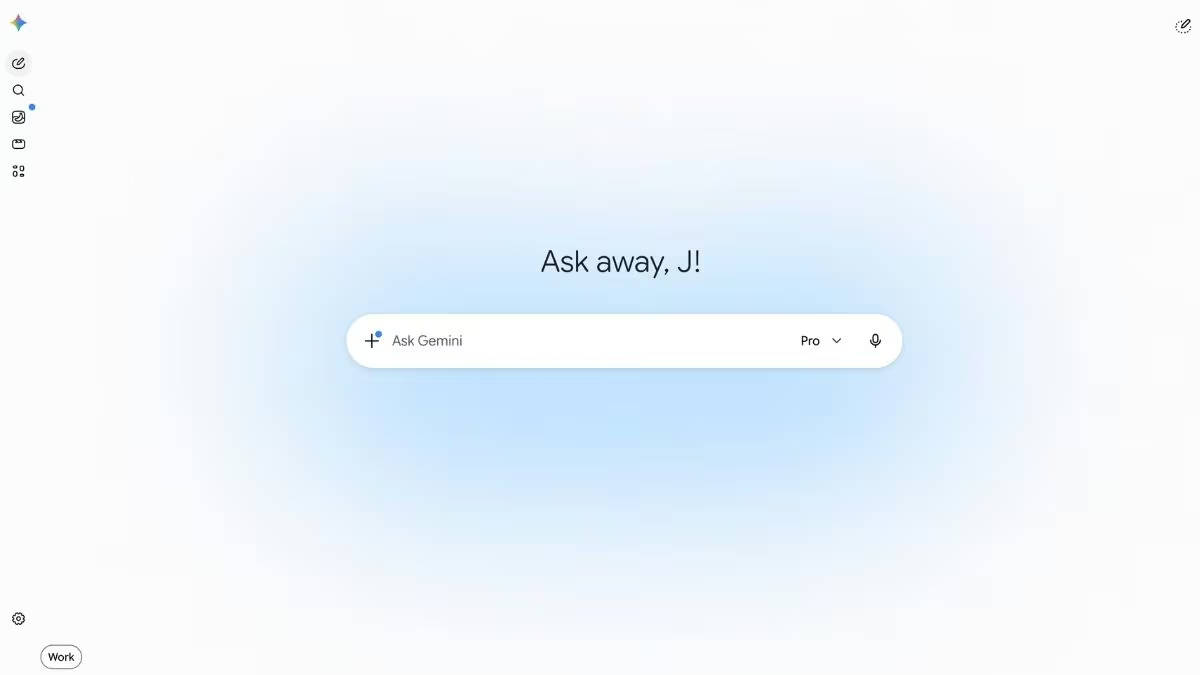
Gemini's edge is proximity. The model sits inside Gmail, Docs, Sheets, Slides, and Drive, so help arrives right where your work already lives.
That closeness removes the copy-paste tax. Gemini can pull context from your documents and emails, summarize a thread, or draft a doc without you stitching information together by hand. For anyone deep in Google Workspace, that continuity beats a marginally smarter standalone model.
Key features:
- Native Workspace integration: Gemini 3.1 Pro works directly inside Docs, Gmail, Sheets, and Drive.
- Cross-app context: Your emails and files can inform outputs without manual input stitching.
- Strong multimodal handling: It handles text, images, and documents together in everyday tasks.
Pros:
- Lives inside the Google apps you already use all day
- Generous free tier and a 1M-token context window on the Pro plan
- Bundles storage and other Google perks at the paid tiers
Cons:
- Reasoning depth can be inconsistent next to Claude on hard problems
- Outputs sometimes feel templated or overly cautious
- Most of its value depends on living in Google Workspace, so the edge fades fast if your work isn't in Gmail, Docs, and Drive
Best for:
- Teams and individuals already standardized on Google Workspace
- Gmail, Docs, and Drive-heavy workflows
- People who want AI help without adding another login
Pricing
There's a capable free tier, with Google AI Pro at $19.99/month adding Gemini 3.1 Pro and the full context window. Gemini also comes bundled into paid Google Workspace business plans.
5. Grok
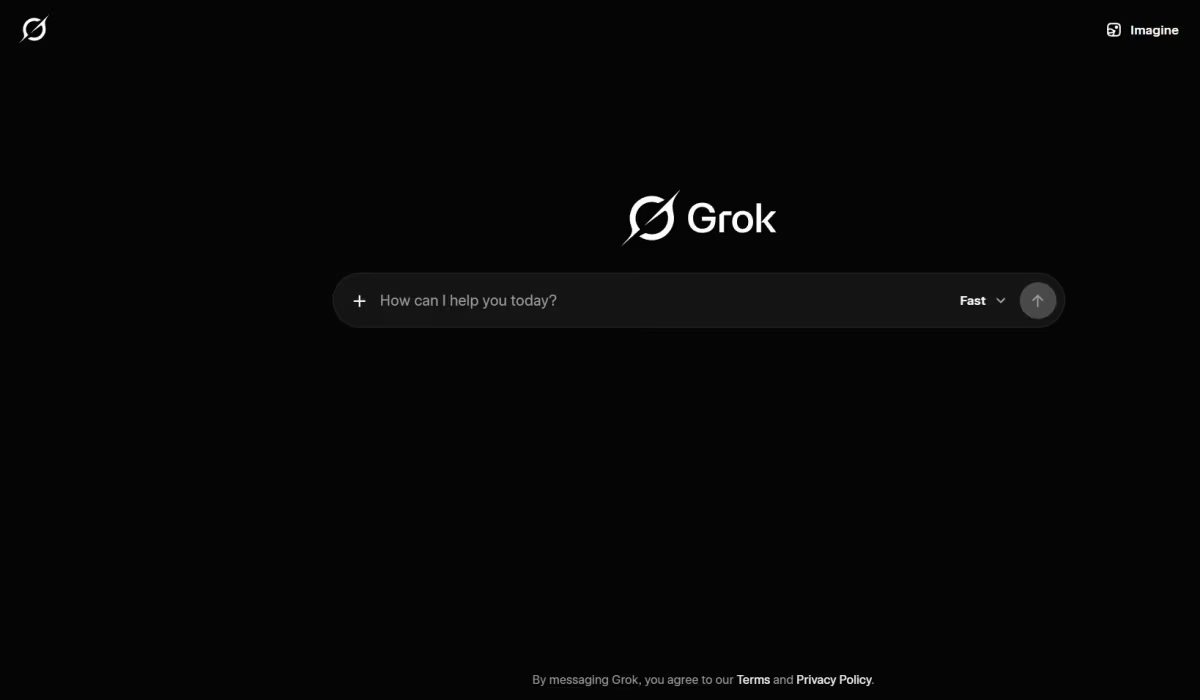
Grok competes on awareness. Its native tie-in with X gives it a live feed of what's being said right now, which few other major models match natively, and that makes it the strongest pick for anything time-sensitive.
For social and breaking topics, that head start is concrete: You can catch a trend, a backlash, or a competitor launch while it's still forming, hours before recap coverage lands. The tradeoff is that Grok's answers can come back messy and loosely organized.
Also read our ChatGPT vs Grok breakdown to see how the two compare before you commit to either.
Key features:
- Real-time X access: A continuous stream of live posts and reactions feeds its answers.
- DeepSearch: A live research mode that pulls and cites multiple current sources.
- Less restrictive outputs: Grok is designed to engage a wider range of topics with fewer refusals than most rivals, within the limits of xAI's acceptable use policy, which still prohibits illegal and harmful content.
Pros:
- Native, real-time access to X posts and threads
- Fast at spotting emerging trends and breaking narratives
- Bundled with X Premium, an easy add-on if you already use X
Cons:
- Weak at structured or analytical reasoning
- Output quality can be inconsistent
- Standalone access at $30/month costs more than ChatGPT Plus or Claude Pro
Best for:
- Social media managers tracking live conversations
- Traders and analysts who need to catch signals early
- Anyone whose work depends on what's happening on X right now
Pricing
A limited free tier exists. SuperGrok at $30/month is the standalone path to the full Grok 4 models. For where it sits against the field, see Grok vs ChatGPT vs Gemini.
6. Perplexity
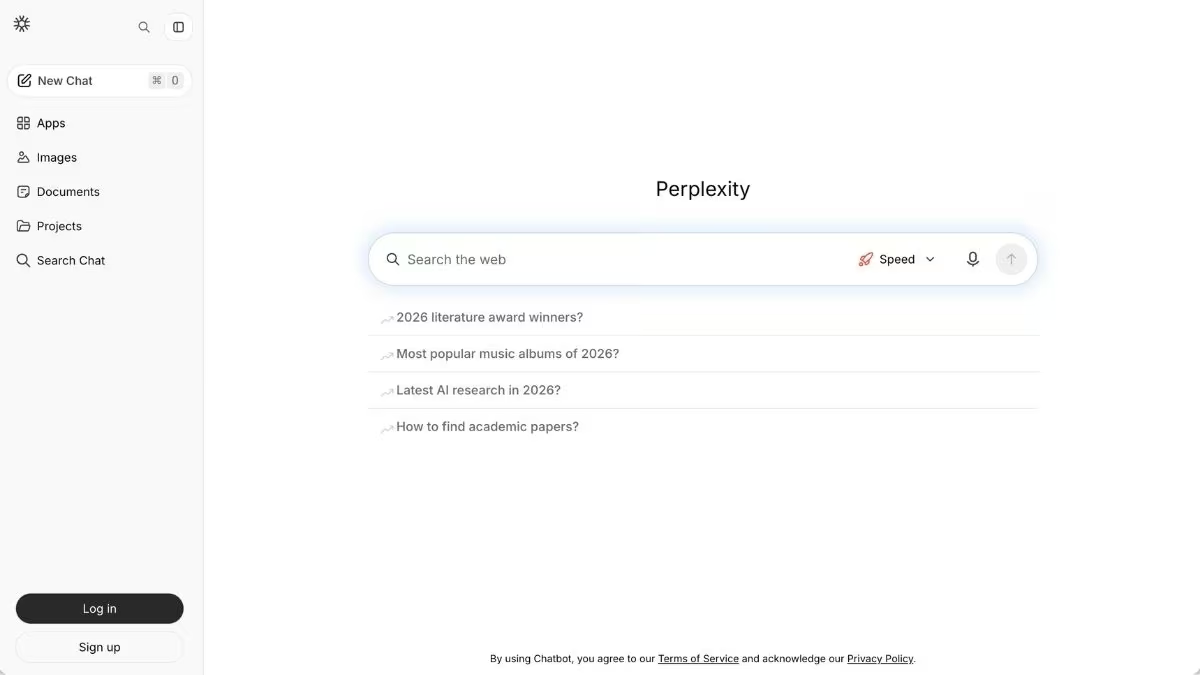
Perplexity is built retrieval-first, so trust is baked into the architecture. It pulls relevant sources before it writes, then builds the answer on top of them, which means you can audit a claim instead of taking it on faith.
That design makes it the default for fast-moving research. Real-time awareness is the baseline rather than a bolt-on, and it collapses search, reading, and summarizing into one loop. On top of that, its Comet browser turns answers into action: It can fill forms, draft emails, and run multi-step web tasks for you.
Key features:
- Cited, real-time answers: Every response maps back to sources you can check. An independent 2026 measurement study found that Perplexity cites more sources per answer than ChatGPT.
- Comet, the agentic browser: A free AI browser that reads the page you're on, summarizes it, and can fill forms, draft emails, and run multi-step tasks.
- Computer use for automation: Its agent can edit local files and browse on your behalf, handling repetitive web work for you.
Pros:
- Answers you can trace to sources, so accuracy is easy to verify
- Treats real-time information as the default, with sourcing built in
- Comet brings agentic browsing and computer use, much of it free
Cons:
- Shallower than Claude when a question needs interpretation over retrieval
- Weaker for creative and narrative writing
- Agentic tasks burn through the free tier's credits quickly
Best for:
- Researchers and analysts who need sourced answers
- Anyone fact-checking or working in fast-moving fields
- People who want a browser that can run web tasks for them
Pricing
The free tier gives unlimited cited searches with a daily cap on Pro Search, while Pro at $20/month unlocks the advanced models. The Comet browser is free, and a deeper comparison lives in Perplexity vs ChatGPT.
7. DeepSeek
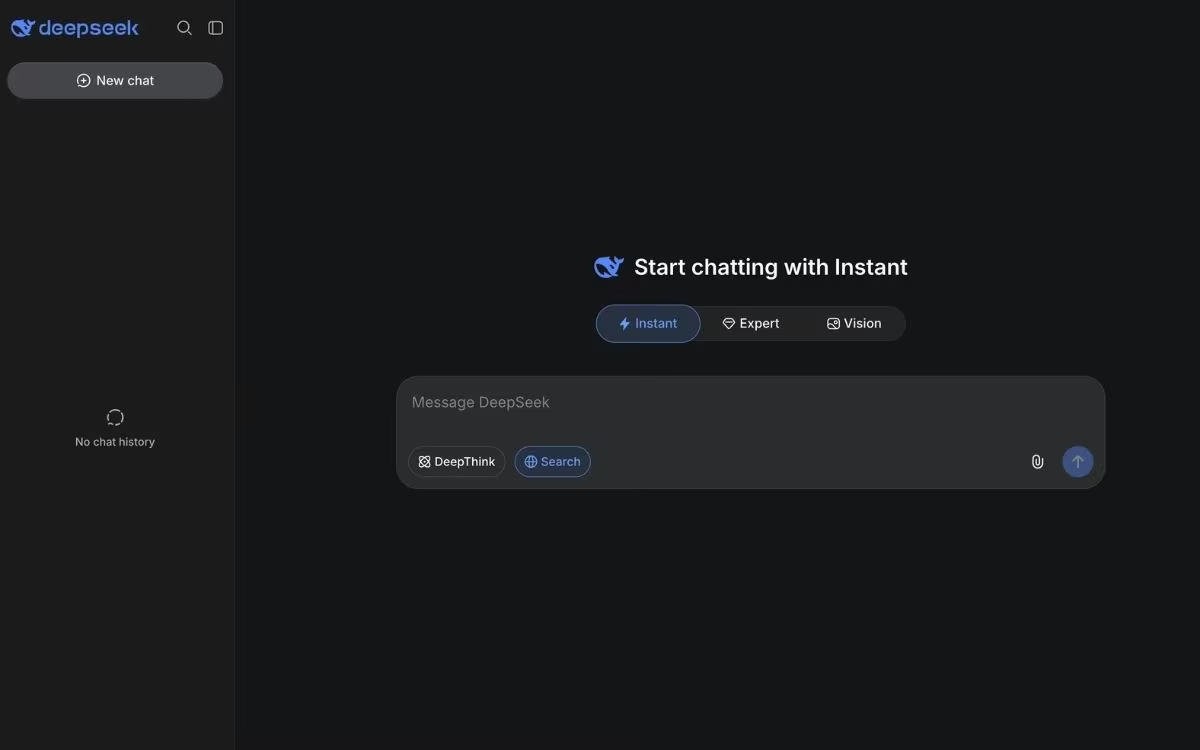
DeepSeek is the free outlier. Its chat app costs nothing, has no paid consumer tier at all, and still delivers frontier-level reasoning and coding, which is why it keeps showing up in serious comparisons.
The V4 models released in April 2026 brought it close to the paid flagships on coding and math benchmarks, and the models are open source, so technical teams can even run them on their own hardware. The catch is where the hosted service lives: Chat data is stored in China, and several governments have restricted the app for that reason.
Key features:
- V4 with thinking modes: The current models switch between fast answers and step-by-step reasoning when a problem needs the extra depth.
- Strong coding and math: V4 posts benchmark results near the paid flagships on software engineering and competitive programming tasks.
- Open weights: The models are open source, so developers can self-host them and skip the hosted service entirely.
Pros:
- Completely free chat with no paid tier to upsell you
- Reasoning and coding quality near the paid flagships
- Open models give technical teams a self-hosted option
Cons:
- The hosted app stores chat data in China, which rules it out for sensitive work
- No voice mode or image generation
- Heavy traffic brings throttling at peak hours
Best for:
- Students and budget-conscious users who want frontier reasoning free
- Developers who want strong coding help at zero cost
- Technical teams that prefer self-hosting open models
Pricing
The chat app is free on the web and mobile with no subscription at all. Developers pay per token through the API, starting at $0.14 per million input tokens.
Also read our best DeepSeek alternatives guide for what else delivers frontier-level reasoning without the data residency concerns.
8. Microsoft Copilot
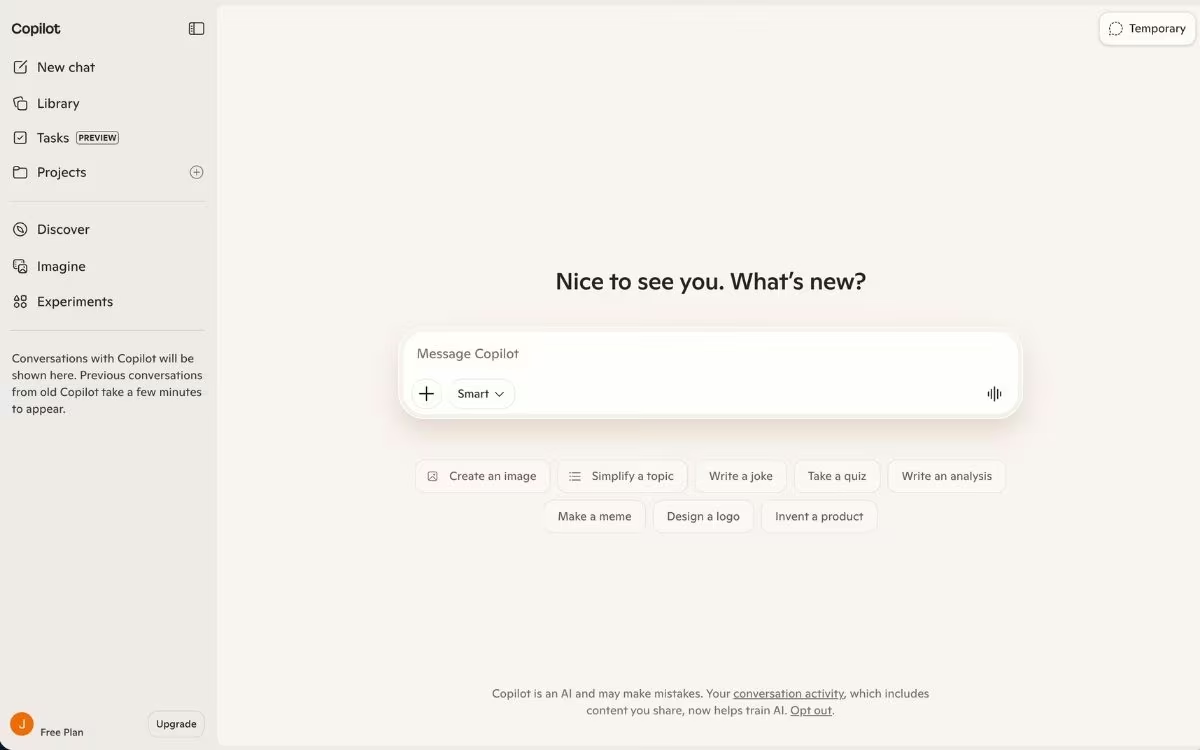
Copilot is the Gemini play for the Microsoft world. It's built into Windows, Edge, and the Microsoft 365 apps, so the assistant shows up inside Word, Excel, PowerPoint, Outlook, and Teams, right where that work already happens.
On business plans, Copilot grounds its answers in your company's own data, pulling from emails, files, meetings, and chats through Microsoft Graph. That grounding is the difference between generic AI text and a draft that already knows the client, the thread, and the history behind it.
Key features:
- Copilot in the Office apps: It drafts in Word, builds formulas in Excel, generates slides in PowerPoint, and summarizes threads in Outlook.
- Grounded in your work data: Business plans connect Copilot to your organization's files, emails, and meetings through Microsoft Graph.
- Free chat for everyone: A capable free assistant lives at copilot.microsoft.com, with no subscription required.
Pros:
- Lives inside apps most businesses already pay for
- Work-grounded answers on business plans beat generic chat for internal tasks
- Free tier requires nothing beyond a Microsoft account
Cons:
- The value depends on the Microsoft ecosystem, and it thins out fast beyond it
- Plan names and licensing are confusing, with several overlapping tiers
- Raw chat quality tracks ChatGPT, since the underlying models come from OpenAI
Best for:
- Organizations standardized on Microsoft 365 and Teams
- Outlook and Excel-heavy roles that want help where they already work
- Anyone who wants a capable free assistant without a new account
Pricing
The chat assistant is free at copilot.microsoft.com. For individuals, Microsoft 365 Premium at $19.99/month puts Copilot inside the Office apps; businesses add Microsoft 365 Copilot to an existing Microsoft 365 subscription at about $21 per user per month on an annual plan (roughly $25 month-to-month).
These eight cover the jobs ChatGPT does only adequately. The next question is how to pick between them without overthinking it.
How to Evaluate ChatGPT Alternatives
Name the one job that's slowing you down, then pick the tool built for it. Comparing models head-to-head comes second. Use these five questions to narrow the field:
- What's the actual bottleneck? If your problem is doing tasks, you want an action tool like Lindy or Wingman. If it's the quality of the thinking you want, you want Claude. Naming the bottleneck picks the tool for you.
- Does it need to act, or only answer? A chatbot answers. An agent connects to your inbox, calendar, and CRM and completes the work. That single distinction rules out half the list immediately.
- How much does live data matter? Grok wins for breaking and social topics. For sourced research you can audit, that's Perplexity. And for timeless reasoning, live data barely matters at all.
- Where does your work already live? If you're in Google all day, Gemini's proximity beats a smarter standalone model, and the same logic points Microsoft-first teams at Copilot. The best tool is often the one that meets you where you already are.
- What does honesty about limits tell you? Every tool here has a real weakness, listed above. Pick the one whose weakness you can live with, and treat a long feature list as the least important factor.
Run those five questions, and you'll usually land on one default plus one specialist. That's the setup that beats trying to force a single model to do everything.
Final Thoughts
There is no single best ChatGPT alternative in 2026, and anyone selling you one is glossing over a field that has clearly split apart. The models have specialized, and the advantage now comes from knowing which model fits which job.
ChatGPT remains a fair default for everyday questions and quick drafting.
The payoff shows up when you stop asking it to be the best at everything and start adding a specialist wherever one job keeps costing you time: Claude for depth, Perplexity for sourced truth, Gemini for Google-native work, Grok for live awareness, DeepSeek when the budget is zero, Copilot for Microsoft-first teams, and an agent like Lindy or Wingman when the job is to get something done.
The operators getting the most out of AI run a small, deliberate set of tools and switch between them on purpose. Pick your default, add one specialist for your biggest bottleneck, and let the rest wait until a real job calls for them.
Ready to Put an AI Assistant to Work Instead of Just Chatting With One?
If you keep getting a good answer but still have to do the work yourself, an agent that acts is the upgrade worth trying first. Here's what that gets you:
- Delegate the small stuff: Hand off scheduling, inbox triage, follow-ups, and research to an assistant that runs across the tools you already use.
- Stay in control: Permission-first boundaries mean routine work runs on its own while anything consequential waits for your approval.
- Build as well as run: Because Wingman is built by Emergent, the same place can also turn a description into a working app or website when a task needs one.
- Start without a setup project: Connect your accounts through standard sign-ins and begin from a chat thread, with a free tier to test it first.
Try building your first app on Emergent to see what an AI that acts can take off your plate.

Most AI app builders stop at prototypes. Emergent creates production-ready apps you can actually launch.
- Production-ready apps
- Web & mobile apps
- Deploy in minutes







