




Vitara AI has positioned itself as an AI-powered development assistant that helps teams generate code, automate repetitive tasks, and accelerate software delivery. Its promise of faster development through AI makes it attractive to engineers who want to reduce manual effort while working inside familiar coding environments.
However, as more teams attempt to use Vitara for real product development, many start realizing that code-level automation alone does not solve deeper challenges around system design, backend workflows, cross-team collaboration, and long-term scalability. This is where the search for Vitara alternatives begins, not because Vitara is ineffective, but because it cannot support the full lifecycle of modern software.
What is Vitara?
Vitara is an AI-powered coding assistant designed to help developers generate, refactor, and understand code more efficiently. It integrates into developer workflows to automate repetitive tasks, suggest improvements, and accelerate development.
Vitara primarily operates at the code layer, assisting with writing and maintaining files, rather than generating complete application systems or managing full backend architecture.
What to look for in a Vitara alternative?
System-level AI reasoning across the entire application
A strong alternative should understand how UI, logic, data, and services interact, rather than generating isolated code. This enables safer, more meaningful automation.
Reduction of backend and infrastructure burden
Instead of only accelerating code writing, the ideal platform should eliminate the need to manually manage servers, databases, authentication, and deployment.
Support for cross-functional collaboration
Modern product development requires input from technical and non-technical roles. Look for tools that allow all stakeholders to shape the system, not just developers.
End-to-end product generation, not just faster coding
The best Vitara alternatives focus on building complete, working systems rather than improving individual coding tasks, shifting productivity gains to the entire lifecycle.
Predictable, maintainable evolution over time
AI-powered development should make systems easier to maintain, not more fragile. A strong alternative supports safe iteration, architectural consistency, and long-term scalability.
List of TOP 5 Vitara AI Alternatives and Competitors
Here’s the list of 5 best Vitara AI alternatives and competitors to overcome the above challenges.
Emergent
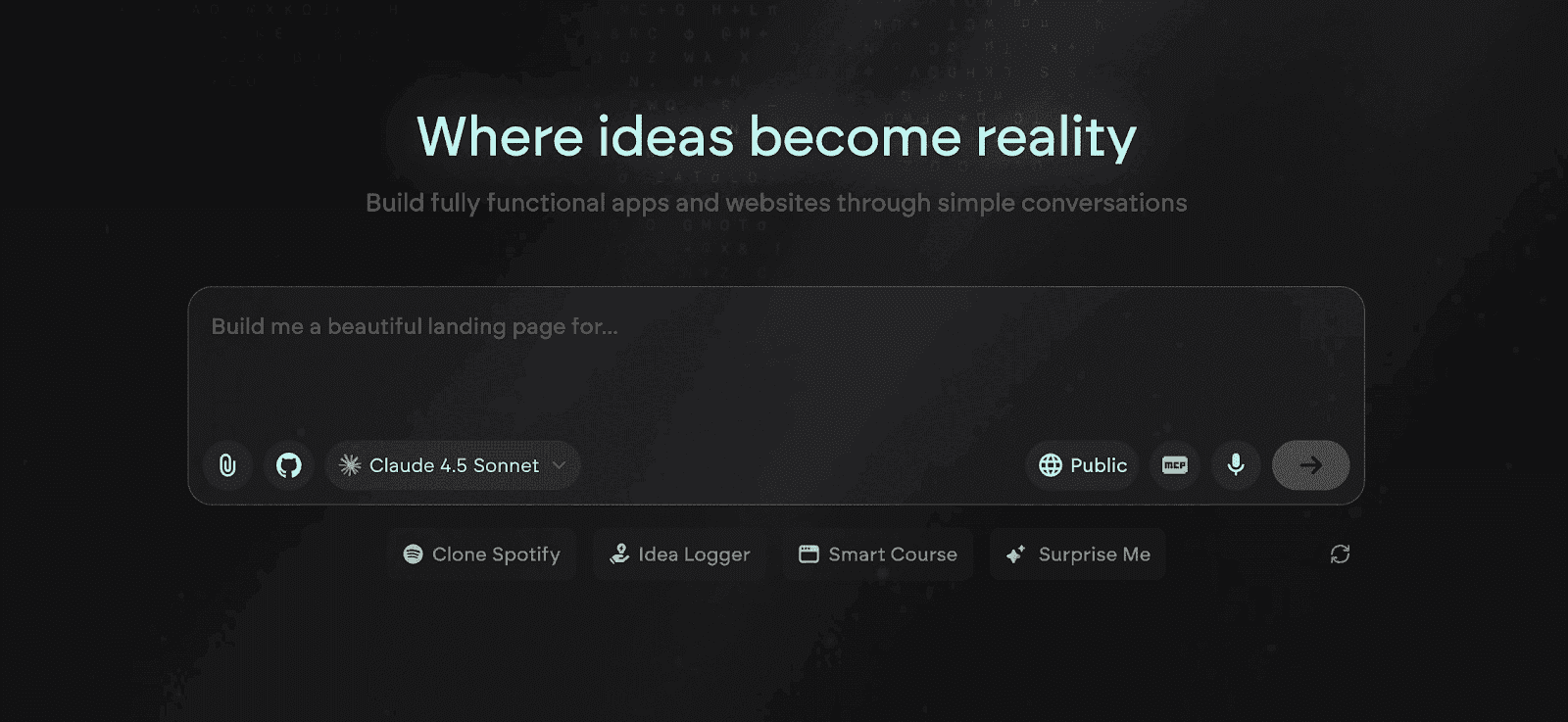
Emergent is one of the best, full-stack, AI-powered vibe coding and no code platforms for building complete, production-grade applications from natural language. Unlike Vitara, which accelerates how developers write code inside existing stacks, Emergent replaces the need to write and manage code by generating entire systems that include UI, backend logic, data models, authentication, integrations, and deployment.
Where Vitara optimizes file-level productivity, Emergent optimizes the entire product lifecycle. Teams design features and workflows at the product level, while Emergent’s AI constructs a coherent, scalable architecture that can be deployed, evolved, and operated without manual engineering overhead.
Key Features of Emergent
System-Level Full-Stack Generation From Product Intent
Emergent converts high-level product descriptions into a complete application stack, including frontend interfaces, backend services, databases, and APIs, all as one architecture. This directly resolves Vitara’s file-level limitation by reasoning across the entire system instead of generating disconnected code blocks.
Automated Backend Logic and Workflow Orchestration
Emergent creates business rules, permissions, data flows, and multi-step workflows automatically, removing the need to manually design and wire backend services. This eliminates the operational work that still remains after Vitara-generated code is merged.
Unified Data Modeling and Relationship Management
The platform generates normalized schemas, relationships, and constraints that stay consistent as features evolve. This replaces the fragile, ad-hoc data handling that often appears when Vitara suggestions are stitched into growing systems.
Native Authentication, Roles, and Access Control
Emergent includes built-in user management, roles, and secure authentication that integrate directly with application logic. This removes the need for custom auth layers and identity plumbing, which Vitara does not address.
Production-Ready APIs and Integration Layer
Emergent automatically exposes scalable APIs and supports real third-party integrations, enabling connected systems from day one. This closes the extensibility gap that Vitara leaves to manual engineering.
One-Click Deployment and Managed Hosting
Applications are deployed instantly with hosting, scaling, and environment configuration handled by the platform. This removes DevOps pipelines, cloud setup, and environment drift that slow Vitara-based workflows.
Context-Aware System Evolution
Emergent preserves system-wide context across UI, logic, data, and integrations so changes remain consistent as the product grows. This prevents brittle refactors and cascading bugs common with code-only AI edits.
Unique Features of Emergent
Intent-to-Architecture Translation Engine
Emergent interprets product goals and user outcomes, then derives the appropriate technical architecture automatically. This moves development from code authoring to outcome design, something code assistants cannot replicate.
Product-State Memory Across Iterations
The platform maintains a persistent understanding of how the product is structured and why decisions were made, enabling safe, contextual updates. This avoids the stateless regenerate-and-fix loop common with code-level tools.
Architecture-Aware Refactoring Without Code Edits
Emergent updates behavior by modifying architectural models rather than raw files, which reduces regressions and dependency breakage. This provides a safer evolution path than editing code suggested by an assistant.
Cross-Role Building Interface
Founders, designers, and engineers can shape the same product using natural language and visual system logic. This removes the developer-only barrier created by IDE-centric workflows.
Living System Graph (UI–Logic–Data Linkage)
Emergent maps how screens, actions, data, and services relate so changes propagate predictably. This structural graph prevents hidden coupling and side effects common in large codebases.
Lifecycle Continuity Without Tool Switching
Emergent supports ideation, building, deployment, and scaling in one environment, so teams never need to migrate when requirements grow. Vitara users often must switch tools as complexity increases.
Natural Language as the Primary Development Surface
Language becomes the interface for defining features, rules, and behavior, not just comments or prompts. This fundamentally changes how software is created beyond any code assistant.
Advantages of Emergent
- Eliminates manual backend, infrastructure, and DevOps work
- Enables system-level creation instead of file-level coding
- Supports cross-functional collaboration beyond developers
- Produces scalable, production-ready architectures
- Shortens time from idea to live product dramatically
- Maintains consistency and safety as systems evolve
Limitations of Emergent
- Less suited for developers who want low-level code control
- Requires a shift from coding to intent-driven product design
- Not aimed at on-premise or highly bespoke infra environments
Emergent Pricing and Plans
| Plan | Pricing | Key Highlights |
|---|---|---|
| Free | $0/month | 10 credits/month All core features Build web & mobile experiences Access to advanced models |
| Standard | $20/month | Everything in Free Private hosting 100 credits/month Extra credits purchasable GitHub integration Fork tasks |
| Pro | $200/month | Everything in Standard 1M context window Ultra thinking System prompt edit Custom AI agents HPC compute 750 credits/month Priority support |
| Team | $300/month | Everything in Pro 1250 shared credits/month Admin dashboard Real-time collaboration 5 team members included |
| Enterprise | Custom | Everything in Team Higher usage SSO & domain capture Advanced organizational features |
Bolt
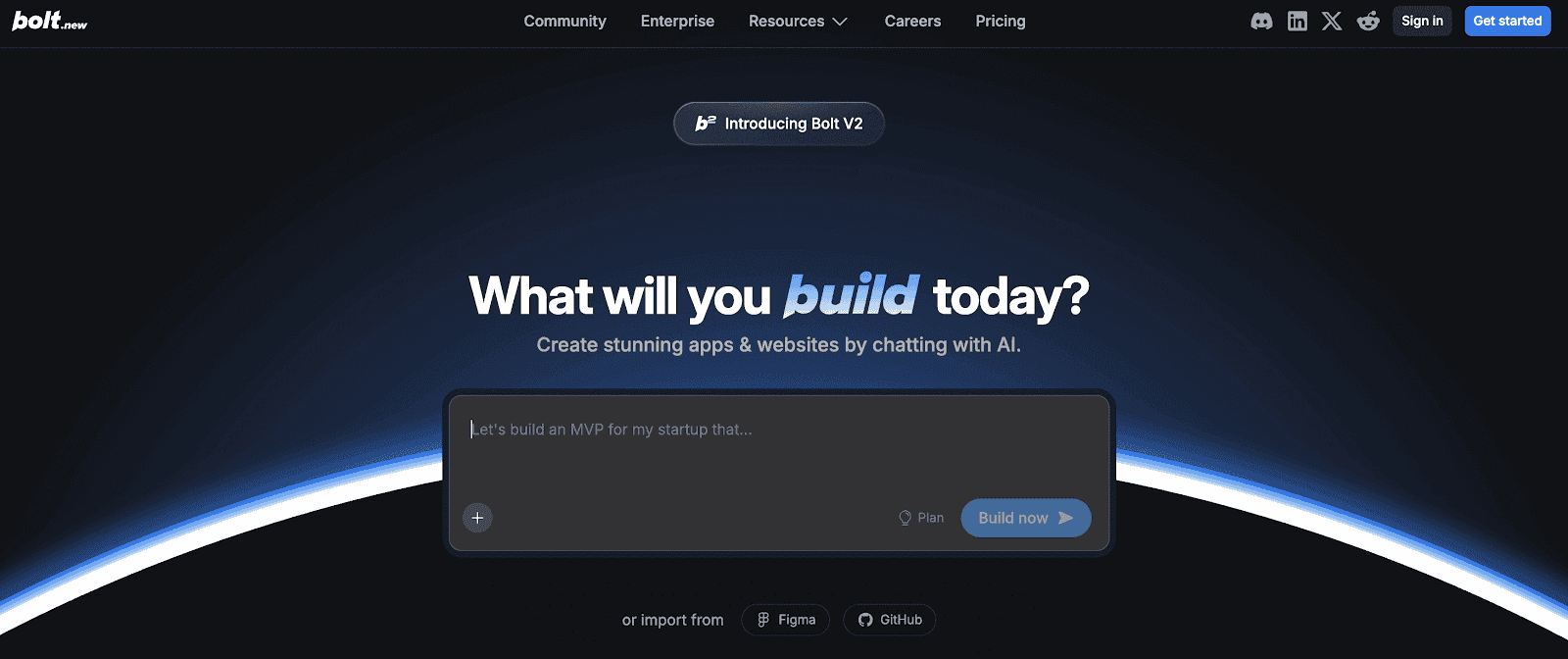
Bolt is an AI-powered web app builder that helps users design, code, and deploy applications directly from natural language prompts. It focuses on rapid prototyping and real-time code generation, giving developers full visibility and control over the underlying source code. The platform’s seamless blend of AI assistance and developer autonomy makes it ideal for startups and teams looking to accelerate software creation without losing flexibility or transparency.
Read More About: 5 Best Bolt.new Alternatives and Competitors
Key Features of Bolt
AI-Powered Full-Stack Development
Bolt allows users to describe what they want to build, and its AI instantly generates production-ready React, Node.js, and database code. This reduces development time dramatically while maintaining professional-grade code quality.
Real-Time Code Visibility and Editing
Unlike traditional no-code tools, Bolt keeps developers in control by showing editable source code. Users can tweak logic, UI components, and APIs on the go, ensuring precision and learning continuity.
Instant Preview and Live Deployment
The platform offers live app previews and one-click deployment to production servers. This real-time feedback loop helps teams validate ideas quickly and iterate without complex setup steps.
Pre-Built Templates and Reusable Components
Bolt provides a growing library of templates and UI blocks for dashboards, forms, and landing pages. Developers can customize these to maintain design consistency and accelerate delivery.
Team Collaboration and Versioning Tools
Integrated version control, permissions, and cloud storage make team collaboration effortless. Members can contribute to shared projects while keeping clean version histories.
Unique Features of Bolt
Transparent AI Coding Environment
Bolt’s AI generates human-readable, editable code, allowing developers to learn, customize, and deploy with confidence. This hybrid approach bridges the gap between no-code ease and developer-grade control.
AI Chat Assistant for Contextual Debugging
Developers can chat directly with the AI to understand bugs, optimize performance, or refactor specific code blocks. The contextual understanding makes problem-solving faster and more interactive.
Instant Database Integration and Schema Management
Bolt automatically configures and connects databases like PostgreSQL or Supabase based on app requirements, eliminating tedious setup and enabling seamless backend management.
Flexible Deployment Options
Users can host directly on Bolt or export projects to platforms like Vercel, AWS, or Netlify, maintaining full ownership of their codebase and deployment pipelines.
Smart Project Scaffolding for Advanced Users
Bolt intelligently sets up folder structures, environment variables, and configuration files for scalable apps. This helps teams transition from prototypes to production smoothly.
Advantages of Bolt
- Combines AI speed with developer control through visible code
- Rapid deployment and live preview enhance iteration cycles
- Strong support for React and Node.js tech stacks
- Allows full export and self-hosting for ownership flexibility
- Built-in templates and database integration speed up MVP creation
Limitations of Bolt
- Limited backend logic customization for complex workflows
- AI may produce redundant or inefficient code occasionally
- Collaboration tools are not as robust as traditional IDEs
- Requires technical understanding to fine-tune generated outputs
- Fewer integrations compared to mature low-code ecosystems
Bolt Pricing and Plans
| Plan | Price (Monthly) | Main Highlights |
|---|---|---|
| Free | $0 | Public & private projects, 300K tokens/day, 1M tokens/month, 10MB file upload, website hosting, unlimited databases, Bolt branding |
| Pro | $25 | Unlimited tokens, 10M+ tokens/month, 100MB file upload, custom domain, SEO boosting, expanded database, no branding |
| Teams | $30 per member | Everything in Pro, plus centralized billing, team access control, admin management, private NPM registries, design system prompts |
| Enterprise | Custom | Everything in Pro, plus advanced security, compliance, dedicated support, custom workflows, large-scale usage, enterprise training |
v0 by Vercel
v0 by Vercel is an AI-powered interface design and development tool that transforms natural language prompts into production-ready React, Next.js, and Tailwind components. Designed for modern web builders, it bridges the gap between design and development by turning ideas, mockups, or screenshots into real, editable code. Built on top of Vercel’s cloud ecosystem, v0 helps teams move from concept to deployment with remarkable speed and visual precision.

Read More About: 6 Best v0 by Vercel Alternatives and Competitors
Key Features of v0 by Vercel
Prompt-to-React Component Generation
Users can describe UI elements or layouts in plain English, and v0 instantly generates clean, modular React code with Tailwind CSS styling. This enables rapid prototyping and eliminates the need for manual front-end scaffolding.
Visual-to-Code Conversion from Figma and Screenshots
The platform can interpret uploaded designs or screenshots to produce accurate React components. It significantly reduces the handoff time between designers and developers while maintaining pixel-perfect results.
Integration with Next.js and Vercel Deployment
v0 outputs are built natively for the Vercel ecosystem, allowing seamless deployment to the cloud with minimal configuration. Developers can preview, refine, and launch directly from the same workflow.
Editable Code with Live Preview
Unlike static design tools, every component generated in v0 is fully editable and executable. The live preview feature allows users to test responsiveness, animations, and layout behavior in real time.
Team Collaboration and Code Sharing
Users can share generated components, collaborate on live edits, and version control their design systems. This helps teams maintain a unified visual and code language across projects.
Unique Features of v0 by Vercel
AI-Enhanced Component Reusability
v0 learns from your existing projects and generates reusable UI components aligned with your team’s codebase and styling conventions. This improves long-term consistency and development speed.
Smart Contextual Editing for UI Elements
Developers can refine specific parts of a component through targeted natural language prompts, such as adjusting spacing, color schemes, or layout hierarchy, without touching CSS manually.
Seamless Integration with Vercel’s Cloud Stack
Since v0 is built by Vercel, it integrates deeply with the hosting, build, and analytics layers of the Vercel platform. This offers a unified build-to-deploy workflow.
Tailwind-Optimized Code Generation
All components are generated using Tailwind CSS utility classes, ensuring clean, scalable, and performance-optimized front-end outputs.
Continuous Improvement via AI Feedback Loop
The platform continuously refines its generation accuracy by learning from user edits, creating a feedback-driven cycle that enhances design-to-code precision over time.
Advantages of v0 by Vercel
- Translates text or visuals directly into modern React/Next.js components
- Deeply integrated with Vercel’s hosting and deployment workflows
- Saves time for both developers and designers during handoffs
- Generates editable, Tailwind-based production-grade code
- Supports team collaboration and shared design systems
Limitations of v0 by Vercel
- Primarily focused on frontend; lacks full backend generation capabilities
- Requires familiarity with React and Tailwind for deeper customization
- Currently limited in support for complex animations or states
- Integration with external databases or APIs needs manual setup
- Still evolving, so output consistency can vary with complex UI prompts
v0 by Vercel Pricing and Plans
| Plan | Price | Included Credits | Highlights |
|---|---|---|---|
| Free | $0/month | $5/month | Deploy apps on Vercel Visual editing with Design Mode GitHub sync |
| Premium | $20/month | $20/month | Buy extra credits 5× larger attachment limit Import from Figma |
| Team | $30/user/month | $30/user/month | Shared credits Centralized billing Team chat & collaboration |
| Business | $100/user/month | $30/user/month | Training opt-out Shared credits API access Centralized billing |
| Enterprise | Custom | Custom | SAML SSO Priority performance Dedicated support API access |
Lovable
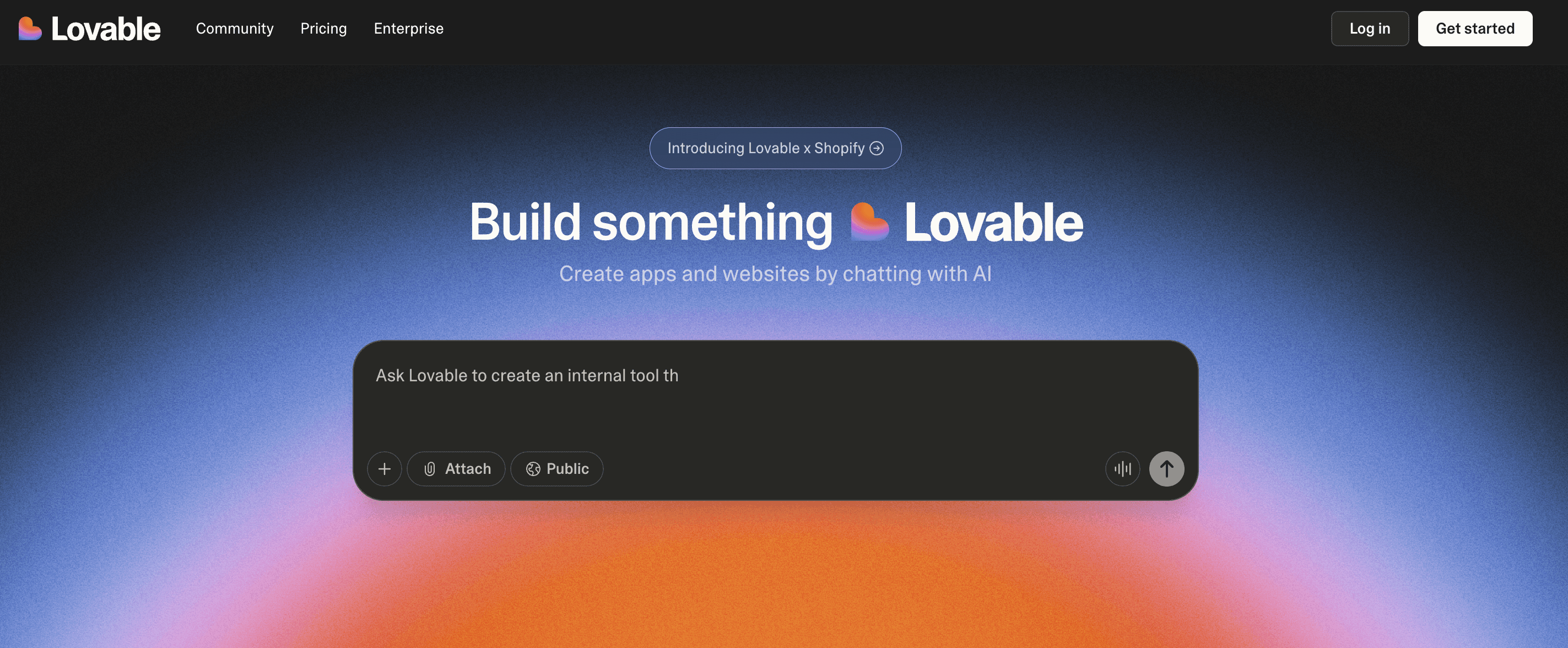
Lovable is a no-code and AI-assisted app builder that lets users create mobile and web applications through simple prompts and visual workflows. Designed for non-technical founders, startups, and small teams, it focuses on fast MVP creation and intuitive app design. Lovable generates UI components, connects APIs, and handles hosting, allowing users to go from concept to launch without writing code.
Read More About: 9 Best Lovable Alternatives and Competitors
Key Features of Lovable
AI-Powered App Generation from Text Prompts
Users can describe their app idea in natural language, and Lovable automatically builds out the interface, logic, and navigation. This makes it possible to launch prototypes or MVPs within hours rather than weeks.
Visual Workflow Builder for Logic and Data Flow
The platform offers a drag-and-drop interface to design workflows, database relationships, and automation rules. Users can set triggers, conditions, and API actions without touching backend code.
Built-In Hosting and Deployment Infrastructure
Every project built in Lovable is automatically hosted and deployable on the cloud. Users can publish their web apps instantly without managing servers or third-party integrations.
Template and Component Marketplace
Lovable includes a growing library of ready-made UI templates and app blueprints for common use cases like e-commerce, SaaS dashboards, and social platforms. These help non-developers get started faster.
Real-Time Collaboration and Versioning
Multiple team members can edit the same app, leave feedback, and roll back changes using Lovable’s version control. This enhances team efficiency and reduces the friction of app iteration.
Unique Features of Lovable
Prompt-Based Iteration Engine
Lovable allows users to refine or modify existing projects through simple prompts like “Add user authentication” or “Change color theme.” The AI automatically integrates changes into the existing build.
Seamless API and Database Connection Setup
It simplifies external integration by automatically detecting API endpoints and generating connectors. Users can link services such as Stripe, Airtable, or Firebase without deep configuration.
Instant Preview and Mobile Optimization
The system auto-generates mobile-responsive layouts that can be previewed instantly. This helps ensure a consistent user experience across devices without additional design steps.
Built-In Analytics and User Tracking
Lovable provides in-app analytics dashboards that track engagement, session times, and user actions. This allows founders to understand user behavior without external tools.
Fast Onboarding with Guided App Creation
New users can follow an AI-assisted onboarding flow that helps them define app goals, select templates, and customize design settings within minutes.
Advantages of Lovable
- Extremely beginner-friendly with full AI-assisted app creation
- Handles frontend, backend, and hosting in one platform
- Offers ready-made templates and drag-and-drop logic builder
- Supports real-time collaboration for team development
- No installation or setup required; runs entirely in the browser
Limitations of Lovable
- Limited flexibility for developers seeking custom code or advanced logic
- Users report occasional performance slowdowns during heavy editing
- Lacks transparency in generated backend code and architecture
- Pricing becomes expensive for scaling or multiple app deployments
- Some users have reported data loss and poor customer support responsiveness
Lovable Pricing and Plans
| Plan | Price | Key Features |
|---|---|---|
| Free | $0/month | 5 daily credits (30/month) Public projects Unlimited collaborators |
| Pro | $25/month (shared across unlimited users) | Everything in Free, plus: 100 credits/month + credit rollover Custom domains Remove Lovable badge Private projects User roles & permissions |
| Business | $50/month (shared across unlimited users) | Everything in Pro, plus: SSO Personal projects Opt out of data training Design templates |
| Enterprise | Flexible pricing | Everything in Business, plus: Dedicated support & onboarding Custom connections Group-based access control Custom design systems |
Codev
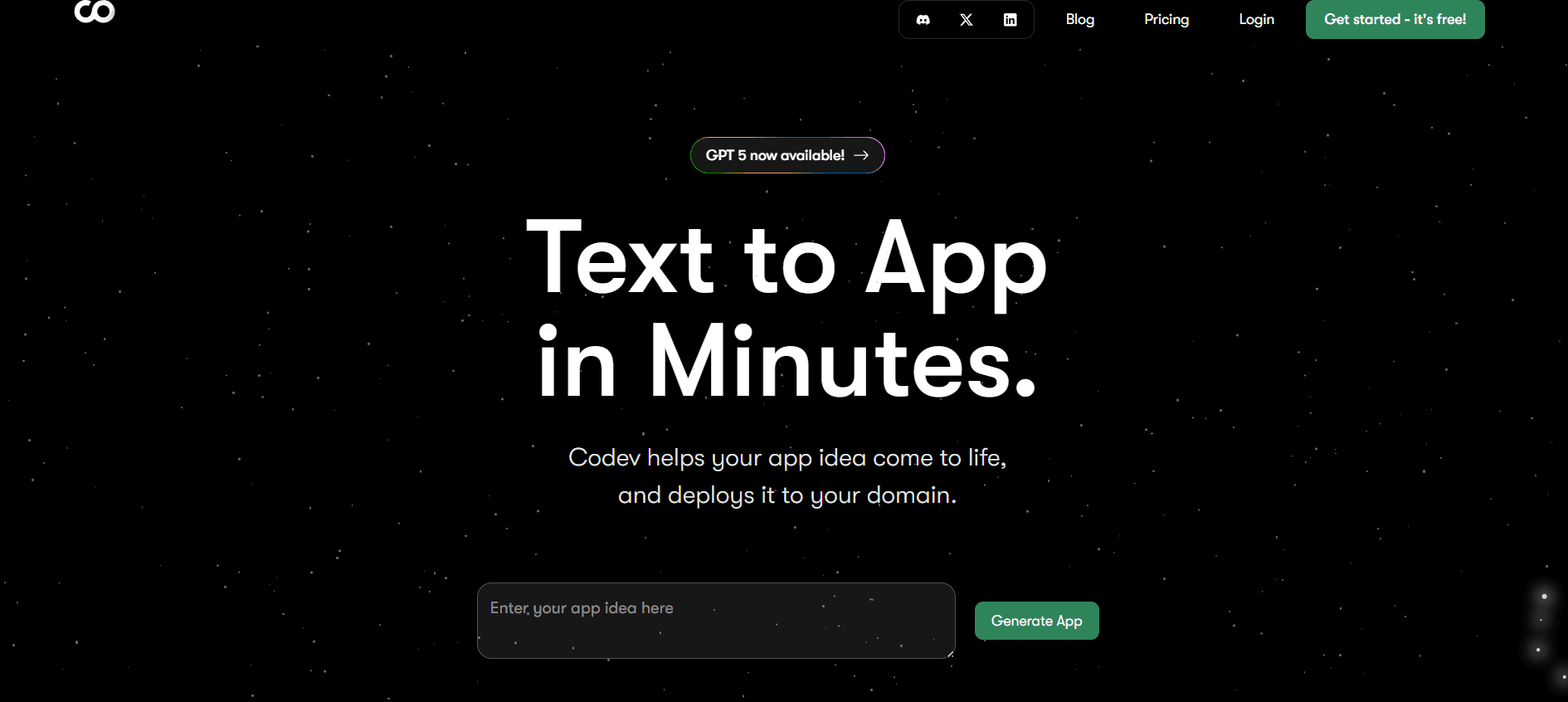
Codev is a no-code development platform that allows users to create web and mobile applications quickly through a drag-and-drop builder and AI-assisted workflows. It aims to simplify app creation for startups, small businesses, and teams that lack full-time developers. Codev supports integrations, real-time previews, and deployment within its ecosystem, making it a one-stop tool for rapid prototyping and internal tools.
Key Features of Codev
Intuitive Drag-and-Drop Builder
Codev’s interface enables users to visually create apps by dragging elements like forms, buttons, and data tables directly onto a canvas. This makes it easy for non-technical users to design functional layouts.
AI-Assisted Workflow Creation
The platform uses AI to automate repetitive processes such as creating CRUD operations, form validations, and connecting data models. It accelerates app setup and reduces human error.
Built-In Database and API Integration
Codev includes native database support with simple schema management. Users can also connect third-party APIs and services without manual configuration, allowing seamless data exchange.
Real-Time Collaboration and Version Control
Teams can work on the same project simultaneously and access change histories. This supports shared development and better project management across teams.
Instant Cloud Deployment
With one-click publishing, users can deploy their apps to a hosted environment immediately. Codev manages infrastructure, servers, and security automatically.
Template Library for Faster Builds
The platform provides templates for common use cases such as admin dashboards, CRMs, and analytics apps. This helps users start from a pre-built foundation rather than from scratch.
Unique Features of Codev
Multi-Environment App Management
Users can manage staging and production environments separately within the platform. This is especially useful for testing updates before going live.
Auto-Generated API Endpoints
Codev automatically creates REST APIs for every data model added, allowing easy integration with external tools or custom scripts.
Visual Logic Editor
Instead of writing complex code, users can define app logic through condition-based workflows that visually represent “if-then” rules.
Built-In User Authentication and Role Control
Codev includes prebuilt modules for sign-up, login, and access permissions, reducing the need for third-party auth setups.
Live Preview and Instant Feedback
Developers can see changes in real time as they build, minimizing iteration delays and guesswork during design or testing.
Advantages of Codev
- Extremely fast app building with AI-assisted workflows
- Drag-and-drop interface suitable for beginners
- Automatic API creation and simple integration setup
- Real-time collaboration for team-based projects
- Built-in authentication and deployment tools
Limitations of Codev
- Reports of bugs and occasional data loss during sync
- Limited support for complex backend logic or advanced customization
- Performance issues when handling large datasets or complex apps
- Dependency on platform hosting with limited export control
- Customer support responsiveness and transparency could be improved
Codev Pricing and Plans
| Plan | Price | Key Features |
|---|---|---|
| Hobby | Free + $3 one-time credit | 1 Public Project Choose AI Model Discord Support |
| Plus | $19/month + 25% off model usage | Unlimited Private Projects Custom Domains GitHub Integration Early Access |
| Enterprise | Custom | White-Glove Onboarding Priority Support |
Why is Emergent the best Vitara alternative?
Emergent replaces code-level automation with system-level product creation
Vitara improves how developers write and refactor code, but it cannot design or understand full systems. Emergent operates at the product architecture level, generating UI, logic, data, and integrations as one coherent system, which eliminates the fragmented and unsafe development patterns created by file-level AI.
Emergent removes backend and infrastructure complexity entirely
With Vitara, teams still spend large amounts of time designing backend services, managing databases, configuring authentication, and setting up deployment pipelines. Emergent automates all of these layers, allowing teams to focus on building features instead of operating systems.
Emergent enables cross-functional product development
Vitara is restricted to developers inside IDEs, excluding founders, designers, and product managers from shaping the system. Emergent allows all stakeholders to collaborate using natural language and system logic, dramatically accelerating iteration and alignment.
Emergent delivers true end-to-end product velocity
Faster coding does not significantly reduce time to market when architecture, integrations, and deployment still require manual effort. Emergent shortens the entire lifecycle by generating, deploying, and scaling applications in one continuous workflow.
Emergent is built to scale without rewrites or migrations
Most Vitara users eventually outgrow code-only tools as systems become complex. Emergent is designed to support the full lifecycle of a product, ensuring teams never have to rebuild or change platforms as requirements evolve.
Conclusion
Vitara is a useful tool for accelerating individual coding tasks, but it does not address the deeper challenges of building and scaling modern applications. Teams still face architectural complexity, operational overhead, and collaboration barriers that limit real productivity gains.
Emergent stands out as the best Vitara alternative because it replaces code-centric workflows with system-level, intent-driven creation. By generating complete, production-ready architectures and handling deployment automatically, Emergent enables teams to build, launch, and scale products without the limitations of traditional coding tools.

Every alternative has trade-offs. Emergent just builds production-ready apps from one prompt.
- Production-ready apps
- Web & mobile apps
- Deploy in minutes







