TL;DR
- Bolt.new: Best for shipping a complete app (database and login) in one pass, with no React lock-in.
- Emergent: Best for shipping a working web app and a working mobile build from one prompt.
- Replit: Best for a real development environment with a self-correcting agent.
- Lovable: Best for the fastest, most polished first pass.
- Base44: Best for automatic data-and-logic setup when you can live with a dashboard that needs manual tidying.
- Magic Patterns: Best for on-brand interface generation when a whole app isn't the goal.
- UI Bakery: Best for an admin panel or dashboard over a database you already run.
- Cursor: Best for someone who already writes code and wants an agent working across a repository they own.
- Devin Desktop: Best for directing several coding agents at once from one editor. It shipped as Windsurf until Cognition renamed it in 2026.
- Claude Artifacts: Best for turning a chat into one working interactive component.
- Framer: Best for a marketing page that sits in front of logic built somewhere else.
- Google Stitch: Best for a free, polished design pass before you commit to a tool that builds the logic.
Give me clean spacing and a properly aligned dropdown, and I'm ready to tell anyone in earshot that the app is finished. It's a habit vibe coding tools are happy to encourage.
v0 fed that habit right on schedule. I asked it for a landing page for a small conference, plus a form so speakers could submit talks, and what came back looked sharp, with clean spacing, a shadcn-style form, and a screen you'd want to show someone.
Then I asked for a way to see who had submitted. There was no login to keep that private and no dashboard to work from. Just a form sitting in the open, nothing behind it.
That gap between a good-looking screen and something that runs is the reason this list exists. I spent 12 days testing 20 v0 alternatives before narrowing the field to the 12 ranked here.
By the end, you'll know which tools get you past the exact wall v0 leaves standing, which ones are worth using anyway for the narrower job they were built for, and when sticking with v0 is still the right call.
Why Look for v0.dev Alternatives?
v0 is good at the one job it's known for. Point it at an interface brief, and it comes back fast with clean React and Next.js components, styled with Tailwind and shadcn. It's GitHub-synced, and one click from a Vercel deploy.
The trouble starts once you need that screen to do something. That gap is where v0.dev alternatives come in.
The Logic Stops at the Screen
Most people still picture the version that handed you a component and walked away. That's out of date: v0 can now connect to a database and handle some of its own planning.
Connecting to a database isn't the same as running a process. You'll still need a login system, a review workflow, or an email that fires when something changes status. v0 leaves most of that to you.
There's an iOS app for building from your phone, and the sites it makes are mobile-responsive. Neither produced an installable app in my testing, and v0 documents no native or App Store output.
The Credit Crunch
The free tier caps you at seven messages a day and $5 of included monthly credits. A failed generation burns that allowance the same as a successful one. Paying raises the ceiling. It never removes it. The next tier runs $30/user/month before the meter starts climbing again with every round of edits.
The bite lands on iteration. Almost every tool here makes the first draft cheap and impressive, and round three is where the bill shows up.
React and Next.js Lock-In
The framework choice hasn't budged. v0 outputs React and Next.js styled with Tailwind and shadcn, full stop. If your project runs on Vue, Svelte, or Angular, you're rewriting what it gives you or picking a different tool from the start.
The Design Held Up, The Logic Didn't
v0's own output held up on the design side in my test. The spacing was clean, and the form matched the shadcn look I'd asked for. The gap between app design and development sits behind the screen, in whatever has to happen once someone submits that form.
How I Tested These v0 by Vercel Alternatives
Ranking real v0 by Vercel alternatives meant testing broadly before narrowing down. Every one of those days was evenings and weekends, inside each tool's own account. Here's what I asked all of them to build.
Five of the 12 worked from the same locked brief. I called the build Callboard, a speaker-submission microsite for a fictional two-day conference. It needed a public page, an organizer login, a review dashboard, and an automatic confirmation email on approval.
Here's the brief, exactly as I gave it to each one:
"Build a speaker submission microsite for a two-day conference called Northbound Summit. I need a public landing page that explains the event (name, dates, location, a one-paragraph description of the theme, and the call-for-papers deadline) and links into a speaker submission form. The form needs these fields: full name, email address, talk title, a talk abstract as a longer text field, a dropdown for talk format (20-minute talk, 45-minute workshop, or 10-minute lightning talk), a dropdown for speaker experience level (first-time, some experience, seasoned), and an optional headshot upload. On submit, show a clear confirmation message on the page rather than a blank refresh.
Behind that, I need an organizer-only login so submissions stay private. Once logged in, I want a dashboard listing every submission in a table (speaker name, talk title, format, and a status column starting at Pending). I need to open a submission, read the full abstract, and change its status to Approved or Rejected. When I mark one Approved, send a confirmation email to that speaker automatically, without me drafting or triggering it each time.
Two edge cases matter. The same email address should not be able to submit twice for this event: Block the second attempt, or flag it as a duplicate on the dashboard. And the abstract field needs a minimum length, so a one-sentence pitch gets asked for more detail before it goes through.
The public page and the form should look presentable enough to point real speakers at, not a bare unstyled form. The organizer side can look simpler, since I'm the only one using it."
For a real-world version of this kind of build, see how an event agency CEO built an operations platform around dashboards and automated workflows.
Four questions decided the ranking among the five tools that ran Callboard, each one drawn from where builders get stuck. Did the login, the dashboard, and the status-driven email work, or only the screen? Did the two edge cases get caught without being chased? What did a second round of changes cost? And how much work was still in my lap at the end?
Eight tools didn't make the cut. Firebase Studio ties a build tightly into one ecosystem, and Balsamiq sketches wireframes but doesn't generate anything.
Figma Make runs into the same ecosystem problem, working only inside a Figma workspace rather than standing on its own. Rork builds strong native mobile apps, but mobile is all it does, so it never reaches the organizer side of a brief like this one.
Onlook and Same.new both work on interfaces that already exist rather than generating one from scratch. Onlook styles a codebase you bring to it, and Same.new clones a live site from a URL instead.
Tembo needs a repository to operate on before it can do anything useful, which rules out a from-scratch brief like this one. Zite lands on the same job UI Bakery already covers here: admin tools built over a database you bring to it.
Six tools I kept never ran the full Callboard brief: Cursor, Windsurf, Claude Artifacts, UI Bakery, Google Stitch, and Framer. Three of them took the slice of Callboard that fits what they're built for, and three took a job of their own. That brief measures how far a tool carries someone who can't finish the job alone, and those six answer a different question.
Want a wider view of AI coding tools beyond this v0-focused list? A separate guide tests 9 more vibe coding tools on real builds.
12 Best v0 Alternatives: At a Glance
How the 12 stack up by job:
| Platform | Category | Best For | Starting Price |
|---|---|---|---|
| Bolt.new | Whole-app builder | Fastest path to a working app | $25/month ($18/month, billed annually) |
| Emergent | Whole-app builder | Web and mobile from one prompt | $20/month ($17/month, billed annually) |
| Replit | Whole-app builder | A dev environment with a database | $20/month ($18/month, billed annually) |
| Lovable | Whole-app builder | The most polished first pass | $25/month ($21/month, billed annually) |
| Base44 | Whole-app builder | Auto-generated data and logic, slower first pass | $20/month ($16/month, billed annually) |
| Magic Patterns | Interface generator | On-brand interface output only | $20/month ($17/month, billed annually) per seat |
| UI Bakery | Internal-tools builder | Admin panel over a database you run | $25/month ($20/month, billed annually) per developer |
| Cursor | AI code editor | Coding faster in a repository you own | $20/month ($16/month, billed annually) |
| Devin Desktop | AI code editor | Running several agents from one editor | $20/month, billed monthly only |
| Claude Artifacts | Interface generator | One interactive component in a chat | $20/month ($17/month, billed annually) |
| Framer | Marketing-site builder | A marketing page that sits in front of logic built elsewhere | $15/month ($10/month, billed annually) |
| Google Stitch | Interface generator | Free polished design pass | Free in beta; daily credit limit, no paid tier |
The 12 Best v0 Alternatives
The first five ran the same brief end-to-end, ranked on the four questions above. Magic Patterns took on half of it and earned sixth for how closely it matched an existing design system. The last six sat it out and are ordered by how much of a working app they hand back on their own.
UI Bakery builds real logic over your data; Cursor and Devin Desktop write real code but need a developer to finish it; Claude Artifacts caps out at one file; and Stitch and Framer stop at a screen.
1. Bolt.new
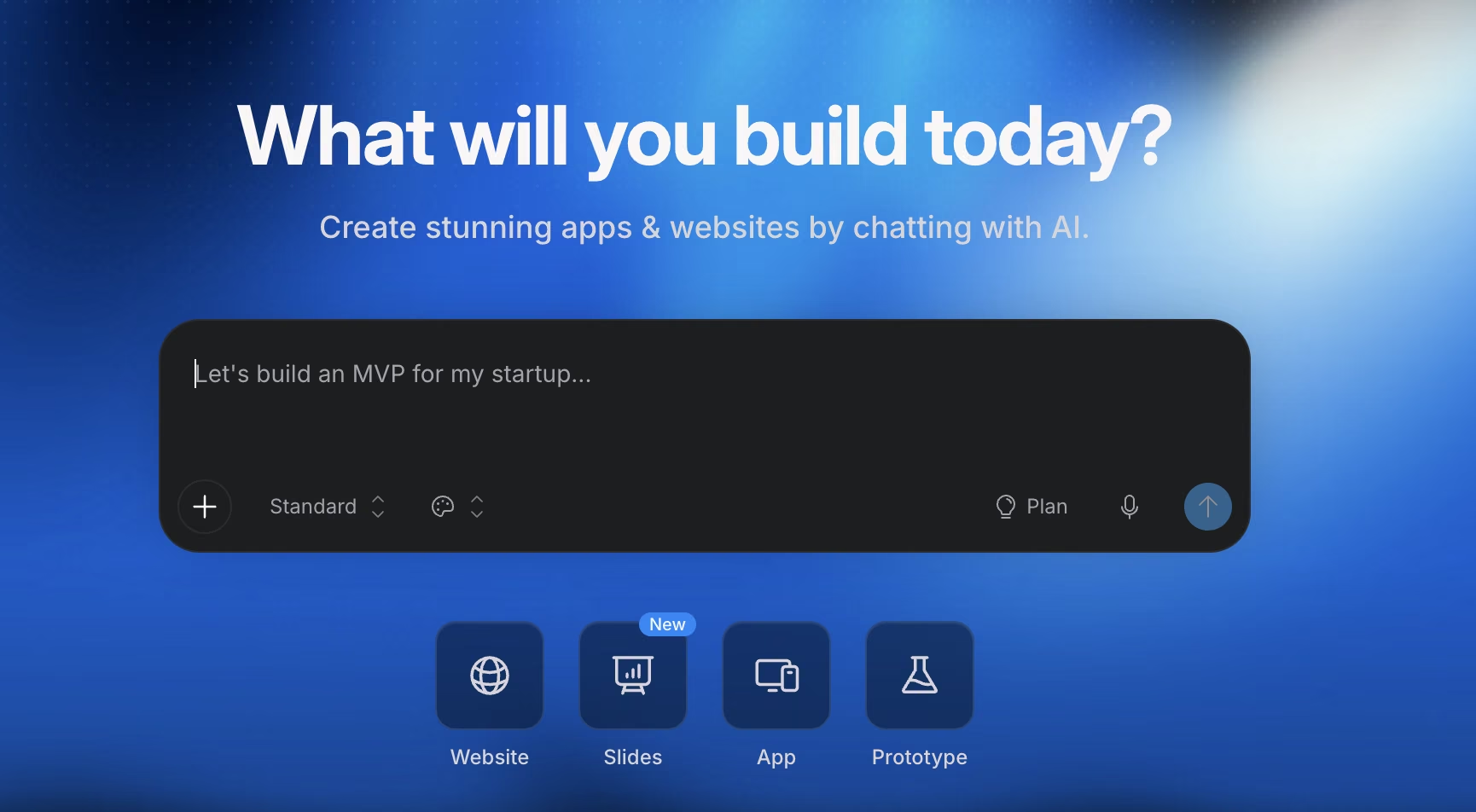
Nothing else here got from a prompt to a complete app faster than Bolt.new, and no other builder came close to its framework flexibility. Running entirely in the browser meant there was nothing to install before I started.
It took the whole Callboard brief in one pass, starting from 'Build a speaker submission microsite for a two-day conference called Northbound Summit.'
The landing page, the form, the duplicate-email check, and the abstract-length rule all came back together, along with the organizer login and the review dashboard. The first working preview loaded in about four minutes, a pace nothing else quite matched.
By the time the status-change logic and the automatic confirmation email were wired in and working, the build had taken 22 minutes and burned roughly 285,000 tokens, under the free tier's daily allowance of 300,000. One complete app is about a day of free-tier building, and every round of fixes after that eats into the next day.
The framework flexibility showed up concretely. I could have swapped Bolt's default React setup for Vue or Svelte mid-build without restarting. Replit runs any language too, but only Bolt let me switch frameworks on a project already underway.
Where It Slipped
Bolt became less stable as the project grew. Somewhere past the fifteenth component, one of the dashboard's filter pieces got silently overwritten during a later prompt, and the status tags stopped rendering. By then the build held the form, the dashboard table, the status dropdown, the email trigger, and a handful of supporting parts.
Nothing announced the breakage. I only caught it because I clicked back through a screen I'd already finished. I asked Bolt to regenerate that one piece, and it was fixed in about four extra minutes.
That's the shape of this tool. It is the one I'd start with, and it's the one I'd check most carefully once a build stops being small.
Bolt.new takes the top slot on raw pace and framework range. Emergent sits a place behind it because that speed comes with a build you have to police as it grows. If the app is going past a dozen components, or a phone is part of the picture, the order flips.
Key Features
- Framework flexibility: Works with React, Vue, Svelte, Next.js, Astro, Angular, Remix, Expo, or plain Node.
- Unlimited databases on every tier: Even the free plan includes unlimited databases, with no upgrade needed to store data.
- Browser-based building: Nothing to install, from the first prompt to the working preview.
Pros
- Fastest complete build in this test, a full submission-to-dashboard app in 22 minutes
- Works with more frameworks than any other builder here
- Unlimited databases even on the free tier
Cons
- Got shakier as the project grew past fifteen or so components in my test
- Token pricing climbs fast once you start iterating
Best For
- Builders who don't want to be locked into a single framework
- Anyone who wants a working app in the shortest possible time
- Projects that will stay reasonably contained in scope
Pricing
Free access is $0/month and covers a 300K daily token limit, a 1M monthly cap, and unlimited databases, with Bolt branding attached.
Pro is $25/month ($18/month, billed annually), removes the daily cap, starts at 10M tokens a month, and rolls unused tokens into the next month. Teams adds centralized billing for $30/member/month, and Enterprise is quoted directly.
Curious exactly how Bolt.new stacks up against v0? I built the same app in both tools and broke down what happened in this Bolt.new vs v0 comparison.
2. Emergent

Turning one prompt into both a working web app and a working mobile build was something only Emergent managed among everything tested here.
It took the same Callboard brief the other four builders worked from. The public page, the form with all its validation rules, the organizer login, the review dashboard, and the email trigger came back in one conversational pass, for 14 credits. The build took 27 minutes end to end. That's more than the free plan's 10 monthly credits cover, so a first real build means starting on Standard.
The brief was specific: 'The same email address should not be able to submit twice for this event.' Both edge cases landed on the first try.
The duplicate-email block caught a second submission from the same address, and the abstract field pushed back on a one-line pitch exactly as the brief asked. Those are the two things I most expected to have to chase, and I didn't.
The mobile build arrived after the web version was done through a React Native app builder that outputs Expo code. That's the detail this brief was written around: an organizer approving a last-minute submission from a phone between sessions.
The Friction Point
The confirmation email was where it slipped. The first time I approved a test submission, the status flipped on the dashboard, and the email step silently didn't fire. Nothing errored, which is the annoying version of this failure, because a quick click-through looks fine.
One follow-up prompt describing exactly what happened fixed it, with no rebuild and inside that same 14 credits. The step that broke was the one hanging off a status change, the most conditional piece of the whole brief.
For a job that lives entirely in a browser tab, Bolt.new gets you there faster.
Key Features
- Web and mobile from one prompt: Nothing else here turned a single prompt into both a browser build and an installable one. This tool handed me both.
- GitHub integration: Two-way sync on Standard and up, so the app never stays locked inside the platform.
- Private project hosting: Standard and higher plans keep a build from being publicly discoverable by default.
- Multiple specialized agents share the work: Separate agents handle the interface, the logic and integrations, and testing, coordinated behind one conversation.
Pros
- Only tool here that produced a working mobile build alongside the web app
- Handled both edge cases correctly on the first pass
- Handled the full brief in one pass for 14 credits, more than the free plan's 10 monthly credits cover
Cons
- The confirmation email needed one follow-up prompt to fire correctly in my test
- Adjustments to an existing build ask for more precise prompting than a fresh one does
Best For
- Builders who want a working mobile app without a separate mobile build process
- Anyone who wants to skip handing the project to a developer afterward
- Teams that want private hosting by default
Pricing
Free users get 10 monthly credits at $0/month. Standard starts at $20/month ($17/month, billed annually) for 100 credits a month, private hosting, GitHub integration, and fork tasks. Pro steps up to $200/month ($167/month, billed annually) for 750 monthly credits and a 1M context window.
3. Replit
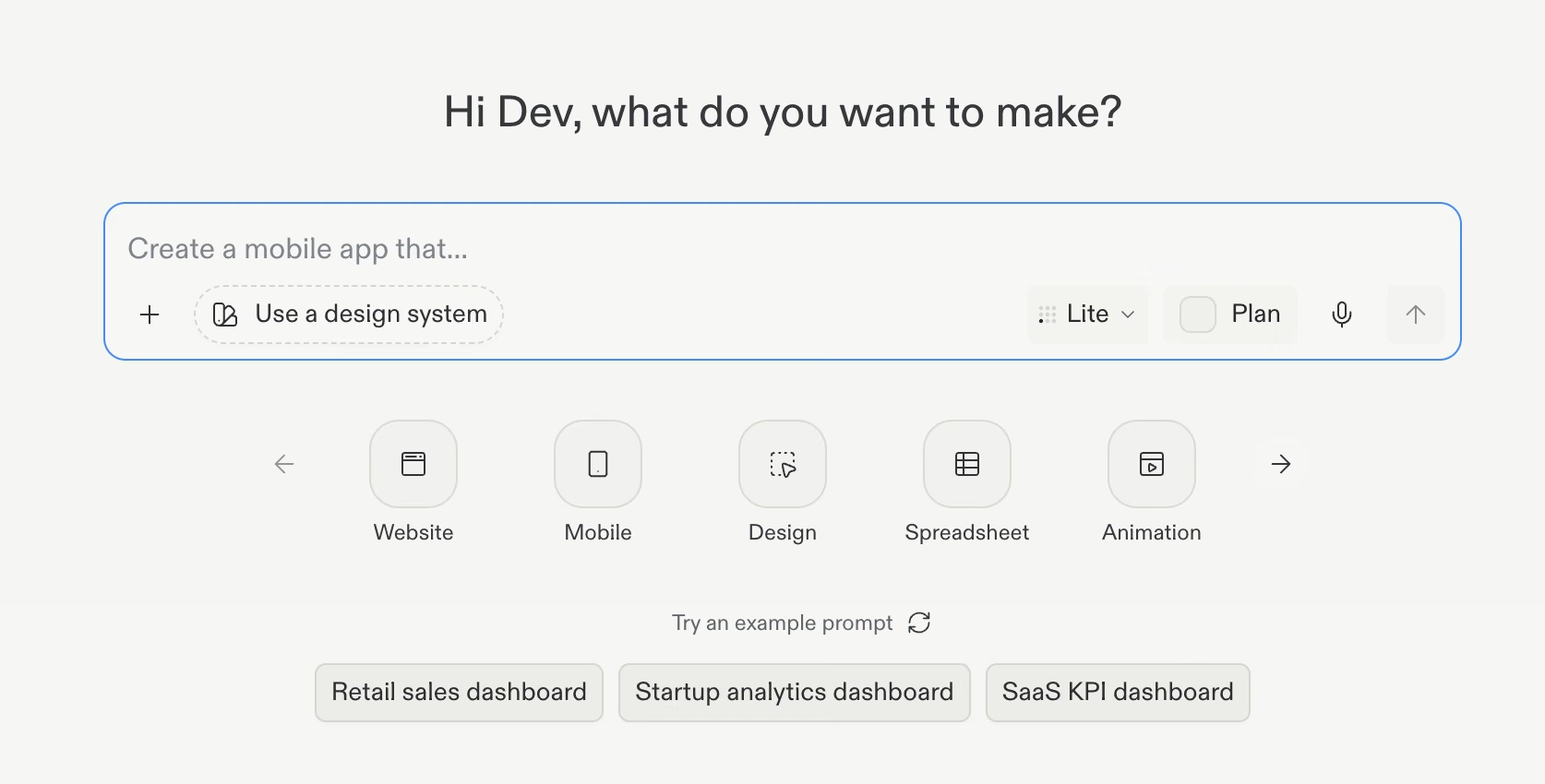
Working the brief the way a developer would, Replit's agent caught and fixed its own bug without being told. It's also the only tool here built around a working development environment, with a Postgres database in place from the first prompt.
It built methodically, reading its own output and correcting course as it went. No external database service needed configuring first, which removed the one setup step that usually sits between a prompt and a working form.
The build took 39 minutes and $18 of credits. Replit denominates credits in dollars, so one build ate most of the $20 of monthly credits the Core plan includes. Sit with that number before subscribing. If one app of this size eats nine-tenths of a month's allowance, a month of iteration won't fit inside the plan price.
The Bug It Caught Itself
The brief called for 'a dashboard listing every submission in a table.' Partway through, that dashboard's status column stopped refreshing after a submission was approved. The row kept showing Pending until I reloaded the page.
The agent then read its own error output, worked out that it was holding stale state, and patched it. I never sent a follow-up prompt. Every other builder that ran this brief needed me to describe a problem before it would look at it.
Visual polish was the weak spot. The landing page and the form both worked correctly, duplicate-email blocking and abstract length included, and the approval email fired on the first Approved status change without a follow-up prompt.
Both looked plain next to what Bolt.new and Lovable produced from identical instructions. Function clearly outranked form.
If you're going to keep editing afterward, that trade is fine and probably welcome. If you want something you could point a speaker at without a design pass first, budget for one. The environment is what you're paying for here.
Key Features
- Built-in Postgres database: No external service to configure, on every plan including the free Starter tier.
- Self-correcting agent: Reads its own error output and fixes bugs without a follow-up prompt.
- Any-language support: Not limited to JavaScript-based frameworks.
Pros
- The agent caught and fixed its own bug mid-build, with no prompt from me
- A database is included from the start, with no external setup
- Feels closest to a real development environment of anything here
Cons
- Visual output looked plain next to Bolt.new or Lovable from the same prompt
- Effort-based credit pricing makes a month of iteration hard to predict
Best For
- Builders who want a development environment with a database included
- Anyone who plans to keep editing after the first draft
- Anyone comfortable troubleshooting alongside an agent that fixes its own bugs
Pricing
The Starter plan is free and includes a database for whole-app builds. Core costs $20/month ($18/month, billed annually) with $20 of monthly credits and up to five collaborators. Pro climbs to $100/month ($90/month, billed annually) with $100 of monthly credits.
If Replit's credit-based pricing gives you pause, a separate guide tests seven more Replit alternatives side by side.
4. Lovable
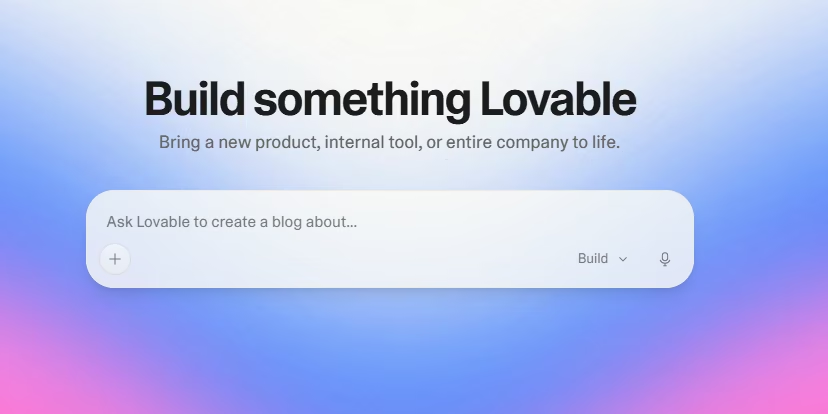
By a wide margin, the best-looking of the five builds came from Lovable's first pass at Callboard. It produced a real design without being asked for one, and a working interface appeared in well under a minute.
That head start changes how the tool feels for the first 10 minutes. The landing page had spacing and type that looked considered, and the form looked like something a conference would send speakers.
The logic behind it took longer to hold up. The duplicate-email check wired in cleanly on its own. Once I added the abstract-length rule on top of it, it broke the organizer login redirect.
The brief asked for 'an organizer-only login so submissions stay private.' The approval step started routing organizers back to the public landing page when it should have gone to the dashboard. That's an easy bug to miss in a quick click-through and impossible to miss once submissions are landing. Nothing about the failure pointed at the validation rule I'd added, which is what made it slow to untangle.
Getting the Logic to Hold
It took a second round of prompting to get everything working together. By then the build had used 24 credits and 34 minutes, most of it spent re-testing screens that had already worked once.
That pattern was the most disruptive part of testing this tool. I watched a fix for one feature break another more than once, and each round cost credits whether it landed or not. The confirmation email itself worked correctly once the redirect was sorted.
Retest every flow you already built each time you add a new one, and treat a rollback to a working version as the fix before reaching for another prompt. Lovable earns its place when a polished first result is the priority. It isn't the right choice if the logic has to be right on the first try.
Key Features
- Fast first-pass polish: A styled, real-looking interface is ready before the first minute of generation is up.
- Database and login wired in: Access rules and data storage come set up from the start.
- GitHub sync: No hard lock-in to Lovable's own hosting.
Pros
- The duplicate-email check wired in cleanly on its own, before any other logic was added
- Working interface appeared in under a minute
- No hard-code lock-in, thanks to GitHub sync
Cons
- Adding a second feature broke something that already worked, in my test
- Needed the most rounds of prompting here to get the logic fully right
Best For
- Builders who care most about how the first draft looks
- Anyone comfortable retesting existing flows each time a new one is added
- Projects where the look carries as much weight as the function early on
Pricing
There's no cost to start: the free plan is $0/month. Pro is $25/month ($21/month, billed annually) and includes 100 monthly credits, adjustable through a credit-tier option. Business goes for $50/month ($42/month, billed annually) with unlimited users and per-member credit limits.
Beyond this single section, nine more Lovable alternatives get the same hands-on testing in a dedicated guide.
5. Base44
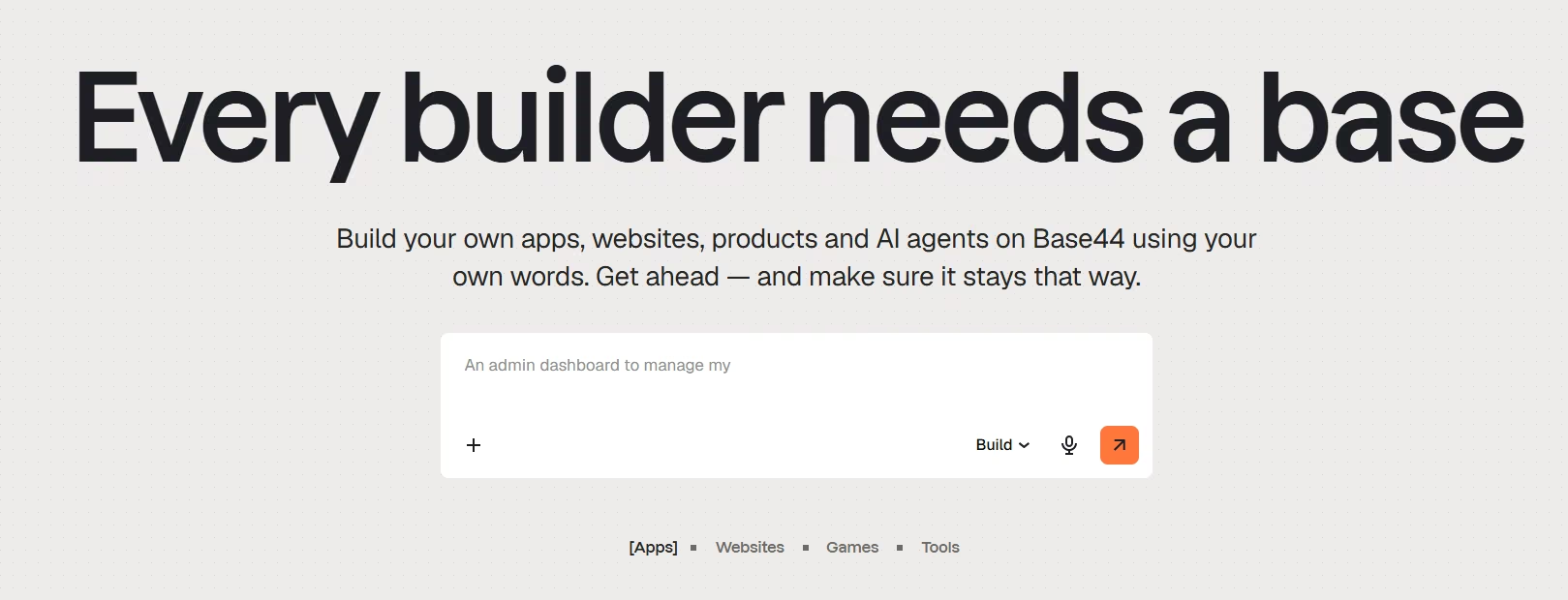
Base44 needed 41 minutes and 22 credits to complete the full Callboard brief, the longest of the five tools that ran it, and that total reflects several rounds of adjustment rather than one clean pass. Replit was the next slowest, at 39 minutes.
The public page, the submission form, the organizer login, and the dashboard behind it all eventually came together. Behind the screen, the login system, the submissions table, and role-based access for the organizer view were generated on their own, without me wiring anything by hand.
That auto-generated data-and-logic layer is the tool's real strength. I never had to think about how the login connected to the dashboard or where the submission data lived. Base44 handled the plumbing the way Bolt.new and Emergent did, only at a slower pace.
The Dashboard Sticking Point
The brief specified needing to 'open a submission, read the full abstract, and change its status to Approved or Rejected.' What came back put the status column, the speaker name, and the abstract preview in an order that didn't match how an organizer would want to scan the table.
Some of that time went to rearranging the layout by hand rather than prompting for a fix, mixed in with the rounds spent re-asking Base44 for changes. That's a different friction than a bug: nothing broke, but the screen needed babysitting even after the brief had already described it in detail.
The two edge cases, the duplicate-email block and the abstract-length minimum, both worked once the dashboard was sorted, and the confirmation email fired on approval without chasing, so the logic itself held up. It's the pacing and the visual defaults that cost Base44 its spot among the builders ranked ahead of it.
Base44 pricing runs on a message-and-integration-credit system, with every tier's exact allotment in the Pricing section below. I'd trust Base44's generated data layer over its default layout choices any day, and I'd budget extra time for the layout pass every time.
Key Features
- Automatic data-and-logic setup: Login, data storage, and role-based permissions are built behind the scenes without manual setup.
- Built-in hosting and custom domains: Every paid plan connects a custom domain, and Builder and above throw in a free domain for the first year.
- In-app code edits: Drop into the generated code directly when the visual editor isn't precise enough.
Pros
- Login, roles, and data storage generated automatically and worked correctly on both Callboard edge cases
- Unlimited apps on every paid tier, including the entry Starter plan
Cons
- Took 41 minutes and 22 credits across several rounds of adjustment to finish the Callboard brief, the slowest of the five that completed it
- Default dashboard layout needed manual rearranging before it was usable
Best For
- Builders happy to let the platform handle login, storage, and permissions, in exchange for a slower first pass
- Teams comfortable tidying a generated layout by hand
- Business-app builds that need role-based access more than they need raw speed
Pricing
Free access to Base44 costs $0/month, with 25 message credits and 100 integration credits a month, capped at five apps. Starter opens at $20/month ($16/month, billed annually) with 100 message credits and 2,000 integration credits.
Builder, the most popular tier, is $50/month ($40/month, billed annually) with 250 message credits and 10,000 integration credits. Pro and Elite scale up to 1,200 monthly message credits on the top tier.
6. Magic Patterns
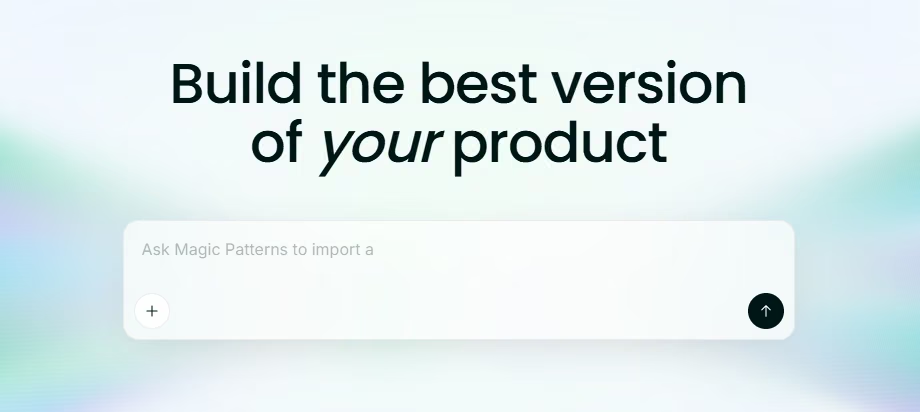
Half the Callboard brief was never going to happen here, and that's exactly why Magic Patterns is worth testing. It does a narrower job than the builders above it, staying inside an existing design system's boundaries. Building a whole app was never the assignment.
I fed it the same locked brief anyway. What came back was a landing page and a submission form that matched an existing design system more precisely than any builder managed from identical instructions, though Lovable's page still read as the more finished product overall. That's the kind of fidelity none of the builders above attempted.
That took 13 minutes and 260 credits of the monthly allotment, more than double what the free tier allows in one pass. Treat the free plan as a look around.
Where the Brief Hit the Wall
The organizer login, the review dashboard, the approve-and-reject flow, and the email trigger make up the entire second half of the brief. None of it had anywhere to go. Magic Patterns exports component code and Figma files, and it will publish what it builds to a live URL, but it never generates the logic behind those screens, on any plan tier.
The boundary is intentional because Magic Patterns performs the same narrow job v0 itself does, with sharper design-system awareness bolted on. That brief needed a database, and the boundary showed up inside the first few minutes.
Plan around that. Decide where the login and dashboard logic will live before you start building interfaces here, because the decision doesn't get easier later.
Skip it if the whole app is still the goal. Otherwise, if you want better-looking, more on-brand output than v0 gives you, and the login and dashboard logic already have a home to plug into, this is a genuine upgrade.
Key Features
- Design-system-aware output: Matches an existing brand's spacing, palette, and component style far more precisely than a generic generator.
- Figma export: Component code and design files come out of the same generation.
- Model Context Protocol (MCP) support and GitHub sync: Available on the Starter tier and up.
Pros
- Matched an existing design system more precisely than anything else tested on the same brief
- Fast, with a full interface pass in 13 minutes
- Figma export alongside code, useful for handing work to a design team
Cons
- No path to a login system, dashboard, or workflow logic on any plan tier
- The free tier's 100 monthly credits won't cover one serious pass
Best For
- Builders whose scope stops at the interface layer
- Teams with the login and data logic already handled elsewhere
- Projects where matching an existing brand precisely is the whole point
Pricing
Magic Patterns' free tier costs $0/month and includes 100 monthly credits. Starter is $20/month ($17/month, billed annually) per seat and includes 1,000 monthly credits, MCP, and GitHub sync. Business climbs to $100/month ($85/month, billed annually) per seat, with 5,000 monthly credits. Extra credits cost $0.02 each on paid plans.
7. UI Bakery
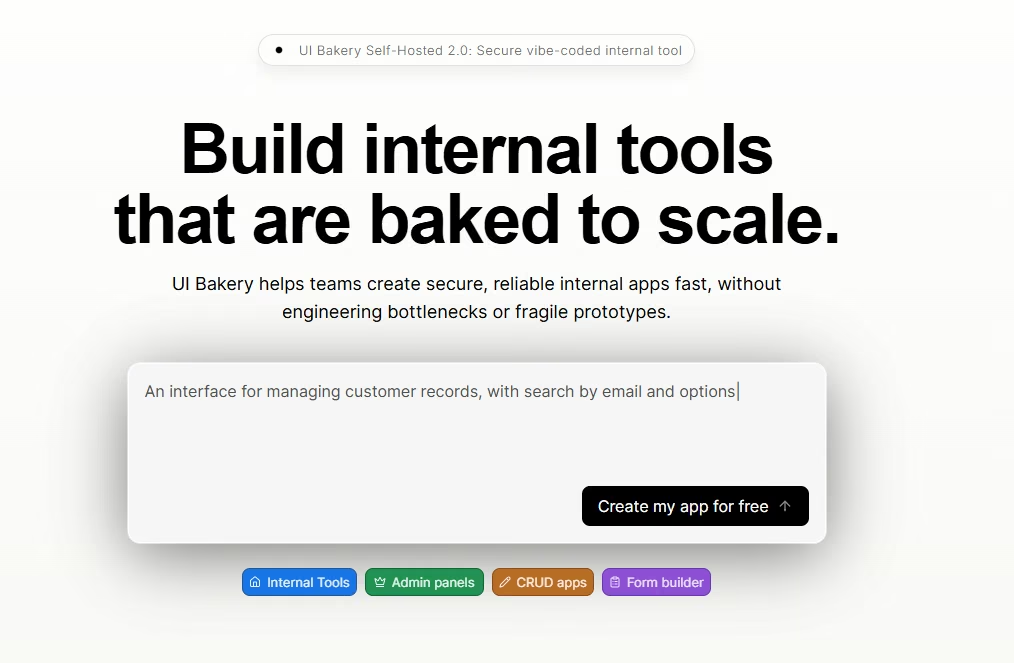
Skipping the full Callboard brief here was a deliberate move. UI Bakery is built as an internal tool builder for admin screens sitting on top of a database you already run.
So instead I tested it the way its own documentation describes. I loaded a sample table of speaker-submission data, matching the four fields Callboard's dashboard needed (name, talk title, format, status), into a hosted database and asked its AI Agent to generate a review screen over it.
What came back in a few minutes was a working table view with sorting, a status dropdown per row, and role-based access split between an admin seat and a viewer seat. Direct SQL, REST, or GraphQL connections are a core feature, and the agent wired the table to the data source correctly on the first attempt, with no reconnection or schema fixing needed.
Staying Inside Its Lane
The limit showed up where the brief turned public: UI Bakery had no way to generate the landing page or the speaker-facing form. Extending the review screen past a basic table meant dropping into JavaScript or Python, the intended workflow here, but still a different skill than prompting.
Source code export and self-hosted deployment both sit behind the paid Builder tier, with higher tiers scaling per developer for larger teams, all laid out in the Pricing section below. The free plan caps out at browser-hosted apps with a hosted PostgreSQL database and no export. That's a real distinction from a tool like Base44, where hosting ships free from the start.
UI Bakery is honest about its lane. Point it at data you already have, and you get a sorting, role-aware review screen in a few minutes.
Key Features
- AI Agent that builds complete app logic: Generates UI, data bindings, and workflows directly from natural language, connected to your own data.
- Direct data-source integrations: SQL, NoSQL, REST, and GraphQL connections built directly into the platform.
- Code export: Available on paid cloud tiers, or free through self-hosted deployment, so a build isn't locked to UI Bakery's own hosting.
Pros
- Connects directly to an existing database or external service without manual reconnection or schema fixes
- Free plan includes unlimited apps and a hosted PostgreSQL database to test with before paying
Cons
- No path to generating a public-facing page or form from scratch, only admin and internal screens
- Source code export on the cloud plan requires the paid Builder tier; self-hosted deployment is free with unlimited developer seats
Best For
- Anyone who wants a working admin panel fast, especially teams standardizing internal tools
- Builders who want visual editing with a JavaScript/Python escape hatch
- Internal tools that need self-hosting more than public-facing polish
Pricing
At $0/month, the free plan includes unlimited apps, a hosted PostgreSQL database, and monthly AI trial credits, though source code access requires a paid plan. Builder is $25/month ($20/month, billed annually) per developer and adds $25 in monthly AI usage credits, app export, and built-in roles.
Team steps up to $40/month ($35/month, billed annually) per developer, adding role-based access controls and audit logs. Enterprise scales further from there and is quoted directly. Self-hosting is priced per developer too: a free plan with unlimited seats, then $40/month ($35/month, billed annually) per developer above that.
8. Cursor
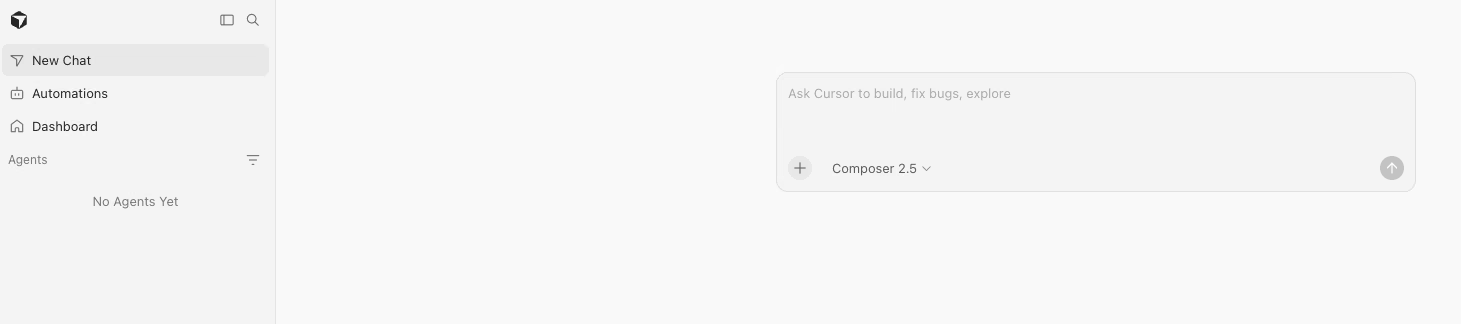
Assuming you already write code is the one thing that decides everything about where Cursor fits, and it's the first agentic coding tool here built on that assumption. A fork of Visual Studio Code, it opens a folder on your own machine, no browser tab required.
It sat out the Callboard head-to-head deliberately. Scoring a developer tool against a brief that measures how far a non-coder gets would have flattered nobody, so I gave it the job it's built for.
I pointed it at the repository Lovable had synced to GitHub and asked its agent to add a rejection-reason field, from the database through to the dashboard. It found every file involved and changed them all in one pass, including two I wouldn't have known to open. That's the difference between this and a chat window handing back a snippet to paste in.
Composer is where you describe a change and watch it land project-wide. Cloud agents push longer work off your machine, Bugbot reviews what comes back, and MCPs, skills, and hooks connect an agent to tools outside the editor. You pick which model does the thinking.
Where Cursor Stops
Cursor stops one step earlier than the builders do. It leaves the database, login, and hosted URL for you to set up, and I finished with a folder that ran on my laptop and nowhere for it to go.
The framework question does disappear. Cursor edits whatever language a project already uses, so a Vue, Svelte, or Go codebase needs no rewrite first.
Understand the billing before subscribing, because there's no credit meter. Included usage is measured in dollars, and Cursor includes $20/month of third-party model usage inside Pro, $70 inside Pro Plus, and $400 inside Ultra, priced at provider cost rather than tied to the subscription price, which is why the included dollars run higher than the plan fee on the top two tiers.
Spend past that, and you keep going at the model providers' usage rates with no hard stop, which is generous and also how an overspend creeps up on you.
My call is blunt. If you can't read what Cursor writes, this is the wrong tool, and no amount of prompting changes that. It makes a developer faster, and it was never built to replace one.
Key Features
- Repository-wide agent: Reads and edits across a whole project at once, changing several files in a single pass.
- VS Code extension compatibility: Stocked from the Open VSX registry, so most popular extensions install straight away. A few Marketplace-only ones arrive as Cursor's own audited builds instead.
- Model choice plus MCPs, skills, and hooks: Lets you choose the model for each change and connect agents to outside tools.
Pros
- Works in whatever language a project already uses, with no React requirement
- The agent reasons across a whole repository, so one change lands in every file it touches
- Work continues at the model providers' usage rates once the included allowance is spent, with no hard stop
Cons
- Nothing is hosted, stored, or deployed, so a finished app needs separate services and setup
- Offers little use to anyone who can't read and run the code it produces
Best For
- Anyone who wants an agent that finds every affected file on its own, not just the one you point to
- Teams already routing work through Git, code review, and pull requests
- Projects on a stack v0 can't generate for at all
Pricing
Hobby, the free tier, is $0/month and covers limited agent requests plus access to Composer. Pro is priced at $20/month ($16/month, billed annually) and adds extended agent limits, frontier model access, cloud agents, and MCPs.
Pro Plus climbs to $60/month with a larger usage allowance, and Ultra tops out at $200/month with the largest of the three. Teams costs $40/user/month, with Enterprise priced on request.
Cursor's usage-based billing is worth understanding in full. This Cursor pricing guide breaks it down tier by tier.
9. Devin Desktop (Formerly Windsurf)
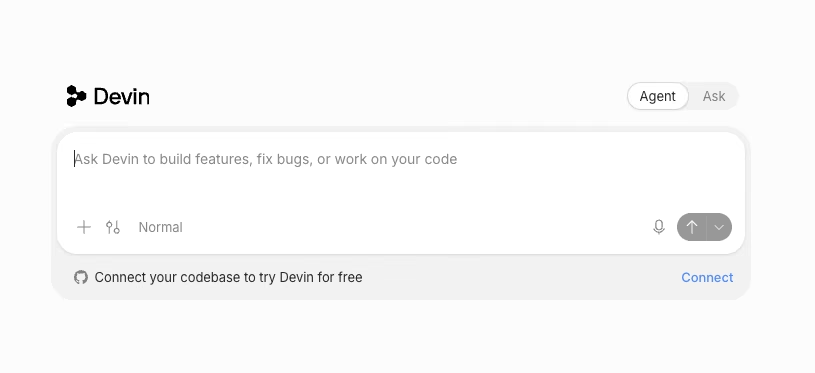
Covering similar ground to Cursor, Windsurf organizes it around a different idea. The editor acts as a command surface for running and reviewing a fleet of agents, with the coding window arranged around that job.
Start with the name, because it changed. Cognition, which acquired Windsurf, renamed it Devin Desktop and shipped the change as an over-the-air update. Type windsurf.com into a browser today and you land on a Devin page, with existing plans and prices carried over untouched.
It sat out Callboard for the same reason Cursor did. I gave it the same repository and a different job: two agents at once, one adding a dashboard filter and one writing tests. Local and cloud agents show up together in a single Kanban view. You plan work there, hand it off, review what comes back, and merge it without leaving the editor.
Two pieces make that workable. Spaces group every agent session, pull request, file, and piece of project context for one task into a single view. A new session inside a Space inherits what that Space already knows, so I never re-explained the project to the second agent. Fast Context found the files each agent needed without me naming them.
The Billing Question
The billing is where I'd slow down. Windsurf bills on quotas, which is easy to misread next to a credit-metered builder. The free plan advertises a light quota, and Pro raises it, with extra usage billed at the model providers' rates.
Neither plan publishes a number for what a light quota or an increased one actually buys, so there's no way to guess how long a session lasts before something throttles. I'd open the free plan first and let the throttle show me the ceiling before paying for more.
Like Cursor, Windsurf leaves hosting and public access for you to configure after the session.
The command center is the real reason to pick this over Cursor, and it's the same reason a solo builder shouldn't. On one small app, you're buying a control surface with nothing on it.
Key Features
- Agent Command Center: Plan, delegate, review, and ship across local and cloud agents from one view inside the editor.
- Spaces: One view per task, holding its agent sessions, pull requests, files, and shared project context.
- Agent Client Protocol support: An open protocol, so a compatible agent can run inside any compatible editor.
Pros
- Built around coordinating several agents at once, all from one view
- Fast Context finds the files an agent needs without you pointing at them
- Existing plans and prices carried over unchanged through the Devin Desktop rename
Cons
- No published number for what the free or Pro quota allows
- The multi-agent command center is dead weight on a solo project with one small app in it
Best For
- Developers running more than one agent at a time on the same project
- Teams that want agent output reviewed in the same place it was generated
- Anyone already on Windsurf deciding whether to stay after the rename
Pricing
The Free plan carries a light quota for running agents and costs $0/month. Pro comes in at $20/month for an increased quota, frontier model access, and cloud agents, with extra usage billed at the model providers' rates.
Every tier is quoted monthly. There's no annual billing option published at all, so there's no annual saving to weigh up. Max goes up to $200/month for considerably higher quotas, Teams costs $80/month plus $40/month per full developer seat, and Enterprise is quoted directly.
Windsurf's quota system catches people off guard more than most, so its hidden costs get a full breakdown in this dedicated Windsurf pricing guide.
10. Claude Artifacts
This is the smallest tool in the guide, and the only one that's a feature inside another product rather than something standalone. That's Claude Artifacts. It opens beside a Claude conversation you're already having. The one bit of setup: switch on 'Code execution and file creation' in settings first, and then Artifacts appears inline.
Ask for something self-contained and the result splits into its own pane beside the chat, where it renders and runs. Anthropic's own documentation puts the trigger at content that's significant and self-contained, typically over 15 lines.
I asked it for the Callboard submission form as one interactive component. It came back clickable in under a minute, with both dropdowns and the abstract field behaving. For a form, a calculator, or a chart you want to click through five minutes from now, nothing else here gets there with less setup, since there's no project, account, or build in the way.
Nothing Persists Between Reloads
An artifact is a single file in a sandbox, and it can't execute server-side code or reach a database. Nothing I typed into the form survived a reload while I was still building it, since nothing persists until an artifact is published.
Publishing is the part people underrate. Publish one and anyone with the link can open it. Artifacts reach outside tools through MCP on paid plans. An AI-powered artifact even lets a visitor use Claude through it without bringing their own developer key, counting against their own subscription.
Pro and higher plans add persistent storage to a published artifact, though it is capped at 20 MB and supports text only. So the second half of Callboard was never reachable: a login and a review dashboard had nothing to run on.
Don't subscribe only to get Artifacts. The one-file wall arrives the moment a second screen is needed. If you already pay for Claude, it's the one tool here that costs nothing extra to reach for, and I'd open it before v0 for a one-off widget.
Key Features
- Runs inside the conversation: A self-contained result opens in its own pane and renders live next to the chat.
- Publishing and remixing: A published artifact opens for anyone with the link, and an AI-powered one runs on each visitor's own subscription.
- Wide output range: Markdown documents, code, single-page HTML, SVG, diagrams, and interactive React components.
Pros
- Included on Claude's free plan, so evaluating it costs nothing extra
- Gets from one sentence to something clickable with no project to create first
- Published artifacts get persistent storage on Pro and above, capped at 20 MB each
Cons
- Limited to one file without server-side code or database access, so it cannot support a login or dashboard
- Storage only works once an artifact is published, so entered data disappears on a reload while building
Best For
- One-off interactive components, calculators, and small internal tools
- Explaining an idea by handing someone something they can click through
- Anyone already paying for Claude who wants a working widget without opening a second tool
Pricing
Artifacts is included on the free $0/month plan. Pro costs $20/month ($17/month, billed annually) and raises usage limits while adding persistent storage for published artifacts. Team seats start at $25/month ($20/month, billed annually), Max plans run $100/month or $200/month for higher limits again, and Enterprise is quoted case by case.
11. Framer
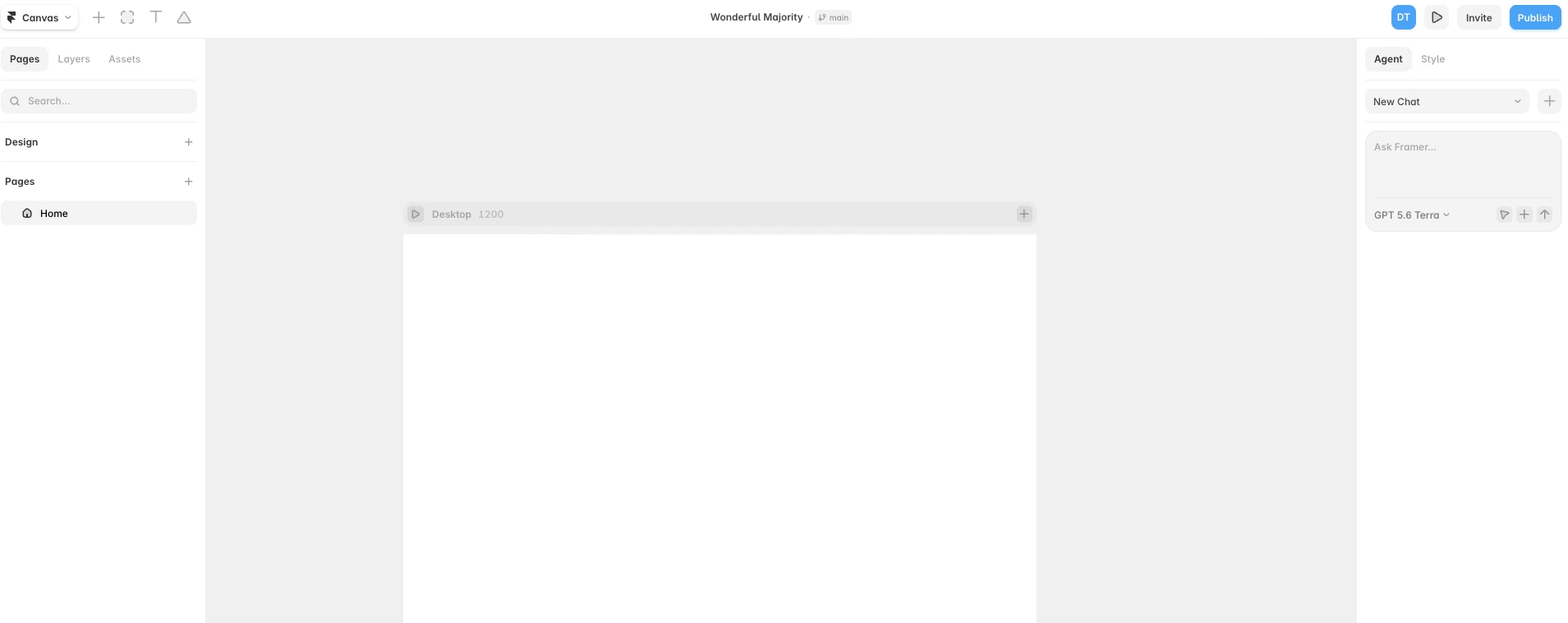
Built for marketing sites and content pages, Framer never had login or dashboard screens on the table to begin with. I pointed it at the one piece of Callboard that's a marketing page: the public landing page introducing Northbound Summit.
I described the same event details (the theme, the dates, the call-for-papers deadline) and asked for a page a real speaker would land on. What came back looked like a finished marketing site: a real hero section, a CMS-backed schedule block, and copy that matched the tone I'd asked for.
Framer's AI layer is genuinely good at this specific job: turning one prompt into a page that looks ready to publish, not just a draft to touch up.
The Wall Behind the Page
Asking for the submission form to save anything anywhere is where the limits show. Framer sites publish as fully hosted pages on Framer's own infrastructure, and Framer's own help center is explicit that a published site can't be exported to static HTML for self-hosting, because the performance features it relies on run on Framer's own servers.
A CMS collection can be exported as CSV or JSON, and a reverse proxy can front the site on your own domain, but the site itself never leaves Framer.
The credit meter is the thing to watch, because a page you keep re-generating burns the same allotment as a finished one does. Framer is the wrong tool if the page needs its own logic. Pair it with something that handles that logic, and the price is a fine trade.
Key Features
- AI-generated marketing pages: Full hero sections, copy, and layout generated together from a single text prompt.
- Built-in CMS: Content collections for blog posts, schedules, or listings, editable without touching code.
- Credit-based usage across the whole platform: Pricing and limits are metered in credits.
Pros
- Shippable in one pass, with nothing left to lay out by hand
- Reverse-proxy hosting lets a site live on your own domain without leaving Framer's infrastructure
Cons
- A Framer site gives you nowhere to put your own database or server-side logic on any plan: the page it publishes is the whole app
- Can't export to static HTML for self-hosting, confirmed on Framer's own help center
Best For
- A conference or event landing page that sits in front of logic built somewhere else
- Marketing and content teams who want AI-assisted copy and layout
- Marketing pages you're comfortable never being able to move off Framer
Pricing
Framer’s free plan is $0/month with 500 credits to try. Basic starts at $15/month ($10/month, billed annually) with 1,000 credits a month, a free custom domain, and two CMS collections.
Pro starts at $45/month ($30/month, billed annually) with 3,000 credits, 10 CMS collections, and site redirects. Enterprise is custom, with volume credit discounts.
12. Google Stitch
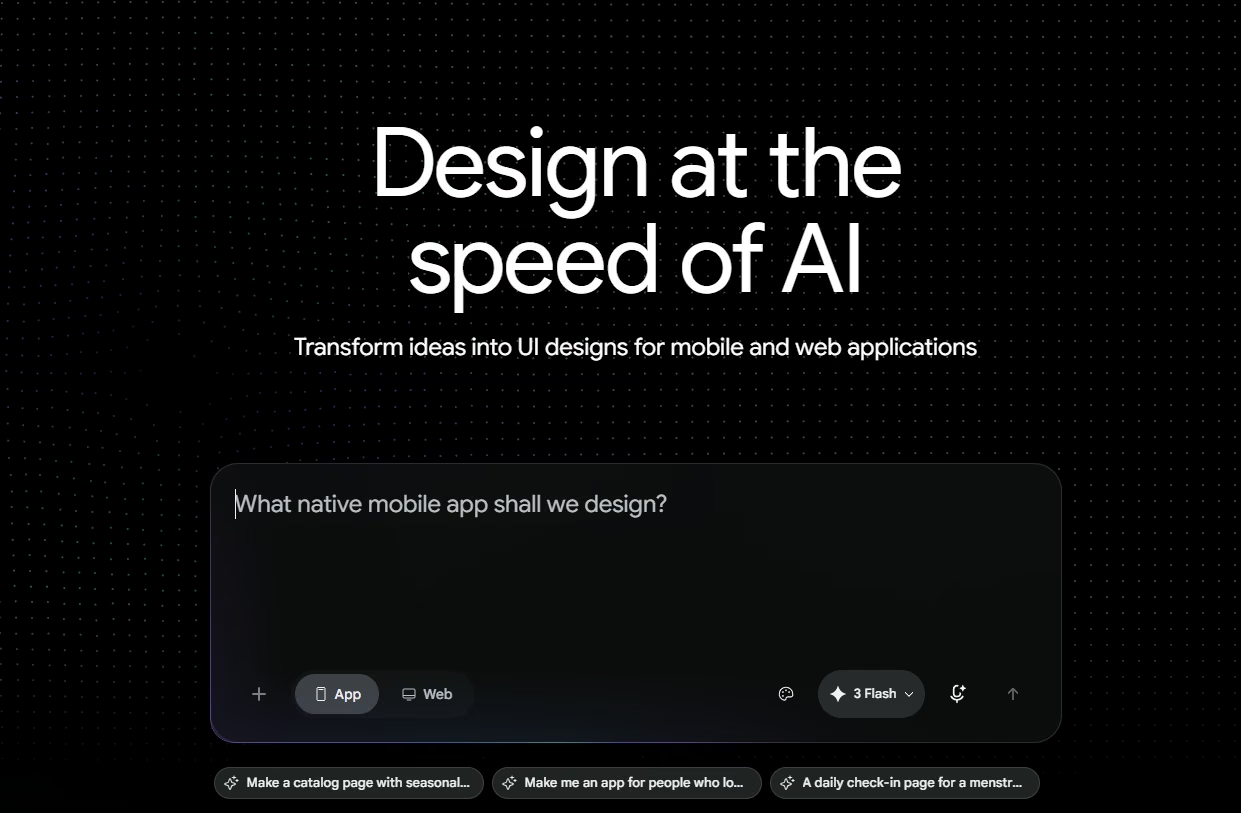
The login and dashboard were never on the table for Google Stitch. It's a Google Labs experiment built to turn a text prompt or an uploaded sketch into a UI design, so I gave it the same job I gave Magic Patterns: the Callboard landing page and the speaker submission form, described the same way.
What came back was clean. The layout matched what I asked for, the form fields were all there, and the visual hierarchy read like something a designer had spent real time on. Stitch runs on Google's current Gemini models (the canvas shows a Gemini 3 Flash selector), and it shows in how deliberately the spacing and type choices came out compared to a plain scaffold.
Where the Canvas Ends
Then I asked it to make the login work, and Stitch had no way to act on it. Stitch has two ways out of the canvas: paste the design into Figma for a design team to keep working on it, or export the interface code it generated.
Neither one runs anything. There's nothing running behind the screen, no database, and no hosting, so the login and the dashboard from the brief stayed exactly as described and nothing more.
Stitch replaces the part of v0 that's already free: the first-draft screen. Google launched it at I/O in May 2025 as a Labs experiment, with no paid tier published so far.
That makes it the cheapest way in this whole list to preview a polished design before you commit real logic-building effort elsewhere. Don't mistake a good-looking export for a working app. It never claimed to be one.
Key Features
- Generate UI from natural language or an image: Describe an app or upload a sketch or screenshot and get a matching interface.
- Rapid design iteration: Generate multiple layout and style variants from the same prompt.
- Paste to Figma or export interface code: Two ways out of the canvas, neither one hosted or backed by a database.
- Multi-screen prototypes: Link generated screens into a clickable flow to preview navigation between them, though nothing runs behind them.
Pros
- Free during its Google Labs beta, with no card required to start, capped by a daily credit allowance
- Design output reads as considered, thanks to a current Gemini model underneath
Cons
- No backend of any kind on any plan, so a login or a dashboard can only ever be a static screen
- Beta status means no published pricing or committed feature set going forward
Best For
- Anyone who wants a free, polished first-draft design before picking a tool that builds the logic, and who meets Google Labs' age, language, and country requirements to access it
- Design teams who want a Figma starting point
- Builders who already know their case stops at the interface
Pricing
Stitch is free to use during its Google Labs beta, with no paid tier and no credit card required to start. It isn't unlimited: Stitch runs on a daily credit allowance that resets at midnight UTC, visible in the app's settings. Google hasn't announced pricing for a version beyond the beta, so treat free access as available for now.
The Free, Self-Hosted Route: bolt.diy and Dyad
None of the twelve tools above cost nothing forever, and none hand you the code to run on your own machine indefinitely. If that's the actual requirement, two tools sit outside this ranking because they answer a different question: bolt.diy and Dyad.
bolt.diy is the official open-source version of Bolt.new. You bring your own model provider and choose it per prompt, and the whole thing runs locally instead of through a hosted account. Dyad works the same way in spirit: a local, open-source AI app builder that keeps your models and code on your own machine.
Neither ran the Callboard brief here, and that's on purpose. Both assume you're comfortable with local setup, your own API keys, and the maintenance that comes with owning the whole stack yourself. If you want a hosted path from prompt to a working app, the twelve tools above are the more direct comparison.
How to Evaluate v0 Alternatives
You might be weighing a different set of tools than the 12 above. Here's what separates a genuine alternative from a prettier version of the same limit.
- Check whether the logic is there: Submit something through a demo build, then reload and see if it's still there, and whether anything happened next. A screen that saves data but never acts on it is the exact trap v0 still sets.
- Check what happens to the code afterward: Some tools sync to your own repository, so the project can move hosts later. Others keep everything inside the platform. Know which before you build on it.
- Price out what happens after the first round of edits: The first draft is nearly always cheap and impressive. The cost arrives once you start fixing, exactly when most credit systems bite.
- Confirm what "mobile" means: A responsive web page that looks fine on a phone is a different thing from an installable app. Ask directly, because most marketing blurs the line.
- Be realistic about the handoff: Some tools hand you something close to finished. Others hand you a strong start that still needs a developer. Knowing which changes how you budget.
Past v0: Picking the Right v0 Alternative
These 12 v0 alternatives split into five groups once you look past the marketing.
- Five whole-app builders: Bolt.new, Emergent, Replit, Lovable, and Base44 each hand you a login, a database, and the logic tying them together. That's the part v0 still leaves to you.
- One admin-panel builder for data you already have: UI Bakery generates the same login-and-dashboard logic, pointed at a database you already bring to it.
- Three that stay in v0's lane: Magic Patterns sticks closest to an existing brand's spacing and component style, with MCP support of its own. Google Stitch trades that precision for a free price tag, and now connects to coding agents over MCP too. Both stop at the interface.
Claude Artifacts trades that precision for speed inside a chat window, adding limited storage and its own MCP access, but gives it all back the moment a build needs a second screen.
- One that builds a finished site: Framer publishes a complete marketing page that stays on Framer and requires another tool for application logic.
- Two code editors: Cursor and Devin Desktop move the wall further back. They write everything that belongs behind the screen and hand you a codebase that still needs coding skill to finish.
Among the v0 competitors worth testing, the ones that finish the job separate themselves fast.
If you're building something with real workflow behind it, and a phone is part of the picture, Emergent earns the closer look.
This ranking sticks to v0 alternatives specifically, but five more AI app builders get the same real-build testing in a detailed guide.
How Emergent Helps Builders Get Past v0's Wall Without a Developer Handoff
The wall every tool here is trying to clear is the one v0 leaves standing: a finished-looking screen that lacks a login and the workflow logic behind it. Getting past it usually means handing the project to a developer, or becoming one.
Emergent is built to close that gap without either option. You describe what you're trying to build in a sentence or two, and what comes back is a working app with a login, a data store, and the logic tying them together.
Emergent builds and tests the app as one job before it reaches you, so most of it is working the first time you open it. When one conditional step slips through (the confirmation email did in my test), a single follow-up prompt describing what happened is usually the whole fix.
Here's what that produced from one prompt:
The build extends past a first draft, without a separate rebuild once real use starts:
- A database and login system that were part of the build from the first prompt
- Integrations like Stripe, for a build that needs to take a payment
- Managed deployment, so there's no separate hosting step to configure later
For anyone coming from v0, the clearest gain is the mobile piece, a phone version out of the same conversation as the web build, with no second project to manage.
Emergent works best for web and mobile apps, and it builds games too. Swift apps for Apple Watch or iPad fall outside its strengths, while PDF-heavy reporting needs extra work. If you've hit v0's wall and want a working app, it earns a look. It also connects to the MCP connector if you want to plug a build into tools you already use.
If a working web and mobile app from one prompt is what you need, try Emergent with your own brief and see where it lands.
Every alternative has trade-offs. Emergent just builds production-ready apps from one prompt.
- Production-ready apps
- Web & mobile apps
- Deploy in minutes

Every alternative has trade-offs. Emergent just builds production-ready apps from one prompt.
- Production-ready apps
- Web & mobile apps
- Deploy in minutes