



After testing every major agentic coding tool released in the last 12 months, I found that fewer than half execute the full cycle autonomously. Most call themselves agents, but few behave like one. If you're trying to understand what agentic coding actually means and which tools genuinely deliver it, this is where to start.
What Is Agentic Coding? The 30-Second Answer
Agentic coding is software development where an AI takes a goal, works out how to reach it, and executes the changes across your codebase without you prompting it at every step.
It runs the tests, reads the results, and fixes what breaks without waiting to be asked. You set the destination, and the agent finds its own route there.
That last part is where many tools stop short. A chatbot writes a function when you ask for one. An agentic tool receives "add rate limiting to the API," finds the right middleware, and edits three files. It also updates the automated test suite and iterates when a test fails.
What Makes a Tool Agentic
Four things have to be present for a tool to qualify:
- A persistent loop: The agent keeps working through a task across multiple steps without stopping for a new prompt. Each action feeds the next.
- Direct tool access: Read files, write files, run shell commands, execute tests. Without the ability to interact with the environment, it's just generating text.
- Error recovery: When something breaks, the agent reads the failure, works out why, and tries a different path, not the dead stop a plain script gives you.
- Goal-level thinking: You give a high-level instruction and the agent figures out the steps itself.
A tool missing any of these is an assistant. That's fine, but it's a different thing.
How Does Agentic Coding Work?
Most agentic coding tools run the same core sequence: perceive, reason, act, observe, repeat. Each step builds directly on the last.
- You set the goal: 'Add rate limiting to the API' tells the agent what you want and lets it plan how. 'Edit line 42 in middleware.js' just dictates a change, and there is nothing left for the agent to figure out.
- The agent reads before it writes: It maps file dependencies and builds an execution plan. Agents that skip this produce code that passes locally and breaks when it touches the rest of the codebase.
- It executes across multiple files: A payment integration touches the route, the schema or data structure, the environment variables like API keys, and the tests.
- It runs the tests and reads the output: The agent observes what the environment returned and updates its plan from there. No guessing from the model's side.
- It recovers, or it doesn't: A shallow agent rewrites the failing test to pass. A capable one traces the failure to its root cause and fixes the logic. That difference is what SWE-bench (the industry benchmark for real-world coding task completion) measures, and why a 10-point gap in scores translates to more cleanup after a session.
Read More: Best AI Coding Tools in 2026, Tested in Real Workflows
Agentic Coding vs. Vibe Coding: What's the Difference?
Vibe coding is building software through natural language prompts, iterating conversationally until your code runs the way you want. The developer drives every step, prompting, reviewing, and prompting again. The decisions stay with you.
Agentic coding delegates the whole process. You hand off a goal and the agent decides the steps, executes them, runs tests, handles failures, and only asks for input when it hits something it can't resolve alone. You stop typing instructions and start reviewing decisions.
Both have their place. The rest of this guide covers the tools that do the agentic version well.
Read More: How Does Vibe Coding Work?
The 5 Best Agentic Coding Tools in 2026: At a Glance
Pricing correct as of June 2026. Verify with the vendor.
Stick with what you have if your current setup already handles the work. Agentic tools add the most value on large multi-file tasks with frequent iteration cycles. If you're shipping consistently, the switching cost may not pay off yet.
1. Claude Code
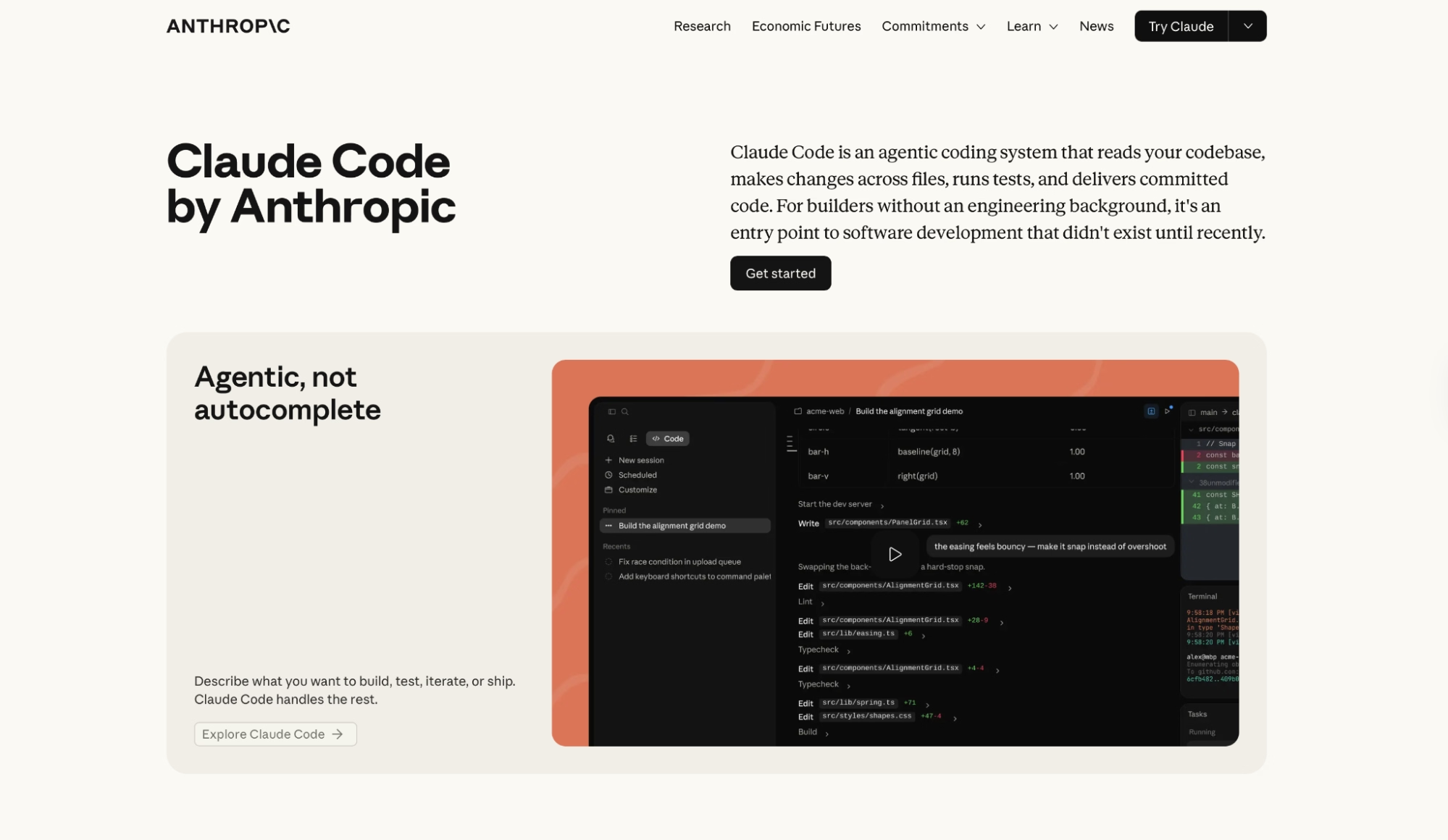
I described a bug fix, walked away from my desk, and came back to a ready-to-merge pull request with passing tests. That's what Claude Code does differently. You set the task, it handles everything end-to-end, and you review the output instead of writing it.
It's terminal-native and works alongside Visual Studio Code, JetBrains, Cursor, or Windsurf without changing how you work. The integration with GitHub and GitLab is direct, so there's no context switch between writing code and managing the branch.
On production codebases with frequent routine tasks, that time difference compounds quickly.
"This has opened up the product to a broader audience and [now] we have less technical people on our team able to use it." — Sean T., G2
Key Features
- Codebase onboarding: Maps and explains project structures using agentic search. You don't have to manually feed it files to get started.
- Issue-to-PR automation: Connects to GitHub and GitLab to go from reading an issue to a ready-to-merge branch, an isolated copy of the code with your changes applied, without leaving the terminal.
- Mobile-to-PR: Start a task from your phone. Claude works on your local machine, runs tests, and delivers a working branch.
- Routines: Configure tasks to run on a schedule, from an API call, or triggered by an event.
- Auto mode: Lets Claude approve safe actions on its own and only pause on risky ones, so long sessions don't stall on every file write.
Pros
- Works alongside VS Code, JetBrains, Cursor, or Windsurf without changing your editor setup
- Context window up to 1M tokens on Max plans, enough for large monorepos (single repositories that contain multiple projects or services) in a single session
- Among the highest published SWE-bench Pro scores of any tool on this list (Cursor and Copilot don't publish comparable benchmarks)
Cons
- No tab autocomplete, you'll need a second tool open for inline suggestions
- On large codebases with long sessions, the Pro credit pool runs out faster than the $20 price implies
- Terminal-native workflow has a learning curve for developers used to GUI-first editors
Best For
- Engineers running multi-file refactors and feature work across large codebases
- Teams that want GitHub and GitLab automation without changing their editor
- Developers who spend most of their day in a terminal
Pricing
No free plan. Pro starts at $20/month (or $17/month billed annually), with Claude Code included. Max 5x at $100/month and Max 20x at $200/month for heavier usage. Enterprise pricing available on request.
2. Cursor
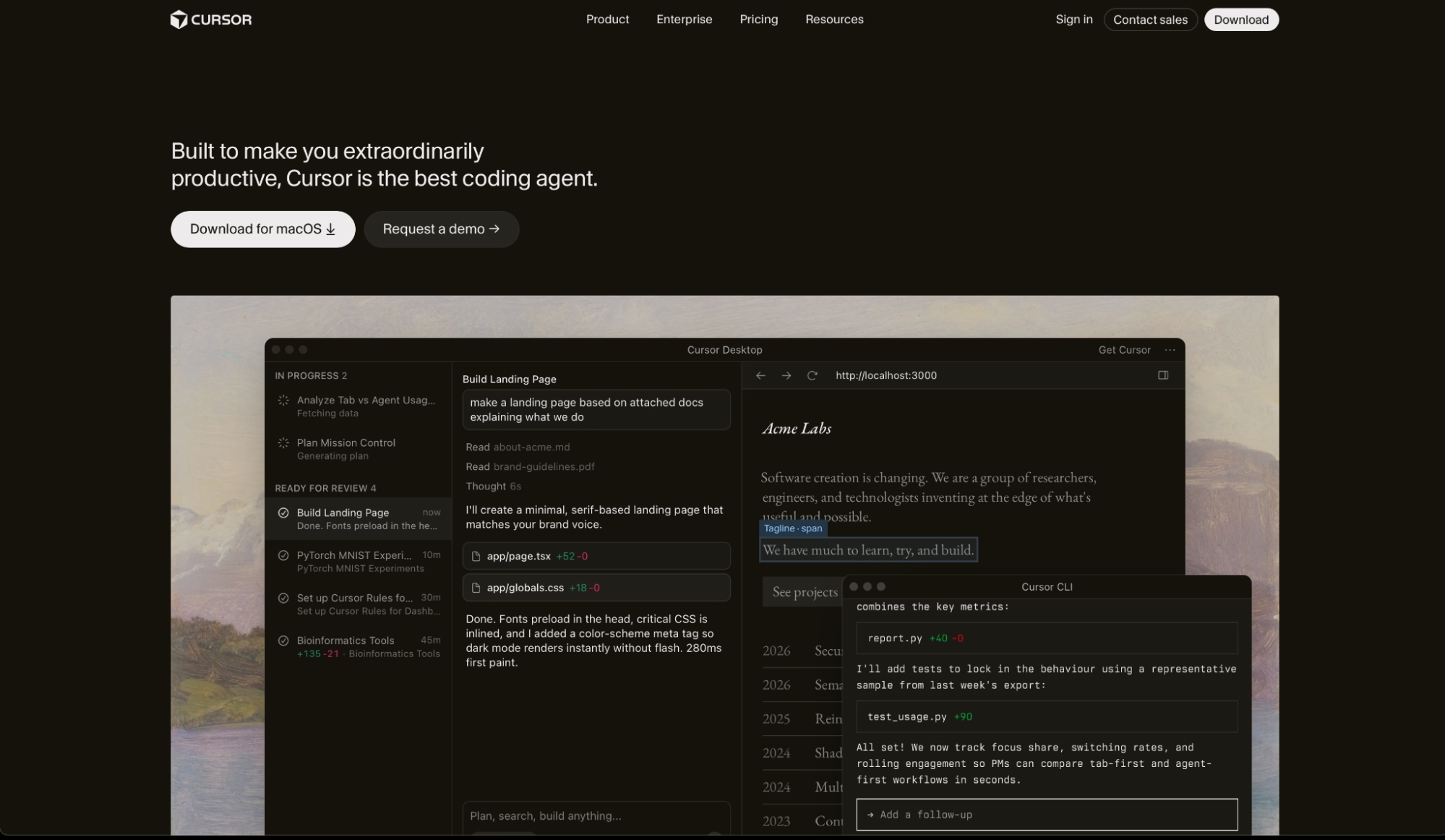
Running eight parallel agents on the same codebase while I kept editing in the foreground was the moment Cursor stopped feeling like a tool and started feeling like a team.
What made it work was the isolation. Each agent ran in its own git worktree (a separate working copy of the repo that doesn't interfere with what you're editing), Cloud Agents handled the slower background tasks, and Composer 2.5 kept up with my edits in the foreground without lag.
That reduction in friction is part of why teams can get new engineers shipping from day one.
"The inline chat and CMD+K for quick edits make it feel like pair programming rather than just code completion." — Taimur K., G2
Key Features
- Cloud Agents: Run up to eight agents in parallel, each in an isolated git worktree. Move sessions between local and cloud when you need to stay offline or hand off a long task.
- Composer 2.5: Cursor's own frontier coding model, trained for agentic workflows. Powers agent tasks and Bugbot code review. Tab completions run on a separate, dedicated autocomplete model.
- Bugbot: Automated PR review that catches bugs before they merge. Average review time is now ~90 seconds per PR.
- Model picker: Switch between Claude, GPT, and Gemini per task from inside the same editor.
- Cursor Rules: Teach the agent your team's conventions, architecture decisions, and coding standards so it suggests code that fits how your project is structured.
Pros
- Agentic coding inside a VS Code-based IDE, no context switching required
- Up to eight Cloud Agents running in parallel, each in its own isolated branch
- Auto mode routes each request to the right model automatically, across Claude, GPT, and Gemini
Cons
- Heavy use of frontier models (the most capable, highest-cost AI models like Claude Opus and GPT-5.5) depletes the included credit pool faster than the plan price suggests
- Extension ecosystem is smaller than raw VS Code; some niche plugins don't transfer cleanly
Best For
- Developers who want the full agentic IDE experience without leaving a familiar editor
- Teams running parallel feature work across multiple branches simultaneously
- Engineering organizations that need centralized usage analytics and model controls
Pricing
Pro starts at $20/month (or $16/month billed annually). A free Hobby tier is available with limited usage. Pro+ at $60/month and Ultra at $200/month for heavier usage. Enterprise pricing available on request.
Cursor does a lot right, but it's no longer the only tool running parallel agents this well, and our the 8 best cursor alternatives in 2026: tested and reviewed breakdown puts the top contenders through real projects so you can find the one that fits how you work.
3. GitHub Copilot
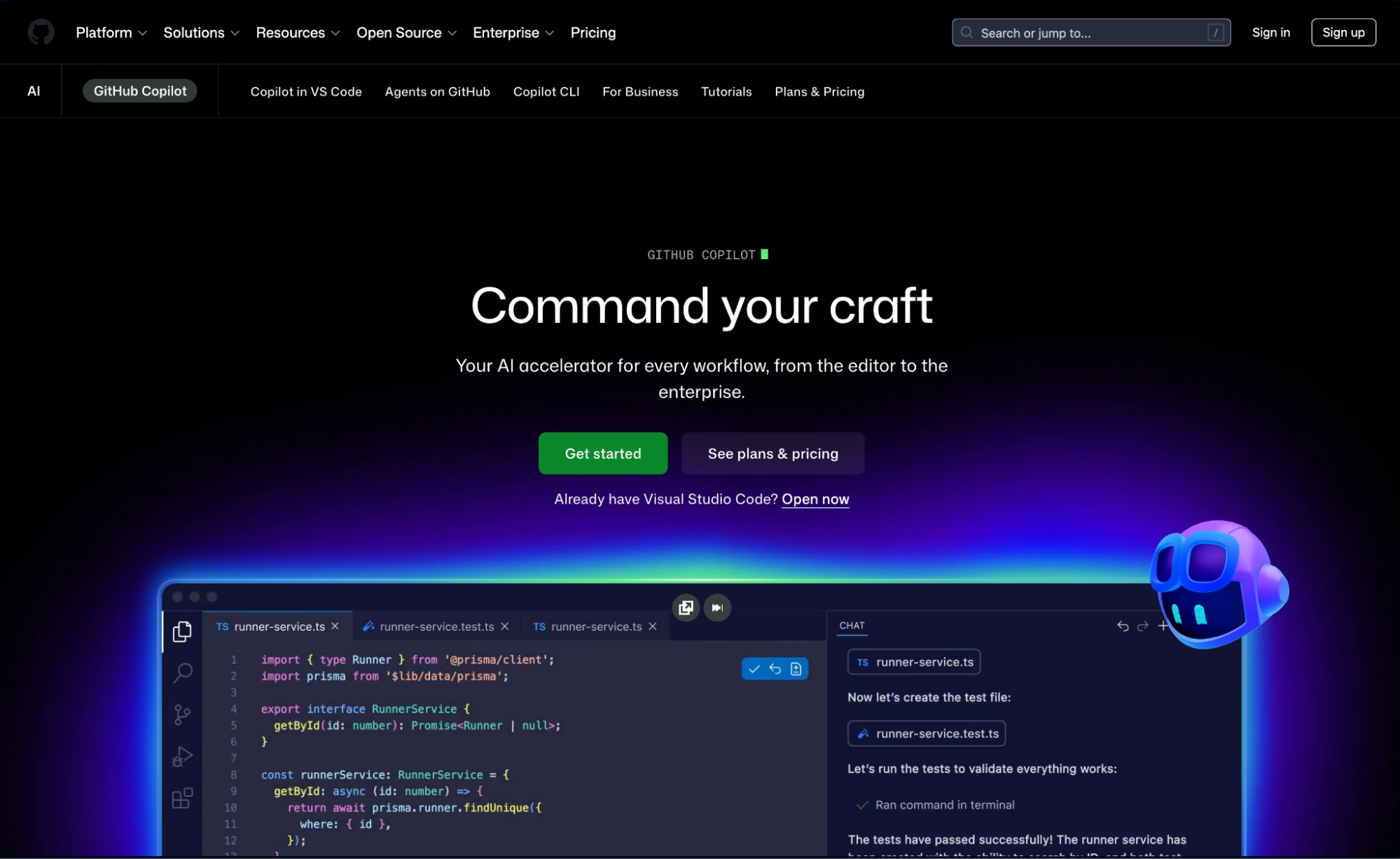
The first thing I noticed about GitHub Copilot in agent mode was that I never had to leave GitHub to use it. An open issue became a task, the agent planned the approach, and opened relevant files across three repos.
It came back with a PR ready for review, all without touching a terminal or switching windows. For teams already living in GitHub, that's the whole interface. The work happens in issues and PRs, and the agent stays in the same place.
"The VS Code integration feels completely natural, no friction at all. And it works across languages, which matters a lot for me since I jump between Python and TypeScript constantly." — Parin S., G2
Key Features
- Copilot cloud agent: Assign a GitHub issue directly to Copilot. It plans, explores the codebase, and opens a PR autonomously while you keep working on something else.
- Third-party coding agents: Pro+ and above can assign tasks to Claude Code and OpenAI Codex from the same GitHub interface, routing work to whichever agent matches the task.
- Broadest editor support: VS Code, Visual Studio, JetBrains, Neovim, Eclipse, Xcode, and more. The widest coverage of any tool on this list.
- Copilot CLI: Direct agents from the terminal using natural language, with full access to your GitHub context, including issues, PRs, and repositories.
- Model picker: Access Claude Opus 4.8, GPT-5.5, and others depending on your plan. Model availability varies by tier and has changed frequently in 2026.
Not the right fit? Read our GitHub Copilot alternatives breakdown.
Pros
- Turns a GitHub issue into a pull request from inside GitHub.com, without switching to an external tool or dashboard
- Works across more editors than any other tool here, including VS Code, JetBrains, Neovim, Eclipse, and Xcode
- Multi-model access from a single subscription with no per-model switching costs
Cons
- New individual plan signups are temporarily paused as of June 2026
- Agent mode is less autonomous than Claude Code or Cursor on multi-file tasks
Best For
- Teams already embedded in GitHub who want agents that work directly from issues and PRs
- Organizations that need AI assistance across mixed editor environments without touching their current setup
- Developers who want multi-model flexibility under one subscription
Pricing
Pro at $10/user/month, Pro+ at $39/user/month, and Max at $100/user/month. A free tier is available with 2,000 completions and limited agent usage. New individual signups are temporarily paused to manage infrastructure and demand issues. Business and Enterprise pricing available on request.
Also read our GitHub Copilot pricing guide for the full plan breakdown.
4. Antigravity CLI
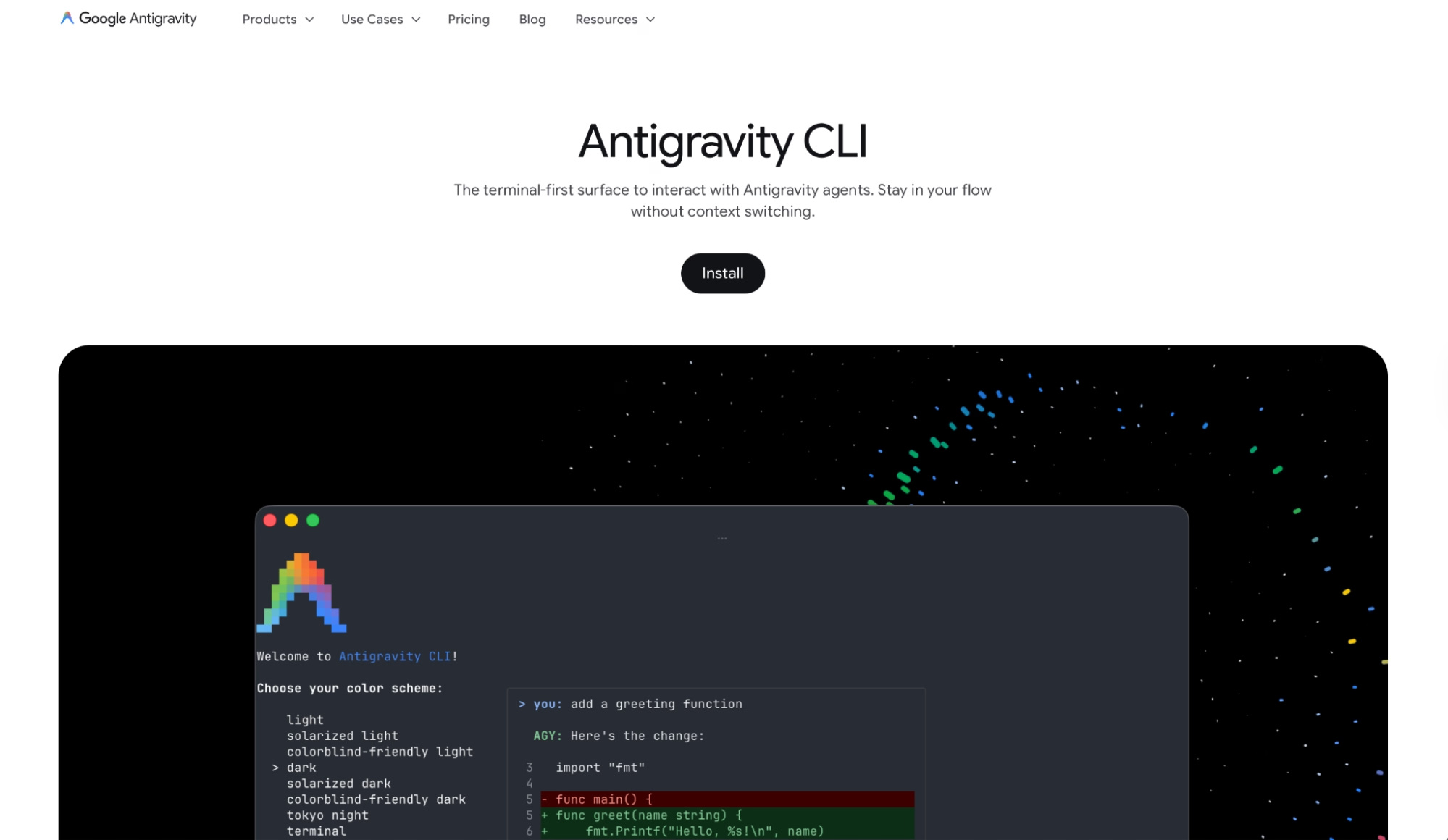
Antigravity CLI replaces Gemini CLI. The rename comes with an architectural change to async subagents, which means the tool can now run multiple agents in parallel instead of waiting for one task to finish before starting the next.
In the first session, I ran on a backend refactor; the async subagent framework spun up parallel agents to handle the database layer and the API surface simultaneously. I stayed in the main conversation the whole time, without waiting for one task to finish before the next one started.
Gemini CLI ran one agent at a time, so that same refactor would have finished the database layer before touching the API surface. With Antigravity CLI, both completed at the same time, and the total session time dropped by roughly half.
"For a very long time I had all these ideas that I couldn't act on. Antigravity has allowed me to just explore and create again, which is a wonderful feeling." — Hermann Lotter, Product Hunt
Key Features
- Async subagent framework: Delegates parallel work to background agents while the main session stays open. Large refactors and research tasks run concurrently.
- Unified architecture: Shares the same agent engine as Antigravity 2.0 desktop. When Google ships improvements to the core agent, CLI and desktop get them at the same time.
- Native Google Search grounding: Agents can query the web mid-task to find current API docs, library versions, or breaking changes without leaving the session.
- Antigravity plugins: Extensible via the plugin system, replacing Gemini CLI extensions. Custom behaviors, event triggers, and agent configurations carry over from the migration.
- Google Cloud integration: Enterprise users can connect through the Gemini Enterprise Agent Platform, running inference within their secure cloud boundary.
Pros
- Written in Go, a fast compiled language, for lower overhead and faster execution than Gemini CLI
- Native Google Search grounding available mid-task, without a separate tool call
- Sessions stay consistent across Antigravity CLI and the 2.0 desktop app through shared auth and context
Cons
- No 1:1 feature parity with Gemini CLI at launch. Some edge-case workflows need manual migration
- Rate limits on paid tiers have been flagged repeatedly by heavy users in the community
Best For
- Developers already in the Google ecosystem who want a terminal agent that connects natively to Firebase, AI Studio, and Vertex
- Teams migrating from Gemini CLI who need async multi-agent workflows in the terminal
- Engineers who rely on Google Search grounding as part of their coding workflow
Pricing
AI Pro at $20/month, AI Ultra at $100/month (5x Pro capacity). A free tier is available with rate limits. Enterprise pricing through Google Cloud is available on request.
Antigravity leans hard into the Google ecosystem, and our 6 best google antigravity alternatives and competitors in 2026 breakdown runs the top options through real projects so you can see where each one pulls ahead.
5. Emergent
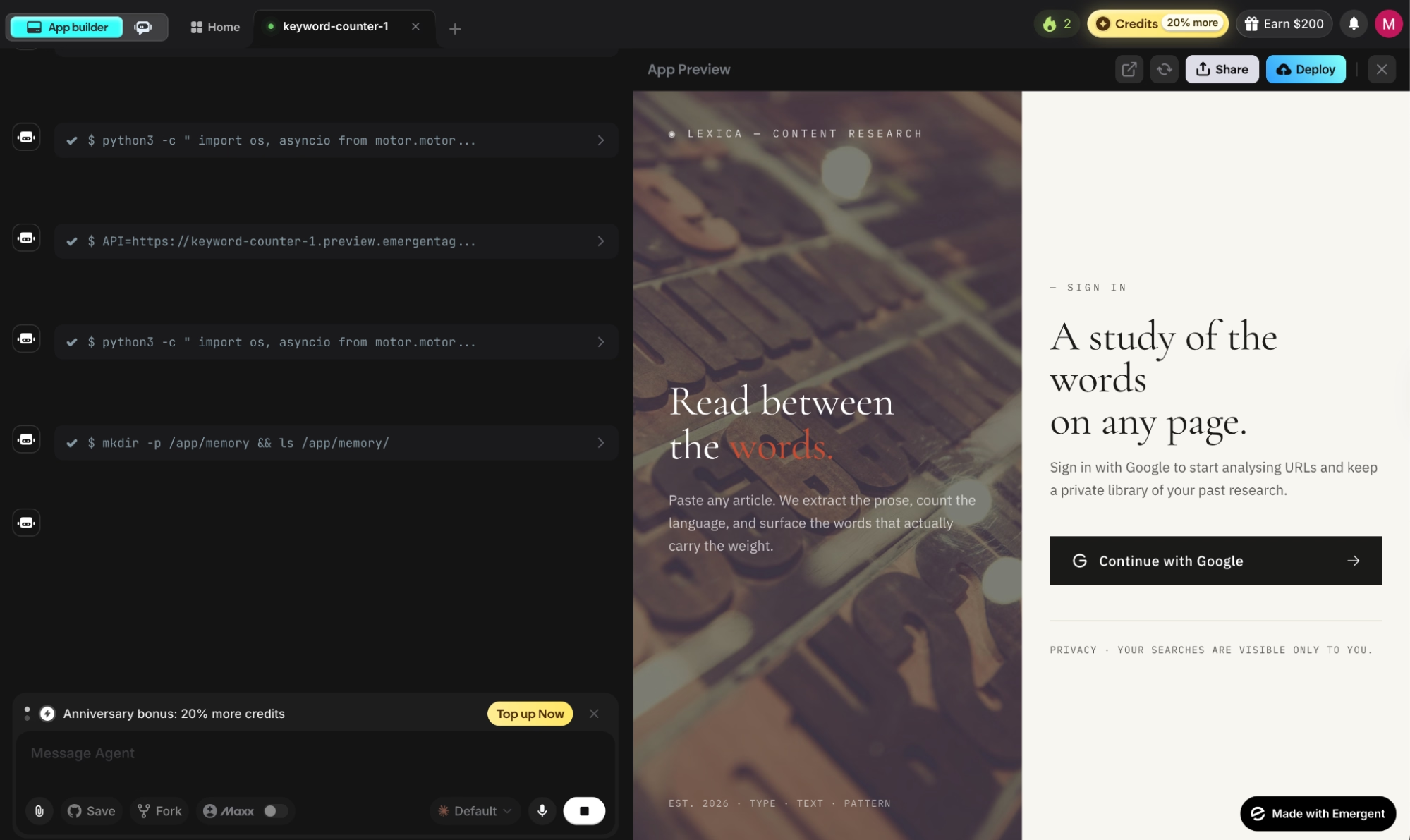
Emergent is the one tool on this list where you describe an app and its multi-agent architecture handles design, logic, data, and deployment in parallel.
The first time I watched it ship a working app from a single description, with authentication and payments wired in from the first prompt, while the other tools were still waiting for my next instruction, it felt like a different category of tool.
"Emergent is very easy to use, even for someone without a programming background. I can simply describe what I want to build and the platform helps generate the structure and code needed." — Luis F., G2
Key Features
- Complete app on the first build: Emergent Auth, database, payments via Stripe, hosting, and custom domain included from the first prompt.
- Web and mobile from one workspace: Apps publish to the App Store and Google Play directly, shipped with React Native and Expo (the standard cross-platform mobile framework).
- Universal LLM Key: One API key gives the app access to GPT, Claude, and Gemini through Emergent credits, no separate accounts needed.
- Connects to external services: Agents wire up integrations automatically for any service with an API, without manual configuration on your end.
- Your code is yours: Everything syncs to GitHub from the Standard plan up. Open in VS Code or hand off to a developer at any point.
Pros
- Testing agent catches bugs before they reach production, keeping the app stable as it grows
- Builds web and mobile from the same workspace, App Store and Google Play included
- ISO 27001 and SOC 2 Type I certified, with SSO (single sign-on), role-based access controls, and audit logs on Enterprise
Cons
- The agentic loop works best with specific prompts; vague instructions produce results that need multiple correction cycles
- Swift apps for Apple Watch and iPad are not deployable through Emergent
Best For
- Non-technical founders who need a deployable product with payments and hosting configured from the start
- Service businesses replacing point solutions with custom internal tools
- Teams building across web and mobile from a single workspace
Pricing
Emergent's free plan includes 10 credits/month. Standard costs $20/month for 100 credits, GitHub integration, and private hosting. Pro is $200/month for 750 credits, 1M context window, and custom AI agents. Enterprise pricing is available on request.
How to Evaluate Agentic Coding Tools
Not every tool that calls itself agentic earns the label. These are the questions worth asking before you commit to one:
- Does it close the loop or just open it? A tool that writes code but can't run tests, read the output, and fix what broke is a chat interface with extra steps. Check whether the agent observes output from your environment before you commit.
- Where does it live in your workflow? Terminal-native tools fit developers who live in a shell. IDE-native tools fit those who want the full editor experience. GitHub-native tools fit teams whose whole process runs through issues and PRs. Every switch costs a bit of time. Over weeks, that adds up.
- How does it handle failure? A capable agent reads the stack trace (the error log showing exactly where and why something broke) and traces the failure to its root cause. A shallow one rewrites the failing test to pass. That difference is what SWE-bench scores measure, and a meaningful difference between tools tends to show up as more manual cleanup after a session.
- What does it cost at your usage level? Entry price is rarely what you pay at full usage. Test on the free tier or entry tier, track your consumption for a week, then price the plan you'll need in practice.
- Do you need code assistance or a complete build? Developers who want an agent for feature work and refactors should look at Claude Code, Cursor, Copilot, or Antigravity CLI. Non-technical founders who need a deployable app with payments and Emergent Auth already configured should go with Emergent.
Read More: 10 Best AI App-Building Tools I Tested in 2026
Final Verdict
This list splits into two. Claude Code, Cursor, GitHub Copilot, and Antigravity CLI are made for developers who already write code and want an agent that completes the work autonomously. Emergent is for people who have an idea and want a deployed app without touching a terminal.
If you've got an idea you want to live and take payments without hiring an engineer, try building your first app on Emergent and see how far you get in an afternoon.

Most AI app builders stop at prototypes. Emergent creates production-ready apps you can actually launch.
- Production-ready apps
- Web & mobile apps
- Deploy in minutes







